Applications
Banner Engineering delivers smart, cost-effective solutions that satisfy customer requirements, perform at the highest levels, and reliably solve challenges.
With a smaller footprint and addition of Boolean logic functions, the SC26-2 was designed to be easy to use, flexible and efficient.
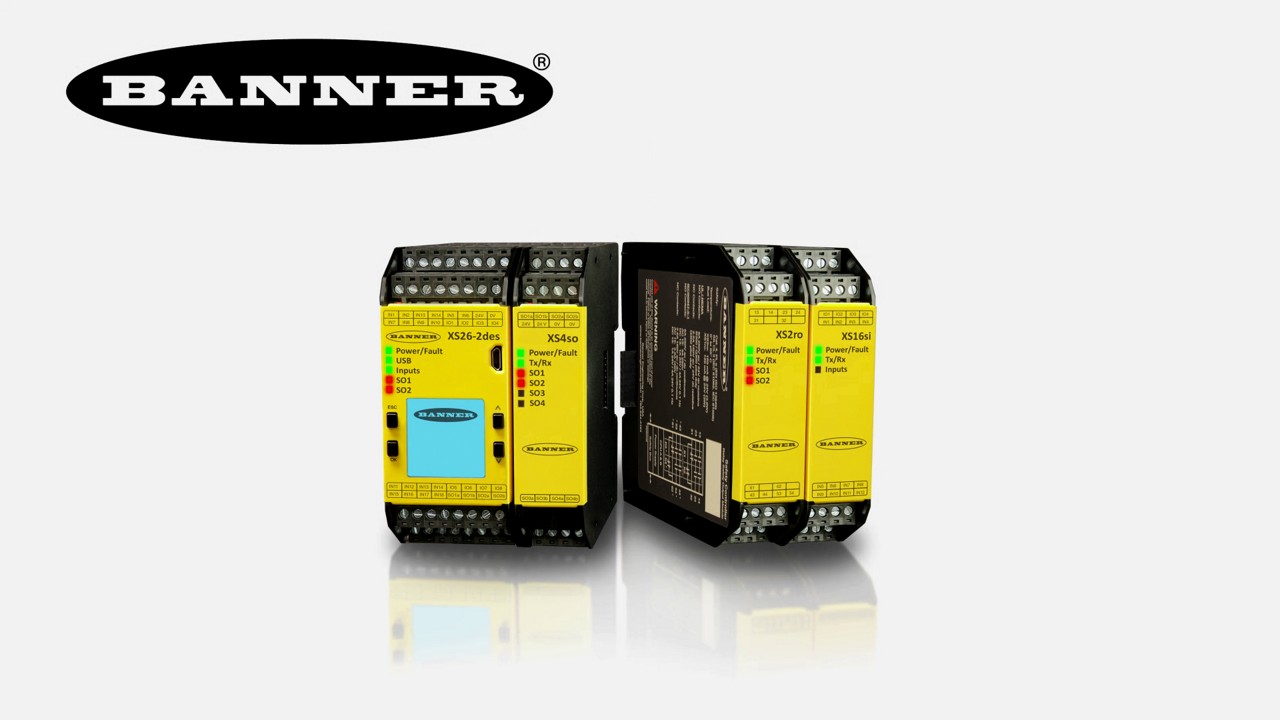
SC26 Series Safety Controllers
Banner Engineering delivers smart, cost-effective solutions that satisfy customer requirements, perform at the highest levels, and reliably solve challenges.
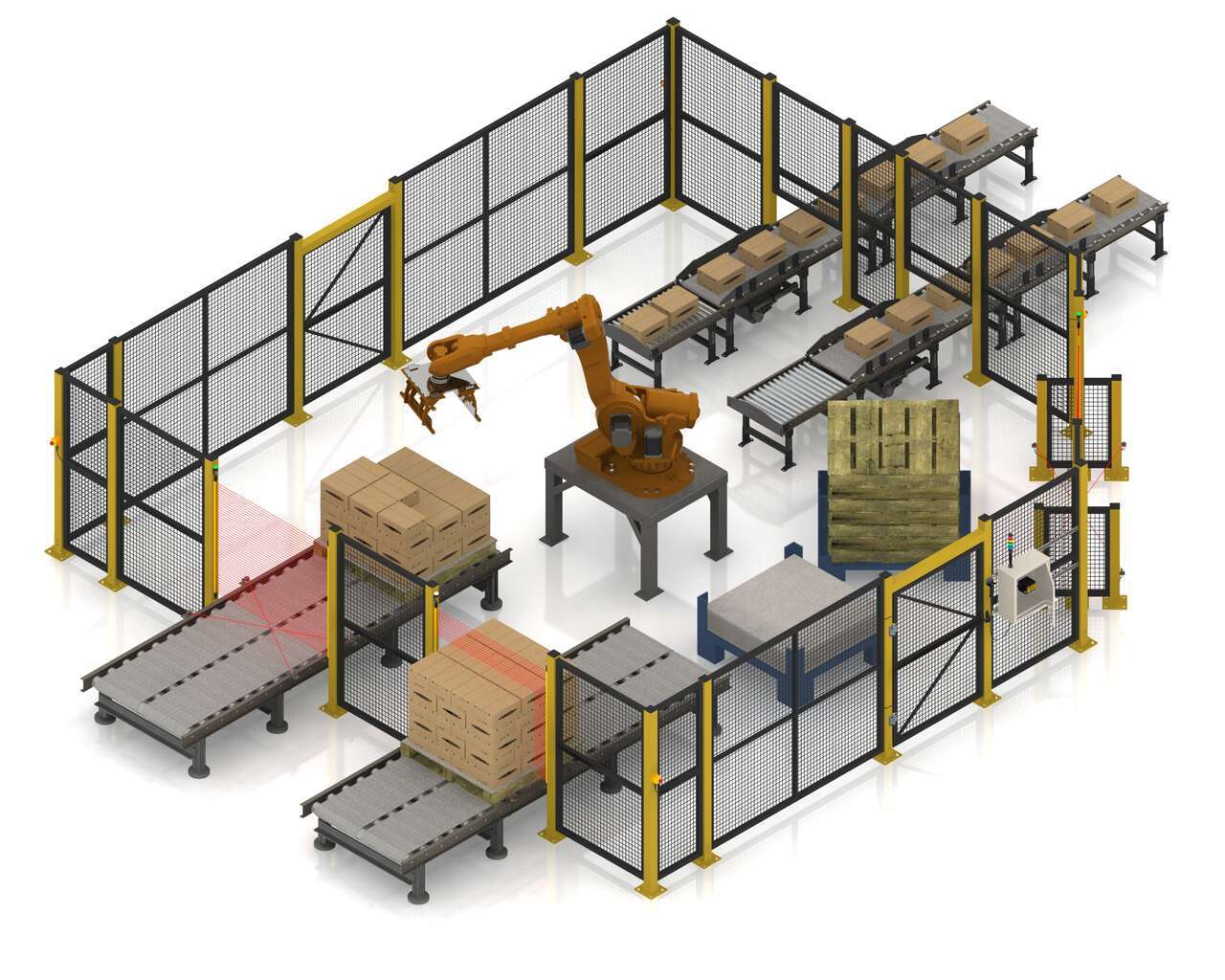
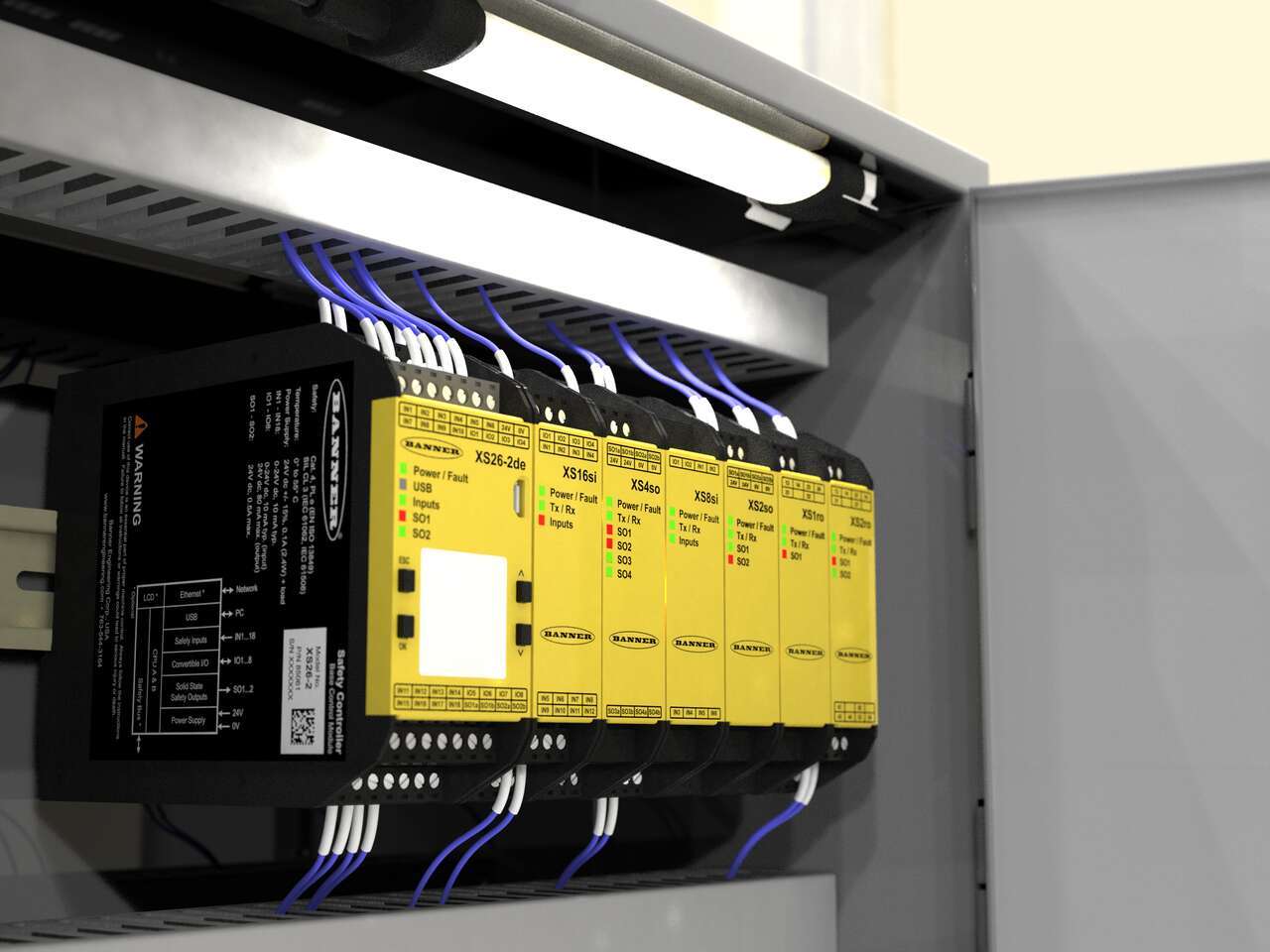
Banner’s SC26-2 is a flexible, easy-to-use safety controller with an intuitive programming environment. The programmable safety controller can manage all of the safety devices with one module. The SC26-2 communicates the status of safety devices via Ethernet IP and controls a tower light for visual indication of safety device statuses. The base controller allows eight of the 26 inputs to be configured as outputs for efficient terminal utilization.
We noticed you didn’t finish your online checkout. We're dedicated to providing the best shopping experience possible and would love to hear if you faced any challenges. Let us know how we can make your experience even better.
A tutorial of the Equipment and Wiring Diagram sections of the Safety Controller software from Banner Engineering.
A tutorial of the Functional View section of the Safety Controller software from Banner Engineering.
Watch this video to learn how to set up the Network Access feature for the XS26 and SC26 Safety Controllers.
Watch this video for an overview of the SC software, which allows you to configure your Banner safety controller to fit your specific safety application needs.
Watch this video to learn how to configure and monitor an in-series diagnostics chain with a Banner safety controller.
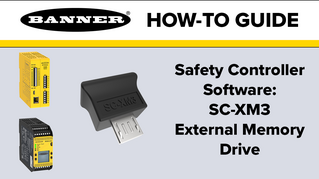
Watch this video to learn how to use the SC-XM3 external memory drive to copy Banner safety controller configurations.
Learn how to use the various features of the XS26 and SC26 Safety Controllers in these instructional videos.
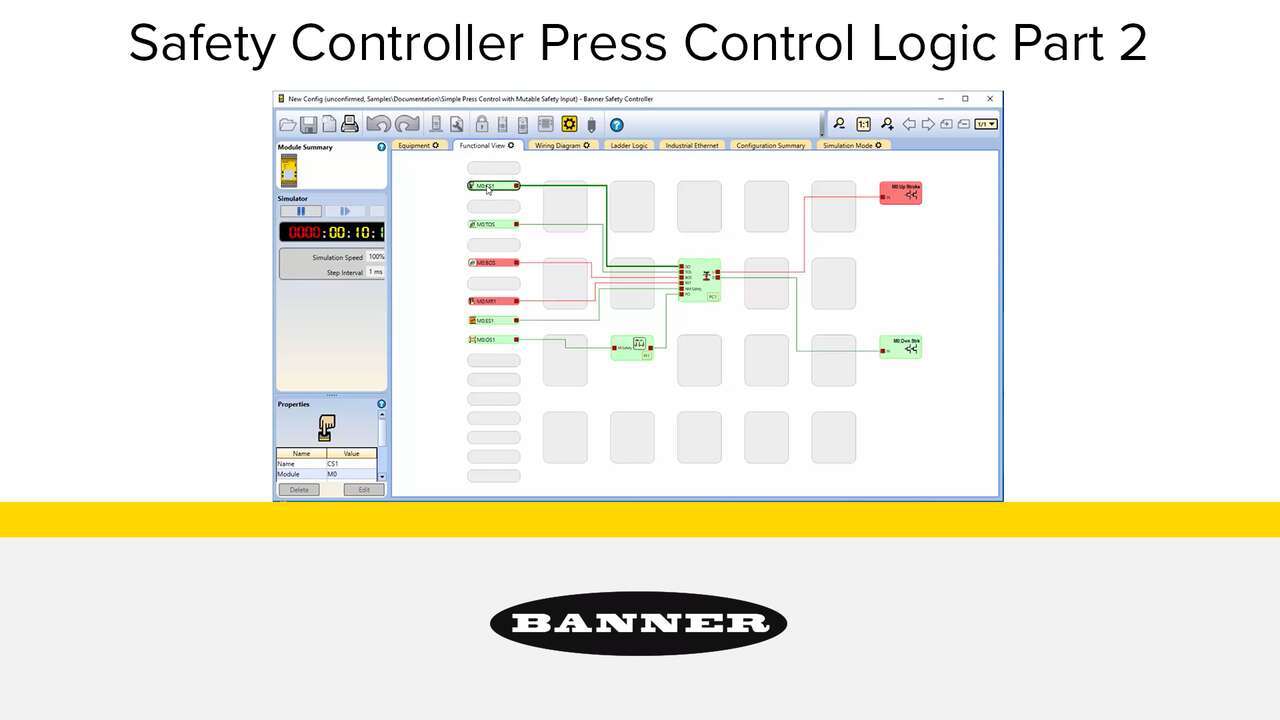
Watch the video to see how to setup a full featured press control system that uses an XS26-2 Safety Controller, XS2so Safety Output Module, Press Status inputs, cycle start, a manual reset, an optical safety sensor, sequential stop, mute sensor, foot petal input and an emergency stop. an XS26-2 Safety Controller, Press Status inputs, a Cycle Initiation, a manual reset, an optical safety sensor, and an emergency stop.
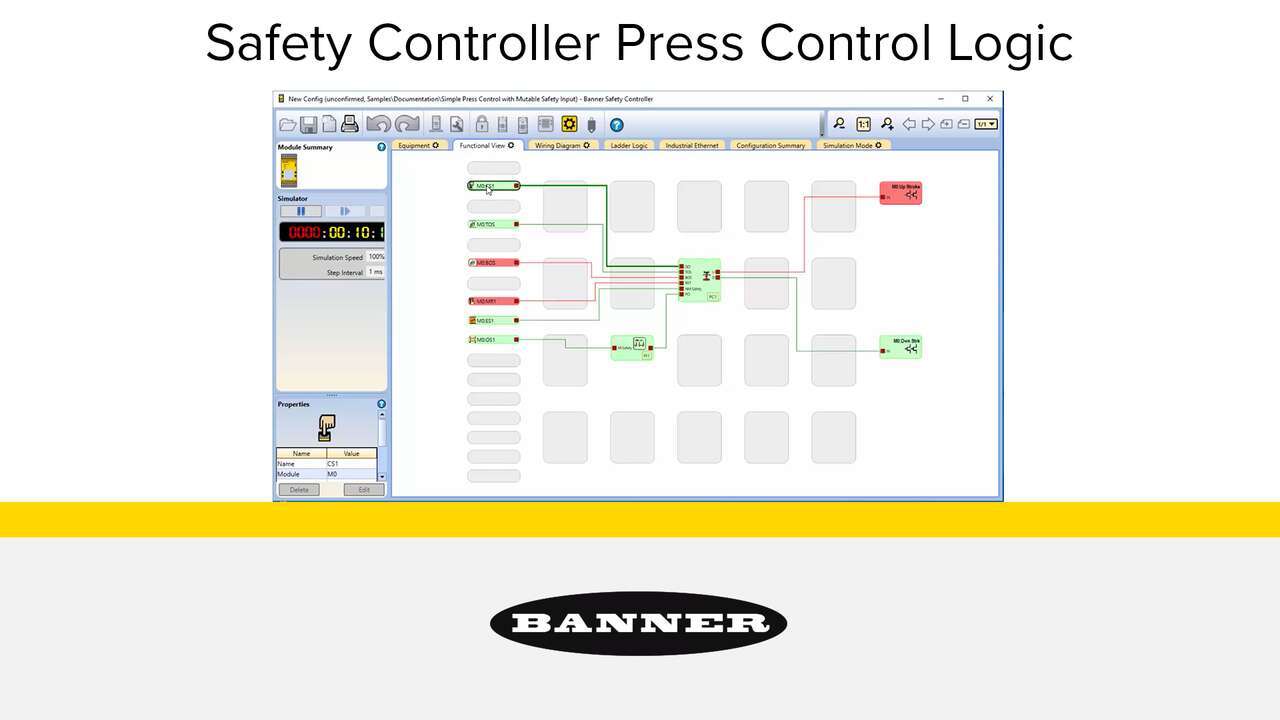
Watch the video to see how to setup a simple press control system that uses an XS26-2 Safety Controller, Press Status inputs, a Cycle Initiation, a manual reset, an optical safety sensor, and an emergency stop.
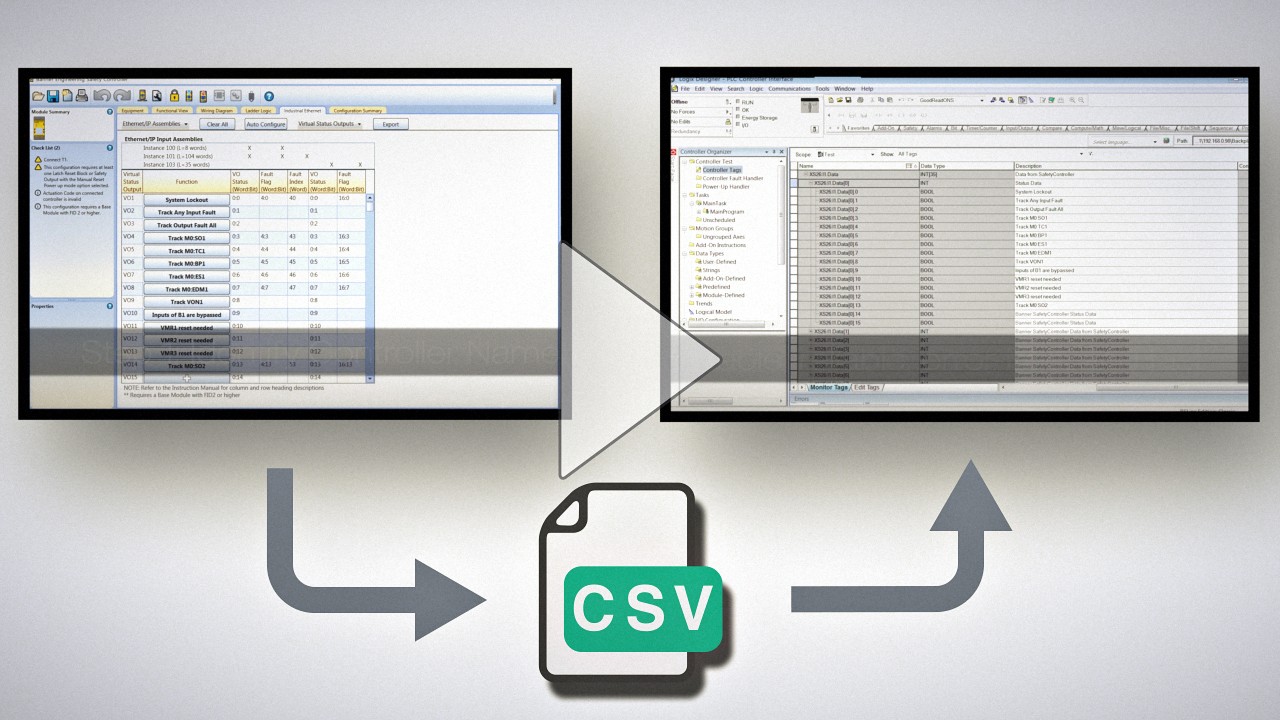
The export tag feature available with SC10, SC26, and XS26 Series safety controllers dramatically reduces the time required to name and configure functions in an Allen-Bradley PLC.
Our application engineers are here to help with expert guidance and support. Send us your inquiry, and we’ll get back to you as soon as possible. We’re here to make sure you get the answers you need.