

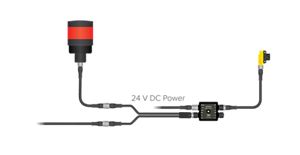
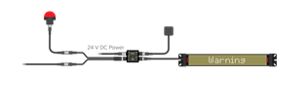
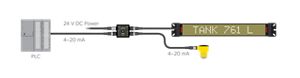
How-to Set Up Lighting Retrofit for Measurement Application
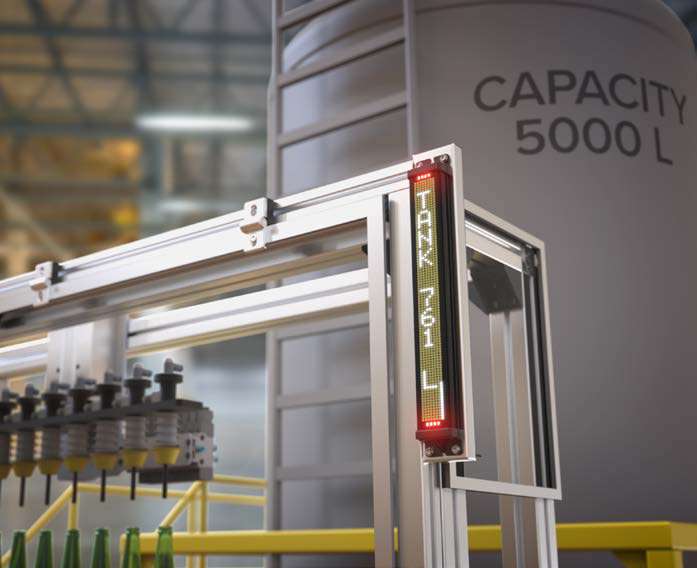
A video guide on how-to set up lighting retrofit for measurement application


DXMR50 Logic Blocks are available in nine models defined by three input configurations, each available in three output configurations.
Input configurations include combinations that include Modbus, analog, and discrete signals across two ports. Output configurations provide on a single port with either two discrete PNP outputs, a combination of discrete PNP and 4–20 mA analog output, or discrete PNP and 0–10 V analog output.
The DXMR50-LB-MPA provides one port dedicated to RS-485 Modbus communication and one input port that supports analog (selectable 0–10 Vdc or 4–20 mA) and discrete PNP signals, making it easy to tie Modbus devices, analog sensors, and discrete switches or status outputs, into a single logic block at the machine.
The MPA is available in three output configurations that provide discrete and common analog signal types:
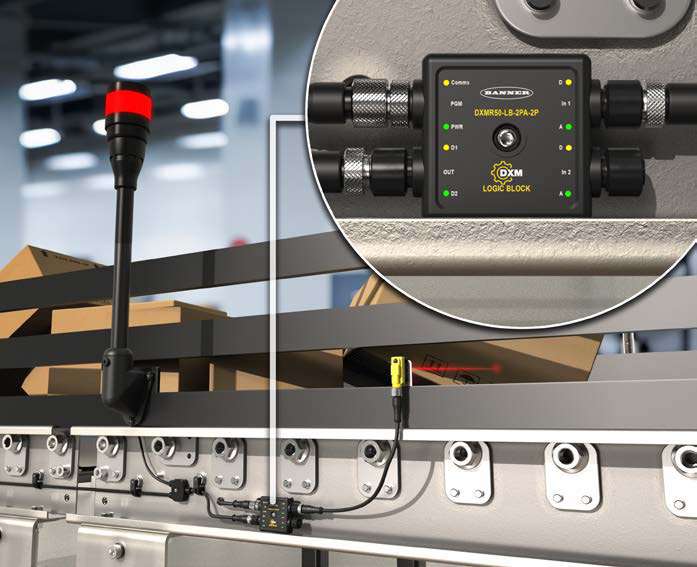
The DXMR50-LB-2PA provides two input ports that each support analog (selectable 0–10 Vdc or 4–20 mA) and discrete PNP signals, making it easy to tie multiple local signals, such as analog sensors and discrete switches or status outputs, into a single logic block at the machine.
The 2PA is available in three output configurations that provide discrete and common analog signal types:
The DXMR50-LB-2M provides two input ports dedicated to RS-485 Modbus communication, bringing values from connected Modbus devices, such as drives or remote I/O, directly into the logic block.
The 2M is available in three output configurations that provide discrete and common analog signal types:
Free Logic Block Configuration Software makes it easy to unlock the flexibility of DXMR50 Logic Blocks. Build control logic using AND, OR, XOR, flip-flops, threshold comparisons, timing, counting, and more, and use data stores, action rules, and Modbus mappings to connect that logic to real inputs and outputs, creating complete control behavior for connected sensors, indicators, and controllers. A BWA-UCT-900 programming cable and available USB port on a compatible computer is all that is required to configure connected devices.
A single BWA-UCT-900 programming cable provides everything you need to configure the DXMR50 Logic Blocks.
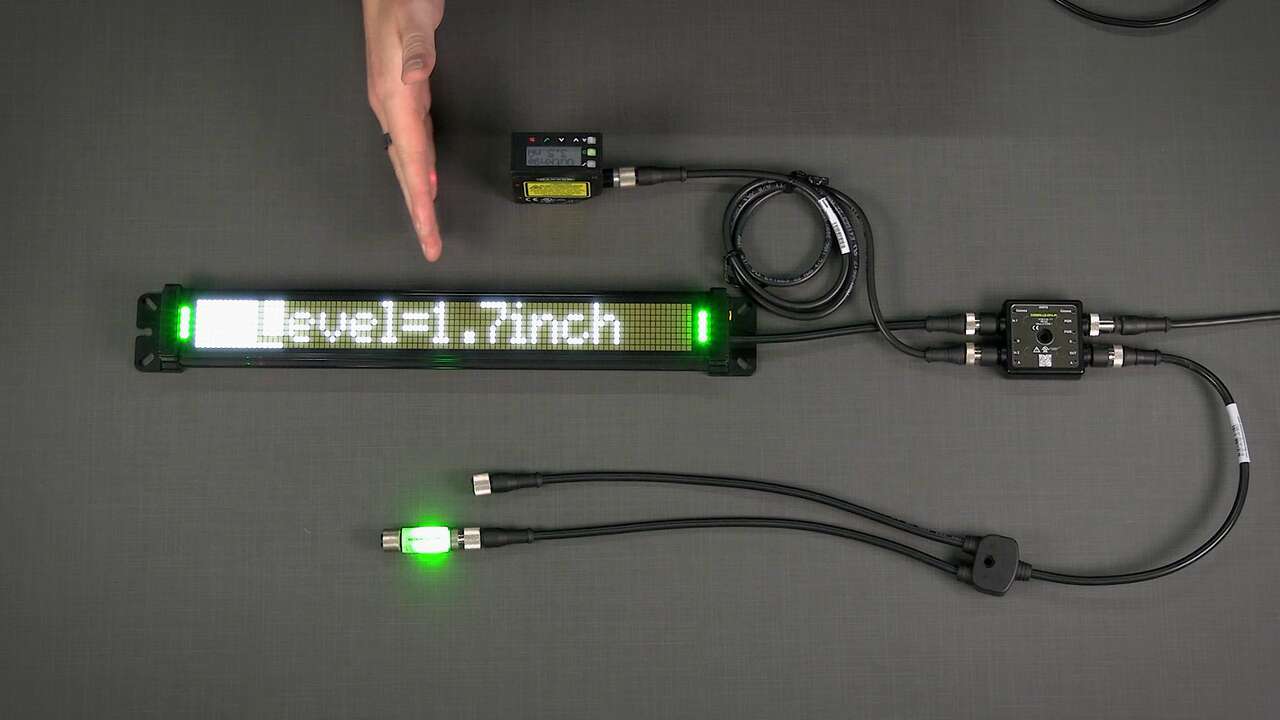
A video guide on how-to set up lighting retrofit for measurement application
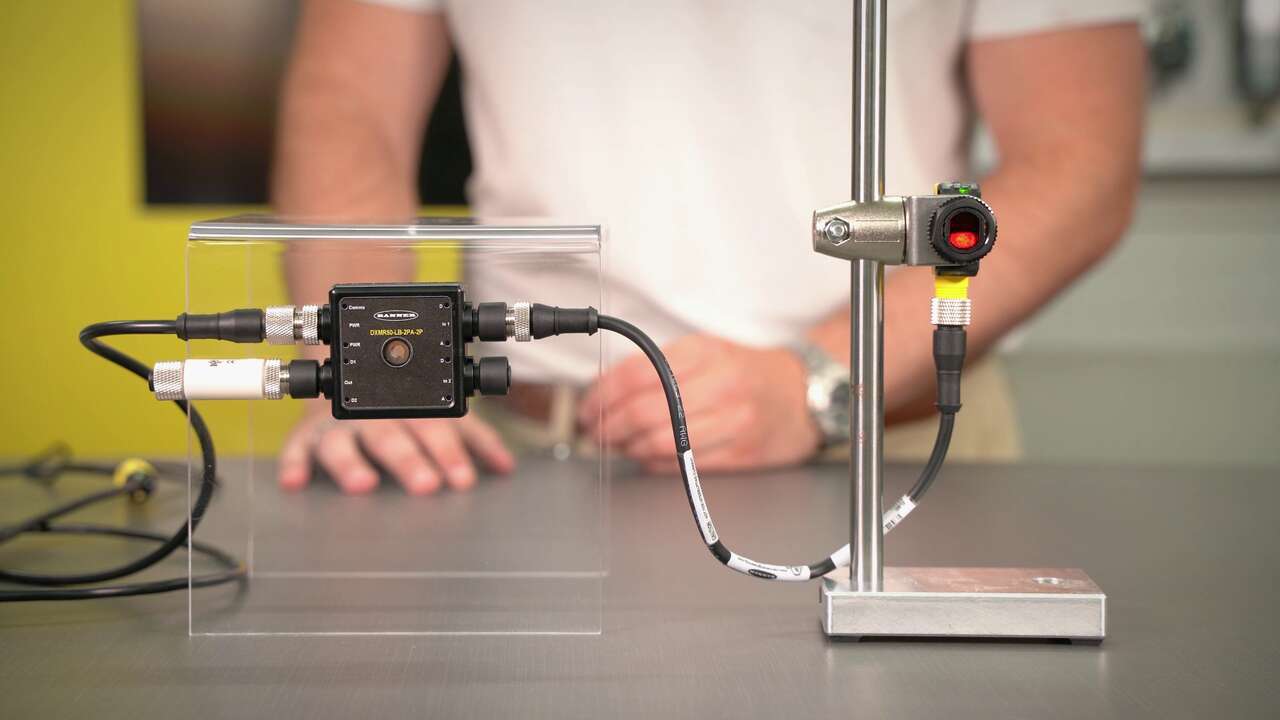
A video guide on how-to configure jam logic on Banner's DXMR50 Logic Block
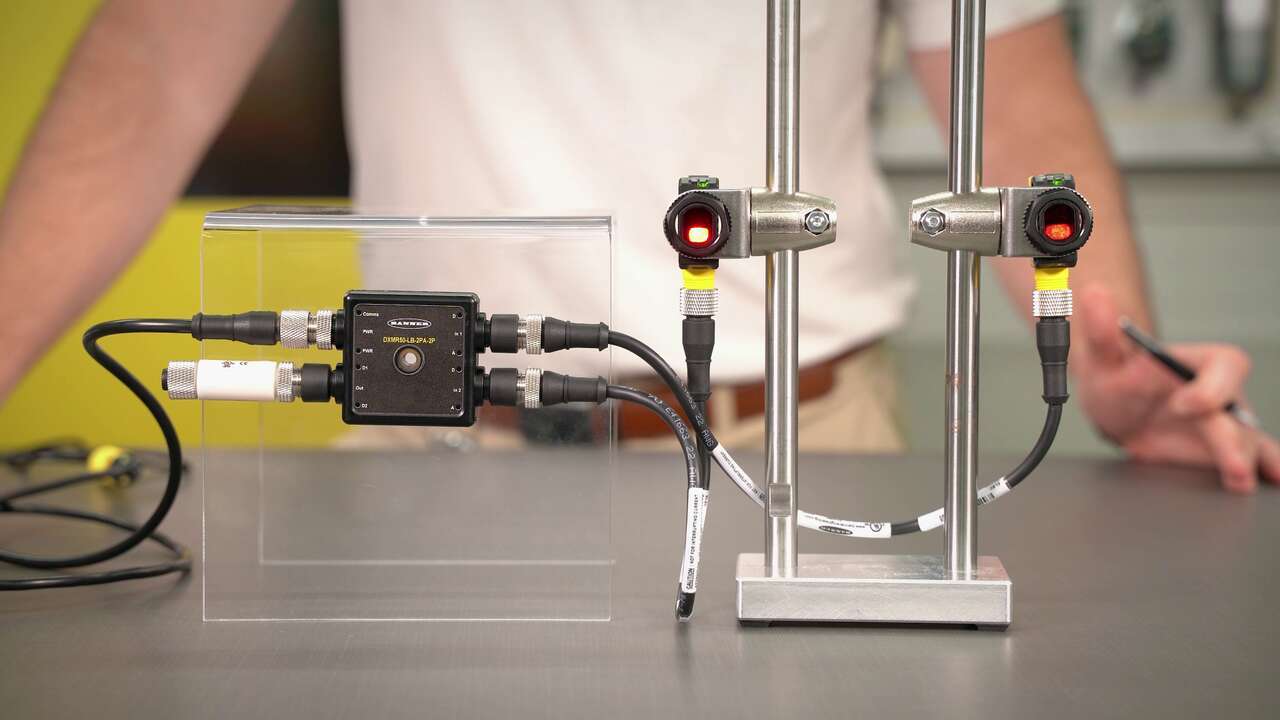
A video guide on how-to configure OR logic on Banner's DXMR50 Logic Block
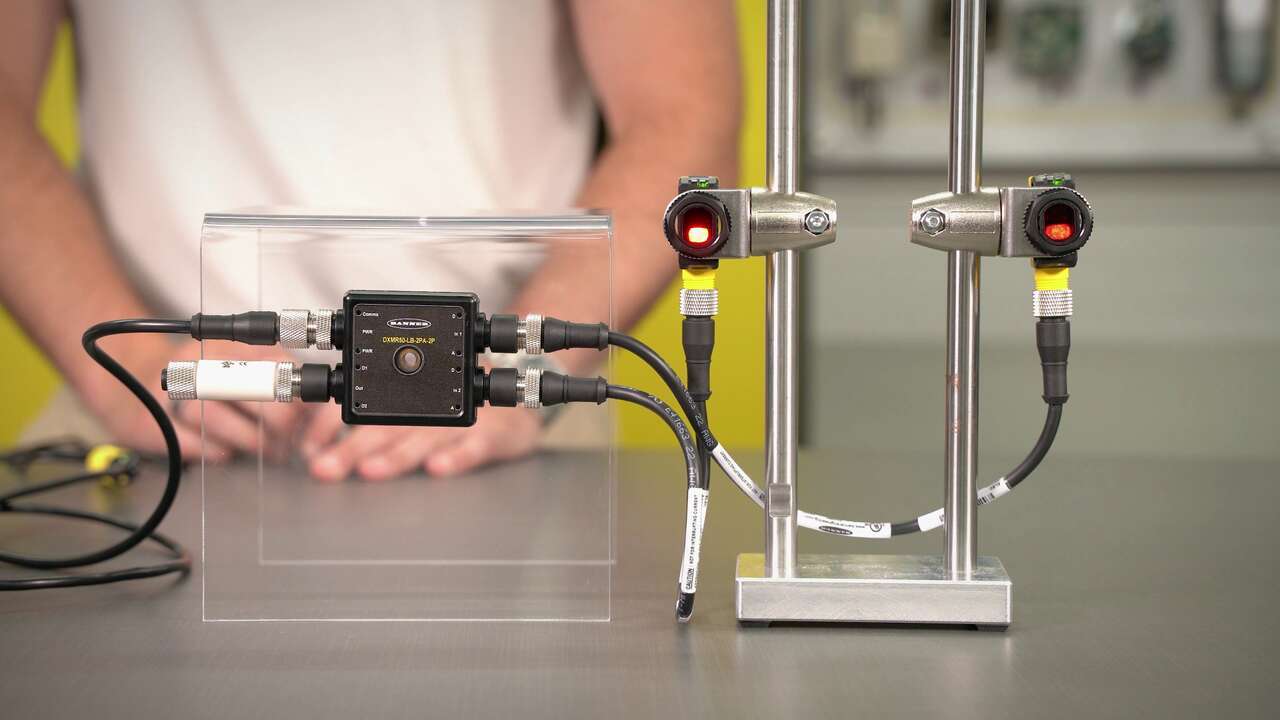
A video guide on how-to configure jam logic on Banner's DXMR50 Logic Block
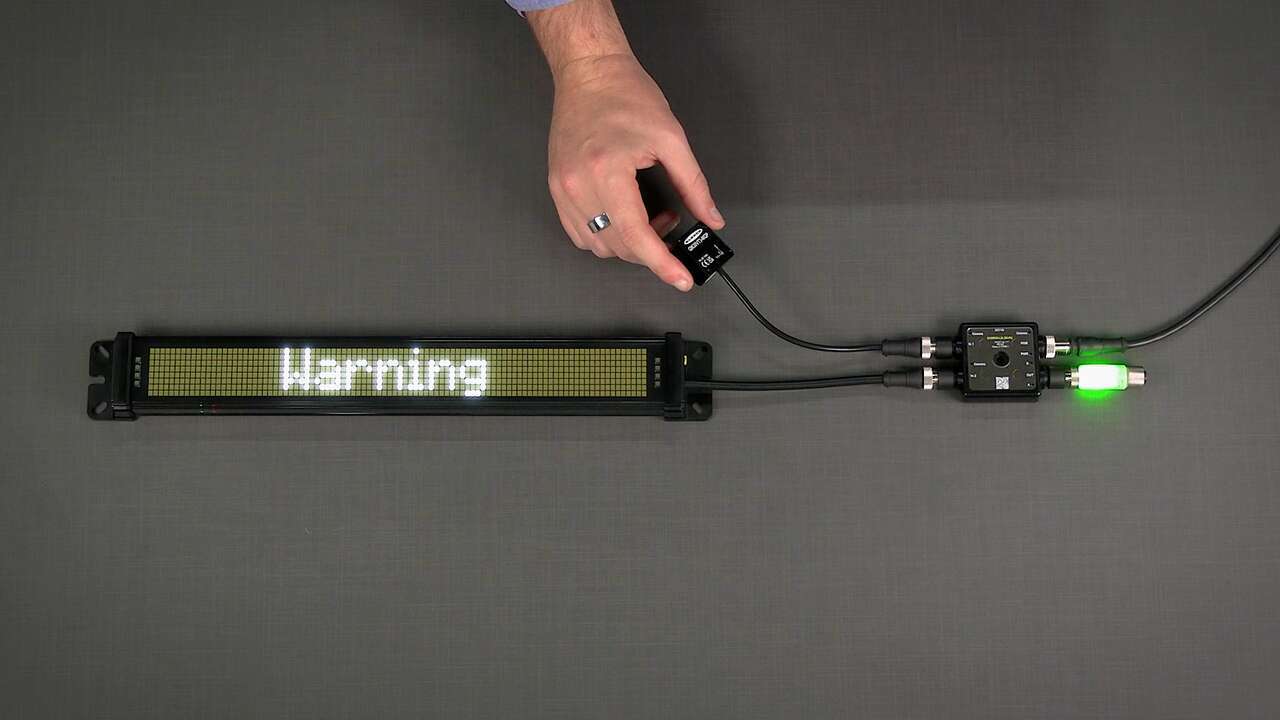
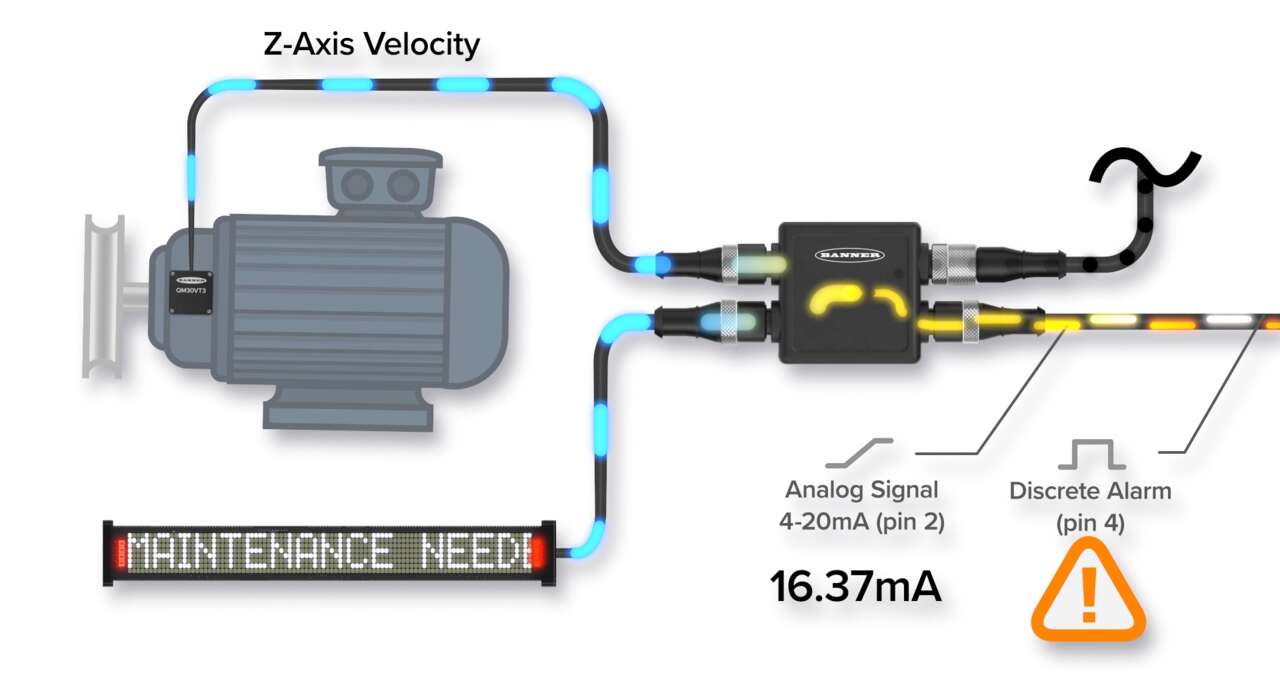
A video guide on how-to set up a vibration sensor with status indication
Our application engineers are here to help with expert guidance and support. Send us your inquiry, and we’ll get back to you as soon as possible. We’re here to make sure you get the answers you need.