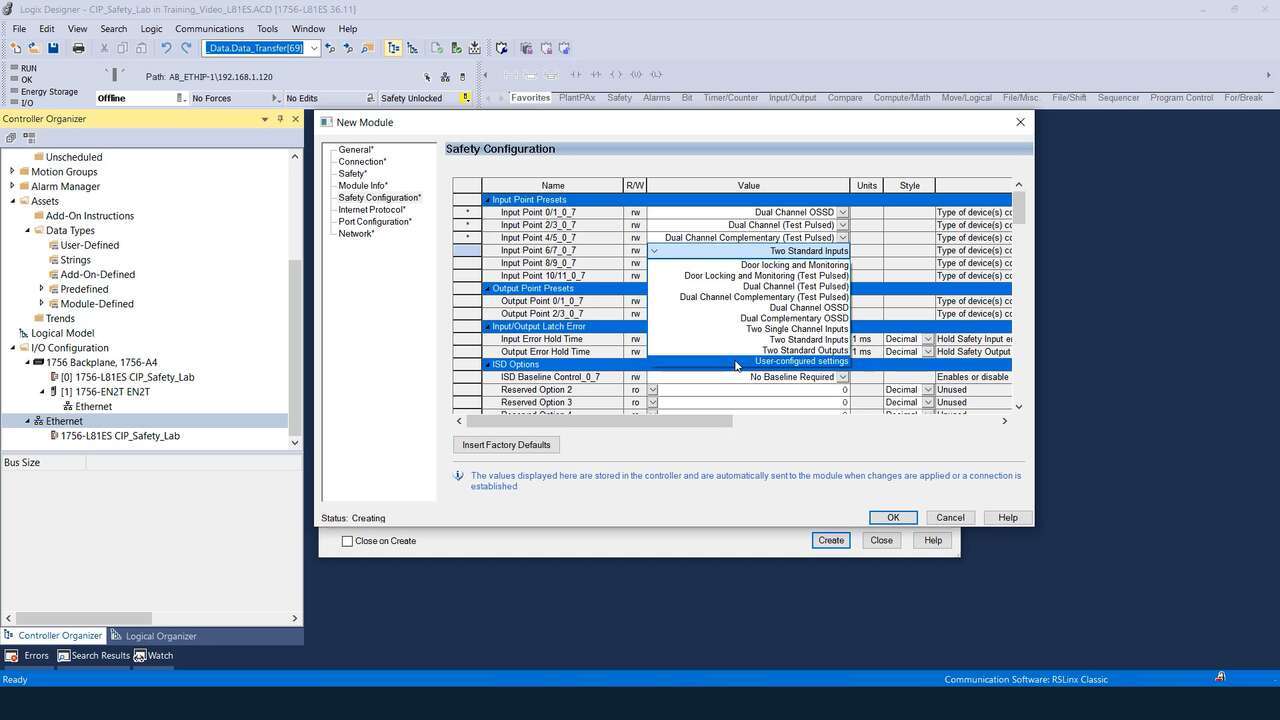
How-to Configure RSio Presets
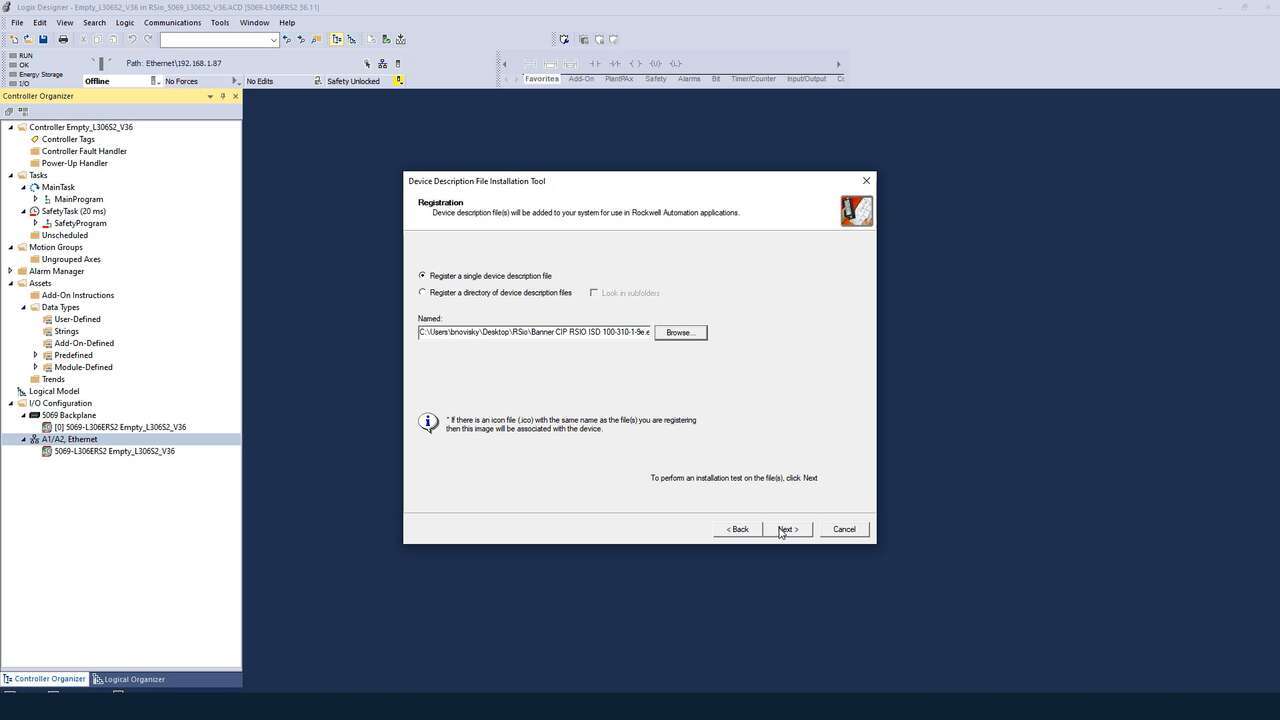
A demonstration of how to configure the presets for the RSio Remote Safe I/O Block.
Banner’s RSio Remote Safety I/O block brings In-Series Diagnostics (ISD) and six independently configurable hybrid I/O ports to CIP Safety™ systems. Two outputs provide control signals for final switching devices, safety-rated devices, or non-safety devices. Six inputs each support up to 32 ISD-enabled devices with device-level diagnostics for faster troubleshooting and expanded PLe/SIL3 safety coverage. RSio is configured entirely in Rockwell Automation's Studio 5000® via an included Add-On Profile EDS file with user-selectable port presets that simplify safety device integration.
Studio 5000 Logix Designer and GuardLogix are trademarks of Rockwell Automation, Inc.
RSio Remote Safe I/O
Banner's RSio Remote Safety I/O block provides eight independently configurable hybrid I/O ports that support safety-rated or standard devices, giving controls engineers flexibility in how each port is used.
RSio configures entirely in Rockwell Automation’s Studio 5000®, the same software environment used with GuardLogix® safety PLCs, making it easy to take advantage of hybrid I/O and Banner’s In-Series Diagnostics (ISD) technology without requiring additional software.
A Banner-provided Add-On Profile (AOP) EDS file, imported into Studio 5000®, streamlines setup and includes user-selectable presets that make it much faster and easier to integrate common safety devices than the standard, tedious configuration procedure.
Banner’s RSio Remote Safety I/O block provides six independently configurable hybrid I/O inputs and two configurable outputs that support safety-rated or standard devices, giving controls engineers flexibility in how each port is used. Inputs support dry-contact or solid-state safety devices, In-Series Diagnostics (ISD), and standard control signals. The two configurable outputs provide control signals for final switching devices, safety-rated devices, or non-safety devices, with ON/OFF readback.
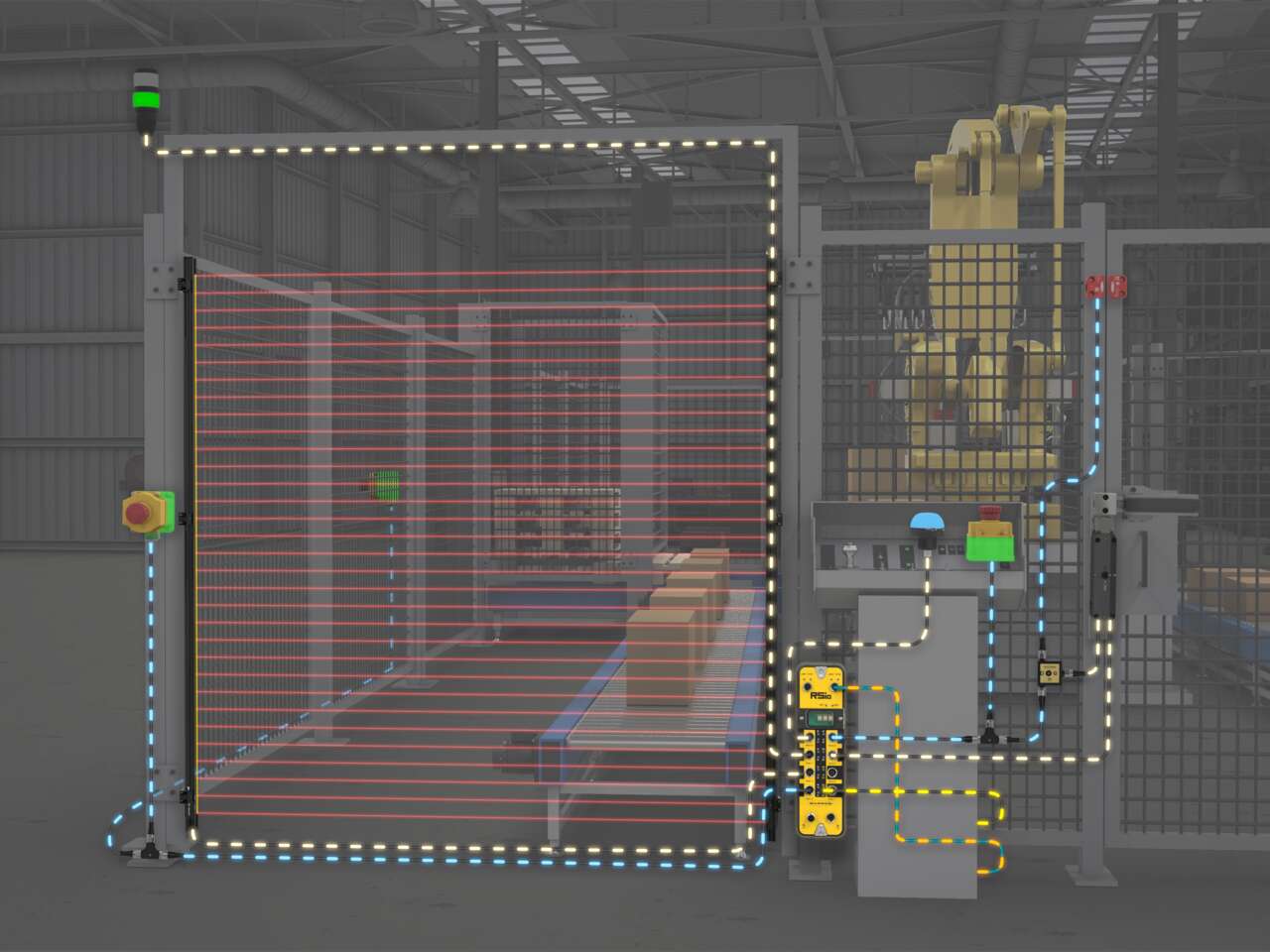
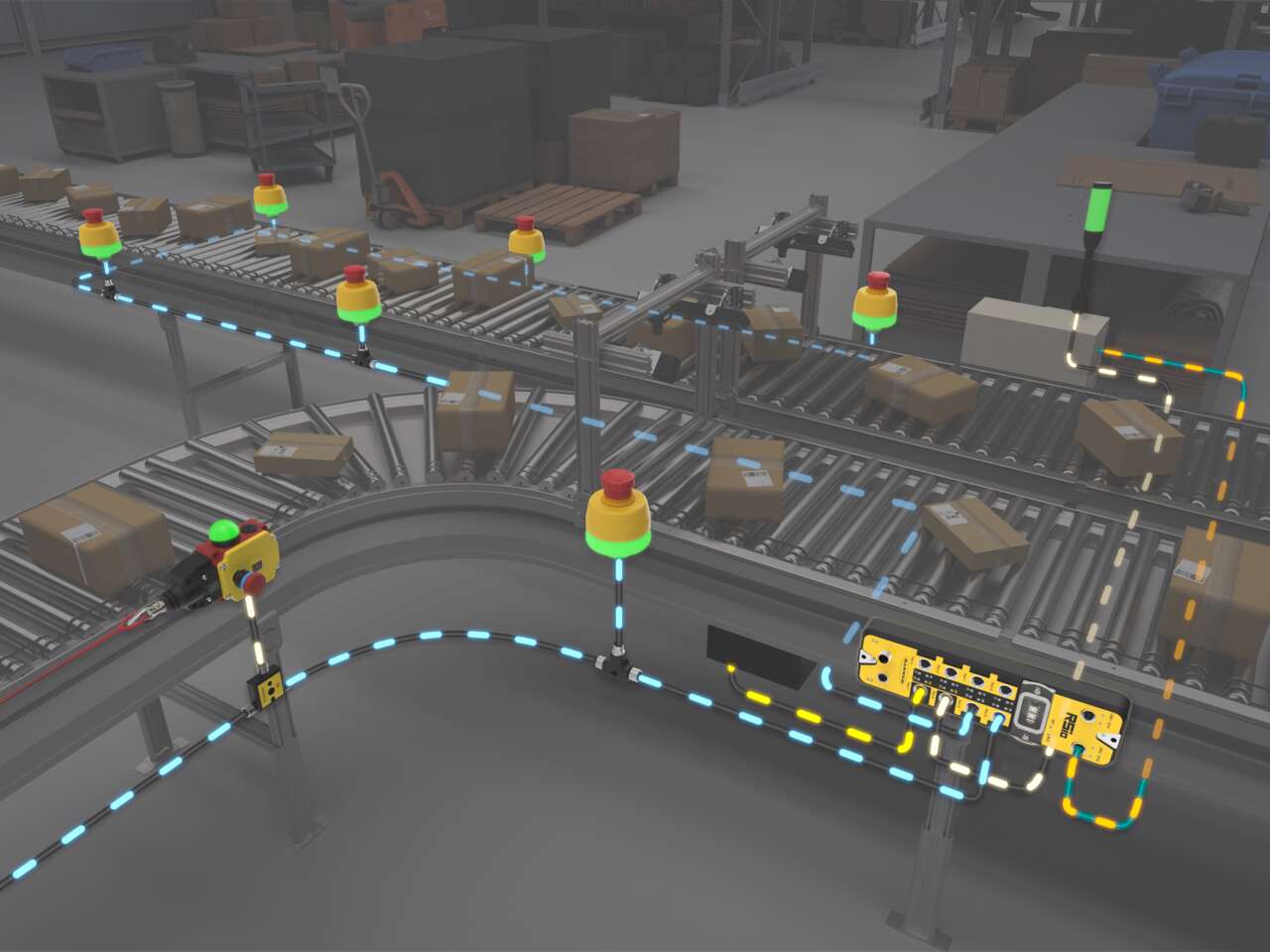
In-Series Diagnostics (ISD) makes it possible for each RSio input to connect up to 32 ISD-enabled safety devices, or safety devices brought in through ISD Connect, in a daisy-chain while providing diagnostic data for each individual device. ISD chains use plug-and-play M12 T-connectors and cabling, with the ISD protocol traveling over the same wiring as the OSSD signals, providing continuous device status and clear identification of which device in the chain causes a stop.
RSio supports a mix of ISD and non-ISD devices across its six inputs. Each input can monitor either a single safety device directly or an ISD chain of up to 32 devices—192 devices total across one RSio.
RSio includes an integrated dual-port Ethernet switch for pass-through networking, allowing multiple RSio Remote Safe I/O blocks to be connected in daisy-chain, star, a combination of daisy-chain and star, or DLR ring network topologies without consuming external switch ports.
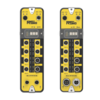
RSio is available in two model options that provide either M12 L-Code power connectors rated for up to 16 amps of pass-through, or with Mini power connectors rated for up to 10 amps of pass-through capacity for powering the module and downstream devices.
Applications
Use RSio to create a complete safety solution for robotic palletizing cells that takes advantage of hybrid I/O and In-Series Diagnostics (ISD).
Use RSio’s In-Series Diagnostics (ISD) capabilities to create individual safety zones on long-run conveyors common in distribution, 3PL, and material-handling environments.
Use RSio to create a complete safety solution for robotic palletizing cells that takes advantage of hybrid I/O and In-Series Diagnostics (ISD).
Use RSio’s In-Series Diagnostics (ISD) capabilities to create individual safety zones on long-run conveyors common in distribution, 3PL, and material-handling environments.
We noticed you didn’t finish your online checkout. We're dedicated to providing the best shopping experience possible and would love to hear if you faced any challenges. Let us know how we can make your experience even better.
A demonstration of how to configure the presets for the RSio Remote Safe I/O Block.
A demonstration of how to install the EDS software for the RSio Remote Safe I/O Block.
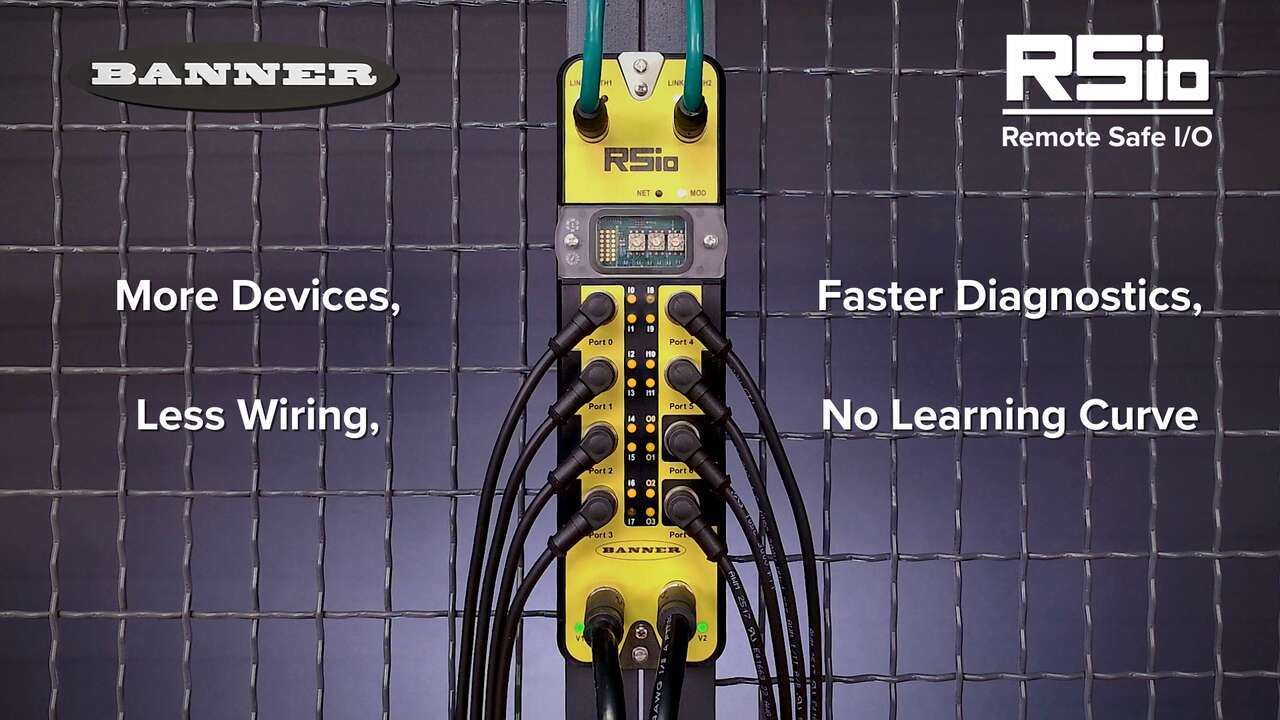
A brief overview of the features and benefits of the RSio Remote Safe I/O
Our application engineers are here to help with expert guidance and support. Send us your inquiry, and we’ll get back to you as soon as possible. We’re here to make sure you get the answers you need.