
Eight-Port Hub Device for IO-Link Connections

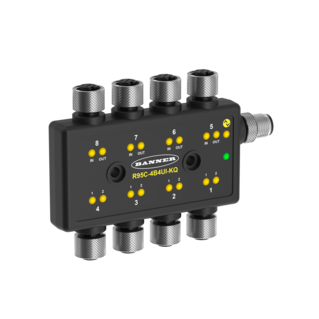
R95C IO-Link Hub

R95C Series IO-Link Hubs allow control and monitoring of discrete and/or analog signals by an IO-Link Master, allowing I/O to be located closer to devices, which reduces wiring complexity and time. I/O types vary depending on model, and include PNP, NPN, 4–20 mA, and 0–10 V DC.

  • Simplify I/O configuration and reduce SKUs
    • Analog ports can be independently configured as current or voltage
    • Discrete ports can be independently configured as PNP or NPN
  • Reduce programming at the PLC as well as communication latency between devices
    • Port mirroring feature allows for analog or discrete inputs to be mapped to one or more outputs on the same device
    • Discrete hubs feature delay modes including on/off delays and one-shots
  • Improve cable routing and increase installation options
    • Stackable design allows for multiple units to be mounted in an area with a smaller footprint
    • Cable bend-radius issues can be resolved due to unique side-exit port design
    • Rugged over-molded design meets IP65, IP66 and IP67 and offers more flexibility in machine mounting location
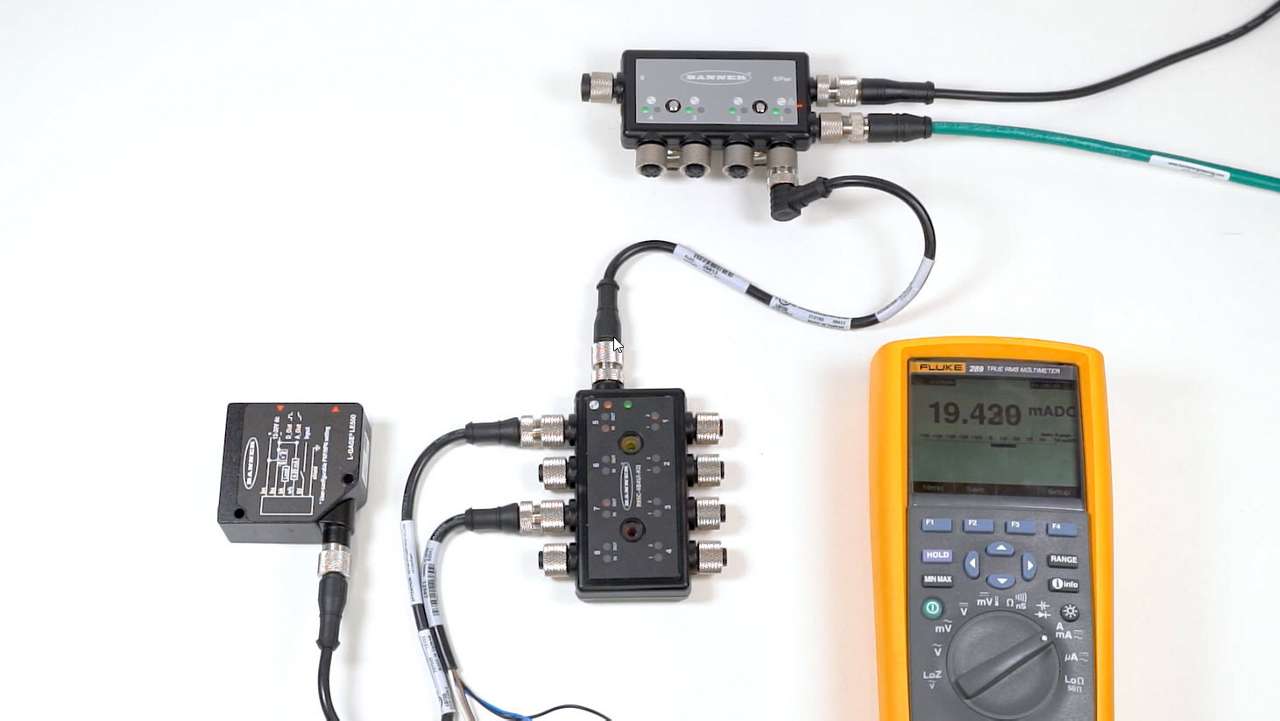
  • How To: R95C IO-Link Hub Analog Port Mirroring

    How To: R95C IO-Link Hub Analog Port Mirroring

    This video demonstrates how to set up analog port mirroring with R95C Hybrid IO-Link Hub from Banner Engineering.
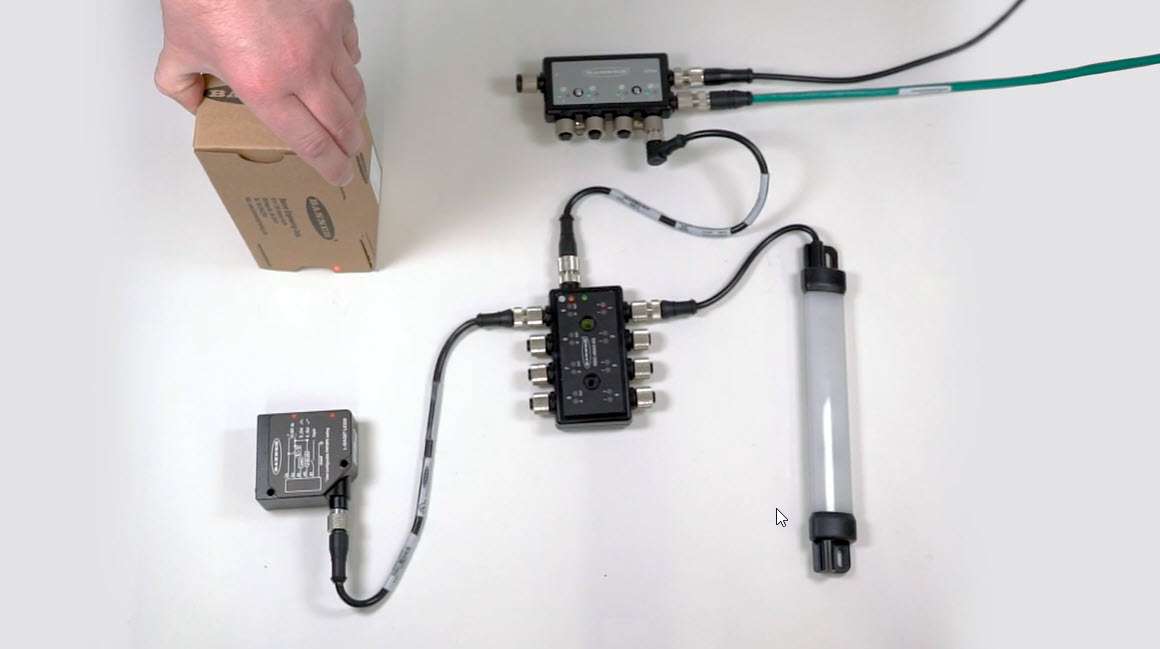
  • How-To: R95C IO-Link Hub Analog-to-PFM Conversion

    How-To: R95C IO-Link Hub Analog-to-PFM Conversion

    This video demonstrates how to set up port mirroring with an analog-to-PFM conversion using the R95C Hybrid IO-Link Hub.
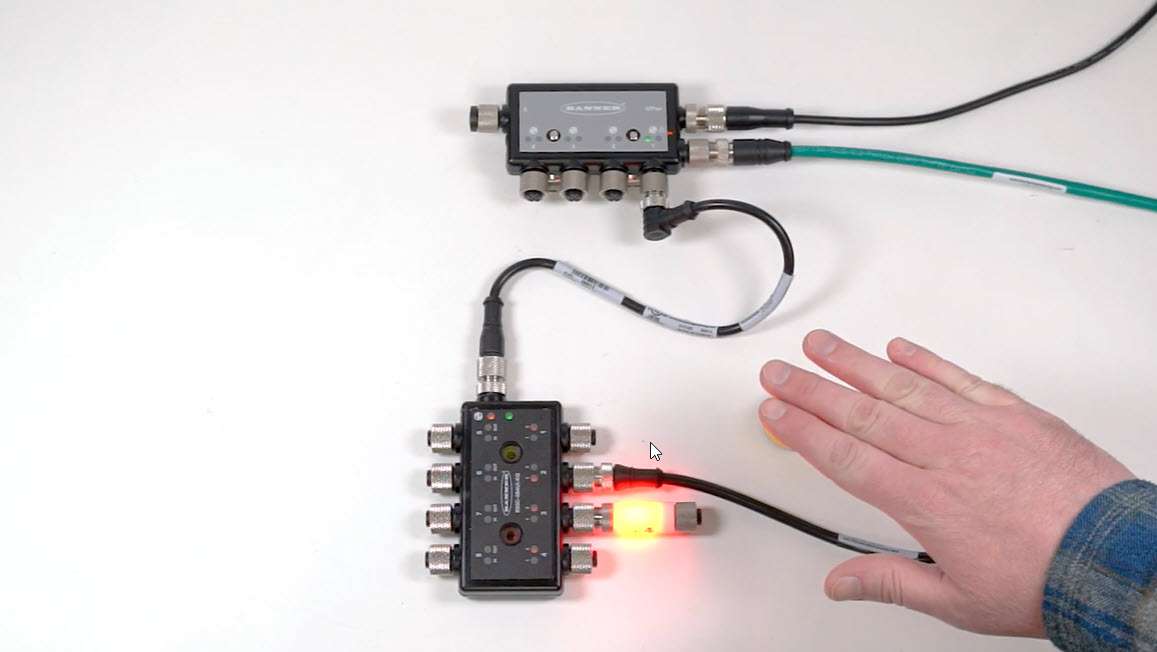
  • How-To: R95C IO-Link Hub Port Mirroring

    How-To: R95C IO-Link Hub Port Mirroring

    This video demonstrates how to set up simple port mirroring with the R95C Hybrid IO-Link Hub from Banner Engineering.
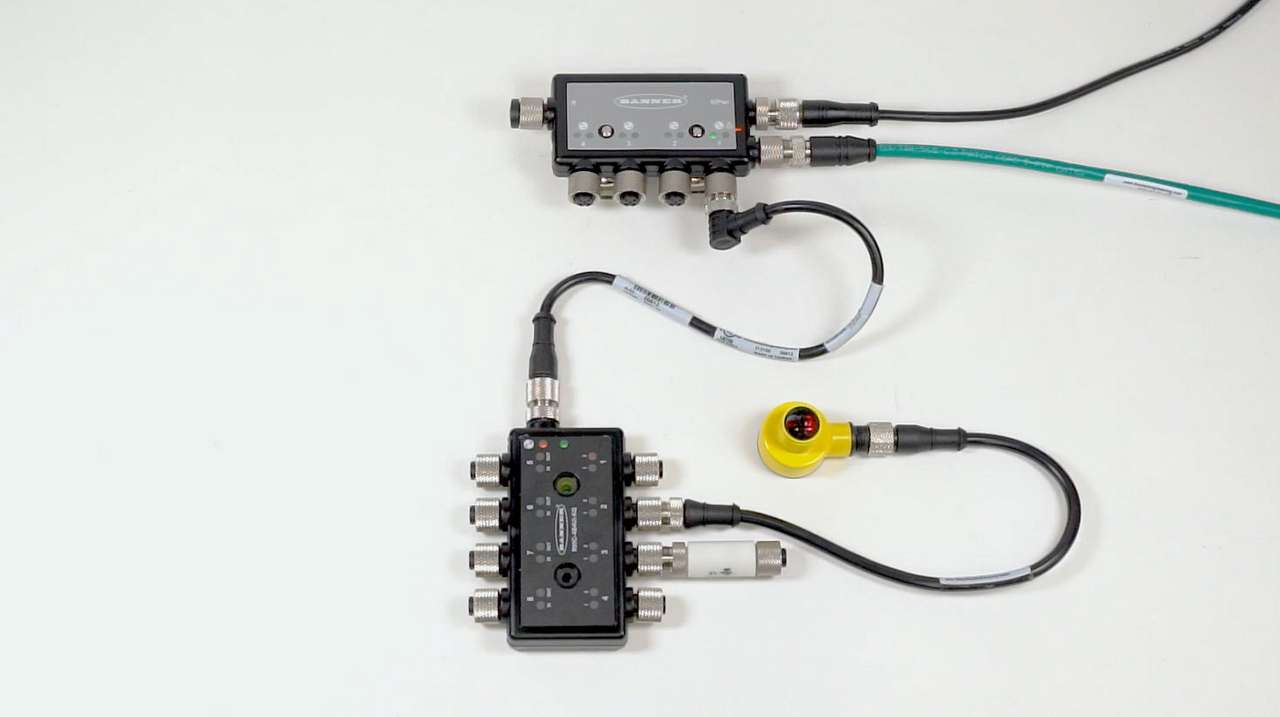
  • How-To: R95C IO-Link Hub One Shot Timing Logic

    How-To: R95C IO-Link Hub One Shot Timing Logic

    This video demonstrates how to set up one shot timing logic with the R95C Hybrid IO-Link Hub from Banner Engineering.
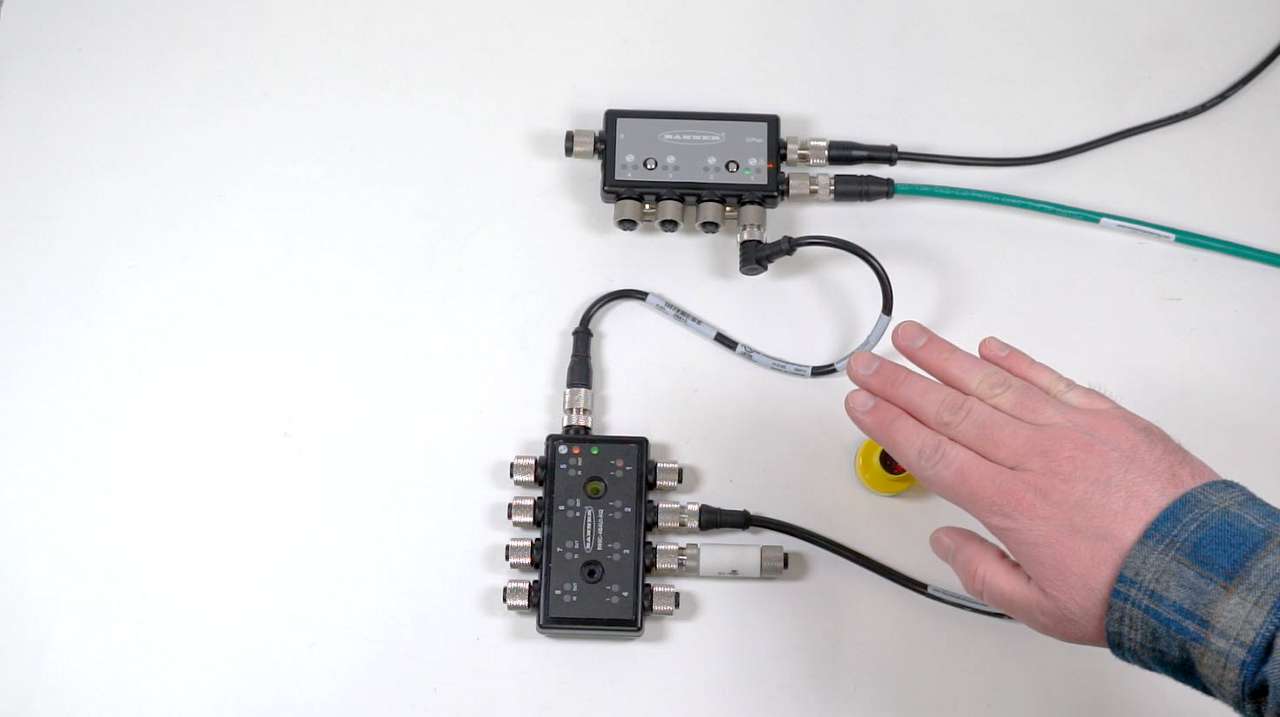
  • How-To: R95C IO-Link Hub On-Off Delay

    How-To: R95C IO-Link Hub On-Off Delay

    This video demonstrates how to set up On and Off delays with the R95C Hybrid IO-Link Hub from Banner Engineering.
Product Selection

Loading...

Narrow Results

clear all filters

Input

  • (1)
  • (3)

Input 2

  • (1)
  • (1)
View All View Less
selected filters
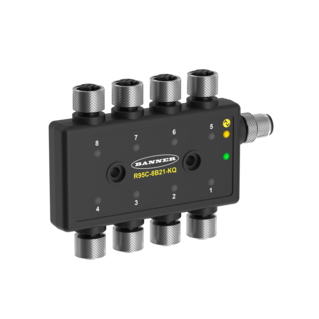
  1. R95C-8B21-KQ

    logo with r symbol

    R95C Series: 8 Port Discrete IO-Link Hub
    16 Inputs or 8 Inputs/8 Outputs (Configurable)
    IO-Link Interface
    4-pin M12 QDs
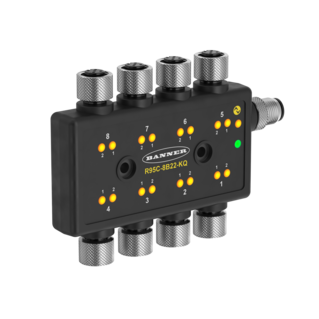
  2. R95C-8B22-KQ

    logo with r symbol

    R95C Series: 8 Port Discrete IO-Link Hub
    16 Inputs or 16 Outputs (Configurable)
    IO-Link Interface
    4-pin M12 QDs
  3. R95C-4B4UI-KQ

    logo with r symbol

    R95C Series: 8 Port Hybrid IO-Link Hub
    4 Analog Inputs and 4 Analog Outputs and 8 Discrete Inputs or 8 Discrete Outputs (Configurable)
    IO-Link Interface
    4-pin M12 QDs
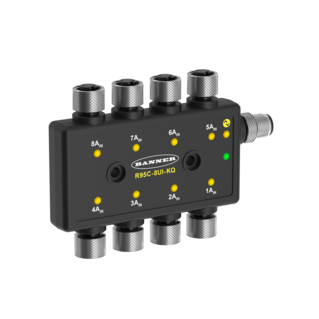
  4. R95C-8UI-KQ

    logo with r symbol

    R95C Series: 8 Port Analog IO-Link Hub
    IO-Link Interface
    4-pin M12 QDs

Add to My Library
Added