-
Ürünler
-
Sensörler
-
Slot, Label, and Area Detection Sensors
-
Area Detection Sensors
-
PVA Series Compact Part Verification Array
- Compact package, available in 4 lengths to fit many sizes and configurations of existing parts bins
- Range up to 2 m (6.5 ft)
- Two-component system (asynchronous emitter and receiver) needs no sync wire or controller box.
- Clearly visible green job indicator lights mounted on either side of emitter and receiver housings; the light can be remotely controlled to initiate user action with a solid ON or blinking condition
- Two frequency settings to prevent crosstalk in close-proximity, multiple-array installations
- Heavy-duty protective brackets available
PVA Series Compact Part Verification Array
Applications
-
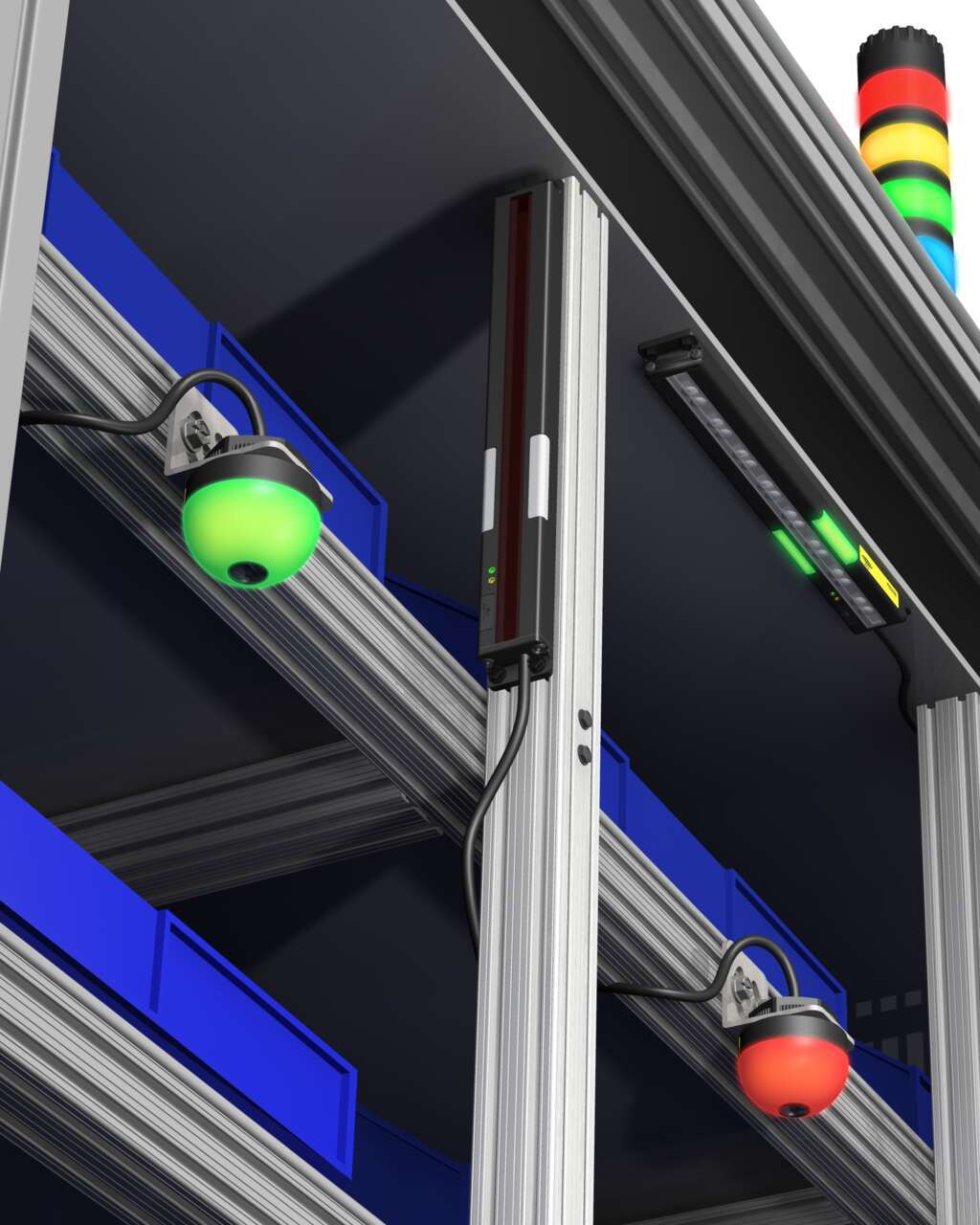
The system controller issues an instruction to pick an item from a particular location. The controller turns on the PVA’s job lights at the specified location. The job lights go off when an item from that location is removed. If multiple items are required from one location, the job light stays on until the correct number of items are removed. The bright light of the EZ-LIGHT PVA pick-to-light sensor makes it possible to see which part to pick from a distance, saving time.
-
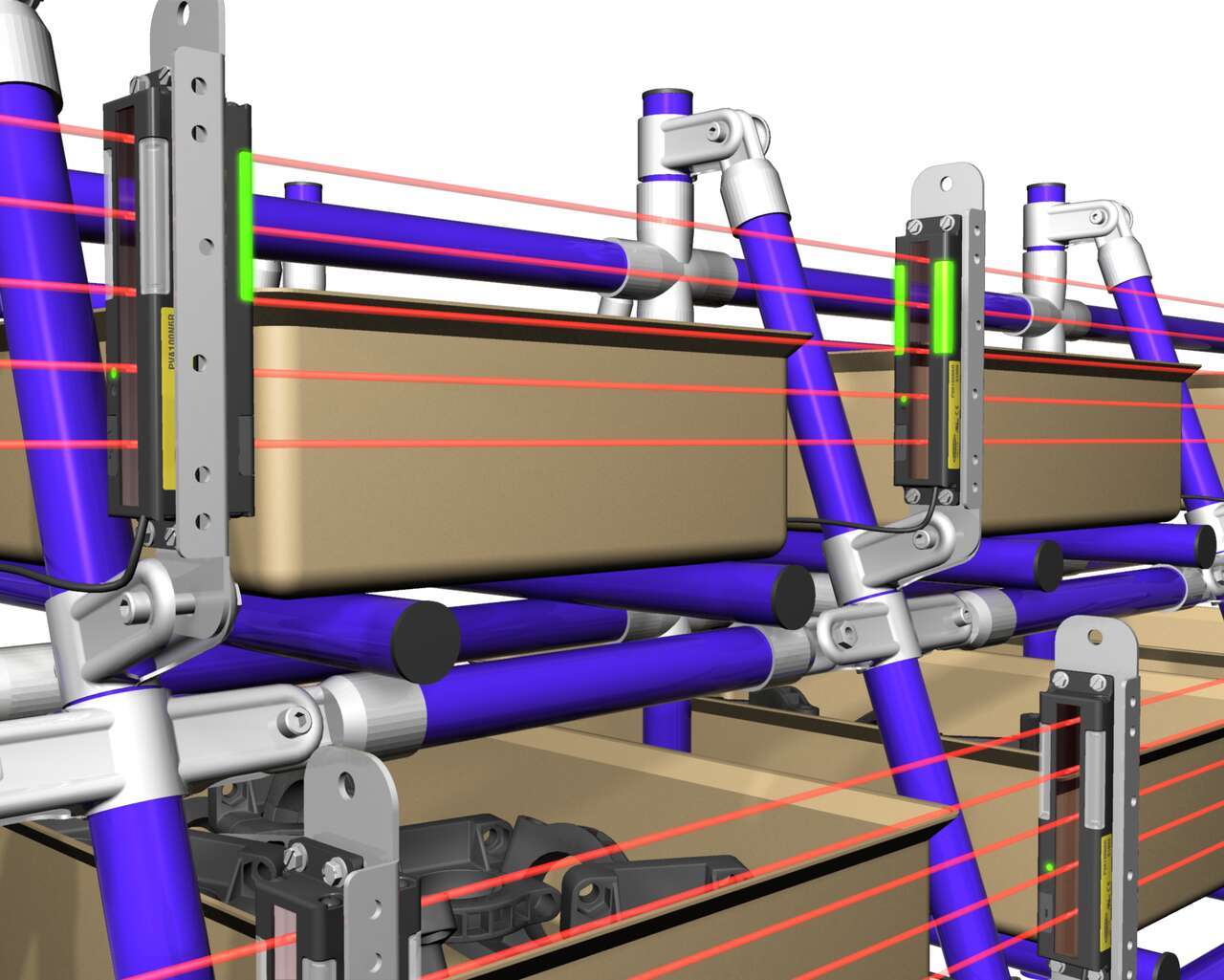
A pair of EZ-LIGHT PVA pick-to-light sensors are mounted to a rack on either side of a bin. In response to a signal from a process controller, the PVA illuminates to show the assembler which part to pick next. When the assembler's hand enters and leaves the bin, the controller recognizes that the part is picked and lights up the PVA for the next bin in the pick sequence.
-
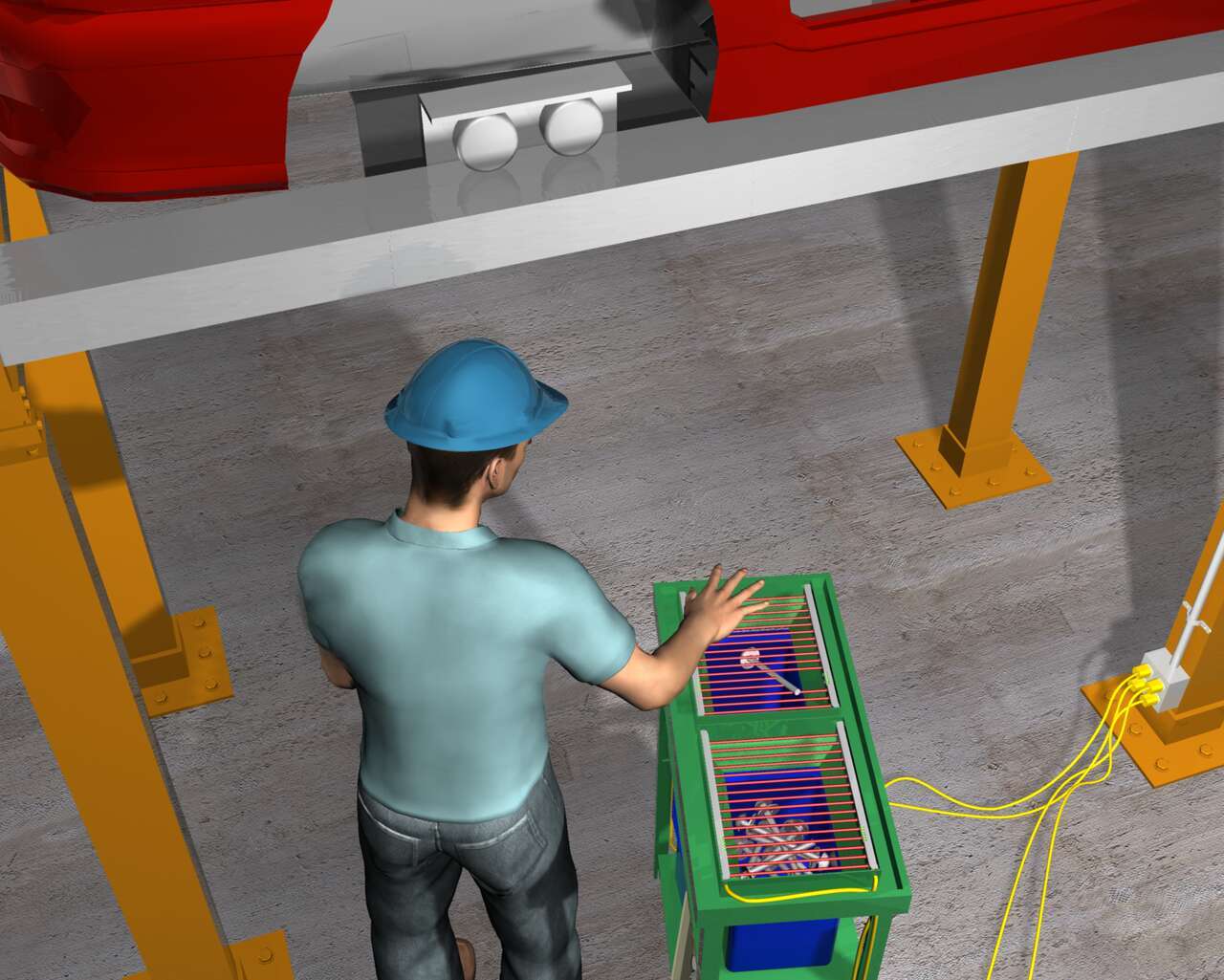
In an automotive assembly plant, temporary pins—called grenade pins—are used to attach some parts temporarily. To make sure the grenade pins are removed, the inspection station includes a container for the pins that is equipped with an EZ-LIGHT PVA pick-to-light sensor.
-
The EZ-LIGHT PVA pick-to-light sensors provide a reliable error-proofing solution for various operation systems. The light indicate to assemblers which items to pick and in which order to pick them.
-
Several technologies and solutions are available for bin-picking applications for error-proofing processes. Light arrays prompt the operator for part selection with integral job lights, then reliably sense retrieval of the part, using an array of visible red or infrared sensing beams located in front of the bin.
-
Order Fulfillment
The system controller issues an instruction to pick an item from a particular location. The controller turns on the PVA’s job lights at the specified location. The job lights go off when an item from that location is removed. If multiple items are required from one location, the job light stays on until the correct number of items are removed. The bright light of the EZ-LIGHT PVA pick-to-light sensor makes it possible to see which part to pick from a distance, saving time.
-
Pick Sequence Indication and Pick Verification
A pair of EZ-LIGHT PVA pick-to-light sensors are mounted to a rack on either side of a bin. In response to a signal from a process controller, the PVA illuminates to show the assembler which part to pick next. When the assembler's hand enters and leaves the bin, the controller recognizes that the part is picked and lights up the PVA for the next bin in the pick sequence.
-
Part Removal Verification in Automotive Assembly
In an automotive assembly plant, temporary pins—called grenade pins—are used to attach some parts temporarily. To make sure the grenade pins are removed, the inspection station includes a container for the pins that is equipped with an EZ-LIGHT PVA pick-to-light sensor.
-
Long Bin Pick-to-Light
The EZ-LIGHT PVA pick-to-light sensors provide a reliable error-proofing solution for various operation systems. The light indicate to assemblers which items to pick and in which order to pick them.
-
Pick-to-Light Solutions
Several technologies and solutions are available for bin-picking applications for error-proofing processes. Light arrays prompt the operator for part selection with integral job lights, then reliably sense retrieval of the part, using an array of visible red or infrared sensing beams located in front of the bin.
Incomplete Checkout
Share Your Checkout Experience
We noticed you didn’t finish your online checkout. We're dedicated to providing the best shopping experience possible and would love to hear if you faced any challenges. Let us know how we can make your experience even better.
Downloads
Türkçe Belgeler
İngilizce Belgeler
Ürün Seçimi
How-to: Advanced Table Functionality
Arrange column order by dragging and dropping the column header left/right with your mouse.
Sort items in a column by ascending values by clicking the table header once. Click a second time to sort by descending order. Click a third time to remove the sorting for that column.
Shift-click additional column headers to sort by multiple attributes. The first column you sort becomes the primary sort, and each Shift-clicked column adds a secondary level of sorting.
-
Sıfırla
Have a Technical Question?
Our application engineers are here to help with expert guidance and support. Send us your inquiry, and we’ll get back to you as soon as possible. We’re here to make sure you get the answers you need.