


How-To Guide: K30 Pro Optical Distance Mode
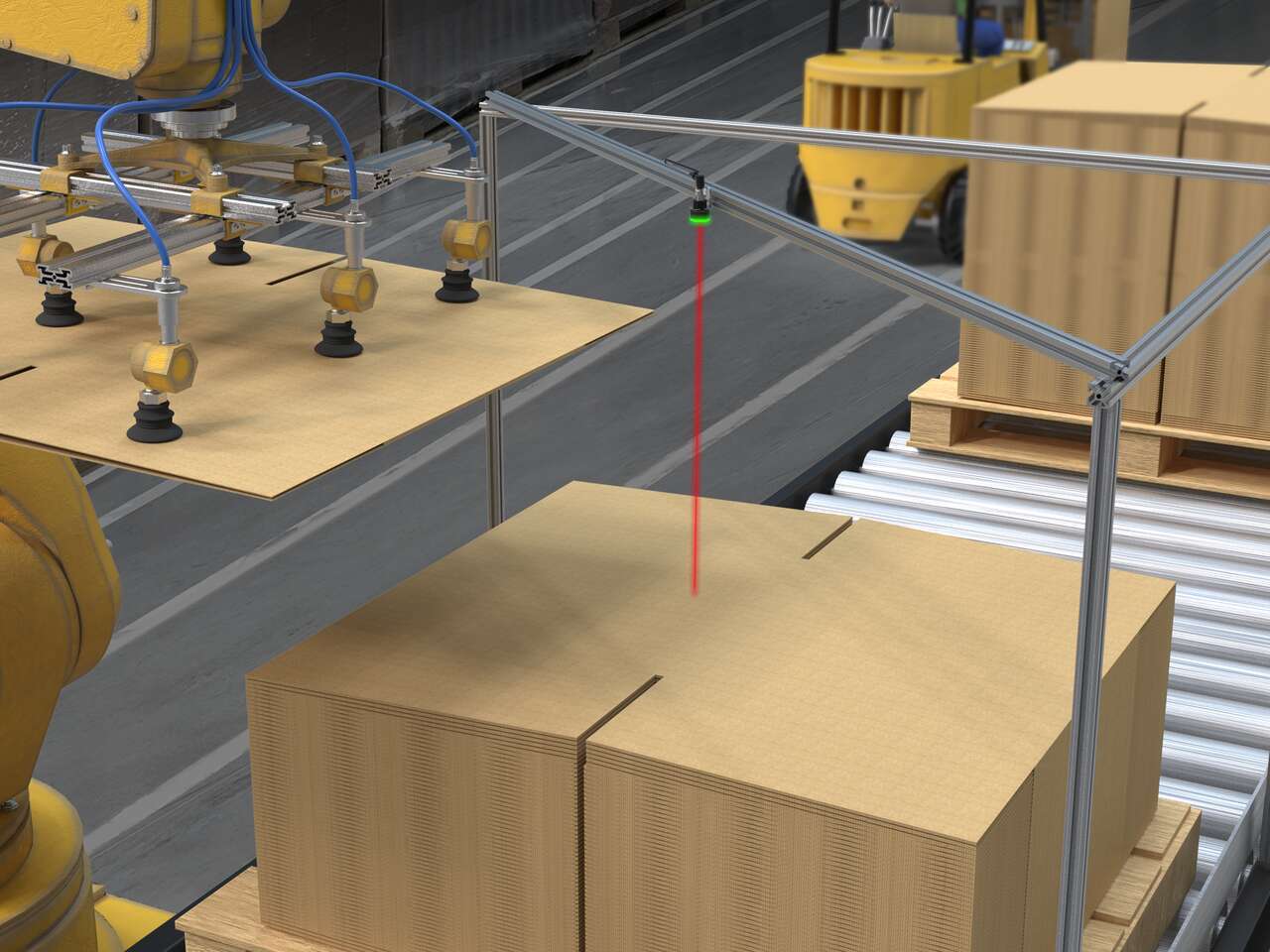
This video covers the basics of the distance mode for the K30 Pro Optical Sensor from Banner Engineering.

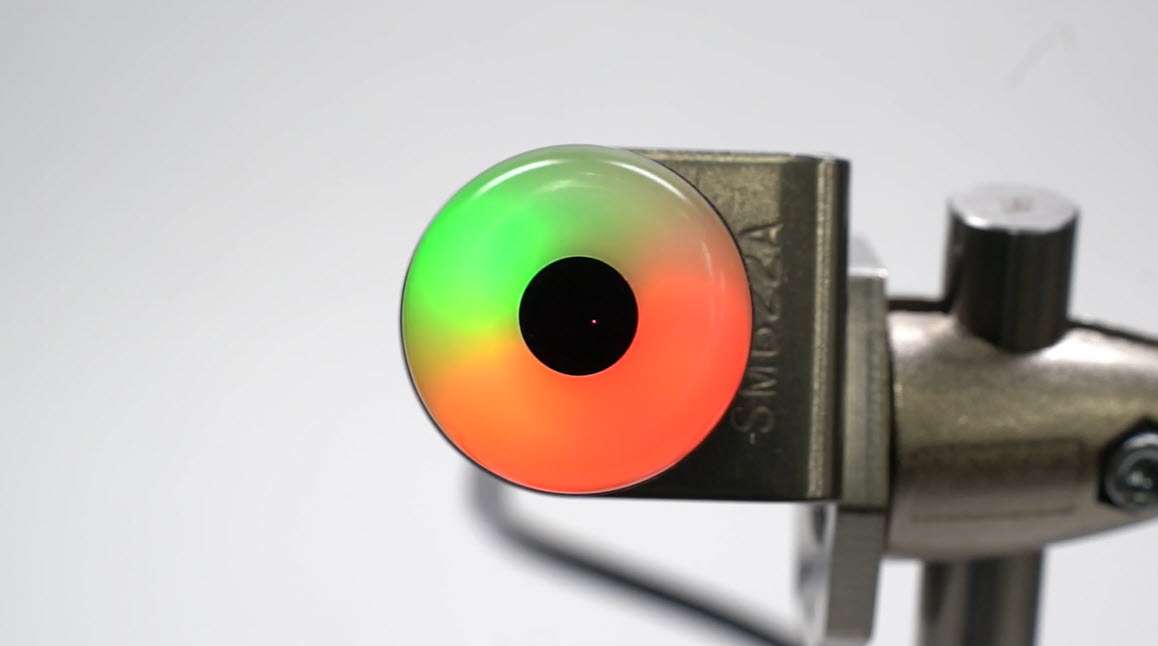
This video covers the basics of the distance mode for the K30 Pro Optical Sensor from Banner Engineering.
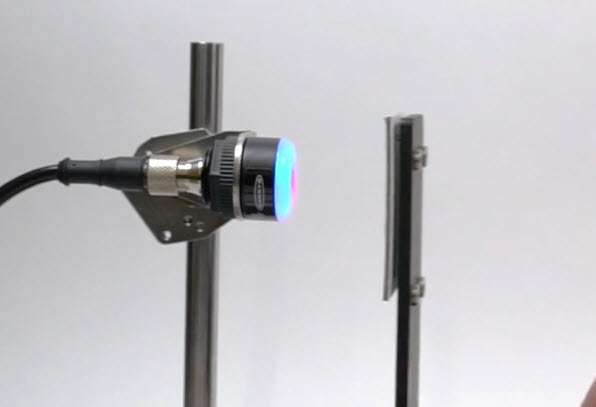
This video covers the basics of the 4-state detection mode for the K30 Pro Optical Sensor from Banner Engineering.
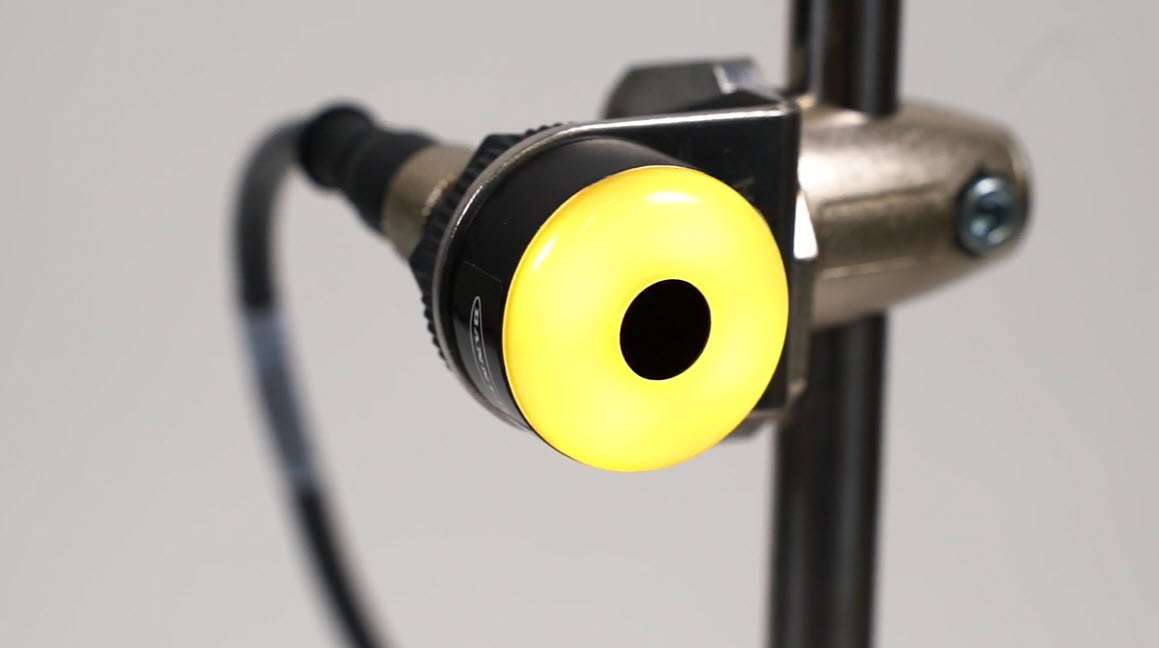
This video covers the basics of the 3- and 7-state detection modes for the K30 Pro Optical Sensor from Banner Engineering.
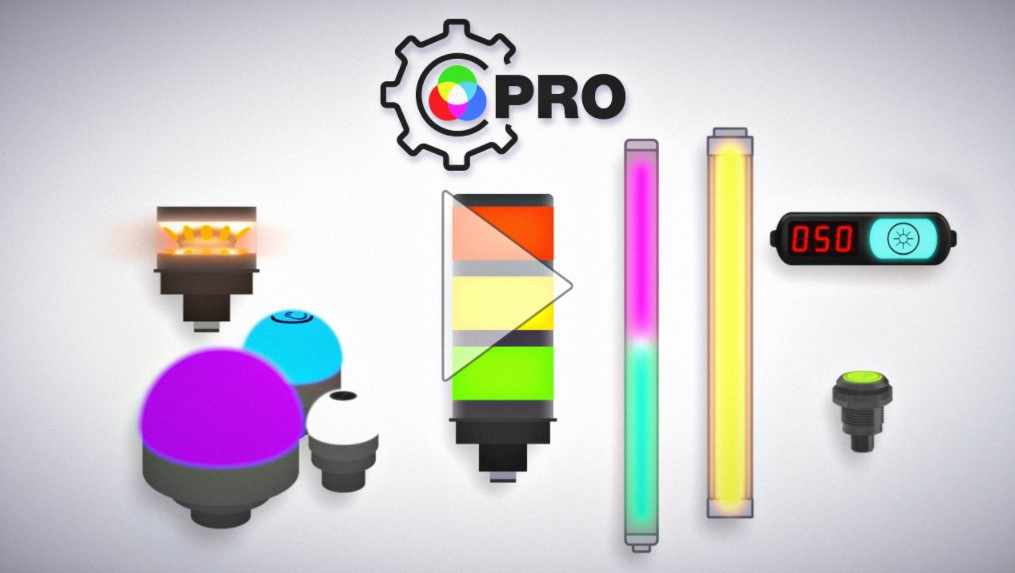
The Pro Series programmable multicolor LED devices from Banner Engineering offer limitless possibilities for advanced indication of dynamic machine states, operator interaction, and process statuses. Watch the video to see what elevates a Banner Pro light above a traditional factory light.
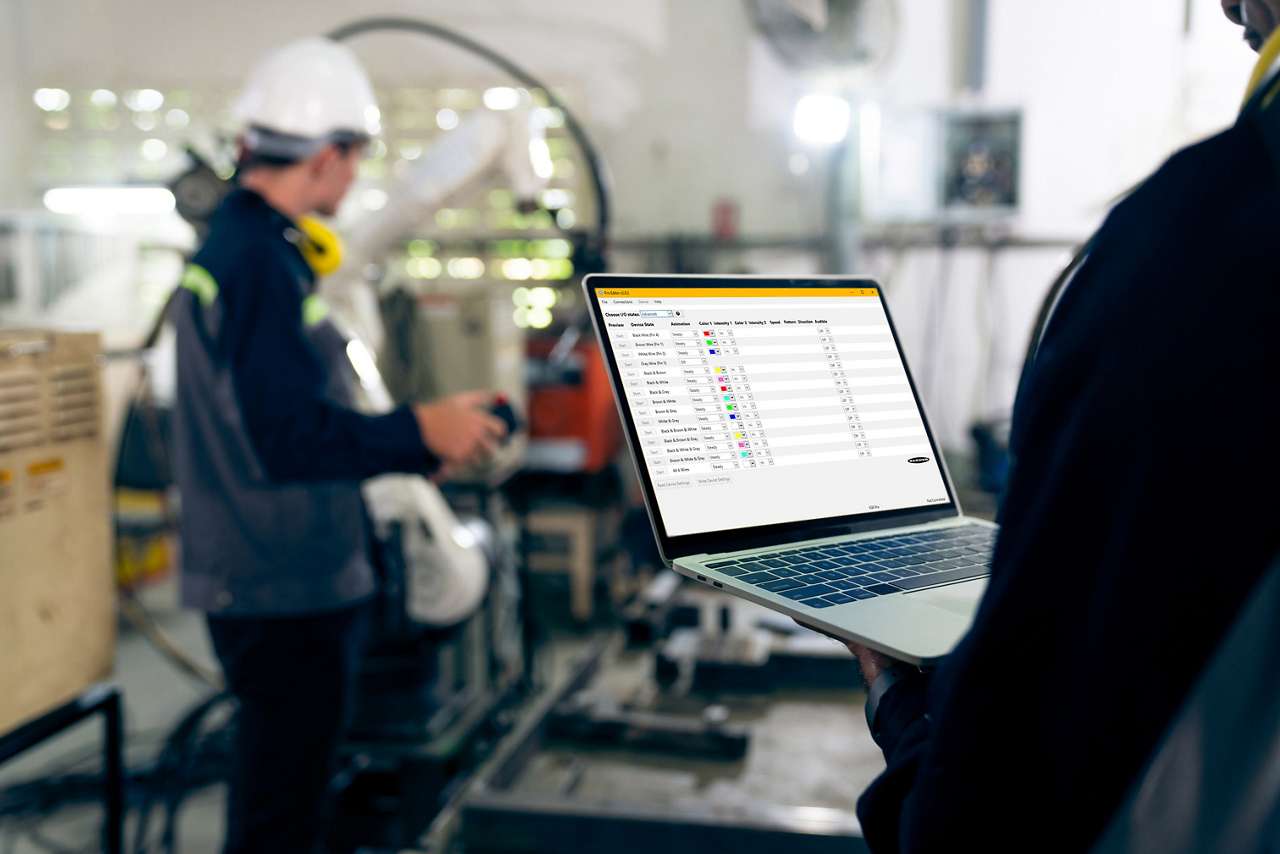
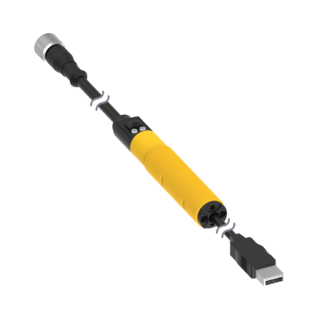
With the Pro Editor software and Pro Converter Cable, you can easily customize indicators with a wide variety of color and animation options.
The software allows users to program their own devices in the field without requiring IO-Link.
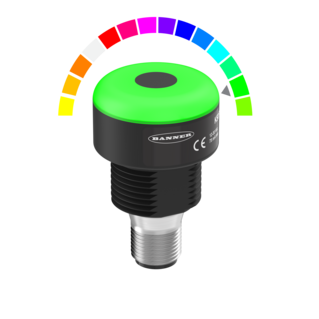
K30 Pro with Pro Editor: 3-Color RGB Adjustable-Field Sensor
Voltage: 10-30 V dc; Housing: Polycarbonate; IP65
Range: 1000 mm; Bimodal, NO, Momentary; Colors: Multicolor
5-pin M12 Integral QD
K30 Pro with Pro Editor: 3-Color RGB Adjustable-Field Sensor
Voltage: 10-30 V dc; Housing: Polycarbonate; IP65
Range: 100 mm; Bimodal, NO, Momentary; Colors: Multicolor
5-pin M12 Integral QD
K30 Pro with Pro Editor: 3-Color RGB Adjustable-Field Sensor
Voltage: 10-30 V dc; Housing: Polycarbonate; IP65
Range: 1000 mm; Bimodal, NO, Momentary; Colors: Multicolor
5-pin M12 Integral QD
K30 Pro with Pro Editor: 7-Color RGB Adjustable-Field Sensor
Voltage: 10-30 V dc; Housing: Polycarbonate; IP65
Range: 100 mm; Bimodal, NO, Momentary; Colors: Multicolor
8-pin M12 Integral QD
K30 Pro with Pro Editor: 3-Color RGB Adjustable-Field Sensor
Voltage: 10-30 V dc; Housing: Polycarbonate; IP65
Range: 100 mm; Bimodal, NO, Momentary; Colors: Multicolor
5-pin M12 Integral QD
K30 Pro with Pro Editor: 7-Color RGB Adjustable-Field Sensor
Voltage: 10-30 V dc; Housing: Polycarbonate; IP65
Range: 1000 mm; Bimodal, NO, Momentary; Colors: Multicolor
8-pin M12 Integral QD
Our application engineers are here to help with expert guidance and support. Send us your inquiry, and we’ll get back to you as soon as possible. We’re here to make sure you get the answers you need.