

S4B Product Video
A product overview of the S4B Safety Light Curtains.
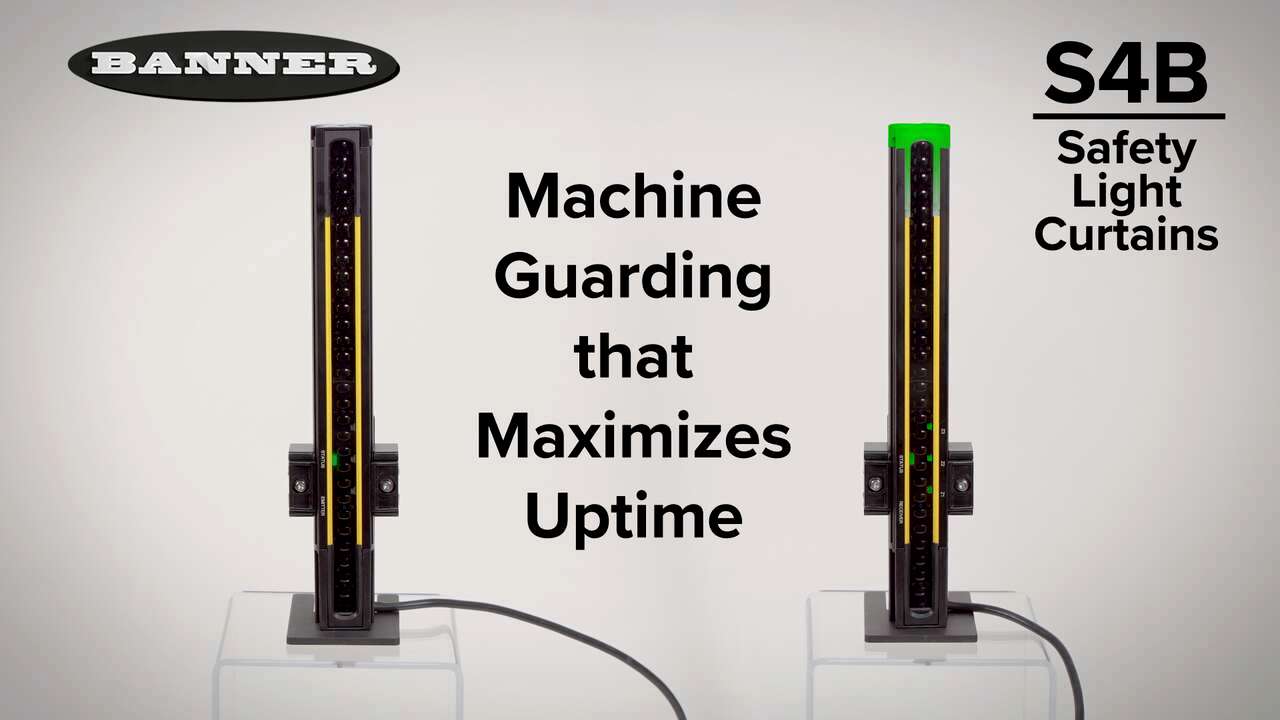
A product overview of the S4B Safety Light Curtains.
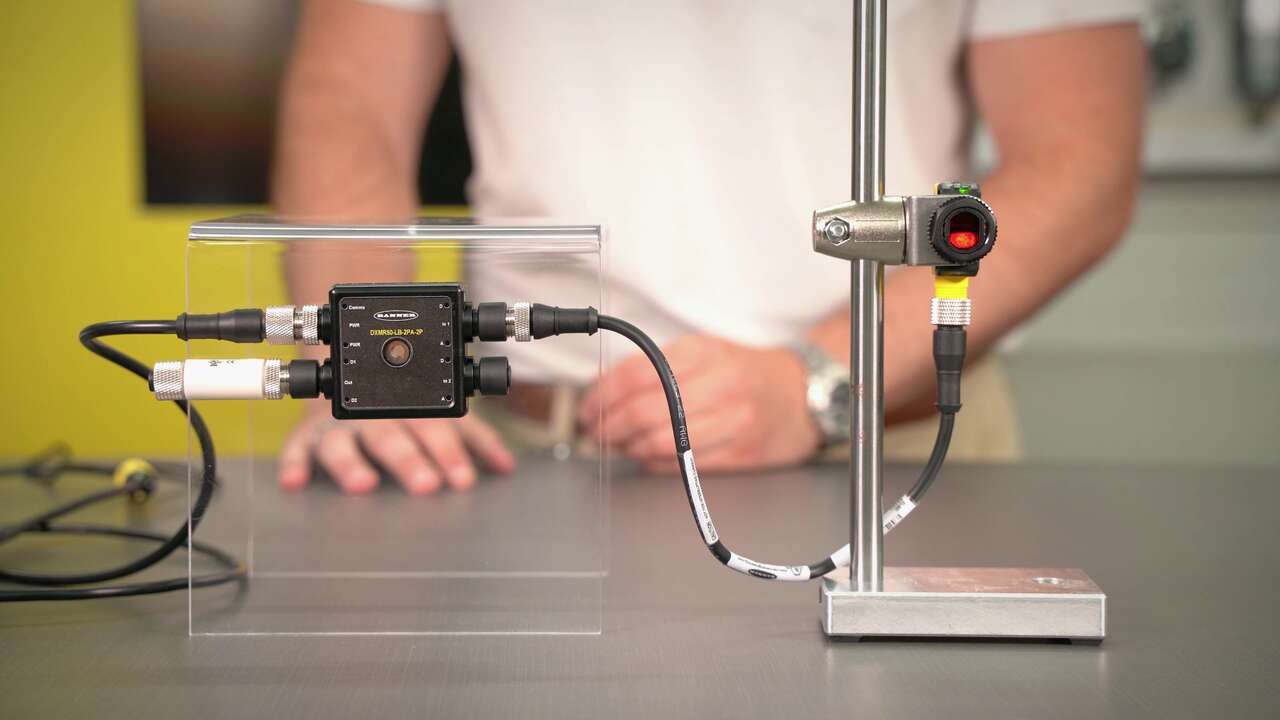
A video guide on how-to configure jam logic on Banner's DXMR50 Logic Block
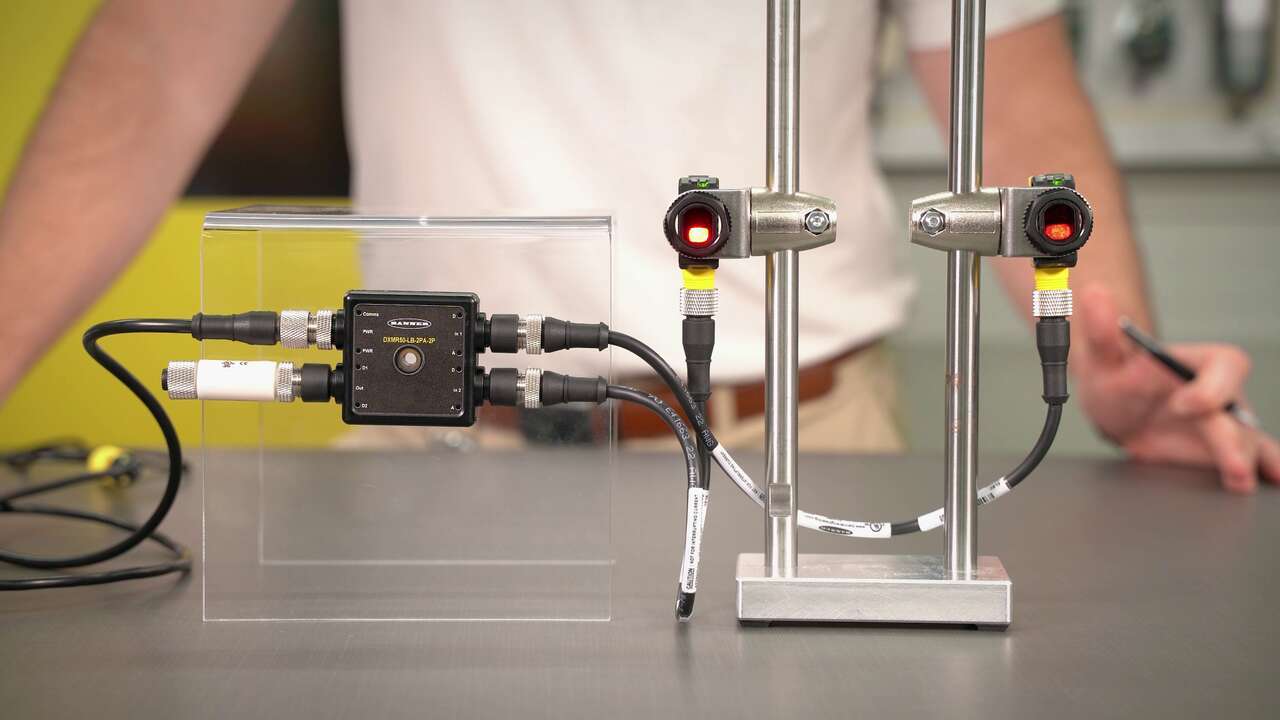
A video guide on how-to configure OR logic on Banner's DXMR50 Logic Block
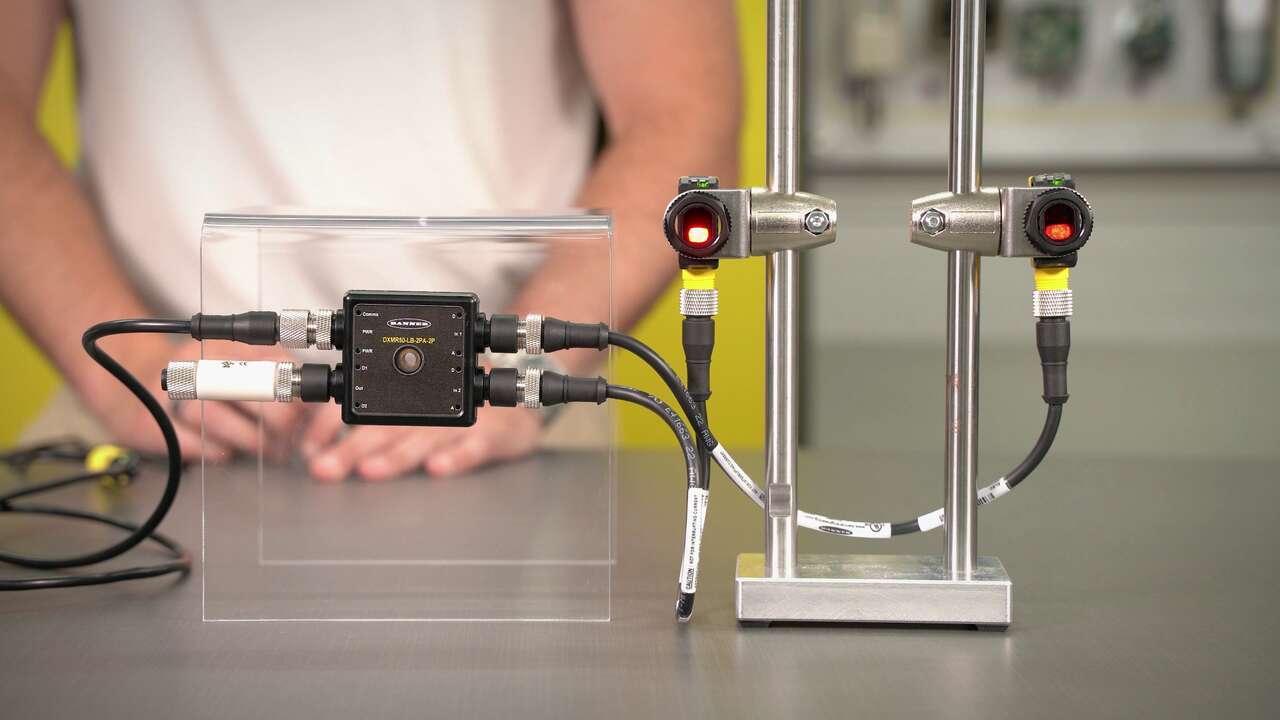
A video guide on how-to configure jam logic on Banner's DXMR50 Logic Block
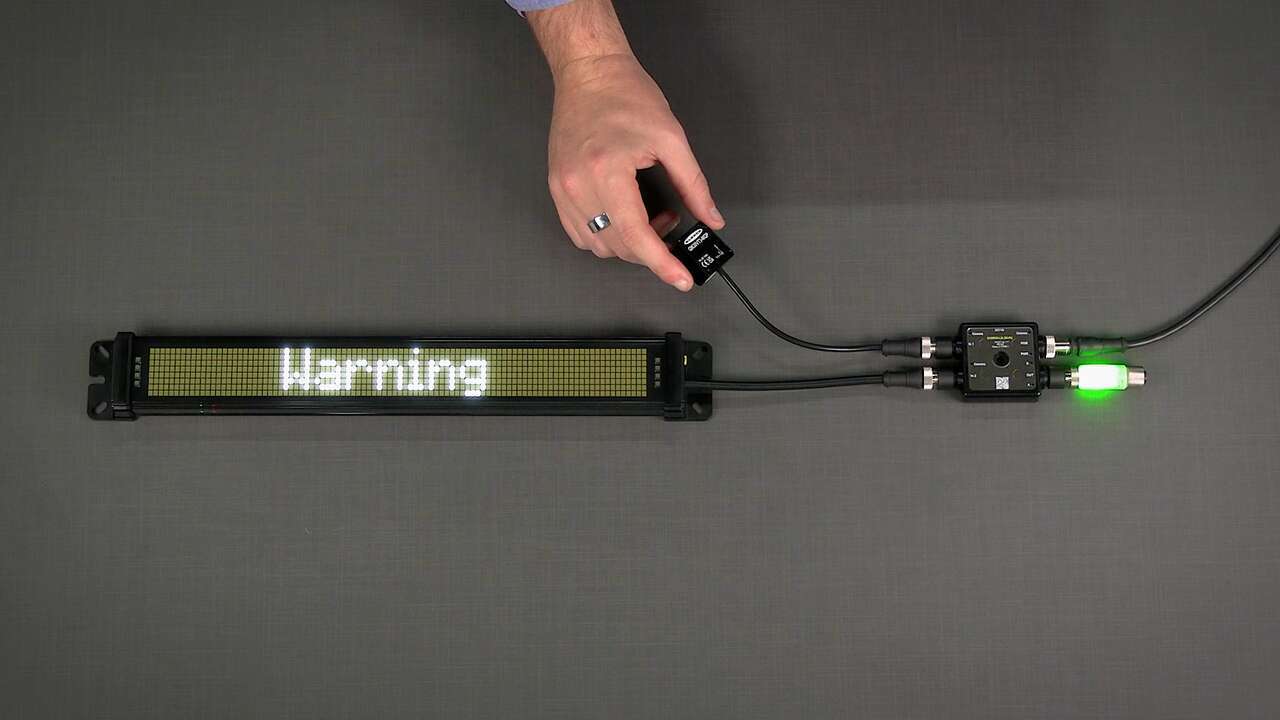
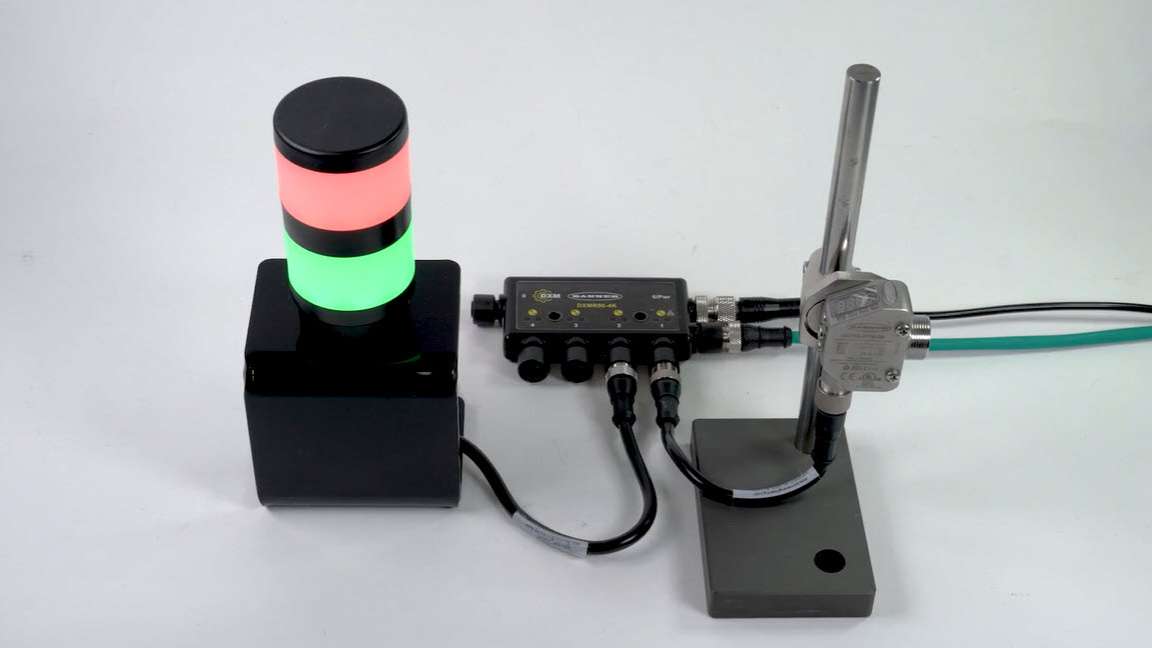
A video guide on how-to set up a vibration sensor with status indication
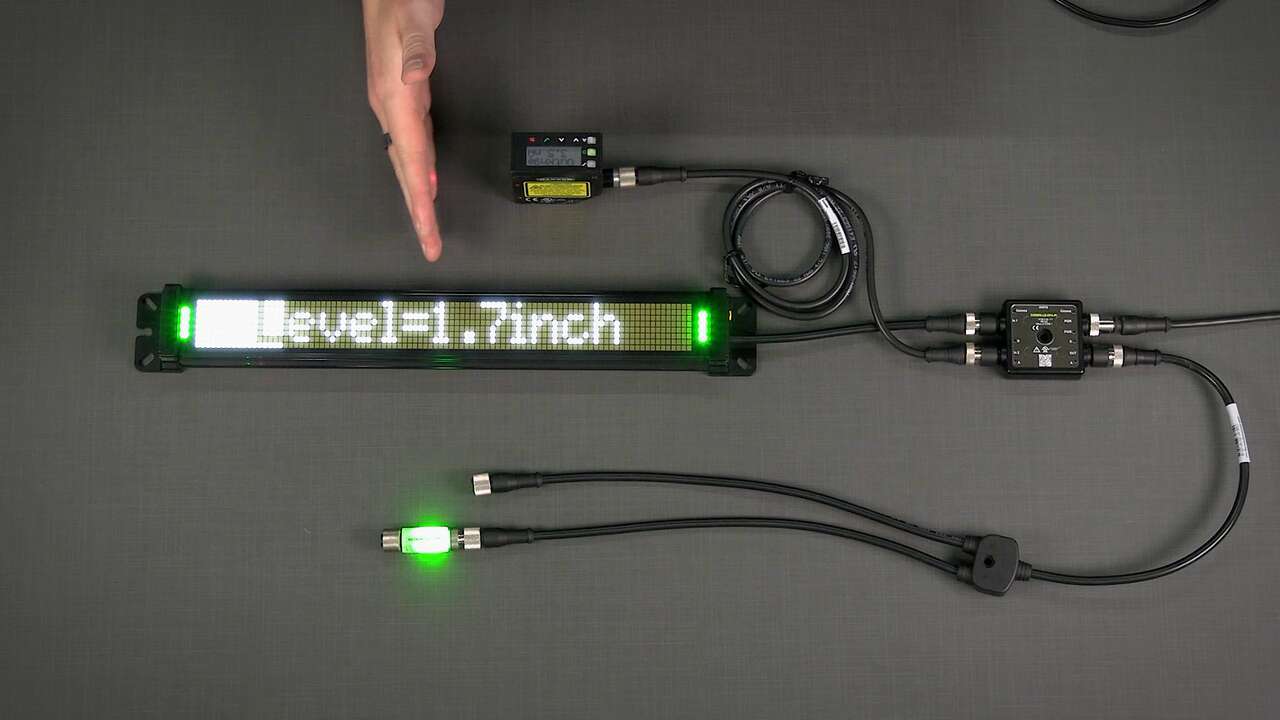
A video guide on how-to set up lighting retrofit for measurement application
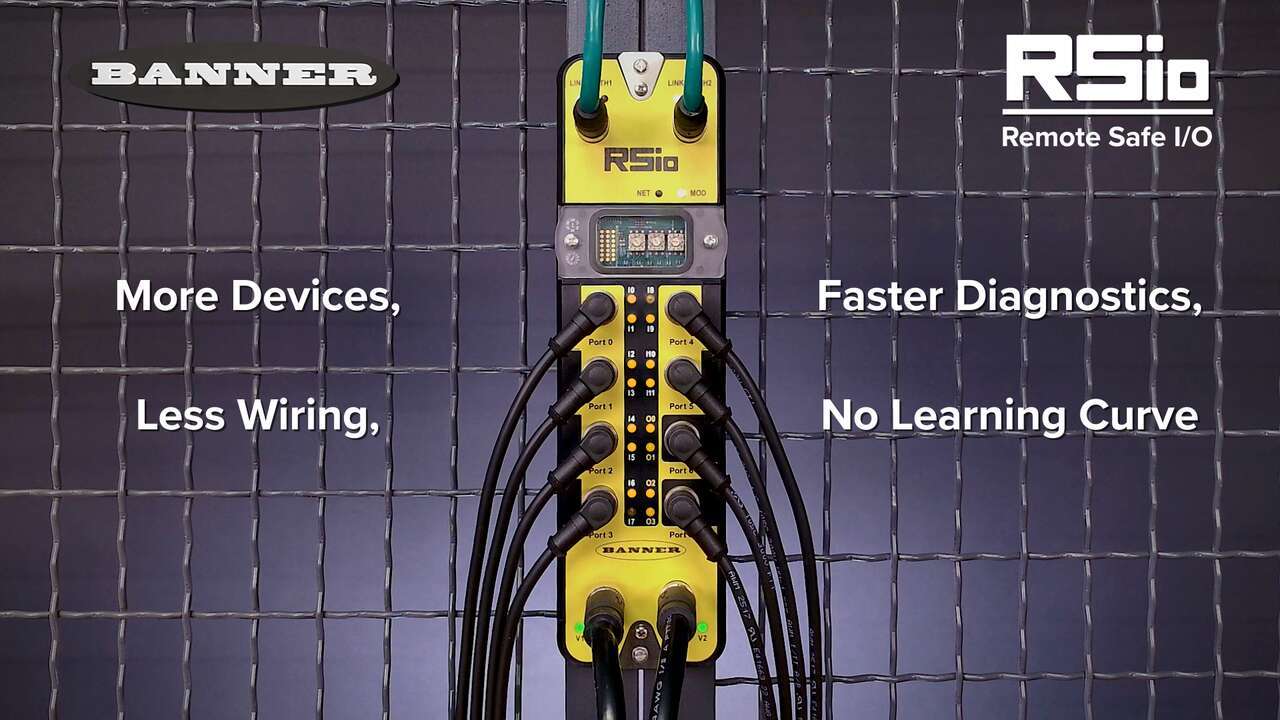
A brief overview of the features and benefits of the RSio Remote Safe I/O
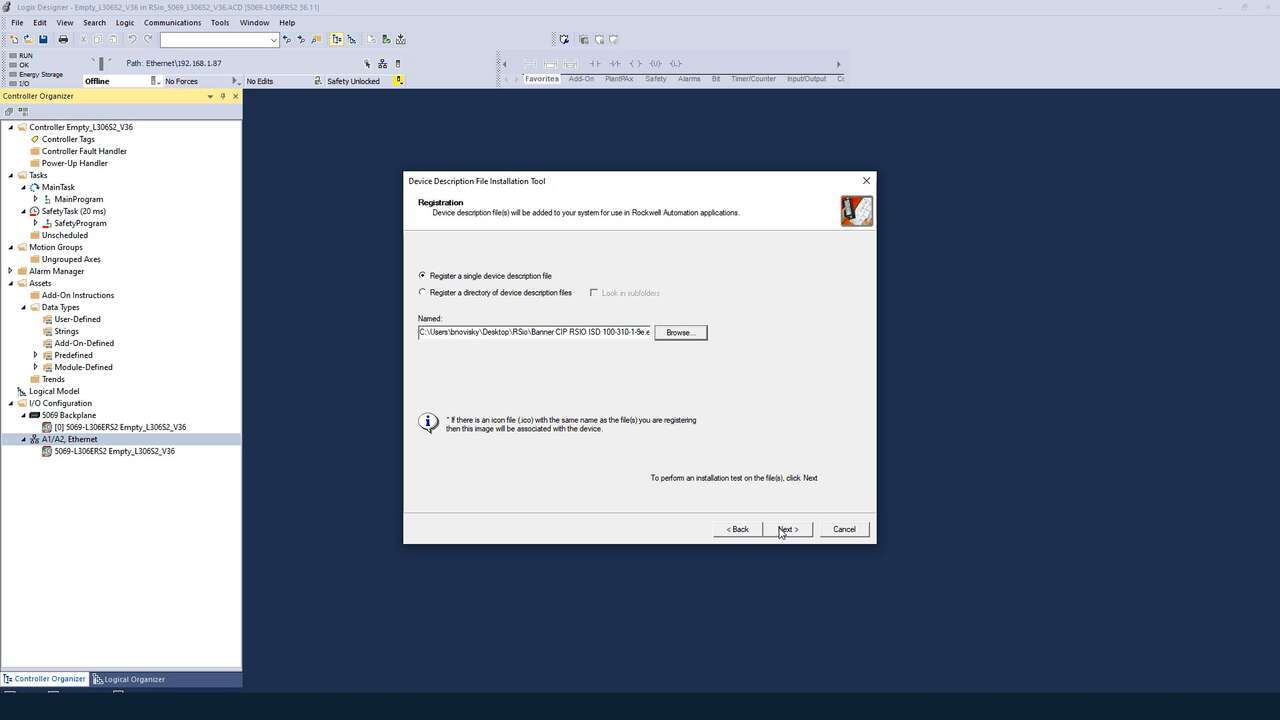
A demonstration of how to install the EDS software for the RSio Remote Safe I/O Block.
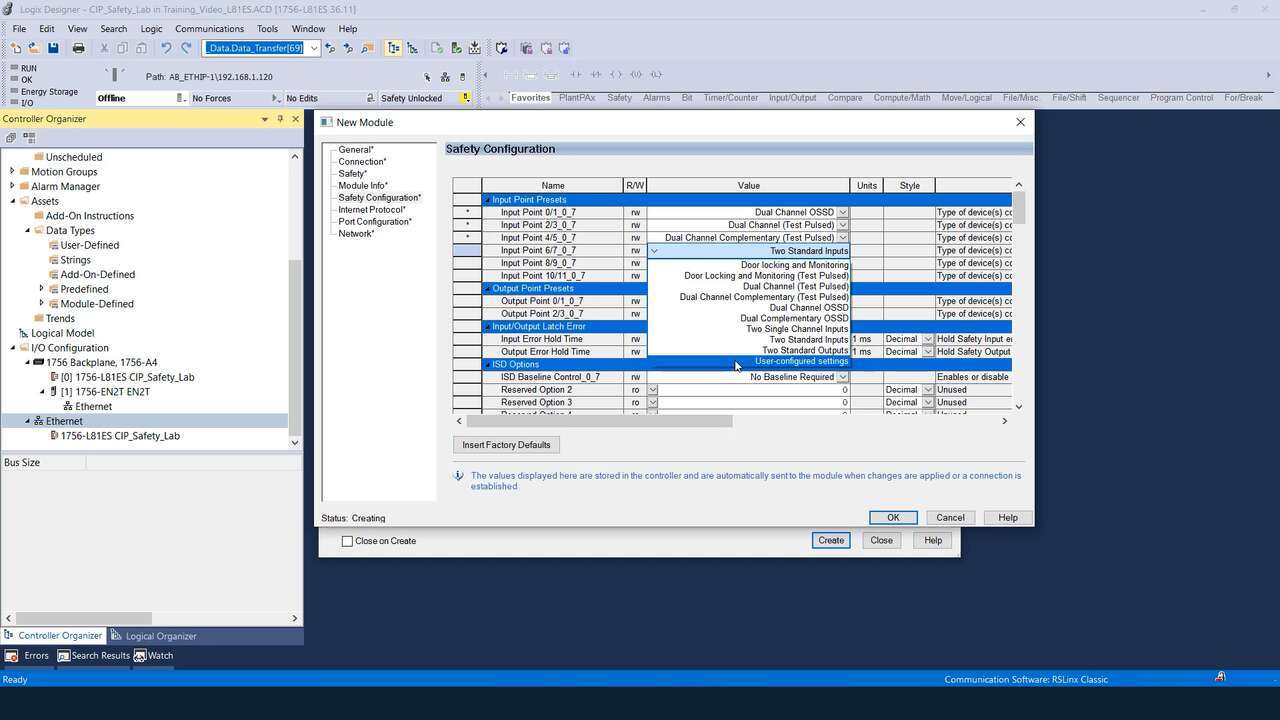
A demonstration of how to configure the presets for the RSio Remote Safe I/O Block.
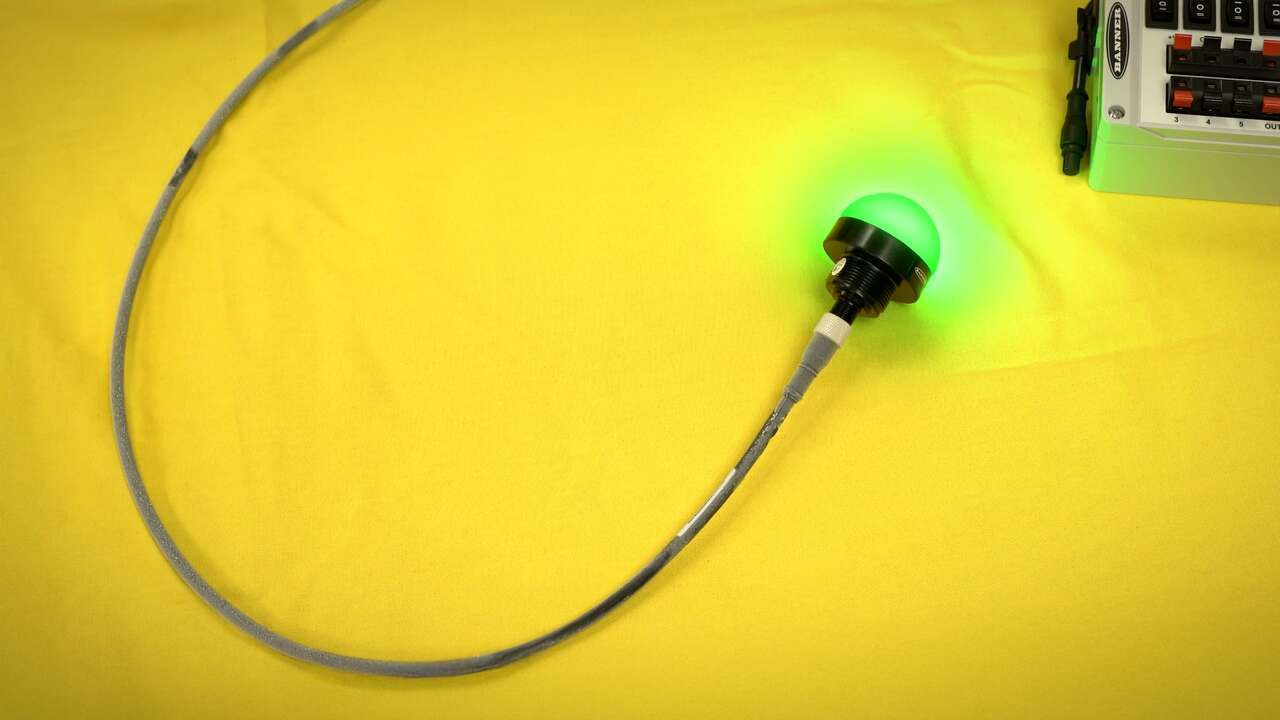
Watch a High-Performance TPU Cordset with CB60 Technology undergo a −60 °C Cold Bend test.
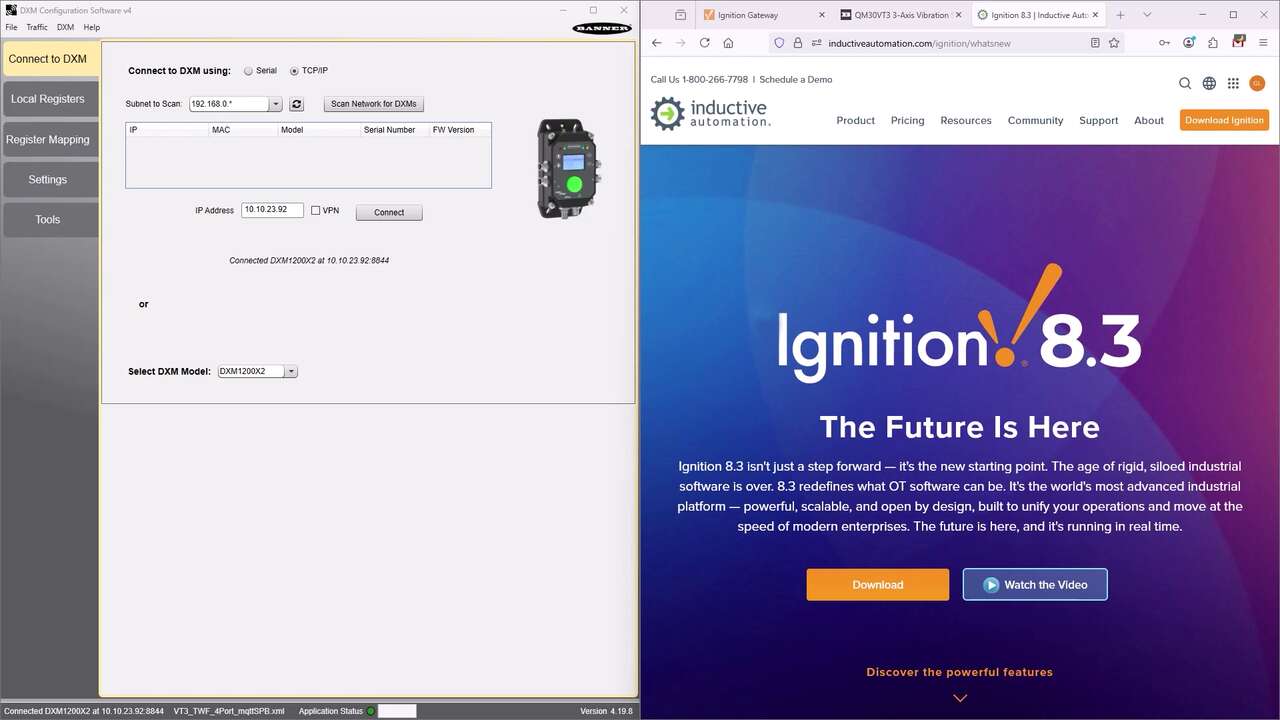
Watch this video to learn how to connect Banner's DXM Controller to the Ignition platform using MQTT via Sparkplug B, as well as flat MQTT.
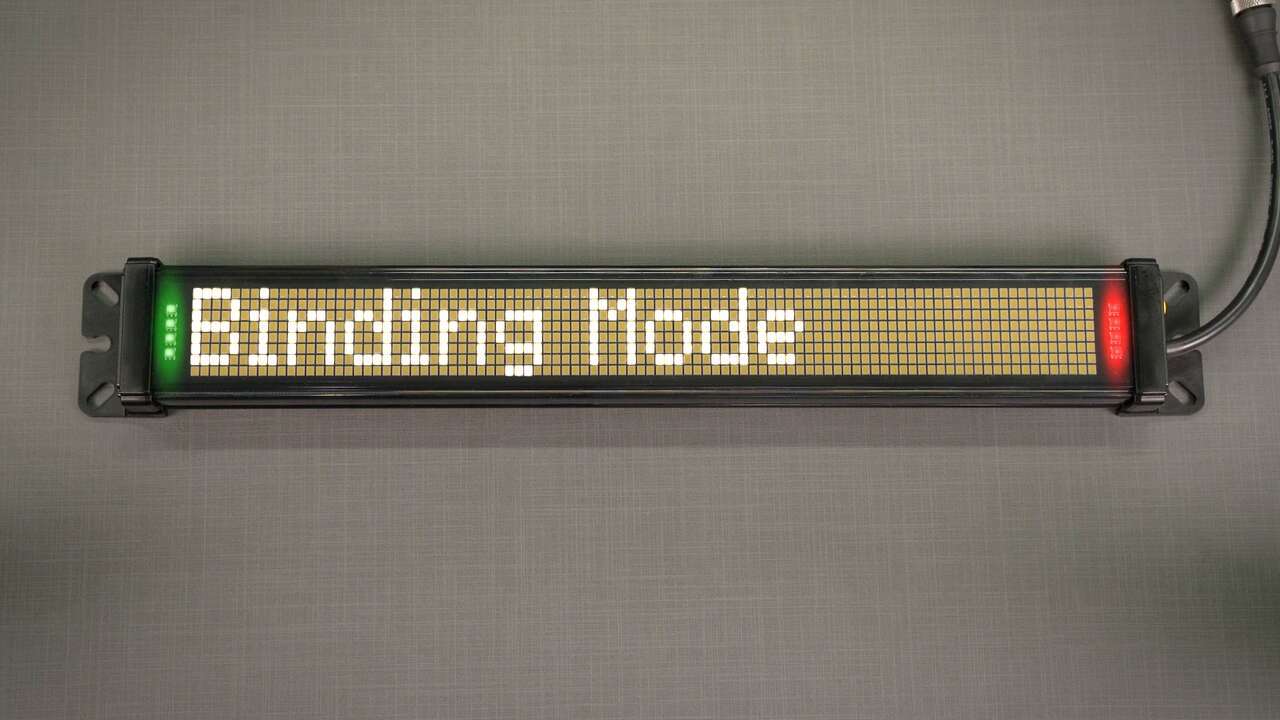
Watch this video to learn how to connect and communicate with the SD50 Wireless Status Display.
Watch this video for an overview of the SC software, which allows you to configure your Banner safety controller to fit your specific safety application needs.
A tutorial of the Equipment and Wiring Diagram sections of the Safety Controller software from Banner Engineering.
A tutorial of the Functional View section of the Safety Controller software from Banner Engineering.
Watch this video to learn how to use the SC-XM3 external memory drive to copy Banner safety controller configurations.
Watch this video to learn how to configure and monitor an in-series diagnostics chain with a Banner safety controller.
Watch this video to learn how to set up the Network Access feature for the XS26 and SC26 Safety Controllers.
Watch this video to learn how to configure STB Safety Touch Buttons to a Banner safety controller.
Watch this video to learn how to configure an emergency stop button to an SC10 safety controller.
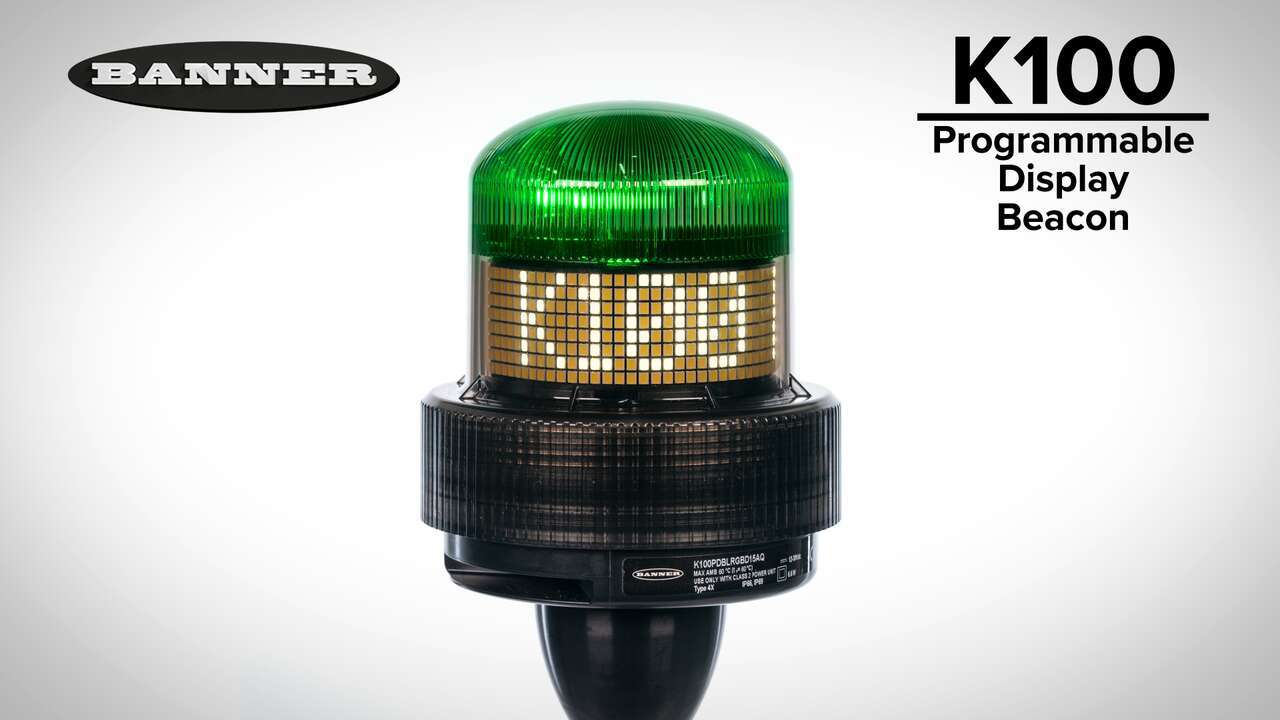
Watch this video for an overview of the features and benefits of the K100 Programmable Display Beacon.
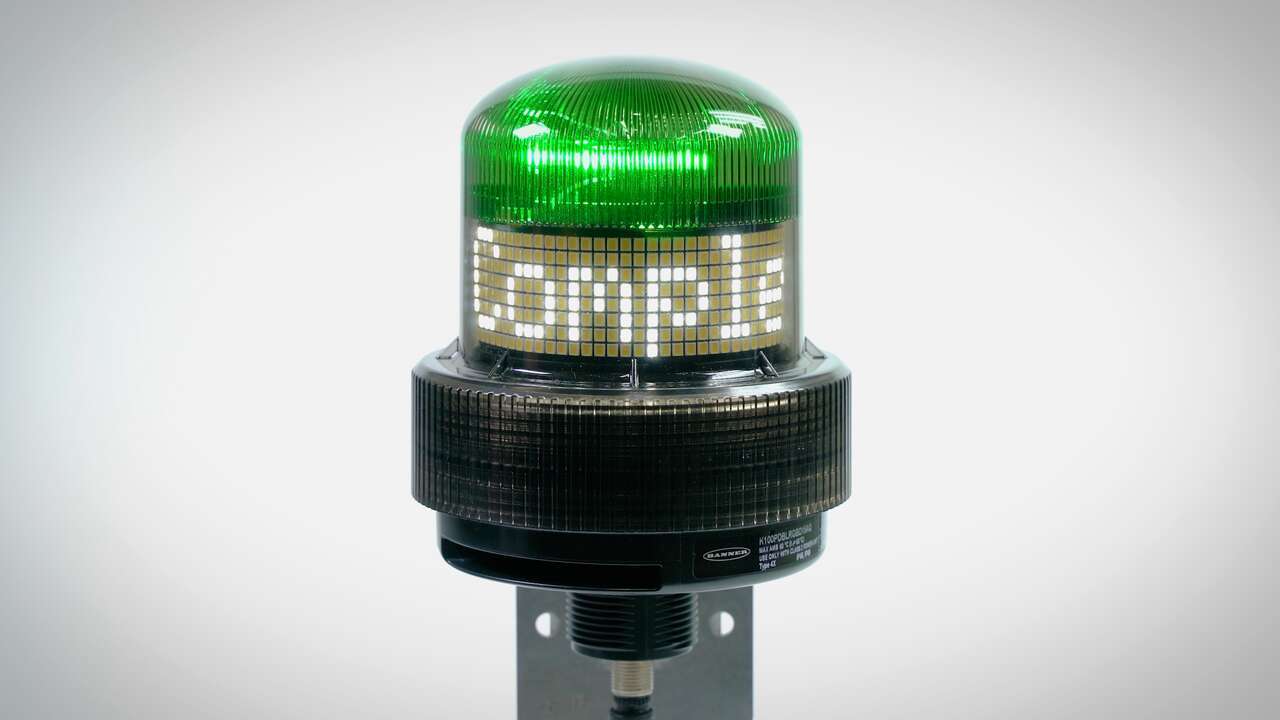
How to program the K100 Programmable Display Beacon in Sequence Mode
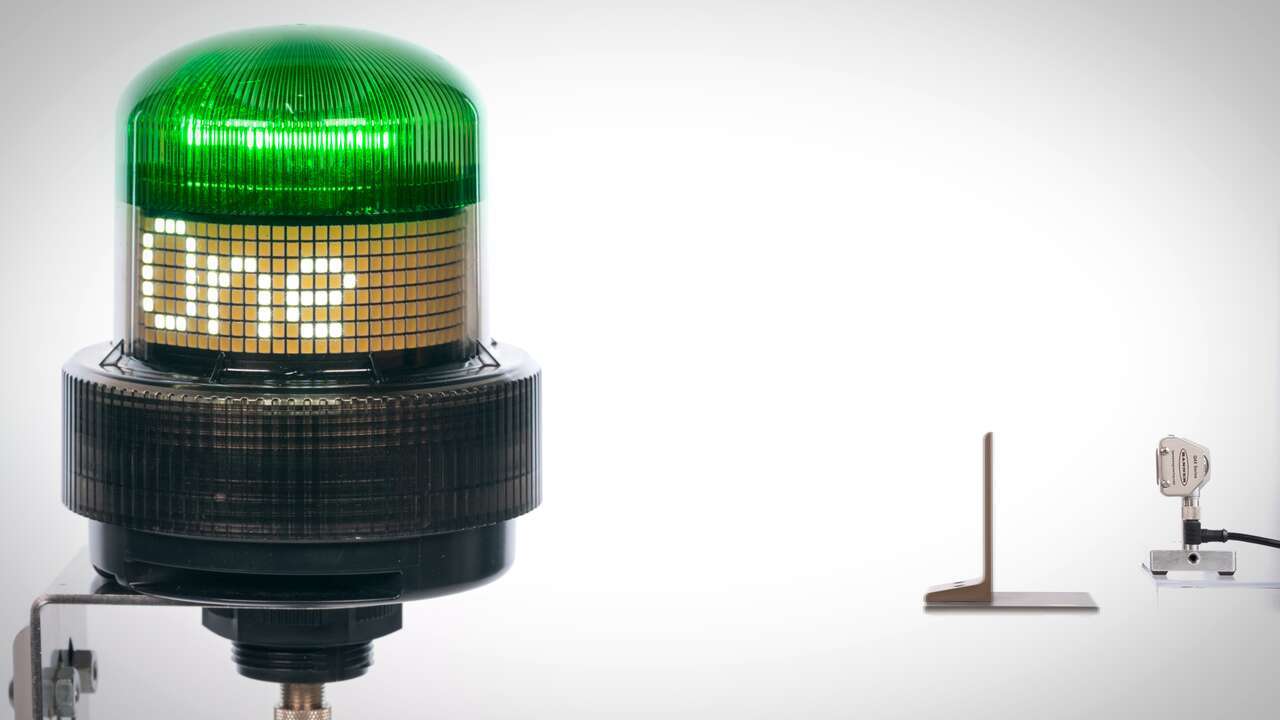
How to program the K100 Programmable Display Beacon in Pulse Control Mode
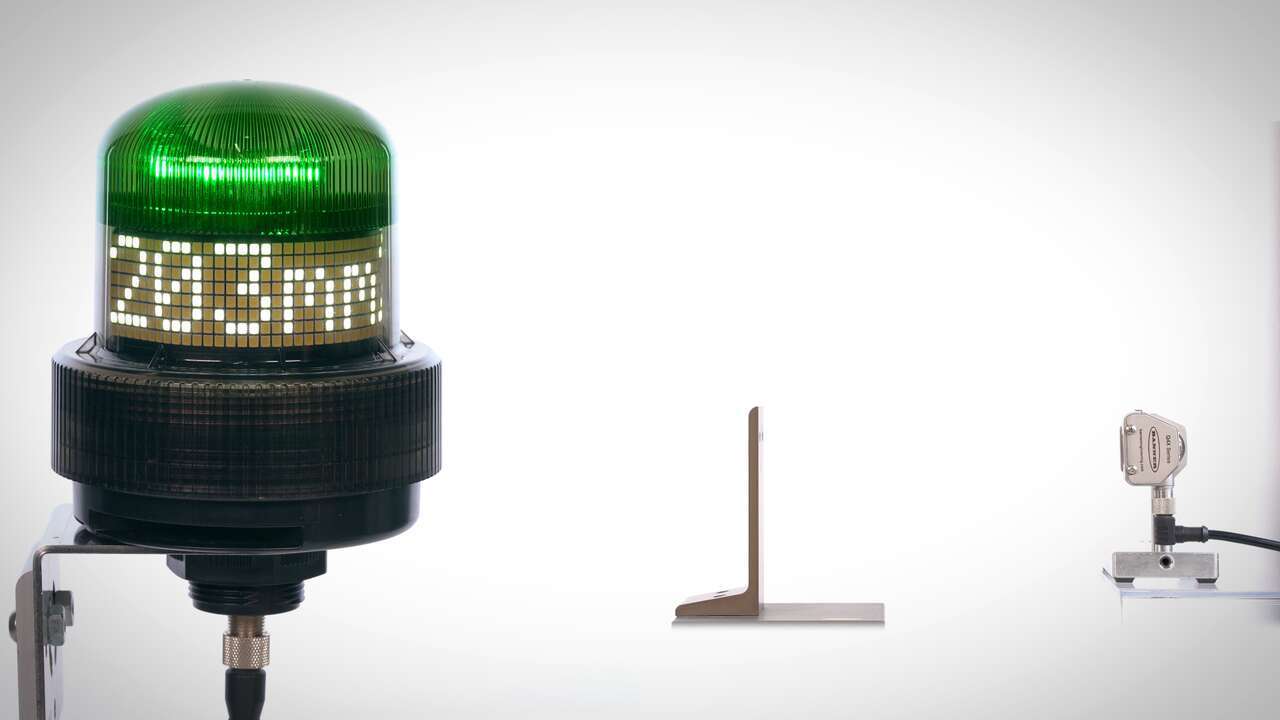
This video explains how to use the K100 Programmable Display Beacon Measure Mode.
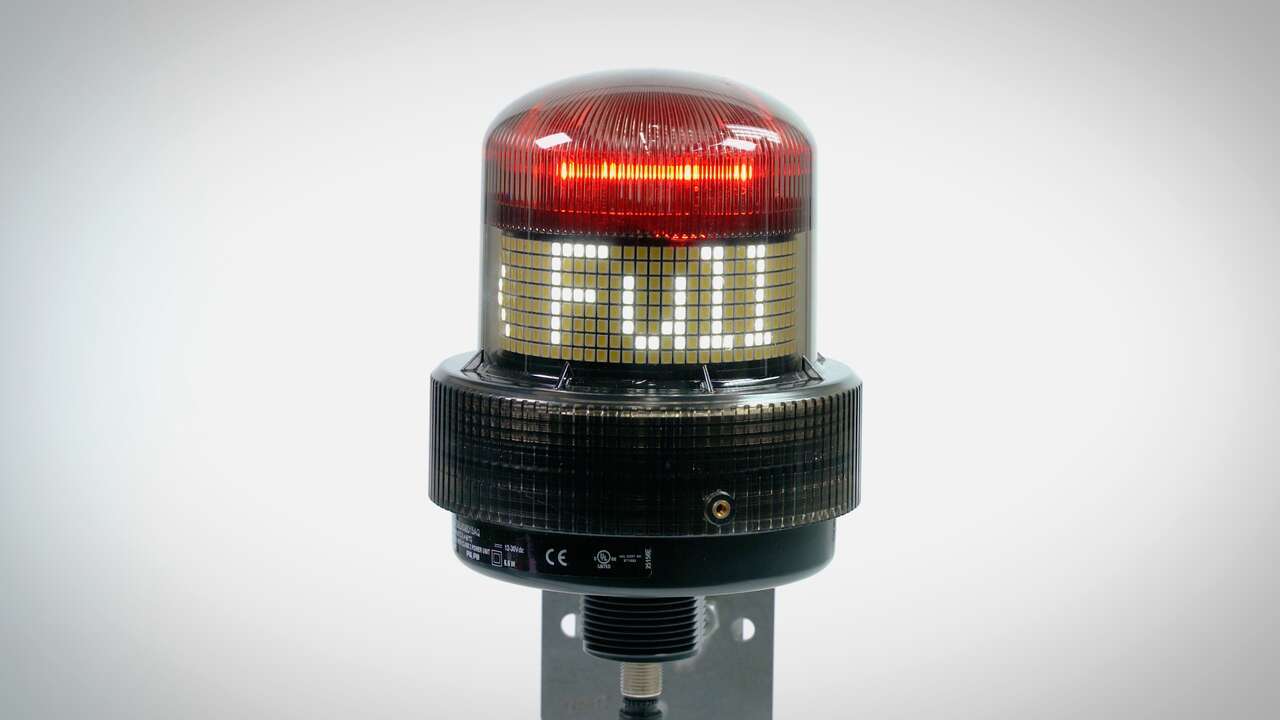
How to program the K100 Programmable Display Beacon in Pro Editor
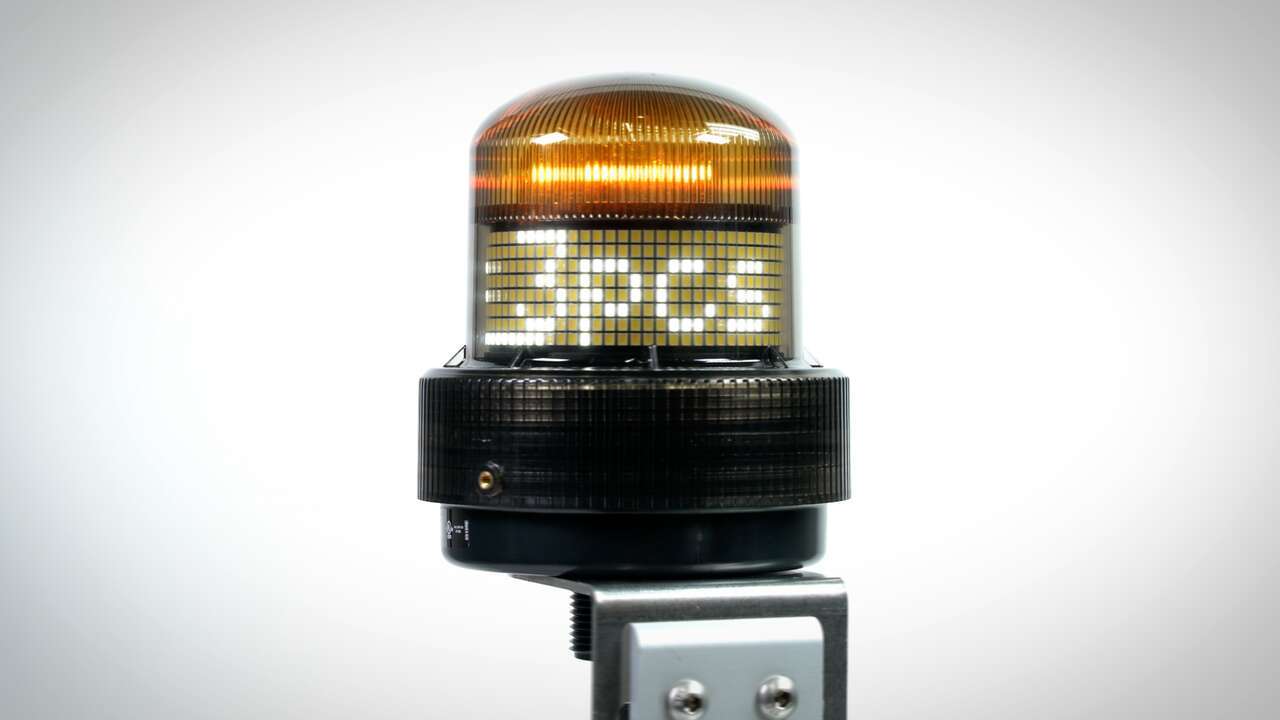
How to program the K100 Programmable Display Beacon in Counter Mode
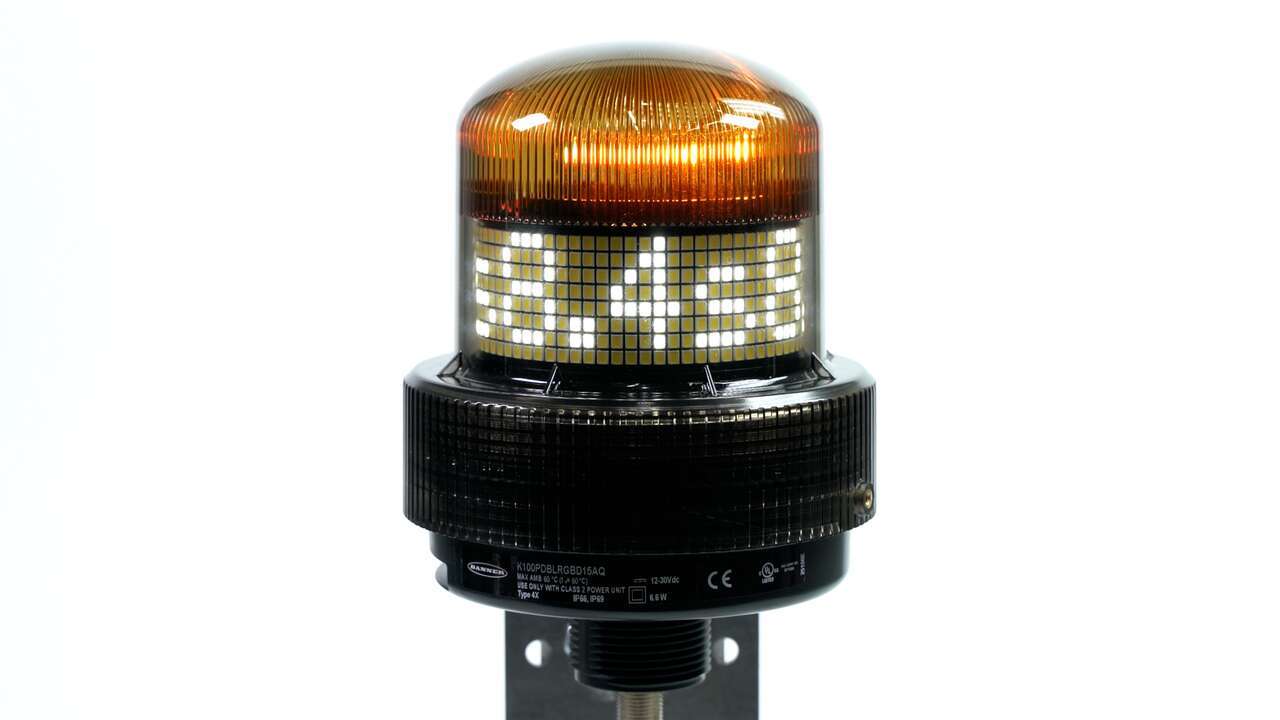
How to program the K100 Programmable Display Beacon in Timer Mode
Watch this video to learn how to configure a DXM controller to push data to Banner’s Cloud Data Services (CDS) using an Ethernet connection.
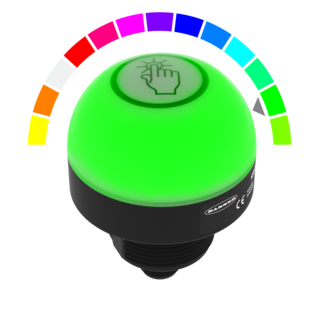
Watch this video for an overview of the features and benefits of the K50 Programmable Touch Button.
Watch this video for an overview of the features and benefits of the K50 Programmable Touchless Button.
Watch this video for an overview of the features and benefits of the K50 Programmable Indicator.
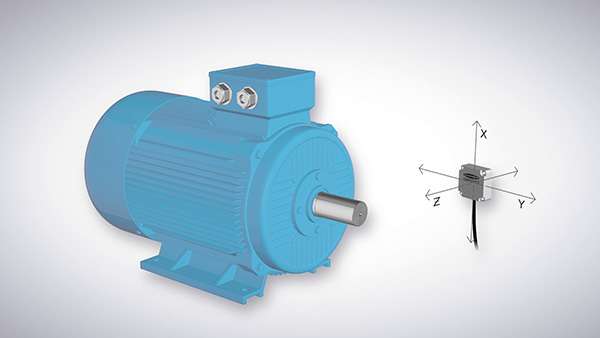
An overview of the QM30VT3 3-Axis Vibration Sensor's functionality
This is a quick how-to video that will cover how to use the remote fixed blanking feature in the S4B Safety Light Curtains from Banner Engineering.
This video covers some of the best practices for mounting the QM30VT3 vibration sensor.
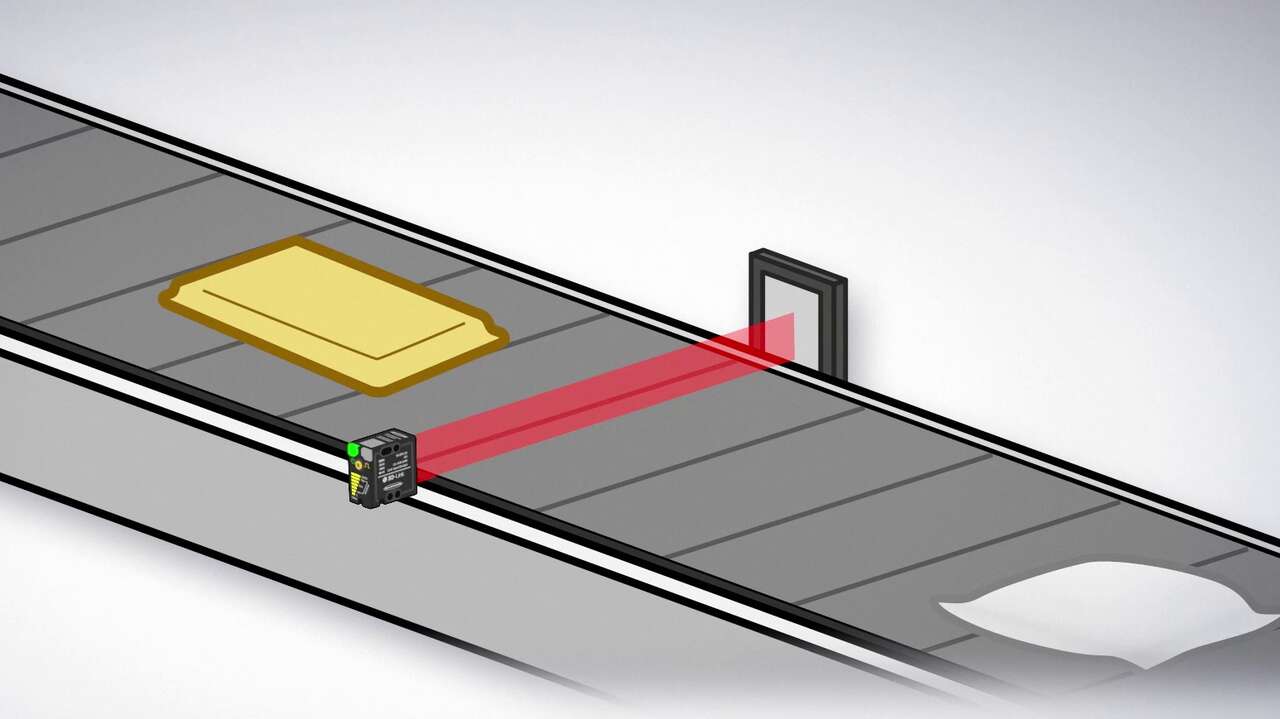
Watch this video for a functional overview of the B25 Wide Beam Sensor.
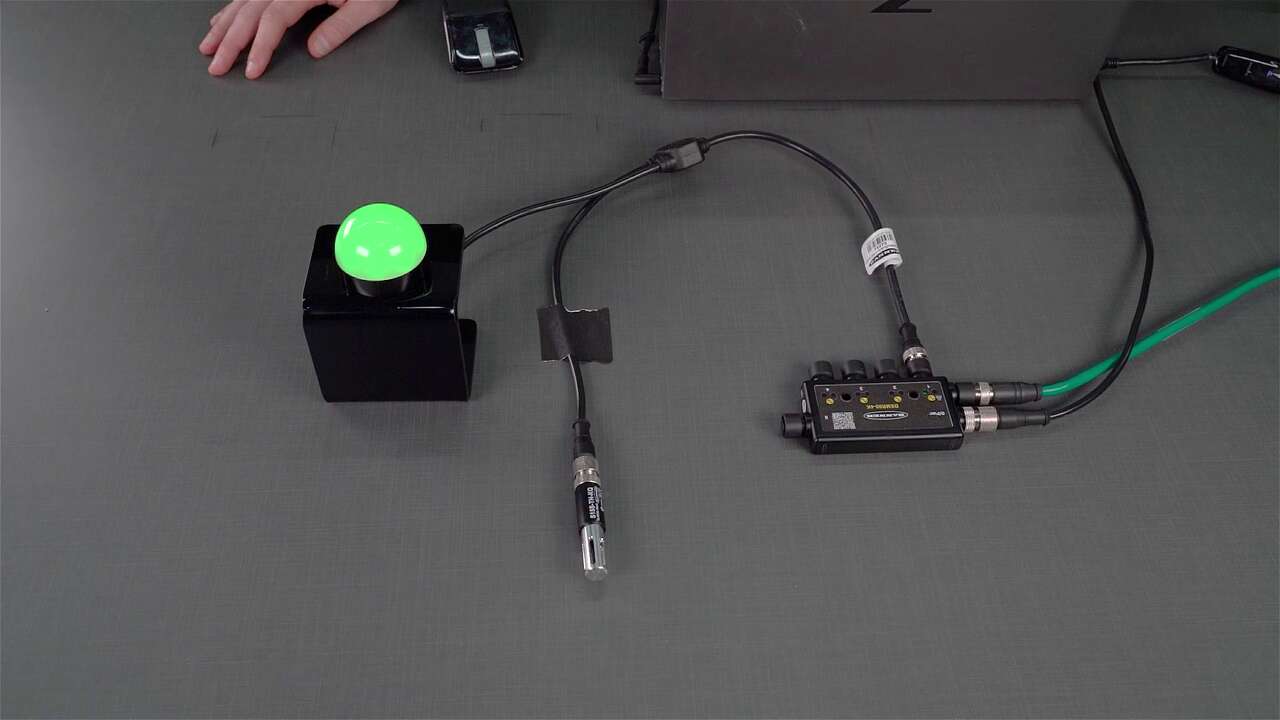
Watch this video to learn how to configure the S15S-TH-KQ Temperature and Humidity Sensor with IO-Link, and see some of the features.
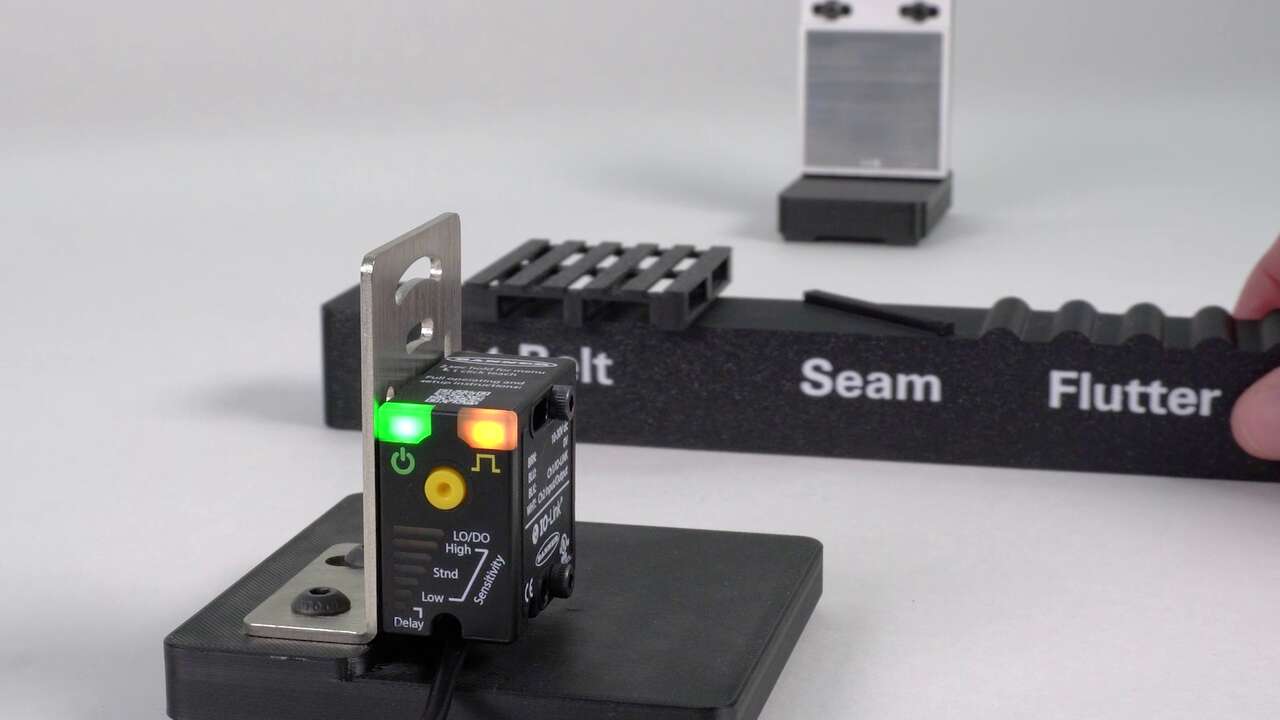
Watch this video to learn how to configure the B25 Wide Beam Sensor Teach modes.
Watch this video for an overview of the IO-Link Configuration Software, its functions, and how to configure settings.
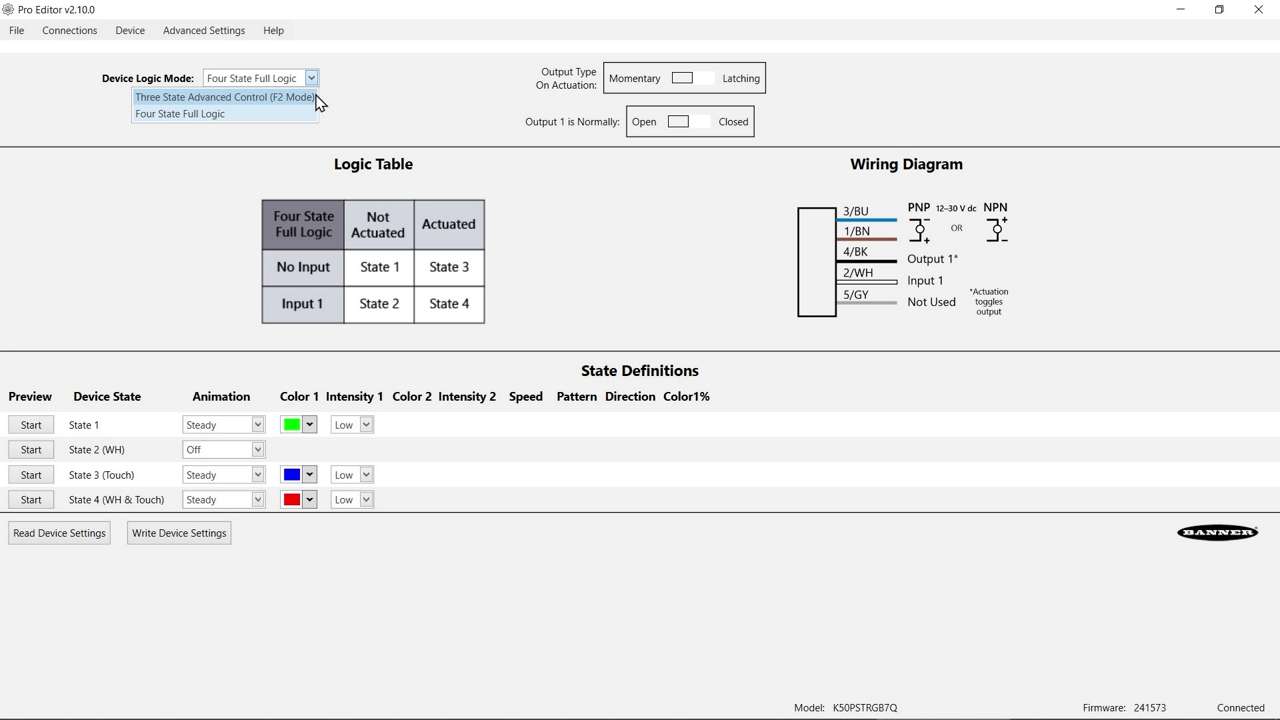
Watch this video to learn about the K50 Pro Select Touch Button 3-State Mode.
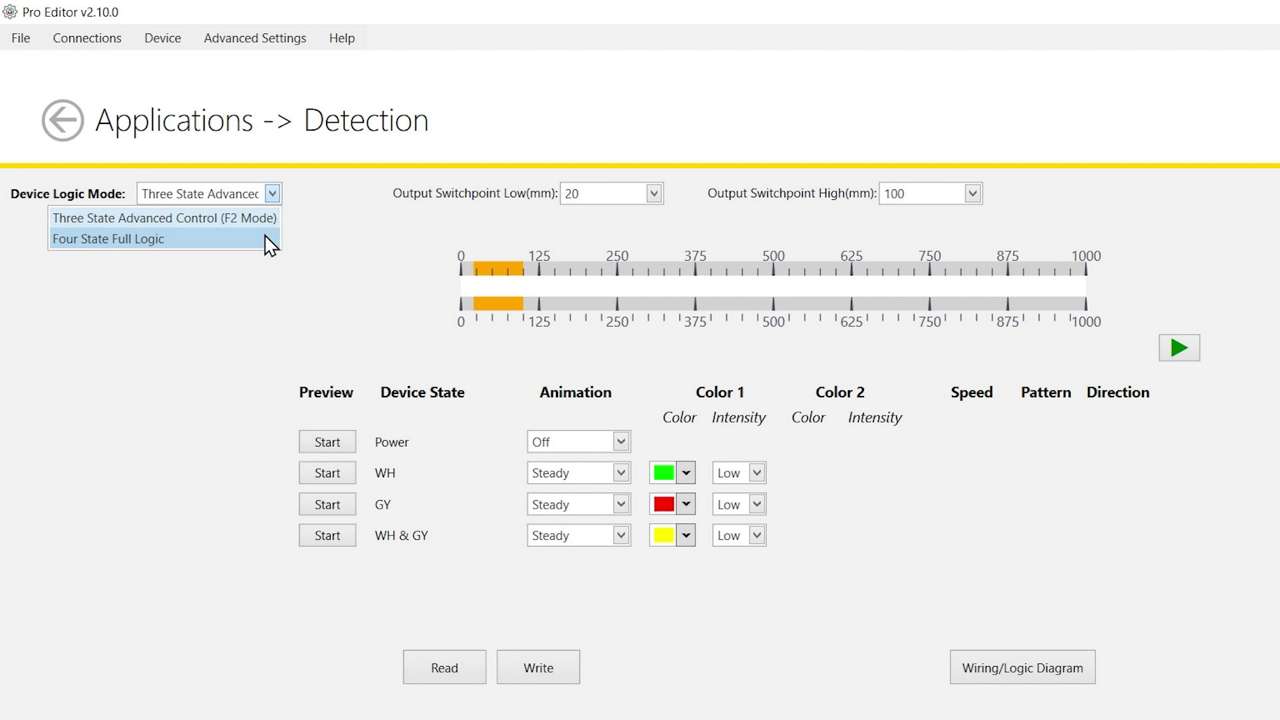
Watch this video to learn about the K50 Pro Select Optical Touch Button 4-State Detection Mode.
How to use the SD50 Status Display in Measure Mode, using Pro-Editor software
How to set up the SD50 Status Display in Sequence mode
How to set up a configuration for the SD50 Status Display using the Discrete Control function
How to control the SD50 Status Display in Timer mode, using Pro-Editor software
How to use the SD50 Status Display in Counter Mode, using Pro-Editor software
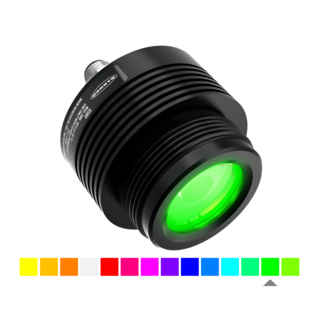
This short video demonstrates how well the vivid, colorful, focused spot of Banner’s GS60 Pro Multicolor Guide Spotlight performs at different distances.
Watch this video to learn about the features and benefits of the R50C Motor Driven Roller Controller.
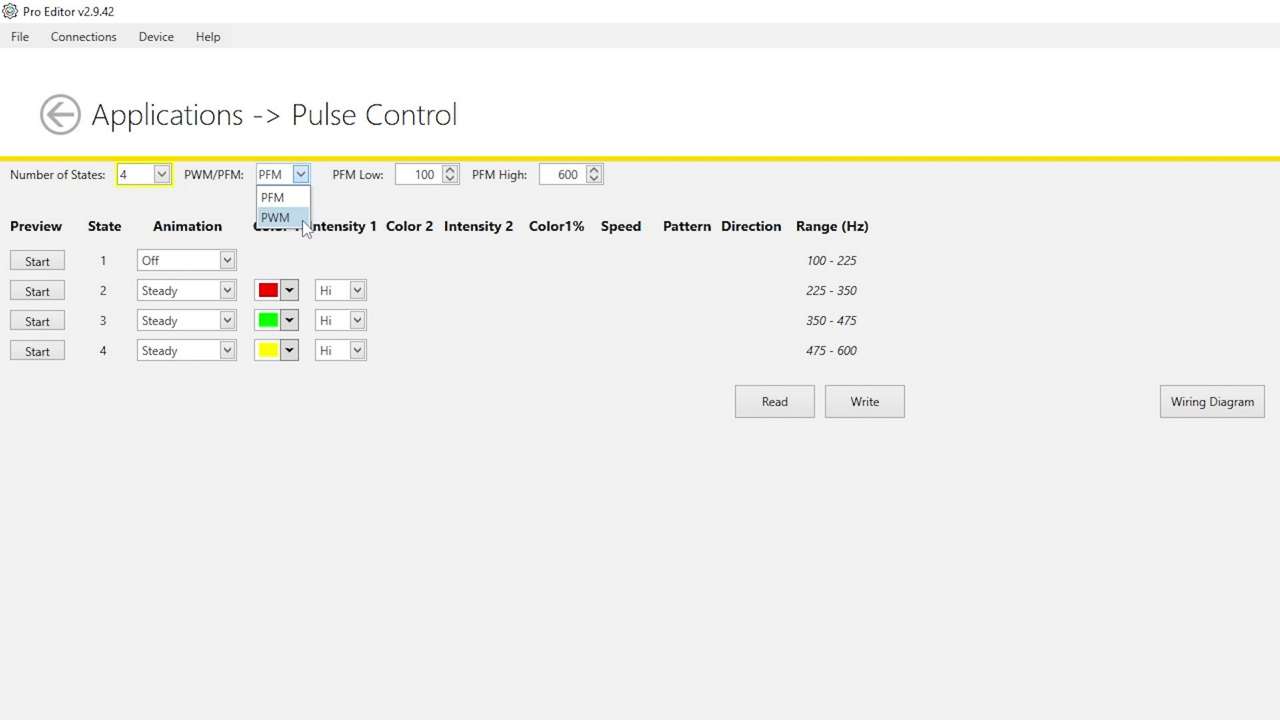
Watch this video to learn how to use the Pulse Control feature of the K50 Pro Select Indicators.
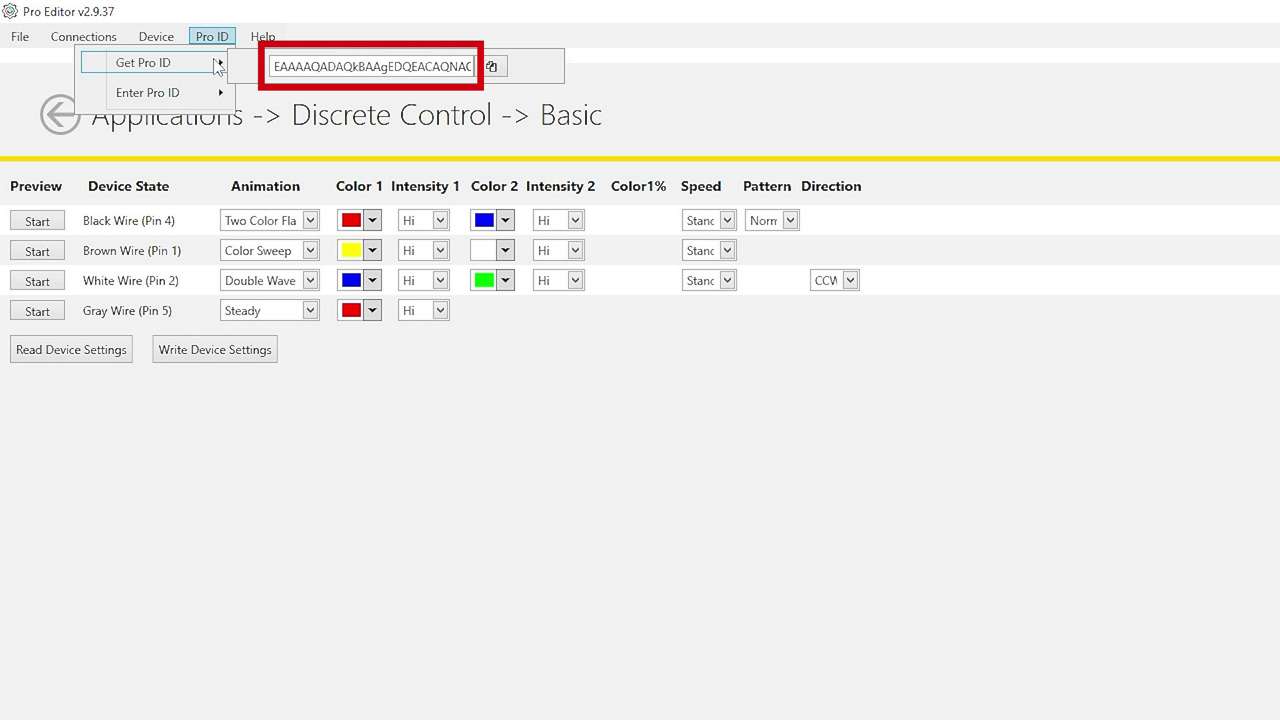
Watch this brief how-to video to see how Banner’s Pro ID feature and Pro Editor software quickly and easily copy configurations to Pro Select lighting products.
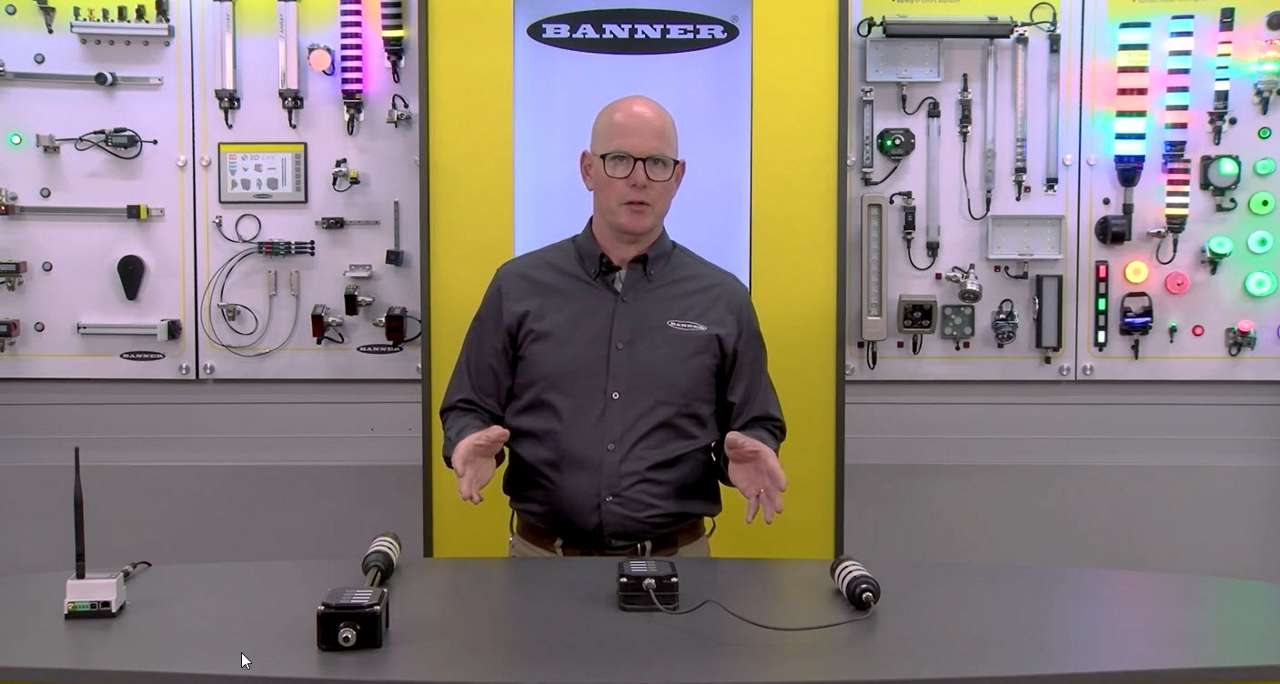
Jason Friedrichs, Lighting and Indication Product Manager, introduces the wireless models of the LCA130T Controller.
Watch this video to see how Banner’s IO-Link Configuration Software and LCA130T Andon Control Box Series provide customization, control, and data collection.
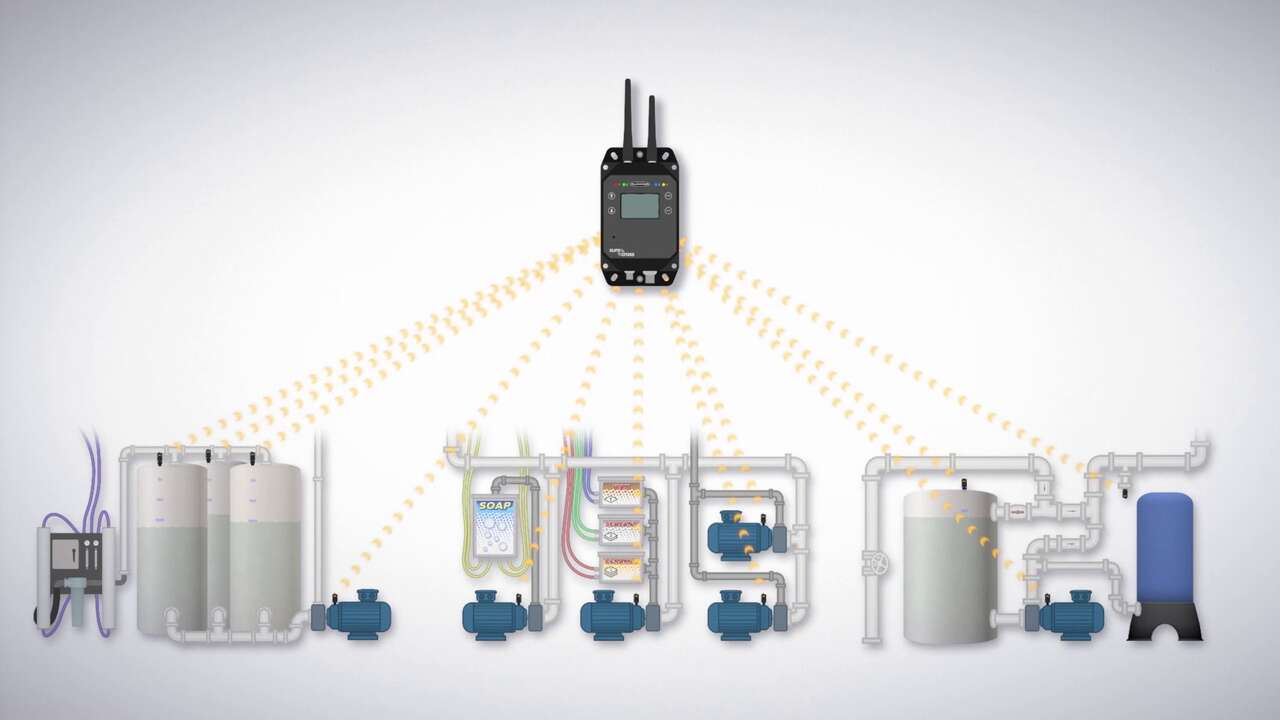
Learn how to maximize vehicle throughput and reduce unexpected downtime with Banner Engineering’s Predictive Maintenance Solutions for Car Washes video.
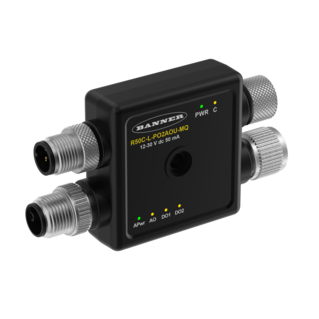
Watch this video to see how Banner’s compact, rugged, R50C MDR Controller provides precision control that easily integrates into motor driven roller systems.
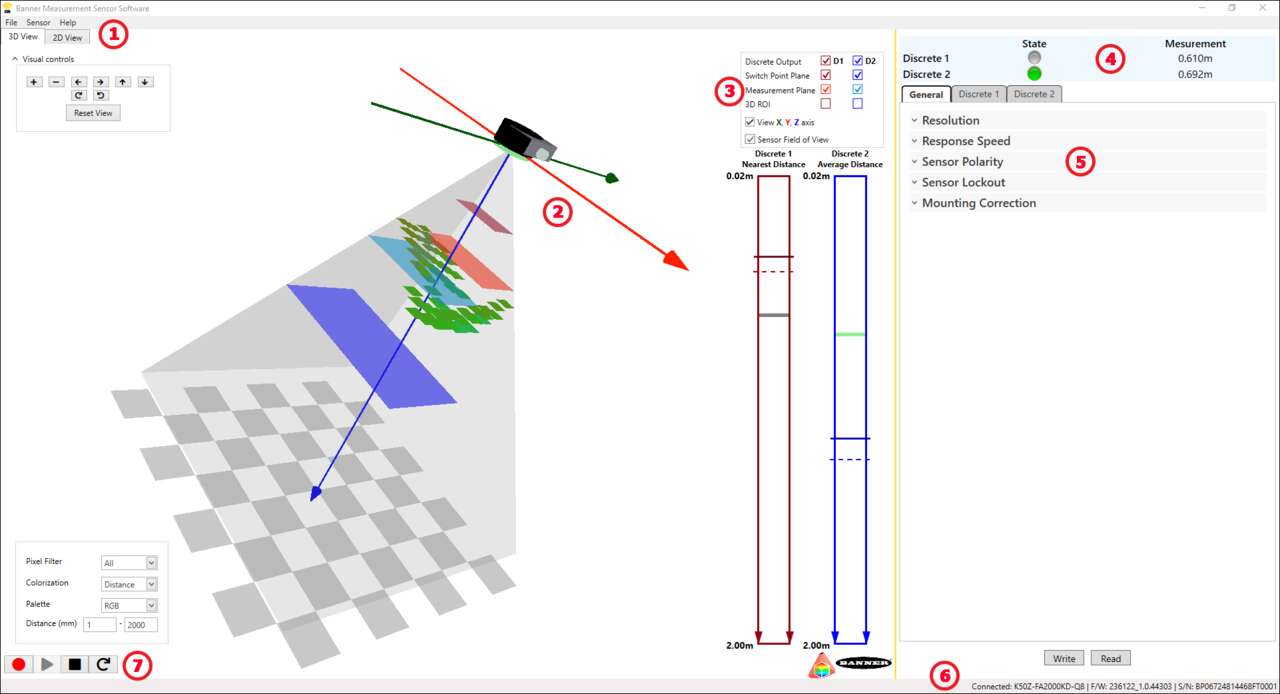
An in-depth walk-through of how to configure the K50Z Multipoint Sensor with the Banner Measurement Sensor Software.
Watch this video to learn about the features and benefits of Banner Engineering’s robust, versatile, and intuitive Q90R Series of multipurpose radar sensors.
Learn about the features and benefits of the K50Z Multipoint Sensor.
Watch this video to learn about the EG24's high-resolution measurement capabilities for precise material positioning that improves yield and minimizes waste.
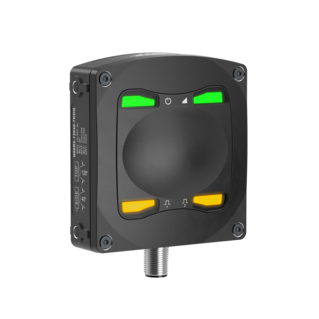
An in-depth walk-through of how to configure the Q90R2 Radar Sensor with the Banner Measurement Sensor Software.
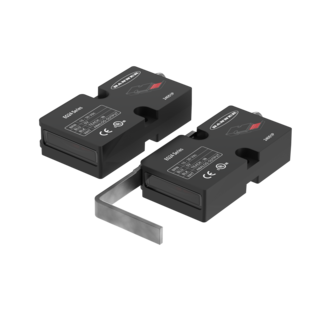
This overview demonstrates the features of the EG24 Precision Edge Sensor.
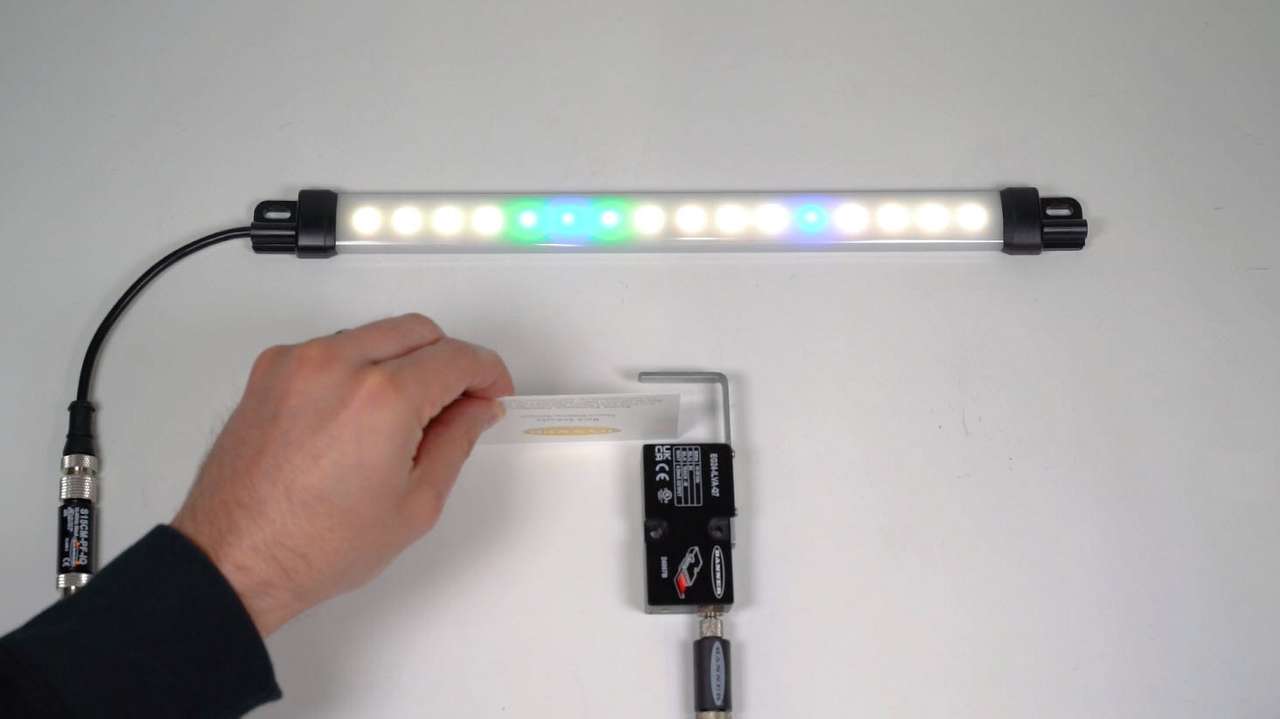
How to configure the Single-Edge mode for the EG24 Precision Edge Sensor.
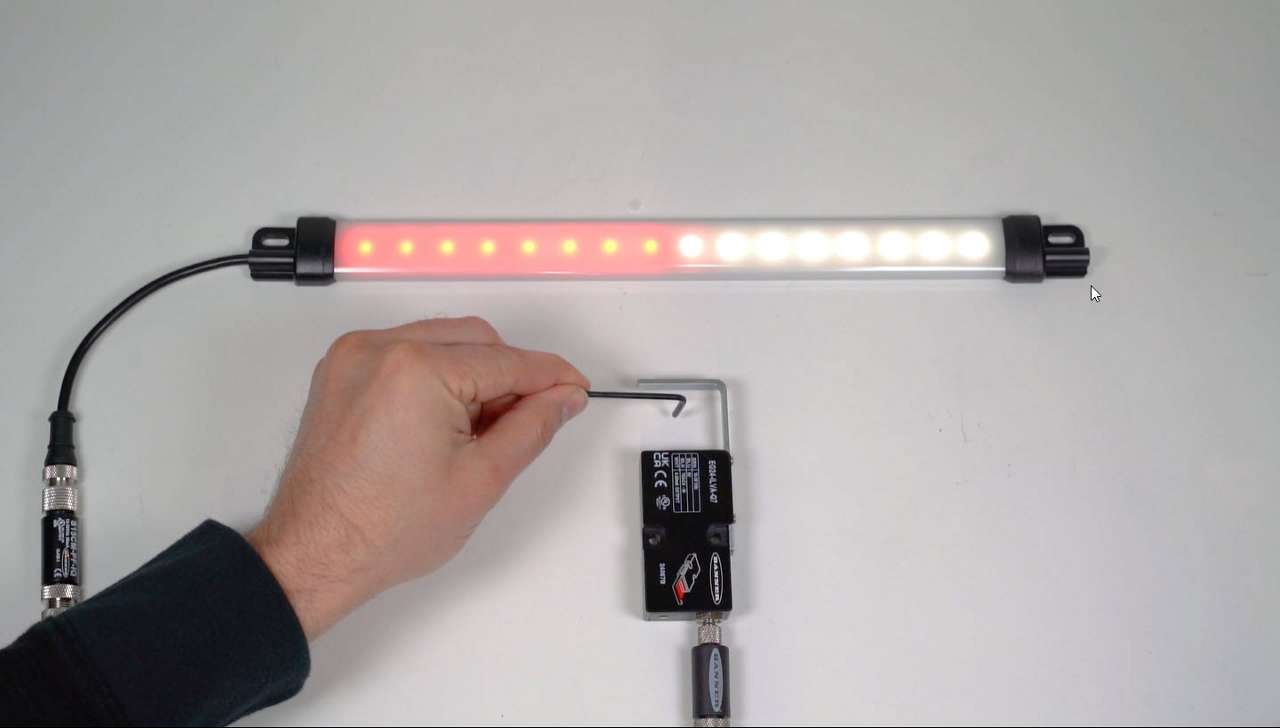
Learn how to configure the Width mode for the EG24 Precision Edge Sensor.
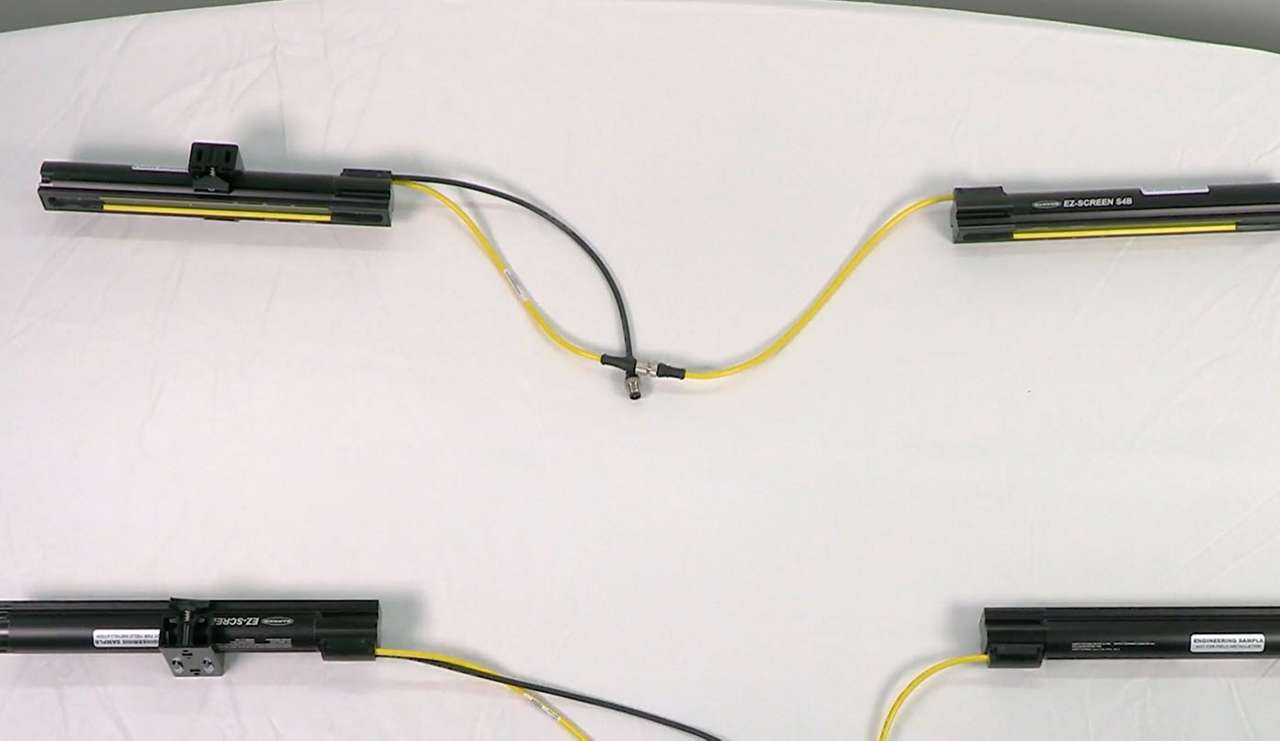
Watch this video to learn how to set up cascading S4B Safety Light Curtains.
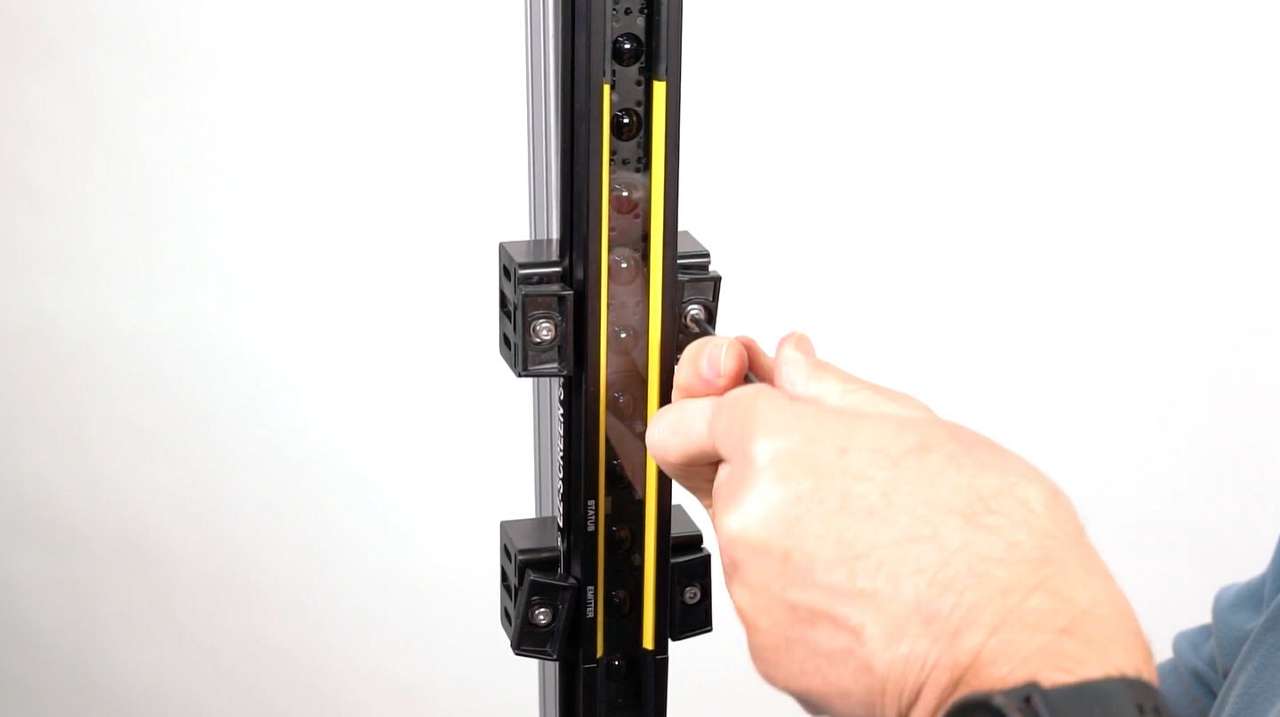
Learn how to mount and align the S4B Safety Light Curtain with either end-mount or side-mount brackets.
This video showcases how the bright, focused spot of the GS60 Guide Spotlight works.
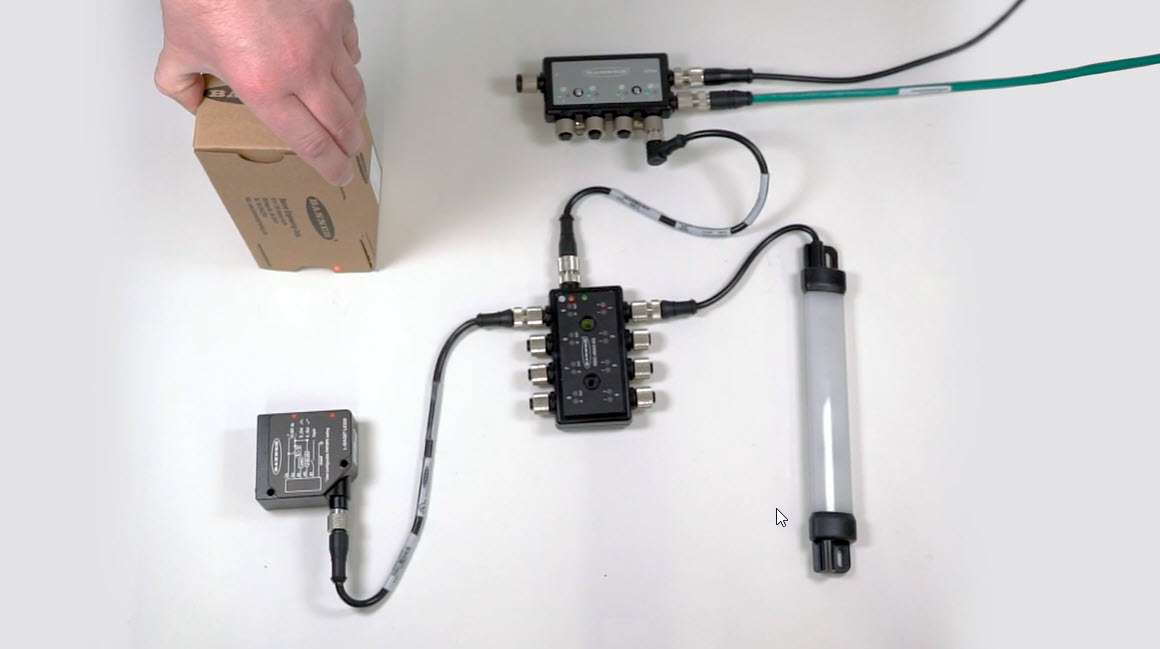
This video demonstrates how to set up port mirroring with an analog-to-PFM conversion using the R95C Hybrid IO-Link Hub.
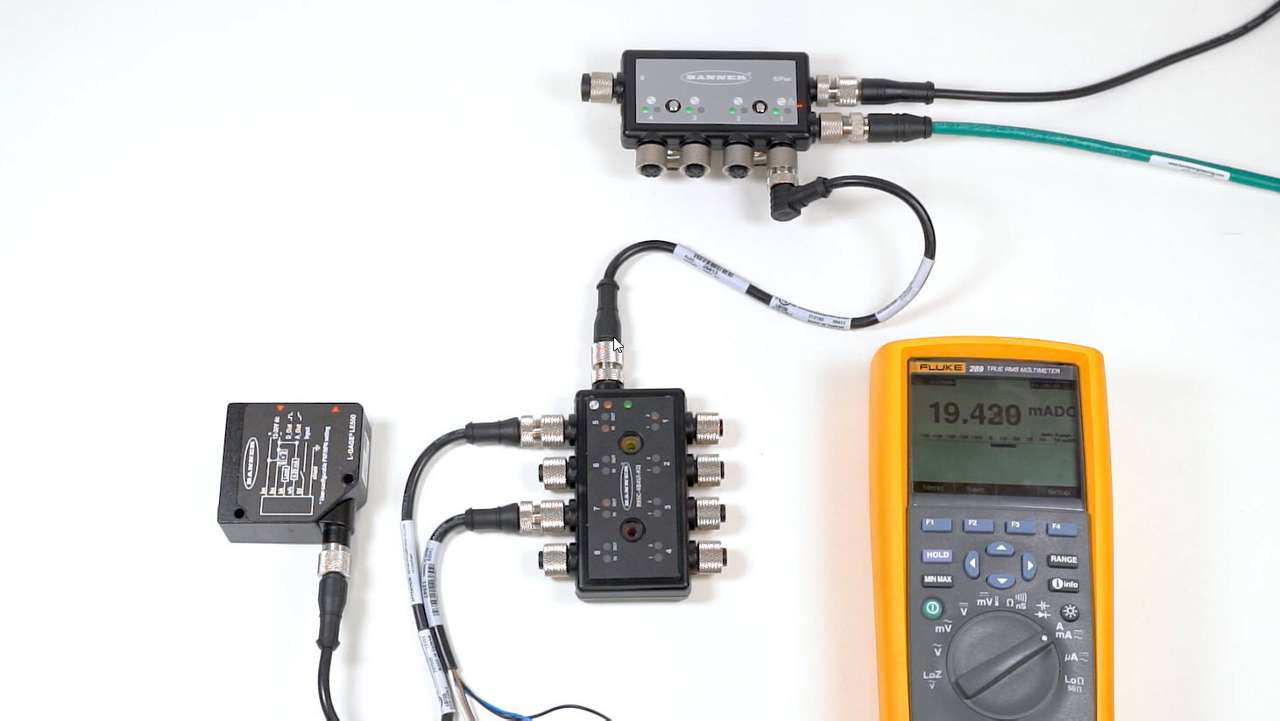
This video demonstrates how to set up analog port mirroring with R95C Hybrid IO-Link Hub from Banner Engineering.
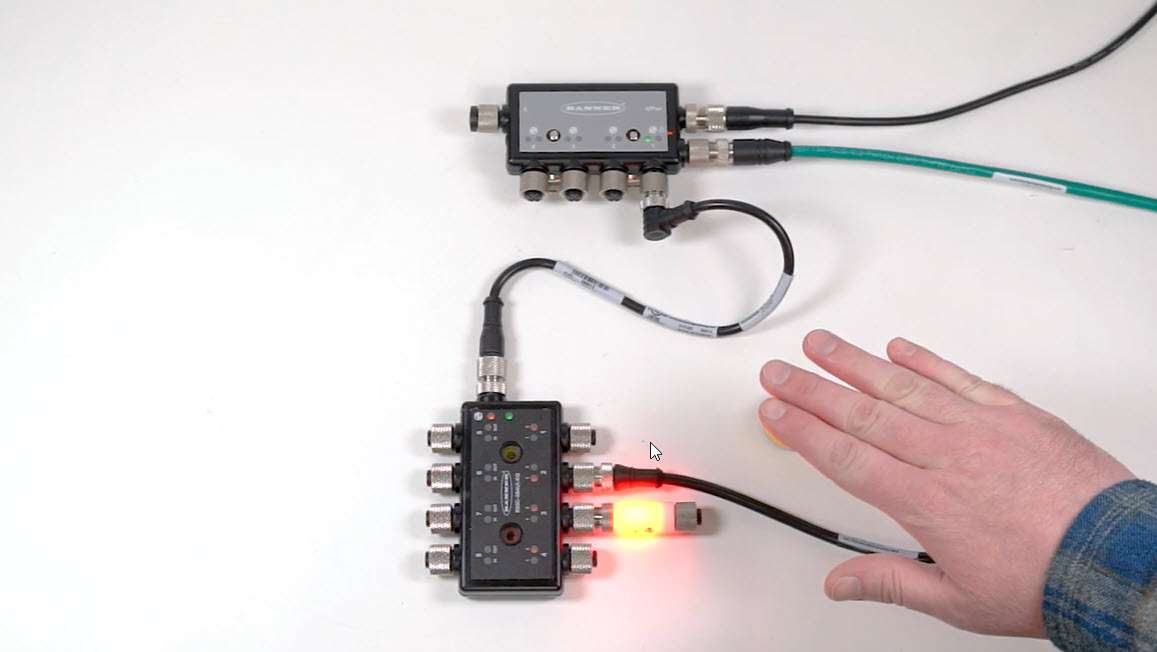
This video demonstrates how to set up simple port mirroring with the R95C Hybrid IO-Link Hub from Banner Engineering.
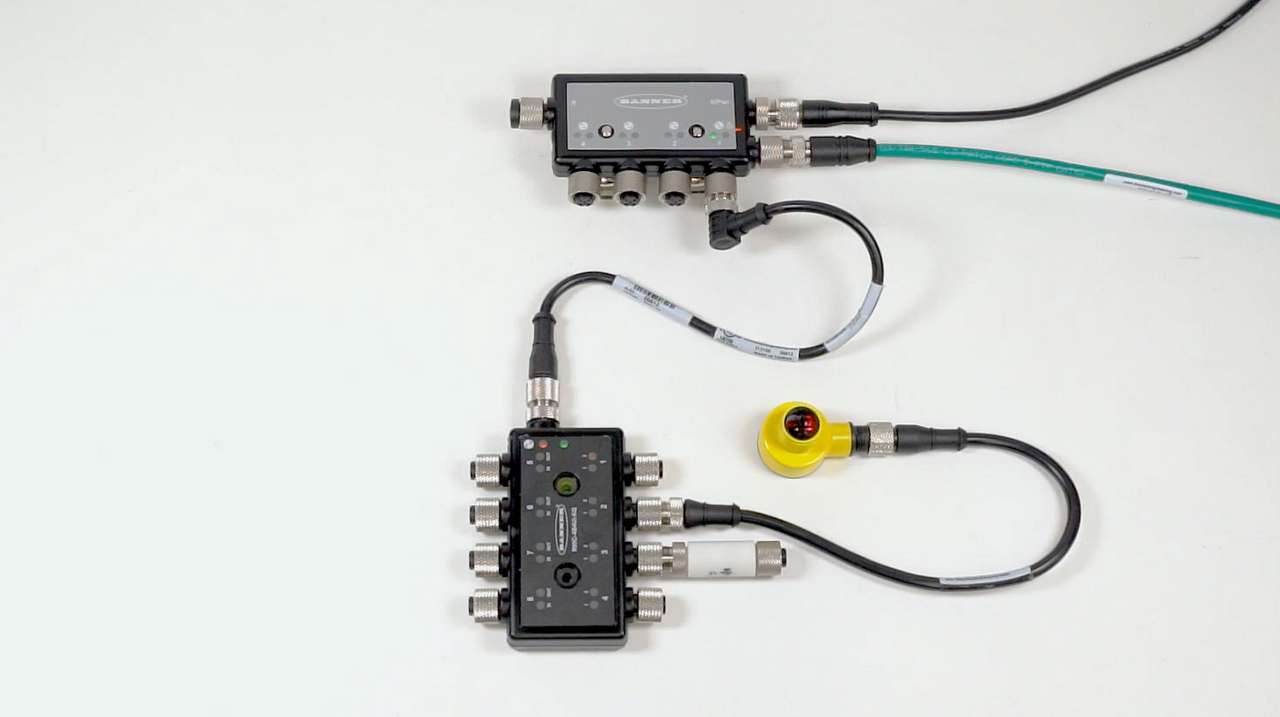
This video demonstrates how to set up one shot timing logic with the R95C Hybrid IO-Link Hub from Banner Engineering.
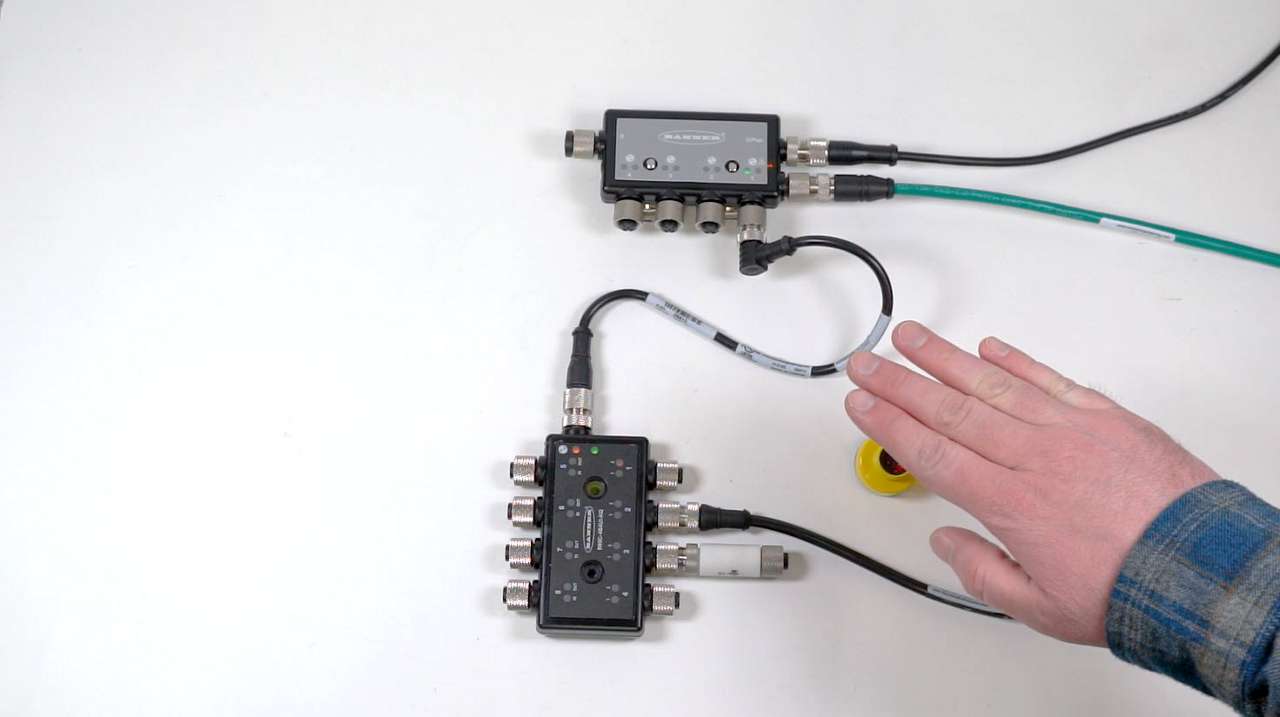
This video demonstrates how to set up On and Off delays with the R95C Hybrid IO-Link Hub from Banner Engineering.
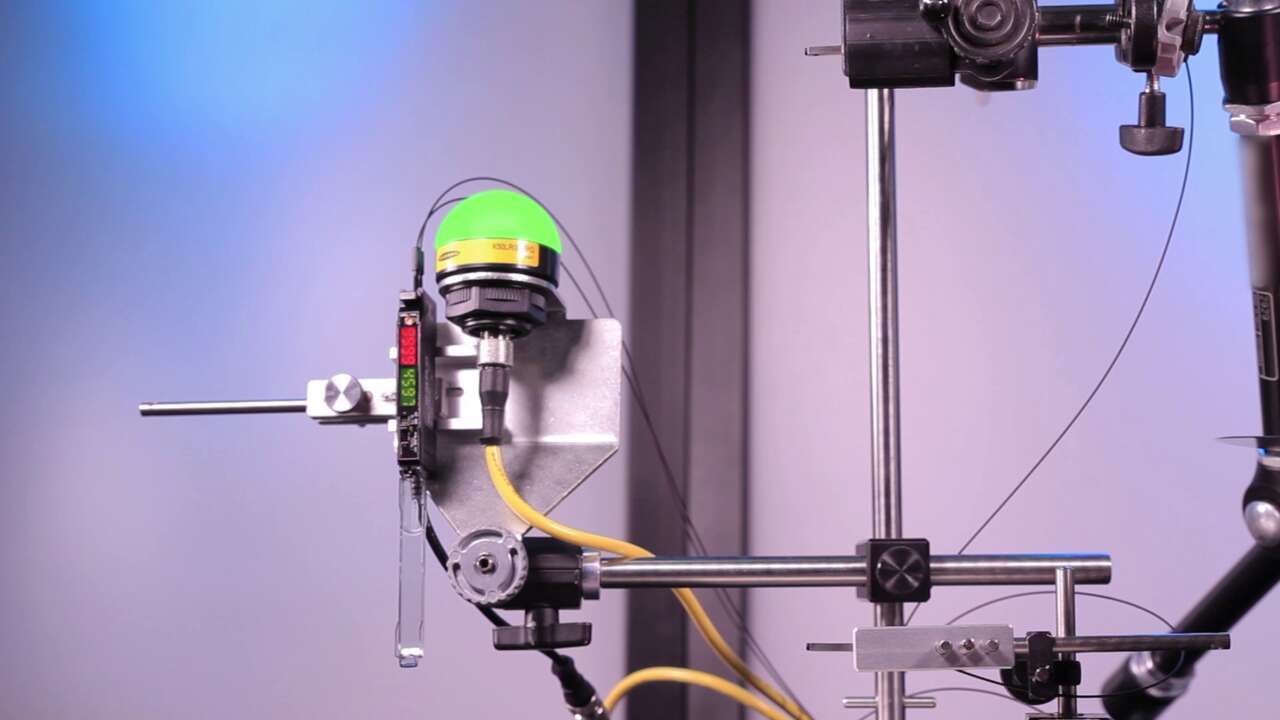
Watch this video for a brief right angle fiber optic product demonstration.
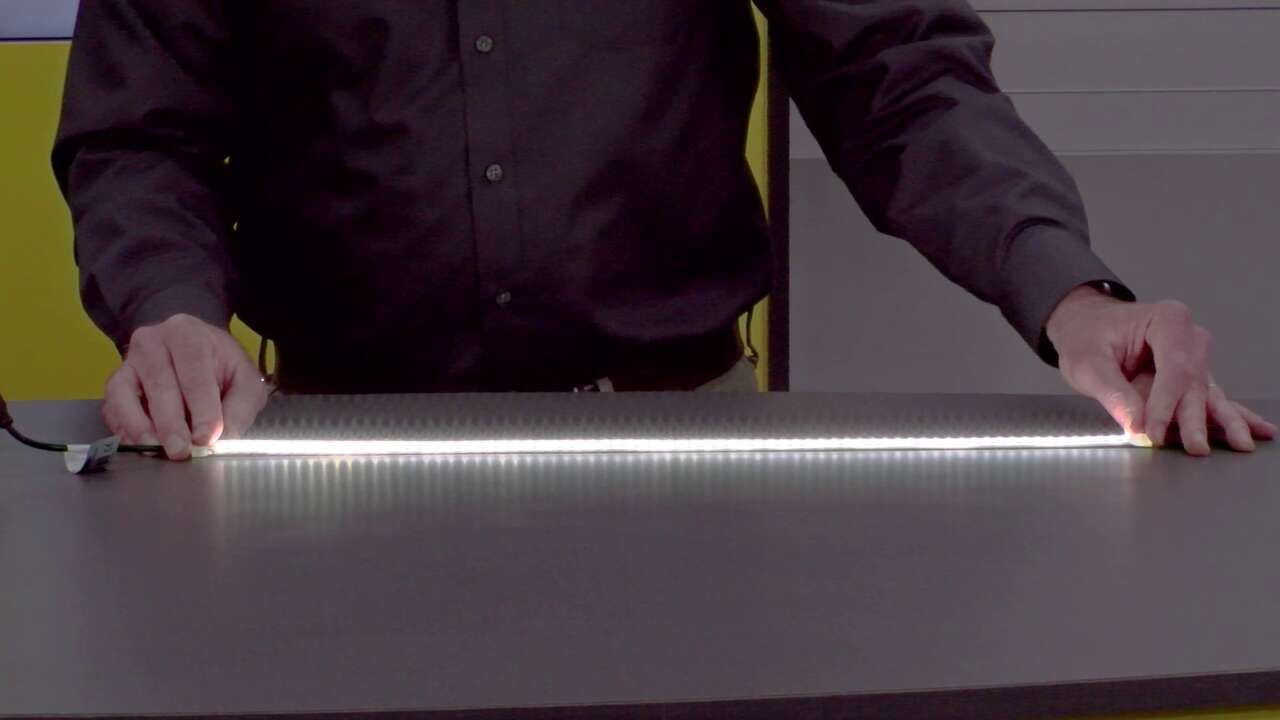
Product Manager Jason Friedrichs gives an overview of the WLF12 Flexible Strip Light, which can be used in industrial illumination applications.
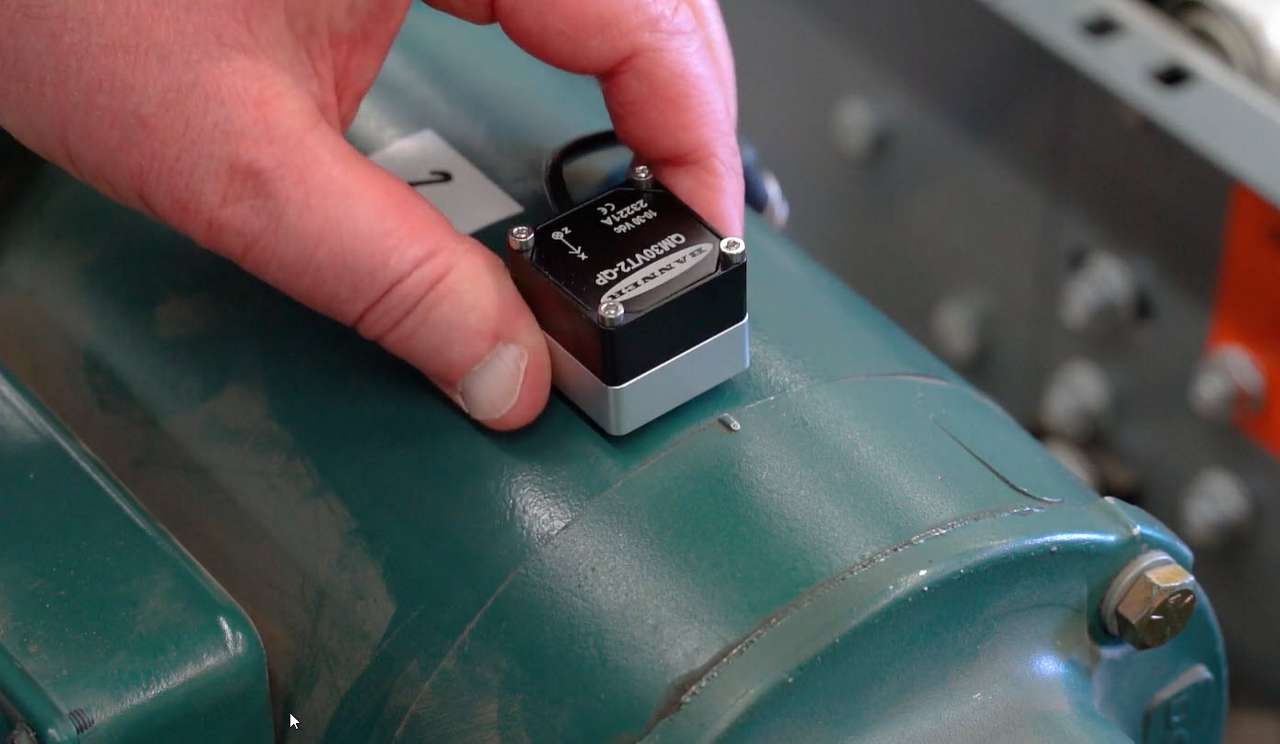
In this video, learn how to install the QM30VT Vibration & Temperature Sensor with the proper orientation for accurate condition monitoring.
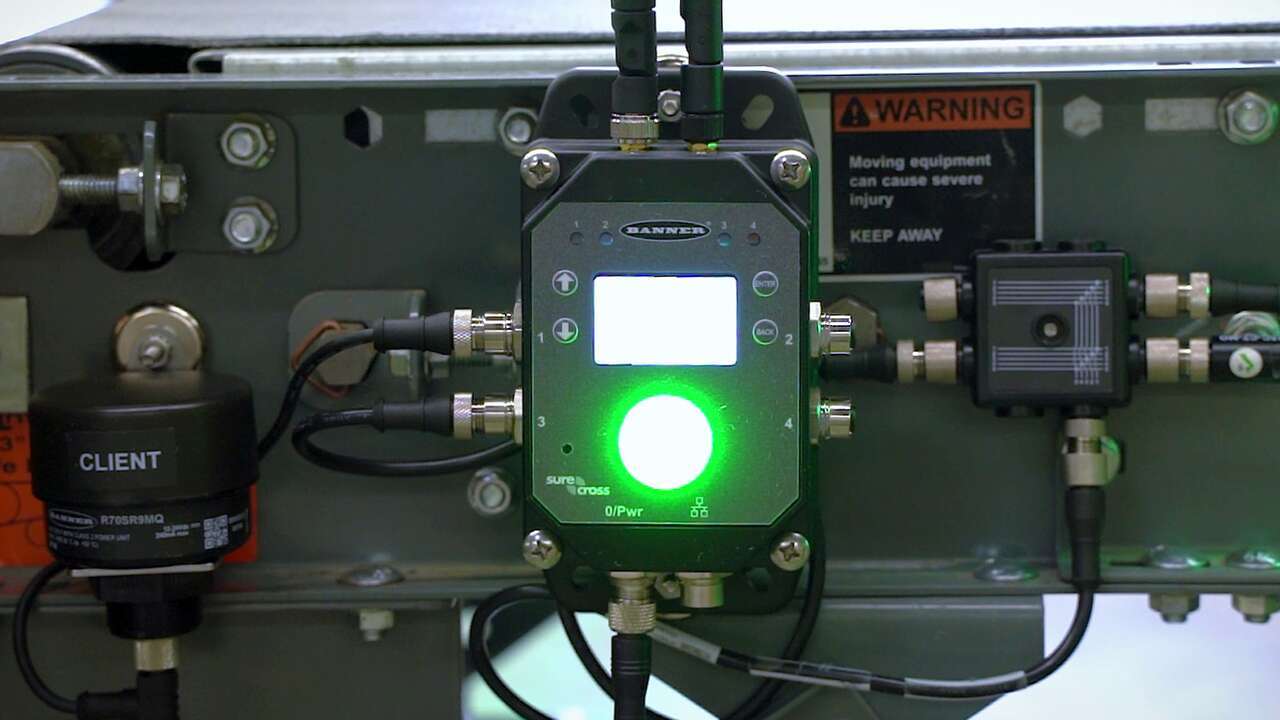
An overview of the DXM1200 IIoT Gateway features and operation.
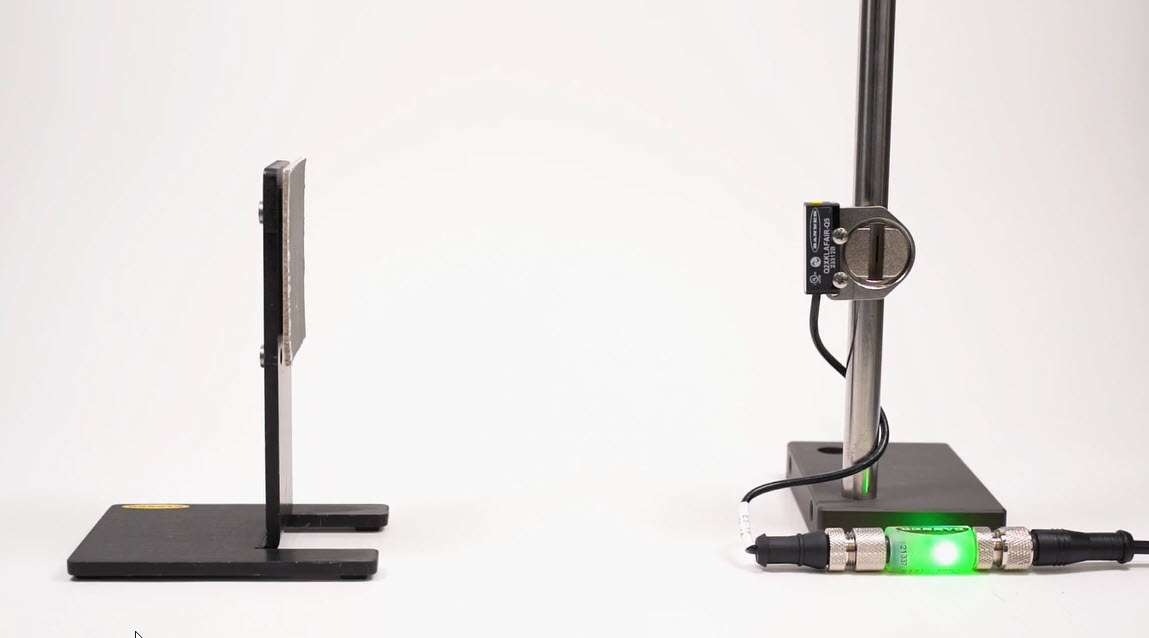
This short video covers the basics of programming the Q2X Laser Measurement Sensor from Banner Engineering.
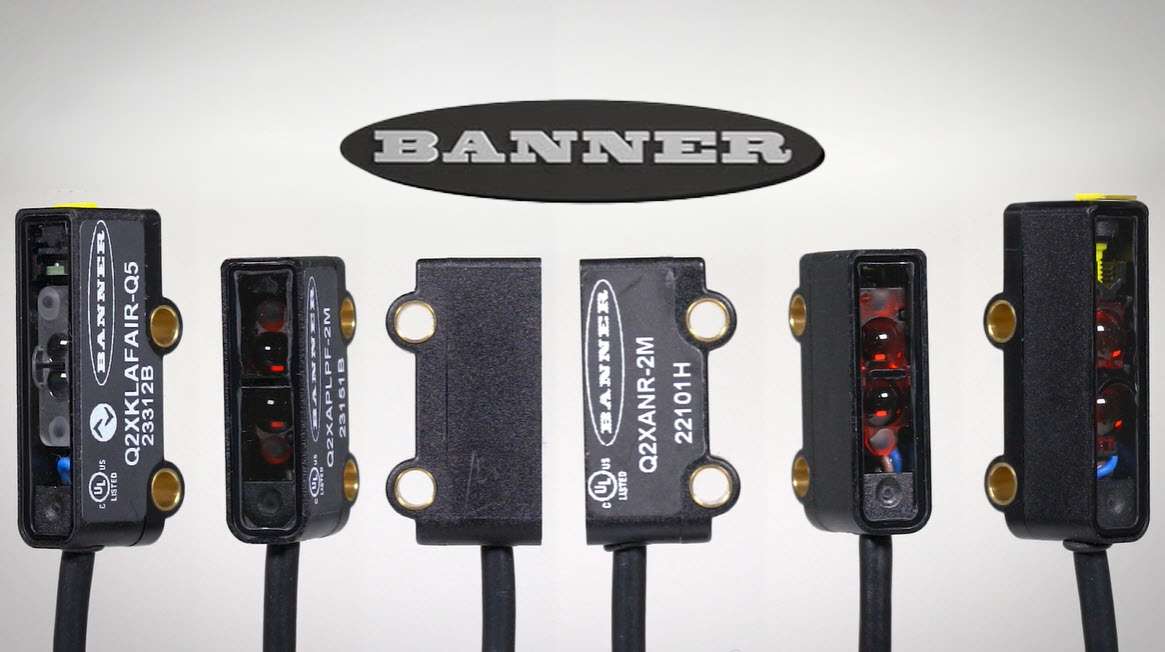
An overview of the different types of Q2X Series Miniature Sensors.
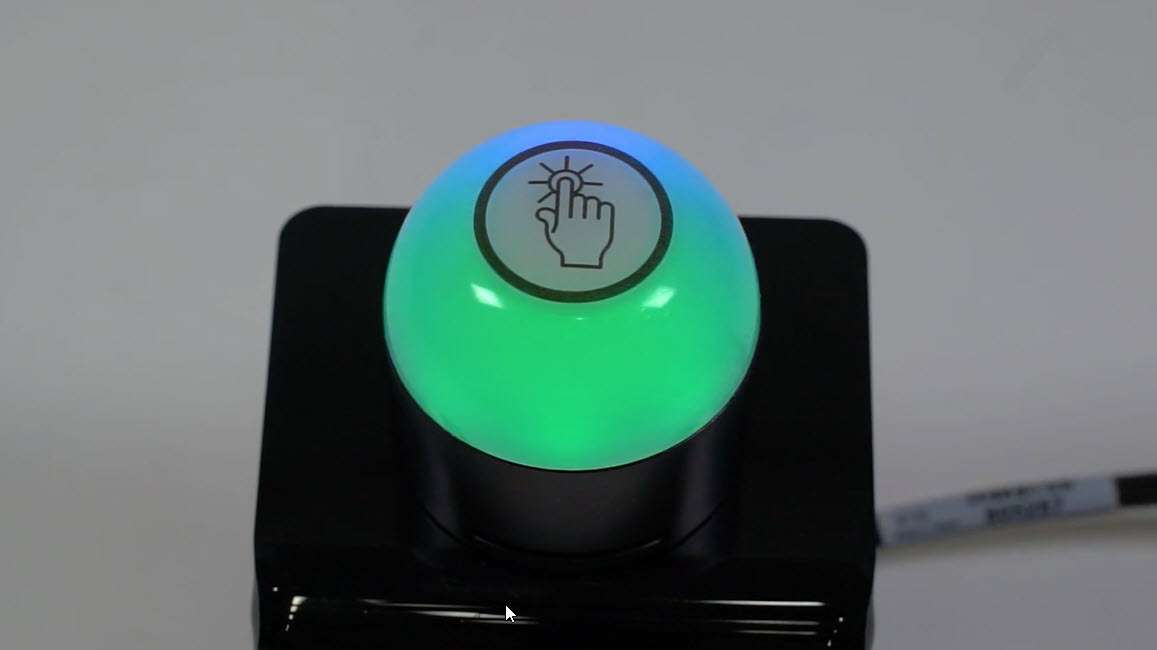
This video covers the basics of programing the audible alarm available in select models of the K50 Pro Touch Button from Banner Engineering.
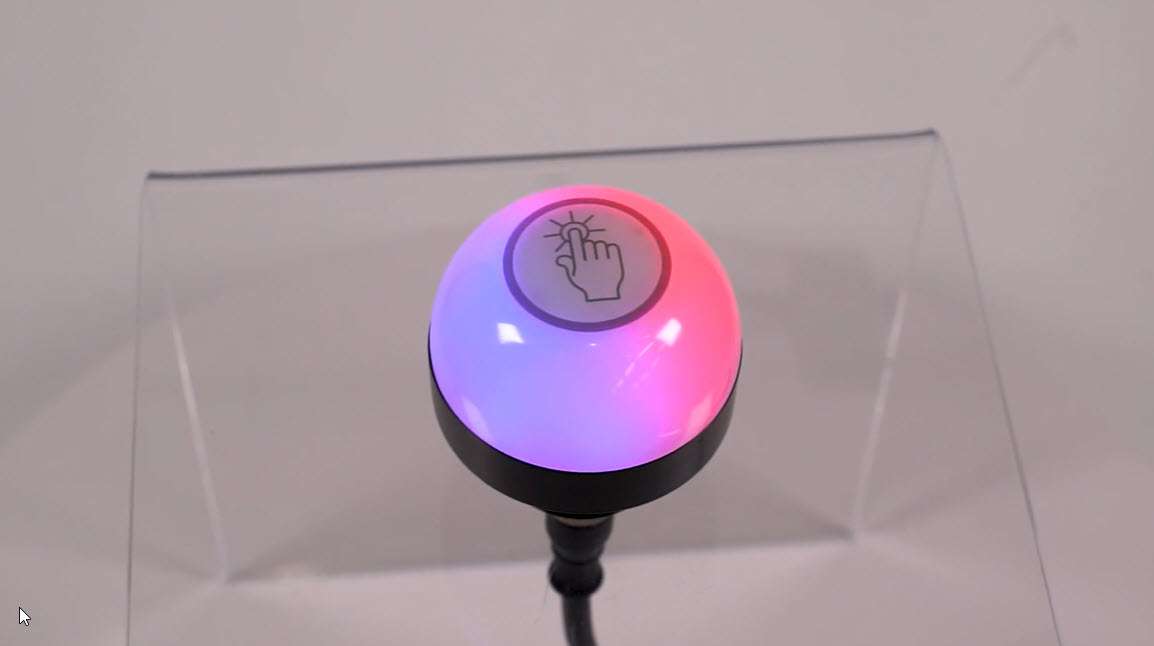
This video covers the basics of the 4-state mode for the K50 Pro Touch Buttons from Banner Engineering.
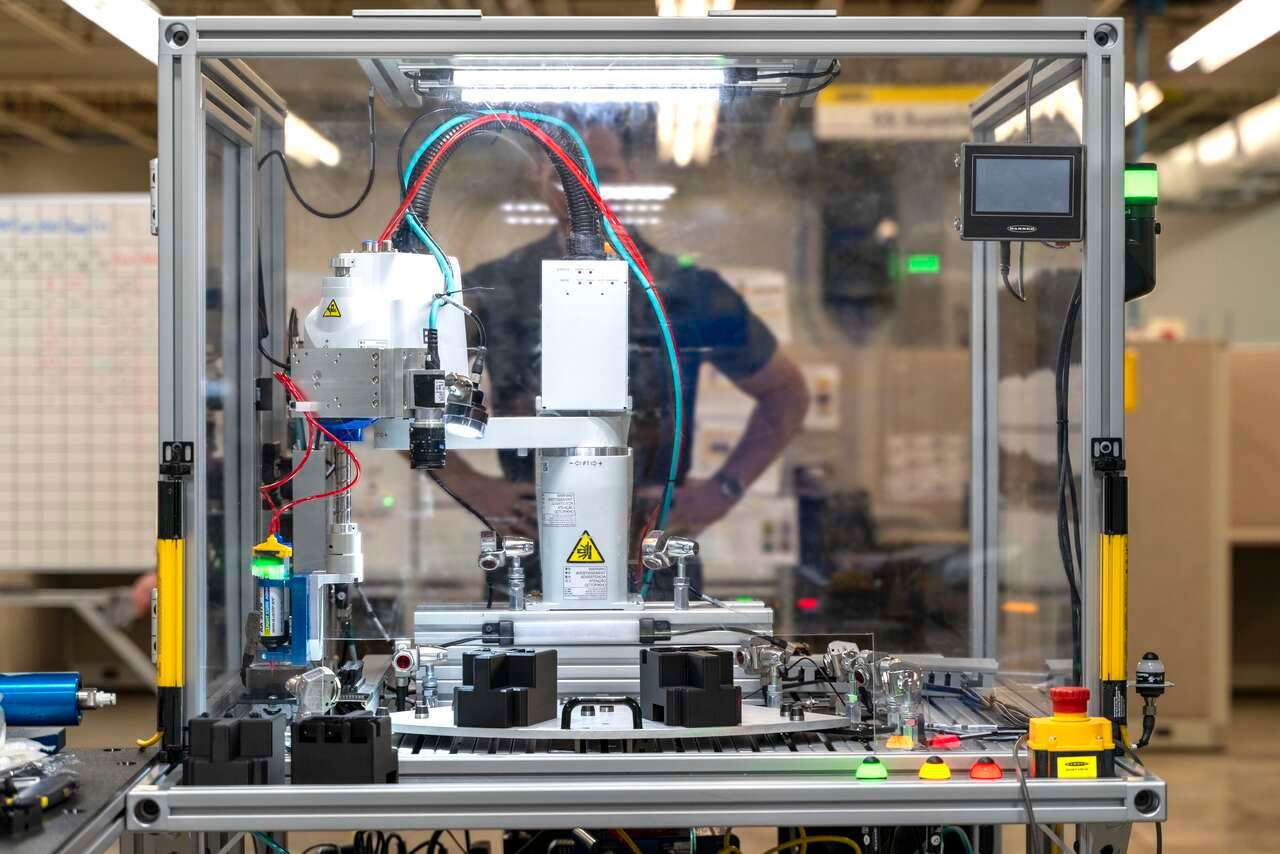
Banner Engineering Remote I/O products were used to build an automated system for dispensing a bead of adhesive without the need for an electrical panel.
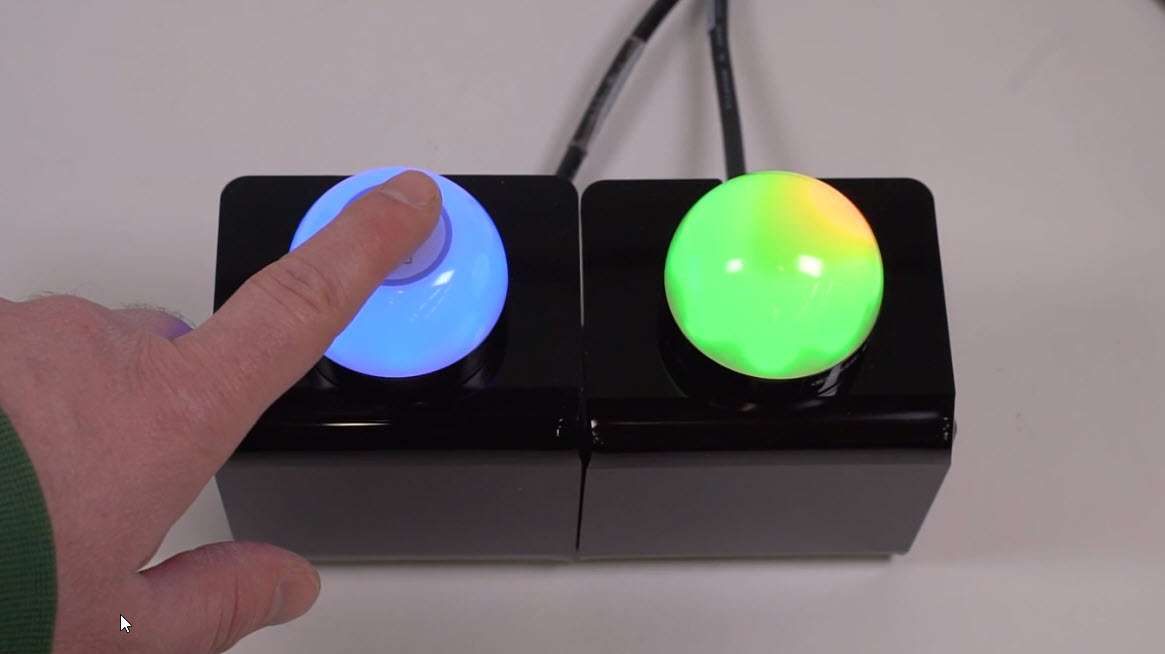
This video covers the basics of the 3-state mode for the K50 Pro Touch Button from Banner Engineering.
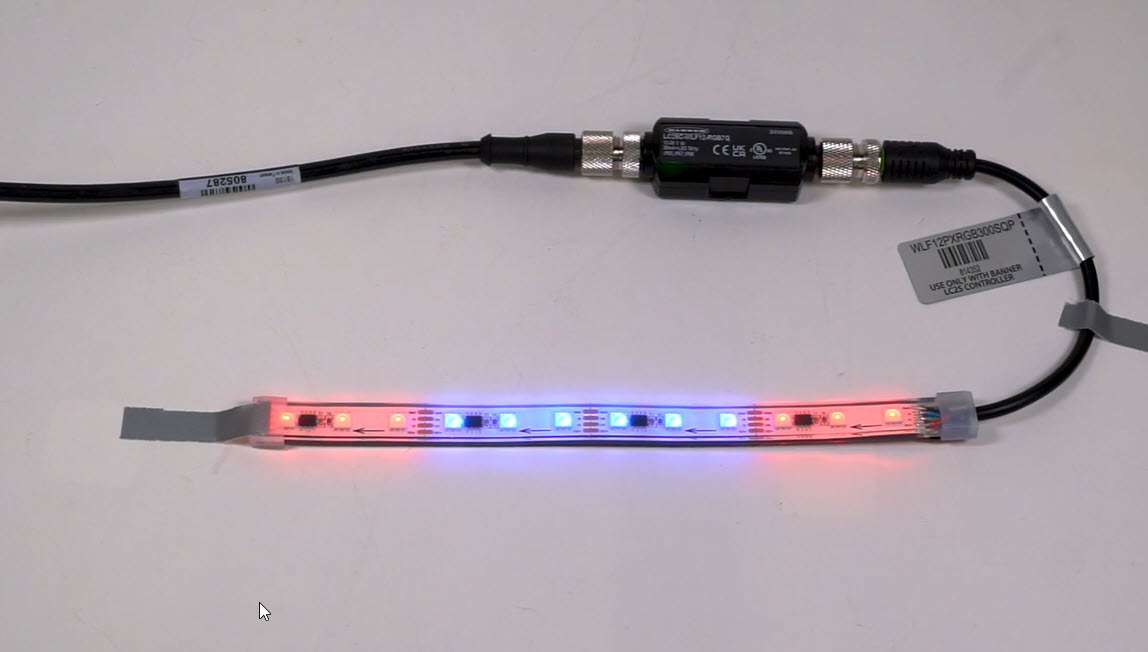
This video covers the basics of using the Pro-Editor software to set up a WLF12 Strip Light from Banner Engineering.
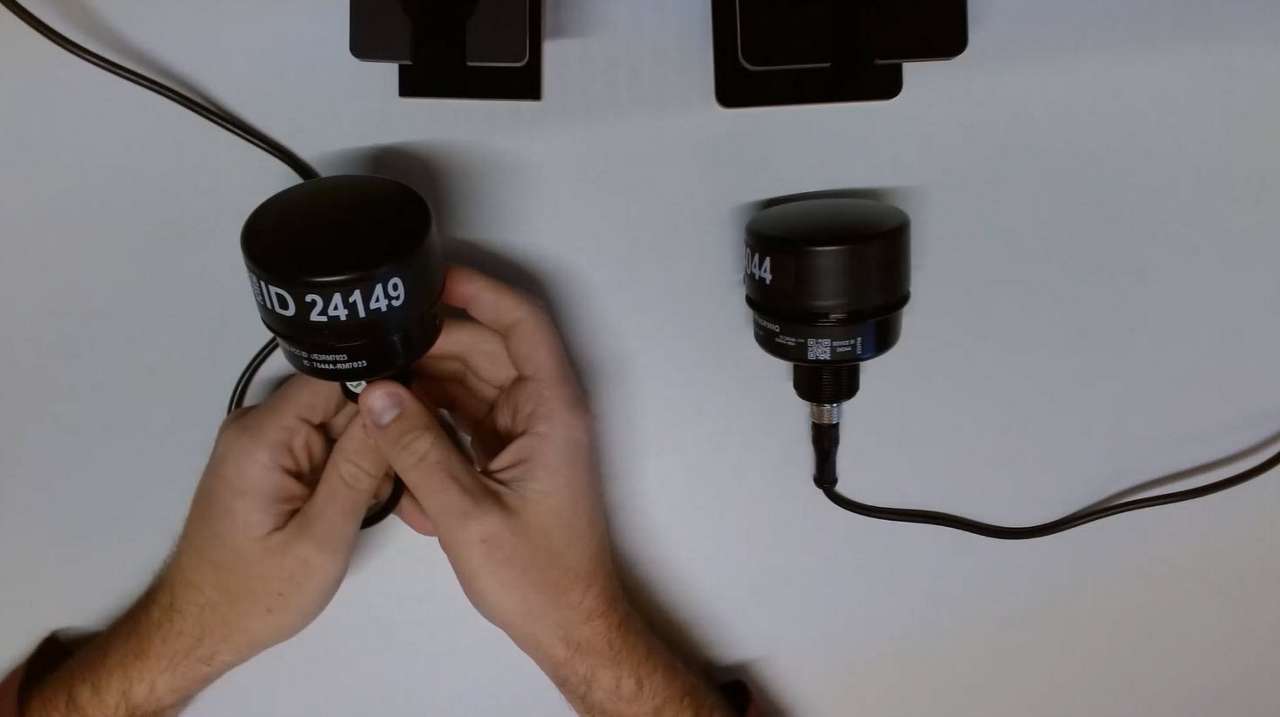
Learn how to set up the different modes, bind, and do a site survey on the R70 Serial Data Radios.
This video covers the basics of the distance mode for the K30 Pro Optical Sensor from Banner Engineering.
This video covers the basics of the 4-state detection mode for the K30 Pro Optical Sensor from Banner Engineering.
This video covers the basics of the 3- and 7-state detection modes for the K30 Pro Optical Sensor from Banner Engineering.
This video covers the basics of the Snap Signal configuration software from Banner Engineering.
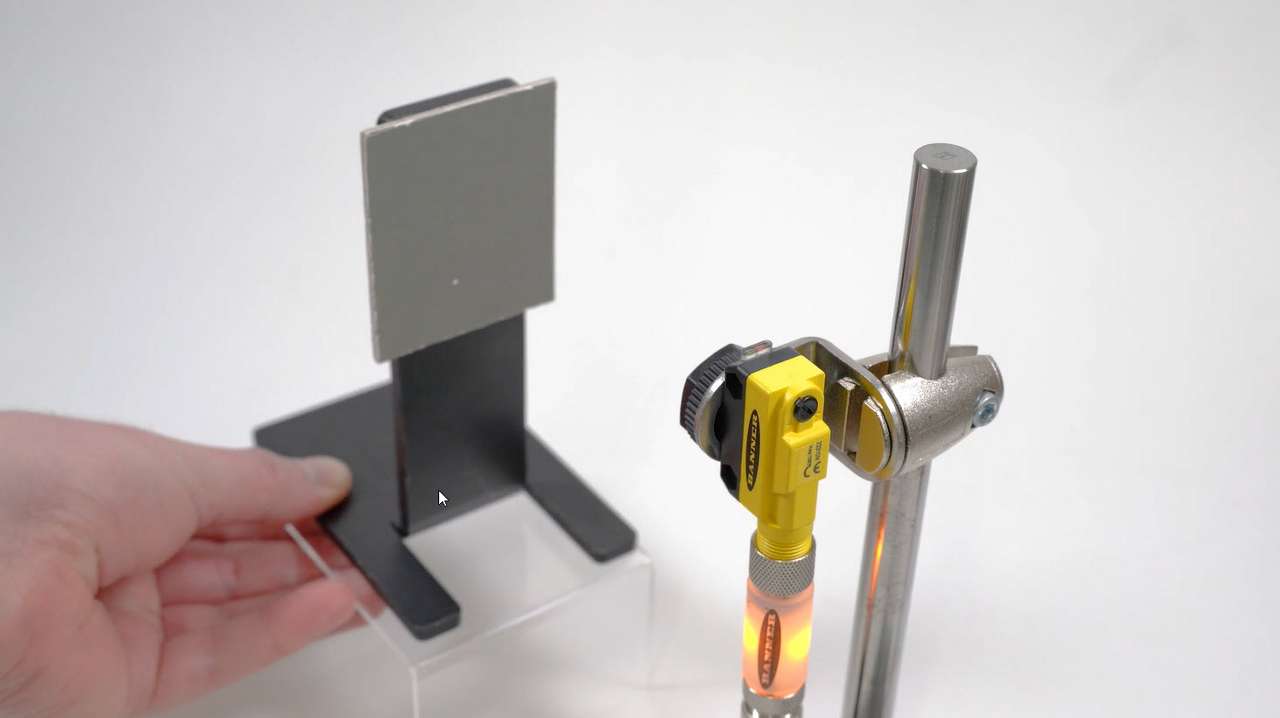
This video covers using a potentiometer to set the sensitivity on a QS18 All-Purpose Photoelectric Sensor from Banner Engineering.
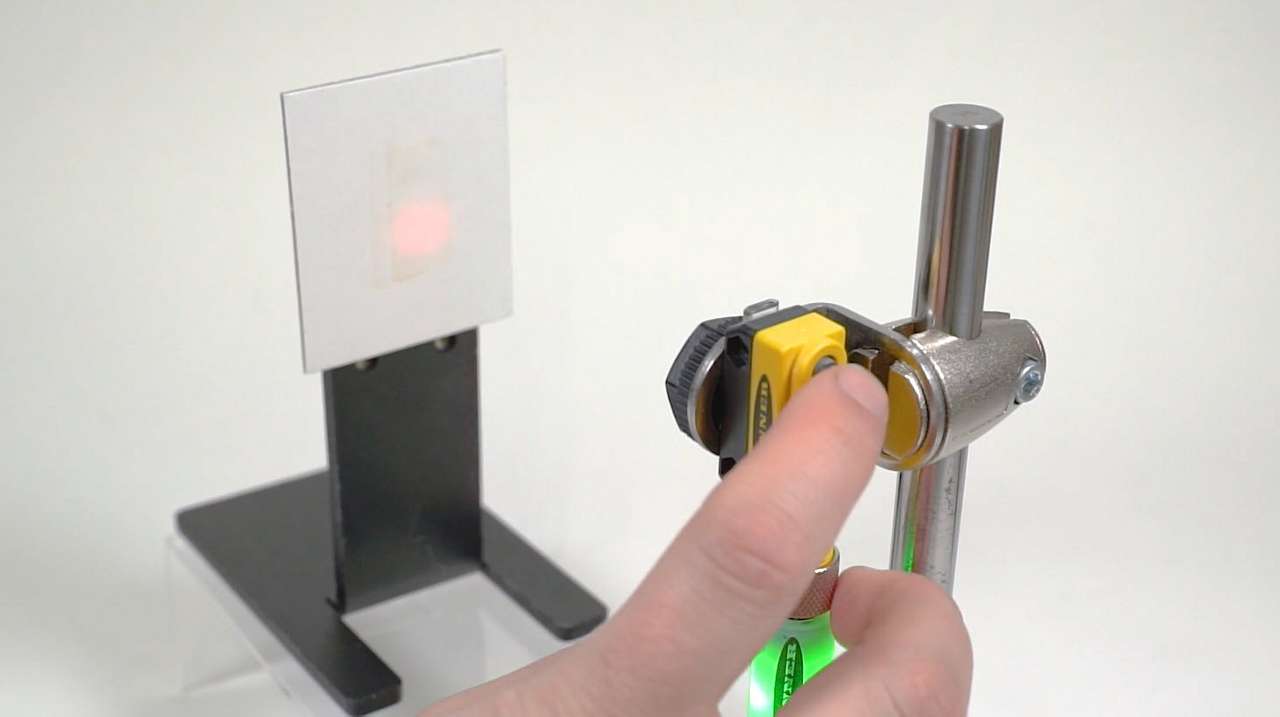
This video covers the light set and dark set modes for the QS18 Expert Photoelectric Sensors from Banner Engineering.
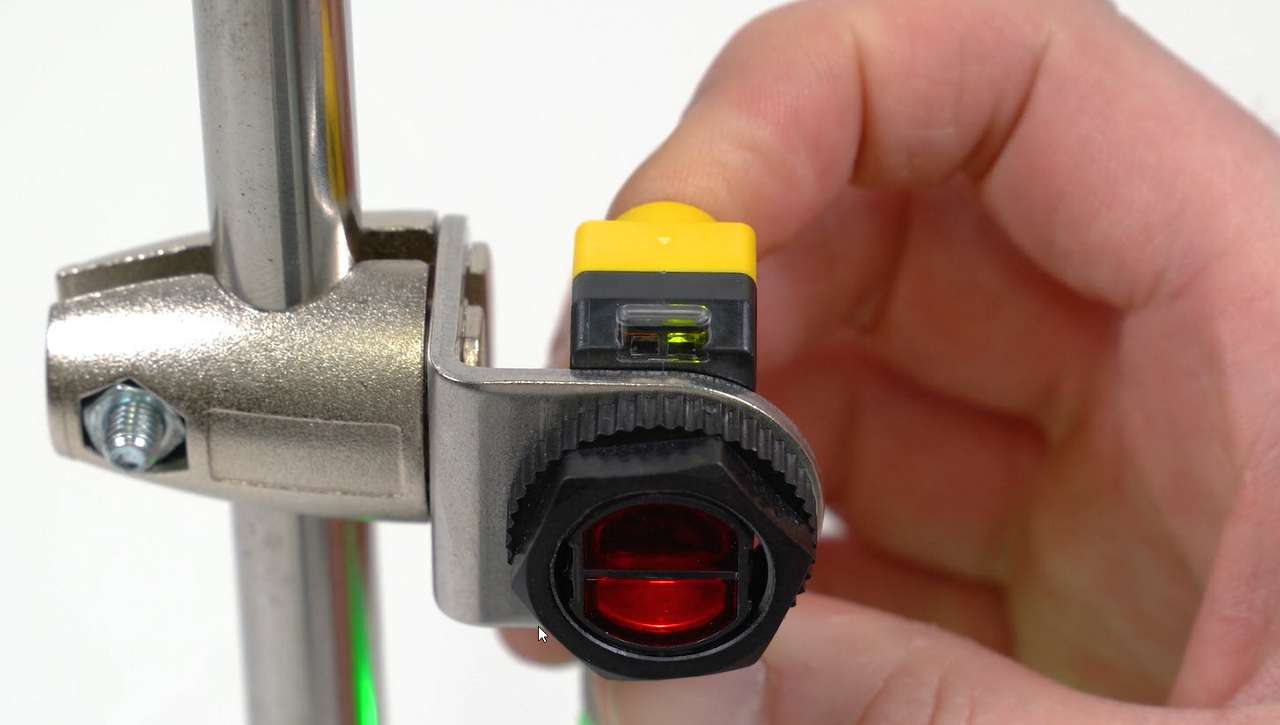
This video covers the window set mode for the QS18 Expert Photoelectric Sensors from Banner Engineering.
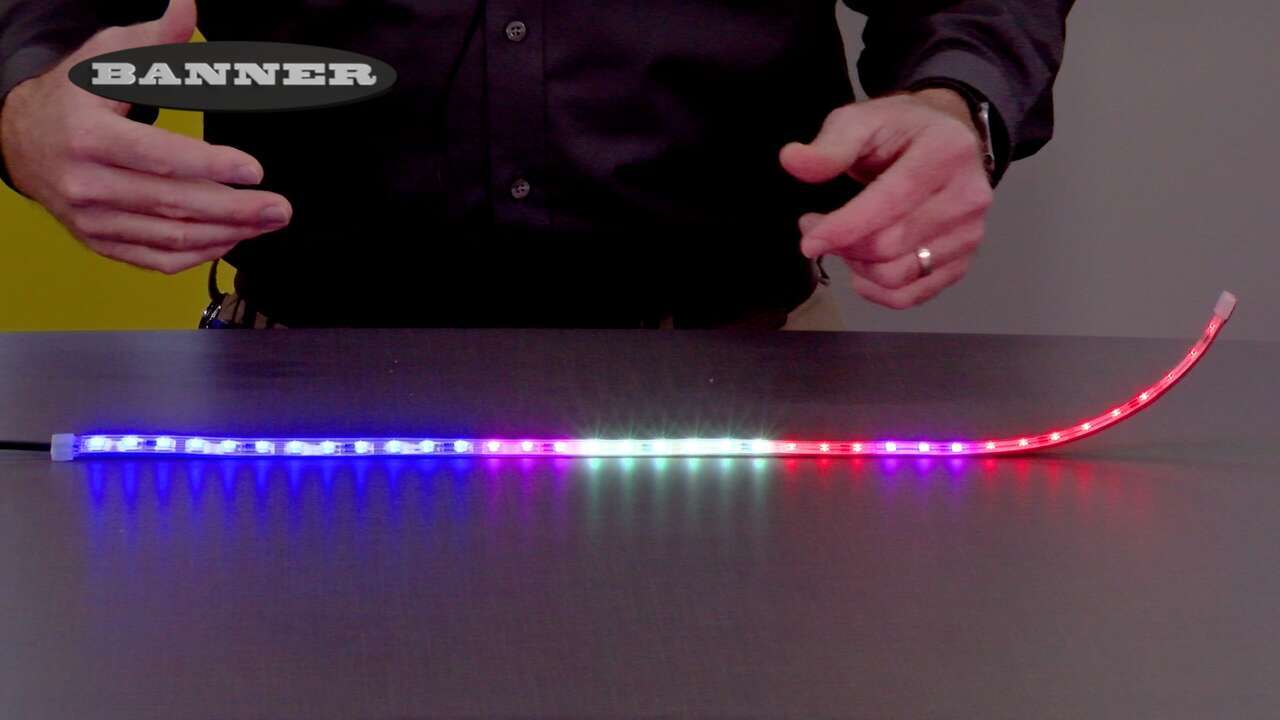
In this unboxing video, Jason Friedrichs explains all you need to know about the WLF12 Pro Flexible Multicolor Strip Light. He also showcases the colors and capabilities it can have when paired with the optional LC25 LED Controller.
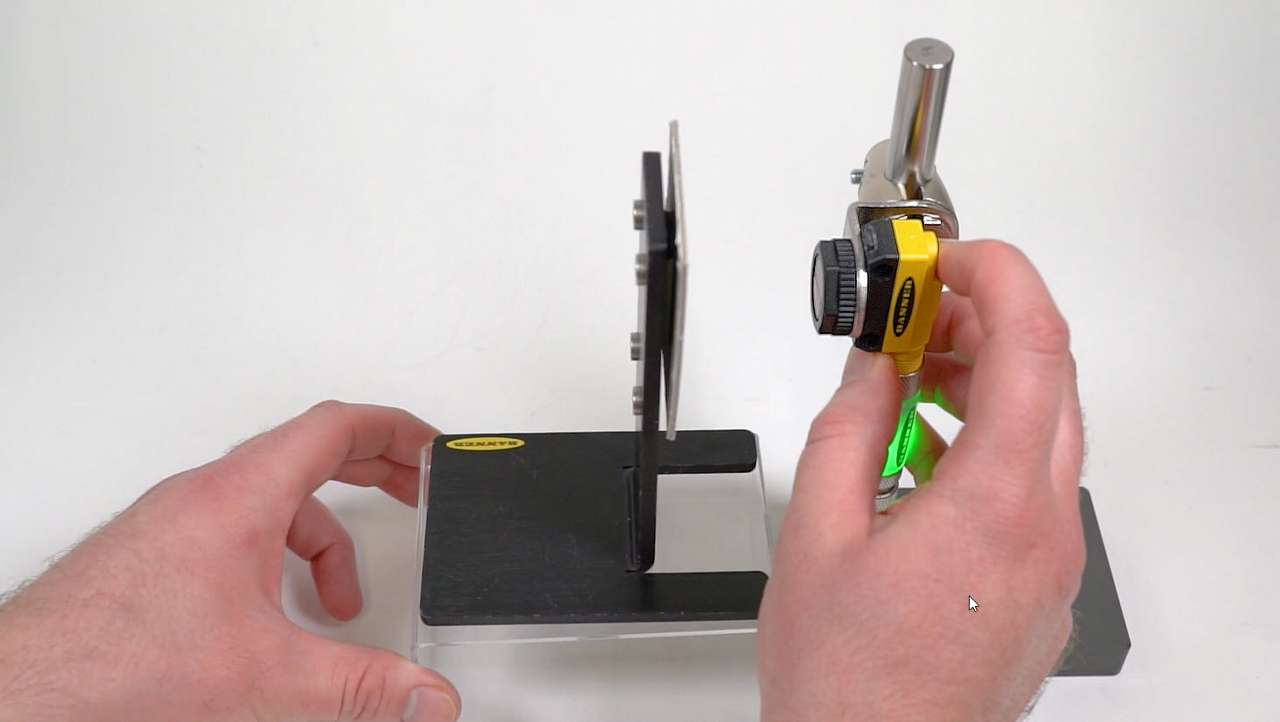
This video covers the dynamic teach mode for the QS18 Expert Photoelectric Sensors from Banner Engineering.
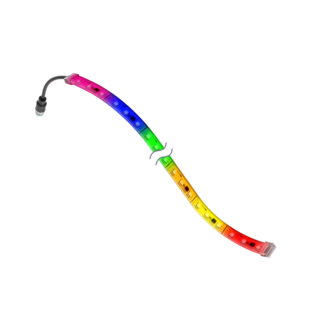
Watch the animated demonstration to see the color range and applications of this flexible LED strip light.
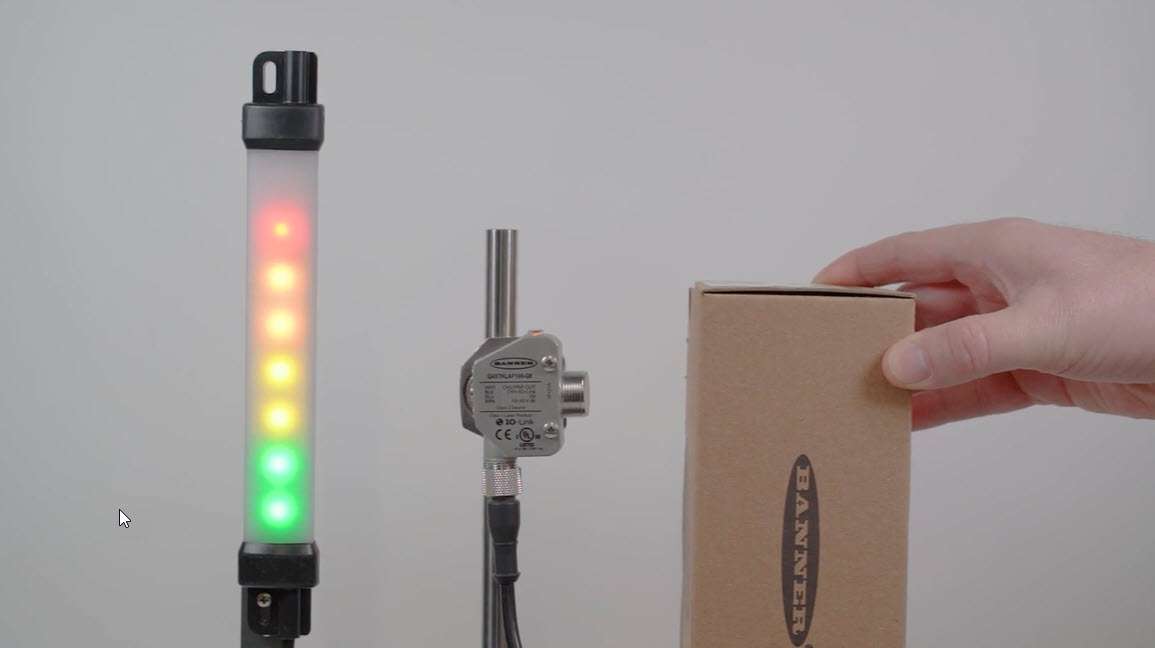
This video covers a basic application set up of the Pulse Pro lighting function from Banner Engineering.
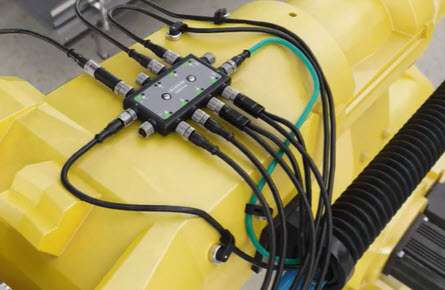
Learn how to connect the Banner DXM Gateway series with the Ignition SCADA software.
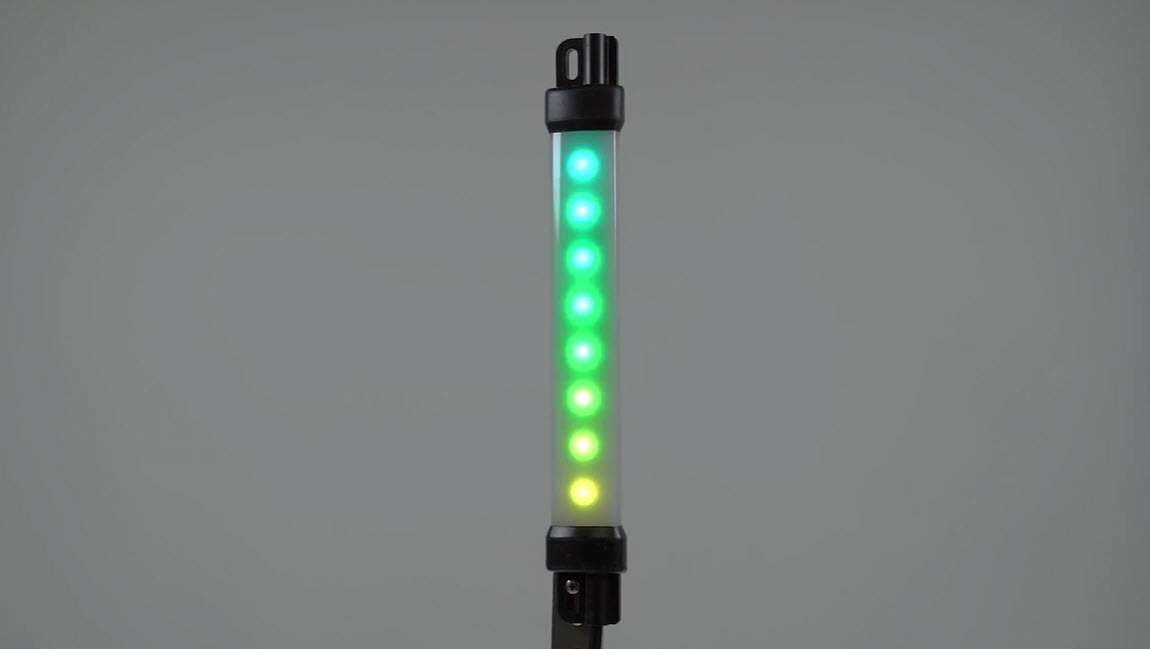
This video covers the basics of setting up the Distance mode for Pro-compatible strip lights from Banner Engineering.
This video covers how to use the Offline mode in the Pro-Editor software from Banner Engineering.
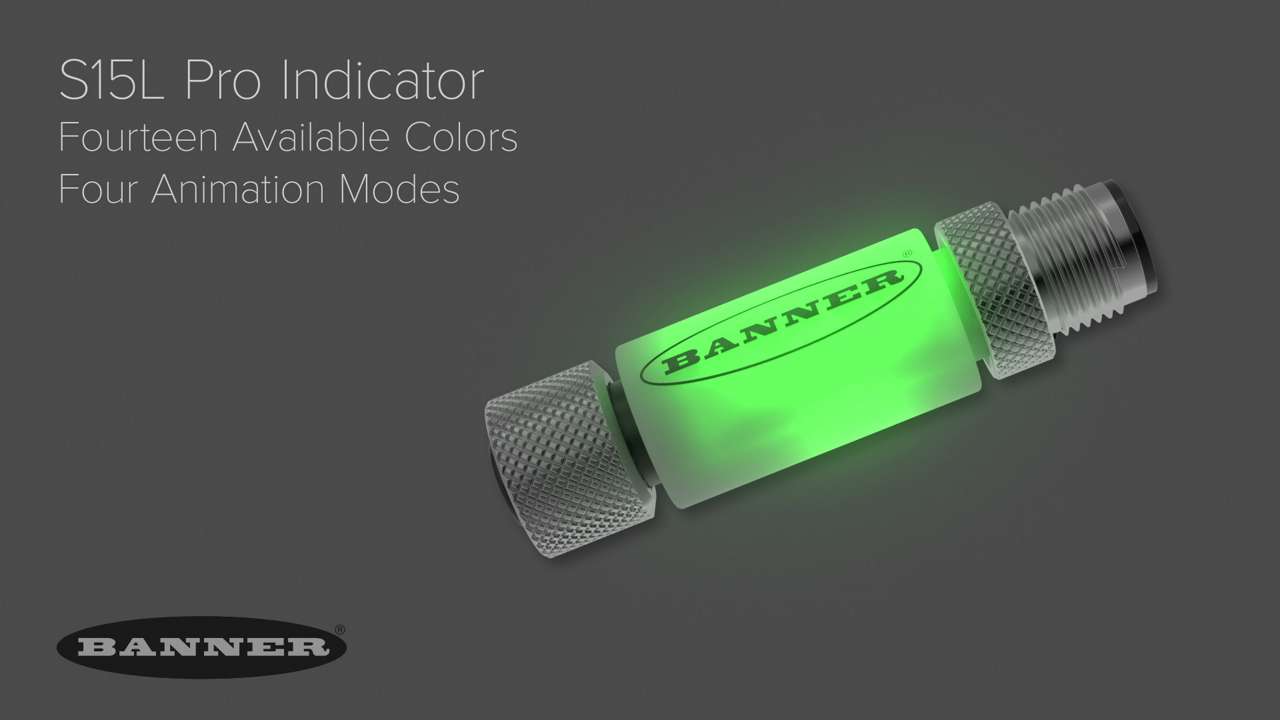
A demonstration of the different animation modes for the S15L Pro Inline Sensor Status Indicator.
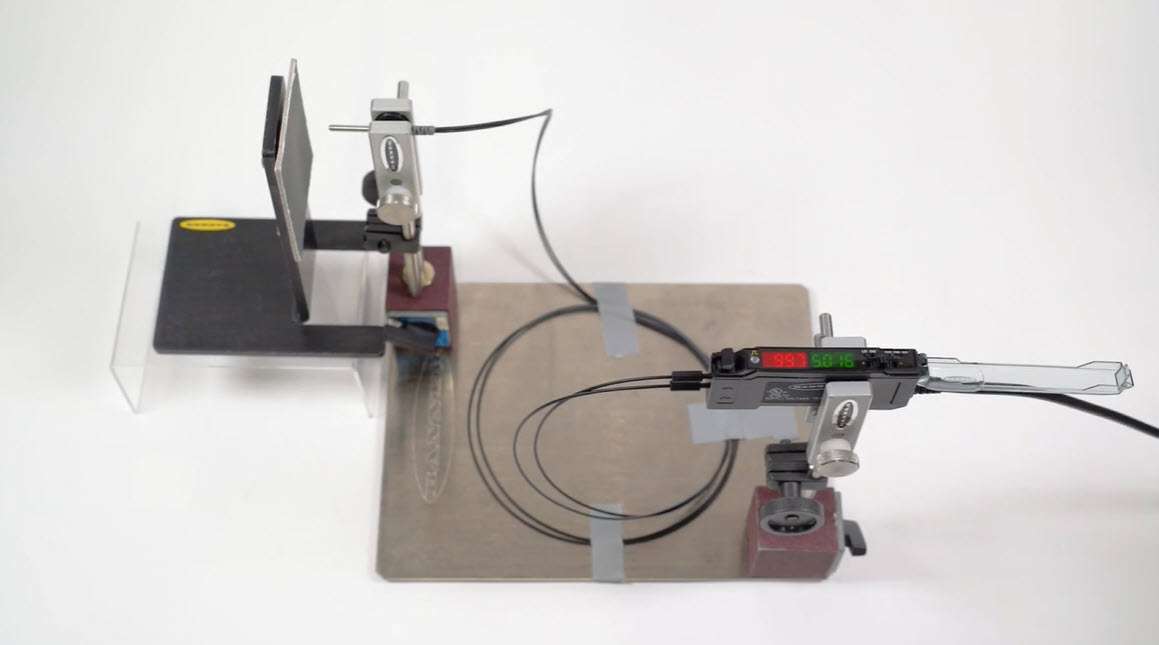
This video covers the basics of setting up the Dark Set function of the DF-G Fiber Optic Amplifier from Banner Engineering.
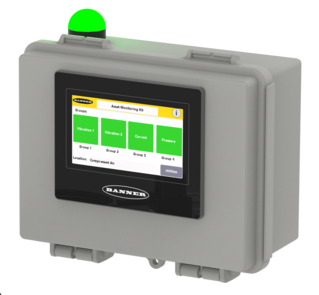
An overview of Asset Monitoring with SNAP ID features, and how to Build Your Bundle.
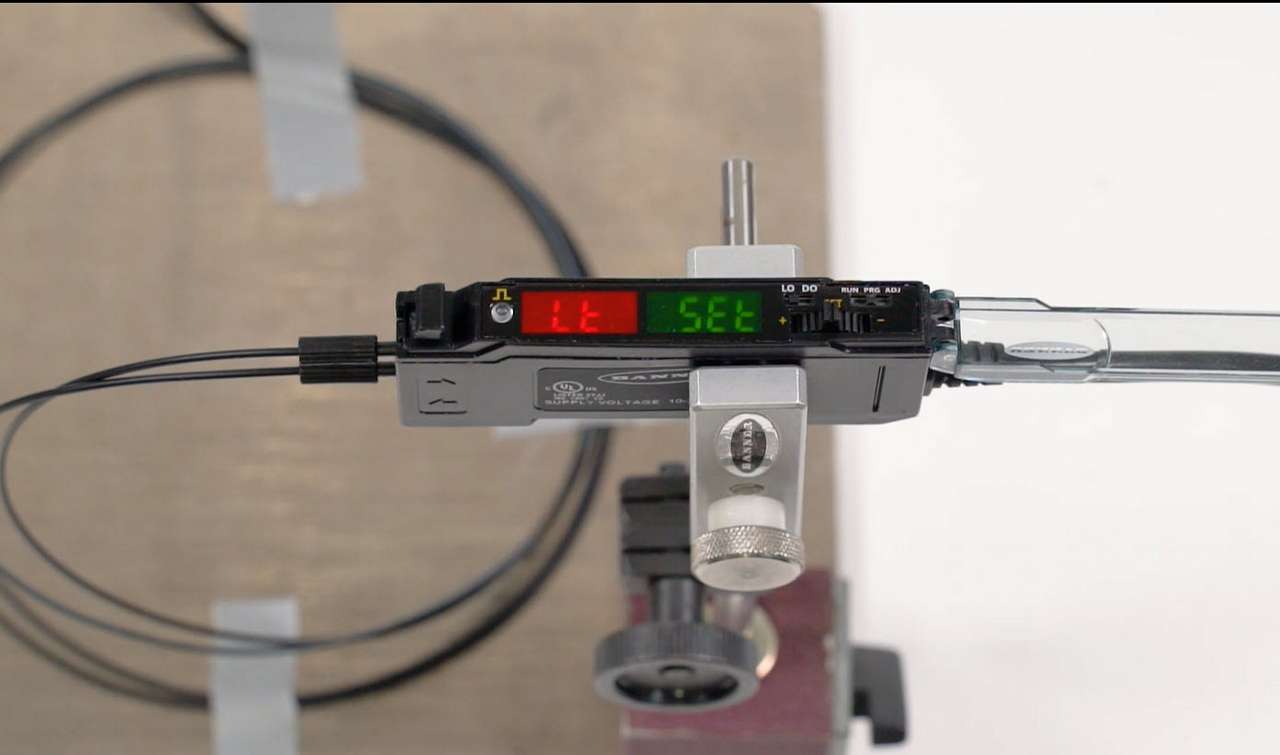
This video covers the basics of setting up the Light Set function of the DF-G Fiber Optic Amplifier from Banner Engineering.
In this video, you'll learn how easy it is to plan and assemble the components you need to build the Asset Monitoring Solutions fit for your Predictive Maintenance needs.
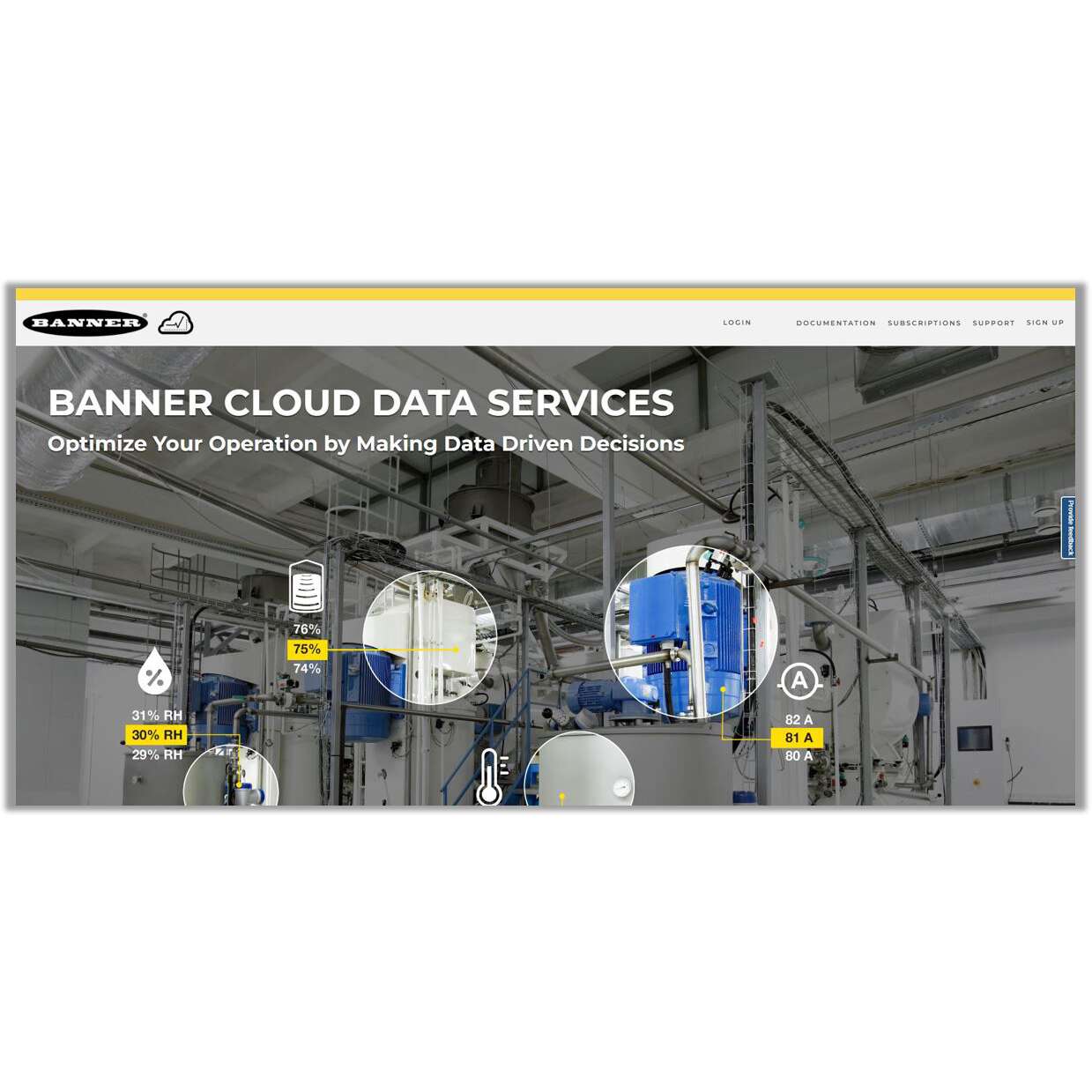
Select models of the Asset Monitoring Gateway include one year of Banner Cloud Data Services. This video will explain how to activate the services, and how to create your initial gateway in the cloud.
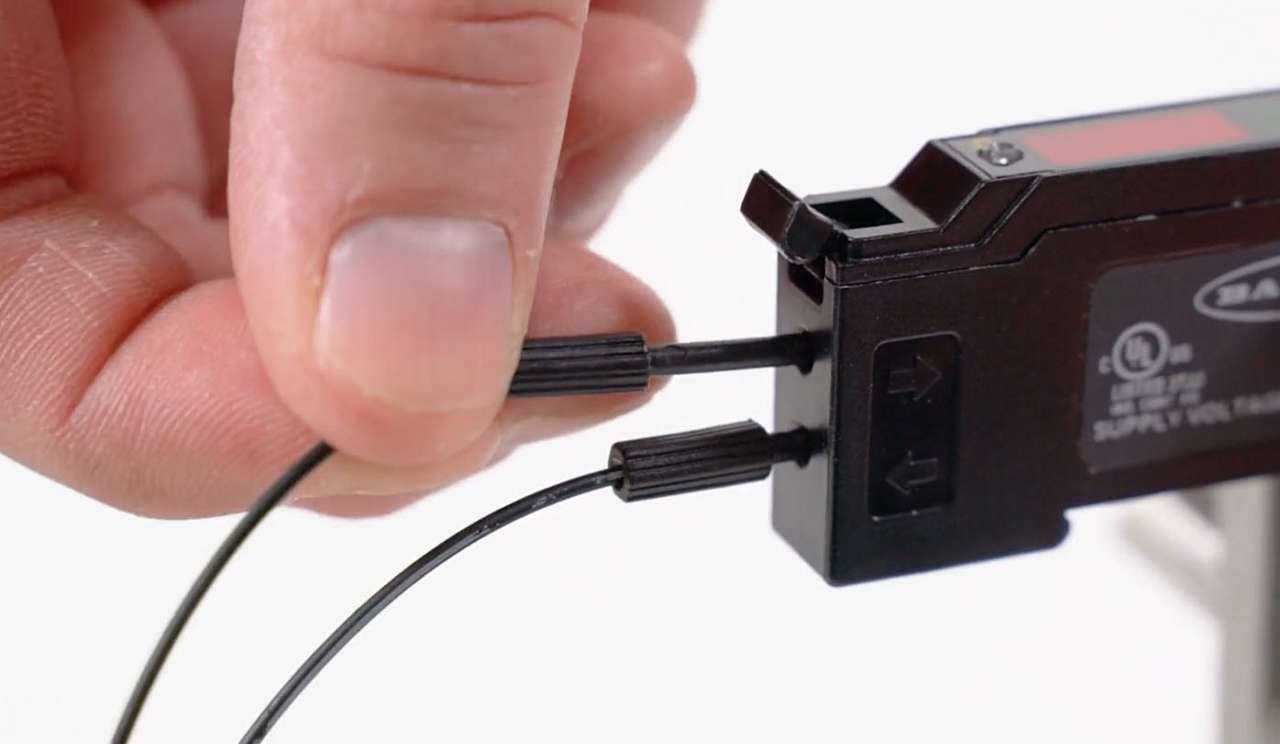
This video covers the basics of setting up the Window Set function of the DF-G Fiber Optic Amplifier from Banner Engineering.
Product Overview
System Setup
Software Activation and Overview
Software Walkthough (Part 1)
Software Walkthrough (Part 2)
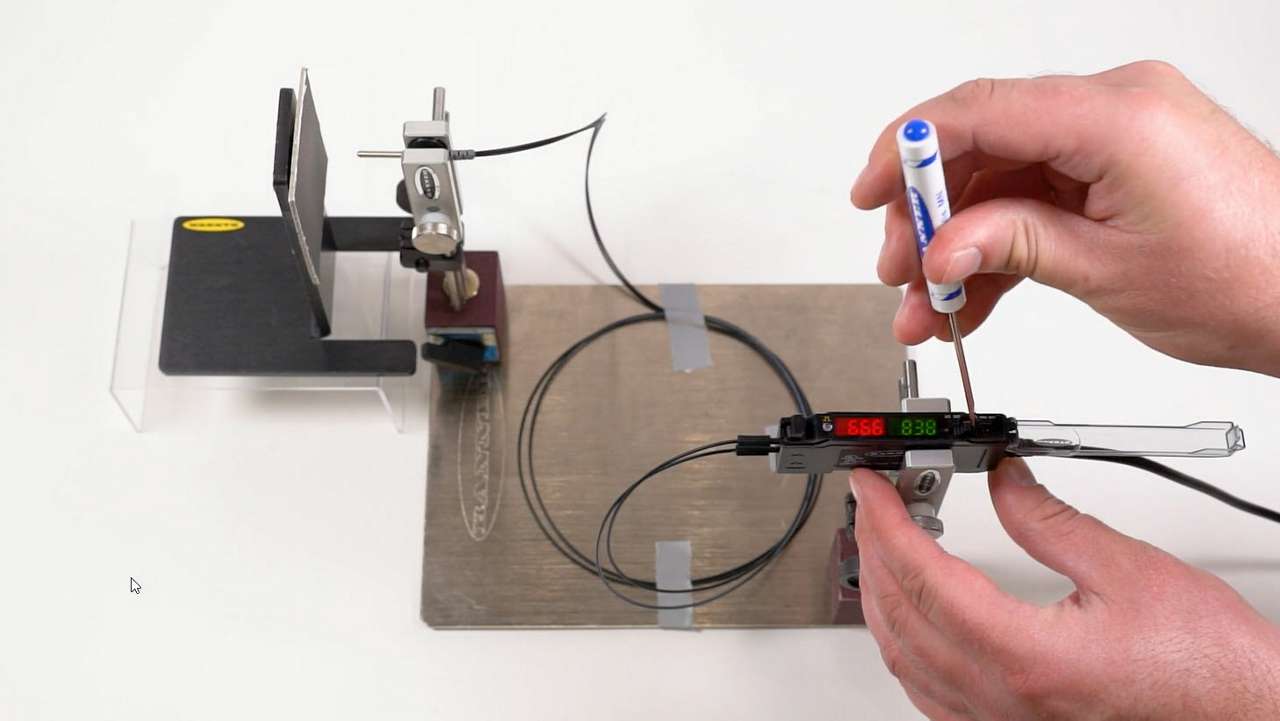
This video covers the basics of setting up the Dynamic Teach function of the DF-G Fiber Optic Amplifier from Banner Engineering.
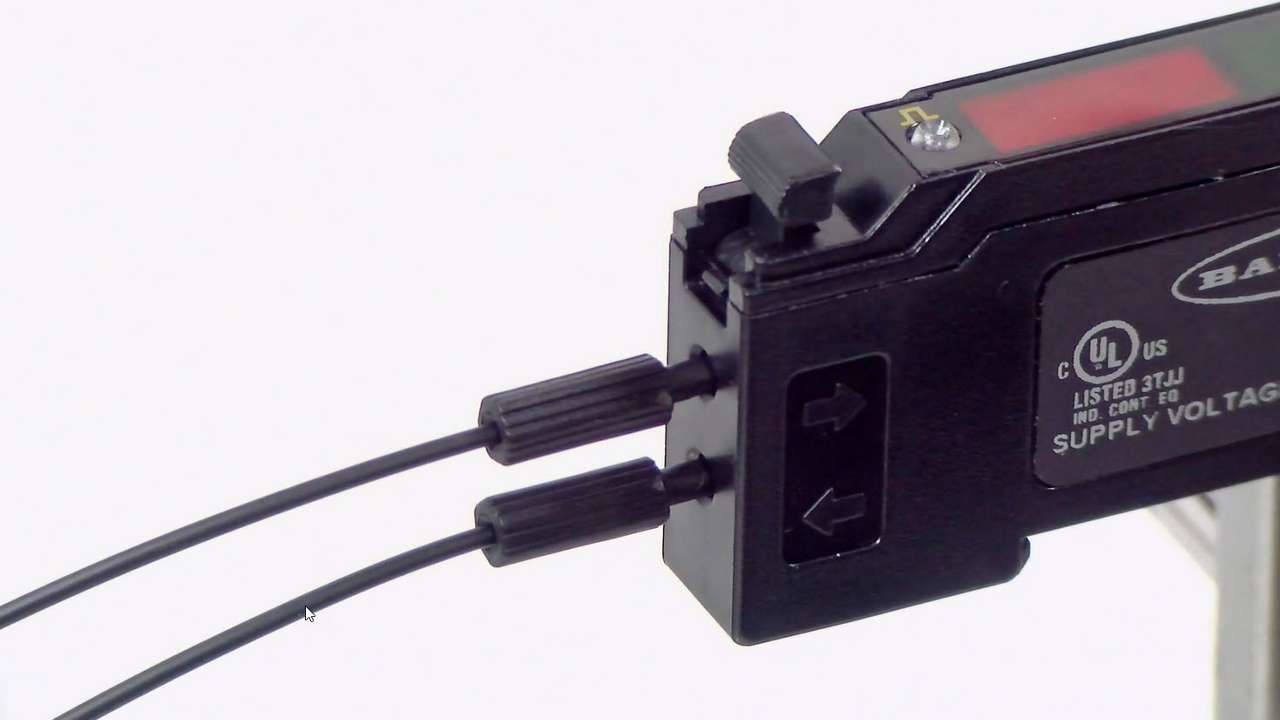
This video covers the basics of setting up the DF-G Fiber Optic Amplifier 2-Point Teach Configuration from Banner Engineering.
An overview of the Asset Monitoring Gateway with Snap ID.
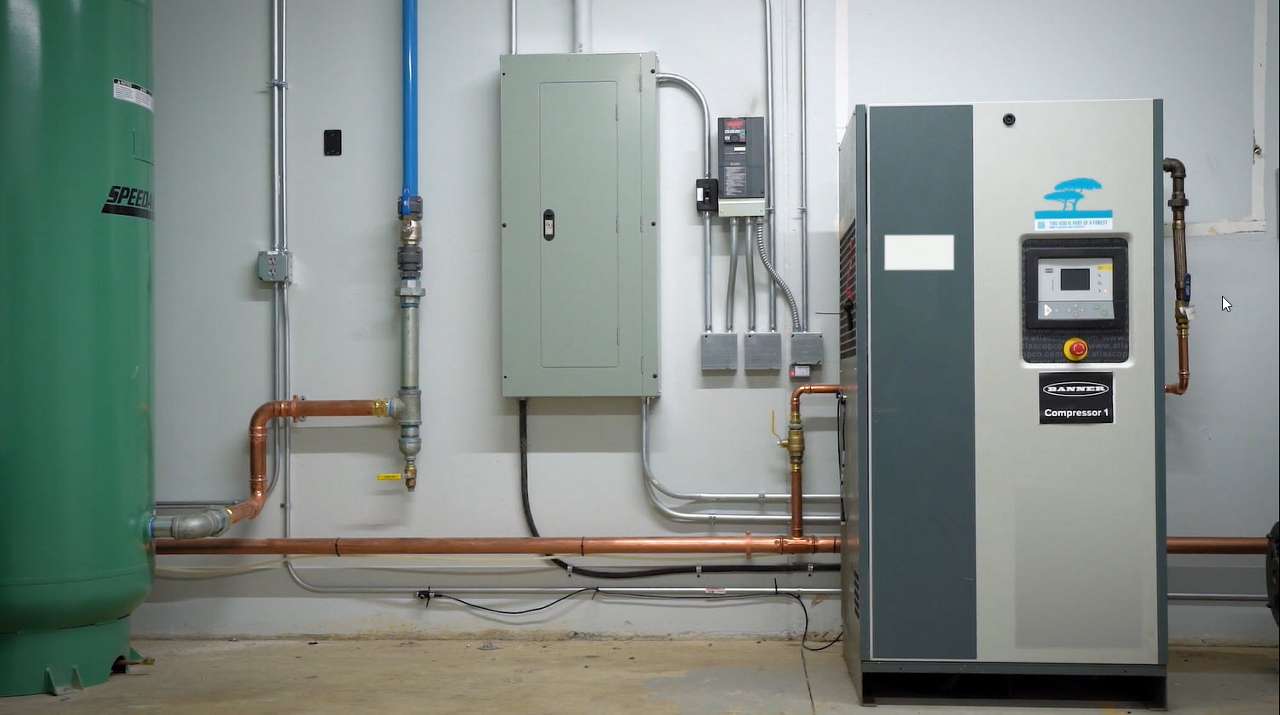
How to install the Asset Monitoring Gateway with Snap ID on a compressed air system using compatible Snap ID sensors
How to commission a Modbus sensor with the Asset Monitoring Gateway with Snap ID.
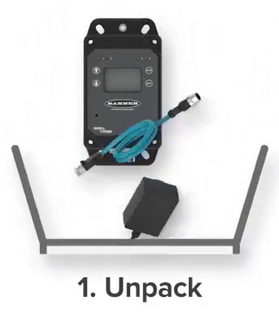
A short product overview animation.
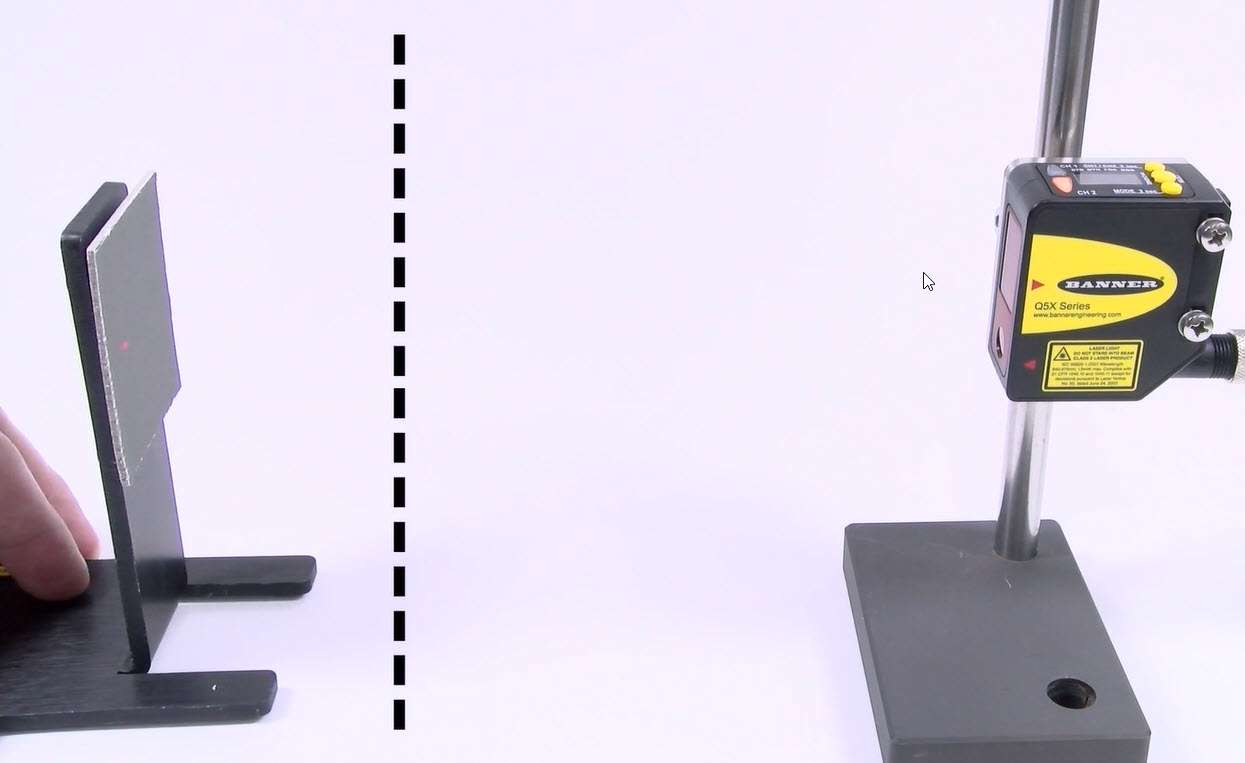
This video explains the function of each of the teach modes for the Q5X Photoelectric Sensor.
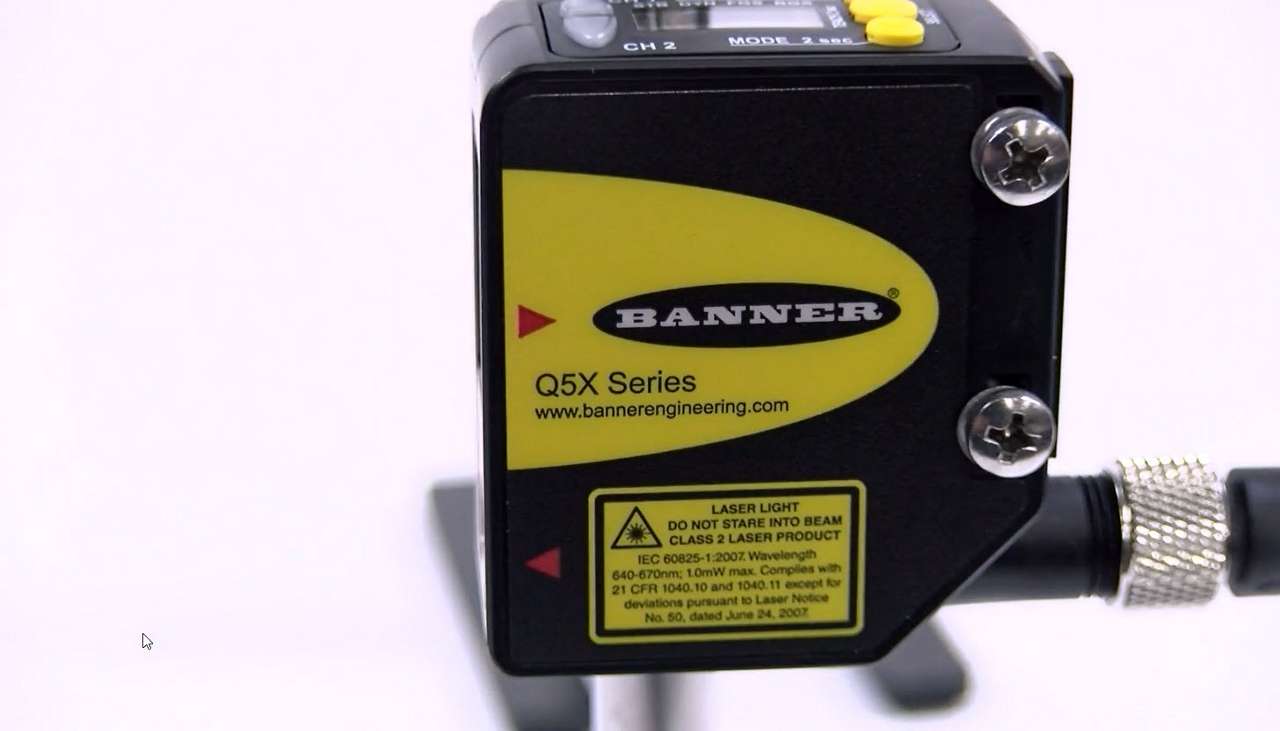
This video covers the basics of setting up the Q5X Dynamic Mode configuration from Banner Engineering.
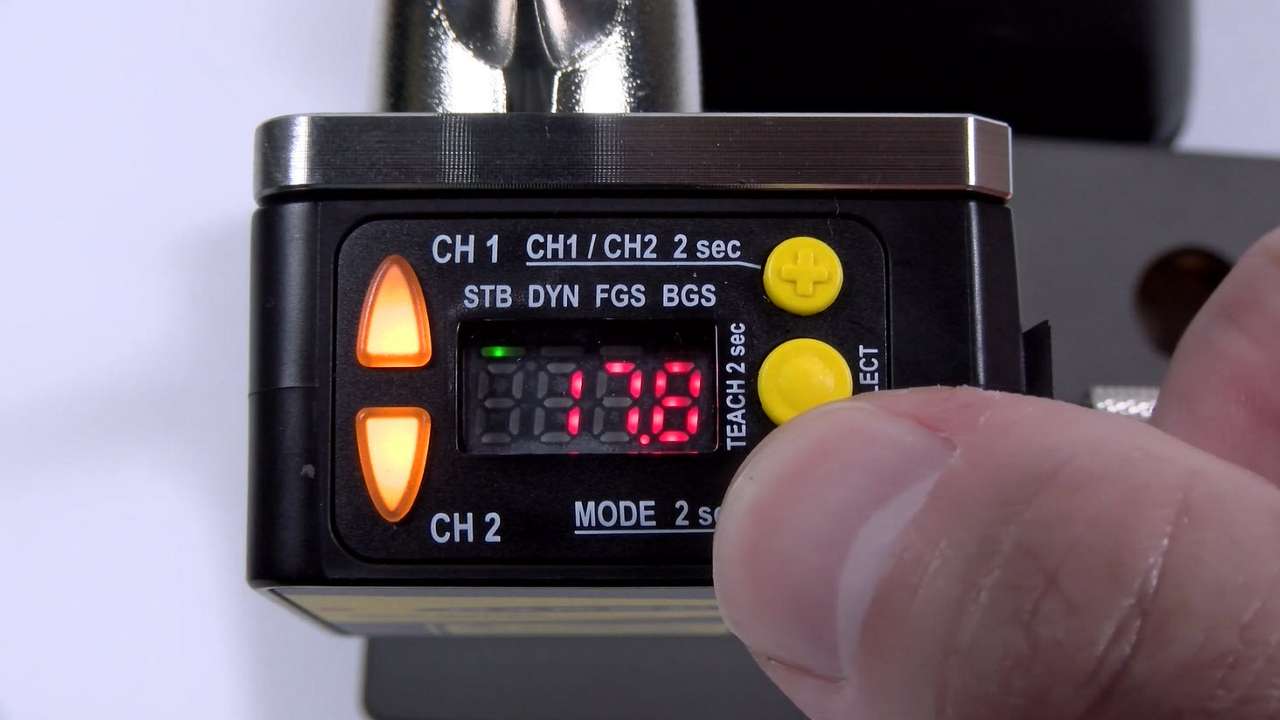
This video covers the basics of setting up the Q5X Dual Mode configuration from Banner Engineering.
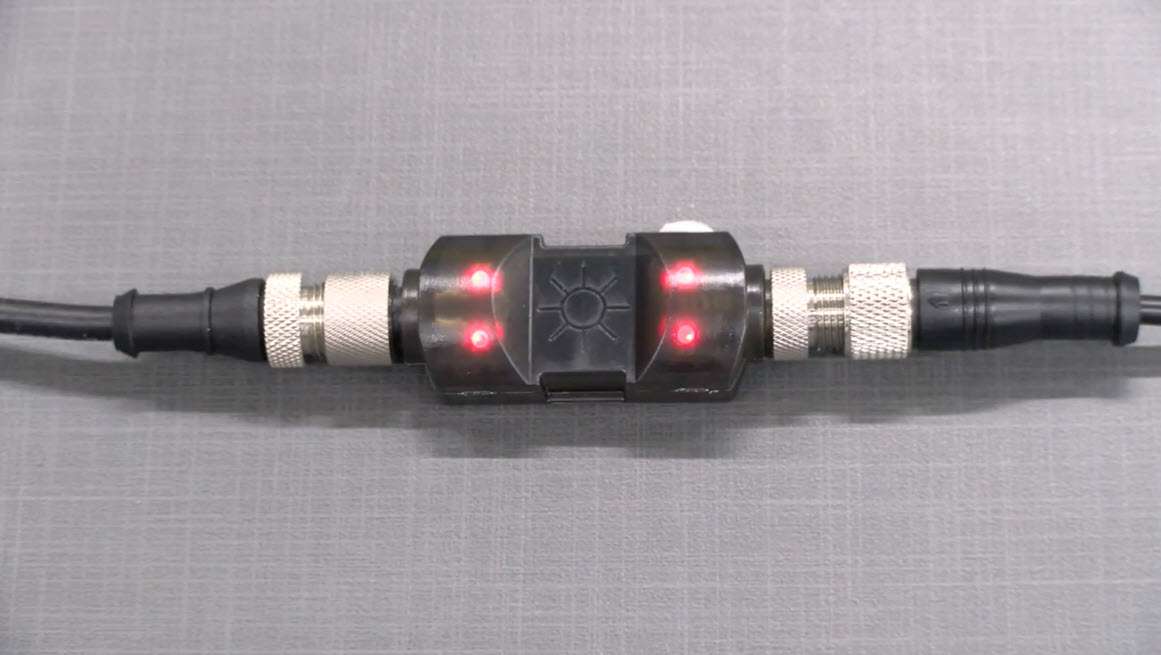
This video explains the operation of the LC25T In-Line Touch Switch from Banner Engineering.
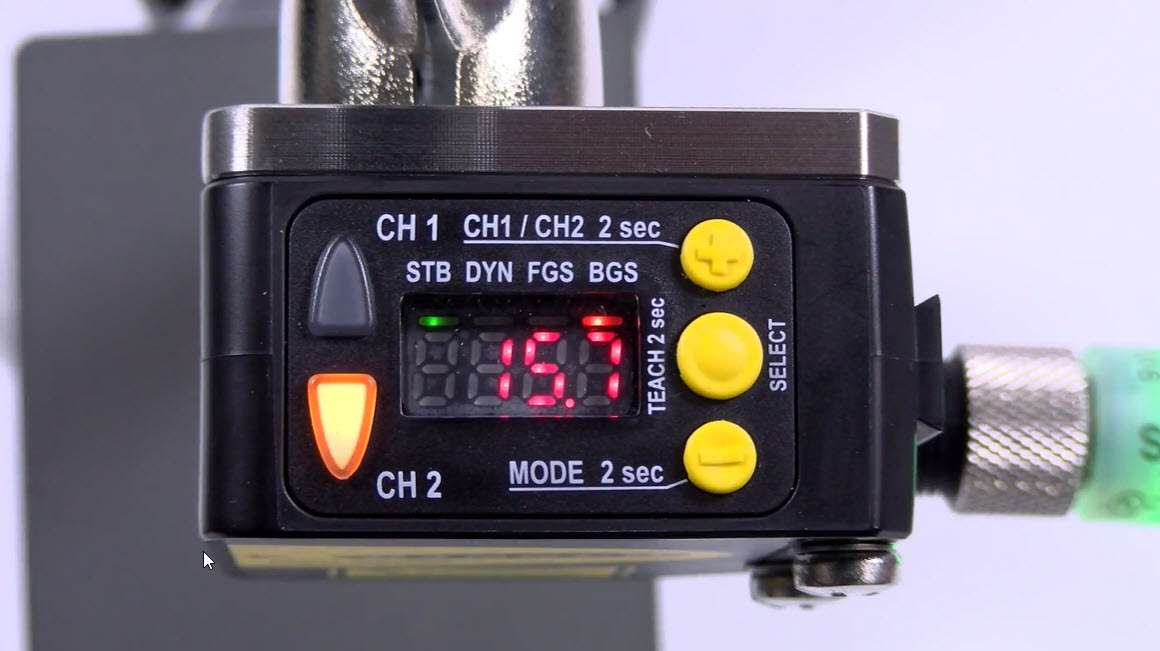
This video covers the basics of setting up the Q5X Foreground Suppression configuration from Banner Engineering.
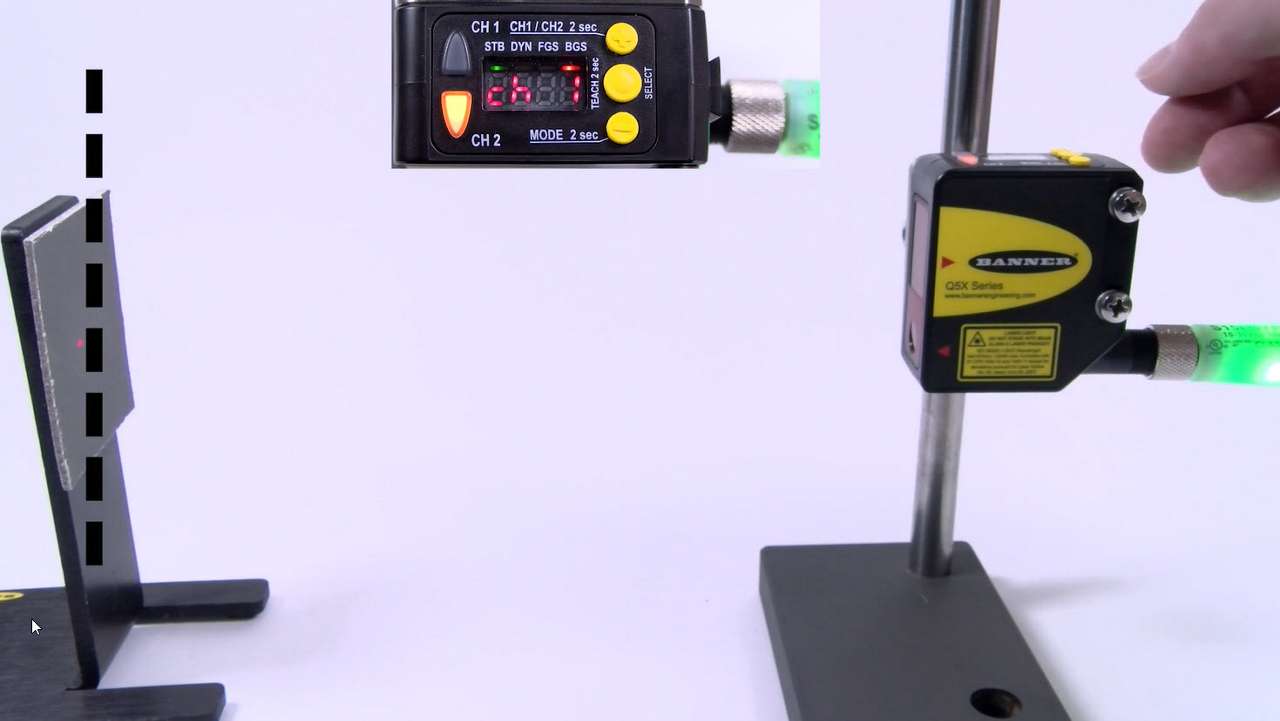
This video covers the basics of setting up the Q5X Background Suppression configuration from Banner Engineering.
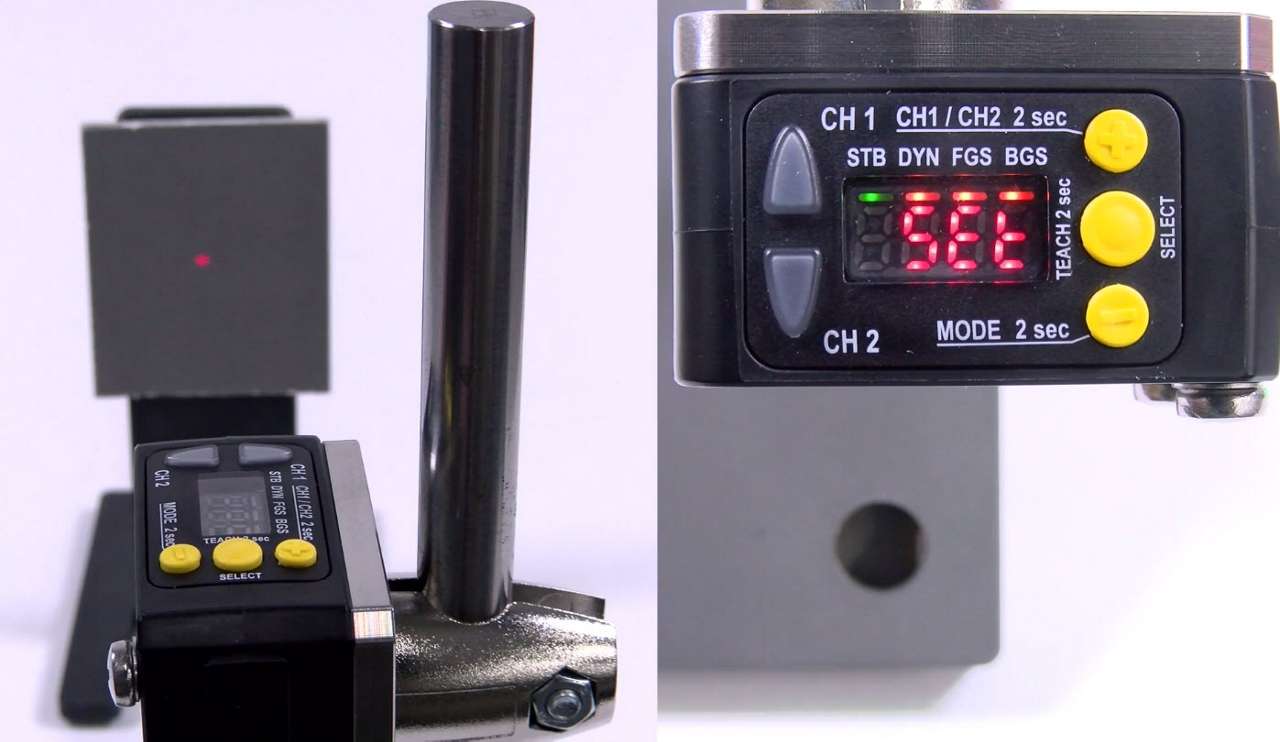
This video covers the basics of setting up the Q5X 2-Point Teach configuration from Banner Engineering.
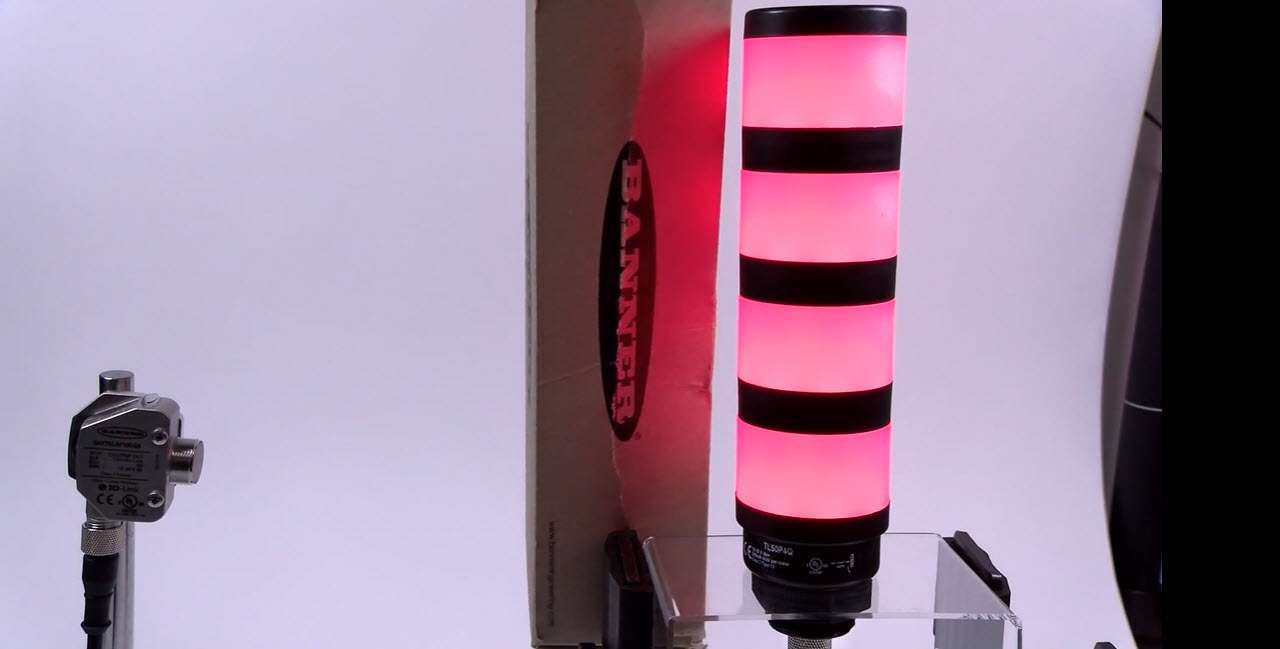
This video covers the basics of setting up TL50 Pro Level function from Banner Engineering.
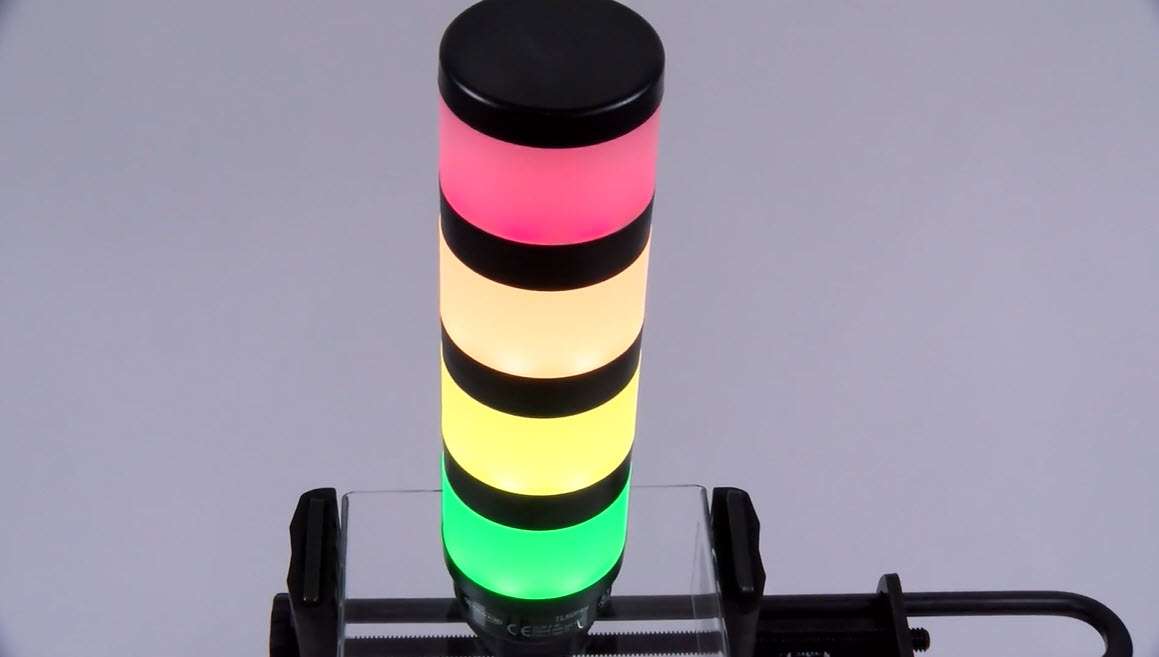
This video covers the basics of setting up TL50 Pro Select Counter function from Banner Engineering.
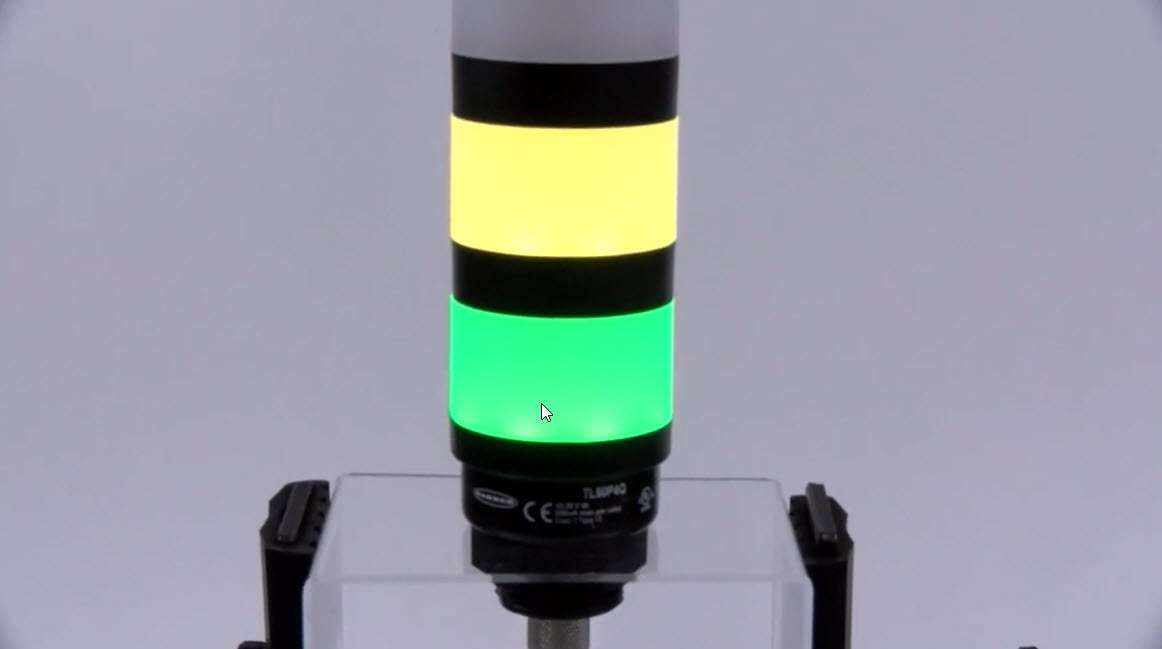
This video covers the basics of setting up TL50 Pro Select Timer mode from Banner Engineering.
Watch this demonstration to learn how to install and use the TL50 Basic Andon Tower Light and the control box.
Watch this demonstration to learn how to install and use the LCA130T Andon Control Box.
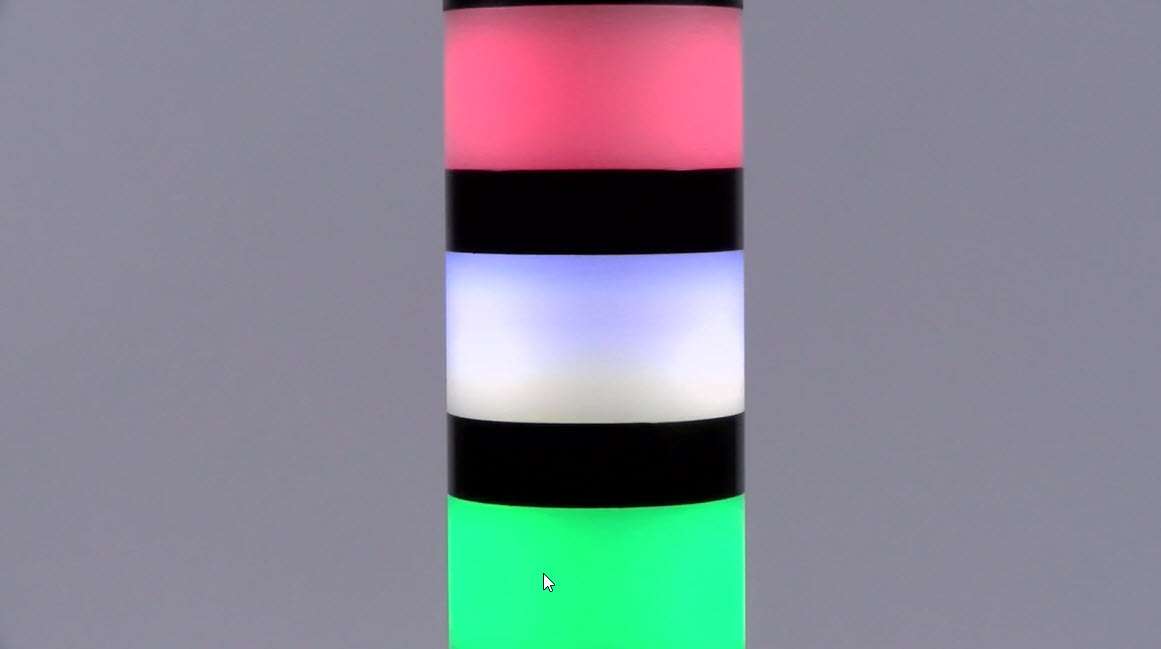
This video covers the basics of setting up TL50 Pro Select Tower Light from Banner Engineering.
How to troubleshoot connection issues with Banner's Pro-Editor Software
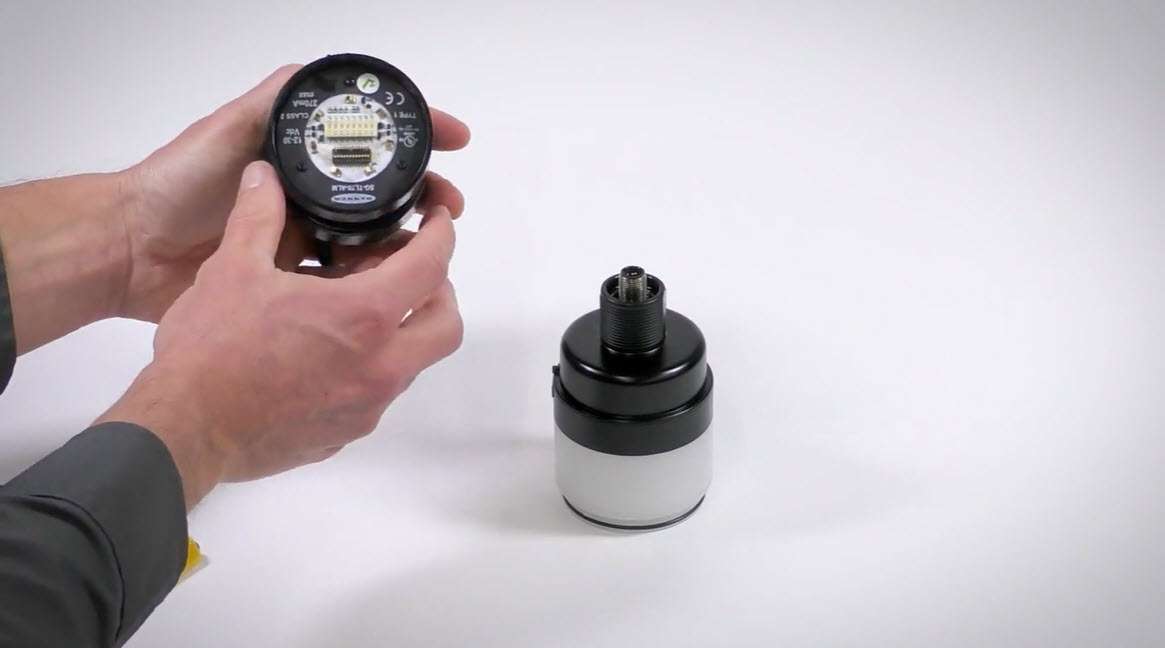
Dip switch configuration of the SG-TL70-ALM, audible loud, multi-tone audible segment for the Banner TL70 family
Introducing the S4B Series Heavy Duty Type 4 Safety Light Curtain
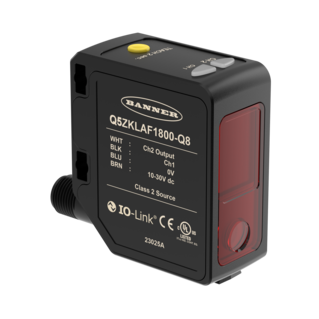
Introducing the Q5Z Laser Distance Measurement Sensor
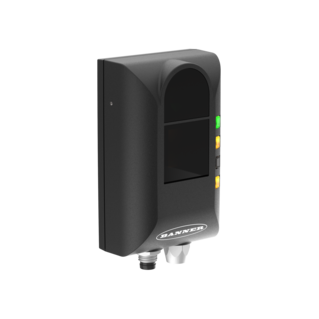
Introducing the new ZMX Series 3D Time of Flight Sensor, a robust solution that can deliver precise, reliable data.
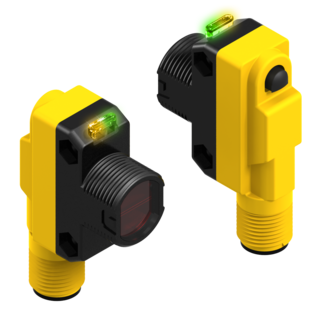
In this video, Scott and Darryl from Banner Engineering talk about photoelectric construction and some basic principles behind photoelectric sensing.
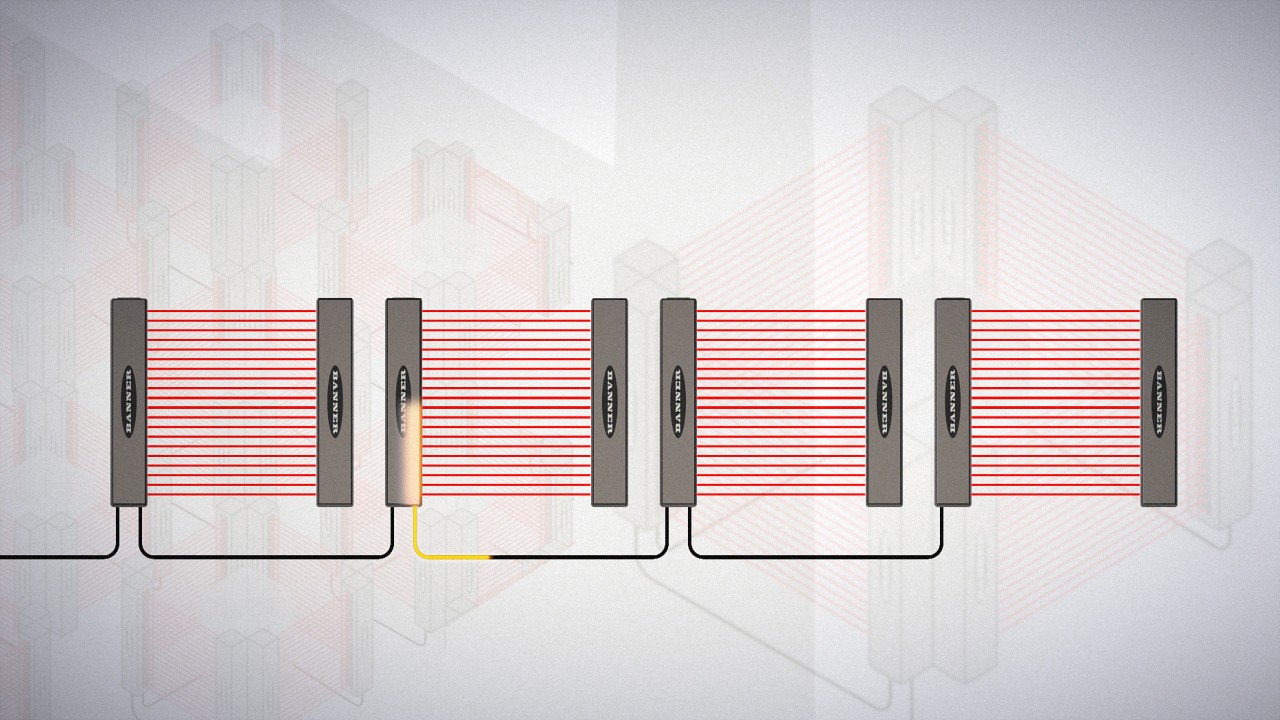
Learn how Banner Engineering's light curtains' cascade signals outpace the competition, and how that translates to savings in the factory.
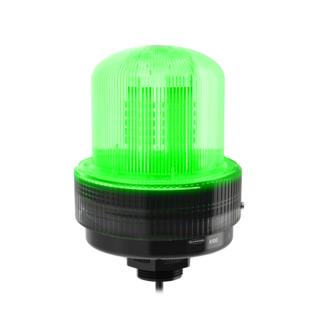
Introducing the K100 Pro Beacon, Banner's latest series of large, configurable indicators.
How to use the TL50 Pro Select and Pro ID function to replace or duplicate the three- or four-segment TL50 Core product.
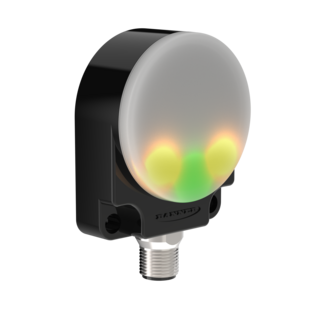
The K50R is a robust alternative to photoelectric and ultrasonic sensors for some of the most challenging applications or extreme conditions.
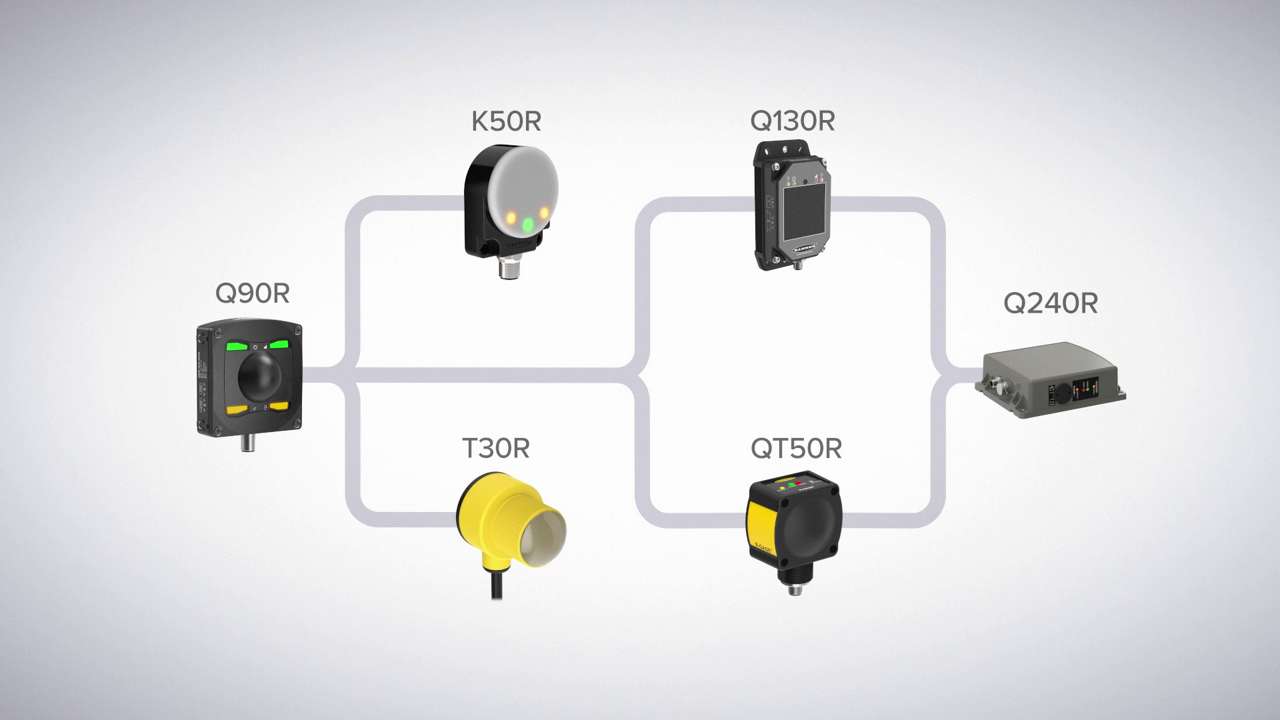
Learn all about the unique values of radar sensors, when to use them, and what the strengths of each of Banner's radar sensors are.
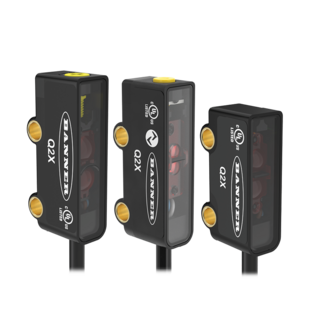
Introducing the Q2X Miniature Photoelectric Sensor series from Banner Engineering

Introducing the CL50 Pro Column Light from Banner Engineering
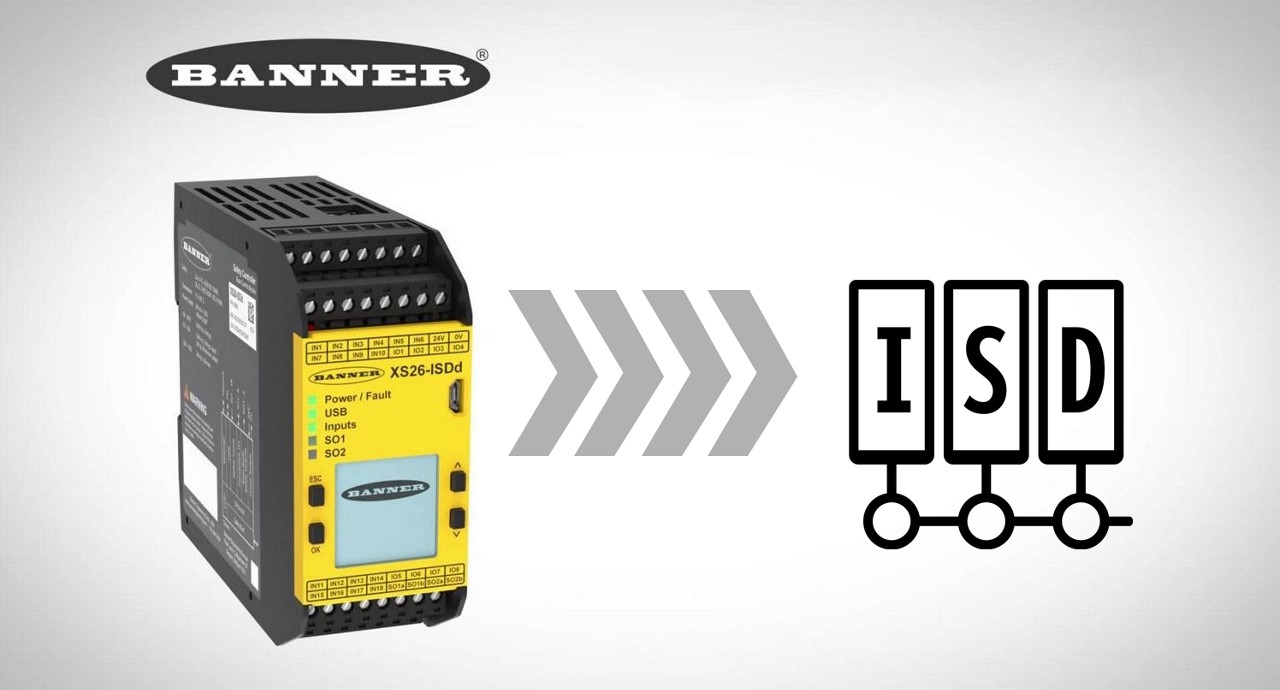
Learn about the ISD functionality of the XS26 Series Expandable Controller in these instructional videos.
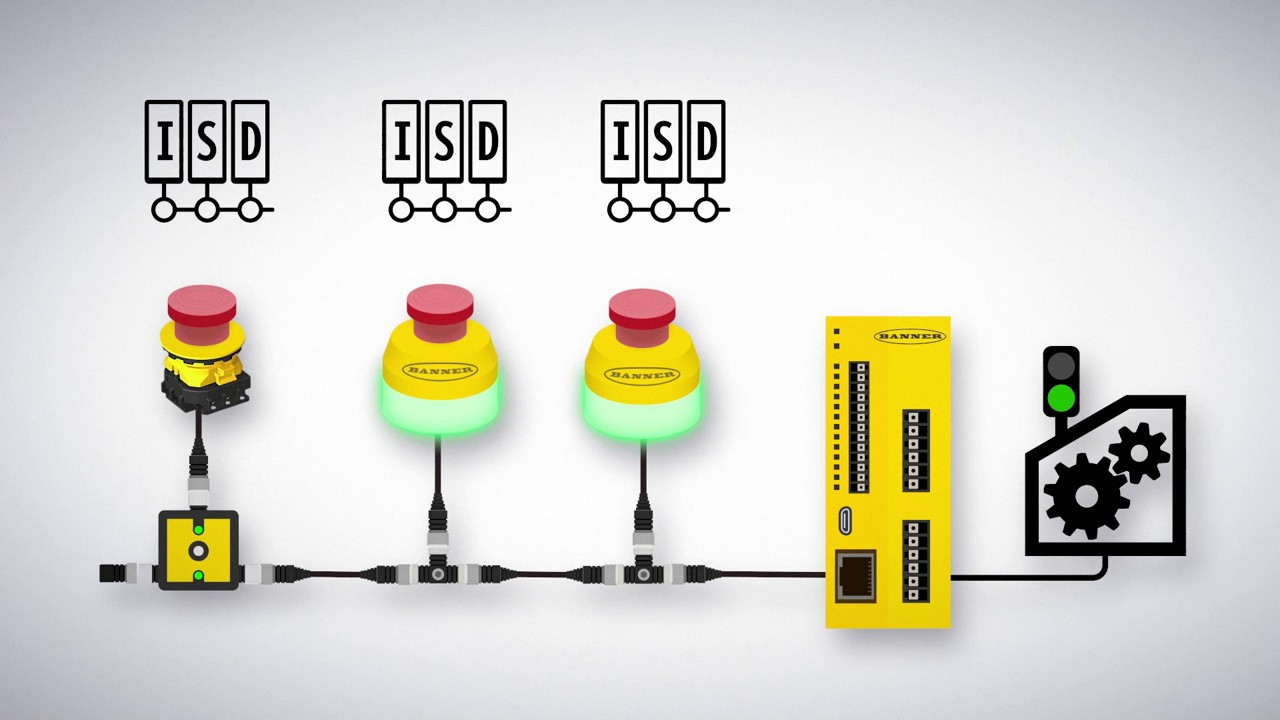
Overview of ISD Connect
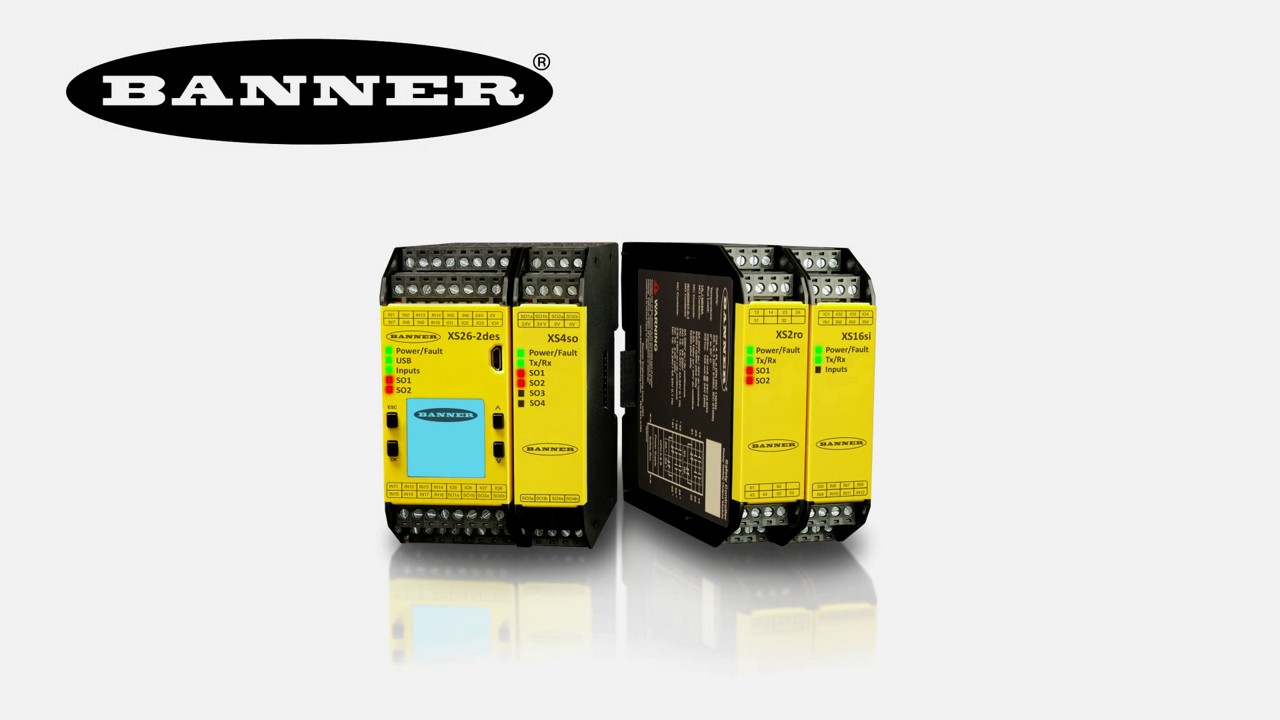
Learn how to use the various features of the XS26 and SC26 Safety Controllers in these instructional videos.
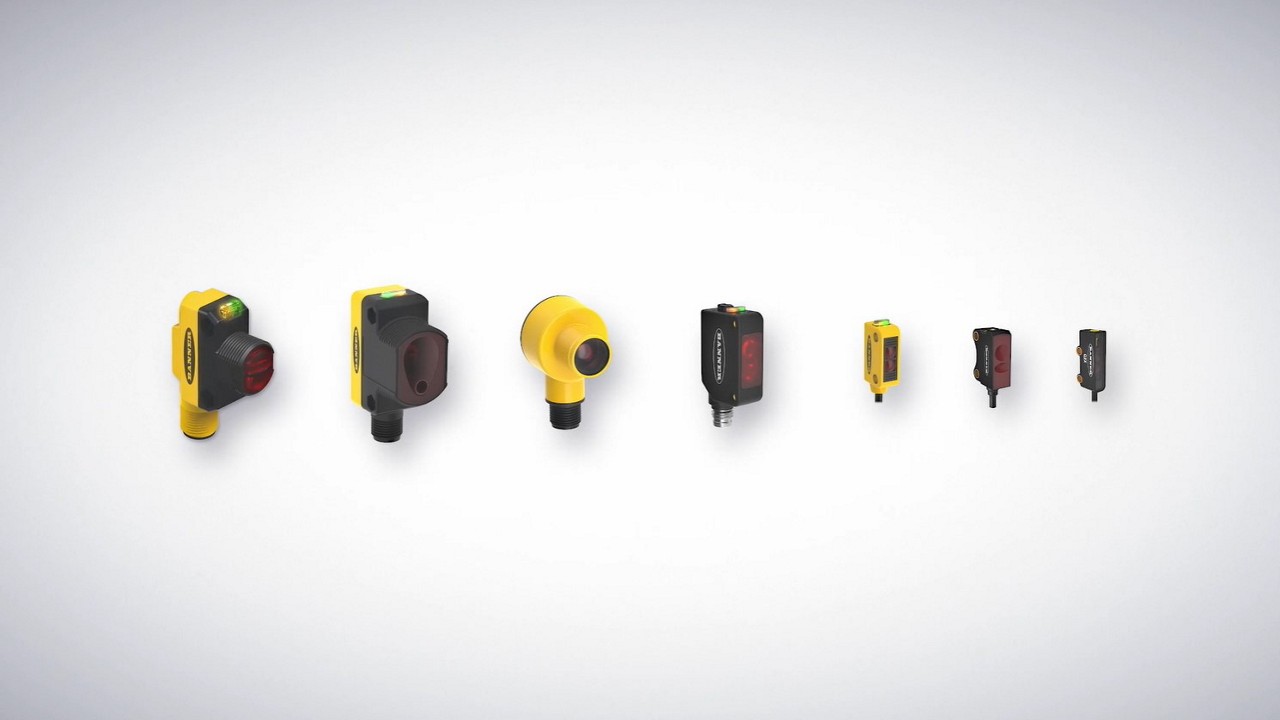
This video guides you through the key features of our sensors and helps determine which sensor within our photoelectric portfolio is best for a specific application.
Increase productivity and unlock your factory’s true potential with ‘Snap-Signal’-- a hardware and software tool-kit for your IIoT evolution, available only from Banner Engineering.
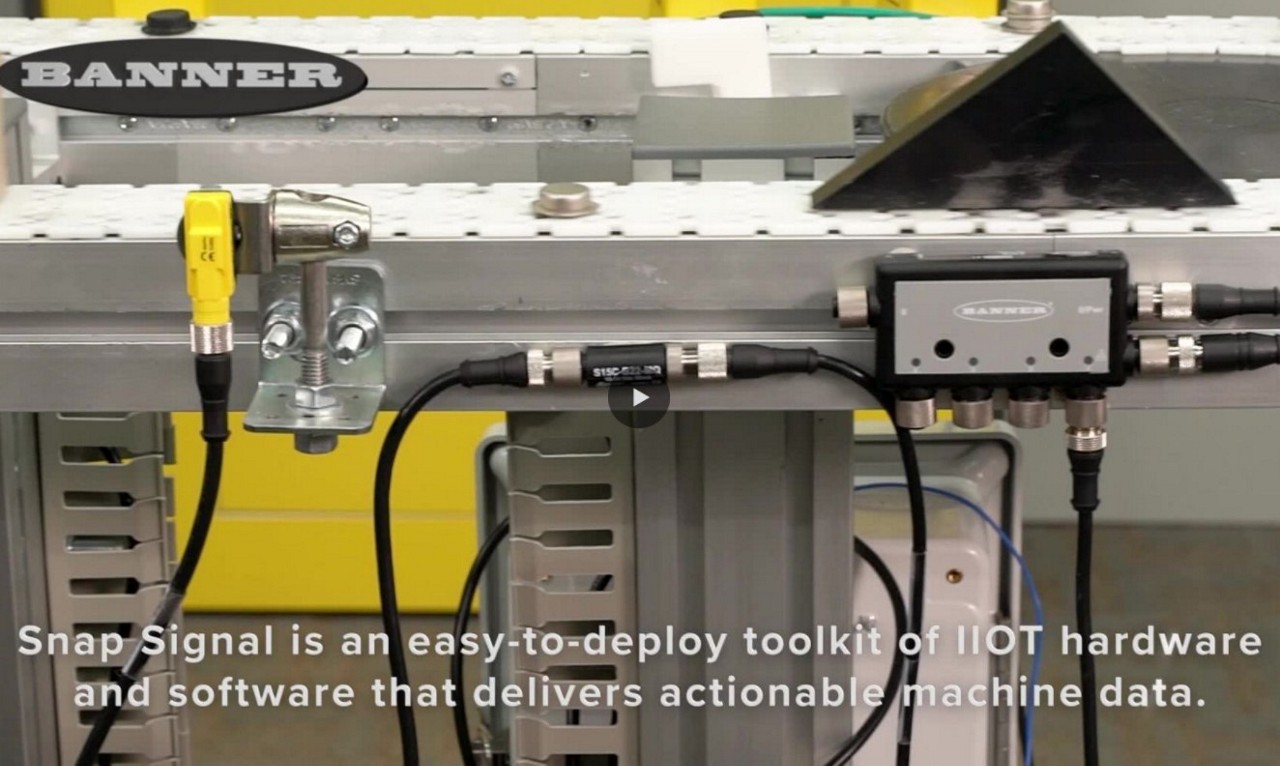
Snap Signal is an easy-to-deploy toolkit of IIoT hardware and software that delivers actionable machine data.

iVu Series vision sensors combine the simplicity of a photoelectric sensor with the intelligence of a smart camera. They can be used to monitor parts for type, size, orientation, shape, location, and color or color variations.
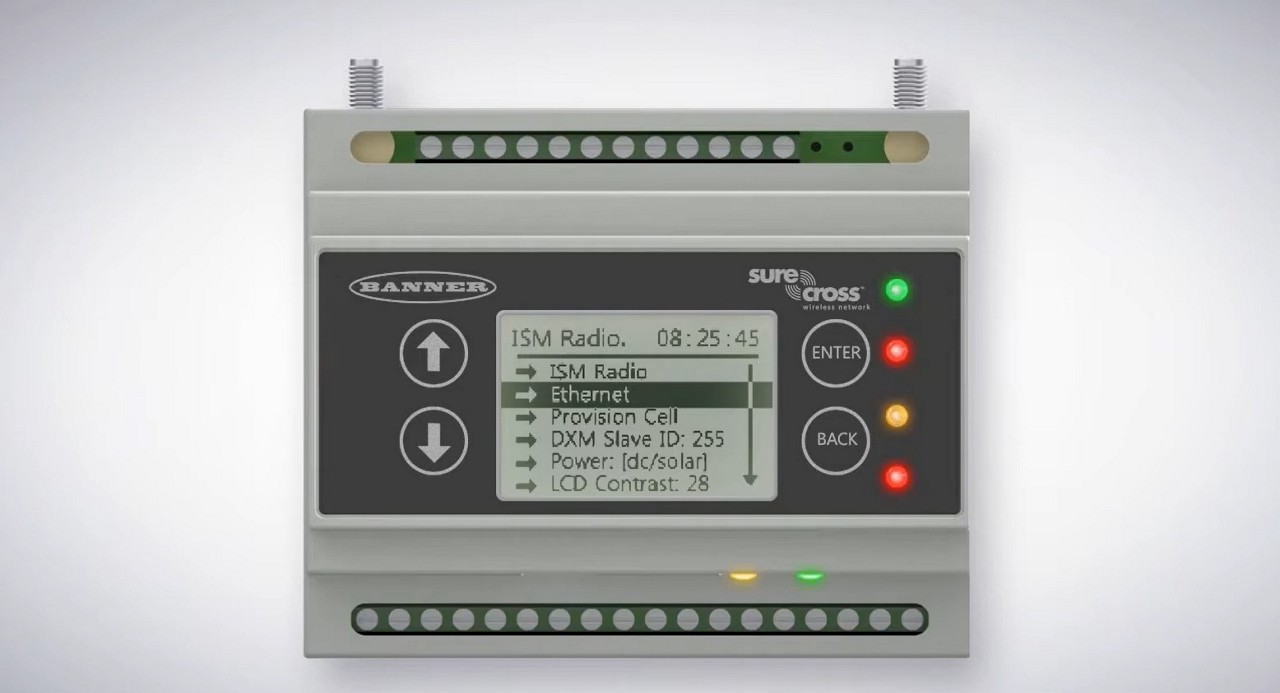
Learn about Banner's DXM Series Wireless Controller in this seven-part tutorial.
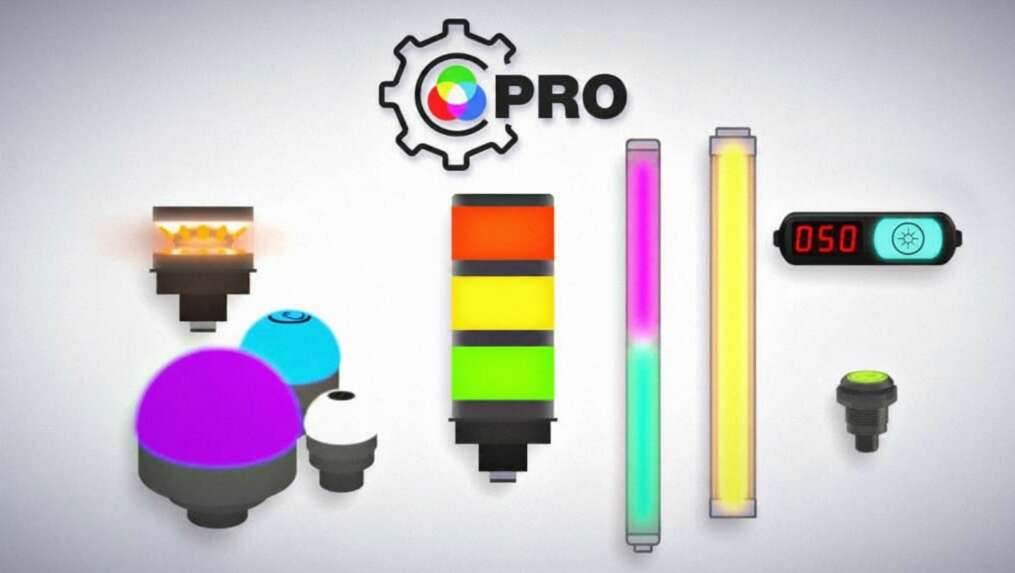
The Pro Series programmable multicolor LED devices from Banner Engineering offer limitless possibilities for advanced indication of dynamic machine states, operator interaction, and process statuses. Watch the video to see what elevates a Banner Pro light above a traditional factory light.
Learn about the Pro ID feature of the Banner Pro Editor software.
Learn how to use Banner's Pick-to-Light Solutions Kit.
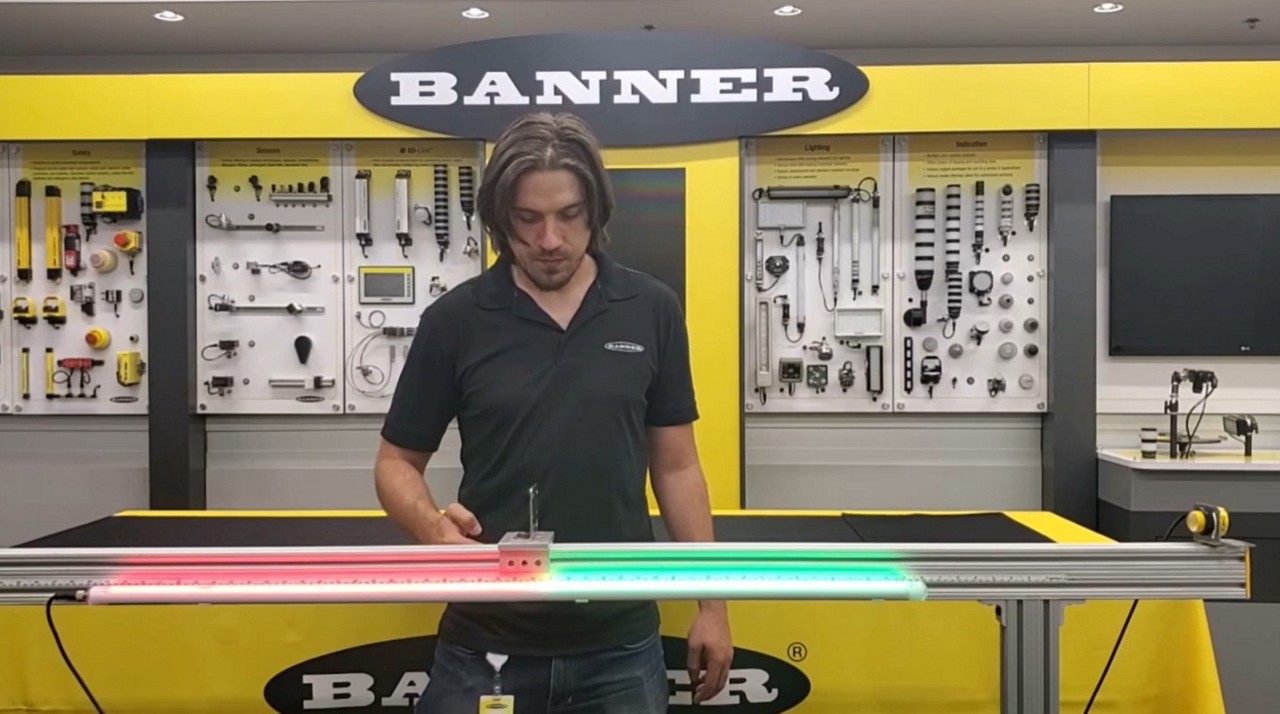
Learn how to track measurement on irregularly shaped objects.
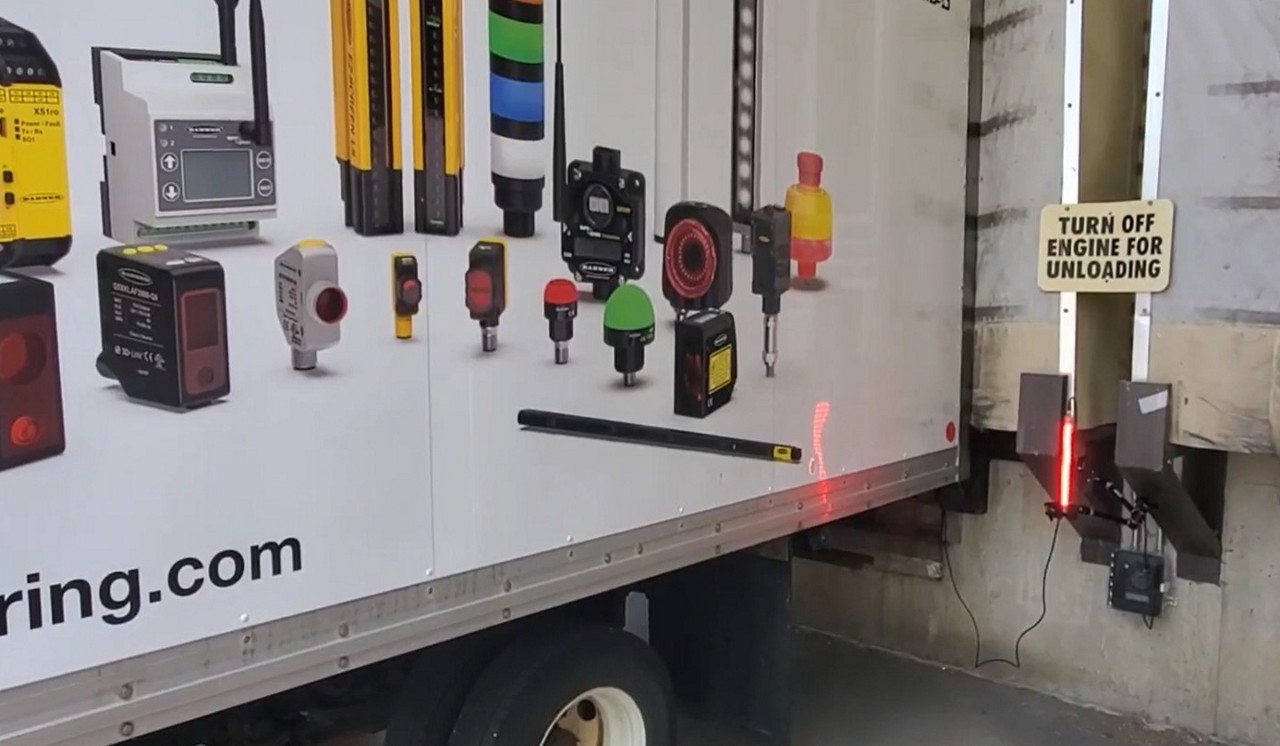
The T30R provides bright, visual indication to assist truck drivers at loading docks.
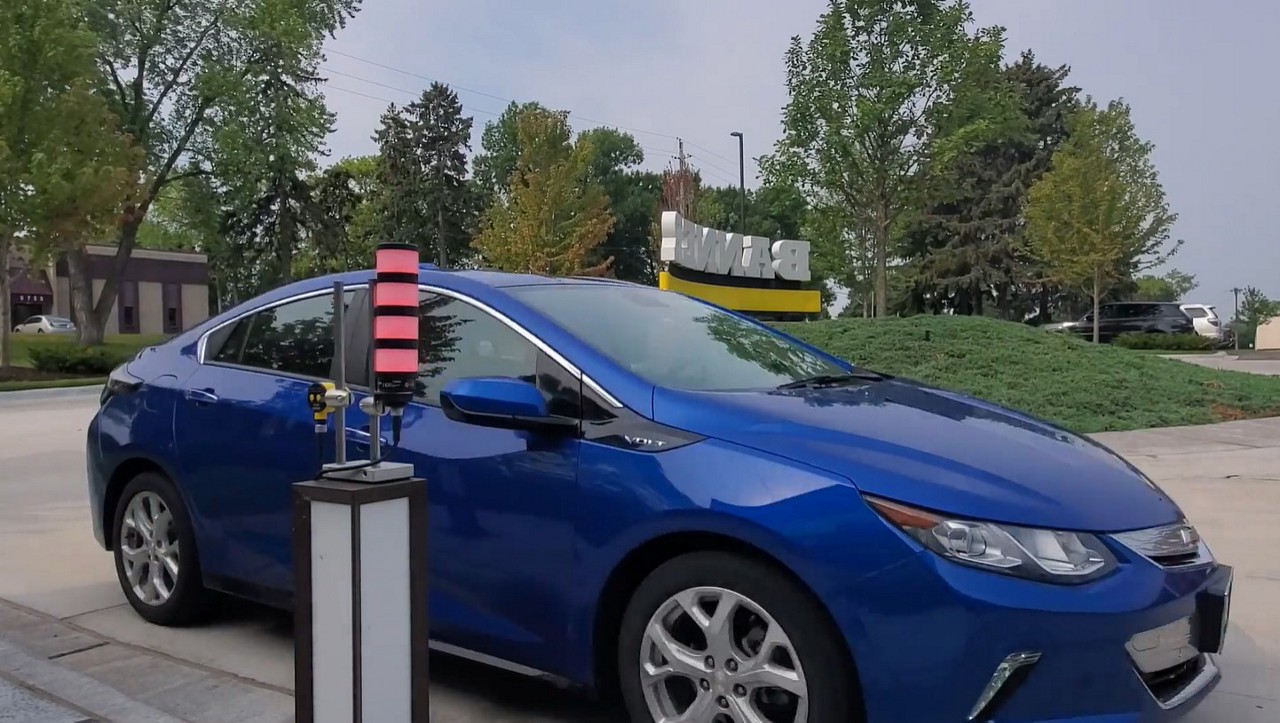
The T30R detects vehicles regardless of shape, size, or weather conditions.
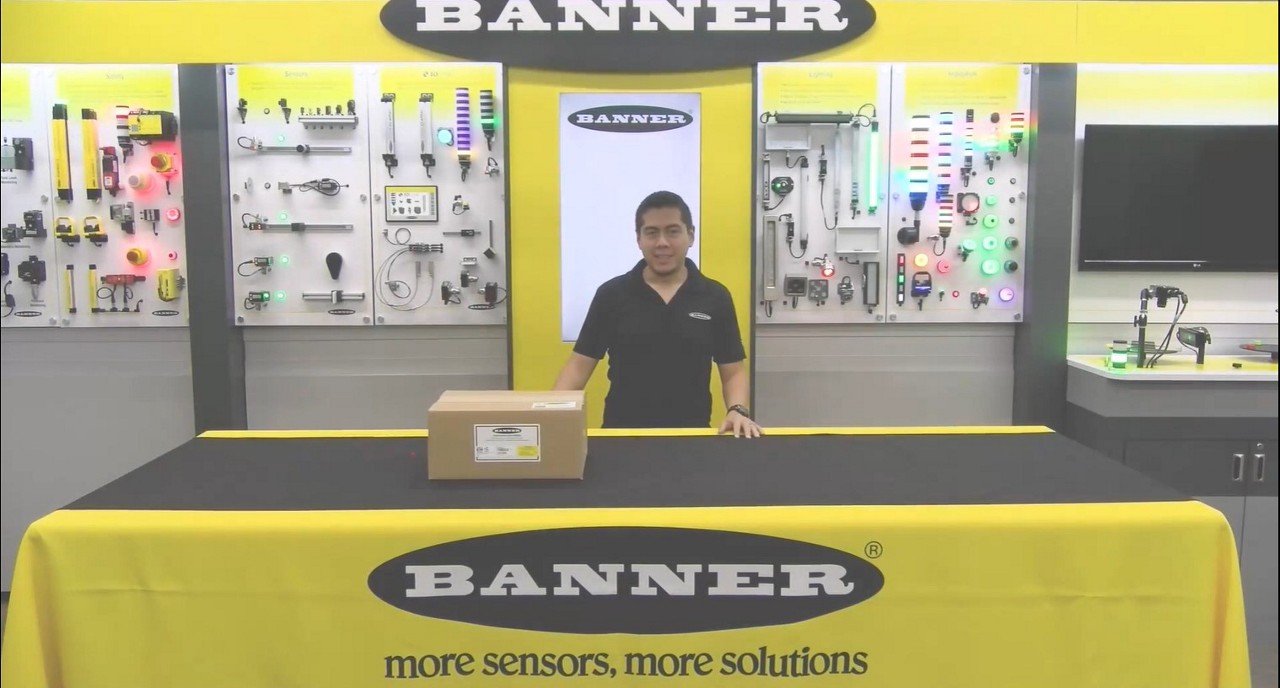
How to unbox Banner's Production Performance Monitoring (PPM) Kits
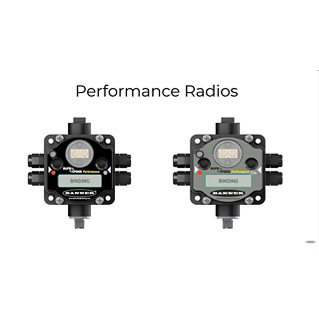
Learn about Banner's Wireless Performance Radios in this five-part tutorial.
Connecting a MODBUS sensor to IO-Link is easy.
Banner's new WLS27 Multicolor LED Strip Light with EZ-STATUS™ retains the round, rugged design of the original WLS27 providing a long work life in harsh work environments and washdown areas. Add versatility to your lighting application.
Snap Signal Converters allow you to connect together two previously incompatible device types so data can be seamlessly transmitted across multiple IIoT ecosystems.
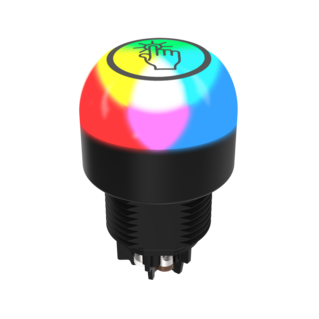
Banner K30 Pro Touch Button capabilities

Banner Engineering's Q4X versatile, rugged laser distance sensor has an IP69K rating for use in wet and high-pressure washdown environments. The IP69K rating is important for applications where high-pressure, high-temperature water and cleaning chemicals are used to spray down equipment and machines.
Banner Engineering's WLS27 LED Strip Lights have sturdy internal aluminum structure, encased in shatterproof, UV-stabilized, copolyester shells, making them ideal for harsh indoor and outdoor applications.
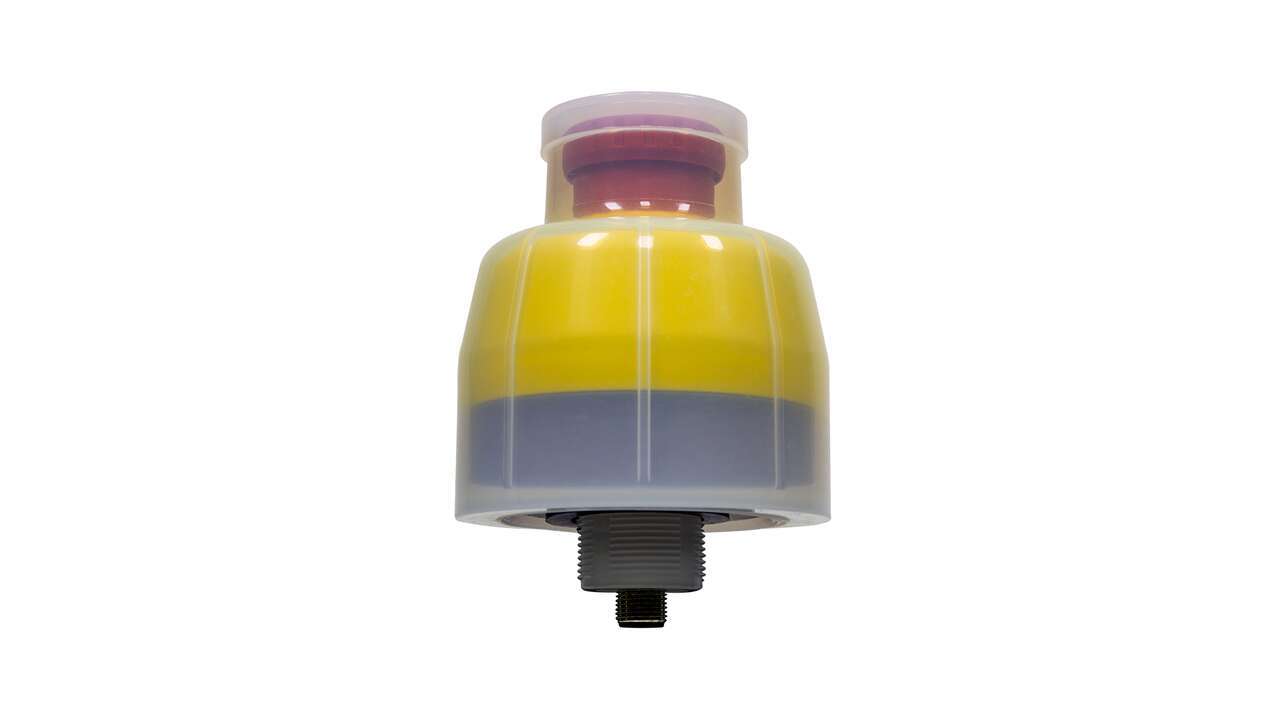
Banner Engineering’s new Washdown Cover expands the number of applications for which our E-Stop Buttons can be used by raising the product rating up to IP69K and Type 4X. It provides additional protection against environmental hazards for our 30 mm Mount Emergency Stop Buttons without compromising device actuation or visibility. The cover is made of clear, FDA-grade silicone and is both UL and ECOLAB approved. It is available in pre-installed kits for rapid deployment in new installations or as a standalone product, ideal for retrofitting E-Stop buttons in existing installations.
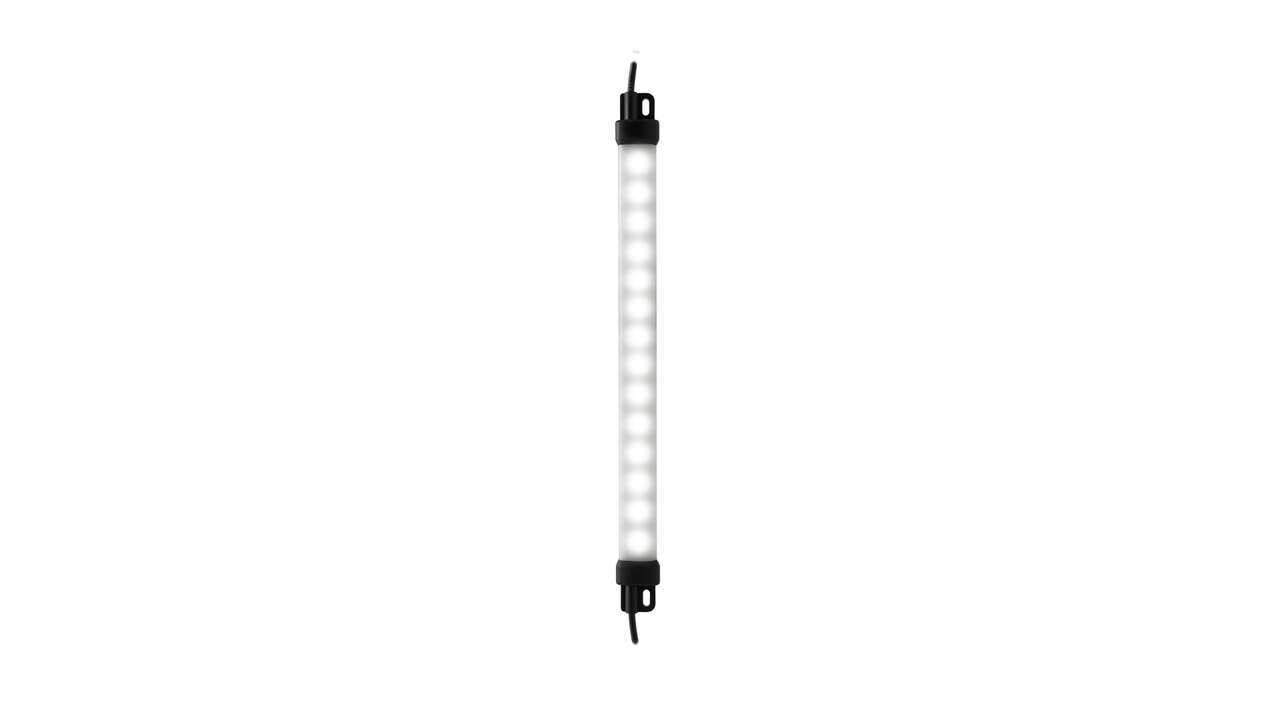
Watch the video to see how the WLS15 low profile strip light improves visibility & efficiency and can fit in tight spaces that other lights cannot.

Banner Engineering offers solutions for ambient light detection.
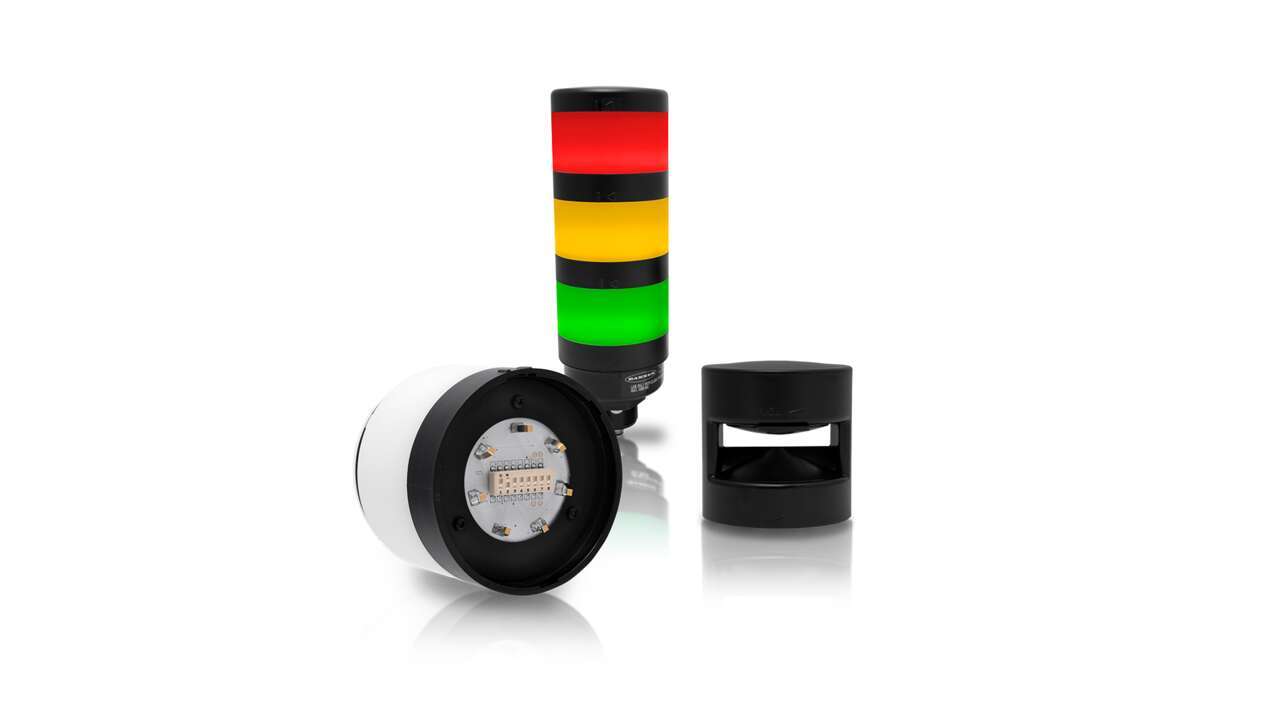
In this video, Banner demonstrates how to easily configure and install the TL70 Modular Tower Light in just a few steps. This software tutorial video is meant as a reference tool only. It was created as a guide to help you through the general steps involved during the installation process. It is important that you read and follow the written installation instructions included with the product.
The TL70 Modular Tower Light is another solution from the leader in lighting & indicators designed to help you work smarter and more efficiently with better visual management. Banner engineered a better design, providing a bigger and brighter indicator with uniform light and the choice between preassembled or modular versions. The modularity allows you to customize the tower light as needed and change positions in the field.
An introduction to VE Series Smart Cameras, a cost-effective, easy-to-use and easy-to-implement solution that solves a broad range of vision applications.
Learn about the powerful capabilities and easy-to-use tools offered by Vision Manager, the free image processing software package from Banner Engineering for VE Series Smart Cameras.
Video tutorial demonstrating the ease of setting up a basic inspection for a VE Series Smart Camera using Vision Manager image processing software from Banner Engineering.

Monitor machine health utilizing predictive maintenance by continuously monitoring for vibration and temperature changes.
Learn how to use the S15C Pulse Pro converters with Banner's WL27 or TL50 lights.
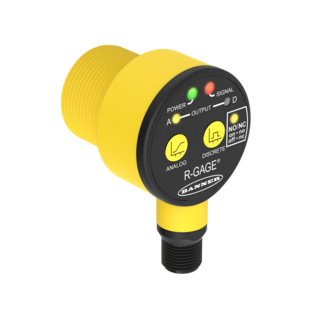
Learn how to pull and analyze T30R data.
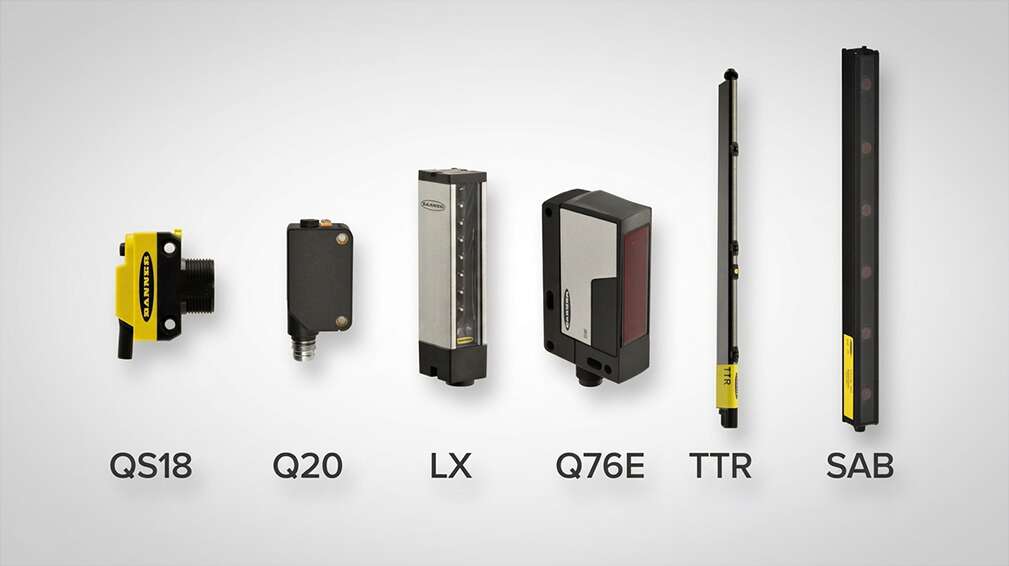
Learn how to pair the best sensor for each leading edge detection application.
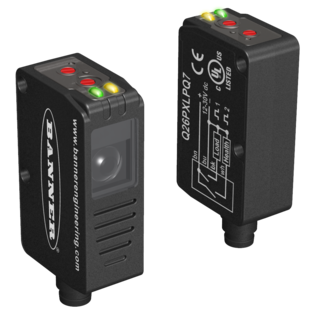
Banner's Q26 Clear Object Detection Sensor reliably and quickly detects clear or transparent objects for multiple application needs.

Learn how to improve communication and maintain a steady workflow with Banner Engineering's wireless call for parts solution.
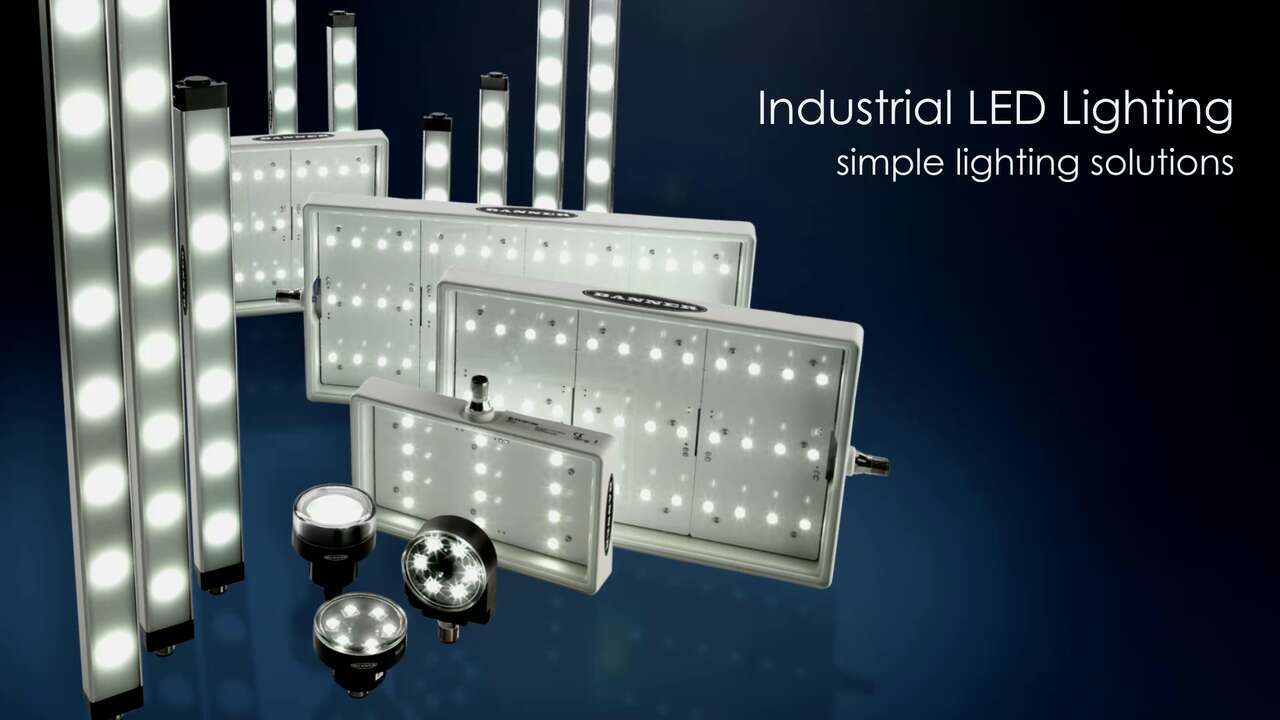
High-Quality, Energy-Efficient Industrial LED Lighting Provides Bright, Even Illumination

Watch this demo to learn how to use our new software to interact with Banner's wireless sensors such as the vibration temperature sensor and the temperature humidity probe.
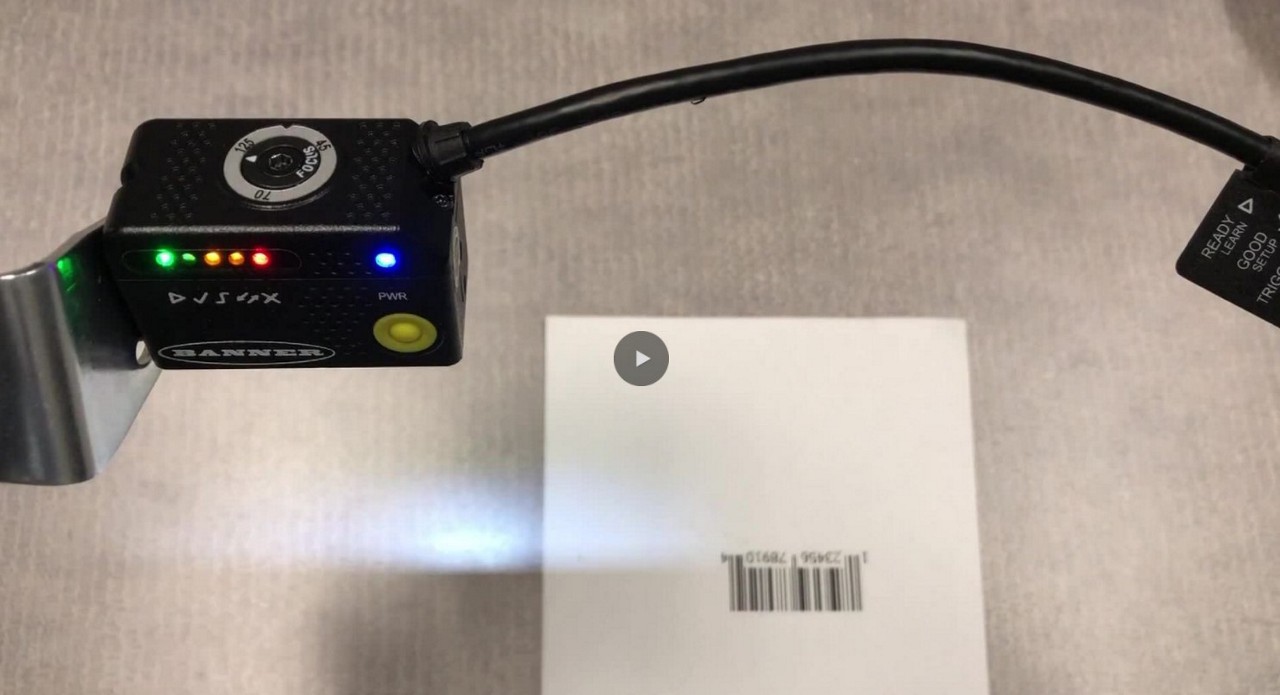
Learn how to use the smart teach function of the ABR Barcode Reader.
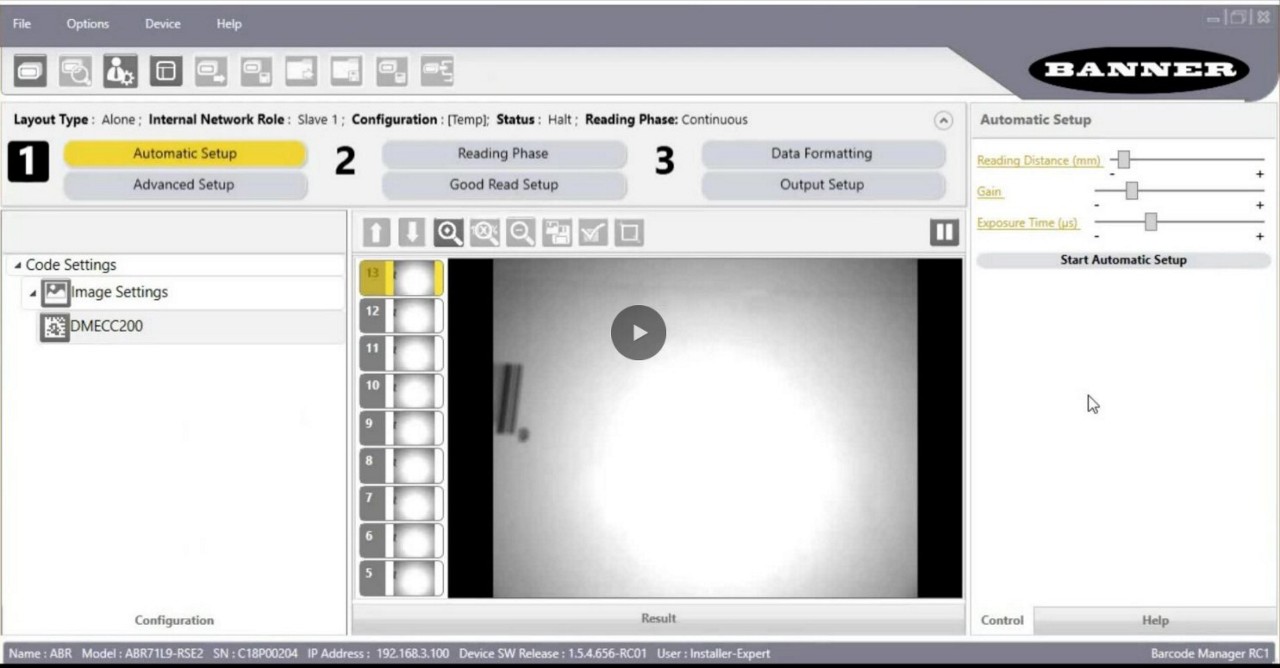
Learn how to get a well-focused image using Barcode Manager software for ABR Series barcode readers.
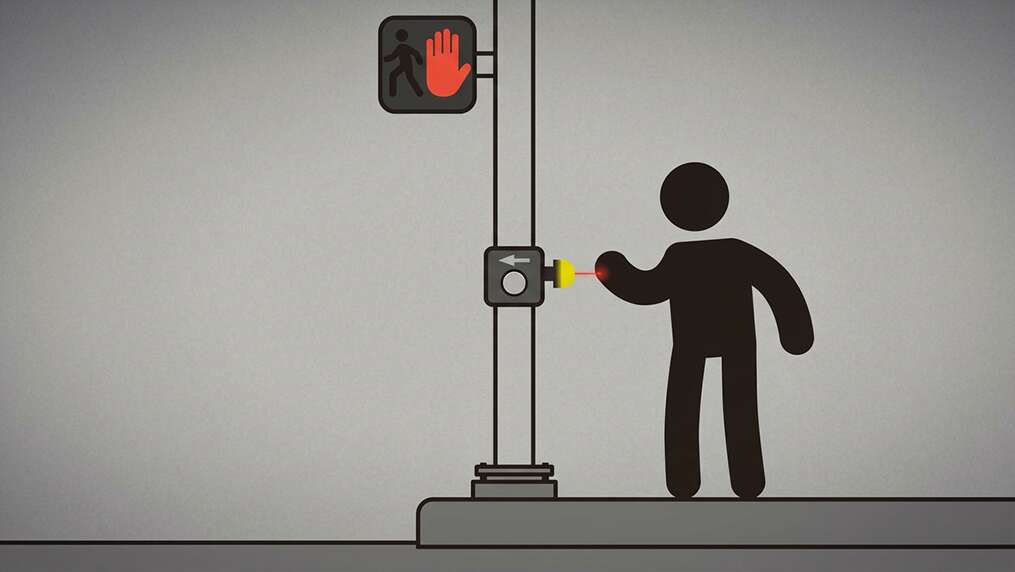
Non-Contact Applications with K50 Pro Optical Indicators
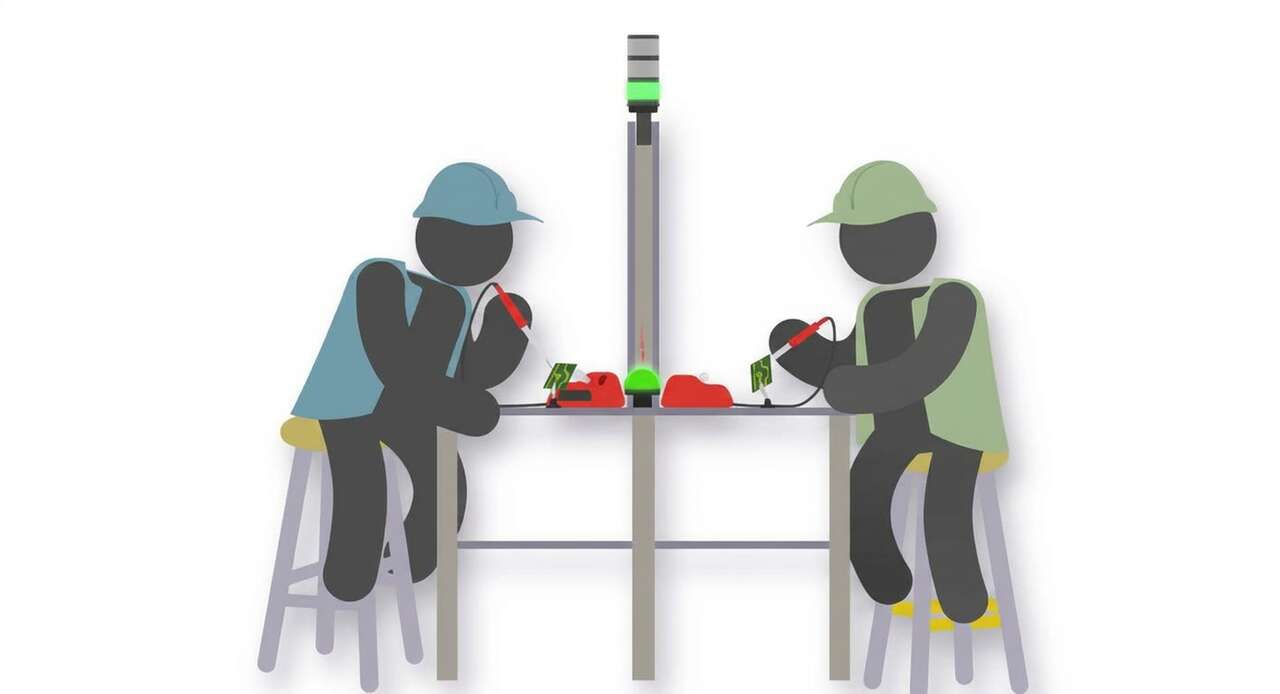
Watch how workers use the K50 Optical to call for an operator by touchless activation.
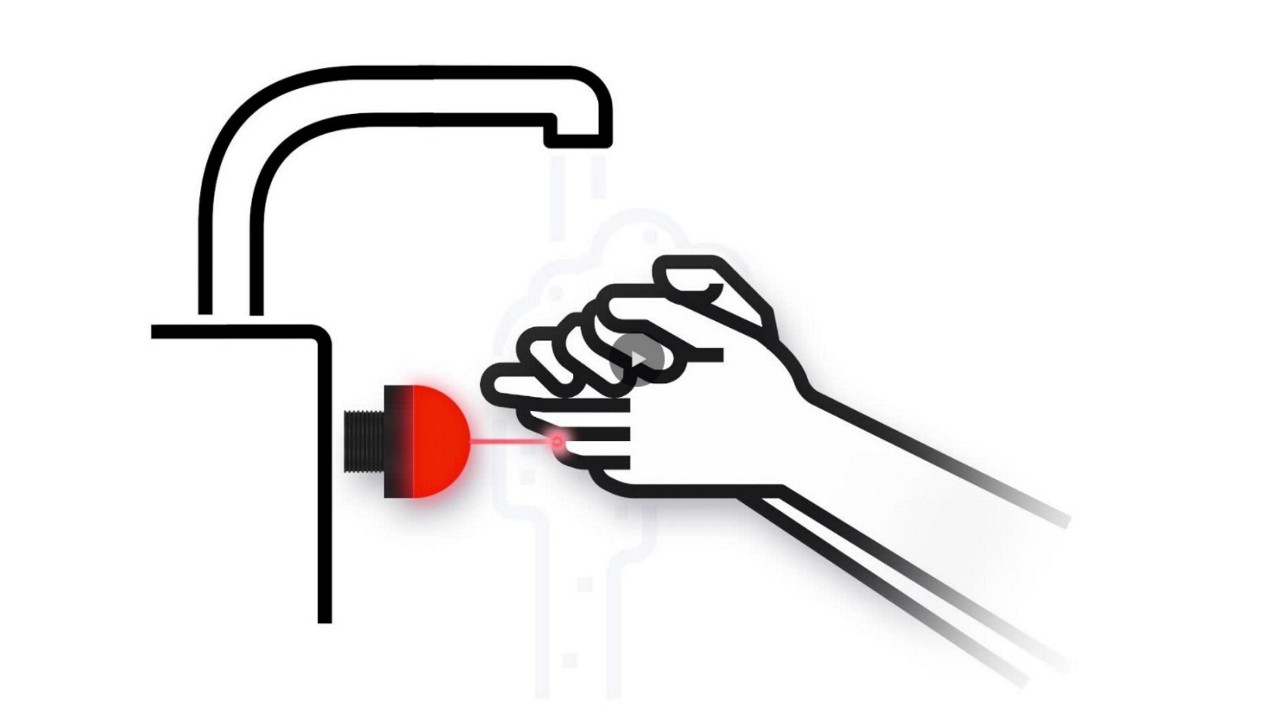
Watch how the K50 Pro Optical assists with non-contact handwashing.
Learn four different ways to mount the Q45VA Wireless Vibration and Temperature Sensing to monitor machine health.
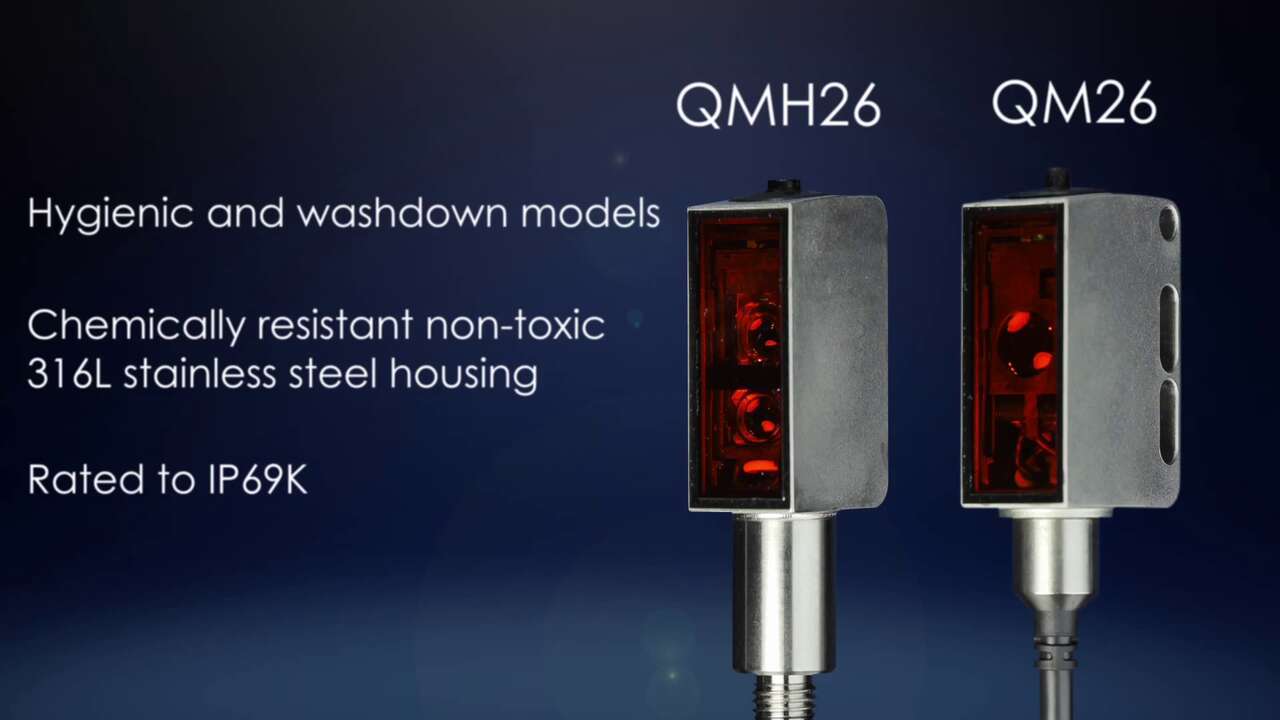
Learn about the rugged, versatile QM26 and QMH26 sensors.
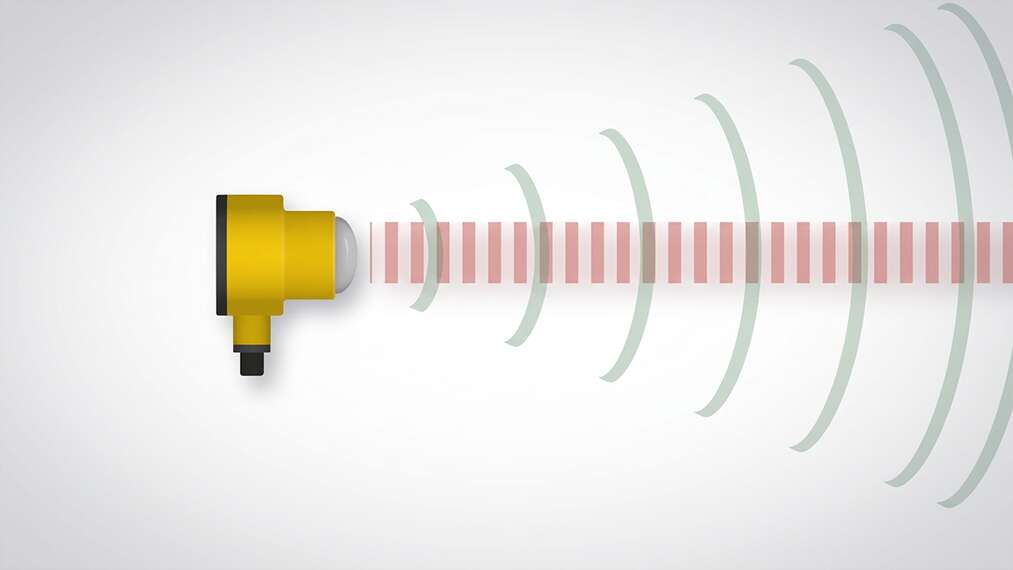
Learn about Banner's newest best-in-class radar sensor, T30R.
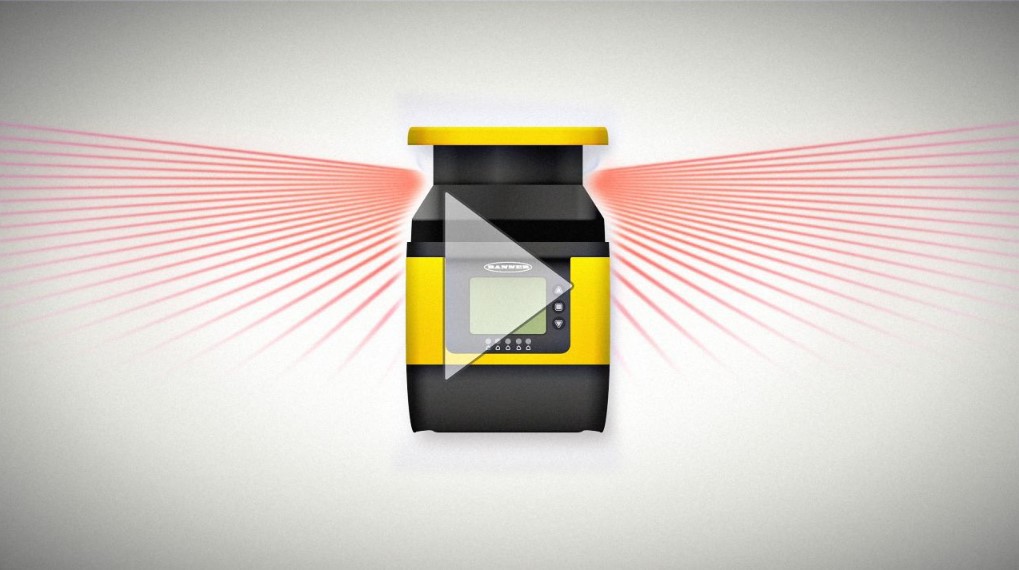
Learn about the improved SX5 safety laser scanner.
Video tutorial for the VE Emulator found in Banner's Vision Manager software for VE Series Smart Cameras.
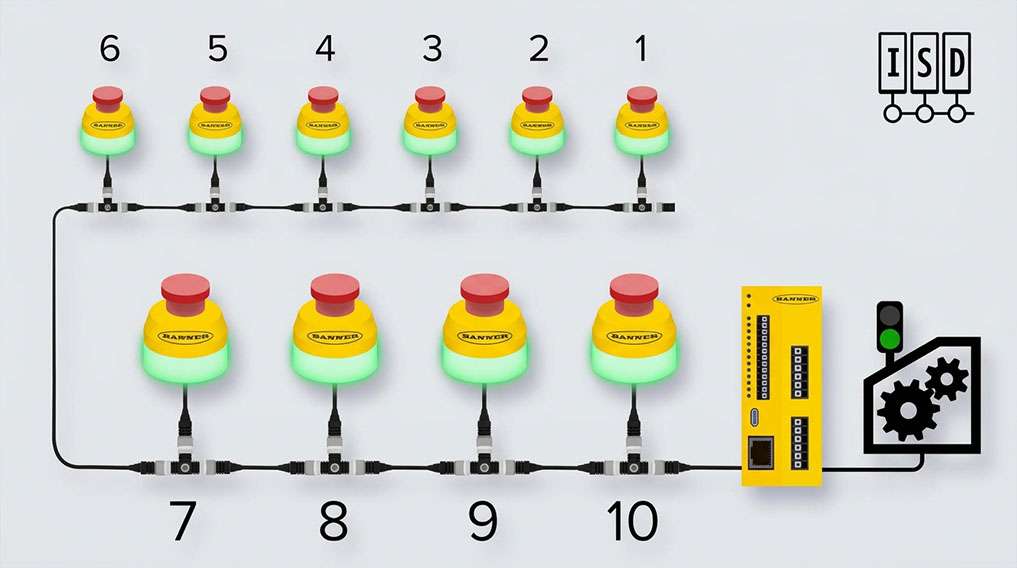
See how ISD technology integrates with emergency stop buttons.
Introducing the TM18 photoelectric sensor series.
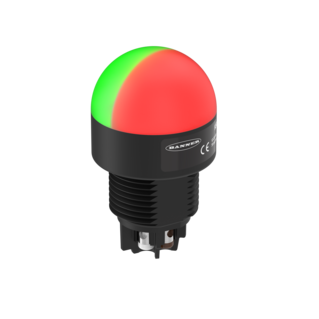
Banner K30 Pro Indicator capabilities
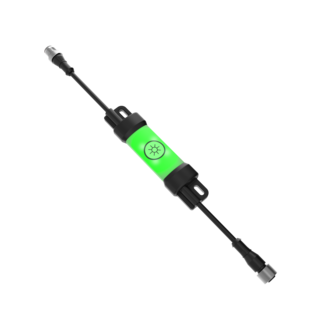
Learn about the LC15T, Banner's illuminated In-line touch switch for DC voltage lights. Turn on, off, adjust intensity, and memory features all possible with the touch of a finger.
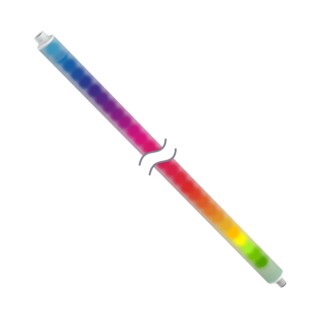
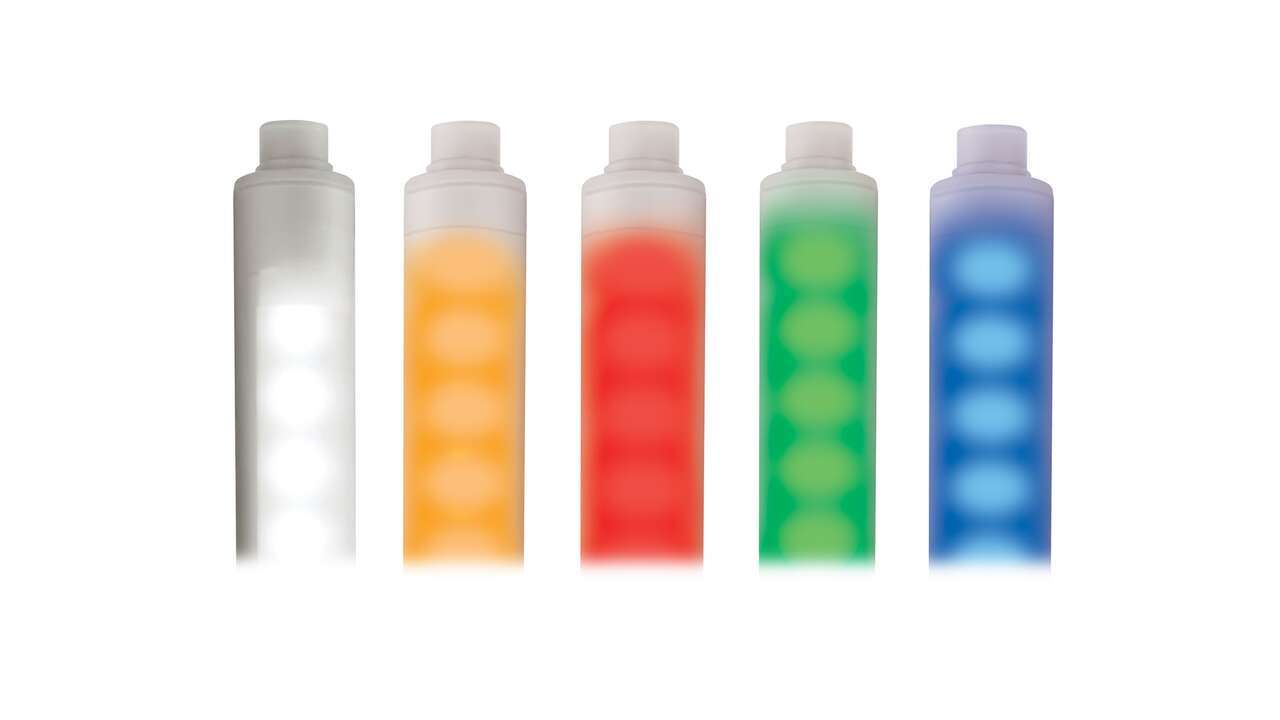
The WLS27 Pro is available in a wide variety of color options.
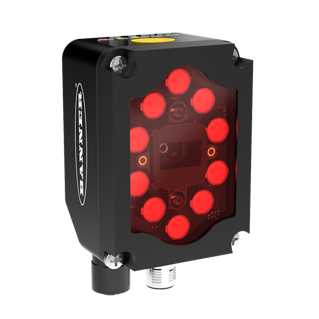
Banner's Barcode Readers Outperform the Competition
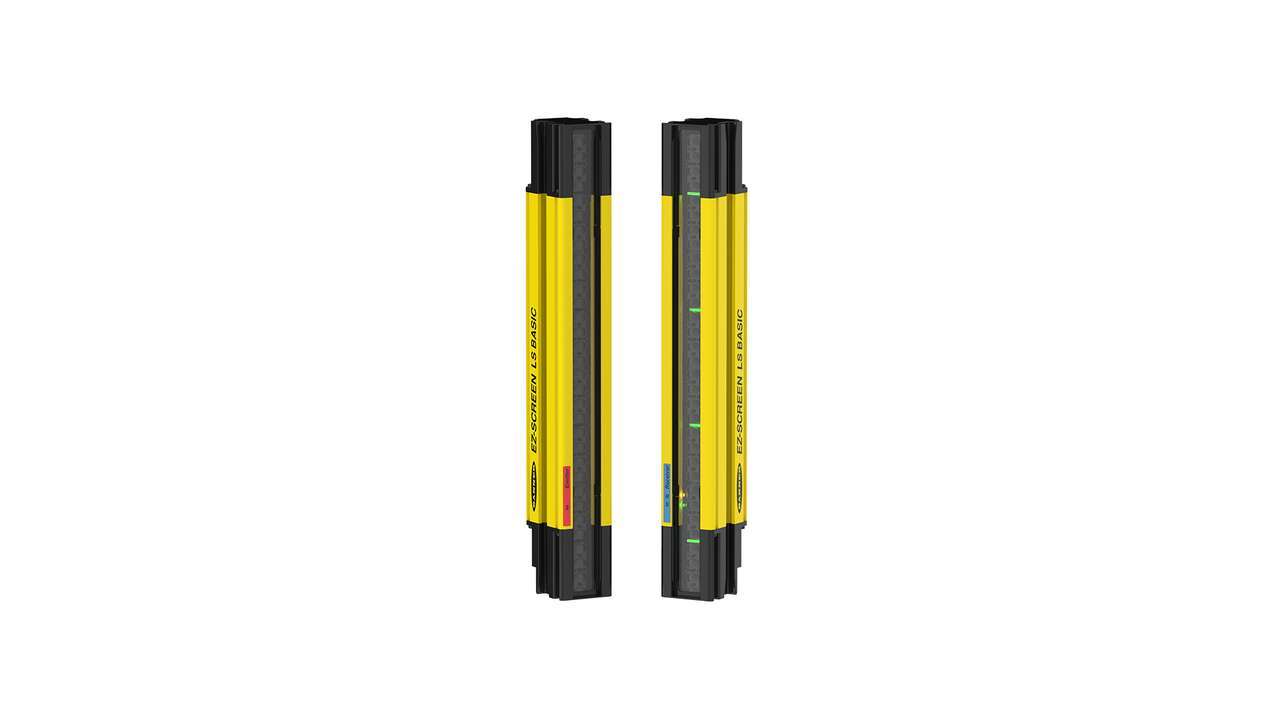
The LS is an easy-to-use safety light screen system for machine safeguarding, built to withstand challenging environments common to both manufacturing and packaging.
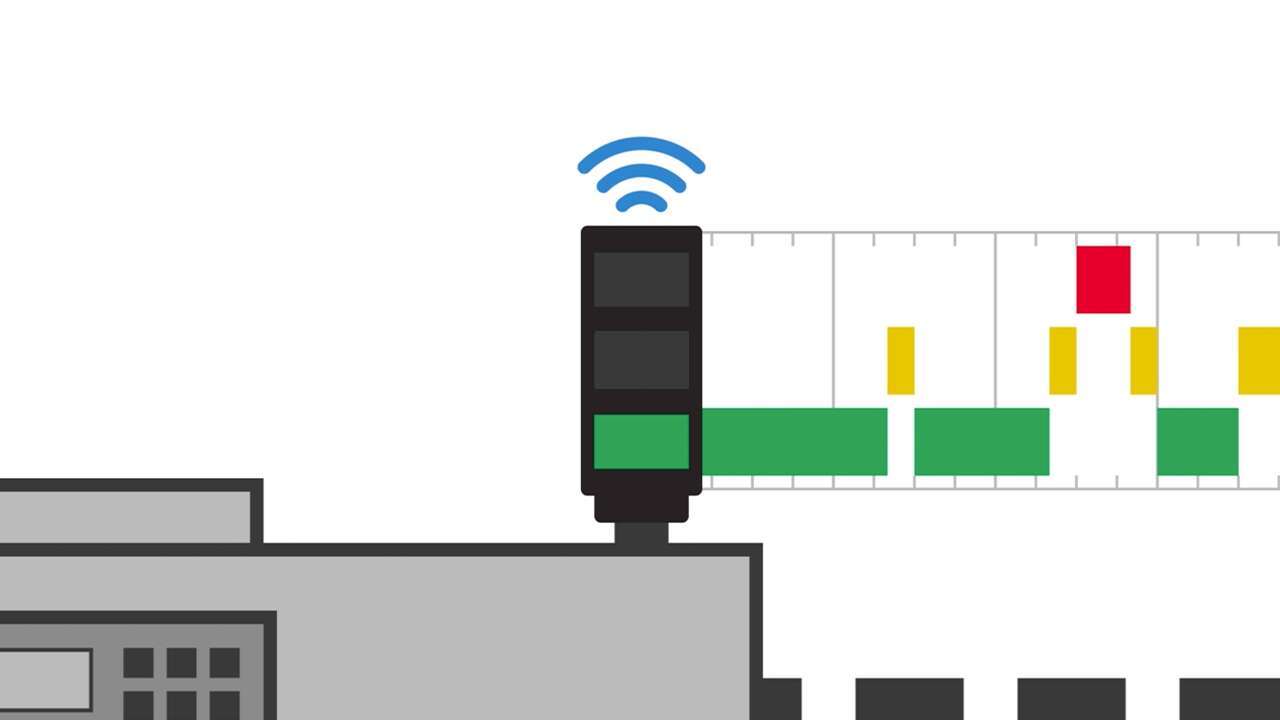
Calculating Overall Equipment Effectiveness (OEE) can help you improve efficiency and productivity. With a wireless system, you can track uptime, validate throughput, monitor quality, and optimize your operation.
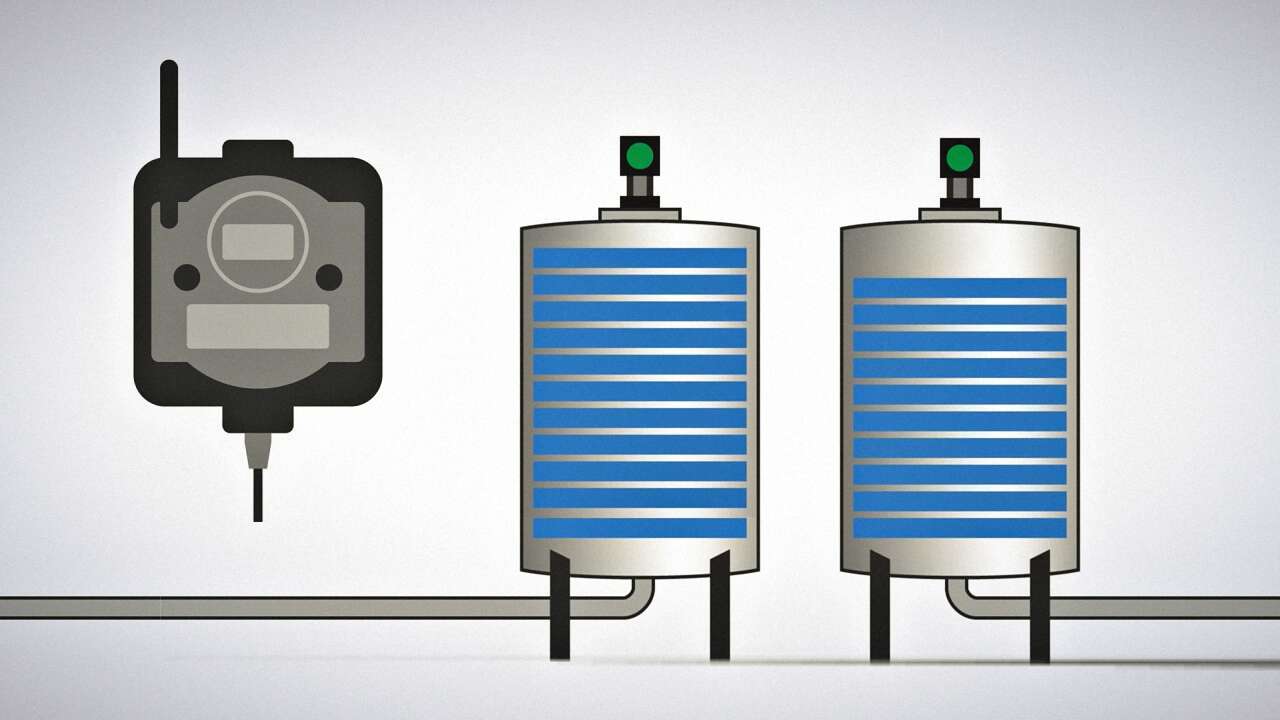
Prevent your operations from being unexpectedly disrupted because of an empty tank with Banner’s tank monitoring solution.

Banner Engineering offers a complete portfolio of touch buttons for your simplest to most advanced touch requirements. Watch the video to learn more about our capabilities for touch and indication.

Indicator lights are the visual language of machines. However, traditional indicators are limited. Watch the video the see how programmable RGB indication clarifies communication, simplifies your supply chain, and allows you to quickly create custom indication to match your process.
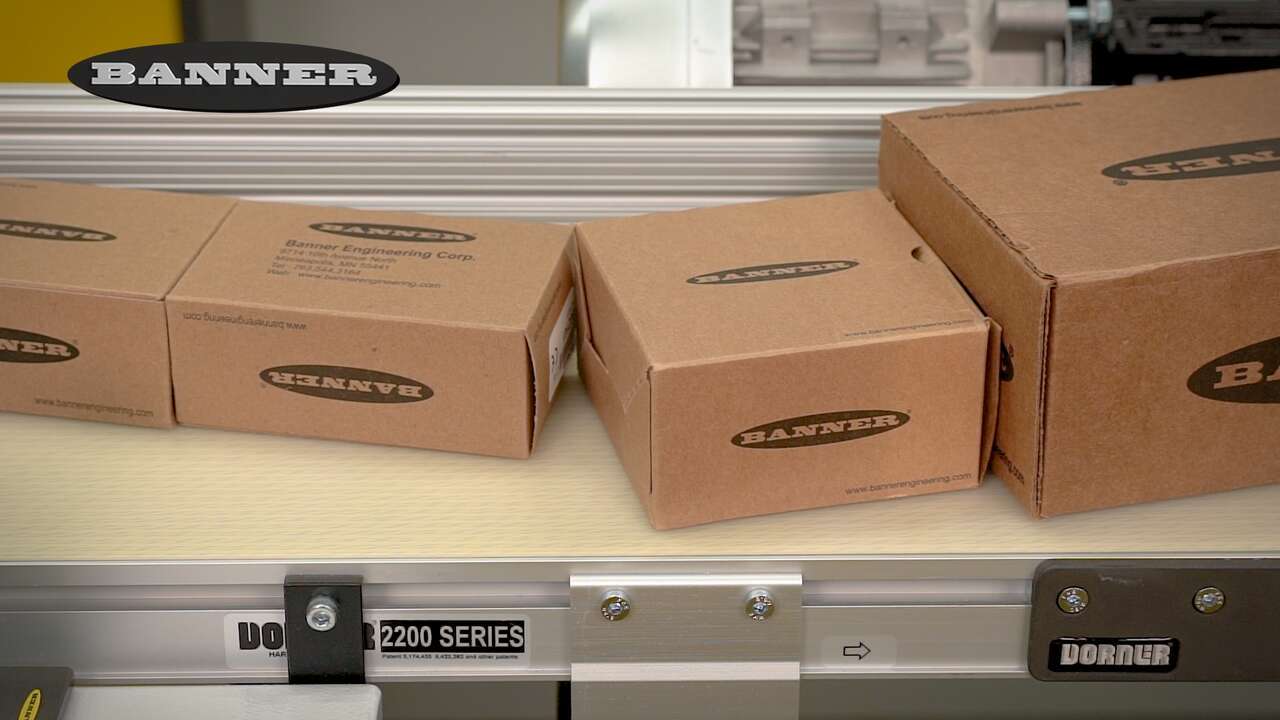
The Banner Q5X Jam Detection Sensor can detect jams faster and more accurately.
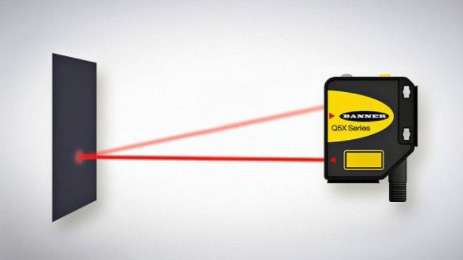
Measure Distance and Intensity with one laser sensor
Take a deeper look into T30R's software and how it works.
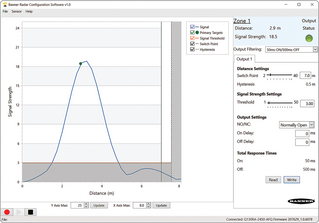
Get a high level understanding of the T30R software.

Learn how the T30R can be used with Pulse Pro I/O lights from Banner Engineering such as the WLS27 Pro or the TL50 Pro for visual distance feedback.
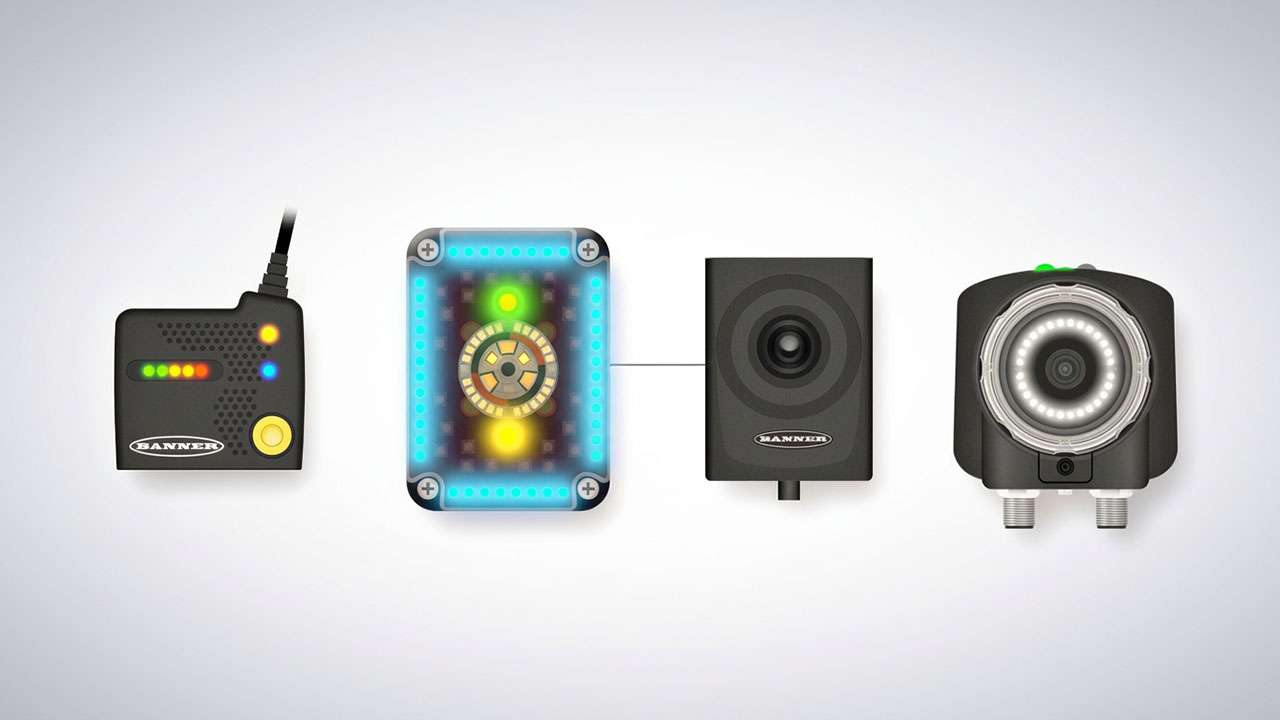
Learn more about the portfolio of barcode reading devices that solve any application.
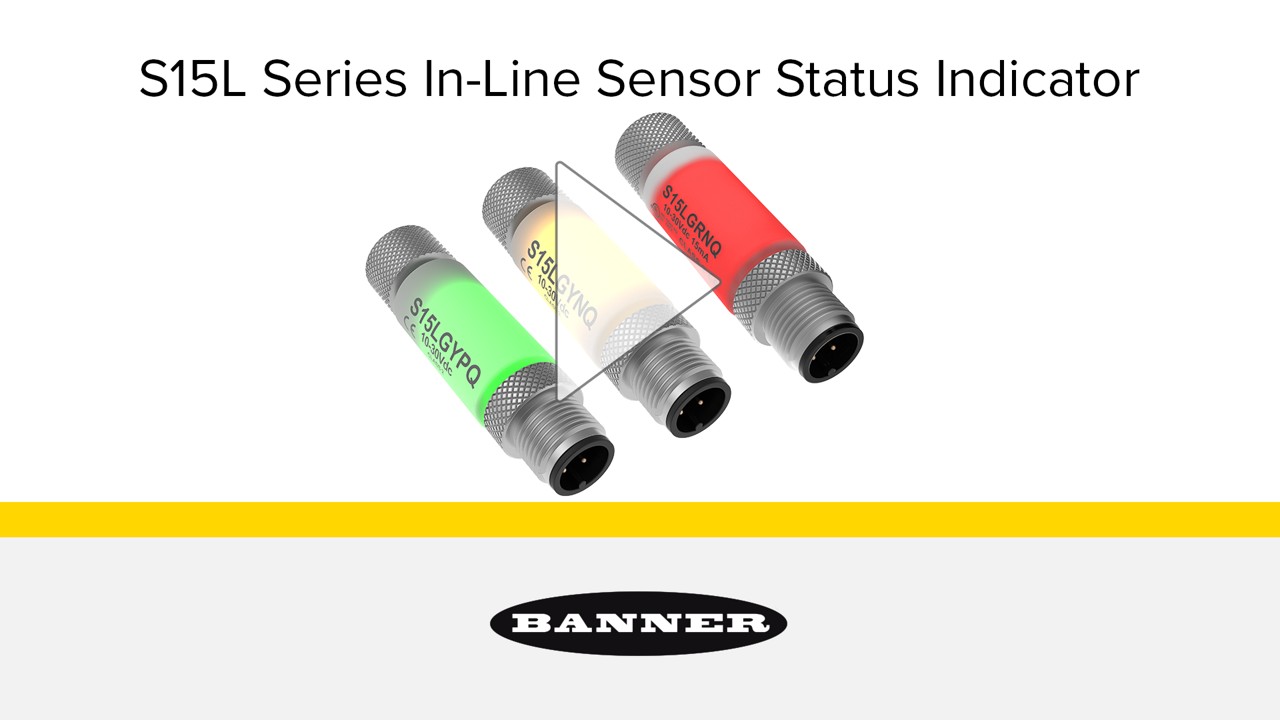
S15L Series indicators connect in-line with sensors and other 4- and 5-pin devices to provide high-visibility, two-color display of power and output status, making it easy to quickly identify and resolve problems.
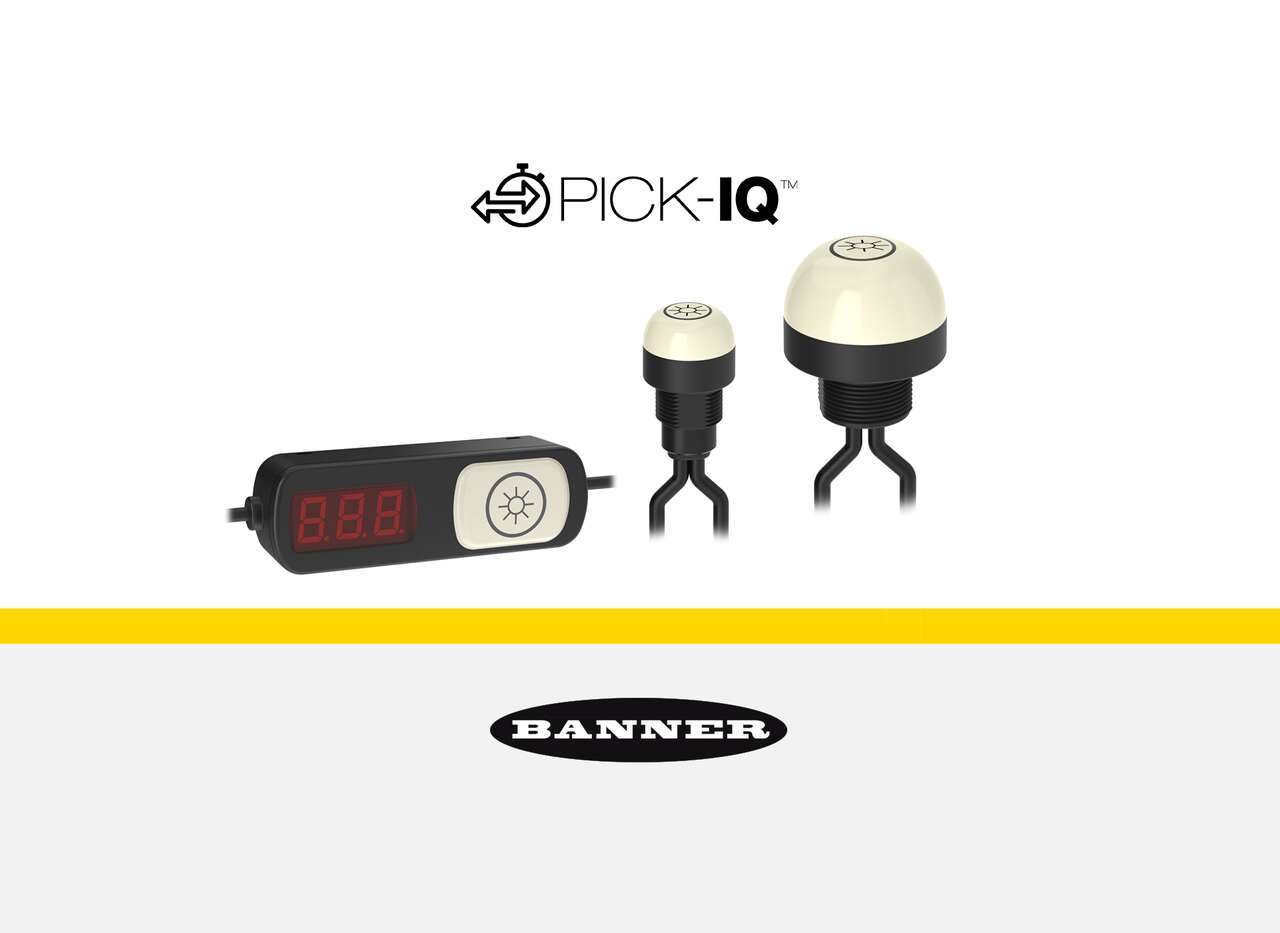
PICK-IQ™ communication enables greater speed and accuracy in medium and large scale pick-to-light systems. Pick-to-light devices powered by PICK-IQ are easy to use, interchangeable, and scalable to create flexible pick-to-light systems that set up quickly and adapt to changing needs.
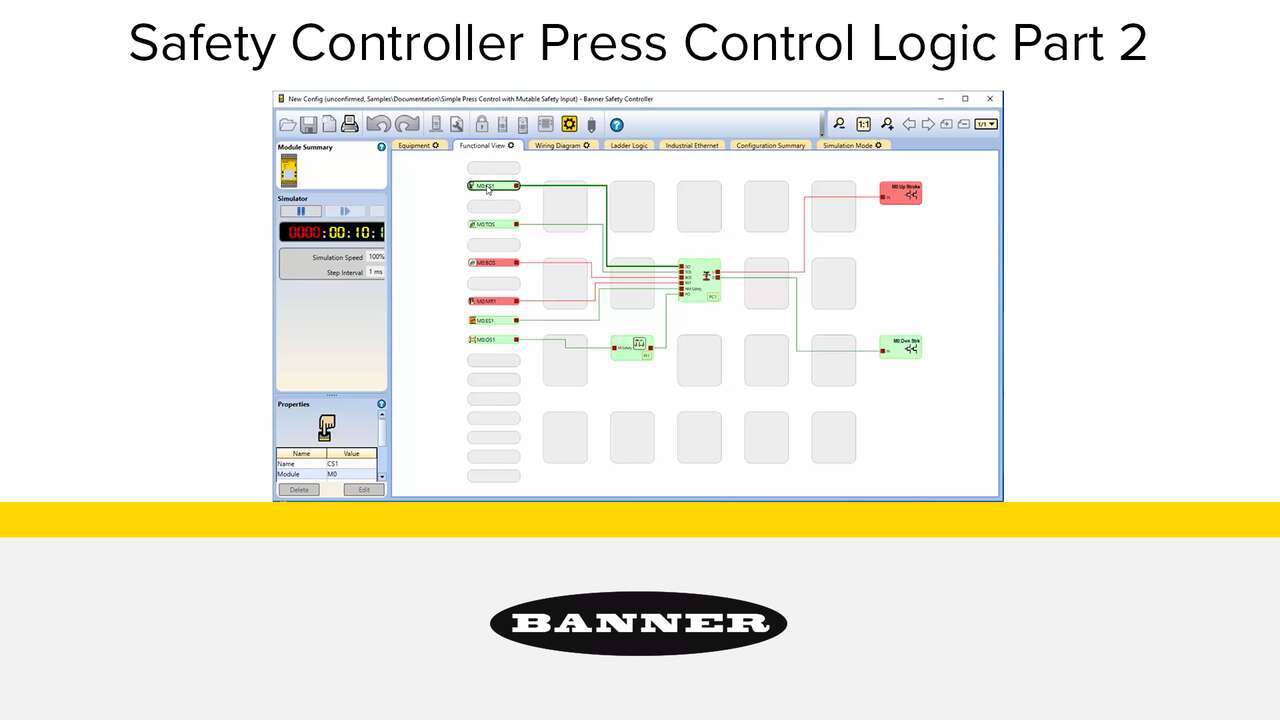
Watch the video to see how to setup a full featured press control system that uses an XS26-2 Safety Controller, XS2so Safety Output Module, Press Status inputs, cycle start, a manual reset, an optical safety sensor, sequential stop, mute sensor, foot petal input and an emergency stop. an XS26-2 Safety Controller, Press Status inputs, a Cycle Initiation, a manual reset, an optical safety sensor, and an emergency stop.
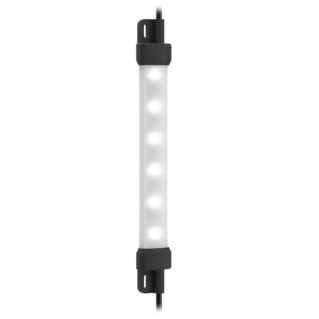
The WLS15 is a low-profile strip light with a sleek design used to enhance visibility in a broad range of applications for workspaces and machines.
Video tutorial for Vision Manager, the free, and easy-to-use image processing software package for VE Series Smart Cameras from Banner Engineering.
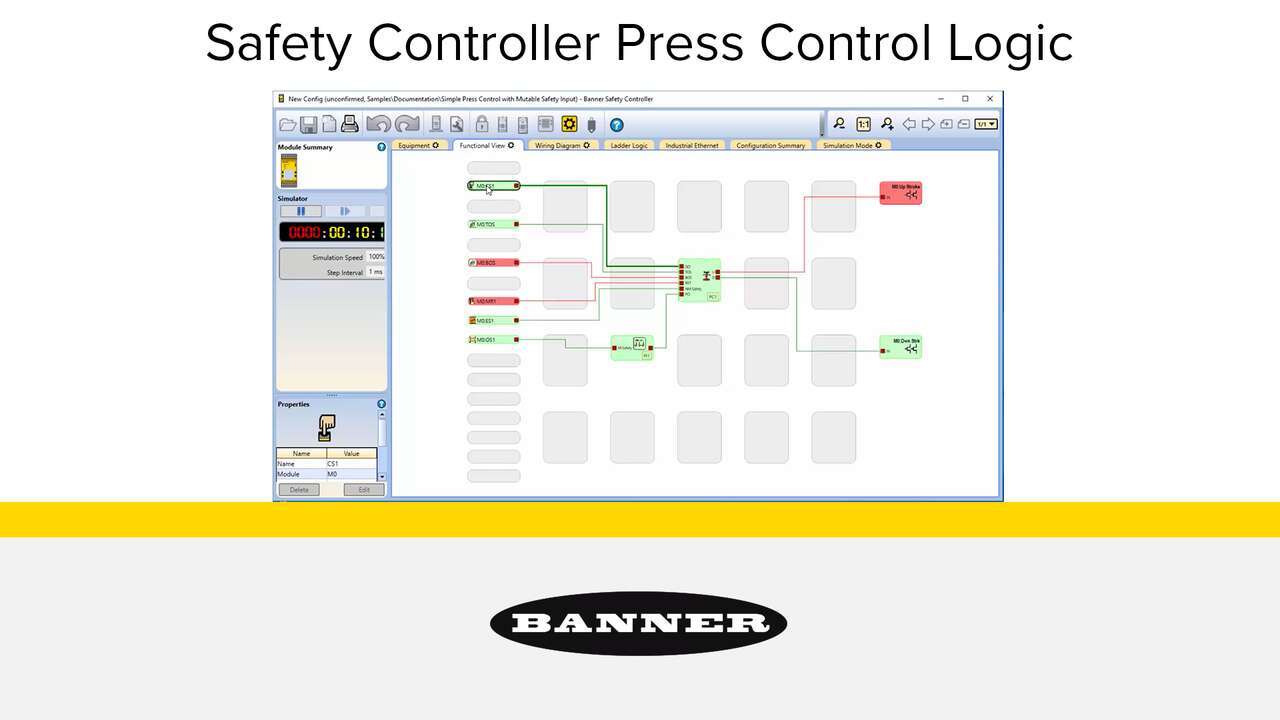
Watch the video to see how to setup a simple press control system that uses an XS26-2 Safety Controller, Press Status inputs, a Cycle Initiation, a manual reset, an optical safety sensor, and an emergency stop.

The Banner Cloud ID Vibration Kit for vibration monitoring make it easy to monitor the health and performance of motors, fans, pumps, and similar equipment. Each kit includes the hardware, software, and cellular data plan necessary to create a fully integrated, end-to-end solution that functions out of the box on day one.
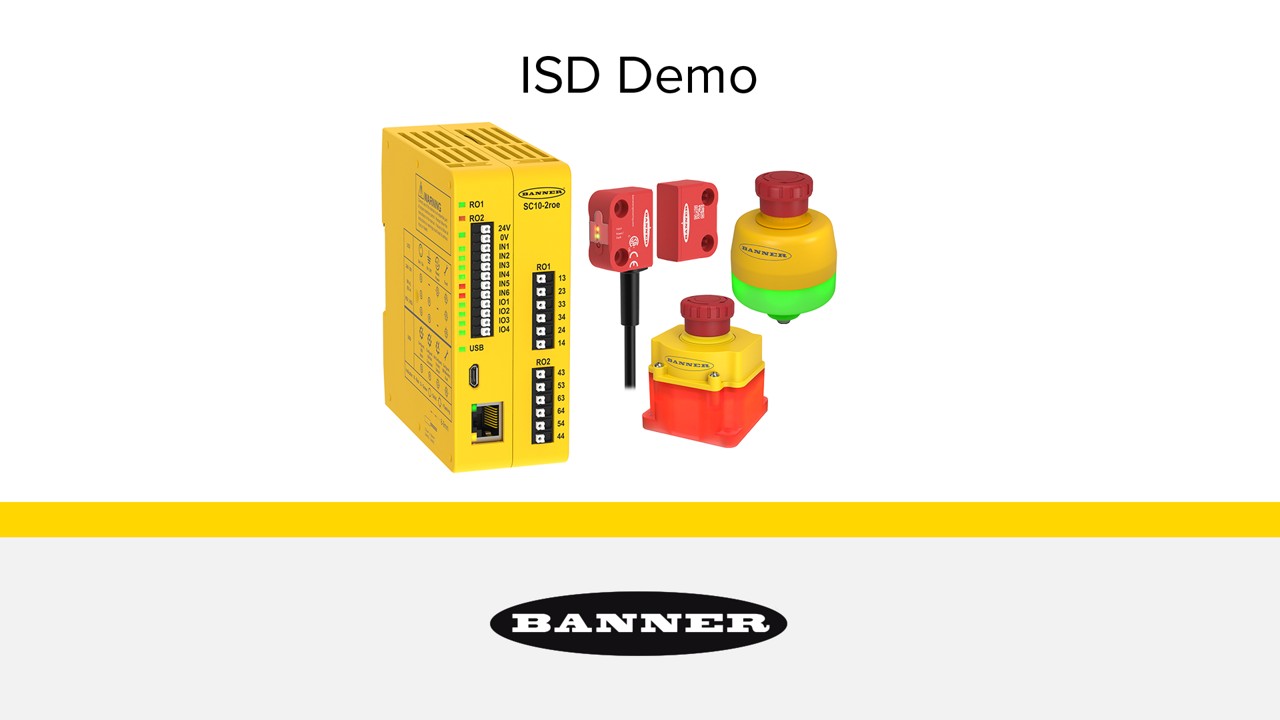
Learn how easy it is to implement and use a complete In-Series Diagnostics safety system.
Learn to tailor your monitoring dashboard with Banner's SmartSolutions™ Starter Kit. Streamline operations with our easy customization guide.
Explore Banner's SmartSolutions™ for IoT with our Starter Kit guide on setting up cellular and cloud data services for real-time monitoring.
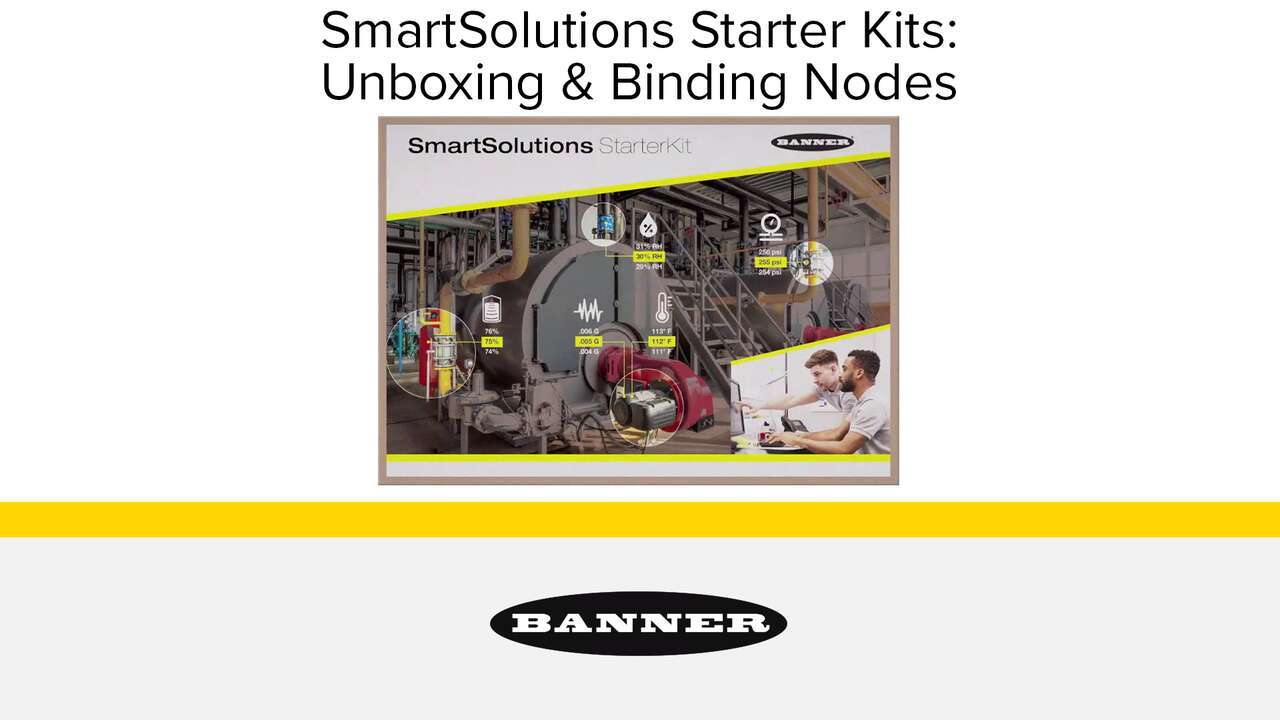
Kickstart your IoT journey with Banner's SmartSolutions™ Starter Kit. Watch our unboxing and node binding tutorial for a seamless setup.
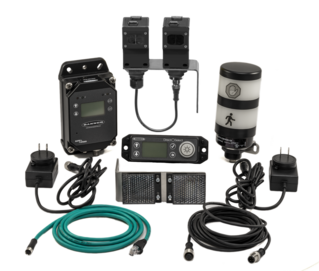
View our walkthrough to learn how to install and setup the Banner Occupancy Solution Kit.
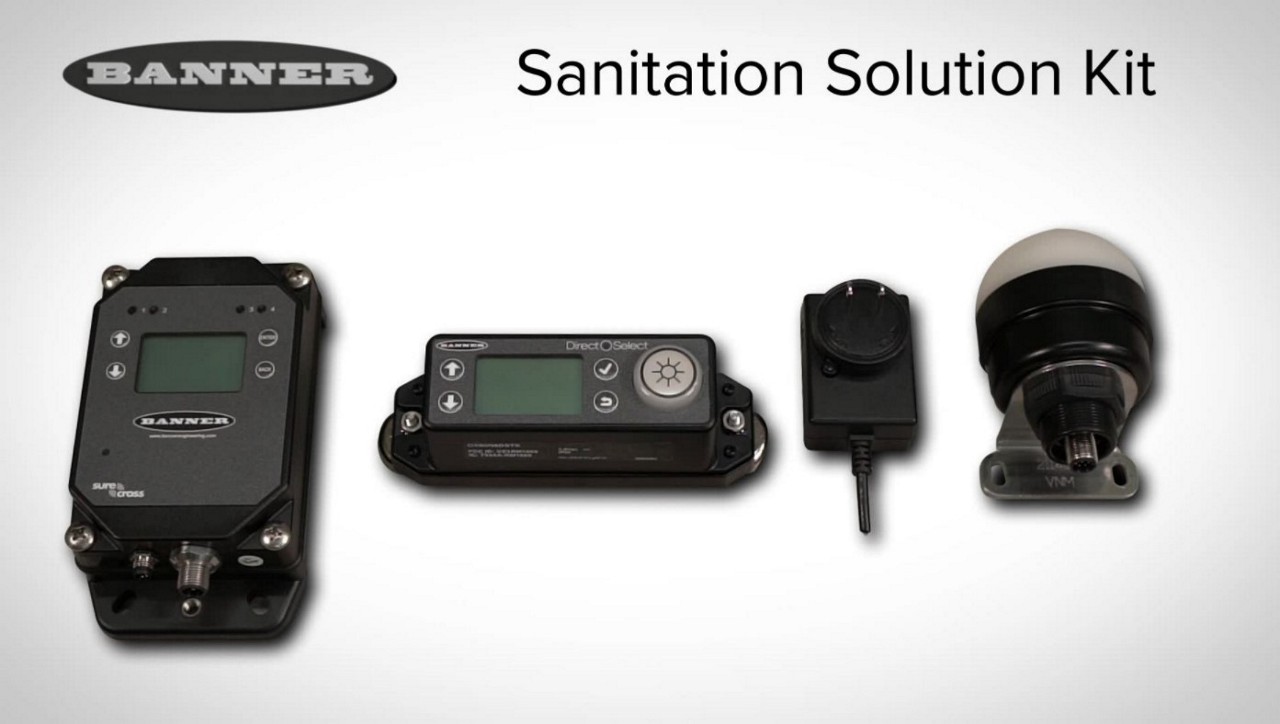
Banner Engineering offers a simple, flexible, and effective solution for an office area cleaning program. Operators work as normal and receive an indication when it is time to clean the space.
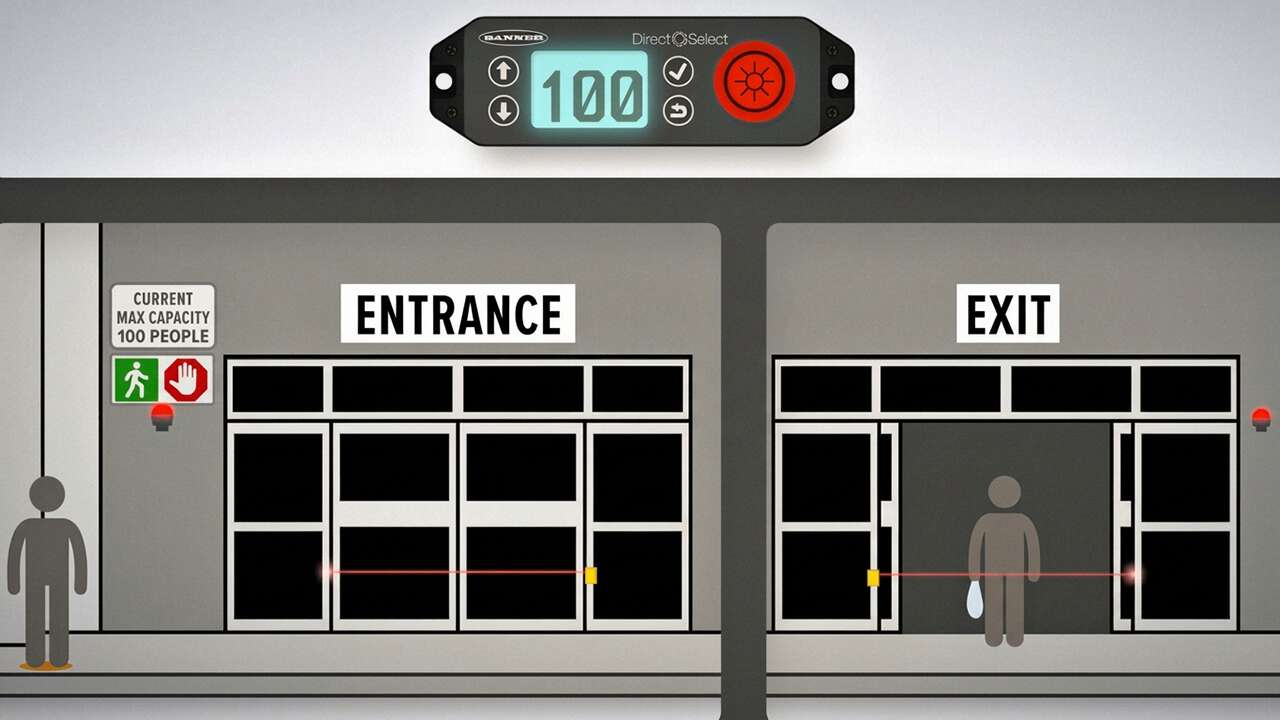
Creating a safe environment for customers and staff is essential for retail establishments. Wireless technology can be used to support social distancing initiatives by making it easy to monitor and control the number of customers inside a store.
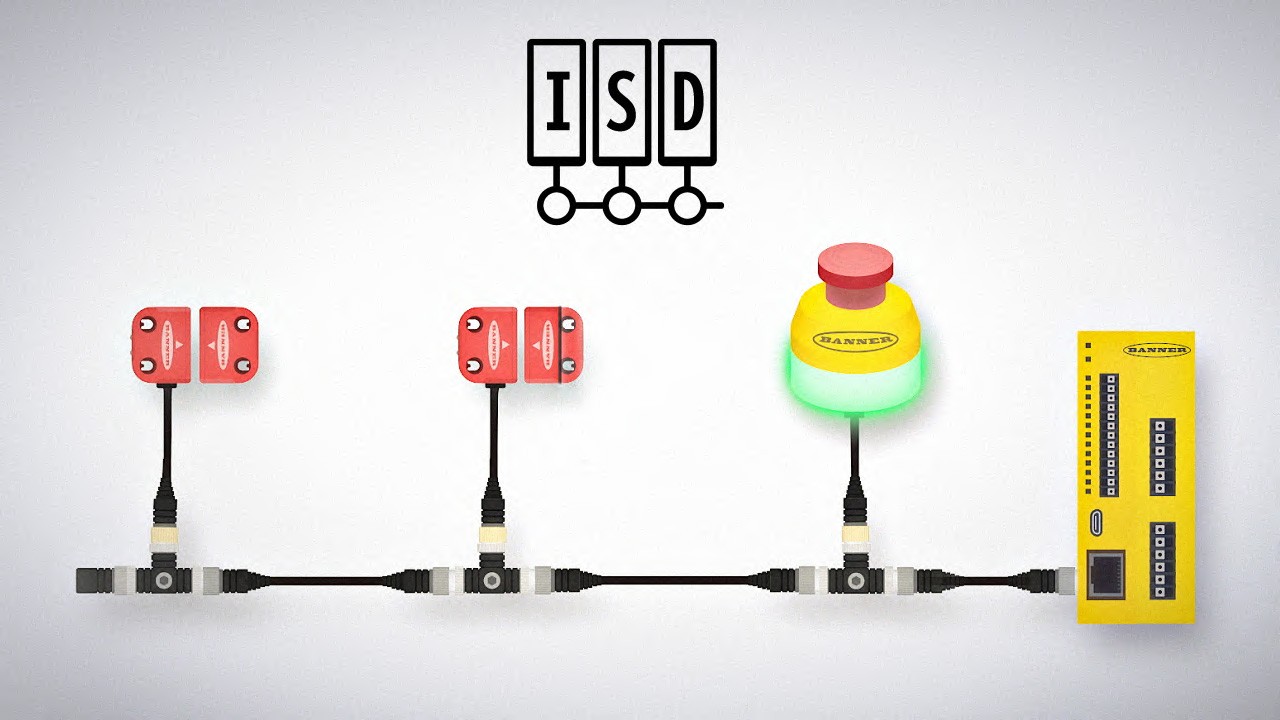
In-Series Diagnostics (ISD) makes it easy to access diagnostic data from devices in a safety system without special equipment or designated cabling. Users can troubleshoot machine safety systems, prevent system faults, and reduce equipment downtime.
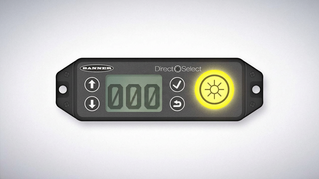
Add two-way communication and operator guidance capabilities anywhere you need it using the Direct Select™ wireless operator interface. This versatile device combines a three-digit display, high-visibility status indication, and multiple input controls in one battery-powered device.

See how combining easy-to-use safety and indication devices can help keep your operations running smoothly, prevent injury, and make safety more intuitive.
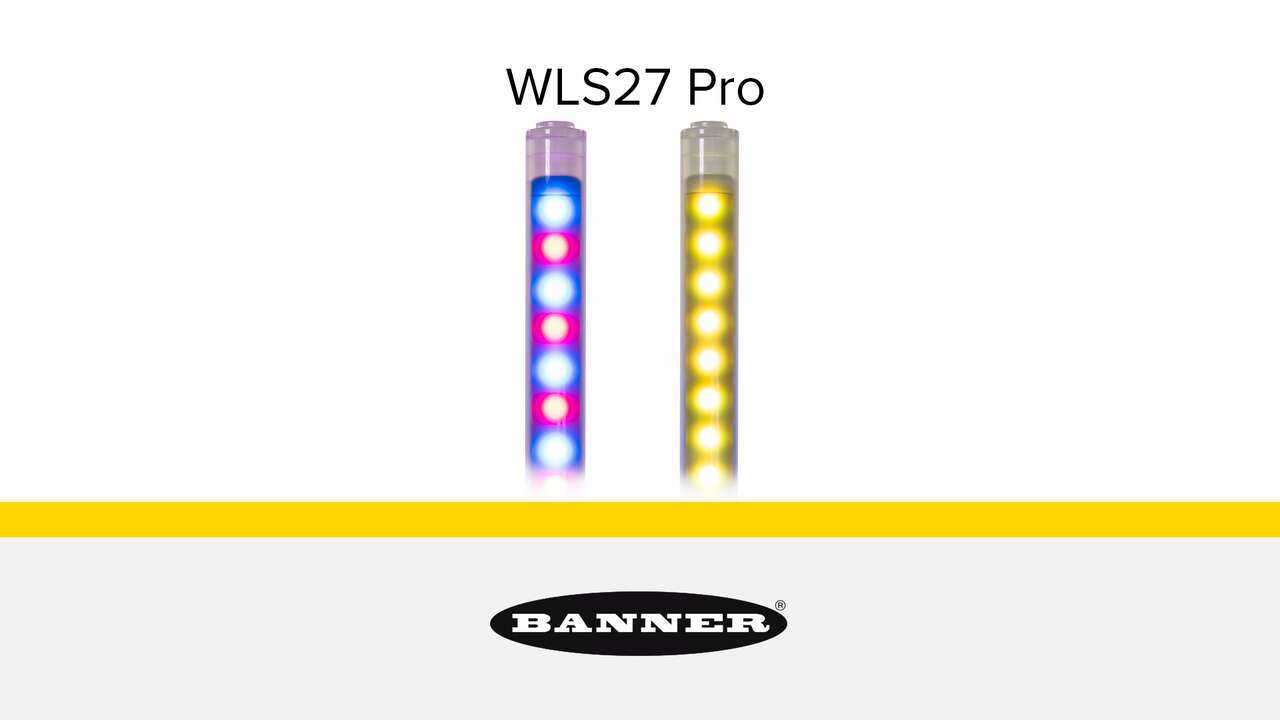
Banner is expanding its offering of the WLS27 Series Strip Light to include programmable models with RGBW LEDs for use in indication, illumination and inspection applications. These new models will be programmable with Banner’s Pro Editor software or IO-Link communication.
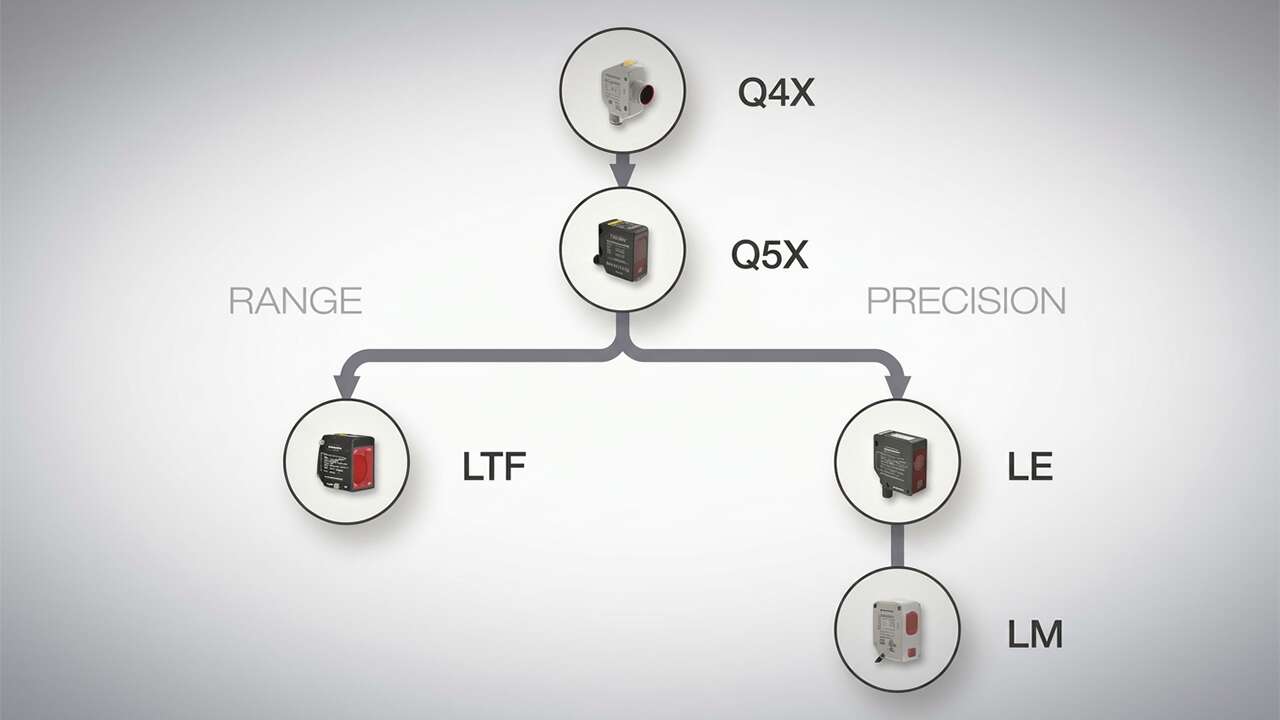
Choosing the right Banner Engineering laser sensor doesn't have to be hard: follow along and discover the strengths of each sensor and which one to use for your application needs.
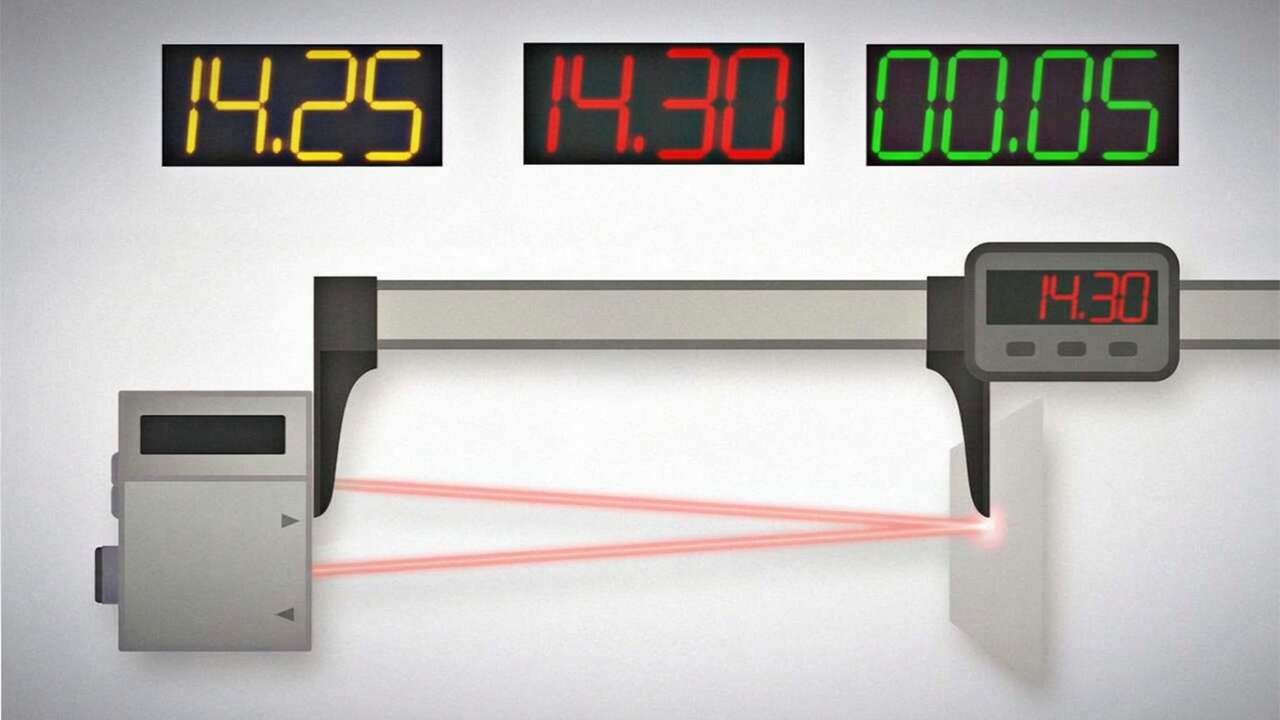
Learn about Repeatability, Accuracy, and Linearity, three key specifications used to describe laser sensors for IO-Link applications.
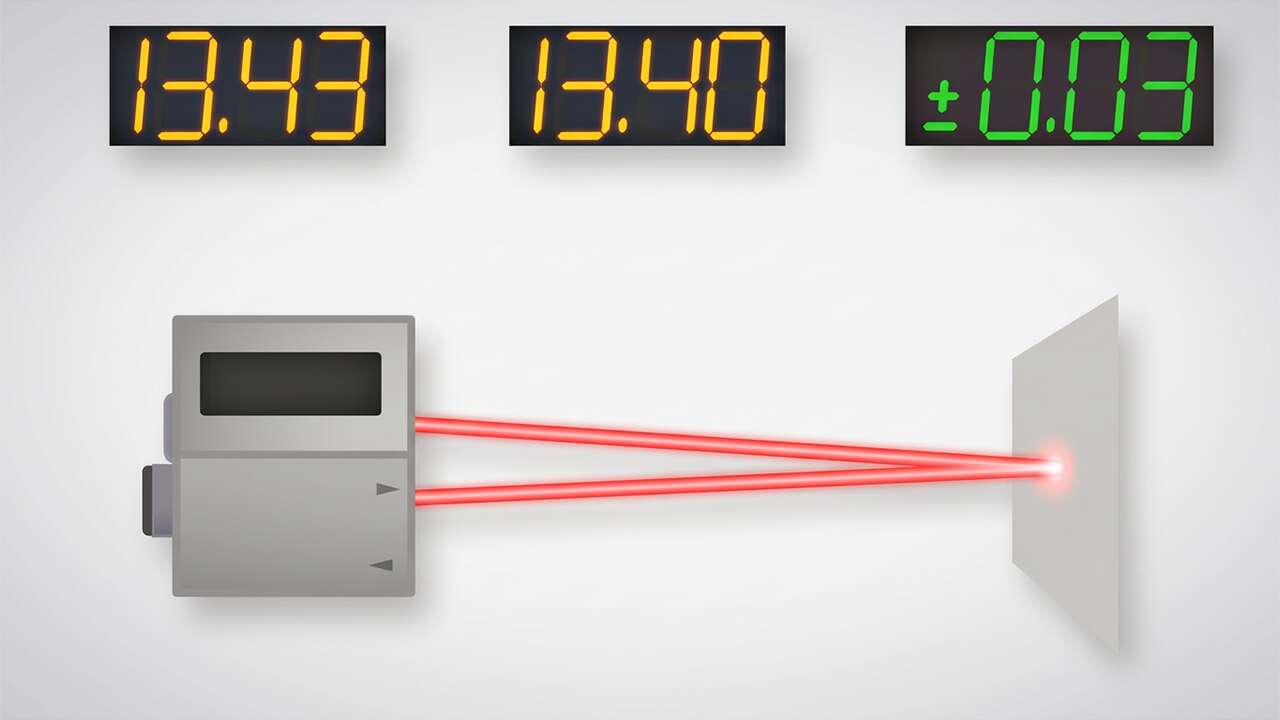
Learn about Repeatability and Minimum Object Separation, two key specifications used when describing laser sensors for discrete applications.
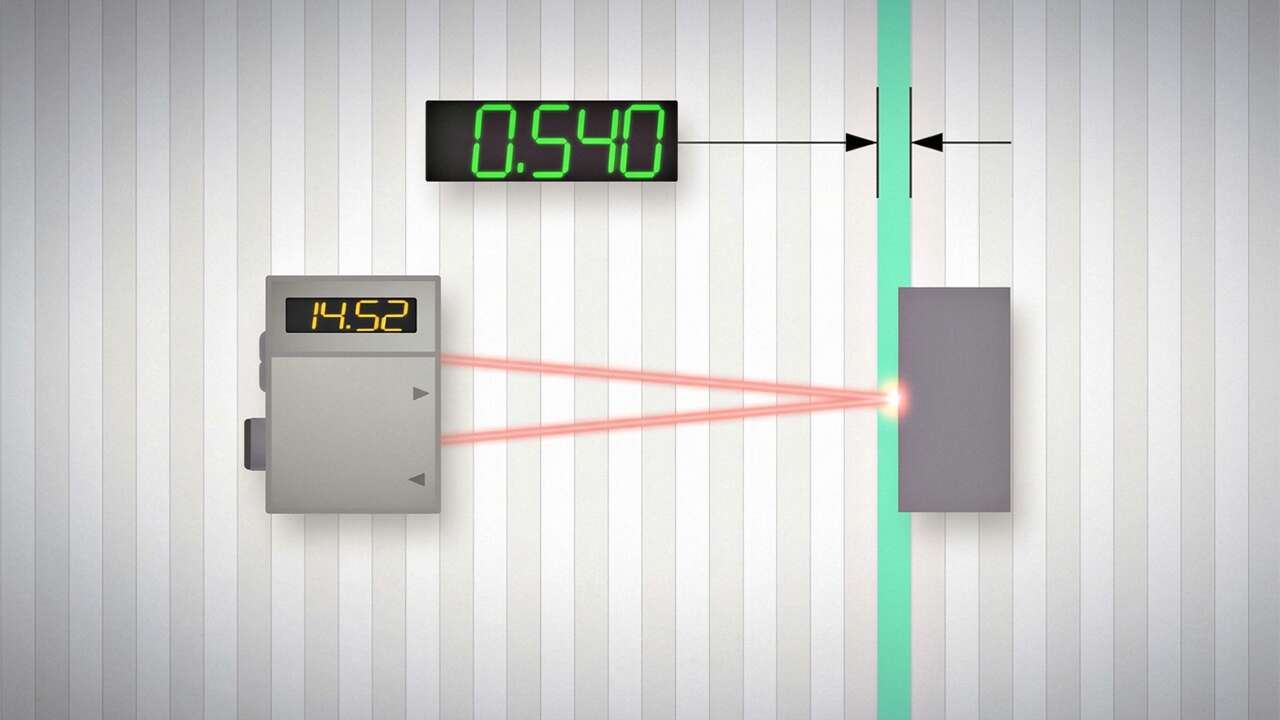
Learn about Resolution and Linearity, two key specifications used when describing laser sensors for analog applications.

Learn how devices that combine illumination and feedback mechanisms can help workers locate parts faster and with more accuracy.
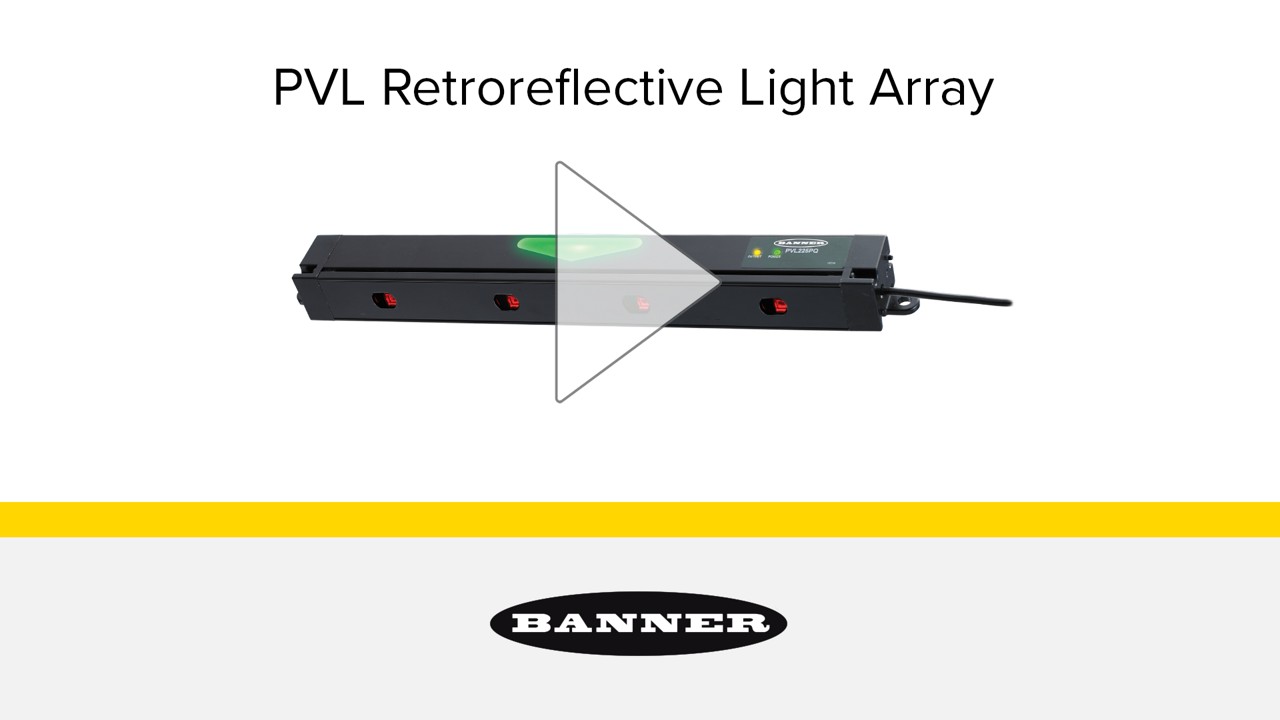
The PVL is a light array sensor based on retro-reflective technology, designed for pick-to-light factory and warehouse applications.
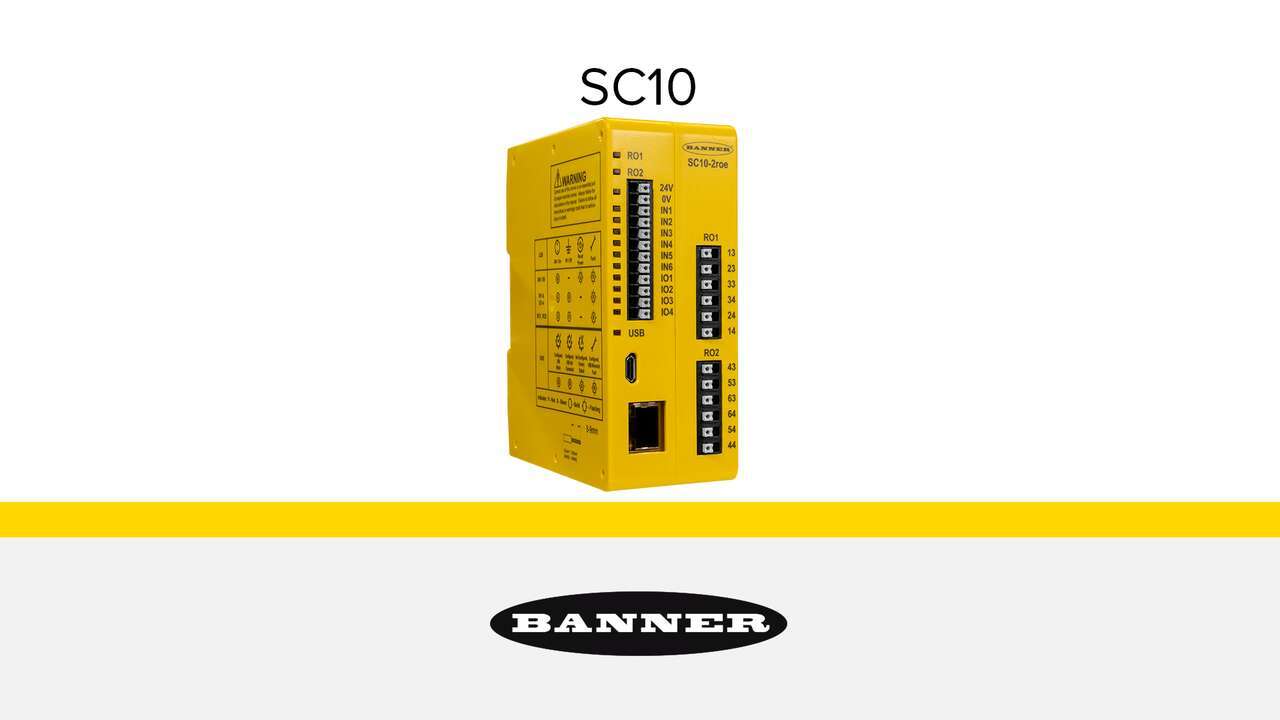
SC10 Series safety controllers replace the functionality of two or more safety relay modules with one compact, cost-effective, and easy-to-use device.

Watch the video to see the iVu vision sensor and TL50 Pro tower light in action.
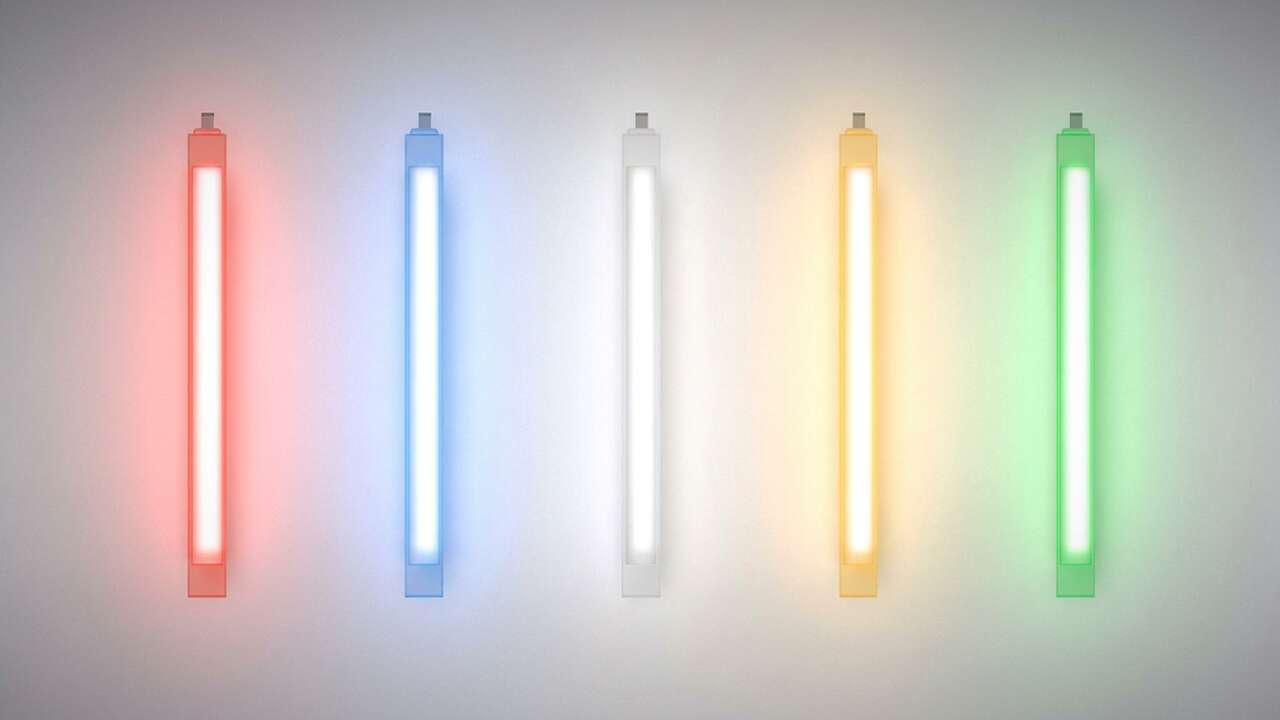
Watch the video to learn why EZ-STATUS lights are an ideal indication solution to empower your visual factory.
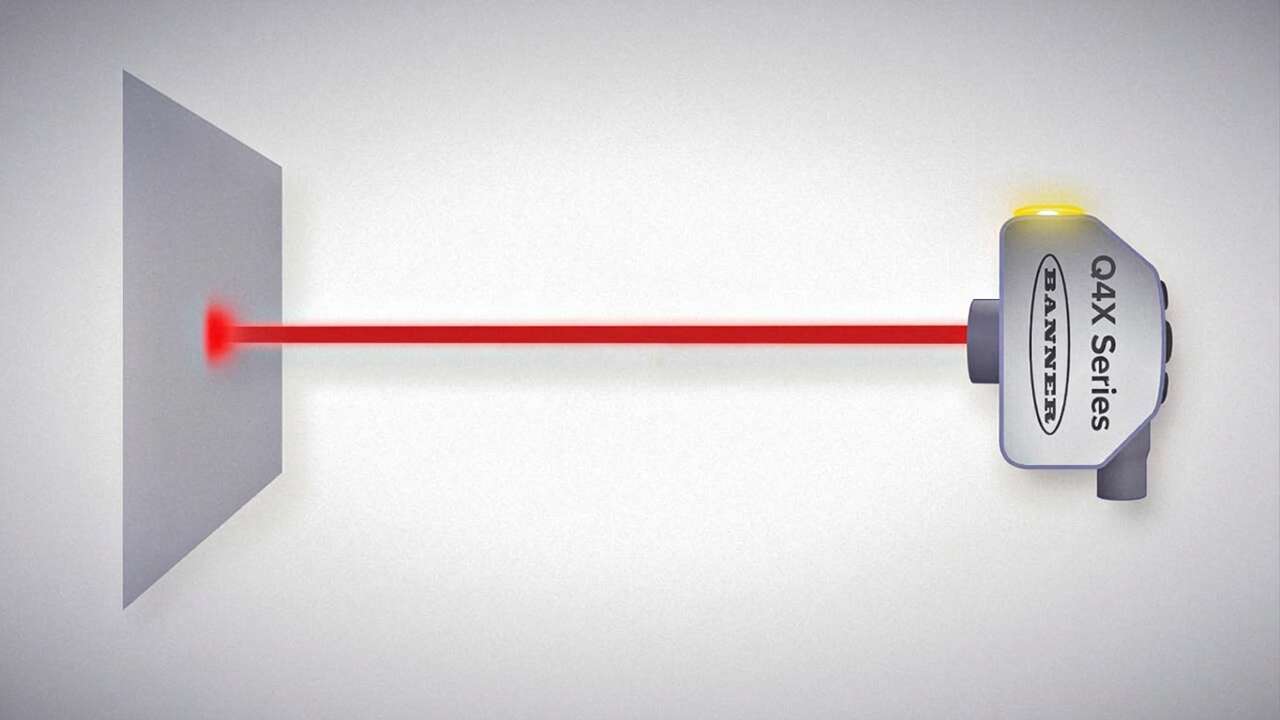
Solve more applications, save inventory costs, and help prevent unplanned downtime with Banner's smart sensor solutions.
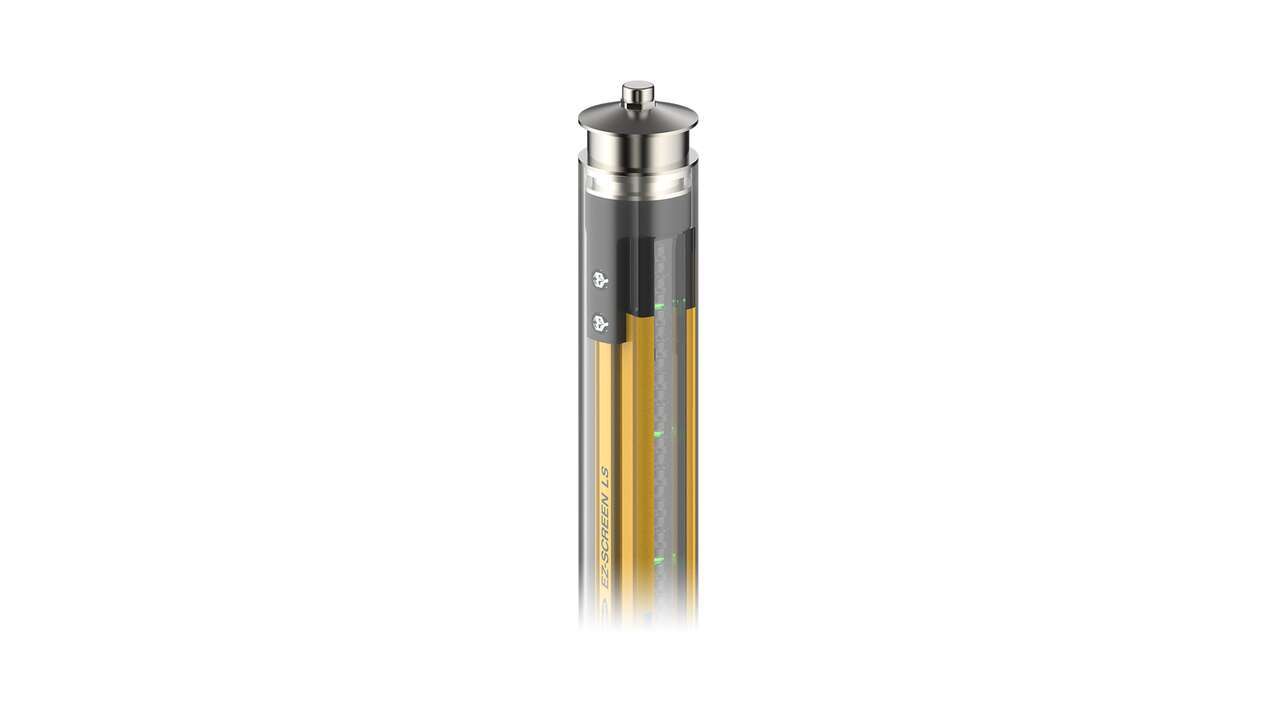
LS safety light curtains are available with an IP69K hygienic enclosure that resists high-pressure, high-temperature washdown and aggressive chemical cleaning. They are ideal for use in food, beverage, and pharmaceutical applications where maintaining sanitary conditions is critical.

SGS Safety Grid Systems are cost-effective multiple beam safety light devices for access and long-range perimeter guarding applications.
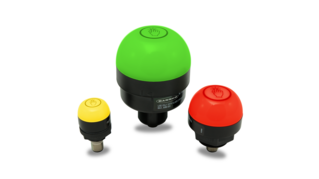
Banner Engineering's Gen 2 Touch Buttons accurately respond to touch even in harsh or messy conditions. The chemical resistant, polycarbonate housing won't activate under direct spray.

Proper application and installation is critical. Each product includes installation instructions and a manual online at BannerEngineering.com that must be carefully read and followed.

Banner's EZ-LIGHT actuators simplify bin-picking systems. With a both touch button and non-contact models available, users are able to customize pick-to-light solutions to meet their specific assembly needs.
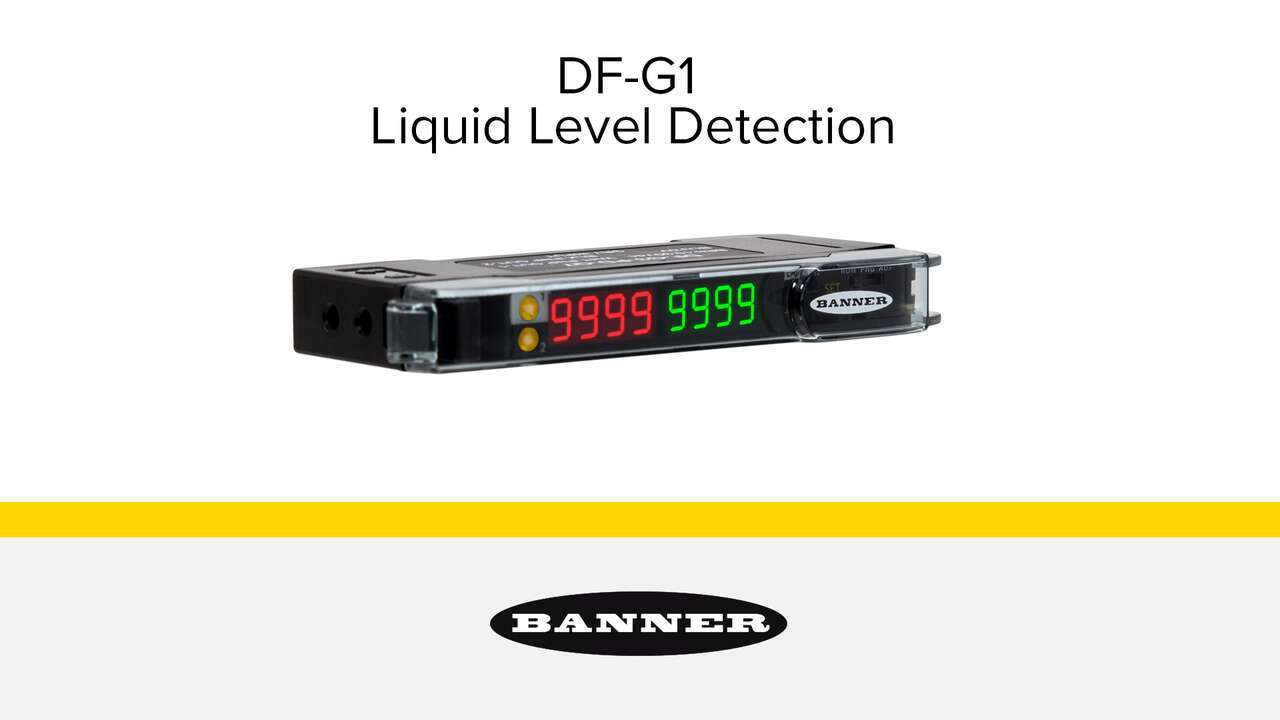
The DF-G1 Expert Dual Display Fiber Amplifier is an easy-to-use fiber optic system that can be set up quickly, reducing installation time. The user interface is intuitive and the amplifier features a dual display screen, indicating the signal level and threshold simultaneously for simple operation. The DF-G1 has minimal warm-up drift, taking only minutes to start up and operate at full performance. It's ideal for leak detection and level control applications.
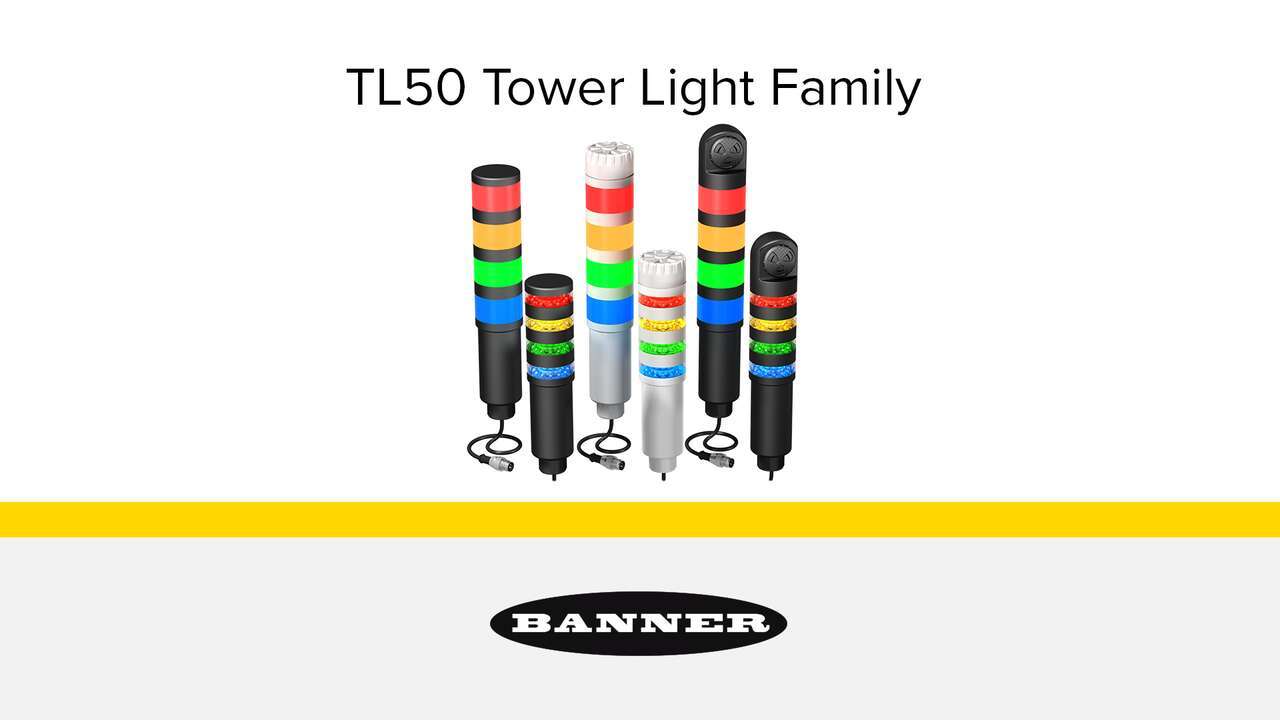
The EZ-LIGHT® TL50 Tower Light Family indicators, including the Standard Tower Light and Beacon Tower Light, are easy to install and provide highly visible operator guidance and equipment status indication.
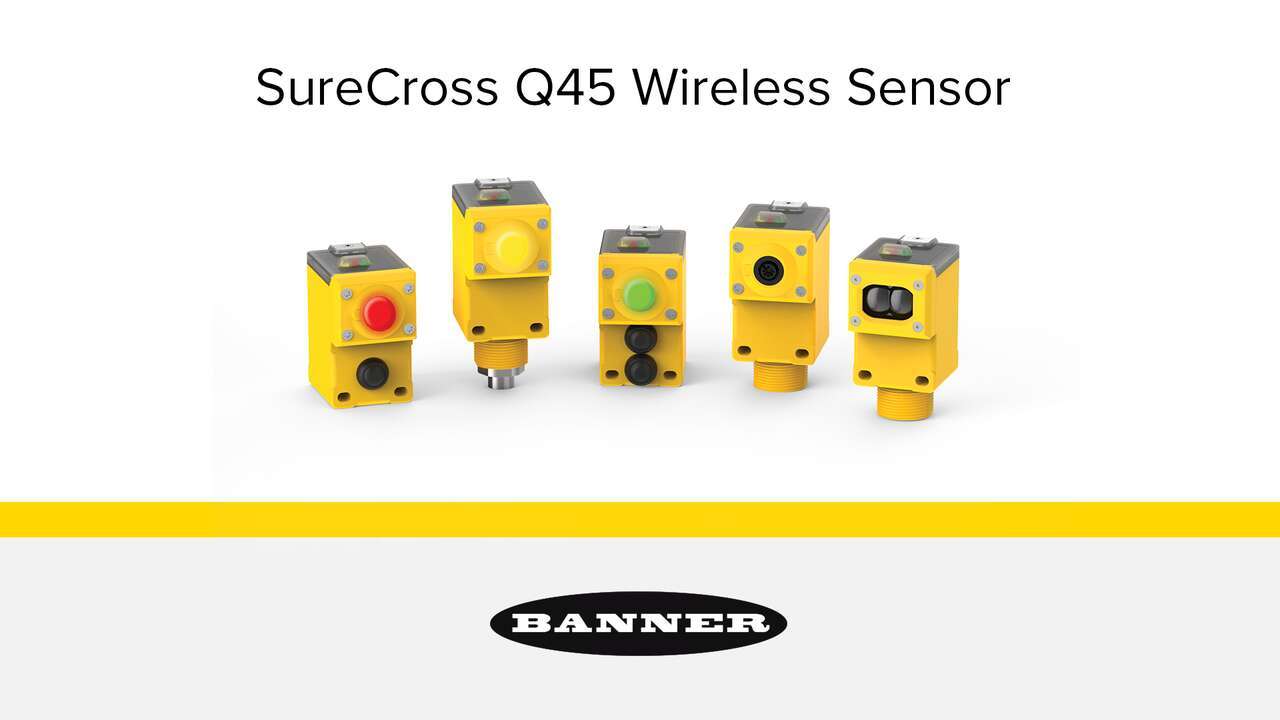
Solve challenging factory applications or add sensing to existing industrial systems with Banner's Wireless Q45 Sensors.
This tutorial video provides an overview of Banner's iVu Plus TG display and provides instructions regarding the user interface.
This tutorial is intended to help you set-up and monitor an inspection with more than one sensor. Multisensor inspection is possible if you download the latest Firmware software.
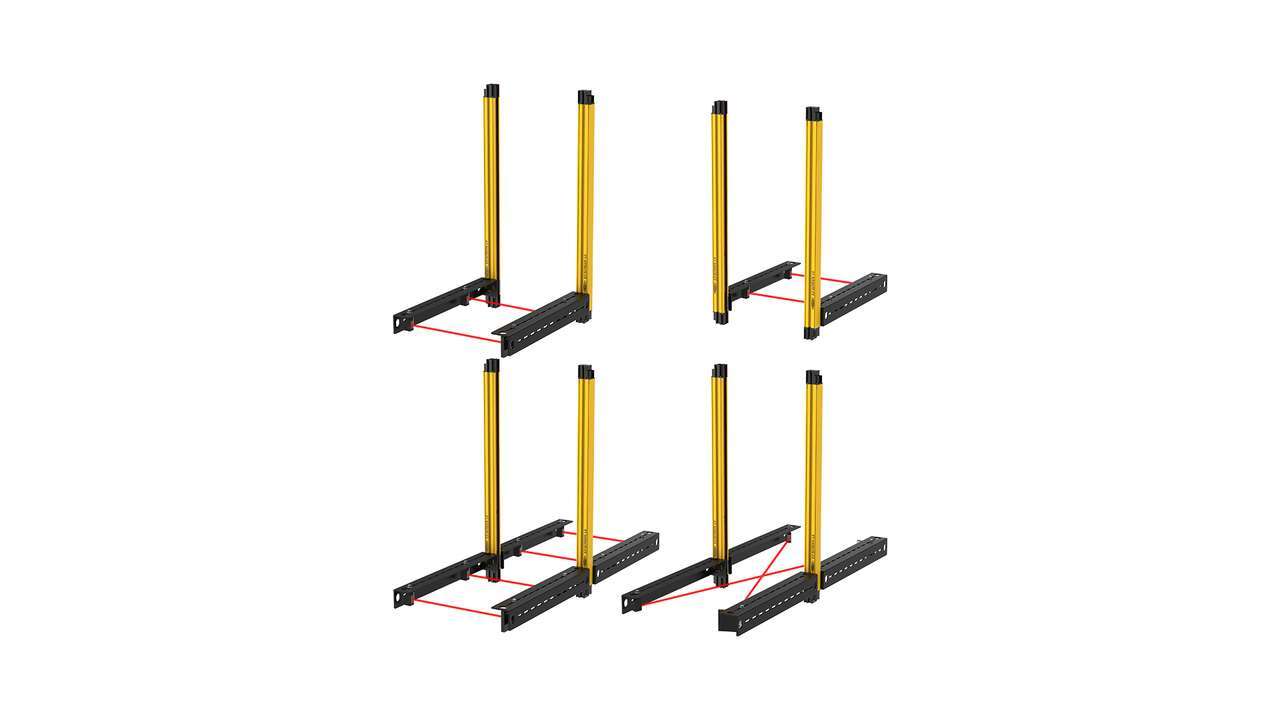
Learn how to set up the XS safety controller to work with a mute arm kit and LS safety light curtain. Banner’s pre-assembled mute arm kits are available in L, T and X configurations as a plug-and-play solution for end of line packaging applications.
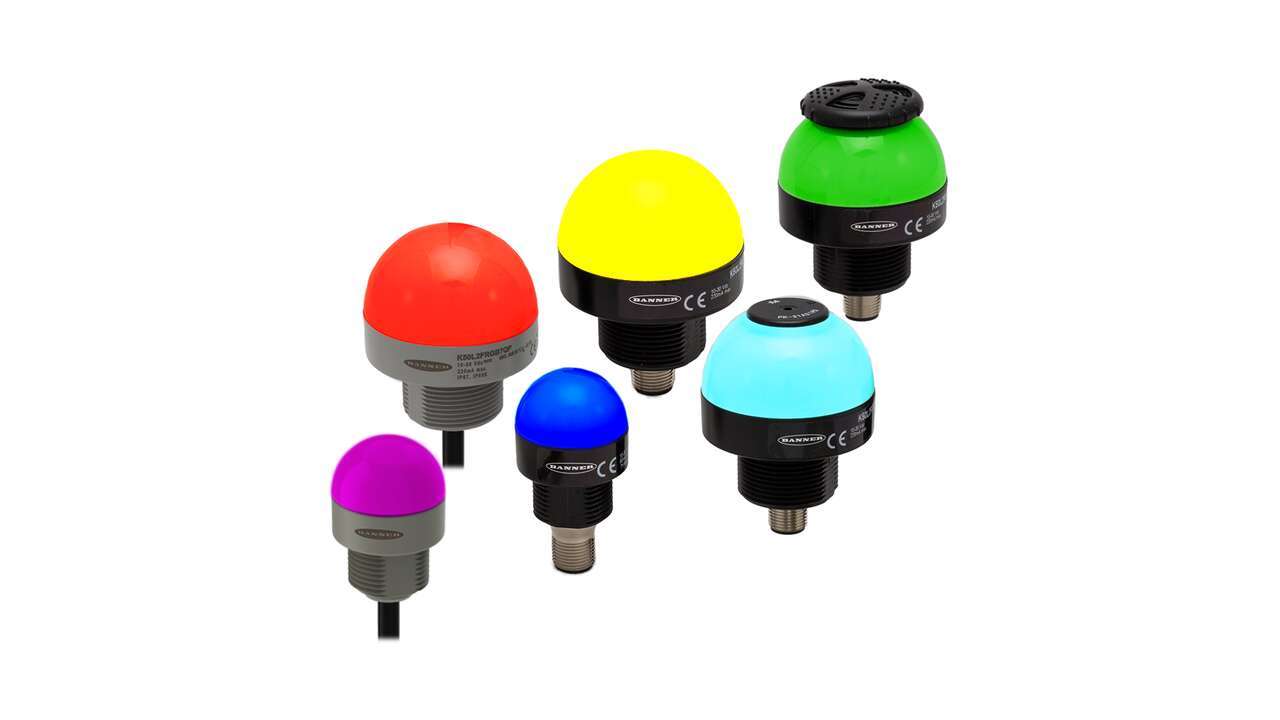
Banner Engineering's second generation K50 and K30 gives you more options for bolder indication with simplified wiring and stock management. Choose between seven colors with a single, rugged model.
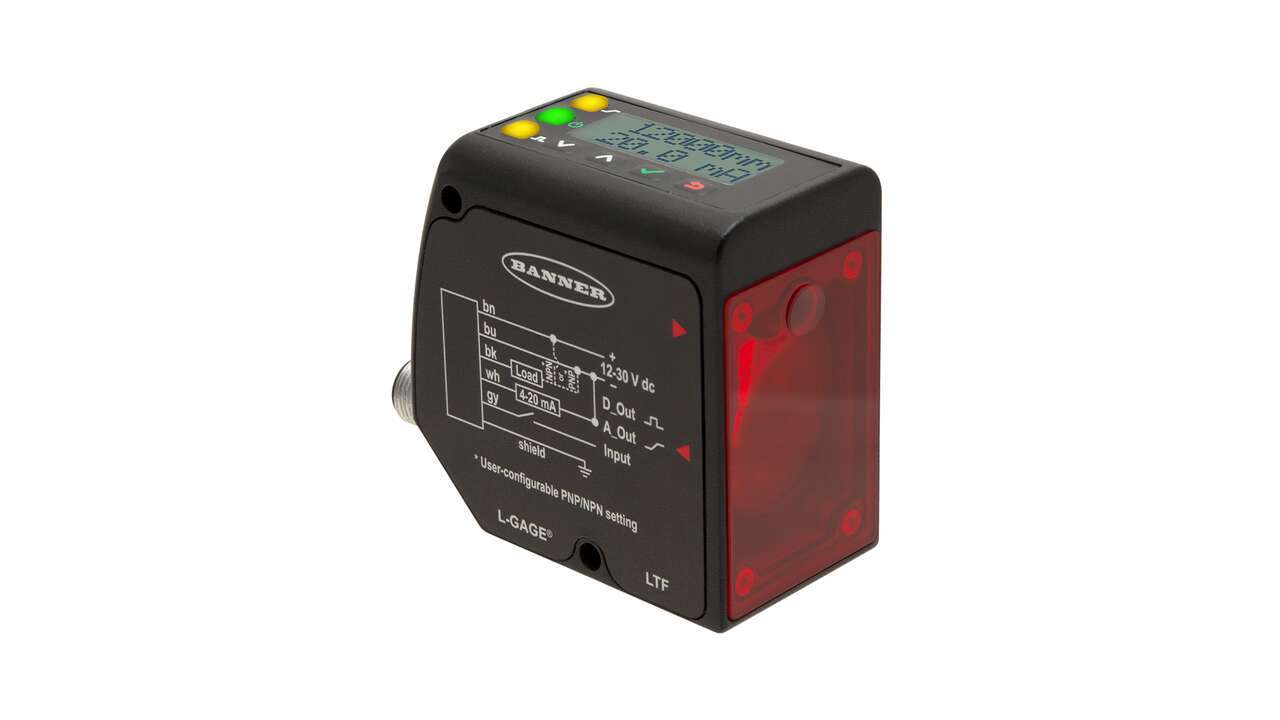
An introduction to the LTF Series of high-performance laser sensors capable of detecting targets regardless of color, material or sheen from a distance of up to 12 m, straight-on or at an angle.
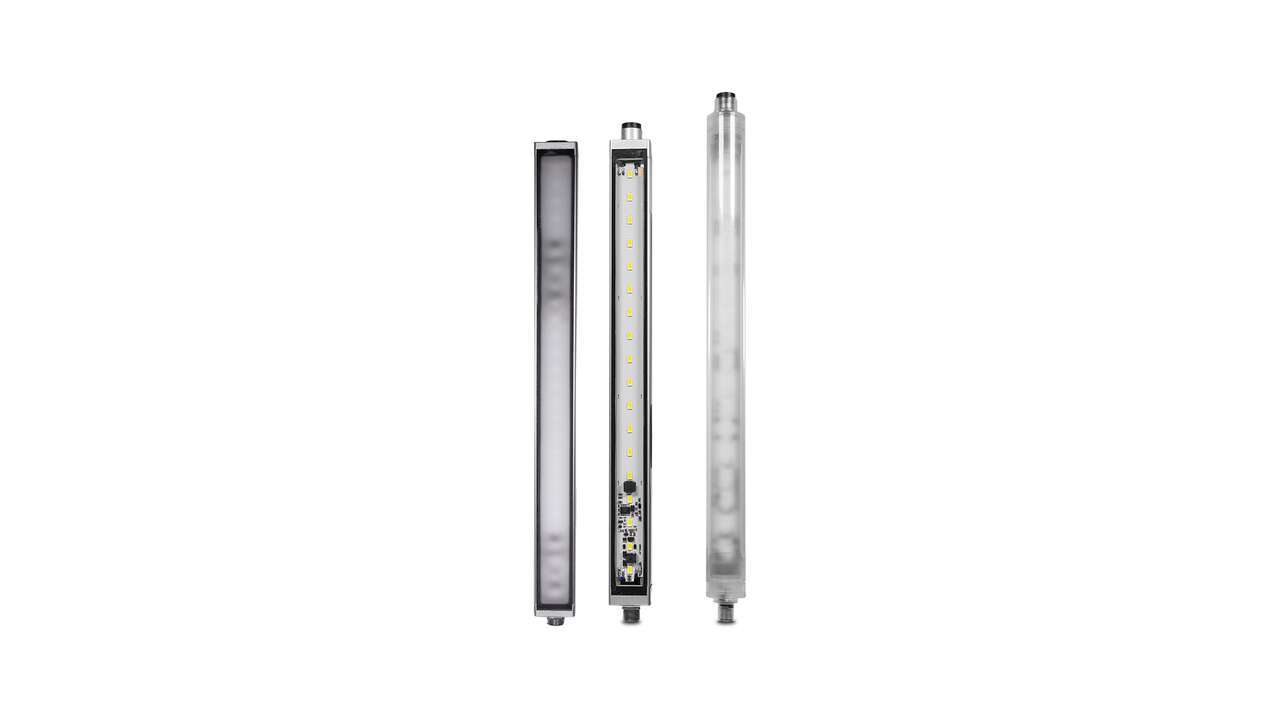
Learn about the new multicolor LED strip lights with EZ-STATUS® for illumination and indication in one device. Add versatility to lighting applications with a simple lighting device.
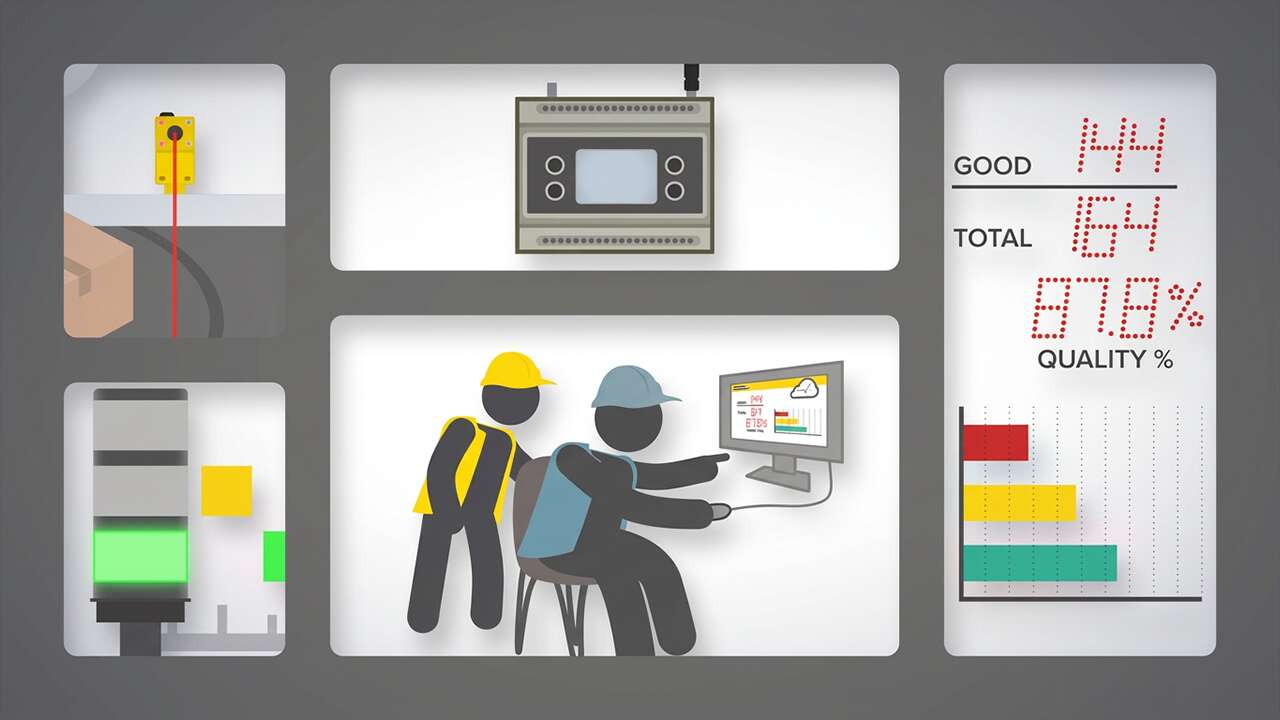
IIoT solutions from Banner Engineering provide companies with greater visibility into their operations by enabling access to critical performance and production data, making it easy to solve problems, identify trends, and make better, data driven decisions.
There are many advantages of an IO-Link system including increased data availability, remote configuration and monitoring, and advanced diagnostics. Watch the video to learn more!
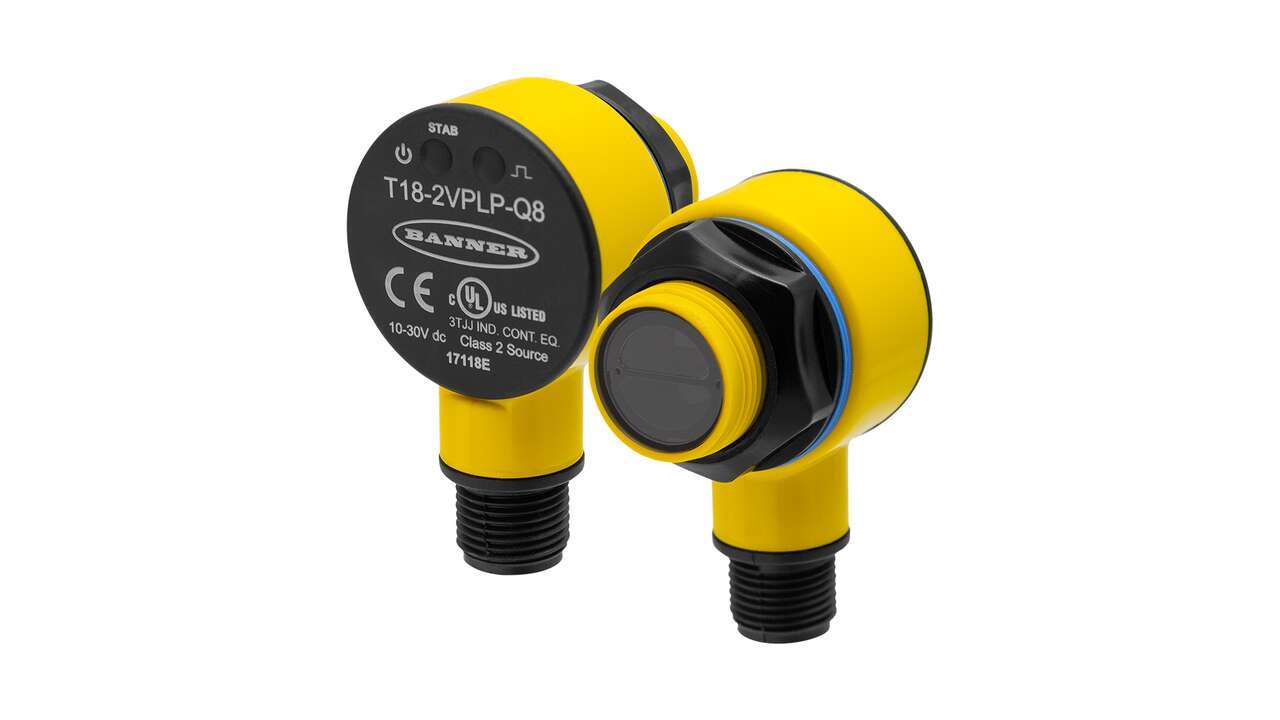
The T18-2 Series, the next generation of the popular T18 Series, was designed to withstand harsh, washdown environments. Learn how the rugged plastic T18-2 sensors work for extreme applications.
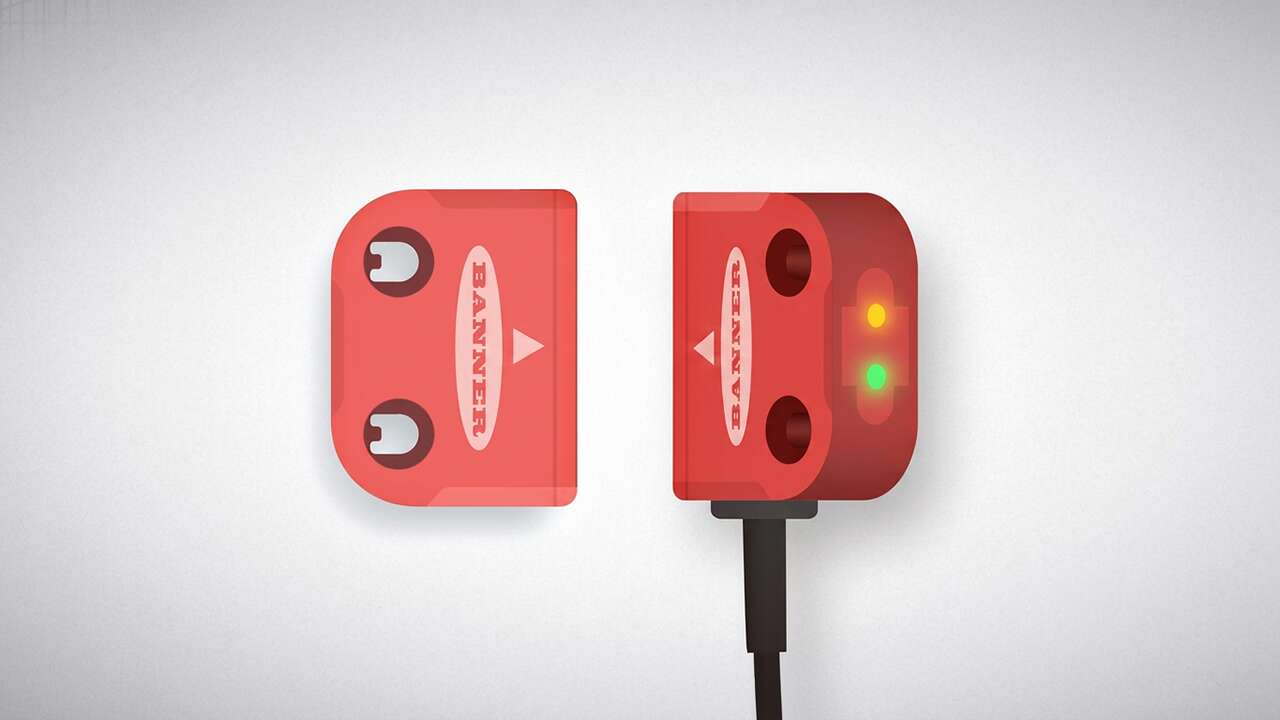
SI-RF safety switches provide the highest level of safety, are easy-to-use, and can be monitored and diagnosed remotely to help maximize machine uptime.
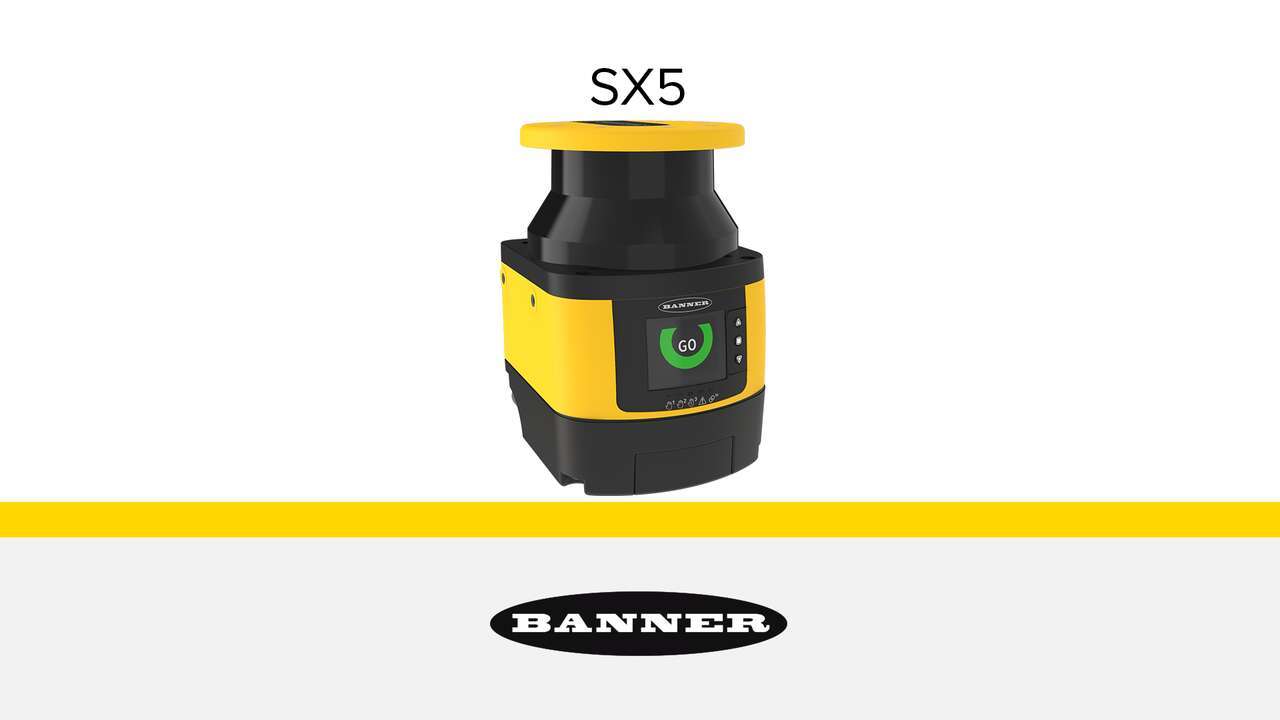
Compact and easy-to-deploy, SX5 Series safety laser scanners protect personnel, equipment, and mobile systems within a user-defined area. They continuously scan a 275° area to create a two-dimensional protected zone that must be crossed to reach the hazard.
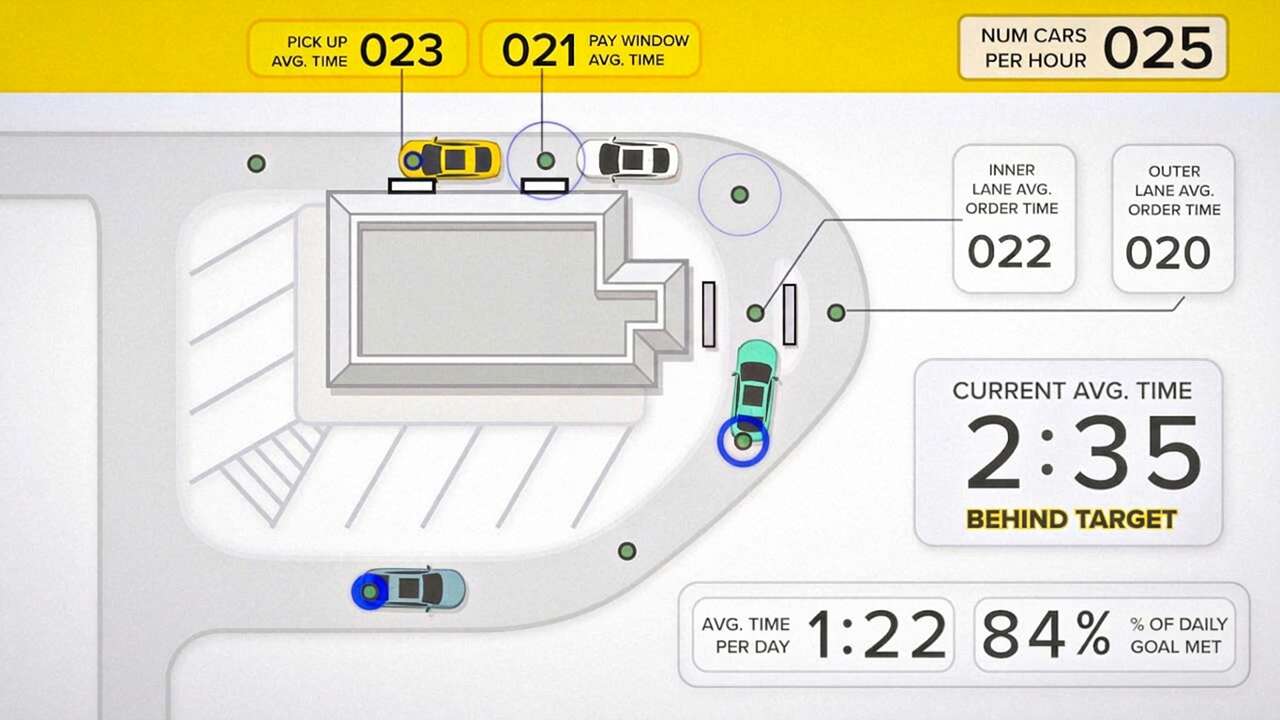
Wireless vehicle detection at a quick serve restaurant drive-thru ensures speed of service and efficiency.
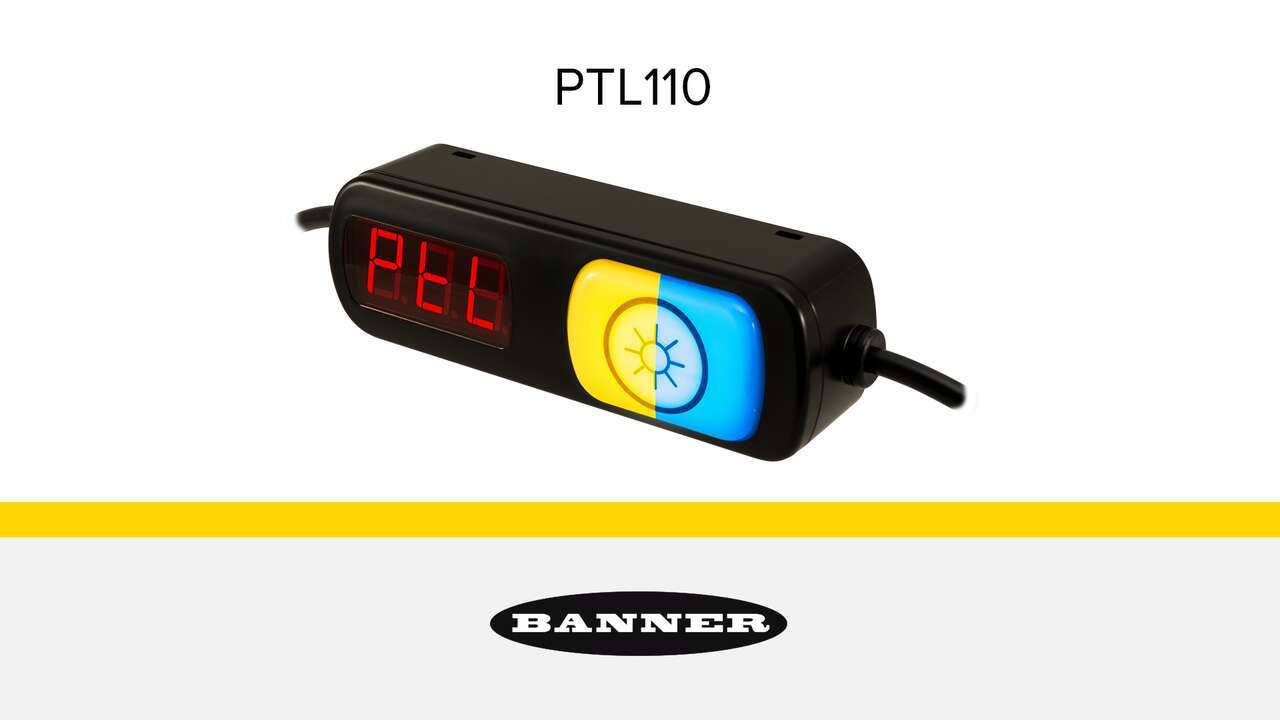
Watch the video to learn how the versatile PTL110 Series pick-to-light indicator can perform multiple functions and create a powerful picking station.

The Q5X sensor solves the most challenging distance-based applications, from 50 mm to 5 m away, even at acute angles. Watch the video to learn more.
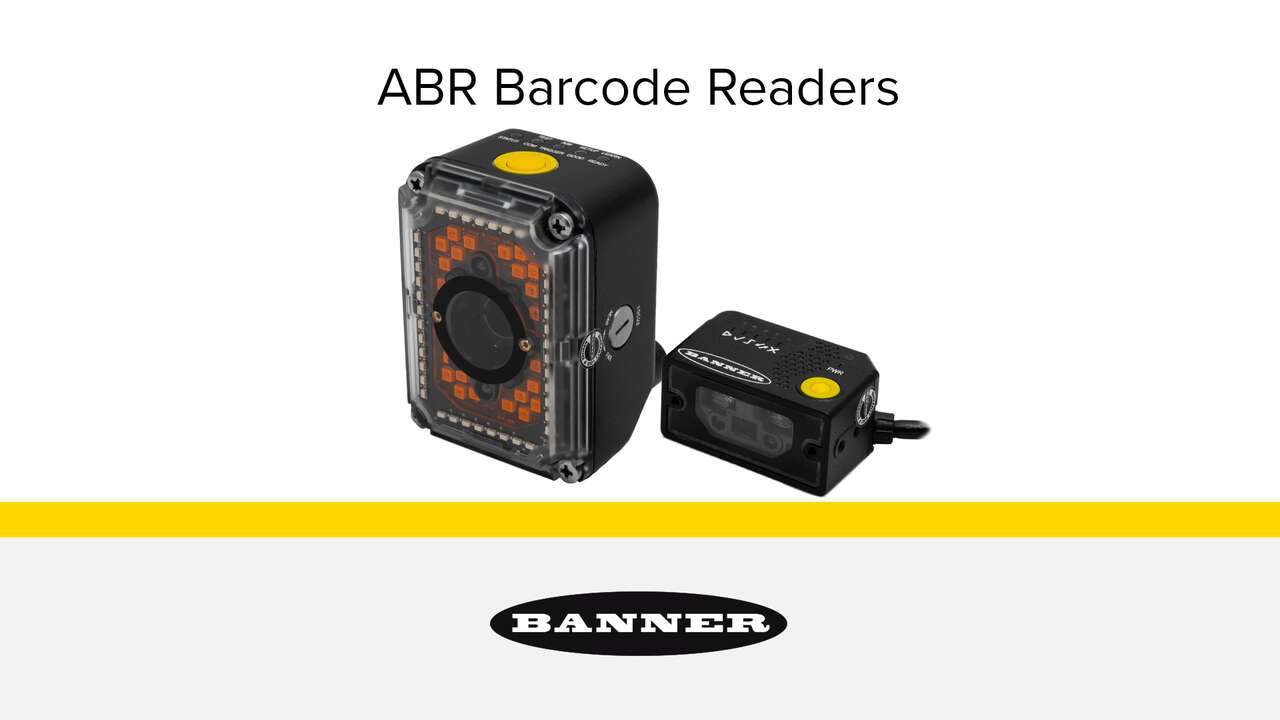
The ABR Series is a line of imager-based barcode readers that offer superior decoding capabilities to solve the broadest range of track and trace applications. Watch the video to learn more about these powerful barcode readers.
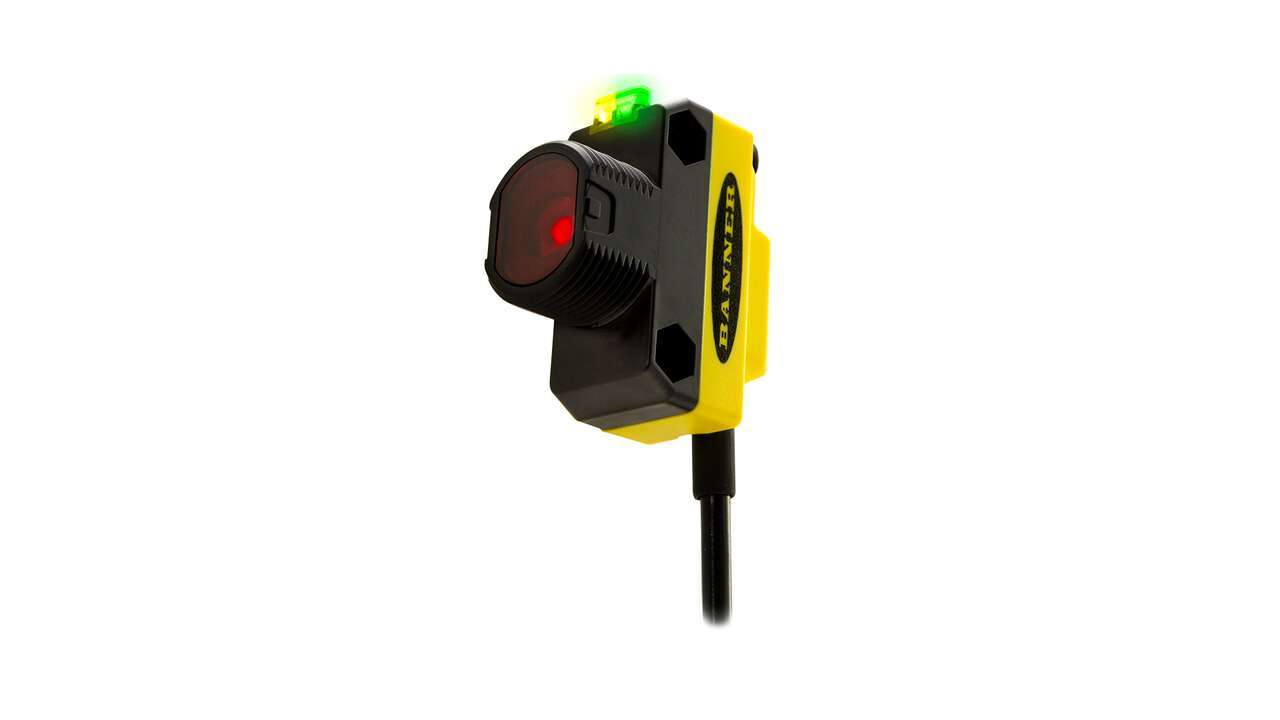
Expert Coaxial Clear Object Detection Sensor -Reliably detects clear, translucent, or opaque objects -Coaxial optics enable reliable detection of targets to the face of the sensor with no dead zone -Simple single push to teach setup -0–3 m range
With best in class excess gain, bipolar PNP and NPN outputs, a reliable 25 to 300 mm detection range and superior ambient light immunity, the Q4X can solve even the most challenging distance-based, part-detection applications.
Built-in delay timers on the new Q4X and Q3X make it easy to regulate product flow on production lines and increase efficiency.
In addition to best in class excess gain, bipolar PNP and NPN outputs and superior ambient light immunity Banner's Q4X now comes standard with Dual mode, an innovative new teach mode that allows the Q4X to measure intensity and distance to solve new applications.
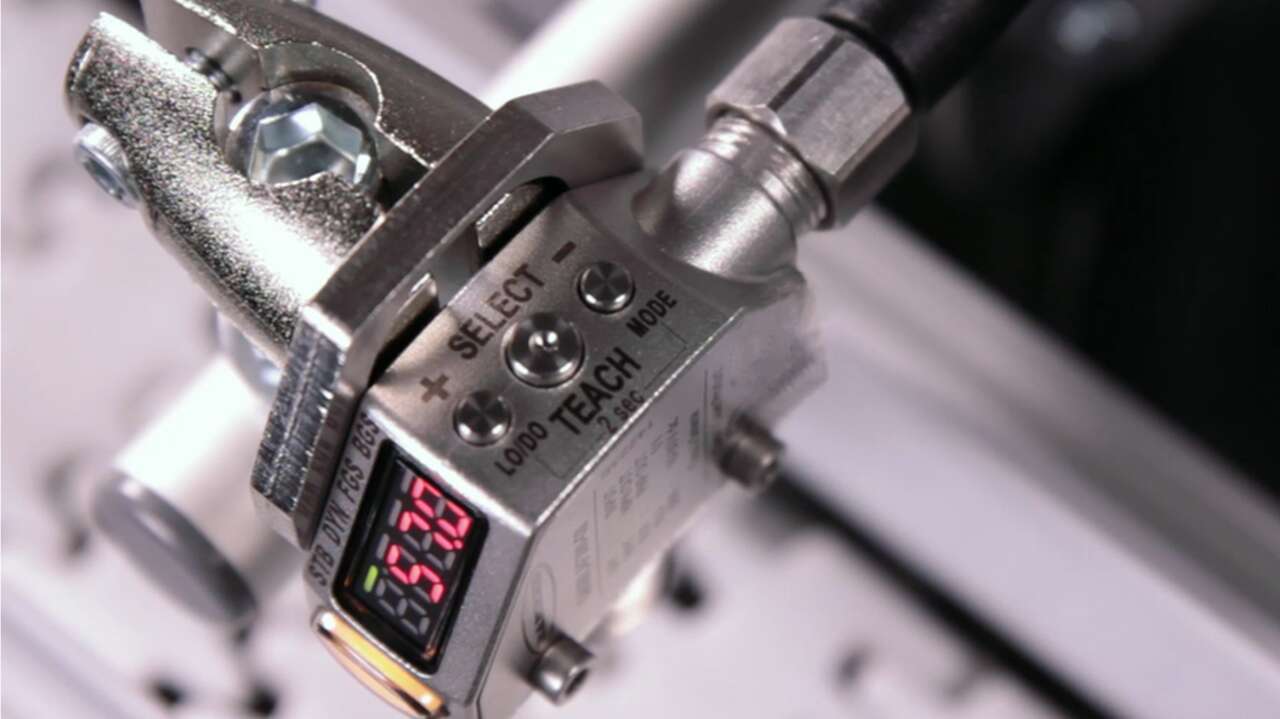
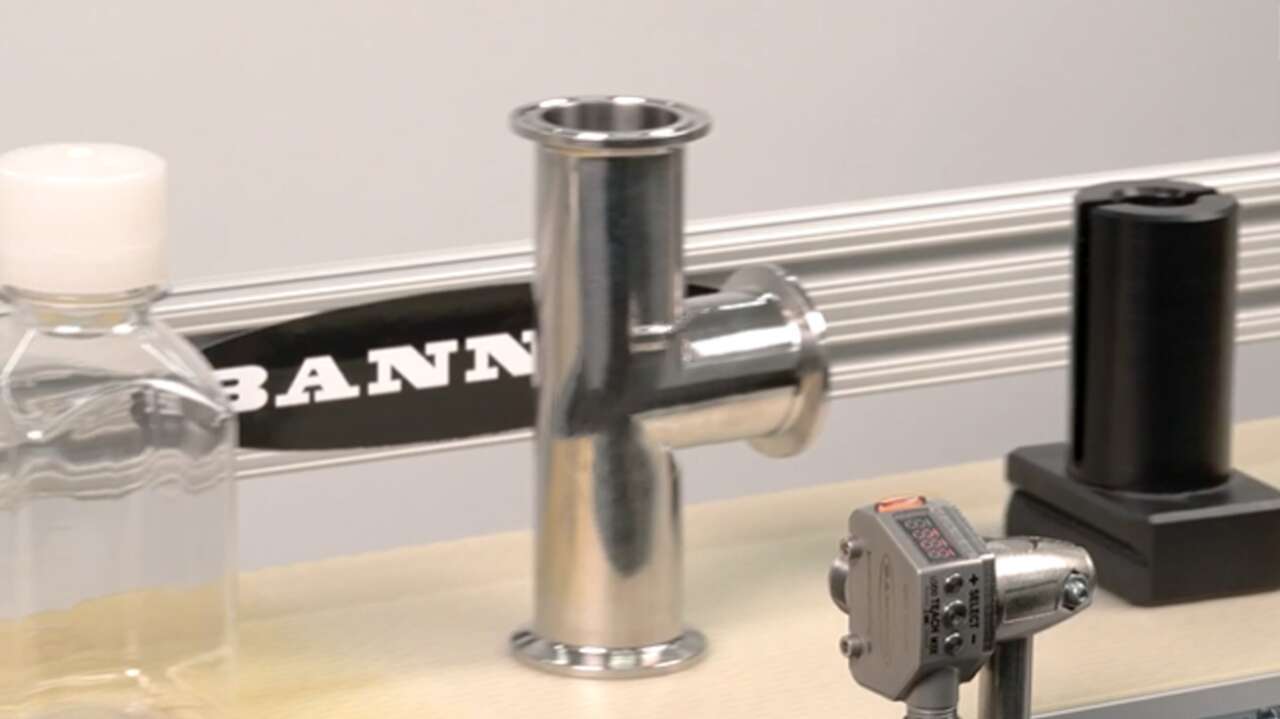
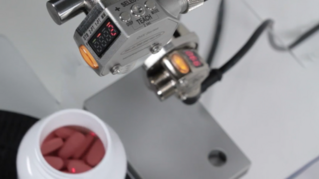
This video will demonstrate how simple it is to use the two-point teach mode on Banner's Q4X sensor. Using two-point teach mode, the Q4X can reliably detect the presence of white bottle caps whether upside down or right side up as they move down a white conveyor belt.
The Q4X can successfully solve a wide variety of applications, including fill level measurement for liquids and solids.
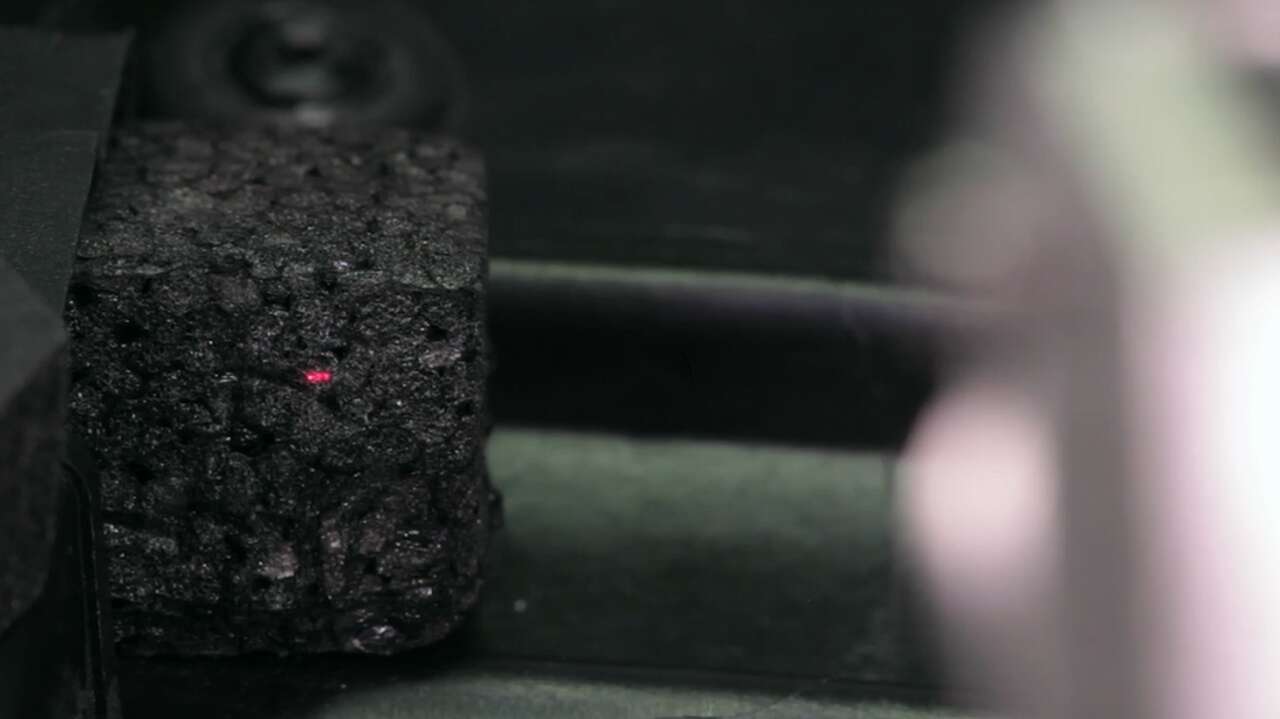
This video will demonstrate how Banner's Q4X can solve even the most challenging applications. Using two-point static background suppression teach mode, the Q4X can reliably detect the presence of black foam in front of black plastic on a door panel.
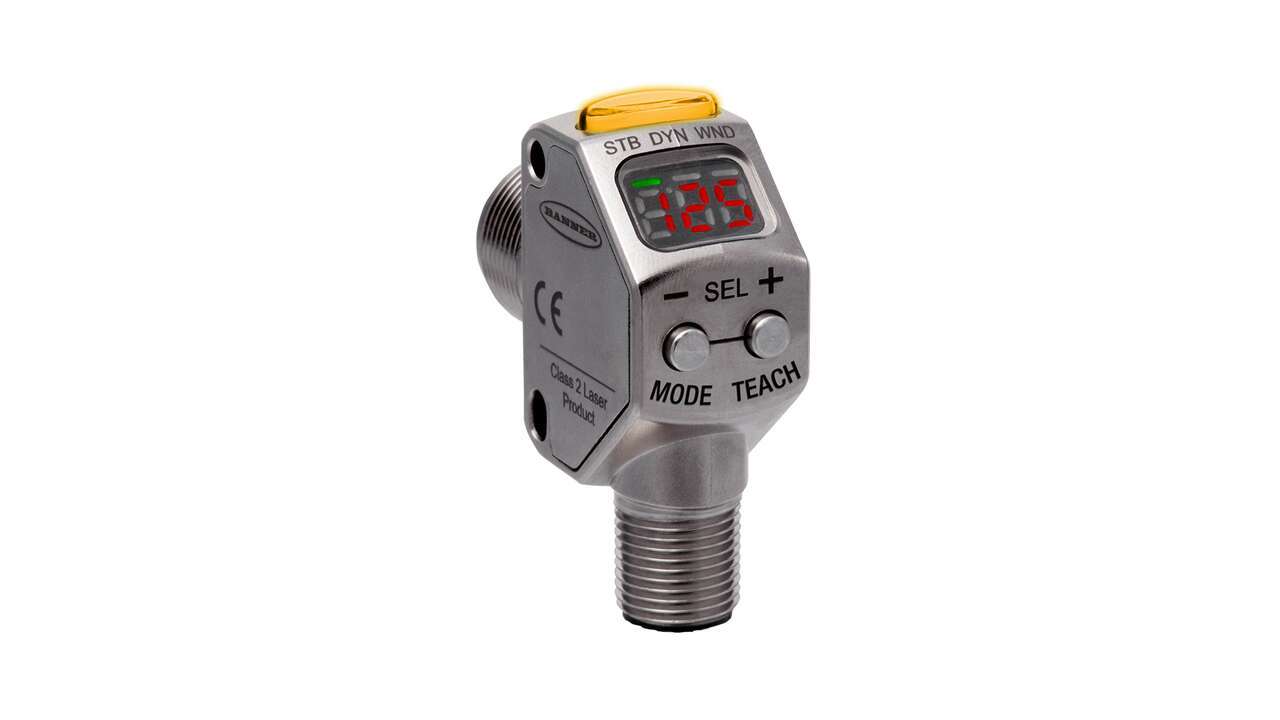
Introducing the new Q3X laser contrast sensor with fixed background suppression by Banner Engineering. The combination of contrast detection within a specified sensing range and fixed background suppression beyond, makes the new Q3X one of a kind.
With a fast 250 microsecond response speed, a reliable 300 mm detection range, bipolar PNP and NPN outputs and superior ambient light immunity, the Q3X can solve even the most challenging contrast-based, part-detection applications. Some models are available with fixed background suppression, allowing for contrast detection in a fixed range while ignoring a background.
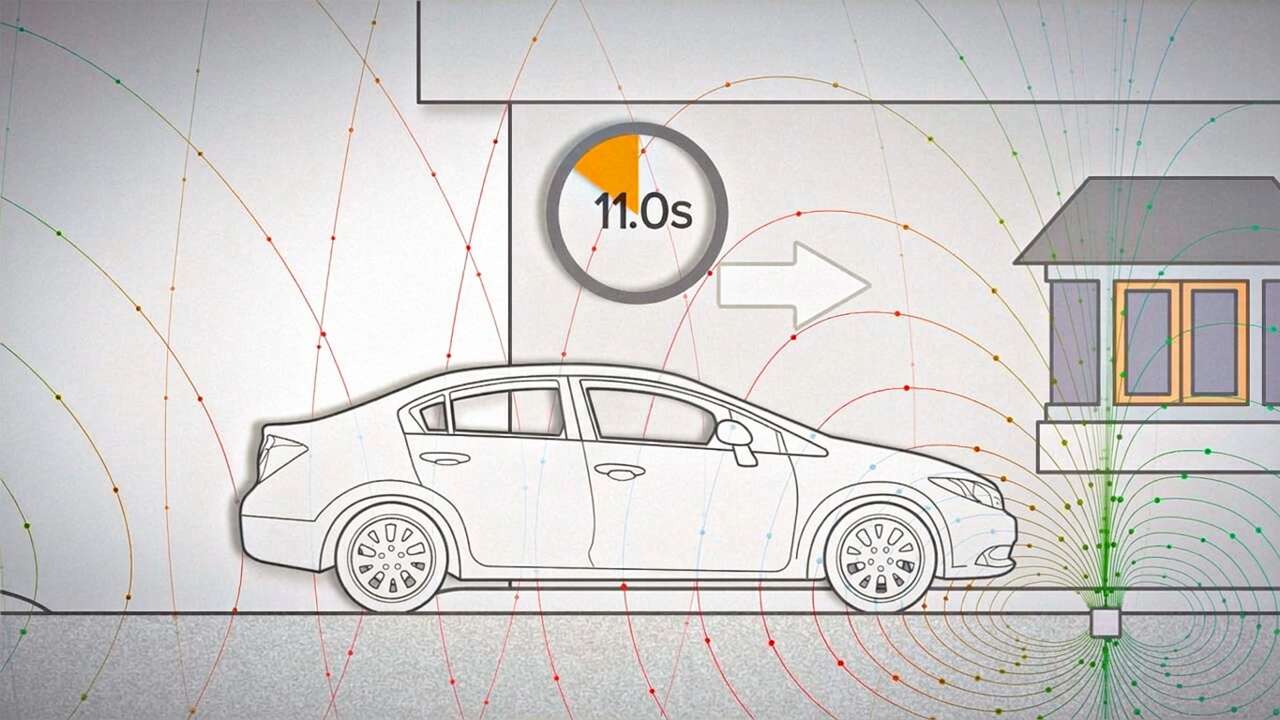
There are many different technologies that can be used to solve vehicle detection applications. Banner Engineering can help you identify the right technology for your unique application. Watch the video to learn more about vehicle detection solutions from Banner.
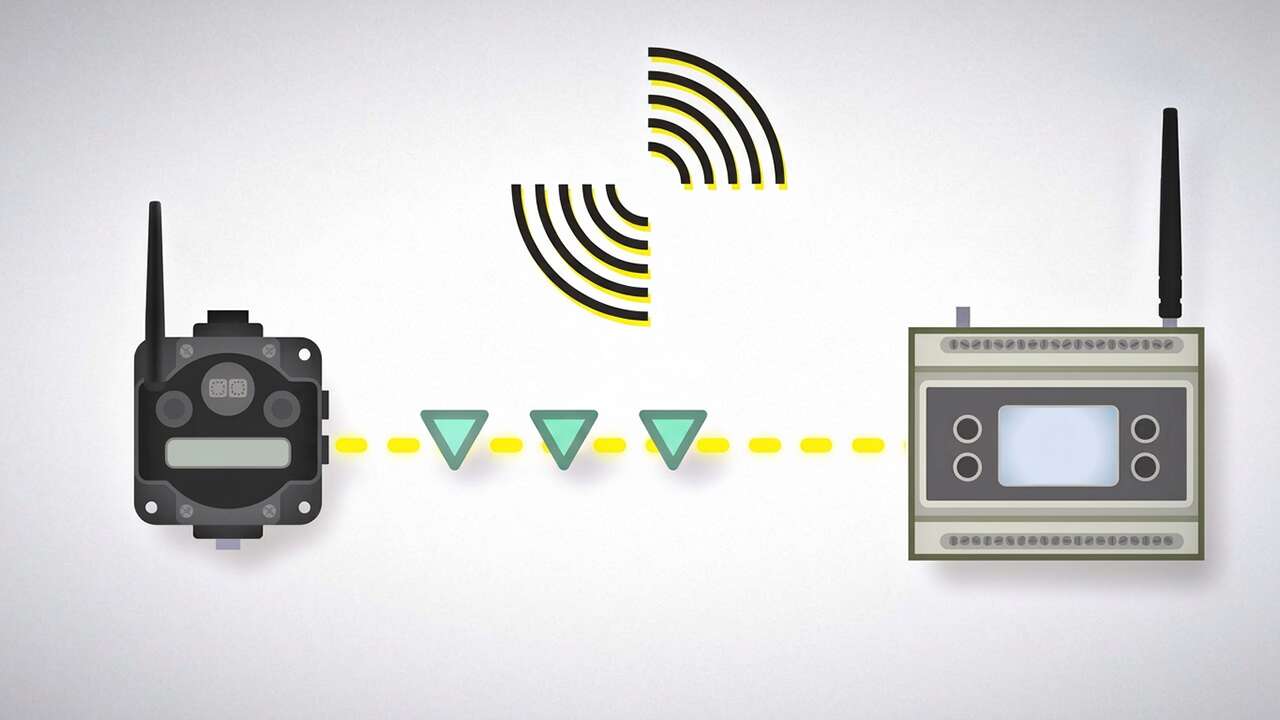
A secure wireless solution not only protects your network, it will also ensure both data security and data integrity. Learn how Sure Cross solutions from Banner Engineering keep your network and data safe.
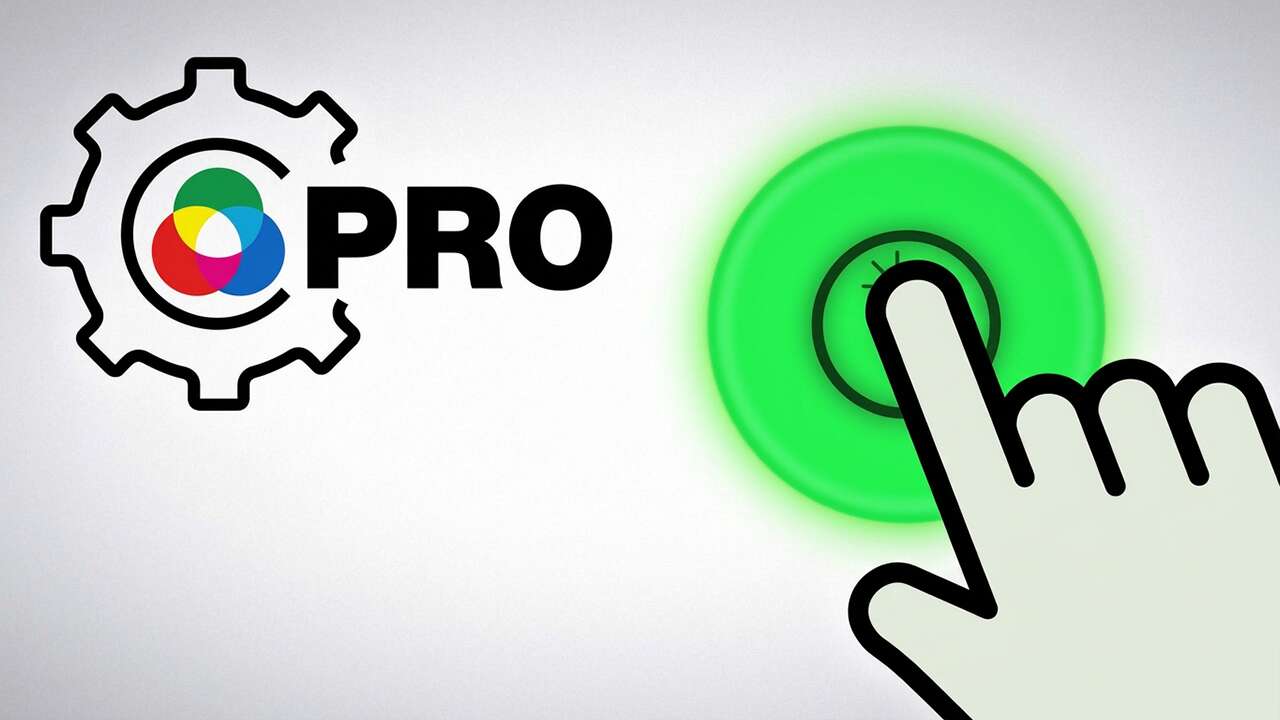
Learn how to use the Pro Editor to configure K50 Pro Touch buttons.
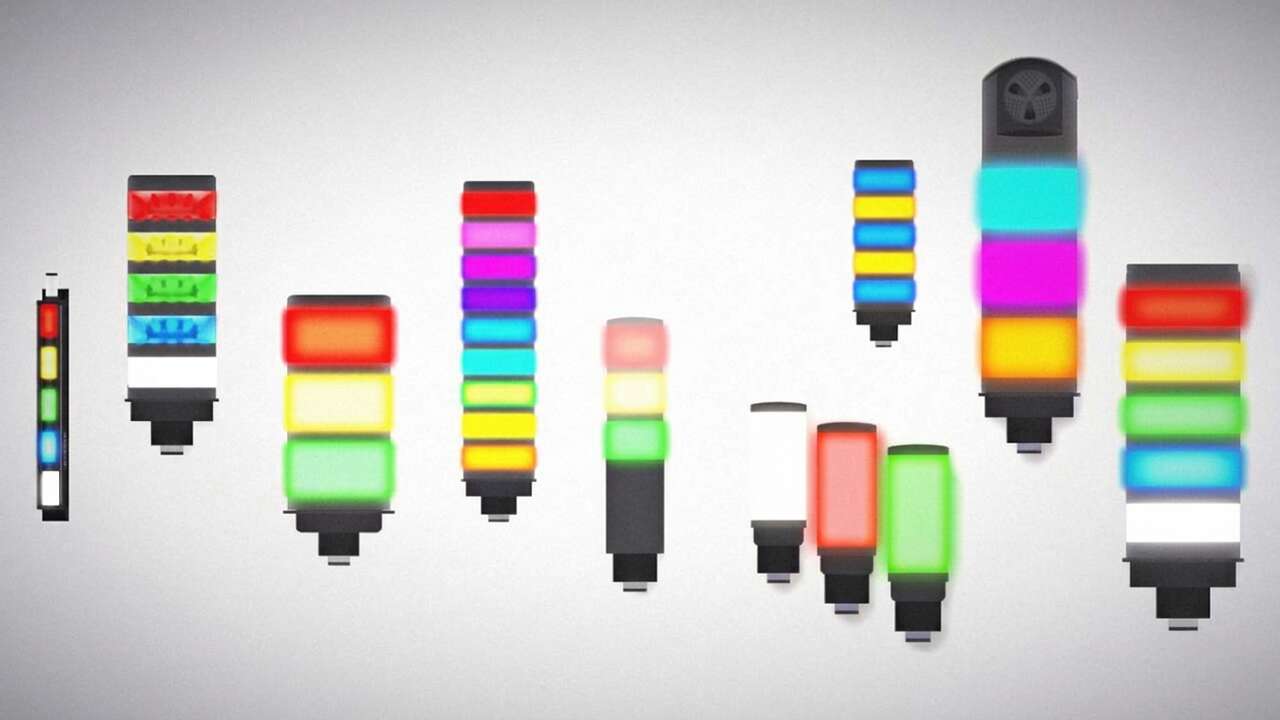
Banner Engineering offers a complete portfolio of tower lights--for your simplest to your most advanced indication requirements. Watch the video to learn more about our capabilities for machine status indication.
The LM offers best in class performance with increased stability, reliability and precision for real-world targets. With the introduction of the LM, Banner has developed the optional Remote Sensor Display (RSD) for simplified sensor set up, recipe control, and configuration storage. Watch the video to learn more.
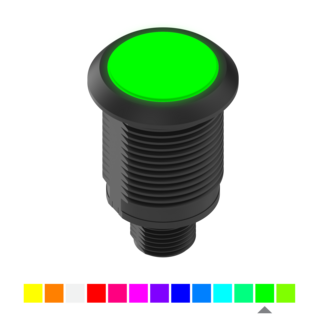
S22 Pro Series touch buttons and indicators provide bright, multicolor indication and can be programmed with a wide variety of pre-defined color and animation options using the Pro Editor Software. Watch the video to learn more.
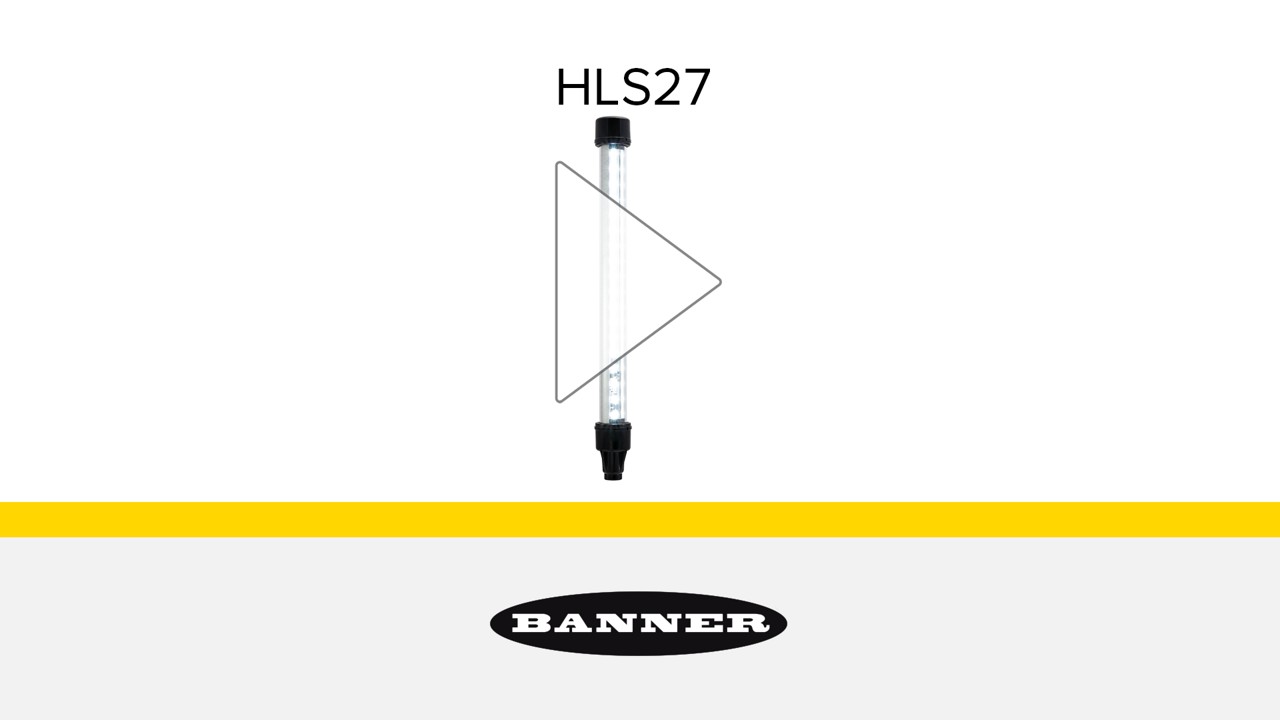
The HLS27 Hazardous Location LED Strip Lights function in Division 2 hazardous locations without sacrificing brilliant, even illumination. They have sturdy aluminum housing and are encased in a shatterproof polycarbonate shell, ideal for harsh indoor and outdoor applications. Watch the video to learn more about the rugged single- and dual-color HLS27 strip lights.
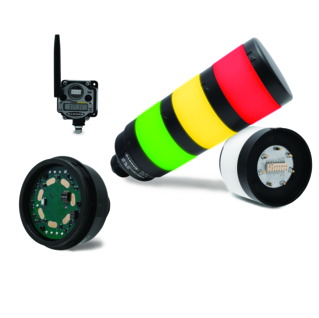
Learn how adding a wireless communication segment to your existing TL70 tower light can turn a standard indicator into a data-gathering hub for IIoT applications.
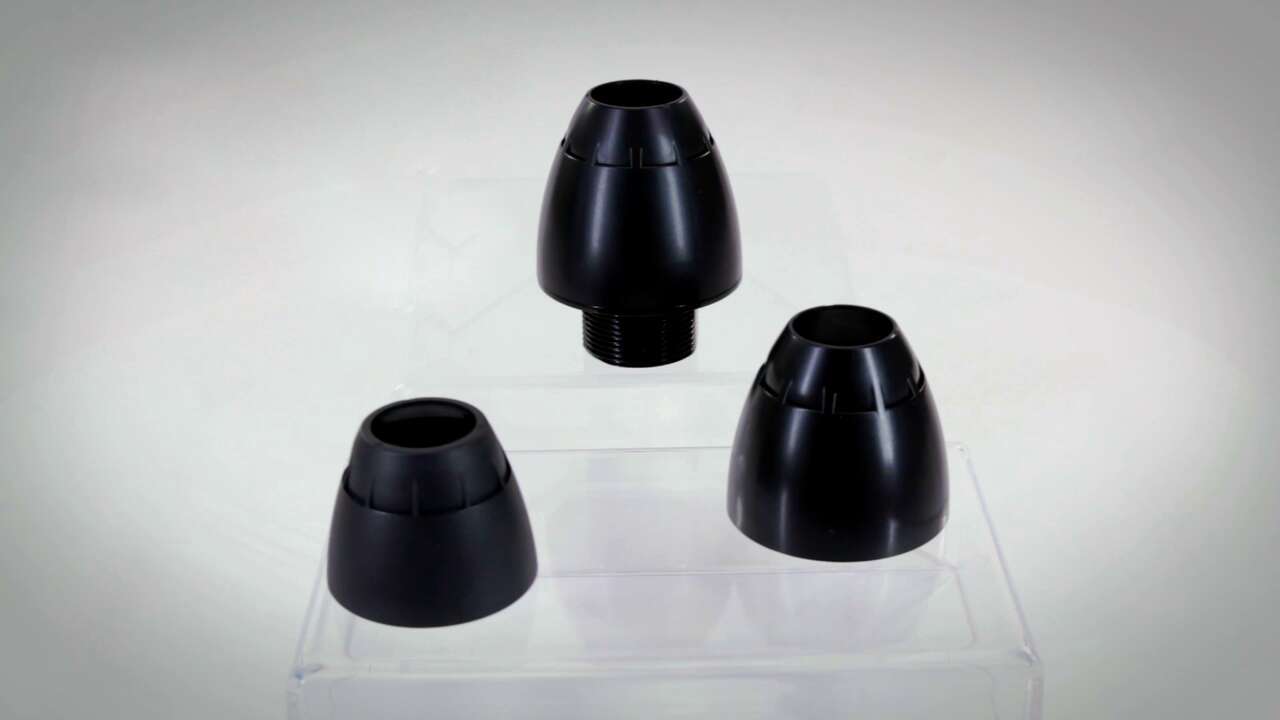
Banner's redesigned pipe adapters are a strong, sturdy, and easy-to-implement support solution for our TL50 Tower Lights and K50 Indicators that do not compromise the aesthetic appeal of these products.
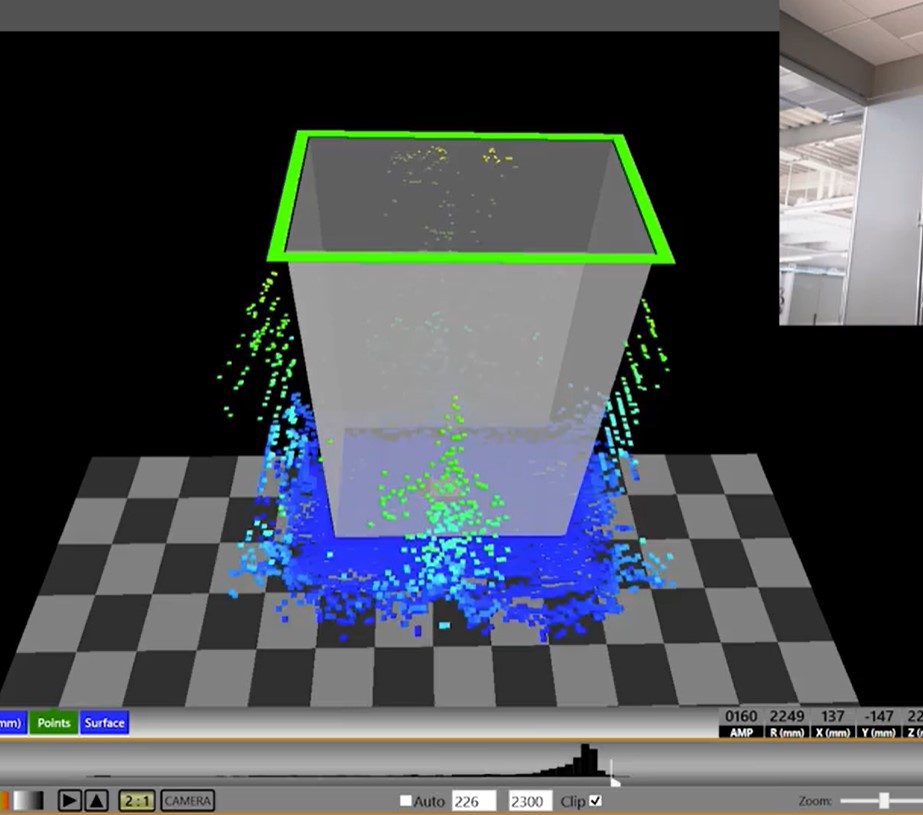
View a demonstration of Banner's 3D measurement sensor capabilities.
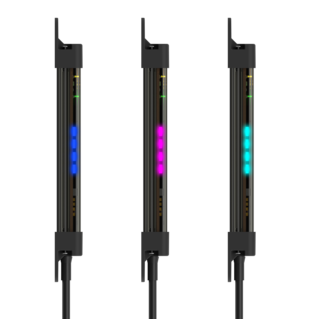
A demonstration of the seven colors and eight animation modes of the PVS28.
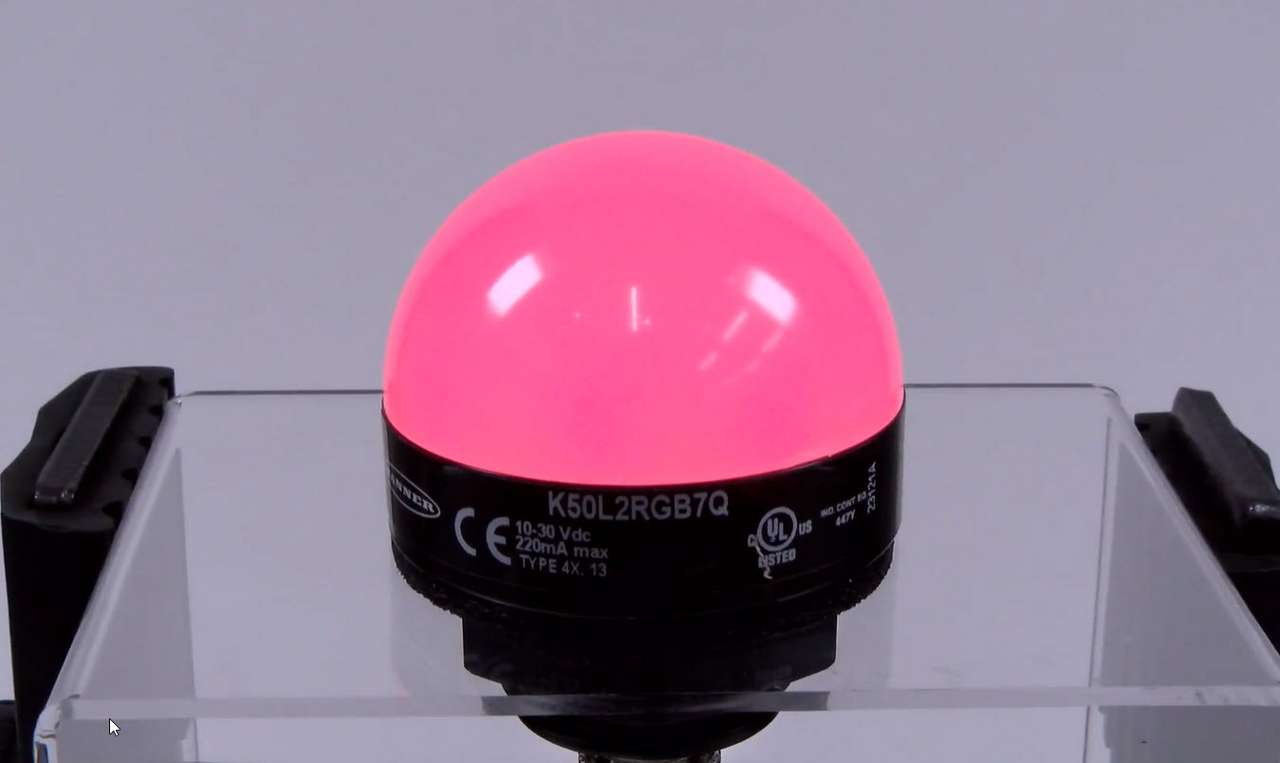
This video covers the basics of setting up a K50 Pro Series Indicator from Banner Engineering.
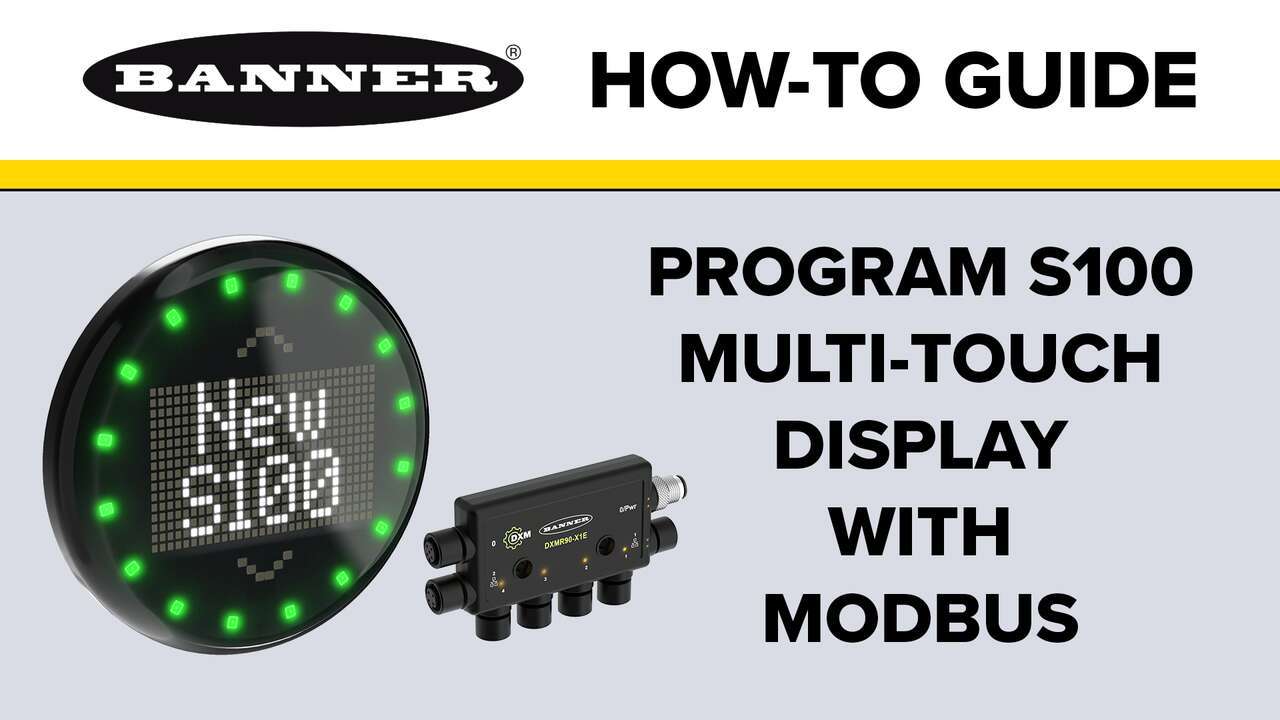
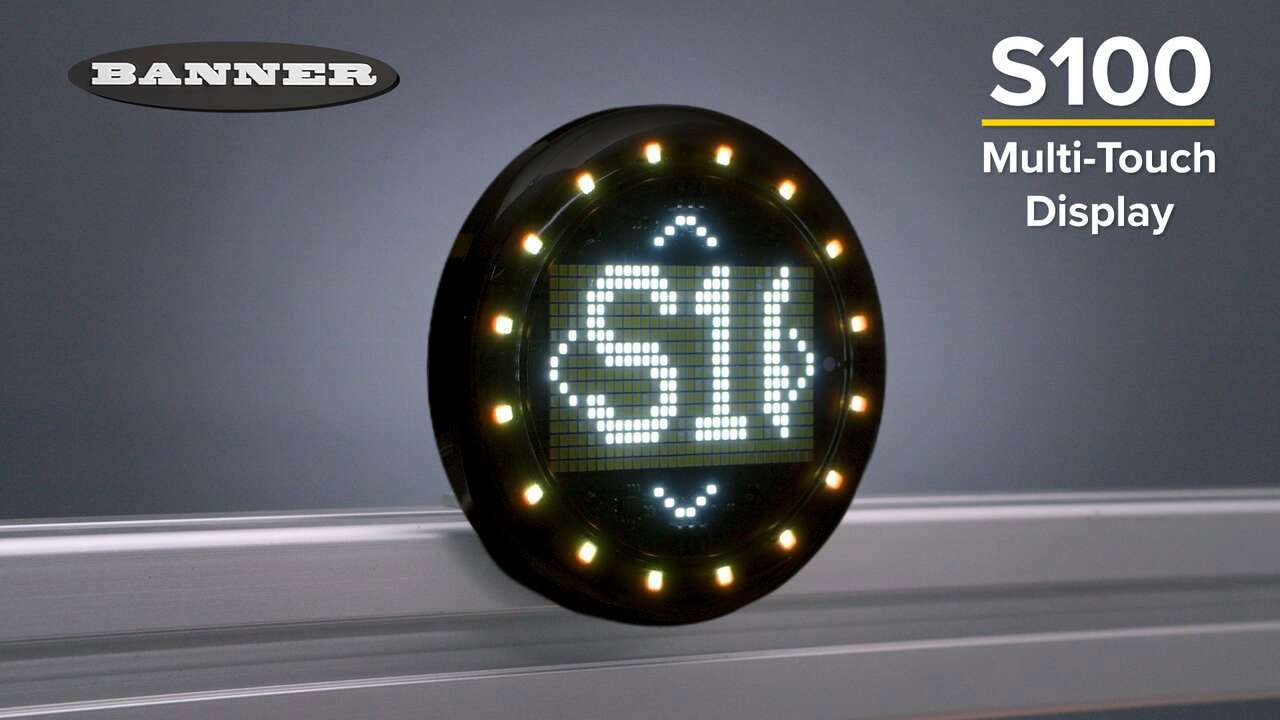
A demonstration on how to program the S100 Multi-Touch with Modbus
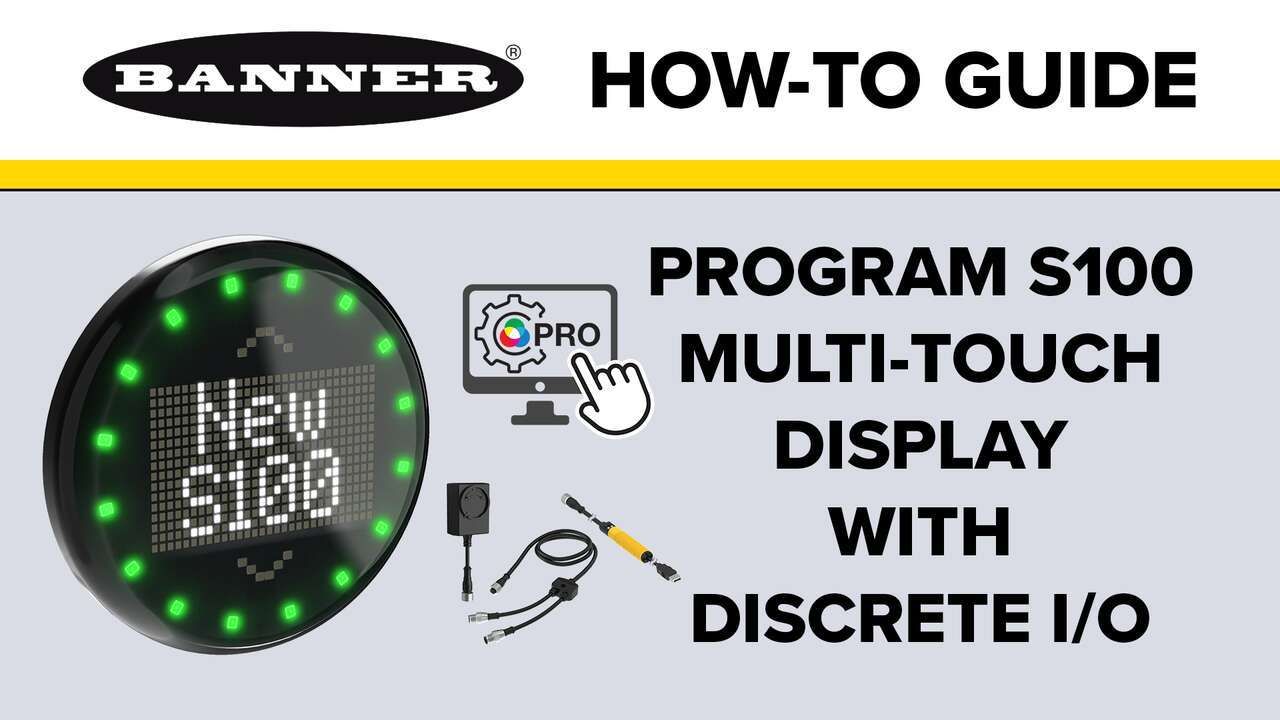
A demonstration on how to program the S100 Multi-Touch with Discrete I/O
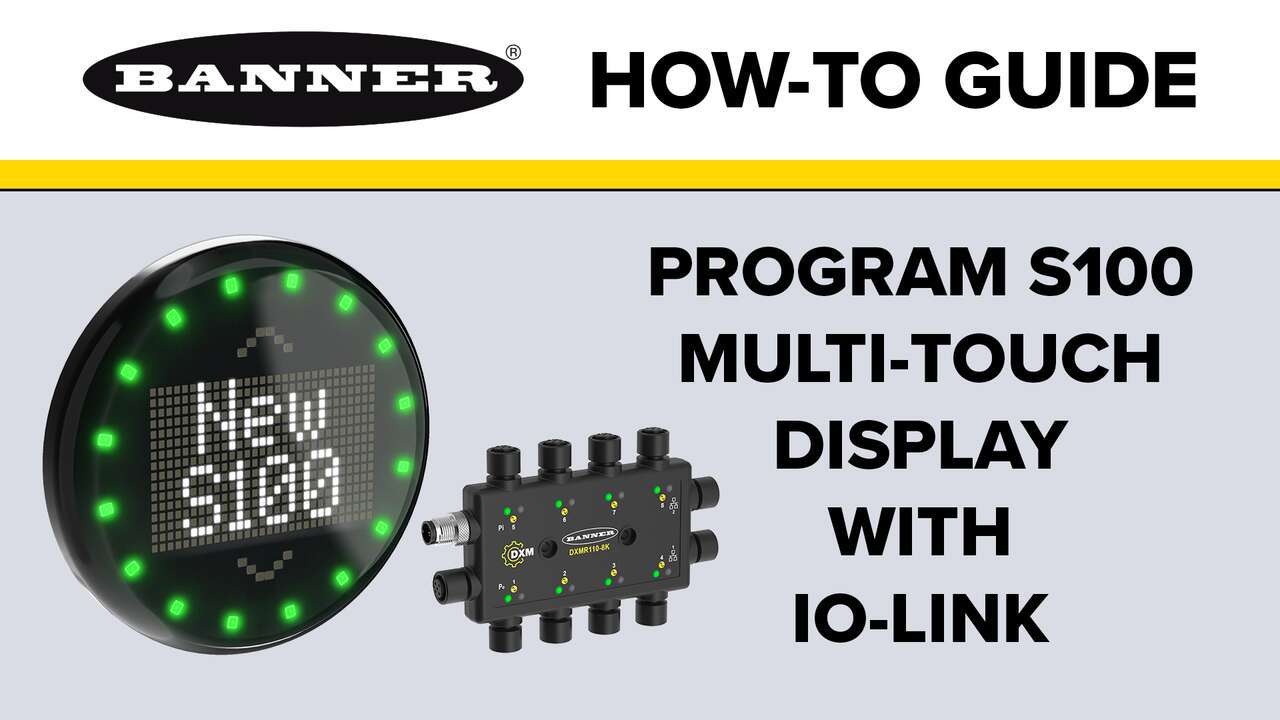
A demonstration on how to program the S100 Multi-Touch with IO-Link
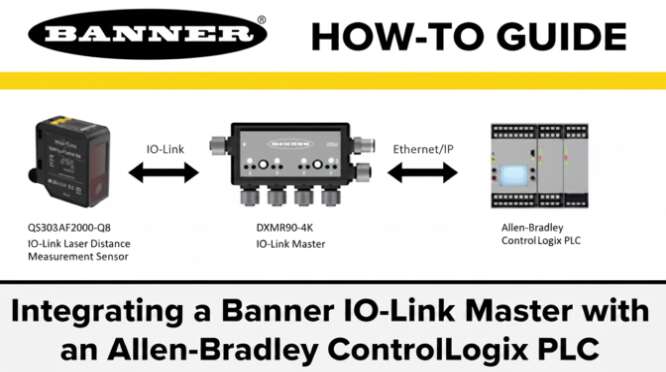
In this video, you'll learn how to use Banner's IO-Link Master and Laser Sensor Products with Rockwell Software Studio Logix Designer and their ControlLogix PLC.
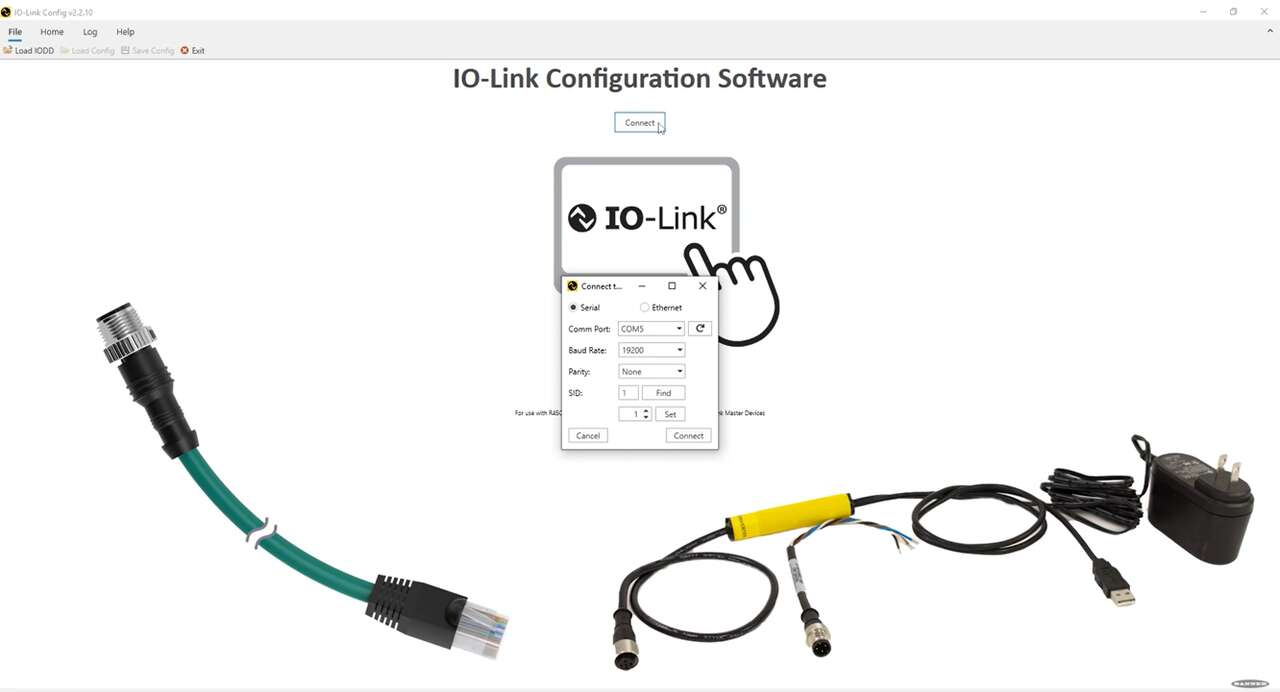
In this video, learn about the IO-Link Configuration Software from Banner.

Our application engineers are here to help with expert guidance and support. Send us your inquiry, and we’ll get back to you as soon as possible. We’re here to make sure you get the answers you need.