Safety Controller Software
Banner's feature-rich machine safety controller software provides a seamless user interface for setting up and managing safety systems.
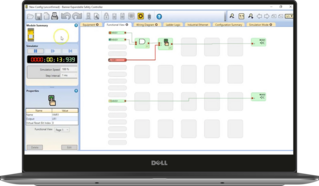
Banner's feature-rich machine safety controller software provides a seamless user interface for setting up and managing safety systems.
Software for SX Series safety laser scanners features an intuitive user interface and menu-driven tools that guide users through setup.
Banner's bundle builder is a simple guided process to help you build out your Machine Safety solution. In each step you will choose the product that is right for your application. If you have any questions, please contact a trained applications engineer, and we will be happy to help you build your Machine Safety solution over the phone or via chat.
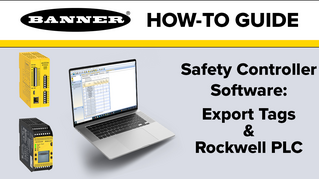
This video explains how to do the tag export feature inside the Banner safety controller software to a Rockwell Studio 5000.
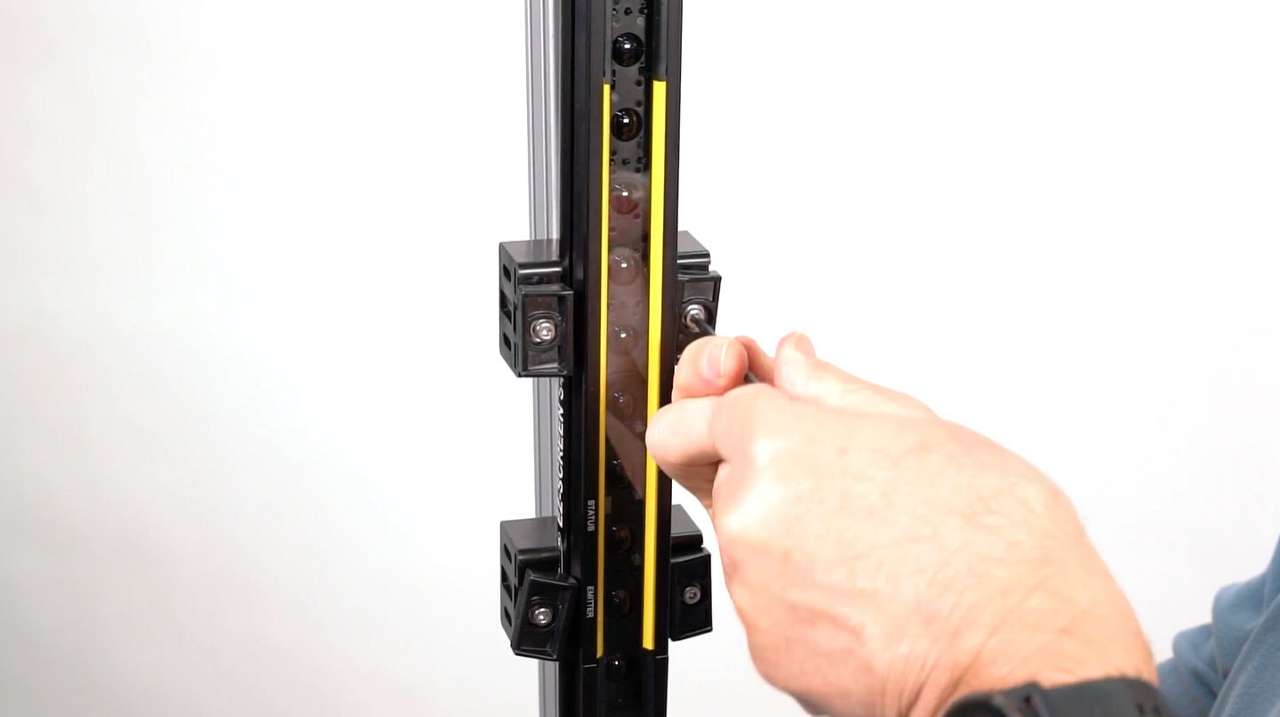
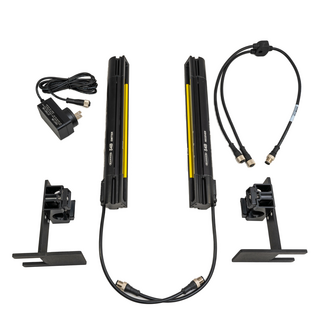
Learn how to mount and align the S4B Safety Light Curtain with either end-mount or side-mount brackets.
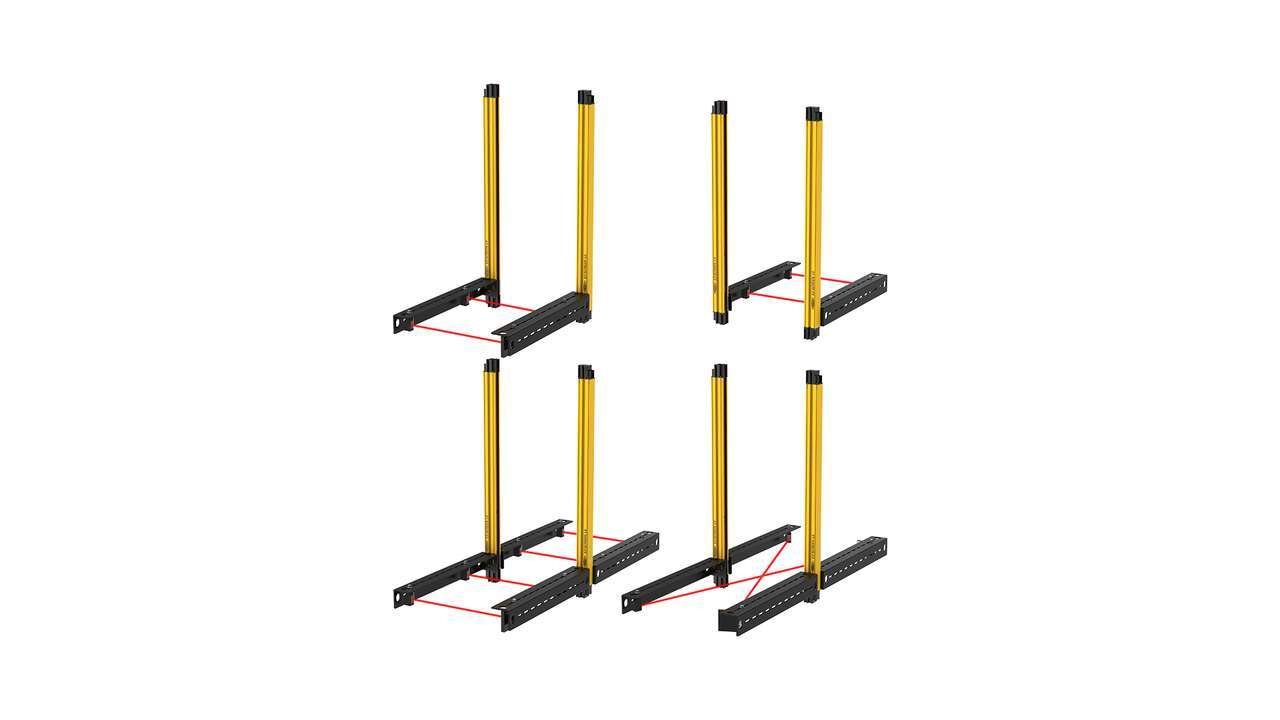
Learn how to set up the XS safety controller to work with a mute arm kit and LS safety light curtain. Banner’s pre-assembled mute arm kits are available in L, T and X configurations as a plug-and-play solution for end of line packaging applications.
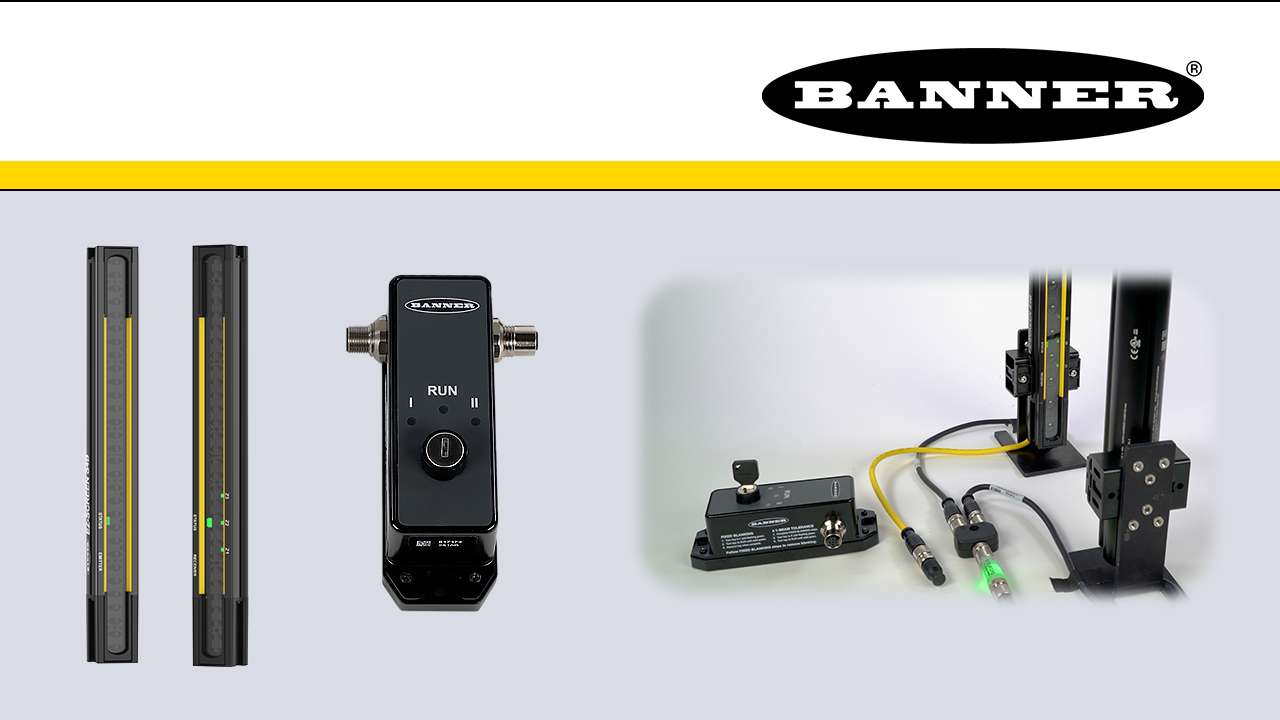
This is a quick how-to video that will cover how to use the remote fixed blanking feature in the S4B Safety Light Curtains from Banner Engineering.
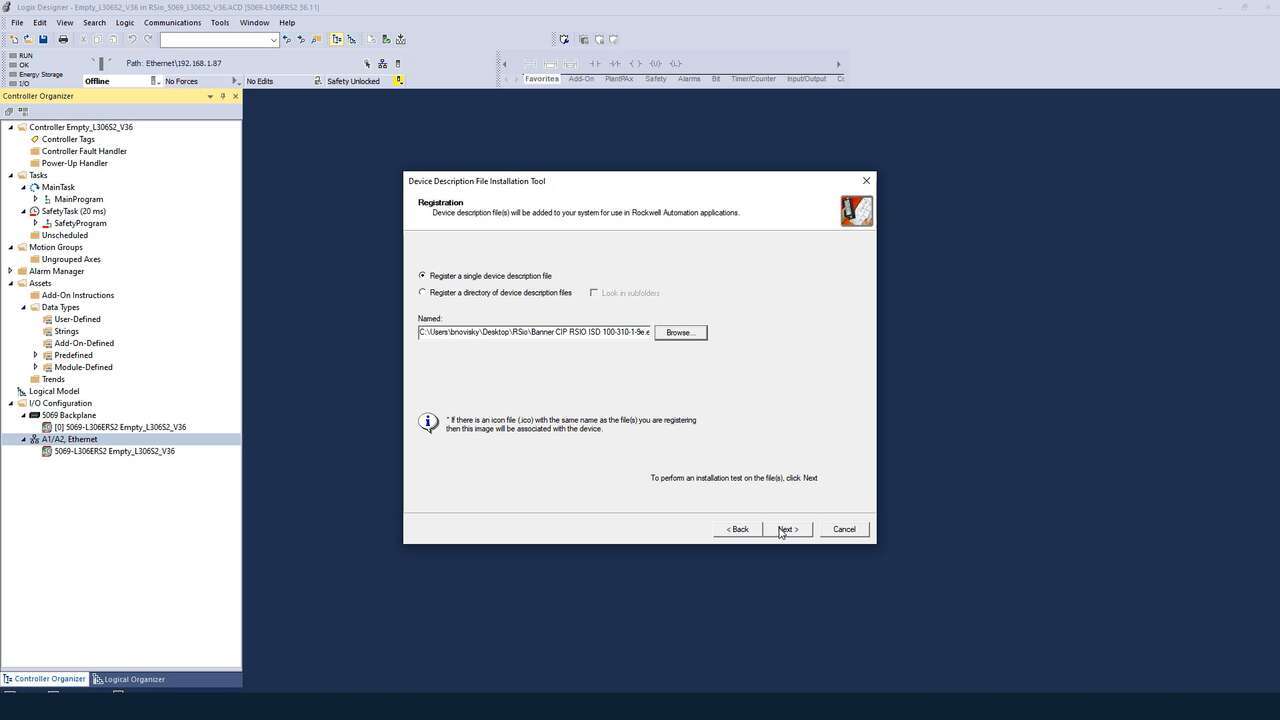
A demonstration of how to install the EDS software for the RSio Remote Safe I/O Block.
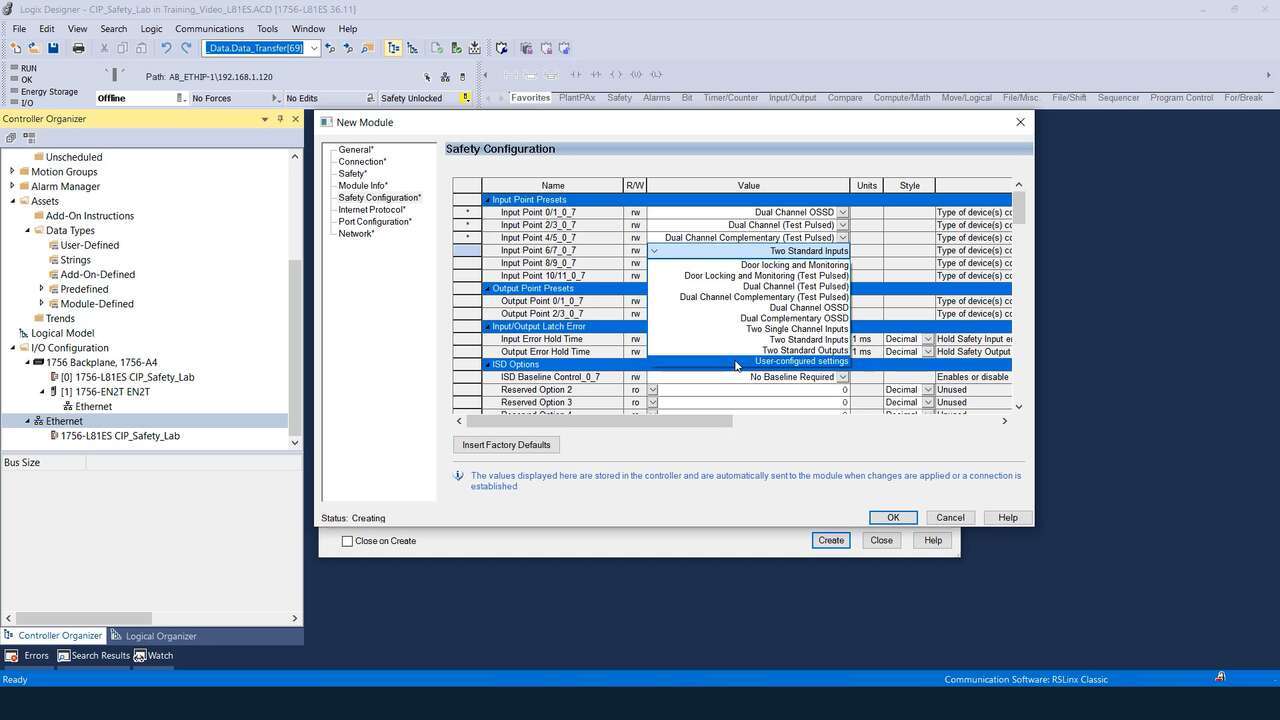
A demonstration of how to configure the presets for the RSio Remote Safe I/O Block.
Watch this video to learn how to set up the Network Access feature for the XS26 and SC26 Safety Controllers.
Watch this video to learn how to configure STB Safety Touch Buttons to a Banner safety controller.
Watch this video to learn how to configure an emergency stop button to an SC10 safety controller.
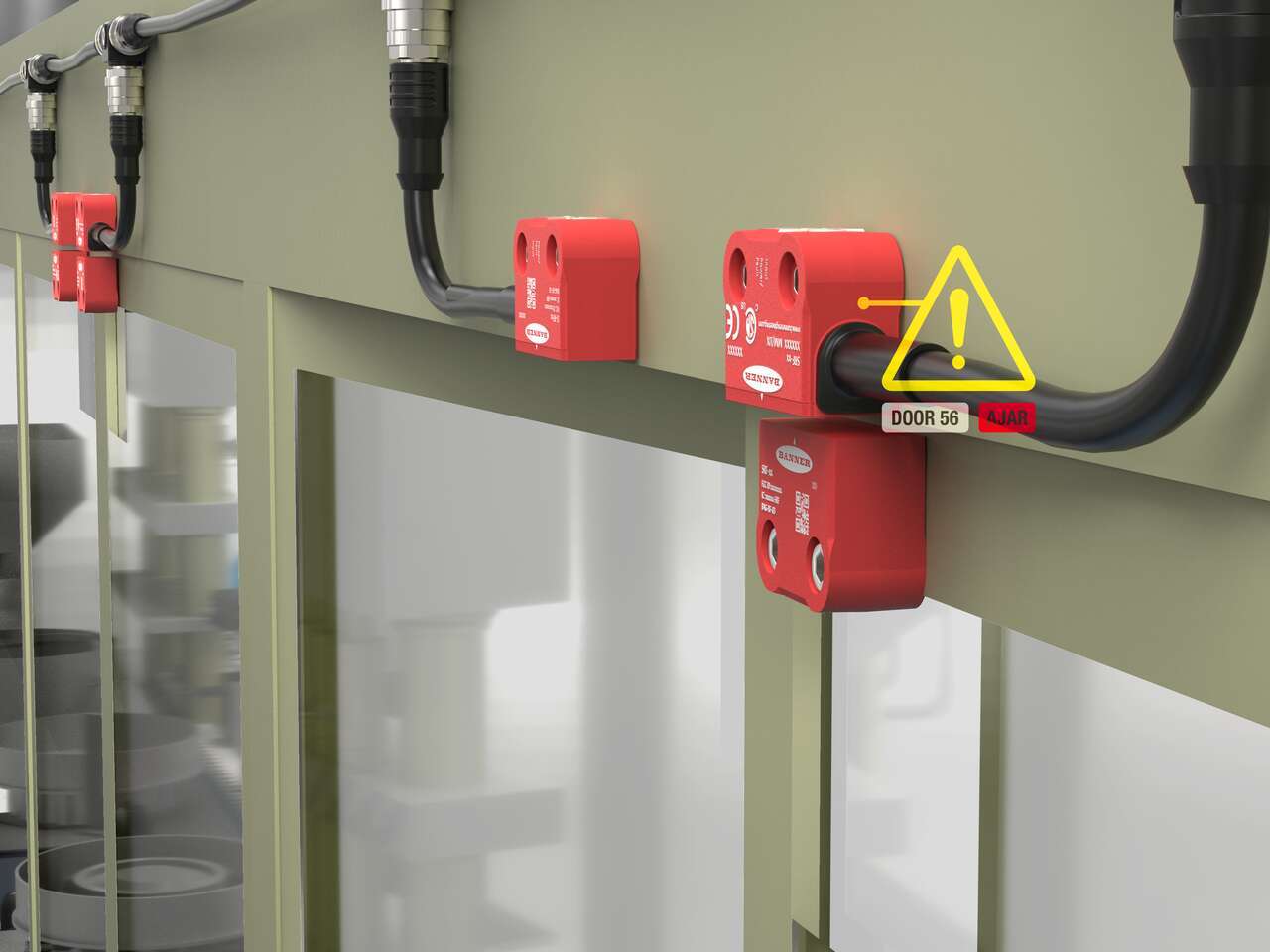
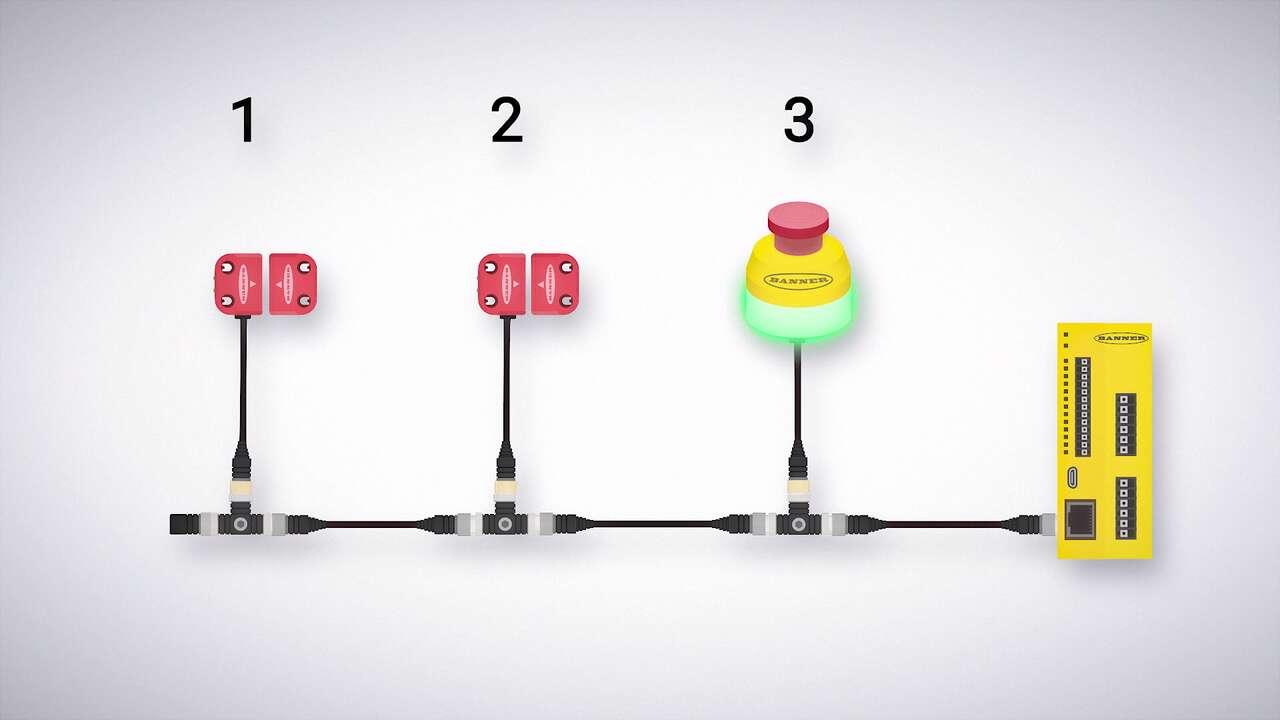
Watch this video to learn how to configure and monitor an in-series diagnostics chain with a Banner safety controller.
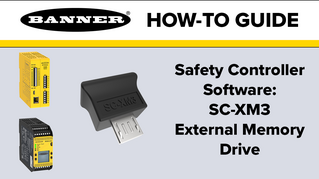
Watch this video to learn how to use the SC-XM3 external memory drive to copy Banner safety controller configurations.