
Accessoires pour barrières immatérielles de sécurité
Accessoires pour barrières immatérielles de sécurité
La barrière immatérielle de sécurité robuste de type 4 S4B offre une protection durable et fiable de la machine pour un large éventail d’applications. La fonction de cascade simplifie l’installation en réduisant le câblage, tandis que la mise en cascade automatique reconnaît automatiquement les barrières immatérielles connectées. Des câbles à code couleur limitent le risque d’erreur lors de l’installation et simplifient le remplacement si un composant est endommagé. Deux options de résolution, 14 mm et 30 mm, ainsi que des temps de réponse rapides, renforcent la protection contre les risques de sécurité. Les LED d’indication de zone identifient visuellement les zones bloquées et communiquent l’état d’alignement, tandis que le signal de faisceau faible indique à quel moment une barrière doit être nettoyée. Les multiples options de montage et les kits de supports pour capteurs d’inhibition en option offrent à la série S4B une flexibilité accrue en termes d’installation et d’utilisation.


La fonction de cascade est désormais disponible sur la barrière immatérielle S4B, ce qui simplifie l’installation en réduisant le câblage nécessaire pour raccorder les barrières immatérielles à un contrôleur. La fonction de cascade automatique de la série S4B simplifie encore la configuration et l’installation en reconnaissant automatiquement la barrière immatérielle suivante lorsqu’elle est connectée. L’impact minimal de la cascade sur le temps de réponse permet d’installer la barrière immatérielle S4B encore plus près de l’équipement protégé, assurant une utilisation optimale de l’espace au sol. Chaque barrière immatérielle peut être utilisée en tant que paire autonome ou comme composant d’une cascade. Le câble sélectionné qui détermine l’option choisie. Cela se traduit par un nombre réduit de pièces à entreposer, un processus de commande plus facile et une installation rapide.
Les câbles de la barrière S4B ne se contentent pas d’assurer l’alimentation et la communication. Ils déterminent si la barrière immatérielle est utilisée comme paire autonome ou en cascade. Les raccordements spécifiques et les câbles à code couleur simplifient l’installation et limitent les erreurs. Le jaune permet de raccorder plusieurs montants de la barrière immatérielle tandis que le noir revient au contrôleur. Si un câble venait à être endommagé, vous pouvez limiter les réparations coûteuses en retirant et en remplaçant facilement le câble en question au lieu de remplacer l’ensemble de la barrière immatérielle. Les câbles utilisent des connecteurs M12 à 5 broches standard pour faciliter le raccordement aux modules d’E/S de sécurité. Un câble à 8 broches en option permet d’ajouter la fonction EDM lorsque vous souhaitez utiliser relais de sécurité simples.
La barrière immatérielle S4B est disponible en deux résolutions optiques différentes pour répondre aux besoins variés du marché industriel. Les deux résolutions offrent des temps de réponse rapides pour une protection de sécurité renforcée et un risque minimal. Les modèles avec une résolution de 14 mm ont un espacement des faisceaux plus étroit pour la détection des doigts. Les modèles avec une résolution de 30 mm sont parfaitement adaptés aux applications de détection de la main.
L’inhibition permet aux objets de traverser des barrières immatérielles opérationnelles grâce à la suspension temporaire de leur fonction de sécurité. Cette dernière est rétablie dès que l’objet a traversé les faisceaux de la barrière immatérielle. L’ajout de kits de supports pour capteurs d’inhibition à la barrière immatérielle S4B permet de créer une solution d’inhibition qui simplifie la conception et l’installation du système. Disponibles en plusieurs configurations (unilatérale, en X et en T), les supports rigides protègent les capteurs d’inhibition contre tout dommage et désalignement. Des options de montage flexibles pour les capteurs photoélectriques permettent la traversée d’objets de tailles multiples. Le bloc d’inhibition consolide le câblage en combinant les barrières immatérielles S4B et les capteurs auxiliaires en un seul bloc.
Le S4B dispose désormais d’une fixation aux extrémités en plus des équerres de montage centrales. Chaque équerre offre une rotation de 15 degrés. L’option de fixation aux extrémités offre une solution de montage robuste et flexible pour l’intégration, l’installation et l’alignement.
L'activation du masquage fixe déporté par un simple tour de clé permet aux utilisateurs de configurer rapidement des zones spécifiques du champ de détection de la barrière immatérielle S4B afin d'ignorer des objets fixes tels que des équerres, des outils ou des supports de pièces, permettant un apprentissage ou un réapprentissage rapide pour s'adapter aux modifications de la configuration ou de l’agencement des supports, sans avoir à accéder aux interrupteurs DIP dissimulés ni à effectuer de cycles de mise sous/hors tension. De plus, la tolérance de faisceau intégrée de ±1 dans la zone masquée permet de prévenir les déclenchements intempestifs dans les environnements soumis à de fortes vibrations. Lorsque des ajustements sont nécessaires, cette fonction rend les modifications plus rapides, plus simples et mieux maîtrisées, permettant ainsi une reprise rapide de la ligne. Si un objet défini est déplacé ou retiré, le système interrompt son fonctionnement afin de préserver la sécurité. Un simple tour de clé suffit alors à mettre à jour la zone de détection.
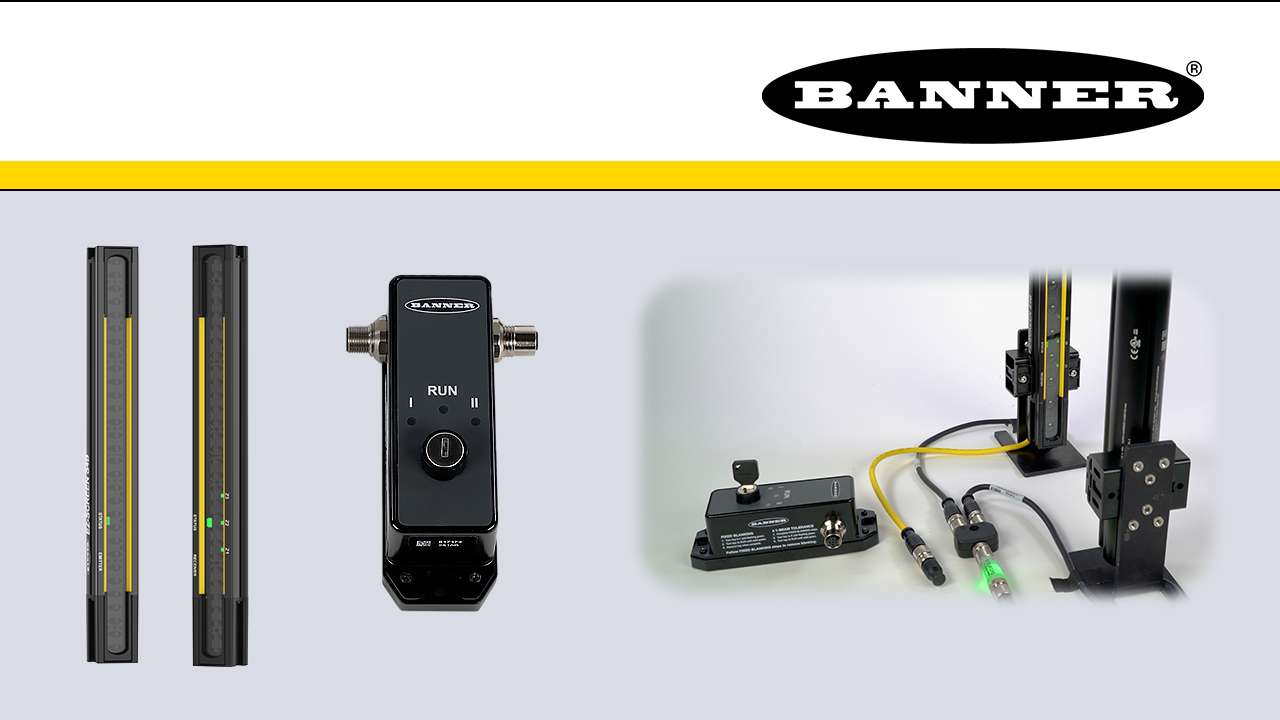
This is a quick how-to video that will cover how to use the remote fixed blanking feature in the S4B Safety Light Curtains from Banner Engineering.
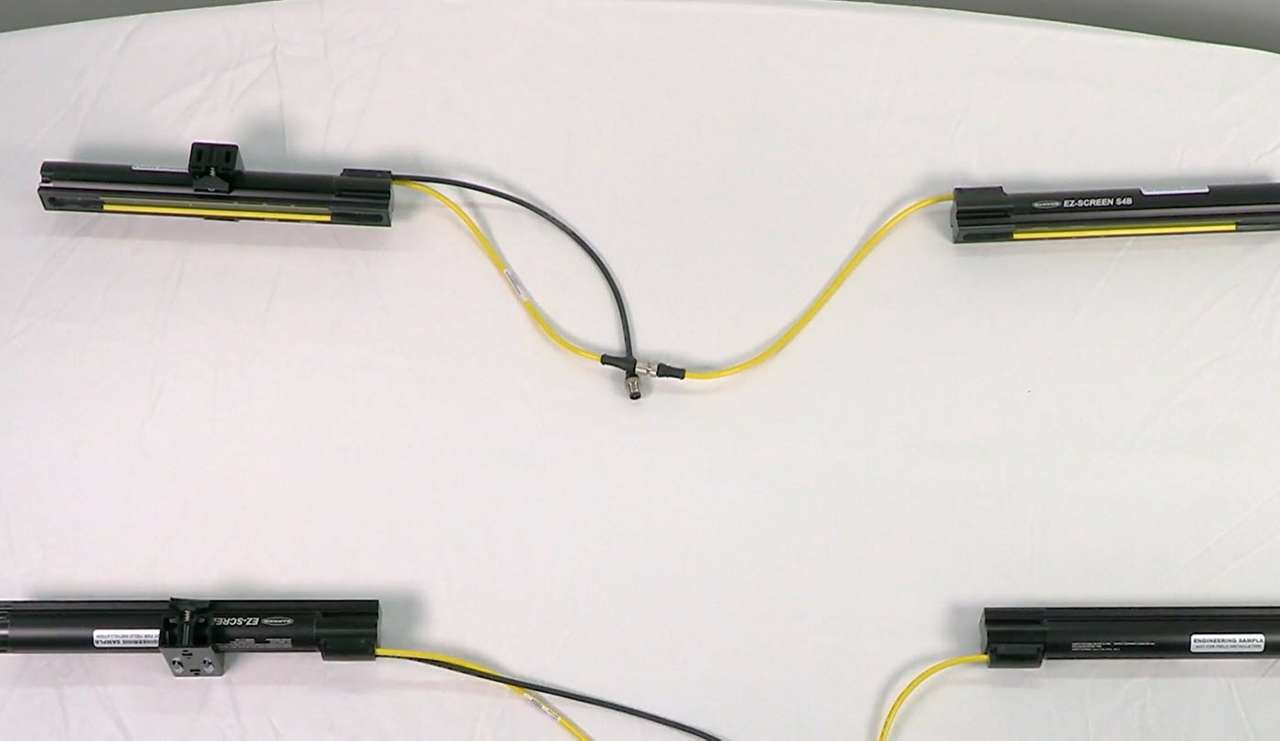
Watch this video to learn how to set up cascading S4B Safety Light Curtains.
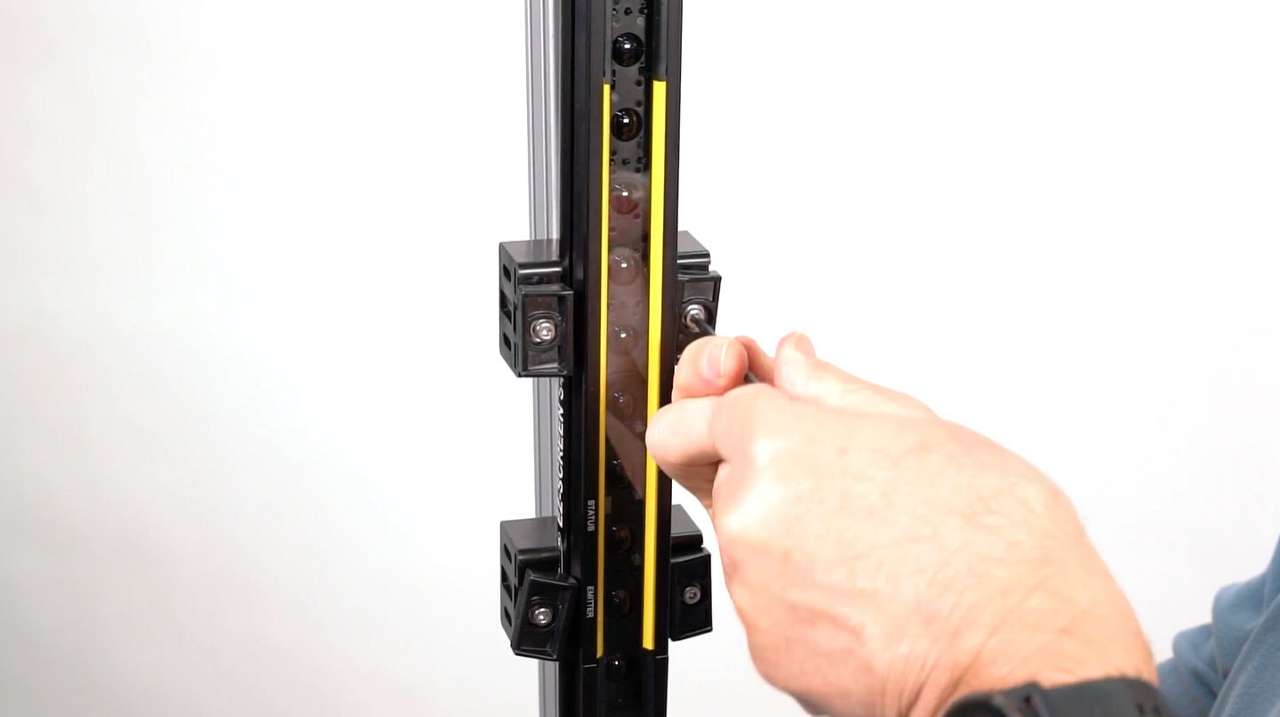
Learn how to mount and align the S4B Safety Light Curtain with either end-mount or side-mount brackets.
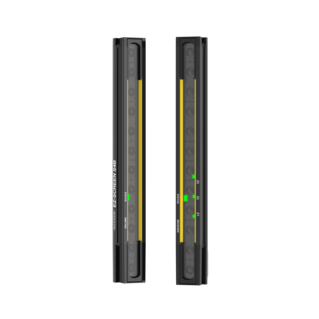
Introducing the S4B Series Heavy Duty Type 4 Safety Light Curtain
Arrange column order by dragging and dropping the column header left/right with your mouse.
Sort items in a column by ascending values by clicking the table header once. Click a second time to sort by descending order. Click a third time to remove the sorting for that column.
Shift-click additional column headers to sort by multiple attributes. The first column you sort becomes the primary sort, and each Shift-clicked column adds a secondary level of sorting.

Our application engineers are here to help with expert guidance and support. Send us your inquiry, and we’ll get back to you as soon as possible. We’re here to make sure you get the answers you need.