.psd/jcr:content/renditions/cq5dam.thumbnail.140.100.png)
Applications
Banner Engineering propose des solutions intelligentes et économiques qui répondent aux exigences des clients, affichent des performances de haut niveau et résolvent les problèmes de façon fiable.


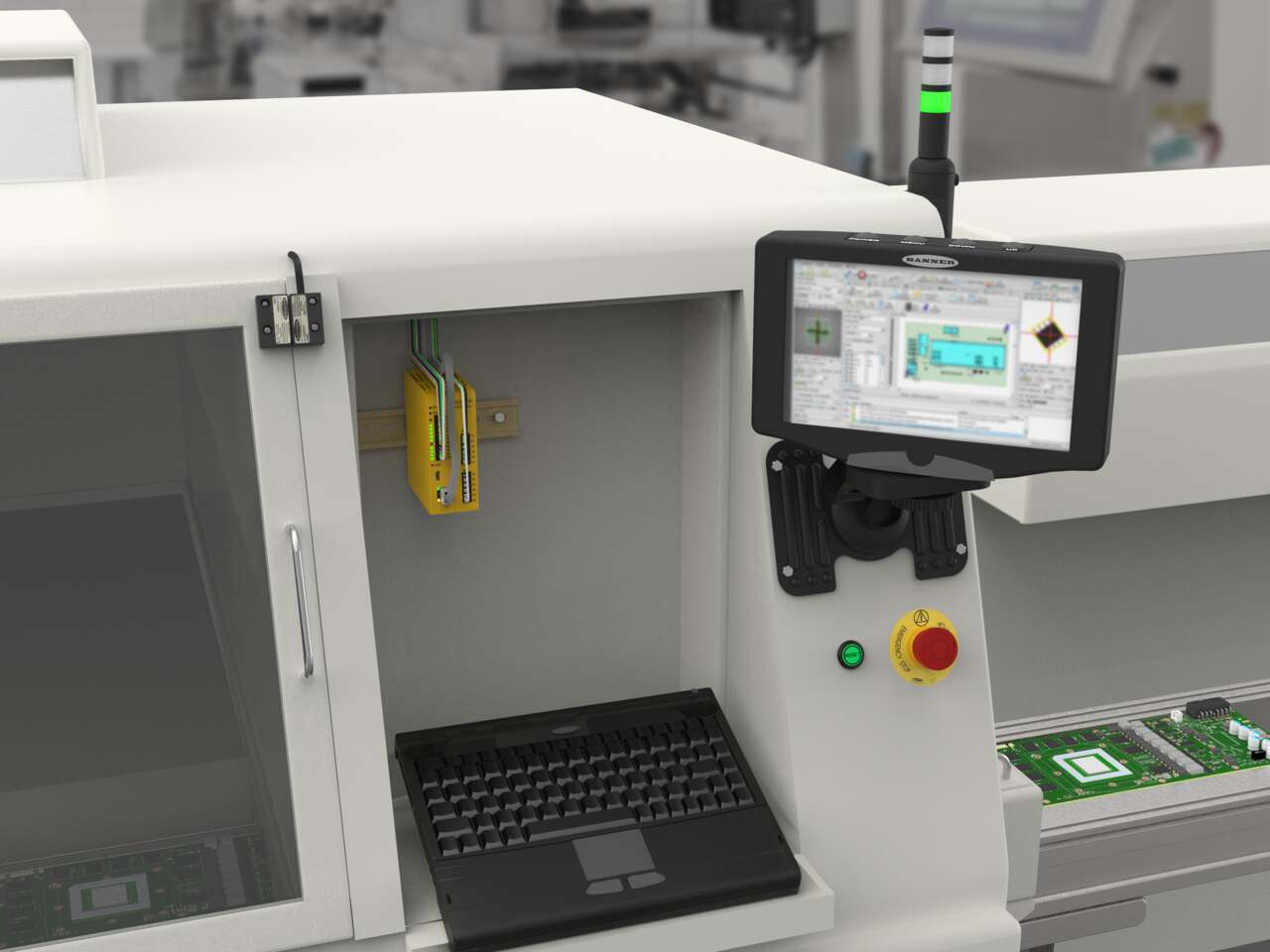
Banner Engineering propose des solutions intelligentes et économiques qui répondent aux exigences des clients, affichent des performances de haut niveau et résolvent les problèmes de façon fiable.
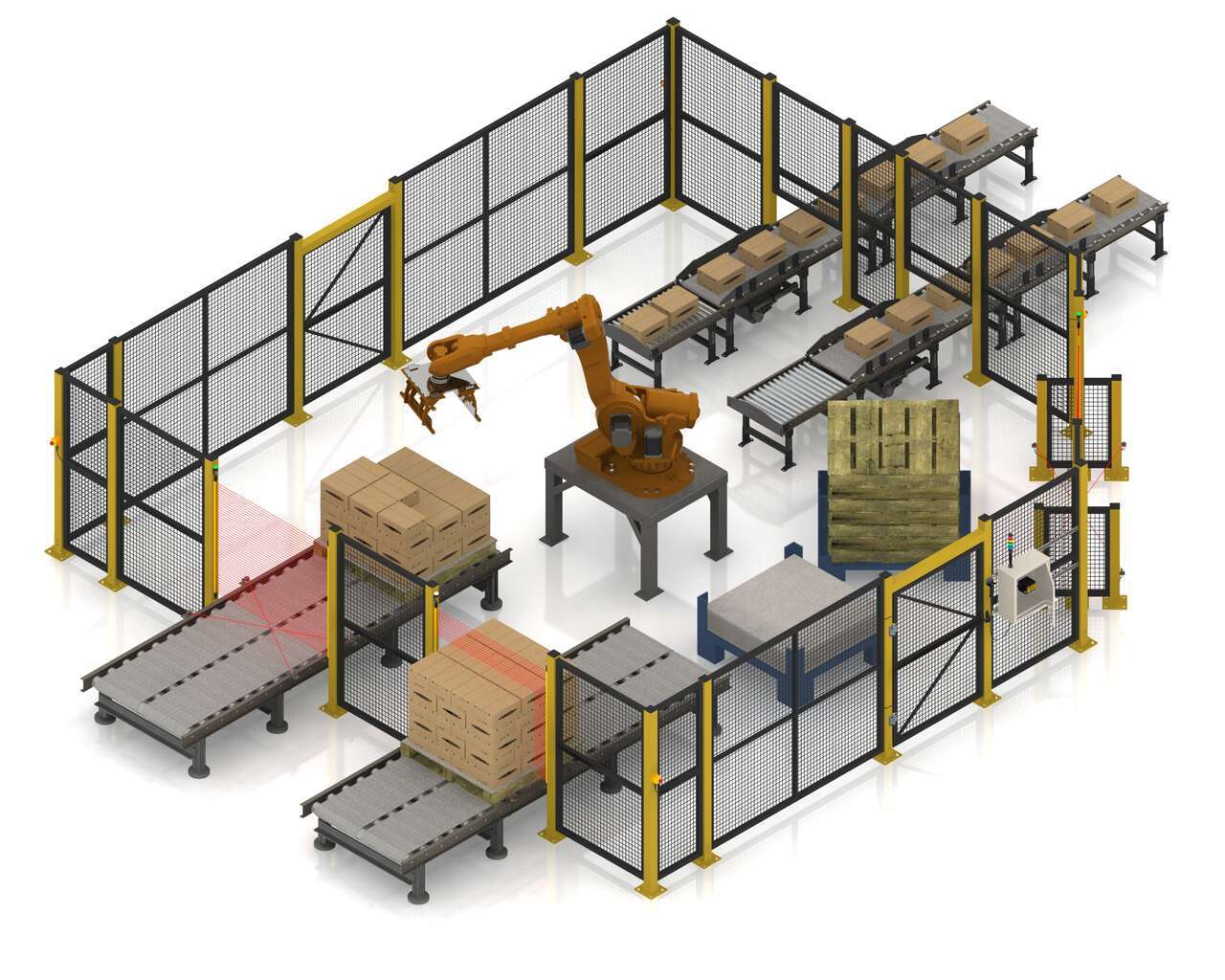
Le SC26-2 de Banner est un contrôleur de sécurité flexible et convivial doté d'un environnement de programmation intuitif. Programmable, il est capable de gérer tous les dispositifs de sécurité avec un seul module. Le SC26-2 communique l'état des dispositifs de sécurité via Ethernet/IP et commande une colonne lumineuse pour permettre la visualisation des états des dispositifs de sécurité. Le contrôleur de base permet de configurer 8 des 26 entrées en tant que sorties afin d'optimiser l'utilisation des bornes.
Watch this video to learn how to use the SC-XM3 external memory drive to copy Banner safety controller configurations.
A tutorial of the Equipment and Wiring Diagram sections of the Safety Controller software from Banner Engineering.
Watch this video to learn how to configure and monitor an in-series diagnostics chain with a Banner safety controller.
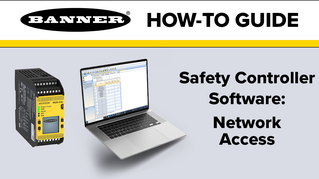
Watch this video to learn how to set up the Network Access feature for the XS26 and SC26 Safety Controllers.
Watch this video for an overview of the SC software, which allows you to configure your Banner safety controller to fit your specific safety application needs.
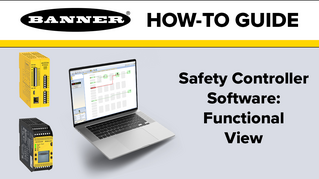
A tutorial of the Functional View section of the Safety Controller software from Banner Engineering.
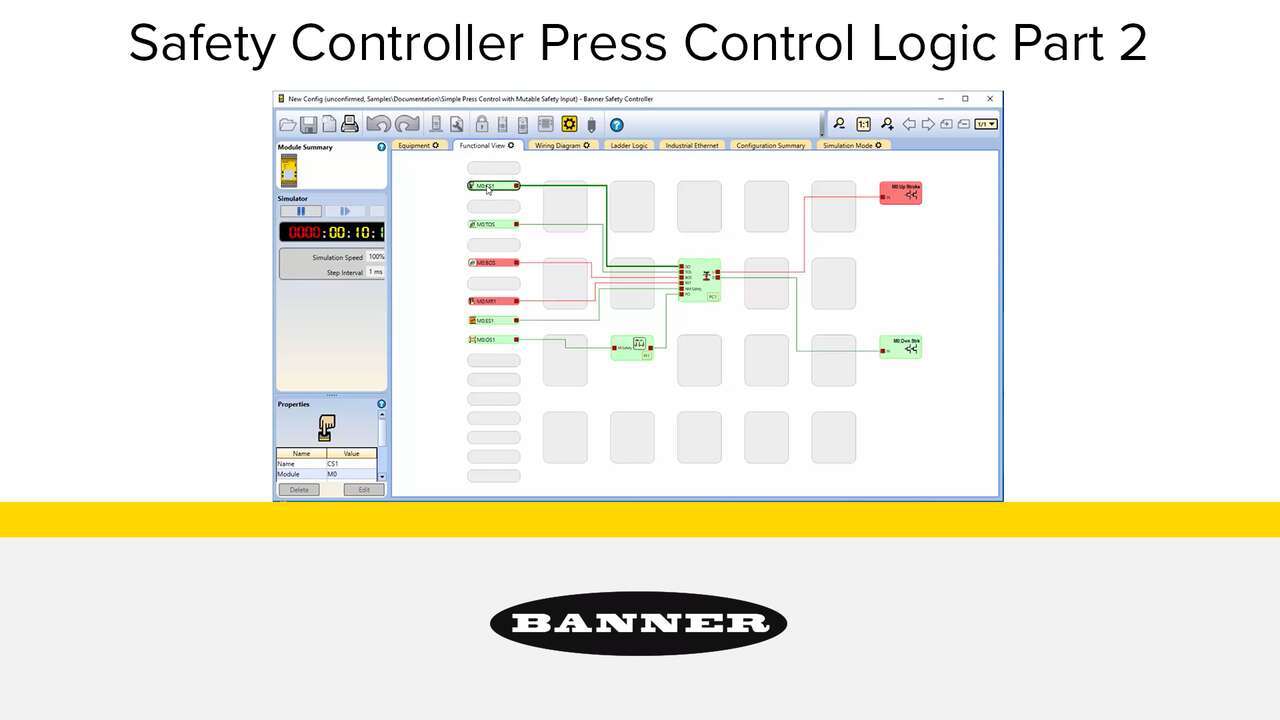
Watch the video to see how to setup a full featured press control system that uses an XS26-2 Safety Controller, XS2so Safety Output Module, Press Status inputs, cycle start, a manual reset, an optical safety sensor, sequential stop, mute sensor, foot petal input and an emergency stop. an XS26-2 Safety Controller, Press Status inputs, a Cycle Initiation, a manual reset, an optical safety sensor, and an emergency stop.
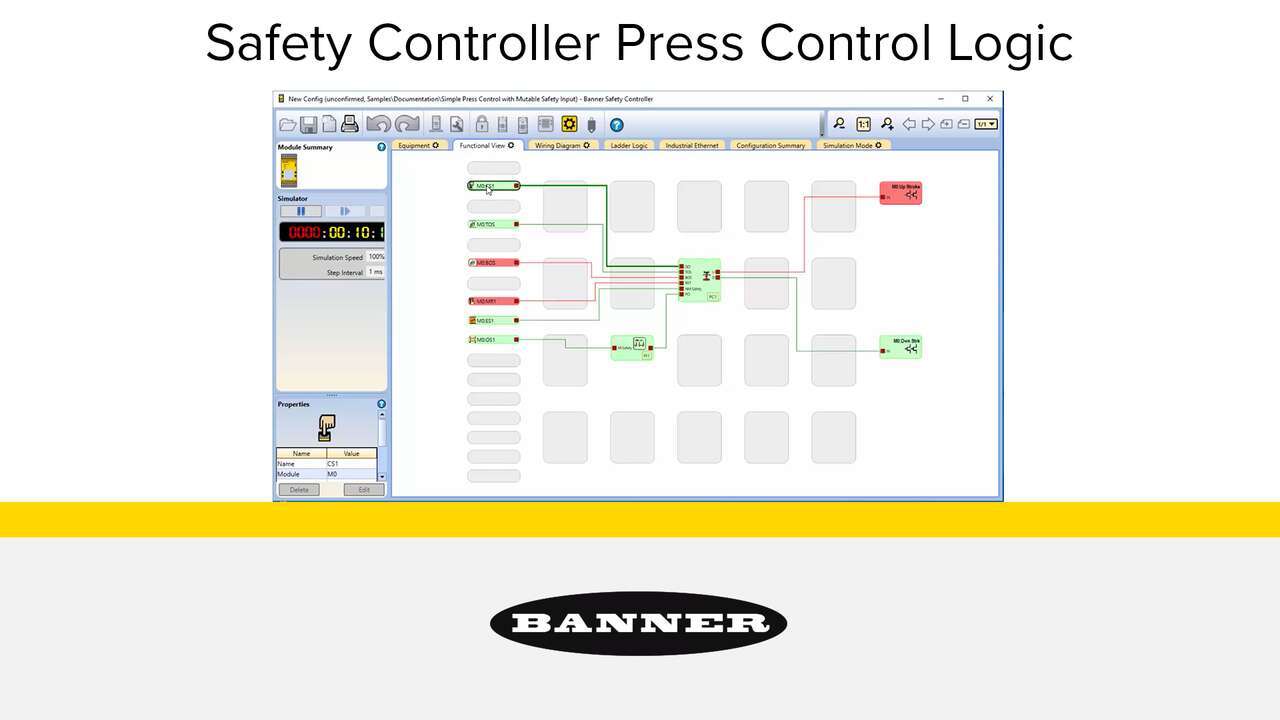
Watch the video to see how to setup a simple press control system that uses an XS26-2 Safety Controller, Press Status inputs, a Cycle Initiation, a manual reset, an optical safety sensor, and an emergency stop.
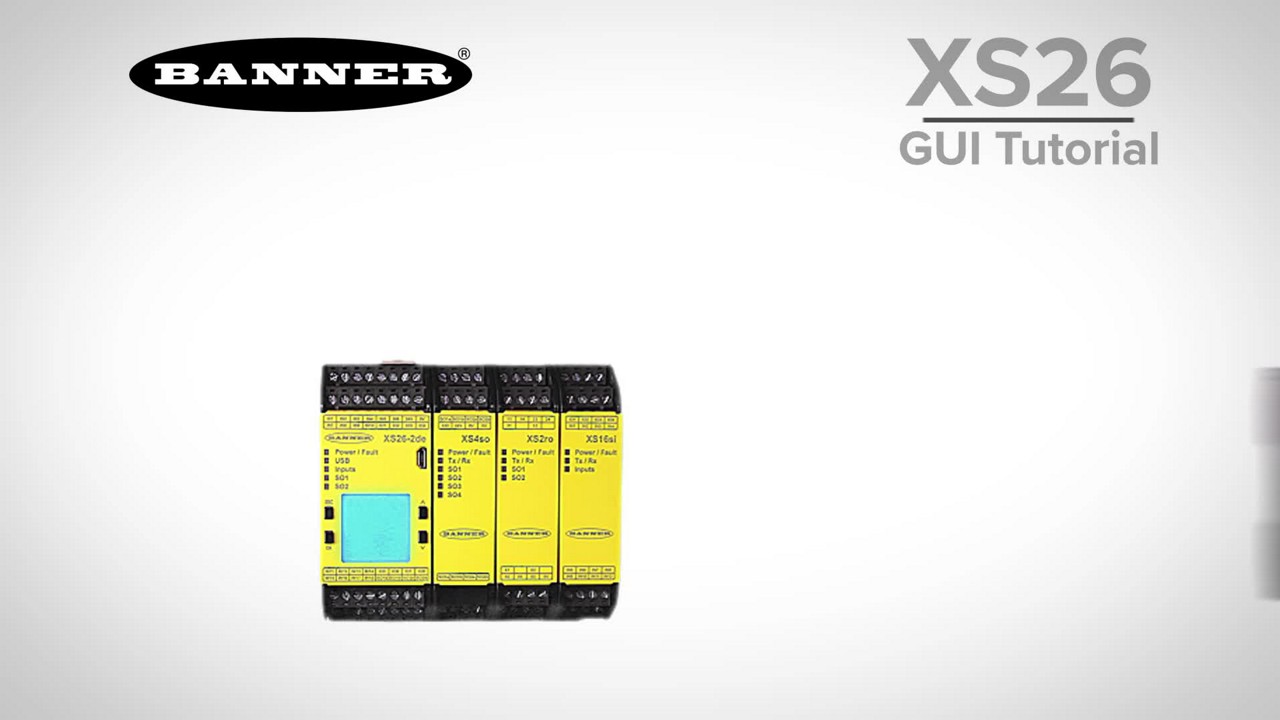
This tutorial will demonstrate how to set up a simple safety system in just a few minutes with the XS26 safety controller software.
Our application engineers are here to help with expert guidance and support. Send us your inquiry, and we’ll get back to you as soon as possible. We’re here to make sure you get the answers you need.