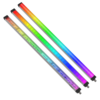

Indicator and Task Lighting

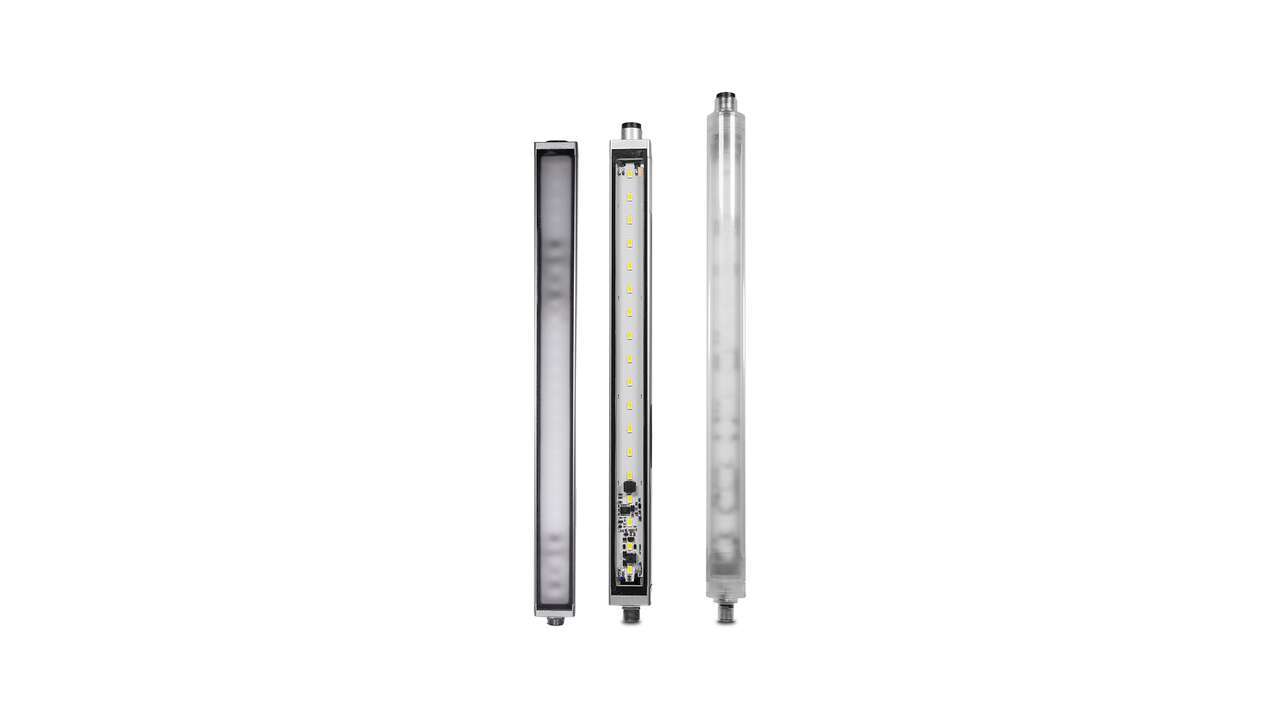
WLS28 LED Strip Lights

Have an Indicator or Task Light Question?

3.8MB
pdf
11 Sep 2026
721K
pdf
19 Jan 2022
2.8MB
pdf
12 Mar 2025
599K
pdf
28 Mar 2024
Folhetos e Catálogos

Documentos ingleses


Literatura Técnica
Folhetos e Catálogos

Documentos Portugueses


Documentos ingleses


Literatura Técnica

Documentos Portugueses


Documentos ingleses


Arquivo de Dados do Produto

Documentos ingleses


Nome do Arquivo
Folhetos e Catálogos

Documentos Portugueses


Documentos ingleses


Literatura Técnica

Documentos Portugueses


Arquivo de Dados do Produto

Documentos ingleses


Nome do Arquivo
Folhetos e Catálogos

Documentos Portugueses


Documentos ingleses


Literatura Técnica

Documentos Portugueses


Documentos ingleses


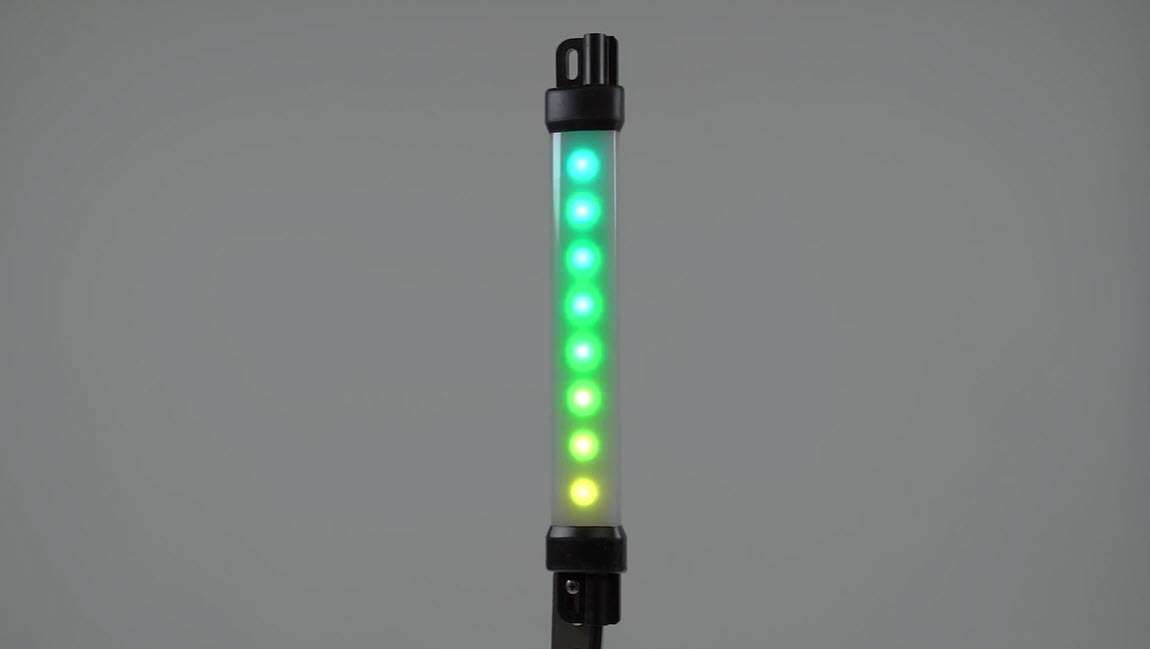
  • How-To Guide: Pro Strip Lights Distance Mode

    How-To Guide: Pro Strip Lights Distance Mode

    This video covers the basics of setting up the Distance mode for Pro-compatible strip lights from Banner Engineering.

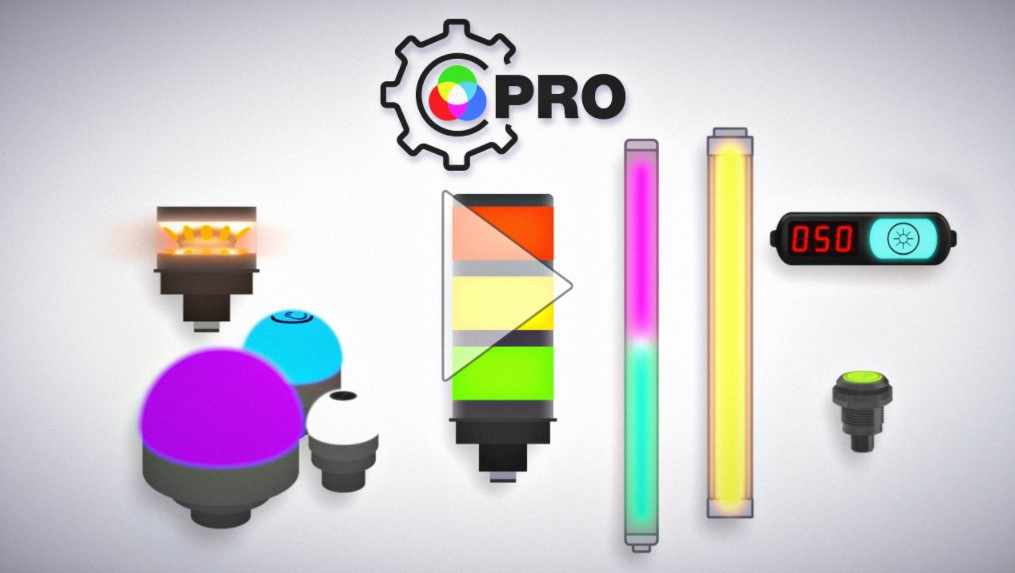
  • Why Go Pro?

    Why Go Pro?

    The Pro Series programmable multicolor LED devices from Banner Engineering offer limitless possibilities for advanced indication of dynamic machine states, operator interaction, and process statuses. Watch the video to see what elevates a Banner Pro light above a traditional factory light.

  • Industrial LED Lighting - Simple Lighting Solutions [Video]

    Industrial LED Lighting - Simple Lighting Solutions [Video]

    Iluminação LED Industrial de Alta Qualidade e Eficiência Energética para Iluminação Brilhante e Uniforme

  • EZ-STATUS Solutions for the Visual Factory

    EZ-STATUS Solutions for the Visual Factory

    Watch the video to learn why EZ-STATUS lights are an ideal indication solution to empower your visual factory.

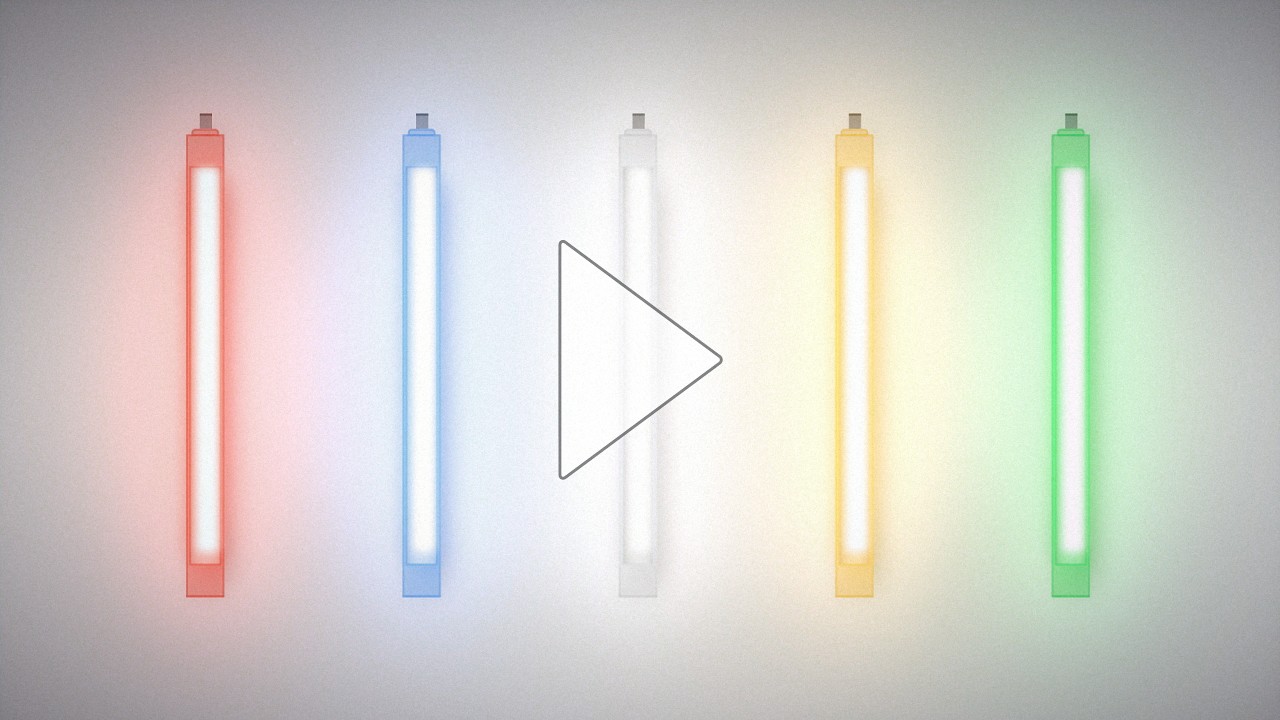
  • Multicolor LED Strip Lights with EZ-STATUS®

    Multicolor LED Strip Lights with EZ-STATUS®

    Learn about the new multicolor LED strip lights with EZ-STATUS® for illumination and indication in one device. Add versatility to lighting applications with a simple lighting device.

Seleção de produtos

How-to: Advanced Table Functionality

Arrange column order by dragging and dropping the column header left/right with your mouse.

Sort items in a column by ascending values by clicking the table header once. Click a second time to sort by descending order. Click a third time to remove the sorting for that column.

Shift-click additional column headers to sort by multiple attributes. The first column you sort becomes the primary sort, and each Shift-clicked column adds a secondary level of sorting.

Produtos recomendados
  • Redefinir
Resultados 1- de

Have a Technical Question?