



MQTT Made Easy with a Banner DXM Controller
Learn how easy Banner Engineering’s DXM industrial controllers make capturing and publishing equipment data with Sparkplug B at the edge of an MQTT system.
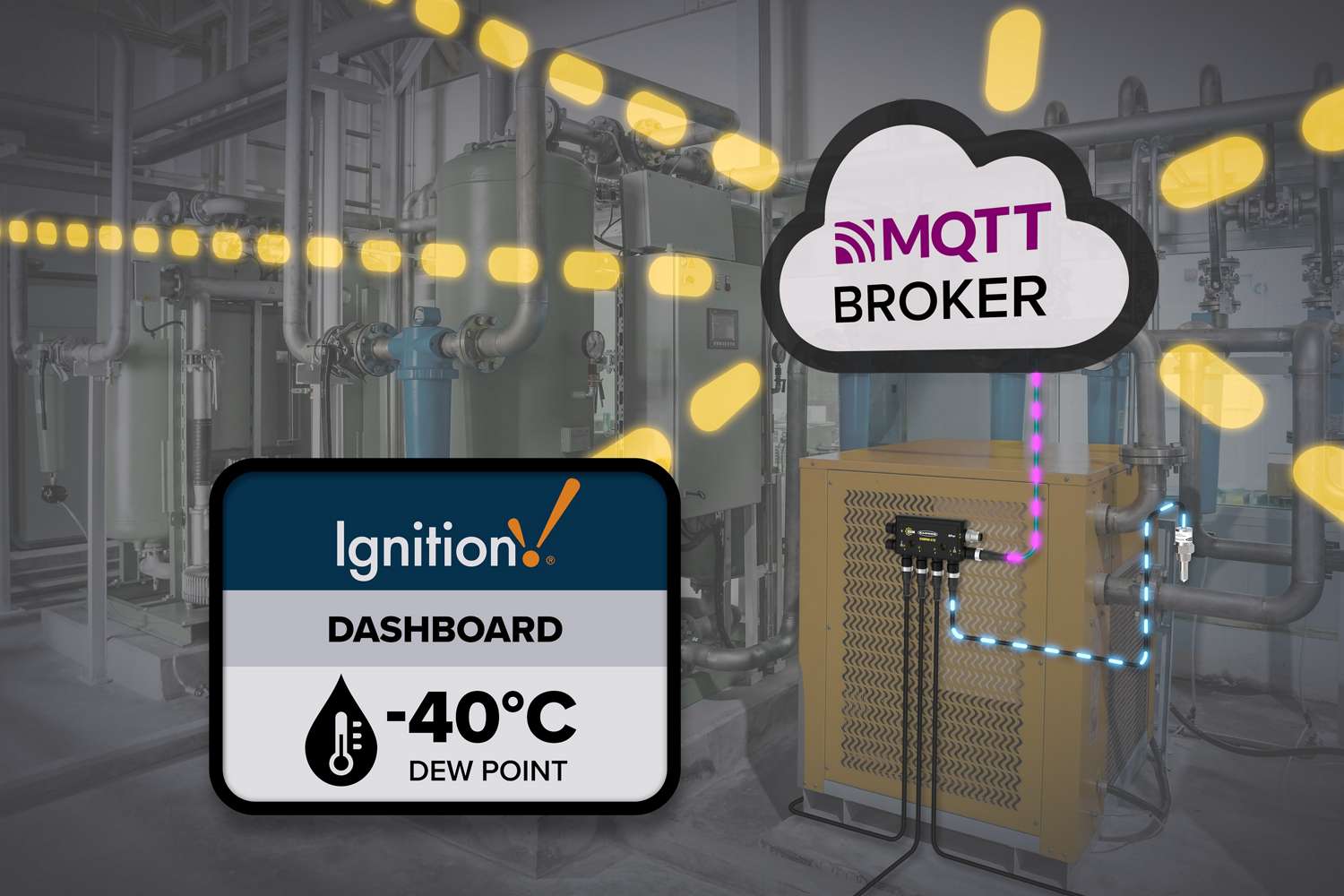
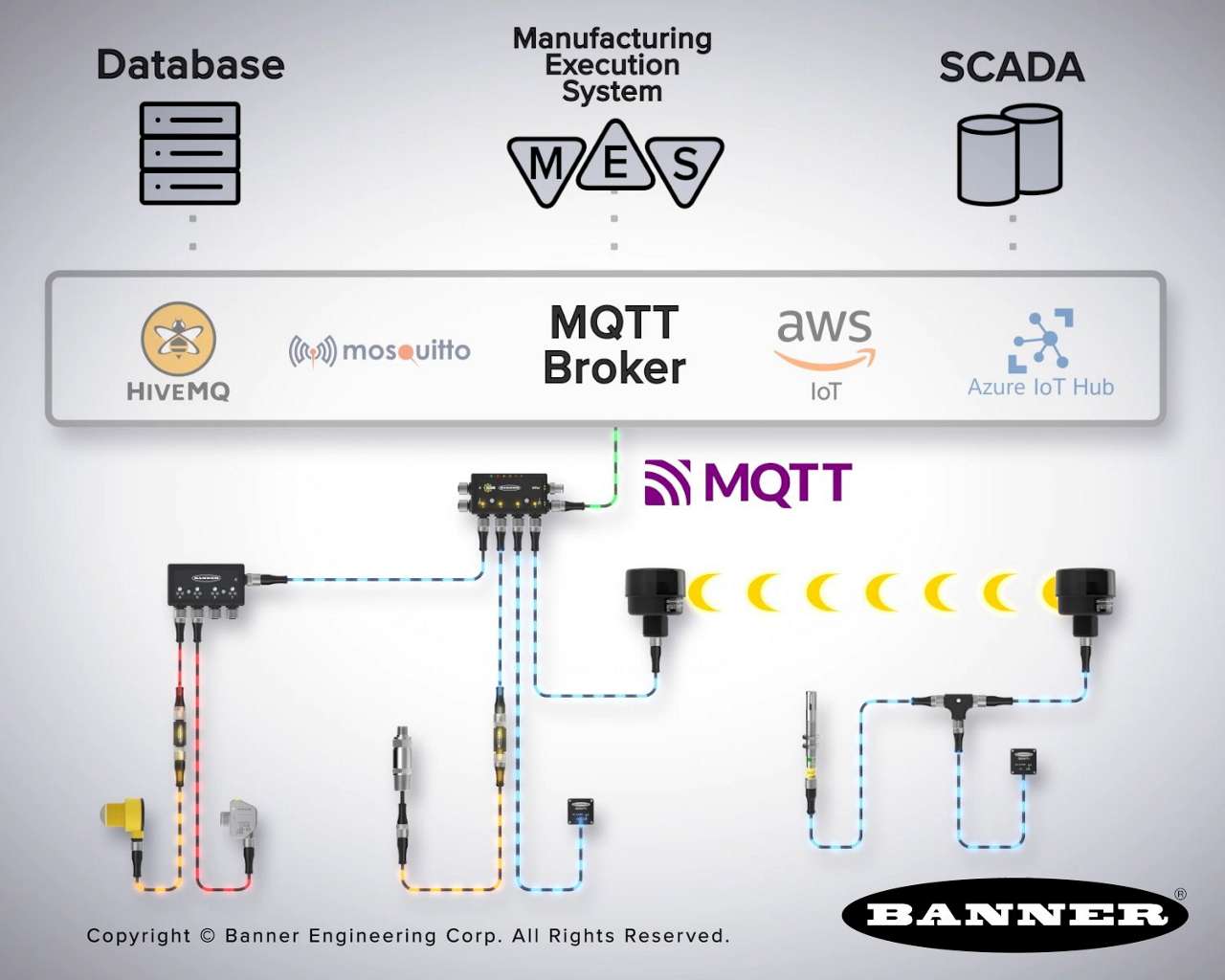
Banner’s DXM industrial controllers collect device data and publish it to an MQTT broker, with native Sparkplug B support that subscribing applications can immediately use.
DXM controllers collect data from sensors, IO-Link devices, control I/O, and connected field devices into local registers. By centralizing device data at the gateway, the DXM publishes local register values to an MQTT broker for use by databases, manufacturing execution systems (MES), and SCADA platforms.
Banner’s DXM Industrial Controllers make it easy to capture equipment data and publish it using MQTT Sparkplug B. With native Sparkplug B support, store-and-forward capability, and secure outbound MQTT communication, a DXM reads machine data and publishes directly to an MQTT broker so that the data can be used by SCADA systems, historians, or cloud services—without additional gateways or software layers.
DXM controllers provide native Sparkplug B support for MQTT publishing. Sparkplug B defines how device data is published and updated, including metric names, data types, and device online/offline state. Paired with a SCADA system such as Ignition, that structure drives automatic tag creation, with values updating as they change and device online/offline status clearly visible, delivering live device data without manual tag creation.
For example, an S24 Dew Point Sensor paired with a DXMR90-X1E provides a short path from temperature and humidity changes in a compressed air system to awareness of those changes. The sensor reports its values to the DXM, which publishes them to the MQTT broker using Sparkplug B. As conditions change, new metrics are published and made available to subscribers such as Ignition or other SCADA platforms.
How to Set Up a Banner DXM with MQTT Sparkplug B and View Data From Ignition®
Banner’s free DXM Configuration Software provides a single environment for defining device data, data flow, and MQTT Sparkplug B publishing on a DXM. Machine signals are mapped into local registers and Sparkplug metrics, publishing behavior and update behavior are defined, and MQTT connection, security, and store-and-forward settings are configured directly on the device.
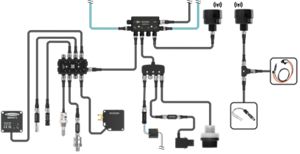 1234567891011121314151617
 QM30VT Vibration and Temperature Sensor
S15S Temperature and Humidity Sensor
S15S Infrared Non-Contact Temperature Sensor
S24 Dew Point Sensor
S15C Pressure Sensor
QM42 Differential Pressure Sensor
S15C AC Voltage Sensor
Current Transformer
K50U Ultrasonic Sensor
Thermistor(s)
S15S Rogowski Coil Current Sensor
M12 Molded Junction Block
M12 Cordsets
Splitters
DXMR90-X1E Industrial Controller
Ethernet Cordset
R70 Data Radio
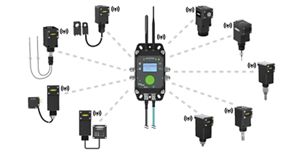 1234567891011
All-In-One Current Transformer Sensor
All-In-One Dual Thermistor Sensor
Differential Pressure Sensor & Wireless Node
QM30VT Vibration and Temperature Sensor
All-In-One Pressure Sensor
All-In-One Temperature and Humidity Sensor Node
All-In-One Dew Point Sensor
All-In-One Temperature Sensor
All-In-One Ultrasonic Sensor
Ethernet Cordset
DXM1200-X2 IIoT Gateway


Learn how easy Banner Engineering’s DXM industrial controllers make capturing and publishing equipment data with Sparkplug B at the edge of an MQTT system.
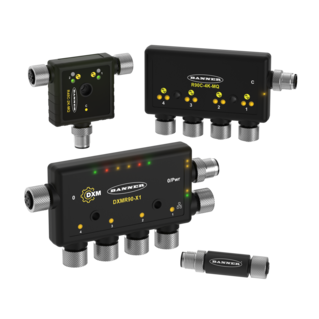
Banner’s Snap Signal family of plug-and-play products represents a new way to unlock your valuable machine data.
Learn how MQTT and Banner hardware help you get the right machine data to maintenance, operations, and IT—without ripping out your existing control systems.