-
產品
-
機器安全
-
Emergency Stop and Stop Controls
-
30mm 孔位安裝緊急停止按鈕
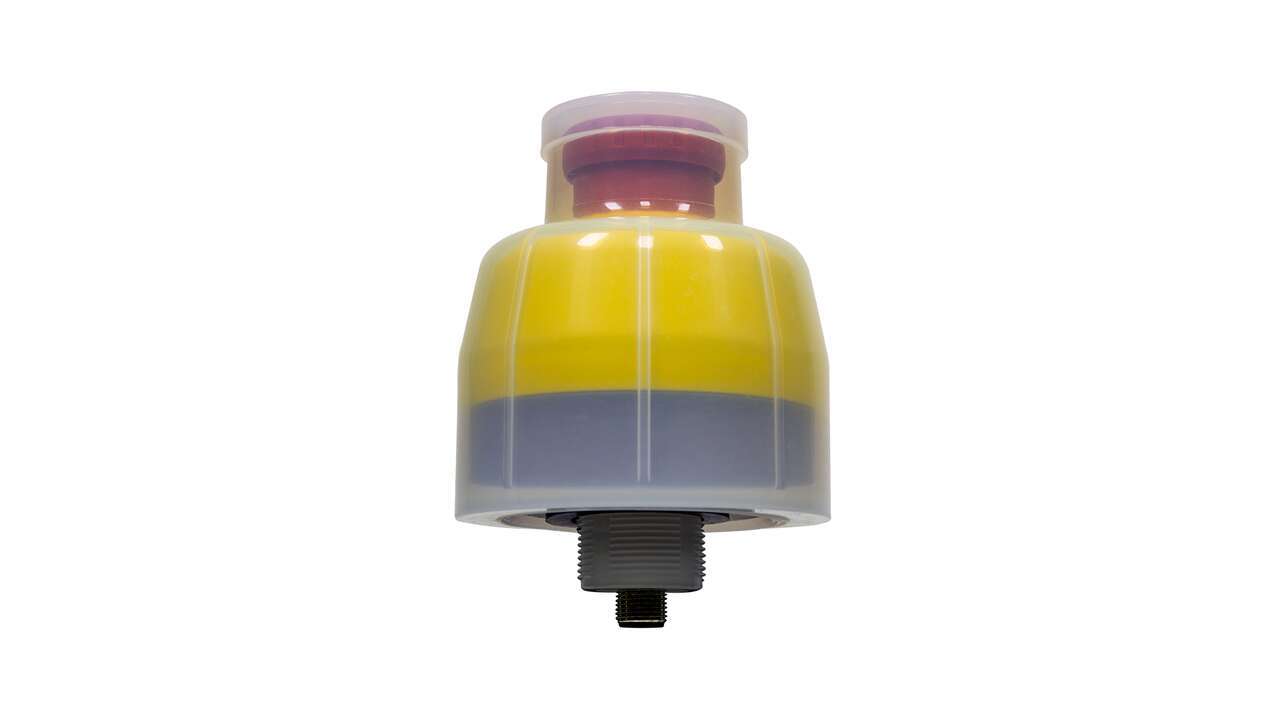
30 mm mounting base enables easy installation and hookup with no assembly, individual wiring or additional enclosure required.
- Models available with In-Series Diagnostics (ISD), which provides detailed status and performance data from each connected button that can be accessed with an HMI or similar device
- Patented E-stop base will flash red when actuated and indicate armed status with either green, yellow, or no illumination
- One-piece, fully enclosed button with M12 connection reduces time and labor of installation
- Rugged design rated to IP65 for use in harsh environments; IP69 cover available
- Models available with local reset input
- Button diameter options and button shrouds available
- Mounting bracket available for flexible installation
- Latching design complies with ISO 13850 per IEC 60947-5-1
- Safe Break Action ensures NC contacts will open if the contact block is separated from the actuator
30mm 孔位安裝緊急停止按鈕
Applications
-
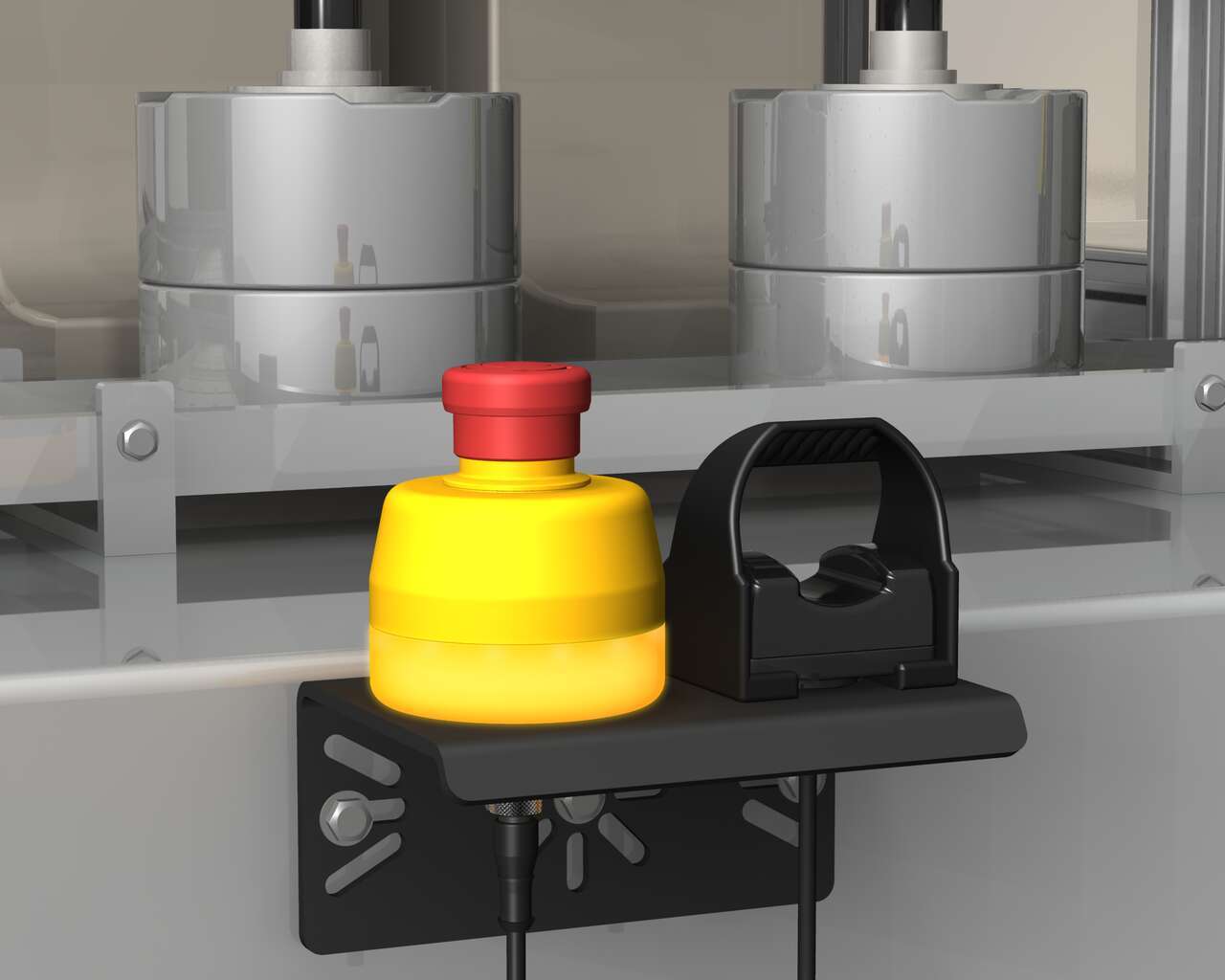
緊急停止按鈕為一體成型,與光觸控按鈕結合,為不需要接線或附加機箱的生產線提供簡化的操作人員工作站。Banner的30mm底座E-Stop按鈕很適合這種應用。啟動時,照明基座從黃燈變為閃爍的紅燈,使其符合緊急停止要求。緊急停止按鈕與光觸控按鈕彼此靠近,意味著工人可以快速輕鬆地啟動
-
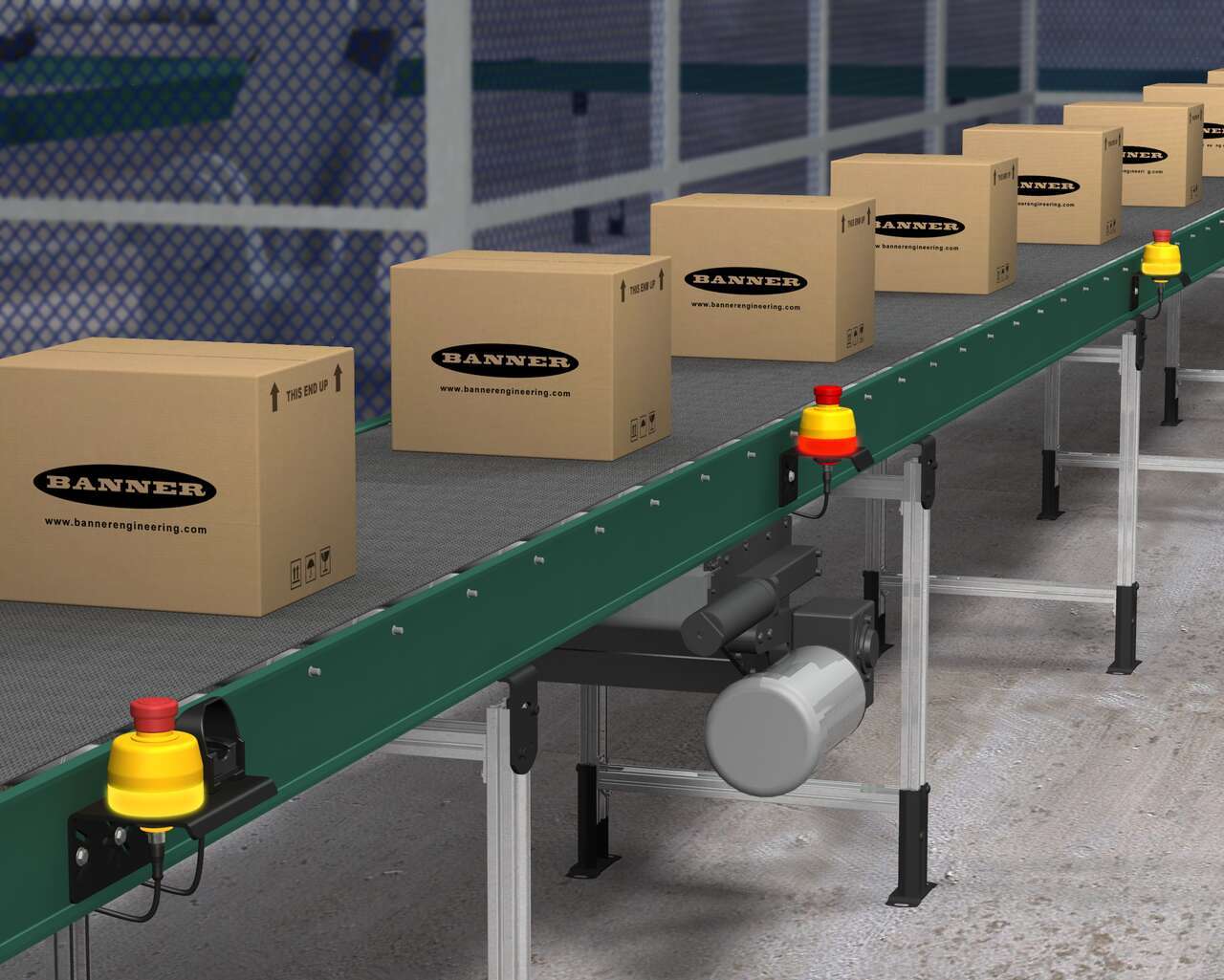
Banner的30 mm底座E-Stop按鈕在這種應用中工作良好,因為它們有一個照明基座,在啟動時由黃色變成閃爍的紅色。E-stop按鈕的紅色閃爍照明可以明顯地提醒操作人員按下哪個按鈕,以便他們可以快速方便地解決問題、減少停機時間,並且只重置激活的按鈕。
-
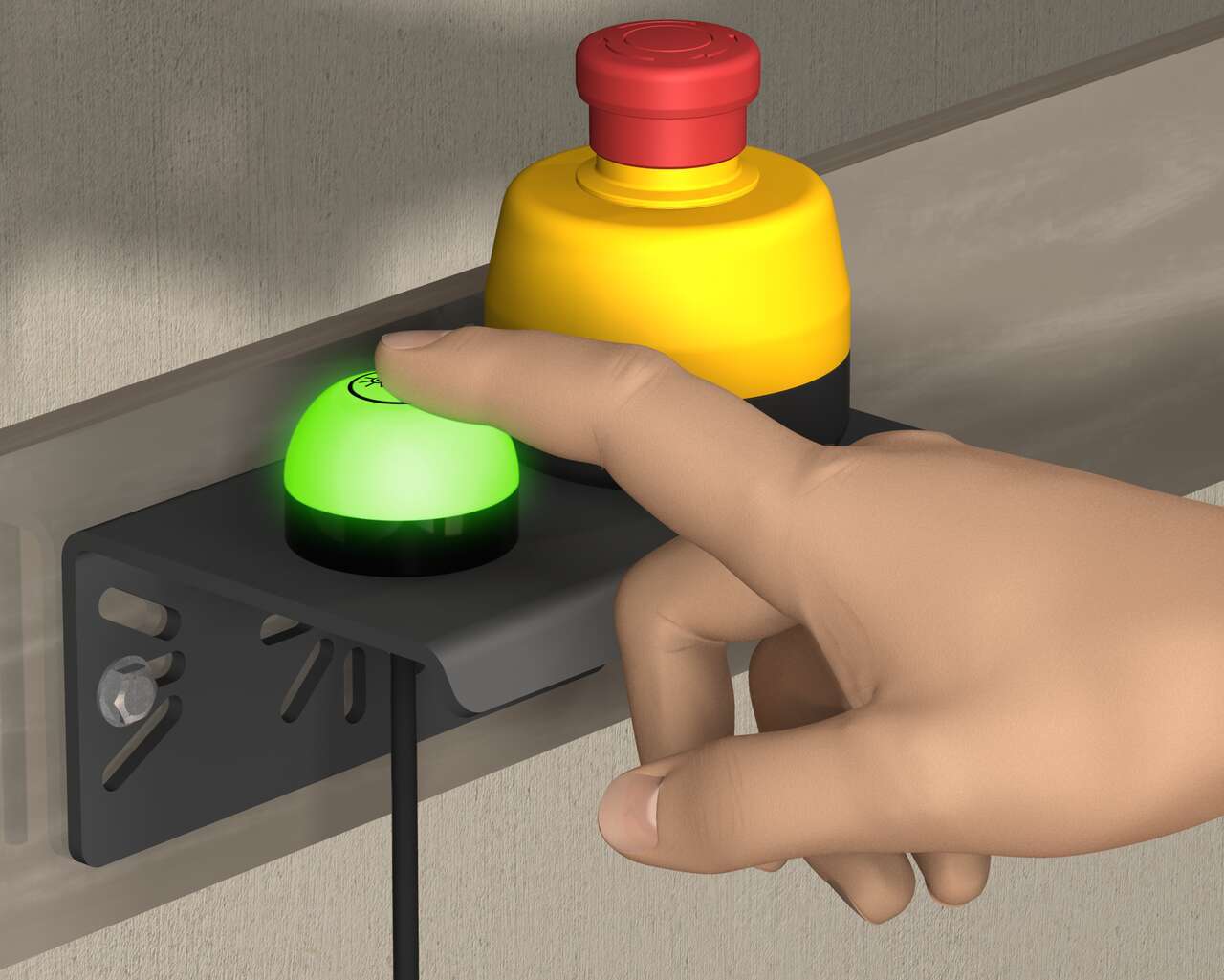
使用一體式機箱的緊急停止按鈕與K50 Touch指示燈組合,在緊急情況下可以傳達簡單的狀態指示。Banner的30 mm底座緊急停止按鈕有一個照明式基座,在啟動時基座從黃色變成閃爍的紅色,以清楚顯示緊急停止狀態。K50 Touch是一款符合人體工程學設計的自動化產品,不需要任何物理壓力即可操作,並且可以用空手或工作手套輕鬆啟動。
-
光觸控按鈕和緊急停止操作台
緊急停止按鈕為一體成型,與光觸控按鈕結合,為不需要接線或附加機箱的生產線提供簡化的操作人員工作站。Banner的30mm底座E-Stop按鈕很適合這種應用。啟動時,照明基座從黃燈變為閃爍的紅燈,使其符合緊急停止要求。緊急停止按鈕與光觸控按鈕彼此靠近,意味著工人可以快速輕鬆地啟動
-
輸送帶上的緊急停止按鈕
Banner的30 mm底座E-Stop按鈕在這種應用中工作良好,因為它們有一個照明基座,在啟動時由黃色變成閃爍的紅色。E-stop按鈕的紅色閃爍照明可以明顯地提醒操作人員按下哪個按鈕,以便他們可以快速方便地解決問題、減少停機時間,並且只重置激活的按鈕。
-
緊急停止指示
使用一體式機箱的緊急停止按鈕與K50 Touch指示燈組合,在緊急情況下可以傳達簡單的狀態指示。Banner的30 mm底座緊急停止按鈕有一個照明式基座,在啟動時基座從黃色變成閃爍的紅色,以清楚顯示緊急停止狀態。K50 Touch是一款符合人體工程學設計的自動化產品,不需要任何物理壓力即可操作,並且可以用空手或工作手套輕鬆啟動。
Incomplete Checkout
Share Your Checkout Experience
We noticed you didn’t finish your online checkout. We're dedicated to providing the best shopping experience possible and would love to hear if you faced any challenges. Let us know how we can make your experience even better.
Downloads
繁體中文文獻
英文文件
繁體中文文獻
英文文件
繁體中文文獻
英文文件
產品選擇
How-to: Advanced Table Functionality
Arrange column order by dragging and dropping the column header left/right with your mouse.
Sort items in a column by ascending values by clicking the table header once. Click a second time to sort by descending order. Click a third time to remove the sorting for that column.
Shift-click additional column headers to sort by multiple attributes. The first column you sort becomes the primary sort, and each Shift-clicked column adds a secondary level of sorting.
-
重設
Have a Technical Question?
Our application engineers are here to help with expert guidance and support. Send us your inquiry, and we’ll get back to you as soon as possible. We’re here to make sure you get the answers you need.