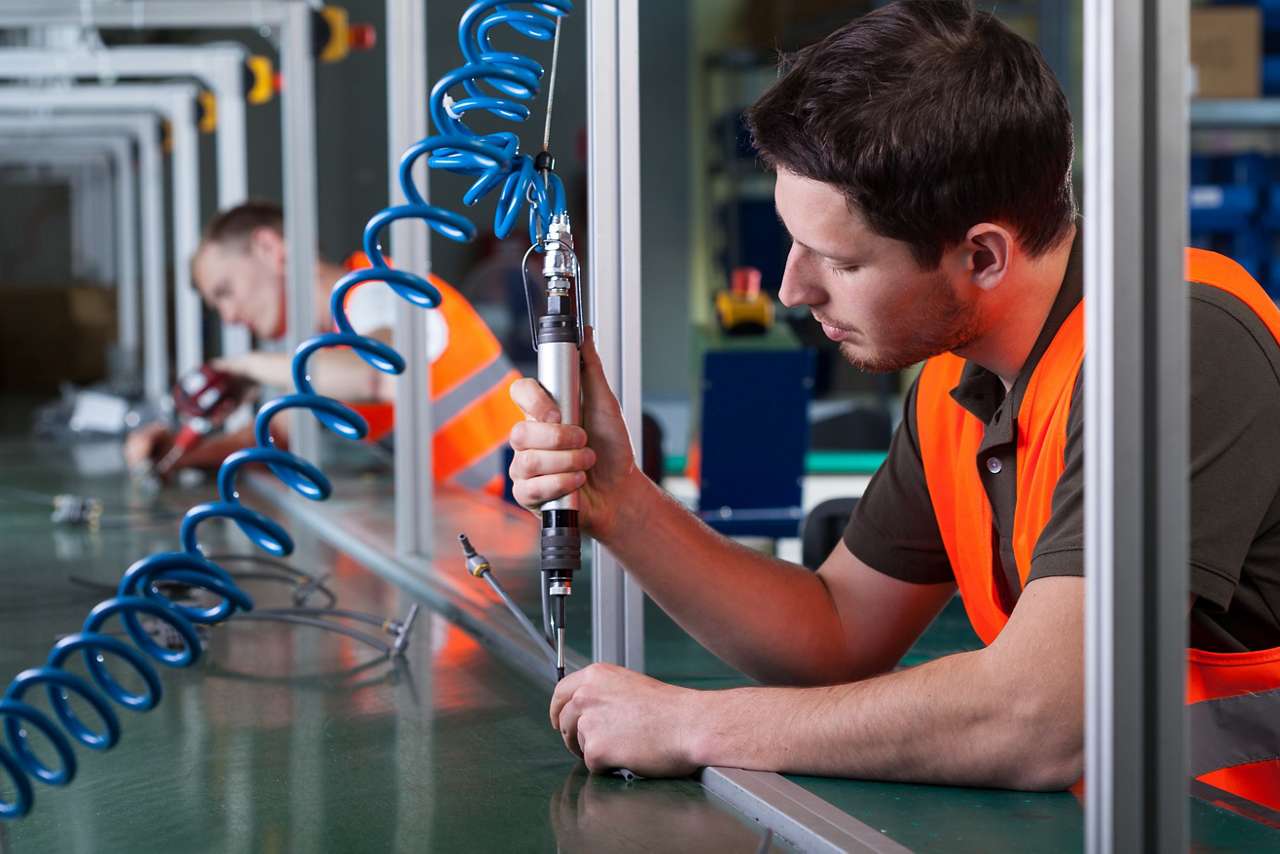
Wireless Call for Parts, Services, and Pick-Up Solution
Learn how to improve communication and maintain a steady workflow with Banner Engineering's wireless call for parts solution.
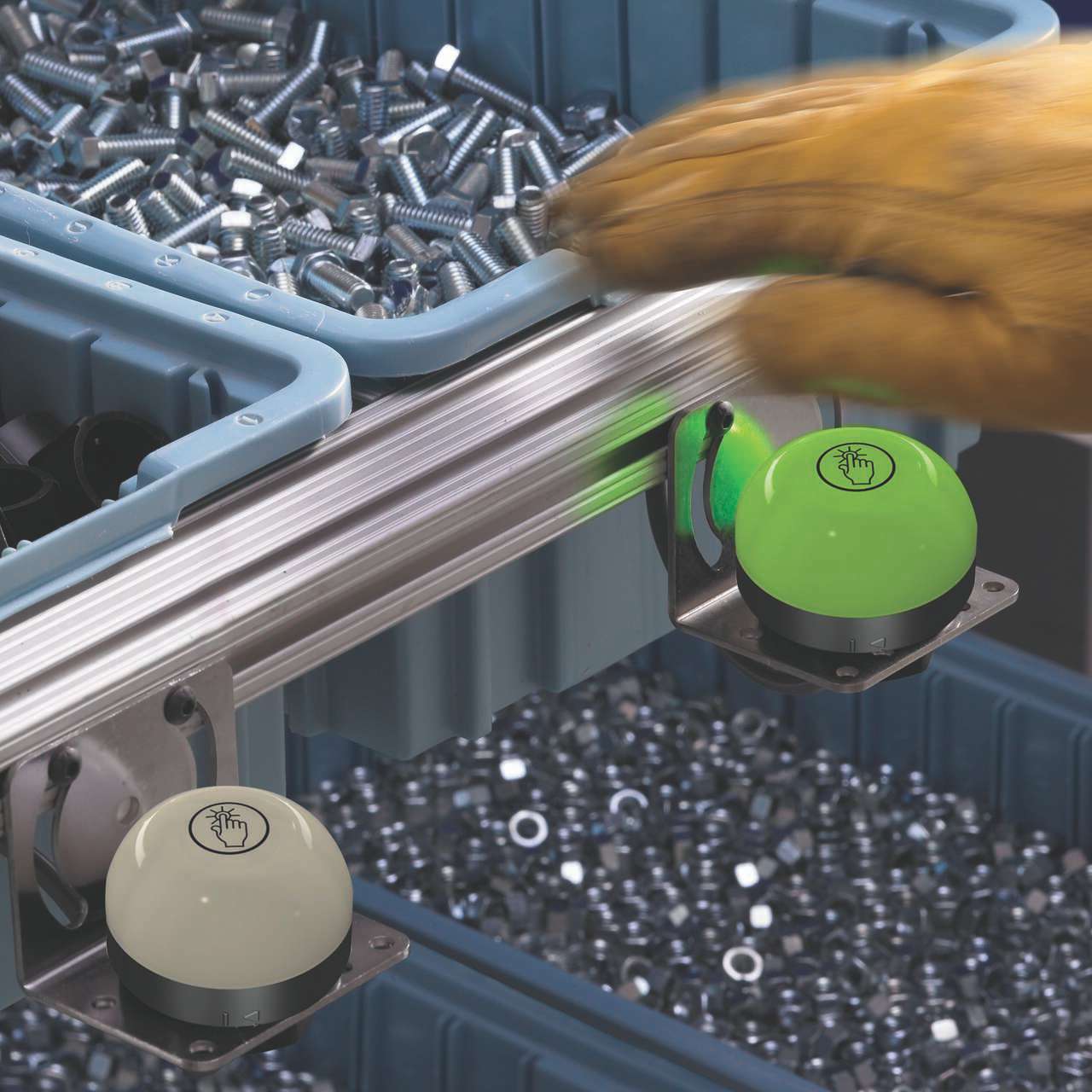
The EZ-LIGHT K70 touch button is a large, easy to activate solid state switch and high visibility indicator. Touch buttons in this series are ideal for use in pick-to-light, call button and general industrial applications.
70 mm Illuminated Touch Buttons: K70 Series
Applications
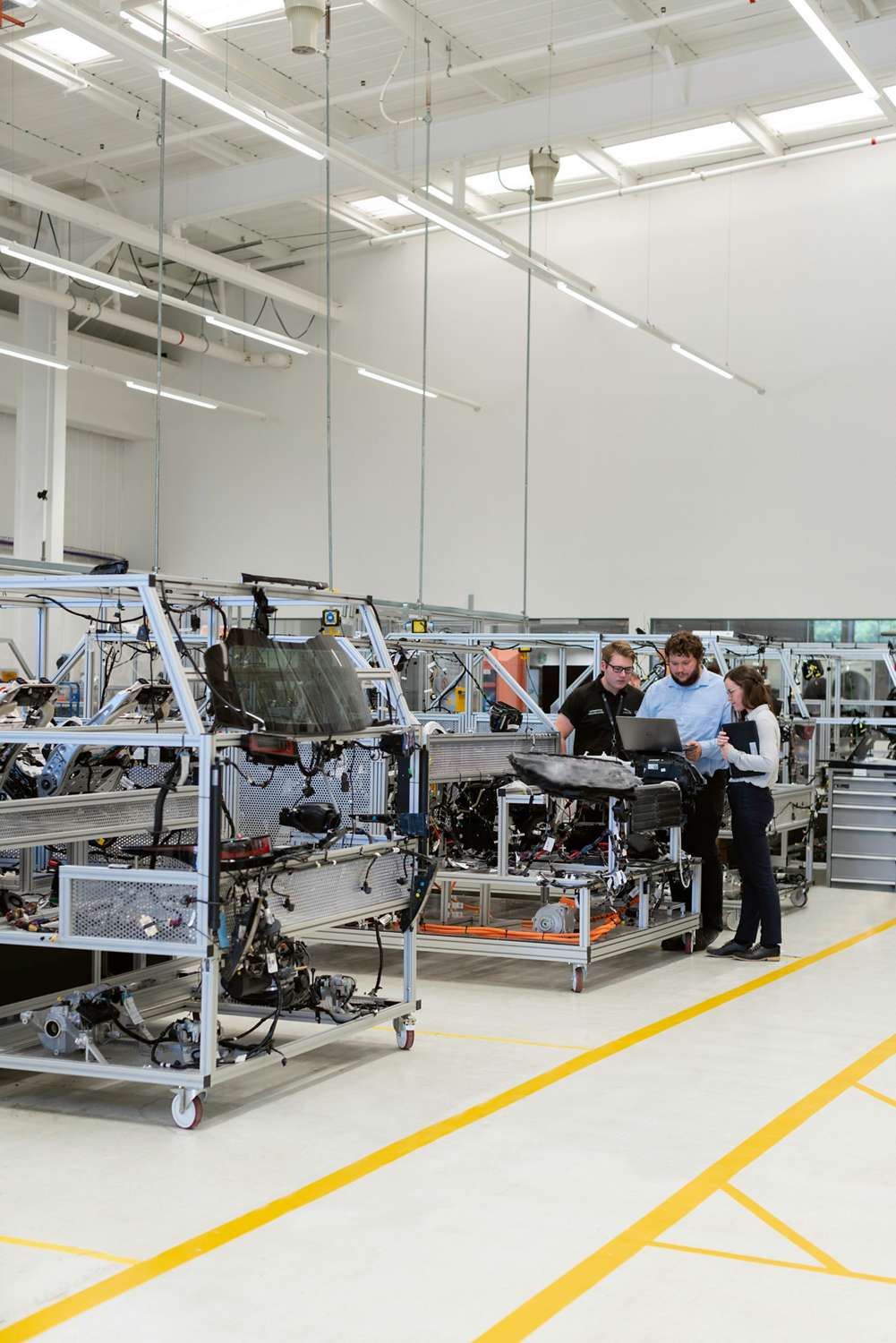
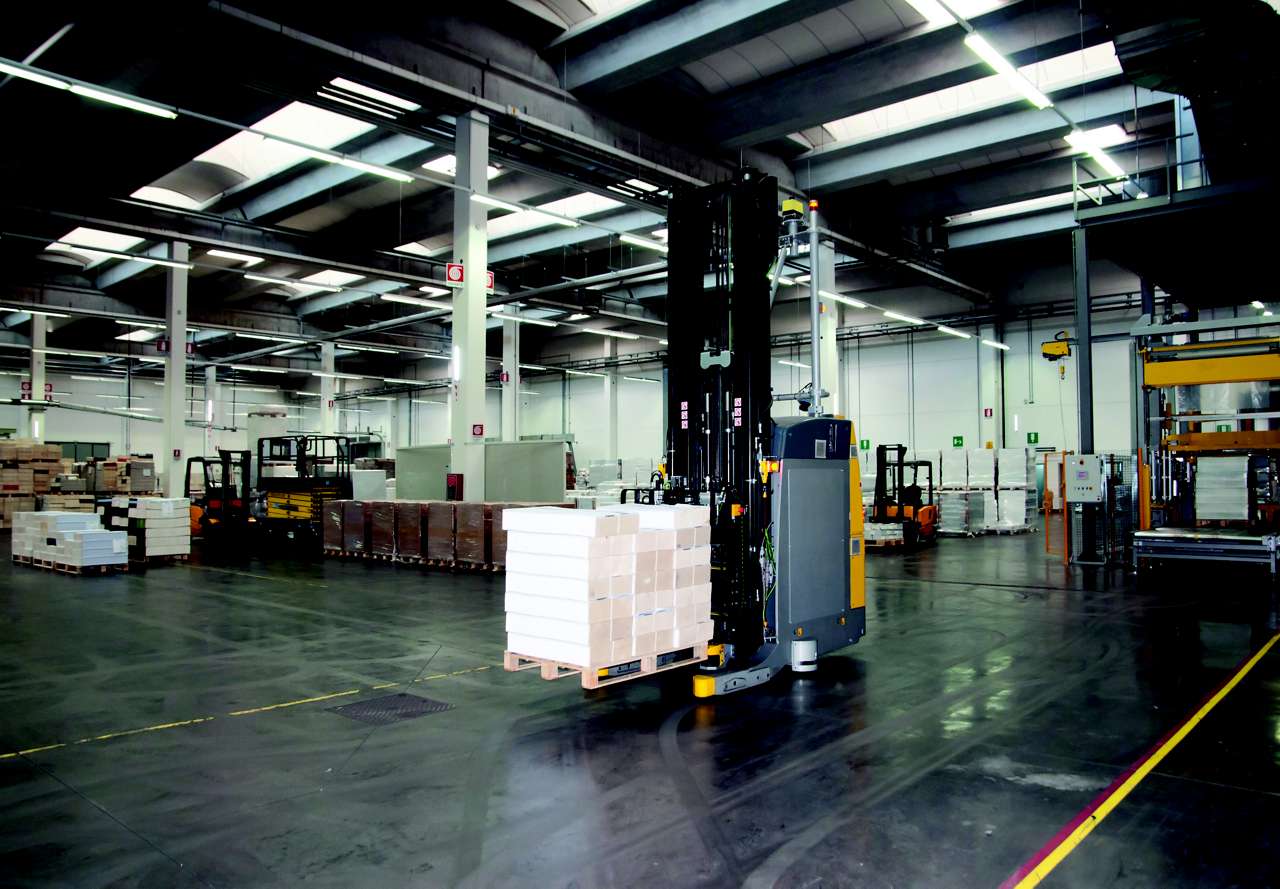
• Remove completed pallets from assembly stations quickly </br> • Enable direct communication from assembly stations to AGVs </br> • Improve process efficiency using turnaround time data to </br>
• Minimize production errors by providing clear guidance for assembly </br> • Reconfigure and move assembly stations without rewiring </br> • Improve production efficiency and better utilize facility space </br>
• Restock assembly stations before components run out without overstocking </br> • Provide real-time communication between assemblers and the forklift operators who supply them </br> • Monitor delivery efficiency </br>
• Remove completed pallets from assembly stations quickly </br> • Enable direct communication from assembly stations to AGVs </br> • Improve process efficiency using turnaround time data to </br>
• Minimize production errors by providing clear guidance for assembly </br> • Reconfigure and move assembly stations without rewiring </br> • Improve production efficiency and better utilize facility space </br>
• Restock assembly stations before components run out without overstocking </br> • Provide real-time communication between assemblers and the forklift operators who supply them </br> • Monitor delivery efficiency </br>
We noticed you didn’t finish your online checkout. We're dedicated to providing the best shopping experience possible and would love to hear if you faced any challenges. Let us know how we can make your experience even better.
Learn how to improve communication and maintain a steady workflow with Banner Engineering's wireless call for parts solution.
Banner Engineering offers a complete portfolio of touch buttons for your simplest to most advanced touch requirements. Watch the video to learn more about our capabilities for touch and indication.
即使安裝在最嚴苛以及髒亂的應用環境之中,Gen2 拾取指示燈也能夠精準而持續的回應您的動作耐化學腐蝕的聚碳酸酯外殼,即使安裝在化學物質噴濺的環境也不會受到影響。
Arrange column order by dragging and dropping the column header left/right with your mouse.
Sort items in a column by ascending values by clicking the table header once. Click a second time to sort by descending order. Click a third time to remove the sorting for that column.
Shift-click additional column headers to sort by multiple attributes. The first column you sort becomes the primary sort, and each Shift-clicked column adds a secondary level of sorting.
Our application engineers are here to help with expert guidance and support. Send us your inquiry, and we’ll get back to you as soon as possible. We’re here to make sure you get the answers you need.