.psd/jcr:content/renditions/cq5dam.thumbnail.140.100.png)
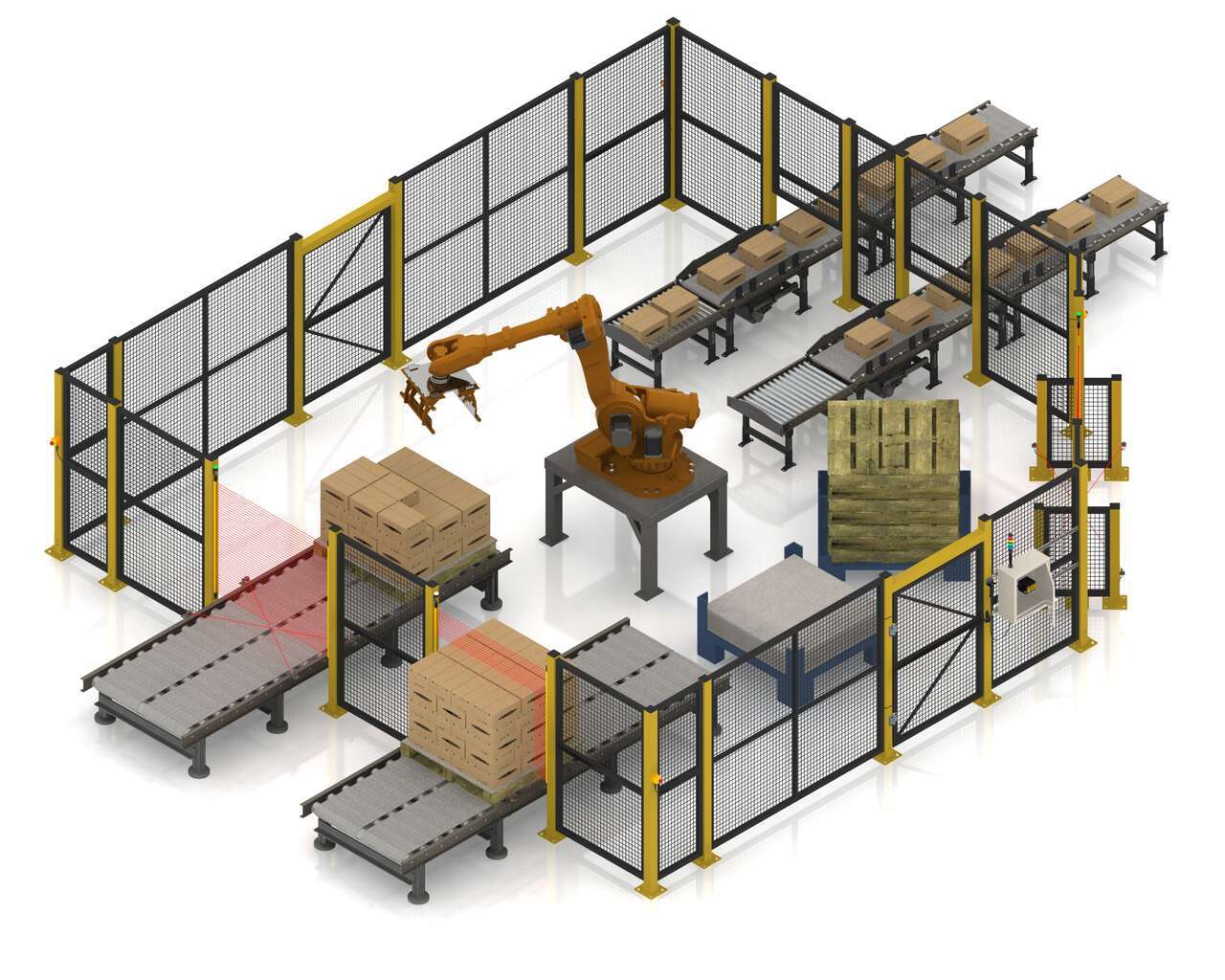
Safeguarding a Robotic Palletizer
BANNER的SC26-2是一個靈活、易於使用的安全控制器,具有直覺的程式編輯環境。您可以使用一個可規劃安全控制器來管理產線上的所有安全設備。SC26-2透過乙太網IP傳送安全設備的狀態,並控制塔燈,以提供安全設備的指示燈狀態顯示。基本控制器允許26個輸入, 其中的8個輸入可自定義為輸出點,實現高效率的安全防護控制。


BANNER的SC26-2是一個靈活、易於使用的安全控制器,具有直覺的程式編輯環境。您可以使用一個可規劃安全控制器來管理產線上的所有安全設備。SC26-2透過乙太網IP傳送安全設備的狀態,並控制塔燈,以提供安全設備的指示燈狀態顯示。基本控制器允許26個輸入, 其中的8個輸入可自定義為輸出點,實現高效率的安全防護控制。
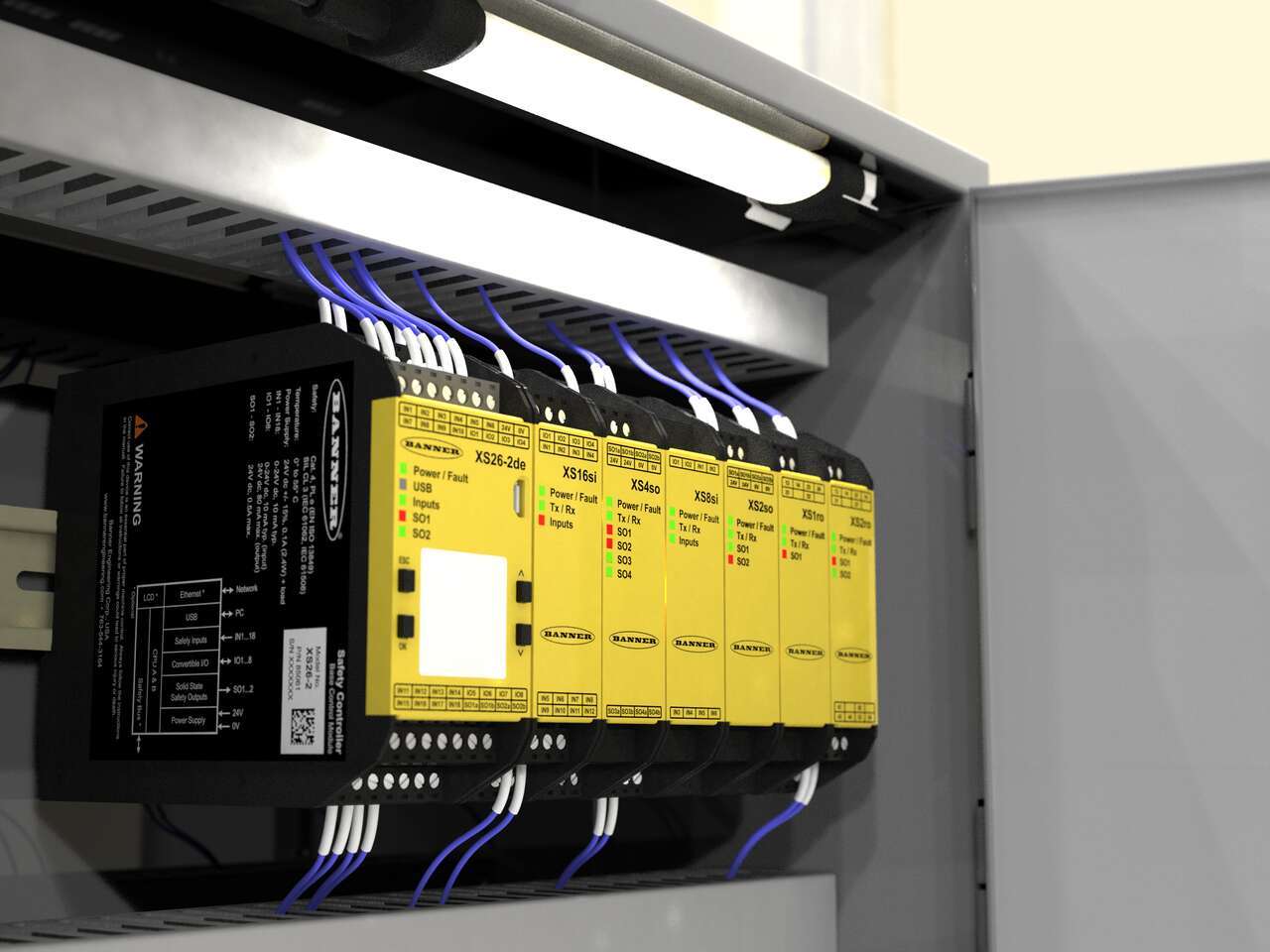
Industrial safety controllers provide an interface between safety devices and the machines and processes those devices monitor for an easy-to-use safety control solution.
Banner的XS26-2是一個靈活易用的安全控制器,具有直觀的編程環境,能夠處理當前的機器流程,並且隨著機器自動化裝置的增加或變化,最多可以添加8個I/O擴展模組。支持廣泛的安全設備,允許複雜的應用在最少的時間內組態和下載到控制器,以實現有效的機器調試。
A tutorial of the Equipment and Wiring Diagram sections of the Safety Controller software from Banner Engineering.
Watch this video to learn how to configure and monitor an in-series diagnostics chain with a Banner safety controller.
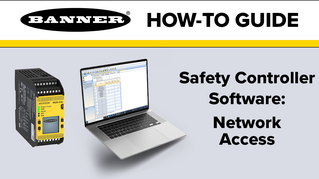
Watch this video for an overview of the SC software, which allows you to configure your Banner safety controller to fit your specific safety application needs.
Watch this video to learn how to use the SC-XM3 external memory drive to copy Banner safety controller configurations.
Watch this video to learn how to set up the Network Access feature for the XS26 and SC26 Safety Controllers.
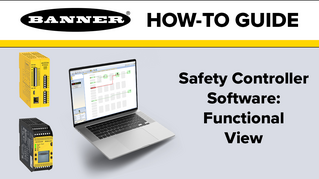
A tutorial of the Functional View section of the Safety Controller software from Banner Engineering.
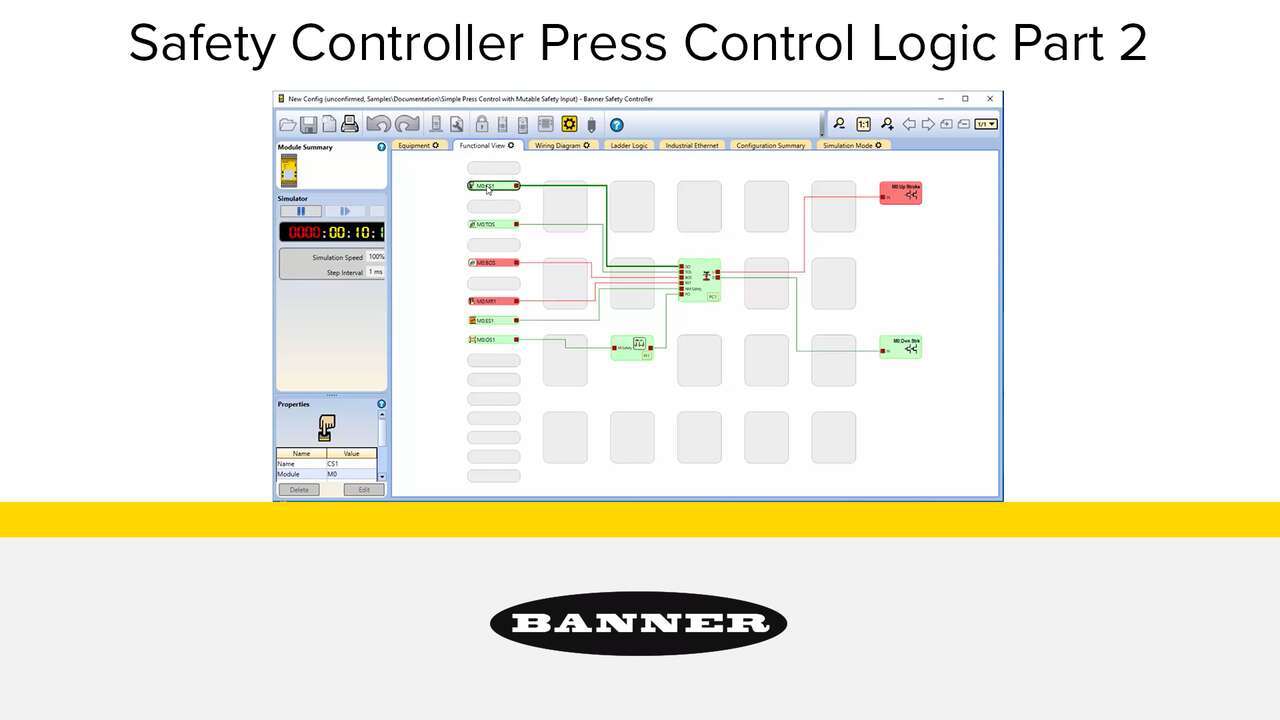
Watch the video to see how to setup a full featured press control system that uses an XS26-2 Safety Controller, XS2so Safety Output Module, Press Status inputs, cycle start, a manual reset, an optical safety sensor, sequential stop, mute sensor, foot petal input and an emergency stop. an XS26-2 Safety Controller, Press Status inputs, a Cycle Initiation, a manual reset, an optical safety sensor, and an emergency stop.
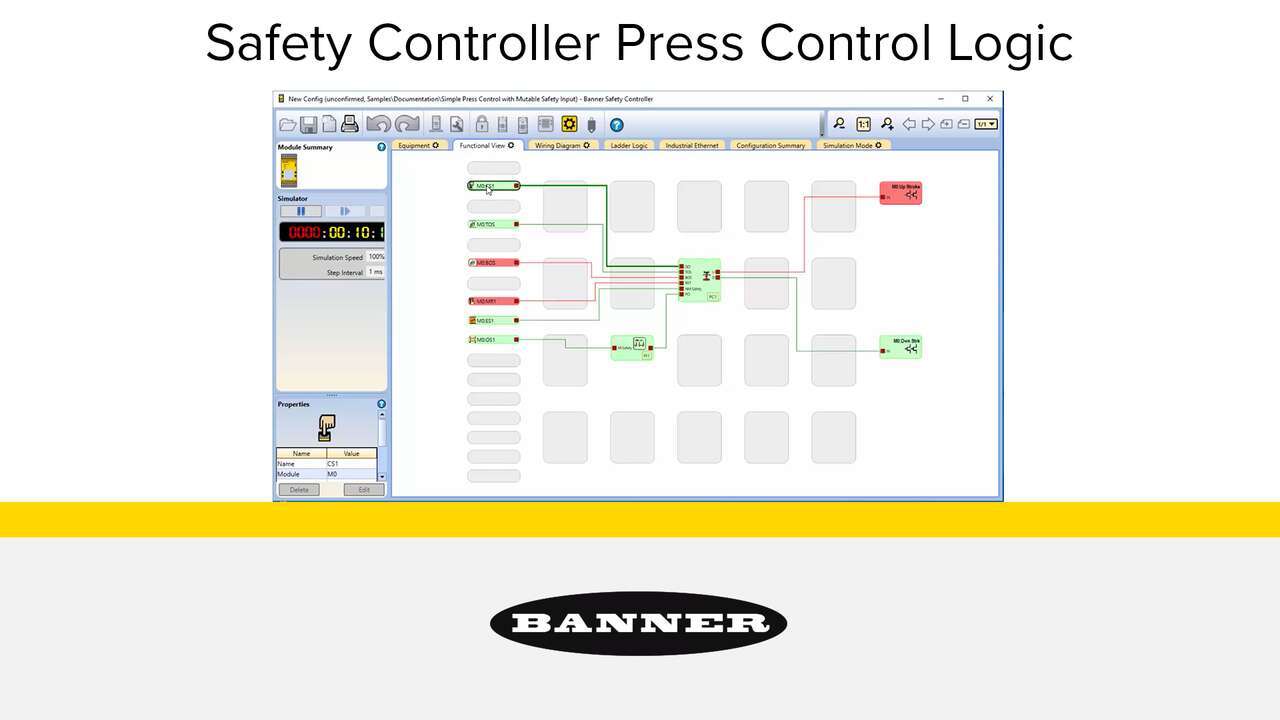
Watch the video to see how to setup a simple press control system that uses an XS26-2 Safety Controller, Press Status inputs, a Cycle Initiation, a manual reset, an optical safety sensor, and an emergency stop.
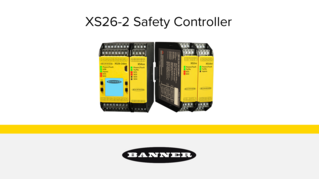
This tutorial will demonstrate how to set up a simple safety system in just a few minutes with the XS26 safety controller software.
Our application engineers are here to help with expert guidance and support. Send us your inquiry, and we’ll get back to you as soon as possible. We’re here to make sure you get the answers you need.