
How To Guide: QM30VT Mounting Orientation
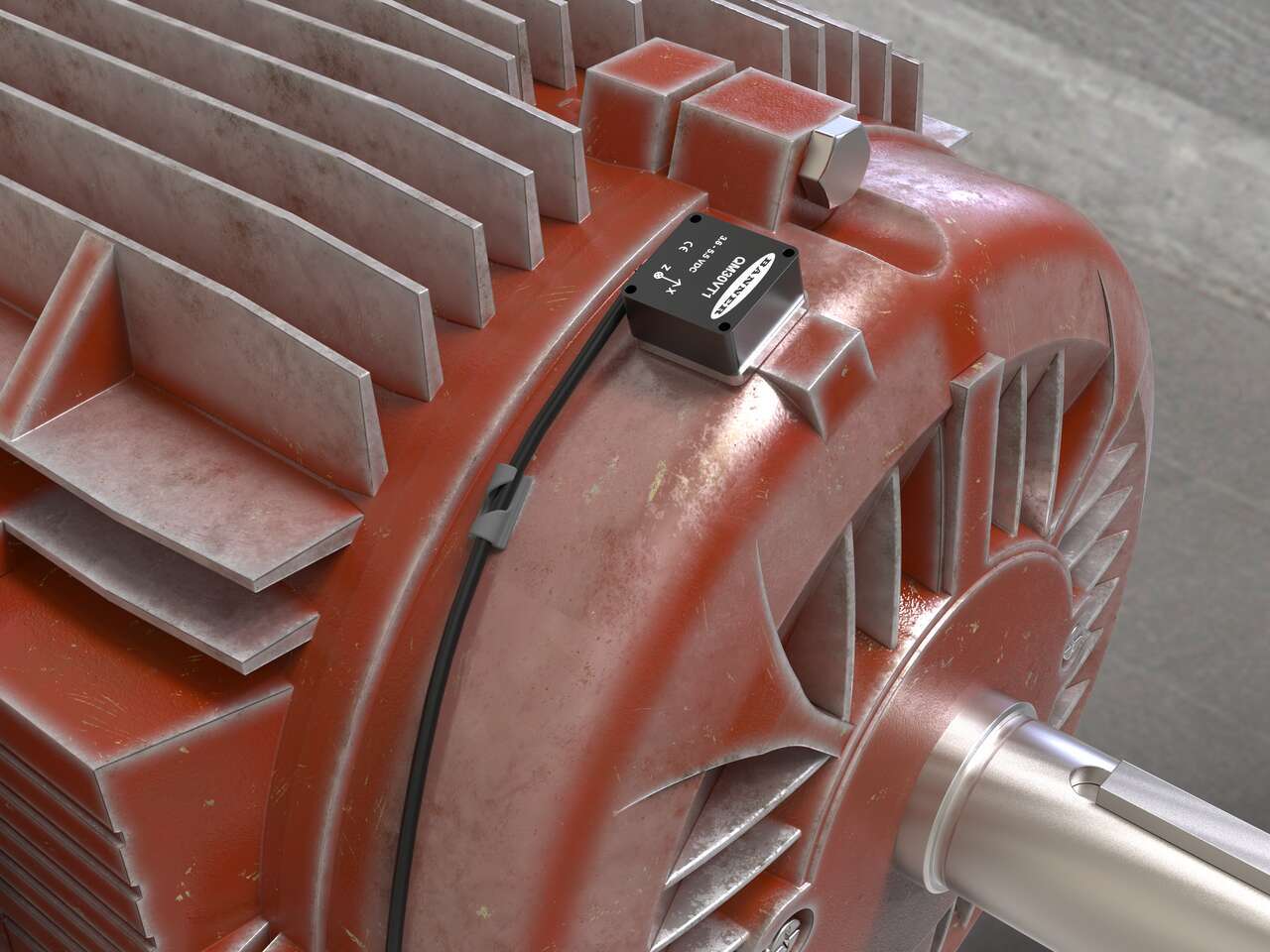
In this video, learn how to install the QM30VT Vibration & Temperature Sensor with the proper orientation for accurate condition monitoring.
QM30VT 感測器採簡潔設計及堅固金屬結構,可減少共振干擾並增加表面接觸,從而極精確地量測RMS值與溫度。即使設備振動與溫度僅有些微上升,也能加以偵測,及早發現潛在問題。
QM30VT Vibration Sensor
應用案例
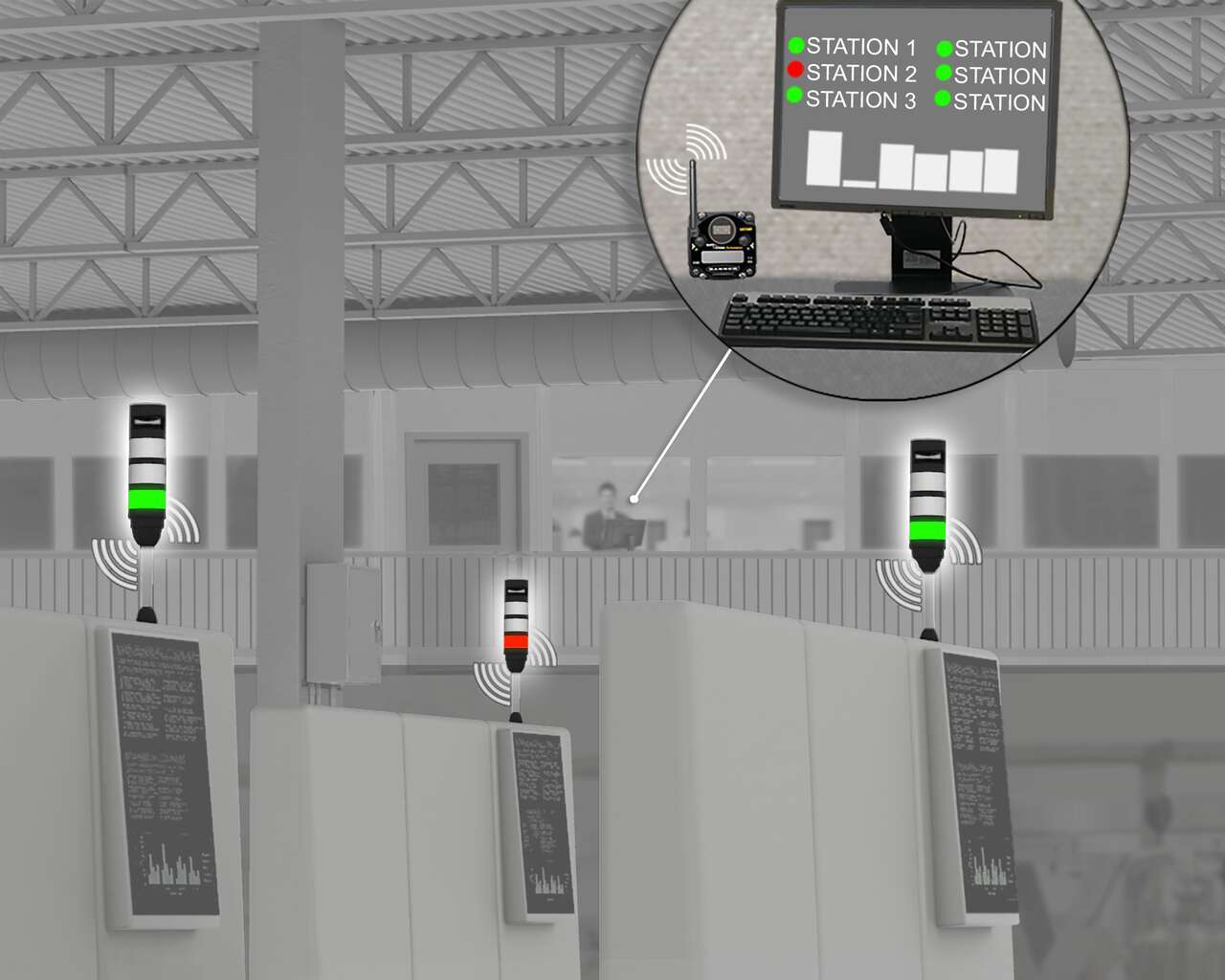
Wireless products enable predictive maintenance in the port industry. Motors and gearboxes on cranes are prone to high vibration and temperature which can cause them to degrade. Predictive maintenance allows employees to interfere and solve problems before they completely fail and cause unplanned downtime and lost profit.
Learn how the installation of Banner wireless vibration sensors and data from the DXM wireless gateway prevented unplanned downtime in this application.
Remote monitoring enables increased visibility into the performance and efficiency of machines, processes, and people.
Wireless products enable predictive maintenance in the port industry. Motors and gearboxes on cranes are prone to high vibration and temperature which can cause them to degrade. Predictive maintenance allows employees to interfere and solve problems before they completely fail and cause unplanned downtime and lost profit.
Learn how the installation of Banner wireless vibration sensors and data from the DXM wireless gateway prevented unplanned downtime in this application.
Remote monitoring enables increased visibility into the performance and efficiency of machines, processes, and people.
We noticed you didn’t finish your online checkout. We're dedicated to providing the best shopping experience possible and would love to hear if you faced any challenges. Let us know how we can make your experience even better.
In this video, learn how to install the QM30VT Vibration & Temperature Sensor with the proper orientation for accurate condition monitoring.
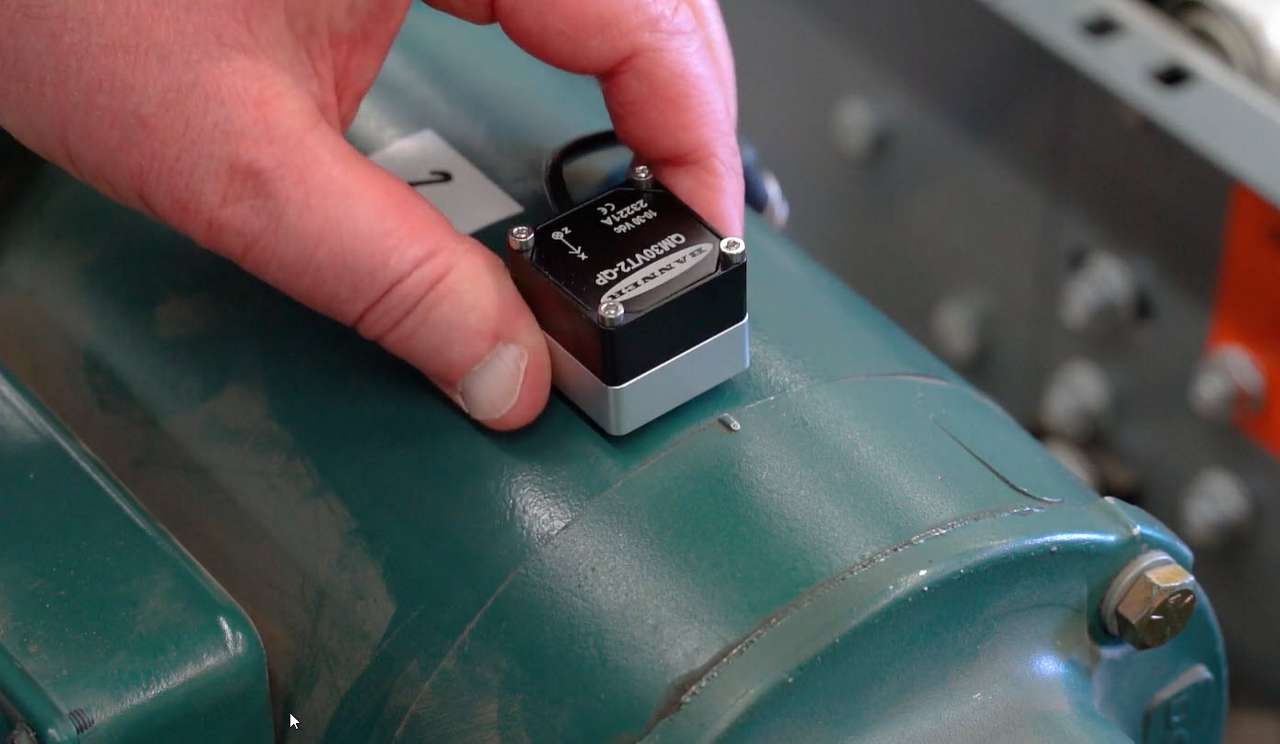
Monitor machine health utilizing predictive maintenance by continuously monitoring for vibration and temperature changes.
Arrange column order by dragging and dropping the column header left/right with your mouse.
Sort items in a column by ascending values by clicking the table header once. Click a second time to sort by descending order. Click a third time to remove the sorting for that column.
Shift-click additional column headers to sort by multiple attributes. The first column you sort becomes the primary sort, and each Shift-clicked column adds a secondary level of sorting.
Our application engineers are here to help with expert guidance and support. Send us your inquiry, and we’ll get back to you as soon as possible. We’re here to make sure you get the answers you need.