Export Safety Controller Tags to Allen-Bradley PLC
The export tag feature available with SC10, SC26, and XS26 Series safety controllers dramatically reduces the time required to name and configure functions in the PLC.
Simply select export in the Industrial Ethernet interface of the safety controller, set the parameters, and save the file.
Safety controller inputs, outputs, functions, and other variables will auto populate in the PLC once the file has been imported.
This eliminates the need to manually recreate each line of information and ensures consistency between the devices.

Related Videos
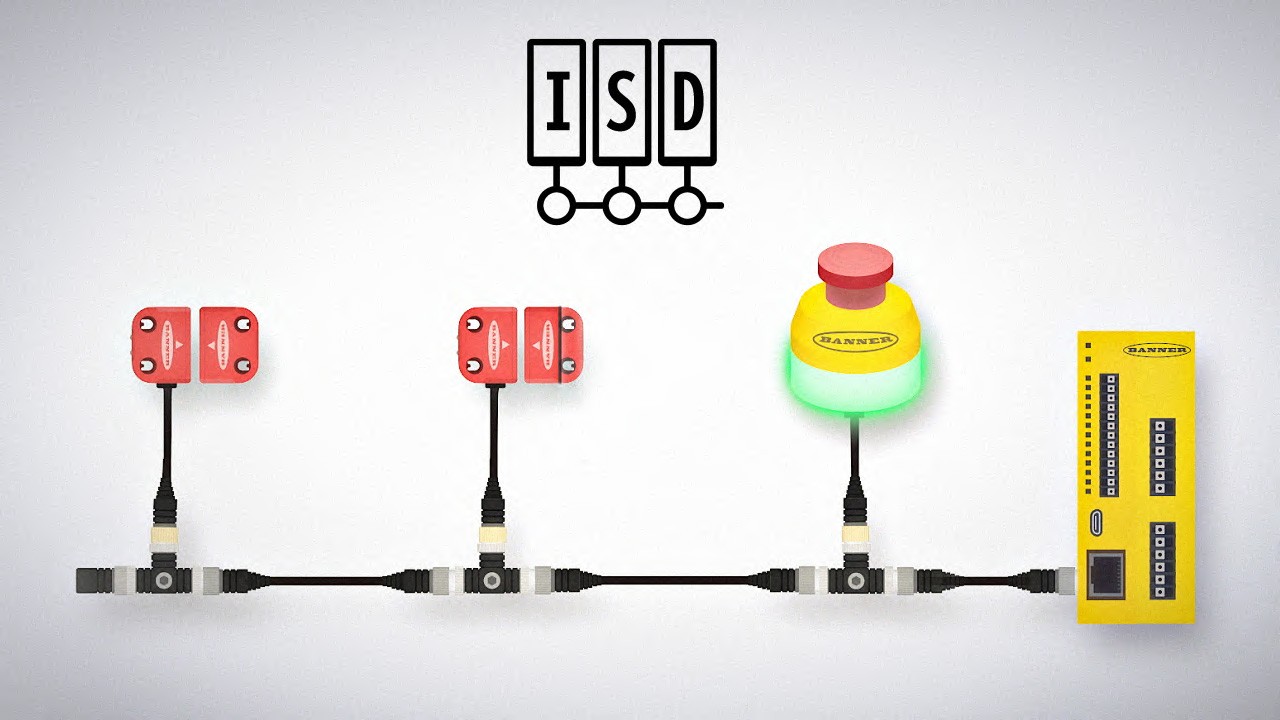
Learn More About Intuitive Machine Safety
-
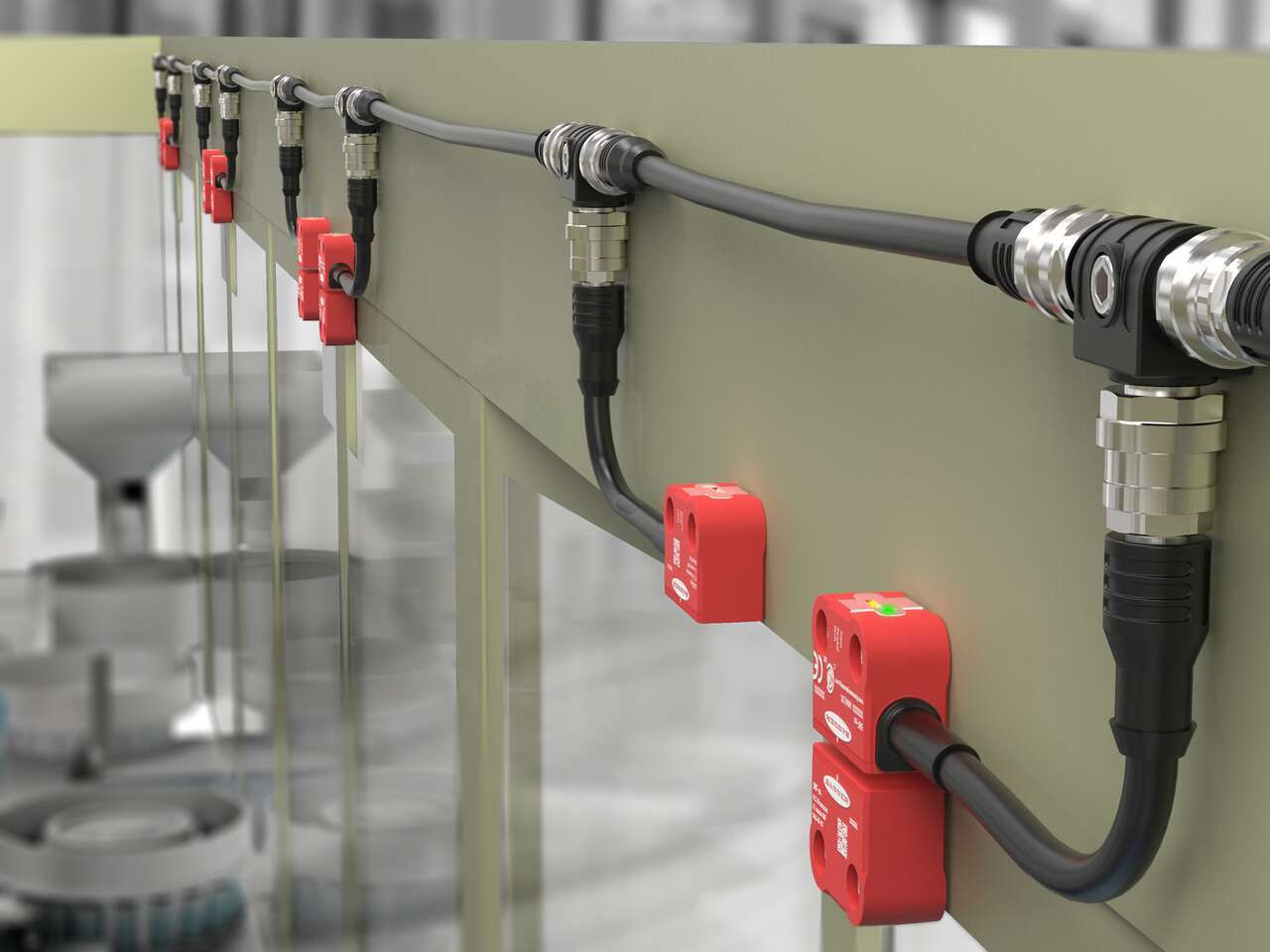
SI-RF RFID Safety Interlock Switches
SI-RF Series safety switches utilize RFID technology to monitor doors, gates, and other movable mechanical safeguards that separate personnel and equipment from a hazard.
-
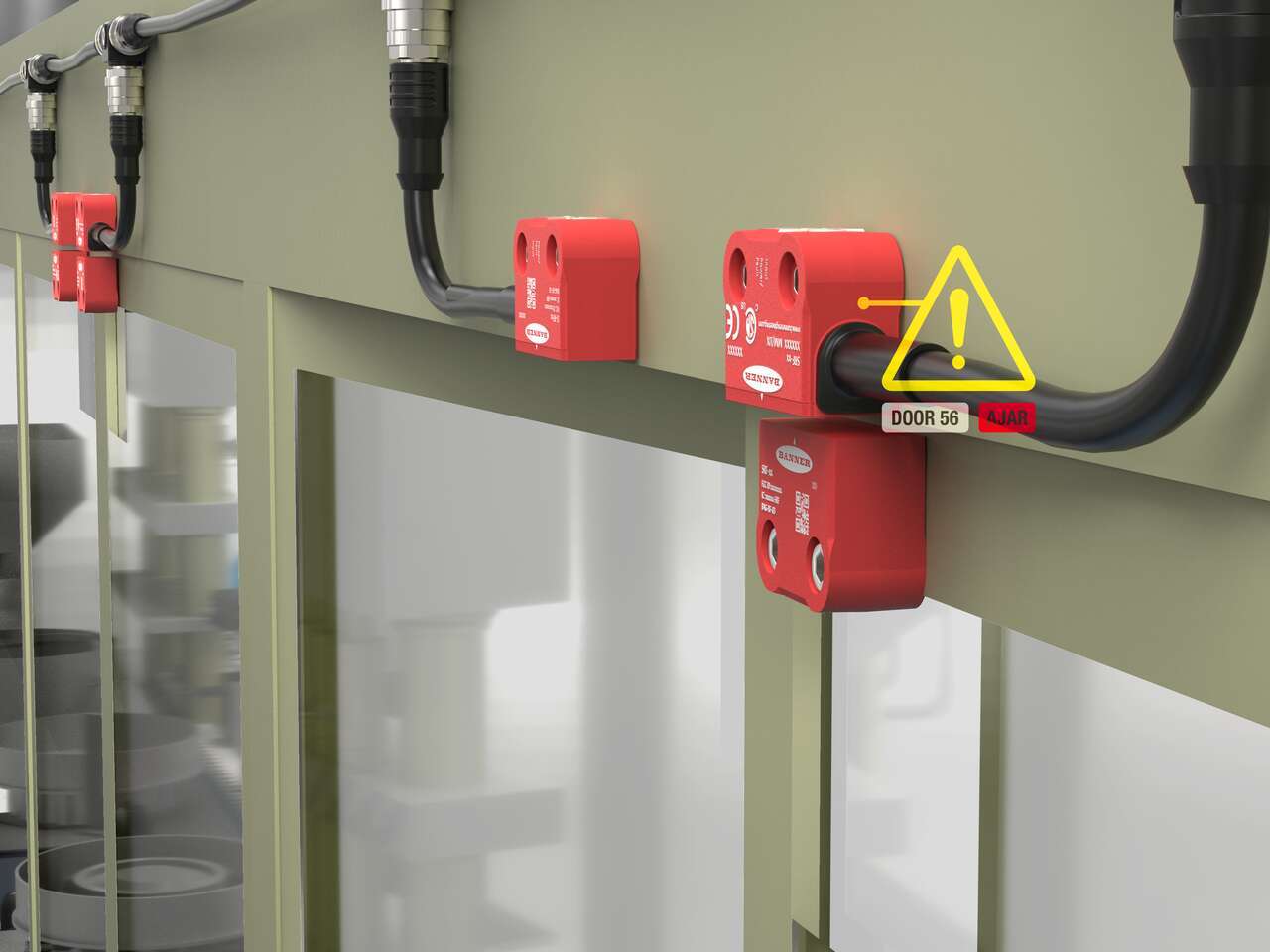
系列診斷
系列診斷 (ISD) 可以輕鬆排除機器安全系統故障、防止故障發生並減少停機時間。
-
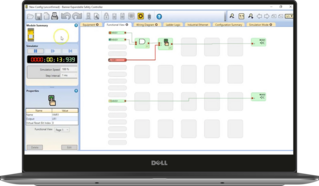
安全控制器軟體
Banner 多功能安全控制器軟體提供流暢的使用者介面,方便您進行產品設定以及安全系統的管理。