
Conditional Indication for Machine Health Monitoring
See how Banner’s SD50 and K50 indicators show live vibration values and fault alerts locally without changing your existing monitoring system.
Standard and programmable K50 Indicators cover everything from basic status indication to complex visual signaling across a wide range of applications. Model variants include beacon, audible, and daylight-visible, ensuring unmistakable indication indoors and out, while IP66/IP67/IP69K ratings support long-term performance in demanding conditions.
Standard models offer immediate deployment with up to five fixed colors and are available in compact, domed, and flat pack housings, as well as specialty housings for hazardous zones and hygienic environments.
Programmable models provide configurable RGB LED response and support for real-time control over IO-Link or Modbus. 14 colors and 11 animations can be configured using Banner’s free Pro Editor software or controlled dynamically via protocol.
K50 Touch Buttons combine advanced touch technology with unmistakable status indication that translates process signals into clear, interactive feedback. Available in domed or compact housings, all models streamline panel design by replacing multiple conventional buttons with a single device that supports latching or momentary functions and can be operated without pressure—reducing strain and improving ergonomics.
Standard models are ready out of the box with up to three fixed colors, selectable based on input priority. All models are IP66/IP67/IP69K-rated for reliable performance in demanding environments.
Programmable models extend functionality with configurable touch response, multiple I/O modes, and support for real-time control over IO-Link or Modbus. Color, animation, and on/off delays can be configured using free Pro Editor software or controlled dynamically via protocol.
Variants include models with audible output, integrated displays, and FDA-grade housings for hygienic environments.
K50 Touchless Buttons deliver reliable, no-contact activation with unmistakable status indication—ideal for reducing touchpoints in high-cycle applications. Configurable optical sensing from 20 to 1000 millimeters ensures responsive operation tailored to the task. 14 color options, 11 animations, and on/off delays—all configurable using free Pro Editor software or controlled dynamically via IO-Link or Modbus—provide visual feedback that makes any process more intuitive. Support for Banner’s PICK-IQ protocol enables real-time feedback and faster updates in dense systems.
Lightweight construction provides a cost-efficient solution while maintaining IP66/IP67/IP69K-rated protection for harsh industrial environments. With no moving parts and built-in immunity to ambient light, EMI, and RFI, K50 Touchless Buttons ensure long-lasting, zero-contact control in demanding applications.

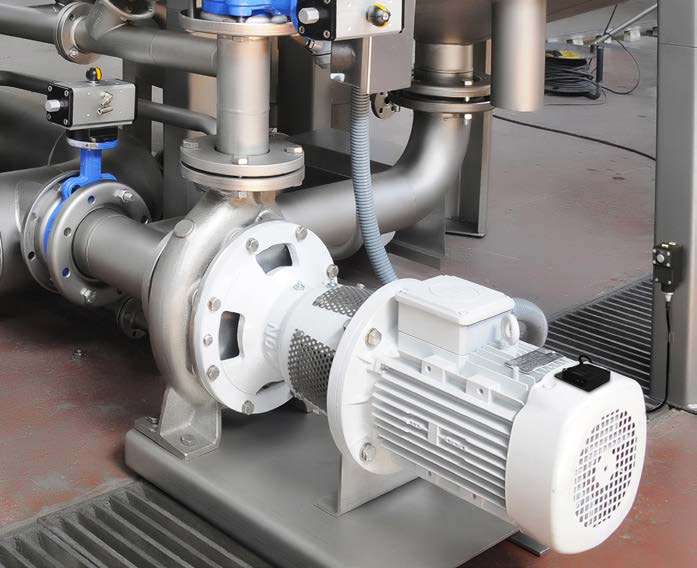
See how Banner’s SD50 and K50 indicators show live vibration values and fault alerts locally without changing your existing monitoring system.
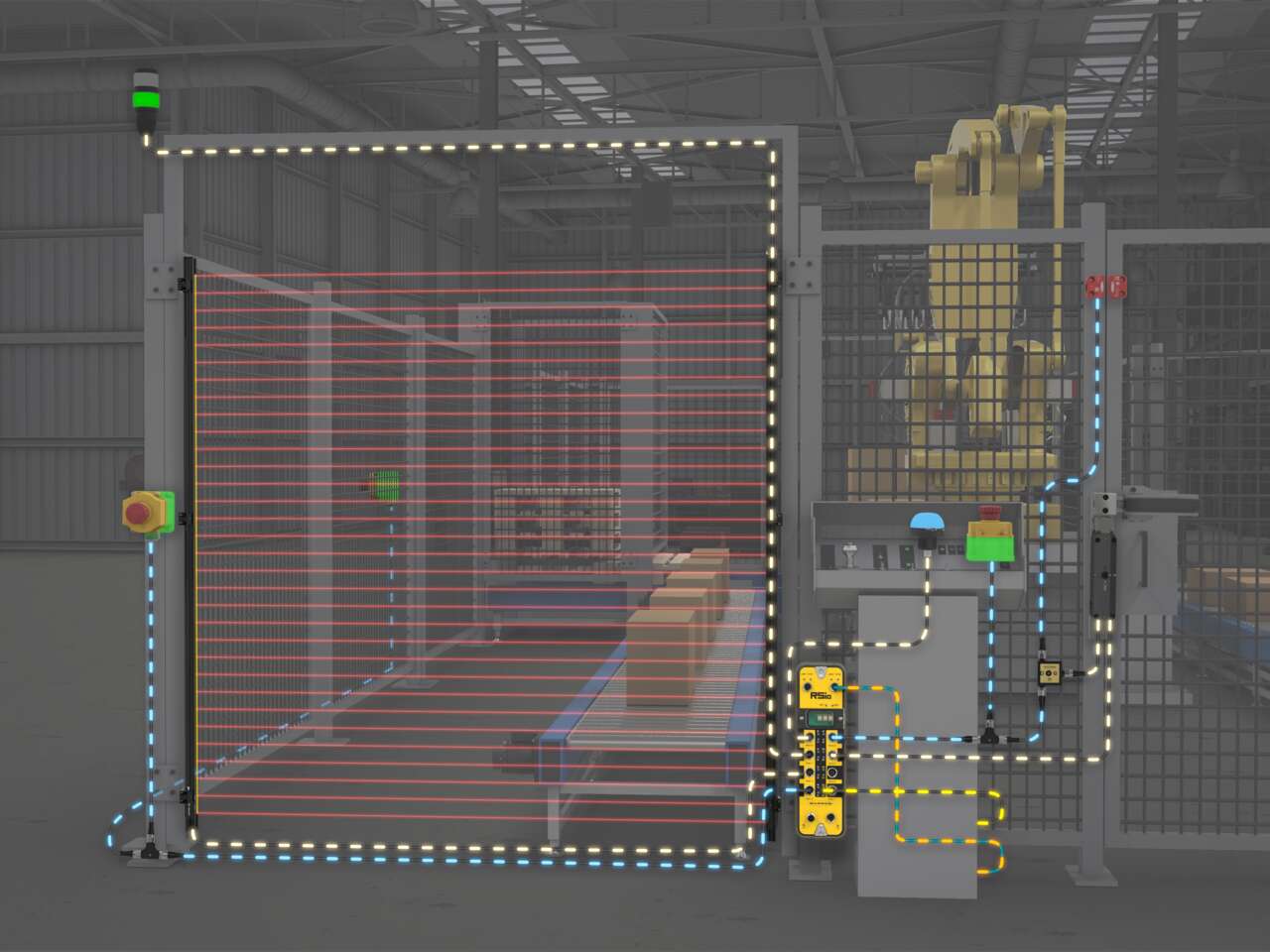
Use RSio to create a complete safety solution for robotic palletizing cells that takes advantage of hybrid I/O and In-Series Diagnostics (ISD).
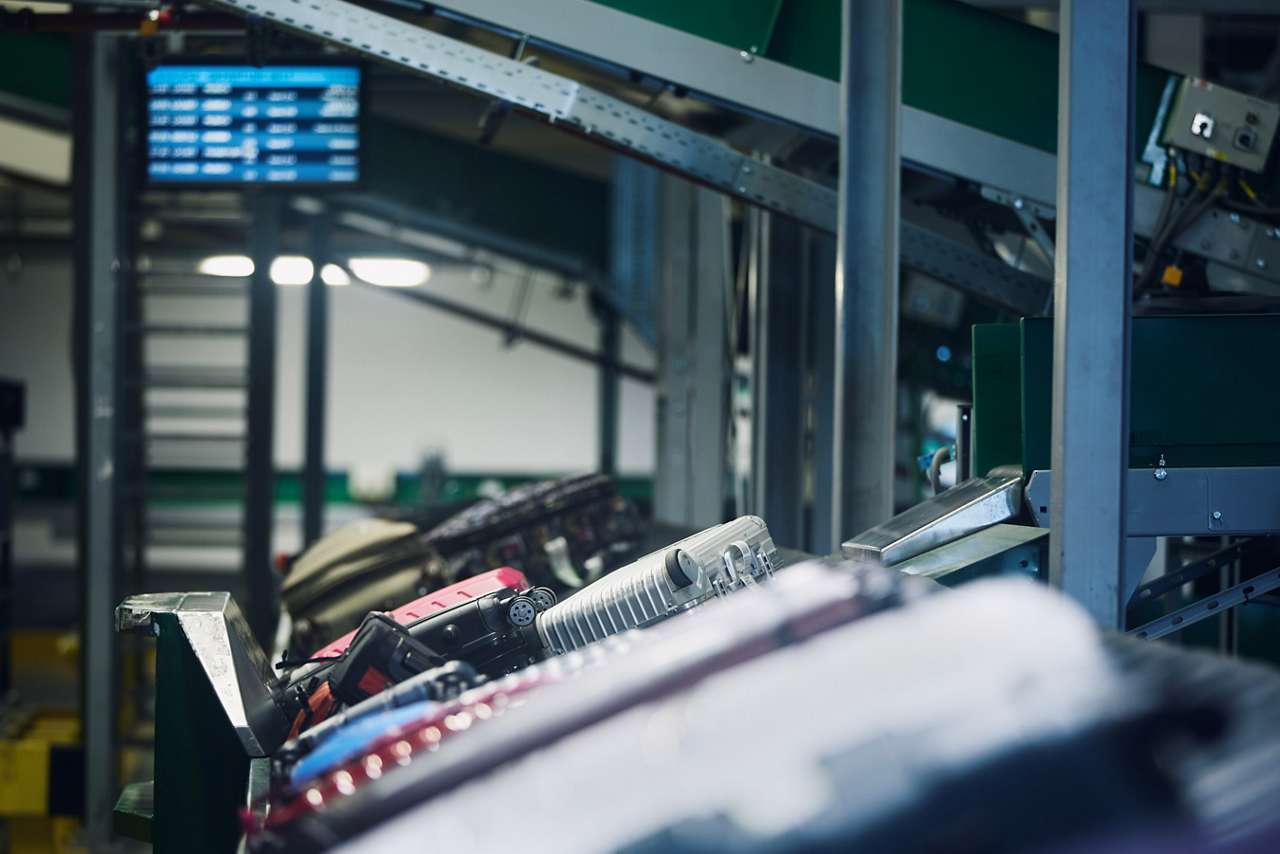
A manager in charge of installing a baggage handling conveyor sought a light to indicate start, jam, and reset conditions with different colors and animations.
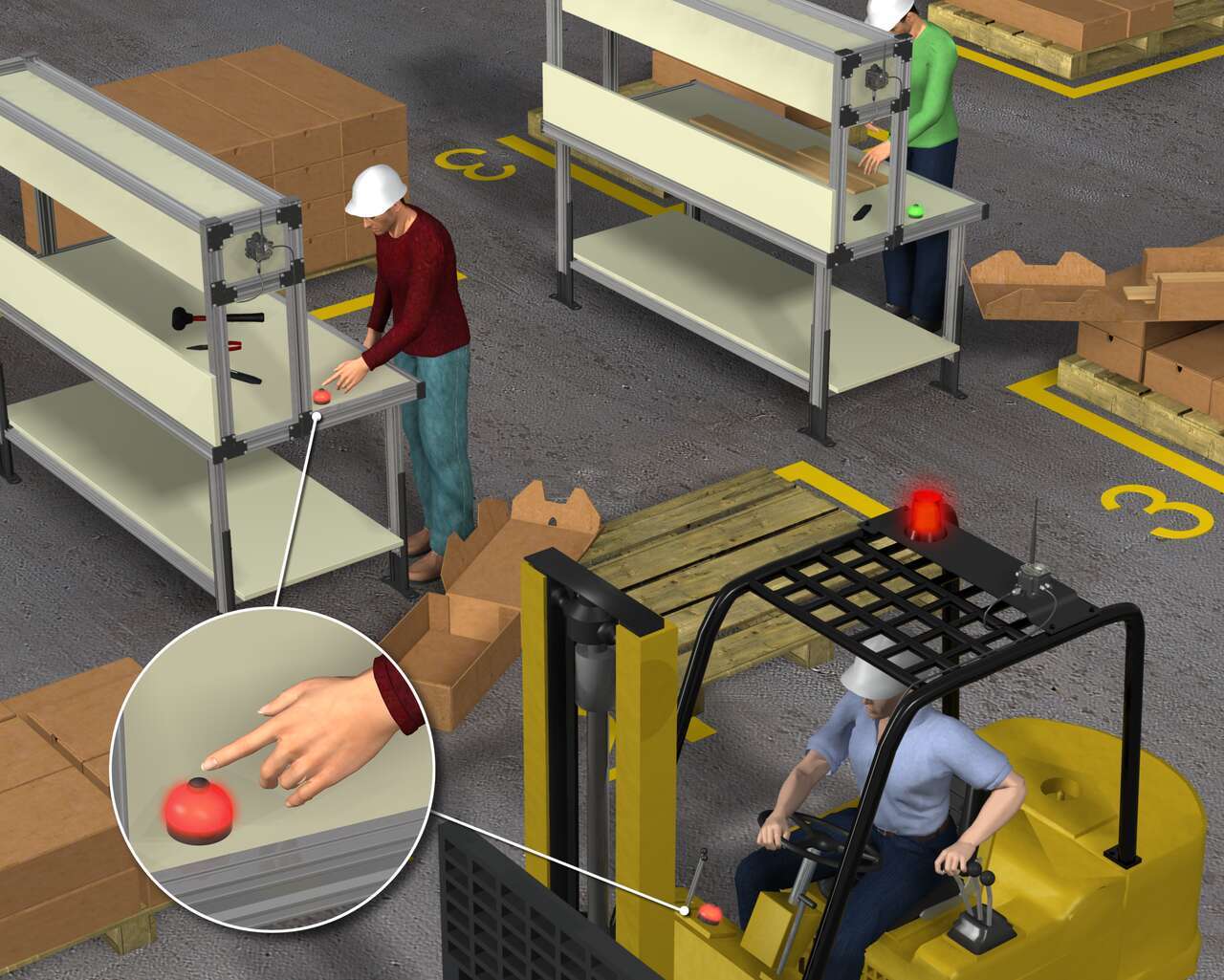
客戶需要一個解決方案,透過在堆高機的儀表板上放置指示燈來增加堆高機操作員的響應時間,還可以讓堆高機操作人員確認該請求,從而消除了多個操作人員的冗餘部件交付。
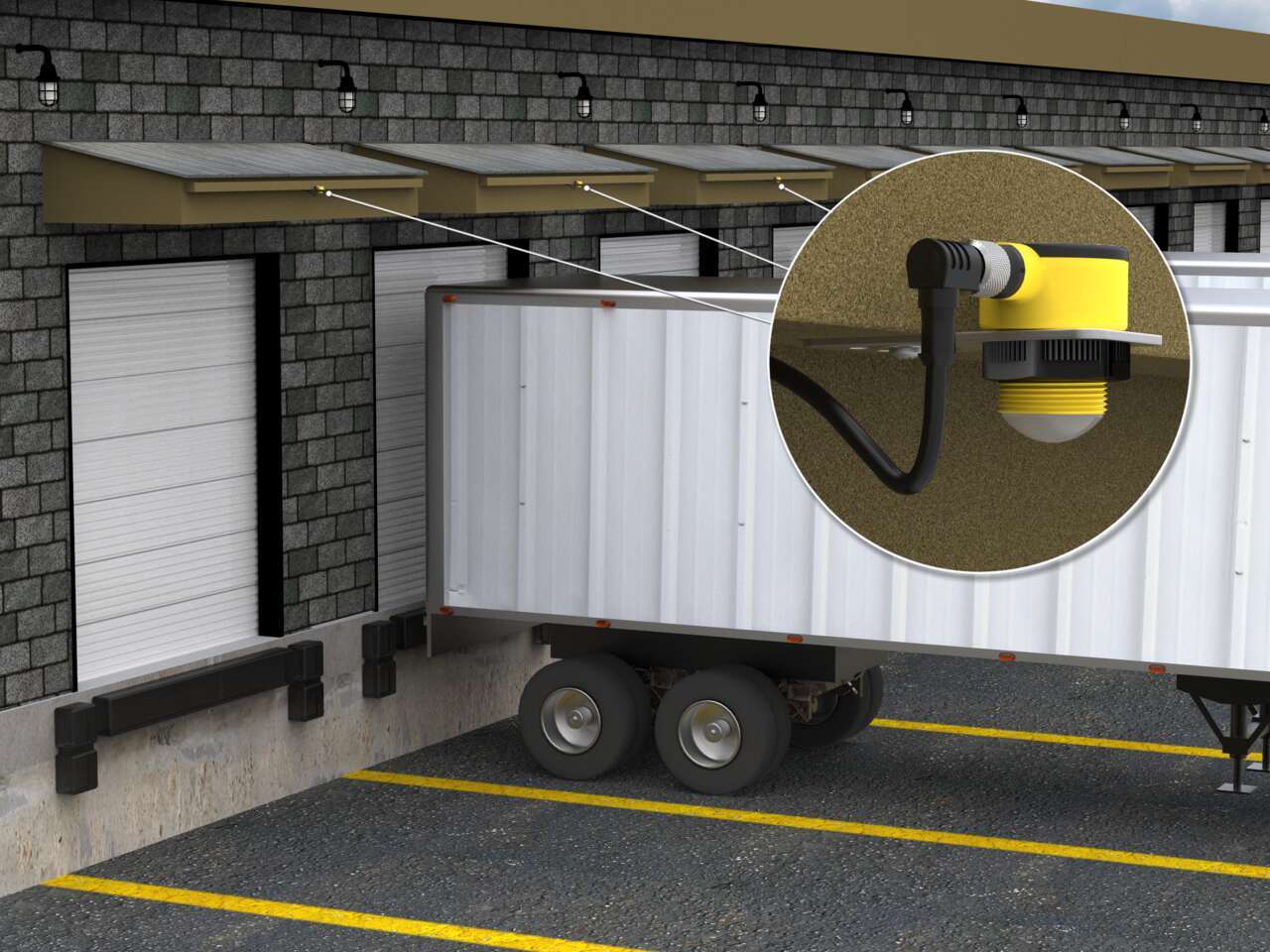
Vehicle detection at loading docks is complicated because sensing solutions are exposed to the elements and need to recognize a wide variety of surfaces. Rugged ultrasonic sensors work well to accurately detect the surfaces of delivery vehicles regardless of the material. Pairing with bright LED indication creates unmistakable operator guidance.
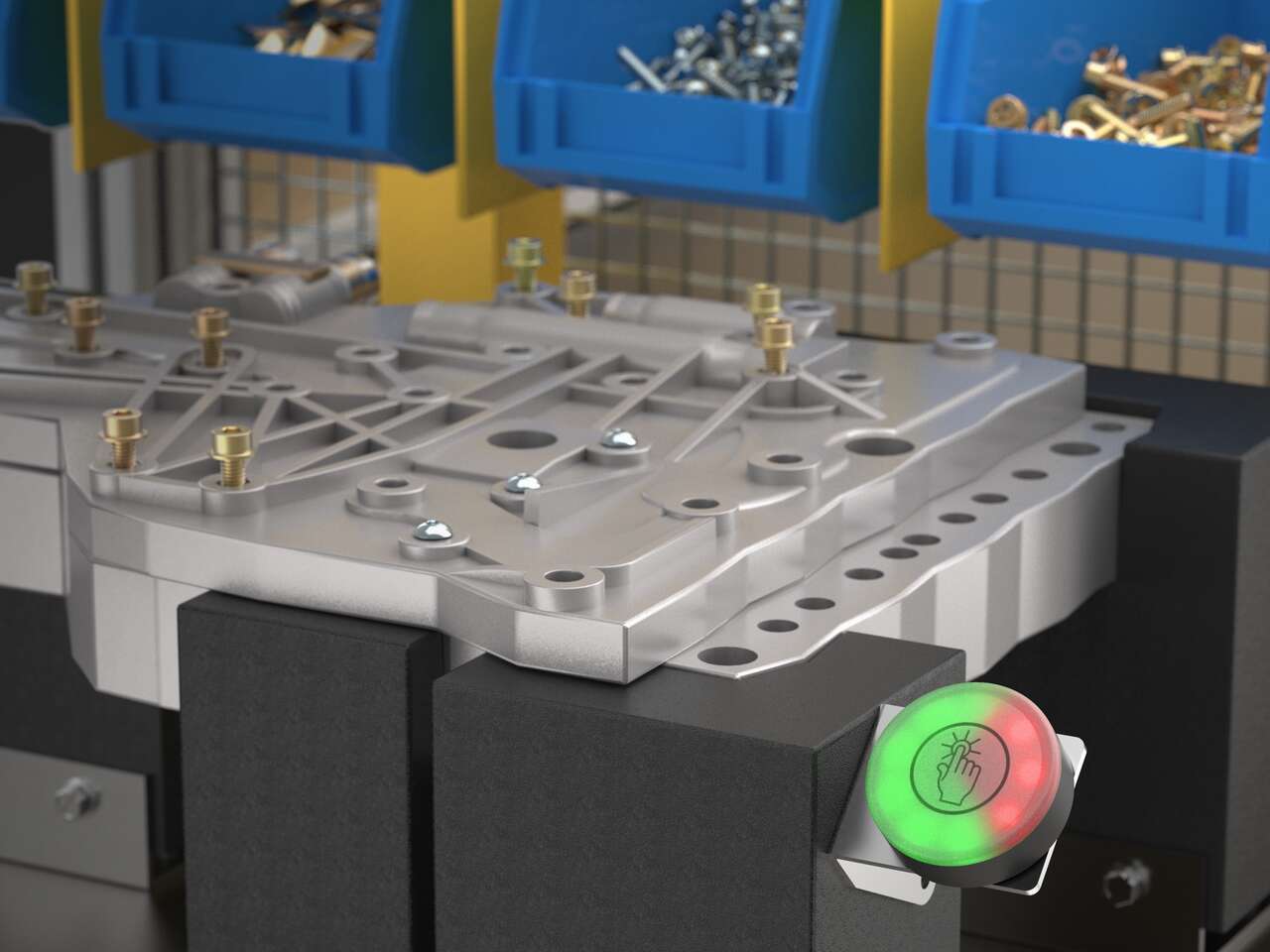
K50 Pro touch buttons with IO-Link communication display takt time within workers' sightlines so that the assembly pace stays on track and meets production goals.
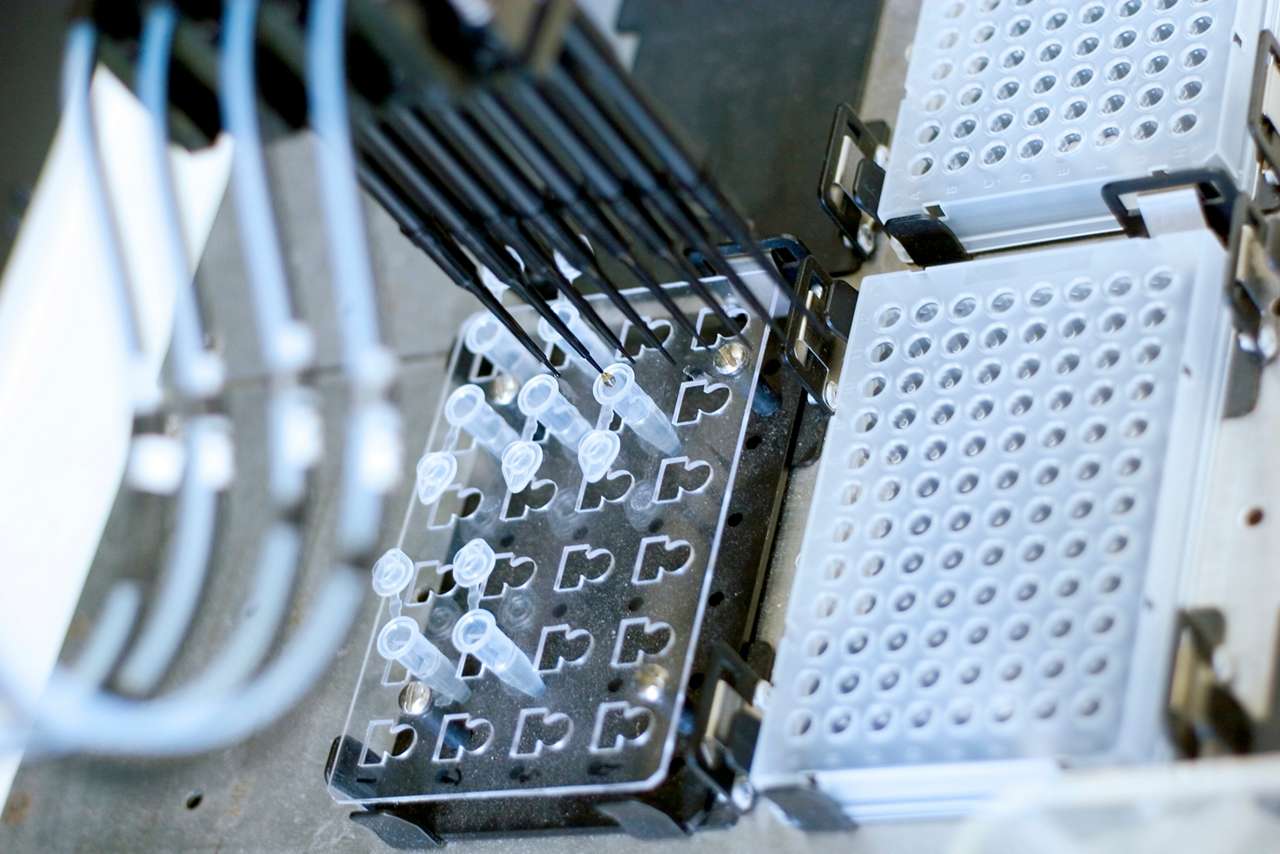
Clinical labs need to process samples quickly to keep throughput high and any lag during testing procedures would disrupt workflow. LED lightings, such as the K50L2, works as machine status indication so that the lab operators can process fix errors, handle samples, and collect results in a timely manner.
![Status Indication on Driverless Vehicles [Success Story]](/content/dam/banner-engineering/photography/general---stock-photography/stock_photo_new/AdobeStock_189577689.jpeg/jcr:content/renditions/cq5dam.web.1280.1280.jpeg)
The K50L domed 50 mm indicator light works well for status indication on autonomous shuttle buses. The buses operate on short distances in outdoor environments that exposed the bus technology to a variety of weather conditions. The rugged K50L indicators are rated IP67 and IP69K to withstand water ingress in the harsh environment.
![Accurately Measuring Bakery Ingredients [Success Story]](/content/dam/banner-engineering/photography/general---stock-photography/valueprop/edited/wcc-migration/2015/dropbox3.jpg/jcr:content/renditions/cq5dam.web.1280.1280.jpeg)
Baking is a mixture of creativity, precision and attention to detail. The Wilkinson Baking Company has added technical innovation to the mix. The Wilkinson Bread Bakery is a compact, completely self-contained and fully automated bread bakery. This unique machine combines technology with tradition to transform simple raw ingredients into bakery fresh bread at 40 loaves an hour.
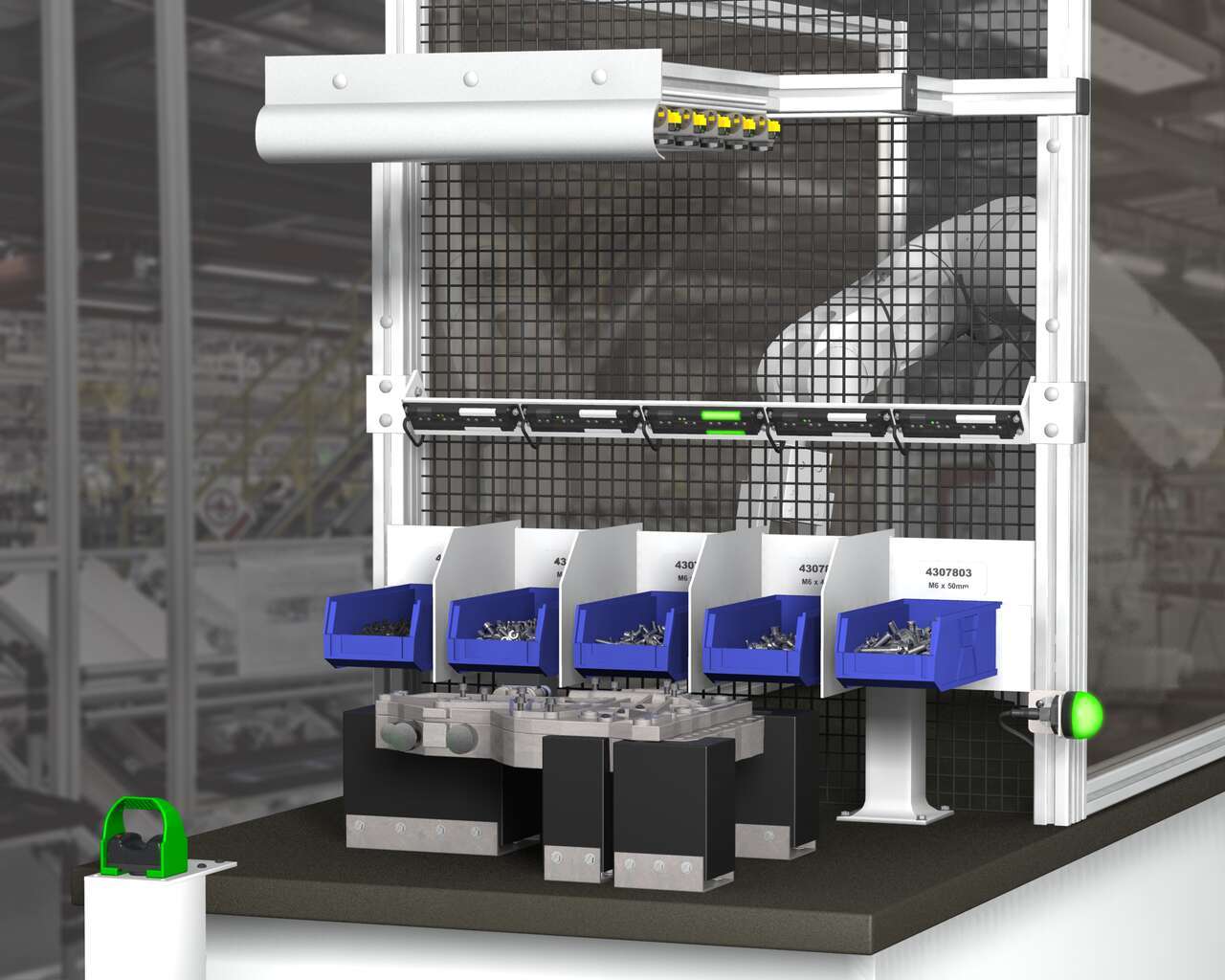
A Henshaw customer manufactures drivetrain and powertrain systems for the automotive industry. The company had experienced productivity losses due to errors in the assembly of transmission valve bodies. Henshaw was tasked with developing a system that would reduce errors and improve the assembly process.
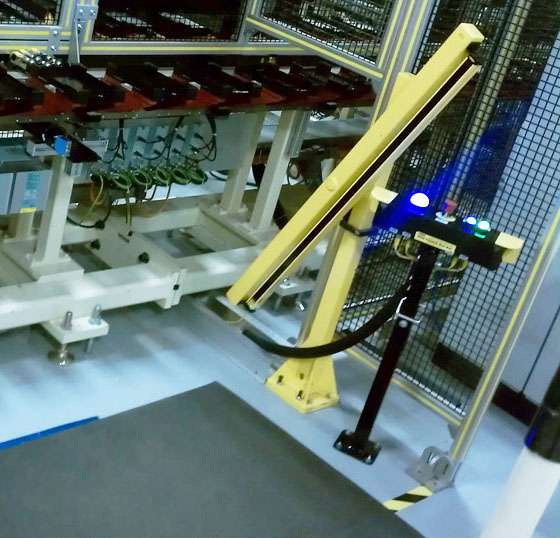
A leading machine manufacturer builds workstations designed for accurate, timely and cost-effective battery cell assembly. A value added component of the workstations is an operator guidance device that does three jobs: enables assembly processes to start and stop, indicates parts to be picked and installed, and completely stops line operation if emergencies occur. When it became too costly for the OEM to construct and mount these devices themselves, they turned to Banner to craft an all-inclusive solution. To honor the time line requirements of their customer—a major tier two battery supplier—the OEM needed the solution in eight weeks.
![繁忙製造地點中的通訊 [成功案例]](/content/dam/banner-engineering/3d-renders/application-notes/wcc-migration/2014/K50-Touch-and-TL50---Industrial-Oven_For-Andrew.psd/jcr:content/renditions/cq5dam.web.1280.1280.jpeg)
隨著更多的組件通過烤箱,與待卸載物品的流動保持同步變得越來越困難。分揀區逐漸變得擁堵。物品容易被引導至錯誤方向或甚至損壞。零部件流動的暫停使得卸貨操作人員可以糾正錯誤並令取貨站保持通暢。不過,卸貨和裝貨區之間的距離以及周圍機器的環境干擾使操作人員之間的通訊變得複雜。
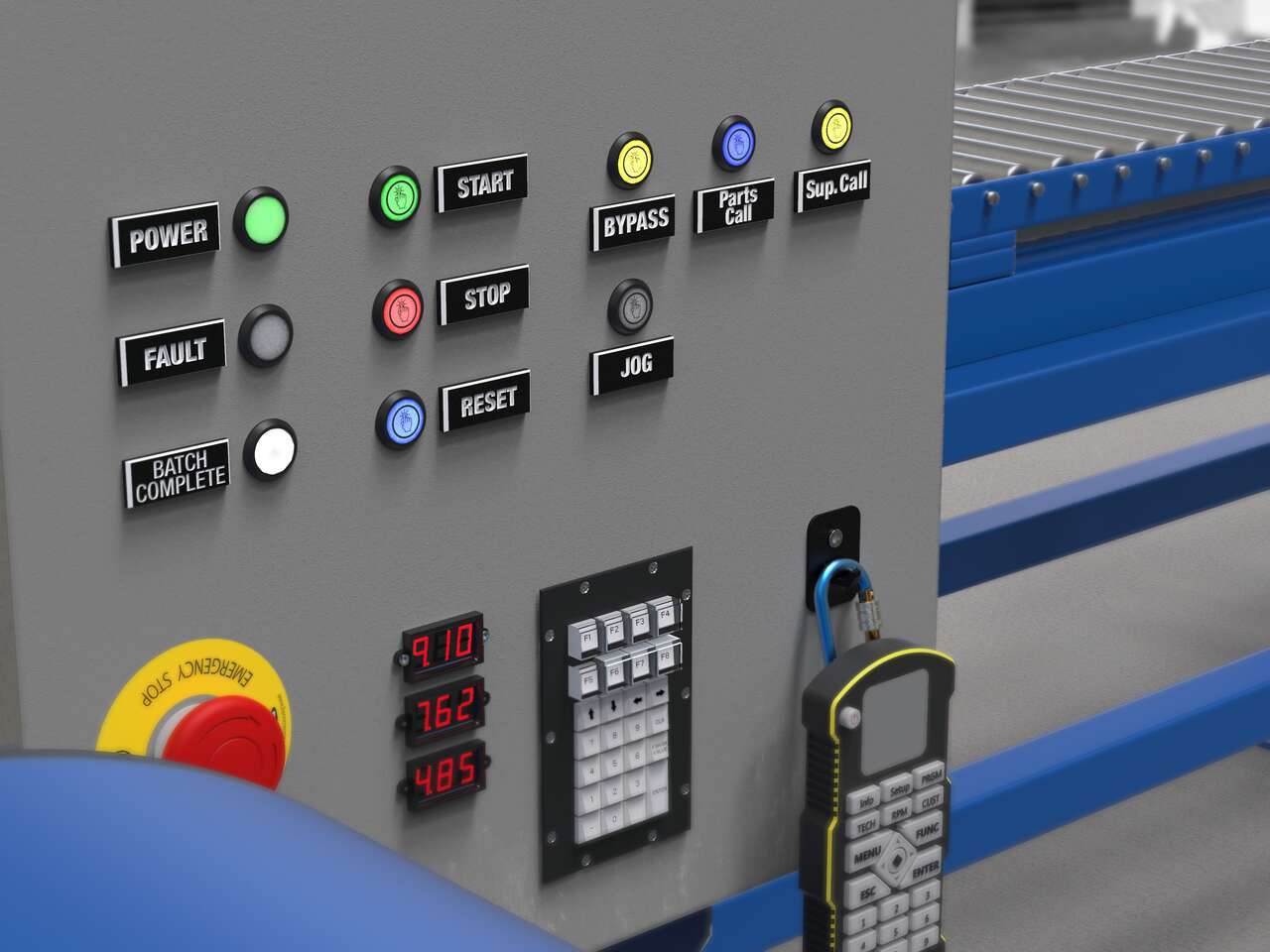
Local indication solutions provide clear, highly visible status alerts to both operators and plant managers in their normal sightlines.
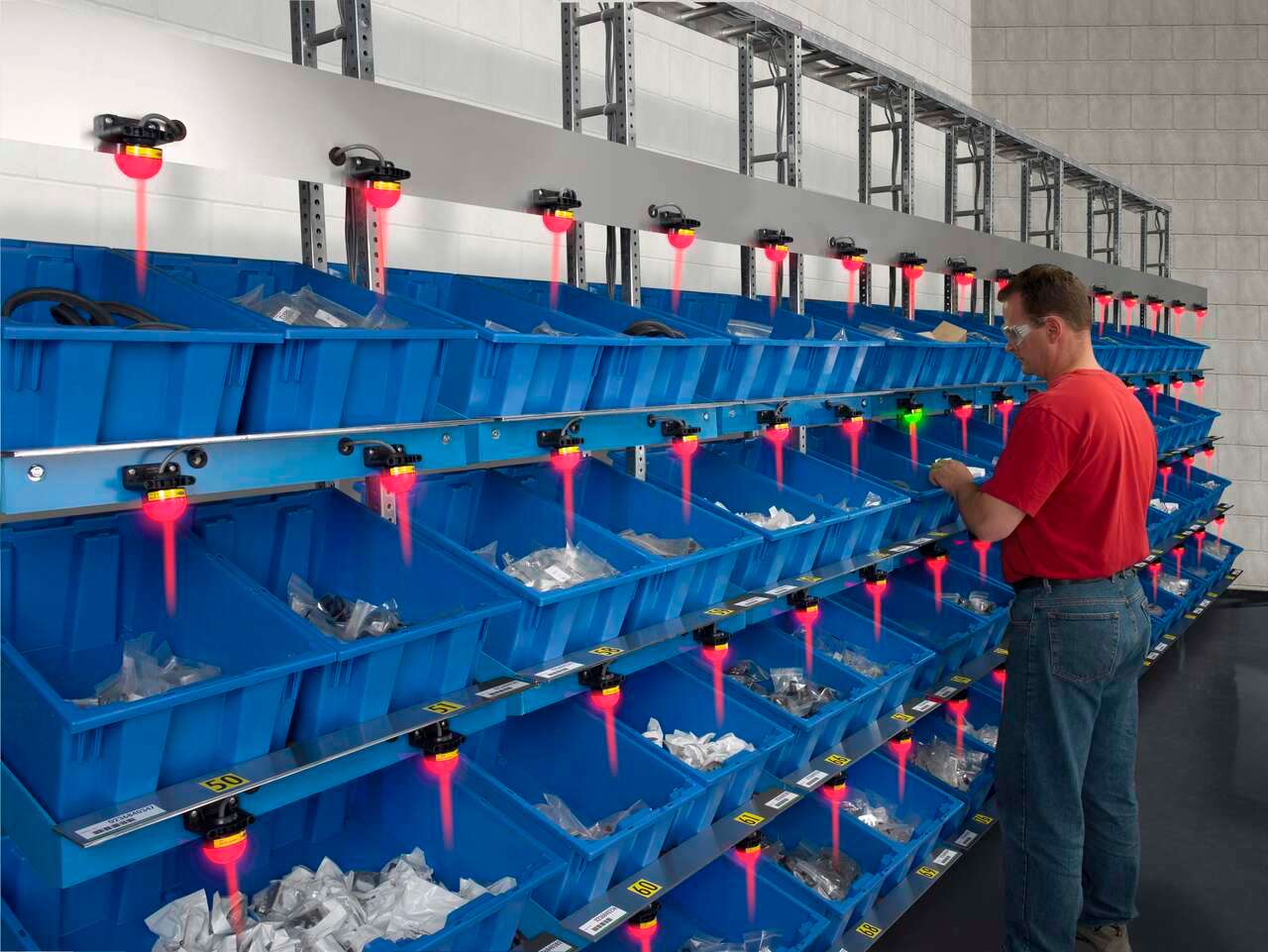
Banner’s K50 Series of single-point pick-to-light sensors are a simple, easy-to-use error-proofing solution in assembly applications. In this application, the job light is Green while the job input is active, indicating the correct bin for the next pick. The presence of the assembler’s hand initiates an output change of state, turning the job light red. The job light above the next pick location will then turn Green.
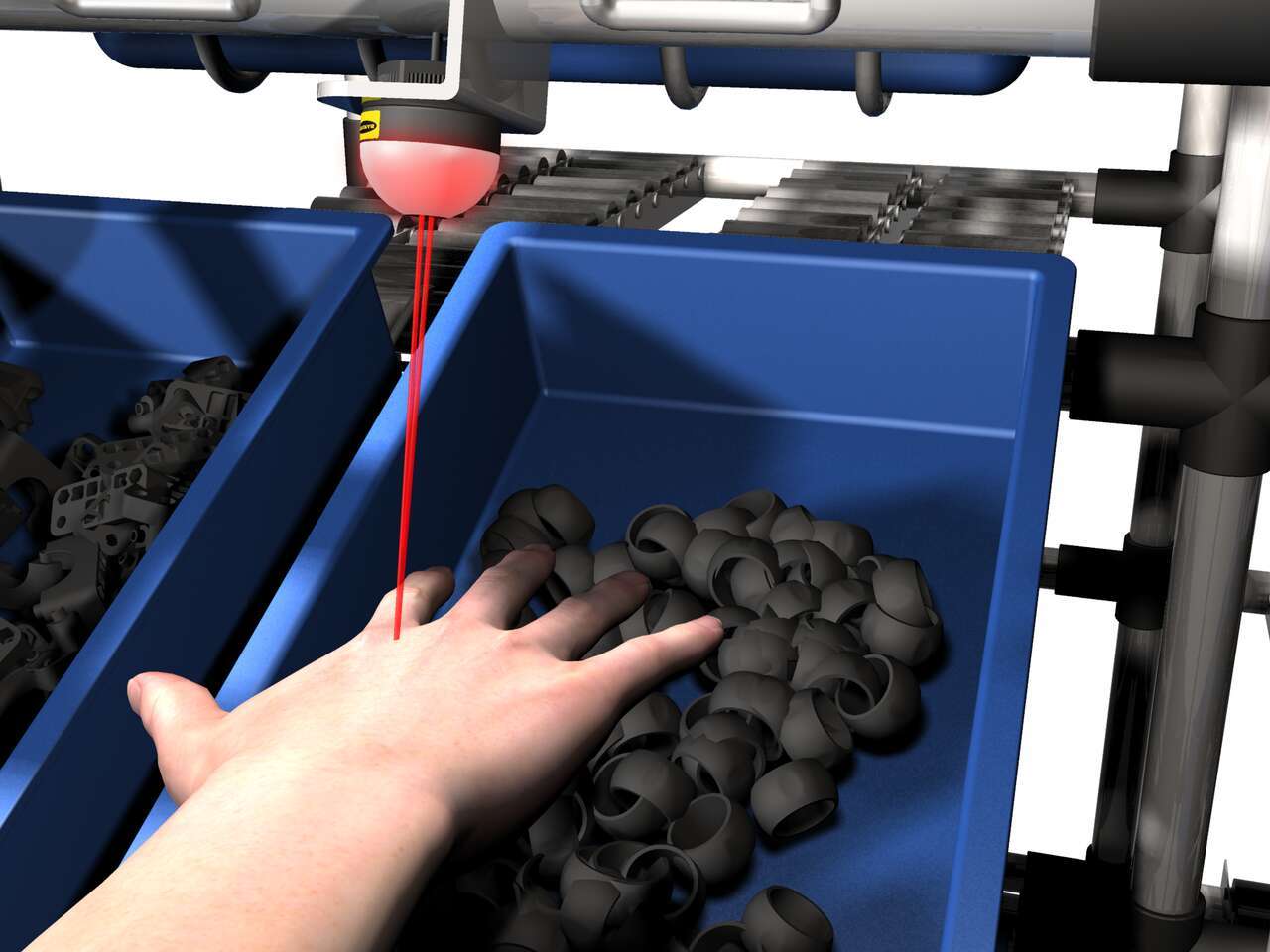
The EZ-LIGHT K50 sensor lights above a bin to show the assembler which part to pick. If the assembler reaches into a different bin, that bin's EZ-LIGHT K50 sensor lights up in the designated warning color—in this example, red— to indicate the error.
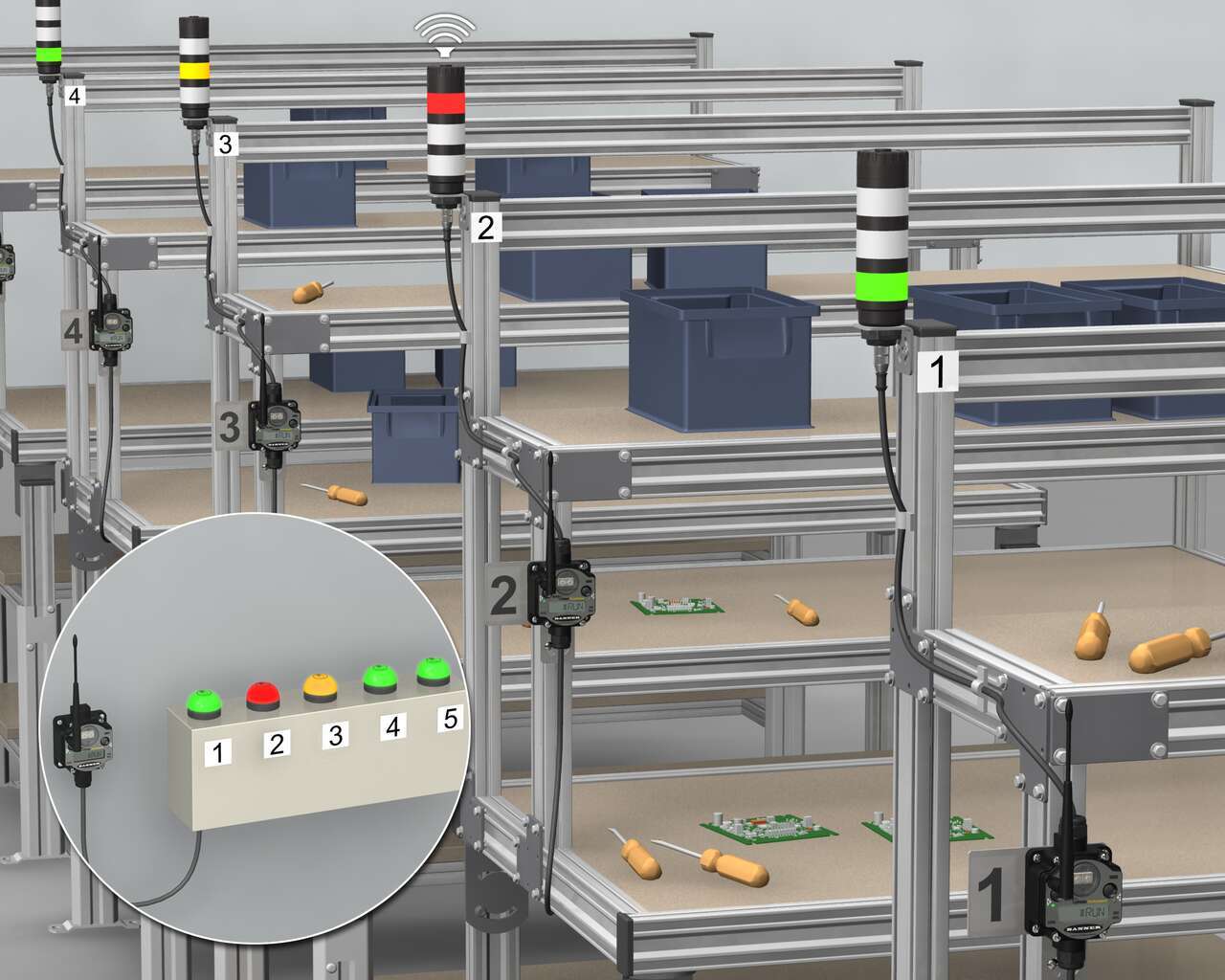
Banner 多段式含蜂鳴器TL50在一體式裝置中使用高品質的多色LED燈,結合K50 Touch和PM8無線訊號傳輸系統,有效為零組件流程備料提供方案。首先,Banner的K50符合人體工學的觸控按鈕安裝在中控站,根據對應的PML8 Wireless Nodes節點進行編號準備,此節點和一個含音效的塔燈一起安裝在其他個別的工作站中。
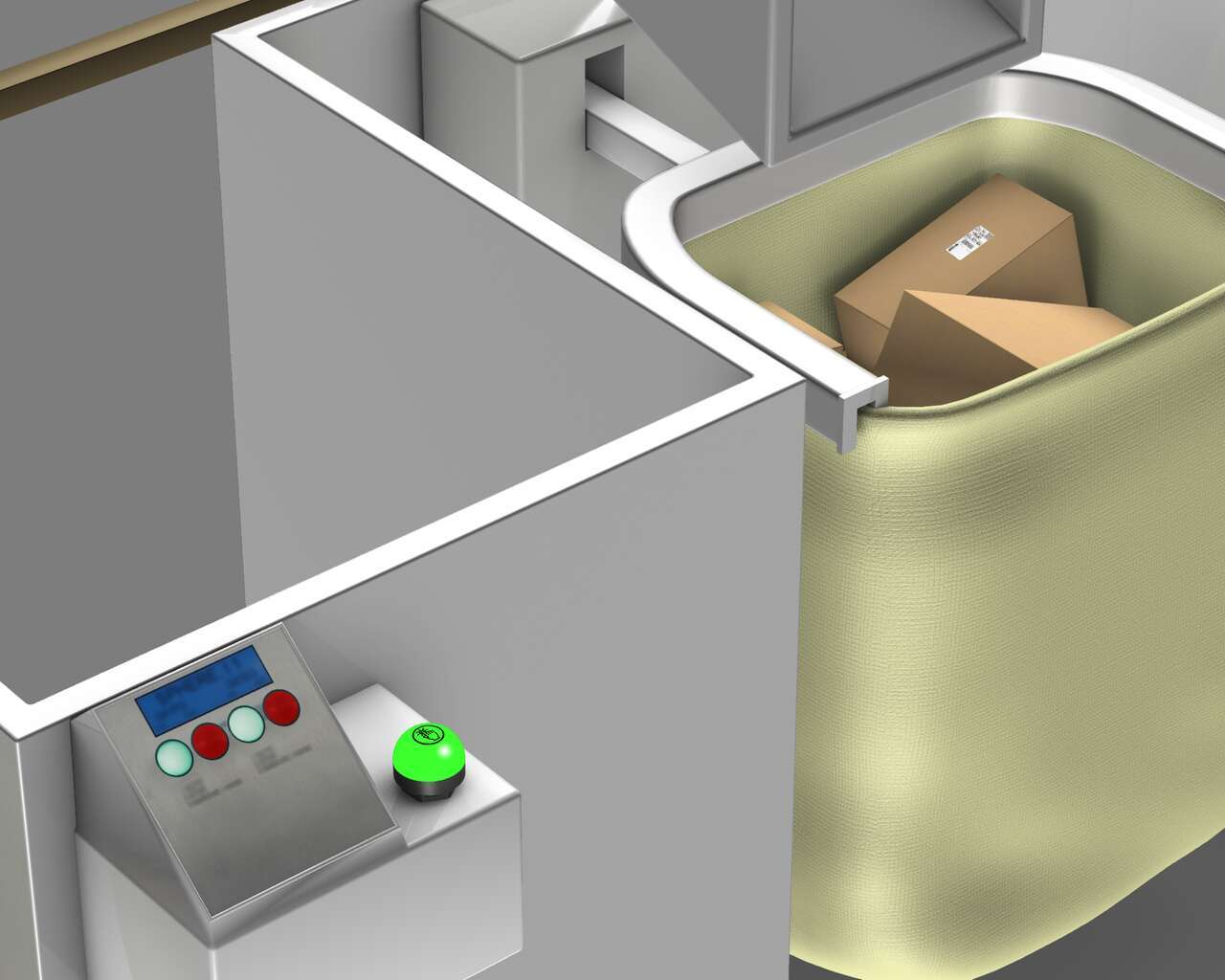
為了正確識別和使用視覺管理,當包已滿時感測器被觸發,然後將訊號發送到K50觸控按鈕以點亮紅燈,表示一個已裝滿的料籃。K50觸摸可以直觀地向操作人員需要剔除的袋子并利用一個空袋來代替剔除的袋子。為了顯示袋子已經為更多的包裝做好準備,操作人員按下符合人體工程學的K50按鈕,將其更換回綠燈,以顯示袋子已為後續包裝做好準備。
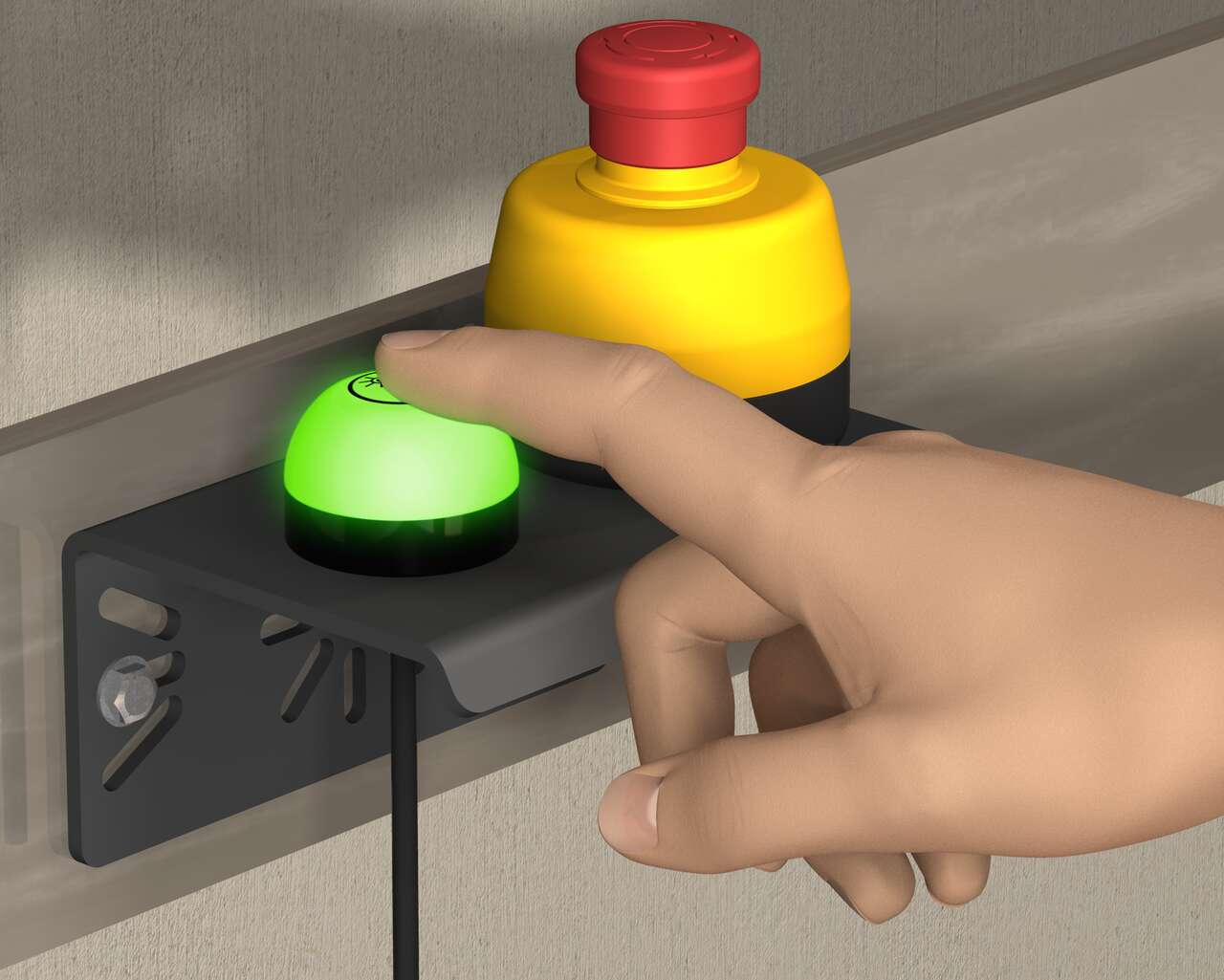
使用一體式機箱的緊急停止按鈕與K50 Touch指示燈組合,在緊急情況下可以傳達簡單的狀態指示。Banner的30 mm底座緊急停止按鈕有一個照明式基座,在啟動時基座從黃色變成閃爍的紅色,以清楚顯示緊急停止狀態。K50 Touch是一款符合人體工程學設計的自動化產品,不需要任何物理壓力即可操作,並且可以用空手或工作手套輕鬆啟動。
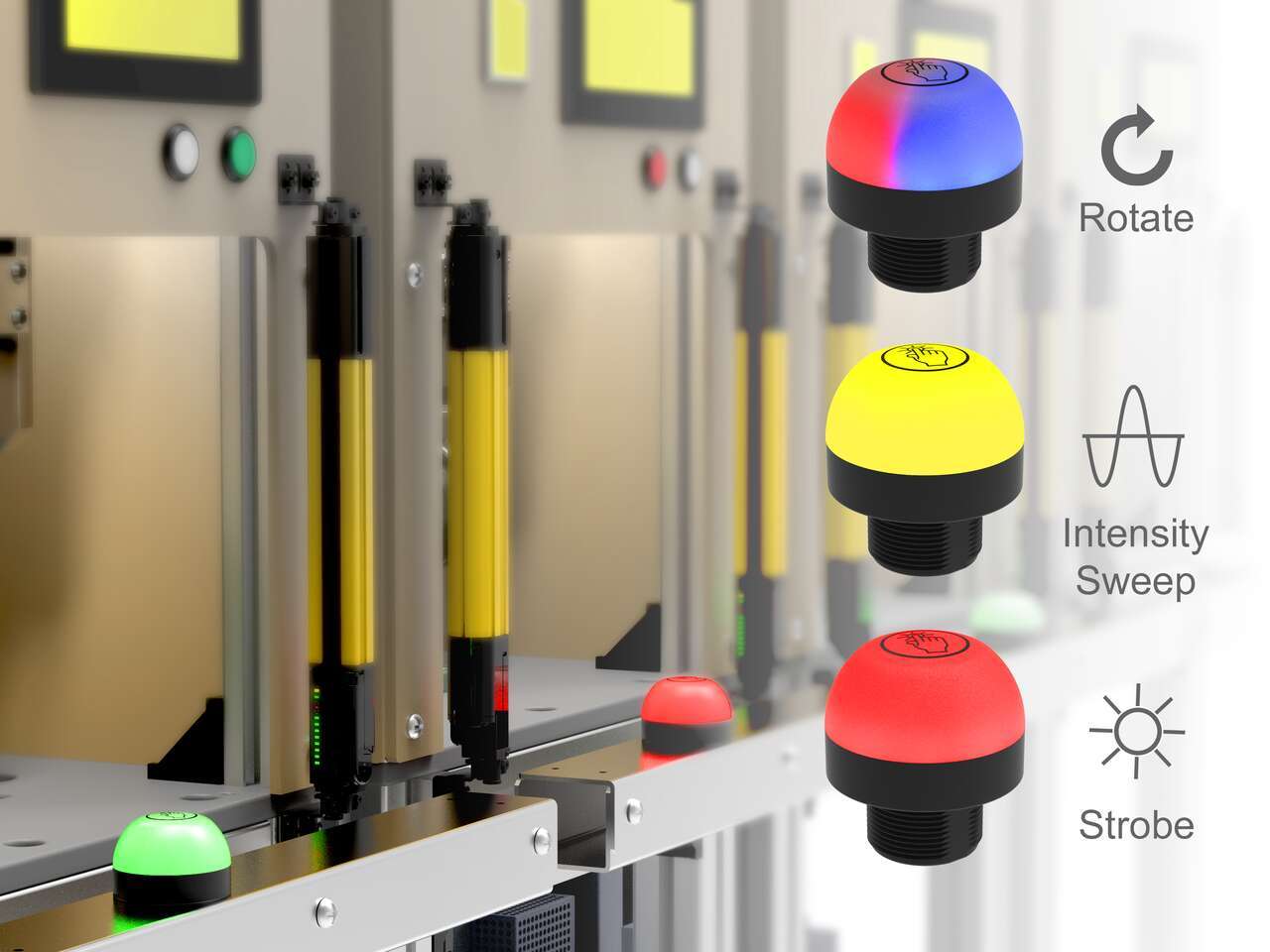
The unique indication of the programmable K50 Pro touch buttons and Pro Editor software allows for versatile indication of numerous machine statuses and in-field customization. Multicolor and animation allow for quick identification of errors in work cells.
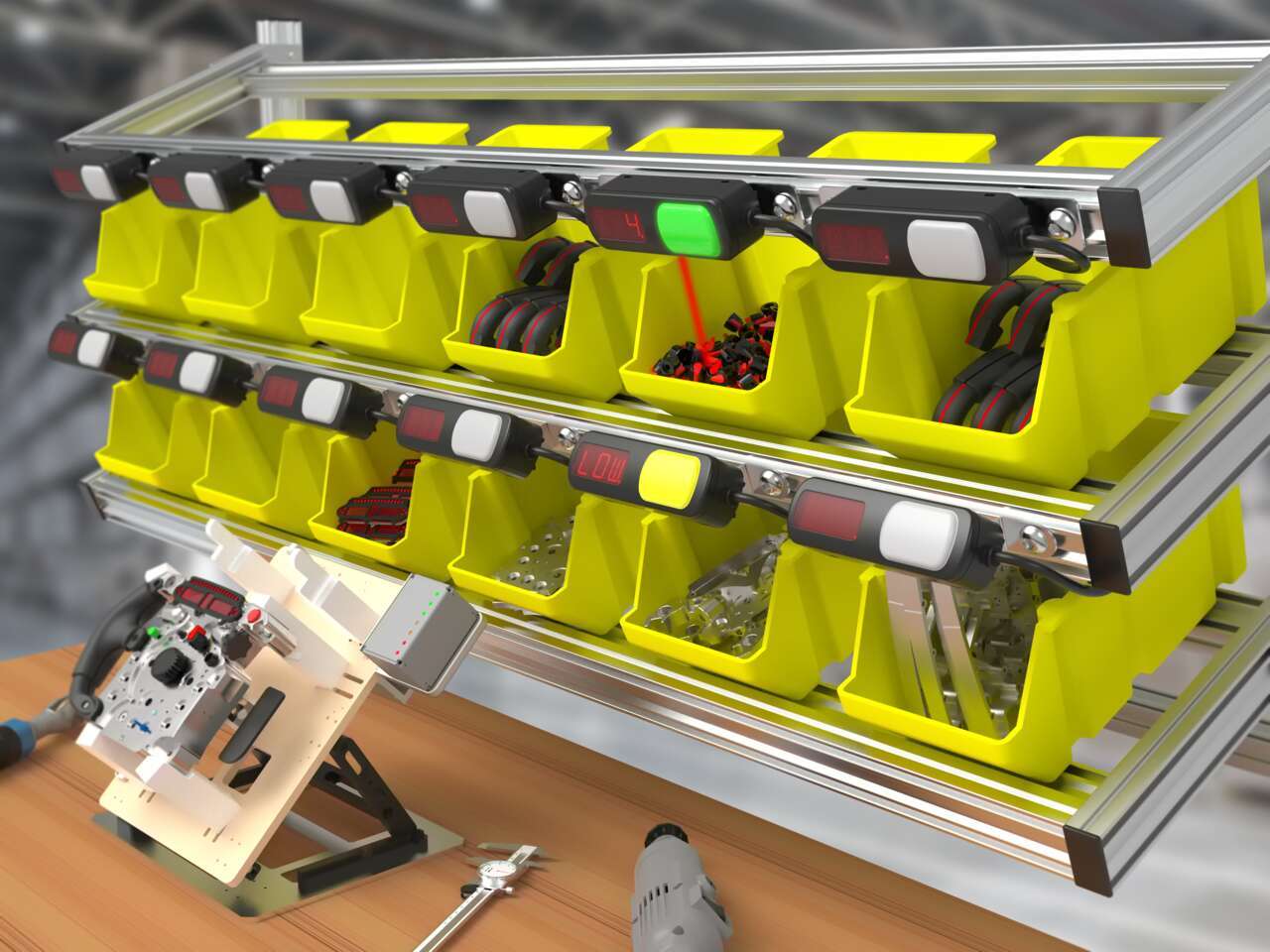
Pick-to-light systems support lean manufacturing initiatives by reducing the risk of human error in production and assembly processes.
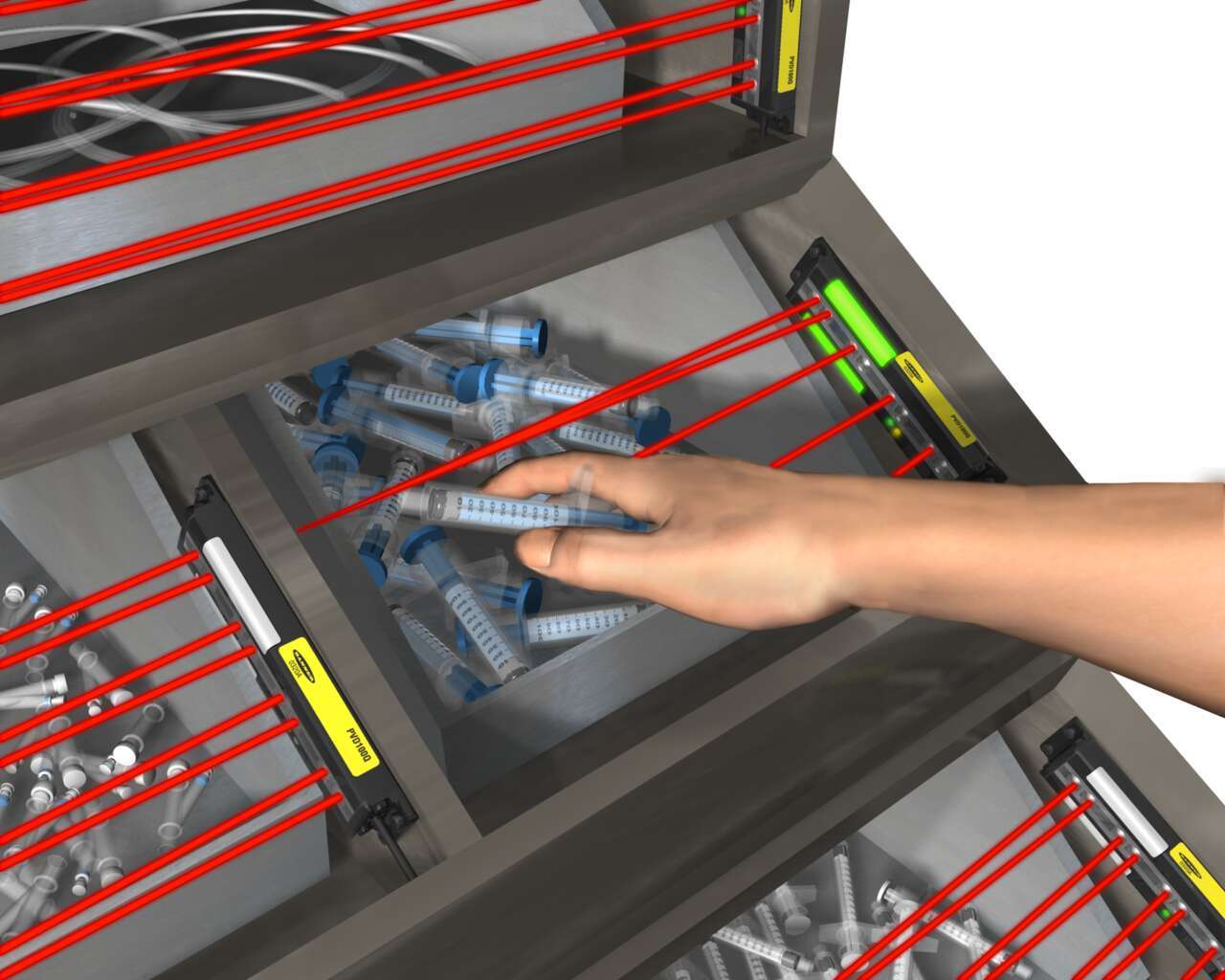
Light-guided kitting and sequencing solutions allow operators to focus on building high-quality products while maintaining efficiency.

Quick, accurate picking increases customer satisfaction by ensuring that customers receive the correct order in a timely manner.
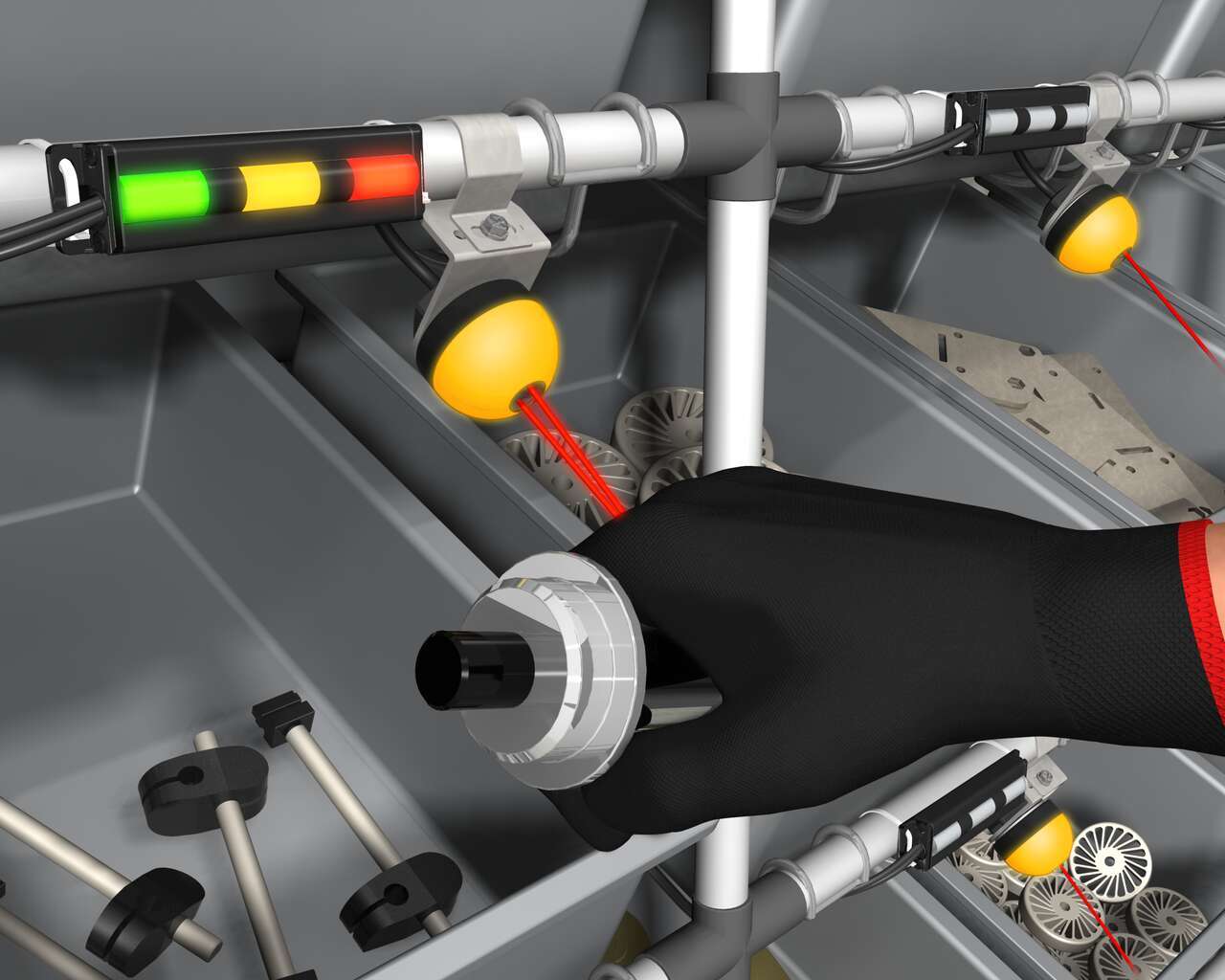
Banner’s K50 Optical Pick-to-Light series is a compact, self-contained, three color indicator with integral sensor. Green typically indicates which part to pick, and when the internal sensor detects the hand, the indicator changes to yellow to confirm the task is complete. An optional third message is to display red for a mispick.
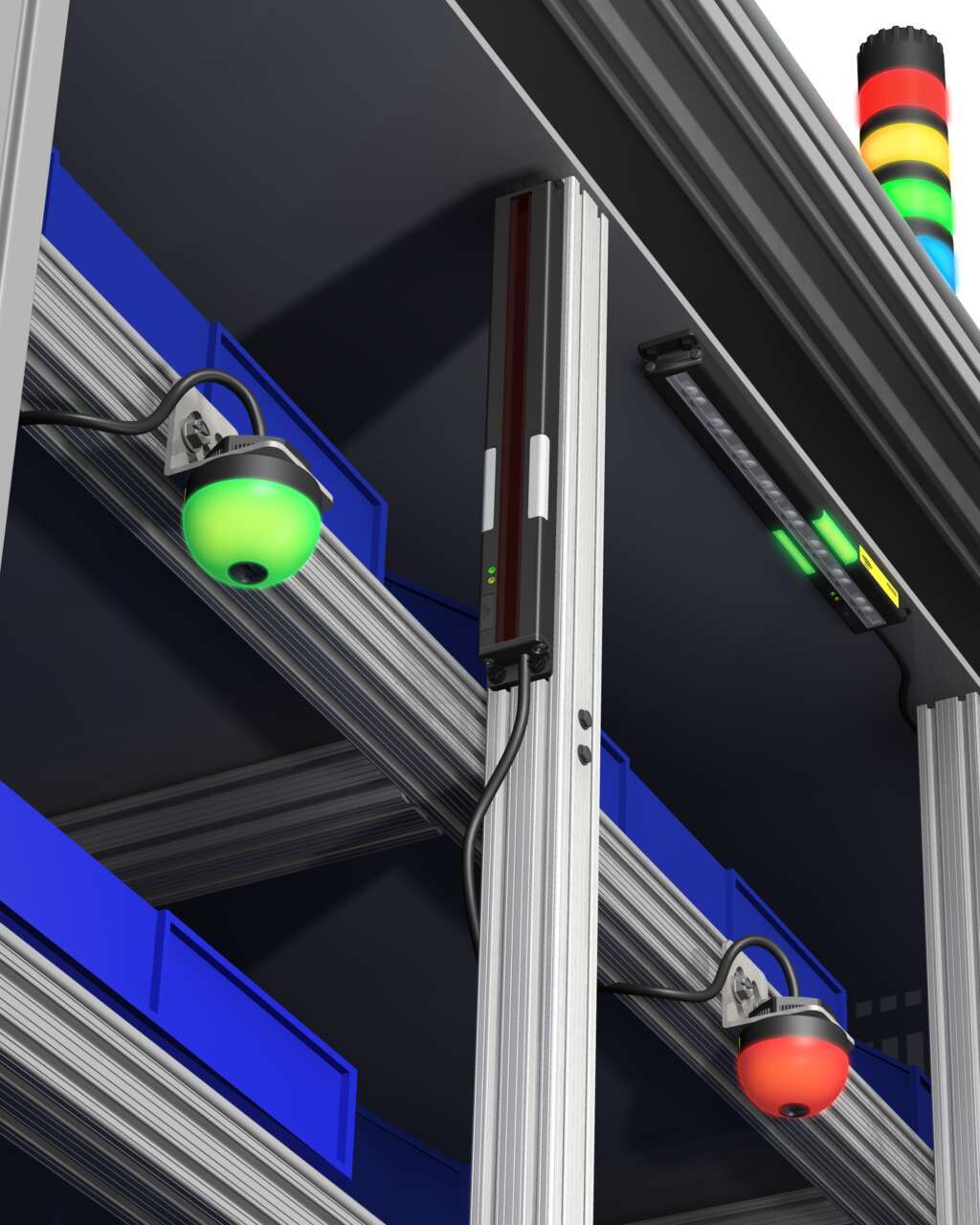
Several technologies and solutions are available for bin-picking applications for error-proofing processes. Light arrays prompt the operator for part selection with integral job lights, then reliably sense retrieval of the part, using an array of visible red or infrared sensing beams located in front of the bin.
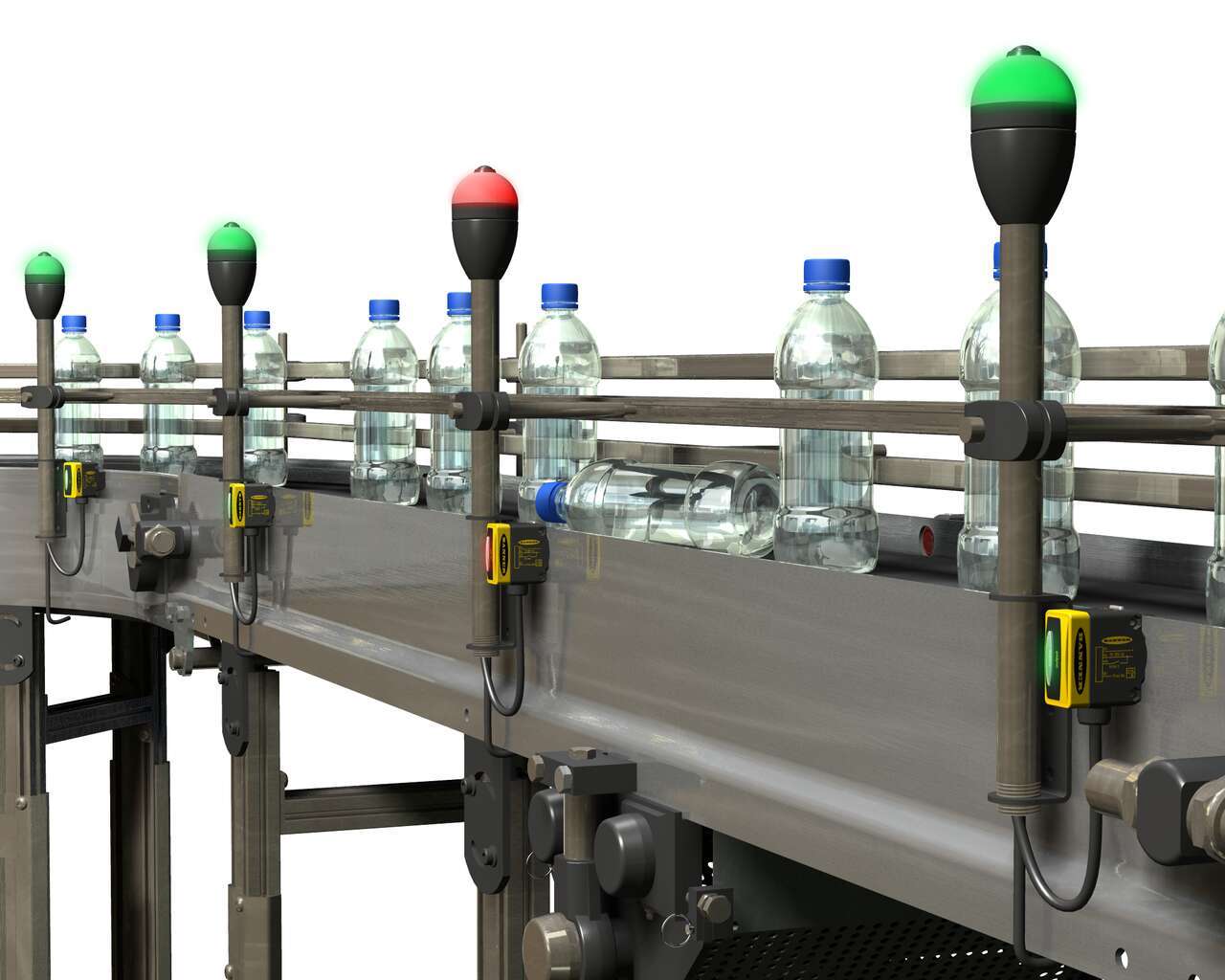
Sensor solutions to detect translucent bottles filled with clear liquid with a long bottling line with numerous areas to monitor.
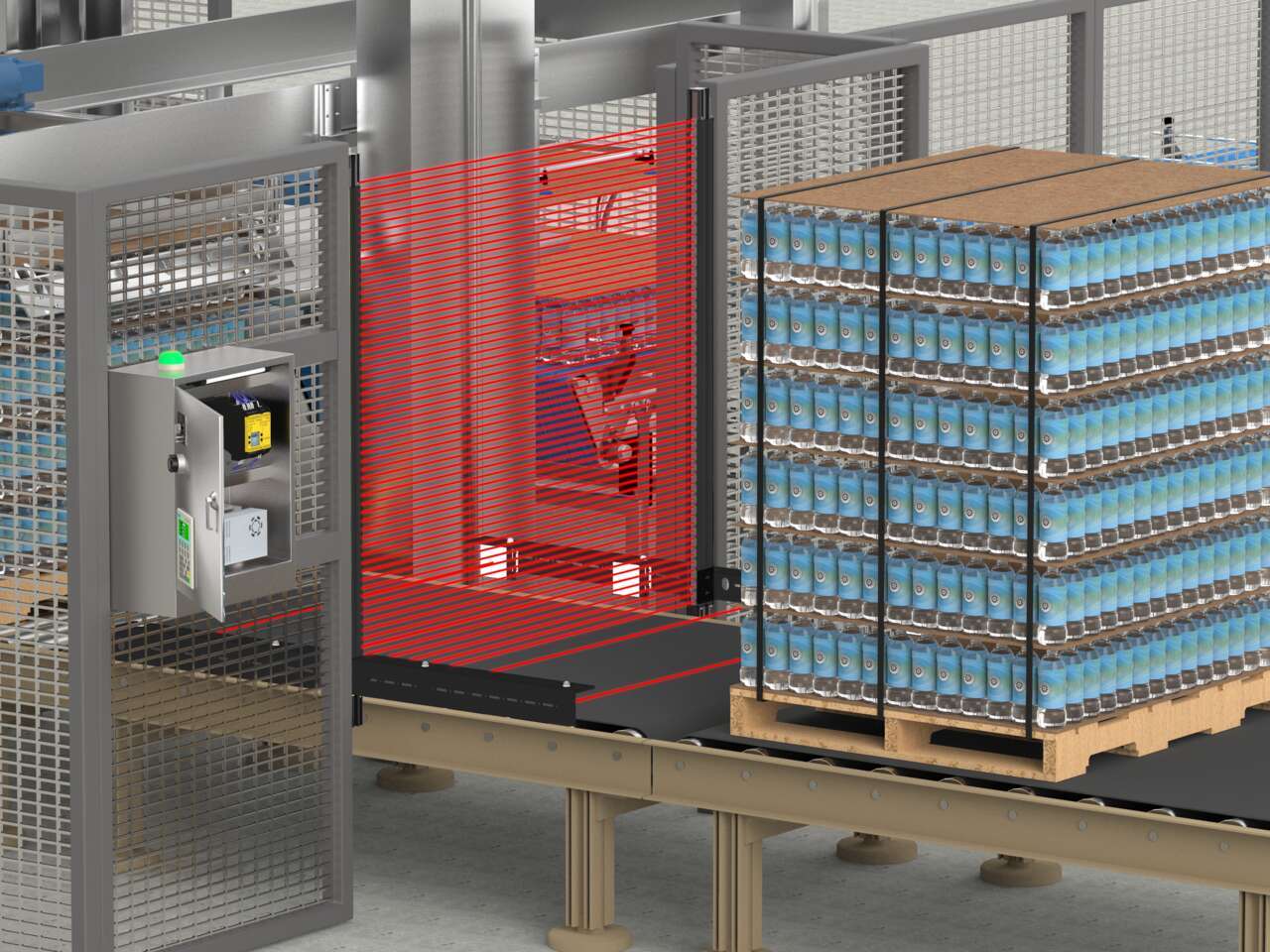
An LS Series safety light curtain with a mute arm kit in T-configuration combined with an XS26 Series safety controller is an easy-to-implement solution that protects staff from potential hazards without disrupting the flow of pallets to the depalletizer.
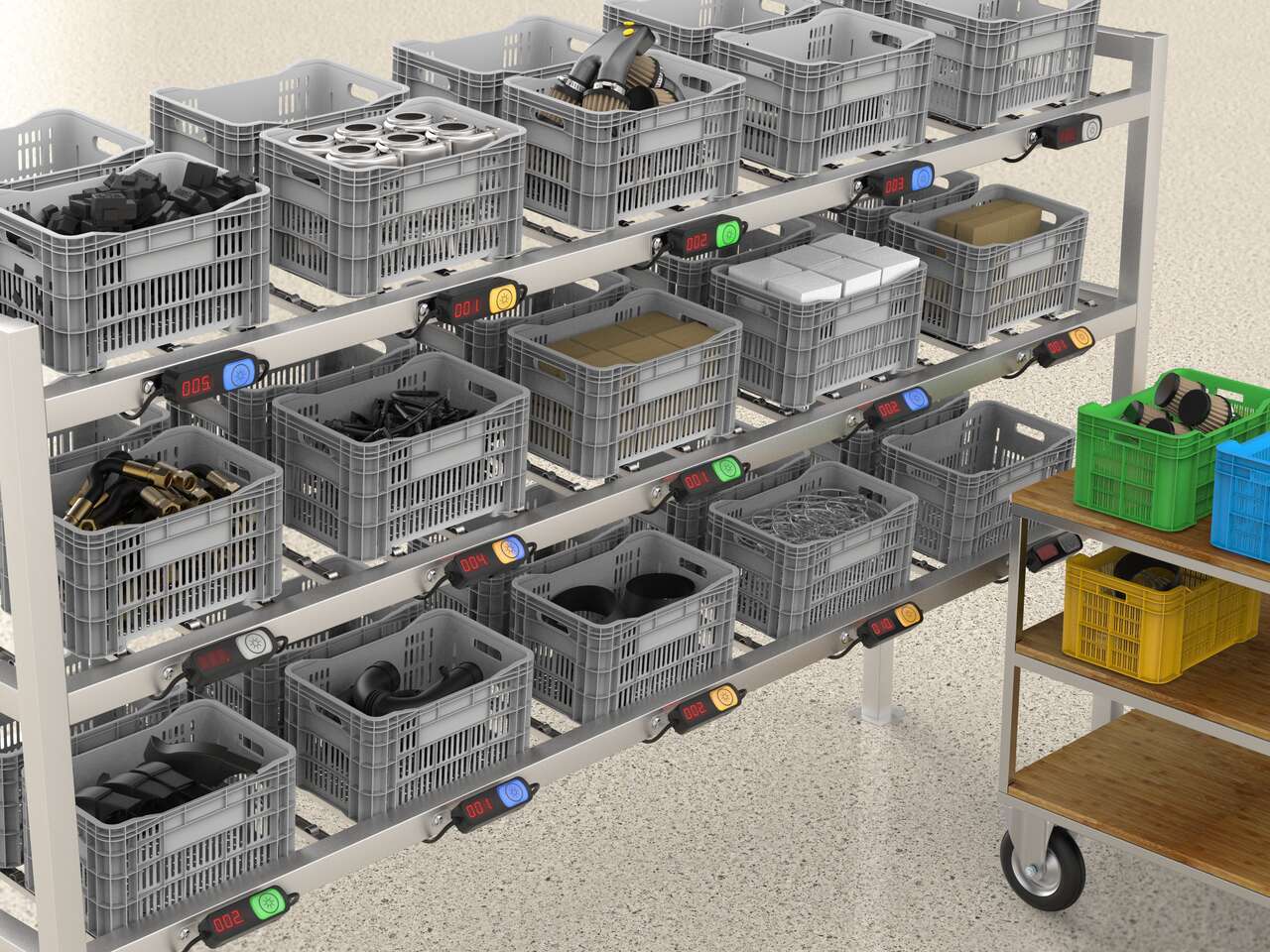
Put-to-light solutions improve the efficiency and accuracy of stocking and replenishment activities and can help prevent downtime by reducing delays due to misplaced or incorrect parts.
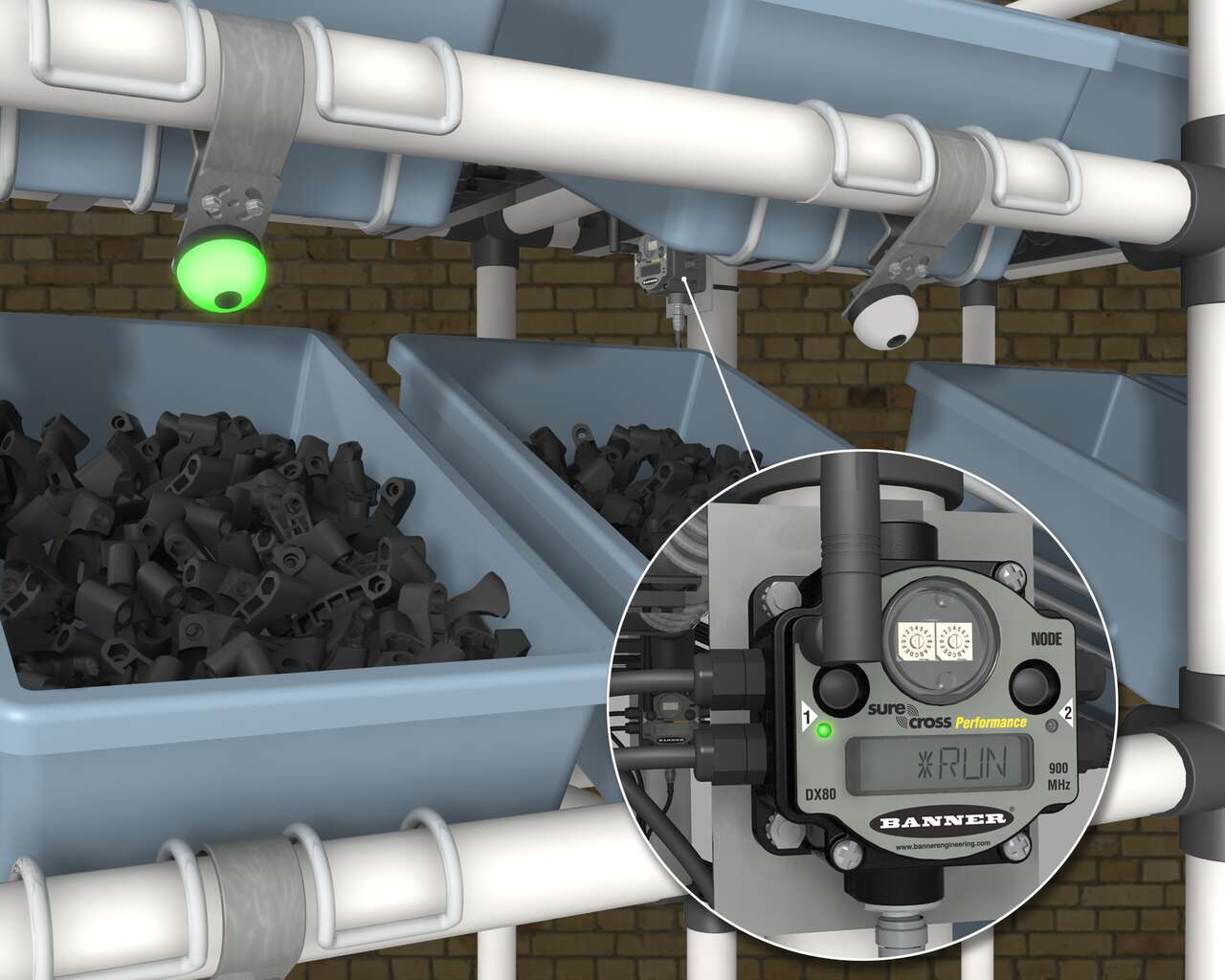
A Banner wireless solution is a simple way to optimize inventory, reduce errors, and minimize waste. Each SureCross Performance Node with I/O Mapping can be equipped with up to six EZ-LIGHT operator indicator lights. The SureCross Gateway is conveniently located at a central location where maintenance personnel and management can monitor the parts consumption throughout the site.
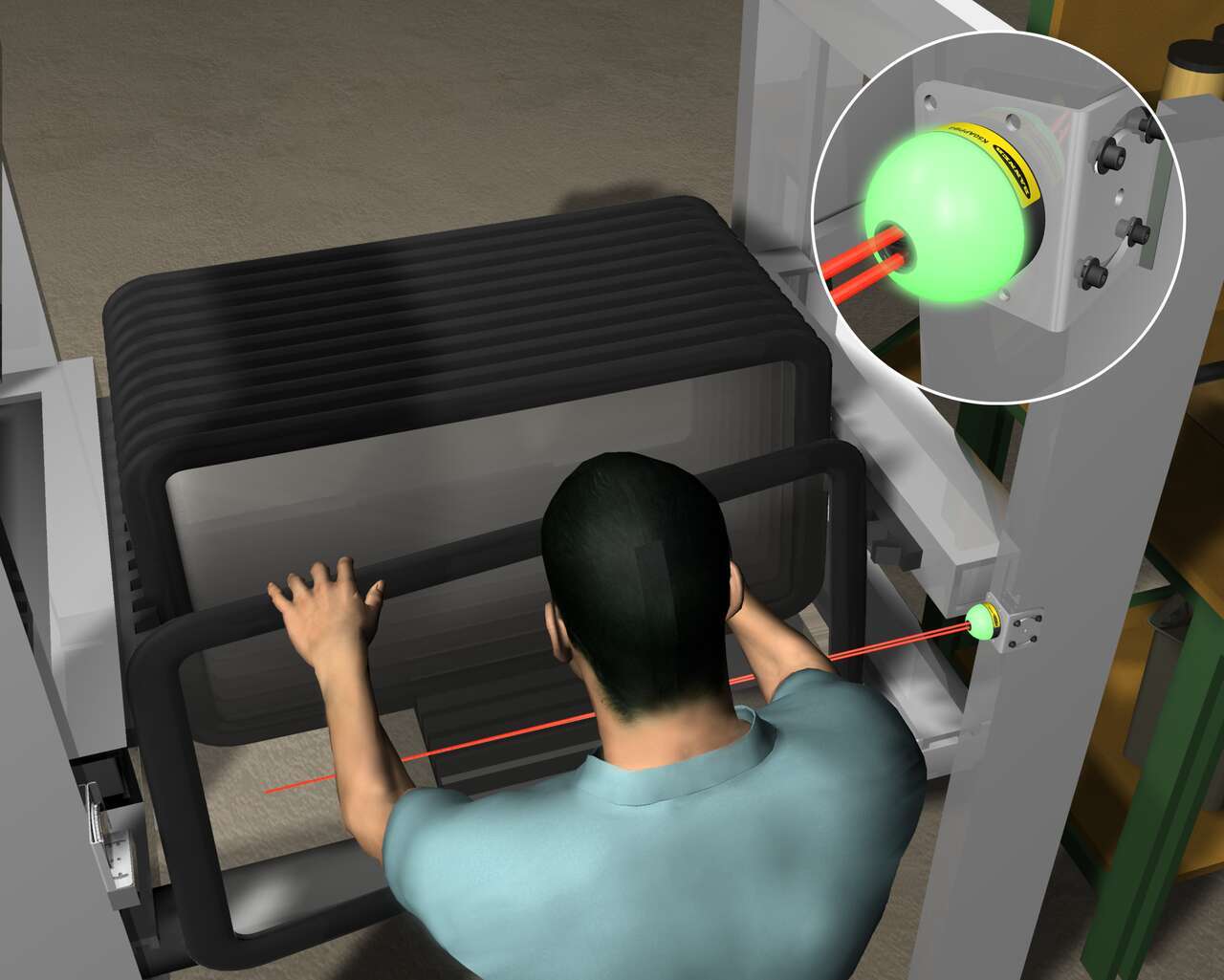
反射板式模式中EZ-LIGHT K50的感測器指示燈,按照裝配順序,下一個要取料的零件是天窗。當操作人員從寬口料箱中選擇天窗時,K50偵測到有人挑選了該項選擇。
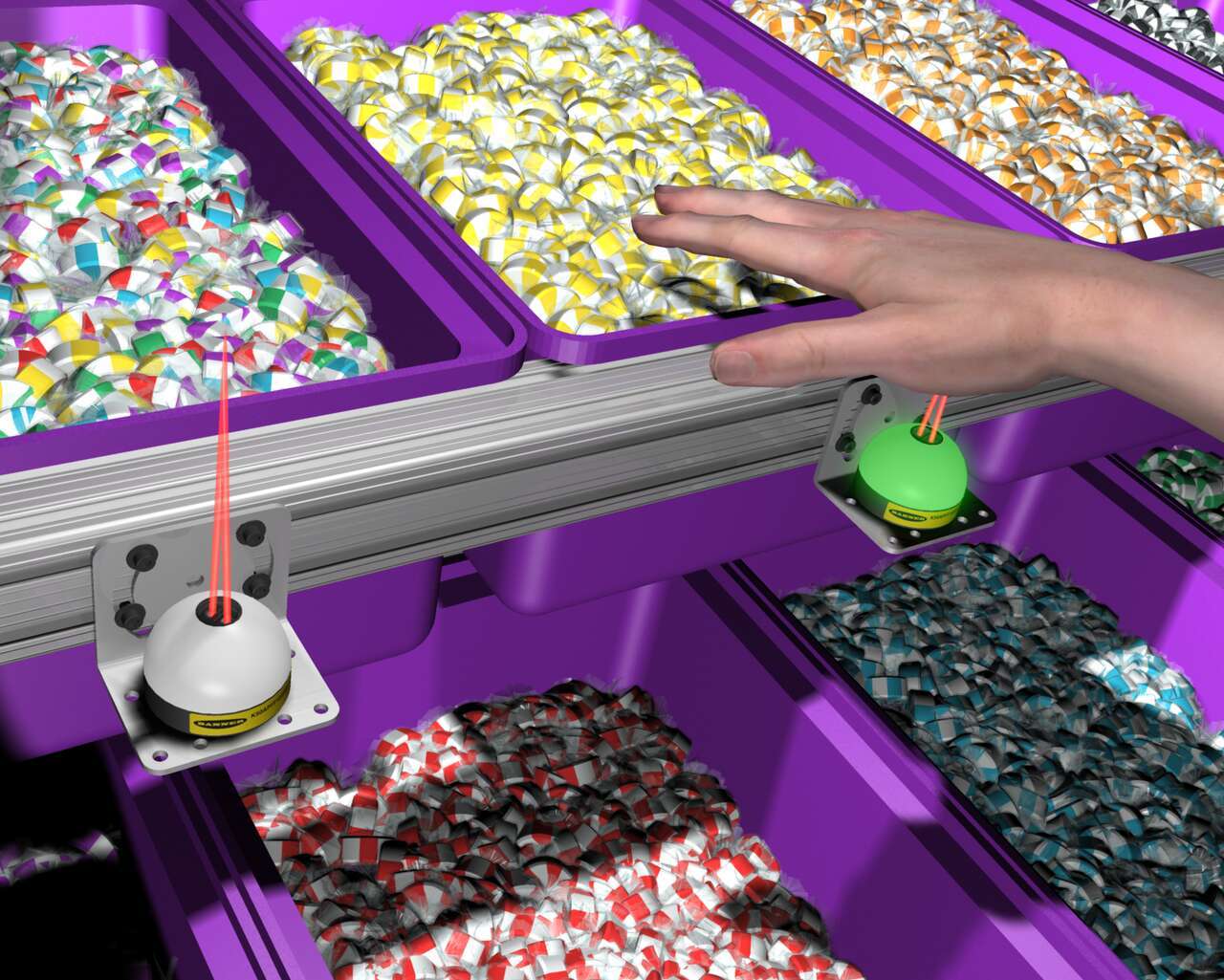
在糖果分銷商的訂單撿貨流程中, 配備EZ-LIGHT K50感測指示燈的箱子連接到根據訂單編寫程式的製程控制器。根據訂單要求,K50會亮起來,顯示有待選擇的物品。當工作人員將手放入箱子中時,指示器會偵測到手的存在,然後控制器就會觸發下一個待拾取糖果箱上的K50發光。
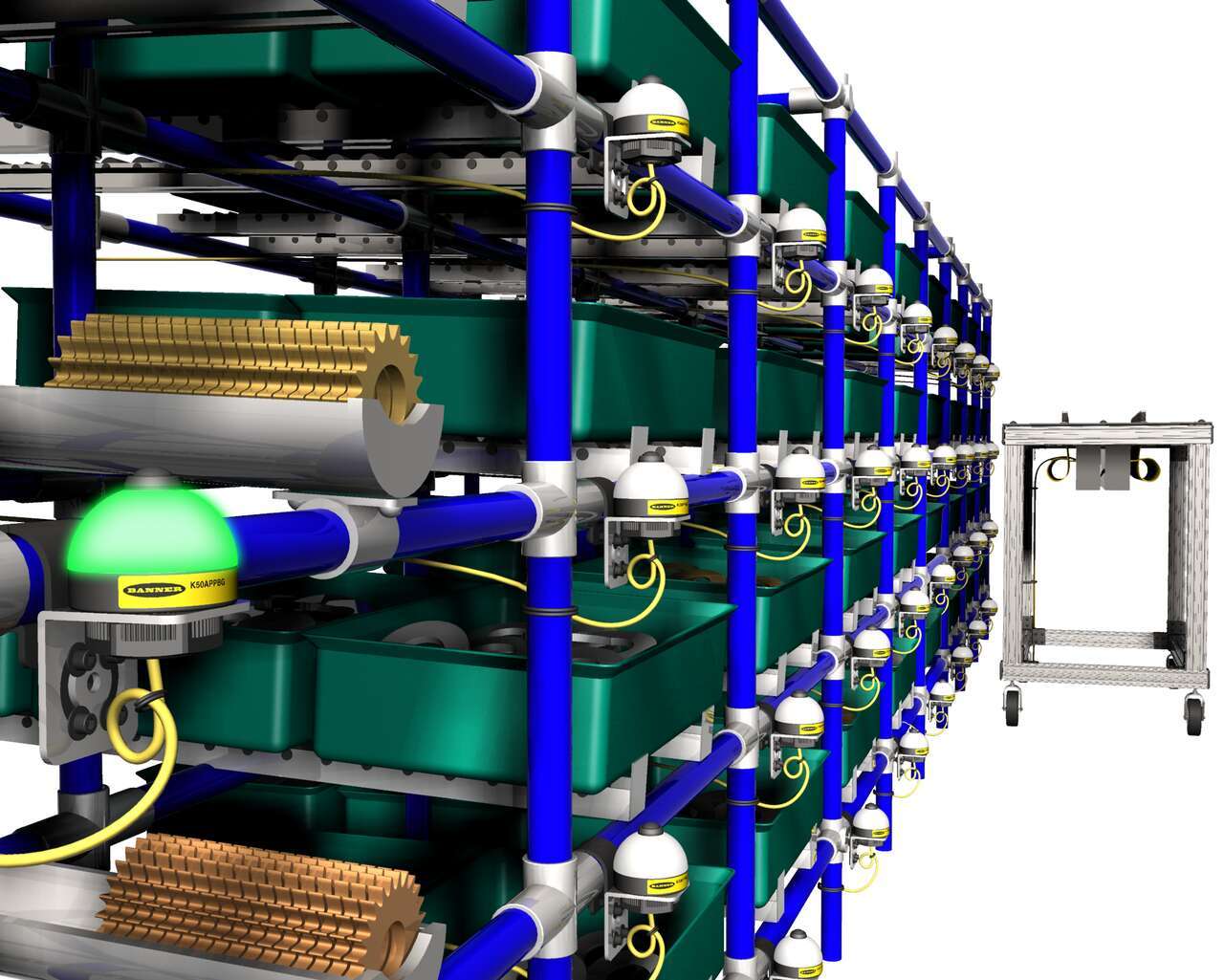
位於零件架上的按鈕EZ-LIGHT K50拾取燈感測器亮起,就是在指示要拾取的零件。拾取零件後,工作人員就按下指示燈上的按鈕,確認已經完成零件拾取。
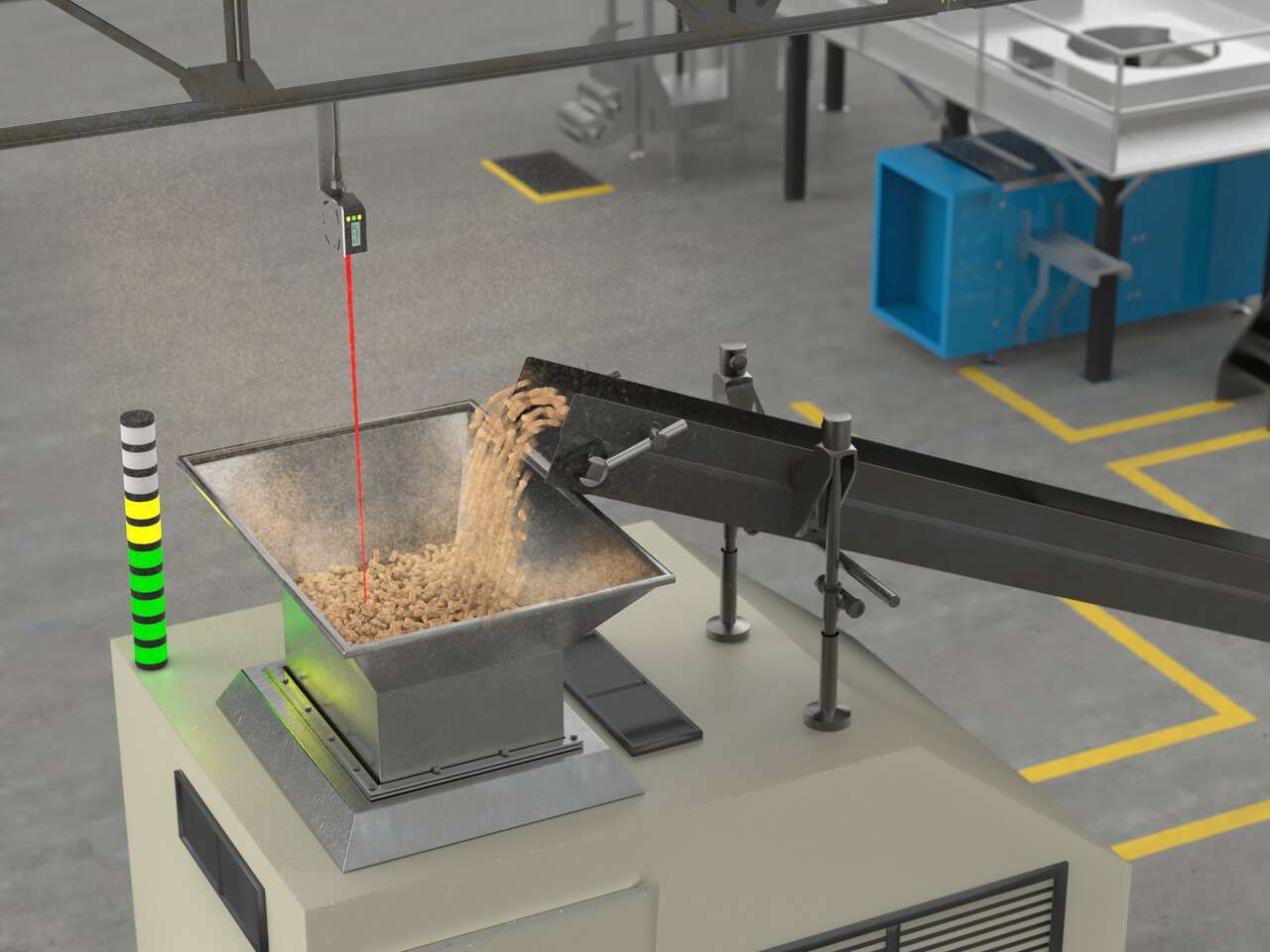
LED indicators with advanced programming capabilities can display dynamic statuses like fill level, takt time, machine transitional states, and more.
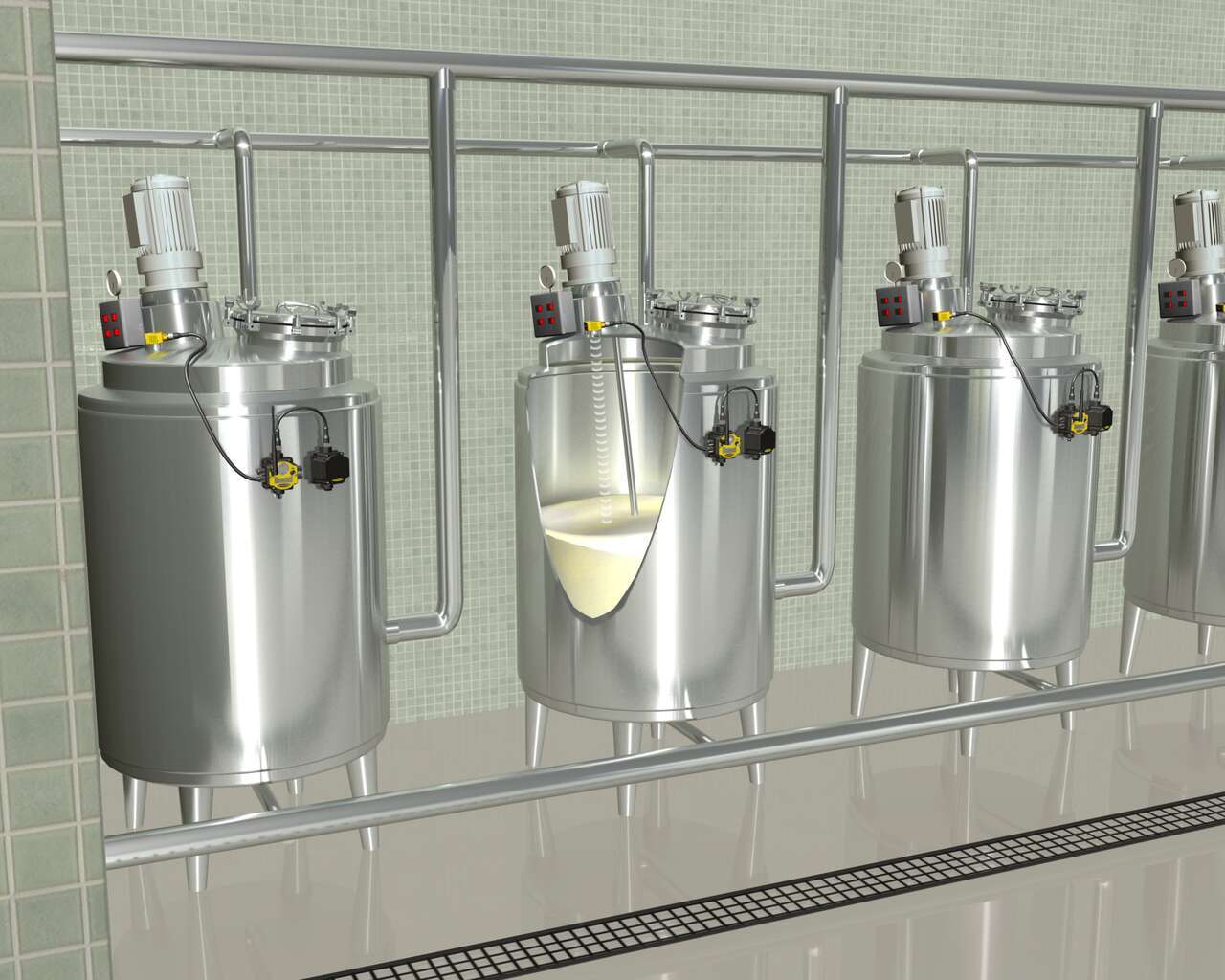
With a SureCross Wireless Network, FlexPower Nodes are deployed at each tank without the need to run cables for power or I/O data transmission. Banner’s unique power management capability enables a Node equipped with an ultrasonic analog level sensor to operate for years on a single DX81 battery power supply. A DX80 FlexPower Node offers a combination of discrete and analog I/O in a single package, eliminating the need for time-consuming manual data collection.
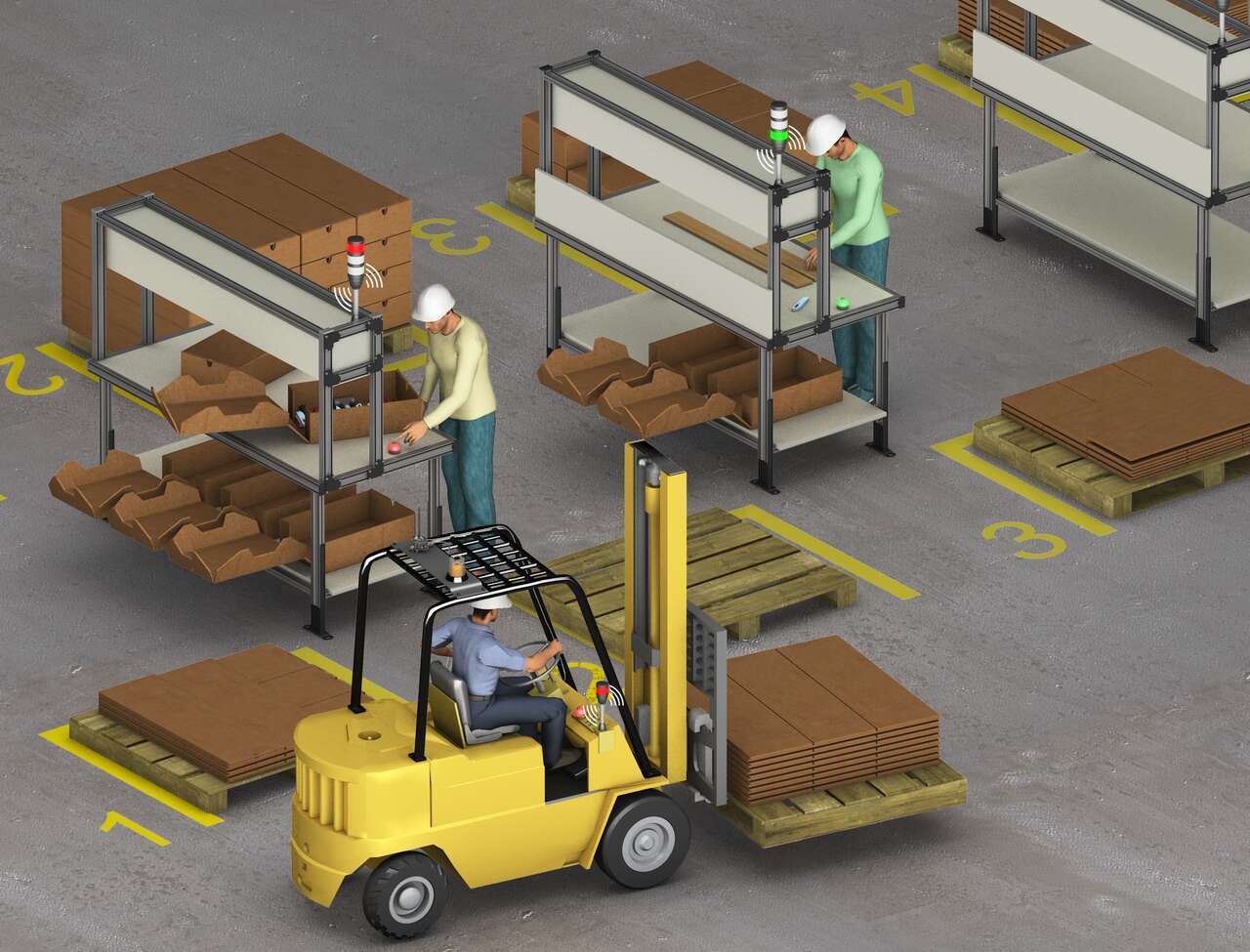
A system of Banner’s TL70 wireless modular tower lights and K50 touch buttons provides an efficient, easy way to communicate a call for more parts with a forklift driver. When a workstation is almost out of cartons, the operator touches the ergonomic K50 touch button which changes the status on the connected TL70 wireless tower light to red.
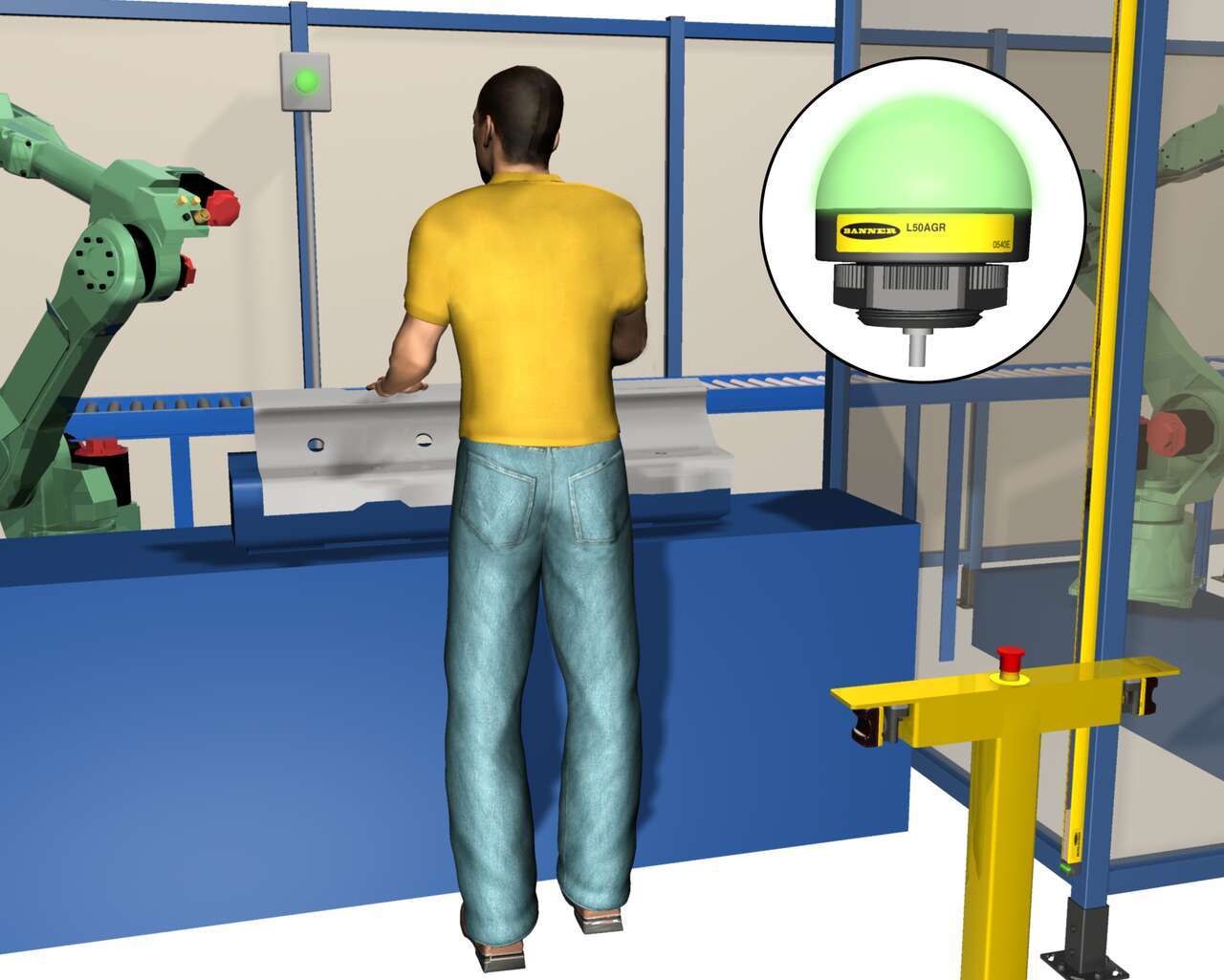
在安裝EZ-LIGHT K50L指示燈之前,操作人員在機器上放置零組件,會先離開工作區域,檢查堆疊燈以查看是否正確裝載了該零組件。如果沒有,操作人員必須在啟動機器對零部件的加工之前重新設置和檢查過程。由於K50L安裝在工作站內,使用簡單的Y接頭,操作人員可以立即知道零組件是否正確放置。
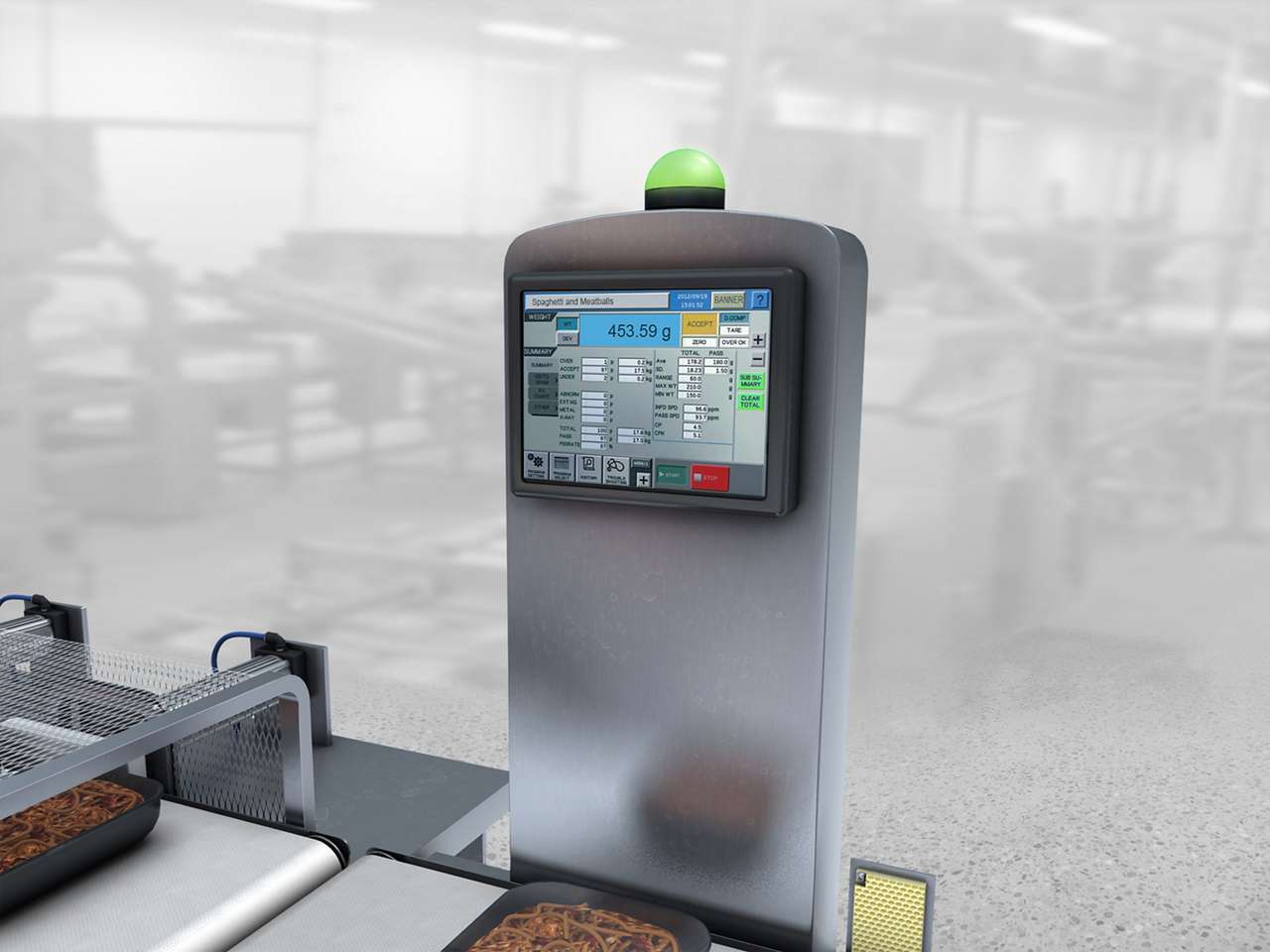
在強力的沖洗環境下,提醒操作人員在食品加工生產線上的秤重站上故障狀態。
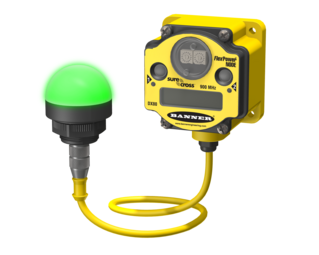
一家紙板商品印刷廠無法對照標準生產率追踪機器操作人員的效率和表現。
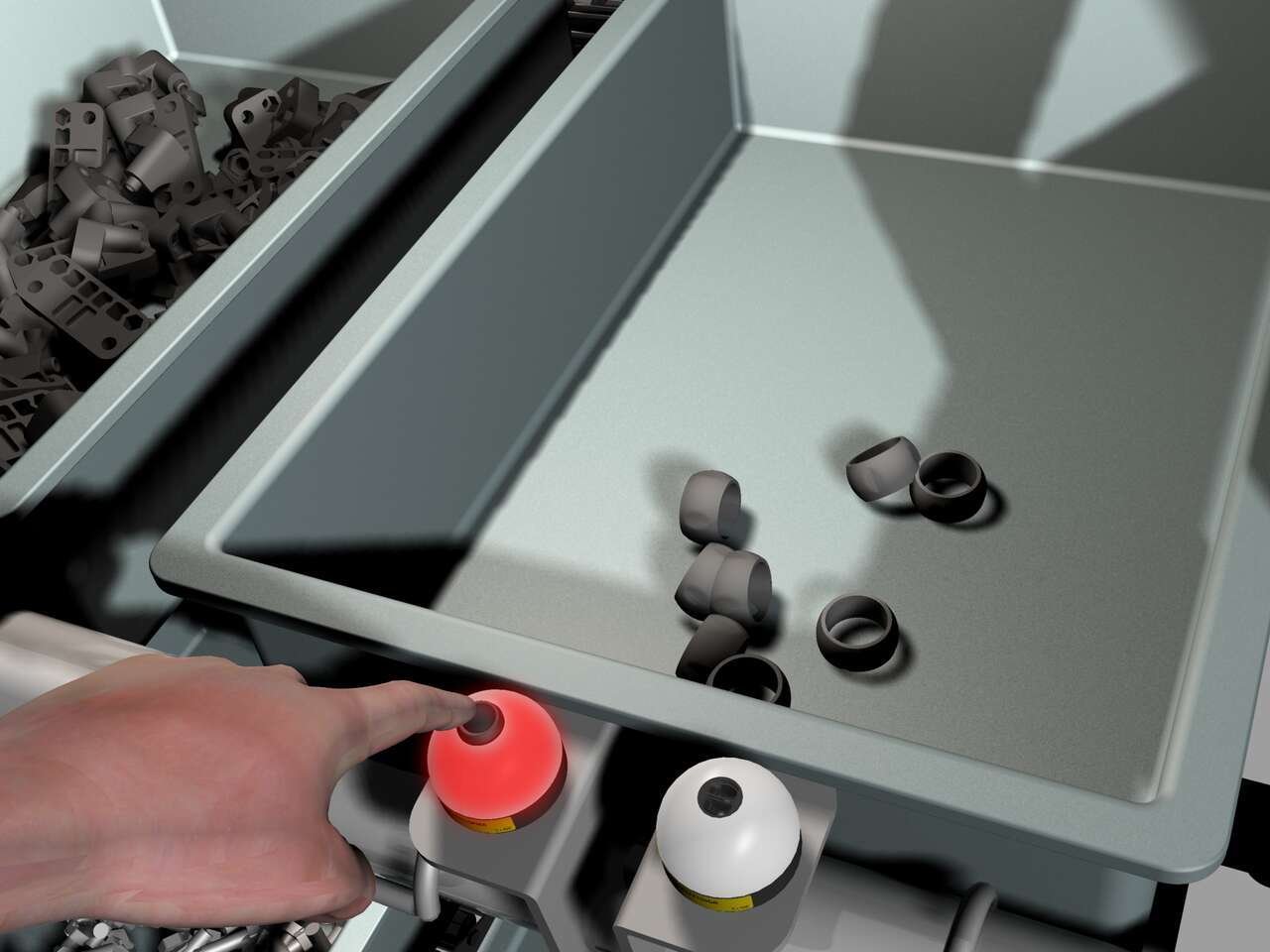
當零部件供應量很低時,組裝人員將EZ-LIGHT K50按鈕向左推(該按鈕用作呼叫按鈕),向滑道發出提供更多零部件的訊號。右側的K50燈用作零部件拾取指示燈。
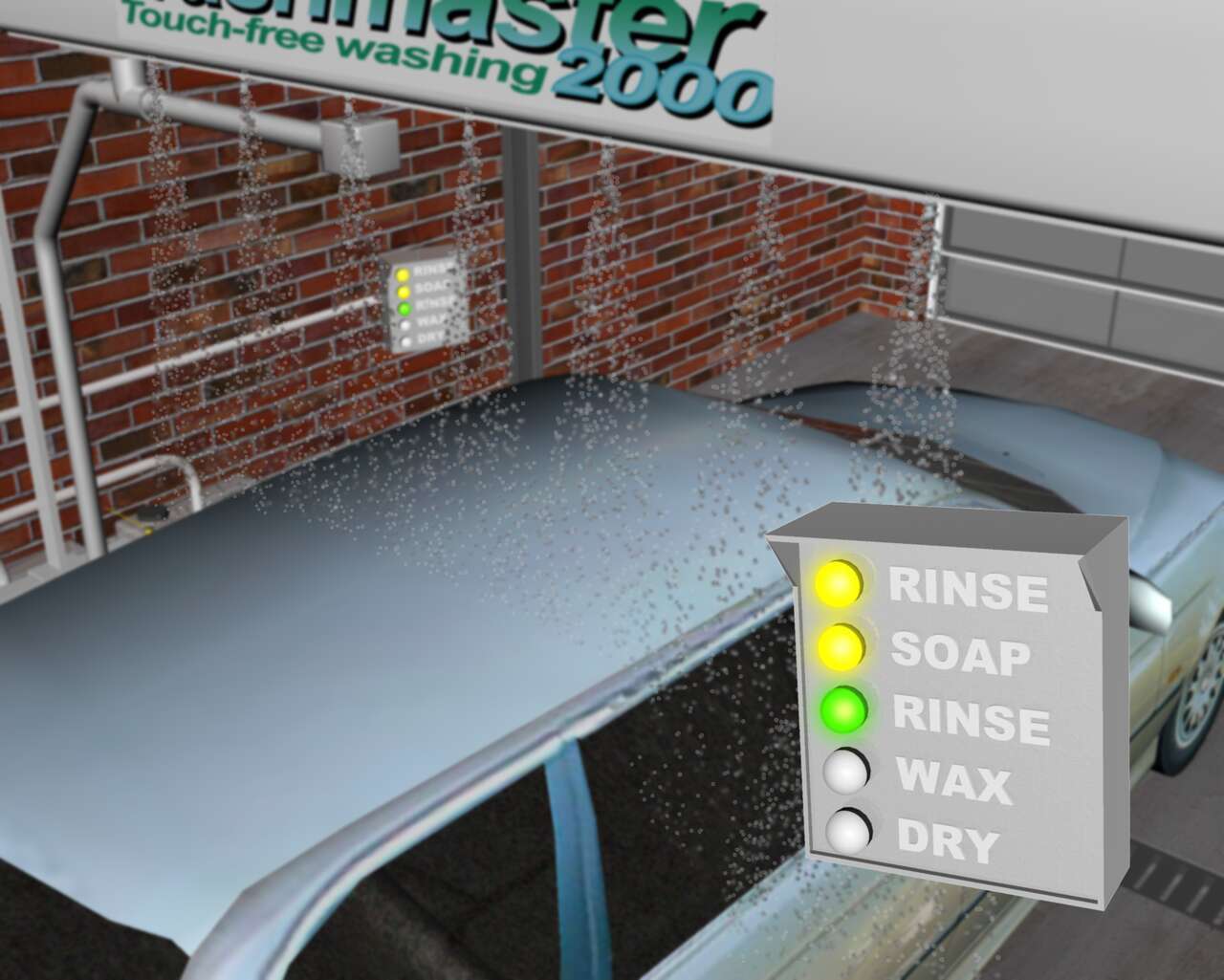
感測器解決方案,為洗車區內提供明亮指示,傳達洗車週期各階段的狀況。
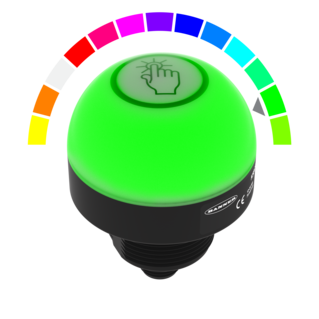
Watch this video for an overview of the features and benefits of the K50 Programmable Touch Button.
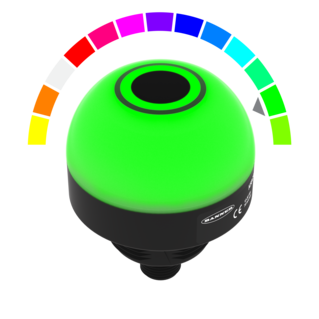
Watch this video for an overview of the features and benefits of the K50 Programmable Touchless Button.
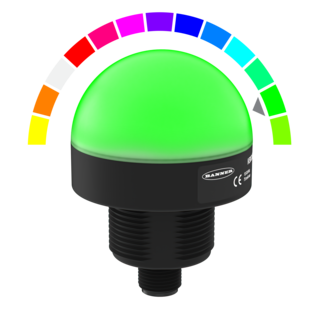
Watch this video for an overview of the features and benefits of the K50 Programmable Indicator.
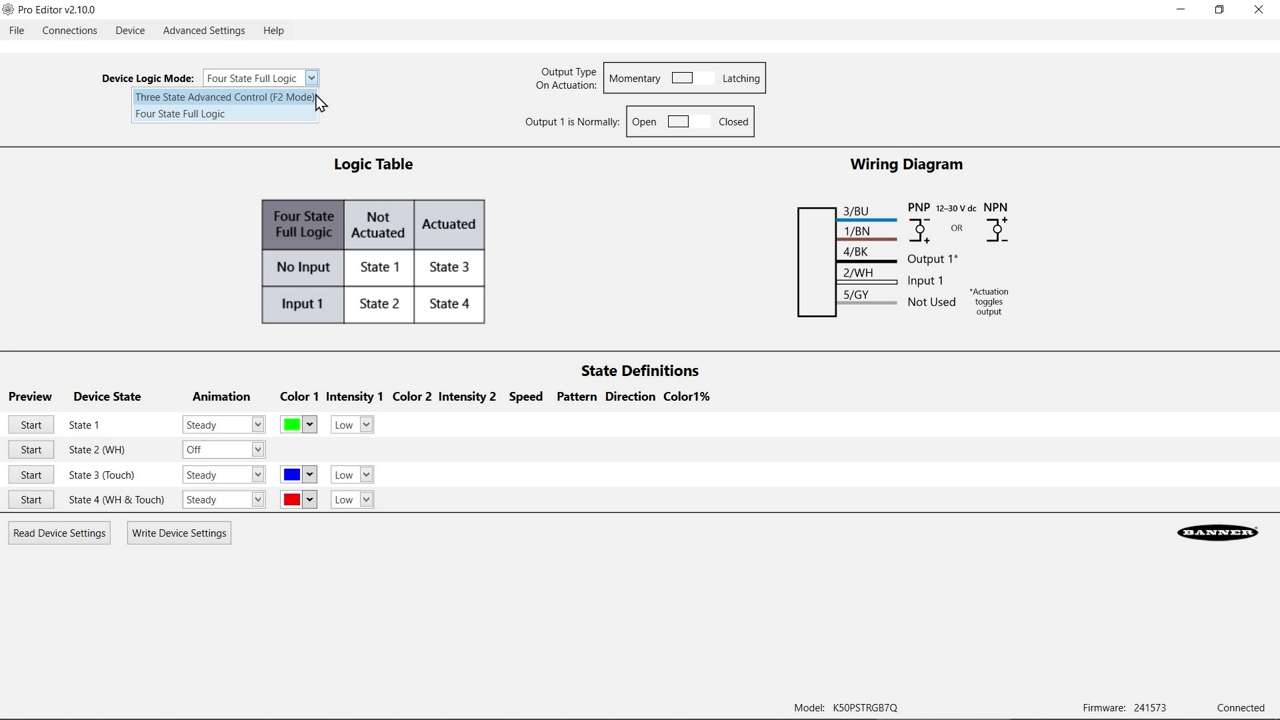
Watch this video to learn about the K50 Pro Select Touch Button 3-State Mode.
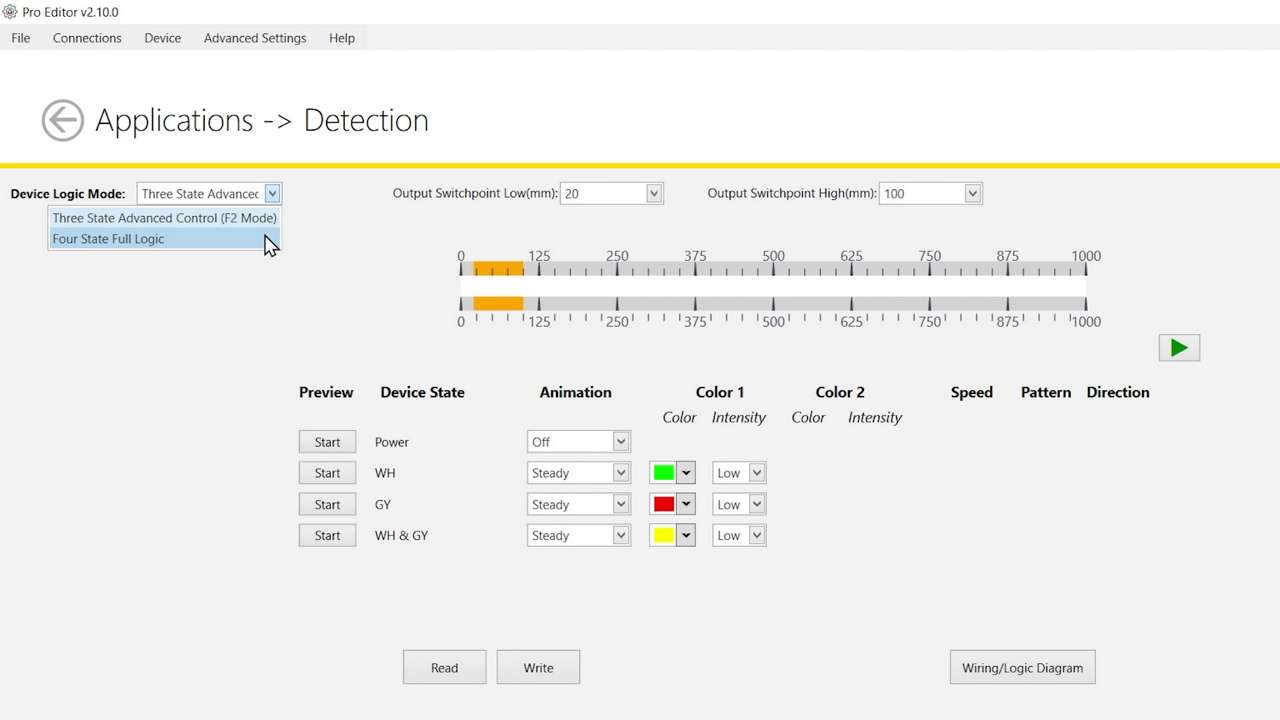
Watch this video to learn about the K50 Pro Select Optical Touch Button 4-State Detection Mode.
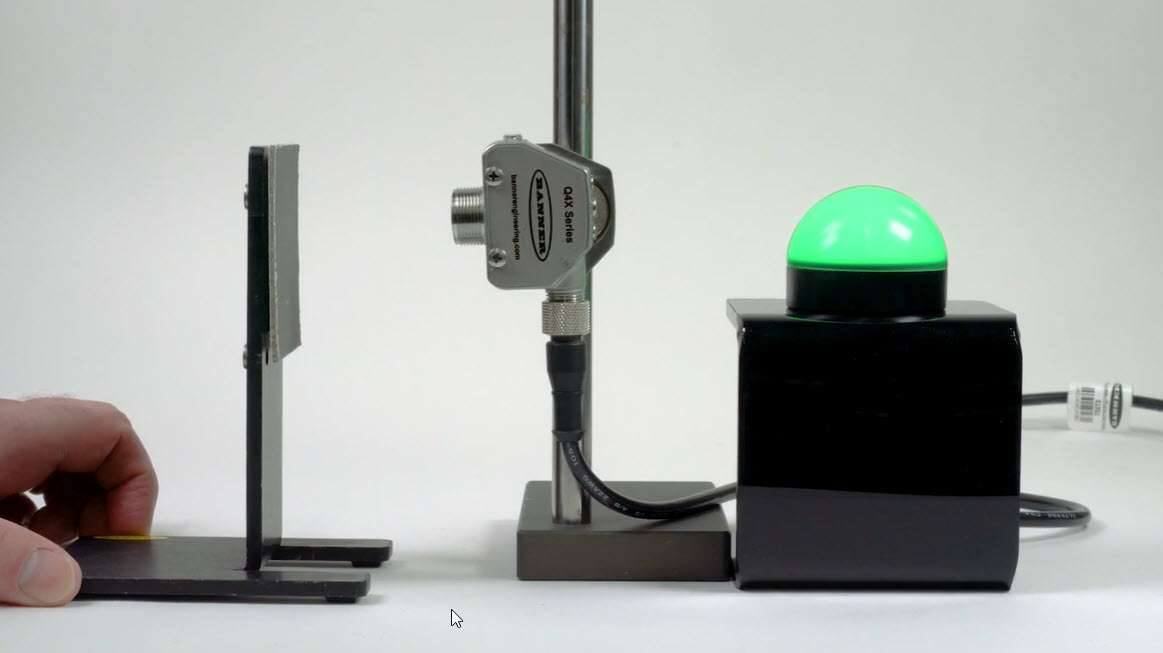
Watch this video to learn how to use the Pulse Control feature of the K50 Pro Select Indicators.
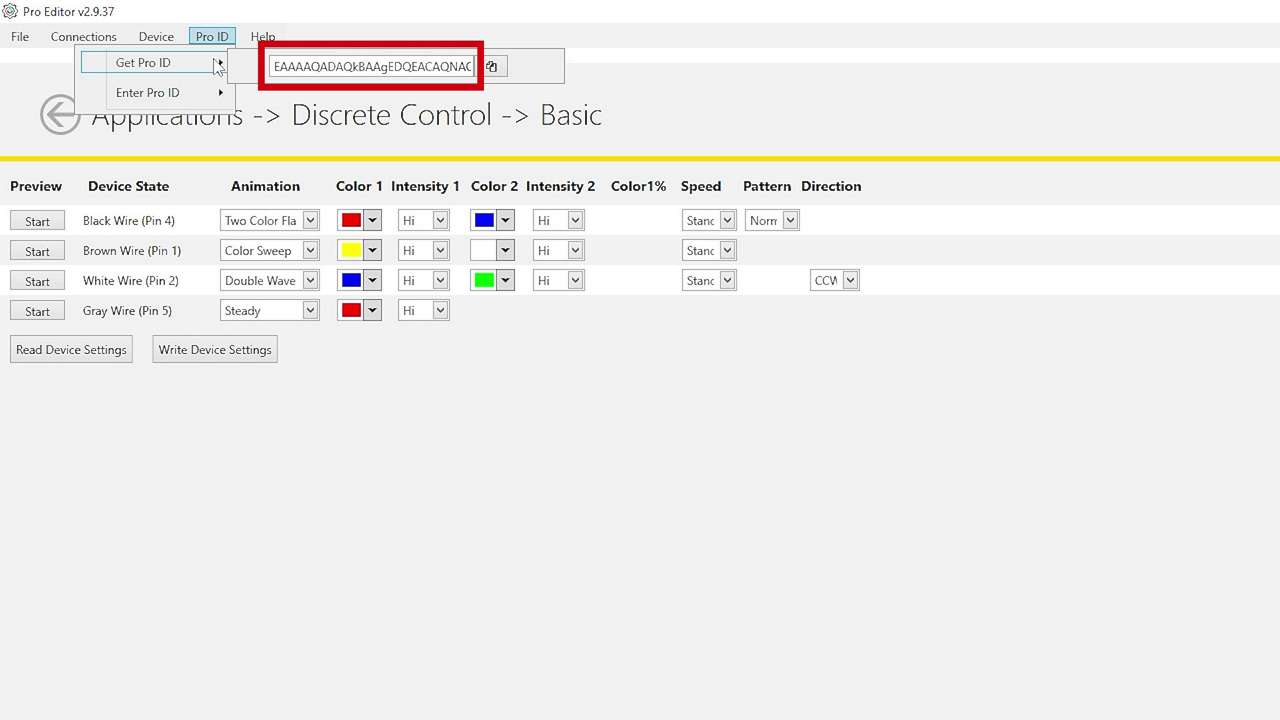
Watch this brief how-to video to see how Banner’s Pro ID feature and Pro Editor software quickly and easily copy configurations to Pro Select lighting products.
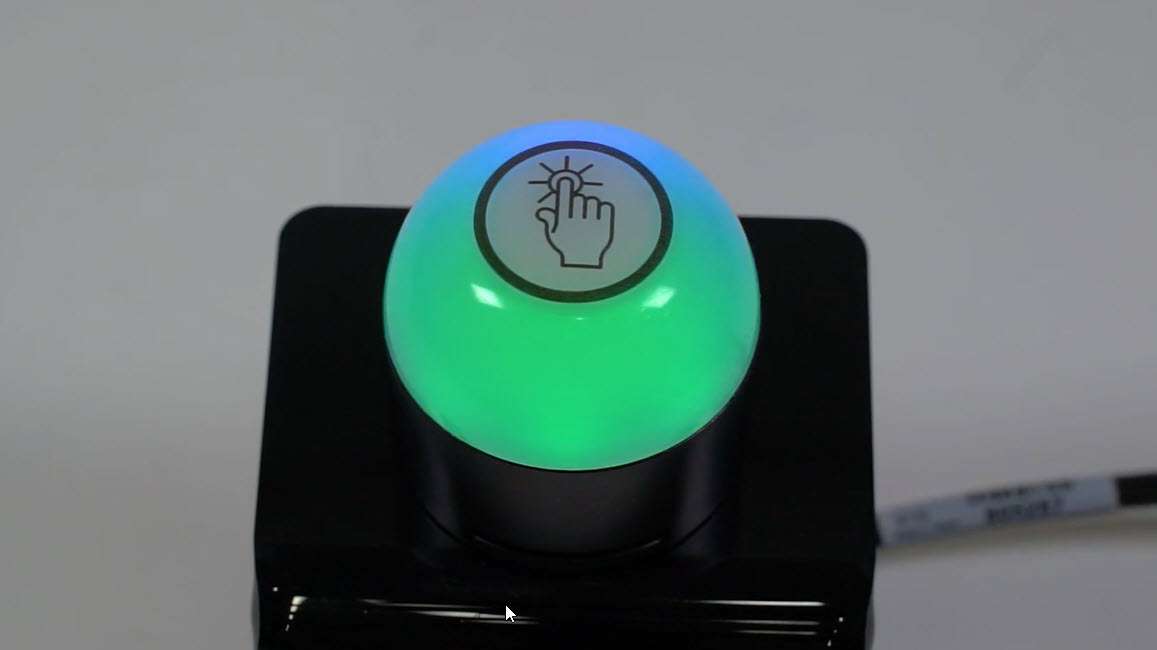
This video covers the basics of programing the audible alarm available in select models of the K50 Pro Touch Button from Banner Engineering.
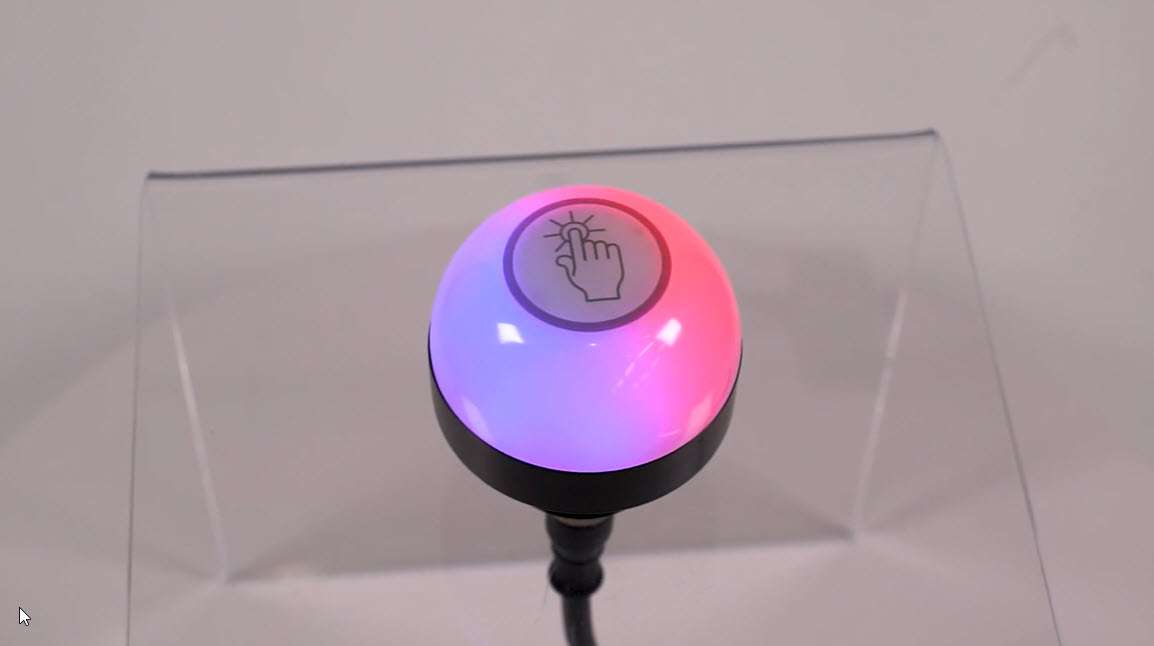
This video covers the basics of the 4-state mode for the K50 Pro Touch Buttons from Banner Engineering.
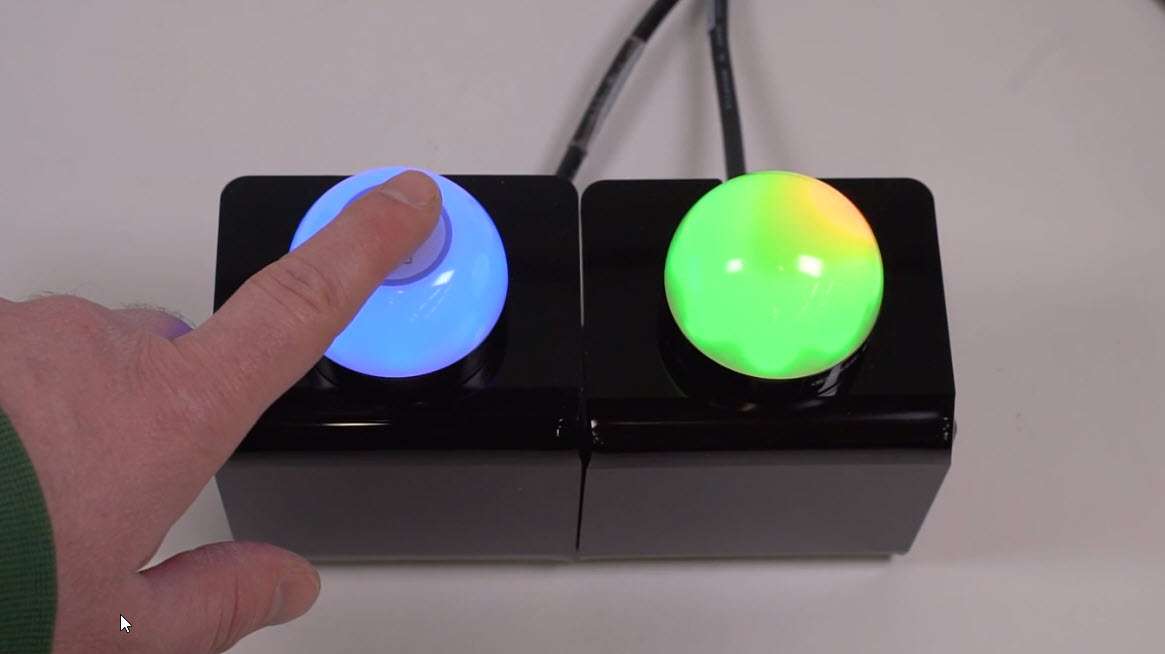
This video covers the basics of the 3-state mode for the K50 Pro Touch Button from Banner Engineering.
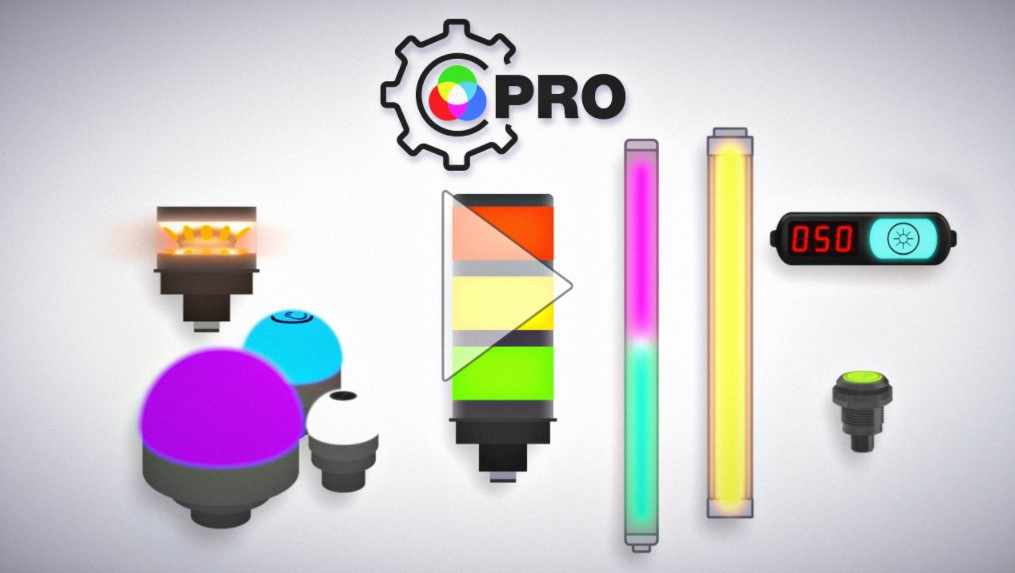
The Pro Series programmable multicolor LED devices from Banner Engineering offer limitless possibilities for advanced indication of dynamic machine states, operator interaction, and process statuses. Watch the video to see what elevates a Banner Pro light above a traditional factory light.

Banner Engineering offers a complete portfolio of touch buttons for your simplest to most advanced touch requirements. Watch the video to learn more about our capabilities for touch and indication.
![RGB Indicators for the Visual Factory [Video]](/content/dam/banner-engineering/projects/video-thumbnails/indication_for_the_visual_factory-new.psd/jcr:content/renditions/cq5dam.thumbnail.319.319.png)
Indicator lights are the visual language of machines. However, traditional indicators are limited. Watch the video the see how programmable RGB indication clarifies communication, simplifies your supply chain, and allows you to quickly create custom indication to match your process.
![K30, K50 and K70 Gen 2 Touch Buttons [Video]](/content/dam/banner-engineering/projects/video-thumbnails/K30_K50_K70_Video_Thumbnail-new.psd/jcr:content/renditions/cq5dam.thumbnail.319.319.png)
即使安裝在最嚴苛以及髒亂的應用環境之中,Gen2 拾取指示燈也能夠精準而持續的回應您的動作耐化學腐蝕的聚碳酸酯外殼,即使安裝在化學物質噴濺的環境也不會受到影響。
![K50 Pro and K30 Pro: Bolder Indication for Everyone, Anywhere [Video]](/content/dam/banner-engineering/projects/video-thumbnails/K30_And_K50_Video_Thumbnail-new.psd/jcr:content/renditions/cq5dam.web.1280.1280.jpeg)
Banner Engineering第二代的K50以及K30多功能指示燈,提供您更多指示燈選擇,簡化的配線以及更少的庫存需求,有效提升營運管理效率。有七種顏色的燈光可以選擇,放在單一的堅固耐用指示燈中.
Learn how to use the Pro Editor to configure K50 Pro Touch buttons.
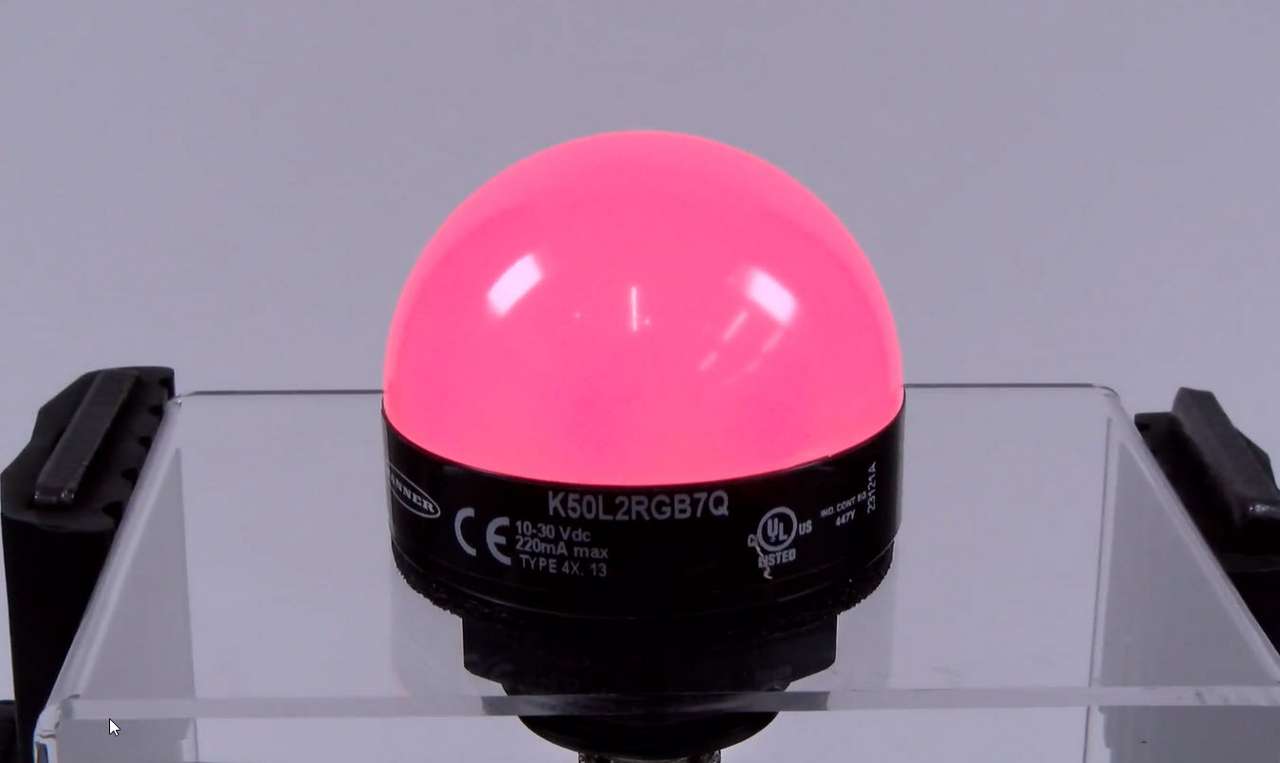
This video covers the basics of setting up a K50 Pro Series Indicator from Banner Engineering.
Our application engineers are here to help with expert guidance and support. Send us your inquiry, and we’ll get back to you as soon as possible. We’re here to make sure you get the answers you need.