Dynamic Flush-Mount Panel Indication and Feedback

S22 Indicators, Touch Buttons, and Pick-to-Light Devices

Have an Application Question?

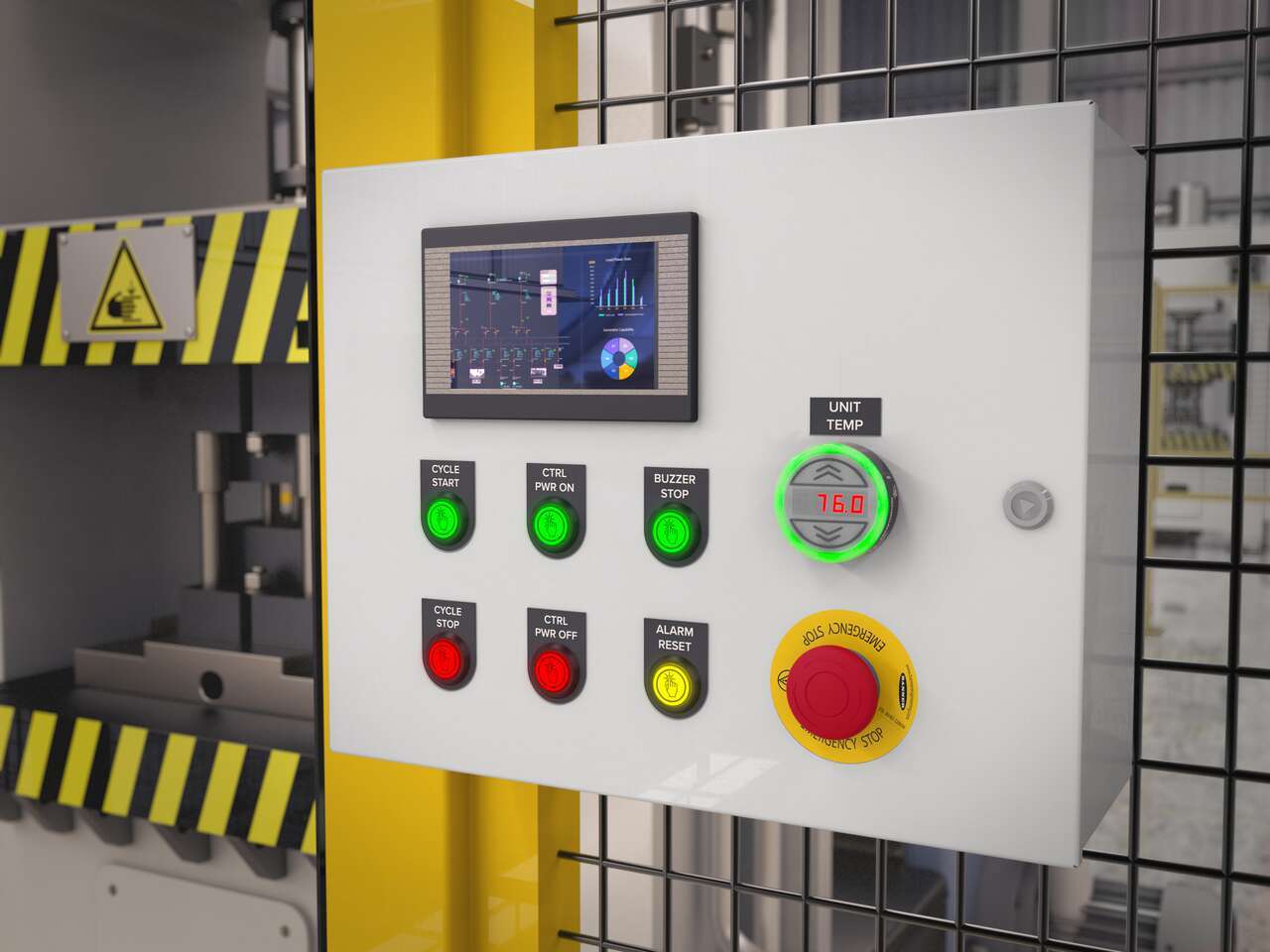
Flush-Mount Indicators, Touch Buttons, and Pick-to-Light Devices Provide Clean, Intuitive Operation

Multicolor communication

Indicators

Ergonomic operation and dynamic feedback

Touch Buttons

Greater productivity with fewer errors

Pick-to-Light

Benefits

Configure or Control with Programmable Models

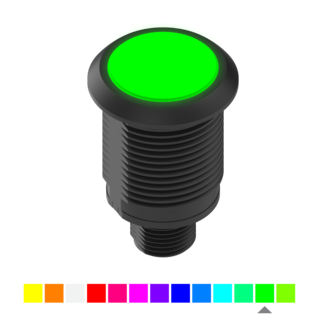
Color Selection

LED Animation

Intensity

Specialty Models

FDA-Grade

Logic and Control

Configurability to Meet Any Application

Advanced Logic and Control via IO-Link and Modbus

PICK-IQ® for High Device Density

Locally Programmed Logic Via Discrete I/O

Function State Table for Pick-to-Light Models

Pick-to-Light: C Function

Pick-to-Light: D Function

Pick-to-Light: E Function

Literatura Técnica

Documentos en inglés


Nombre de archivo
Archivos con Datos del Producto

Documentos en inglés


Siemens Functions

Documentos en inglés


Literatura Técnica

Documentos en español


Documentos en inglés


Nombre de archivo
Archivos con Datos del Producto

Documentos en inglés


Nombre de archivo
Siemens Functions

Documentos en inglés


Siemens Functions

Documentos en inglés


  • A Complete Family of Touch Buttons

    A Complete Family of Touch Buttons from Banner Engineering

    Banner Engineering offers a complete portfolio of touch buttons for your simplest to most advanced touch requirements. Watch the video to learn more about our capabilities for touch and indication.

  • RGB Indicators for the Visual Factory

    RGB Indicators for the Visual Factory

    Indicator lights are the visual language of machines. However, traditional indicators are limited. Watch the video the see how programmable RGB indication clarifies communication, simplifies your supply chain, and allows you to quickly create custom indication to match your process.

  • S22 Pro Series Indicators and Touch Buttons

    S22 Pro Series Indicators and Touch Buttons

    S22 Pro Series touch buttons and indicators provide bright, multicolor indication and can be programmed with a wide variety of pre-defined color and animation options using the Pro Editor Software. Watch the video to learn more.

Selección de productos

How-to: Advanced Table Functionality

Arrange column order by dragging and dropping the column header left/right with your mouse.

Sort items in a column by ascending values by clicking the table header once. Click a second time to sort by descending order. Click a third time to remove the sorting for that column.

Shift-click additional column headers to sort by multiple attributes. The first column you sort becomes the primary sort, and each Shift-clicked column adds a secondary level of sorting.

Productos recomendados
  • Restablecer
Resultados 1- de

Have a Technical Question?

Añadir a Mi Biblioteca
Añadido