
Conditional Indication for Machine Health Monitoring
See how Banner’s SD50 and K50 indicators show live vibration values and fault alerts locally without changing your existing monitoring system.
Standard and programmable K50 Indicators cover everything from basic status indication to complex visual signaling across a wide range of applications. Model variants include beacon, audible, and daylight-visible, ensuring unmistakable indication indoors and out, while IP66/IP67/IP69K ratings support long-term performance in demanding conditions.
Standard models offer immediate deployment with up to five fixed colors and are available in compact, domed, and flat pack housings, as well as specialty housings for hazardous zones and hygienic environments.
Programmable models provide configurable RGB LED response and support for real-time control over IO-Link or Modbus. 14 colors and 11 animations can be configured using Banner’s free Pro Editor software or controlled dynamically via protocol.
K50 Touch Buttons combine advanced touch technology with unmistakable status indication that translates process signals into clear, interactive feedback. Available in domed or compact housings, all models streamline panel design by replacing multiple conventional buttons with a single device that supports latching or momentary functions and can be operated without pressure—reducing strain and improving ergonomics.
Standard models are ready out of the box with up to three fixed colors, selectable based on input priority. All models are IP66/IP67/IP69K-rated for reliable performance in demanding environments.
Programmable models extend functionality with configurable touch response, multiple I/O modes, and support for real-time control over IO-Link or Modbus. Color, animation, and on/off delays can be configured using free Pro Editor software or controlled dynamically via protocol.
Variants include models with audible output, integrated displays, and FDA-grade housings for hygienic environments.
K50 Touchless Buttons deliver reliable, no-contact activation with unmistakable status indication—ideal for reducing touchpoints in high-cycle applications. Configurable optical sensing from 20 to 1000 millimeters ensures responsive operation tailored to the task. 14 color options, 11 animations, and on/off delays—all configurable using free Pro Editor software or controlled dynamically via IO-Link or Modbus—provide visual feedback that makes any process more intuitive. Support for Banner’s PICK-IQ protocol enables real-time feedback and faster updates in dense systems.
Lightweight construction provides a cost-efficient solution while maintaining IP66/IP67/IP69K-rated protection for harsh industrial environments. With no moving parts and built-in immunity to ambient light, EMI, and RFI, K50 Touchless Buttons ensure long-lasting, zero-contact control in demanding applications.

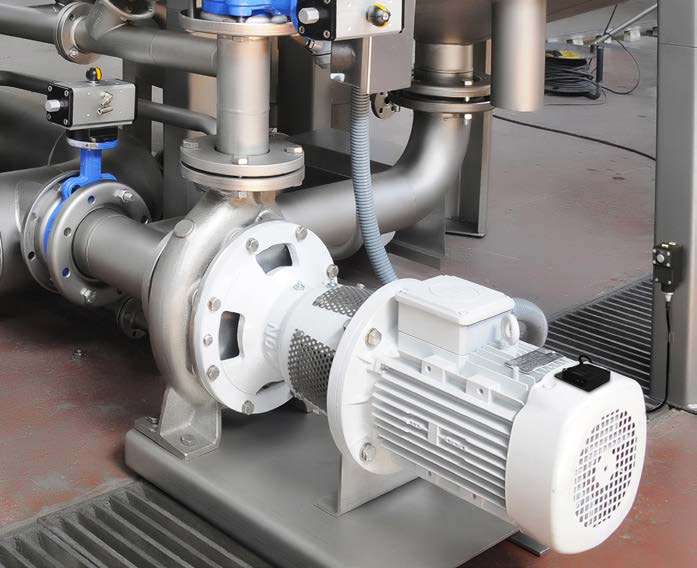
See how Banner’s SD50 and K50 indicators show live vibration values and fault alerts locally without changing your existing monitoring system.
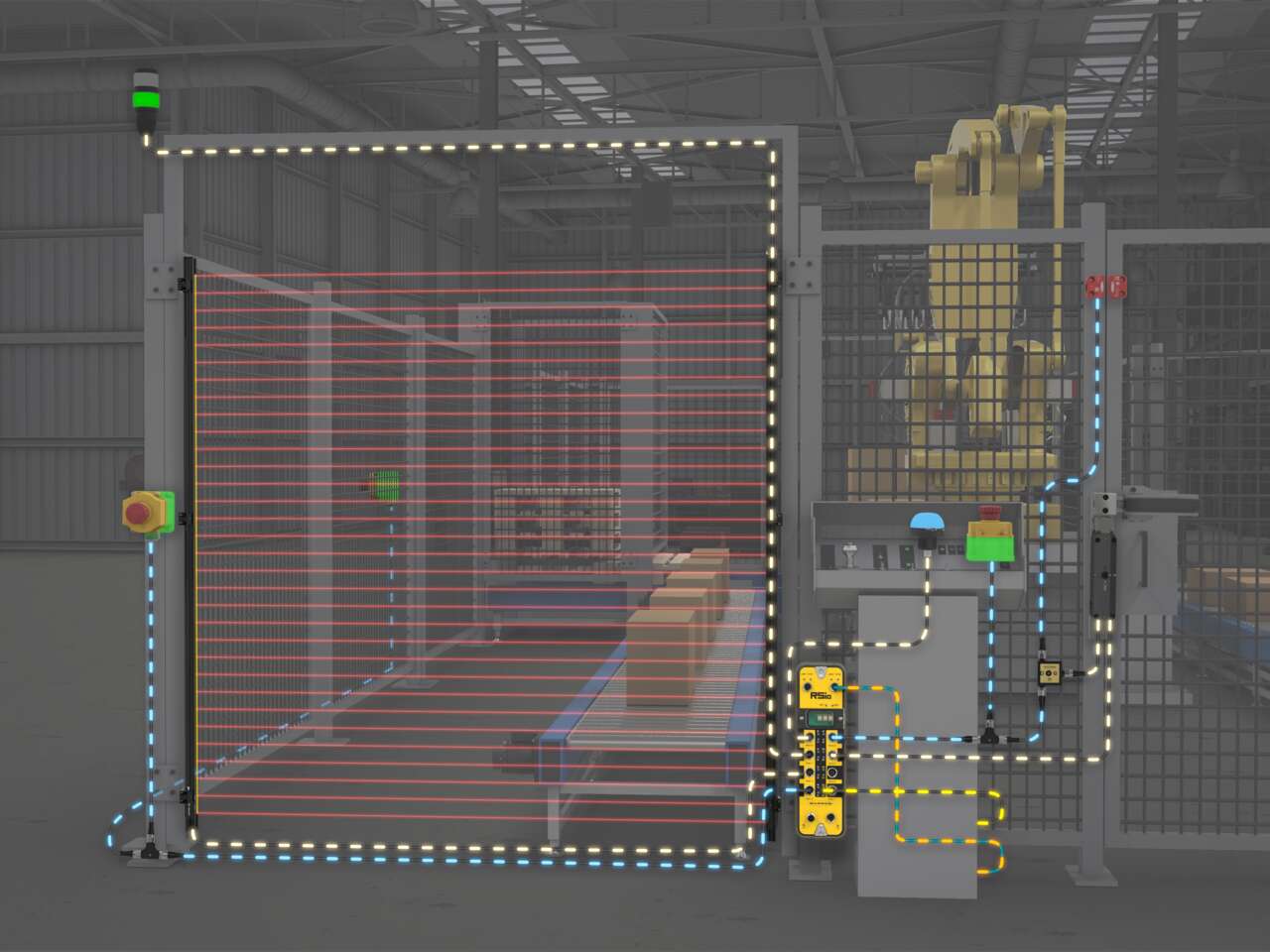
Use RSio to create a complete safety solution for robotic palletizing cells that takes advantage of hybrid I/O and In-Series Diagnostics (ISD).
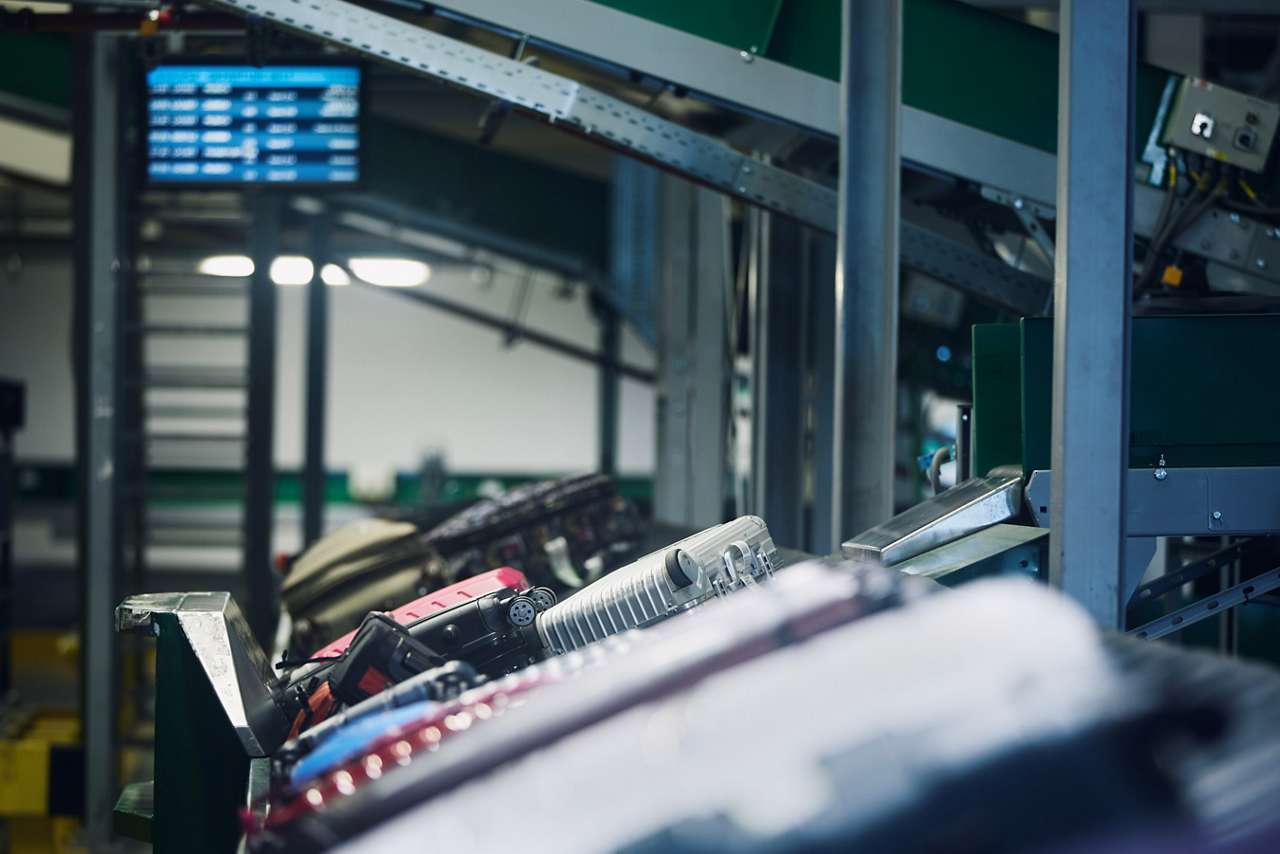
A manager in charge of installing a baggage handling conveyor sought a light to indicate start, jam, and reset conditions with different colors and animations.
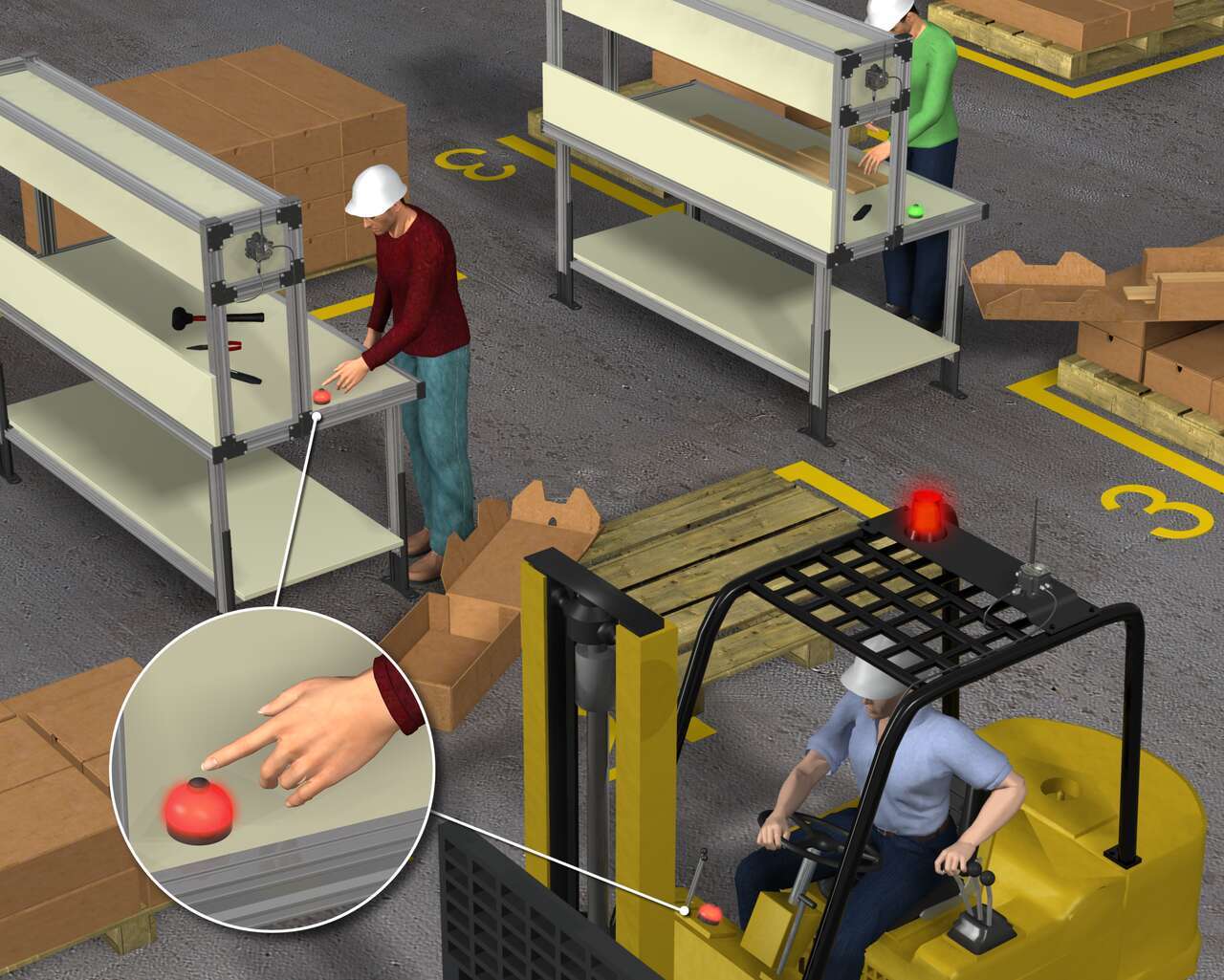
이 고객사는 지게차 대시보드에 표시등을 달아 지게차 운전자의 응답 시간을 단축하고 지게차 운전자가 요청을 확인해 여러 운전자가 중복된 부품을 공급하는 일이 없도록 하는 솔루션이 필요합니다.
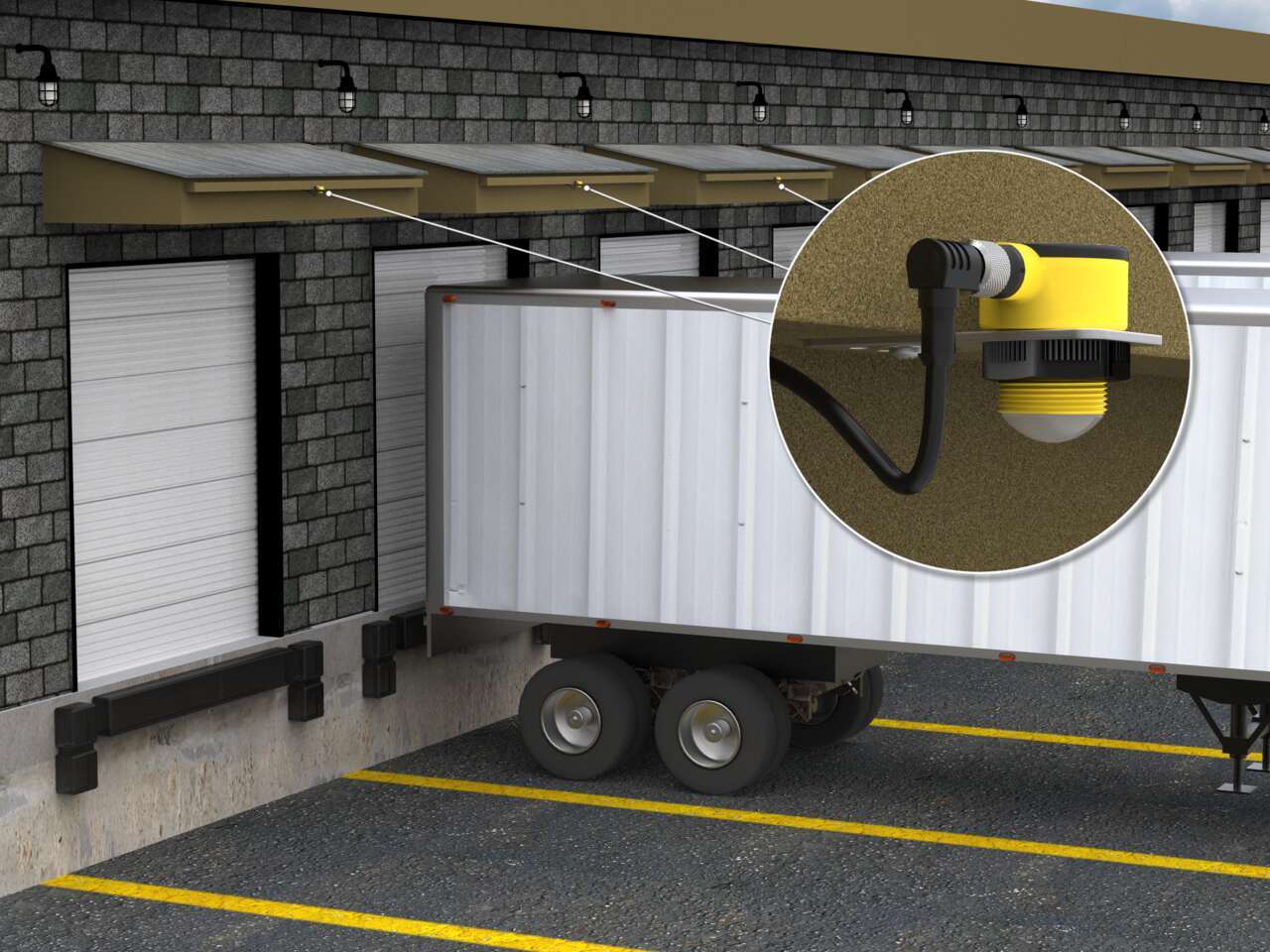
Vehicle detection at loading docks is complicated because sensing solutions are exposed to the elements and need to recognize a wide variety of surfaces. Rugged ultrasonic sensors work well to accurately detect the surfaces of delivery vehicles regardless of the material. Pairing with bright LED indication creates unmistakable operator guidance.
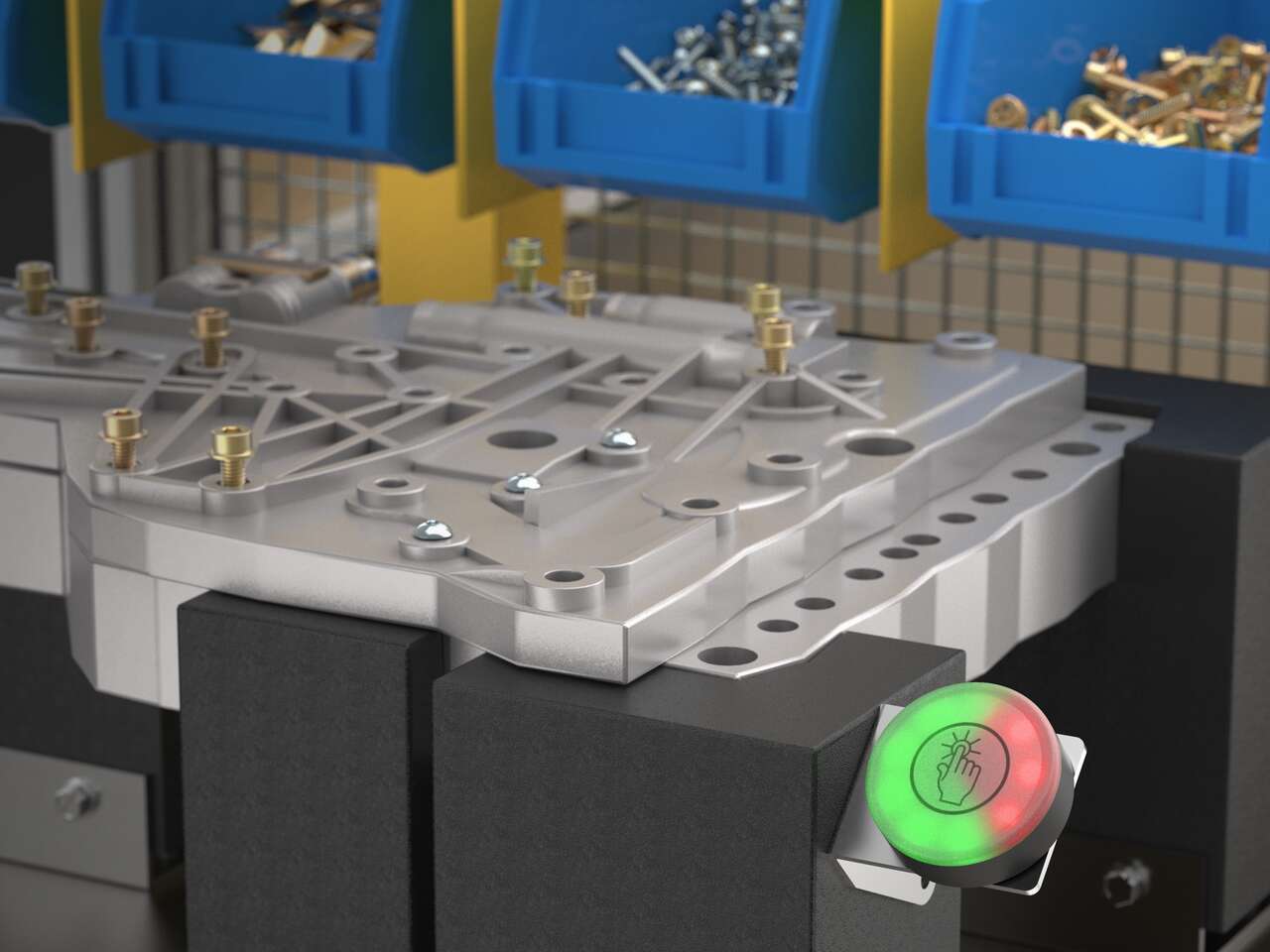
IO-Link 통신을 사용하는 K50 Pro 터치 버튼은 작업자의 시선 내에 Takt 시간을 표시해 조립 속도를 맞추고 생산 목표를 충족할 수 있습니다.
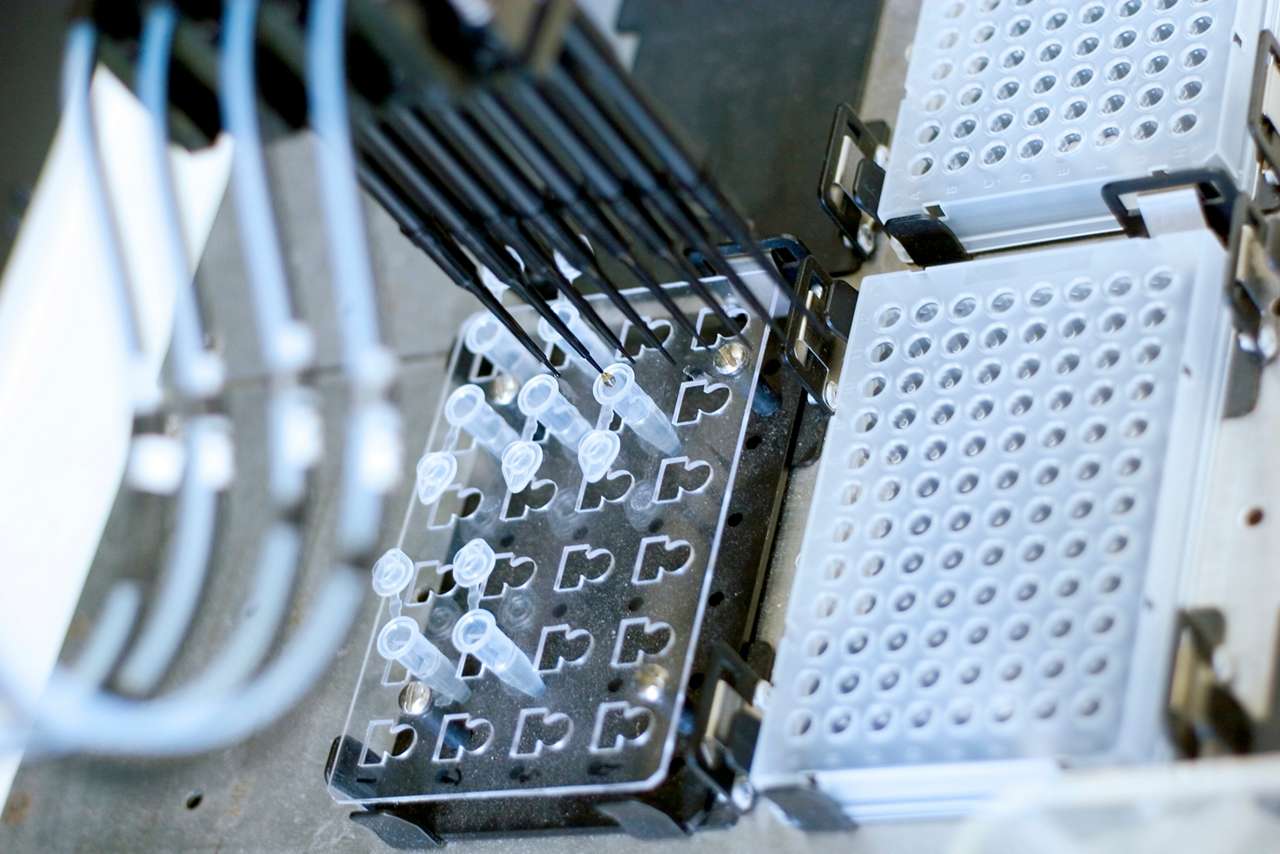
임상 실험실에서는 시료를 신속하게 처리해 높은 수준의 처리량을 유지해야 하는데, 검사 절차 중 발생하는 모든 지연은 작업흐름을 중단시킬 수 있습니다. K50L2와 같은 LED 조명은 기계 상태를 알려 실험실 작업자가 시기 적절하게 오류를 수정하고, 시료를 처리하고, 결과를 수집할 수 있도록 합니다.
![무인 차량의 상태 표시 [성공 사례]](/content/dam/banner-engineering/photography/general---stock-photography/stock_photo_new/AdobeStock_189577689.jpeg/jcr:content/renditions/cq5dam.web.1280.1280.jpeg)
K50L 돔형 50mm 표시등은 자율 주행 셔틀 버스의 상태 표시에 적합합니다. 이러한 버스는 야외 환경에서 단거리를 운행하기 때문에 버스에 적용된 기술이 다양한 기상 조건에 노출됩니다. 하지만 견고한 K50L 표시등은 IP67 및 IP69K 등급을 받아 혹독한 환경에서도 물기가 새어 들어올 염려가 없습니다.
![제과점 재료의 정확한 측정 [성공 사례]](/content/dam/banner-engineering/photography/general---stock-photography/valueprop/edited/wcc-migration/2015/dropbox3.jpg/jcr:content/renditions/cq5dam.web.1280.1280.jpeg)
베이킹은 창의성, 정확성 및 세밀한 관심이 혼합된 분야입니다. Wilkinson Baking Company는 이런 혼합 분야에 기술 혁신을 추가했습니다. Wilkinson Bread Bakery는 완전 독립식으로 운영되는 자동화된 소규모 제과점입니다. 이 독특한 기계는 기술을 전통과 결합하여 간단한 원료를 1시간에 40개의 신선한 빵으로 만듭니다.
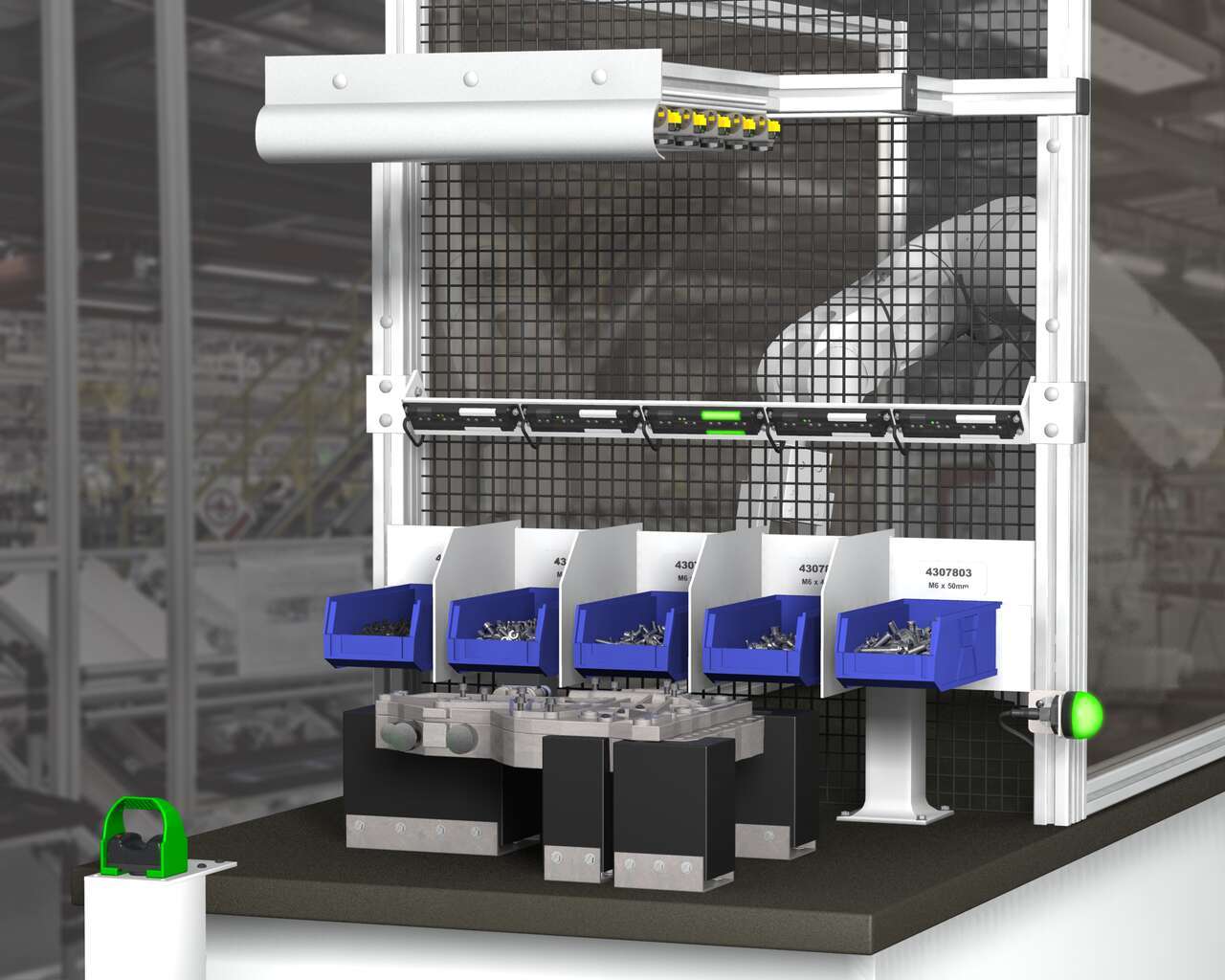
A Henshaw customer manufactures drivetrain and powertrain systems for the automotive industry. The company had experienced productivity losses due to errors in the assembly of transmission valve bodies. Henshaw was tasked with developing a system that would reduce errors and improve the assembly process.
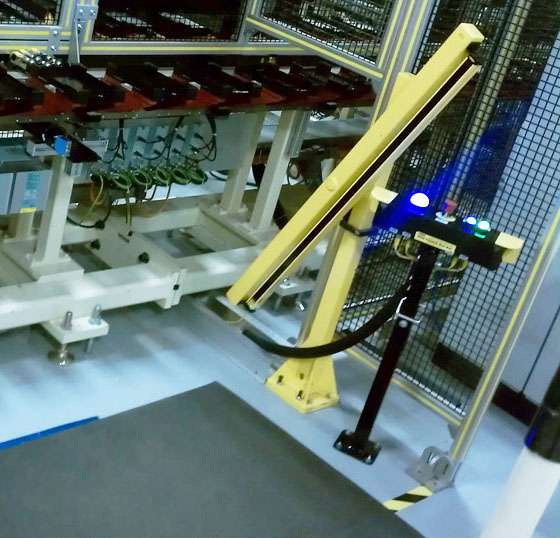
A leading machine manufacturer builds workstations designed for accurate, timely and cost-effective battery cell assembly. A value added component of the workstations is an operator guidance device that does three jobs: enables assembly processes to start and stop, indicates parts to be picked and installed, and completely stops line operation if emergencies occur. When it became too costly for the OEM to construct and mount these devices themselves, they turned to Banner to craft an all-inclusive solution. To honor the time line requirements of their customer—a major tier two battery supplier—the OEM needed the solution in eight weeks.
![바쁜 제조 현장에서의 통신 [성공 사례]](/content/dam/banner-engineering/3d-renders/application-notes/wcc-migration/2014/K50-Touch-and-TL50---Industrial-Oven_For-Andrew.psd/jcr:content/renditions/cq5dam.web.1280.1280.jpeg)
오븐을 통과하는 구성부품의 수가 늘어남에 따라 하적할 물품의 흐름에 보조를 맞추는 것이 어려워집니다. 분류 영역 내 정체가 발생합니다. 또한, 물품은 쉽게 잘못된 방향으로 이동하거나 심지어 손상될 수 있습니다. 부품 흐름이 일시 정지되면 하적 작업자가 실수를 바로 잡고 픽업 스테이션을 치울 수 있습니다. 그러나 하적 및 적재 영역 간의 거리와 주변 장치의 방해로 인해 작업자 간의 통신이 복잡해 집니다.
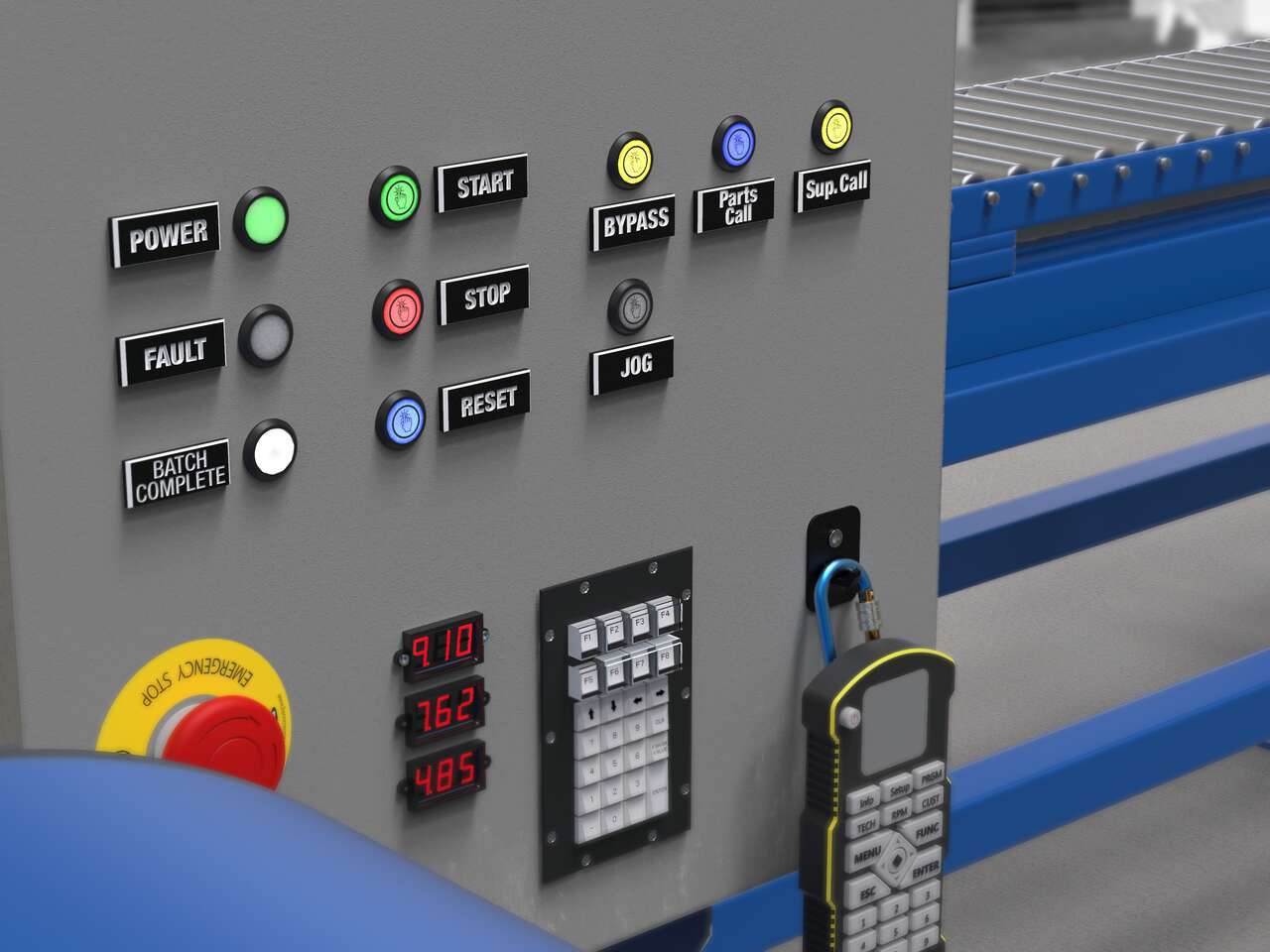
Local indication solutions provide clear, highly visible status alerts to both operators and plant managers in their normal sightlines.
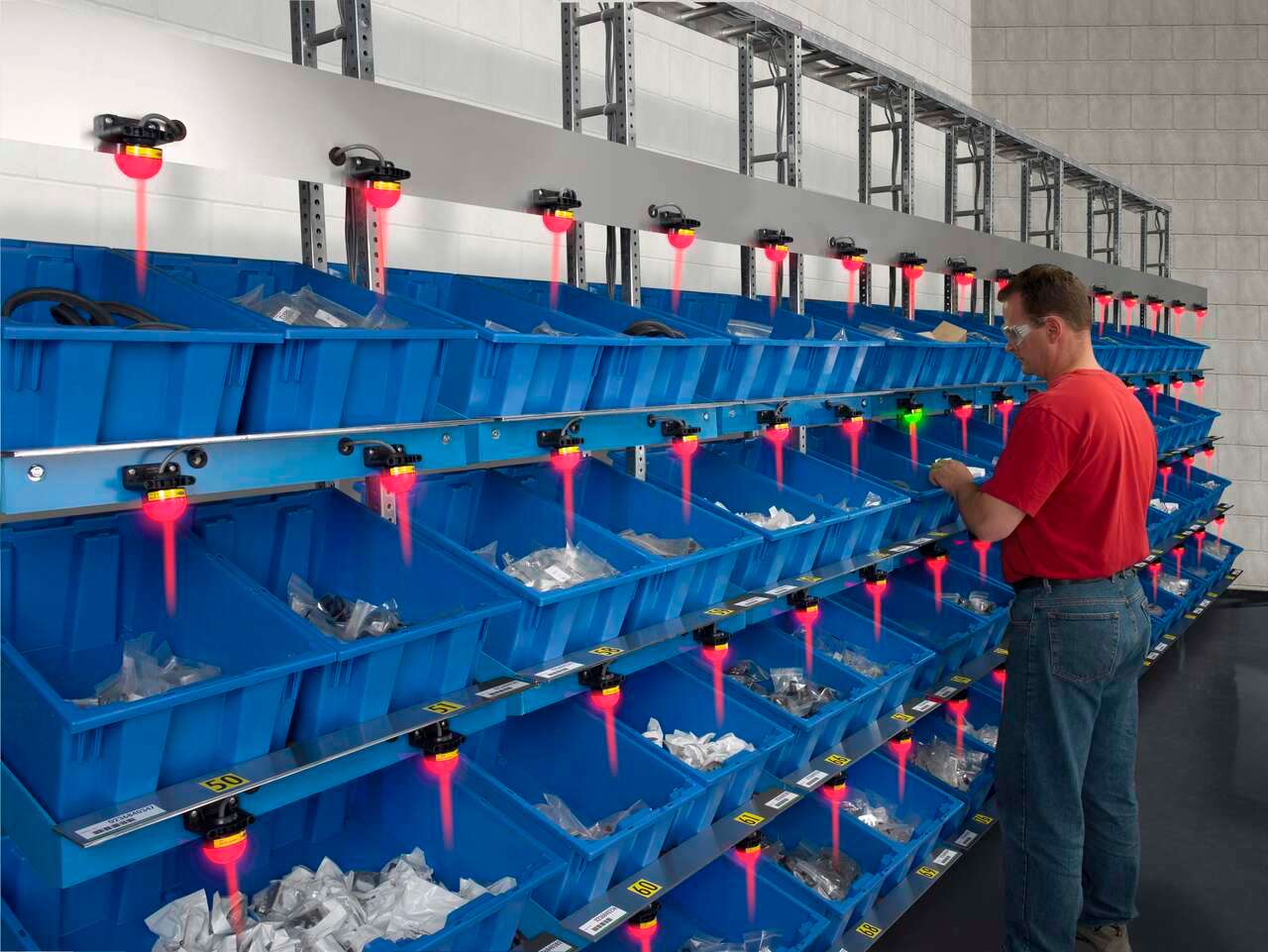
Banner’s K50 Series of single-point pick-to-light sensors are a simple, easy-to-use error-proofing solution in assembly applications. In this application, the job light is Green while the job input is active, indicating the correct bin for the next pick. The presence of the assembler’s hand initiates an output change of state, turning the job light red. The job light above the next pick location will then turn Green.
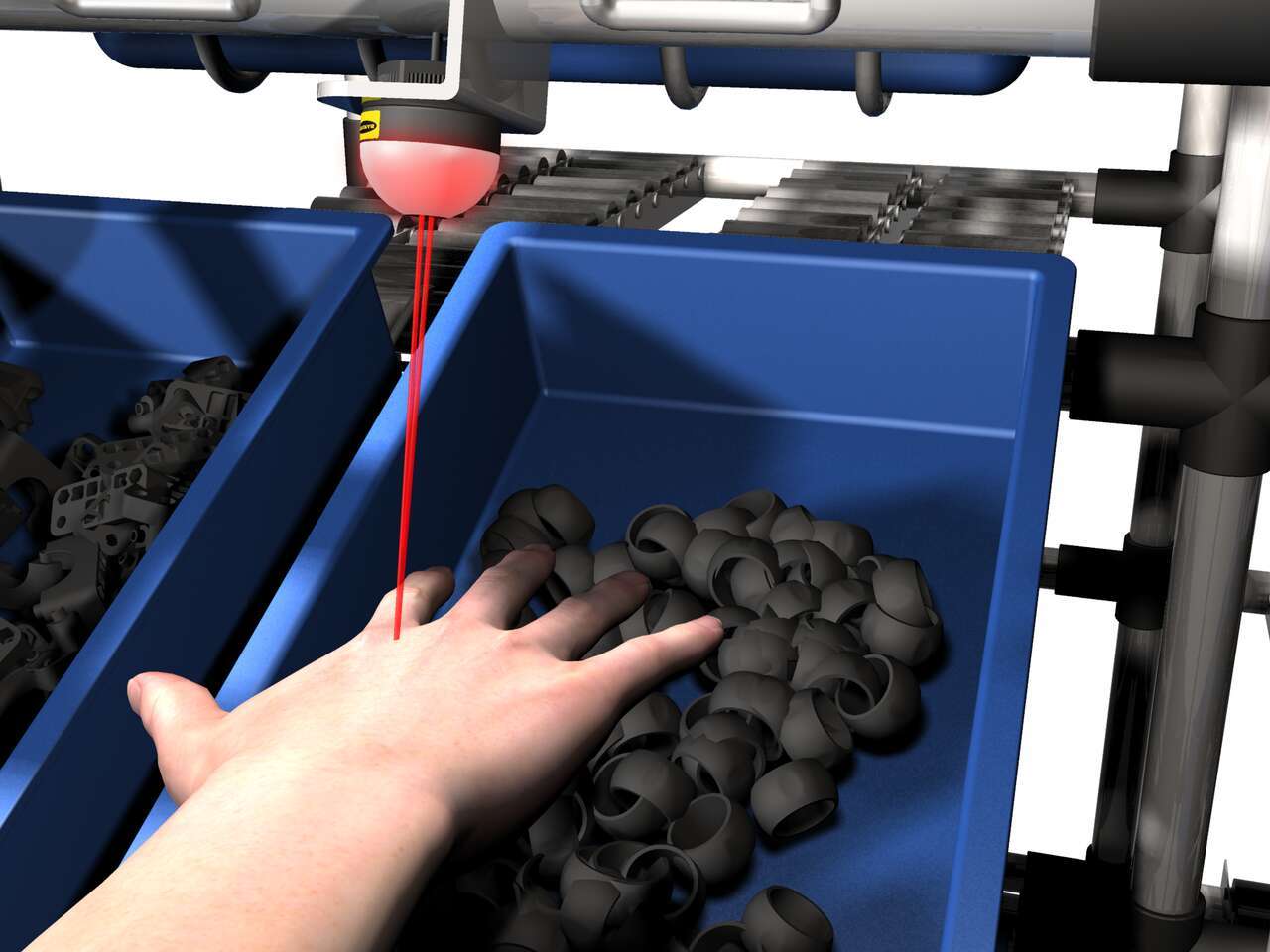
The EZ-LIGHT K50 sensor lights above a bin to show the assembler which part to pick. If the assembler reaches into a different bin, that bin's EZ-LIGHT K50 sensor lights up in the designated warning color—in this example, red— to indicate the error.
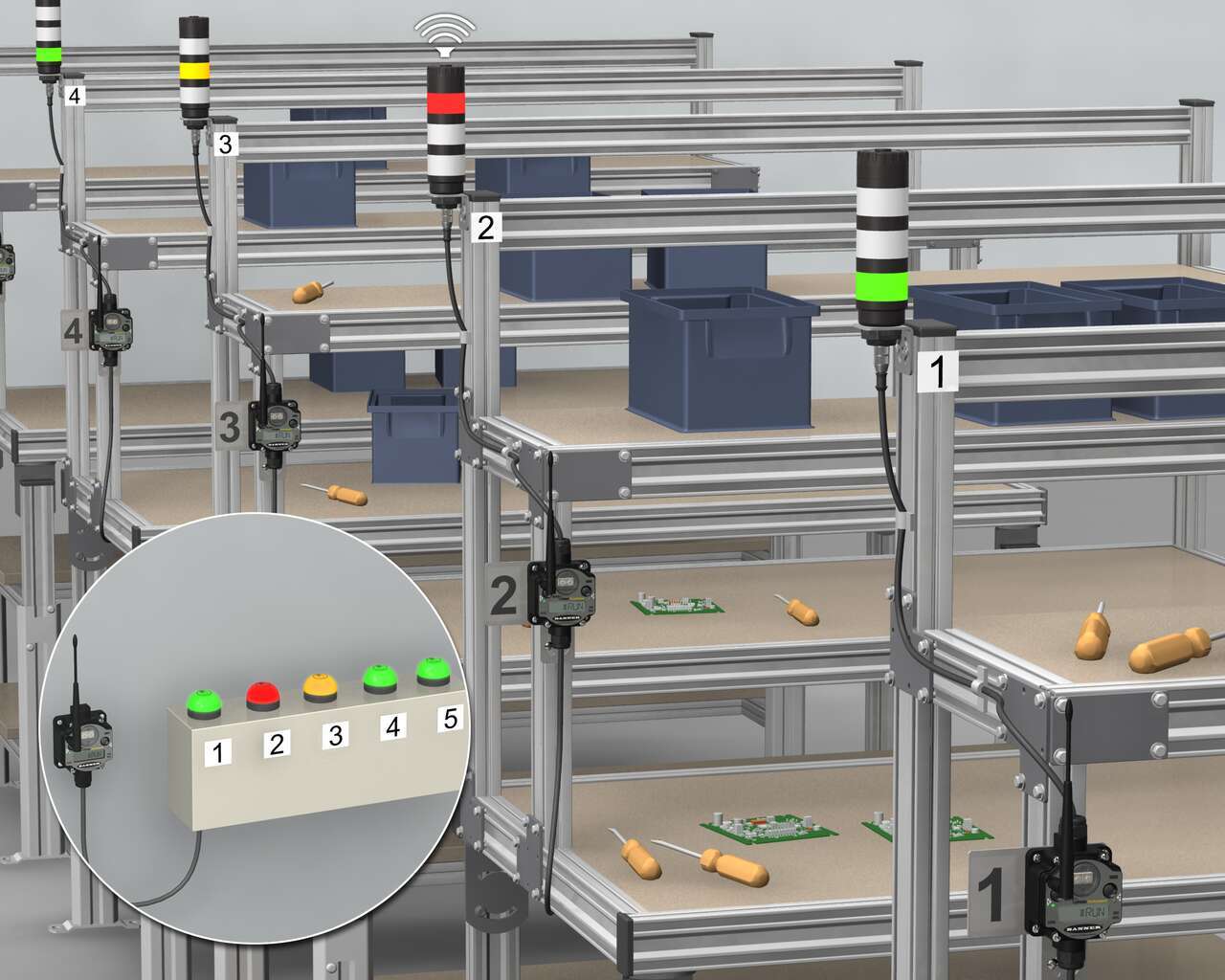
단일 장치에 고품질의 LED 조명과 다양한 색상을 갖춘 Banner의 다중 세그먼트 청각 TL50은 K50 Touch 및 PM8 무선 시스템을 결합하여 효율적인 부품 요청 프로세스를 구성합니다. 우선, Banner의 K50 인체 공학적 터치 버튼을 수퍼바이저 스테이션에 설치하고 해당 워크스테이션에 설치된 청각 타워 라이트와 함께 개별 워크스테이션에 설치된 PML8 무선 노드에 해당하는 번호를 매깁니다.
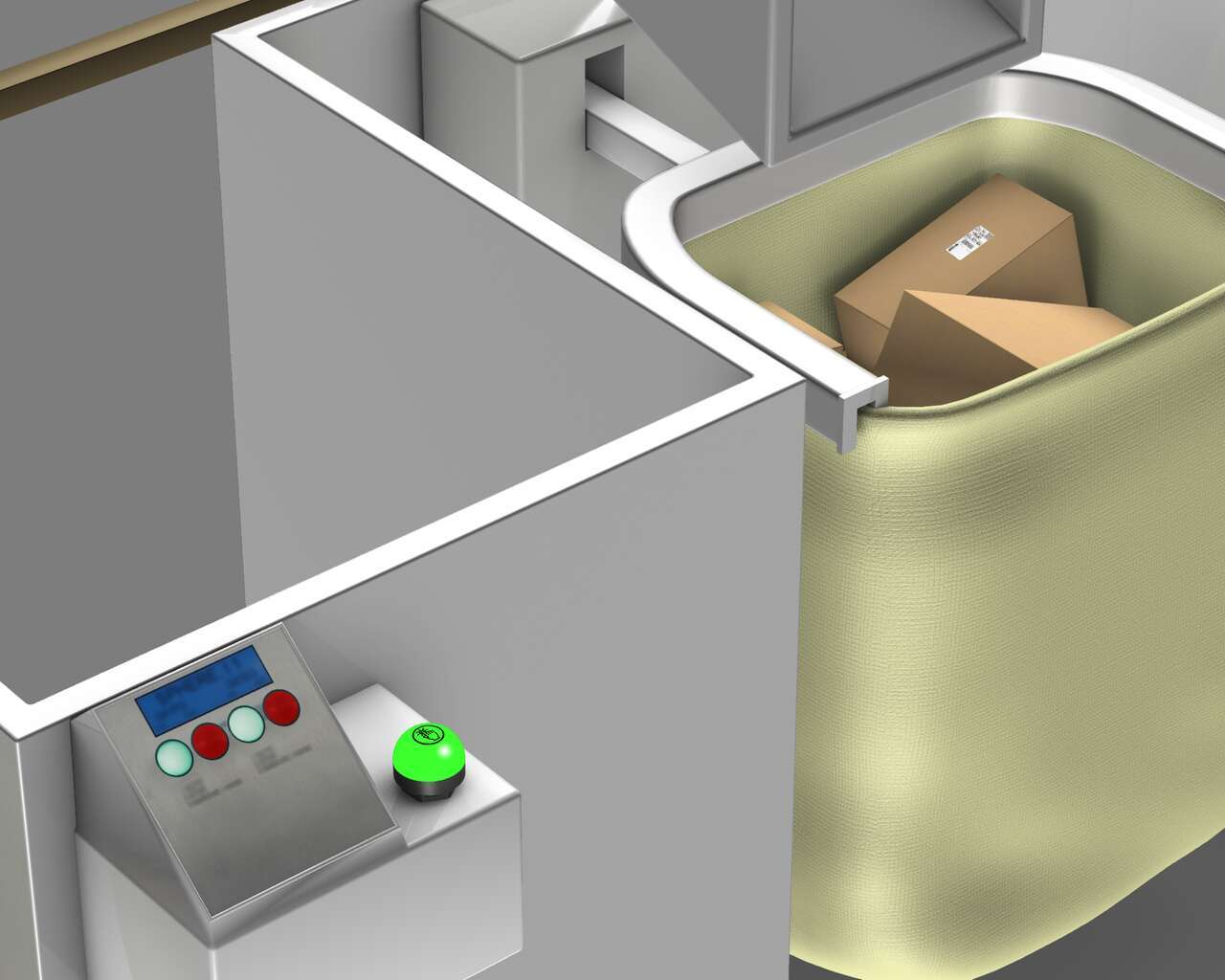
시각적 관리 기능을 적절하게 식별하고 활용하기 위해서는 자루가 만재된 상태에서 센서가 실행되어 K50 터치 버튼에 토트가 만재되었음을 나타내는 적색 표시등을 켜라는 신호를 보냅니다. K50 터치 버튼은 작업자에게 자루를 치우고 빈 자루로 교체해야 함을 시각적으로 알립니다. 자루에 포장물을 더 적재할 수 있다고 표시하기 위해 작업자가 인체 공학적 K50 터치 버튼을 누르면 표시등이 다시 녹색으로 바뀌어 자루에 포장물을 적재할 준비가 되었음을 알립니다.
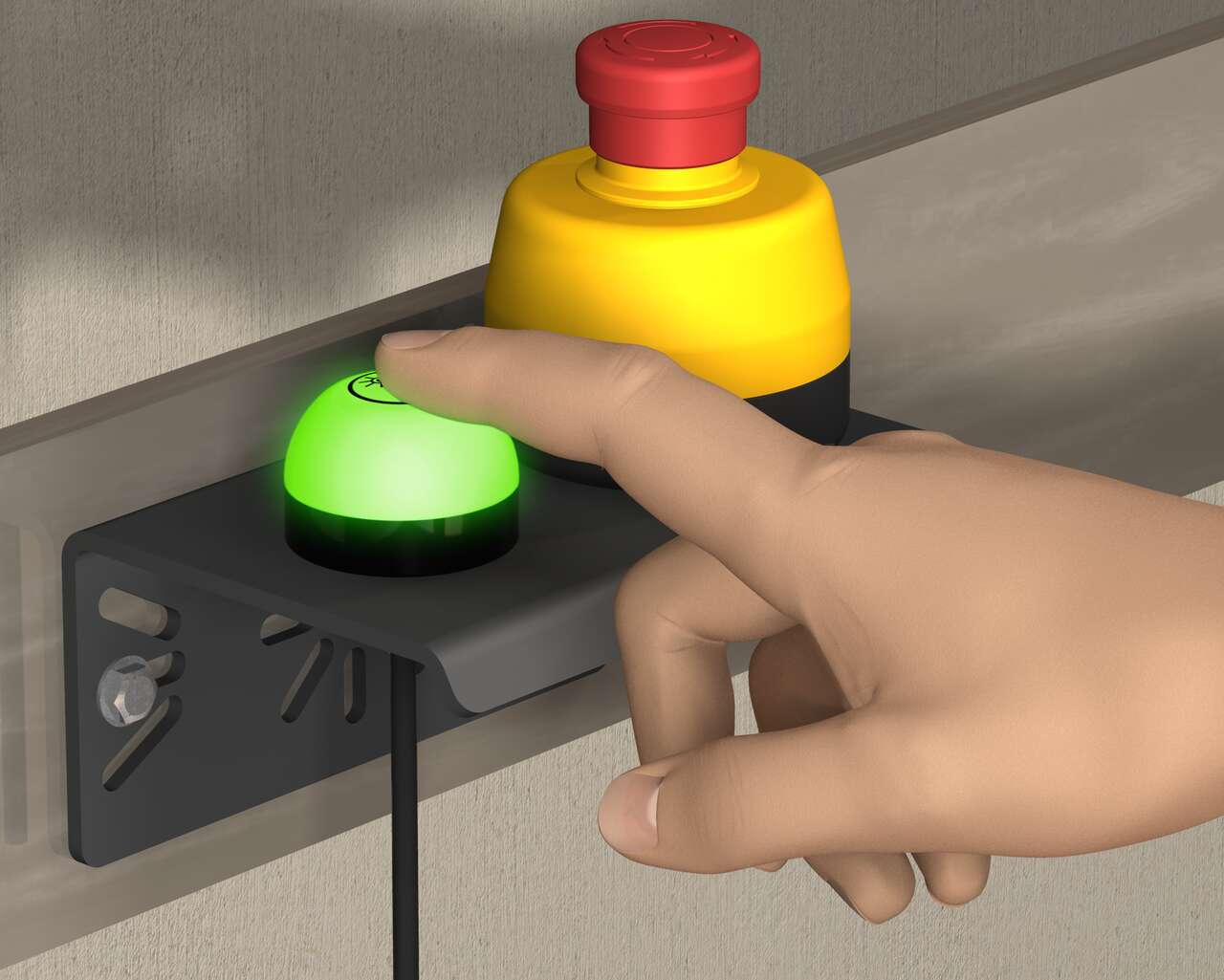
일체형 인클로저를 채택하고, K50 Touch 표시등이 결합한 비상 정지 푸시버튼은 비상시 간단한 상태를 전달합니다. Banner의 30mm 장착형 비상 정지 버튼은 작동 시 밑부분이 황색에서 점멸하는 적색으로 바뀌어 비상 상황을 명확하게 표시합니다. K50 touch는 작동하기 위해 물리적으로 누를 필요가 없는 인체 공학적으로 설계된 간결한 제품으로 맨손 또는 작업용 장갑을 낀 상태에서도 쉽게 구동할 수 있습니다.
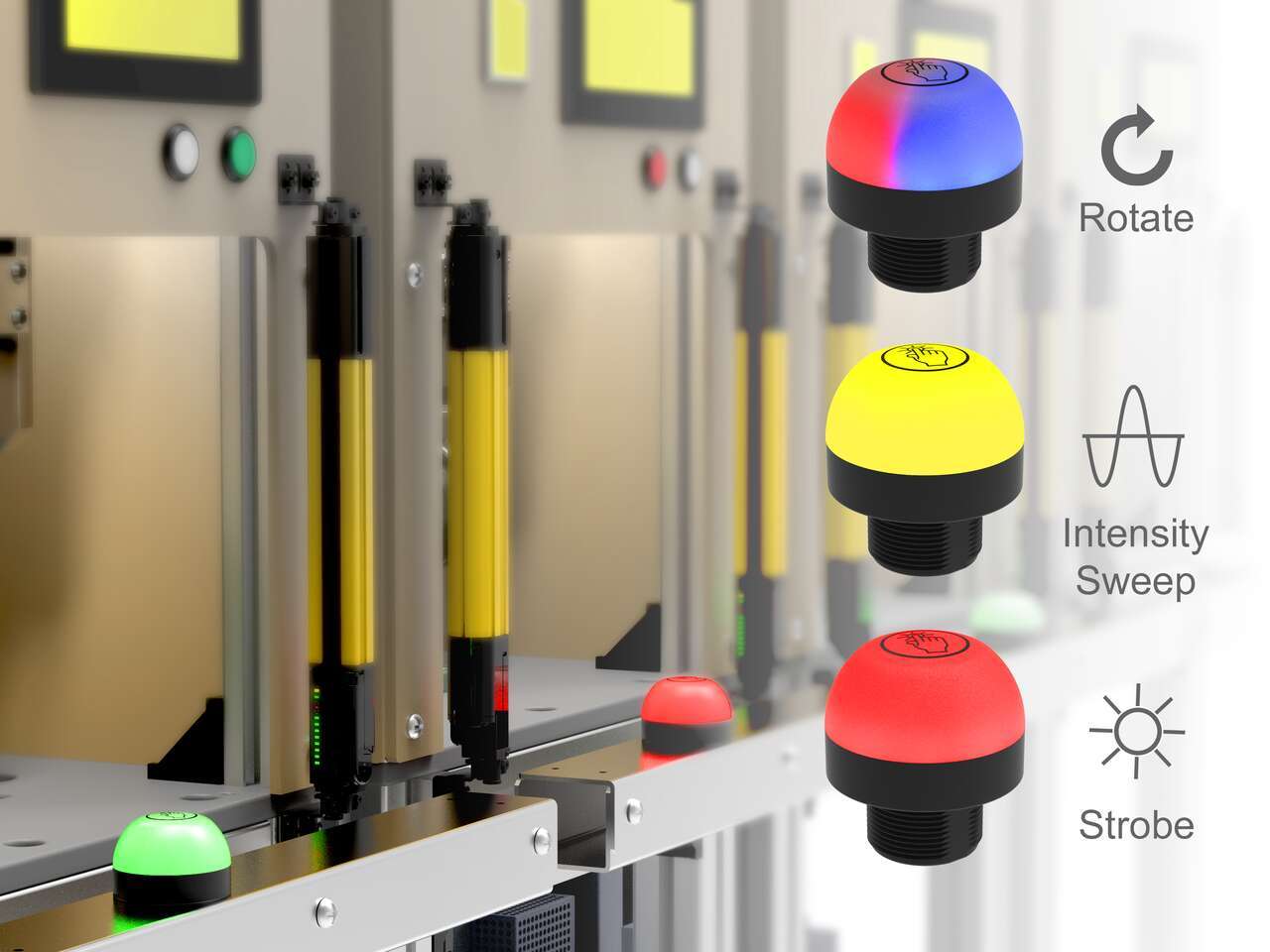
The unique indication of the programmable K50 Pro touch buttons and Pro Editor software allows for versatile indication of numerous machine statuses and in-field customization. Multicolor and animation allow for quick identification of errors in work cells.
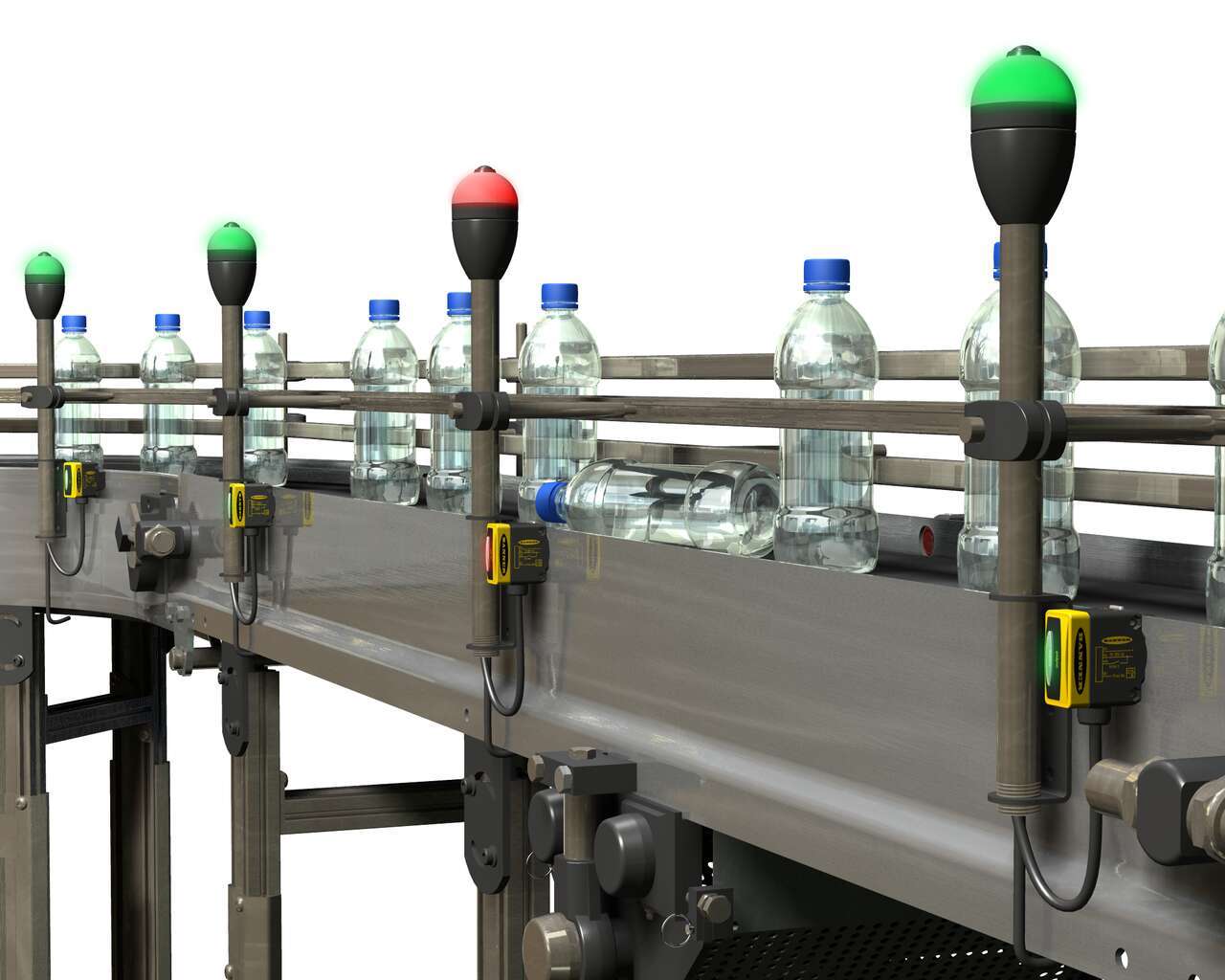
모니터링할 구역이 많은 긴 병입 라인에서 투명한 액체가 채워진 반투명 병을 감지하는 센서 솔루션.
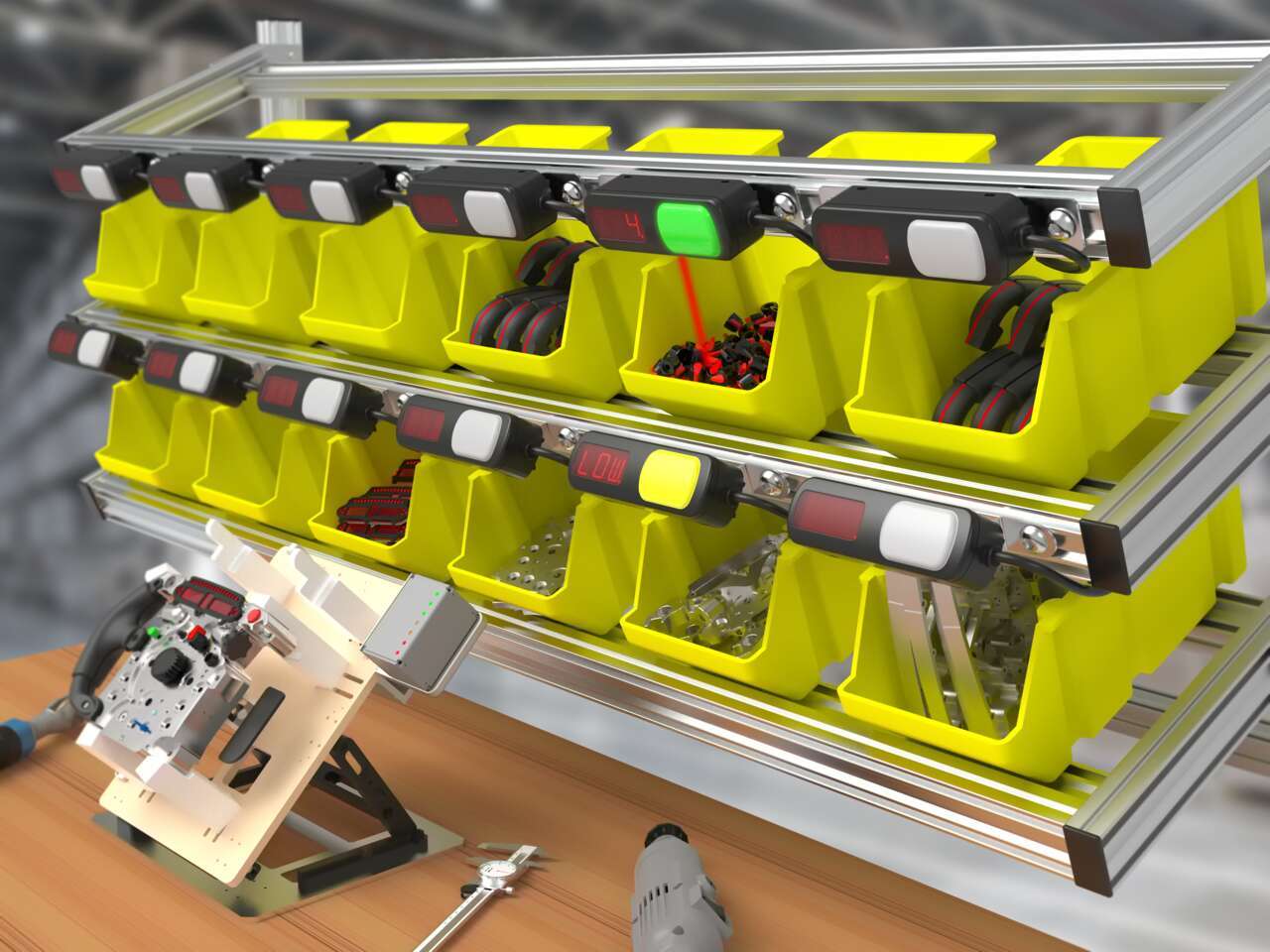
Pick-to-light systems support lean manufacturing initiatives by reducing the risk of human error in production and assembly processes.
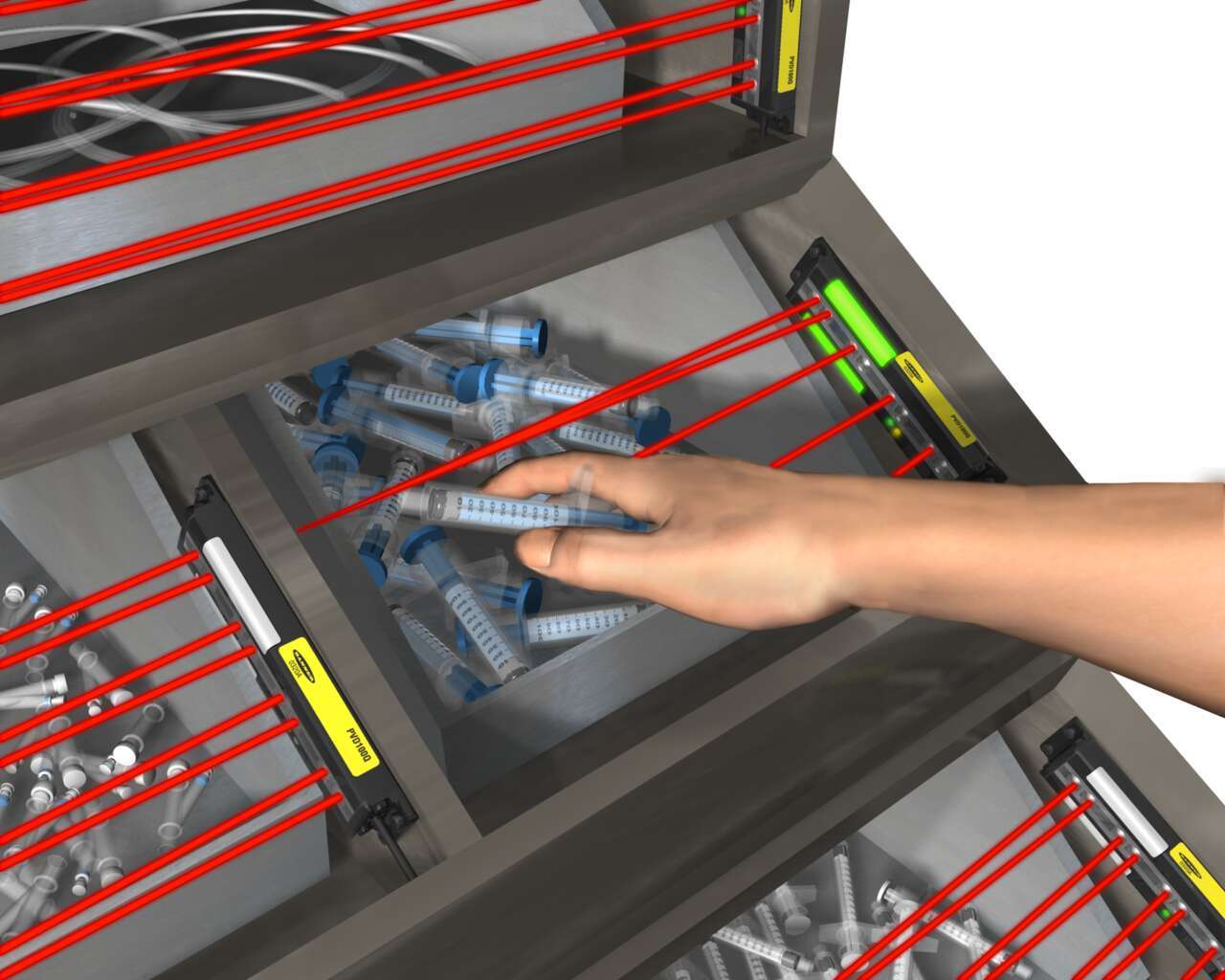
Light-guided kitting and sequencing solutions allow operators to focus on building high-quality products while maintaining efficiency.

Quick, accurate picking increases customer satisfaction by ensuring that customers receive the correct order in a timely manner.
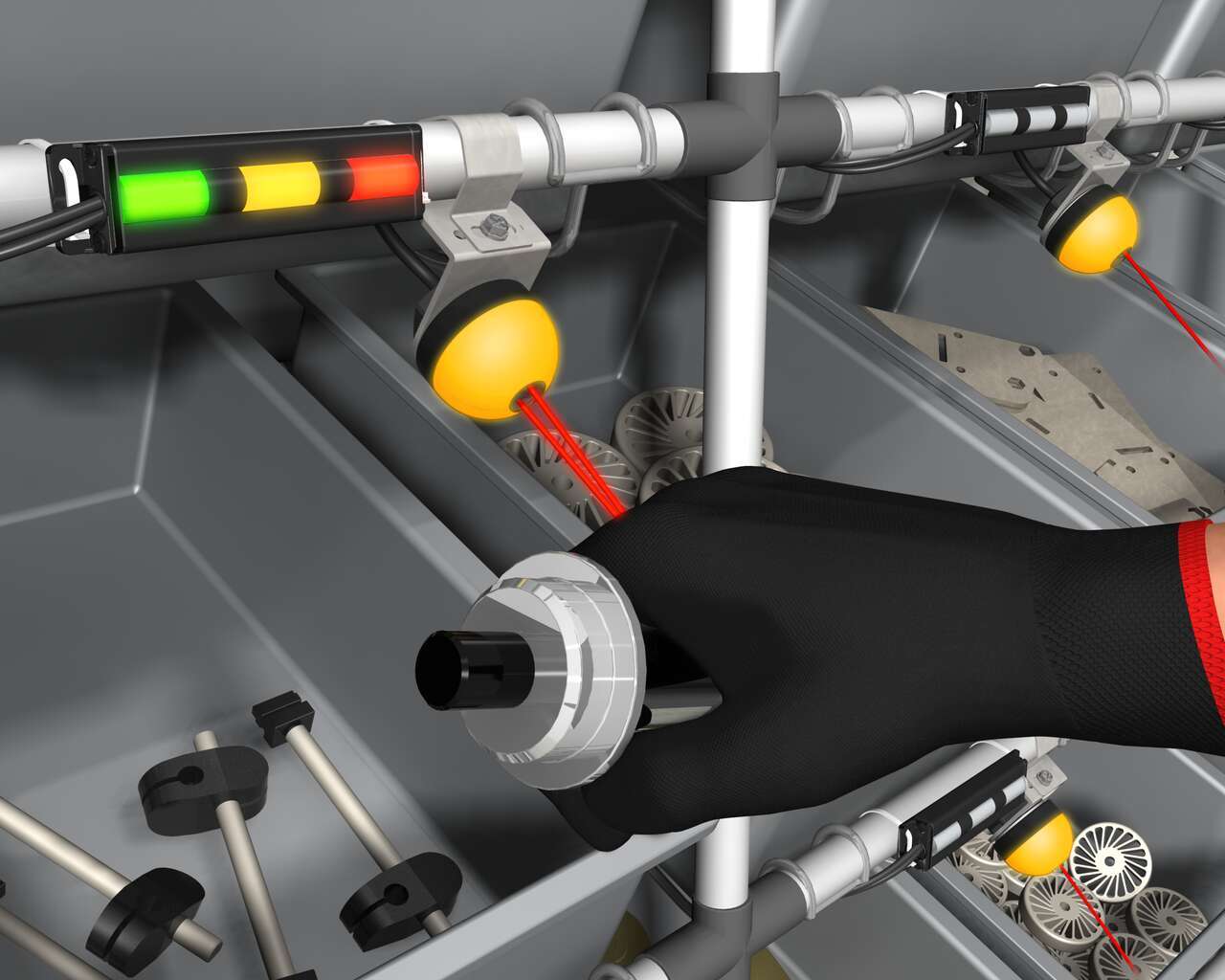
Banner’s K50 Optical Pick-to-Light series is a compact, self-contained, three color indicator with integral sensor. Green typically indicates which part to pick, and when the internal sensor detects the hand, the indicator changes to yellow to confirm the task is complete. An optional third message is to display red for a mispick.
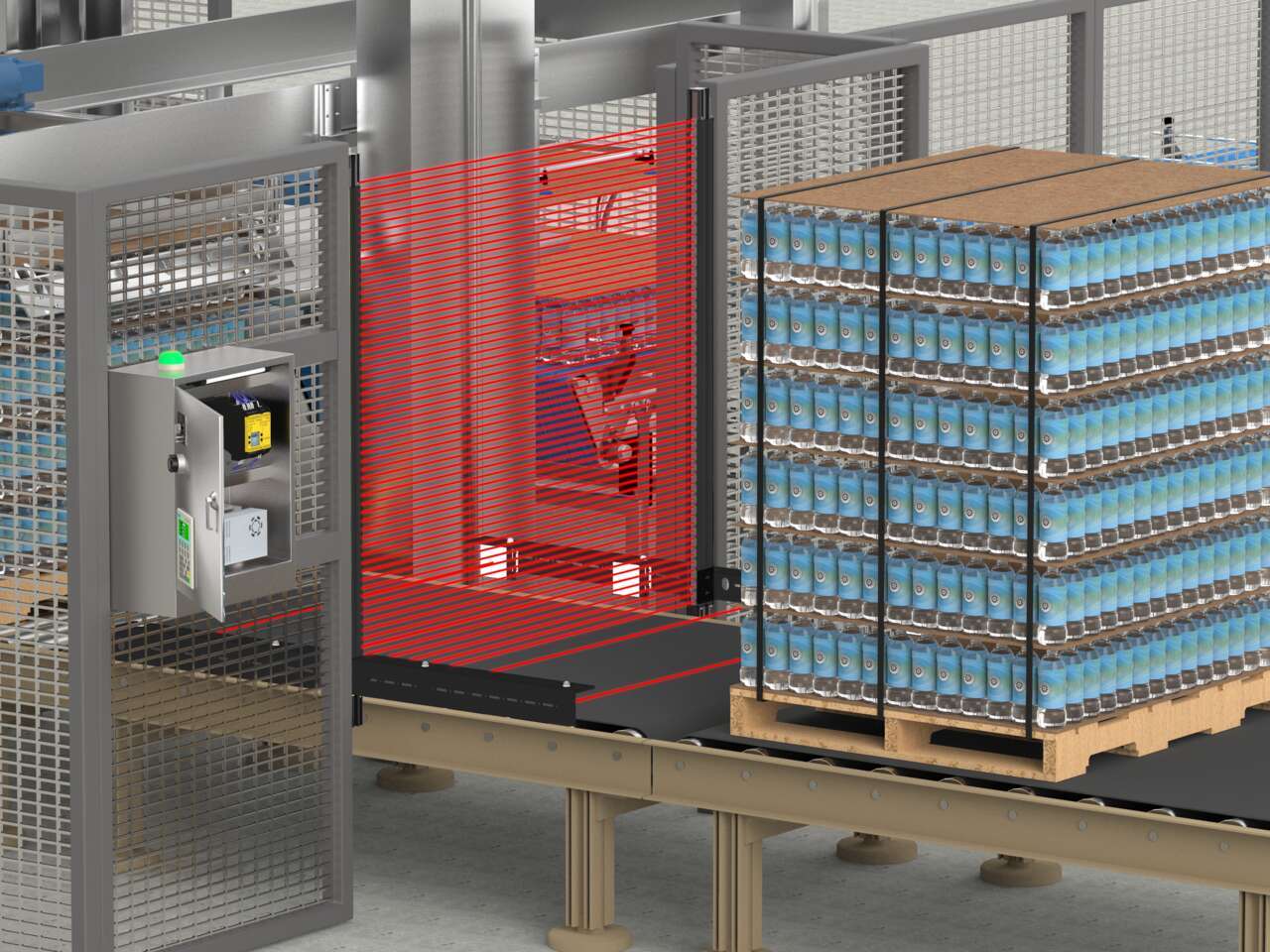
An LS Series safety light curtain with a mute arm kit in T-configuration combined with an XS26 Series safety controller is an easy-to-implement solution that protects staff from potential hazards without disrupting the flow of pallets to the depalletizer.
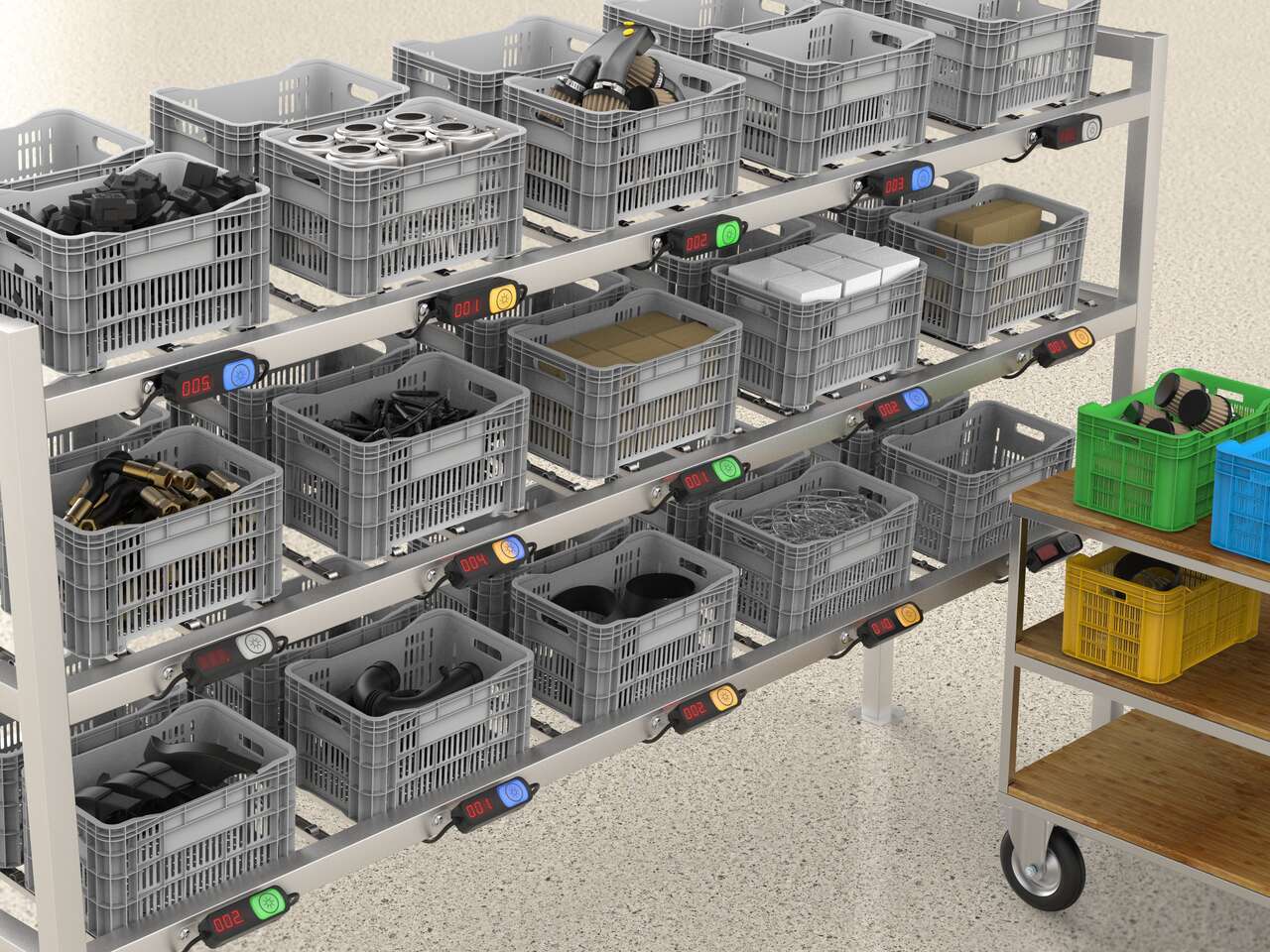
Put-to-light solutions improve the efficiency and accuracy of stocking and replenishment activities and can help prevent downtime by reducing delays due to misplaced or incorrect parts.
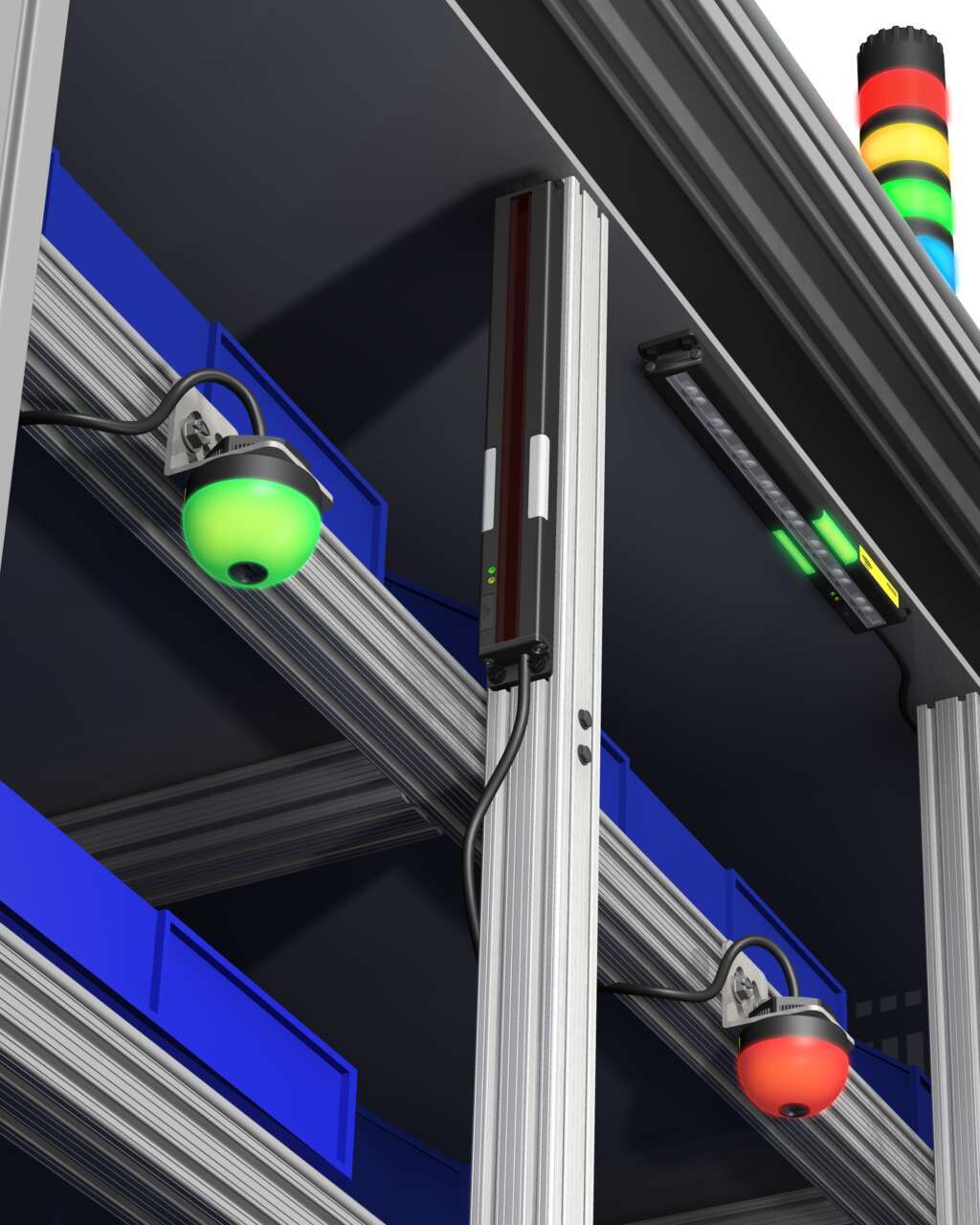
Several technologies and solutions are available for bin-picking applications for error-proofing processes. Light arrays prompt the operator for part selection with integral job lights, then reliably sense retrieval of the part, using an array of visible red or infrared sensing beams located in front of the bin.
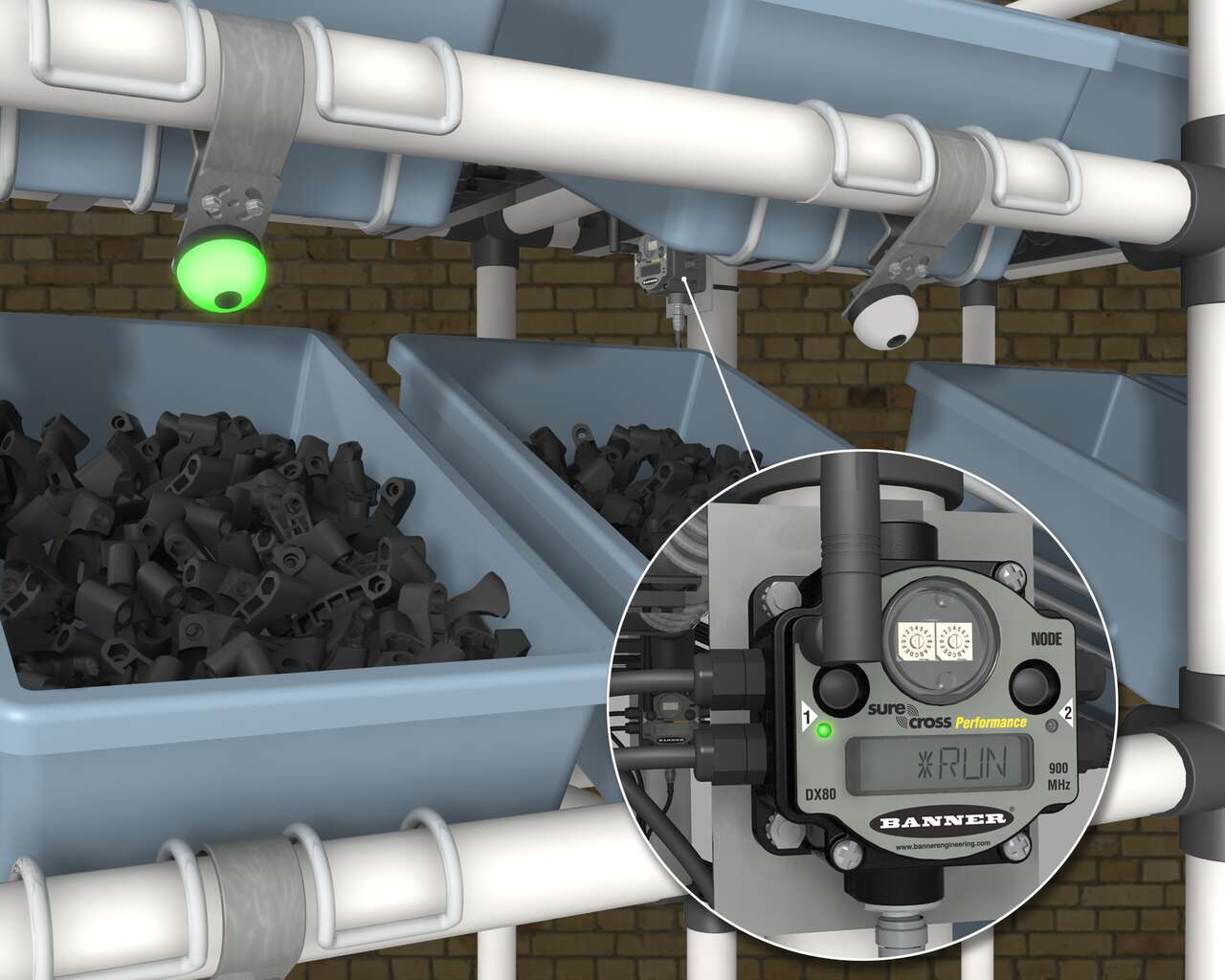
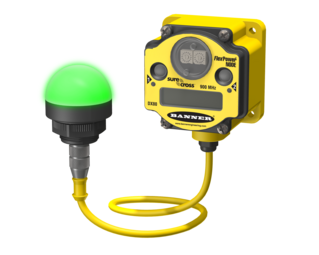
A Banner wireless solution is a simple way to optimize inventory, reduce errors, and minimize waste. Each SureCross Performance Node with I/O Mapping can be equipped with up to six EZ-LIGHT operator indicator lights. The SureCross Gateway is conveniently located at a central location where maintenance personnel and management can monitor the parts consumption throughout the site.
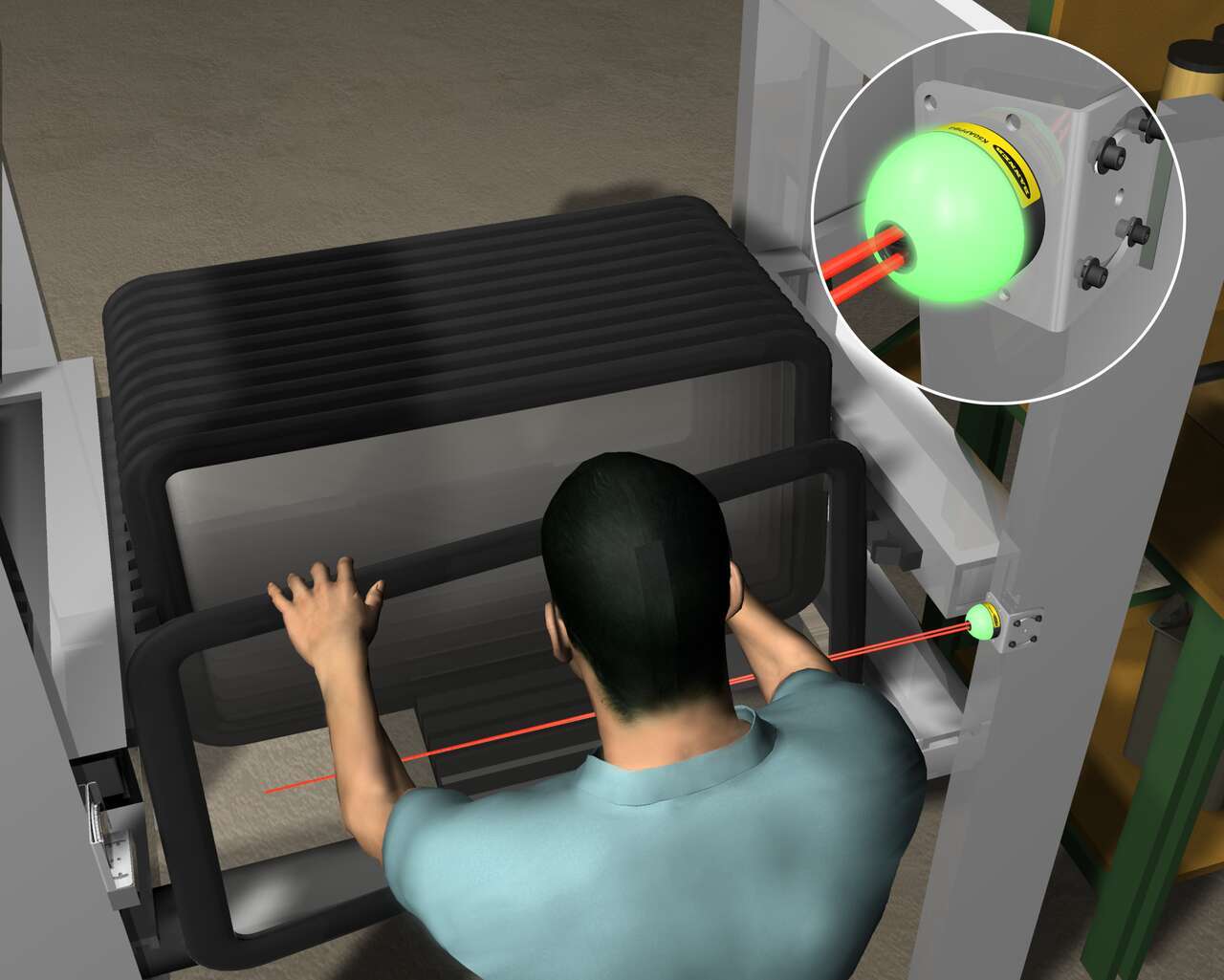
재귀반사 모드 EZ-LIGHT K50 센서가 조립 순서의 다음 부품이 선루프임을 나타냅니다. 작업자가 넓은 용기에서 선루프를 선택하면 K50이 부품 선별을 감지합니다.
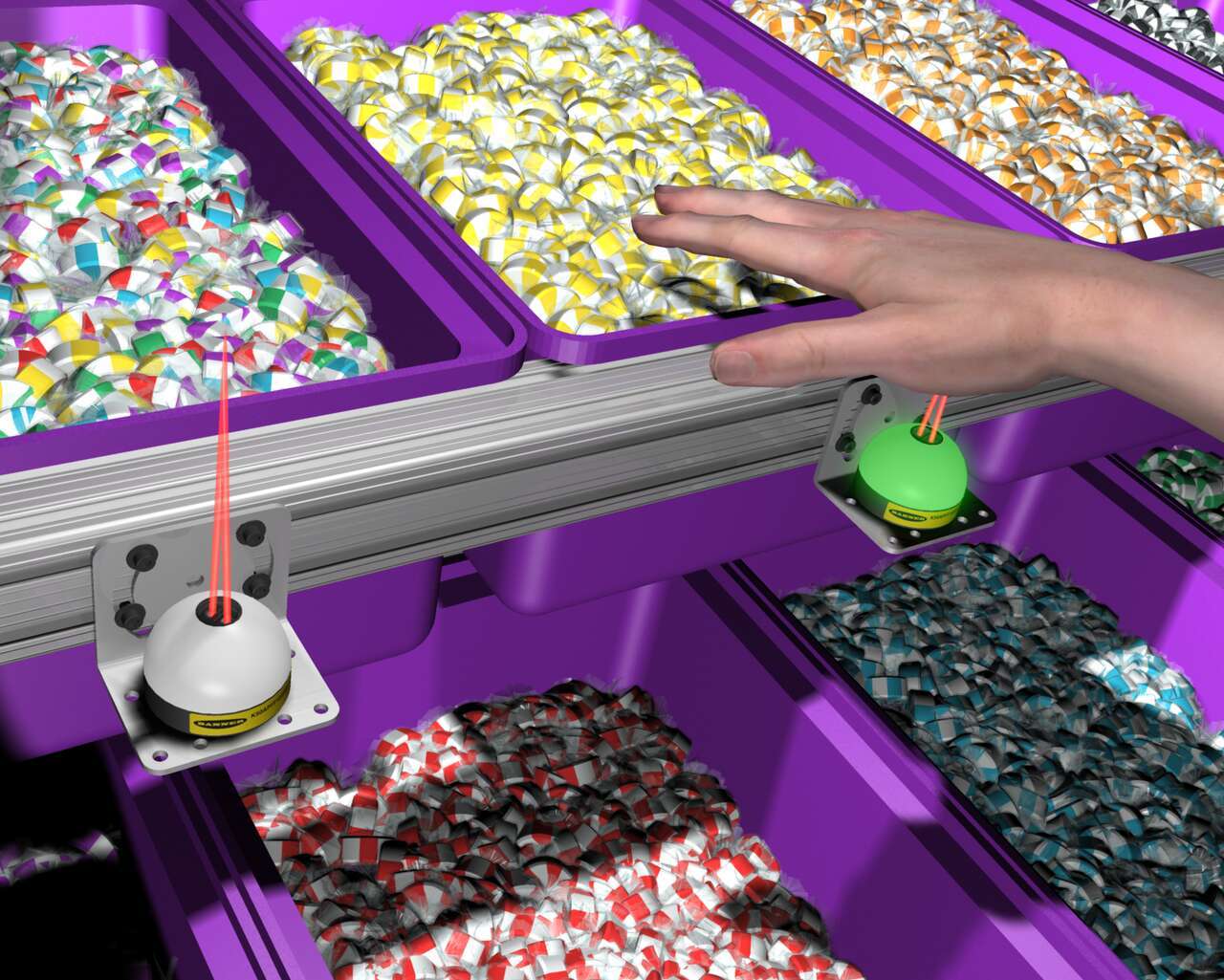
캔디 유통업체의 주문 이행 작업 시 용기에는 EZ-LIGHT K50 센서가 장착되어 있는데, 이 센서는 주문에 맞춰 프로그래밍된 공정 컨트롤러에 연결되어 있습니다. 주문을 바탕으로 K50는 빛을 내 어떤 품목을 선별해야 하는지 표시합니다. 작업자가 용기 안으로 손을 넣으면 센서가 작업자의 손이 들어온 것을 감지하고 컨트롤러가 선별할 다음 용기에 장착된 K50을 트리거합니다.
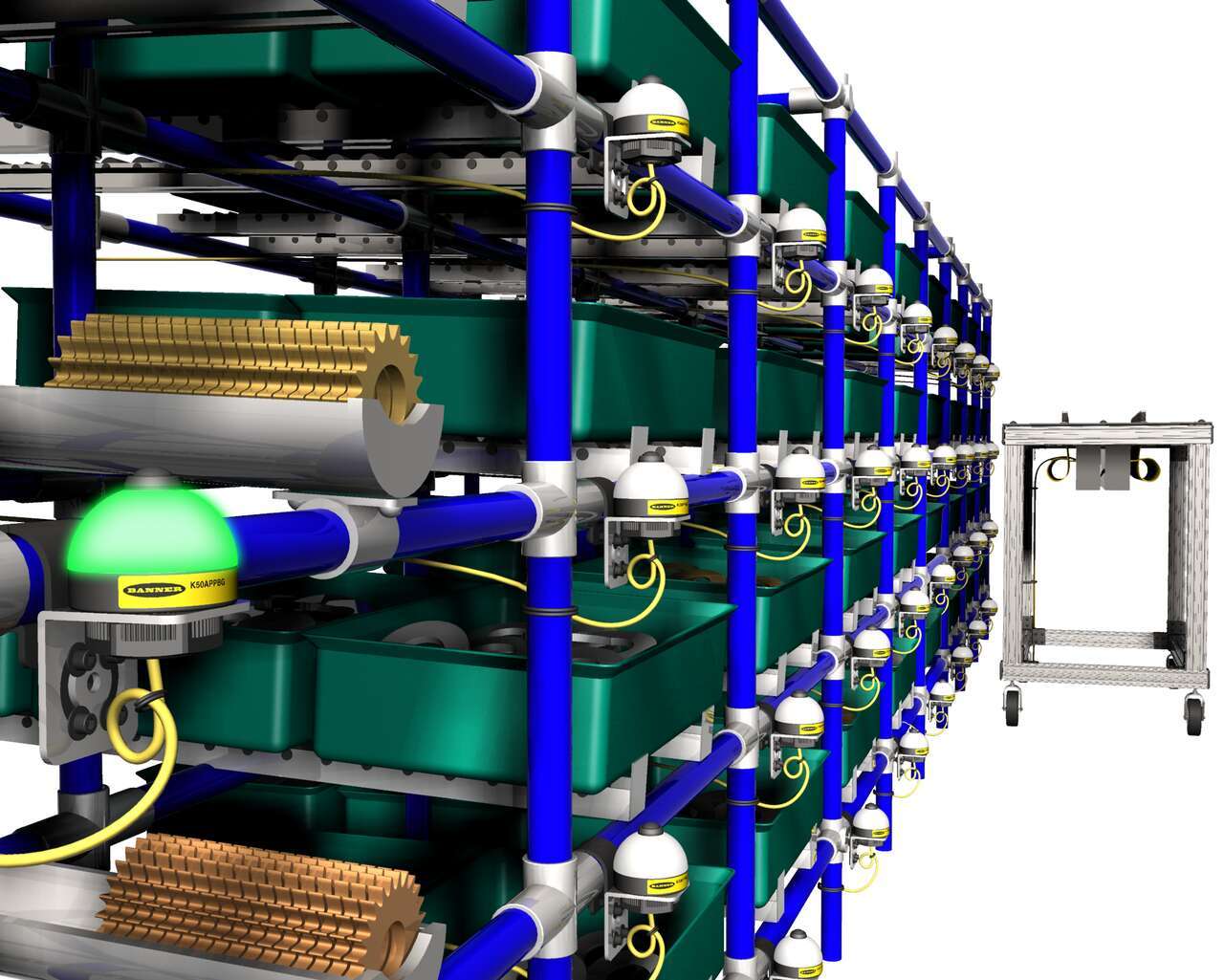
부품 랙에 장착된 푸시 버튼 EZ-LIGHT K50 Pick To Light 센서는 어떤 부품을 선별해야 할지 빛을 내 알려줍니다. 부품을 선별한 후 작업자는 표시등의 버튼을 눌러 선별을 완료했음을 확인합니다.
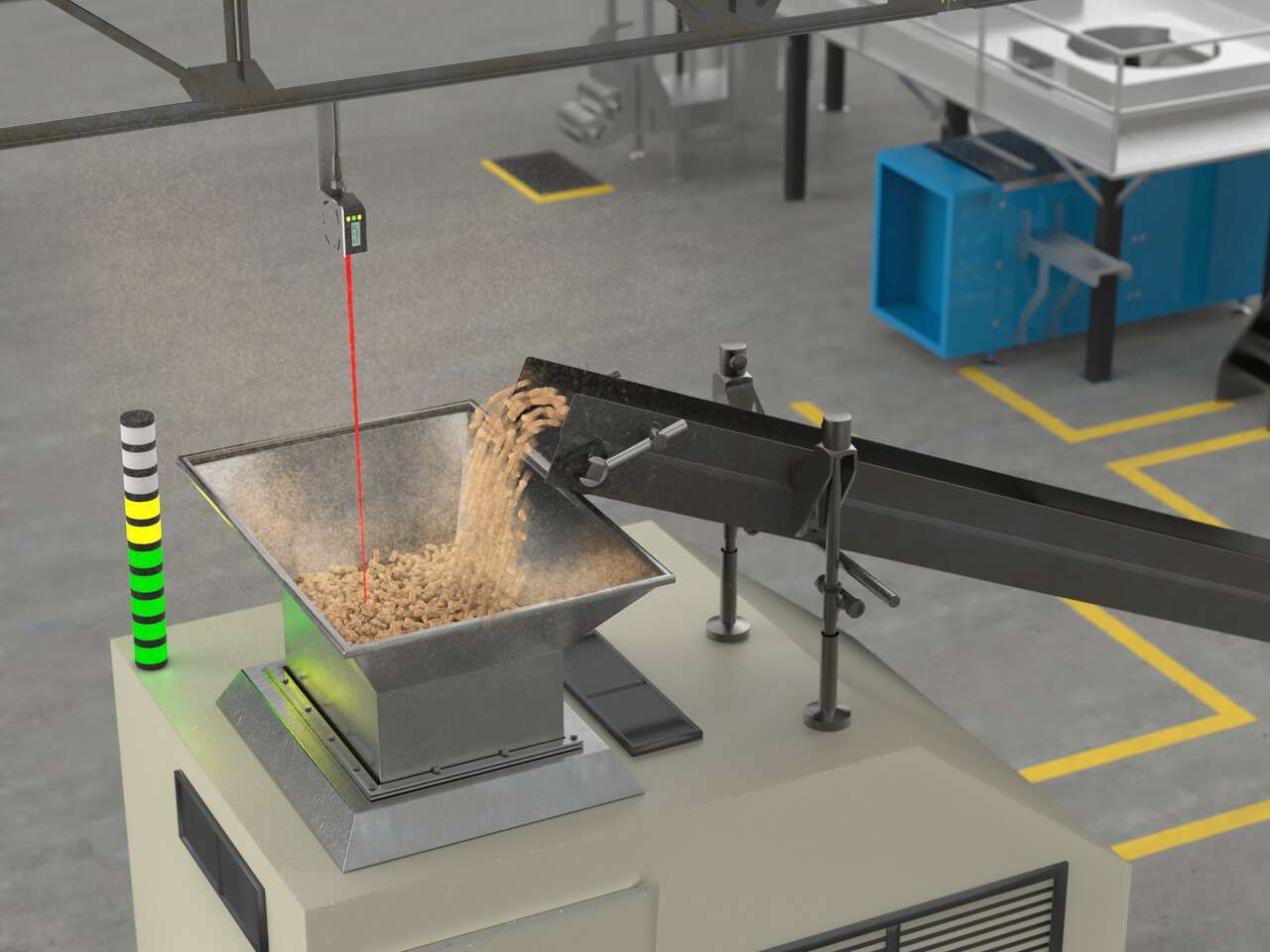
LED indicators with advanced programming capabilities can display dynamic statuses like fill level, takt time, machine transitional states, and more.
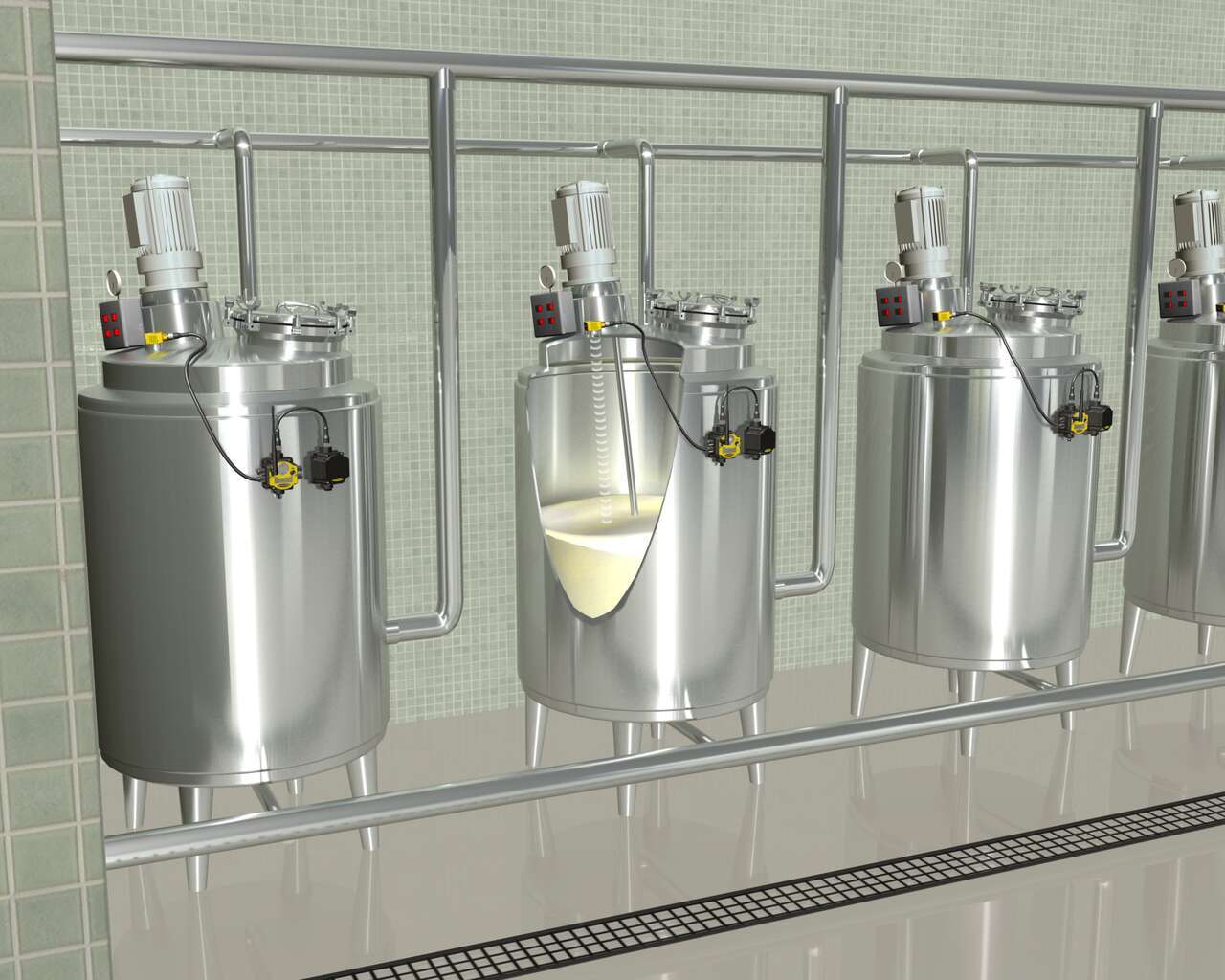
SureCross 무선 네트워크를 사용하면 전원 또는 I/O 데이터 전송을 위해 배선할 필요없이 FlexPower 노드가 각 탱크에 배치됩니다. Banner의 독보적인 전원 관리 기능을 통해 수년간 하나의 DX81 배터리 전원 공급 장치로 초음파 아날로그 수위 센서가 장착된 노드를 작동할 수 있습니다. DX80 FlexPower 노드는 단일 패키지로 접점 및 아날로그 I/O의 조합을 제공하므로 시간이 많이 소요되는 수동 데이터 수집이 필요하지 않습니다.
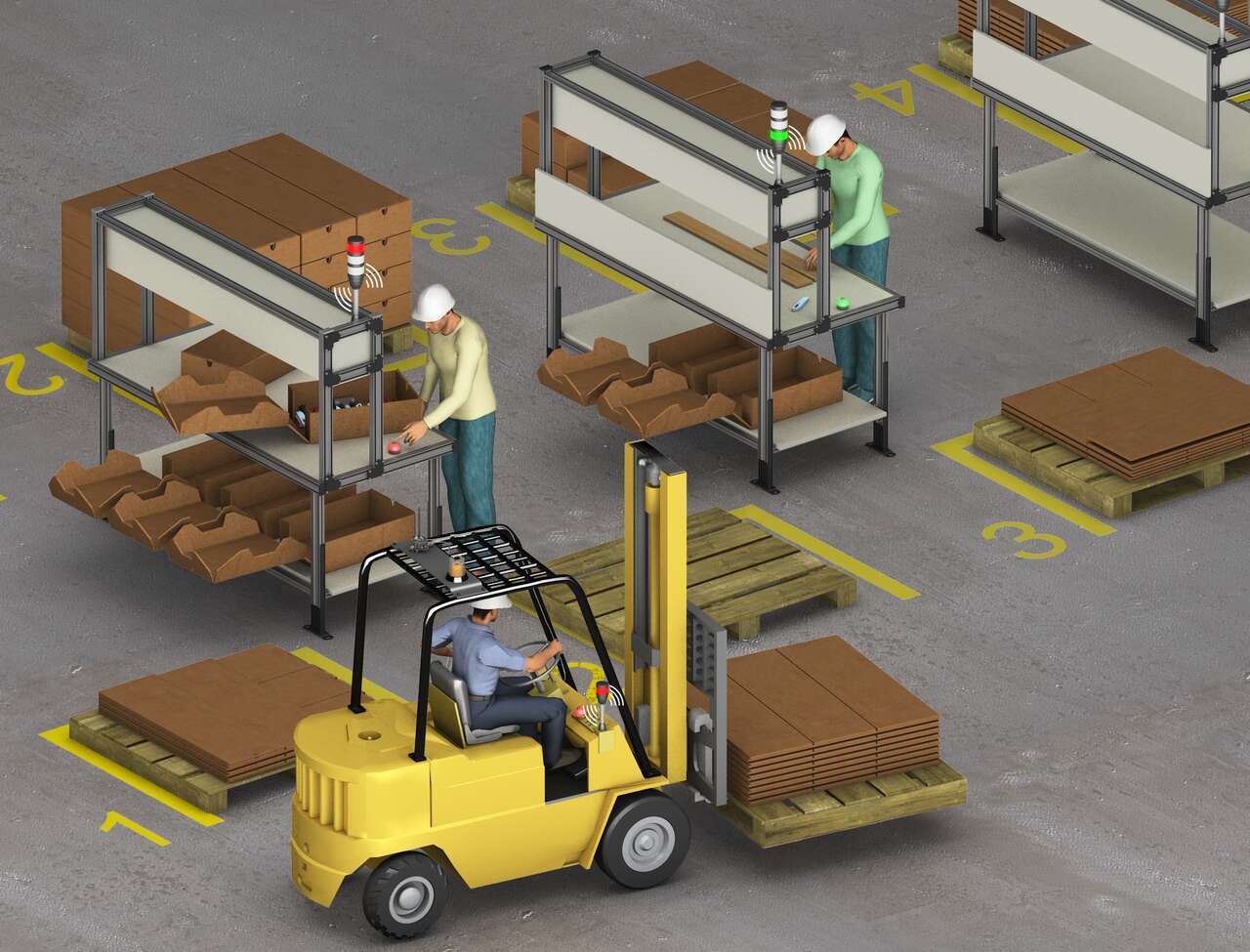
A system of Banner’s TL70 wireless modular tower lights and K50 touch buttons provides an efficient, easy way to communicate a call for more parts with a forklift driver. When a workstation is almost out of cartons, the operator touches the ergonomic K50 touch button which changes the status on the connected TL70 wireless tower light to red.
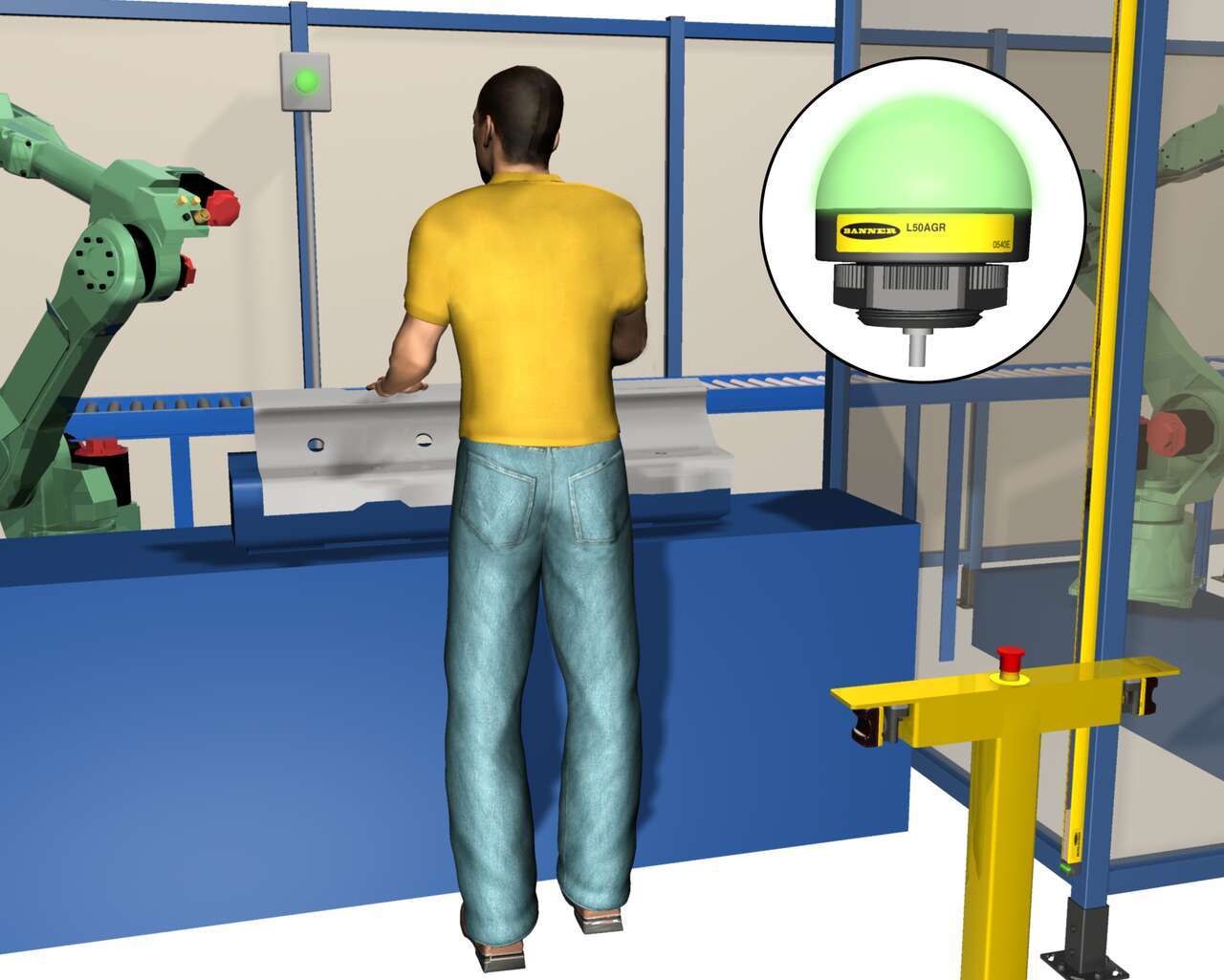
EZ-LIGHT K50L 표시등을 설치하기 전에 작업자는 기계에 부품을 놓은 다음 작업 영역에서 벗어나 스택 조명을 확인하여 부품이 제대로 적재되었는지 확인합니다. 그렇지 않은 경우 작업자는 부품에 대한 장비 작동을 시작하기 전에 설치 및 점검 프로세스를 반복해야 했습니다. 간단한 Y 스플라이스를 사용하여 K50L을 워크스테이션 내에 설치하였기 때문에 작업자는 부품이 제대로 배치되었는지 즉시 확인할 수 있습니다.
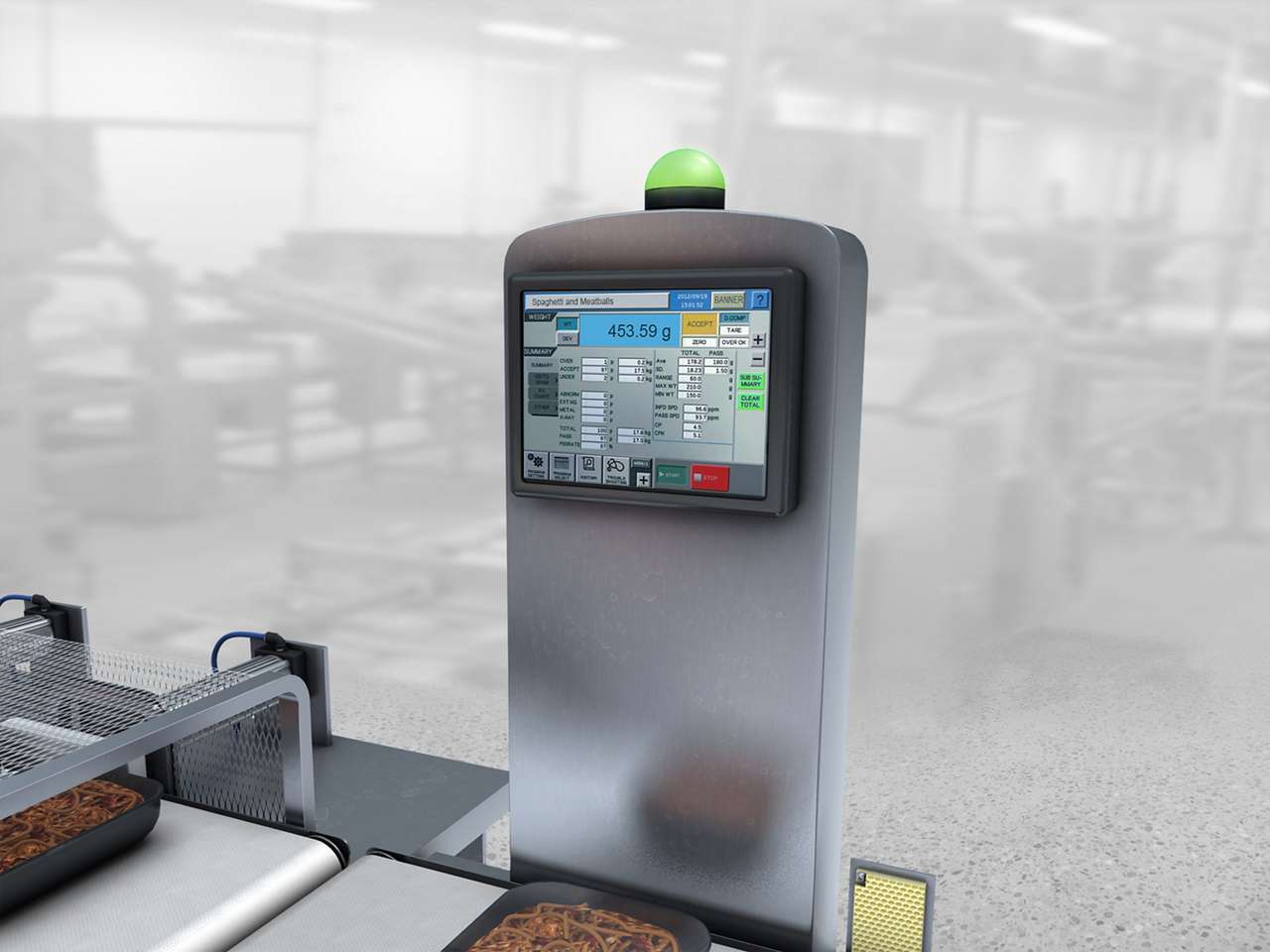
가혹한 세척 환경의 식품 가공 라인에서 중량 검사 스테이션의 실패 상태를 운영자에가 알립니다.
한 판지 제품 인쇄소에서는 표준 생산율 대비 기계 작업자의 효율성 및 성과를 추적하지 못해 고심하고 있었습니다.
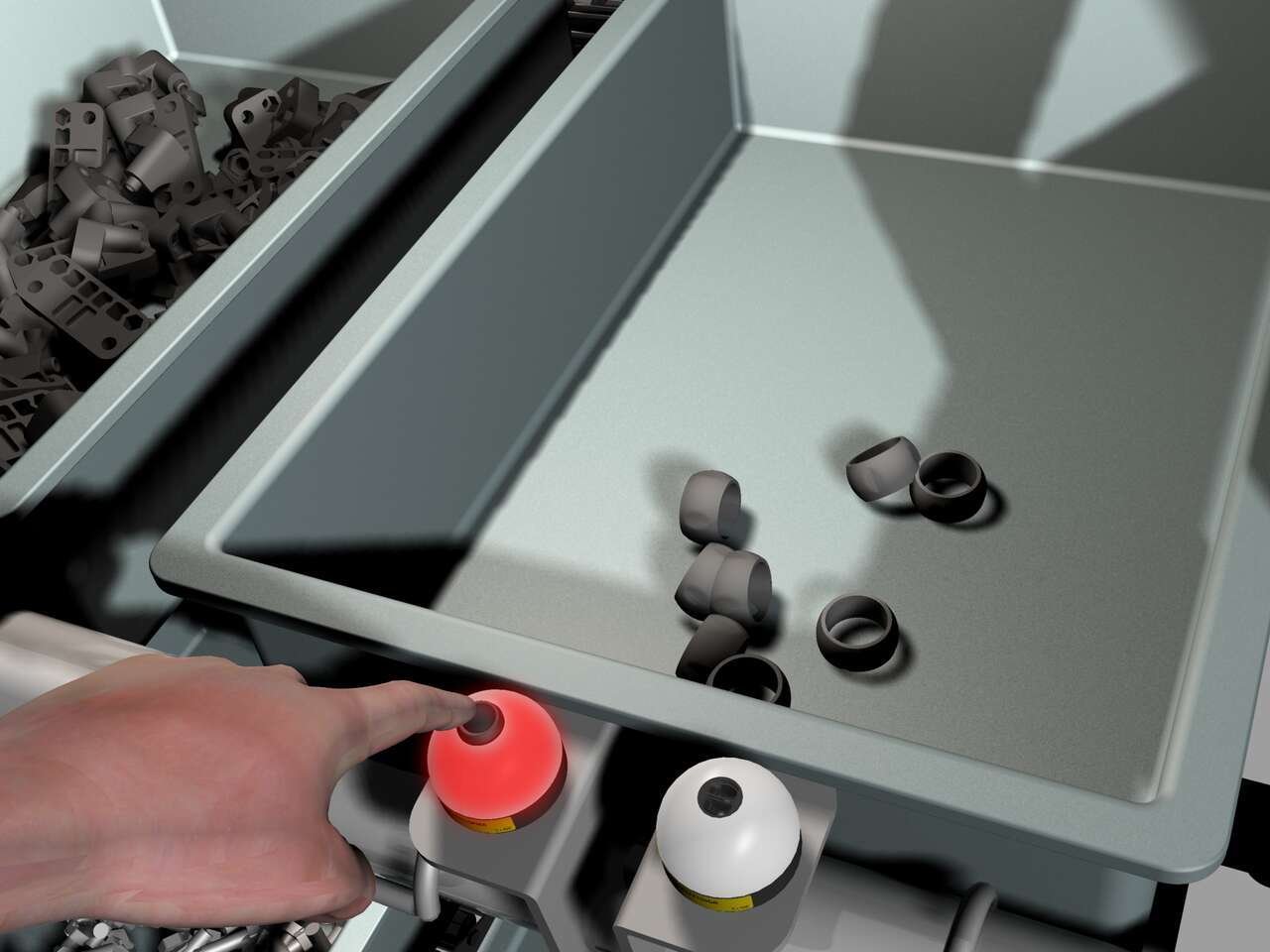
부품 공급이 부족할 경우 조립공은 왼쪽의 EZ-LIGHT K50 푸시 버튼을 누르며, 이 버튼은 운전자에게 부품을 더 가져오라는 신호를 보내는 호출 버튼으로 사용됩니다. 오른쪽의 K50 표시등은 부품 선별 표시등으로 사용됩니다.
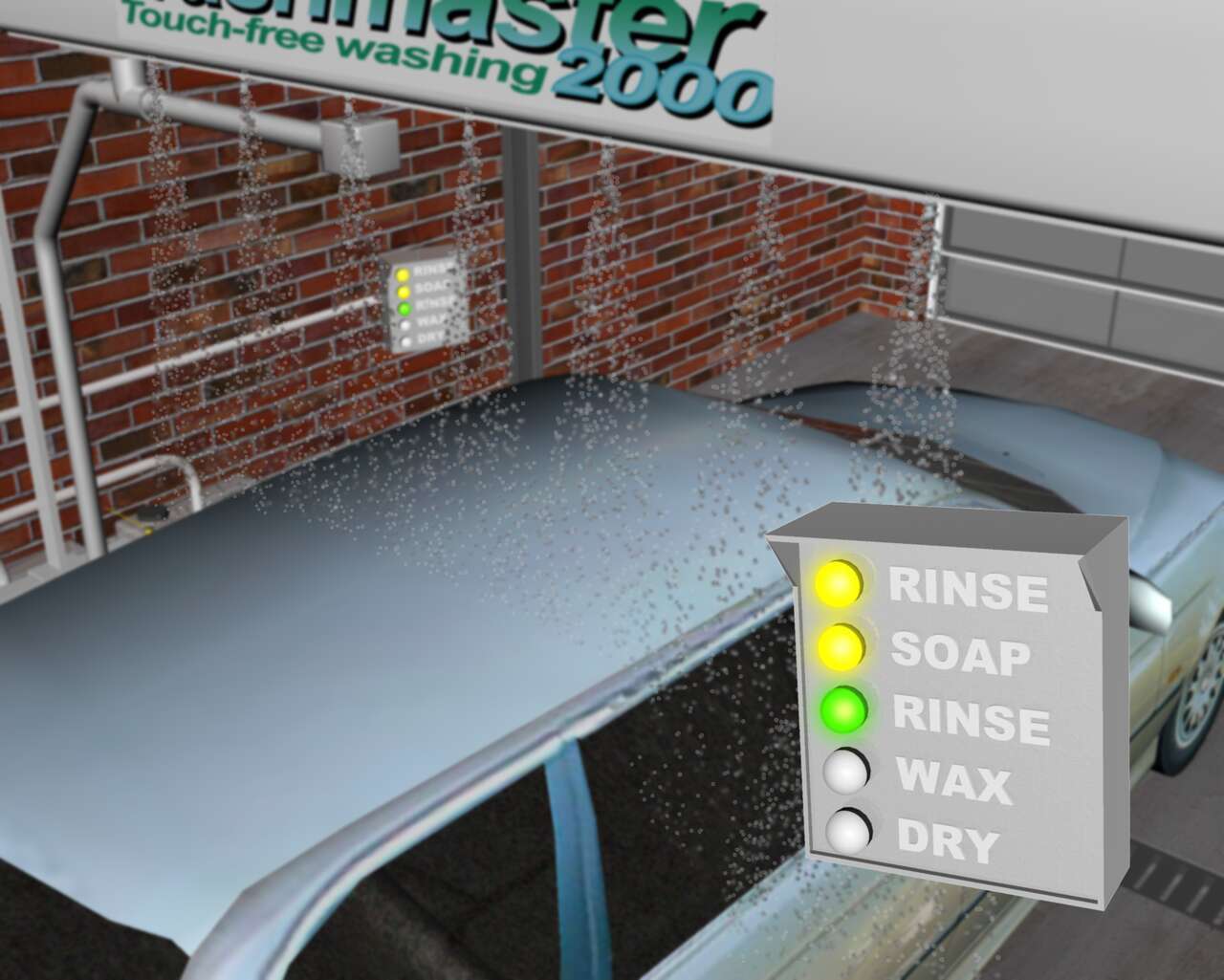
세차 과정의 다양한 단계를 알려주는 세차장 내부의 조명 표시를 위한 센서 솔루션.
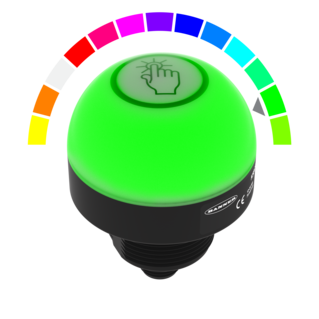
Watch this video for an overview of the features and benefits of the K50 Programmable Touch Button.
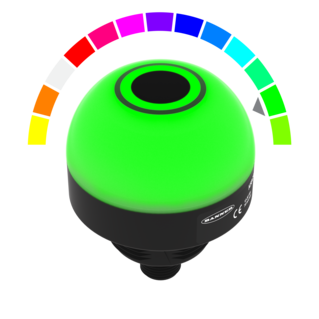
Watch this video for an overview of the features and benefits of the K50 Programmable Touchless Button.
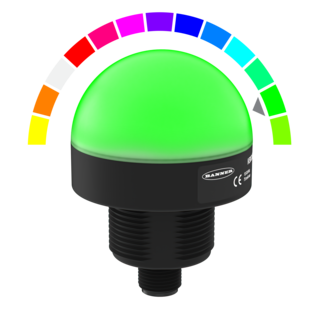
Watch this video for an overview of the features and benefits of the K50 Programmable Indicator.
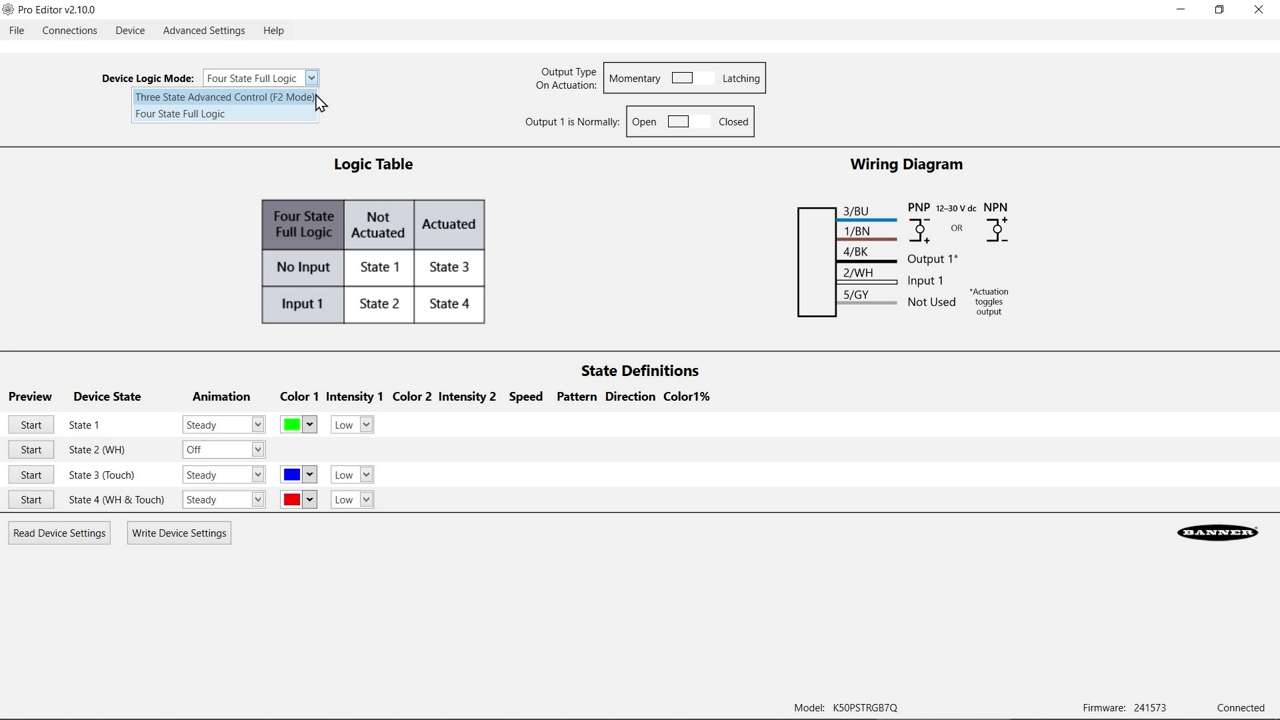
Watch this video to learn about the K50 Pro Select Touch Button 3-State Mode.
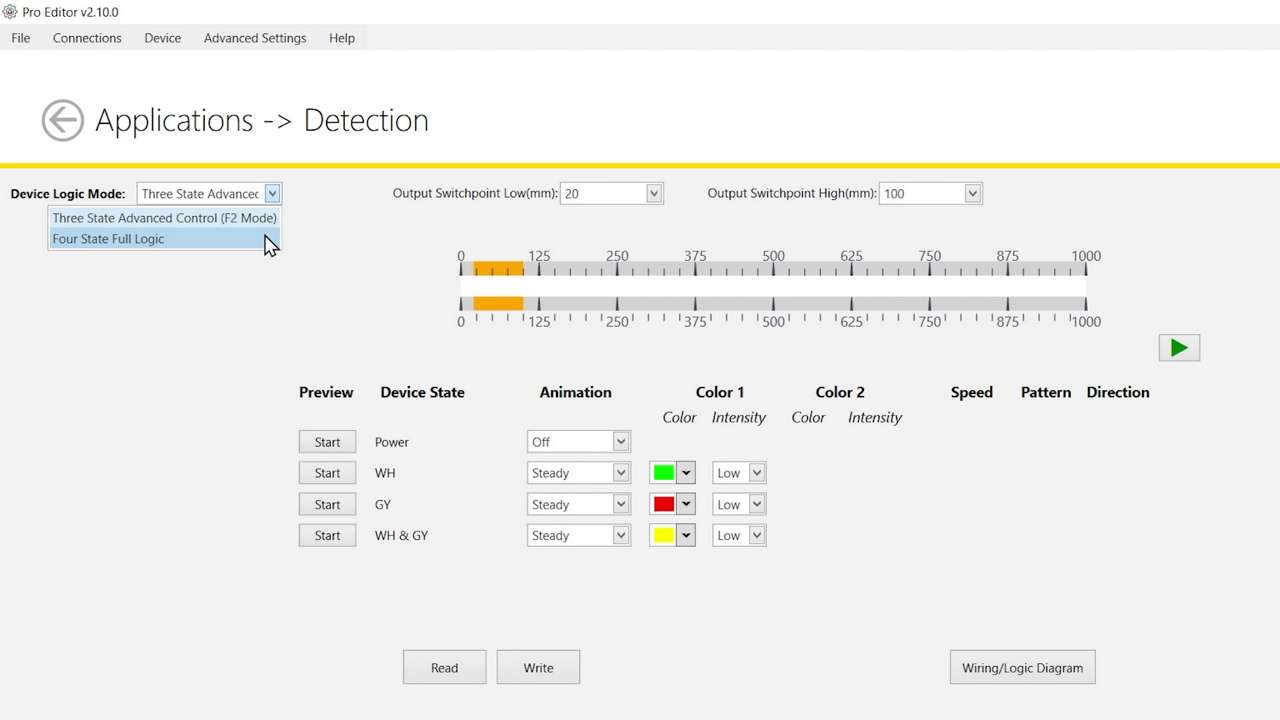
Watch this video to learn about the K50 Pro Select Optical Touch Button 4-State Detection Mode.
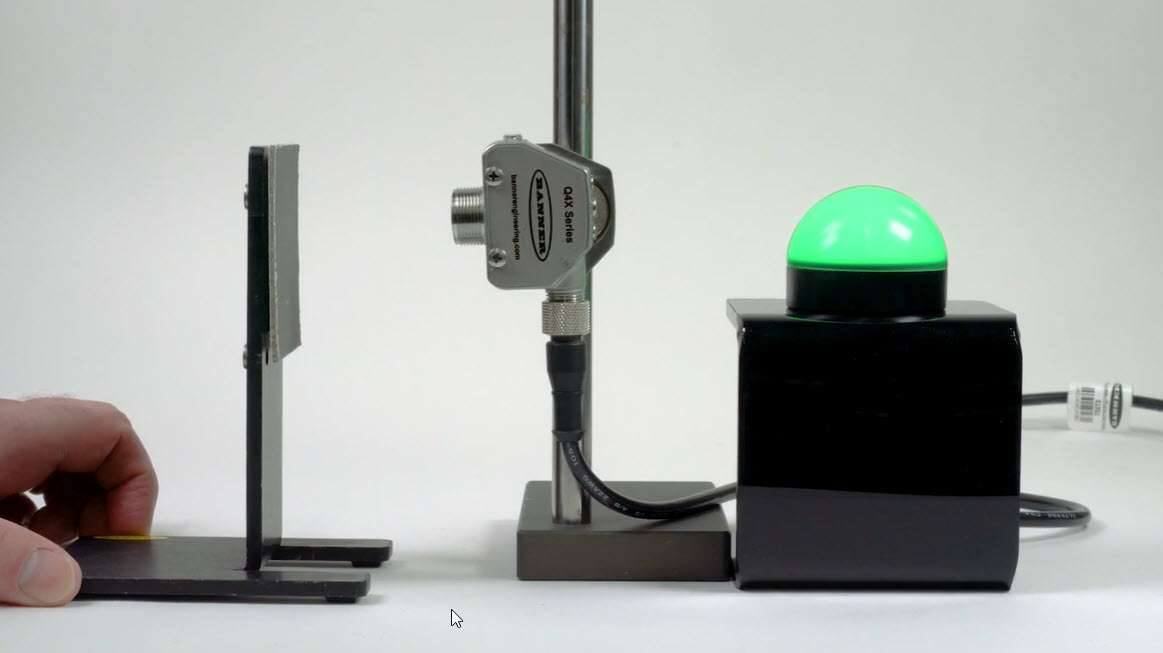
Watch this video to learn how to use the Pulse Control feature of the K50 Pro Select Indicators.
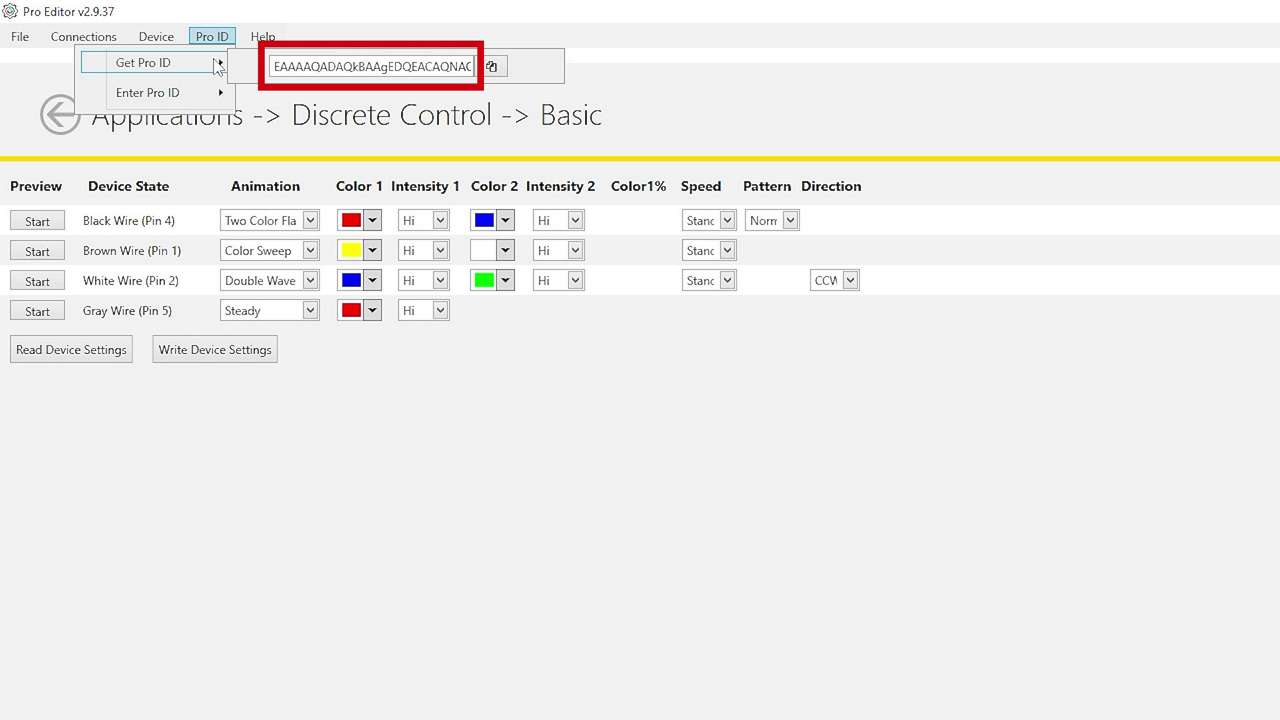
Watch this brief how-to video to see how Banner’s Pro ID feature and Pro Editor software quickly and easily copy configurations to Pro Select lighting products.
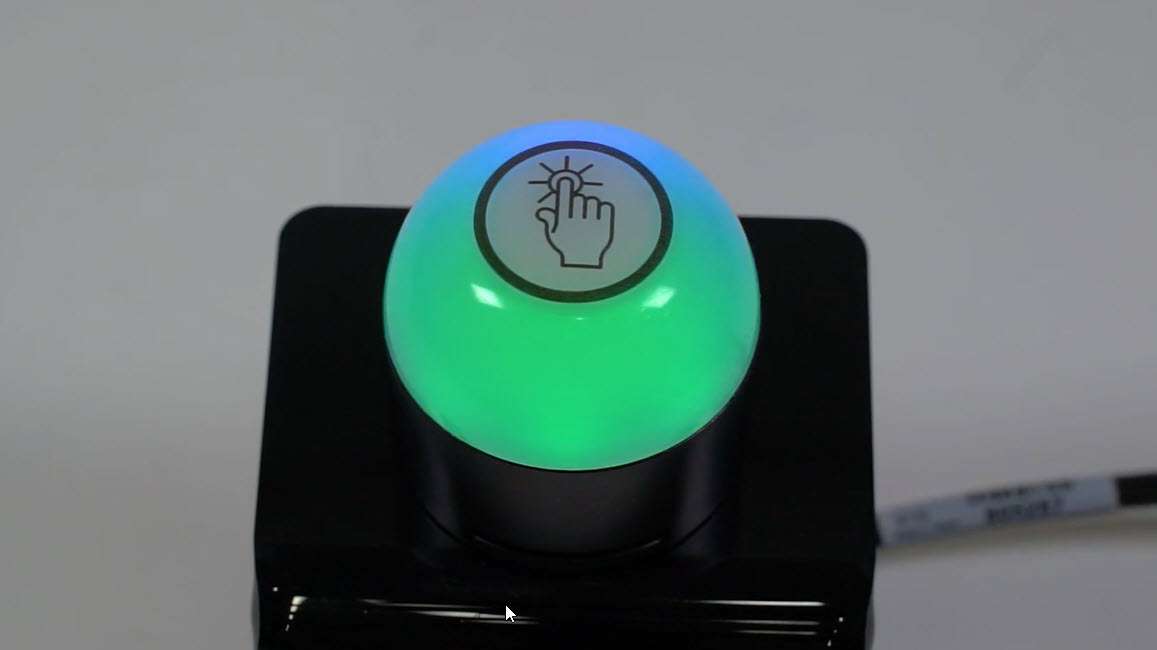
This video covers the basics of programing the audible alarm available in select models of the K50 Pro Touch Button from Banner Engineering.
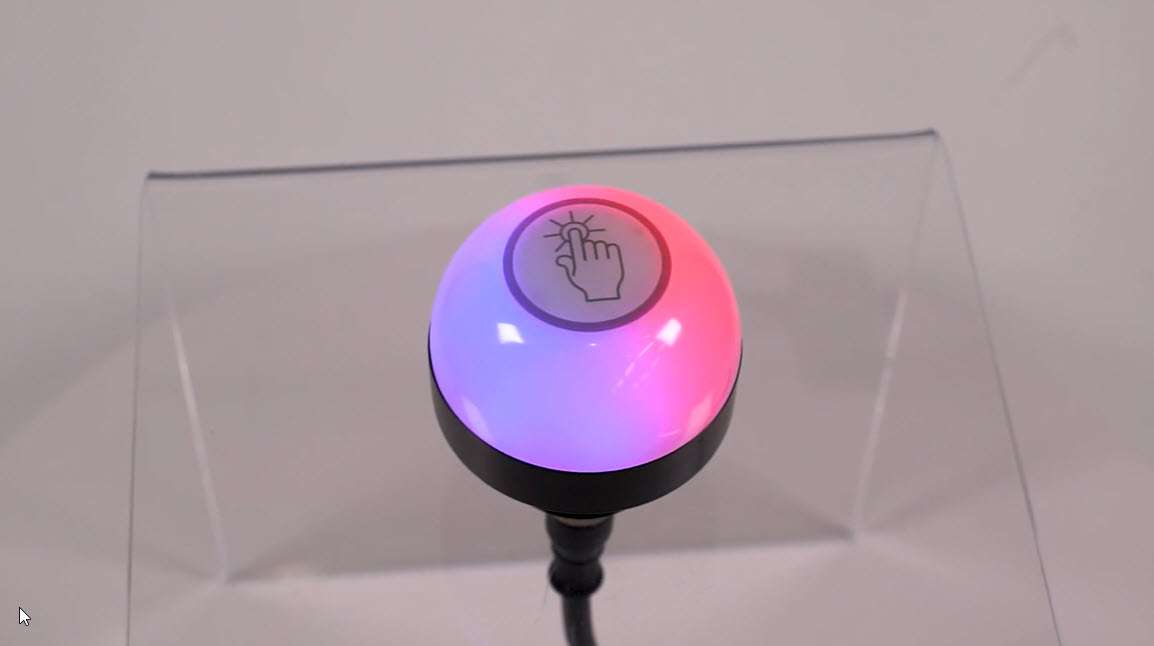
This video covers the basics of the 4-state mode for the K50 Pro Touch Buttons from Banner Engineering.
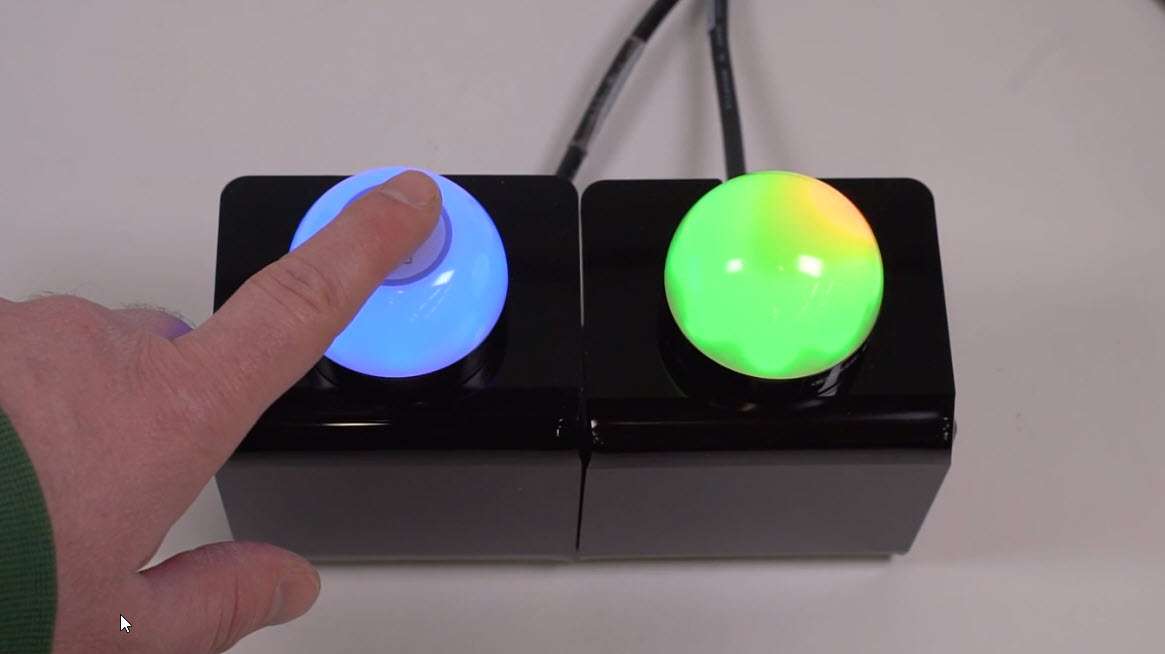
This video covers the basics of the 3-state mode for the K50 Pro Touch Button from Banner Engineering.
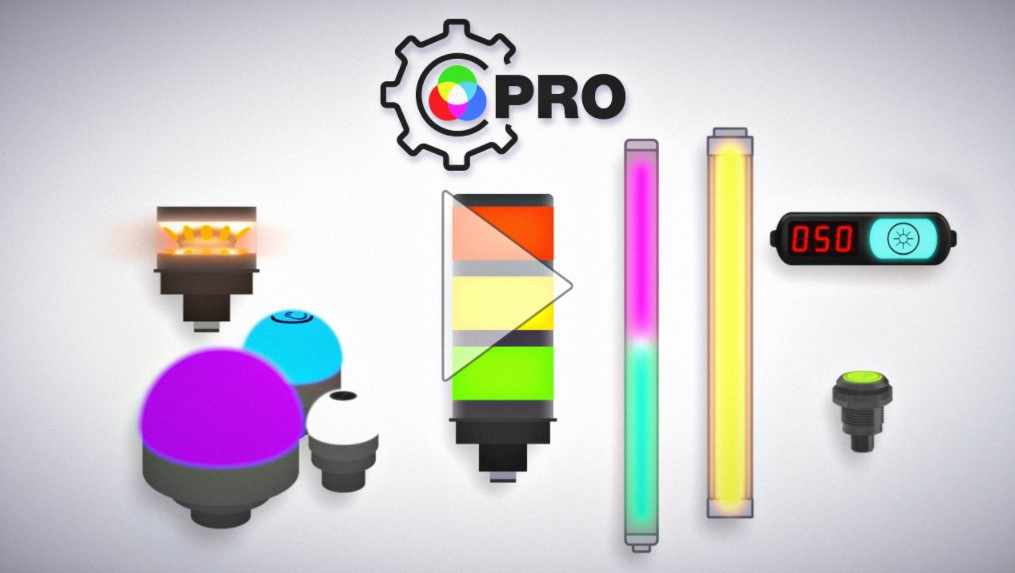
The Pro Series programmable multicolor LED devices from Banner Engineering offer limitless possibilities for advanced indication of dynamic machine states, operator interaction, and process statuses. Watch the video to see what elevates a Banner Pro light above a traditional factory light.

Banner Engineering offers a complete portfolio of touch buttons for your simplest to most advanced touch requirements. Watch the video to learn more about our capabilities for touch and indication.
![RGB Indicators for the Visual Factory [Video]](/content/dam/banner-engineering/projects/video-thumbnails/indication_for_the_visual_factory-new.psd/jcr:content/renditions/cq5dam.thumbnail.319.319.png)
Indicator lights are the visual language of machines. However, traditional indicators are limited. Watch the video the see how programmable RGB indication clarifies communication, simplifies your supply chain, and allows you to quickly create custom indication to match your process.
![K30, K50 and K70 Gen 2 Touch Buttons [Video]](/content/dam/banner-engineering/projects/video-thumbnails/K30_K50_K70_Video_Thumbnail-new.psd/jcr:content/renditions/cq5dam.thumbnail.319.319.png)
Banner Engineering의 2세대 터치 버튼은 열악하거나 지저분한 환경에서도 터치에 정확하게 반응합니다. 내화학 특성을 갖춘 폴리카보네이트 하우징은 물이 직접 분사되는 경우에는 작동하지 않습니다.
![K50 Pro and K30 Pro: Bolder Indication for Everyone, Anywhere [Video]](/content/dam/banner-engineering/projects/video-thumbnails/K30_And_K50_Video_Thumbnail-new.psd/jcr:content/renditions/cq5dam.web.1280.1280.jpeg)
Banner Engineering의 2세대 K50 및 K30는 간단한 배선 및 재고 관리로 더욱 확실한 표시를 위한 보다 다양한 옵션을 제공합니다. 7가지 색상으로 제공되는 견고한 단일 모델 중에서 선택할 수 있습니다.
Learn how to use the Pro Editor to configure K50 Pro Touch buttons.
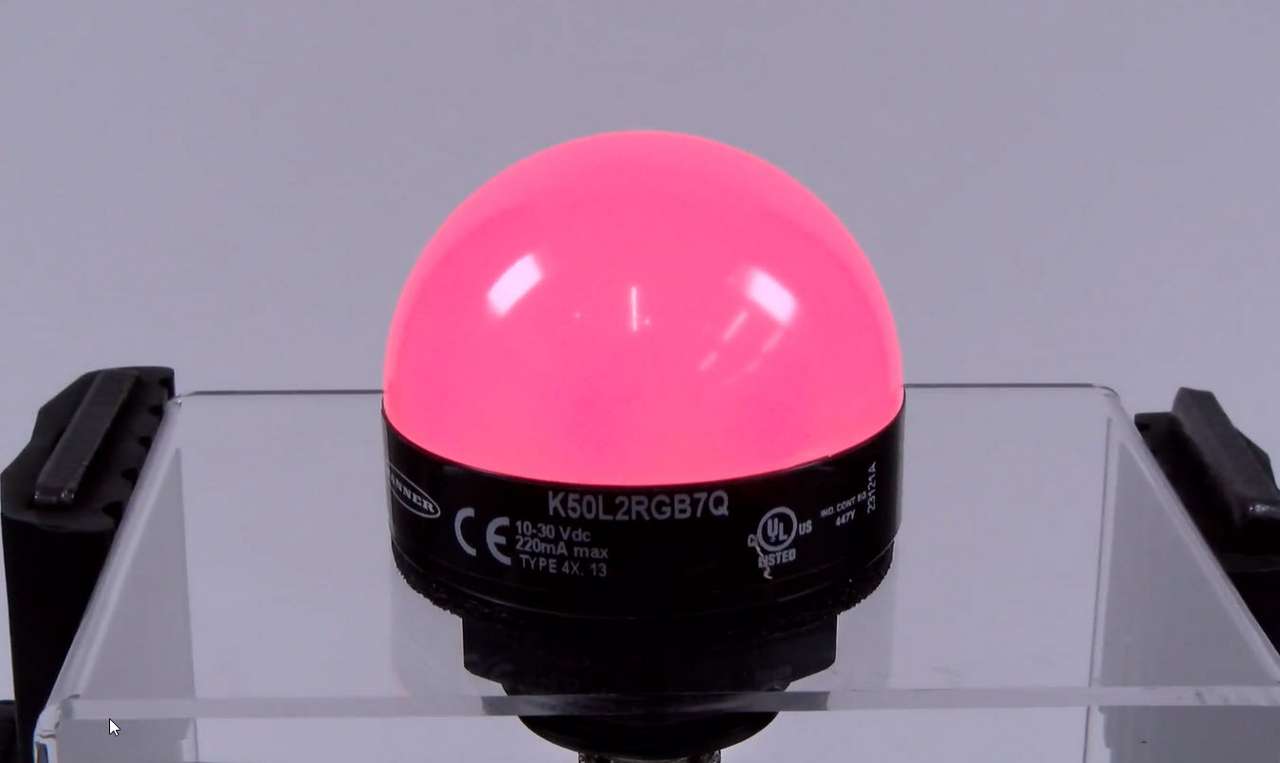
This video covers the basics of setting up a K50 Pro Series Indicator from Banner Engineering.
Our application engineers are here to help with expert guidance and support. Send us your inquiry, and we’ll get back to you as soon as possible. We’re here to make sure you get the answers you need.