
More Devices, Machine Mountable, and No Learning Curve

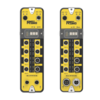
RSio Remote Safe I/O

Familiar Software

Seamless Integration into Studio 5000®

User-Selectable Port Presets

Configure Safety Solutions Faster

Configurable I/O

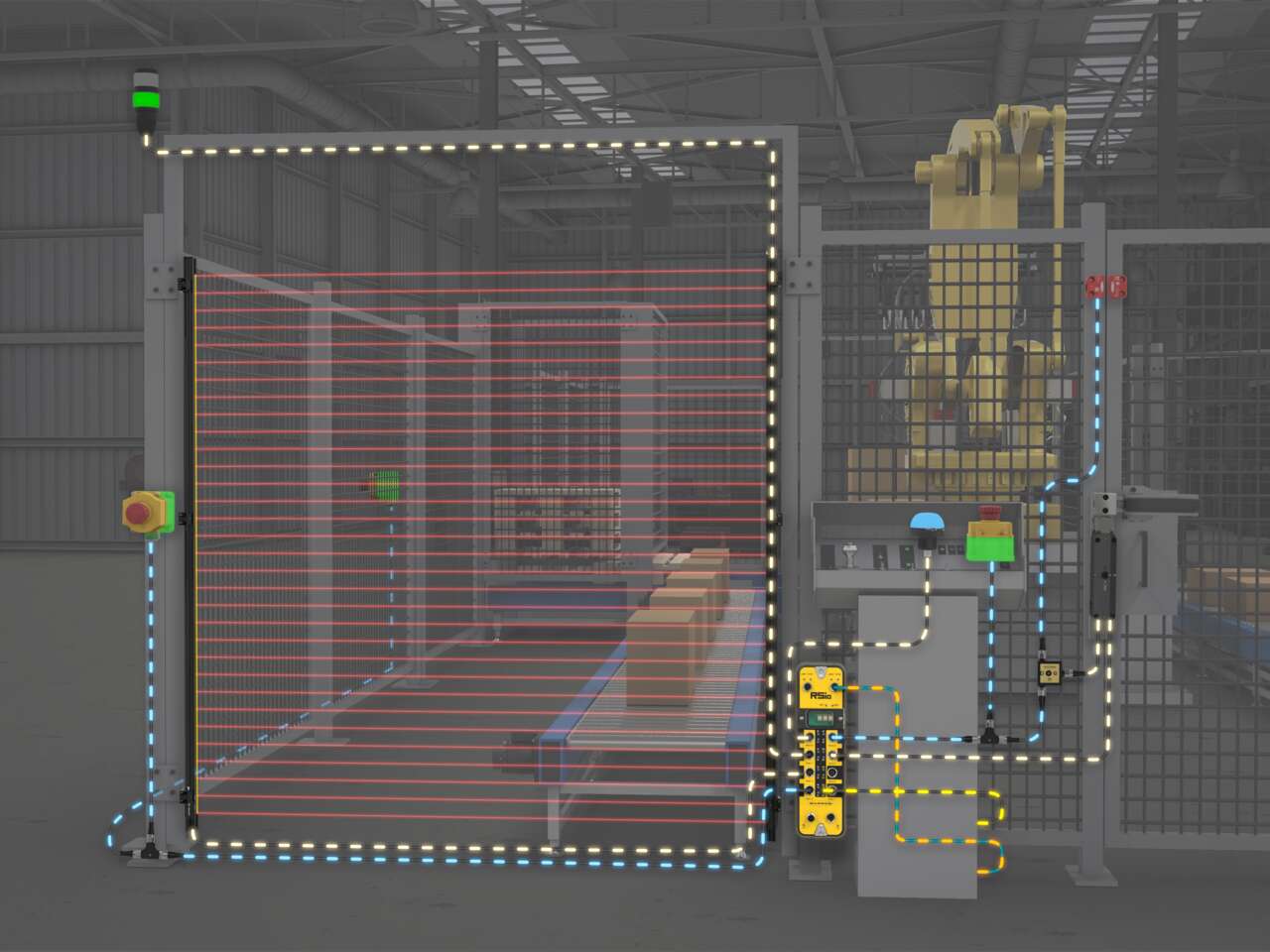
Create Complete Solutions on One Block

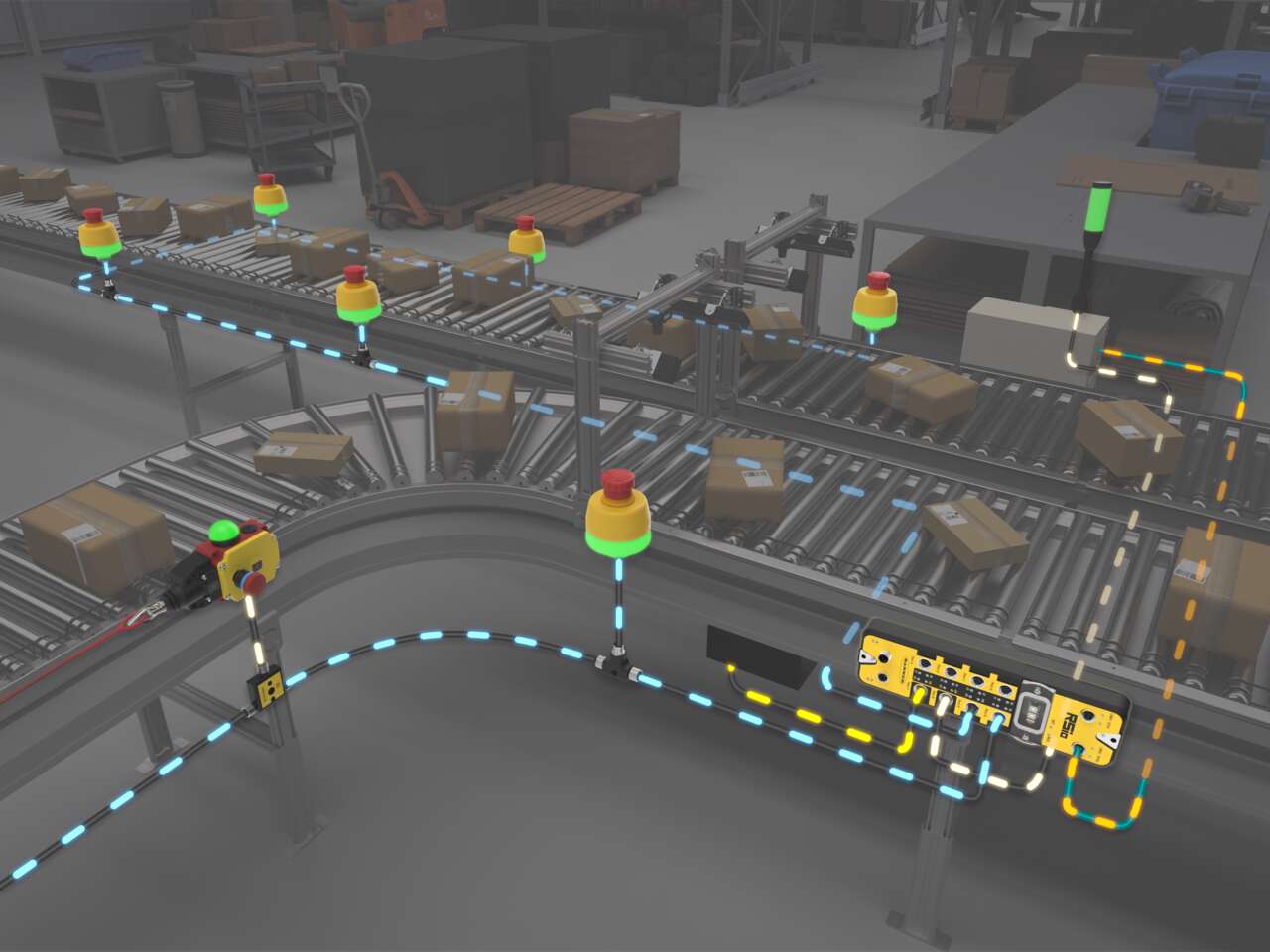
Connect More Devices with Less Wiring

Ethernet Passthrough

Extend Distributed I/O with Network Flexibility

Daisy-Chain

Star

Daisy-Chain & Star

DLR Ring

Power Passthrough

Power Downstream Devices

Have a Remote Safe I/O Application Question?

브로셔 및 카탈로그
제품 데이터 파일

영어 문서


파일 이름
PLC 지원 파일

Videos

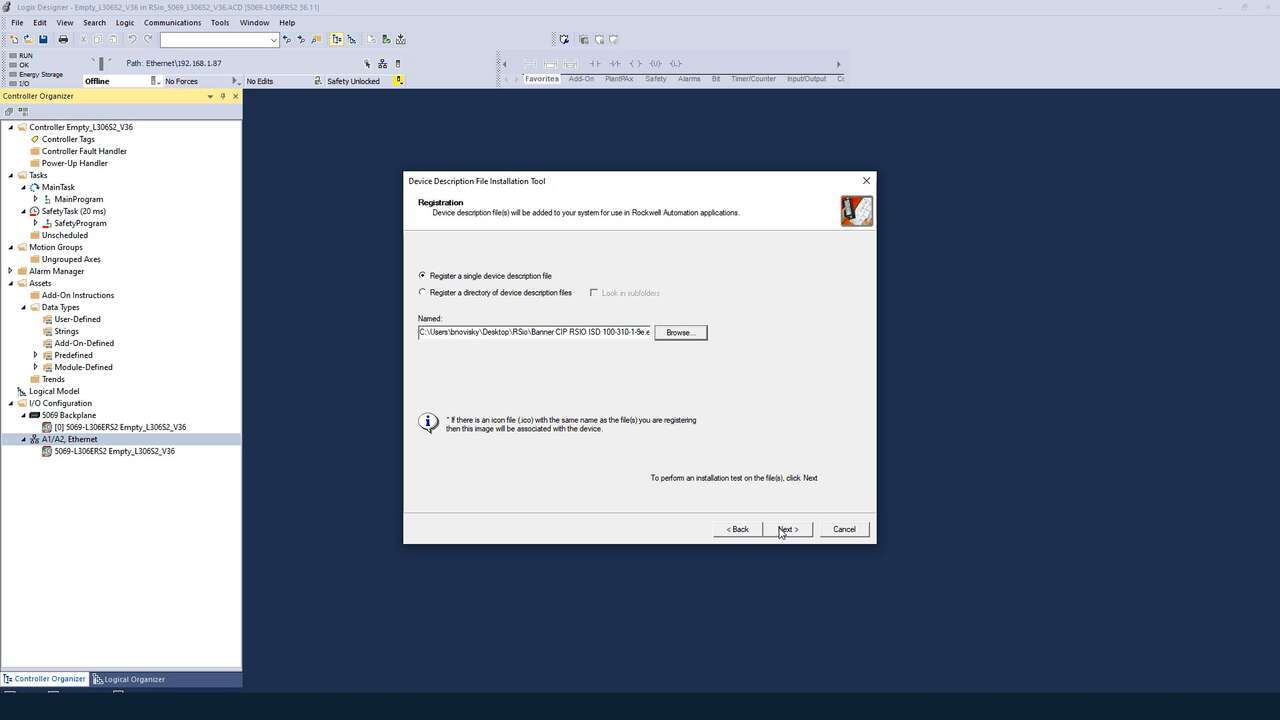
  • How to Install RSio EDS File

    How to Install RSio EDS File

    A demonstration of how to install the EDS software for the RSio Remote Safe I/O Block.

  • RSio Product Overview

    RSio Product Overview

    A brief overview of the features and benefits of the RSio Remote Safe I/O
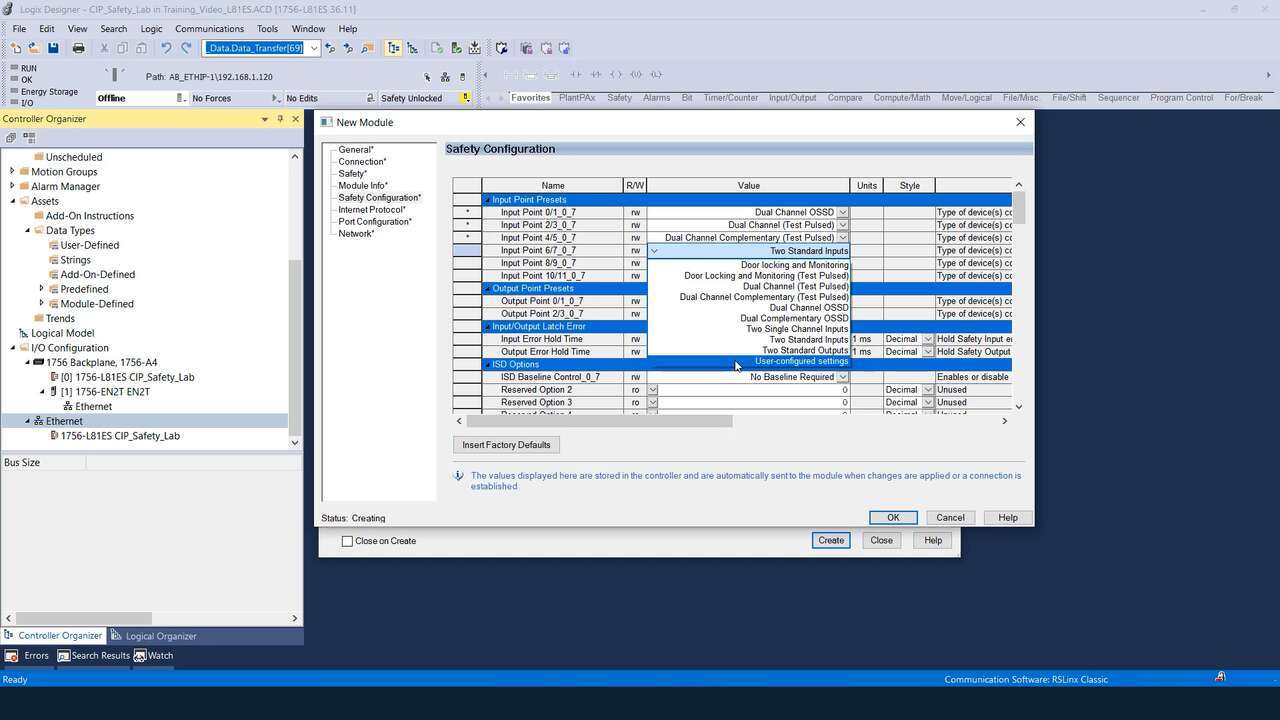
  • How-to Configure RSio Presets

    How-to Configure RSio Presets

    A demonstration of how to configure the presets for the RSio Remote Safe I/O Block.

제품 선택

How-to: Advanced Table Functionality

Arrange column order by dragging and dropping the column header left/right with your mouse.

Sort items in a column by ascending values by clicking the table header once. Click a second time to sort by descending order. Click a third time to remove the sorting for that column.

Shift-click additional column headers to sort by multiple attributes. The first column you sort becomes the primary sort, and each Shift-clicked column adds a secondary level of sorting.

추천 제품
  • 재설정
결과 1- -

Have a Technical Question?