
E-Stop Buttons with ISD
See how ISD technology integrates with emergency stop buttons.
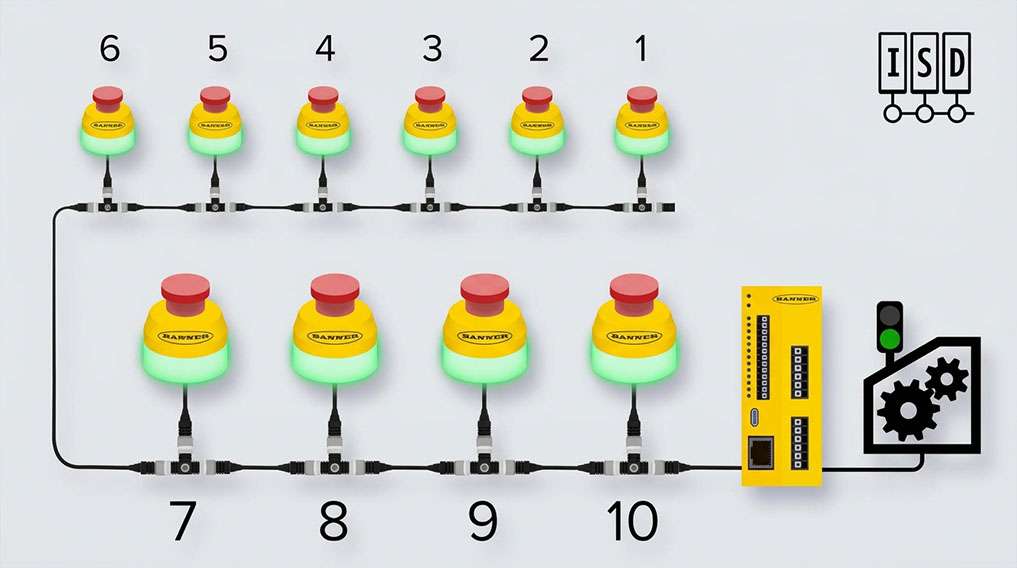
See how ISD technology integrates with emergency stop buttons.
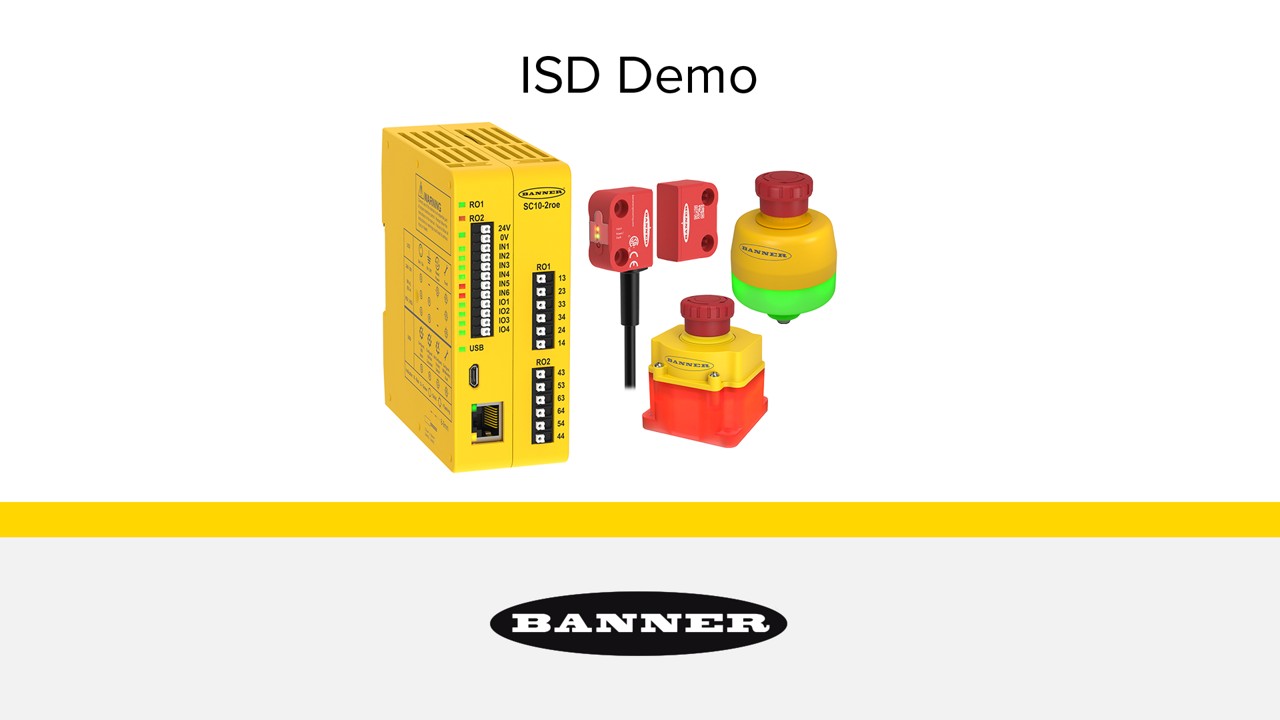
Learn how easy it is to implement and use a complete In-Series Diagnostics safety system.
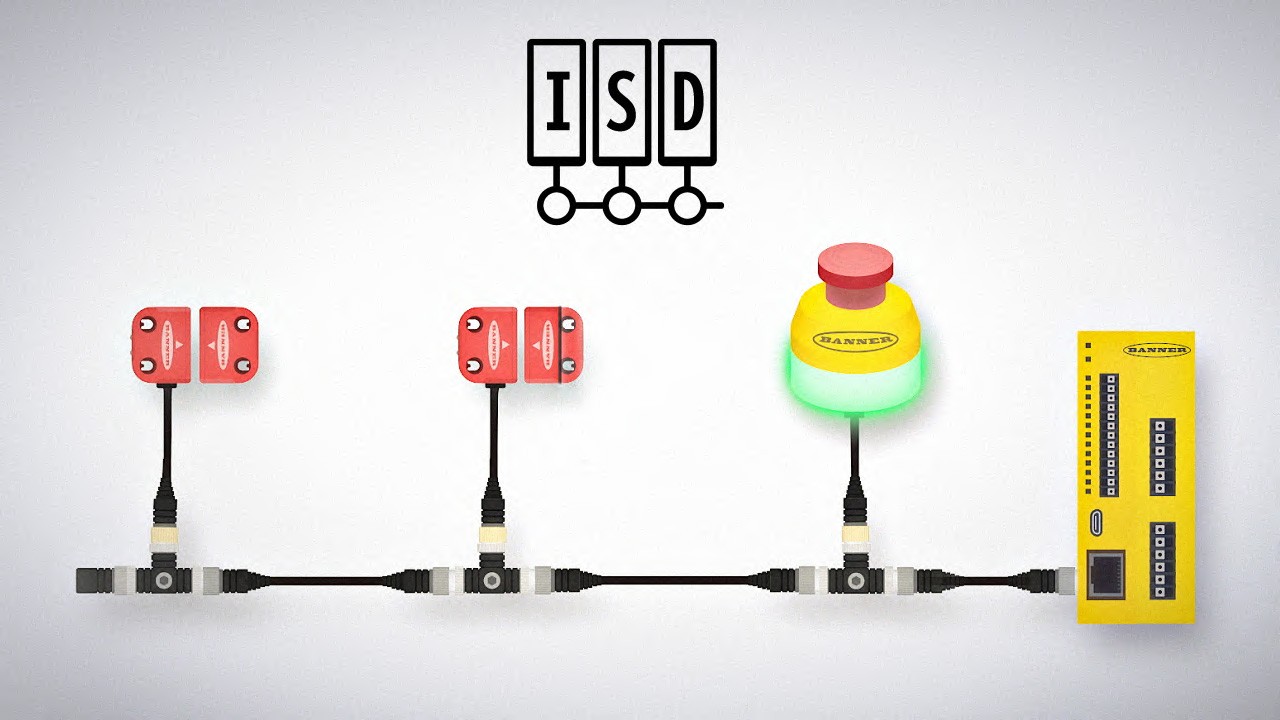
In-Series Diagnostics (ISD) makes it easy to access diagnostic data from devices in a safety system without special equipment or designated cabling. Users can troubleshoot machine safety systems, prevent system faults, and reduce equipment downtime.

Our application engineers are here to help with expert guidance and support. Send us your inquiry, and we’ll get back to you as soon as possible. We’re here to make sure you get the answers you need.