-
Products
-
Lighting and Indication
-
Displays
-
Touch Displays & Controllers
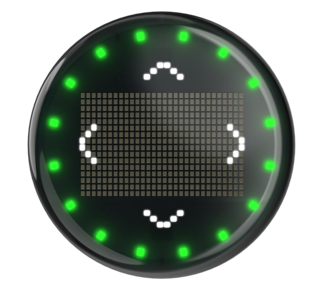
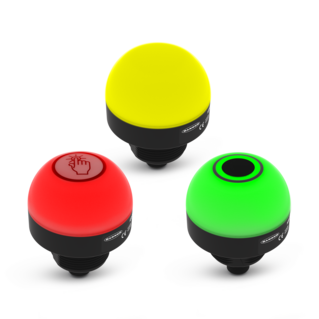
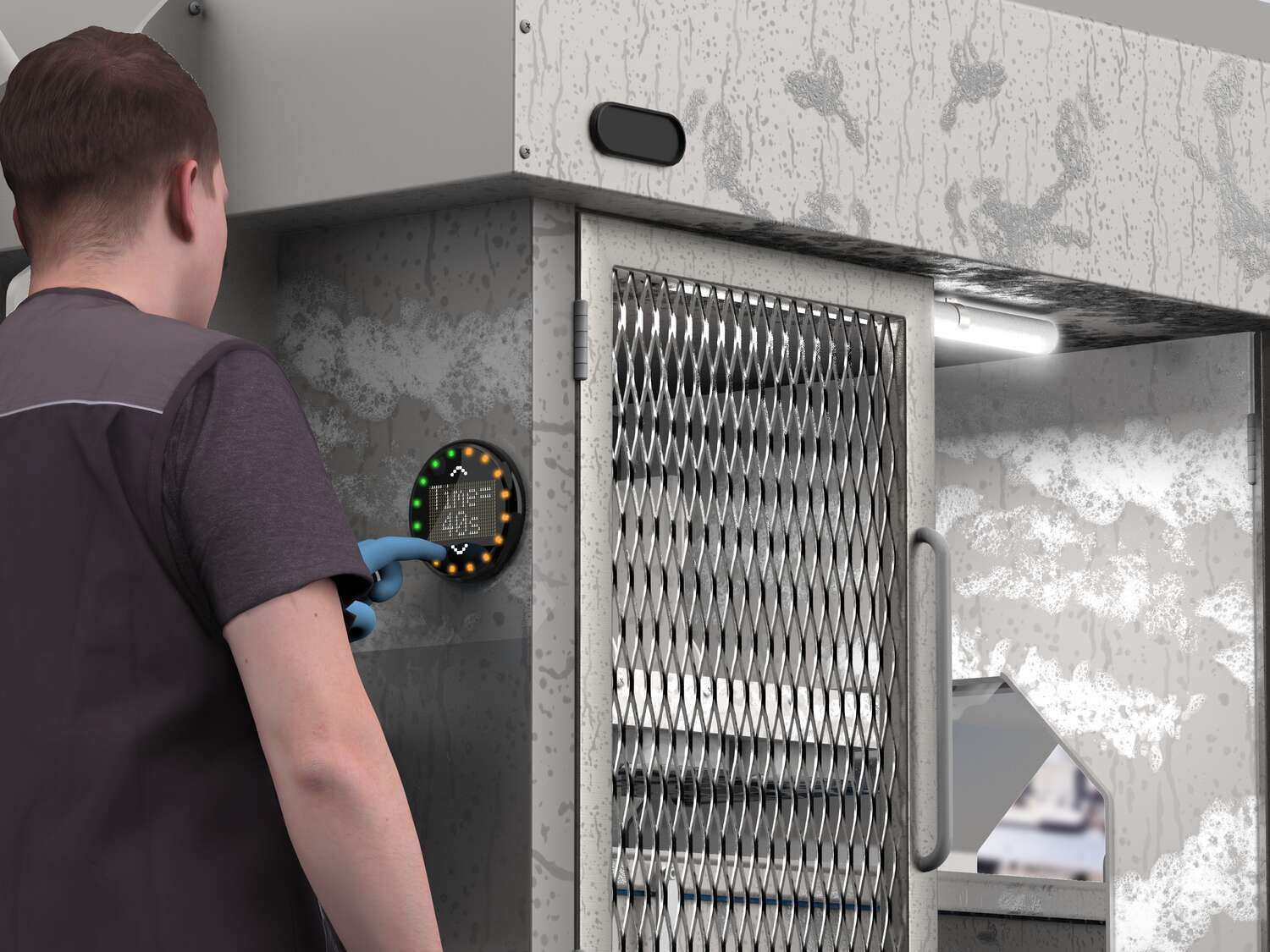
Banner touch displays and controllers combine visual indication, on-device display, and touch input in compact industrial devices. Use them to give operators clear local instructions, show machine status or process values, confirm actions, and support simple control tasks without adding the overhead of a full HMI or a larger push-button station.

Product Selection
How-to: Advanced Table Functionality
Arrange column order by dragging and dropping the column header left/right with your mouse.
Sort items in a column by ascending values by clicking the table header once. Click a second time to sort by descending order. Click a third time to remove the sorting for that column.
Shift-click additional column headers to sort by multiple attributes. The first column you sort becomes the primary sort, and each Shift-clicked column adds a secondary level of sorting.
-
Reset