In-Line Touch Series

Illuminated Switches

Have a Switch Question?

Applications

Proven Solutions that Keep Operations Running

  • Simple Workstation Control

    Simple Workstation Control

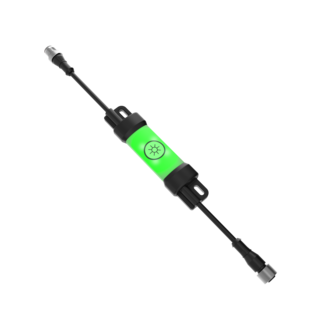
    With its low-profile and sleek design, the LC15T is an easy-to-use interface for controlling a wide range of DC devices. The LC15T effectively communicates status to users with green, blue, and red colors to indicate different device states.

Loading...

English Documents


Filename
Loading...

English Documents


Filename
  • How-To Guide: LC25T In-Line Touch Switch

    How-To Guide: LC25T In-Line Touch Switch

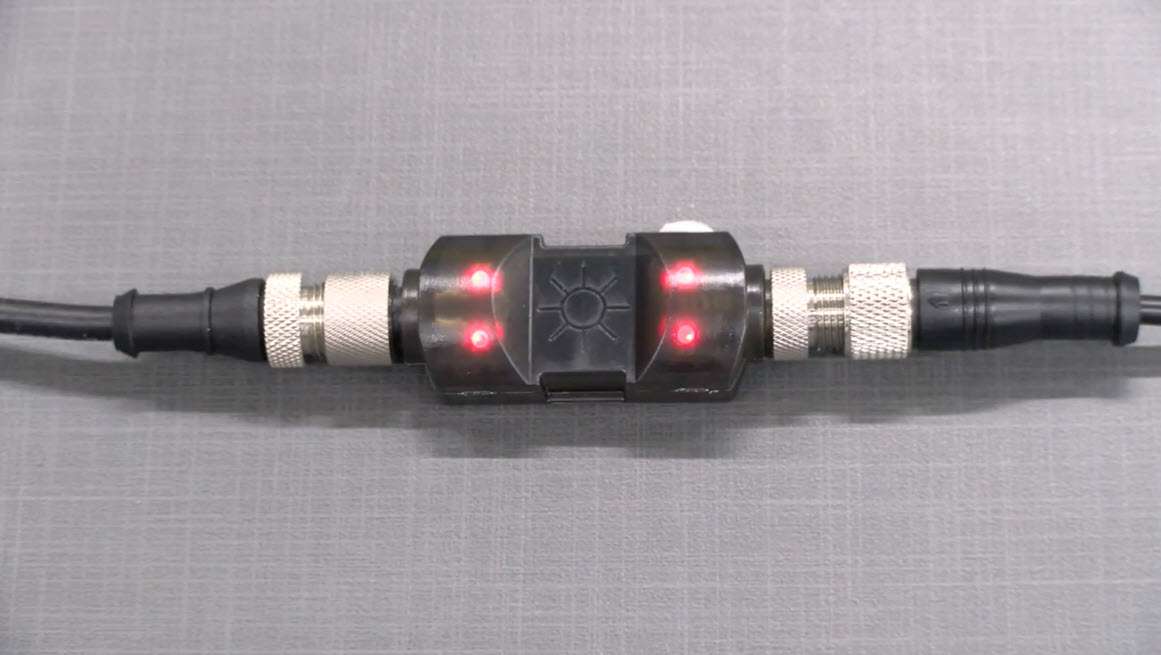
    This video explains the operation of the LC25T In-Line Touch Switch from Banner Engineering.

  • LC15T In-Line Touch Switch

    LC15T In-Line Touch Switch

    Learn about the LC15T, Banner's illuminated In-line touch switch for DC voltage lights. Turn on, off, adjust intensity, and memory features all possible with the touch of a finger.

Product Selection

How-to: Advanced Table Functionality

Arrange column order by dragging and dropping the column header left/right with your mouse.

Sort items in a column by ascending values by clicking the table header once. Click a second time to sort by descending order. Click a third time to remove the sorting for that column.

Shift-click additional column headers to sort by multiple attributes. The first column you sort becomes the primary sort, and each Shift-clicked column adds a secondary level of sorting.

Recommended Products
  • Reset
Results 1- of

Have a Technical Question?