LCA130T I/O Link Overview
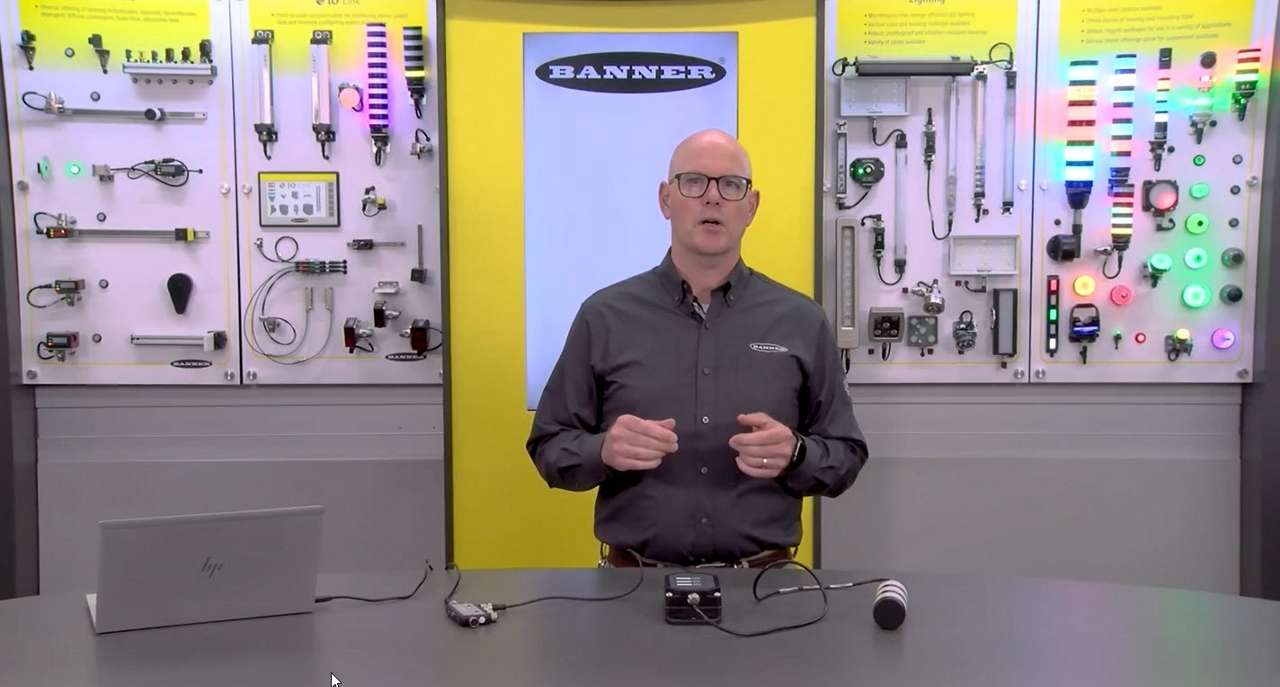
Watch this video to see how Banner’s IO-Link Configuration Software and LCA130T Andon Control Box Series provide customization, control, and data collection.
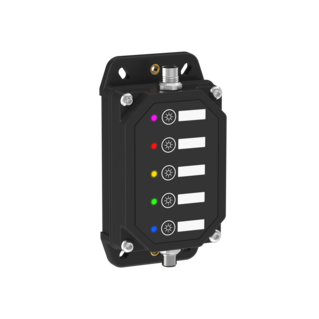
The LCA130T is an integral capacitive touch button control box ideal for controlling lights with just a press of a button.
Andon Light Control Boxes
We noticed you didn’t finish your online checkout. We're dedicated to providing the best shopping experience possible and would love to hear if you faced any challenges. Let us know how we can make your experience even better.
Watch this video to see how Banner’s IO-Link Configuration Software and LCA130T Andon Control Box Series provide customization, control, and data collection.
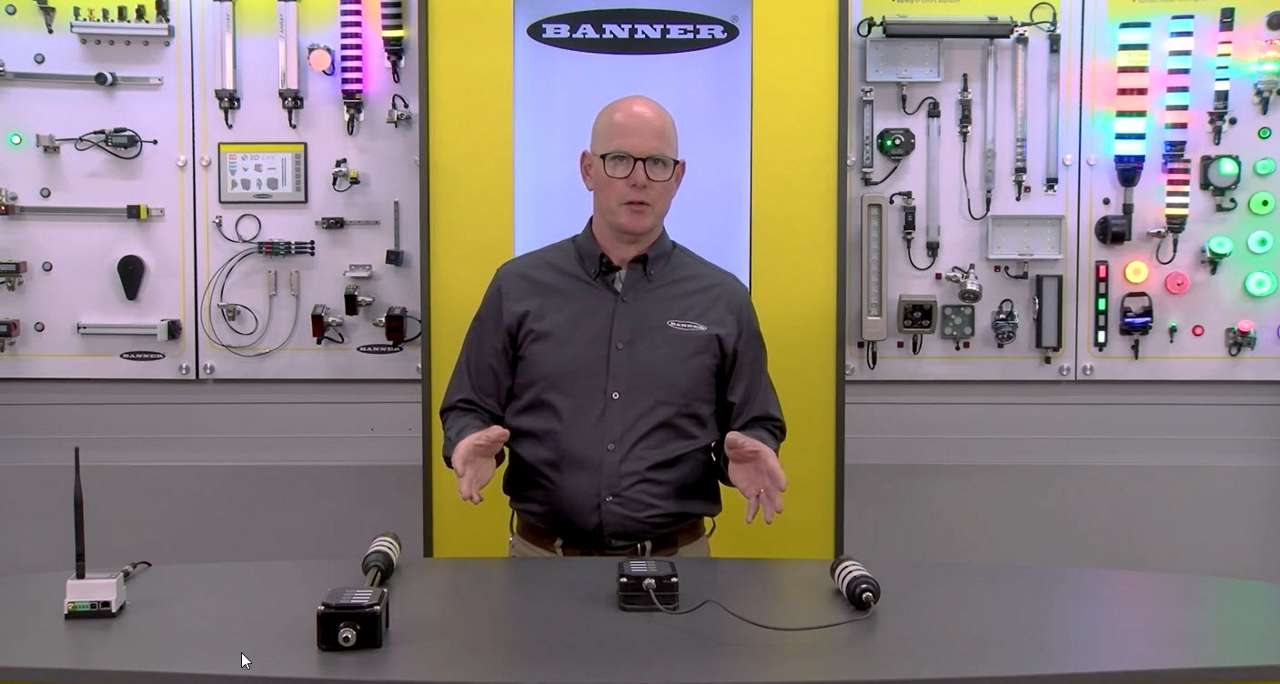
Jason Friedrichs, Lighting and Indication Product Manager, introduces the wireless models of the LCA130T Controller.
Watch this demonstration to learn how to install and use the LCA130T Andon Control Box.
Arrange column order by dragging and dropping the column header left/right with your mouse.
Sort items in a column by ascending values by clicking the table header once. Click a second time to sort by descending order. Click a third time to remove the sorting for that column.
Shift-click additional column headers to sort by multiple attributes. The first column you sort becomes the primary sort, and each Shift-clicked column adds a secondary level of sorting.
Our application engineers are here to help with expert guidance and support. Send us your inquiry, and we’ll get back to you as soon as possible. We’re here to make sure you get the answers you need.