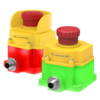
Flush Mount Emergency Stop Buttons

Technical Literature

English Documents


Loading...

English Documents


Filename
Loading...

English Documents


Filename
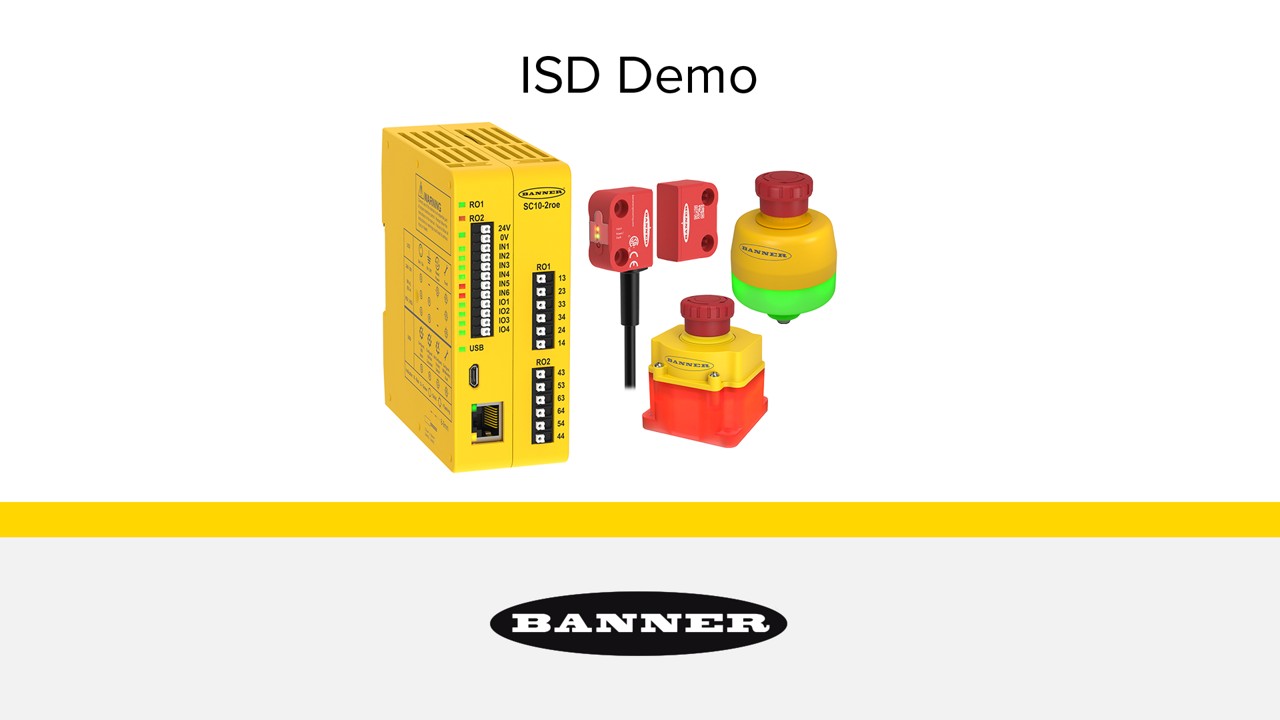
  • In-Series Diagnostics Demo

    In-Series Diagnostics Demo

    Learn how easy it is to implement and use a complete In-Series Diagnostics safety system.

Product Selection

How-to: Advanced Table Functionality

Arrange column order by dragging and dropping the column header left/right with your mouse.

Sort items in a column by ascending values by clicking the table header once. Click a second time to sort by descending order. Click a third time to remove the sorting for that column.

Shift-click additional column headers to sort by multiple attributes. The first column you sort becomes the primary sort, and each Shift-clicked column adds a secondary level of sorting.

Recommended Products
  • Reset
Results 1- of

Have a Technical Question?