Simple Solution for Highly Visible Indication

Pick-to-Light Solutions Kit

Have a Pick-to-Light Question?

Applications

Proven Solutions that Keep Operations Running

  • Quality Assurance at Multiproduct Assembly Workstations

    Quality Assurance at Multiproduct Assembly Workstations

    Read more to learn how the Pick-to-Light Solutions Kit improved pick sequences and ensured a high level of quality assurance at mutiproduct assembly workstations.

  • ABR Barcode Series

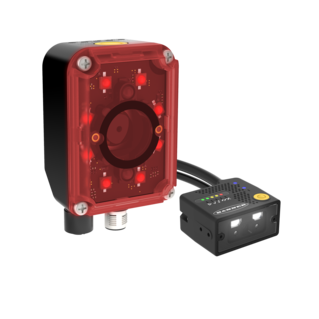
    ABR Barcode Series

    ABR Series barcode readers reliably read the most difficult 1D and 2D barcodes and feature a compact housing with advanced illumination options.
  • Pick-to-Light

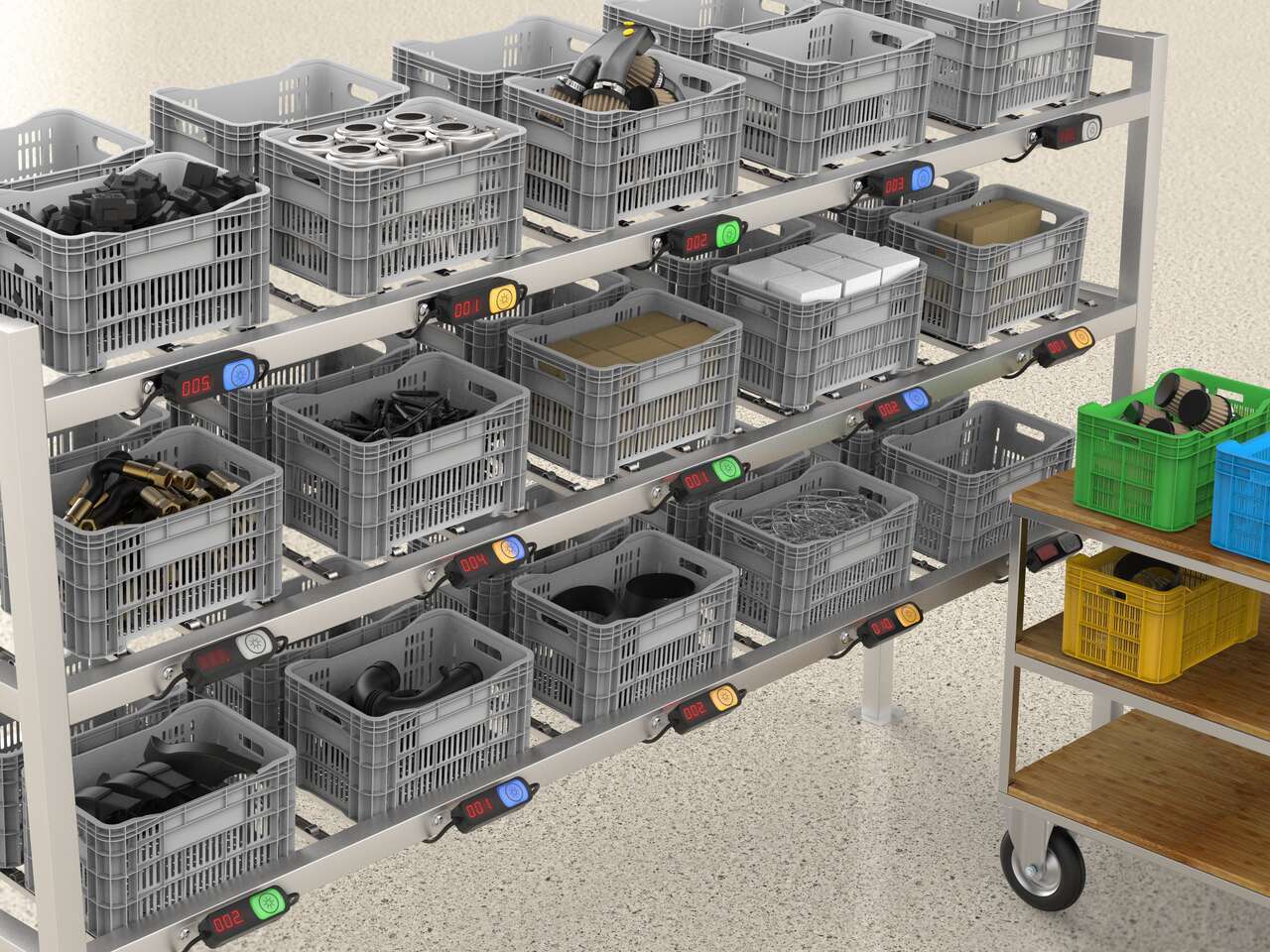
    Pick-to-Light

    Pick-to-light sensors help industrial automation manufacturers reduce the risk of error in the assembly process, boosting product quality and reducing cost.

Brochures & Catalogs

English Documents


Loading...

English Documents


Filename
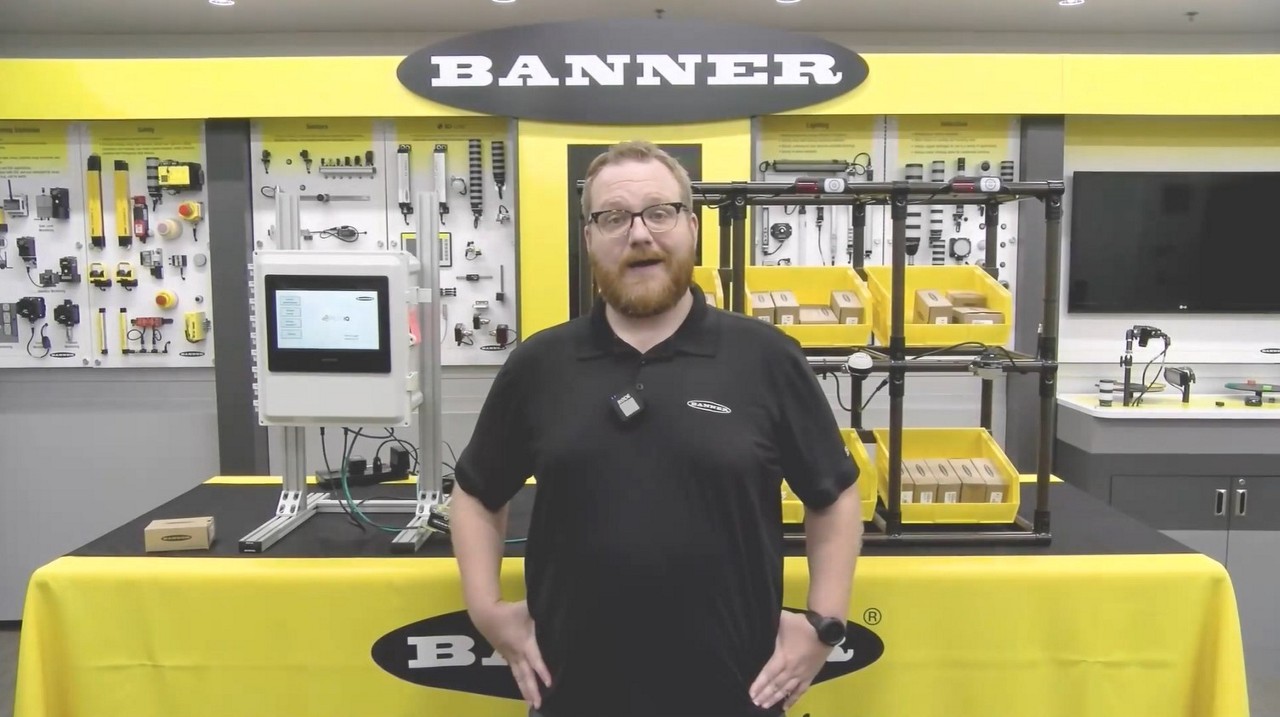
  • Pick-to-Light Solutions Kit Demo

    Pick-to-Light Solutions Kit Demo

    Learn how to use Banner's Pick-to-Light Solutions Kit.

Product Selection

How-to: Advanced Table Functionality

Arrange column order by dragging and dropping the column header left/right with your mouse.

Sort items in a column by ascending values by clicking the table header once. Click a second time to sort by descending order. Click a third time to remove the sorting for that column.

Shift-click additional column headers to sort by multiple attributes. The first column you sort becomes the primary sort, and each Shift-clicked column adds a secondary level of sorting.

Recommended Products
  • Reset
Results 1- of

Have a Technical Question?