Video Library
Explore Banner's extensive range of industrial automation solutions in our video library. Find demos, tutorials, and product insights to enhance your operations.
VTB Series Illuminated Verification Touch Buttons
Applications
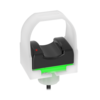
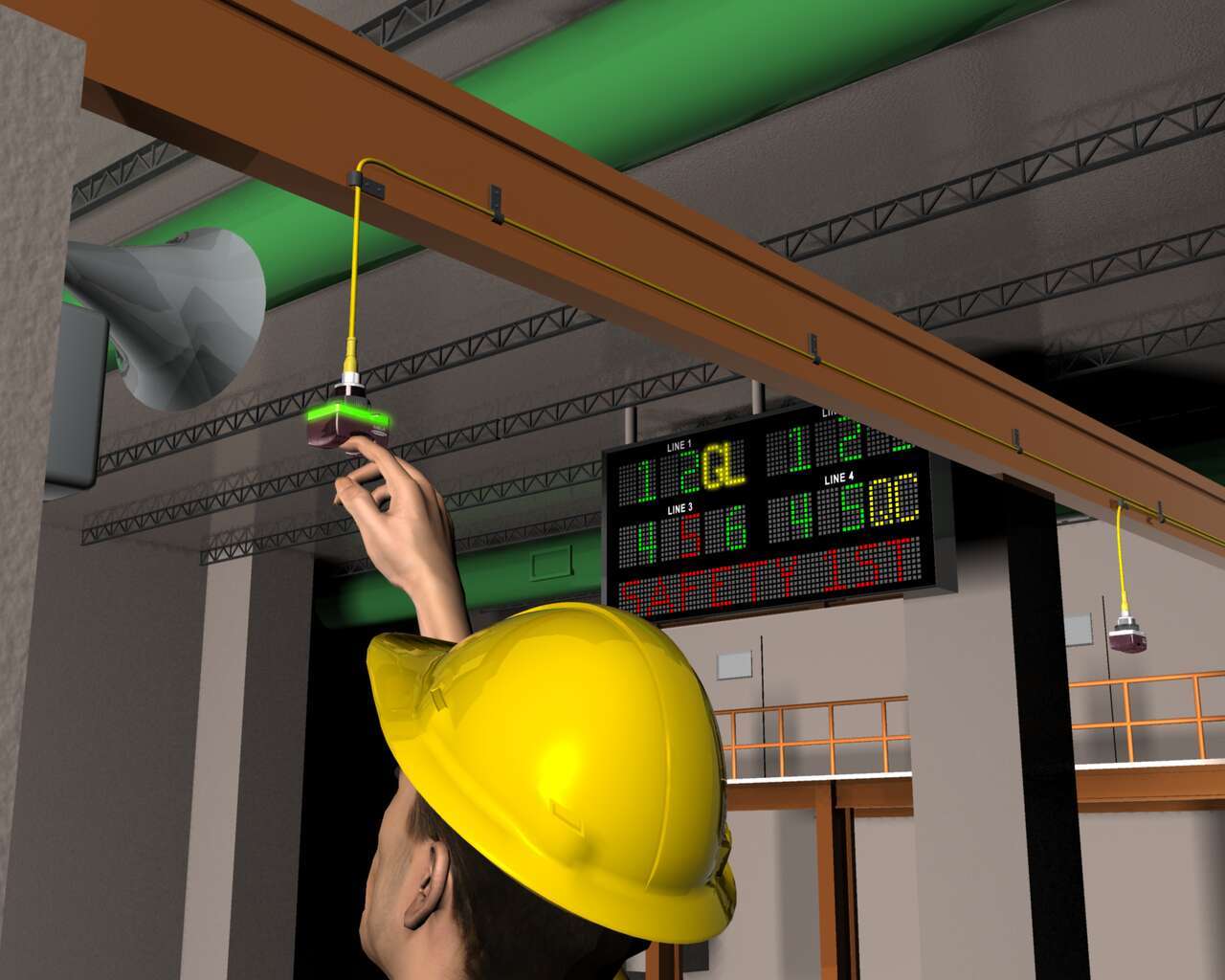
A worker has detected a problem that might cause a quality problem down the line. The worker inserts a finger into the saddle of the EZ-LIGHT VTB, which triggers an audible alarm and displays the location on an andon board, so the supervisor can decide whether the problem merits shutting down the line.
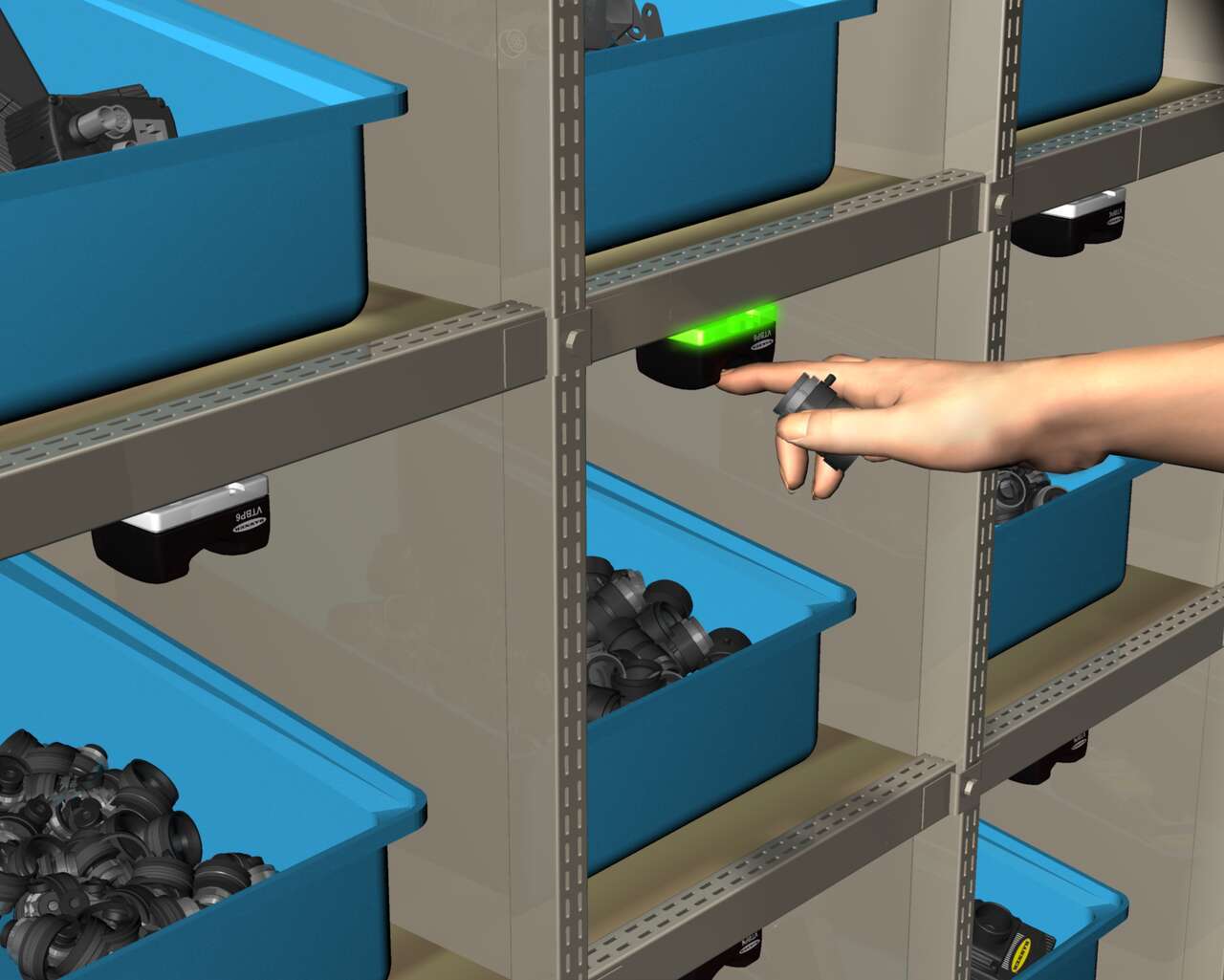
Each bin has an EZ-LIGHT VTB Verification Touch Button connected to a process controller programmed with each order manifest. The VTB's LED base glows to indicate which lens to select to fulfill an order. After selecting the lens, the worker places a finger in the touch zone of the VTB to verify the pick. The worker does not have to apply any pressure to, reducing the risk of repetitive motion injury.
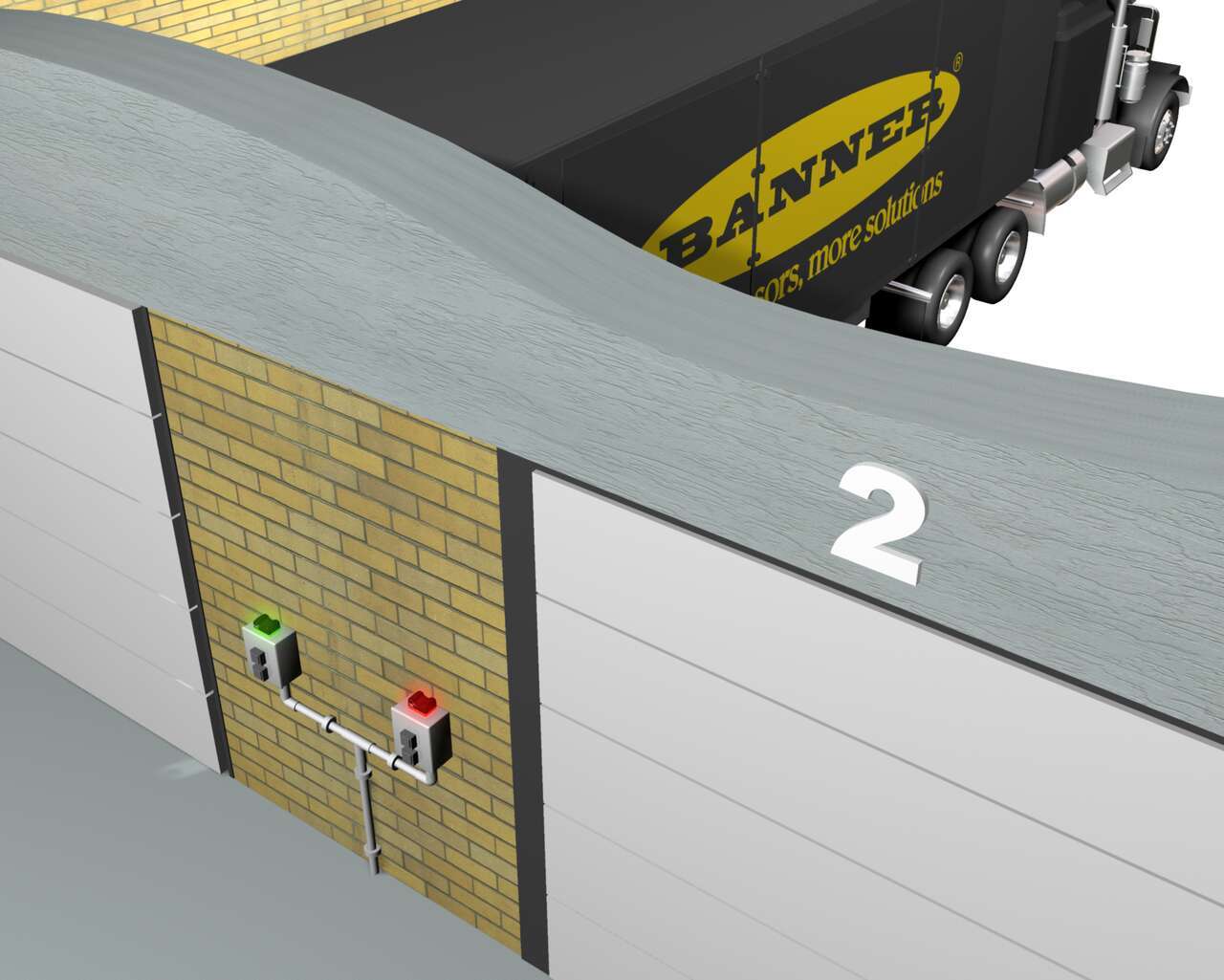
Sensor solution to signal the presence of a truck at a dock door with bright illumination.
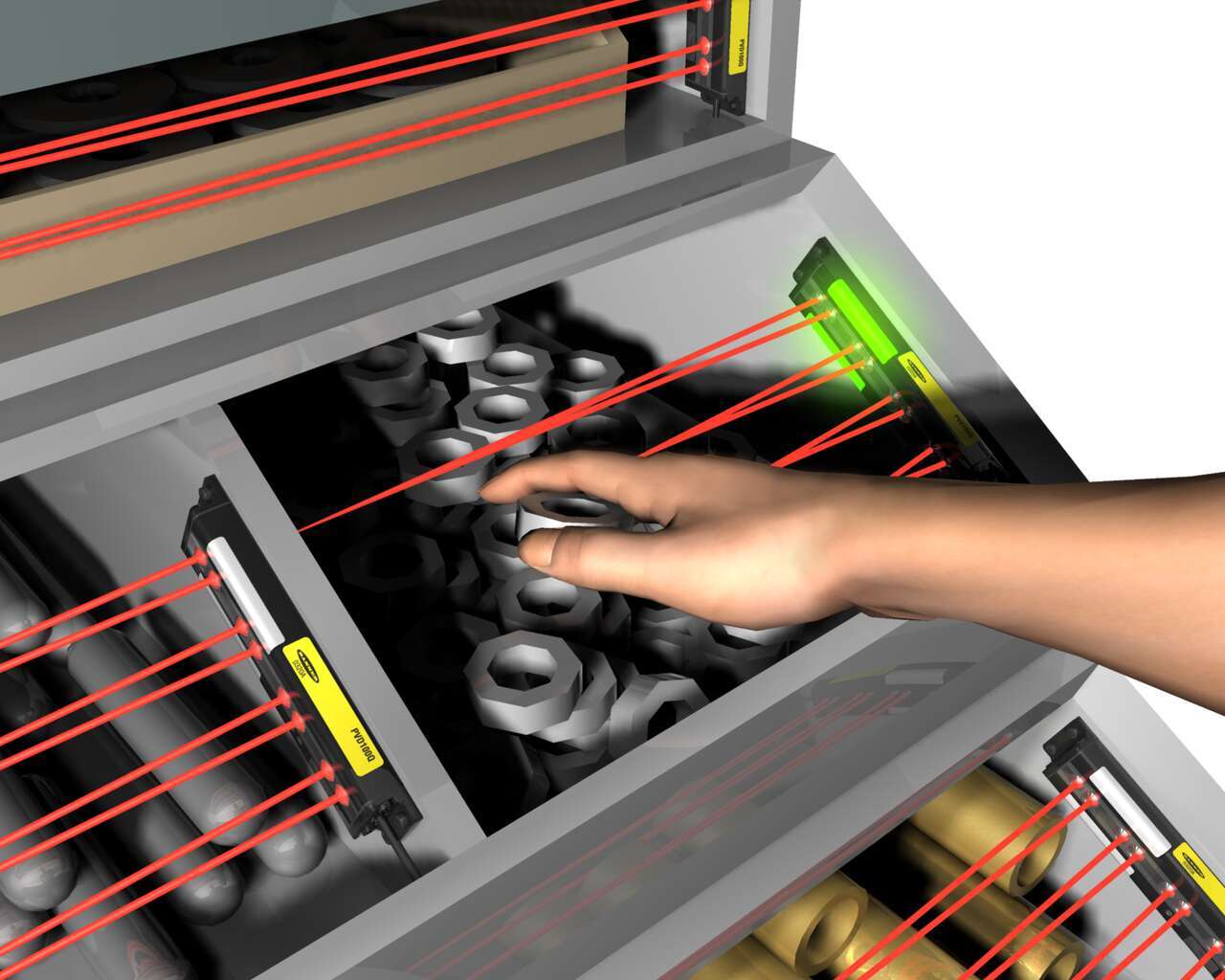
To reduce the risk of error in an assembly operation, a one-piece EZ-LIGHT PVD pick-to-light sensor with a 400 mm range is interfaced with a process controller programmed with the correct assembly sequence. The controller makes the PVDs light up in the correct order, to show the assembler which part to pick. After the PVD detects that the assembler's hand has entered and left the bin, the controller signals the PVD of the next bin in the pick sequence to light up.
A worker has detected a problem that might cause a quality problem down the line. The worker inserts a finger into the saddle of the EZ-LIGHT VTB, which triggers an audible alarm and displays the location on an andon board, so the supervisor can decide whether the problem merits shutting down the line.
Each bin has an EZ-LIGHT VTB Verification Touch Button connected to a process controller programmed with each order manifest. The VTB's LED base glows to indicate which lens to select to fulfill an order. After selecting the lens, the worker places a finger in the touch zone of the VTB to verify the pick. The worker does not have to apply any pressure to, reducing the risk of repetitive motion injury.
Sensor solution to signal the presence of a truck at a dock door with bright illumination.
To reduce the risk of error in an assembly operation, a one-piece EZ-LIGHT PVD pick-to-light sensor with a 400 mm range is interfaced with a process controller programmed with the correct assembly sequence. The controller makes the PVDs light up in the correct order, to show the assembler which part to pick. After the PVD detects that the assembler's hand has entered and left the bin, the controller signals the PVD of the next bin in the pick sequence to light up.
We noticed you didn’t finish your online checkout. We're dedicated to providing the best shopping experience possible and would love to hear if you faced any challenges. Let us know how we can make your experience even better.
Arrange column order by dragging and dropping the column header left/right with your mouse.
Sort items in a column by ascending values by clicking the table header once. Click a second time to sort by descending order. Click a third time to remove the sorting for that column.
Shift-click additional column headers to sort by multiple attributes. The first column you sort becomes the primary sort, and each Shift-clicked column adds a secondary level of sorting.

Our application engineers are here to help with expert guidance and support. Send us your inquiry, and we’ll get back to you as soon as possible. We’re here to make sure you get the answers you need.