SX5 Safety Laser Scanner Solutions
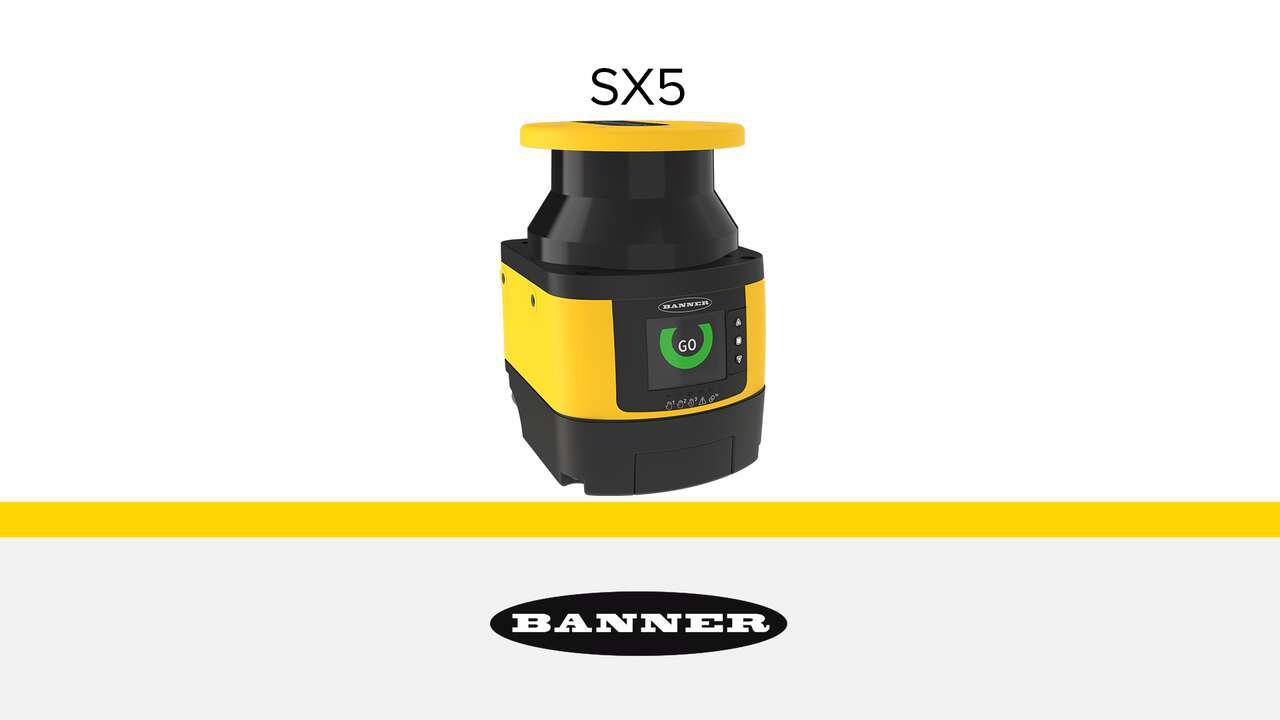
Learn about the improved SX5 safety laser scanner.
SX5 Series safety laser scanners protect personnel, equipment, and mobile systems within a user-defined area. They continuously scan a 275° area to create a two-dimensional protected zone that must be crossed to reach the hazard. They are suitable for horizontal, vertical, and mobile applications.
SX5 Series Safety Scanners
Applications
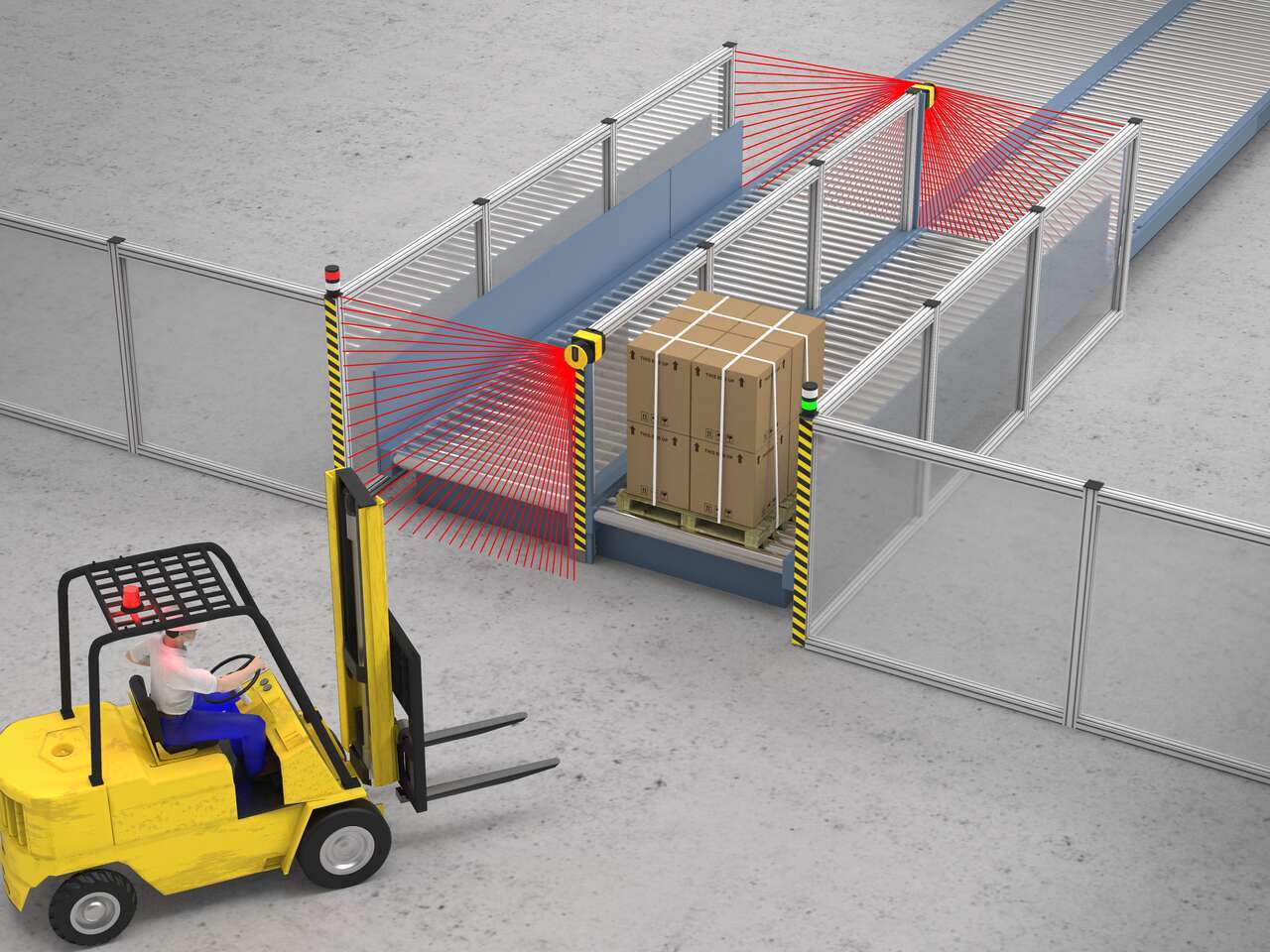
Pallet transfer conveyors are used to move heavy loads to the shipping area. Both the pallets and the conveyor pose risks for accident and injury and must be safeguarded. An SX5-B safety laser scanners safeguards the loading and unloading stations on the conveyor and enables a continuous flow of pallets through the system.
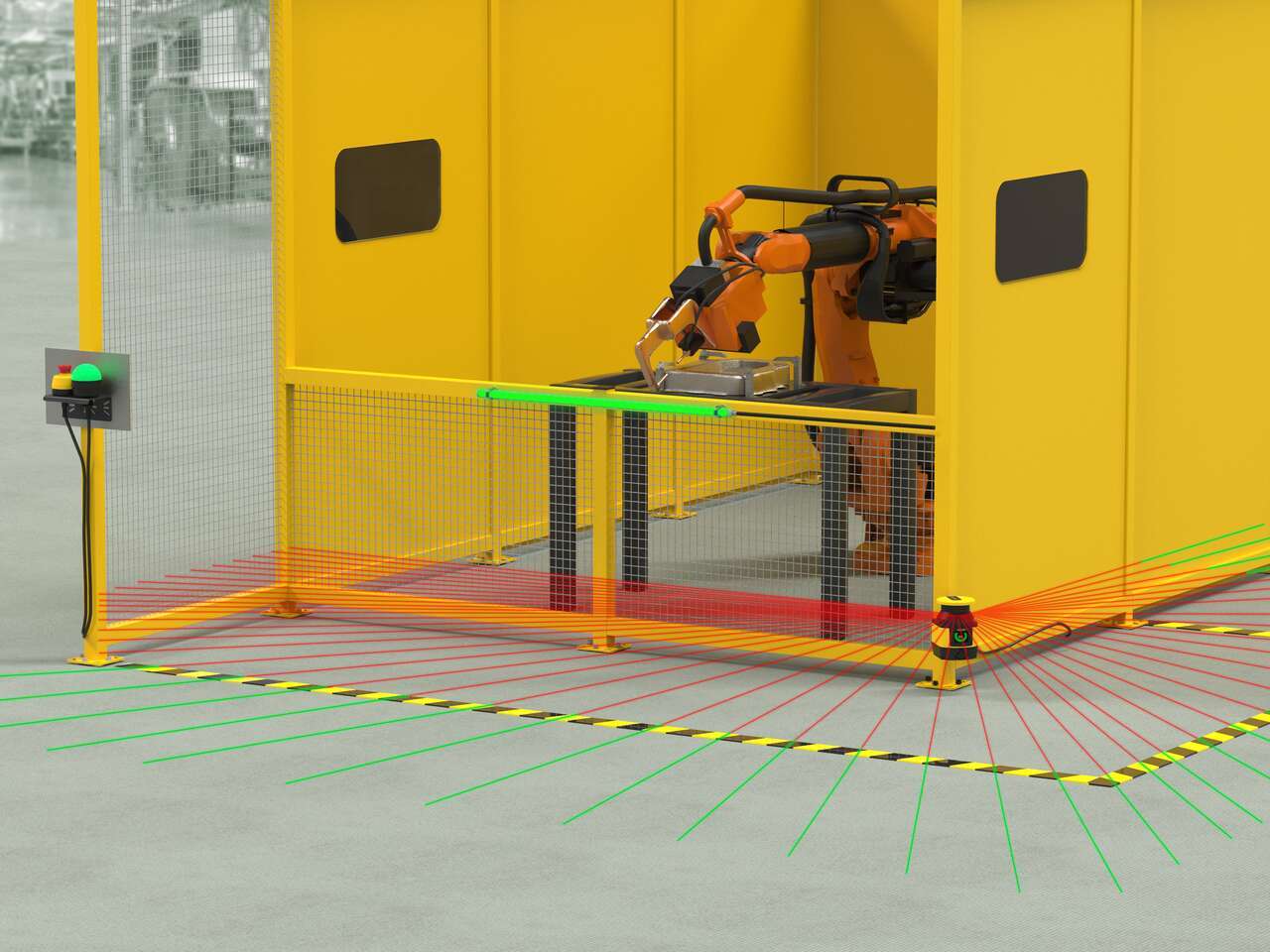
A robotic weld cell is protected on multiple sides by hard guarding. Between work cycles operators must be able to access the weld cell to retrieve completed work pieces and load new material. Used to safeguard access points to the weld cell, an SX5-B6 safety laser scanner can increase machine uptime and productivity.
Pallet transfer conveyors are used to move heavy loads to the shipping area. Both the pallets and the conveyor pose risks for accident and injury and must be safeguarded. An SX5-B safety laser scanners safeguards the loading and unloading stations on the conveyor and enables a continuous flow of pallets through the system.
A robotic weld cell is protected on multiple sides by hard guarding. Between work cycles operators must be able to access the weld cell to retrieve completed work pieces and load new material. Used to safeguard access points to the weld cell, an SX5-B6 safety laser scanner can increase machine uptime and productivity.
We noticed you didn’t finish your online checkout. We're dedicated to providing the best shopping experience possible and would love to hear if you faced any challenges. Let us know how we can make your experience even better.
Learn about the improved SX5 safety laser scanner.
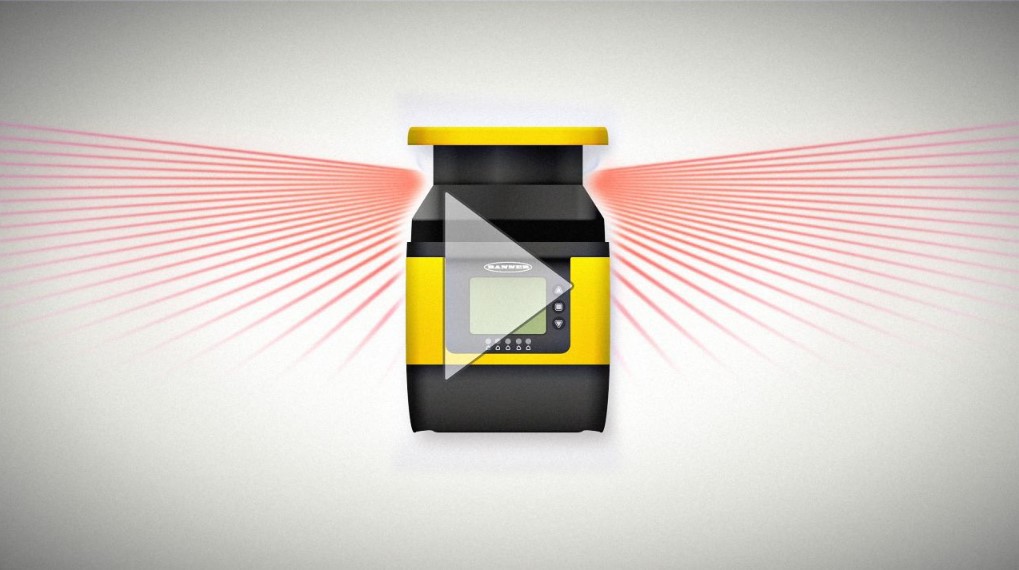
Compact and easy-to-deploy, SX5 Series safety laser scanners protect personnel, equipment, and mobile systems within a user-defined area. They continuously scan a 275° area to create a two-dimensional protected zone that must be crossed to reach the hazard.
Arrange column order by dragging and dropping the column header left/right with your mouse.
Sort items in a column by ascending values by clicking the table header once. Click a second time to sort by descending order. Click a third time to remove the sorting for that column.
Shift-click additional column headers to sort by multiple attributes. The first column you sort becomes the primary sort, and each Shift-clicked column adds a secondary level of sorting.
Our application engineers are here to help with expert guidance and support. Send us your inquiry, and we’ll get back to you as soon as possible. We’re here to make sure you get the answers you need.