

Pro Editor
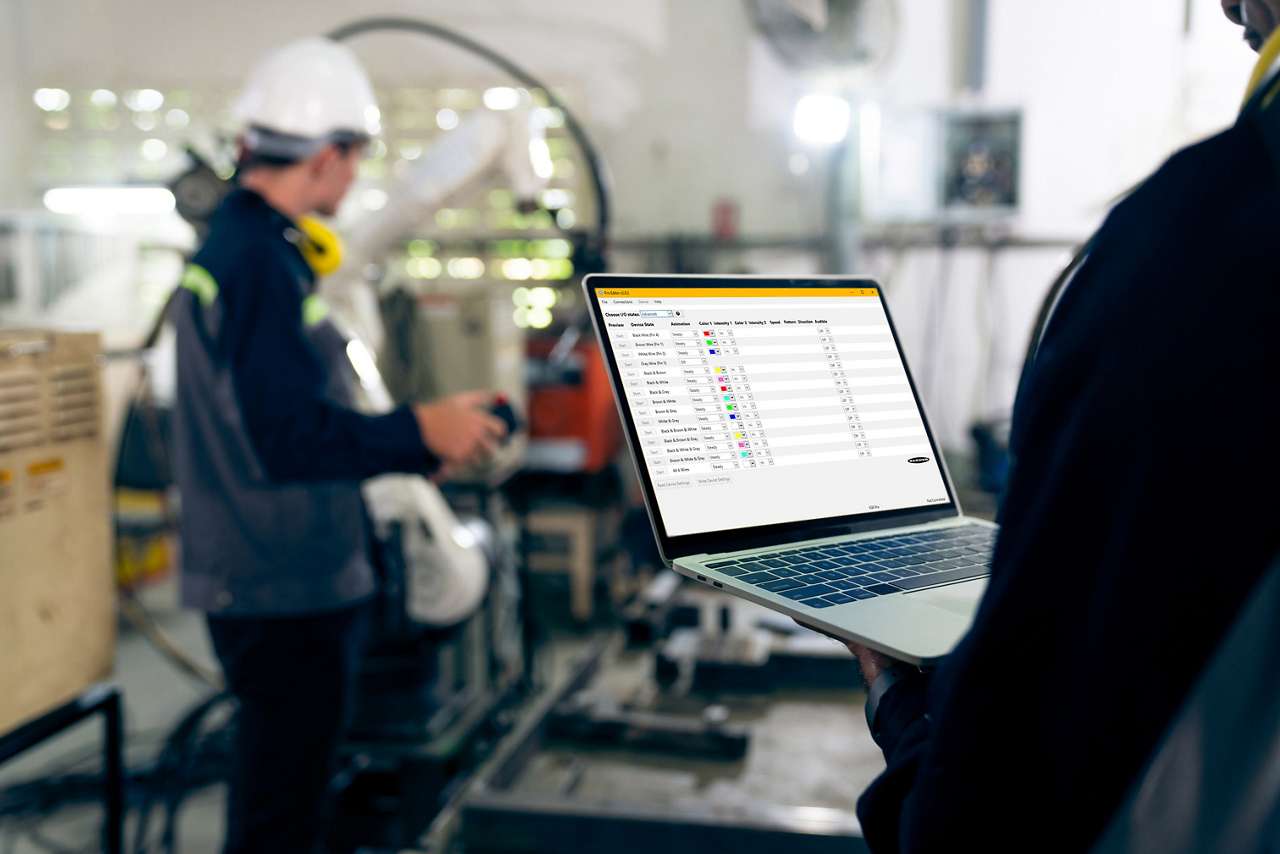
This software allows users to easily customize their own indicators with a wide variety of color and animation options in the field without requiring IO-Link.

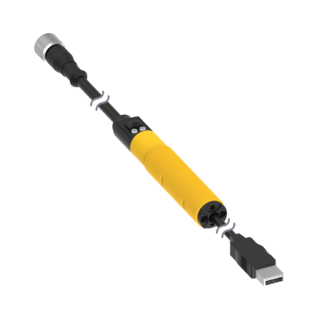
With the Pro Editor software and Pro Converter Cable, you can easily customize indicators with a wide variety of color and animation options.
The software allows users to program their own devices in the field without requiring IO-Link.
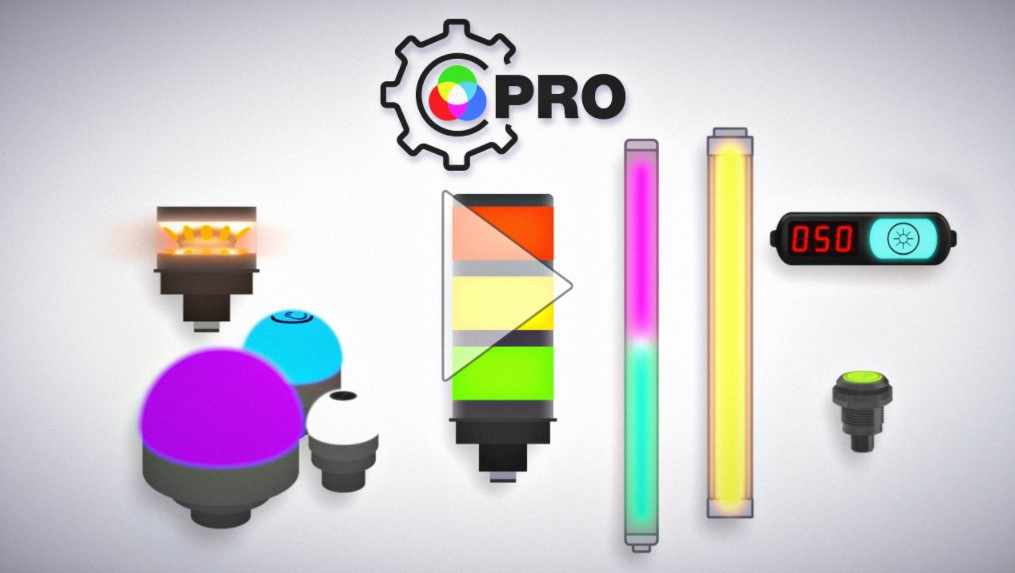
The Pro Series programmable multicolor LED devices from Banner Engineering offer limitless possibilities for advanced indication of dynamic machine states, operator interaction, and process statuses. Watch the video to see what elevates a Banner Pro light above a traditional factory light.

Banner Engineering offers a complete portfolio of touch buttons for your simplest to most advanced touch requirements. Watch the video to learn more about our capabilities for touch and indication.
Arrange column order by dragging and dropping the column header left/right with your mouse.
Sort items in a column by ascending values by clicking the table header once. Click a second time to sort by descending order. Click a third time to remove the sorting for that column.
Shift-click additional column headers to sort by multiple attributes. The first column you sort becomes the primary sort, and each Shift-clicked column adds a secondary level of sorting.

Our application engineers are here to help with expert guidance and support. Send us your inquiry, and we’ll get back to you as soon as possible. We’re here to make sure you get the answers you need.