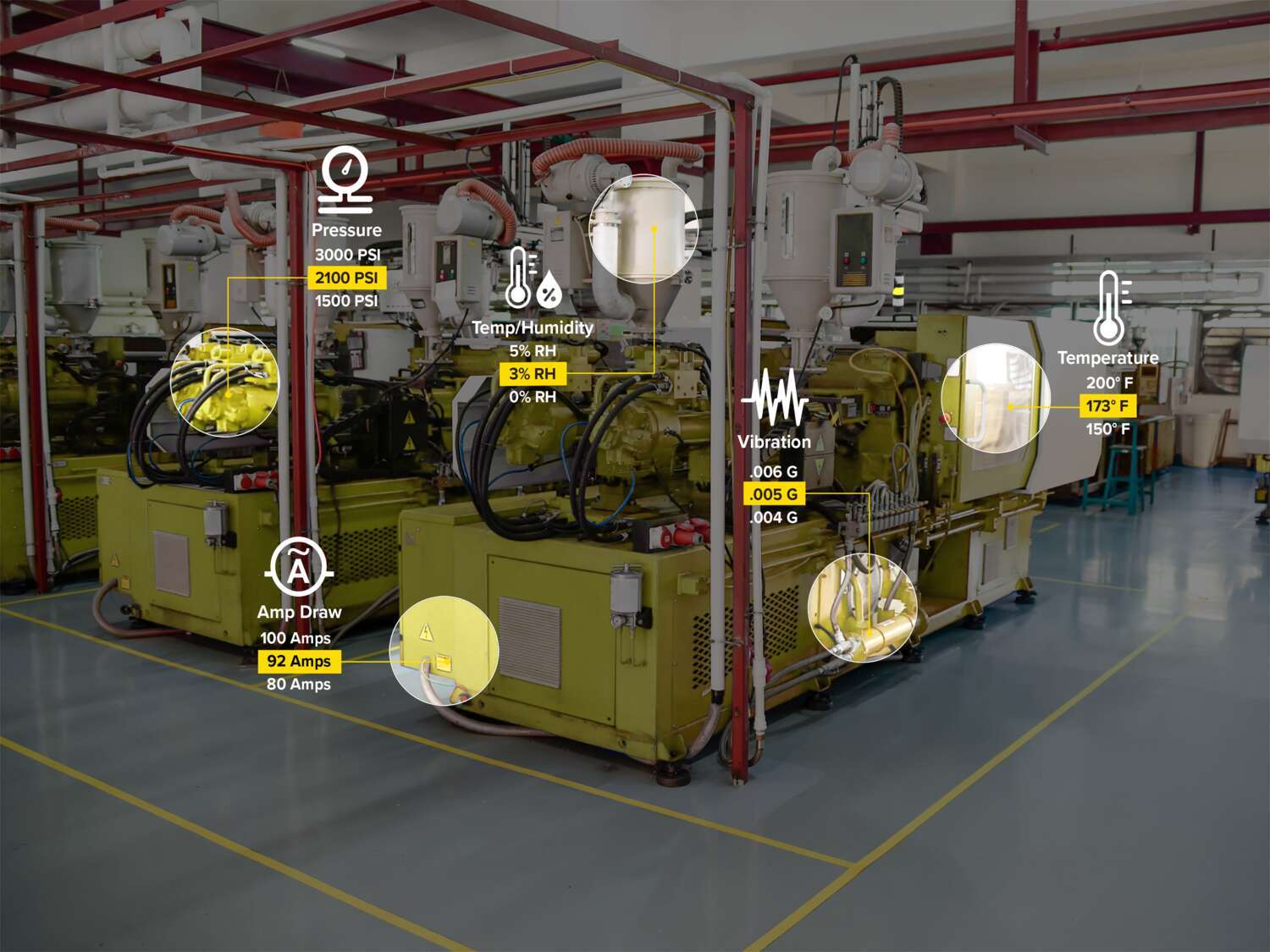
Condition Monitoring Sensors
Banner Engineering's Condition Monitoring Sensors provide real-time insights into equipment health by detecting parameters such as temperature, vibration, and current. These sensors enable predictive maintenance, helping to reduce unplanned downtime and extend equipment lifespan. Designed for seamless integration with industrial systems, they support data-driven decision-making to improve overall operational efficiency.
Product Selection
How-to: Advanced Table Functionality
Arrange column order by dragging and dropping the column header left/right with your mouse.
Sort items in a column by ascending values by clicking the table header once. Click a second time to sort by descending order. Click a third time to remove the sorting for that column.
Shift-click additional column headers to sort by multiple attributes. The first column you sort becomes the primary sort, and each Shift-clicked column adds a secondary level of sorting.
-
Reset