
How-To Guide: DF-G Dark Set
This video covers the basics of setting up the Dark Set function of the DF-G Fiber Optic Amplifier from Banner Engineering.
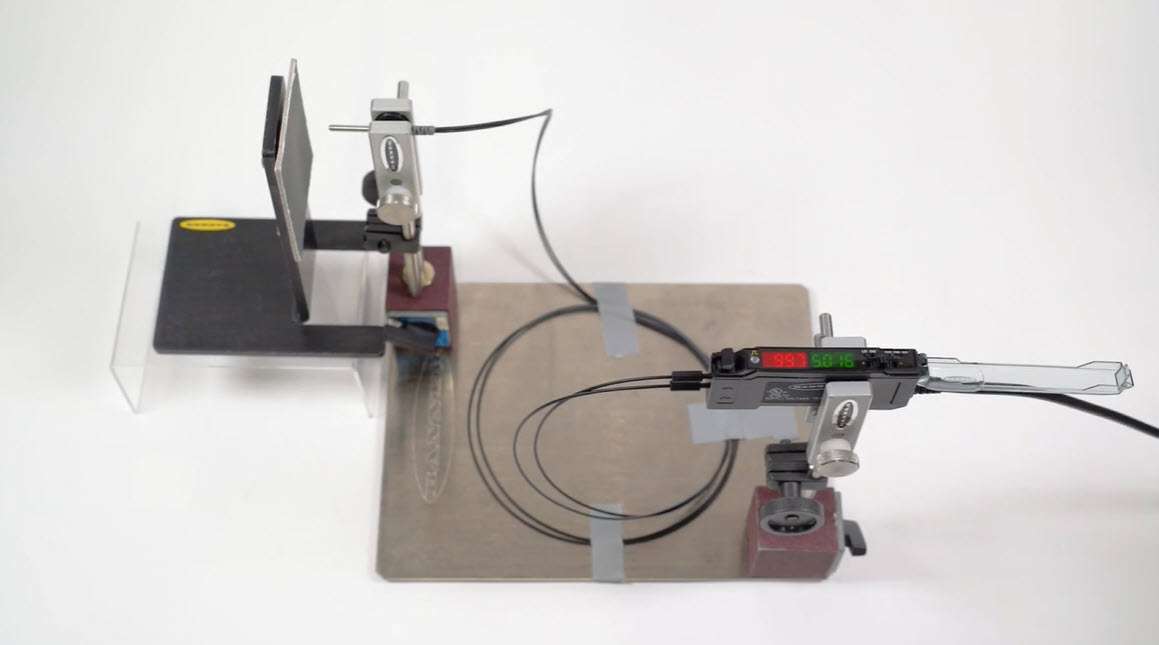
This video covers the basics of setting up the Dark Set function of the DF-G Fiber Optic Amplifier from Banner Engineering.
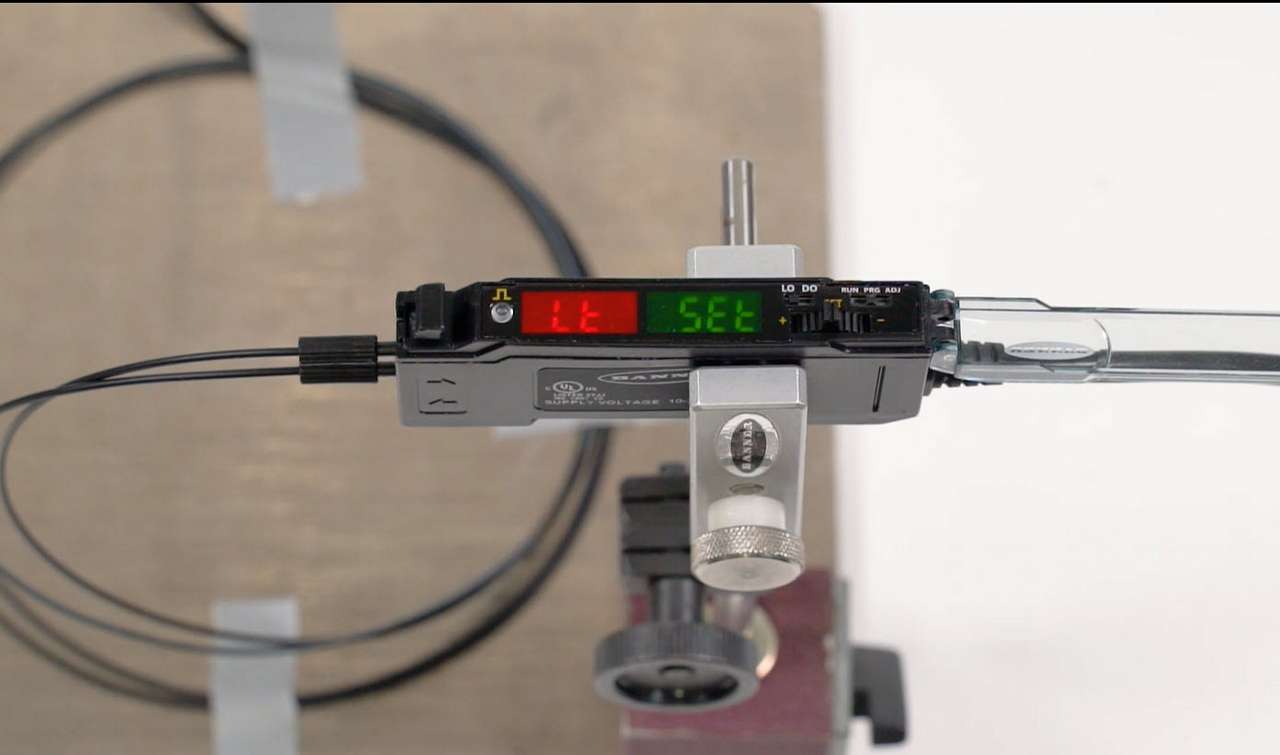
This video covers the basics of setting up the Light Set function of the DF-G Fiber Optic Amplifier from Banner Engineering.
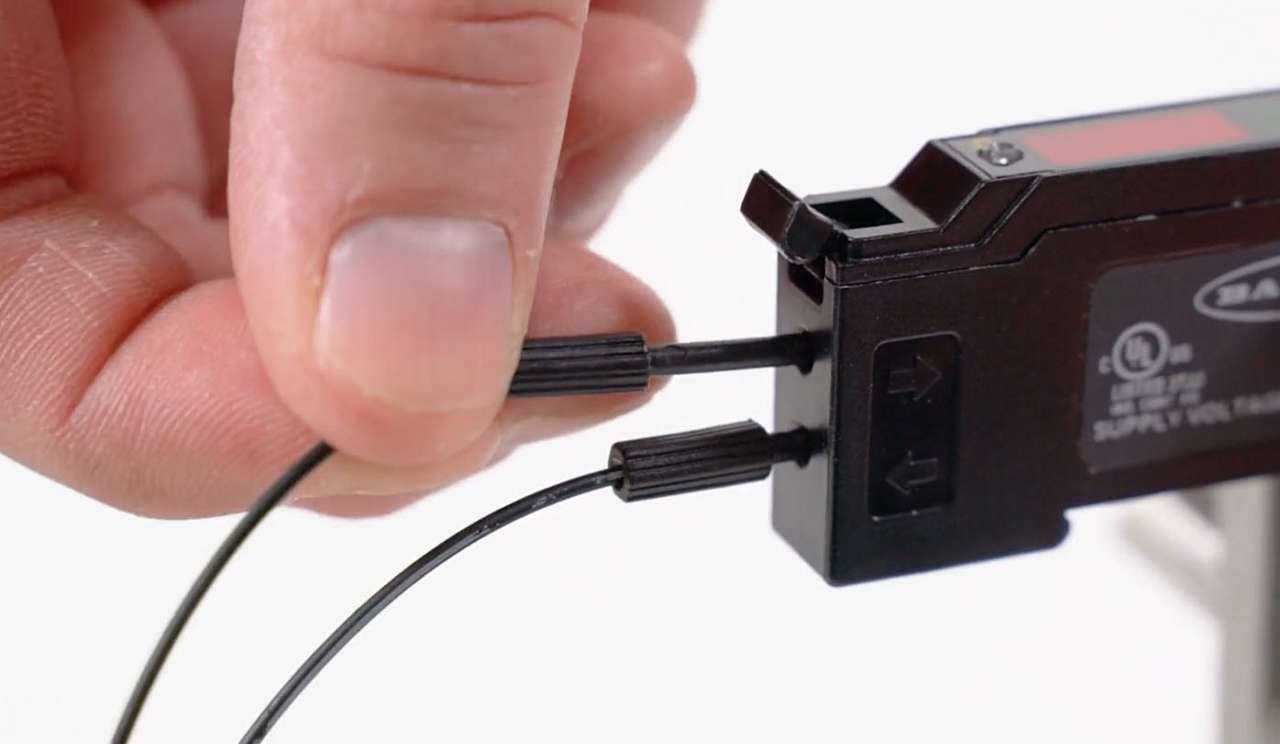
This video covers the basics of setting up the Window Set function of the DF-G Fiber Optic Amplifier from Banner Engineering.
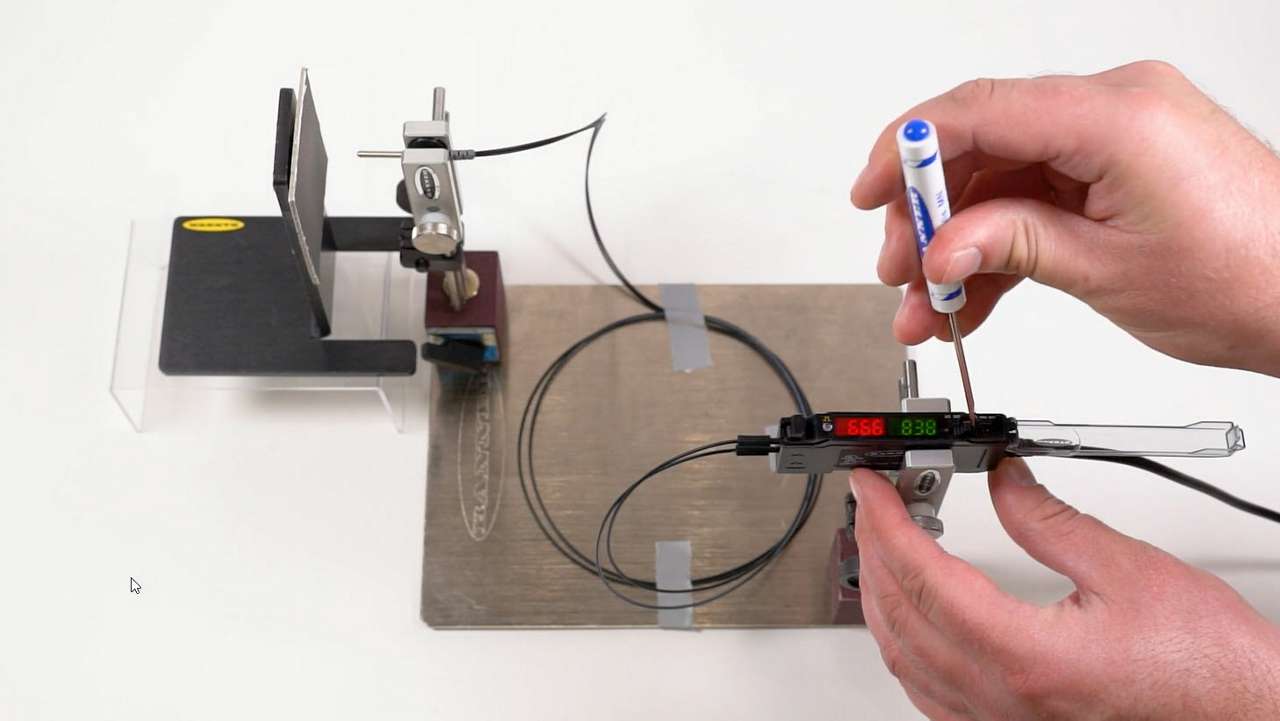
This video covers the basics of setting up the Dynamic Teach function of the DF-G Fiber Optic Amplifier from Banner Engineering.
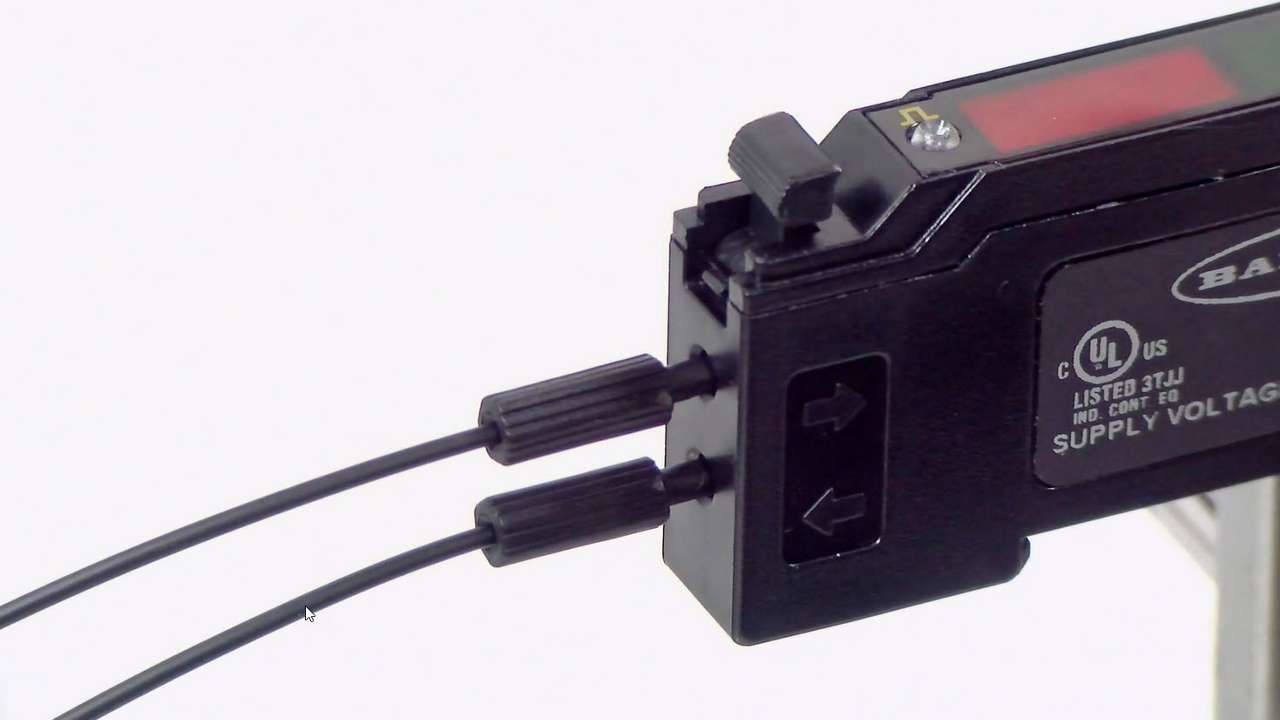
This video covers the basics of setting up the DF-G Fiber Optic Amplifier 2-Point Teach Configuration from Banner Engineering.

Our application engineers are here to help with expert guidance and support. Send us your inquiry, and we’ll get back to you as soon as possible. We’re here to make sure you get the answers you need.