How To: R95C IO-Link Hub Analog Port Mirroring
This video demonstrates how to set up analog port mirroring with R95C Hybrid IO-Link Hub from Banner Engineering.
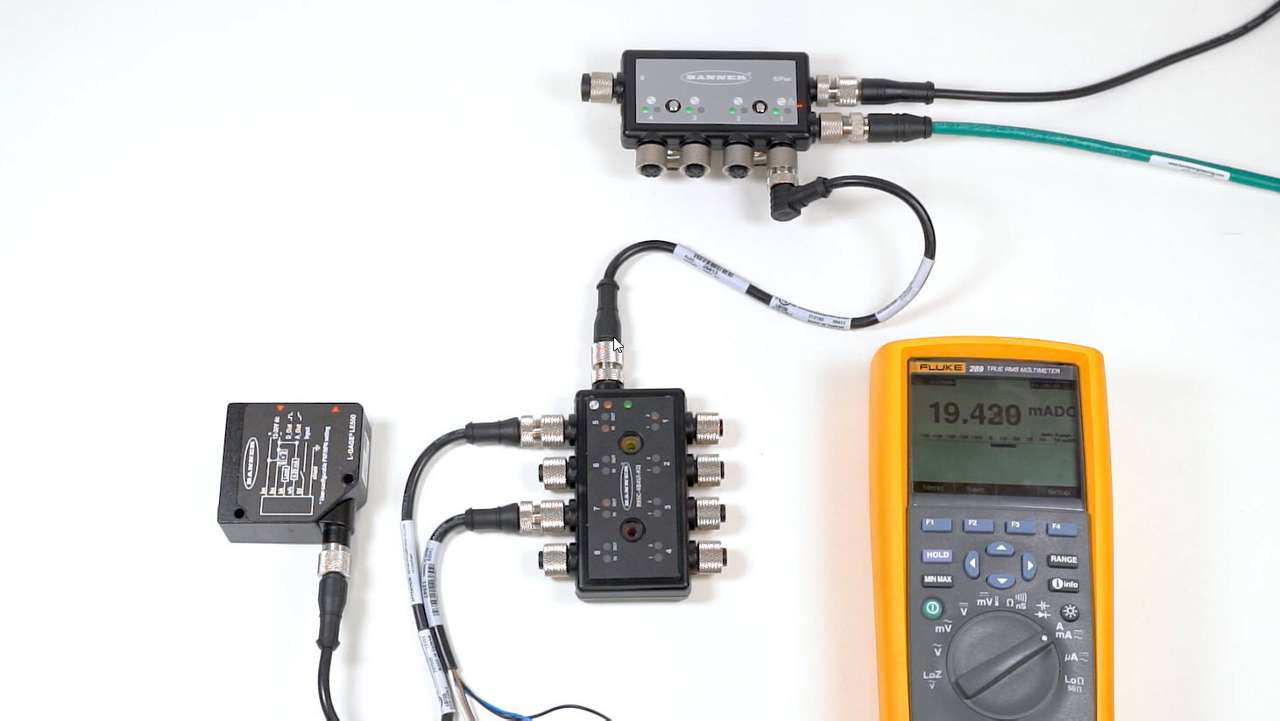
This video demonstrates how to set up analog port mirroring with R95C Hybrid IO-Link Hub from Banner Engineering.
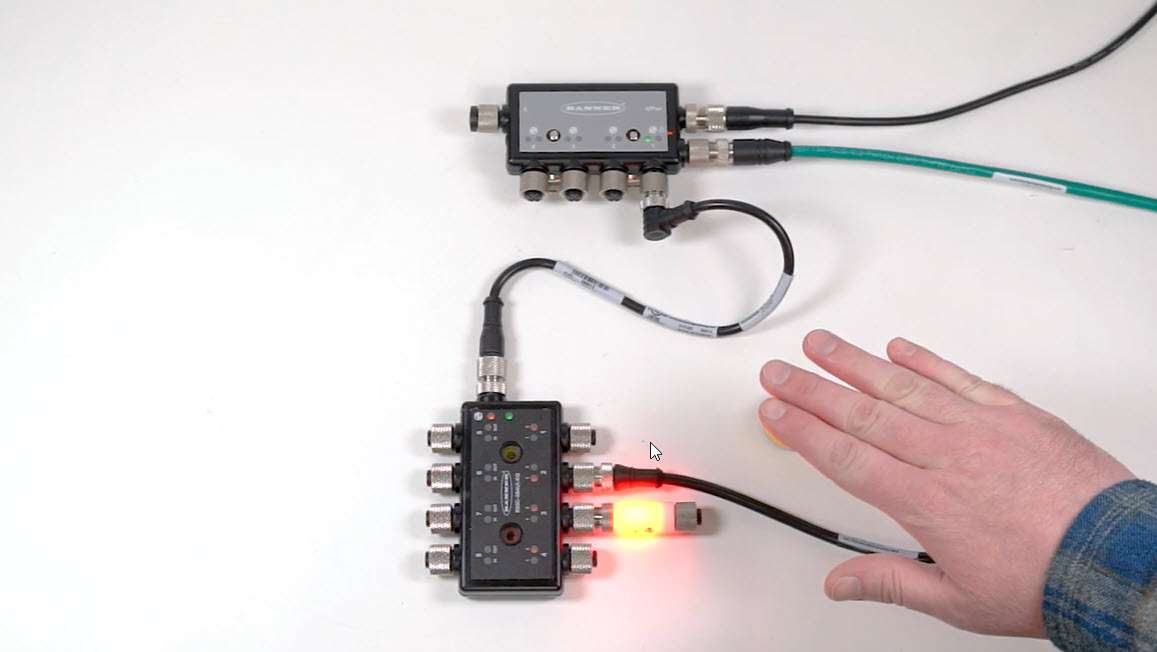
This video demonstrates how to set up simple port mirroring with the R95C Hybrid IO-Link Hub from Banner Engineering.
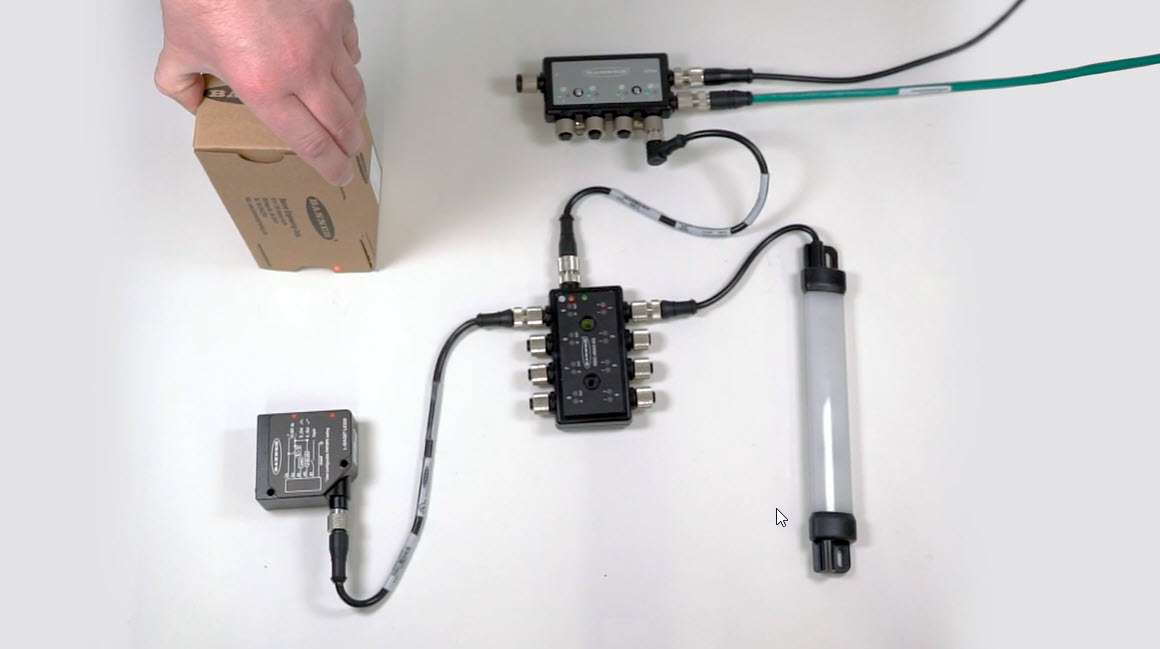
This video demonstrates how to set up port mirroring with an analog-to-PFM conversion using the R95C Hybrid IO-Link Hub.
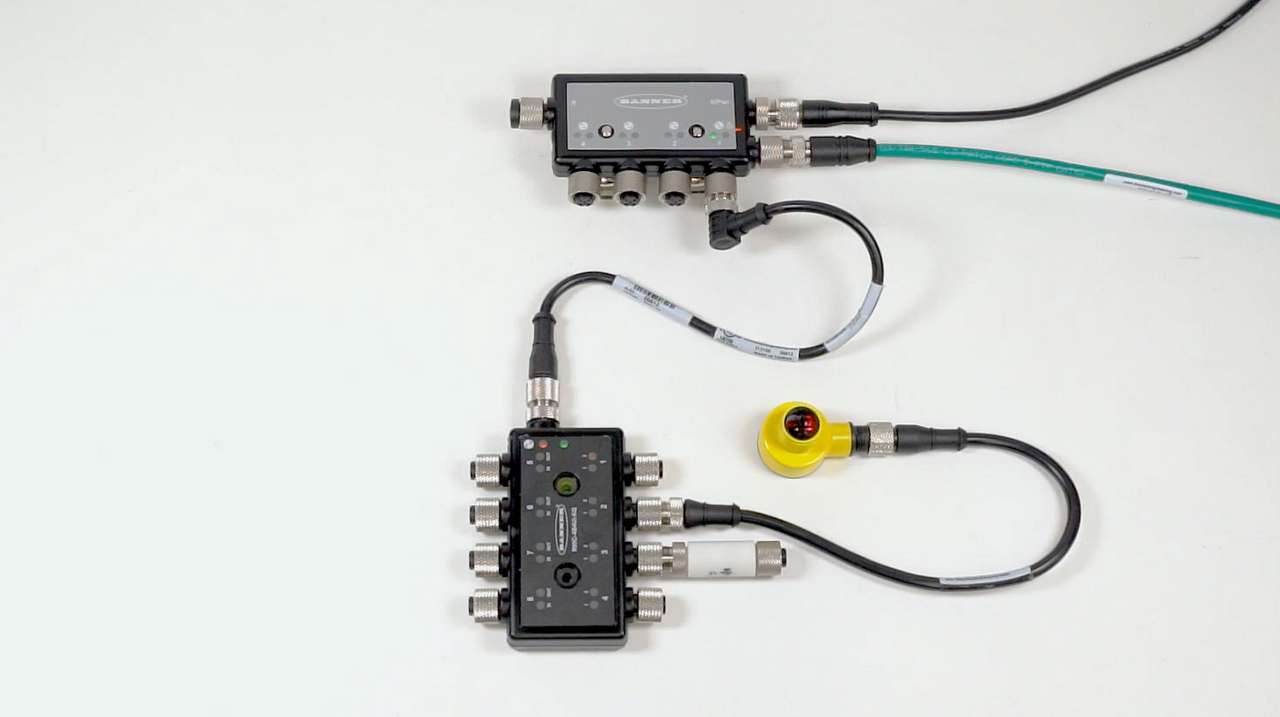
This video demonstrates how to set up one shot timing logic with the R95C Hybrid IO-Link Hub from Banner Engineering.
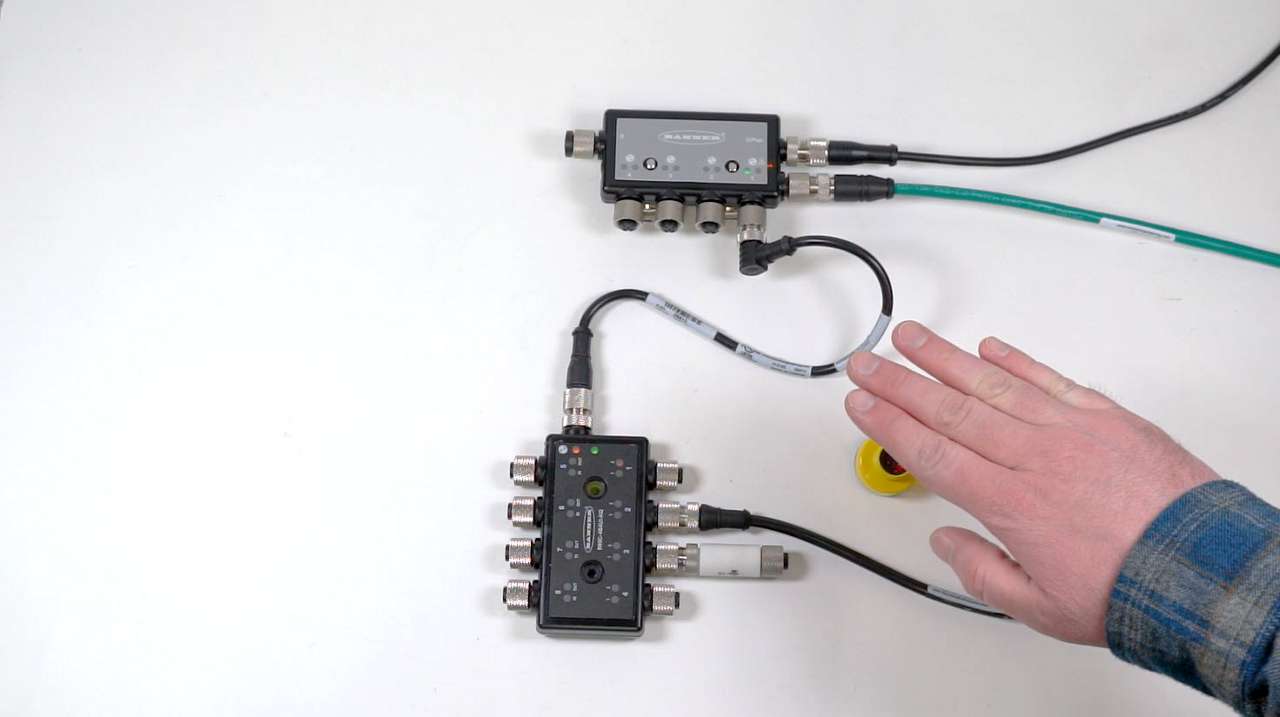
This video demonstrates how to set up On and Off delays with the R95C Hybrid IO-Link Hub from Banner Engineering.

Our application engineers are here to help with expert guidance and support. Send us your inquiry, and we’ll get back to you as soon as possible. We’re here to make sure you get the answers you need.