Conditional Indication for Machine Health Monitoring
See how Banner’s SD50 and K50 indicators show live vibration values and fault alerts locally without changing your existing monitoring system.
Standard and programmable K50 Indicators cover everything from basic status indication to complex visual signaling across a wide range of applications. Model variants include beacon, audible, and daylight-visible, ensuring unmistakable indication indoors and out, while IP66/IP67/IP69K ratings support long-term performance in demanding conditions.
Standard models offer immediate deployment with up to five fixed colors and are available in compact, domed, and flat pack housings, as well as specialty housings for hazardous zones and hygienic environments.
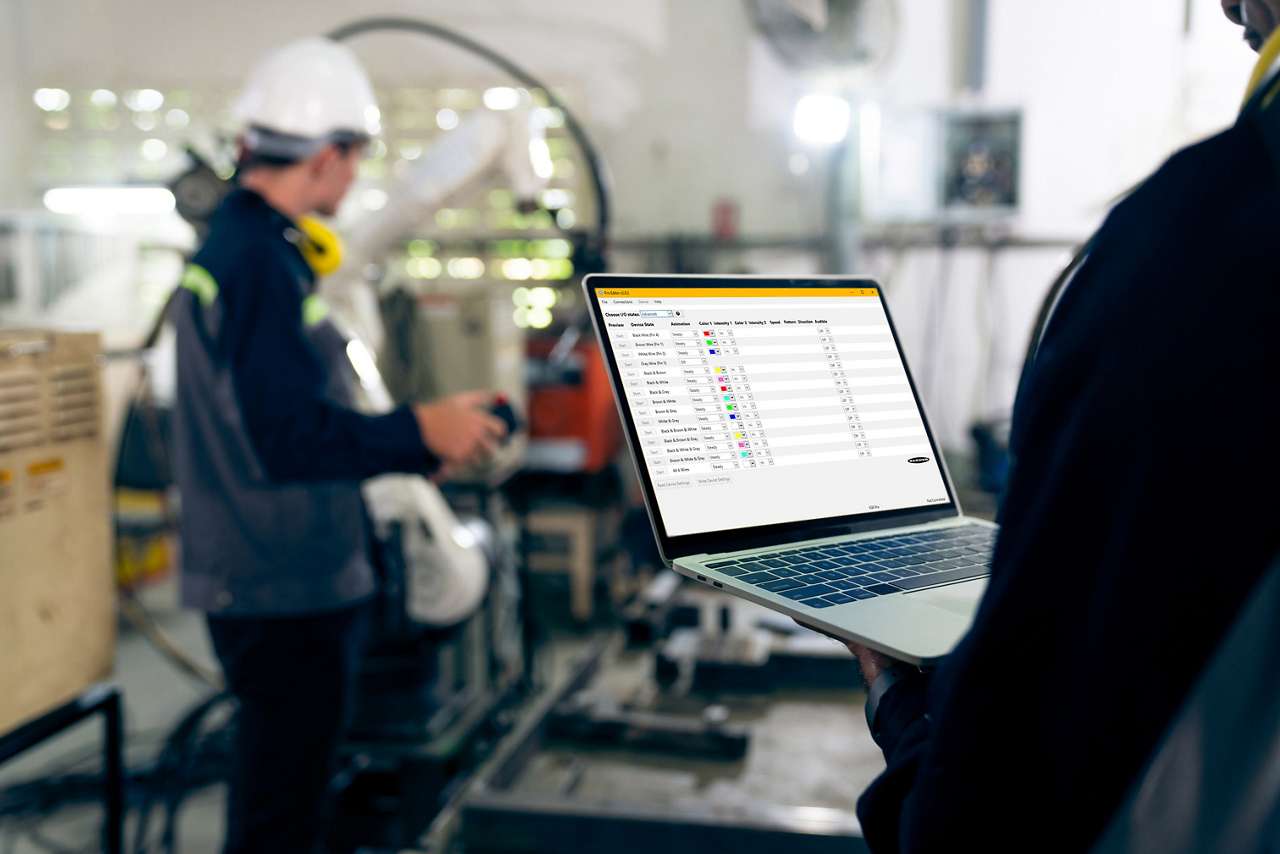
Programmable models provide configurable RGB LED response and support for real-time control over IO-Link or Modbus. 14 colors and 11 animations can be configured using Banner’s free Pro Editor software or controlled dynamically via protocol.
K50 Touch Buttons combine advanced touch technology with unmistakable status indication that translates process signals into clear, interactive feedback. Available in domed or compact housings, all models streamline panel design by replacing multiple conventional buttons with a single device that supports latching or momentary functions and can be operated without pressure—reducing strain and improving ergonomics.
Standard models are ready out of the box with up to three fixed colors, selectable based on input priority. All models are IP66/IP67/IP69K-rated for reliable performance in demanding environments.
Programmable models extend functionality with configurable touch response, multiple I/O modes, and support for real-time control over IO-Link or Modbus. Color, animation, and on/off delays can be configured using free Pro Editor software or controlled dynamically via protocol.
Variants include models with audible output, integrated displays, and FDA-grade housings for hygienic environments.
K50 Touchless Buttons deliver reliable, no-contact activation with unmistakable status indication—ideal for reducing touchpoints in high-cycle applications. Configurable optical sensing from 20 to 1000 millimeters ensures responsive operation tailored to the task. 14 color options, 11 animations, and on/off delays—all configurable using free Pro Editor software or controlled dynamically via IO-Link or Modbus—provide visual feedback that makes any process more intuitive. Support for Banner’s PICK-IQ protocol enables real-time feedback and faster updates in dense systems.
Lightweight construction provides a cost-efficient solution while maintaining IP66/IP67/IP69K-rated protection for harsh industrial environments. With no moving parts and built-in immunity to ambient light, EMI, and RFI, K50 Touchless Buttons ensure long-lasting, zero-contact control in demanding applications.

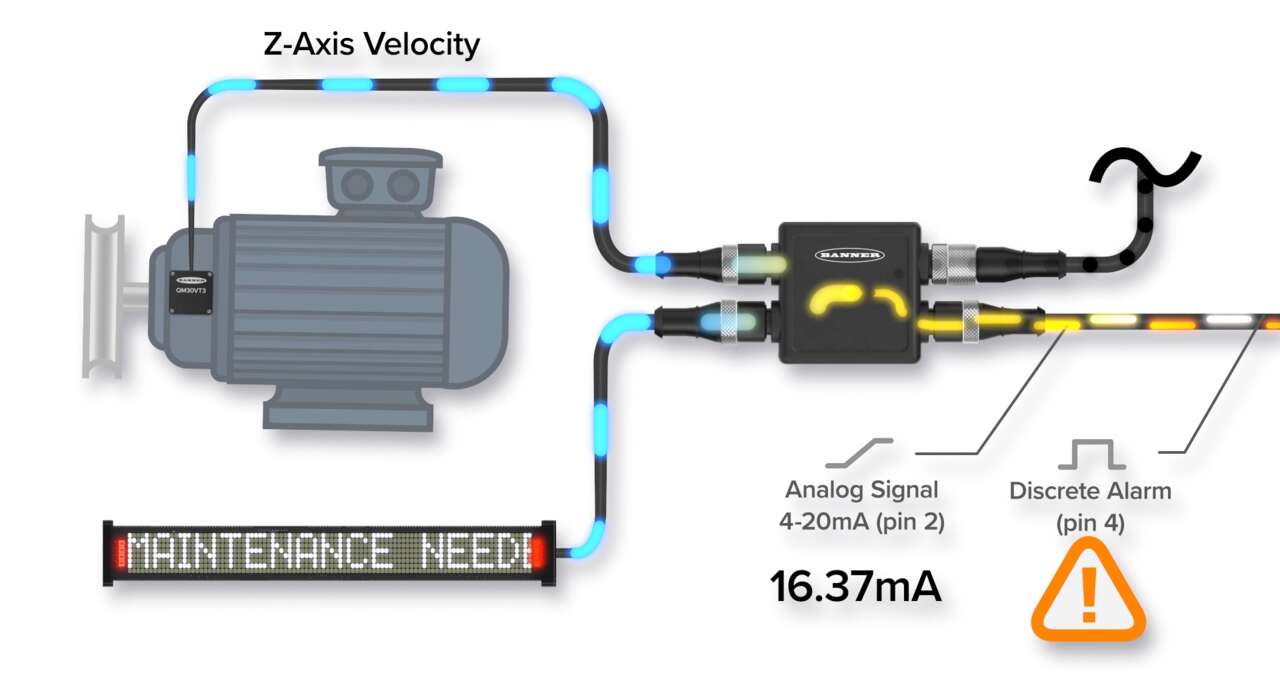
See how Banner’s SD50 and K50 indicators show live vibration values and fault alerts locally without changing your existing monitoring system.
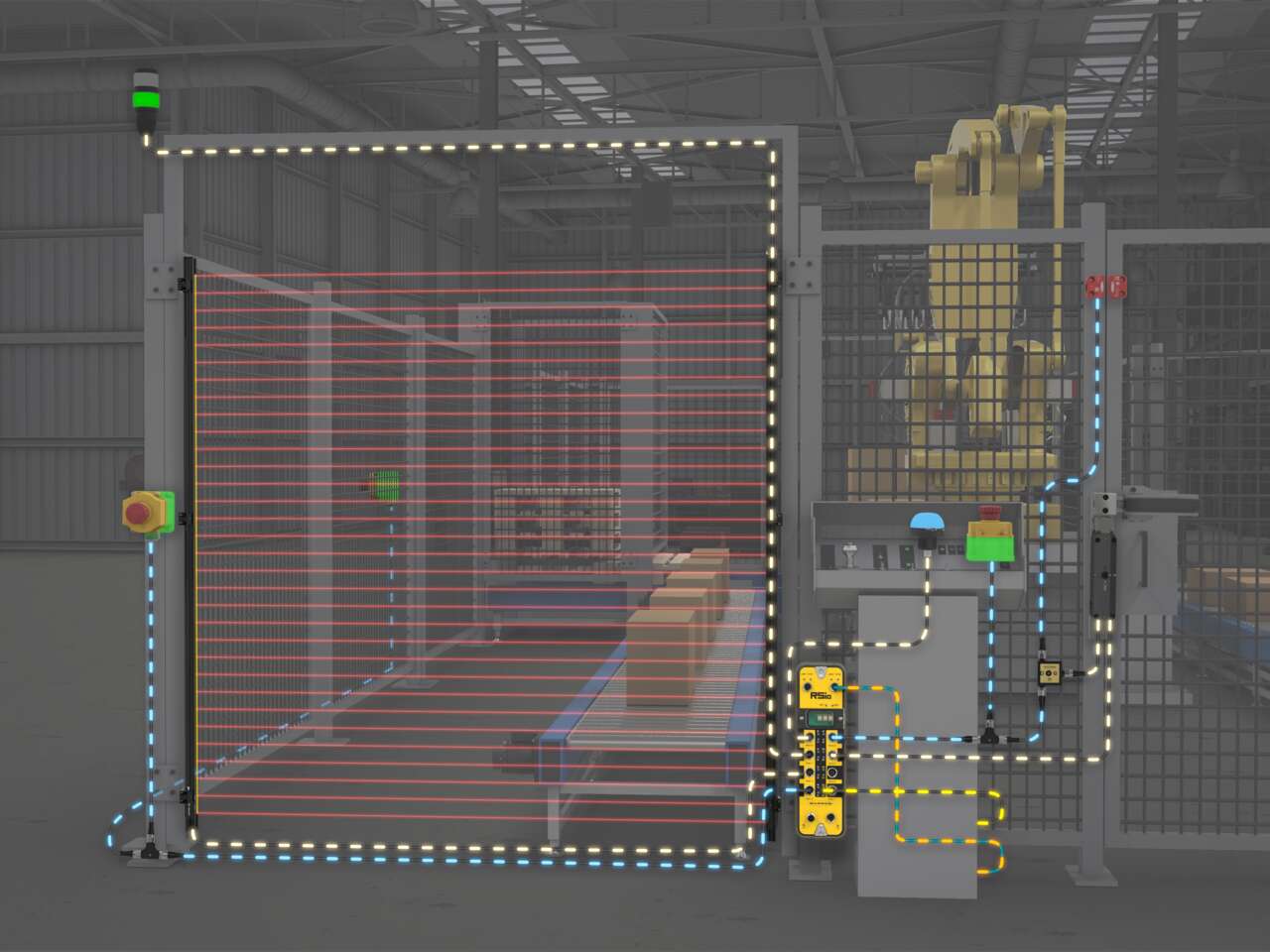
Use RSio to create a complete safety solution for robotic palletizing cells that takes advantage of hybrid I/O and In-Series Diagnostics (ISD).
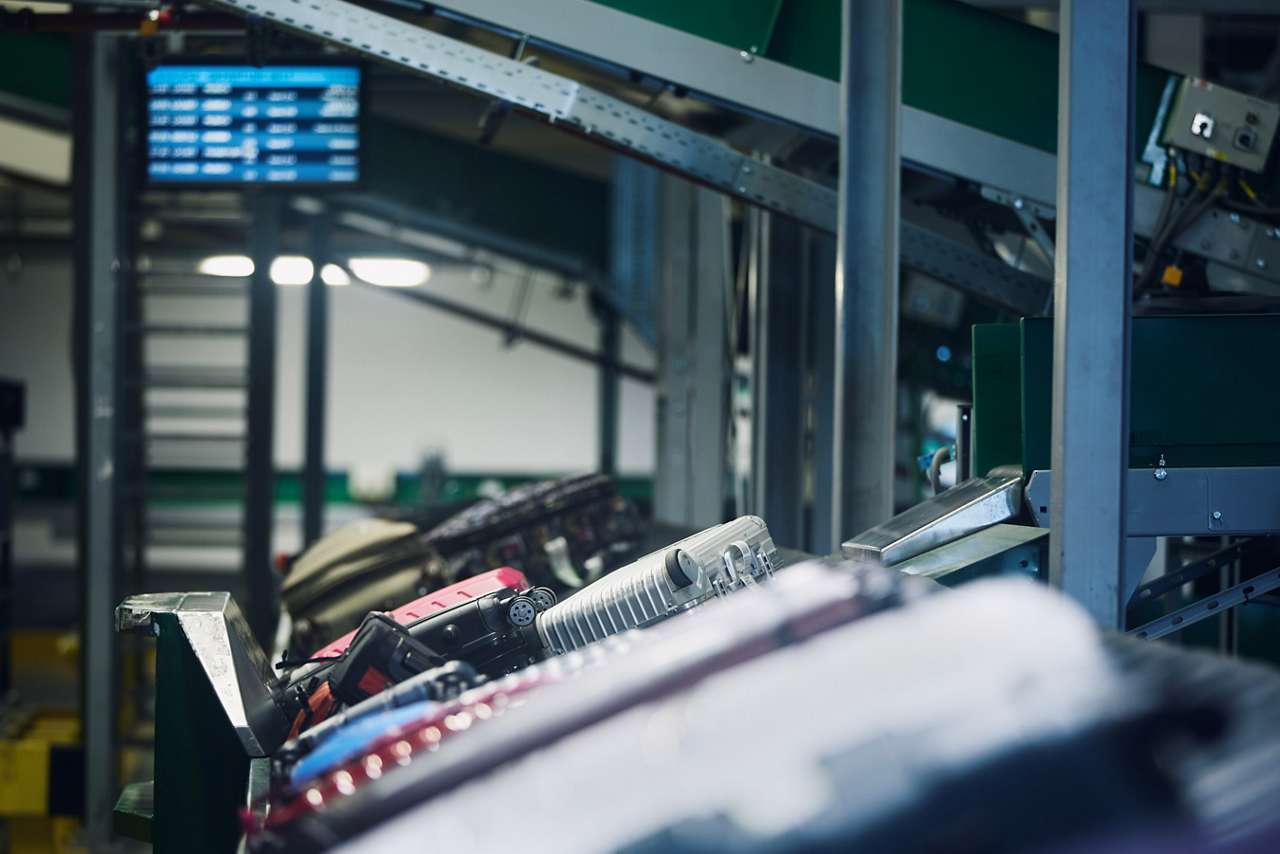
A manager in charge of installing a baggage handling conveyor sought a light to indicate start, jam, and reset conditions with different colors and animations.
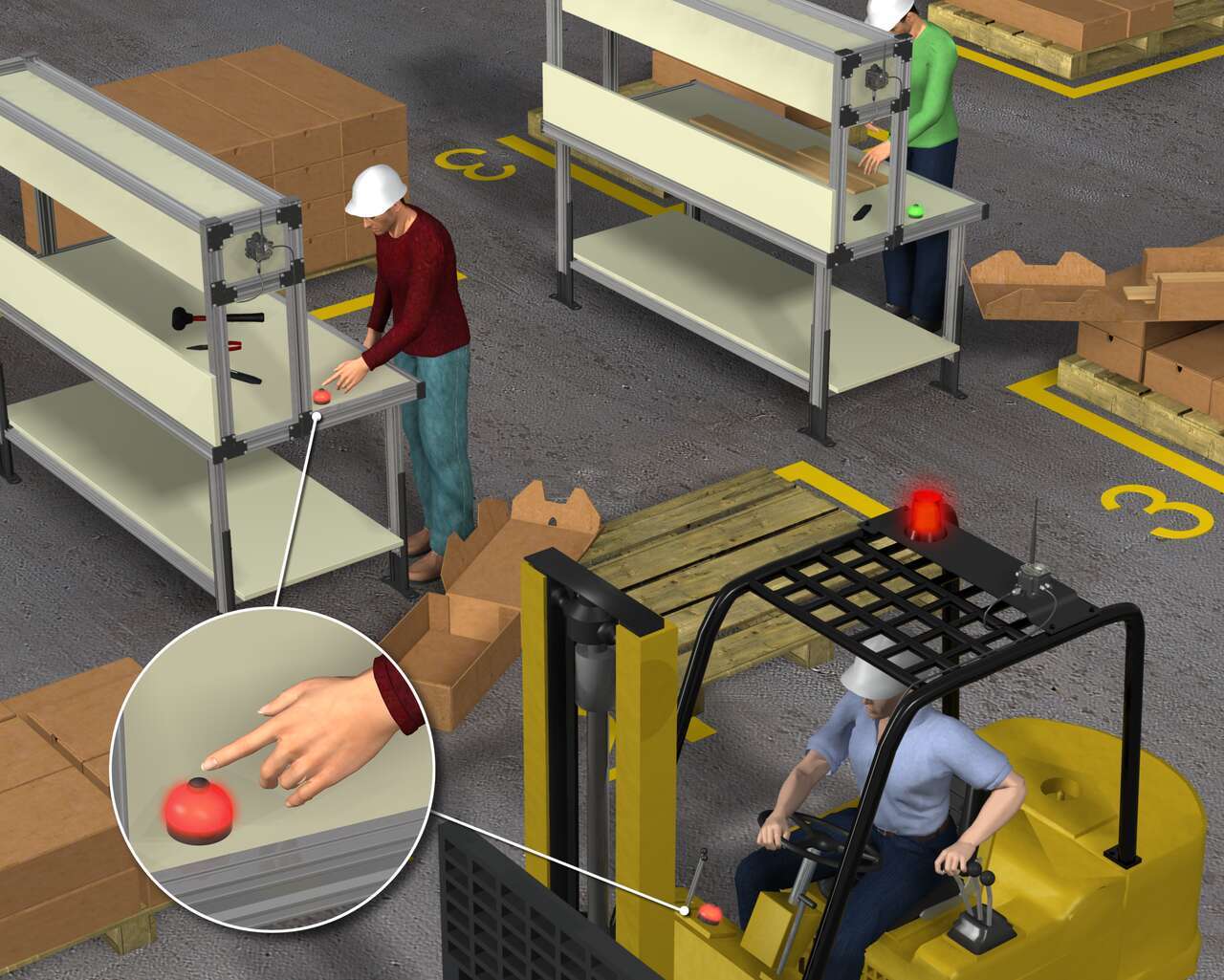
The customer needs a solution that can increase the forklift operator's response time by putting indicators on the forklift's dashboard and can also allow the forklift operator to acknowledge the request, which eliminates redundant part deliveries by multiple operators.
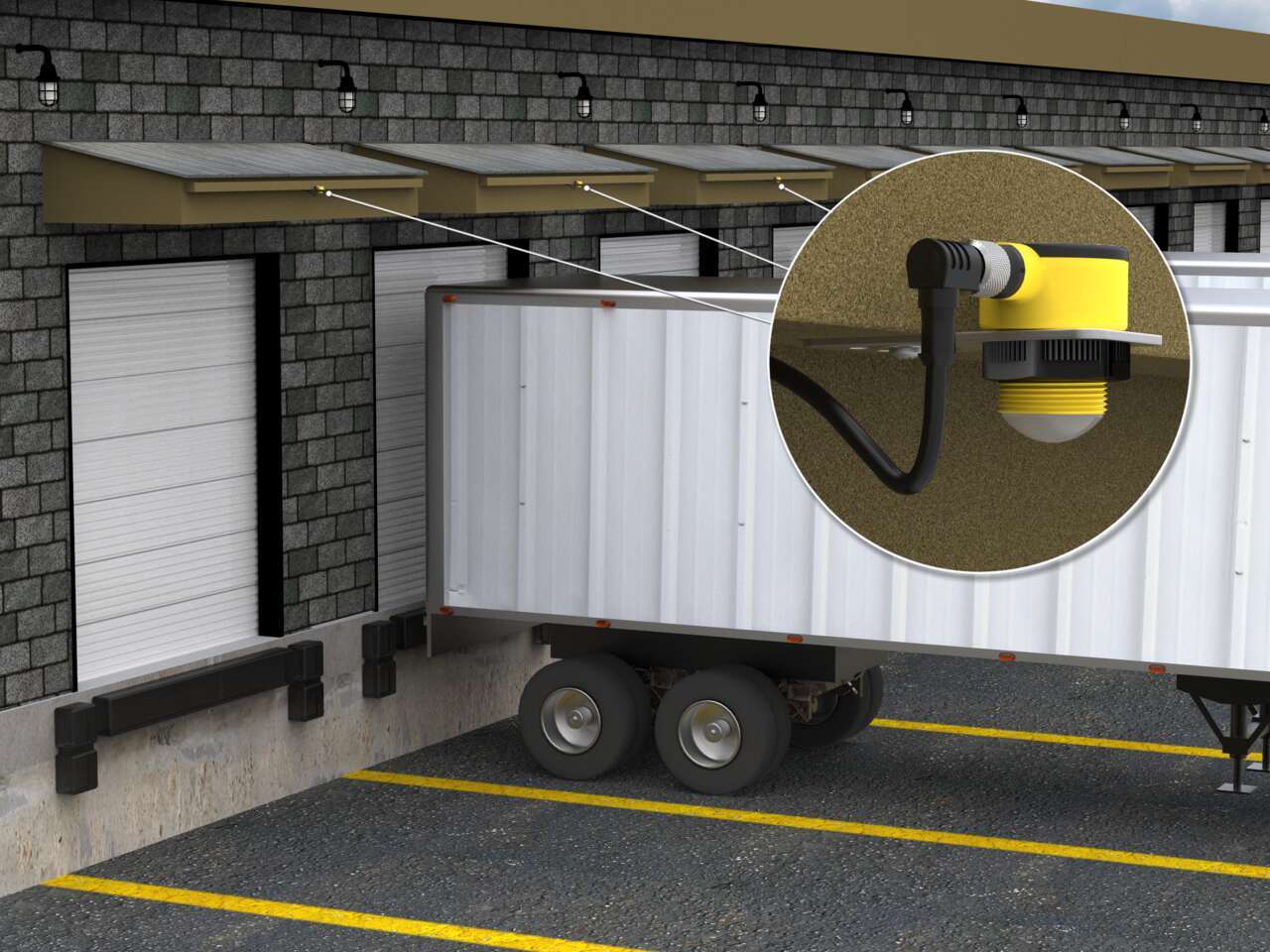
Vehicle detection at loading docks is complicated because sensing solutions are exposed to the elements and need to recognize a wide variety of surfaces. Rugged ultrasonic sensors work well to accurately detect the surfaces of delivery vehicles regardless of the material. Pairing with bright LED indication creates unmistakable operator guidance.
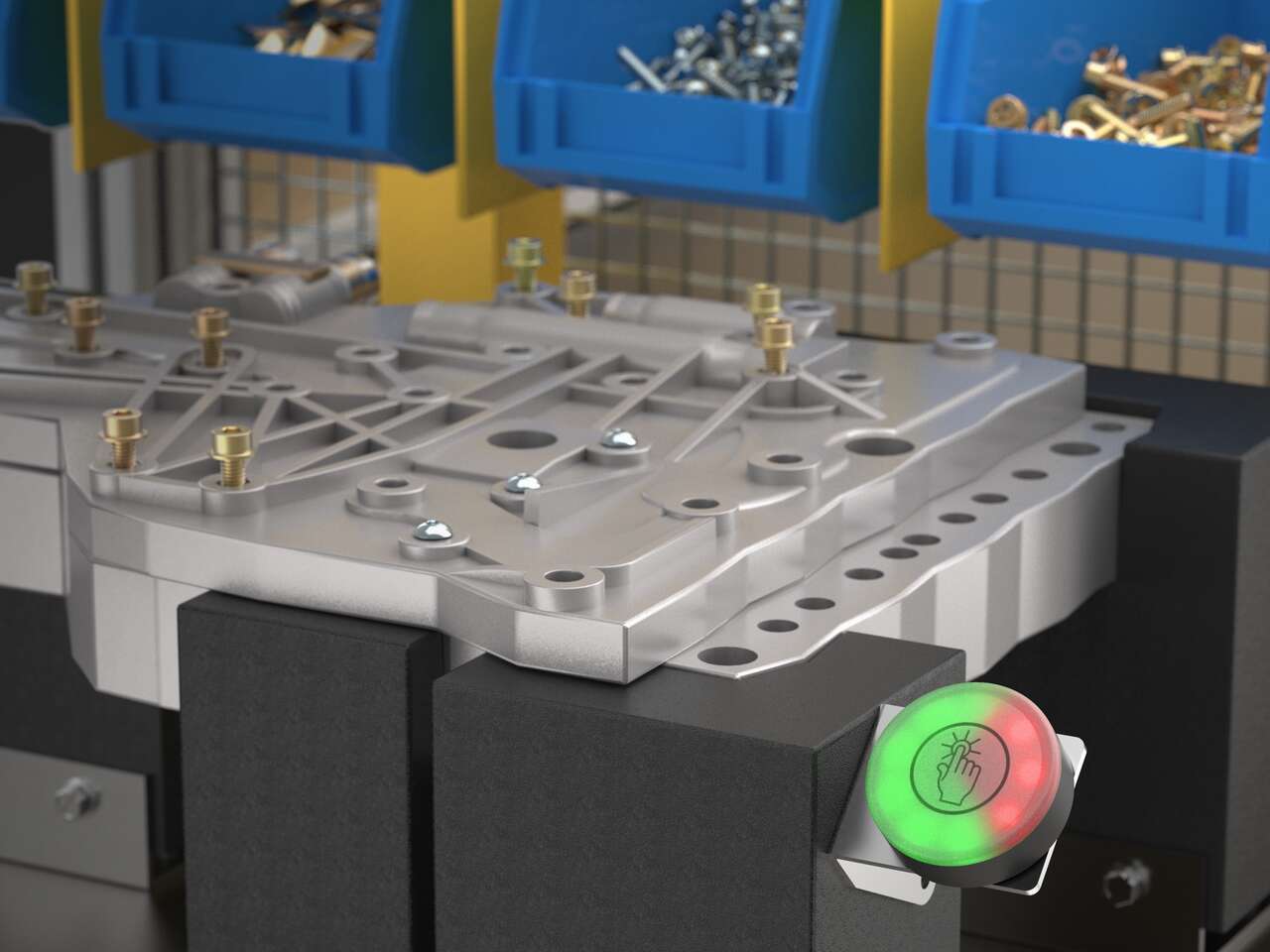
K50 Pro touch buttons with IO-Link communication display takt time within workers' sightlines so that the assembly pace stays on track and meets production goals.
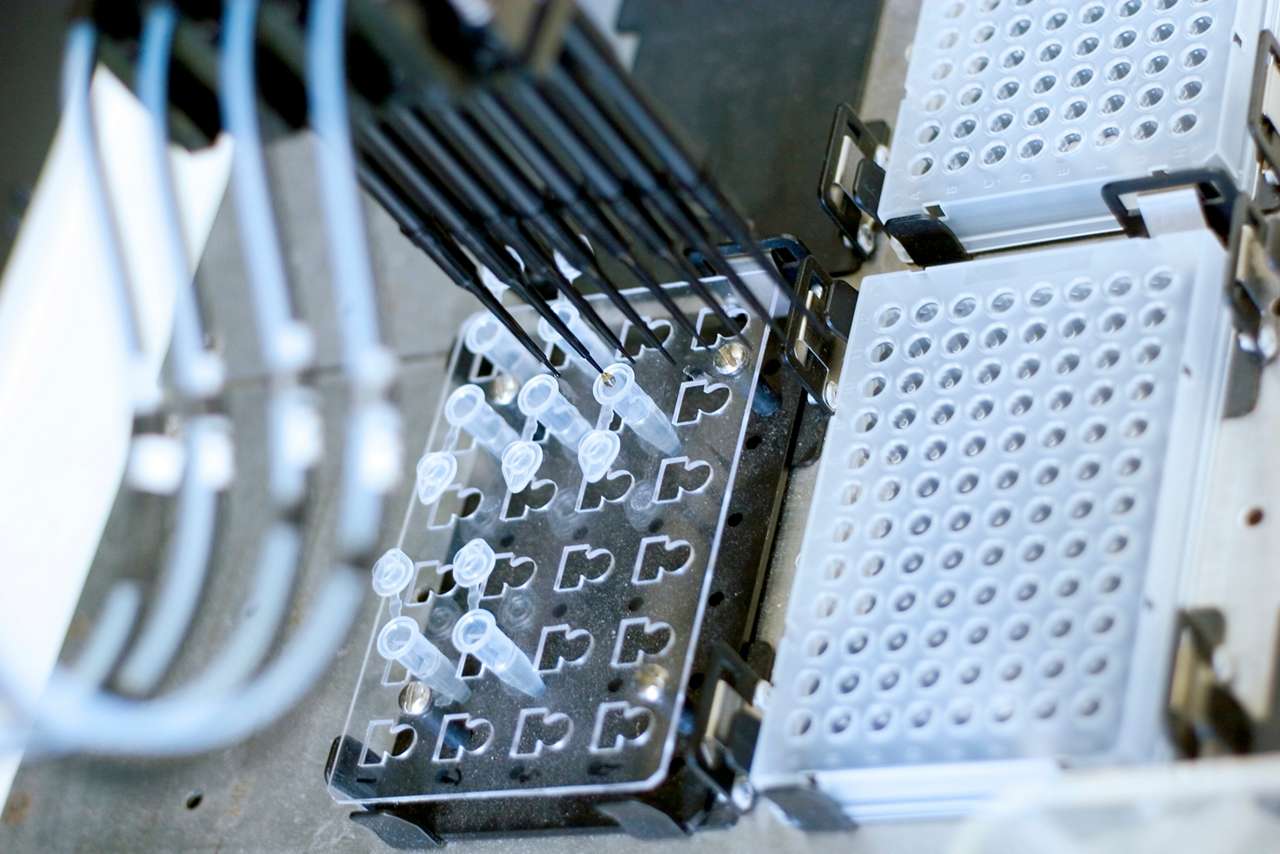
Clinical labs need to process samples quickly to keep throughput high and any lag during testing procedures would disrupt workflow. LED lightings, such as the K50L2, works as machine status indication so that the lab operators can process fix errors, handle samples, and collect results in a timely manner.
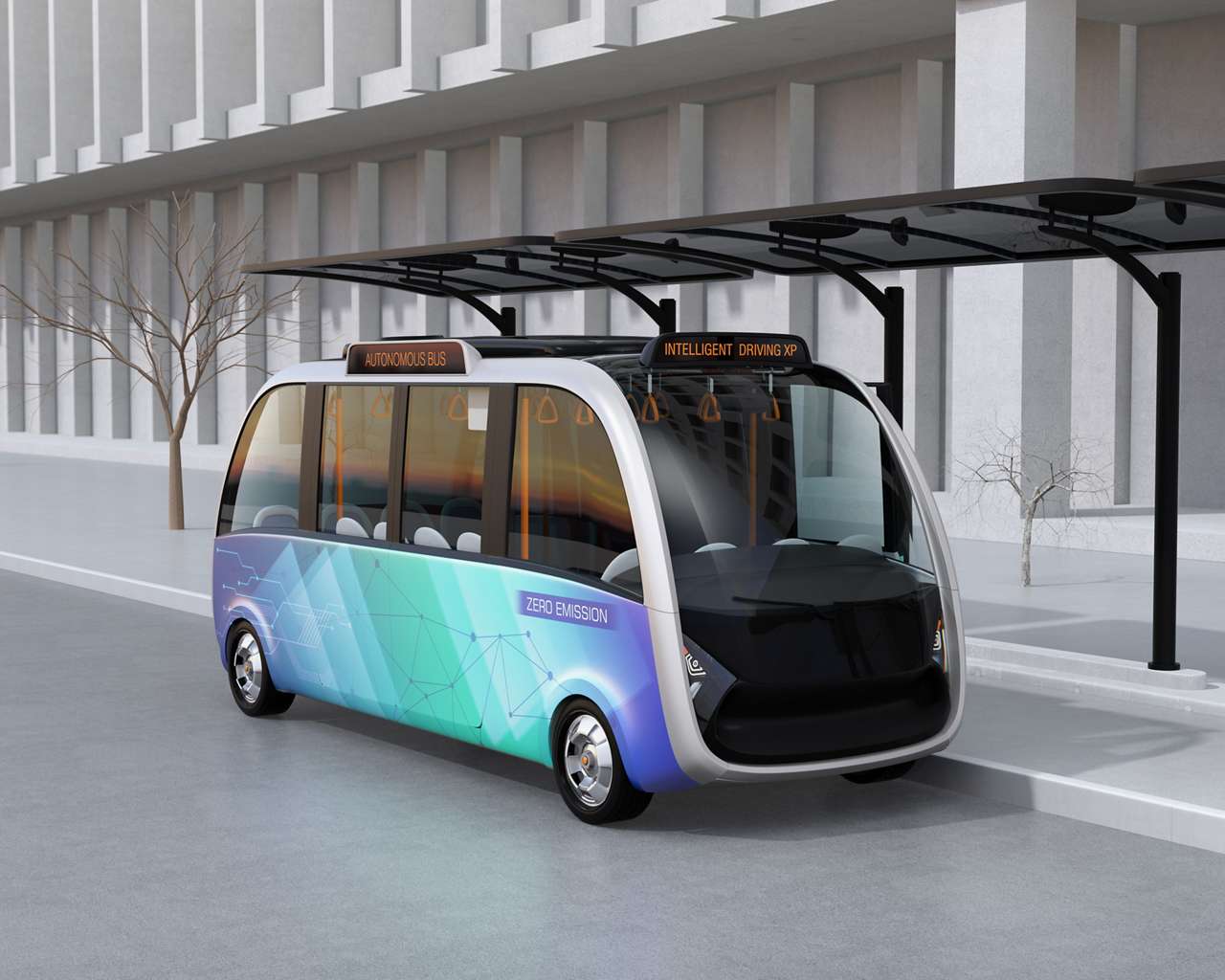
The K50L domed 50 mm indicator light works well for status indication on autonomous shuttle buses. The buses operate on short distances in outdoor environments that exposed the bus technology to a variety of weather conditions. The rugged K50L indicators are rated IP67 and IP69K to withstand water ingress in the harsh environment.
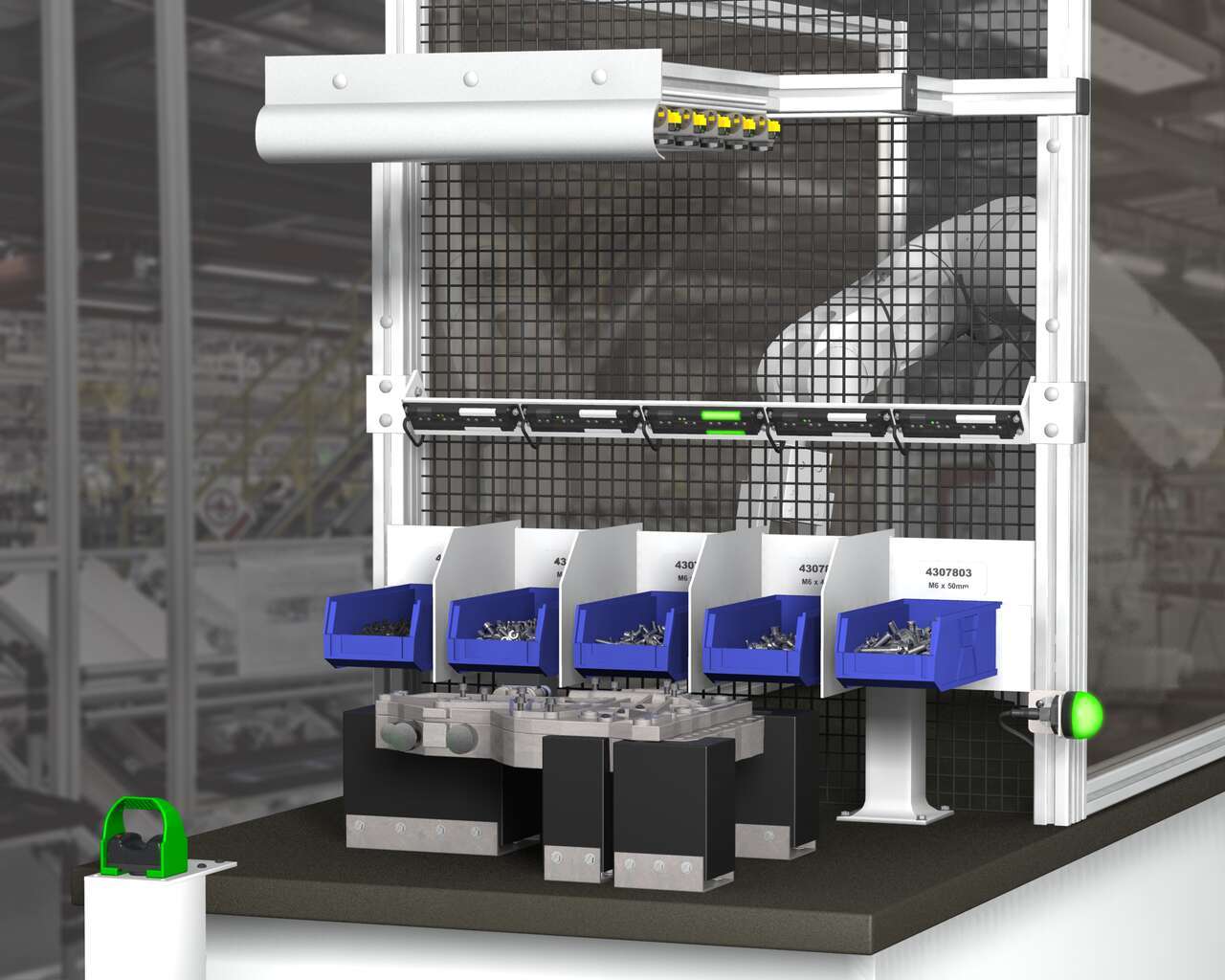
A Henshaw customer manufactures drivetrain and powertrain systems for the automotive industry. The company had experienced productivity losses due to errors in the assembly of transmission valve bodies. Henshaw was tasked with developing a system that would reduce errors and improve the assembly process.
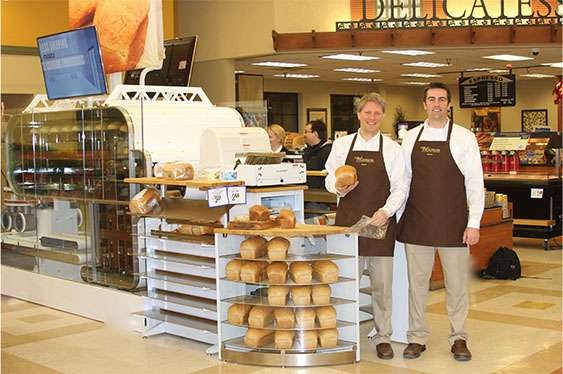
Baking is a mixture of creativity, precision and attention to detail. The Wilkinson Baking Company has added technical innovation to the mix. The Wilkinson Bread Bakery is a compact, completely self-contained and fully automated bread bakery. This unique machine combines technology with tradition to transform simple raw ingredients into bakery fresh bread at 40 loaves an hour.
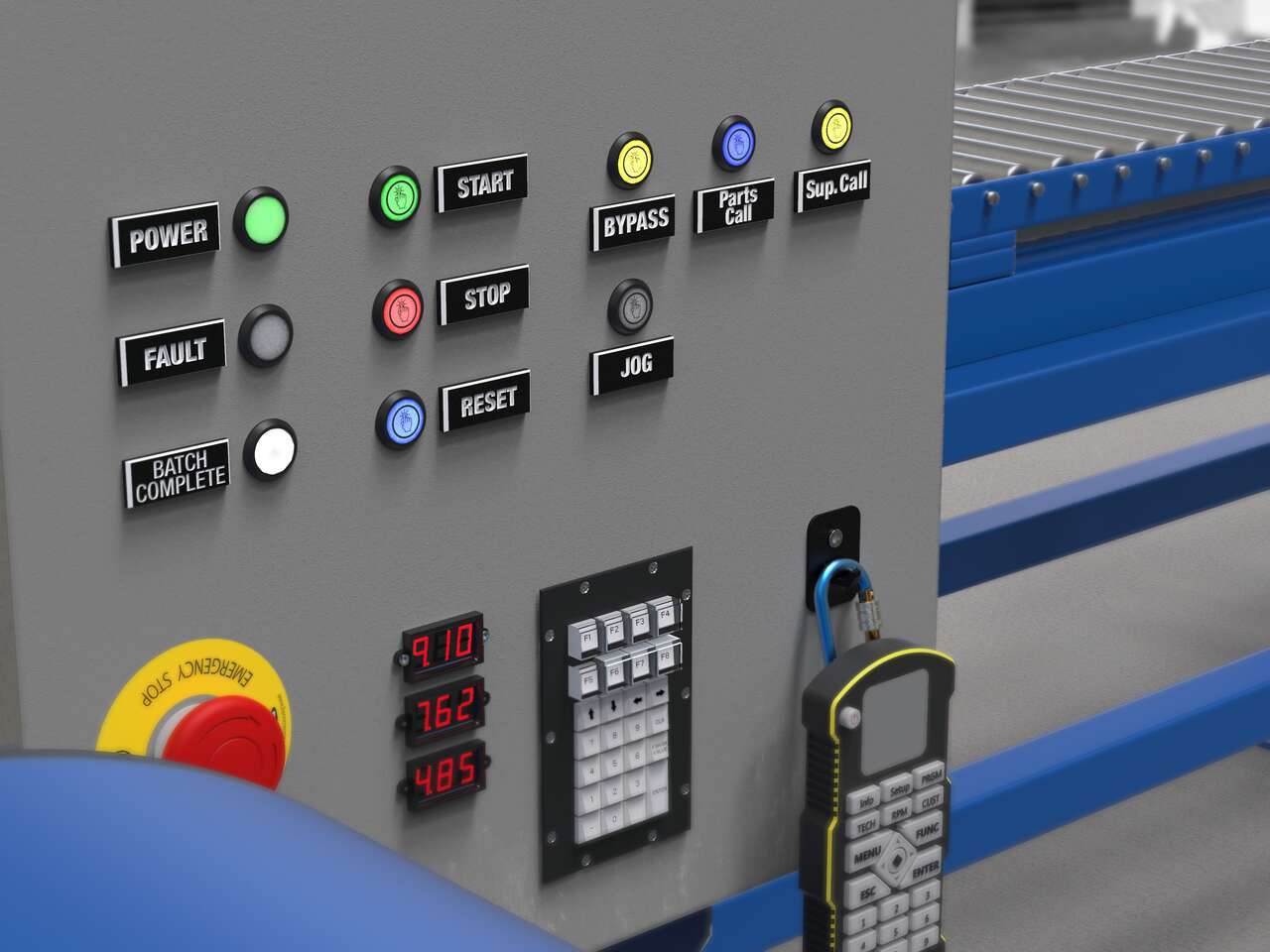
Local indication solutions provide clear, highly visible status alerts to both operators and plant managers in their normal sightlines.
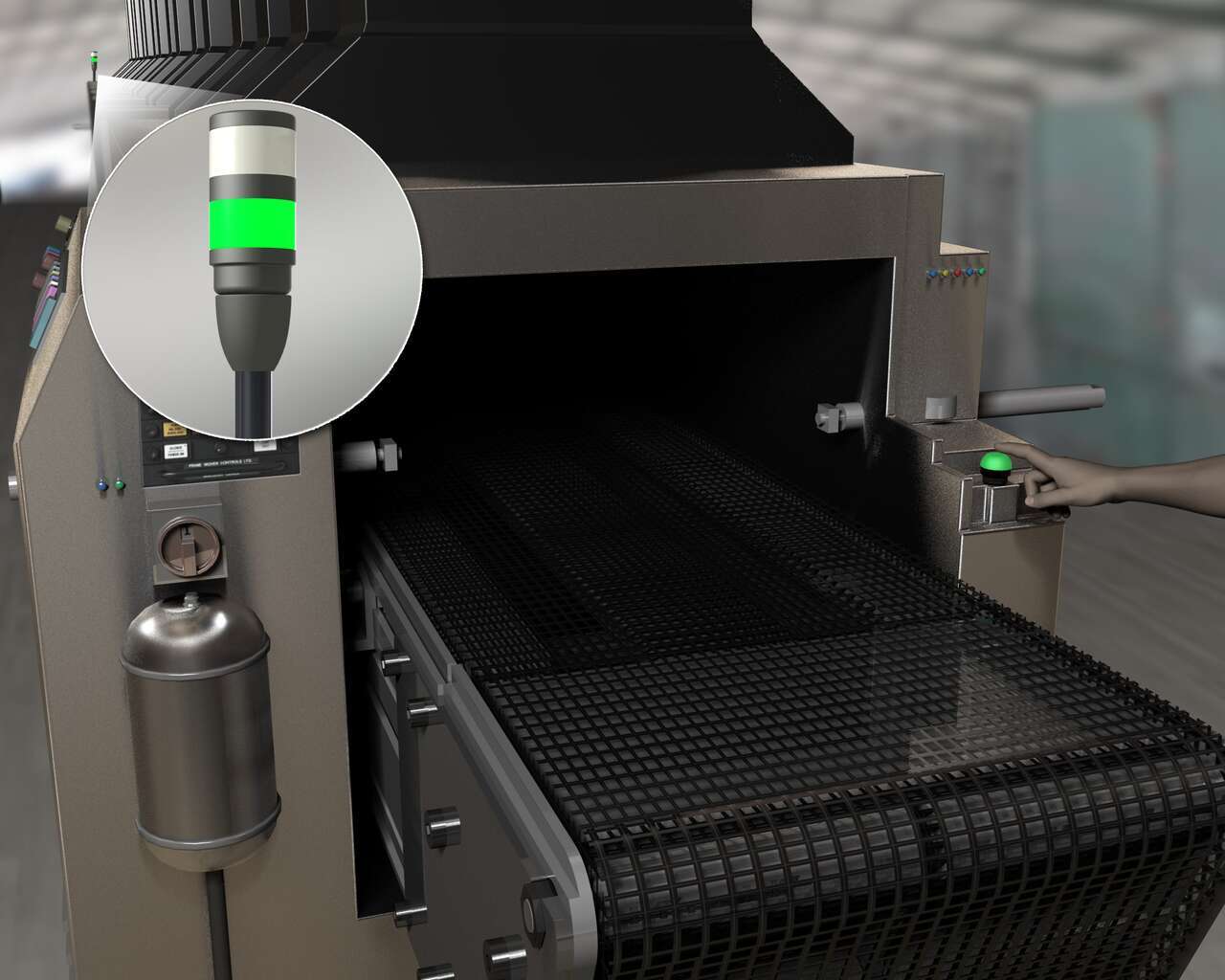
As more components pass through the oven, keeping pace with the flow of items to be unloaded becomes increasingly difficult. Congestion in the sortation area builds. Items can easily be misdirected or even damaged. A pause in the flow of parts allows the unloading operator to correct mistakes and clear a pickup station. However, the distance between the unloading and loading areas as well as ambient interference from surrounding machinery complicates communication between operators.
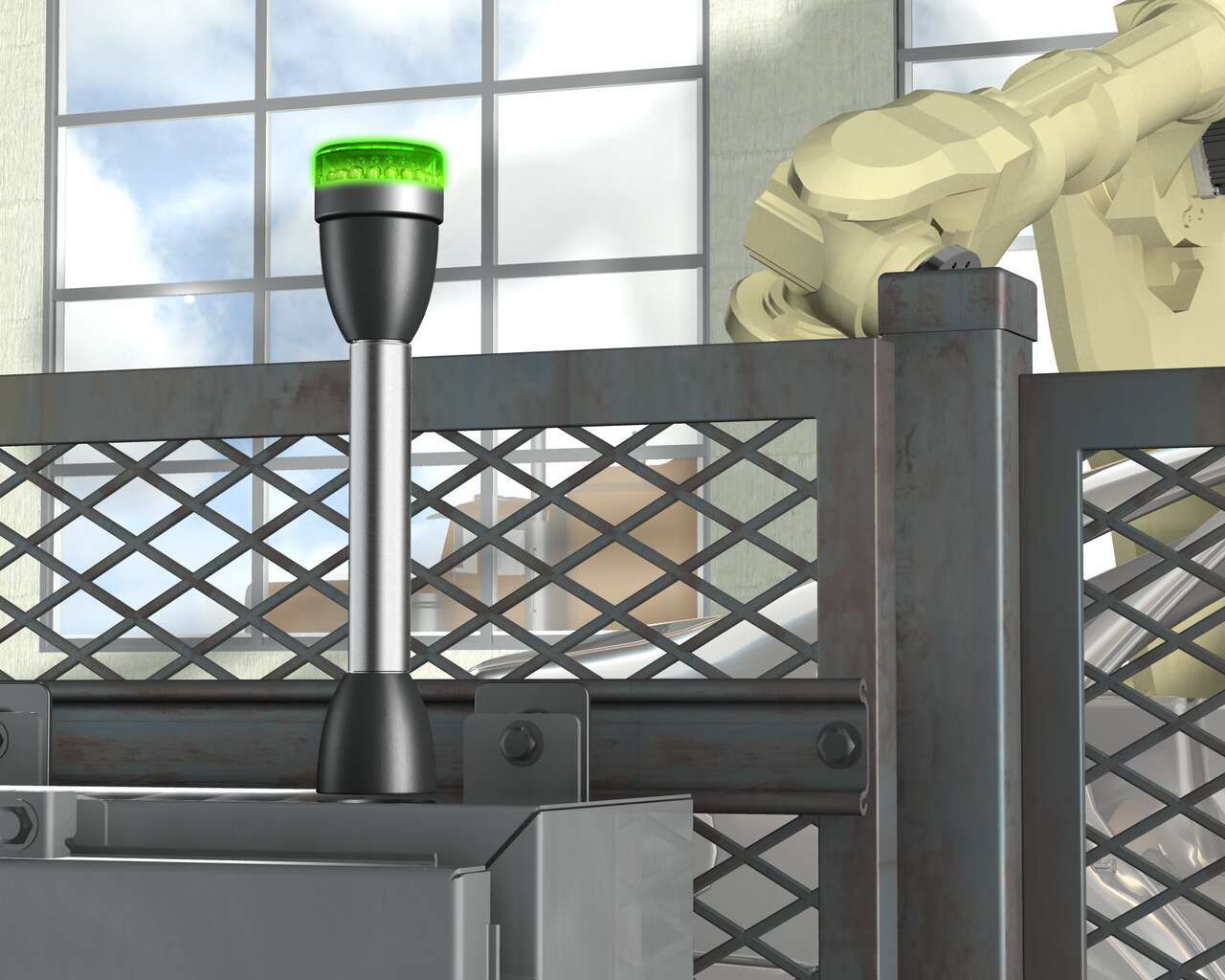
When a window is located directly behind a cabinet, extremely bright, long lasting LED indicator lights can provide highly visible indication throughout the day. Banner’s EZ-LIGHT K50 Beacon is perfect for many indication status applications, especially in this cabinet because the beacon is highly visible even during daylight and is extremely durable with long-lasting, energy-efficient LEDs.
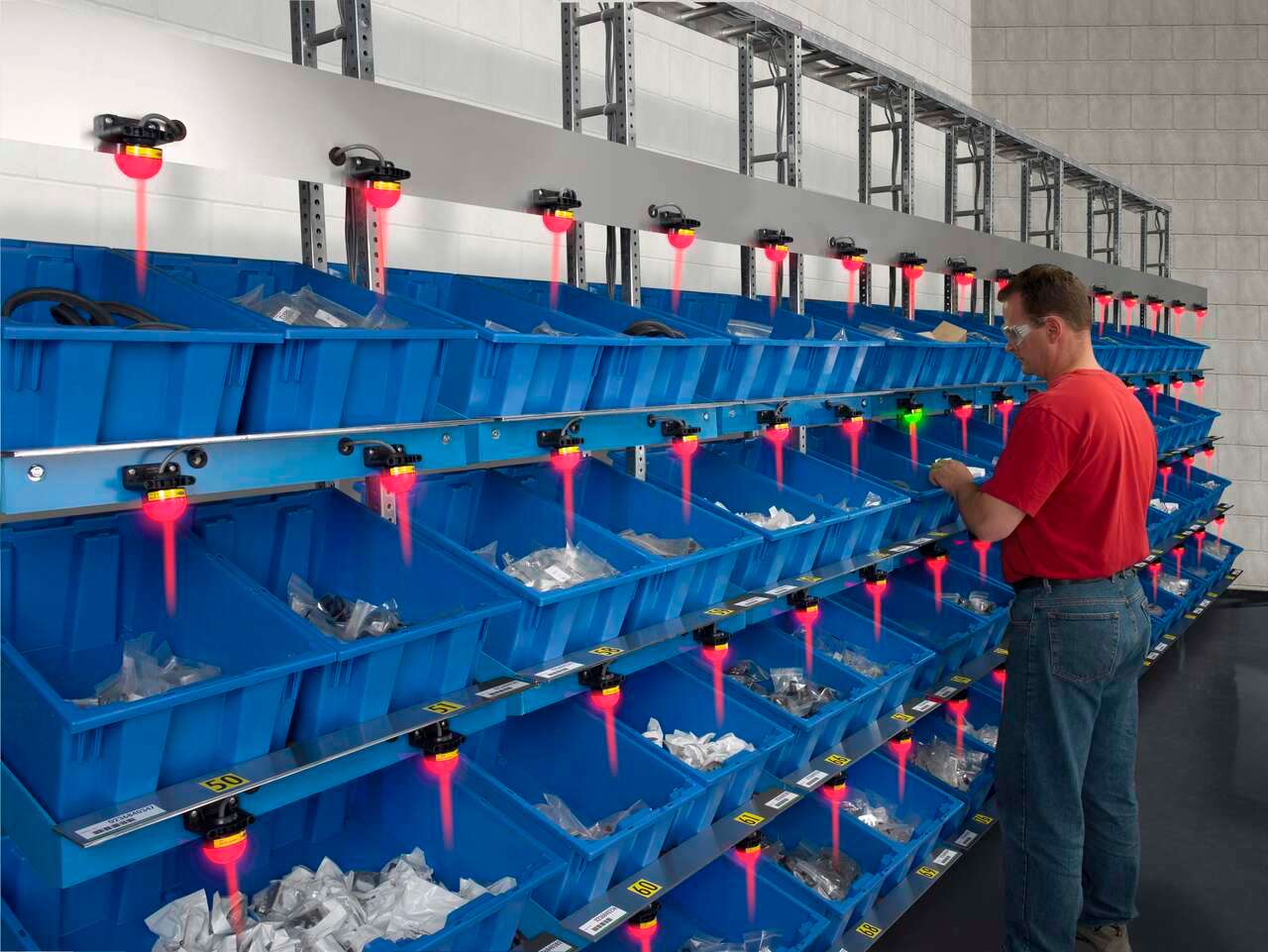
Banner’s K50 Series of single-point pick-to-light sensors are a simple, easy-to-use error-proofing solution in assembly applications. In this application, the job light is Green while the job input is active, indicating the correct bin for the next pick. The presence of the assembler’s hand initiates an output change of state, turning the job light red. The job light above the next pick location will then turn Green.
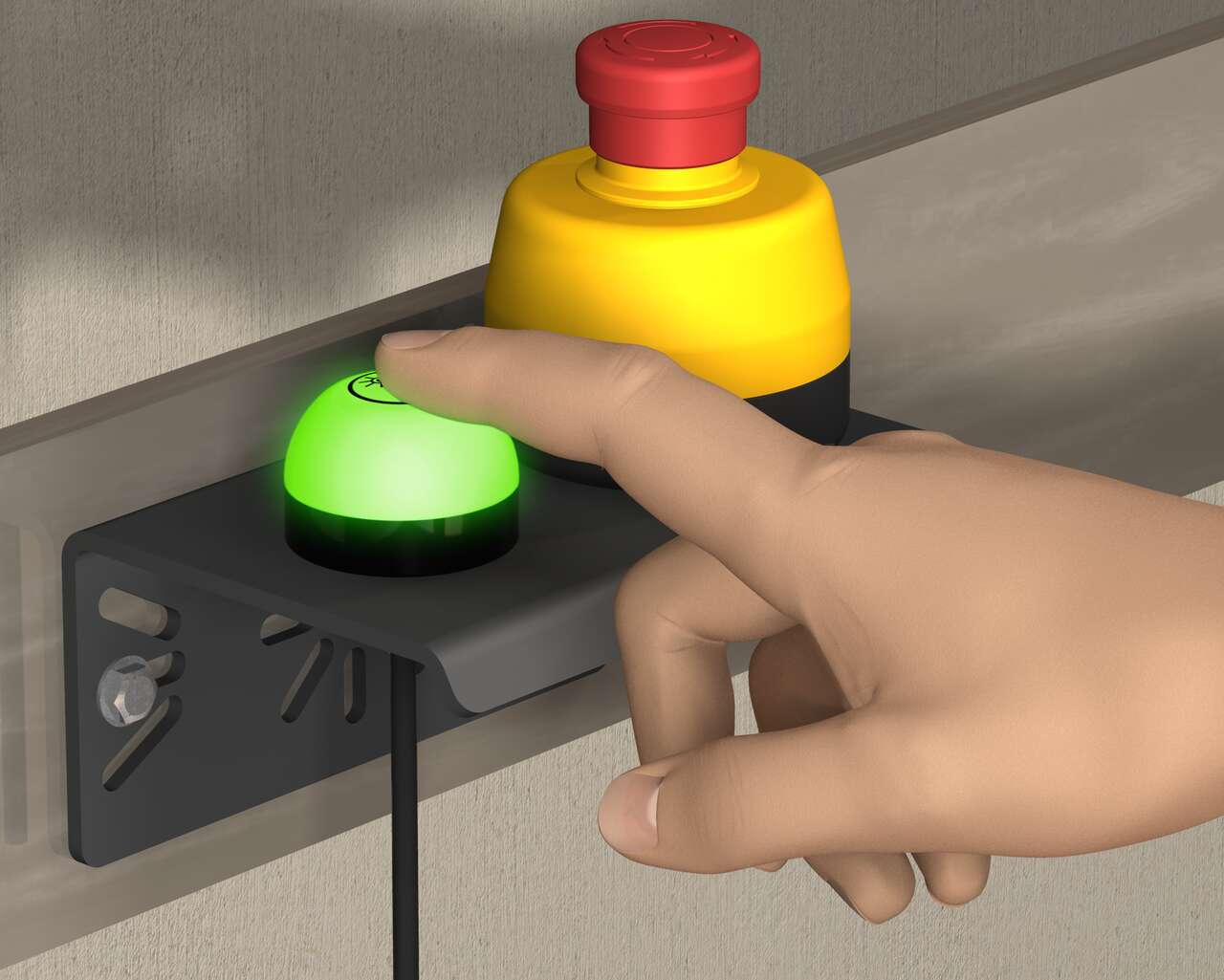
With the all-in-one enclosure, the emergency stop pushbutton combined with the K50 Touch lighted indicator communicates simple status indication in emergency conditions.
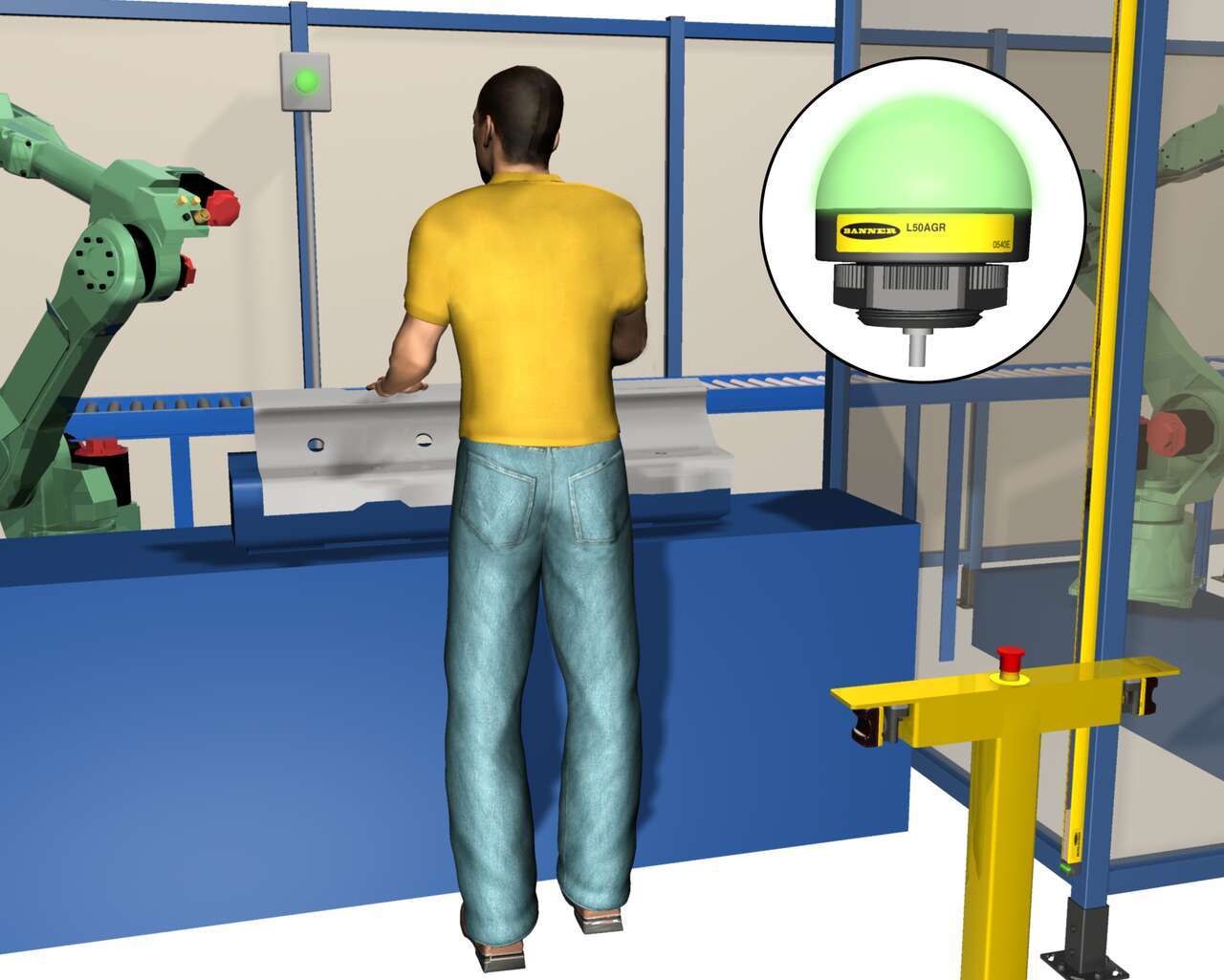
The K50 Indicator Light signals to an operator that a part is placed correctly, without leaving the workstation.
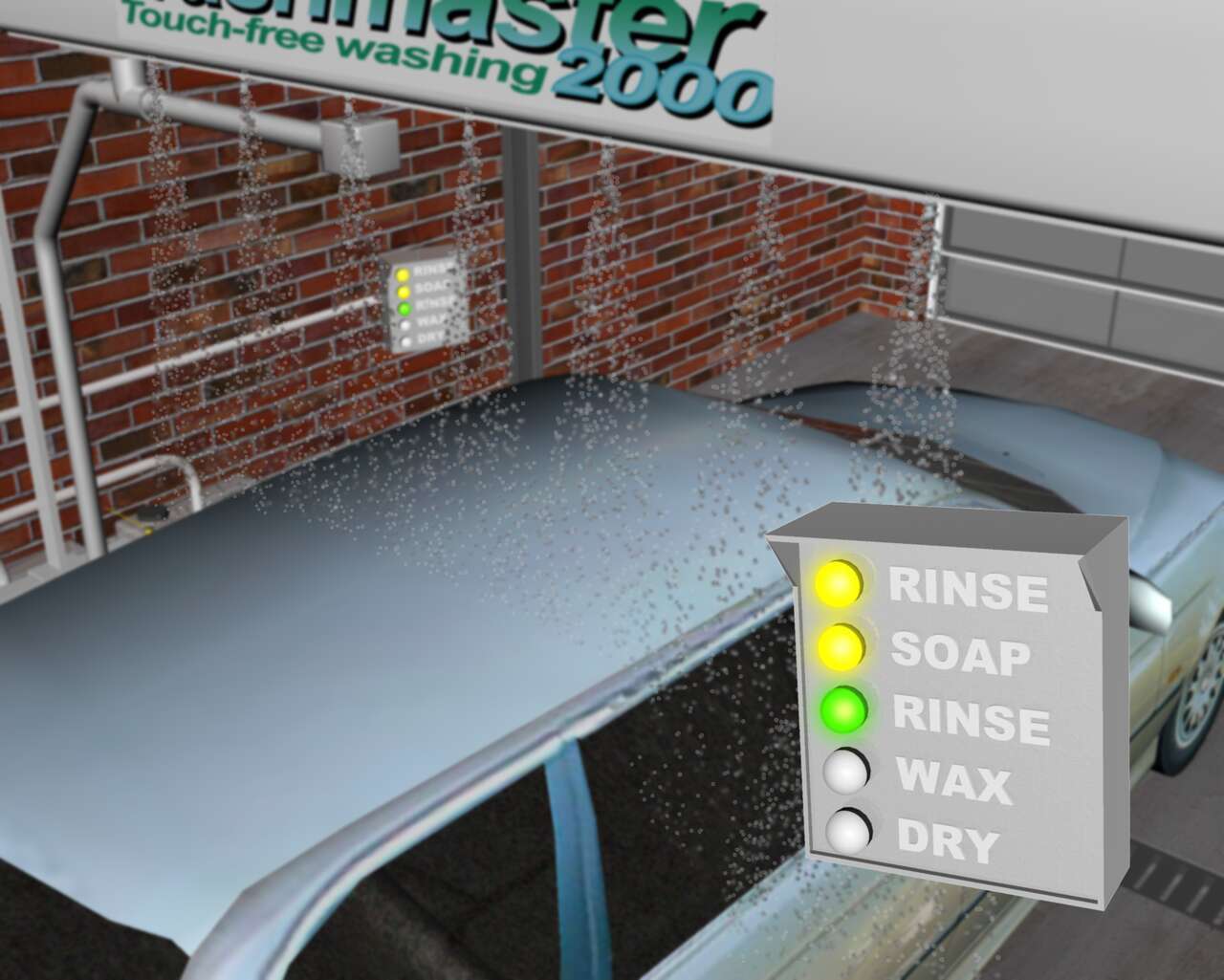
Sensor solution for bright indication inside a car wash, communicating various stages of the wash cycle.
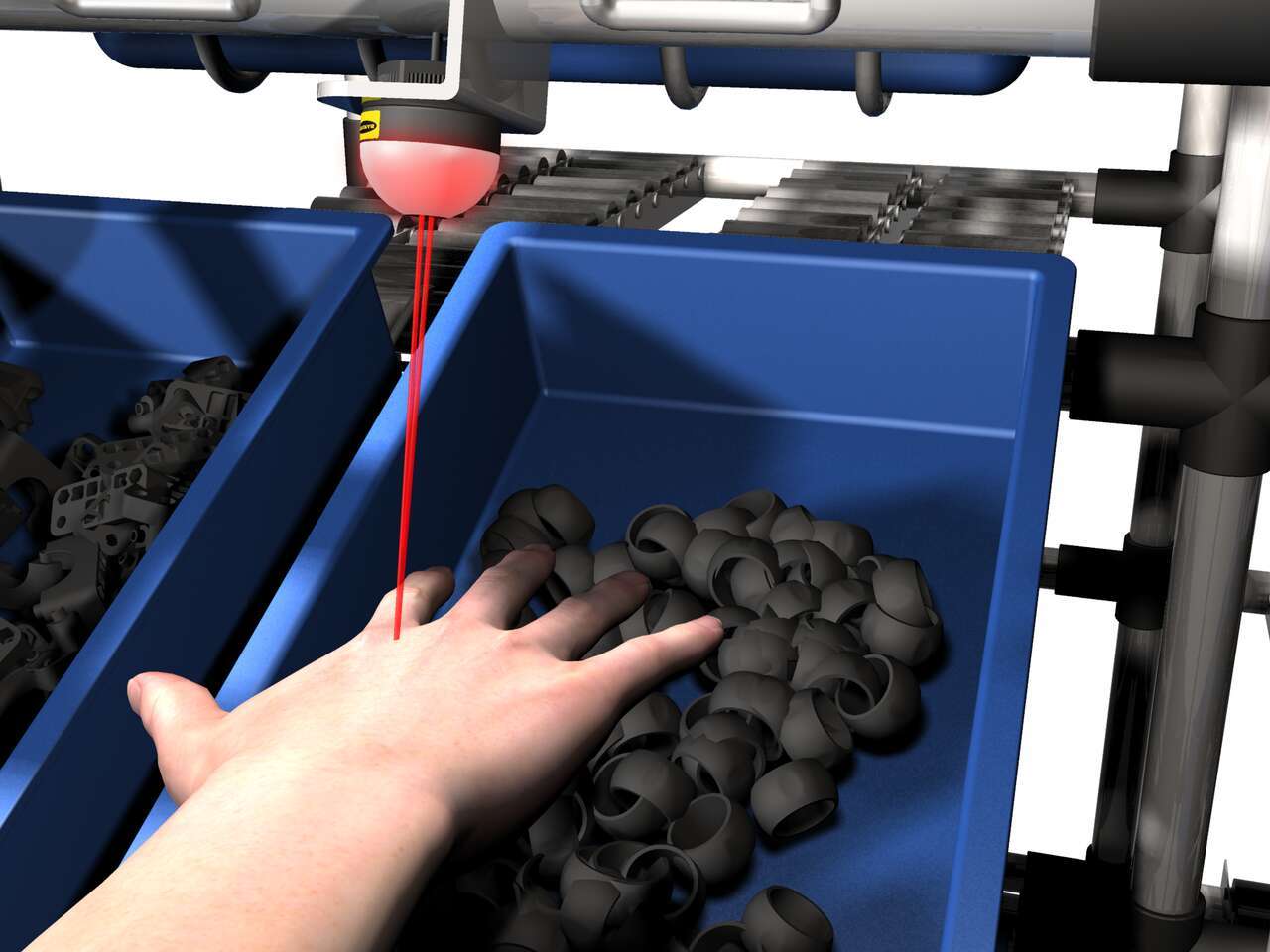
The EZ-LIGHT K50 sensor lights above a bin to show the assembler which part to pick. If the assembler reaches into a different bin, that bin's EZ-LIGHT K50 sensor lights up in the designated warning color—in this example, red— to indicate the error.
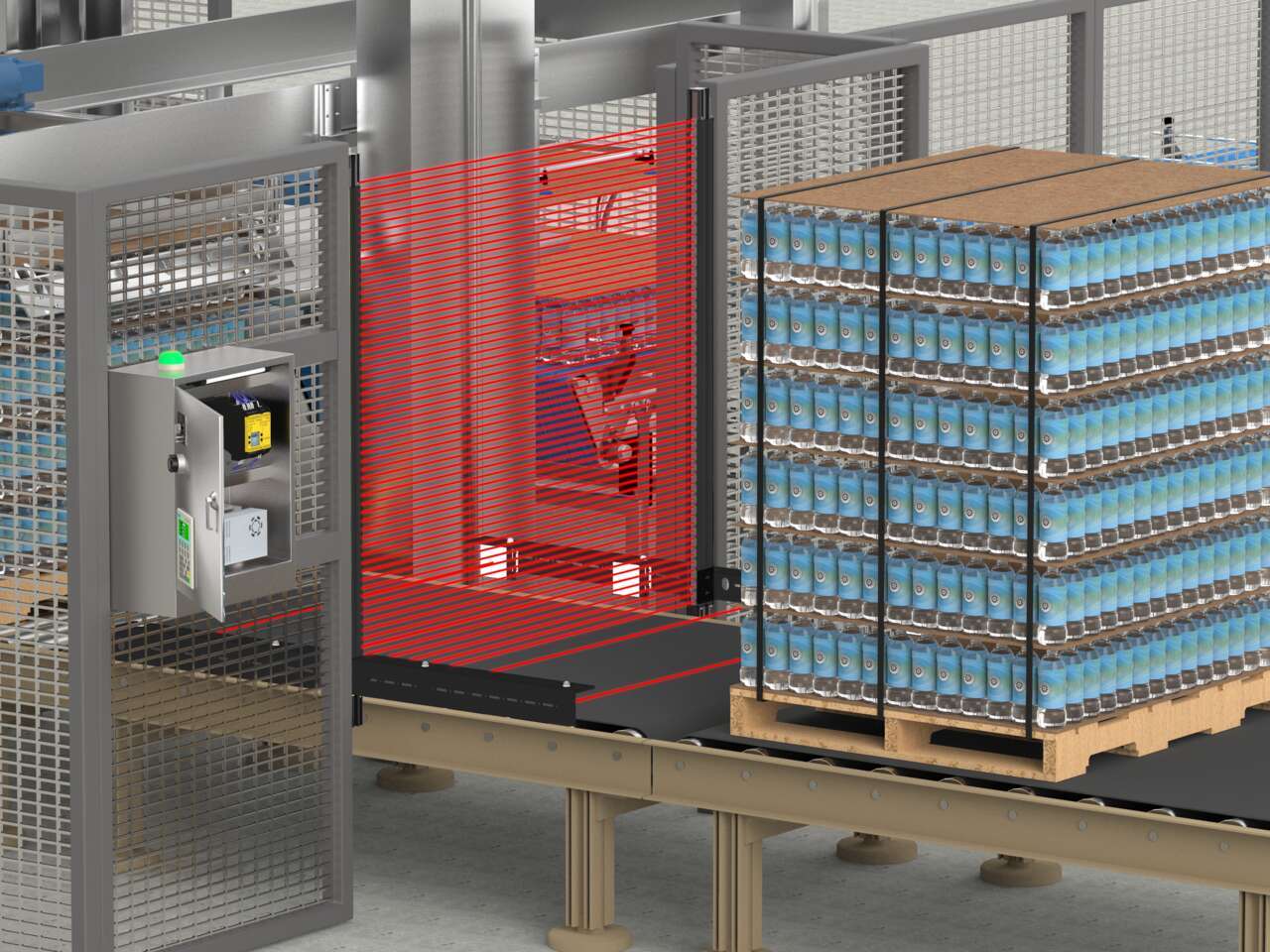
An LS Series safety light curtain with a mute arm kit in T-configuration combined with an XS26 Series safety controller is an easy-to-implement solution that protects staff from potential hazards without disrupting the flow of pallets to the depalletizer.
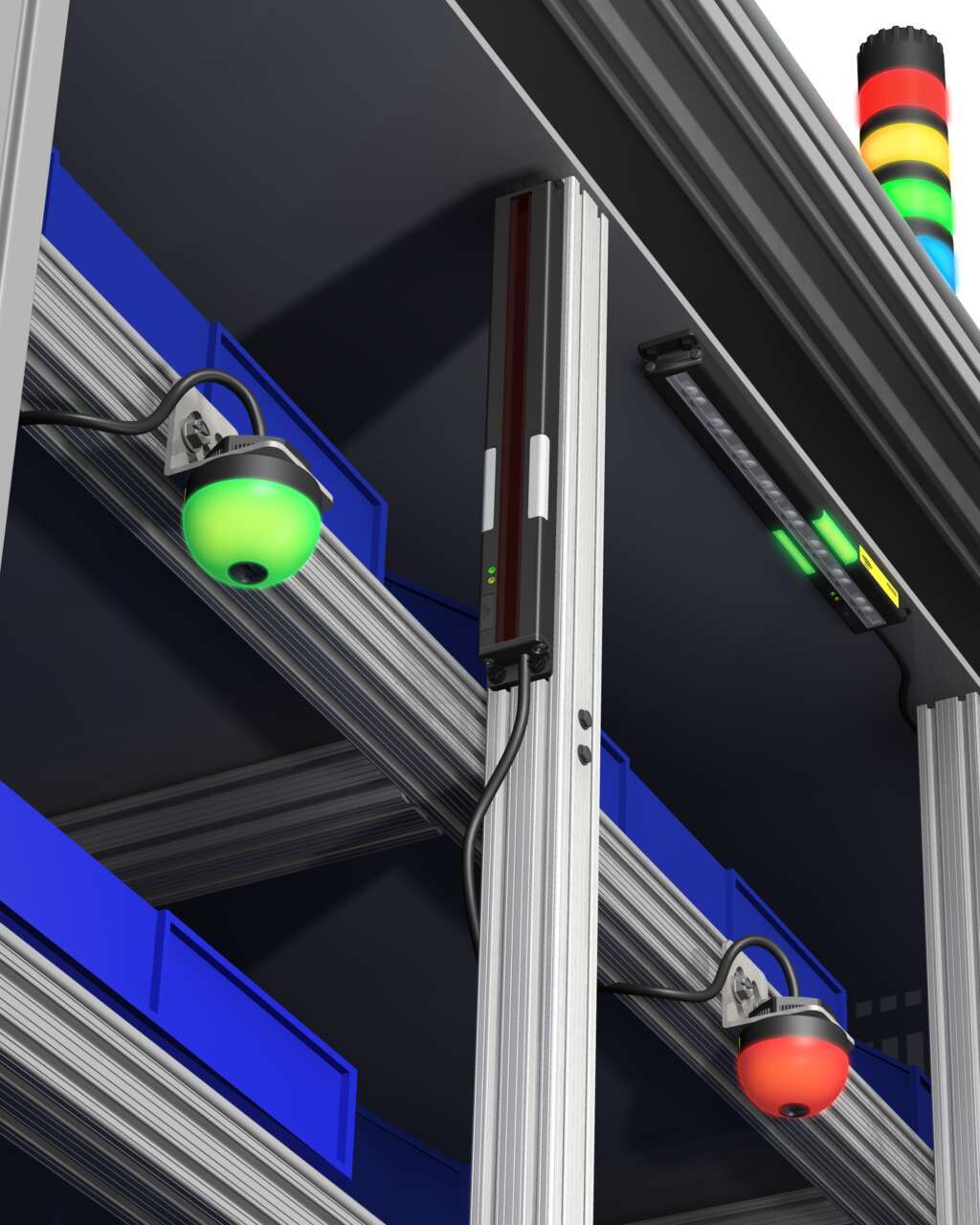
Several technologies and solutions are available for bin-picking applications for error-proofing processes. Light arrays prompt the operator for part selection with integral job lights, then reliably sense retrieval of the part, using an array of visible red or infrared sensing beams located in front of the bin.
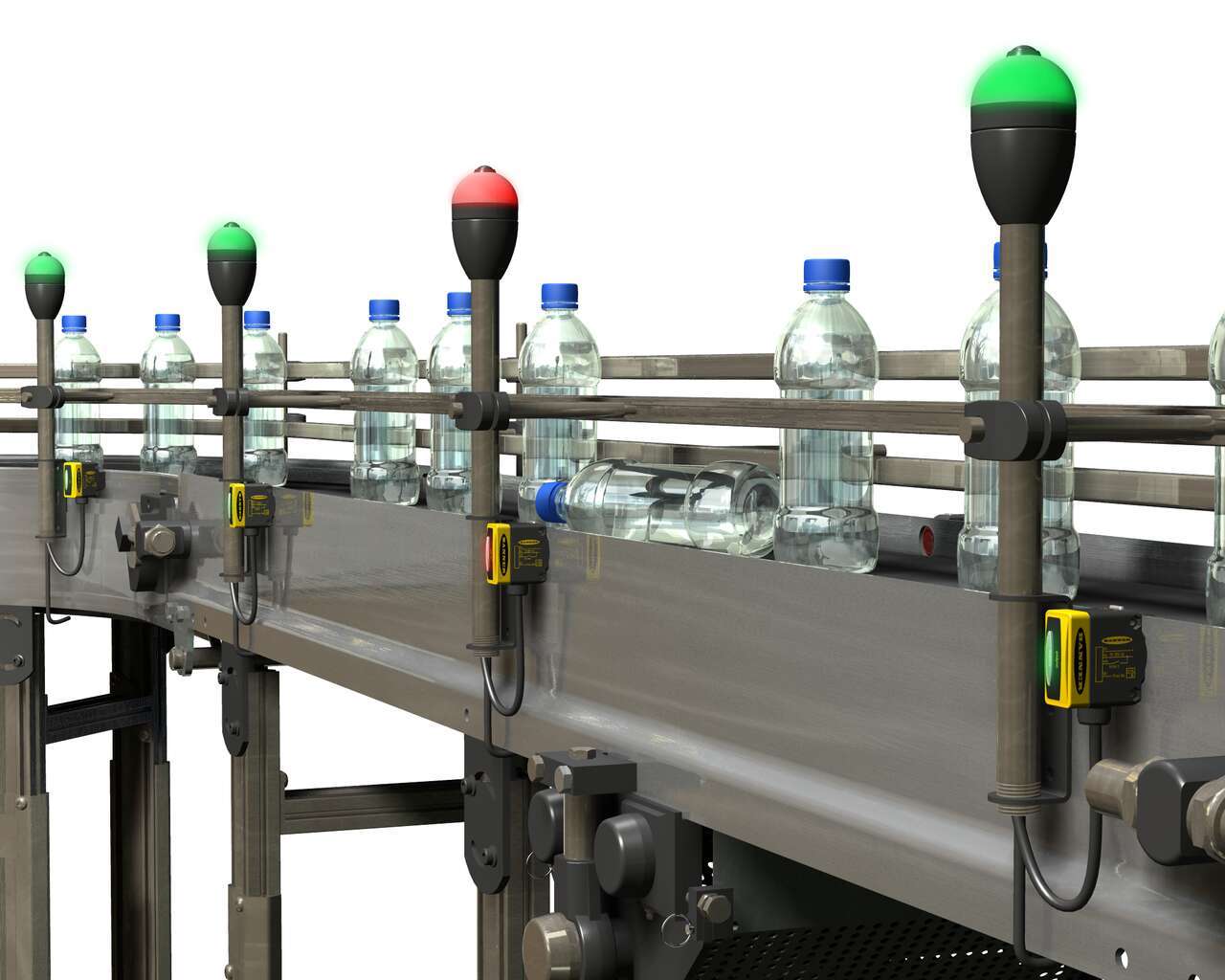
Sensor solutions to detect translucent bottles filled with clear liquid with a long bottling line with numerous areas to monitor.
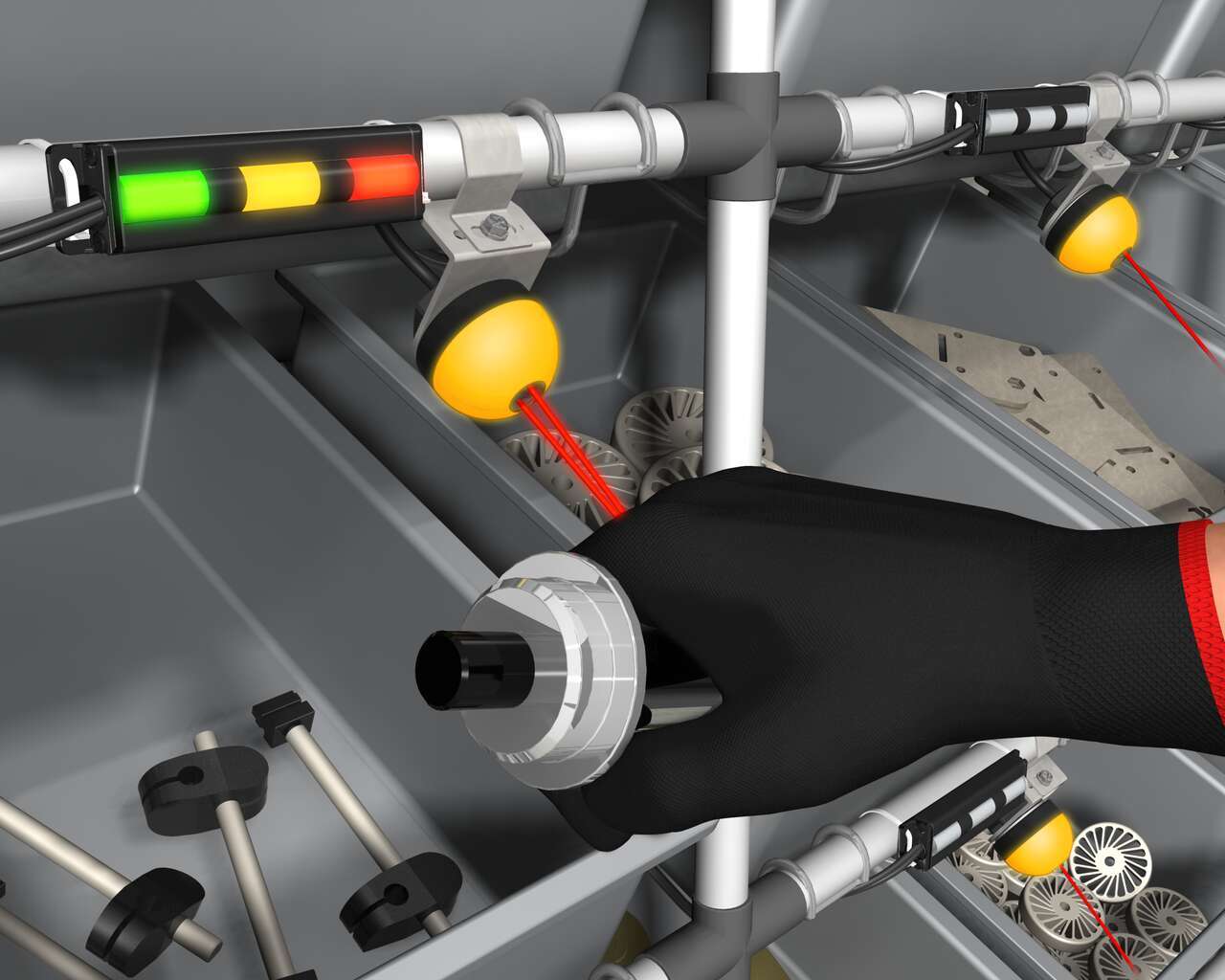
Banner’s K50 Optical Pick-to-Light series is a compact, self-contained, three color indicator with integral sensor. Green typically indicates which part to pick, and when the internal sensor detects the hand, the indicator changes to yellow to confirm the task is complete. An optional third message is to display red for a mispick.
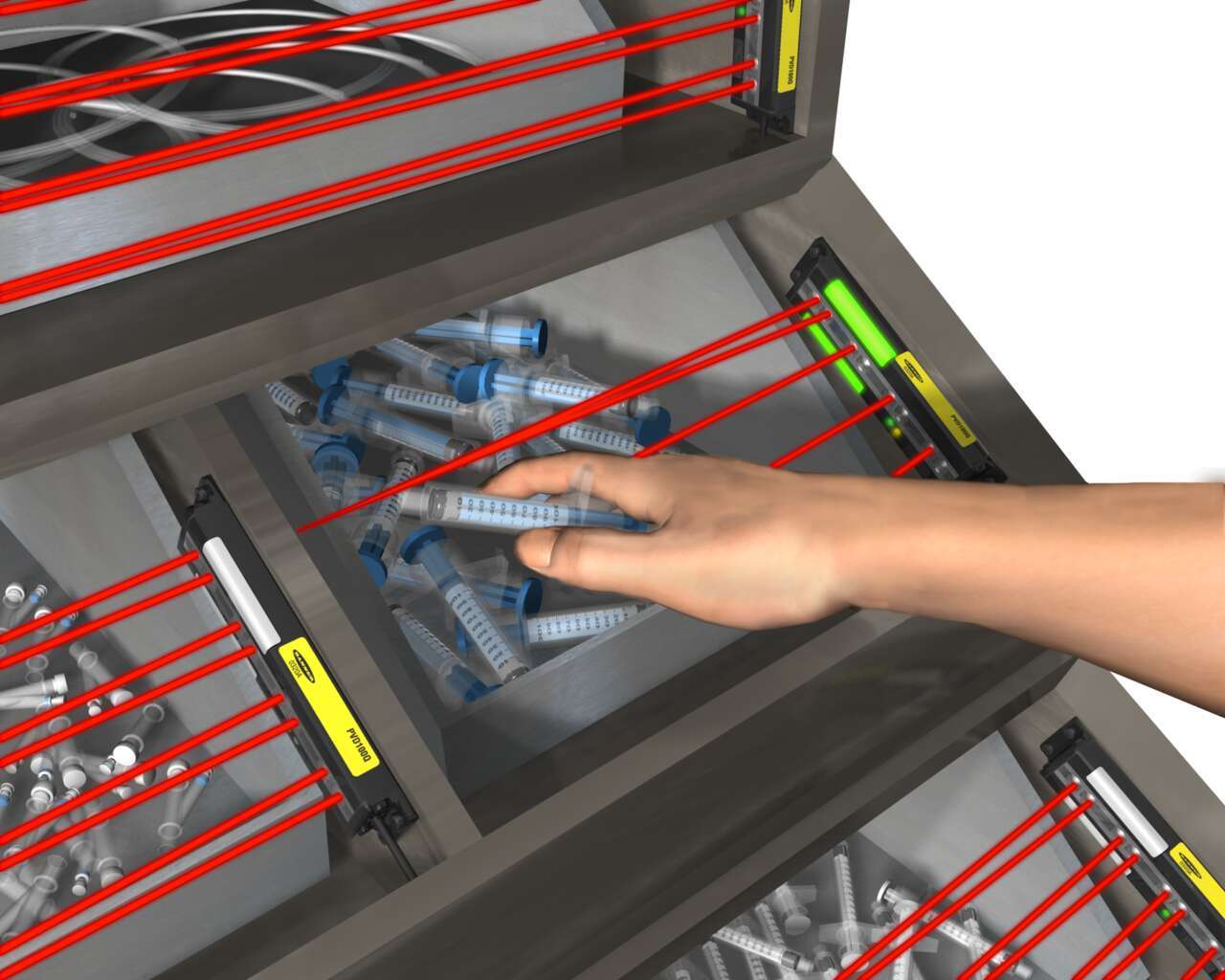
Light-guided kitting and sequencing solutions allow operators to focus on building high-quality products while maintaining efficiency.
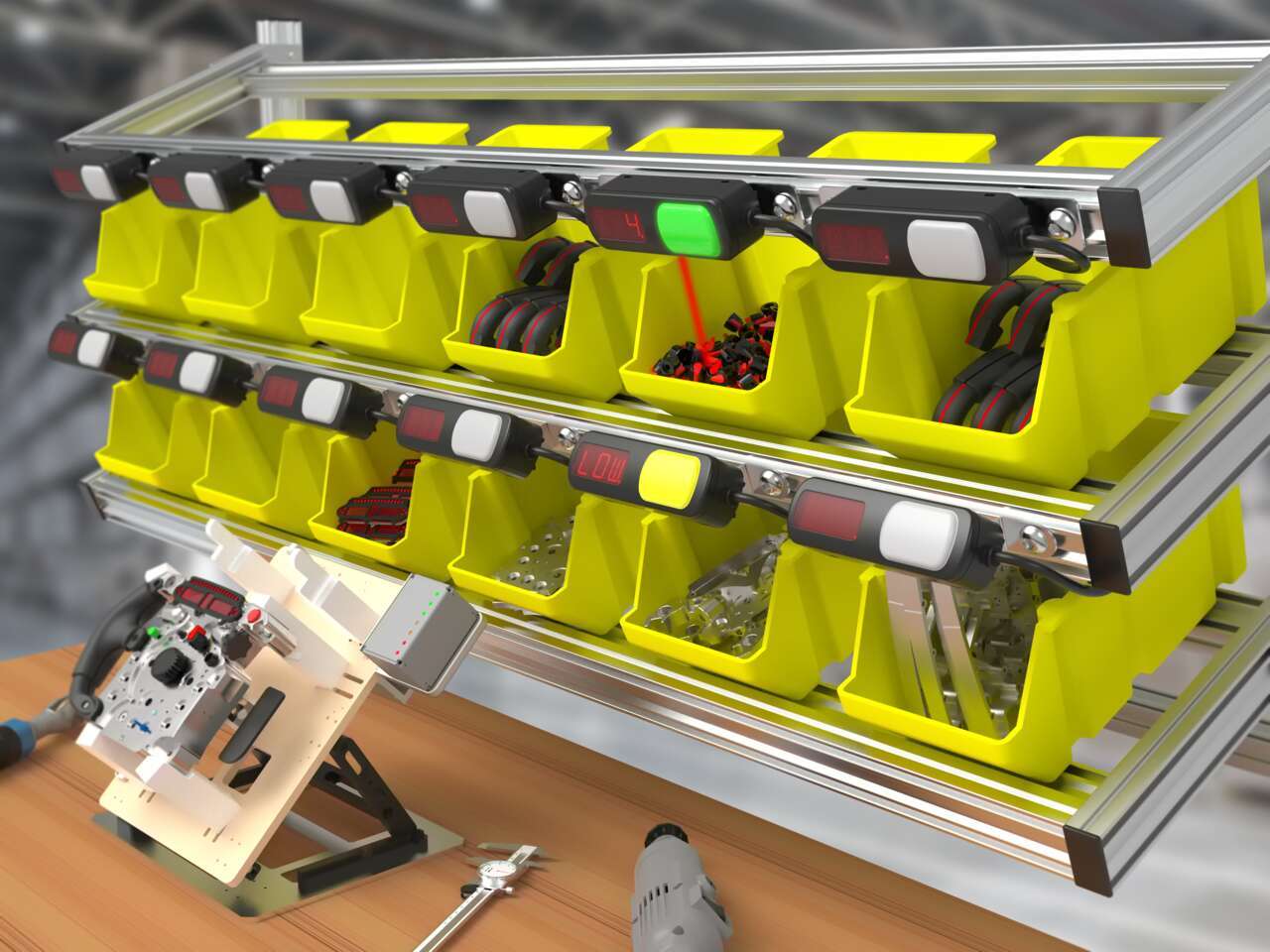
Pick-to-light systems support lean manufacturing initiatives by reducing the risk of human error in production and assembly processes.

Quick, accurate picking increases customer satisfaction by ensuring that customers receive the correct order in a timely manner.
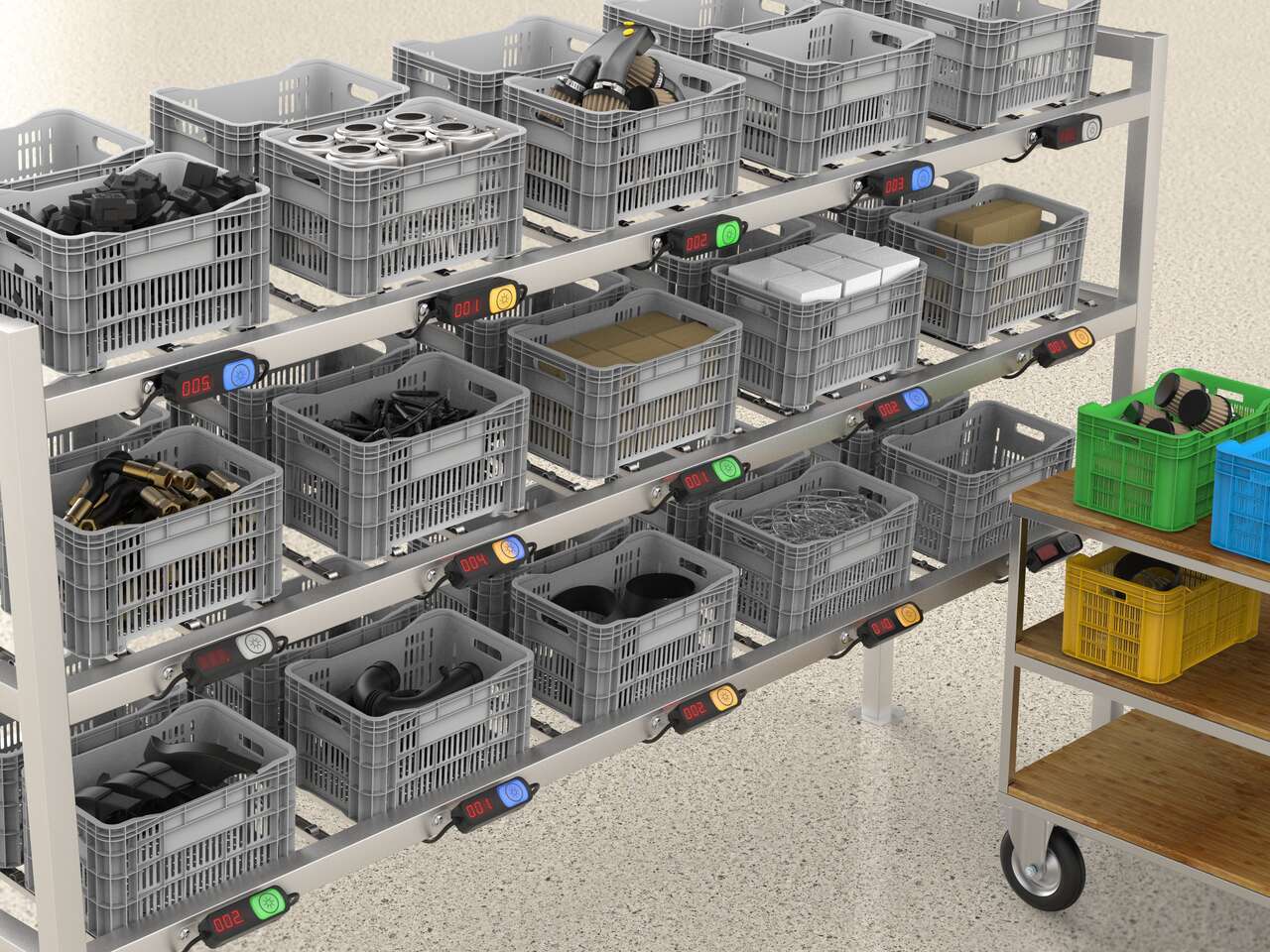
Put-to-light solutions improve the efficiency and accuracy of stocking and replenishment activities and can help prevent downtime by reducing delays due to misplaced or incorrect parts.
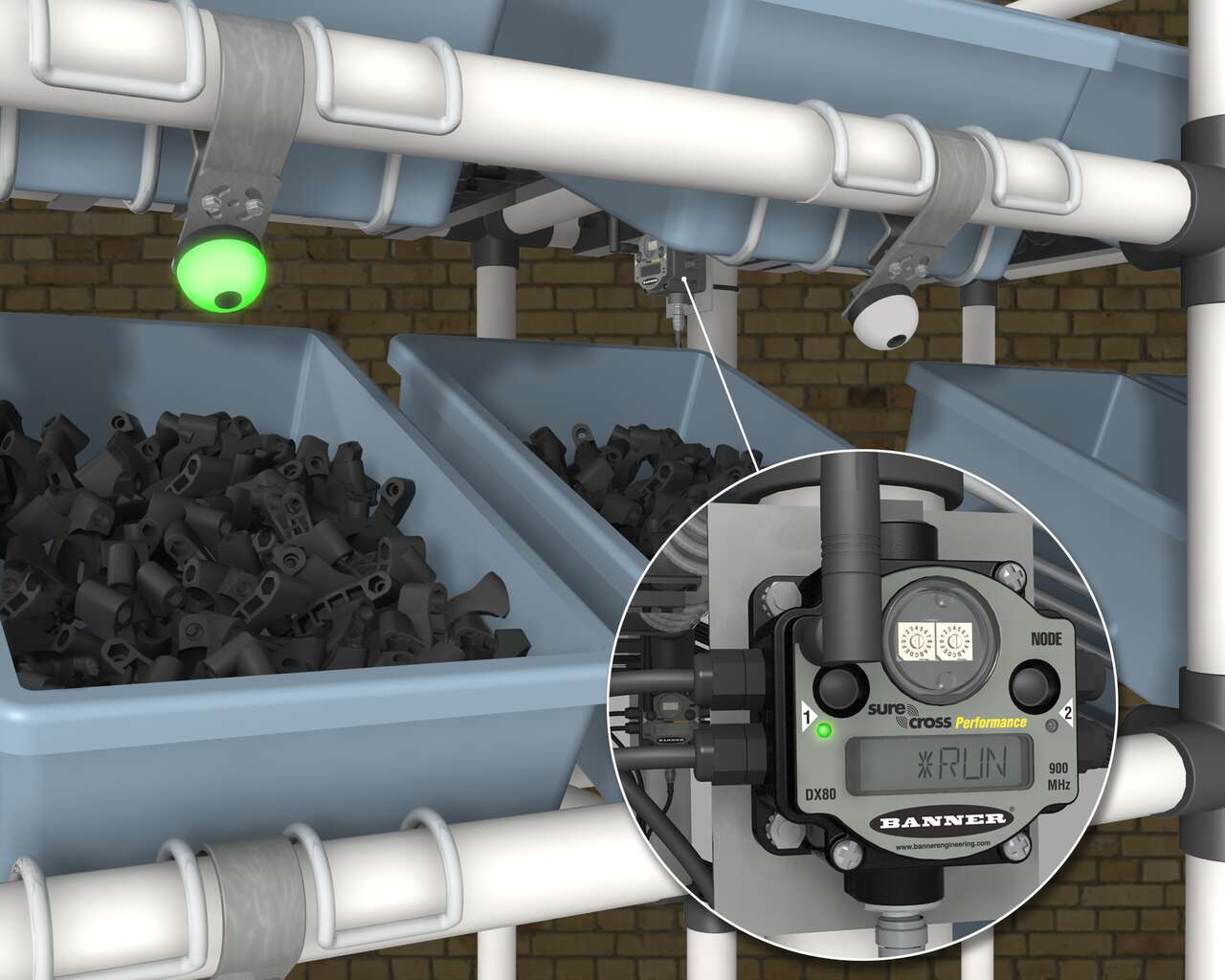
A Banner wireless solution is a simple way to optimize inventory, reduce errors, and minimize waste. Each Sure Cross Performance Node with I/O Mapping can be equipped with up to six EZ-LIGHT operator indicator lights. The Sure Cross Gateway is conveniently located at a central location where maintenance personnel and management can monitor the parts consumption throughout the site.
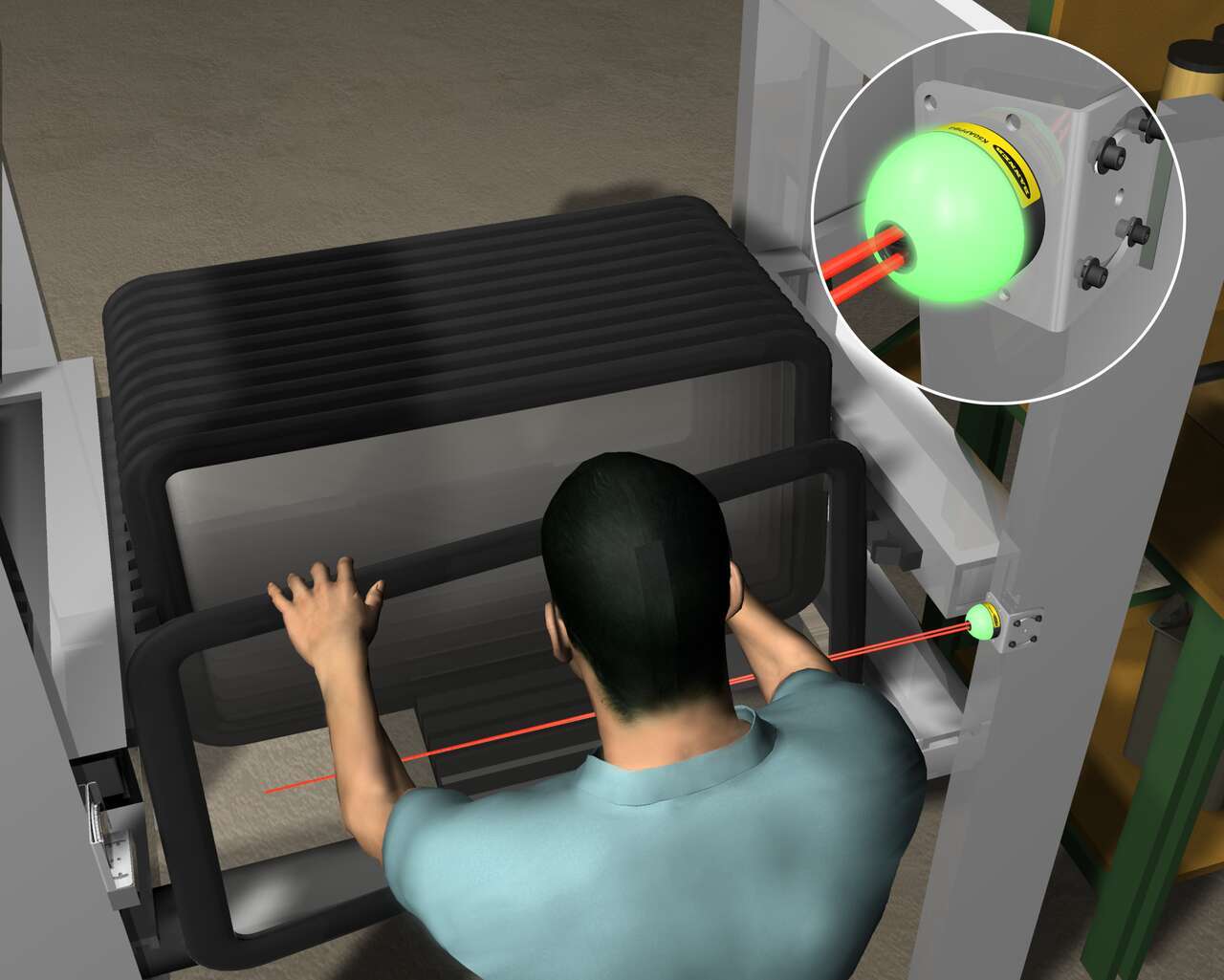
The EZ-LIGHT K50 sensor in retroreflective mode indicates that the next part in the assembly sequence is the sunroof. When the operator selects the sunroof from its wide bin, the K50 detects the pick.
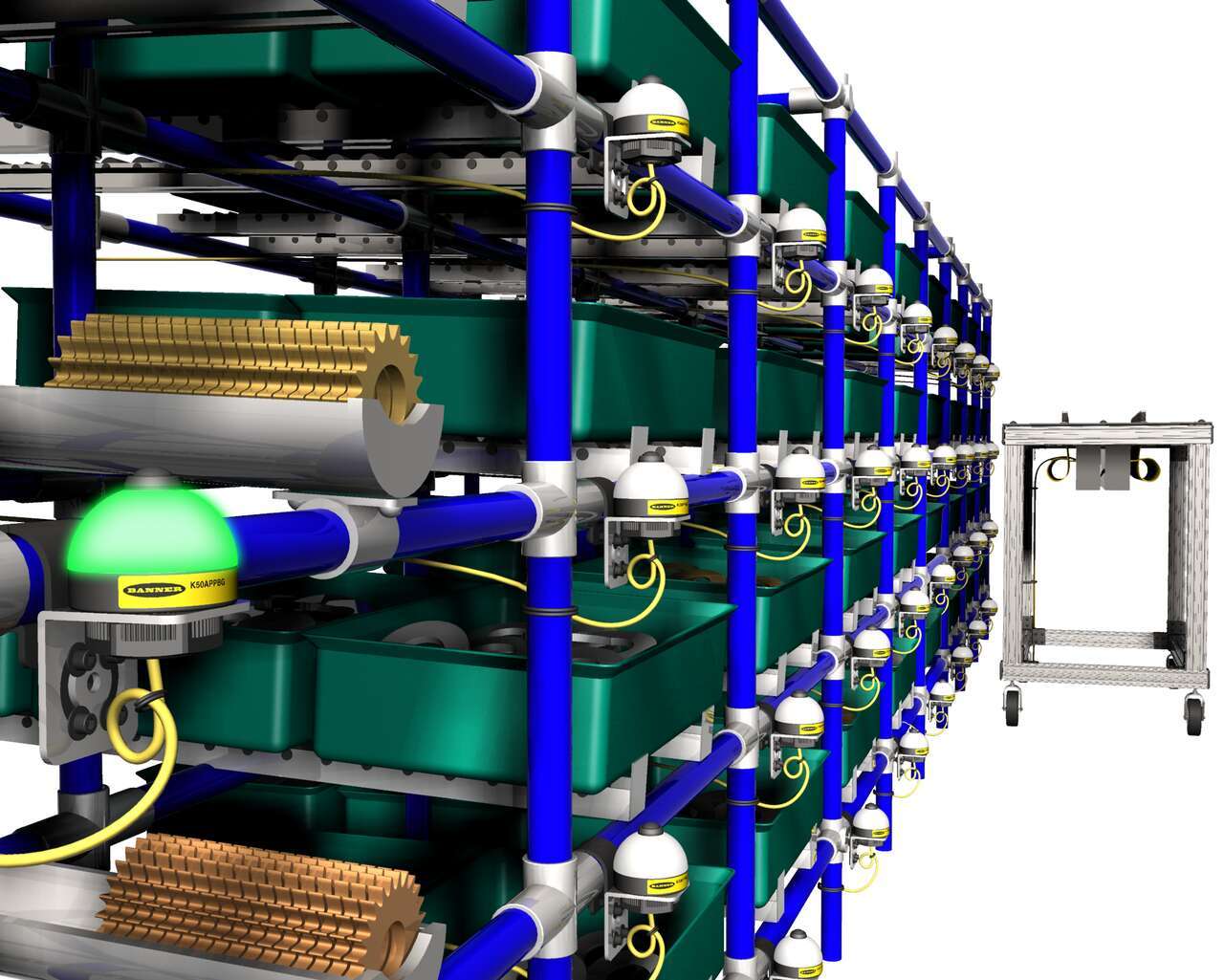
Push-button EZ-LIGHT K50 pick-to-light sensors on a rack of parts light up to indicate which parts to pick. After picking a part, the worker pushes the button on the indicator light to verify that the pick is complete.
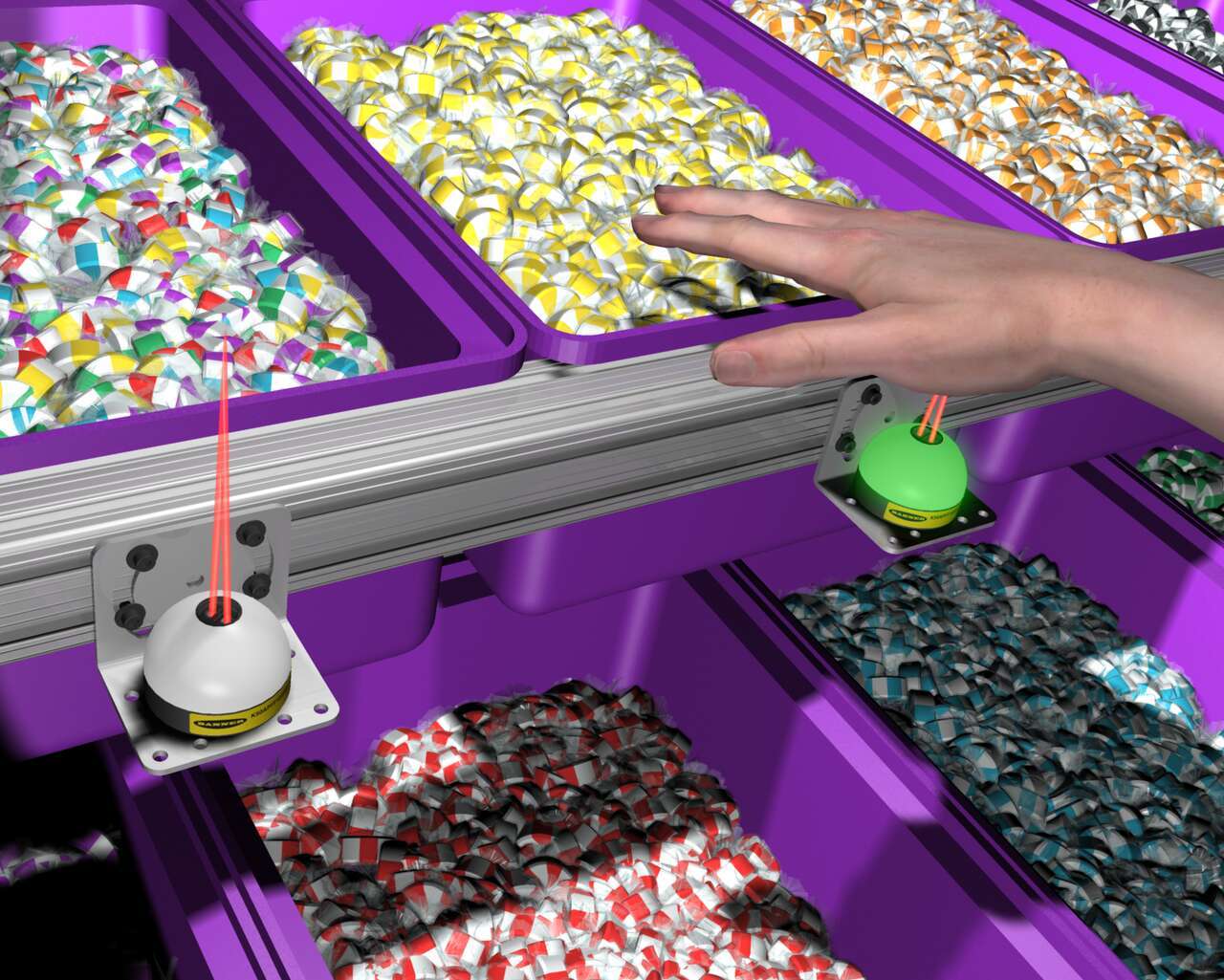
In an order fulfillment operation for a candy distributor, bins are equipped with EZ-LIGHT K50 sensors connected to a process controller programmed with the order. Based on the order, the K50 illuminates to show which items to pick. When the worker places a hand into the bin, the indicator detects the presence of the hand, and the controller triggers the K50 on the next bin to pick.
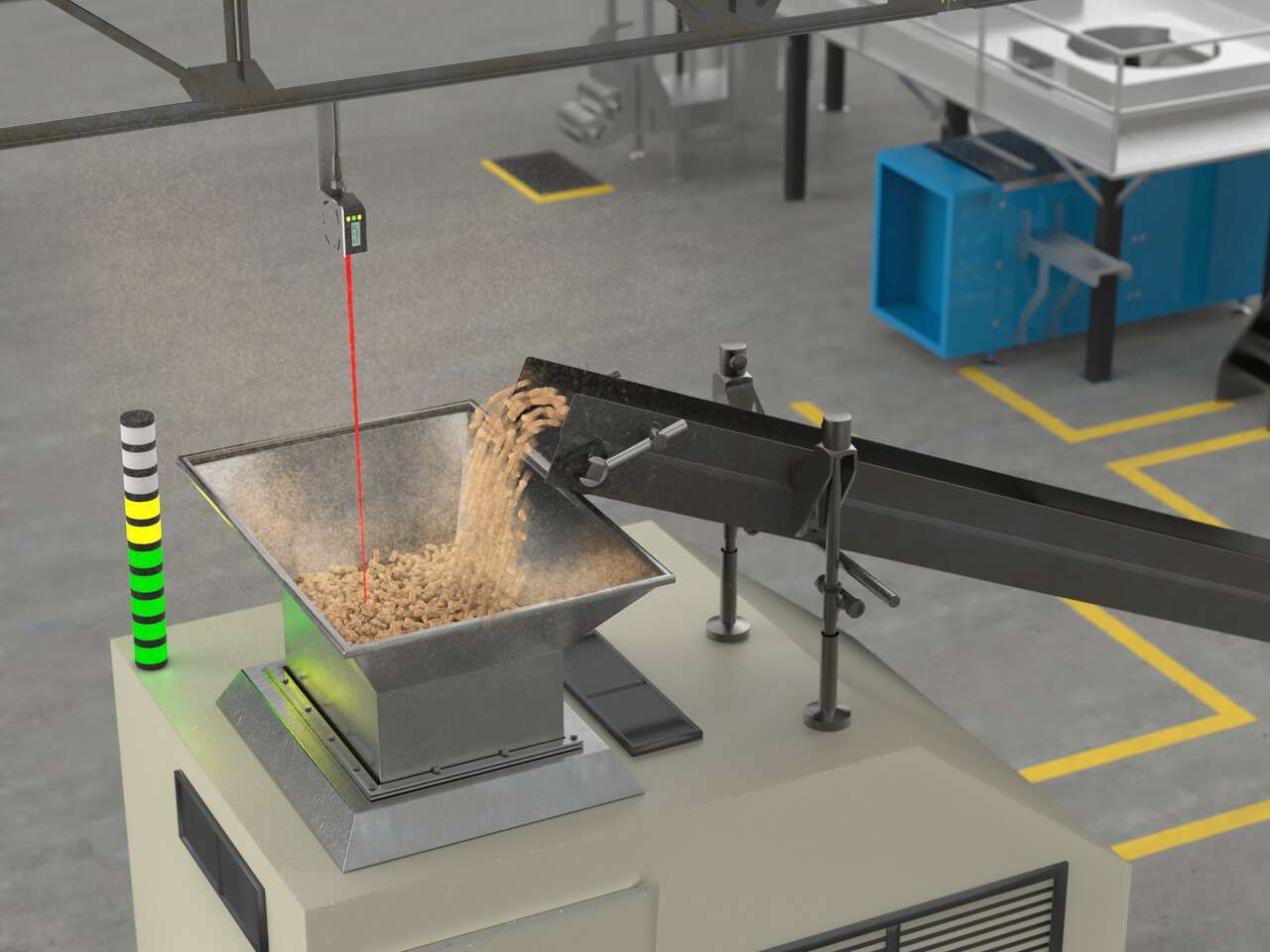
LED indicators with advanced programming capabilities can display dynamic statuses like fill level, takt time, machine transitional states, and more.
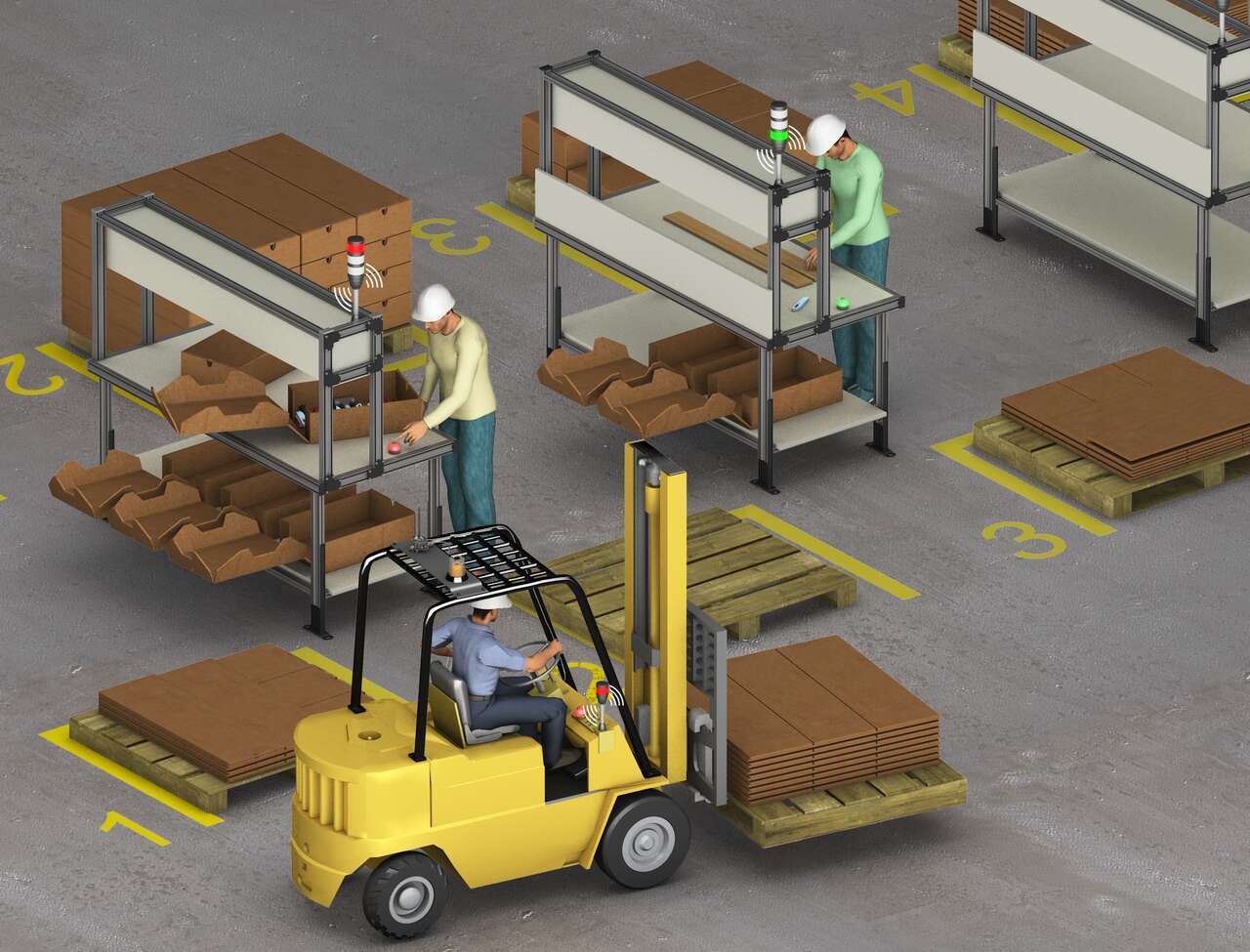
A system of Banner’s TL70 wireless modular tower lights and K50 touch buttons provides an efficient, easy way to communicate a call for more parts with a forklift driver. When a workstation is almost out of cartons, the operator touches the ergonomic K50 touch button which changes the status on the connected TL70 wireless tower light to red.
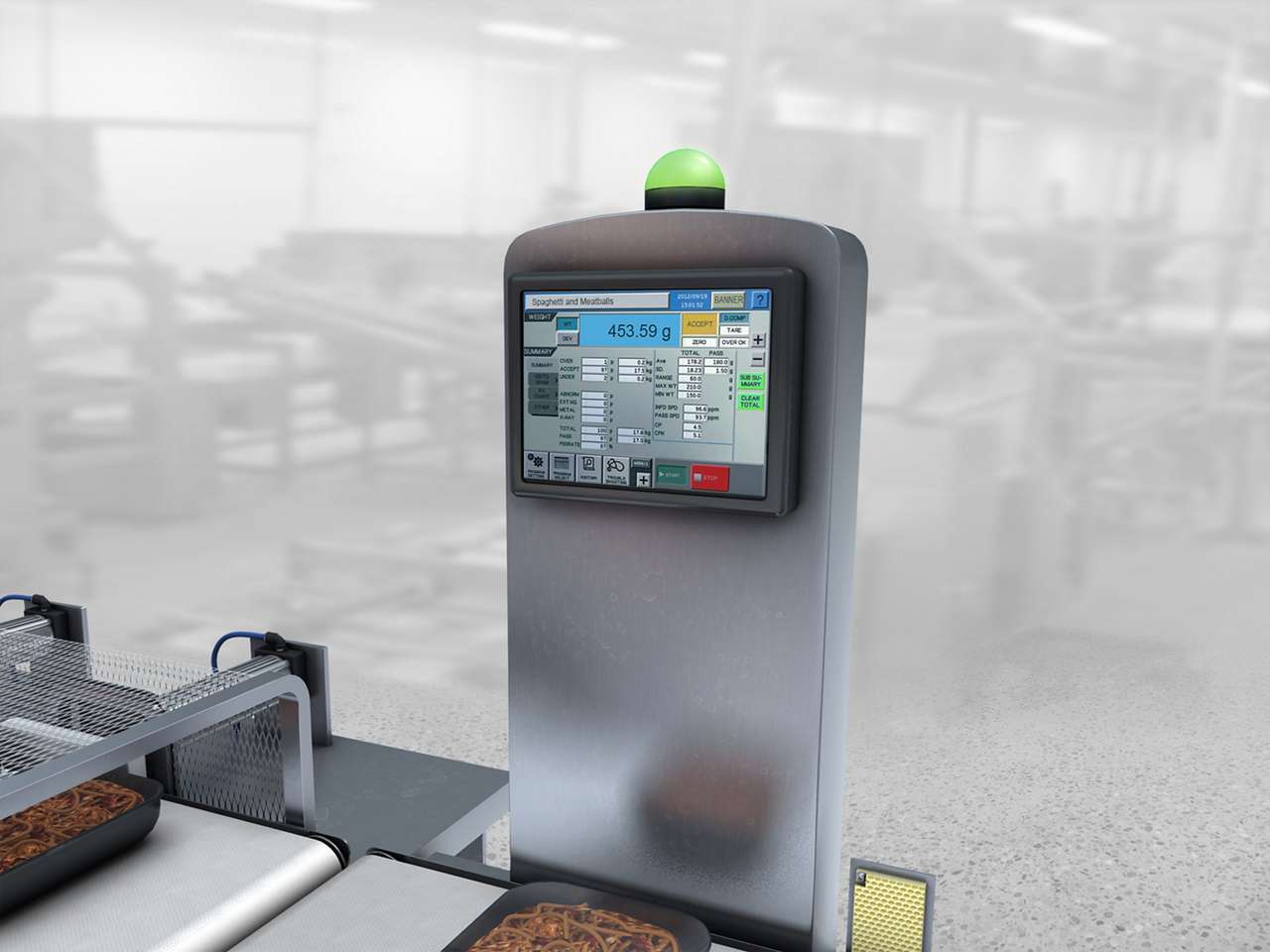
Alert operators of the fail status on a checkweigh station on a food processing line in a harsh washdown environment.
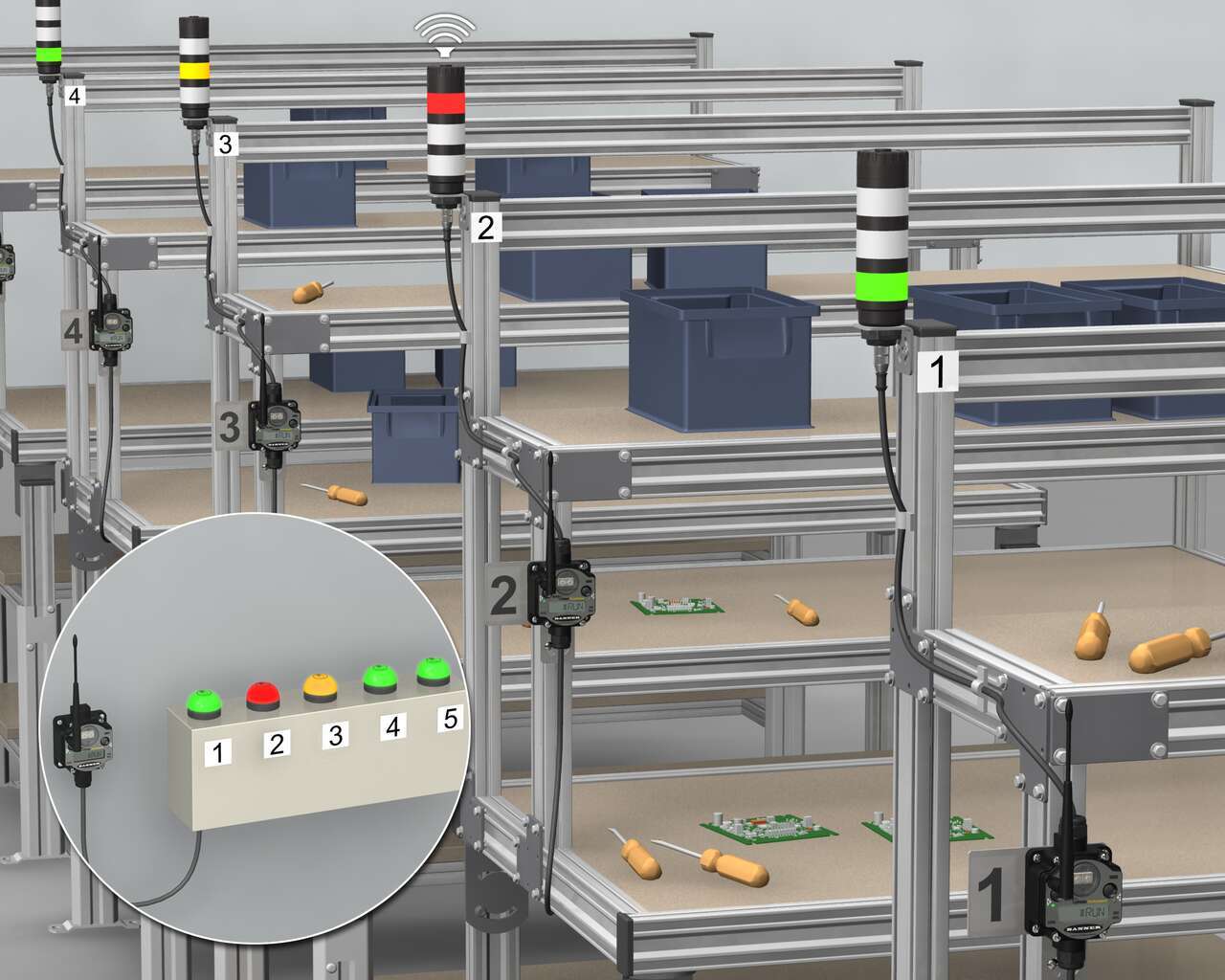
With high-quality LED lights and multiple colors in one device, Banner's multi-segment audibleTL50, combined with the K50 Touch and PM8 wireless system result in efficient call for part processes. To begin, Banner’s K50 ergonomic touch buttons are installed in a supervisor station and numbered according to their corresponding PML8 Wireless Nodes, which are installed at individual workstations along with an audible tower light.
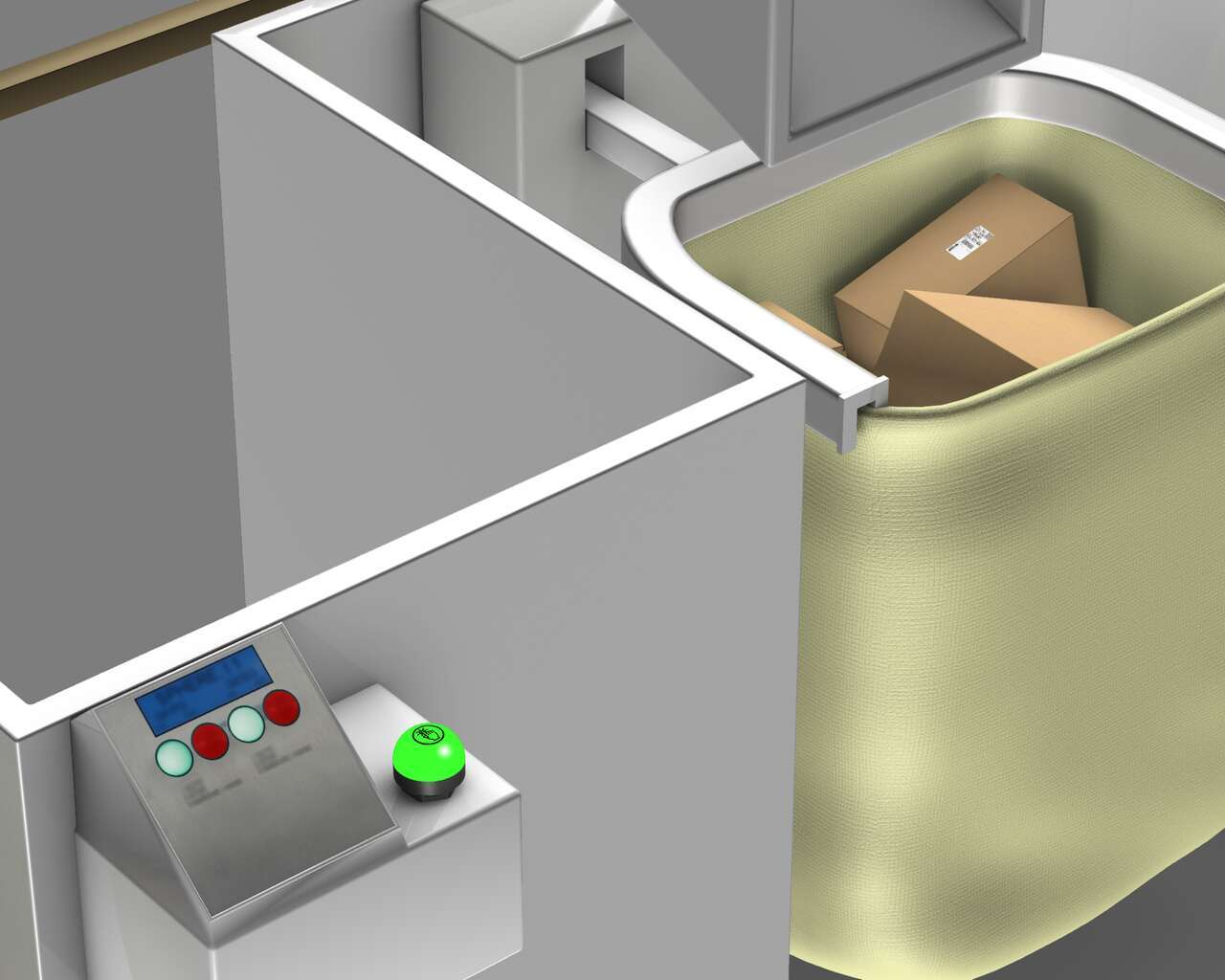
In order to properly identify and use visual management, a sensor is triggered when the bag is full and then sends a signal to a K50 touch button to light red, which represents a full tote. The K50 touch visually shows operators the bag needs to be removed and changed with an empty one. In order to show the bag is ready for more packages, the operator presses the ergonomic K50 touch button, changing it back to green to show the bag is ready for more packages.
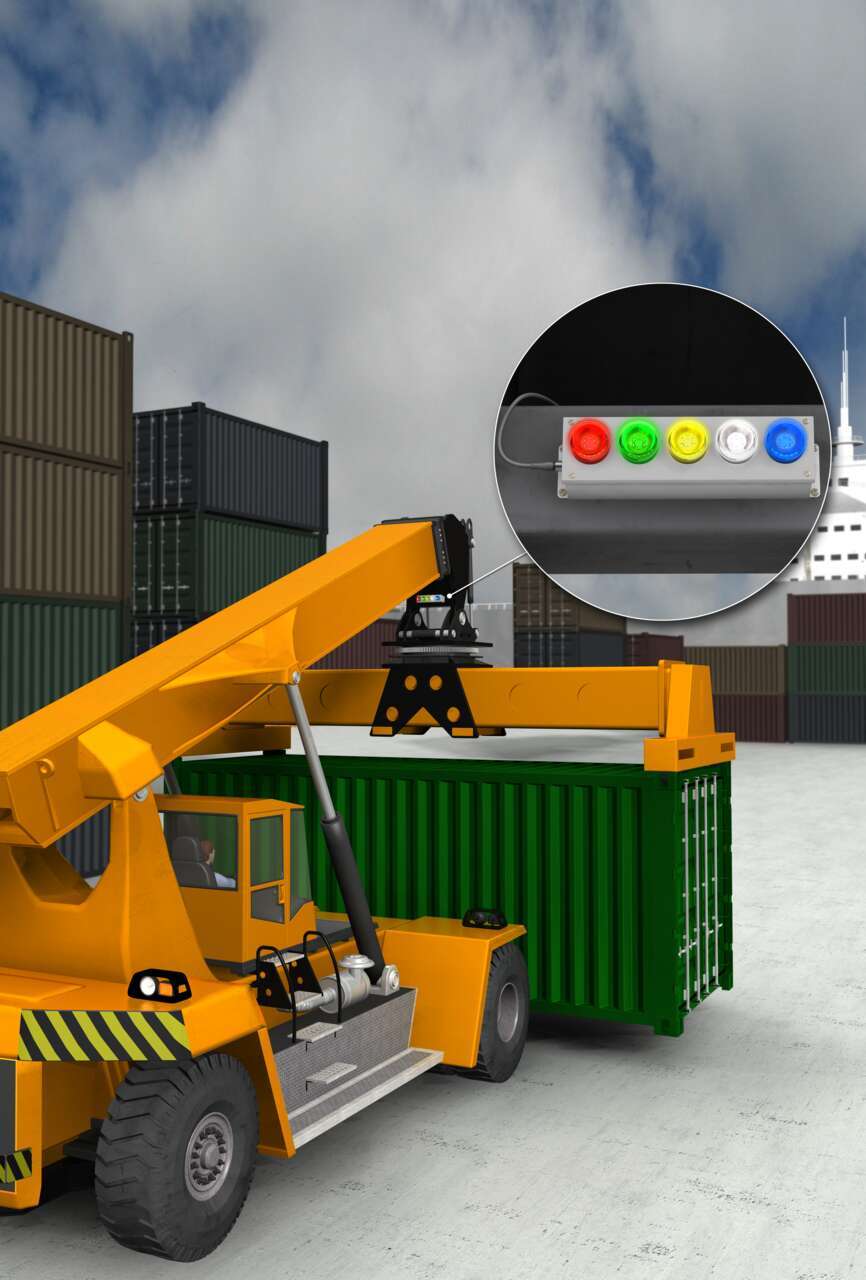
Visual indication is an easy, effective way to communicate status to keep equipment operating efficiently and increase productivity. Intensely bright beacon lights are highly visible during daylight and indicate the condition of the spreader twist locks to the operator cabin to ensure a secure lift. The beacon lights feature intense levels of light output and are very rugged and durable, making them ideal for outdoor indication applications.
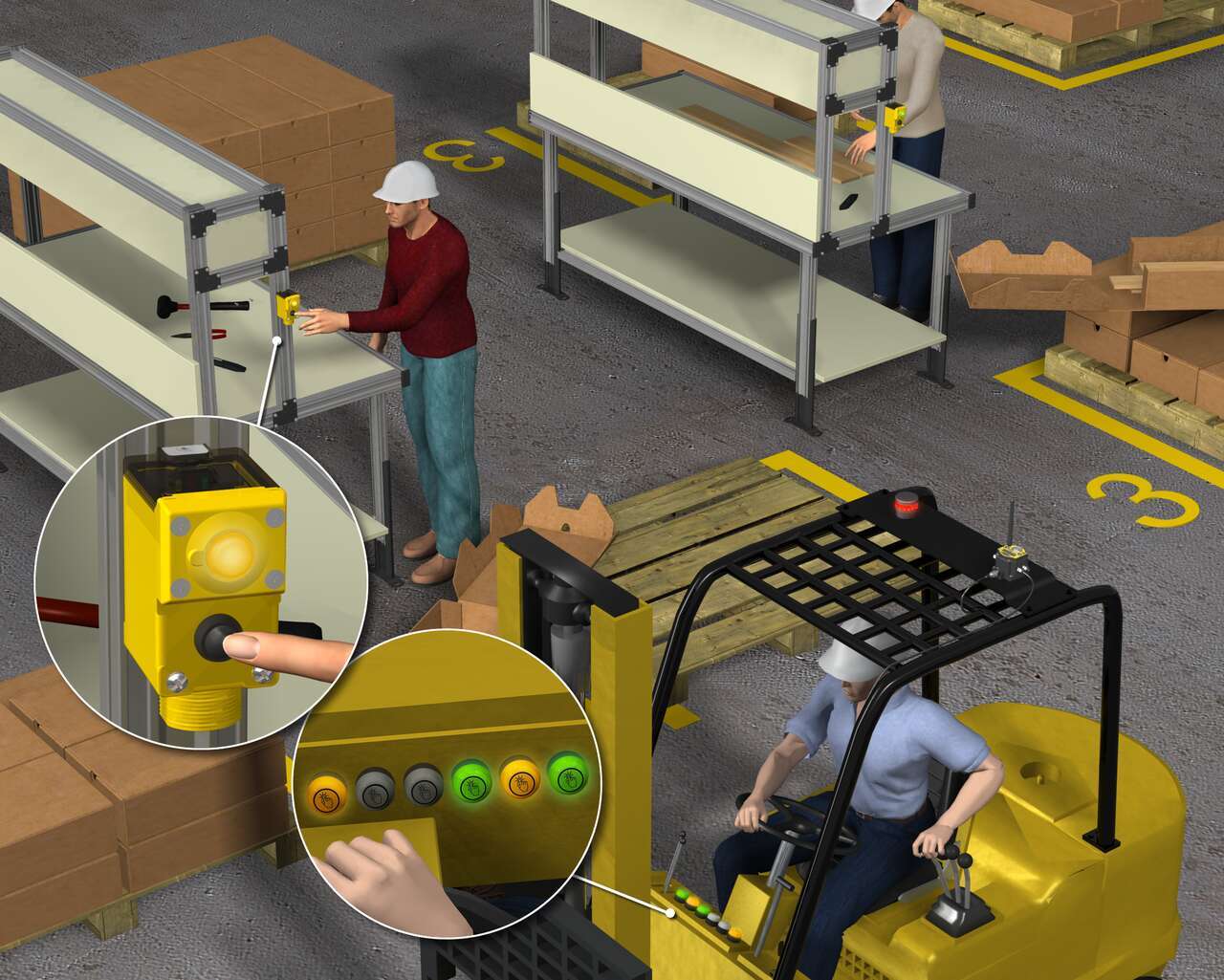
Each production operator in a lane was equipped with a wireless Node and K50 EZ-LIGHT. Another Node and EZ-LIGHT was installed in each forklift. When a production operator needs supplies, the operator pushes the button on the EZ-LIGHT, turning the light from green to red. At the same time, the forklift driver’s lights goes from green to red to indicate an operator needs parts.
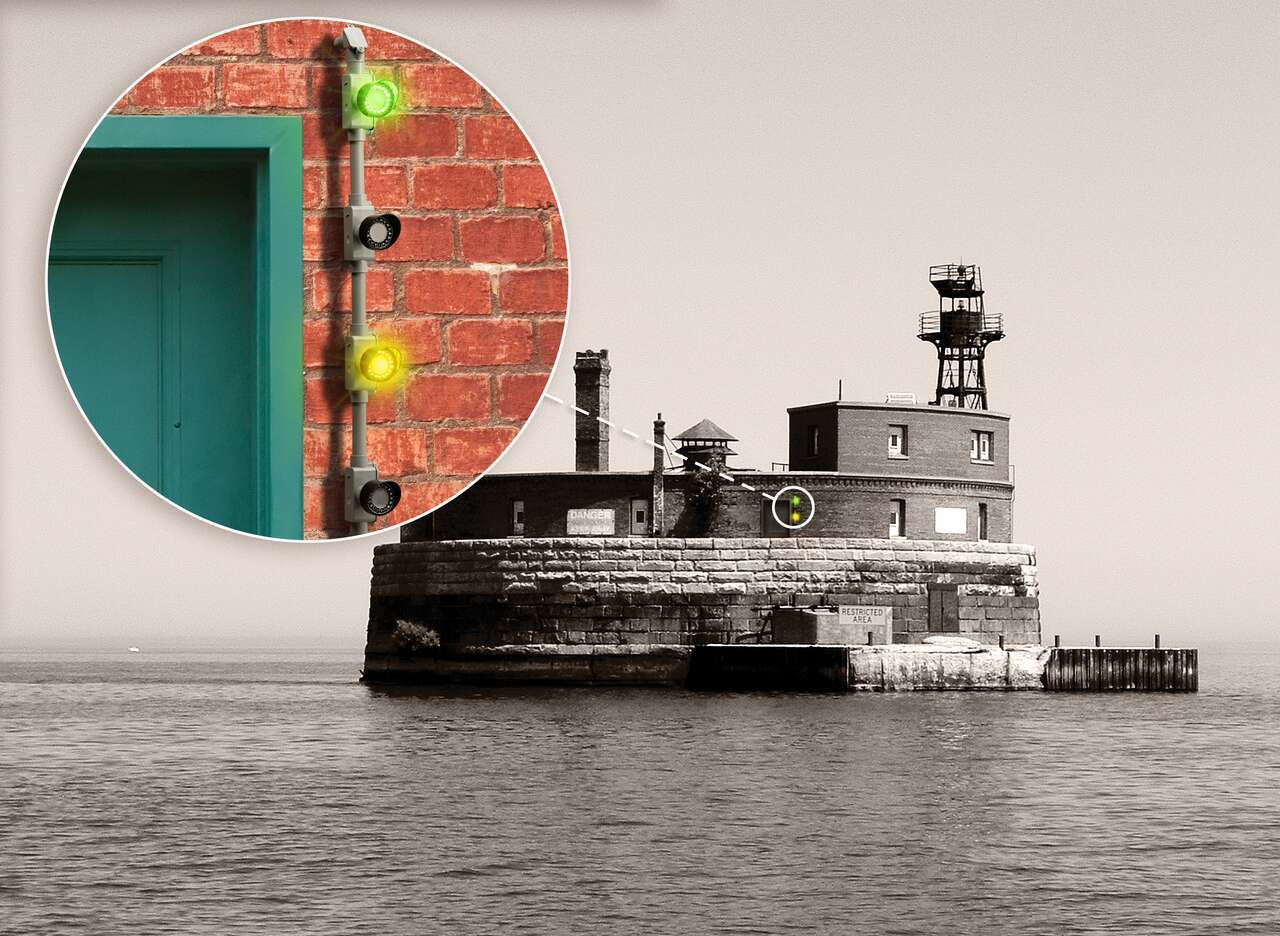
EZ-LIGHT Daylight Visible indicators produce intense levels of light, with 18 LEDs that can be activated together or in 3 groups of 6 to control light level intensity, making them ideally suited for applications requiring clear communication in an outdoor environment. An optional sun shield increases their visibility, making them effective even in environments with high levels of sunlight.
A cardboard goods printer struggled with an inability to track machine operators’ efficiency and performance as measured against standard production rates.
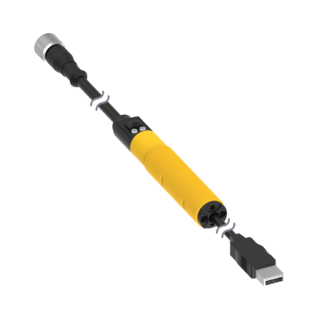
With the Pro Editor software and Pro Converter Cable, you can easily customize indicators with a wide variety of color and animation options.
The software allows users to program their own devices in the field without requiring IO-Link.
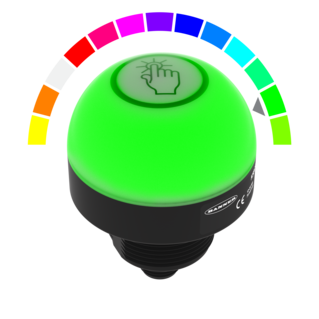
Watch this video for an overview of the features and benefits of the K50 Programmable Touch Button.
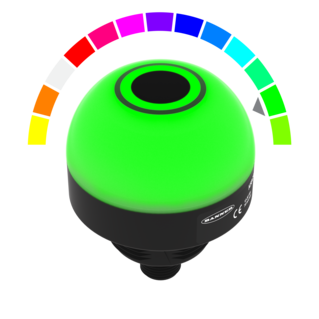
Watch this video for an overview of the features and benefits of the K50 Programmable Touchless Button.
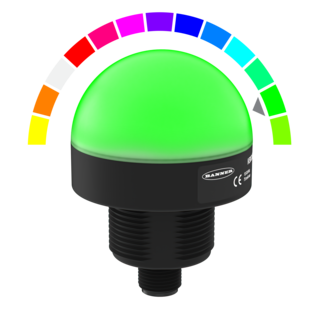
Watch this video for an overview of the features and benefits of the K50 Programmable Indicator.
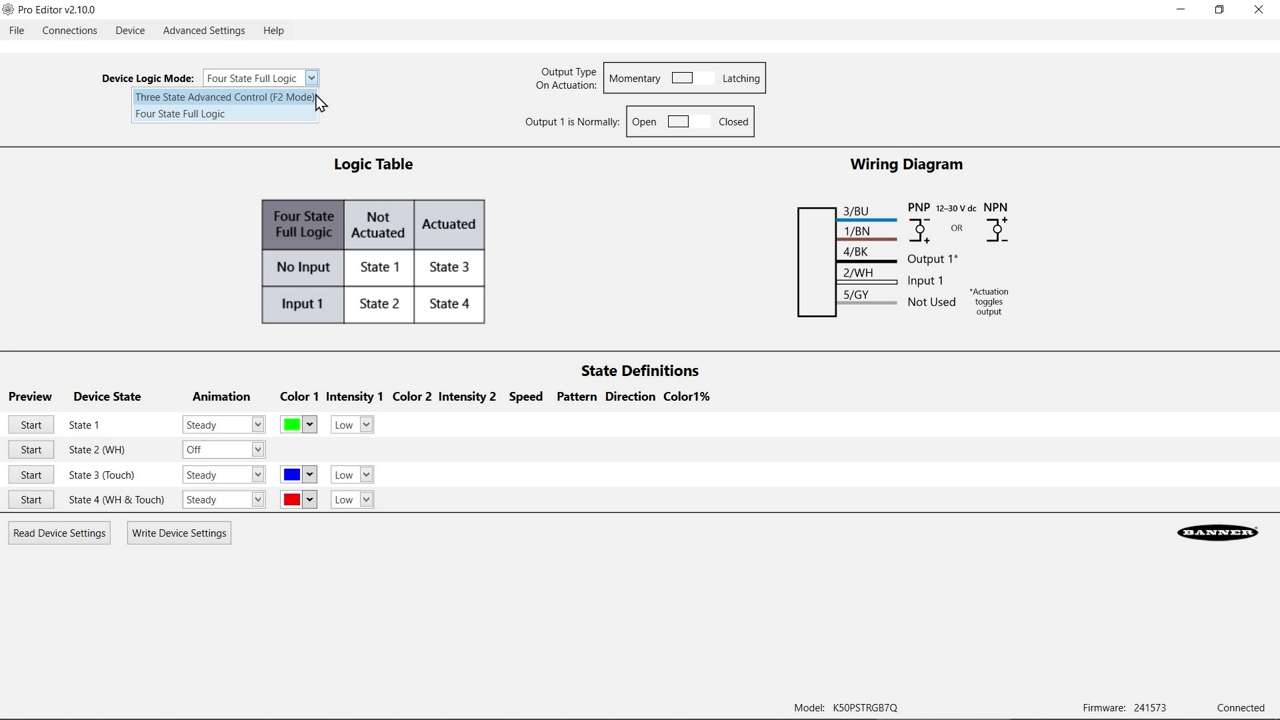
Watch this video to learn about the K50 Pro Select Touch Button 3-State Mode.
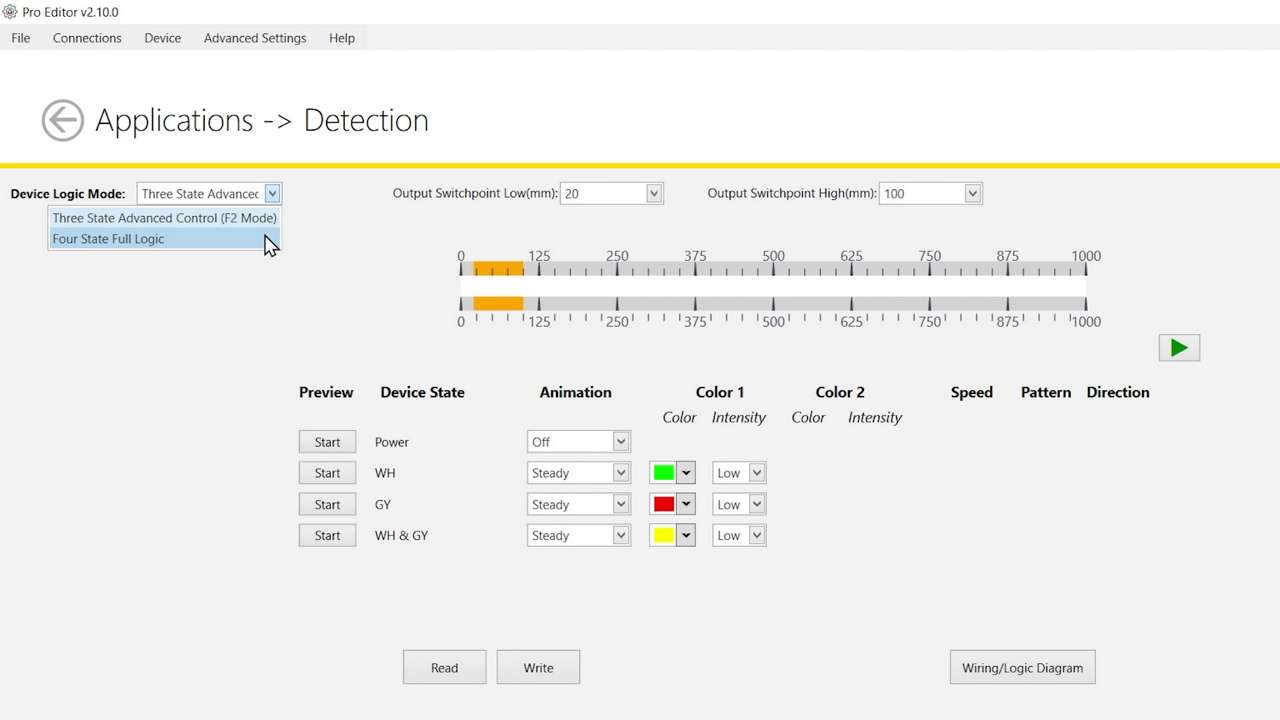
Watch this video to learn about the K50 Pro Select Optical Touch Button 4-State Detection Mode.
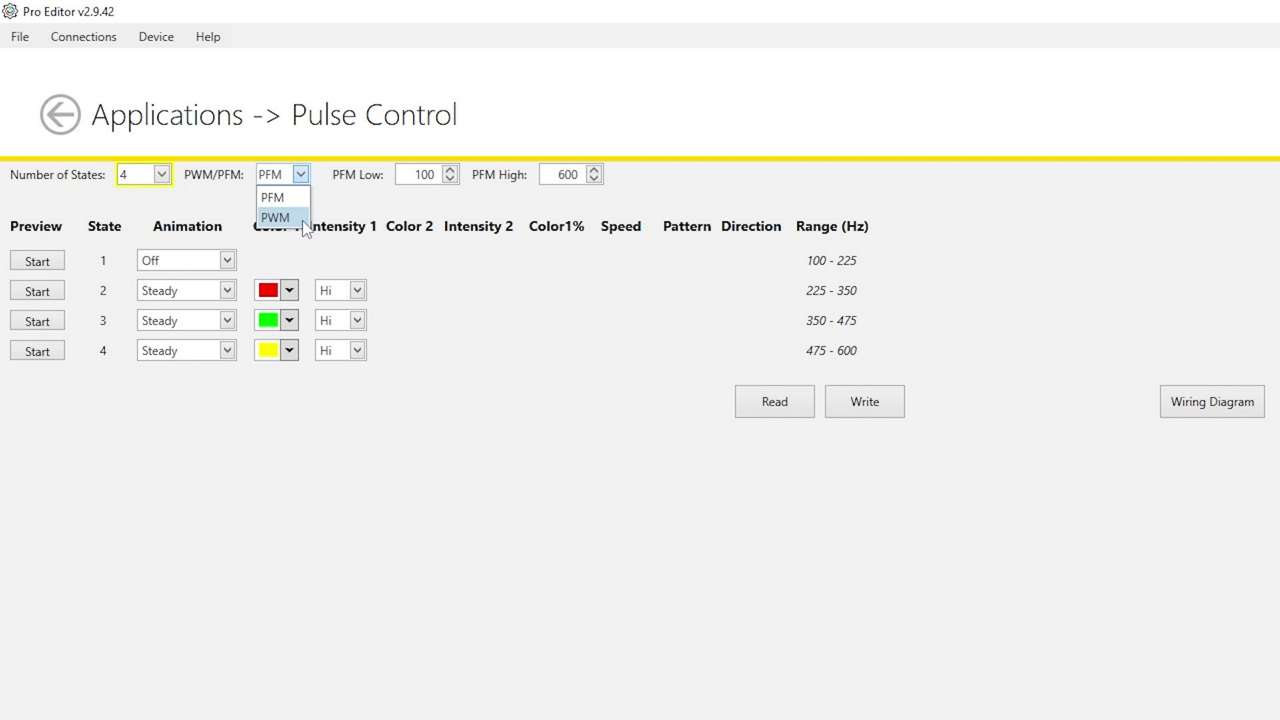
Watch this video to learn how to use the Pulse Control feature of the K50 Pro Select Indicators.
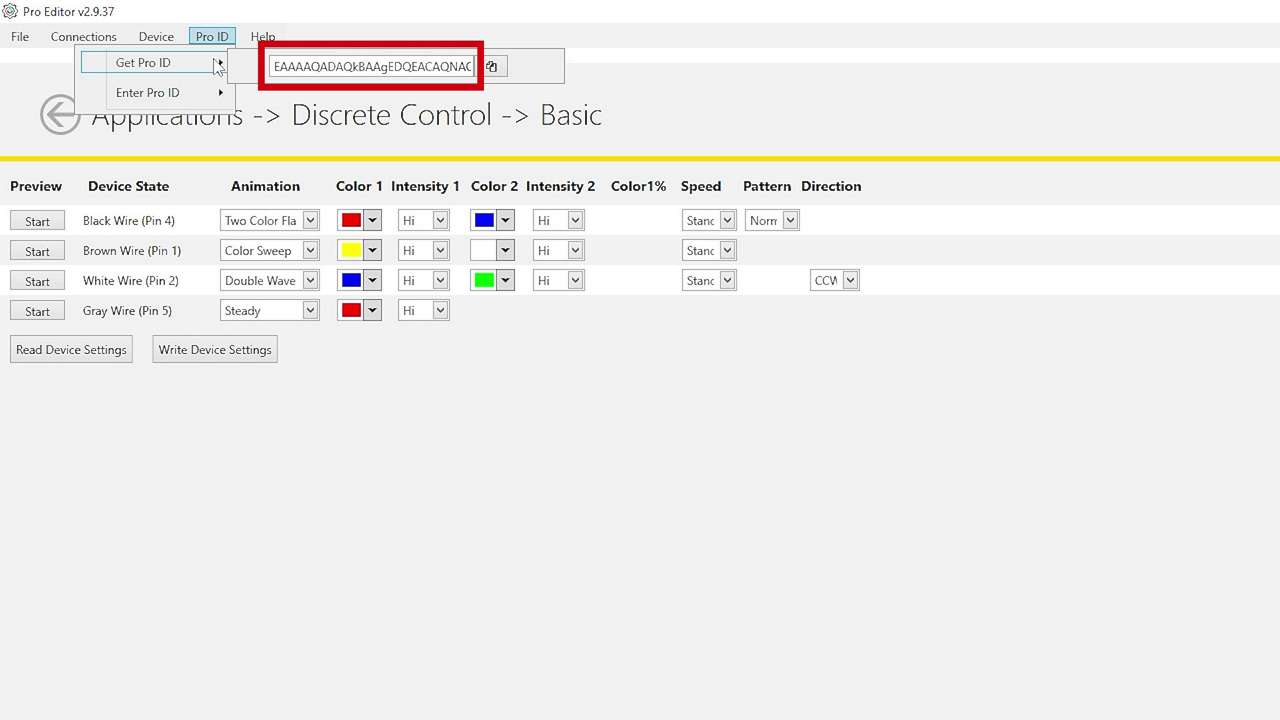
Watch this brief how-to video to see how Banner’s Pro ID feature and Pro Editor software quickly and easily copy configurations to Pro Select lighting products.
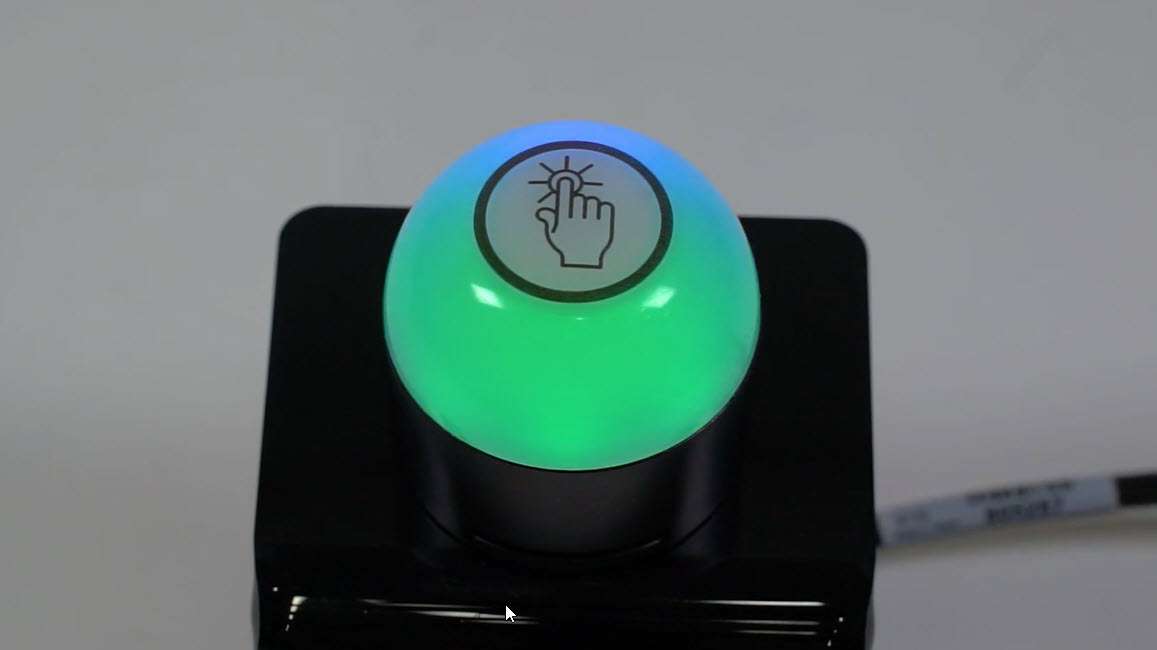
This video covers the basics of programing the audible alarm available in select models of the K50 Pro Touch Button from Banner Engineering.
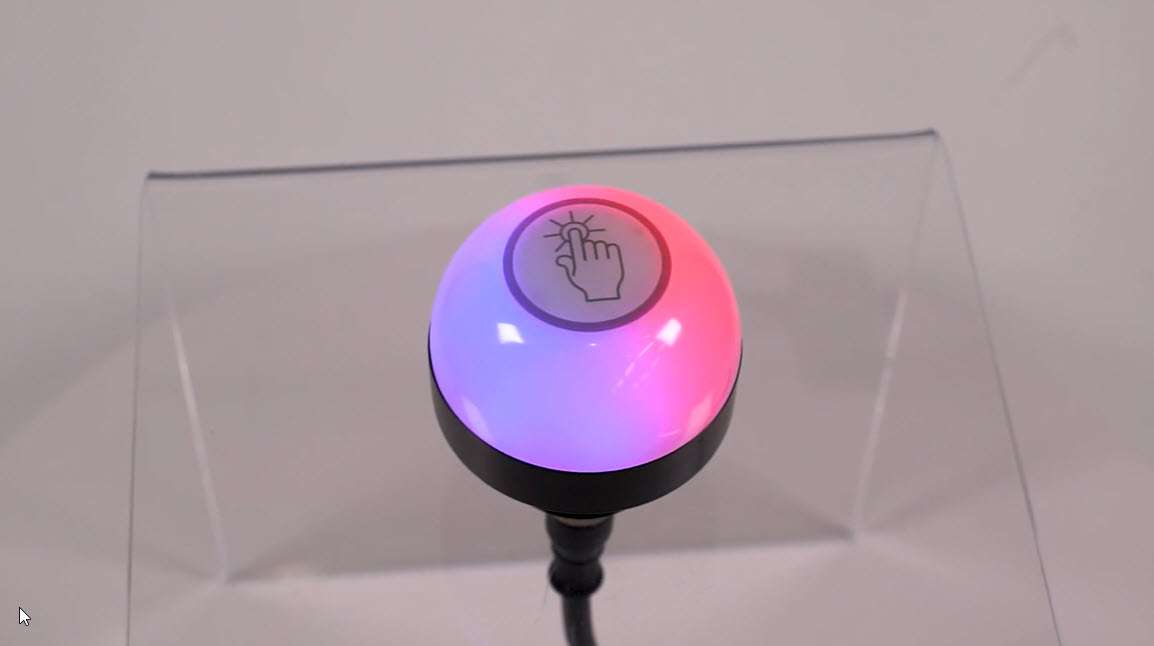
This video covers the basics of the 4-state mode for the K50 Pro Touch Buttons from Banner Engineering.
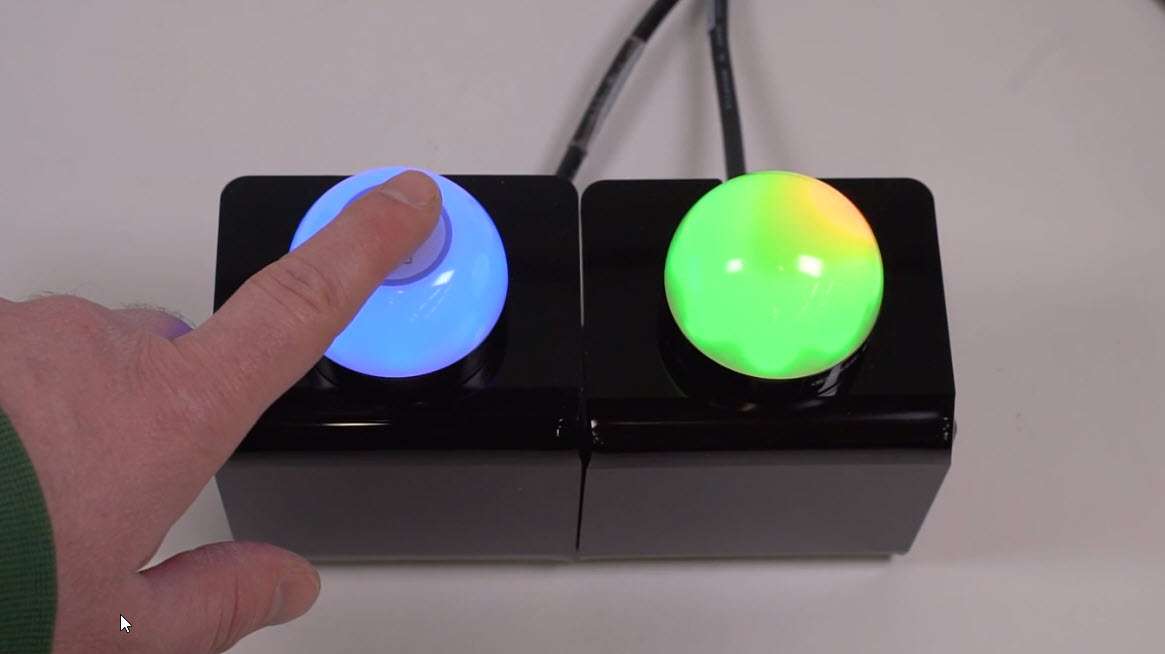
This video covers the basics of the 3-state mode for the K50 Pro Touch Button from Banner Engineering.
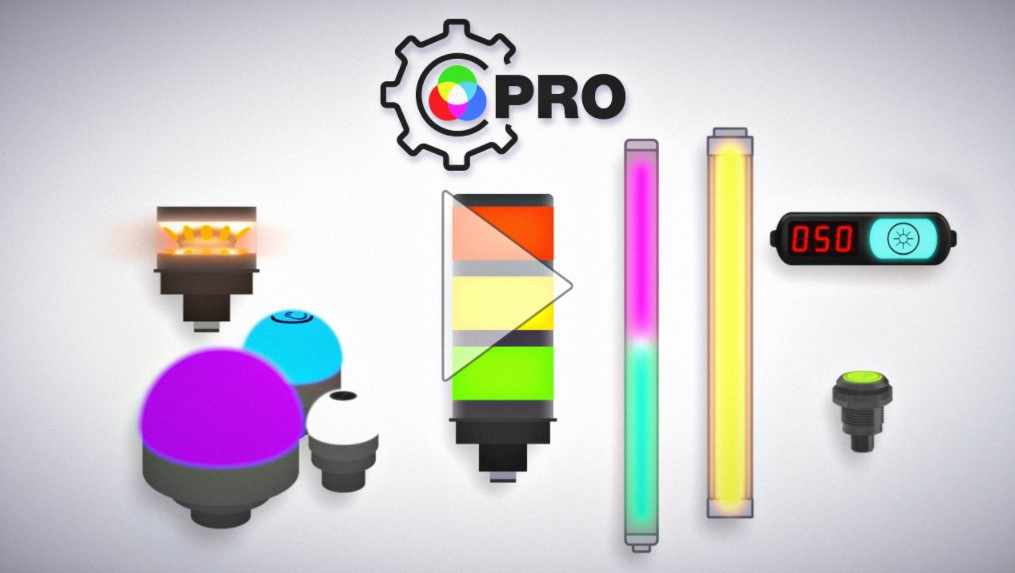
The Pro Series programmable multicolor LED devices from Banner Engineering offer limitless possibilities for advanced indication of dynamic machine states, operator interaction, and process statuses. Watch the video to see what elevates a Banner Pro light above a traditional factory light.
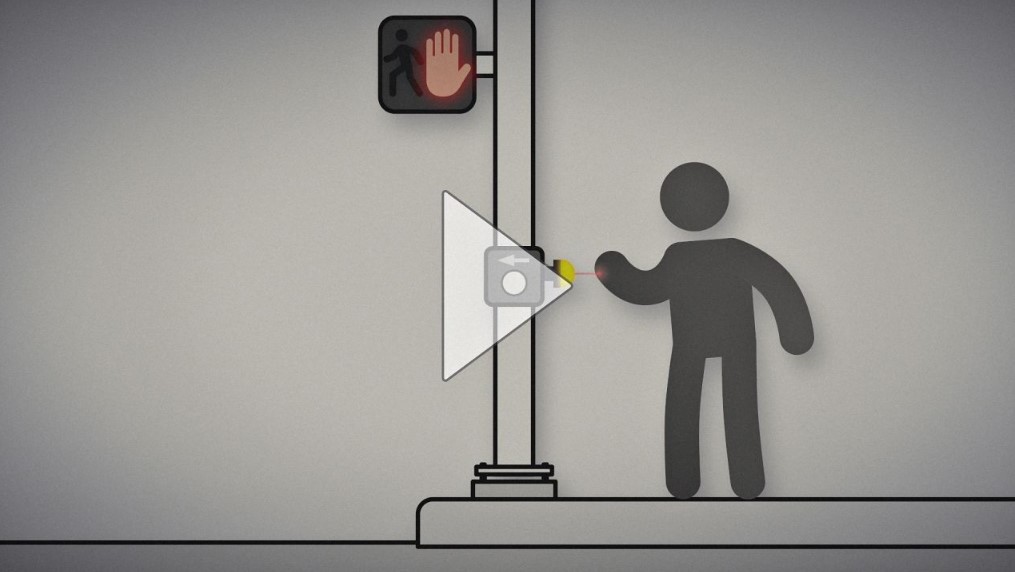
Non-Contact Applications with K50 Pro Optical Indicators
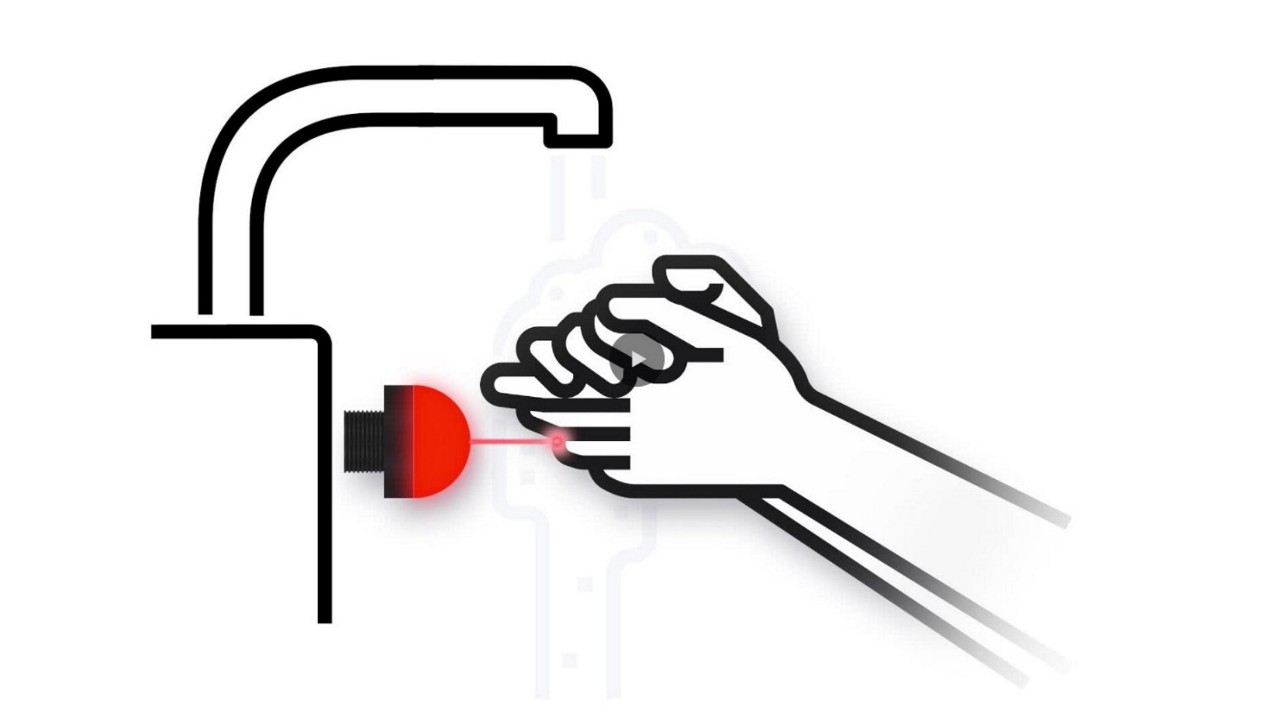
Watch how the K50 Pro Optical assists with non-contact handwashing.
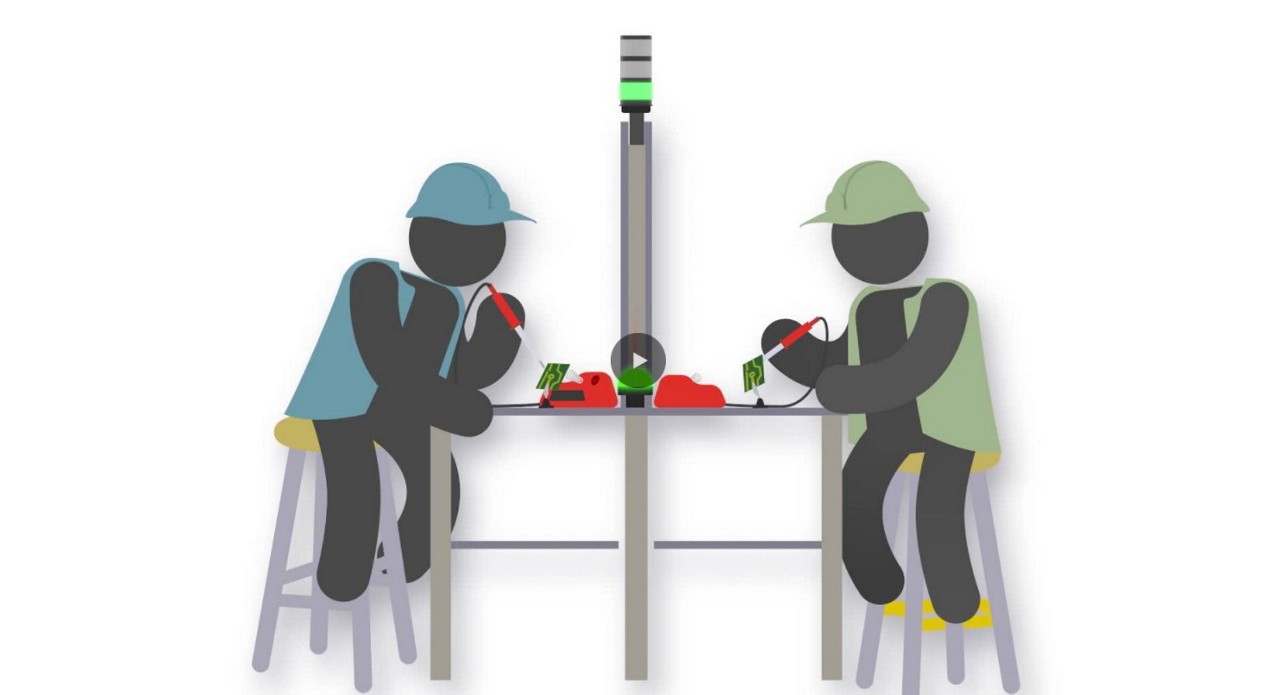
Watch how workers use the K50 Optical to call for an operator by touchless activation.

Banner Engineering offers a complete portfolio of touch buttons for your simplest to most advanced touch requirements. Watch the video to learn more about our capabilities for touch and indication.

Indicator lights are the visual language of machines. However, traditional indicators are limited. Watch the video the see how programmable RGB indication clarifies communication, simplifies your supply chain, and allows you to quickly create custom indication to match your process.
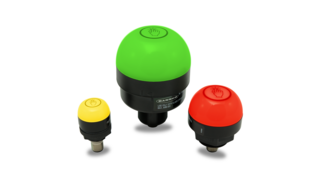
Banner Engineering's Gen 2 Touch Buttons accurately respond to touch even in harsh or messy conditions. The chemical resistant, polycarbonate housing won't activate under direct spray.
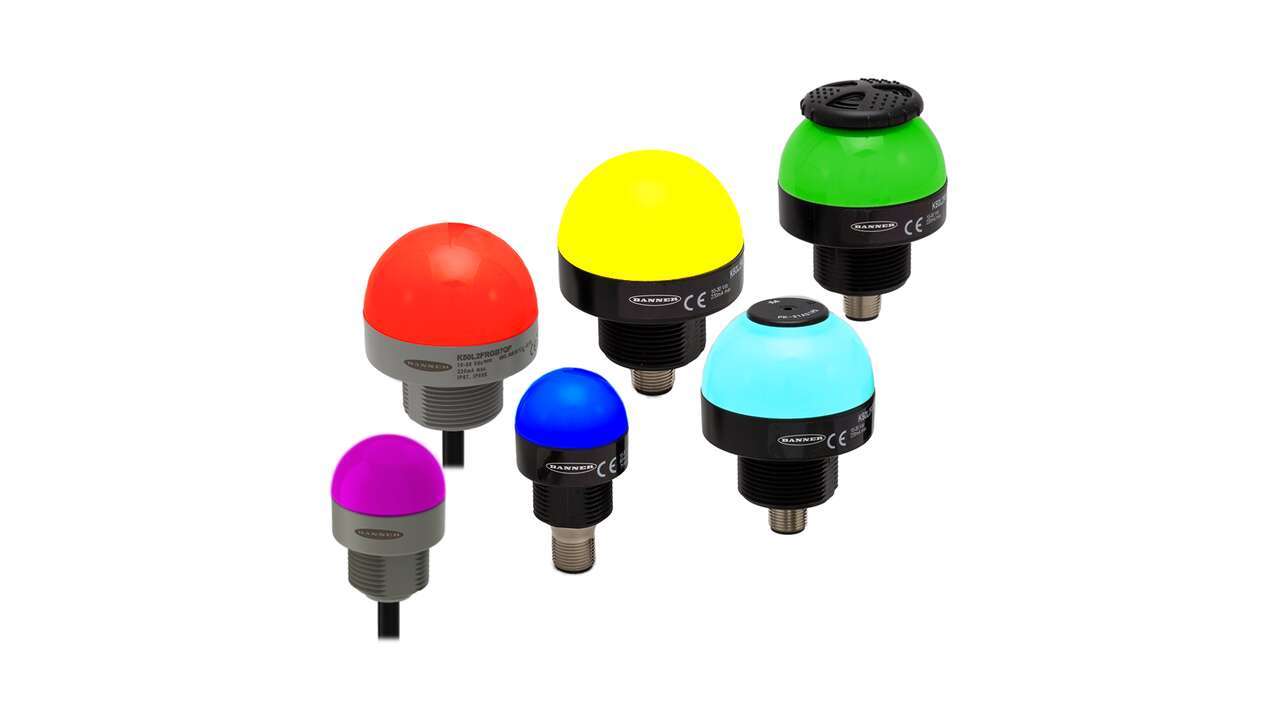
Banner Engineering's second generation K50 and K30 gives you more options for bolder indication with simplified wiring and stock management. Choose between seven colors with a single, rugged model.
Learn how to use the Pro Editor to configure K50 Pro Touch buttons.
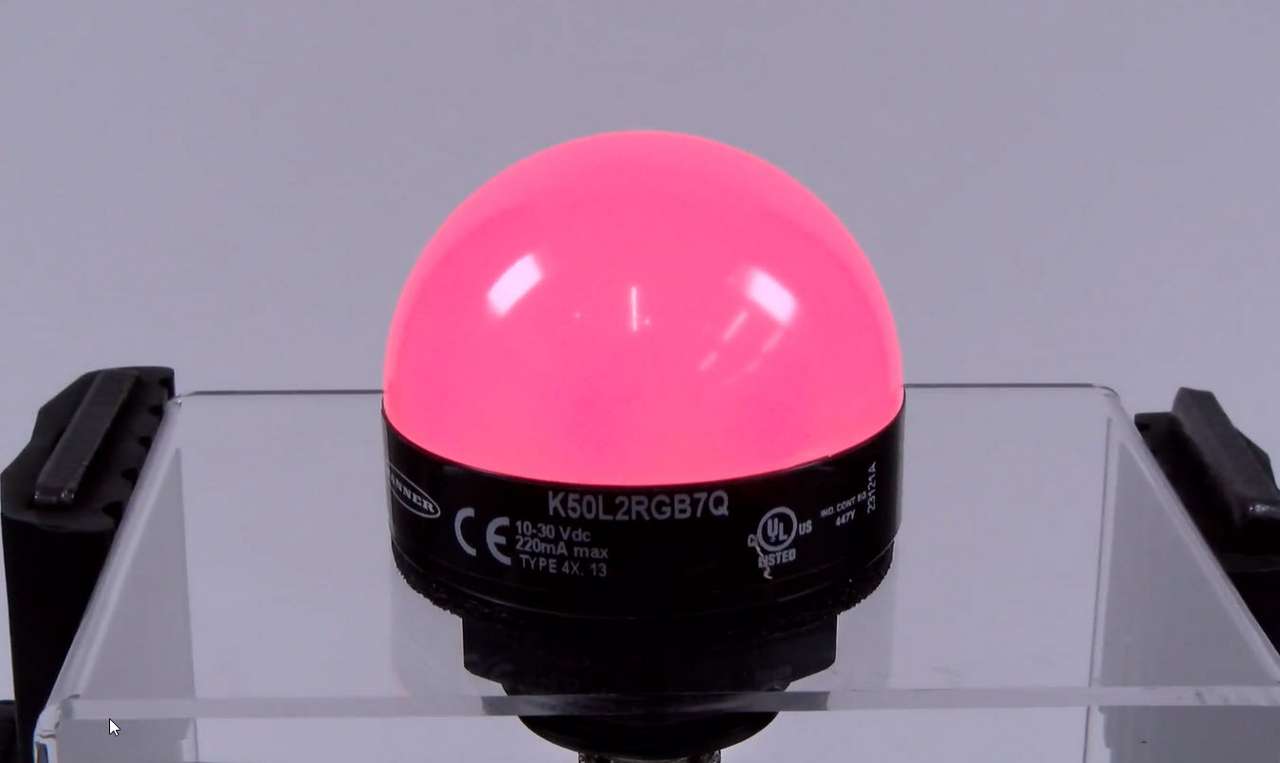
This video covers the basics of setting up a K50 Pro Series Indicator from Banner Engineering.
Arrange column order by dragging and dropping the column header left/right with your mouse.
Sort items in a column by ascending values by clicking the table header once. Click a second time to sort by descending order. Click a third time to remove the sorting for that column.
Shift-click additional column headers to sort by multiple attributes. The first column you sort becomes the primary sort, and each Shift-clicked column adds a secondary level of sorting.

Our application engineers are here to help with expert guidance and support. Send us your inquiry, and we’ll get back to you as soon as possible. We’re here to make sure you get the answers you need.