
Safety Light Curtain Accessories
Safety Light Curtain Accessories
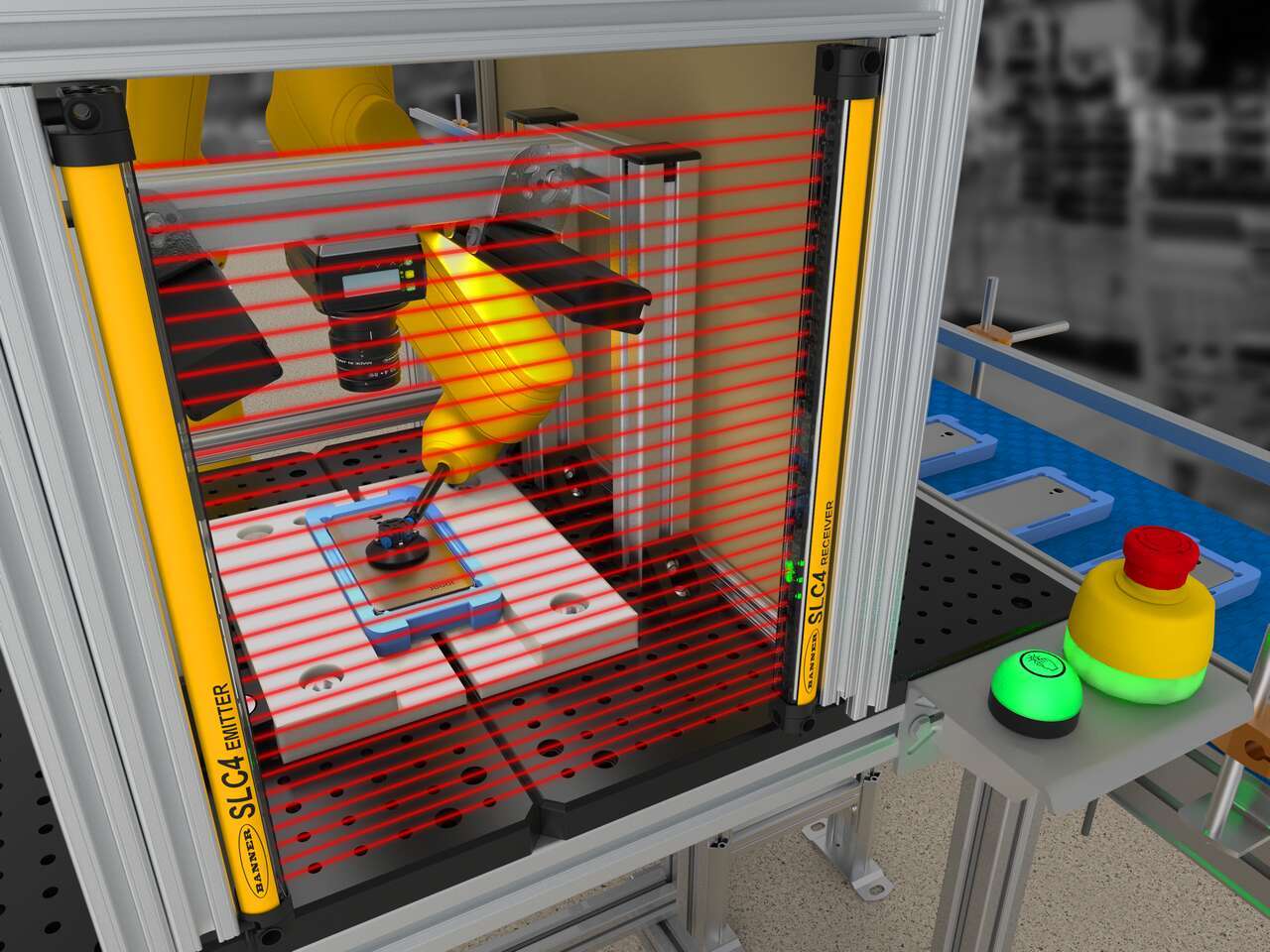
The S4B Heavy-Duty Type 4 Safety Light Curtain provides durable, dependable machine guarding for a variety of applications. Cascading functionality simplifies installation by reducing wiring and the auto cascade feature automatically recognizes connected curtains. Color-coded cordsets minimize installation errors and allow easy replacement if a component is damaged. Fast response times and two resolution options, 14-millimeter and 30-millimeter, offer greater safety protection. Zone indication LEDs visually identify blocked areas and communicate alignment status, while the weak beam signal indicates when a curtain needs cleaning. Multiple mounting options and optional mute arm kits give the S4B Series enhanced flexibility for installation and operation.


Cascading functionality is now available on the S4B, simplifying installation by minimizing the wiring needed to connect light curtains to a controller. The auto cascade feature in the S4B goes a step further to facilitate setup and installation, automatically recognizing the next light curtain as they are connected. The minimal response time impact when cascaded allows the S4B to be installed closer to the equipment being guarded, making more efficient use of valuable floor space. Each curtain has the flexibility to be used as a standalone pair or part of a cascade. That determination is made by the cordset selected. This means fewer parts to stock, easier ordering, and fast installation.
Cordsets for the S4B do more than simply provide power and communication. They determine if the light curtain is used as a standalone pair or as part of a cascade. Specific connection genders and color-coded cordsets simplify and error-proof installation, using yellow for connecting multiple light curtain sticks while black runs back to the controller. In case of cordset damage, you can reduce costly repairs by easily removing and replacing just the cordset instead of the entire curtain. The cordsets use standard 5-pin, M12 connectors for easy connection to safety I/O modules. An optional 8-pin cordset provides an EDM option for use with simple safety relays.
The S4B is available in two different optical resolutions to meet the varying needs of the industrial market. Both resolutions offer high response speeds for greater safety protection with minimal hazard. Models with 14-millimeter resolution have a tighter beam spacing for finger-level detection. Models with 30-millimeter resolution are optimal for hand-level detection applications.
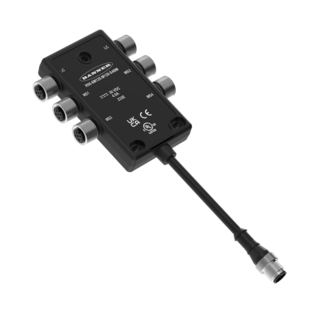
Muting works by allowing objects to pass through operational light curtains by temporarily suspending their safety function, then resuming after the object has passed through the light curtain’s beams. Adding mute arm kits to the S4B helps create a muting solution that simplifies system design and installation. Available for one-sided, X-, and T- configurations, the rigid mute arms protect sensors from damage and misalignment. Flexible mounting options for photoelectric sensors accommodate a wide range of object sizes passing through. The muting block consolidates wiring by combining the S4B light curtains and non-safety sensors into one block.
The S4B now has end-cap mounting in addition to center-mount brackets. Each bracket offers 15 degrees of rotational freedom. The end-cap mounting option provides a robust mounting solution offering flexibility for integration, easing installation and alignment.
With the turn of a key, Remote Fixed Blanking allows users to quickly configure portions of the S4B light curtain’s sensing field to ignore fixed objects such as brackets, tooling, or part supports—enabling fast teaching or re-teaching to adapt to changes in fixture configuration or layout, without accessing concealed DIP switches or cycling power, while a built-in ±1 beam tolerance within the blanked area prevents false triggers in high-vibration environments. When changes have to happen, this keeps them short, simple, and controlled—so the line can recover fast. If a defined object is moved or removed, the system halts operation to maintain safety—and with another quick key turn, coverage is updated.
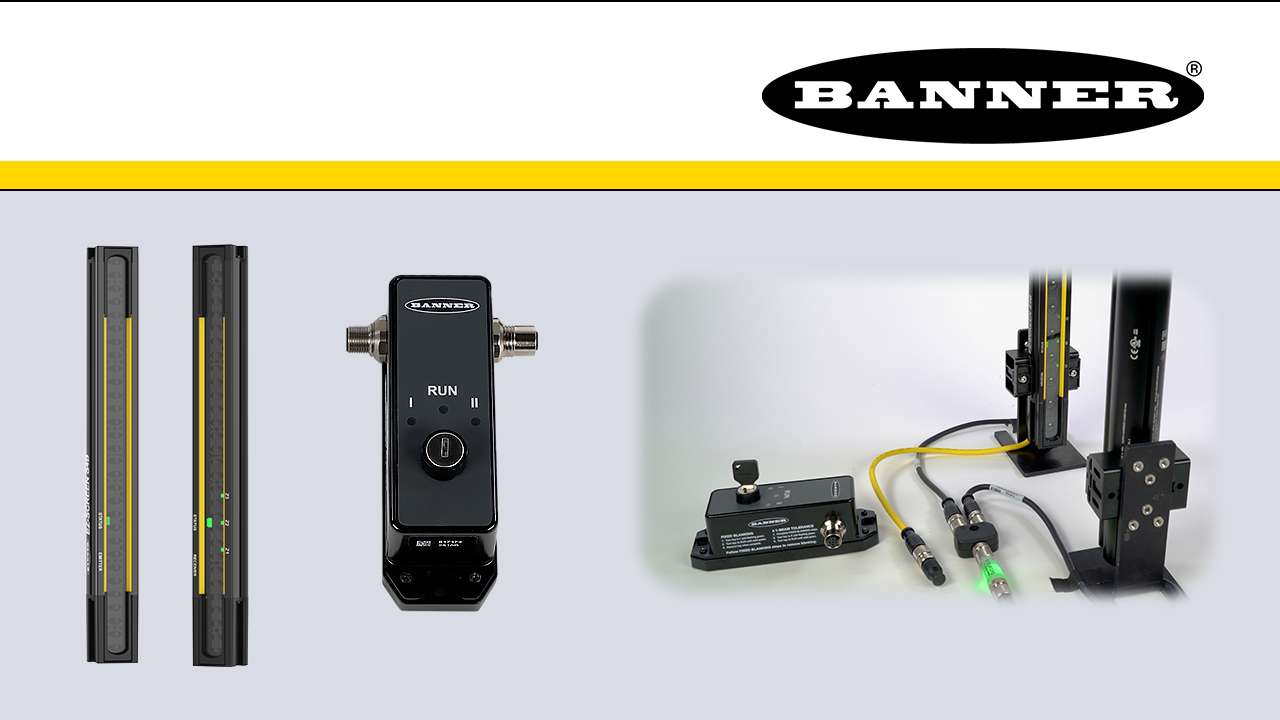
This is a quick how-to video that will cover how to use the remote fixed blanking feature in the S4B Safety Light Curtains from Banner Engineering.
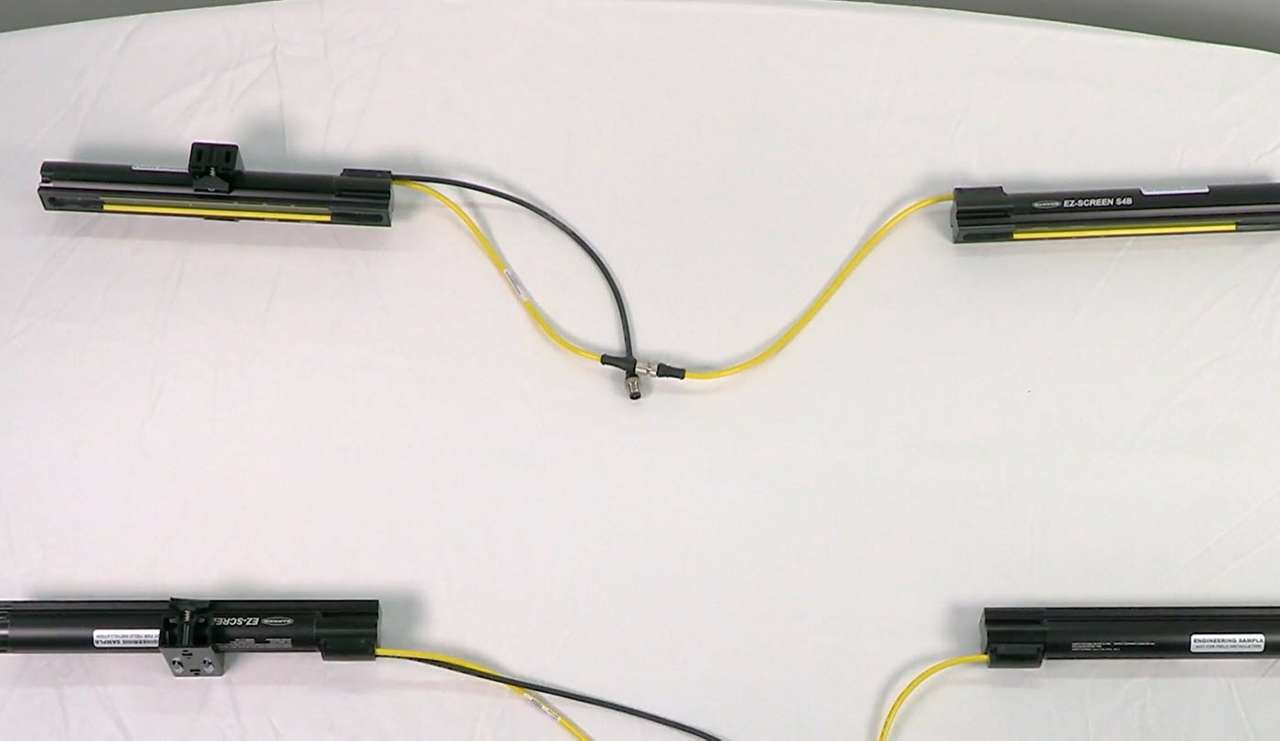
Watch this video to learn how to set up cascading S4B Safety Light Curtains.
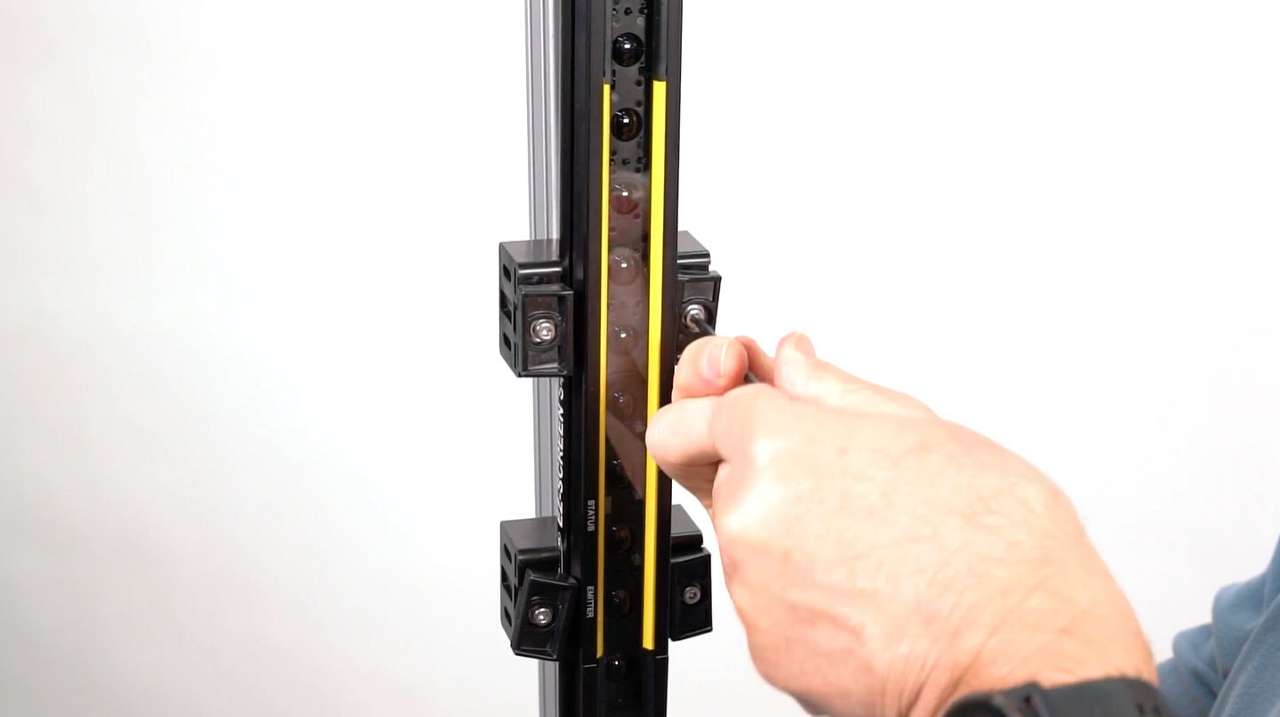
Learn how to mount and align the S4B Safety Light Curtain with either end-mount or side-mount brackets.
Introducing the S4B Series Heavy Duty Type 4 Safety Light Curtain
Arrange column order by dragging and dropping the column header left/right with your mouse.
Sort items in a column by ascending values by clicking the table header once. Click a second time to sort by descending order. Click a third time to remove the sorting for that column.
Shift-click additional column headers to sort by multiple attributes. The first column you sort becomes the primary sort, and each Shift-clicked column adds a secondary level of sorting.

Our application engineers are here to help with expert guidance and support. Send us your inquiry, and we’ll get back to you as soon as possible. We’re here to make sure you get the answers you need.