-
Products
-
Industrial Wireless
-
Cloud and Cellular Connectivity Services
-
Cloud Data Services
CDS software is a web-based platform that allows users to access, store, protect, and export critical data collected by wired and wireless sensors. This software complements our wireless and Snap Signal product portfolios and provides customers with complete end-to-end IIoT solutions to solve the industrial market's most pressing problems.
Maximize Uptime and Increase Efficiency
Predictive maintenance is a key capability of Banner's IIoT solutions. CDS helps you use device data to predict machine maintenance requirements, which reduces unplanned downtime. Additionally, you can use CDS to track production, visualize throughput, and improve accountability.
Get Solutions Up and Running Quickly
Banner offers solution templates to help you implement IIoT solutions with ease, with no coding or expertise required. In addition, all elements of a solution from Banner—from sensor to cloud—are purpose-built to work together for easy configuration and use.
You Control Your Data
For optimized privacy and data stewardship, you choose which subsets of data to push from your industrial controller to the cloud. You can securely connect to the cloud and, if needed, export your data to a third party. It’s your data—you retain ownership and have full control over it.
Make Better Data-Driven Decisions
The Cloud Data Services platform is more than a dashboard. With analytics, visualization tools, and rules-based alerting the software delivers actionable insights that allow you to solve real challenges on the factory floor. In addition, the ability to store data and analyze trends over time helps you make better, data-driven decisions long-term.
Access the Data You Want, Get the Alerts You Need
The Cloud Data Services platform allows you to remotely access data anytime and anywhere using an internet-connected device. In addition, you can define parameters to control when to receive notifications via email or SMS message. On-demand visibility and real-time alerts allow you to remotely monitor and diagnose systems quickly, saving time and costs.


Key Features
The benefits of IIoT, from improved production throughput to reduced downtime and more collaborative teams, are real. But the effort required to build an end-to-end solution is time consuming and prohibitively expensive. Banner CDS provides the tools, simplicity, and flexibility to quickly visualize data and begin scaling useful applications before getting bogged down in development. Powerful but straightforward, Banner CDS is the optimal jumping-off point for your digital transformation.
Your Data at a Glance
Quickly and easily view the highlights of your data with a map view of gateways, priority alarms, and most recently viewed gateways. Get a high-level view, then drill down into more detailed reports.
Dashboards
Use a pre-configured dashboard from a Banner Expansion Kit or Solution Guide or build your own view using simple drag-and-drop widgets. Embed images, graphs, and interactive components to customize the dashboard to your users’ needs.
Events and Alerts
Banner CDS lets users set condition-based alerts from the cloud using multiple metrics of severity and time. These can provide remote users with emails or SMS based on parameters set in the cloud. Running multiple shifts? Set time constraints so the right people get notified at the right time.
Device & User Management
Manage your Banner IIoT gateways no matter where you’re located. Easily deploy gateways, update configuration files or firmware right from the web, track which of your users are logging in, and maintain an audit trail for system changes.
An End-to-End Solution
Connecting sensors and gateways to cloud software is often complex. However, with Snap Signal, Banner Wireless, and CDS, it’s simpler than ever to collect disparate data signals, push them to the cloud, and begin drawing insights. Simple enough to start instantly and flexible enough to scale as your digital transformation matures, CDS is a powerful tool for improving production and driving profitable growth.

-
 DXMR90 Series
Banner’s DXMR90 Series Controller consolidates data from multiple connections to provide local data processing as well as accessibility for host systems as a platform for the Industrial Internet of Things (IIoT).
-
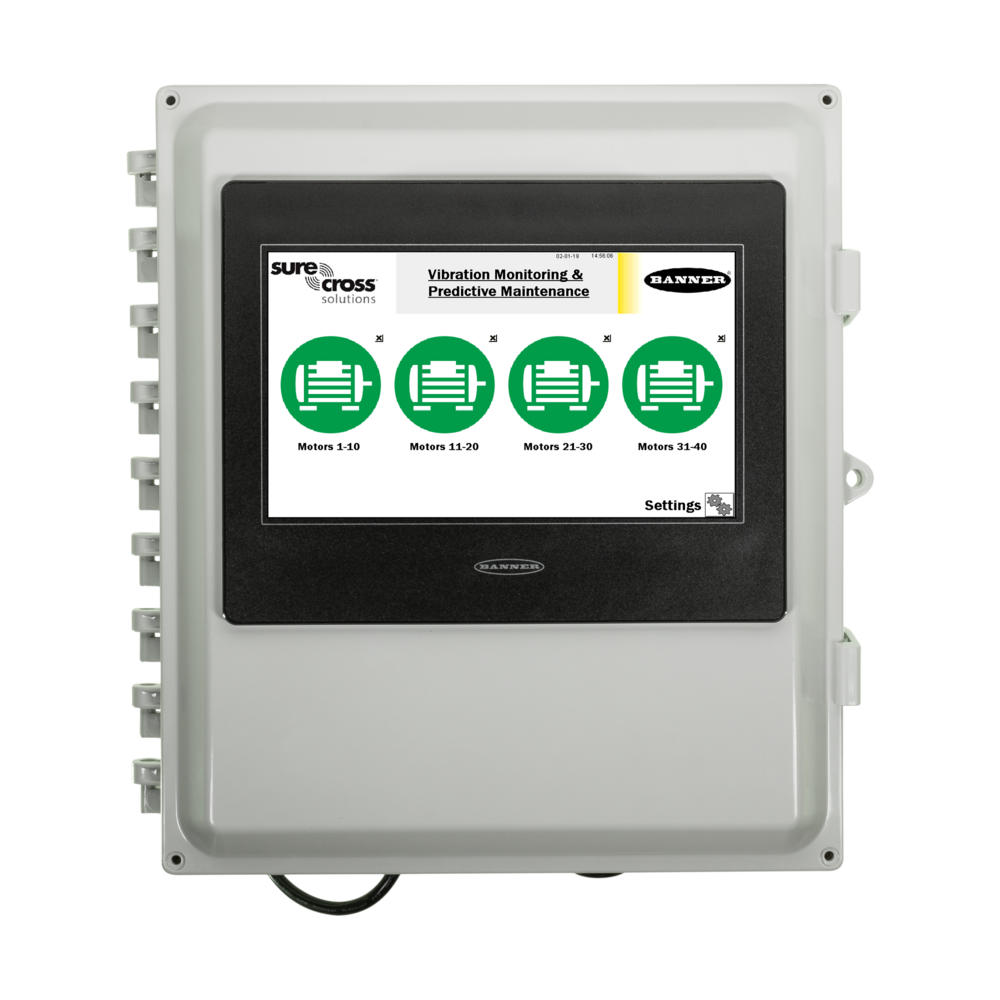 Wireless Solutions Kit
s make it easy to monitor remote and mobile assets, collect and act on data, and solve specific applications, such as tank level monitoring, industrial temperature monitoring, and wireless vibration monitoring.
-
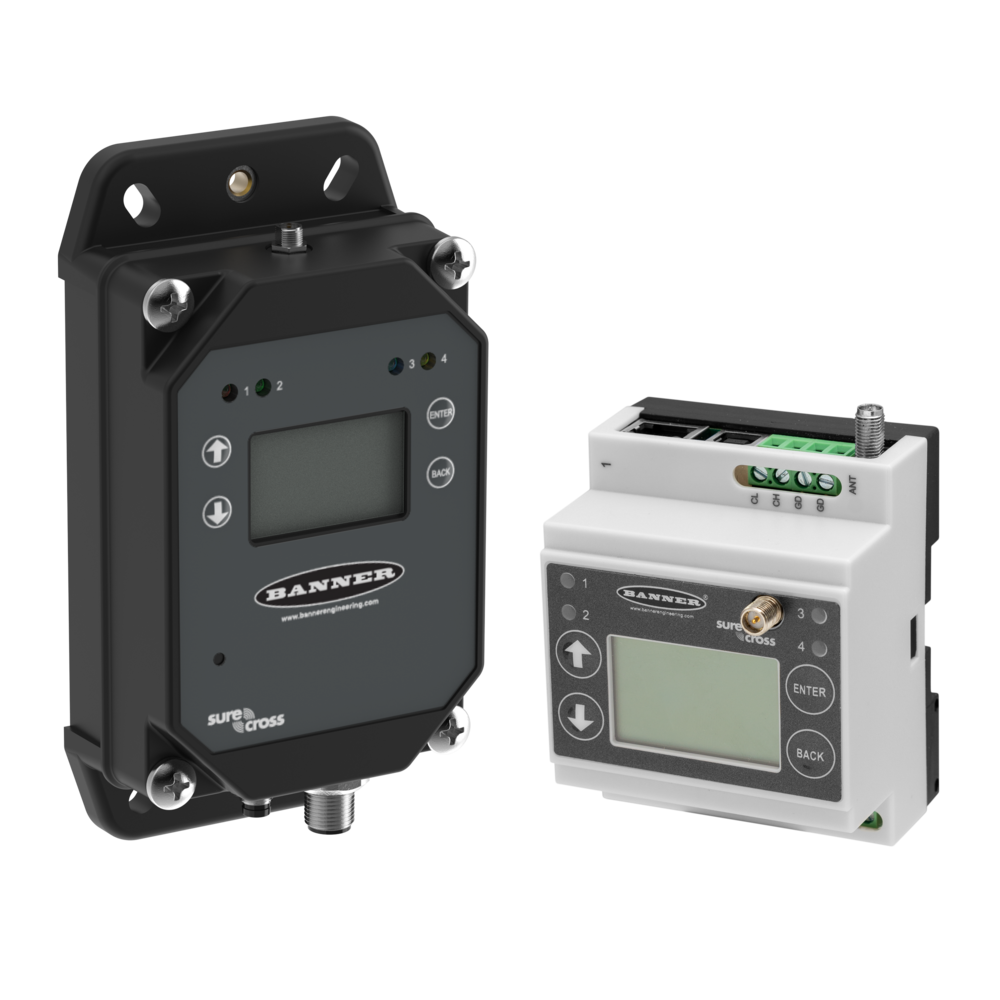 Gateways
The DXM controller series integrates Banner's wireless radio, cellular and Ethernet connectivity, and local I/O to provide a platform for the Industrial Internet of Things (IIoT).
-
 DXM Cell Modems & Data Plans
 make launching an IIoT solution quick and easy by eliminating the complications and delays of dealing with a tier-1 wireless carrier to provide cellular connectivity.
-
 Asset Monitoring Gateway (AMG) with CLOUD ID
Asset Monitoring Gateway with CLOUD ID gives you the ability to connect 40 nodes for your solution. The Asset Monitoring Gateway with CLOUD ID were created to simplify and streamline the deployment of IIoT solutions into your plant. Cost-effective and incredibly easy to deploy, these kits are designed to begin collecting data and providing value on day one.
-
 DEK Wireless Kit
Choose Your Banner CDS Plan
Please note: When you order a new subscription plan, you will receive an activation code via email at the address registered with your Banner account. You will need this code to set up your online access to the Cloud Data Services platform. If you have already received your activation code, go to bannercds.com to complete account setup.
Don't know which cell service plan to use? Try using our Cell Service Plan Calculator.
Product Selection
How-to: Advanced Table Functionality
Arrange column order by dragging and dropping the column header left/right with your mouse.
Sort items in a column by ascending values by clicking the table header once. Click a second time to sort by descending order. Click a third time to remove the sorting for that column.
Shift-click additional column headers to sort by multiple attributes. The first column you sort becomes the primary sort, and each Shift-clicked column adds a secondary level of sorting.
Recommended Products
In Stock
Product data is currently unavailable.
-
Reset
One or more filters were not applied to the Product Selection.
No products match your selected filters. Try removing or changing your filters to view relevant results.
Results
1-
of
Maximum number of rows displayed ( of ). Apply filters to narrow results.