

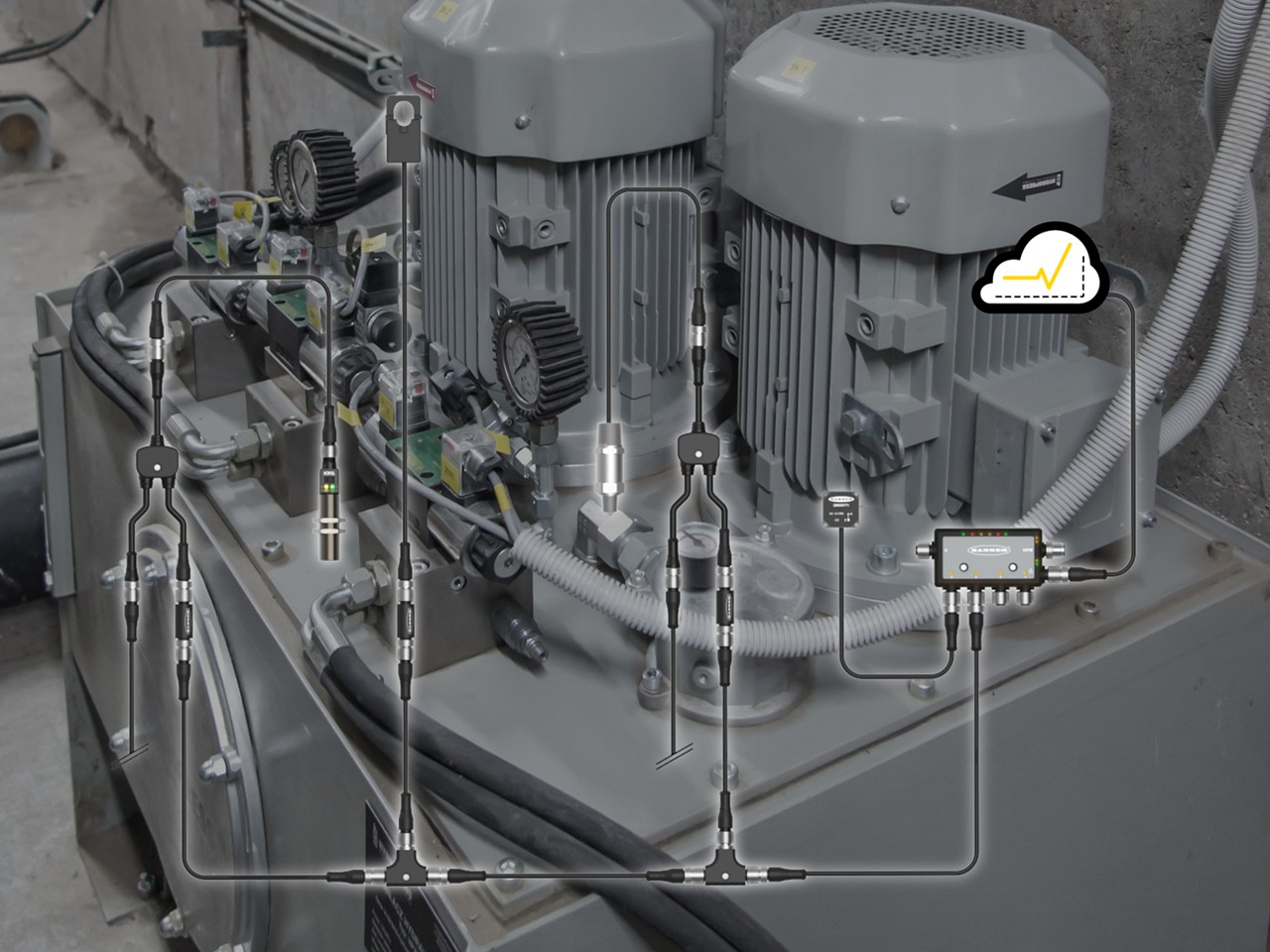



MQTT Tutorial - DXM to Ignition
Watch this video to learn how to connect Banner's DXM Controller to the Ignition platform using MQTT via Sparkplug B, as well as flat MQTT.

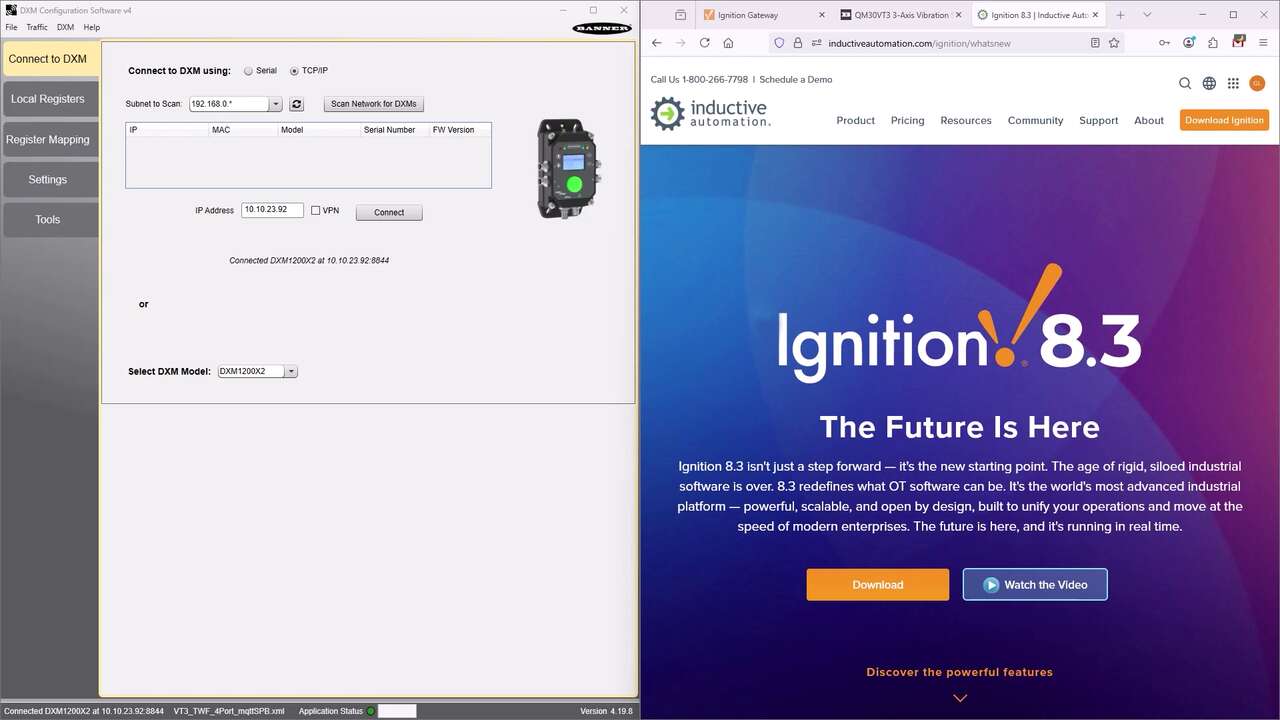
Watch this video to learn how to connect Banner's DXM Controller to the Ignition platform using MQTT via Sparkplug B, as well as flat MQTT.
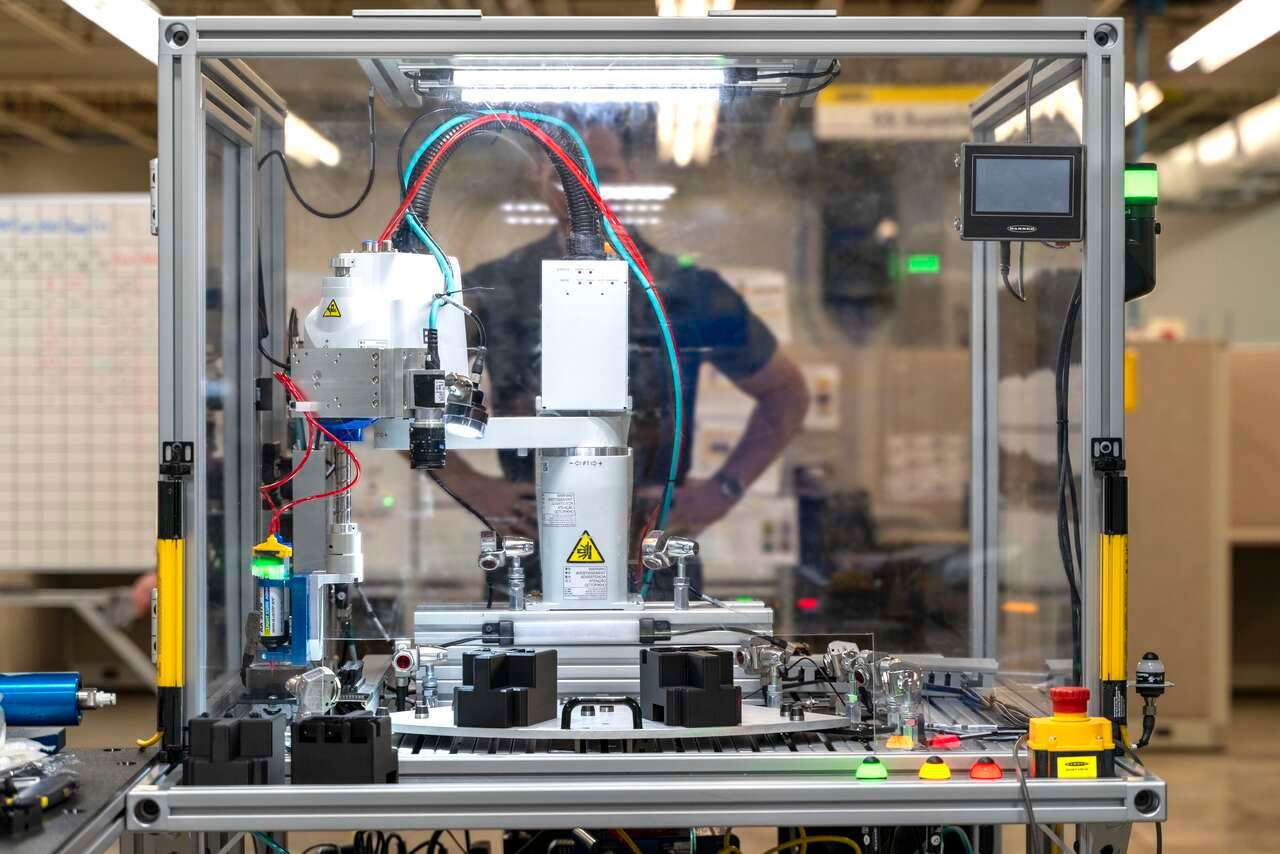
Banner Engineering Remote I/O products were used to build an automated system for dispensing a bead of adhesive without the need for an electrical panel.
Learn how to connect the Banner DXM Gateway series with the Ignition SCADA software.
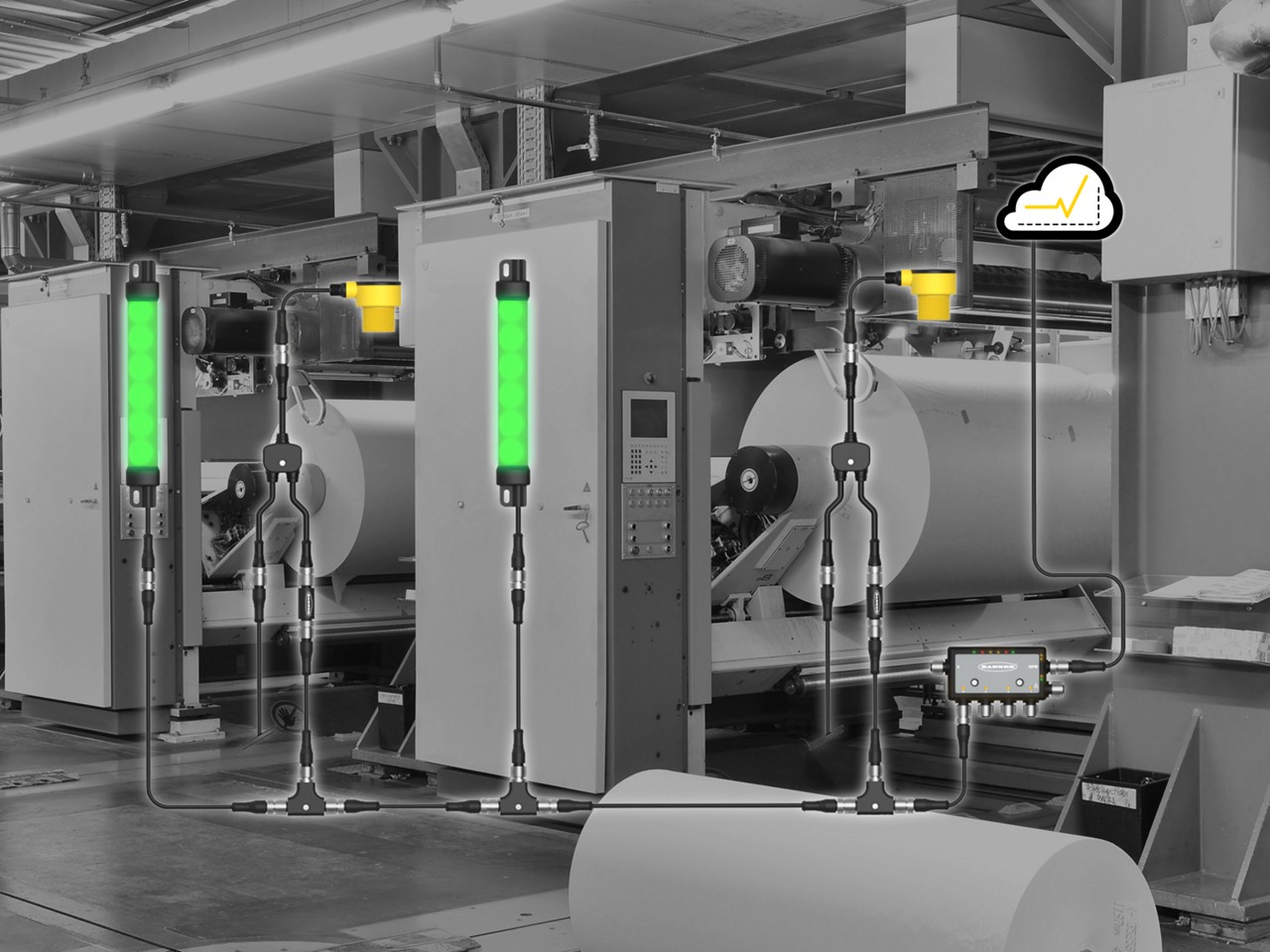
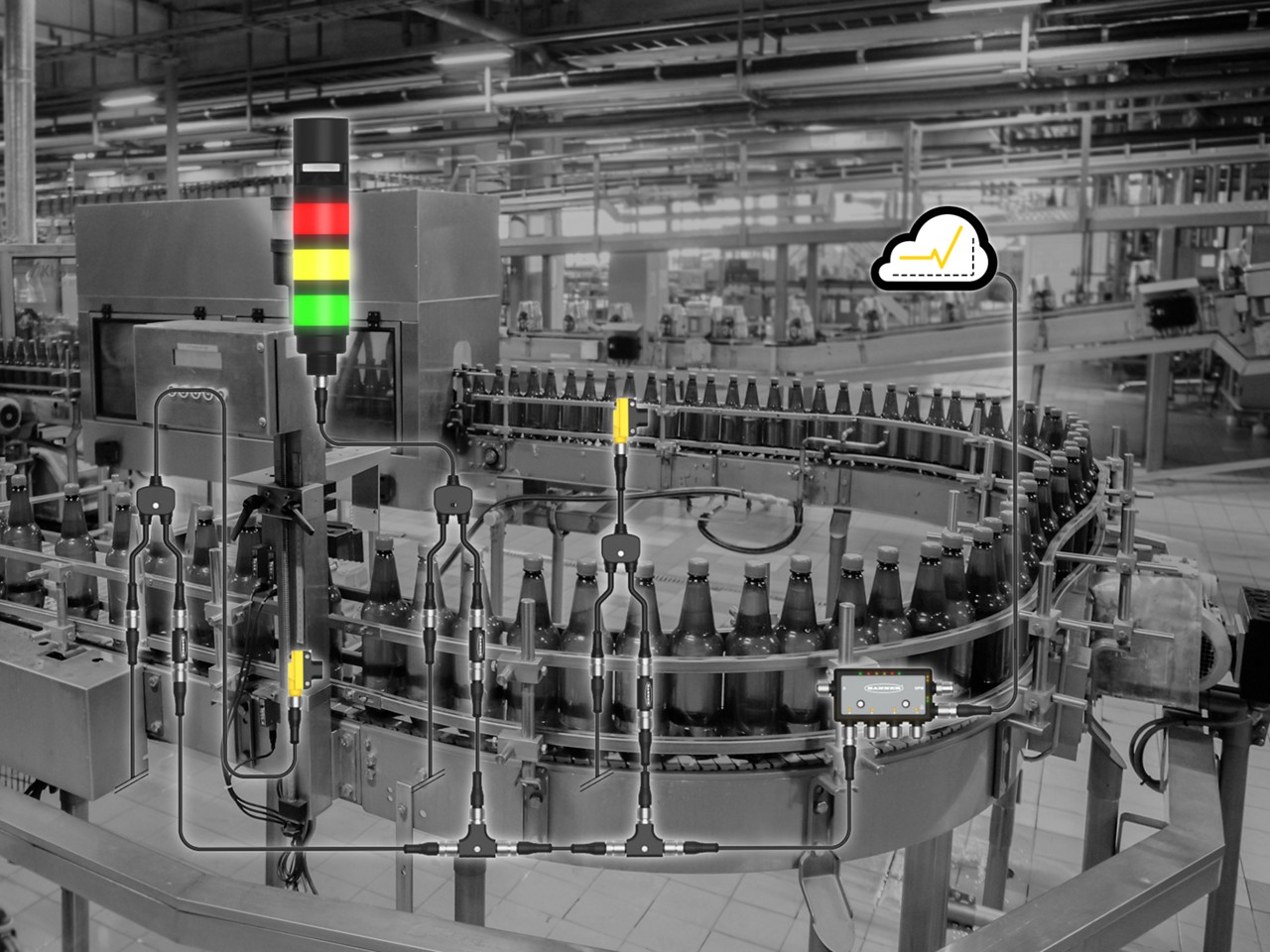
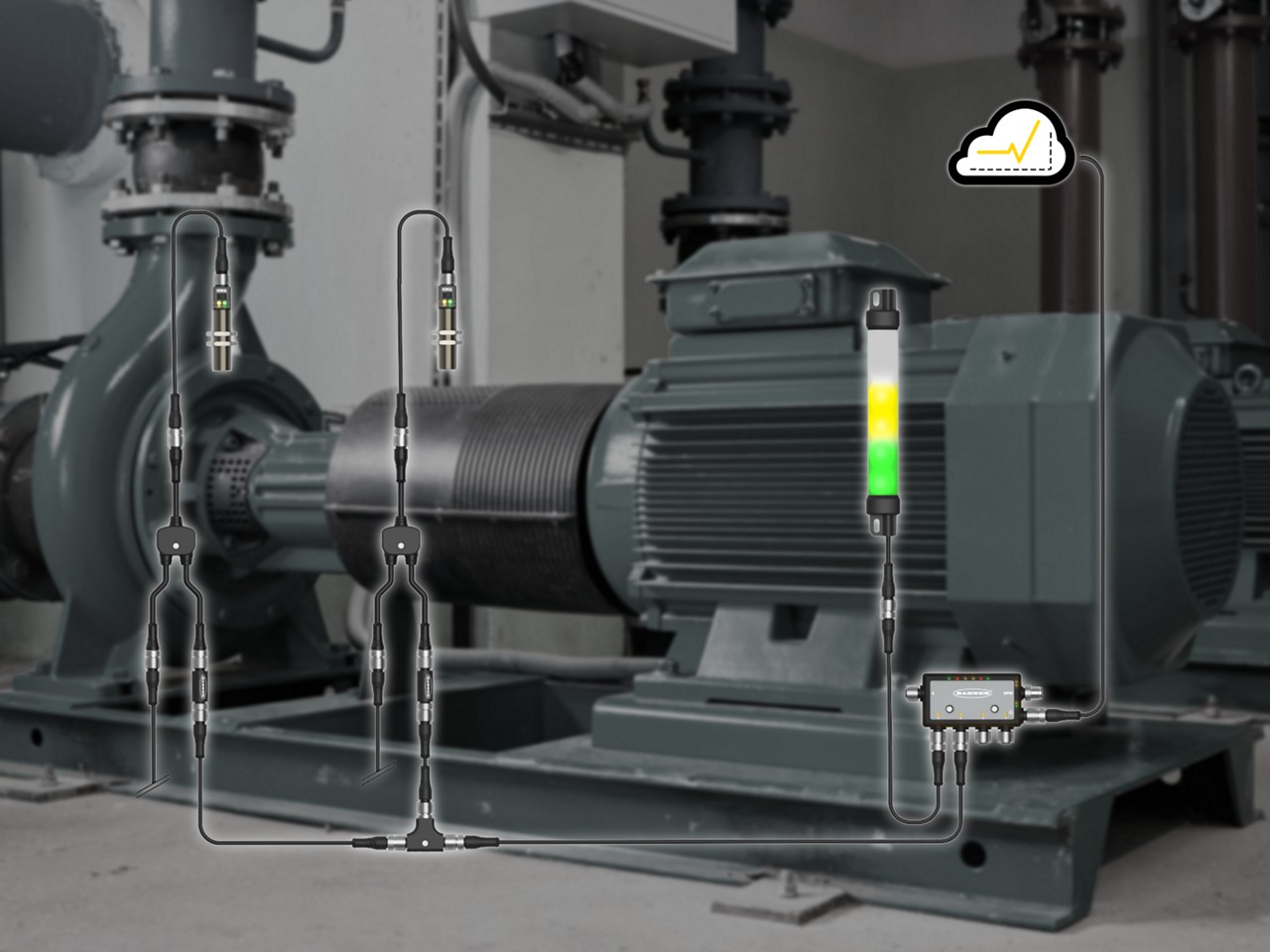
Increase productivity and unlock your factory’s true potential with ‘Snap-Signal’-- a hardware and software tool-kit for your IIoT evolution, available only from Banner Engineering.
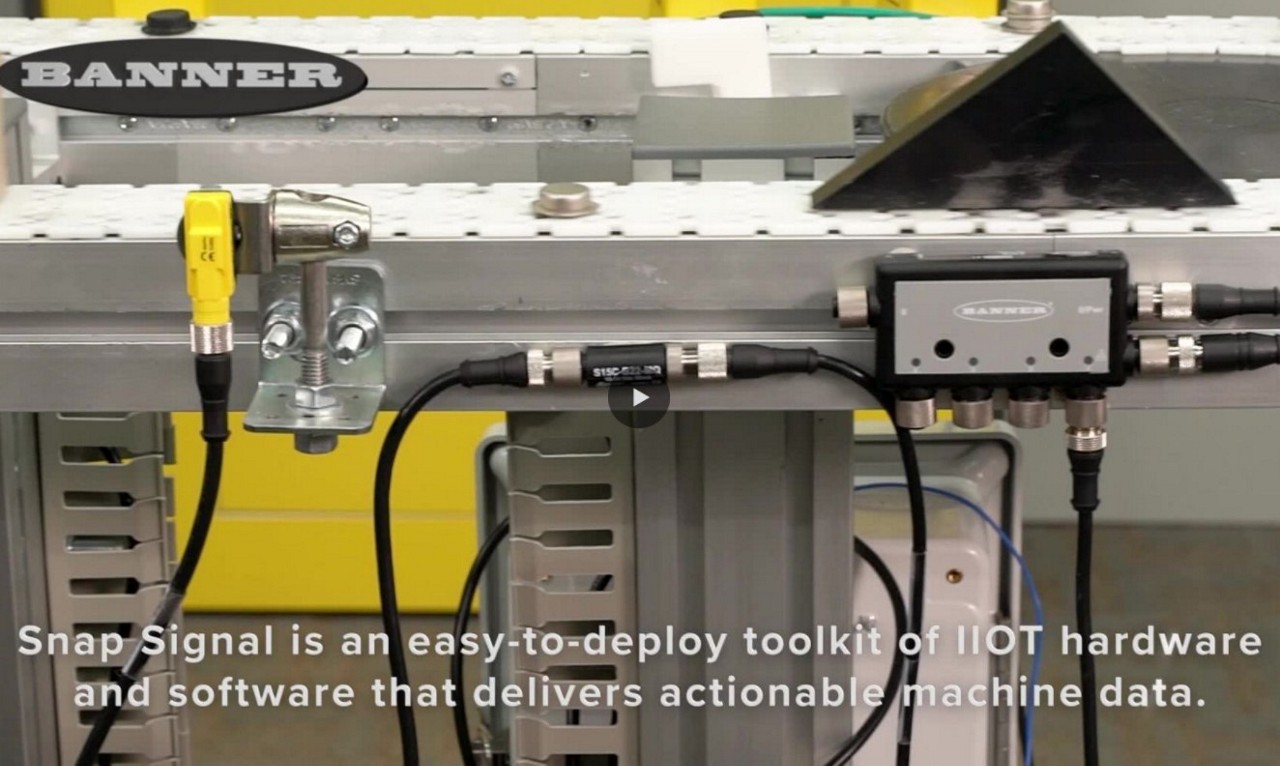
Snap Signal is an easy-to-deploy toolkit of IIoT hardware and software that delivers actionable machine data.
Our application engineers are here to help with expert guidance and support. Send us your inquiry, and we’ll get back to you as soon as possible. We’re here to make sure you get the answers you need.