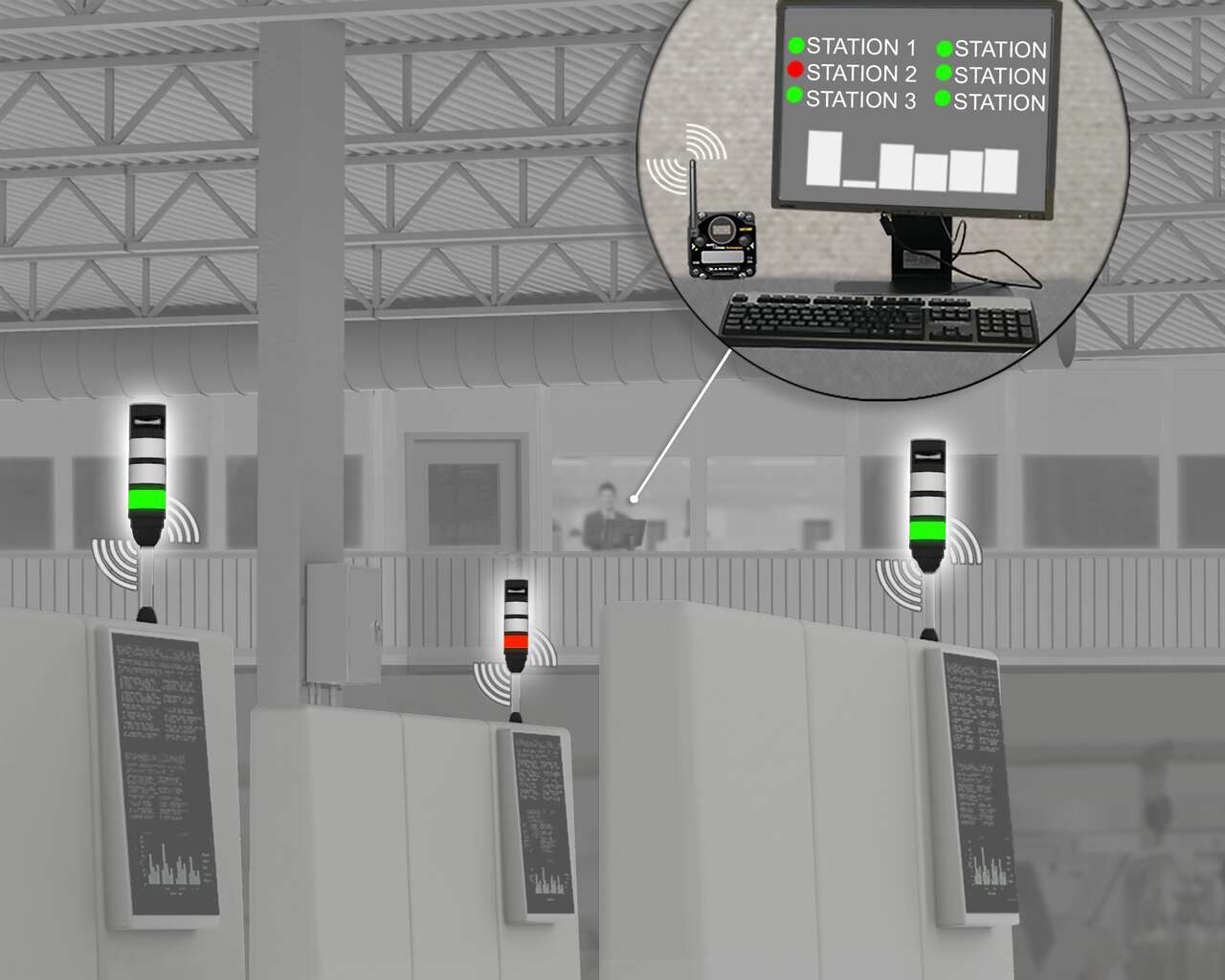
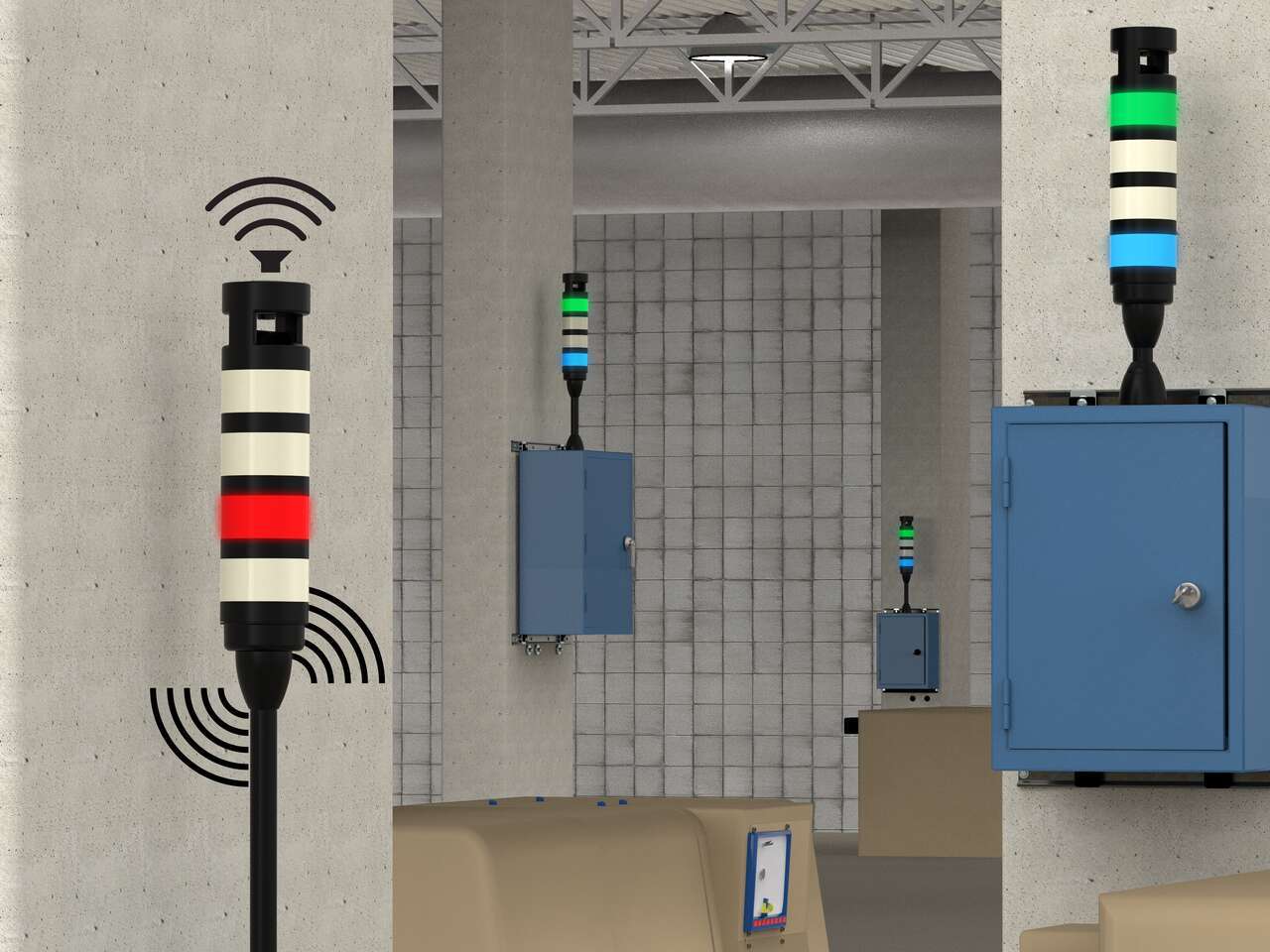
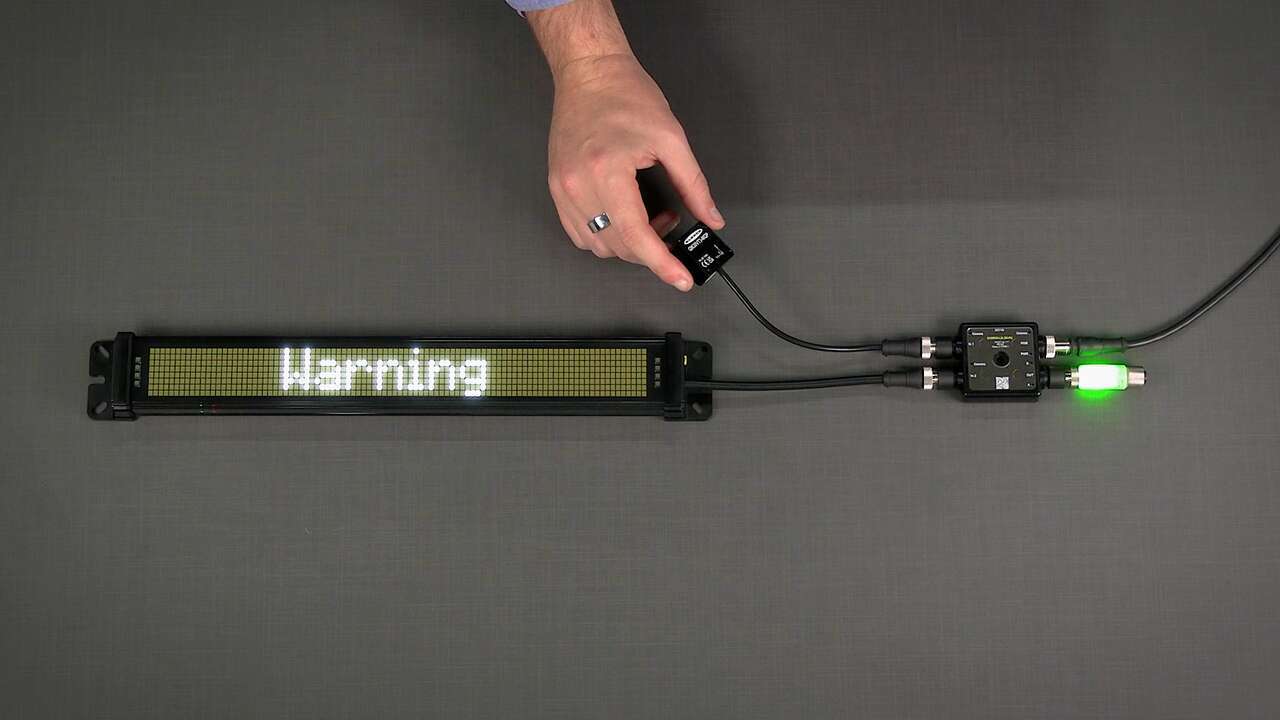
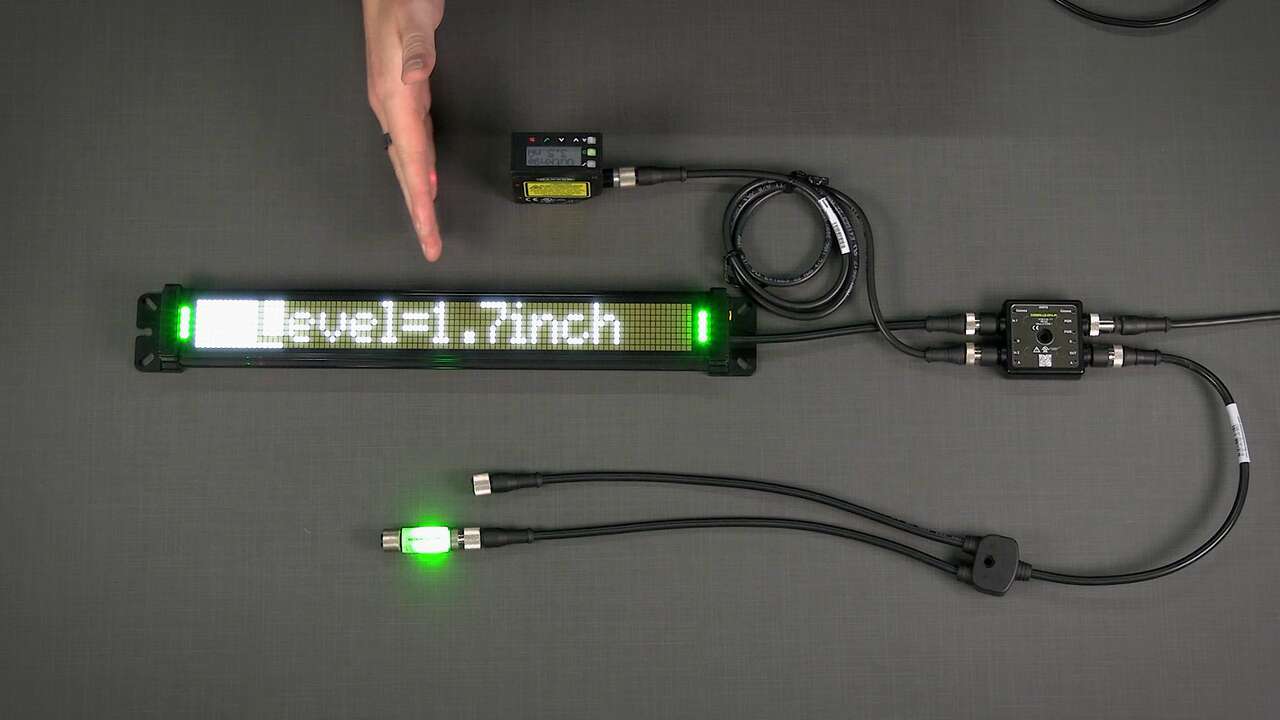
The most basic SureCross sensor network includes a Gateway system controller and one or more Nodes that monitor I/O in remote locations.
A SureCross Gateway is the wireless network master device used to control network timing, schedule communication traffic, and hold the configuration for the entire I/O sensor network. Similar to how a gateway device on a wired network acts as a “portal” between networks, the SureCross Gateway acts as the portal between the wireless network and the central control process. Every wireless I/O sensor network requires one Gateway device.
Gateway models are available with discrete I/O, analog I/O, and a mix of discrete and analog I/O. Models ending in C use external terminal blocks instead of internal terminal blocks. These "C" models are Class I, Division 2 certified when installed in a suitable enclosure. Certifications are listed on the Classified Areas page. Refer to the 3D Models page to download AutoCAD, STEP, IGES, and PDF models.
The Wireless I/O Network Manual is the full product manual for the DX80 devices and contains detailed information about the menu system, operation, installation, maintenance and repairs, troubleshooting, accessories, and the agency certifications for these devices. Manual 132607
For a basic description of how antennas work, how to connect a remote antenna system, and the differences between omni and Yagi antennas, refer to Antenna Basics. There are many possible installation configurations for your wireless network. Refer to the System Layouts webpage for a few examples or download the System Layouts document for more detailed examples of some wireless networks.
| Performance FlexPower Gateway (Low-Profile Housing) | Performance Gateway (IP67 Housing) |
| DX80...C (IP20; NEMA 1) models are also available. To order a Performance radio with an IP20 housing, add a C to the end of the model number. For example: DX80G9M6S-P8C. |
| Model | Frequency | Power | Housing | I/O | Data Sheet |
| DX80G9M2S-P | 900 MHz | 10 to 30V dc, solar, or battery power sources | Low Profile | N/A | 142679 |
| DX80G2M2S-P | 2.4 GHz | ||||
| DX80G9M6S-P2 | 900 MHz | 10 to 30V dc | IP67 | Inputs: Four selectable discrete, two 0–20 mA or 0–10V analog Outputs: Four sourcing discrete, two 0–20mA analog |
155861 |
| DX80G2M6S-P2 | 2.4 GHz | ||||
| DX80G9M2S-P7 | 900 MHz | 10 to 30V dc, solar, or battery power sources | IP67 | Inputs/Outputs: Up to 12 sinking (NPN) inputs or up to 12 sinking (NMOS) outputs, or a mix of inputs and outputs not exceeding 12 I/O points | 155285 |
| DX80G2M2S-P7 | 2.4 GHz | ||||
| DX80G9M6S-P8 | 900 MHz | 10 to 30V dc | IP67 | Inputs/Outputs: Up to 12 sourcing (PNP) inputs or up to 12 sourcing (PNP) outputs, or a mix of inputs and outputs not exceeding 12 I/O points | 158214 |
| DX80G2M6S-P8 | 2.4 GHz |
The SureCross Performance GatewayPro combines, in one unit, the function of a SureCross Performance Gateway with the ability to interface to Ethernet using Modbus/TCP or EtherNet/IP™ protocols. The GatewayPro has a serial port as well as an industrial Ethernet port. There are two basic models of the GatewayPro: DX80P*T6* and DX80P*A6*.
Connect a GatewayPro to a host system using the industrial Ethernet connection on the DX80 GatewayPro. To connect the GatewayPro directly to the host system without using an Ethernet switchbox/hub, some host systems may require a crossover cable. By default, the GatewayPro is configured to use Modbus/TCP server. To use EtherNet/IP, connect the GatewayPro to a managed switch. For more information, see SureCross Wireless I/O Product Manual or Host Configuration Manual.
| Model | Frequency | Power | Features | Data Sheet |
| DX80P9T6S-P | 900 MHz | 10 to 30V dc | Modbus/TCP to EtherNet/IP Converter | 157639 |
| DX80P2T6S-P | 2.4 GHz | |||
| DX80P9A6S-P | 900 MHz | Advanced web-based configuration | ||
| DX80P2A6S-P | 2.4 GHz |
| The standard IP67 base with internal terminal blocks | The low-profile IP20 base with external terminal blocks. |
| Model | Frequency | Base | I/O | Data Sheet |
| DX80G9M6S8P4 | 900 MHz | IP67 | Discrete: Eight inputs, four outputs
(When your wireless network does not include a host system, the four inputs/eight output devices must be mapped to the eight input/four output devices.) |
132157 |
| DX80G9M6S8P4C | IP20 | |||
| DX80G2M6S8P4 | 2.4 GHz | IP67 | ||
| DX80G2M6S8P4C | IP20 | |||
| DX80G9M6S4P8 | 900 MHz | IP67 | Discrete: Four inputs, eight outputs
(When your wireless network does not include a host system, the four inputs/eight output devices must be mapped to the eight input/four output devices.) |
132158 |
| DX80G9M6S4P8C | IP20 | |||
| DX80G2M6S4P8 | 2.4 GHz | IP67 | ||
| DX80G2M6S4P8C | IP20 | |||
| DX80G9M6S6P6 | 900 MHz | IP67 | Discrete: Six inputs, six outputs | 132159 |
| DX80G9M6S6P6C | IP20 | |||
| DX80G2M6S6P6 | 2.4 GHz | IP67 | ||
| DX80G2M6S6P6C | IP20 | |||
| DX80G9M6S6N6 | 900 MHz | IP67 | Discrete: Six NPN inputs, six NPN outputs | 136323 |
| DX80G9M6S6N6C | IP20 | |||
| DX80G2M6S6N6 | 2.4 GHz | IP67 | ||
| DX80G2M6S6N6C | IP20 | |||
| DX80G9M6S6P6Z | 900 MHz | IP67 | The M-GAGE Gateway works with the M-GAGE Nodes. The six discrete inputs are mapped to baseline up to six M-GAGE Nodes and six discrete outputs mapped to the M-GAGE Node's inputs. |
134303 |
| DX80G9M6S6P6ZC | IP20 | |||
| DX80G2M6S6P6Z | 2.4 GHz | IP67 | ||
| DX80G2M6S6P6ZC | IP20 |
| Model | Frequency | Base | I/O | Data Sheet |
| DX80G9M6S0P0M4M4 | 900 MHz | IP67 | Analog: Four inputs, four outputs (0-20 mA) | 134302 |
| DX80G9M6S0P0M4M4C | IP20 | |||
| DX80G2M6S0P0M4M4 | 2.4 GHz | IP67 | ||
| DX80G2M6S0P0M4M4C | IP20 | |||
| DX80G9M6S0P0V4V4 | 900 MHz | IP67 | Analog: Four inputs, four outputs (0-10V) | 136325 |
| DX80G9M6S0P0V4V4C | IP20 | |||
| DX80G2M6S0P0V4V4 | 2.4 GHz | IP67 | ||
| DX80G2M6S0P0V4V4C | IP20 |
| Model | Frequency | Base | I/O | Data Sheet |
| DX80G9M6S4P4M2M2 | 900 MHz | IP67 | Discrete: Four inputs, four outputs Analog: Two inputs, two outputs (0-20 mA) |
131935 |
| DX80G9M6S4P4M2M2C | IP20 | |||
| DX80G2M6S4P4M2M2 | 2.4 GHz | IP67 | ||
| DX80G2M6S4P4M2M2C | IP20 | |||
| DX80G9M6S4P4V2V2 | 900 MHz | IP67 | Discrete: Four inputs, four outputs Analog: Two inputs, two outputs (0-10V) |
134301 |
| DX80G9M6S4P4V2V2C | IP20 | |||
| DX80G2M6S4P4V2V2 | 2.4 GHz | IP67 | ||
| DX80G2M6S4P4V2V2C | IP20 |
To order the internal antenna models, replace the "S" as the 9th digit with a "W." Internal antennas require an additional week for manufacture and shipping. For example, DX80G9M6S6P6 is the external antenna model and DX80G9M6W6P6 is the internal antenna model.
The SureCross DX80 GatewayPro combines, in one unit, the function of a SureCross DX80 Gateway with the ability to interface to Ethernet using Modbus/TCP or EtherNet/IP™ protocols. The GatewayPro has a serial port as well as an industrial Ethernet port. There are two basic models of the GatewayPro: DX80P*T6* and DX80P*A6*.
Connect a GatewayPro to a host system using the industrial Ethernet connection on the DX80 GatewayPro. To connect the GatewayPro directly to the host system without using an Ethernet switchbox/hub, some host systems may require a crossover cable. By default, the GatewayPro is configured to use Modbus/TCP server. To use EtherNet/IP, connect the GatewayPro to a managed switch. For more information, see SureCross Wireless I/O Product Manual or Host Configuration Manual.
| GatewayPro | Ethernet Bridge |
| Model | Frequency | I/O | Data Sheet |
| DX80P9T6S | 900 MHz | The "T" models of the GatewayPro combine a standard Gateway with the communications protocol features of the Ethernet Bridge to enable protocol conversion between Modbus/TCP (default) and EtherNet/IP™. The GatewayPro has no inputs or outputs. | 131933 |
| DX80P2T6S | 2.4 GHz | ||
| DX80P9A6S | 900 MHz | The "A" models of GatewayPro combine a standard Gateway with the Ethernet Bridge to enable Web-based configuration of wireless devices and I/O parameters. Modbus/TCP is the communications protocol. The Gateway Pro has no inputs or outputs. | |
| DX80P2A6S | 2.4 GHz | ||
| DX83T | N/A | The "T" model of the DX83 Ethernet Bridge can be connected to a standard Gateway to add communications protocol conversion between Modbus/TCP (default) and EtherNet/IP. The Ethernet Bridge has no inputs or outputs. | 131934 |
| DX83A | N/A | The "A" model of the DX83 Ethernet Bridge can be connected to a standard Gateway to enable Web-based configuration of wireless devices and I/O parameters. The Ethernet Bridge has no inputs or outputs. |
Helpful application information, new product updates, answers to frequently asked questions, and more.
Subscribe Now »Banner has more than 3,000 distributors worldwide — ready to help you. Enter a U.S. zip code