
Industrial Wireless FAQs/Knowledgebase

Banner Engineering is committed to providing detailed technical content and educational material about our industrial wireless I/O network devices. The following FAQs/Knowledgebase documents include some instructions about integrating SureCross products with other products and some example network configurations using the User Configuration Tool (UCT).

Model Numbers. A definition of the SureCross product model numbers.

Certified Countries List. A list of all countries our wireless products are certified to operate in.

Frequently Asked Questions.

Technical Notes

MultiHop

MultiHop Site Surveys. The site survey function of the MultiHop radio measures the signal quality between two devices. A site survey can be initiated from the LCD menu on any MultiHop radio or from a host system.

Low Power Network. Changing some default settings optimizes MultiHop radios for low power applications.

Restoring Factory Defaults. Four registers restore factory defaults to a MultiHop radio.

MultiHop Configuration Tool Bootloader. Use the Bootloader screen to update the firmware and EEPROM files and to view the version numbers. This will typically require that someone from the factory sends you an updated program file.

Routing Messages in Transparent Mode. Users may route messages while operating in transparent mode by using the Destination Address parameter.

MultiHop Formation Percentage. Adjust the minimum acceptable site survey link quality to join to a parent radio.

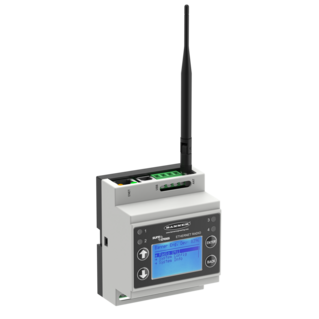
DX83 as a Modbus Master. Configure a DX83 Ethernet Bridge as the Modbus Master device to control MultiHop radios.

Using a DX85 with a MultiHop Radio. Use the UCT to map a push button input on a DX85 to an EZ-LIGHT output on a MultiHop Radio.

User Configuration Tool (UCT) Examples

Using extended control messages to set a K-type thermocouple Node input to trigger a discrete output on the Gateway when the thermocouple temperature rises above 120° F.

Converting a counter frequency to an analog output on a DX80 Gateway.

Mapping a Node's Lost Link Output to an input on a Gateway, triggering an alarm or light.

Using the Null and Span parameters for counter, thermocouple, and RTD Nodes.

Mapping One Input to Two Outputs.

Mapping DX85 I/O to a Node.

Configuring a DX80 Gateway and DX85 Modbus RTU Remote I/O device as a Modbus master using the UCT.

Wiring

DX80 to Red Lion G3 HMI. Creating a DX80 to 485 cable to connect a DX80 device to a Red Lion G3 HMI.

DX80 to EZ-AC Power Supply Connection. Using an EZ-AC Power Supply with the SureCross Wireless System.

Wiring a DX80...C Gateway to a DX85...C Modbus RTU Remote I/O device.

Wiring a DX80...C Gateway to the UCT cable.

Wiring a DX80...C FlexPower Node to the DX81 FlexPower Battery Supply Module.

General

Allen-Bradley Signed vs Unsigned Workaround. Converting the Gateway Pro’s 16-bit unsigned integer to a 16-bit signed integer using Allen-Bradley’s Control Logix®.

DX70 Loopback. Expanding the out-of-range testing feature by sending one of the Node inputs back to the Gateway.

DX80 Sample on Demand.

Mapping One Input to Another using extended logic and the Web Configurator.

Hazardous Locations and Intrinsically Safe Certifications

Many of Banner's SureCross products are certified with CSA and/or LCIE/ATEX. To clarify the certifications, we created a document that lists all CSA and ATEX certifications by model, defines the environments, and explains the codes used on ATEX certificates.

Theory and Terminology Notes

The SureCross Wireless Glossary of Terms defines many basic radio and Banner SureCross terminology used in product documentation.

Theory and Terminology Notes offer more detailed definitions of specific terms used throughout the wireless I/O network product documentation.

Banner's SureCross Products

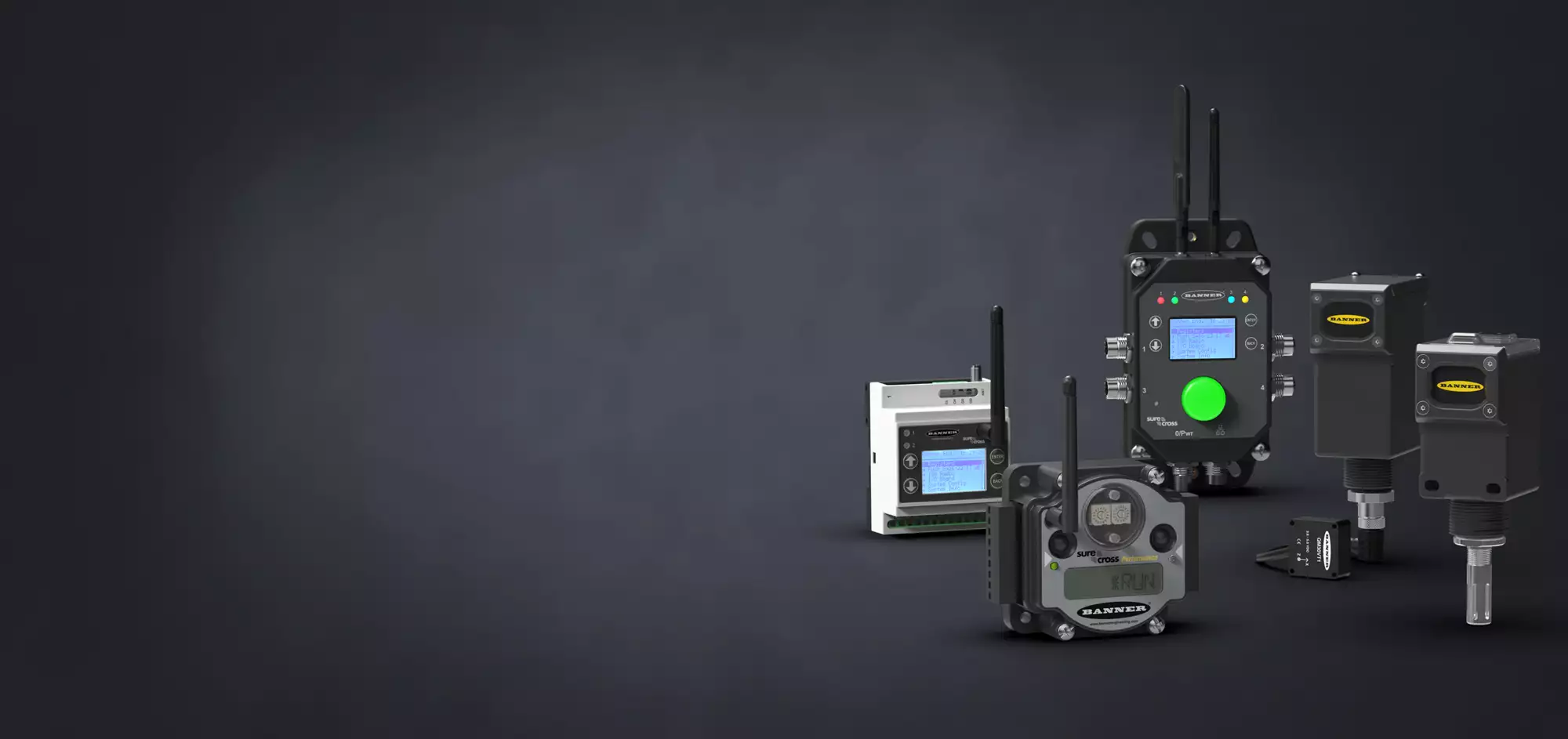
Gateways and Nodes. Gateways and Nodes make up a wireless network. The Gateway is the master device and the Nodes are the slave devices that collect data and transmit it back to the Gateway.

FlexPower Overview. FlexPower devices can be powered from either 10-30V dc, battery modules, or solar panels.

Banner's Wireless Network. Banner uses the star topology for its wireless network.

Temperature and Humidity Sensor Product Note. The temperature and humidity sensor uses a serial interface to communicate to the Serial Interface Nodes.

SureCross Device Settings

Hysteresis and Threshold. Hysteresis and threshold work together to define the on and off points of an analog input.

Sample, Report, Polling Rates. Sample rates, report rates, and polling rates establish how often sensors, Nodes, and Gateways communicate with each other. These settings directly affect how long a battery-powered system can operate off a battery pack.

Thermocouples vs RTDs. Thermocouples and RTDs measure temperature differently and are appropriate for different applications.

Network and Radio Basics

Network Topologies. Some of the basic network topologies include point to point, bus, star, and mesh.

TDMA vs Contention Architecture. A one-page definition of TDMA and Contention radio network architecture.

FHSS vs DSSS. Frequency Hop Spread Spectrum and Direct Sequence Spread Spectrum are the most commonly used radio communication technologies. Find out what the differences are and why FHSS is the best option for high-interference industrial environments.

Master/Slave vs Peer-to-Peer. Master/slave and peer-to-peer communication models different primarily is how and when devices are allowed to communicate.

Omni-Direction vs Directional Antennas. The two types of antennas are omni-direction antennas, or omnis, and direction antennas, typically called Yagi antennas.

Banner Insider eNewsletter

Helpful application information, new product updates, answers to frequently asked questions, and more.

Subscribe Now »

"No more costly wiring runs"

“I’m delighted with Banner’s SureCross wireless system. It gives us comprehensive monitoring and control in previously inaccessible locations. And it’s easy to expand and relocate as needed.”

Worldwide Distributors

Banner has more than 3,000 distributors worldwide — ready to help you. Enter a U.S. zip code


Find international distributors