Smarter Automation.
Better Solutions.






Resources


-

MQTT Made Easy with a Banner DXM Controller
-
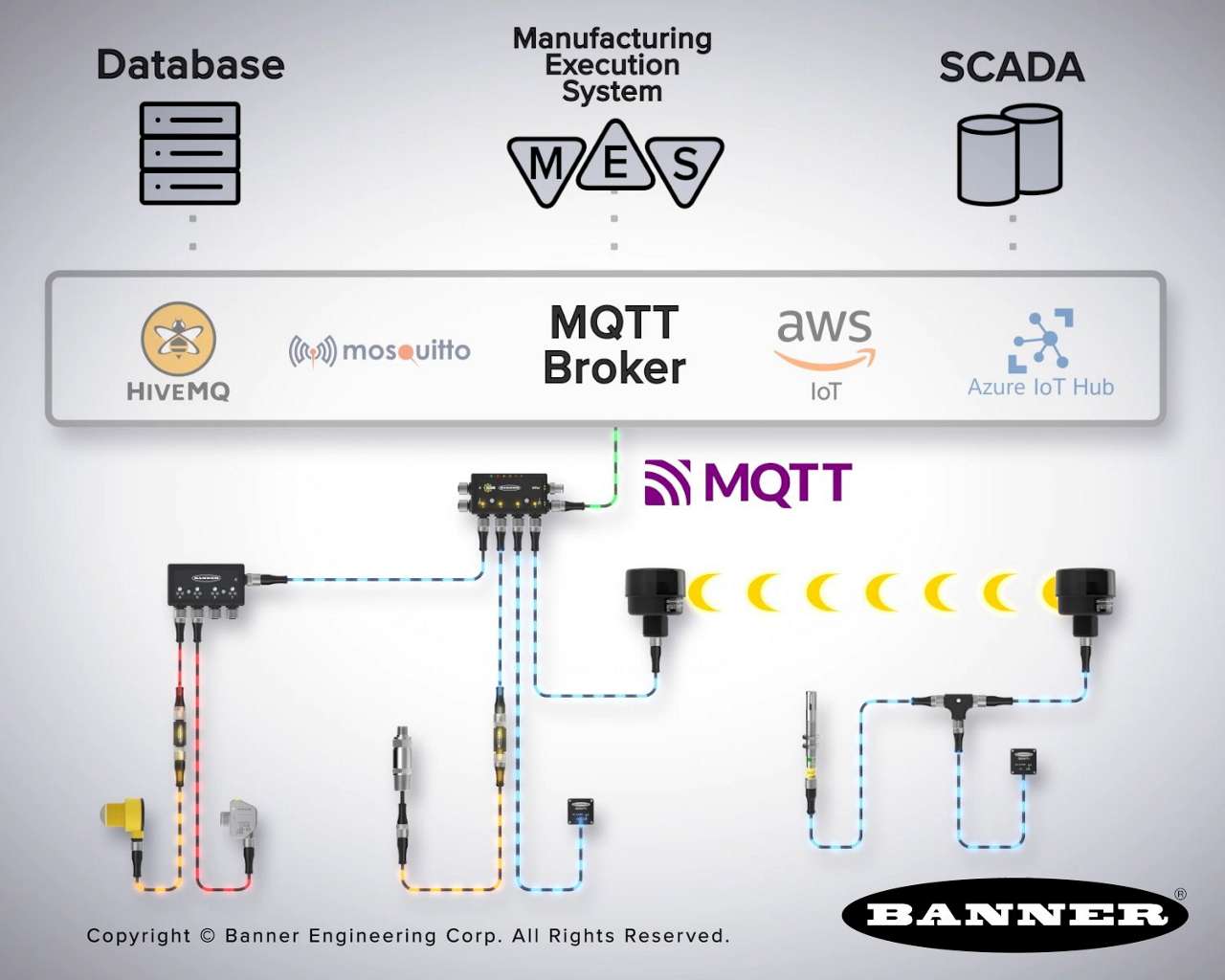
What Is MQTT? A Practical Guide for Industrial Automation
-

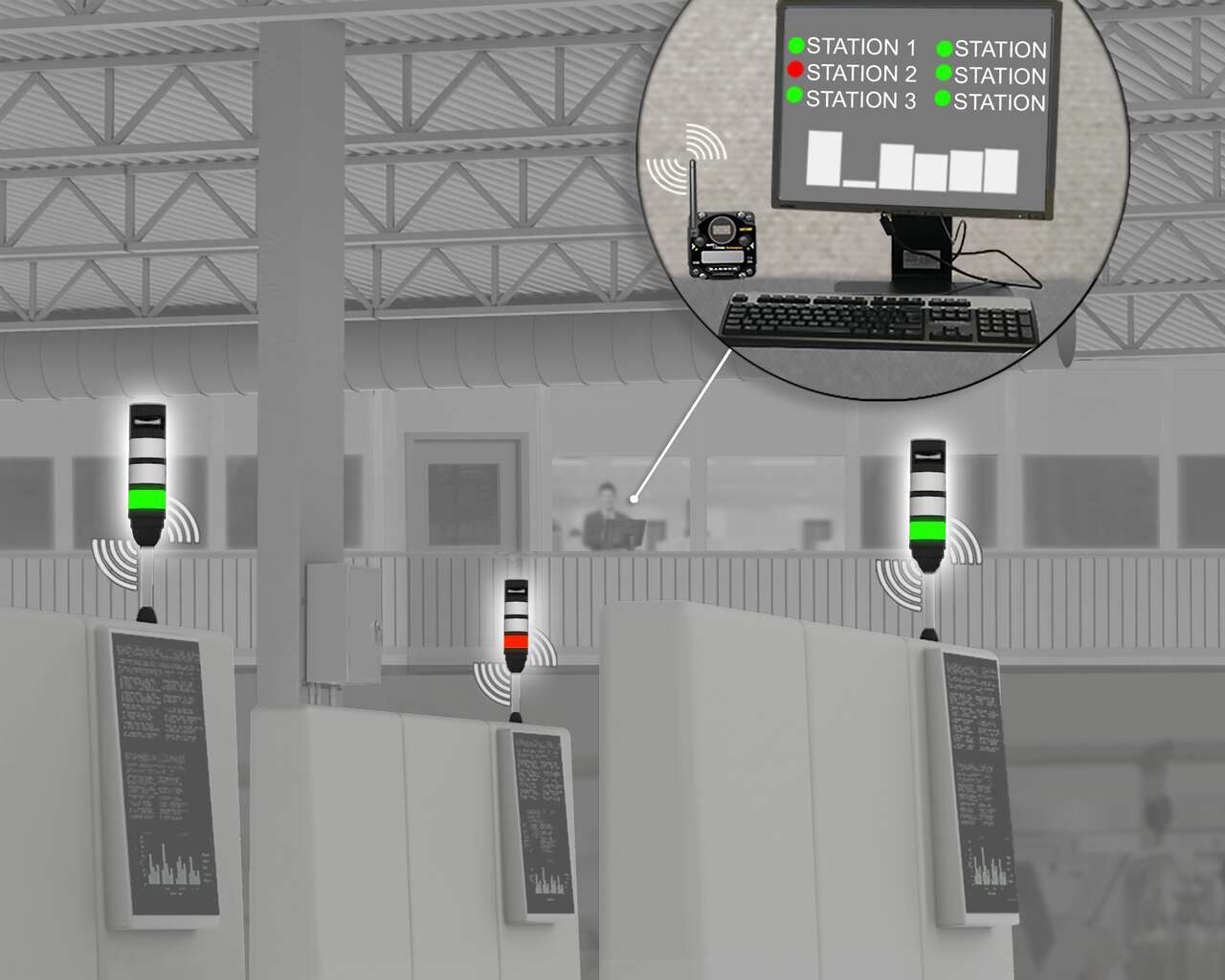
The Visual Factory
-

Guide to Car Wash Monitoring and Proactive Maintenance
-
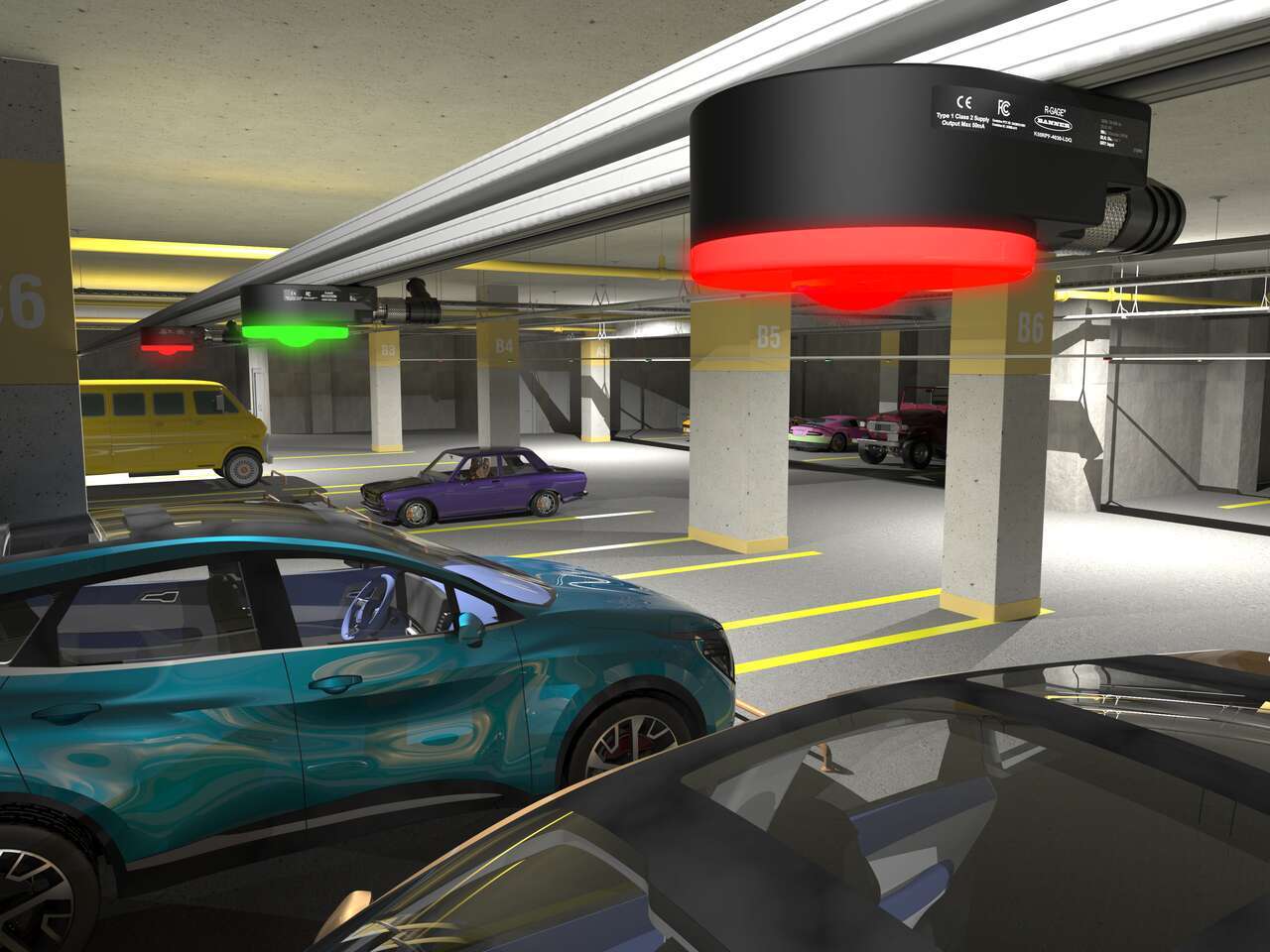
10 Things You Should Know about Radar
-
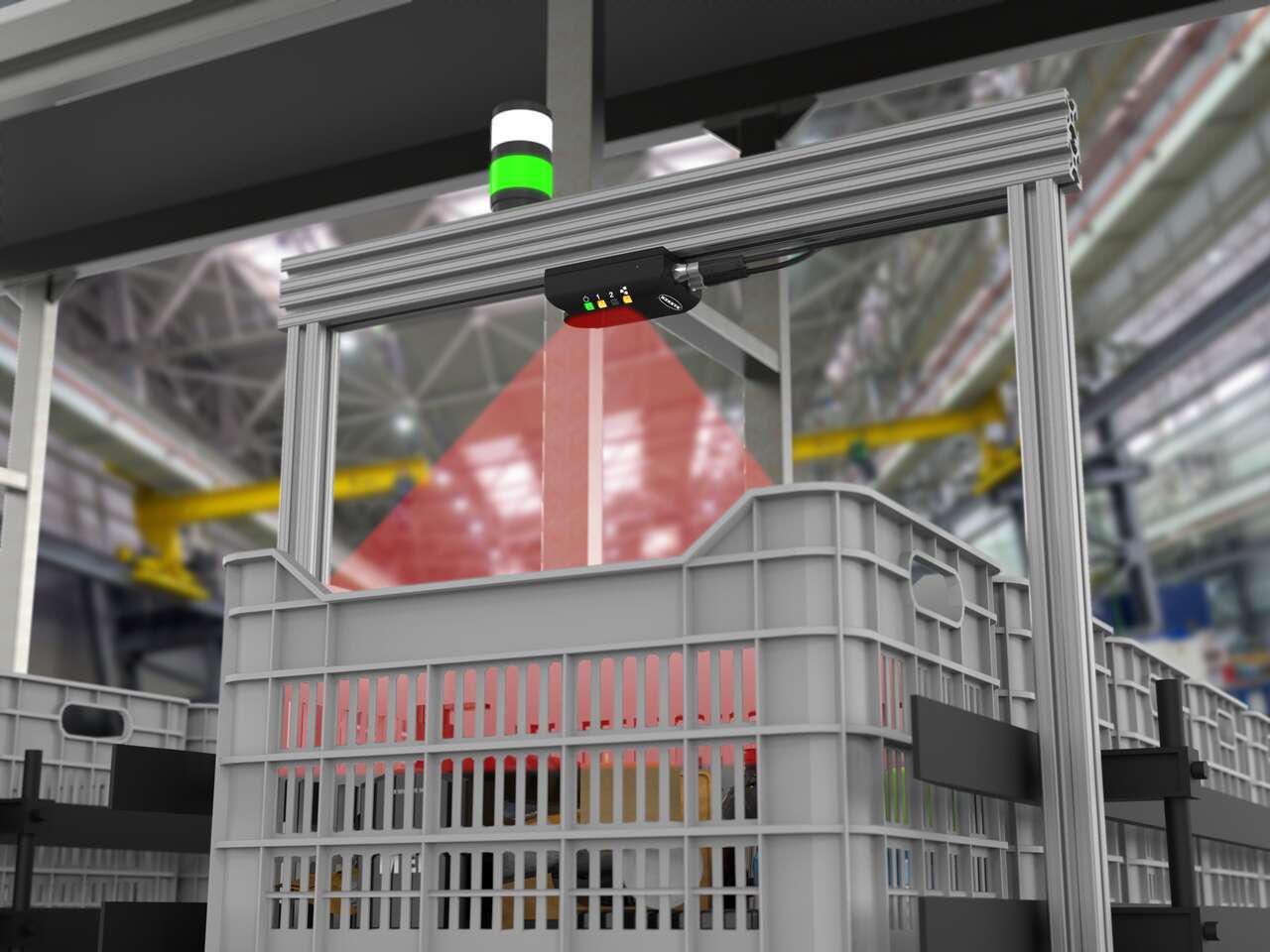
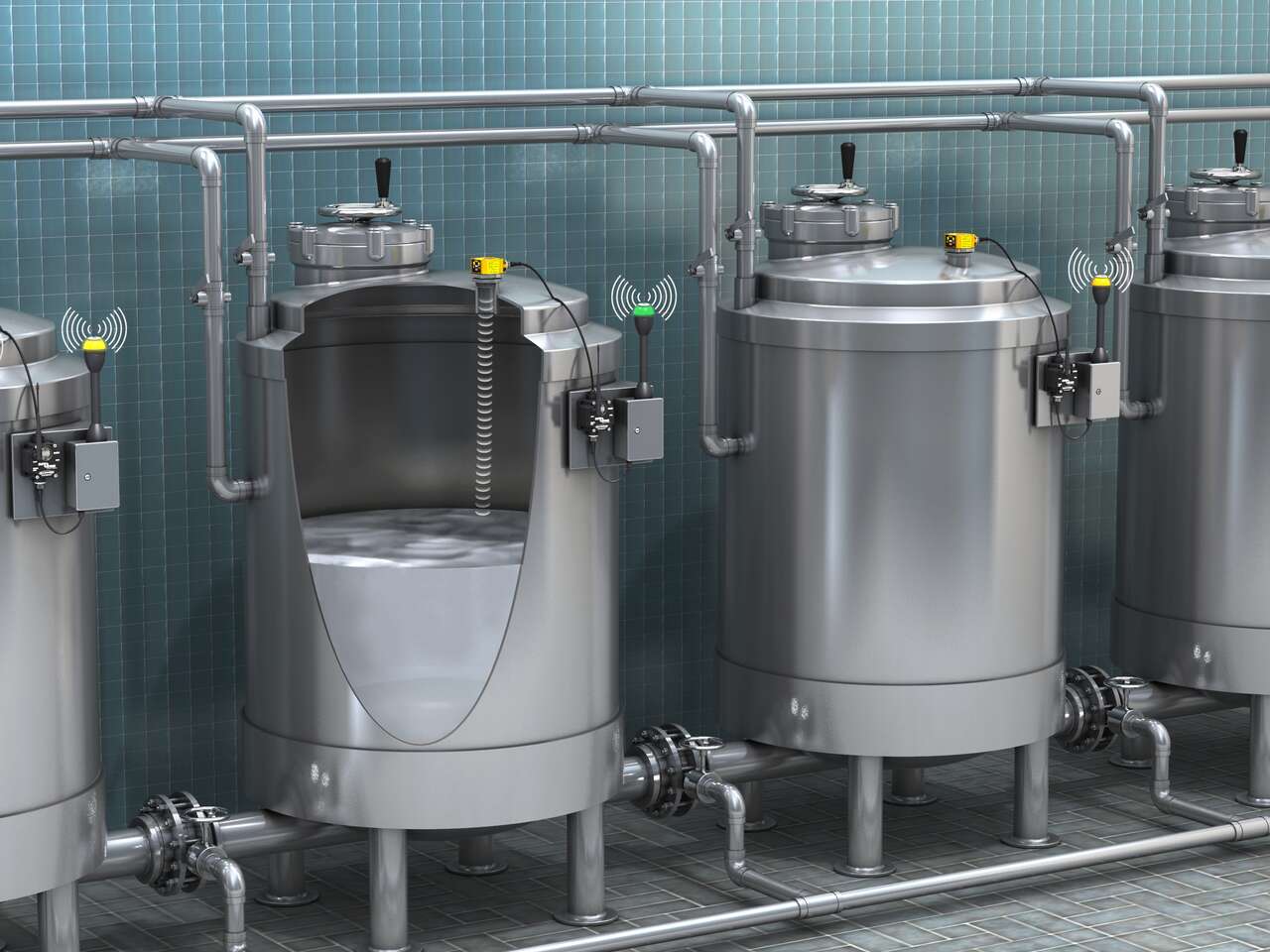
Easily Measure Bulk Container Fill Levels
-
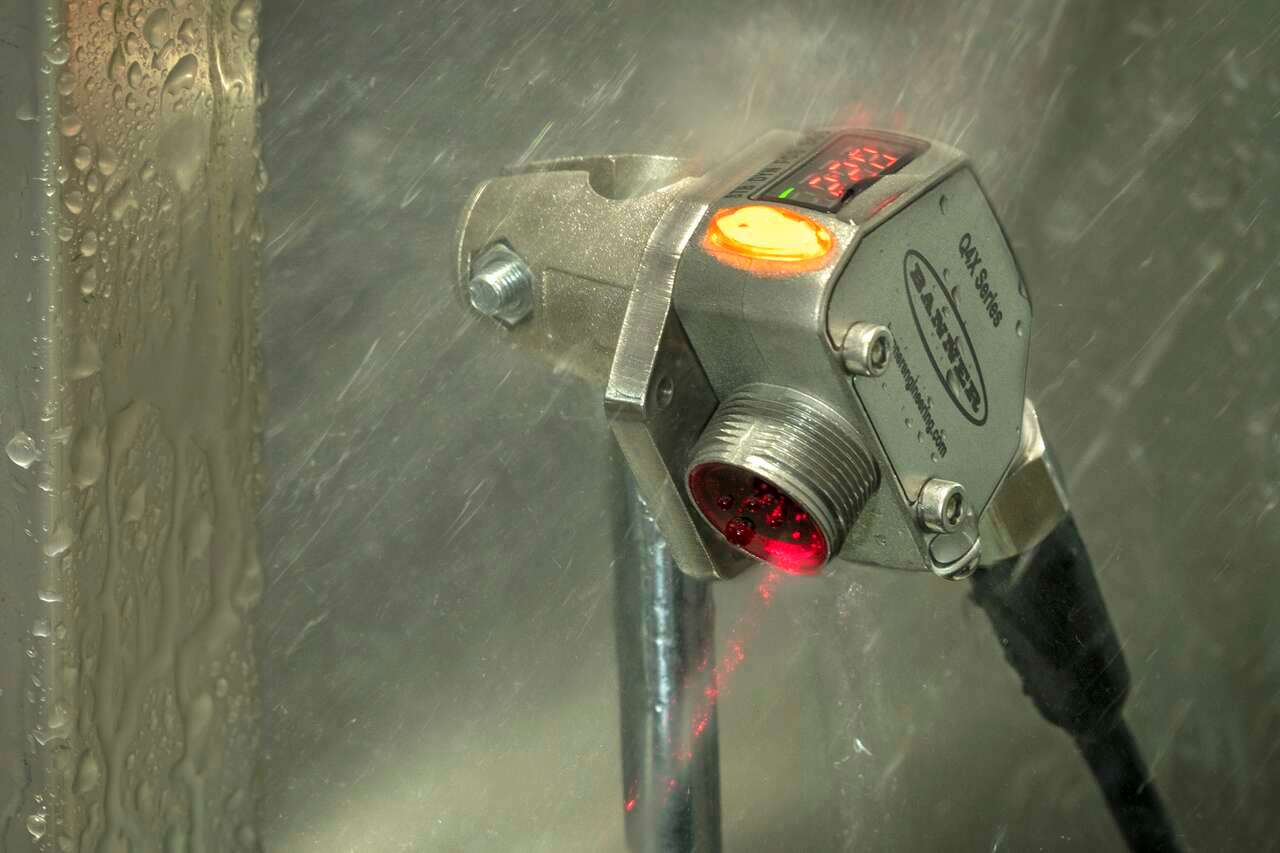
How To Use IP & NEMA Ratings To Choose The Right Sensor
-

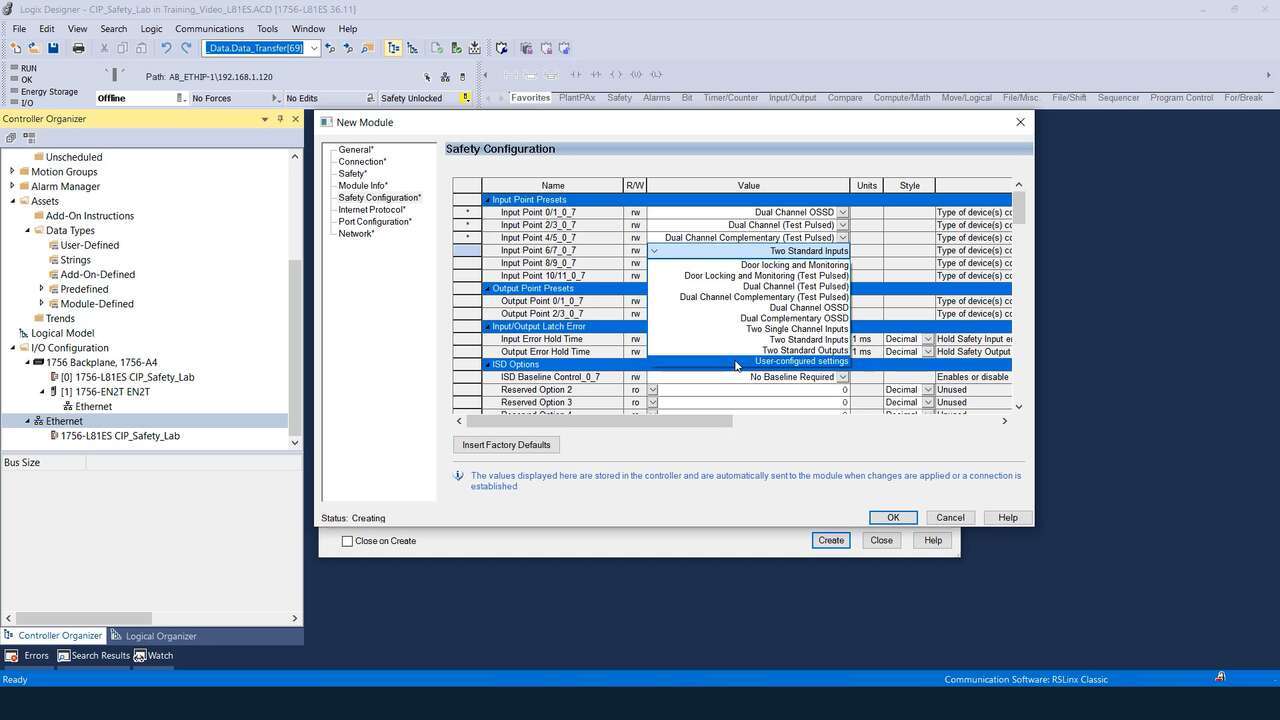
Features and Benefits of Banner's SI-GL42 Guard Locking Safety Switches
-
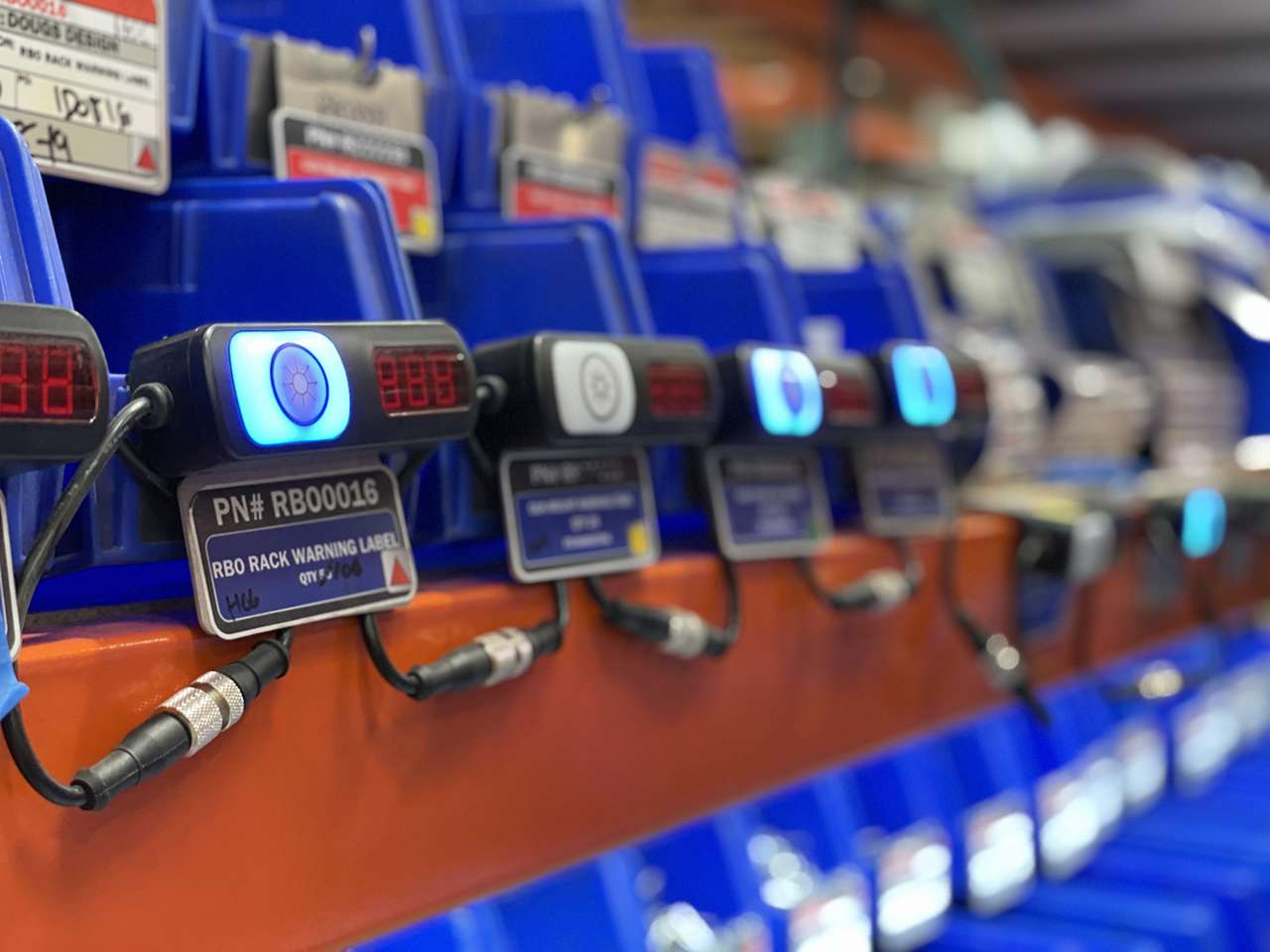
Increasing Productivity with Pick-to-Light System
-
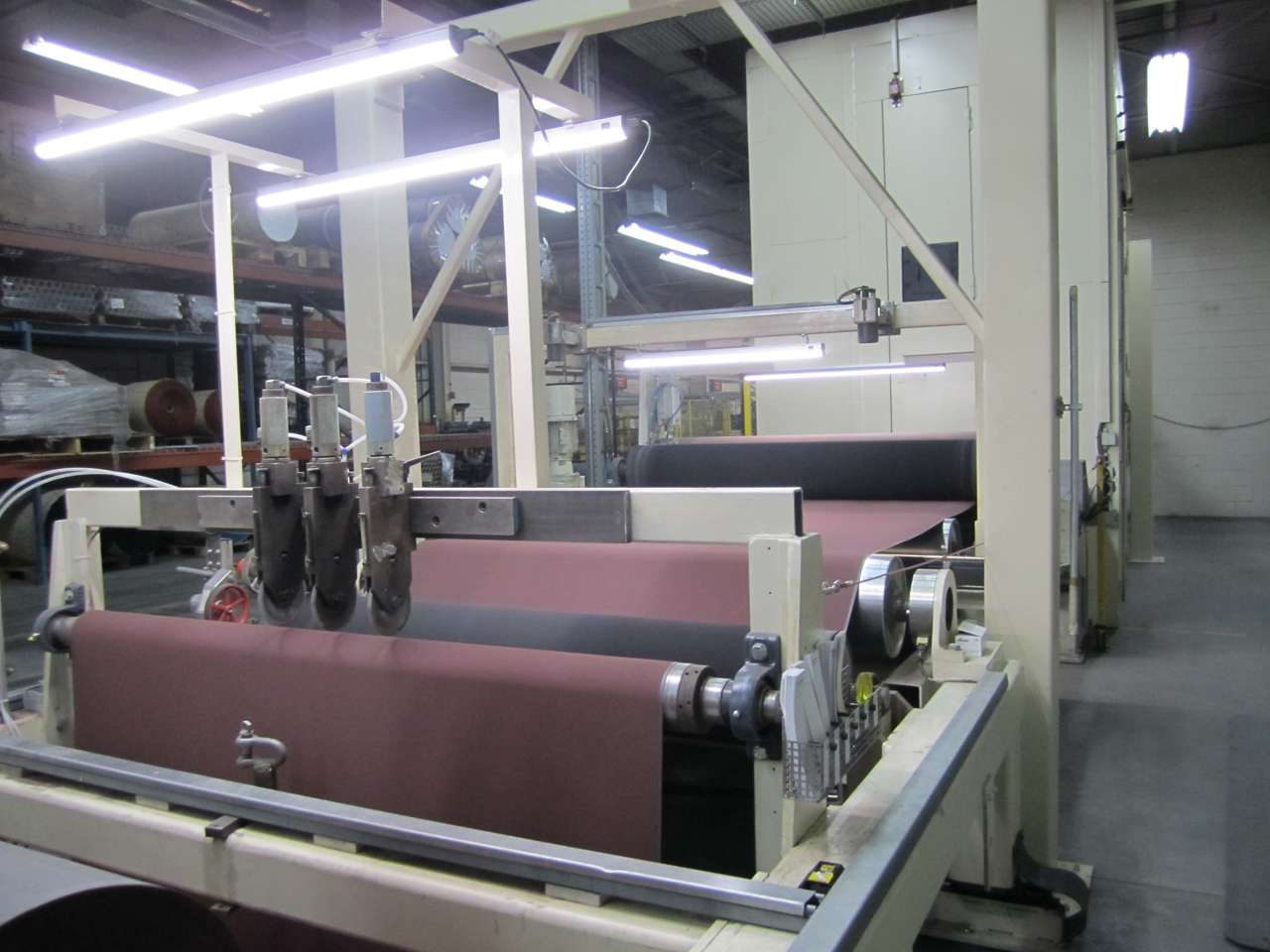
Illuminate Web Inspection Stations with Rapid-Install LEDs
-
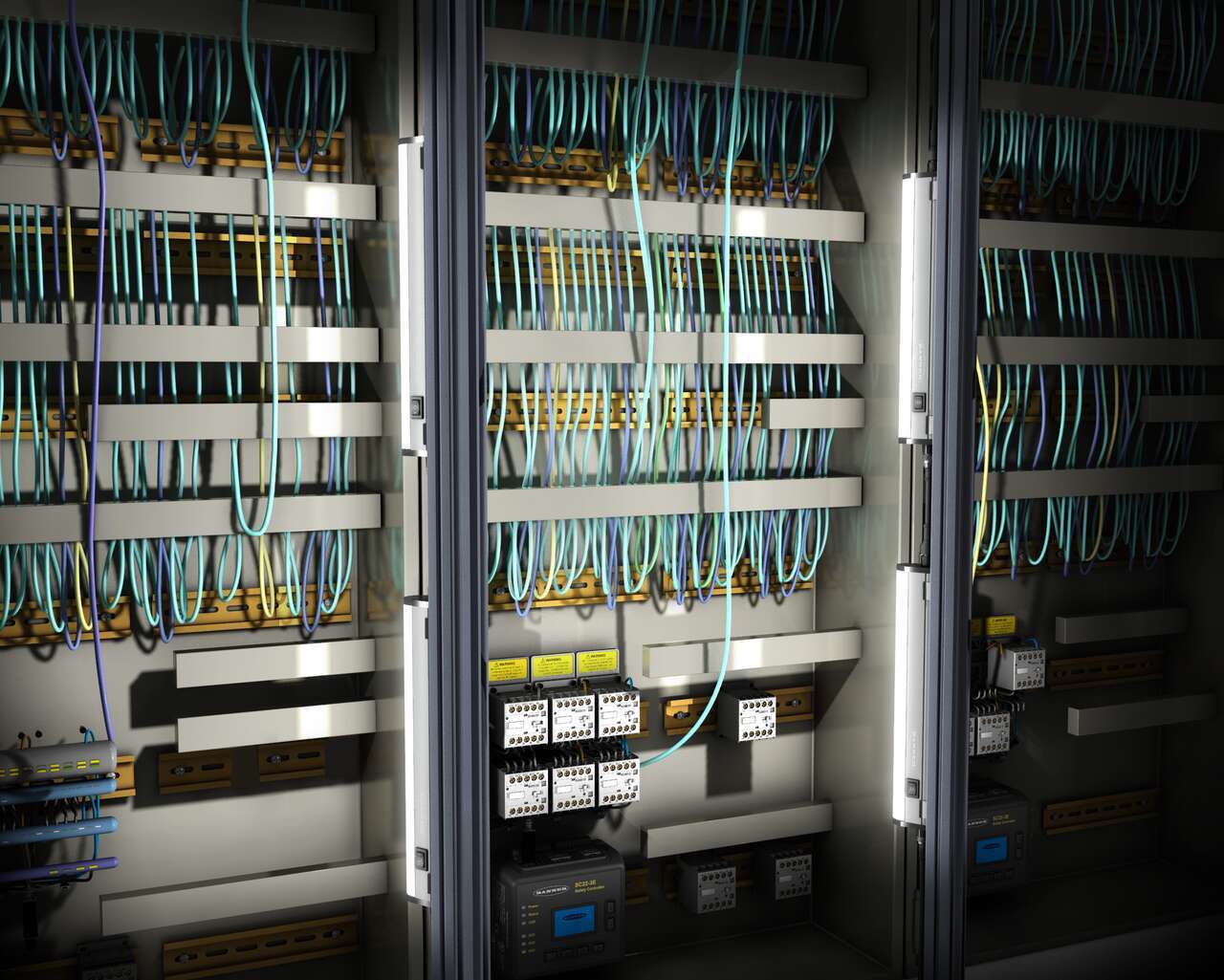
LED Lights Illuminate Control Cabinet
-
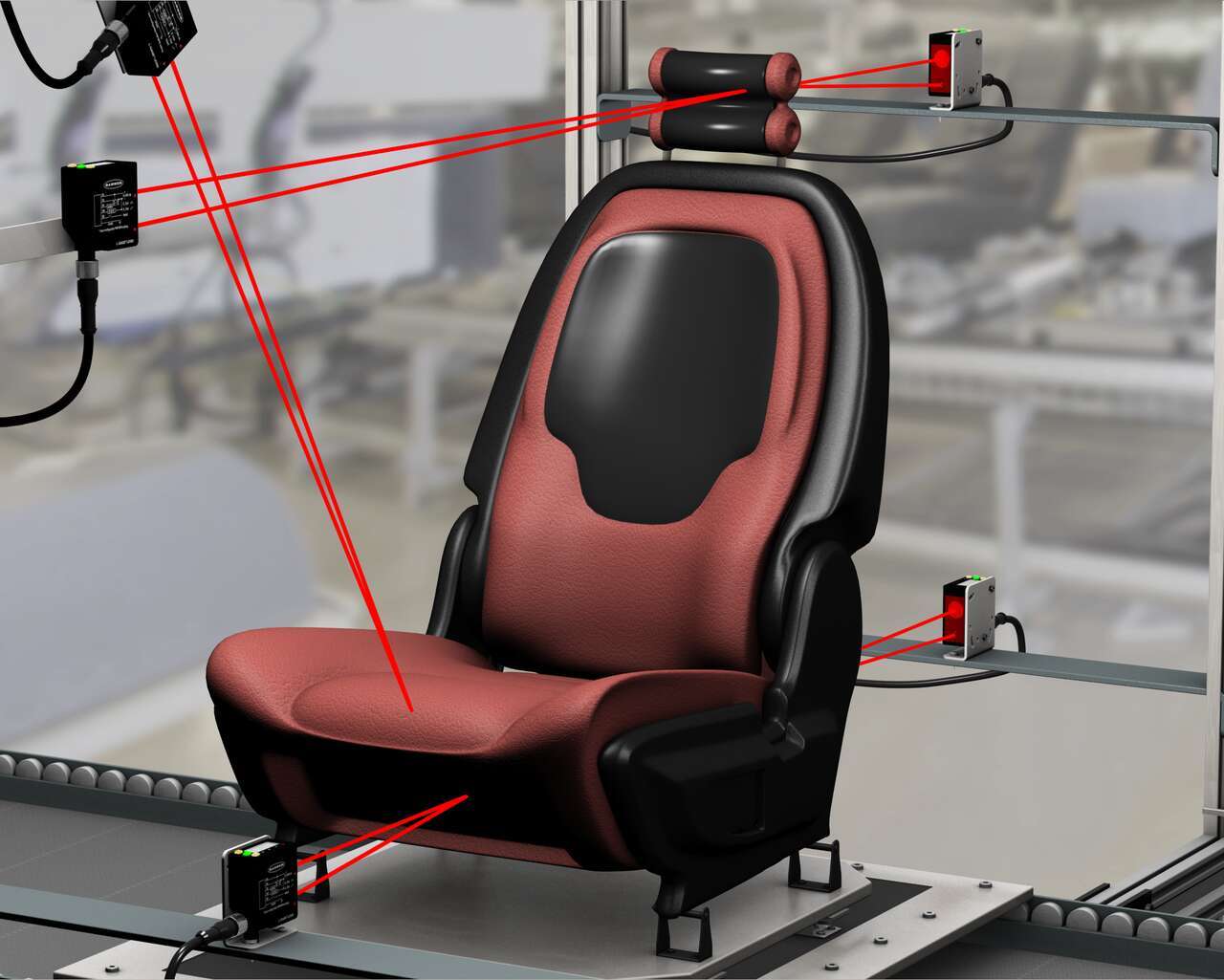
Sensors to Measure Movement Range
-
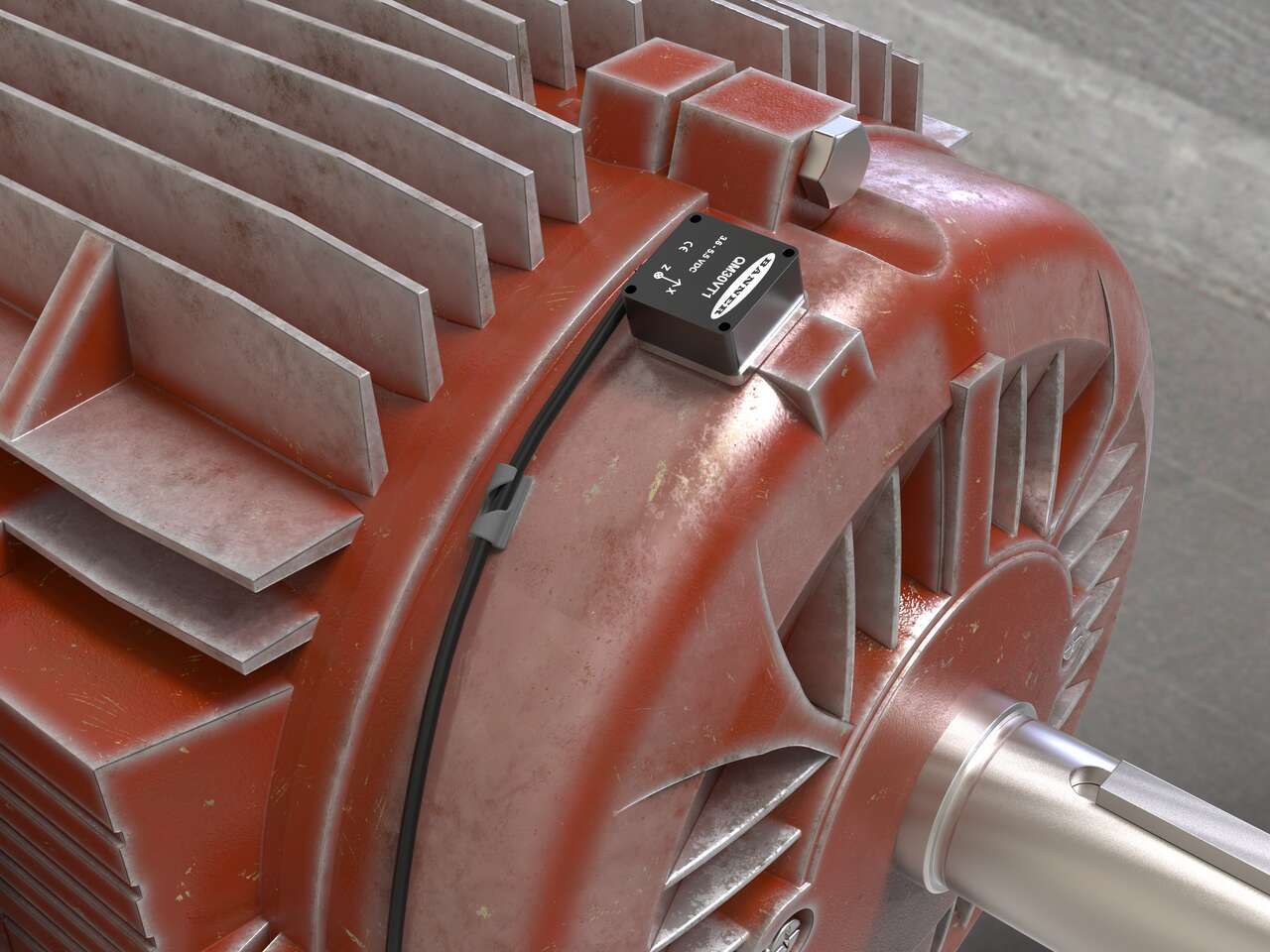
Monitor Vibration: Prevent Costly Downtime in Boiler Room
-

Predictive Maintenance for Crane Motors and Gearboxes
-
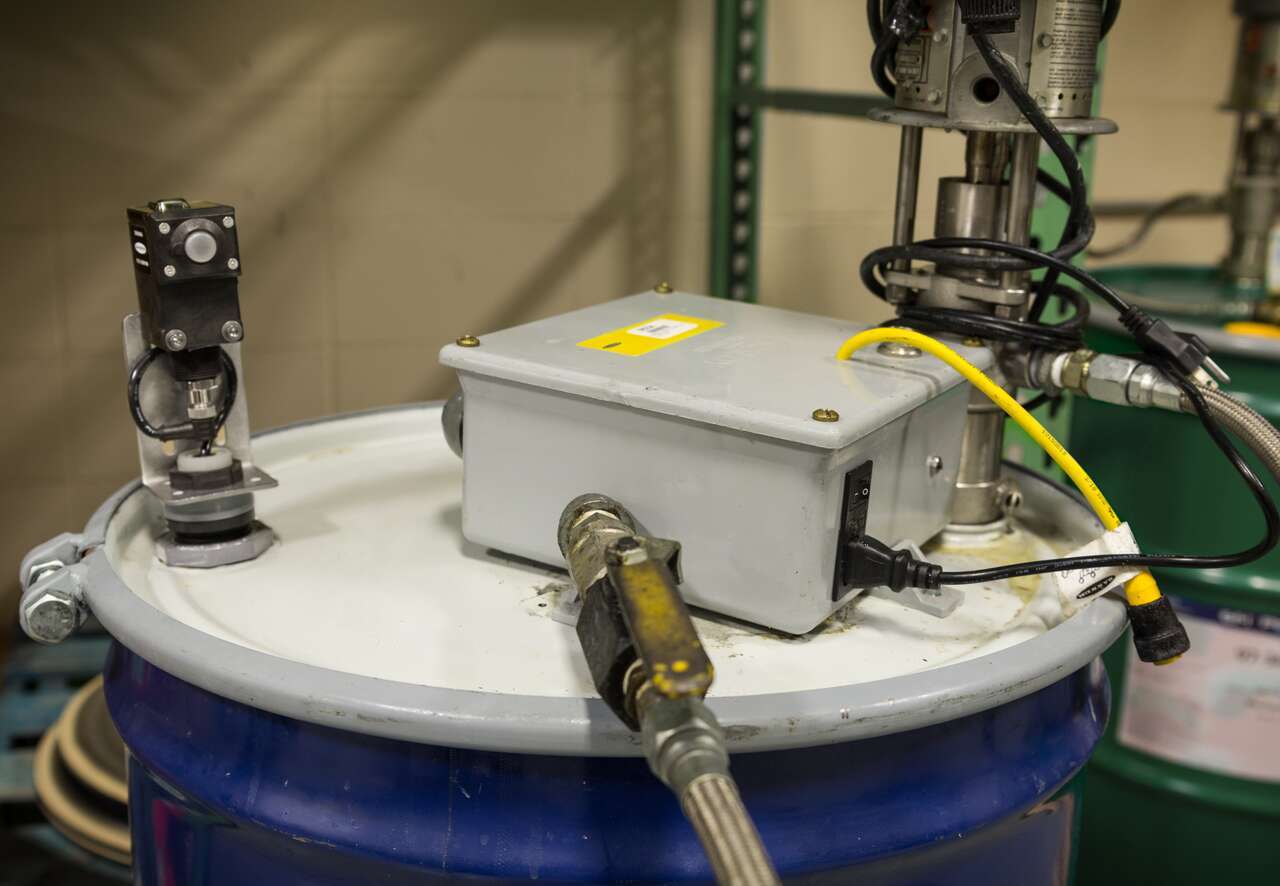
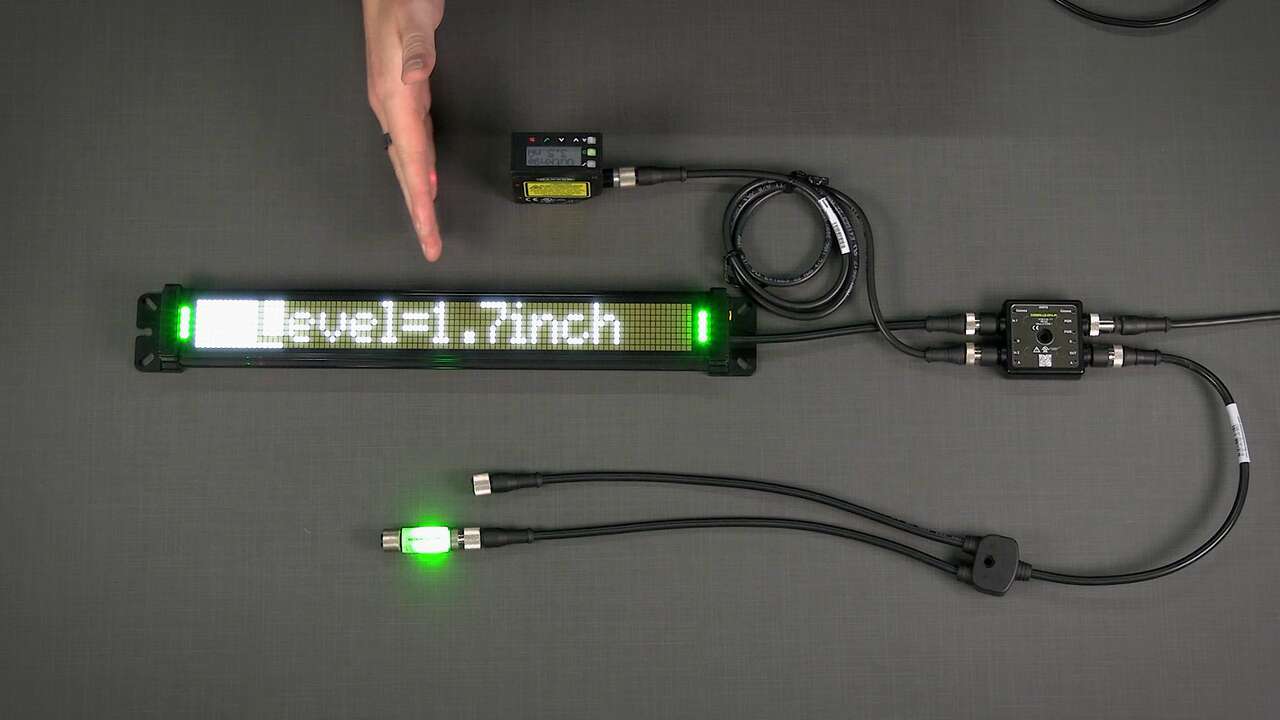
Monitor Fill Level of Liquid in Mobile Drum
-
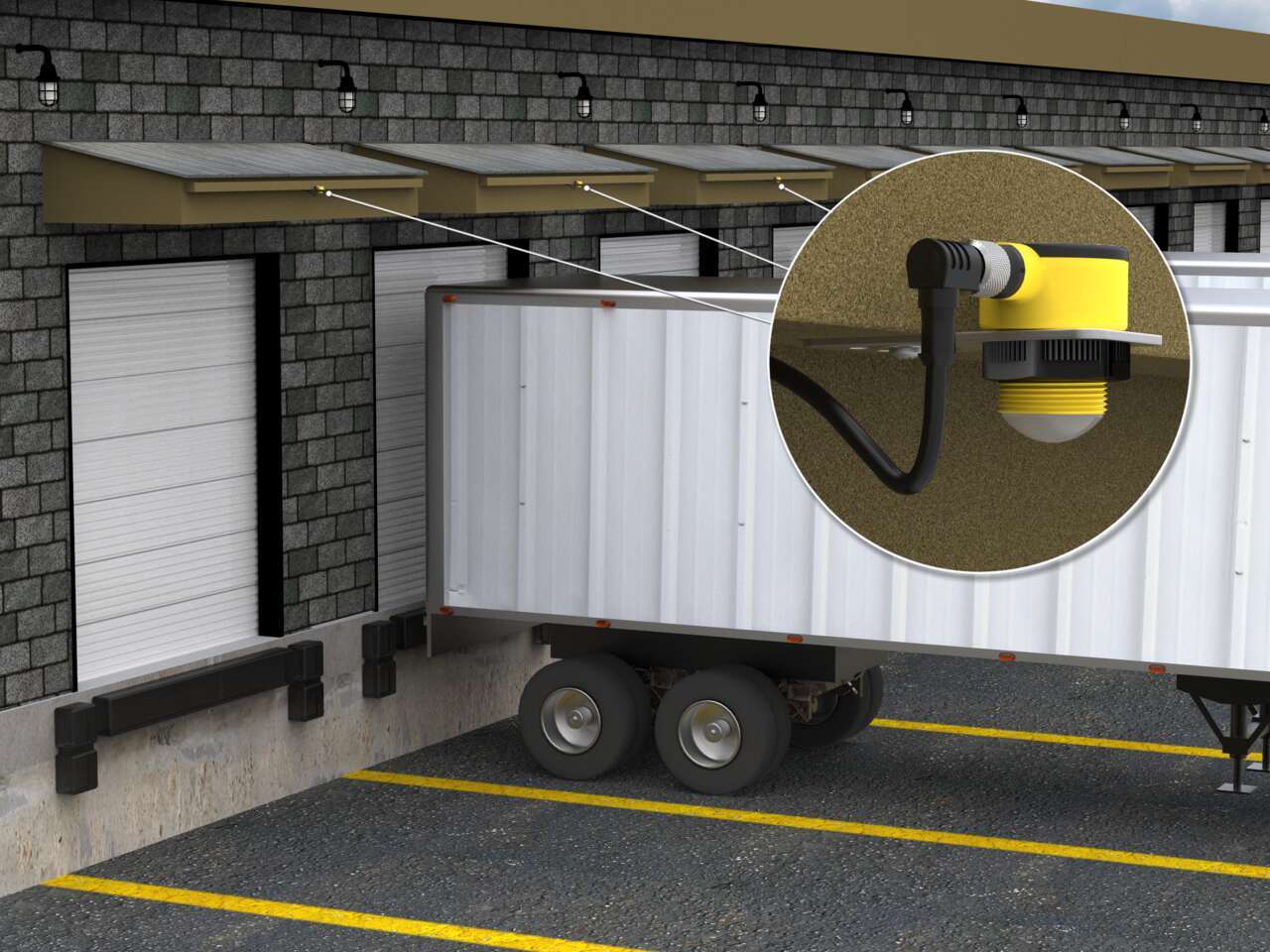
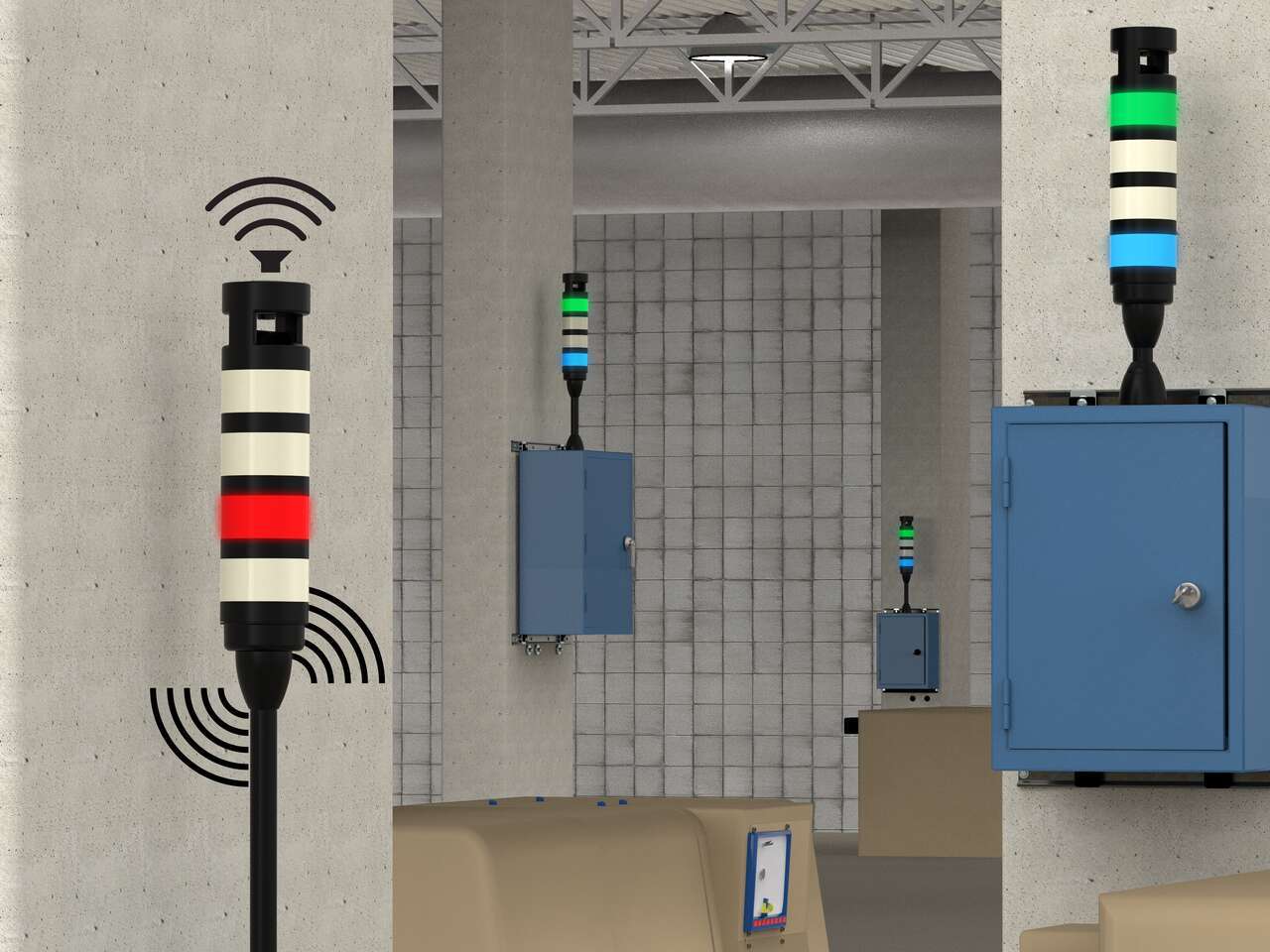
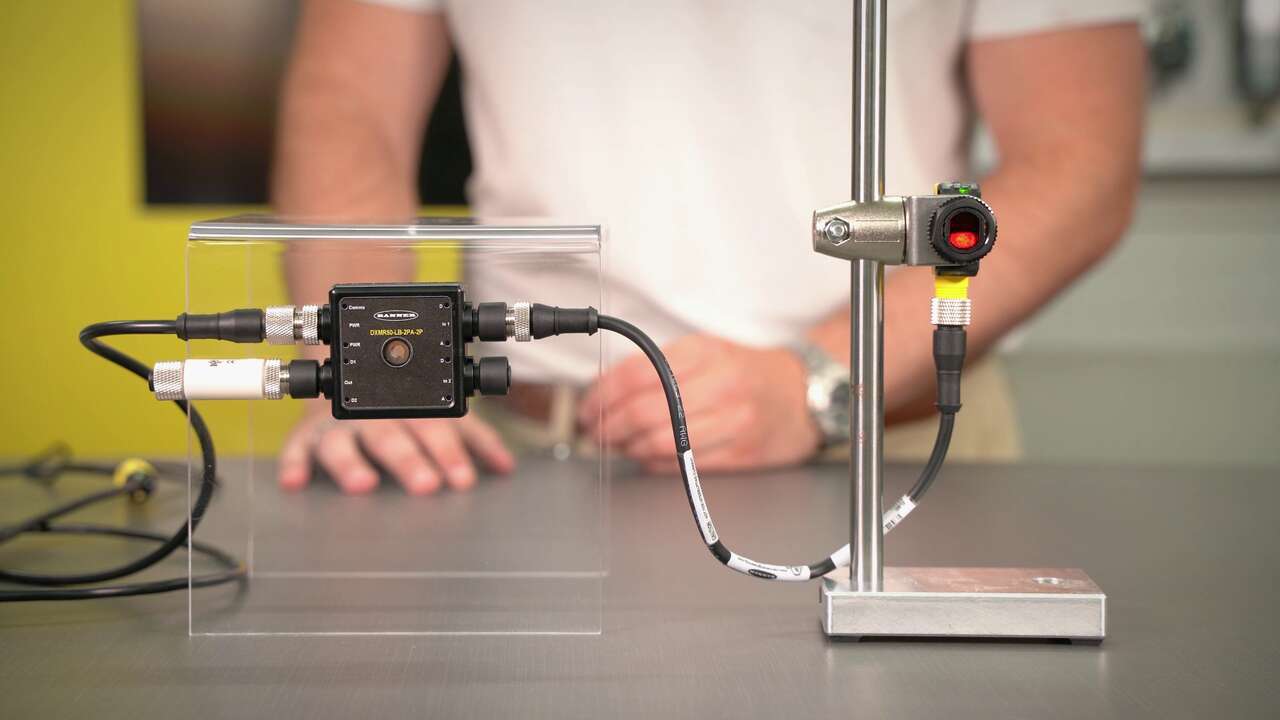
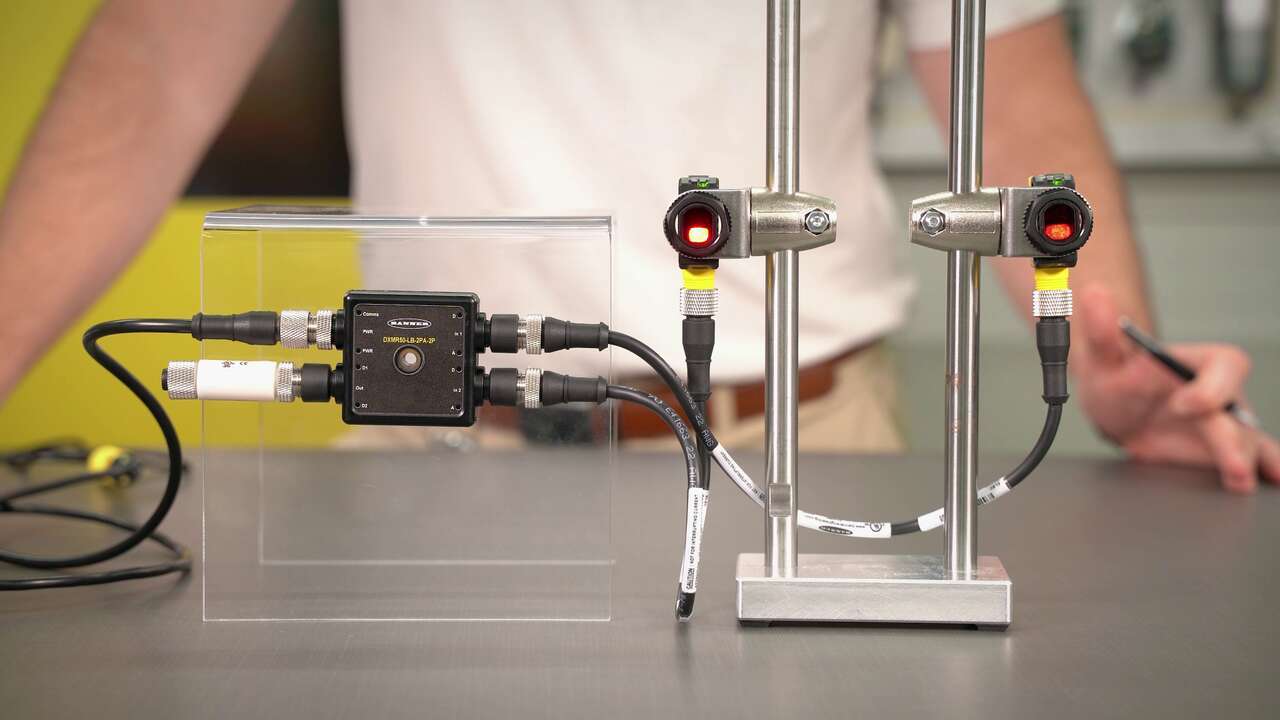
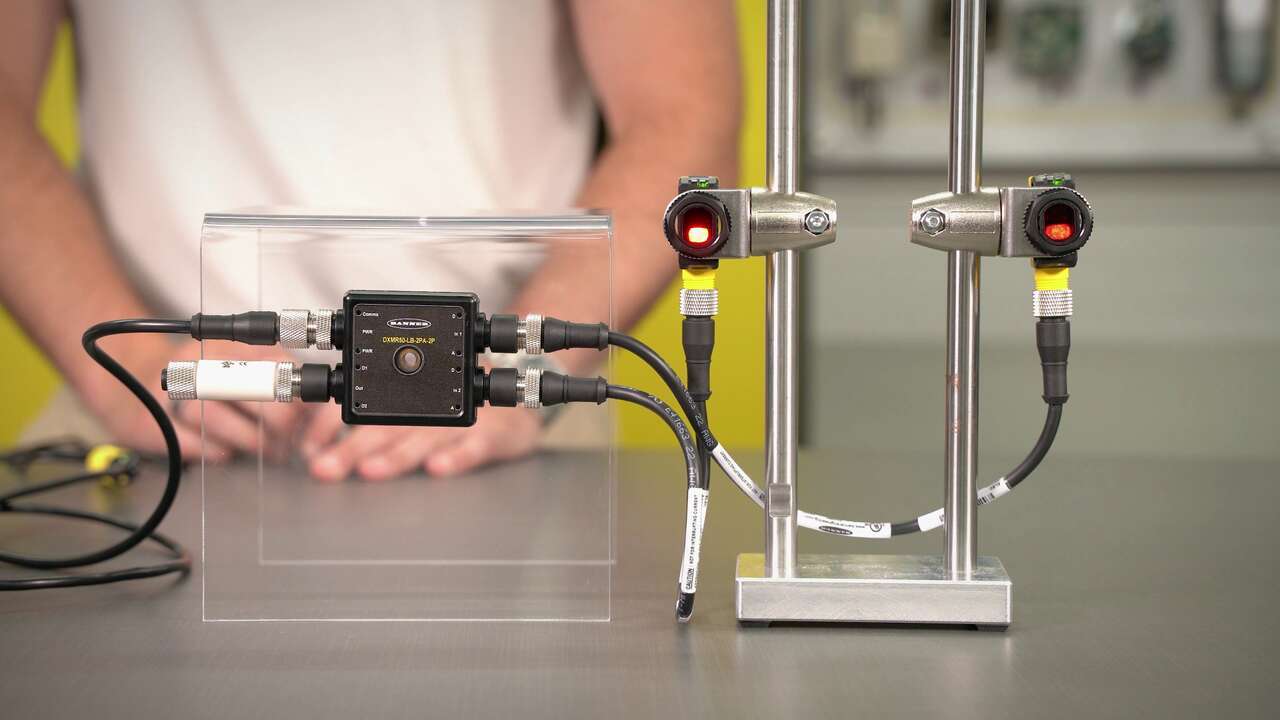
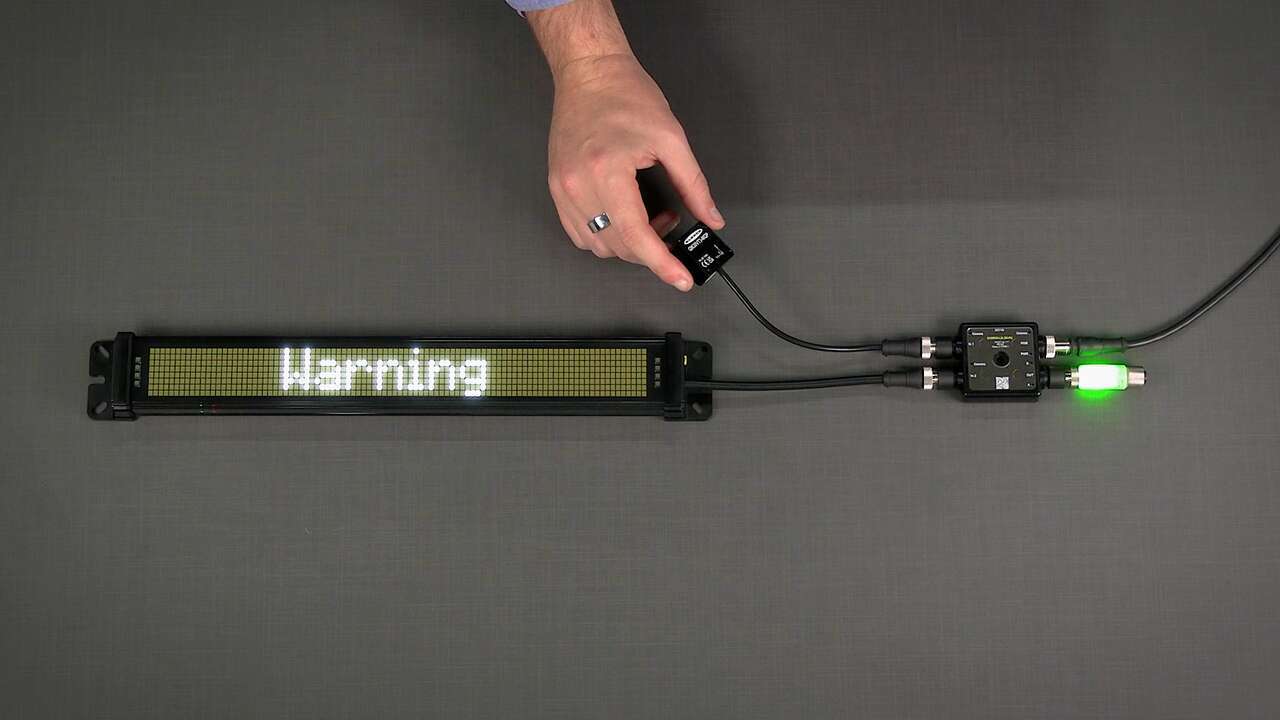
Warehouse Vehicle Detection with Indication
-

5-Step Guide to Modernize Your Factory
-
What IIoT Means for Manufacturing
-

Preventing Downtime in Tire and Rubber Manufacturing
-

Five Steps to Implementing a Predictive Maintenance Program
-

Smarter Lighting
-

Considerations for Lighting in a Manufacturing Environment
-

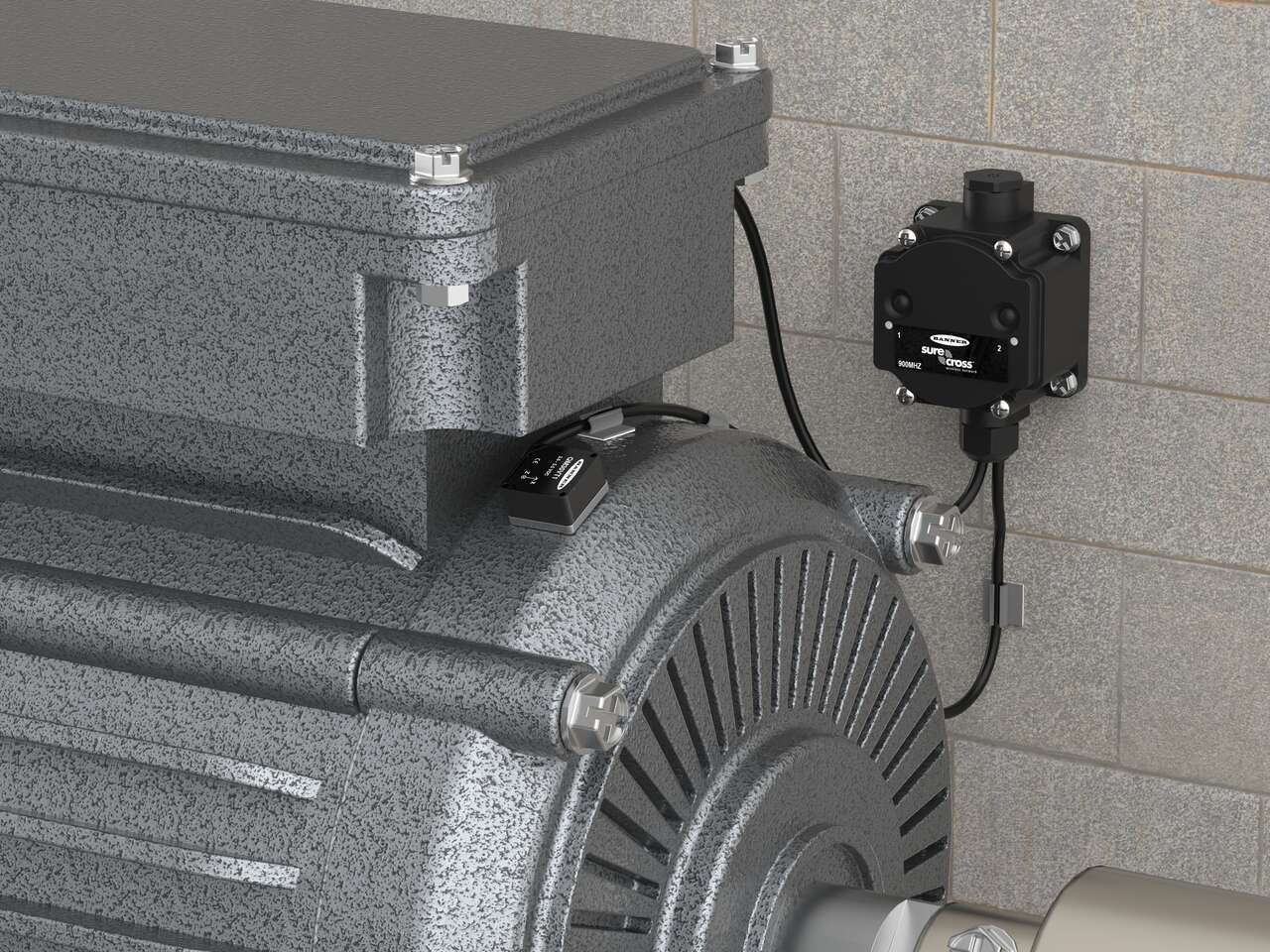
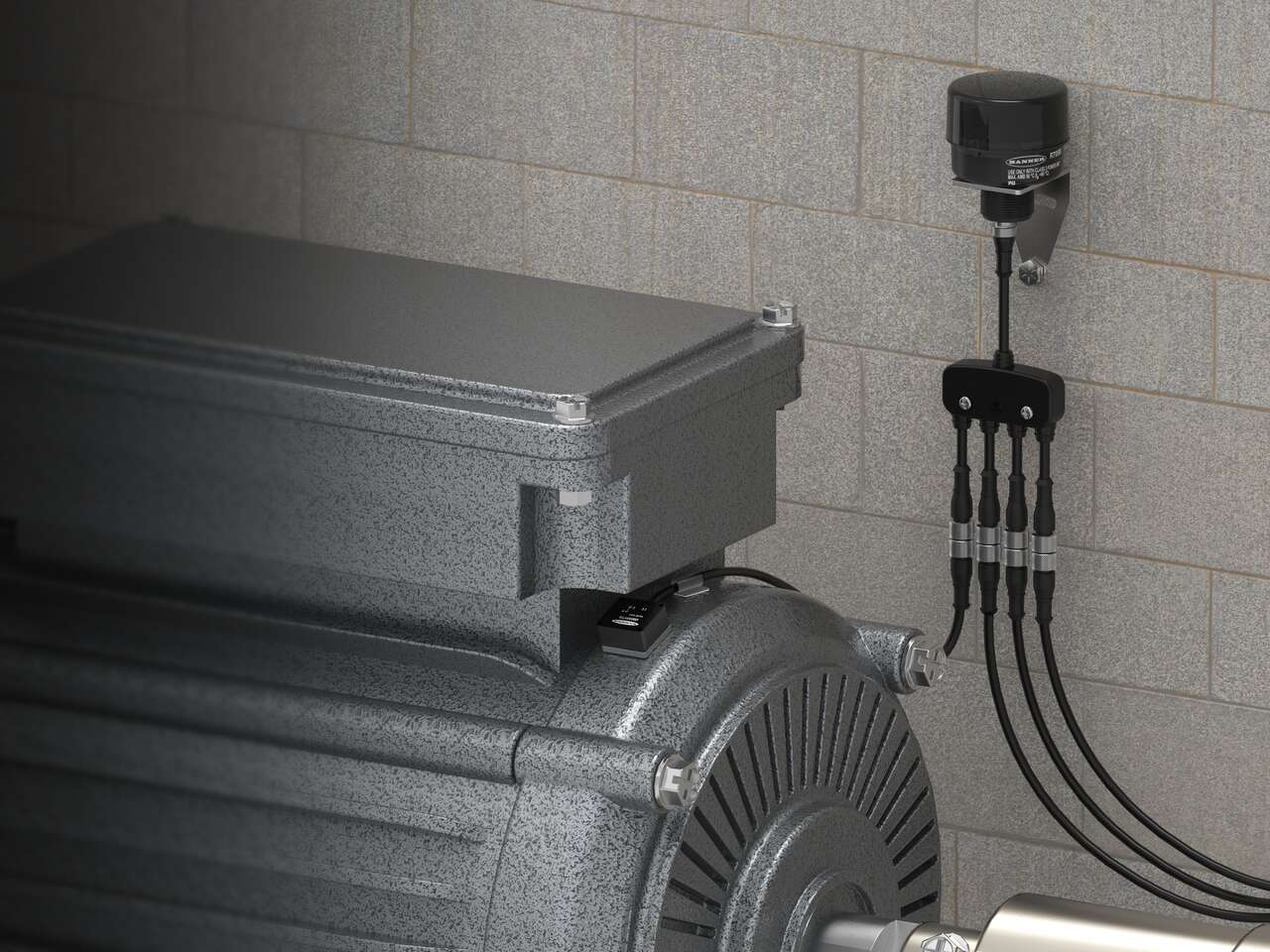
Prevent Motor, Fan, and Pump Failure
-

Machine Safety Fundamentals
