

Safety Light Curtain Accessories
Safety Light Curtain Accessories
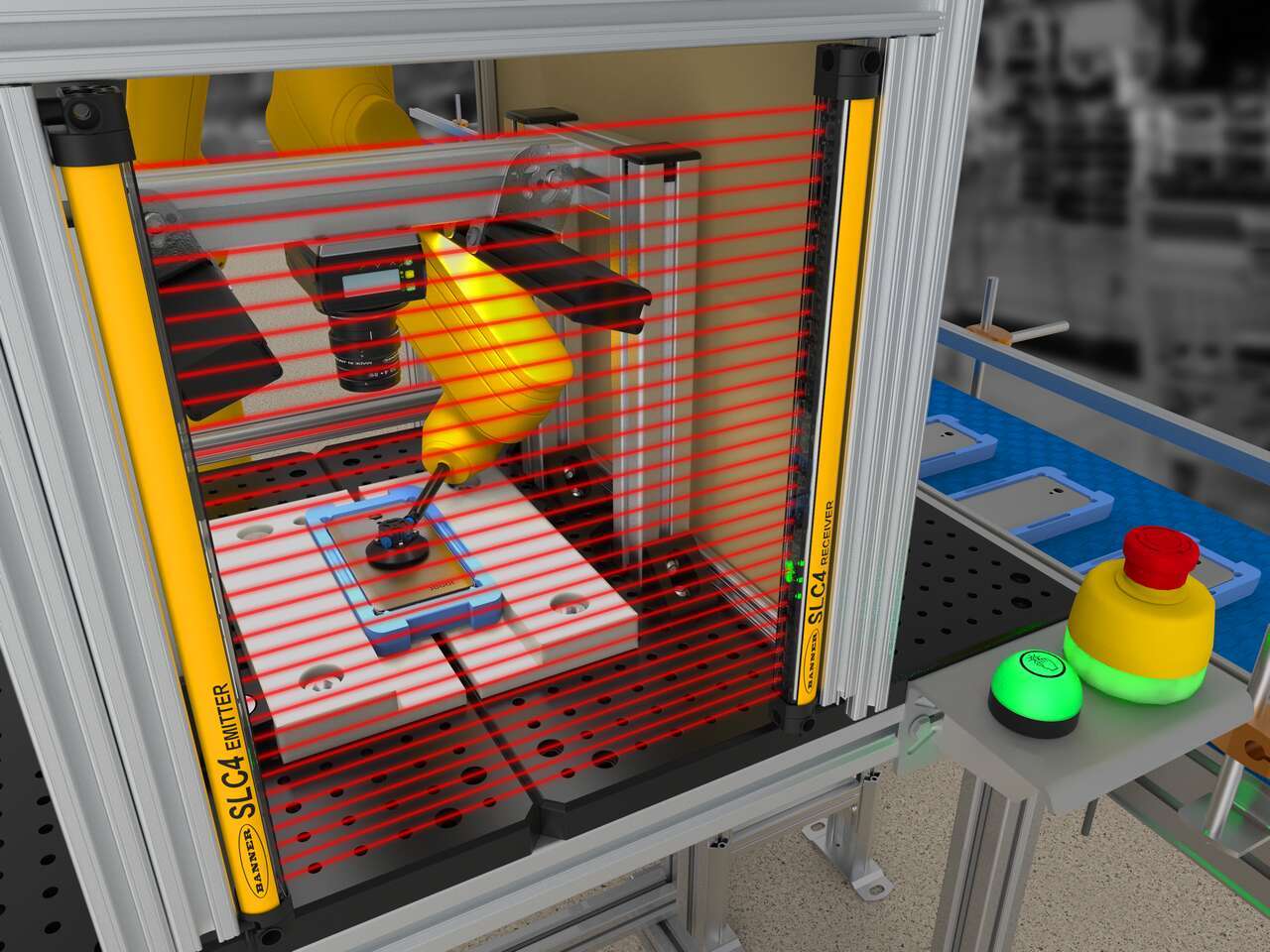
The S4B Type 4 Safety Light Curtain provides durable, dependable machine guarding for a variety of applications. Cascading functionality simplifies installation by reducing wiring and the auto cascade feature automatically recognizes connected curtains. Color-coded cordsets minimize installation errors and allow easy replacement if a component is damaged. Fast response times and two resolution options, 14-millimeter and 30-millimeter, offer greater safety protection. Zone indication LEDs visually identify blocked areas and communicate alignment status, while the weak beam signal indicates when a curtain needs cleaning. Multiple mounting options and optional mute arm kits give the S4B Series enhanced flexibility for installation and operation.


Cascading functionality on the S4B simplifies installation by reducing the wiring needed to connect light curtains to a controller. The auto cascade feature in the S4B goes a step further to facilitate setup and installation, automatically recognizing the next light curtain as they are connected. The minimal response time impact when cascaded allows the S4B to be installed closer to the equipment being guarded, making more efficient use of valuable floor space. Each curtain has the flexibility to be used as a standalone pair, part of a cascade, or in mixed-resolution configurations for various applications. That determination is made by the cordset selected. This means fewer parts to stock, easier ordering, and faster installation. That same flexibility extends across the entire cascade: sensor pairs can be configured with any length, any number of beams, or different resolutions (14 mm or 30 mm), as long as each emitter is paired with its matching receiver.
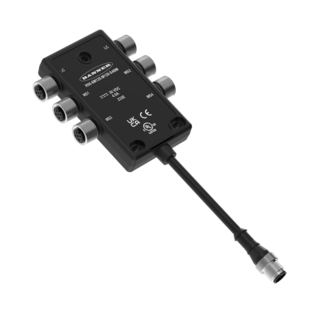
Cordsets for the S4B do more than simply provide power and communication. They determine whether the light curtain is used as a standalone pair or as part of a cascade. Specific connection genders and color-coded cordsets simplify installation and help prevent wiring errors, using yellow for connections between multiple light curtain sticks and black for the run back to the controller. If a cordset is damaged, it can be removed and replaced without replacing the entire curtain, helping reduce repair costs and downtime. The cordsets use standard 5-pin M12 connectors for easy connection to safety I/O modules, while an optional 8-pin cordset provides an EDM option for use with simple safety relays.
Integrated visual indication and IO-Link diagnostics help operators and maintenance teams identify S4B status, alignment issues, and recent faults faster. An illuminated endcap provides clear local status indication, while zone indication and weak beam strength indicators support faster commissioning and help identify maintenance needs before they become larger issues. On devices with Feature ID 4 (FID 4), both the first and last beams can maintain synchronization, ensuring consistent response times regardless of which beam has been blocked. When IO-Link is used, the S4B can log the last 10 faults, provide blocked-beam and measurement data, and allow custom indication states for advanced applications. This gives teams more information to troubleshoot intermittent faults, track the causes of nuisance trips, and support applications such as product height verification, open box detection, pallet wrapping, and material feed location.
Instead of using pin 5 for IO-Link communication, system designers can use it to choose how the light curtain communicates status to operators, maintenance teams, or non-safety control systems. By default, pin 5 outputs a weak beam signal, preserving compatibility with existing applications and alerting maintenance staff to alignment issues or dirty lenses. It can also be configured as an auxiliary output to communicate light curtain status to another device, or as an indicator override input to show an alternate condition, such as muting, without requiring an IO-Link system.
The S4B is available in two different optical resolutions to meet the varying needs of the industrial market. Both resolutions offer high response speeds for greater safety protection with minimal hazard. Models with 14-millimeter resolution have a tighter beam spacing for finger-level detection. Models with 30-millimeter resolution are optimal for hand-level detection applications.
In addition to reduced resolution, muting and blanking provide additional options to meet specific guarding needs. Muting works by allowing objects to pass through operational light curtains by temporarily suspending their safety function, then resuming after the object has passed through the light curtain’s beams. Adding mute arm kits to the S4B helps create a muting solution that simplifies system design and installation. Available for one-sided, X-, and T- configurations, the rigid mute arms protect sensors from damage and misalignment. Flexible mounting options for photoelectric sensors accommodate a wide range of object sizes passing through. The muting block consolidates wiring by combining the S4B light curtains and non-safety sensors into one block.
Reduced resolution allows the S4B to ignore one blocked beam anywhere along the light curtain while still triggering a safety response if two or more beams are blocked. Enabled with two DIP switches, this function is useful in applications such as horizontal guarding or material feed, where small objects, falling scraps, machine components, or passing material may temporarily interrupt the sensing field. This helps plant managers reduce unnecessary downtime, maintain throughput, and keep safety systems working as intended.
Both end and side mount brackets are available for the S4B, each offering 15 degrees of rotational freedom. The end mount option provides a robust mounting solution offering flexibility for integration, easing installation and alignment.
A product overview of the S4B Safety Light Curtains.
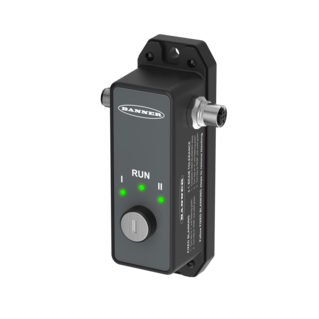
This is a quick how-to video that will cover how to use the remote fixed blanking feature in the S4B Safety Light Curtains from Banner Engineering.
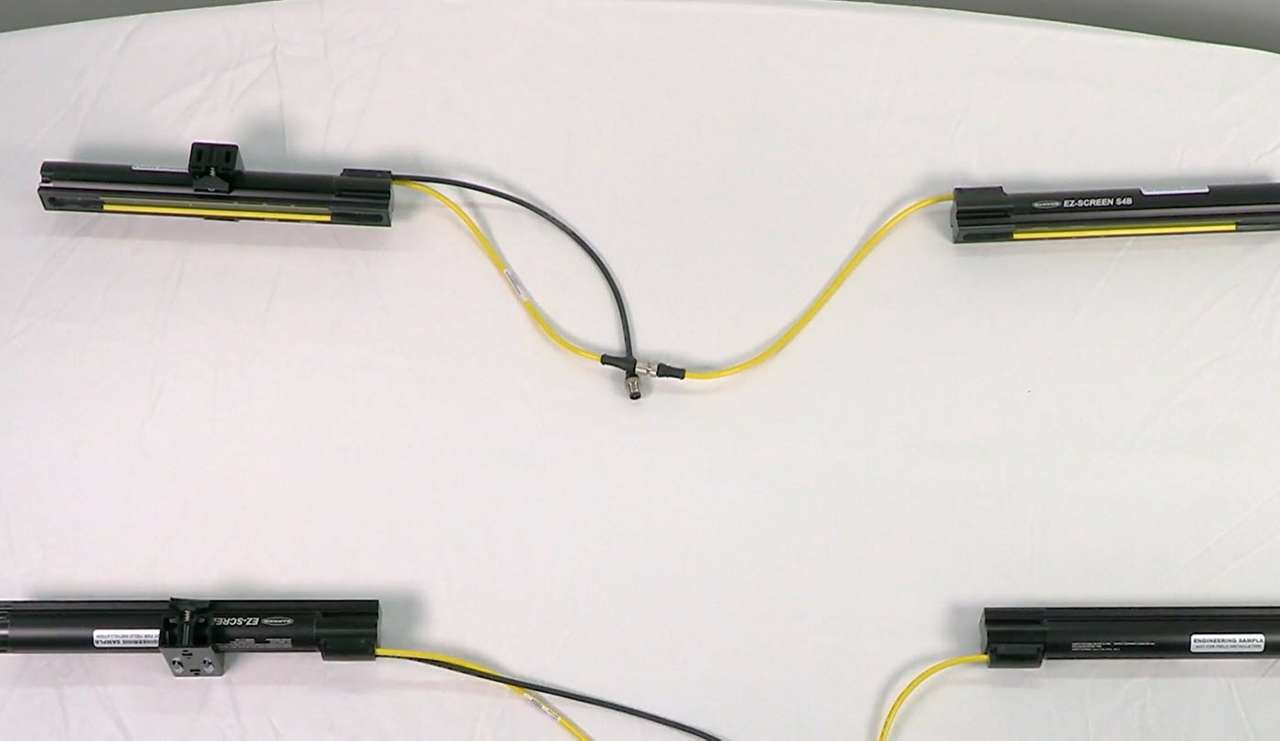
Watch this video to learn how to set up cascading S4B Safety Light Curtains.
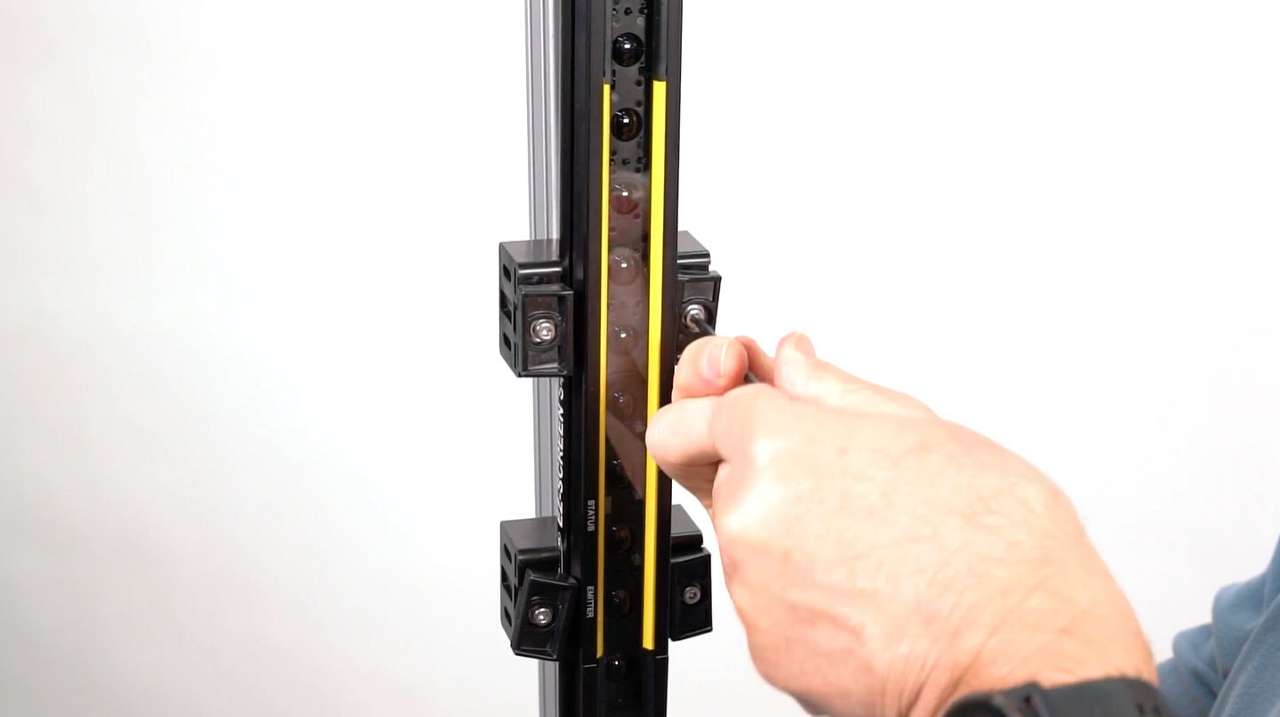
Learn how to mount and align the S4B Safety Light Curtain with either end-mount or side-mount brackets.
Our application engineers are here to help with expert guidance and support. Send us your inquiry, and we’ll get back to you as soon as possible. We’re here to make sure you get the answers you need.