-
Products
-
Lighting and Indication
-
Indicators
-
Signal Lights: SP Series
Signal Lights
Banner Engineering EZ-LIGHT Traffic Lights are preassembled indicators for signaling and traffic control, available with one, two, or three indicators.
- Intense levels of light output for outdoor applications
- Controlled field of view for signage and narrow lane use
- Rugged, cost-effective and easy-to-install
- Compact devices are completely self-contained — no controller needed
- Immune to EMI and RFI interference
- Choose NPN or PNP input, and 15 to 30V dc or 85-130V ac operation, depending on model
Signal Lights: SP Series
Applications
-
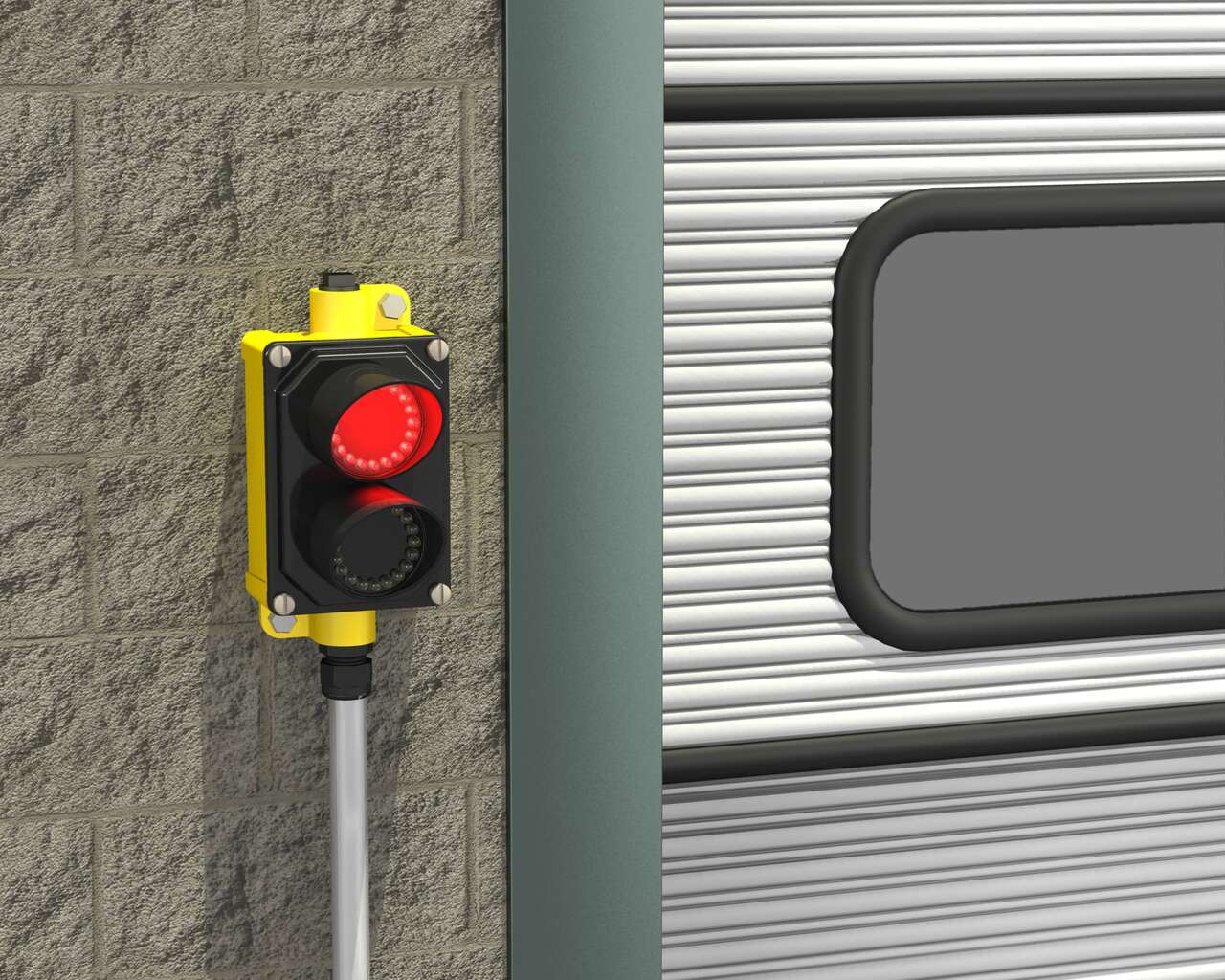
EZ-LIGHT Traffic Lights are mounted at each bay to visually signal to drivers when they have permission to back into the loading dock. The lights are preassembled, with up to three indicators and three colors in one housing, making them cost effective and easy to install. Traffic Lights are an ideal solution for outdoor applications, with intense levels of light output and included sun shields.
-
Traffic Control at Loading Docks
EZ-LIGHT Traffic Lights are mounted at each bay to visually signal to drivers when they have permission to back into the loading dock. The lights are preassembled, with up to three indicators and three colors in one housing, making them cost effective and easy to install. Traffic Lights are an ideal solution for outdoor applications, with intense levels of light output and included sun shields.
Incomplete Checkout
Share Your Checkout Experience
We noticed you didn’t finish your online checkout. We're dedicated to providing the best shopping experience possible and would love to hear if you faced any challenges. Let us know how we can make your experience even better.
Downloads
English Documents
Product Selection
How-to: Advanced Table Functionality
Arrange column order by dragging and dropping the column header left/right with your mouse.
Sort items in a column by ascending values by clicking the table header once. Click a second time to sort by descending order. Click a third time to remove the sorting for that column.
Shift-click additional column headers to sort by multiple attributes. The first column you sort becomes the primary sort, and each Shift-clicked column adds a secondary level of sorting.
-
Reset
Have a Technical Question?
Our application engineers are here to help with expert guidance and support. Send us your inquiry, and we’ll get back to you as soon as possible. We’re here to make sure you get the answers you need.