


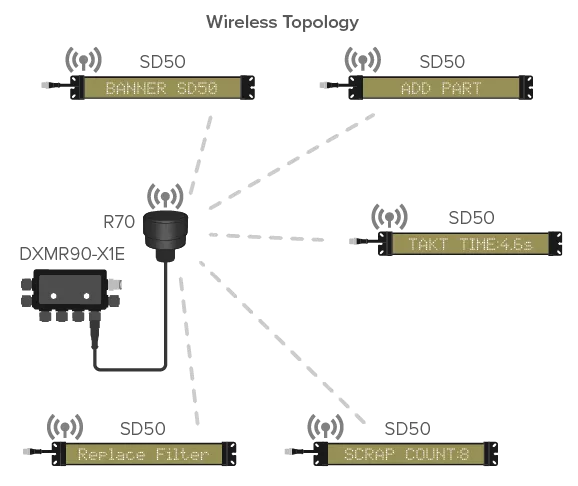
Connessione e comunicazione wireless - SD50
Guarda questo video per apprendere come connettersi e comunicare con il display di stato wireless SD50.

 123
123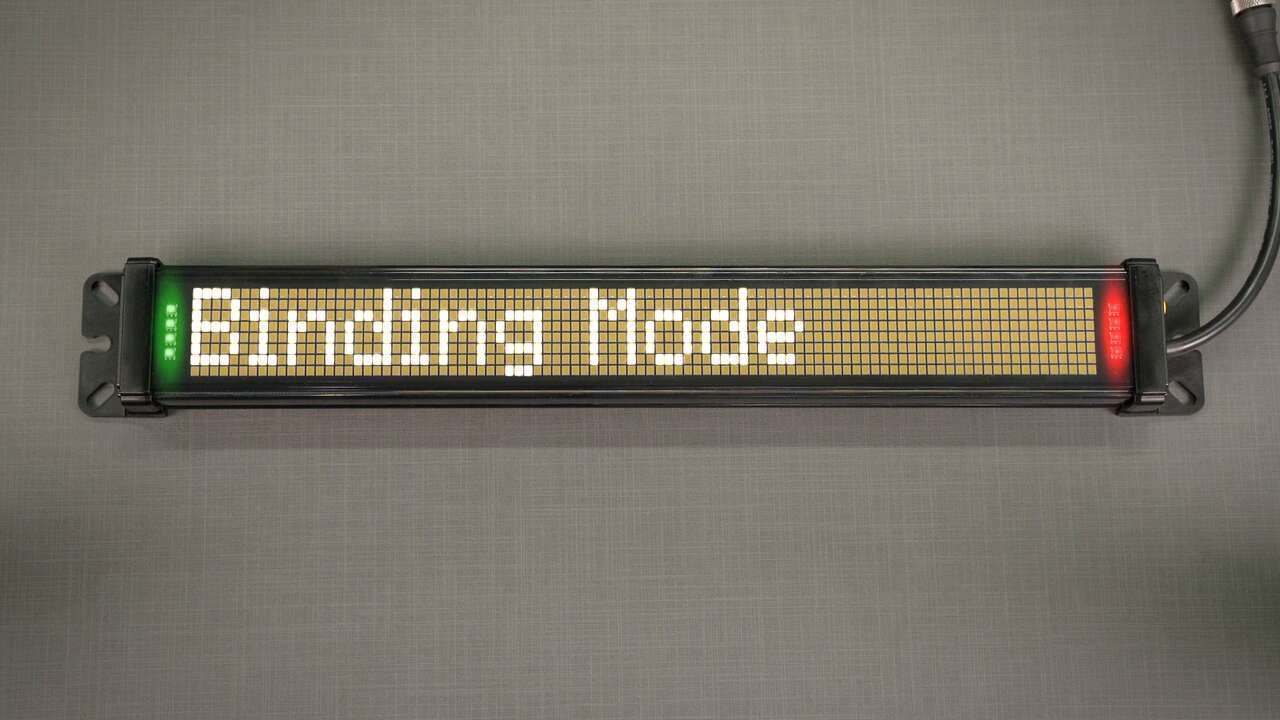
Guarda questo video per apprendere come connettersi e comunicare con il display di stato wireless SD50.
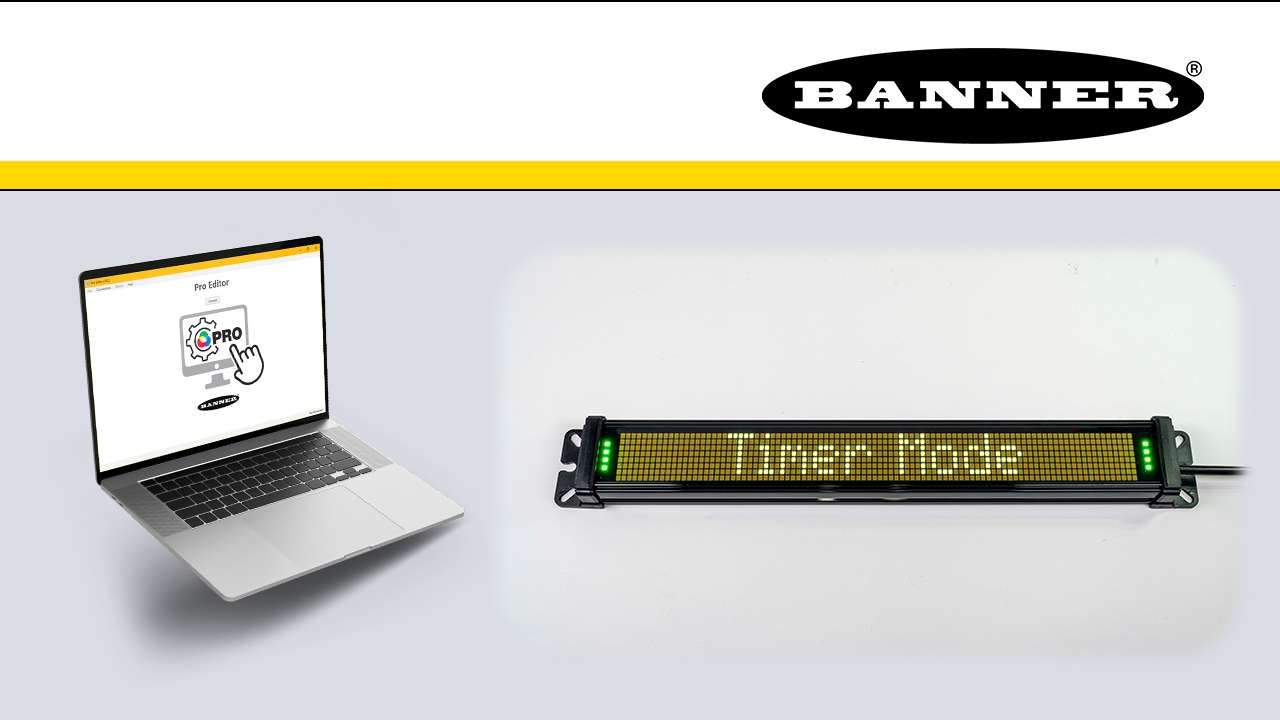
How to control the SD50 Status Display in Timer mode, using Pro-Editor software
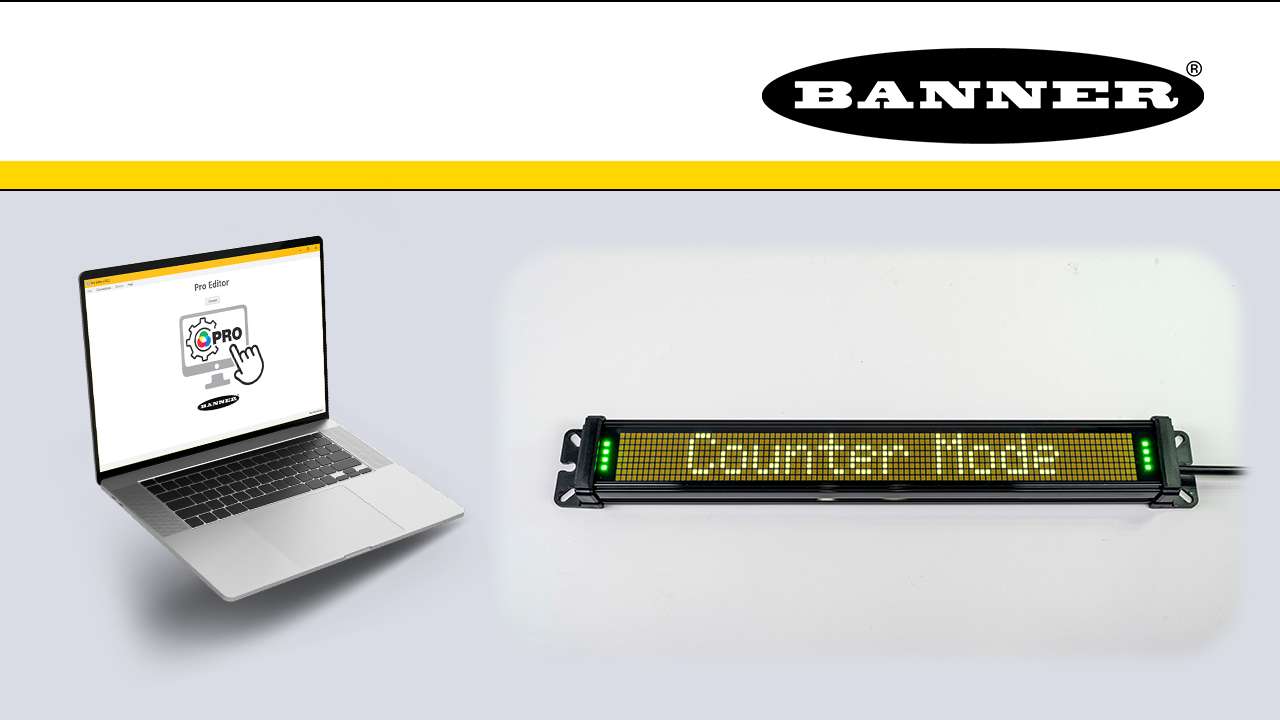
How to use the SD50 Status Display in Counter Mode, using Pro-Editor software
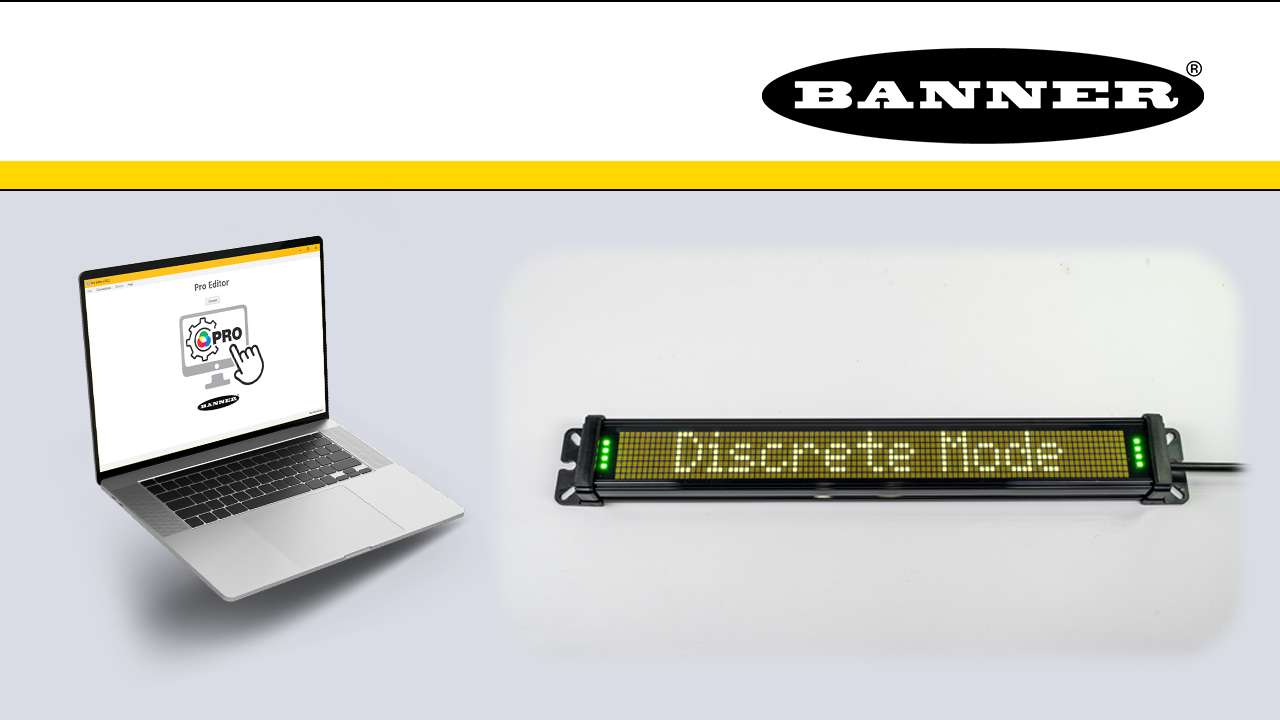
How to set up a configuration for the SD50 Status Display using the Discrete Control function
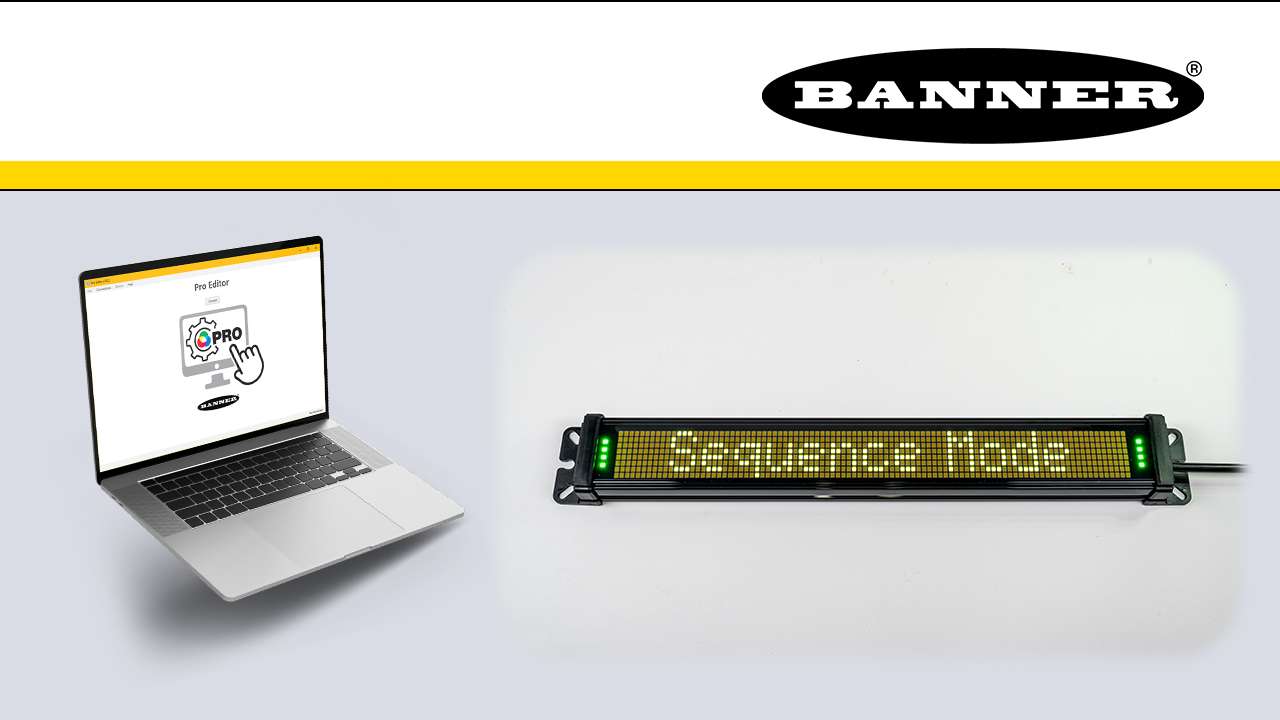
How to set up the SD50 Status Display in Sequence mode
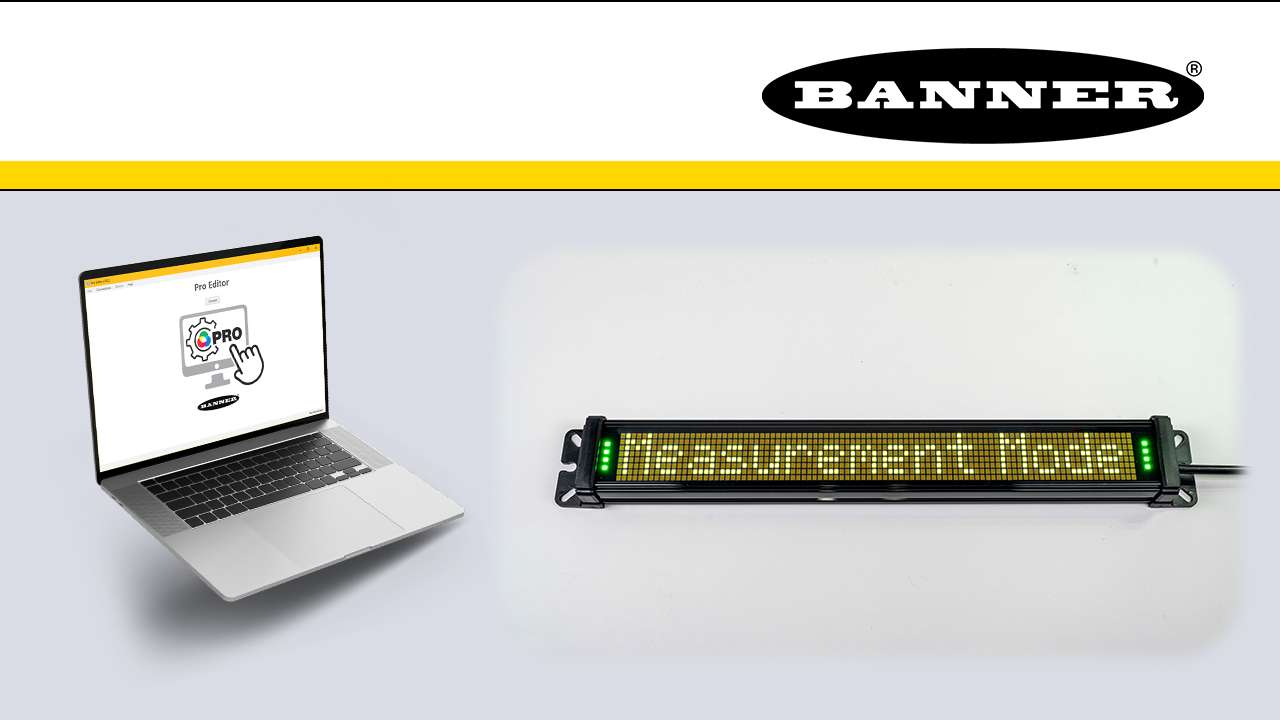
How to use the SD50 Status Display in Measure Mode, using Pro-Editor software
Arrange column order by dragging and dropping the column header left/right with your mouse.
Sort items in a column by ascending values by clicking the table header once. Click a second time to sort by descending order. Click a third time to remove the sorting for that column.
Shift-click additional column headers to sort by multiple attributes. The first column you sort becomes the primary sort, and each Shift-clicked column adds a secondary level of sorting.

Our application engineers are here to help with expert guidance and support. Send us your inquiry, and we’ll get back to you as soon as possible. We’re here to make sure you get the answers you need.