.psd/jcr:content/renditions/cq5dam.thumbnail.140.100.png)
Applicazioni
Banner Engineering offre soluzioni intelligenti e convenienti che soddisfano le esigenze dei clienti, forniscono una risposta affidabile alle loro sfide e offrono prestazioni ai massimi livelli.


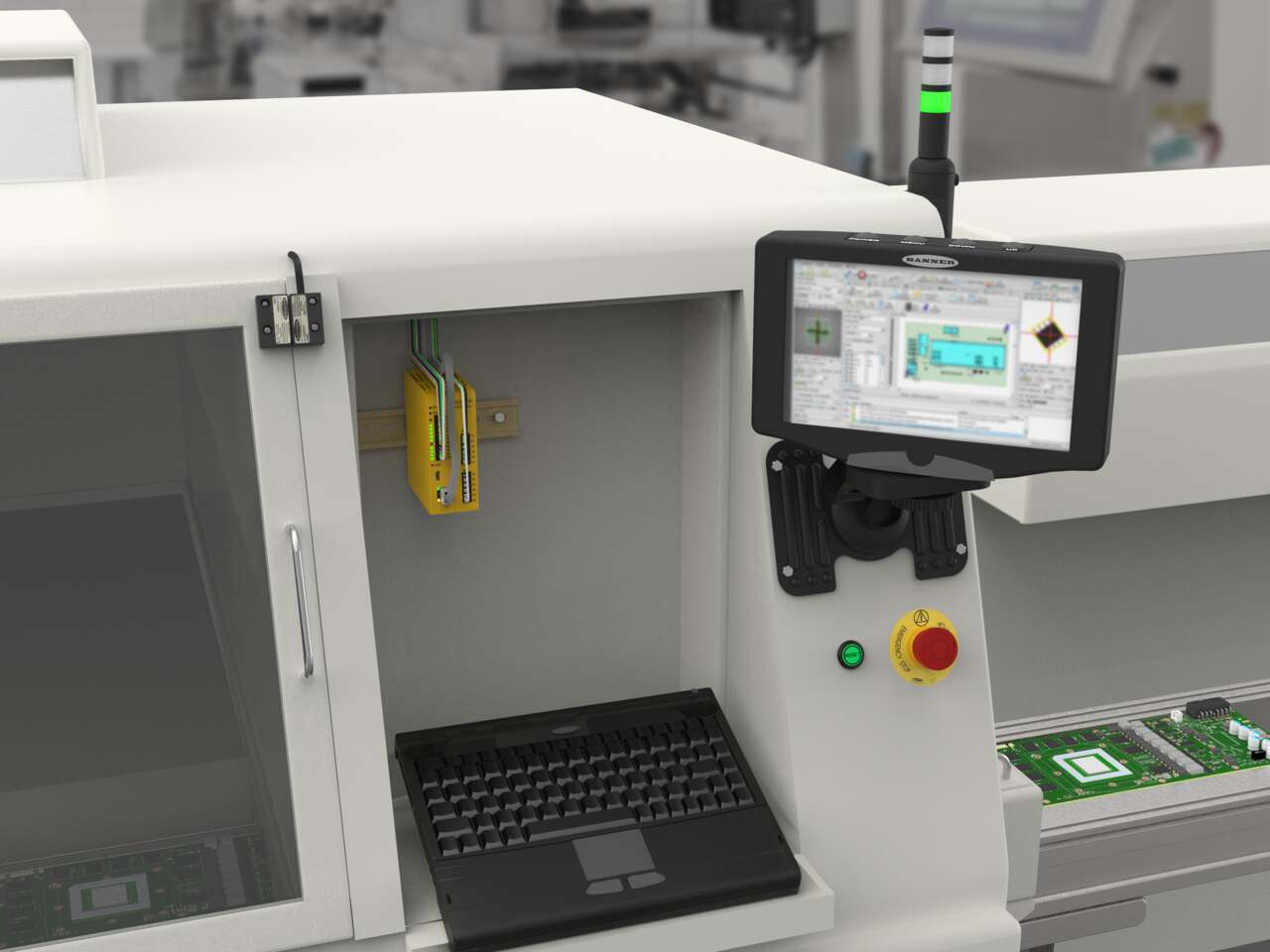
Banner Engineering offre soluzioni intelligenti e convenienti che soddisfano le esigenze dei clienti, forniscono una risposta affidabile alle loro sfide e offrono prestazioni ai massimi livelli.
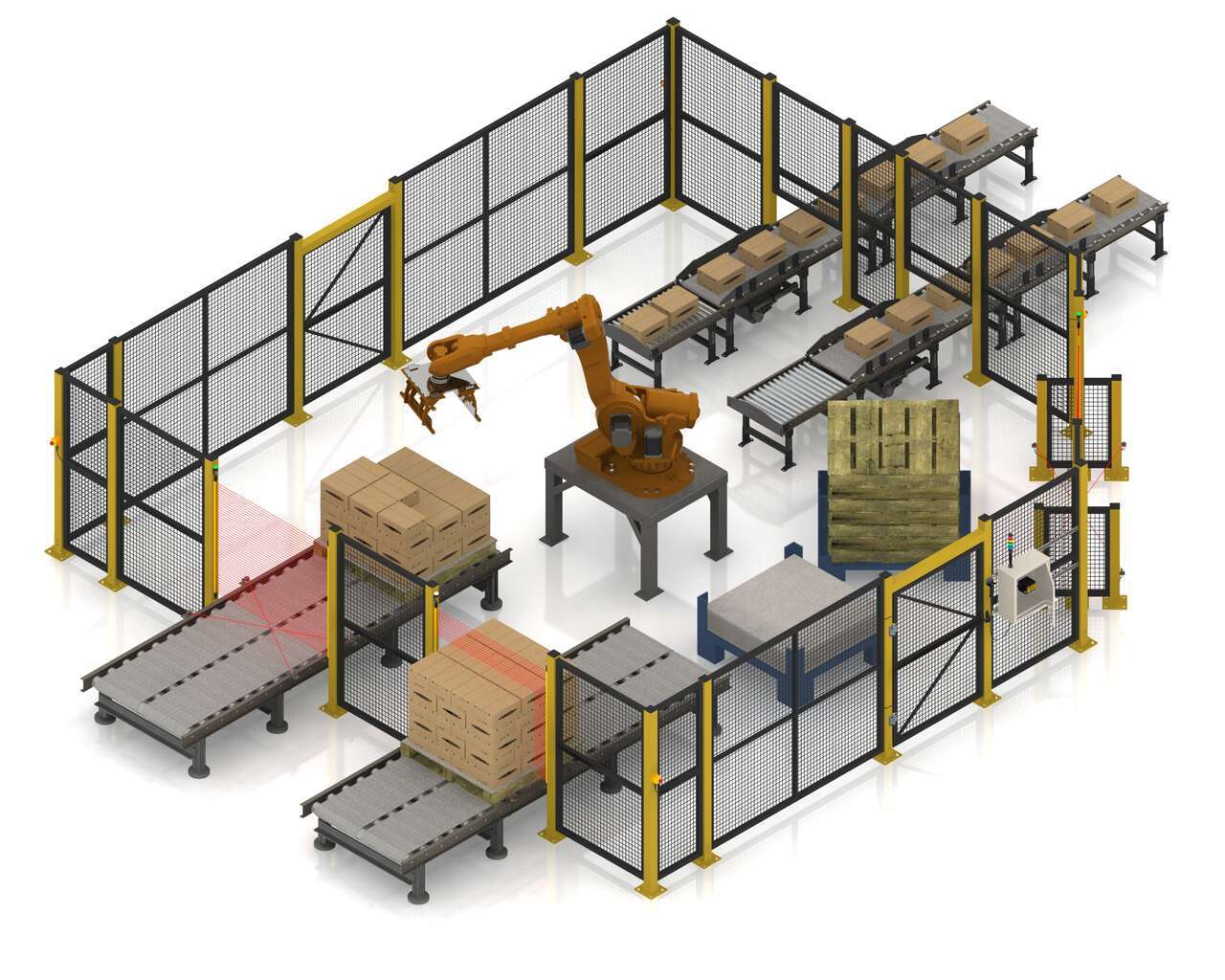
L'SC26-2 di Banner è un controller di sicurezza facile da usare, provvisto di un ambiente di programmazione intuitivo. ll controller di sicurezza programmabile può gestire tutti i dispositivi di sicurezza con un solo modulo. L'SC26-2 comunica lo stato dei dispositivi di sicurezza via IP Ethernet e controlla una torretta luminosa per un'indicazione visiva dello stato dei dispositivi di sicurezza. Grazie al controller di base, otto dei 26 ingressi possono essere configurati come uscite per un uso efficiente dei terminali.
Watch this video to learn how to use the SC-XM3 external memory drive to copy Banner safety controller configurations.
A tutorial of the Equipment and Wiring Diagram sections of the Safety Controller software from Banner Engineering.
Watch this video to learn how to configure and monitor an in-series diagnostics chain with a Banner safety controller.
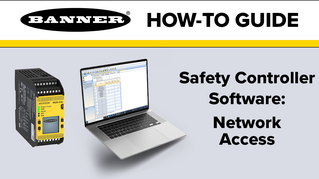
Watch this video to learn how to set up the Network Access feature for the XS26 and SC26 Safety Controllers.
Watch this video for an overview of the SC software, which allows you to configure your Banner safety controller to fit your specific safety application needs.
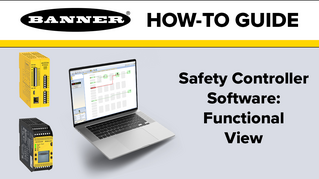
A tutorial of the Functional View section of the Safety Controller software from Banner Engineering.
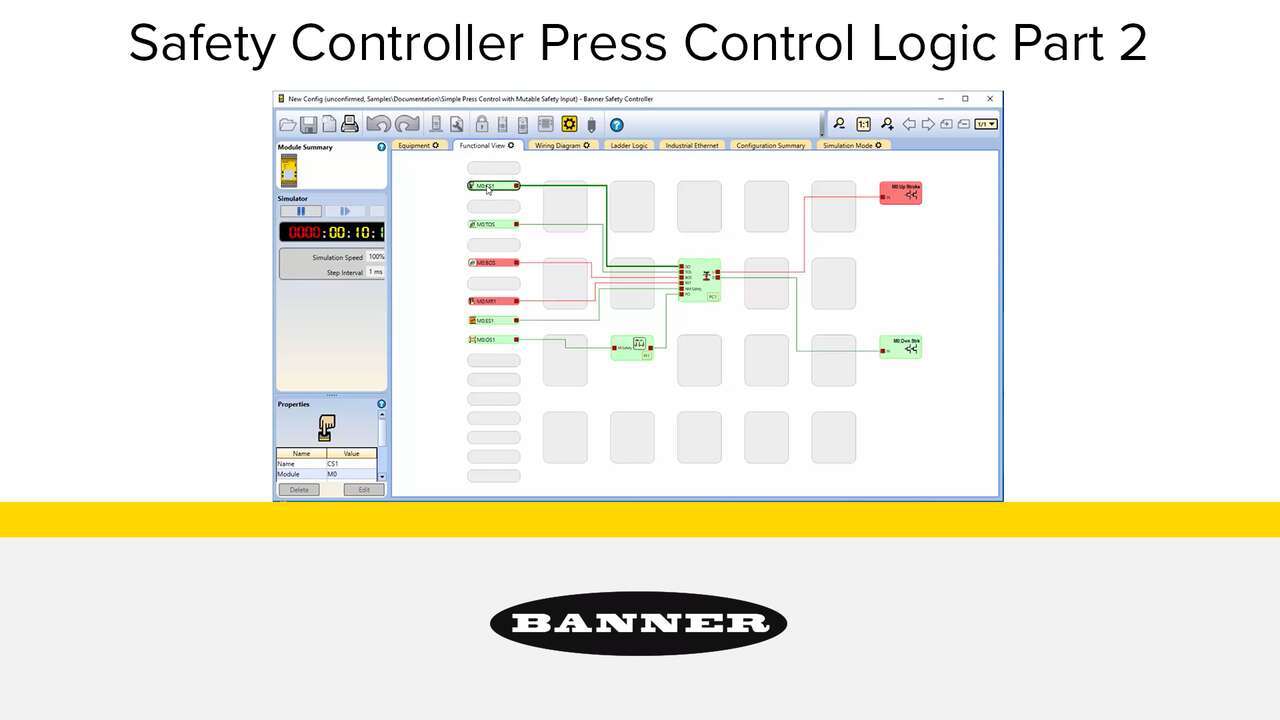
Watch the video to see how to setup a full featured press control system that uses an XS26-2 Safety Controller, XS2so Safety Output Module, Press Status inputs, cycle start, a manual reset, an optical safety sensor, sequential stop, mute sensor, foot petal input and an emergency stop. an XS26-2 Safety Controller, Press Status inputs, a Cycle Initiation, a manual reset, an optical safety sensor, and an emergency stop.
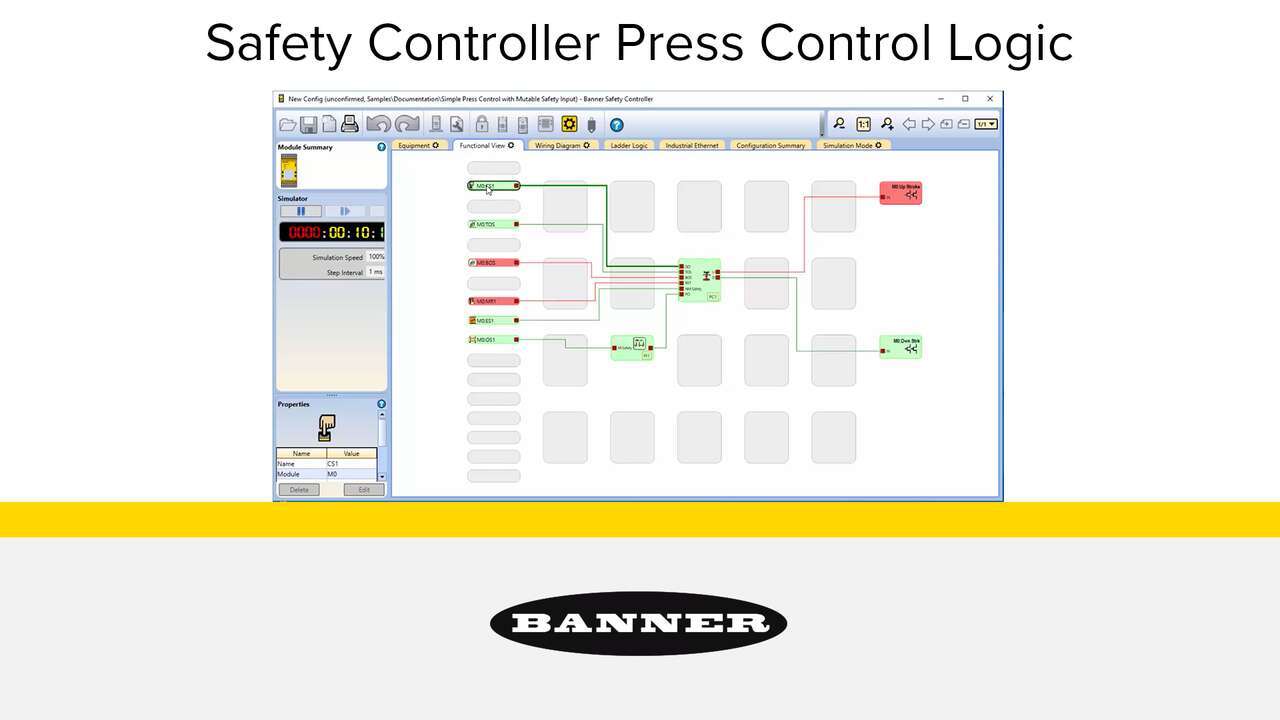
Watch the video to see how to setup a simple press control system that uses an XS26-2 Safety Controller, Press Status inputs, a Cycle Initiation, a manual reset, an optical safety sensor, and an emergency stop.
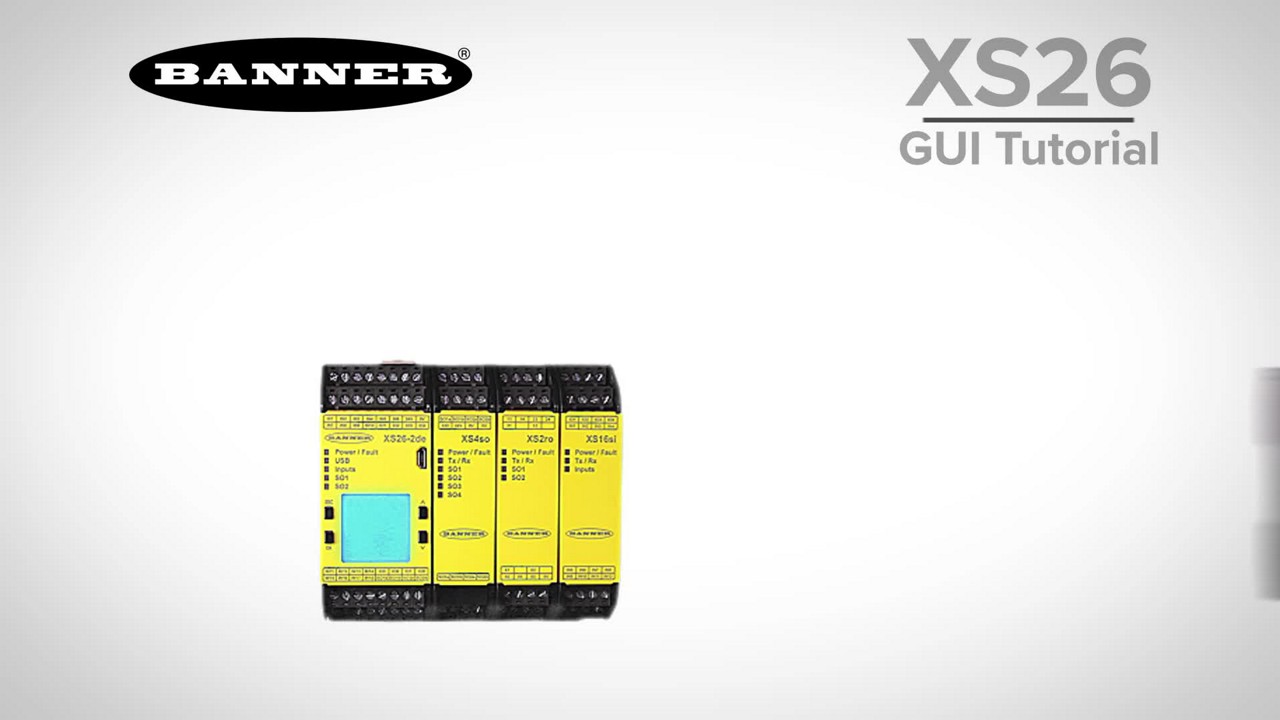
This tutorial will demonstrate how to set up a simple safety system in just a few minutes with the XS26 safety controller software.
Our application engineers are here to help with expert guidance and support. Send us your inquiry, and we’ll get back to you as soon as possible. We’re here to make sure you get the answers you need.