
Indicatori e illuminazione di servizio

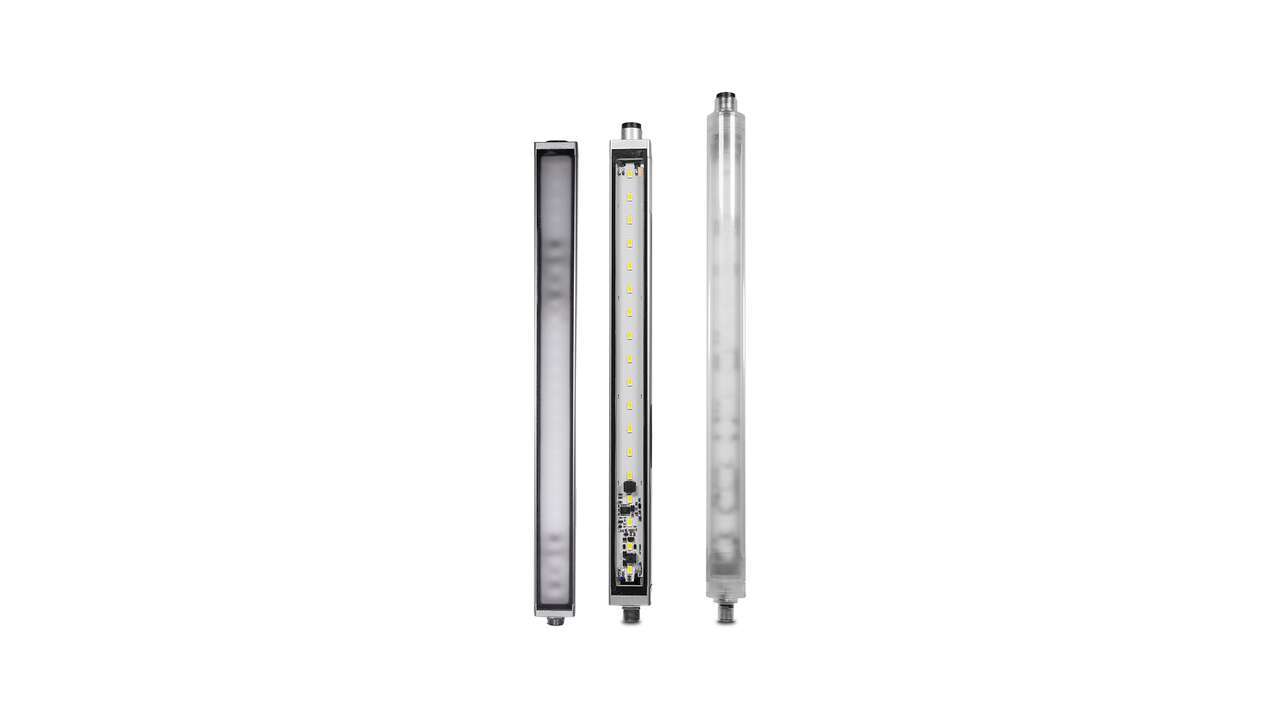
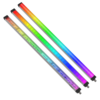
Strisce luminose a LED WLS28

Hai una domanda su un indicatore o una luce di servizio?

3.6MB
pdf
9 Feb 2026
721K
pdf
19 Jan 2022
2.8MB
pdf
12 Mar 2025
599K
pdf
28 Mar 2024
Brochure e Cataloghi

Documenti italiani


Documentazione tecnica

Documenti italiani


Documenti inglesi


File di dati del prodotto

Documenti inglesi


Nome file
Brochure e Cataloghi

Documenti italiani


Documentazione tecnica

Documenti italiani


File di dati del prodotto

Documenti inglesi


Nome file
Brochure e Cataloghi

Documenti italiani


Documentazione tecnica

Documenti italiani


  • How-To Guide: Pro Strip Lights Distance Mode

    How-To Guide: Pro Strip Lights Distance Mode

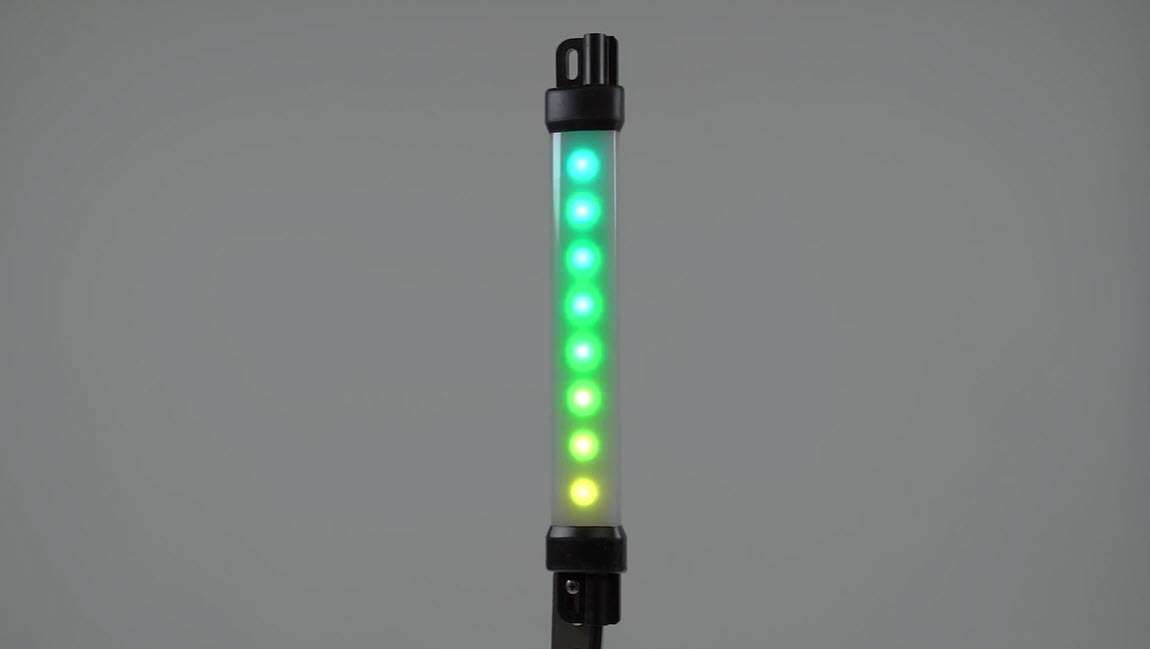
    This video covers the basics of setting up the Distance mode for Pro-compatible strip lights from Banner Engineering.

  • Why Go Pro?

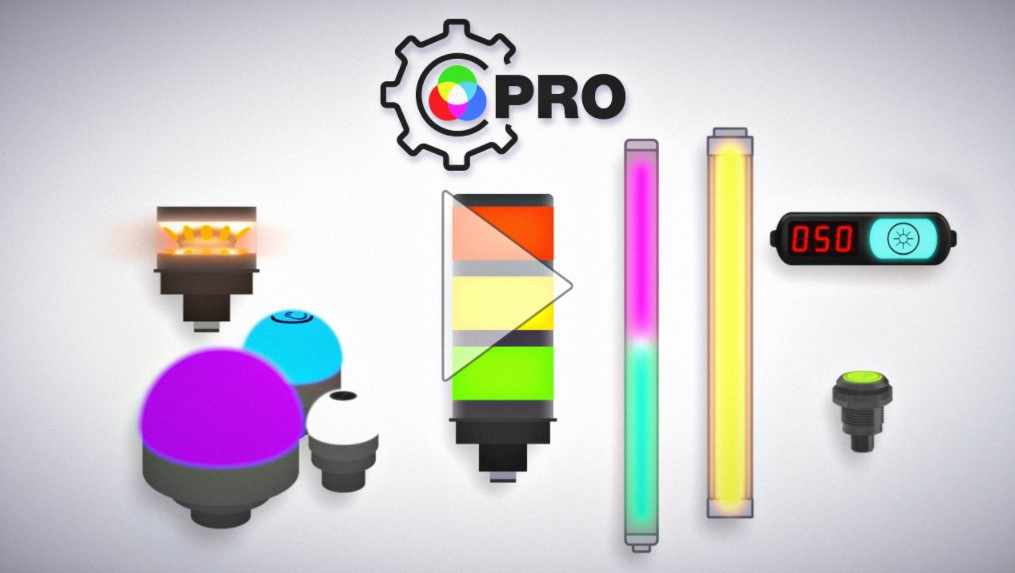
    Why Go Pro?

    The Pro Series programmable multicolor LED devices from Banner Engineering offer limitless possibilities for advanced indication of dynamic machine states, operator interaction, and process statuses. Watch the video to see what elevates a Banner Pro light above a traditional factory light.

  • Luci a LED di tipo industriale: l'illuminazione semplice [Video]

    Luci a LED di tipo industriale: l'illuminazione semplice [Video]

    Le luci a LED di tipo industriale sono soluzioni di alta qualità e a basso consumo. Erogano una luce omogenea e brillante

  • EZ-STATUS Solutions for the Visual Factory

    EZ-STATUS Solutions for the Visual Factory

    Watch the video to learn why EZ-STATUS lights are an ideal indication solution to empower your visual factory.

  • Multicolor LED Strip Lights with EZ-STATUS®

    Multicolor LED Strip Lights with EZ-STATUS®

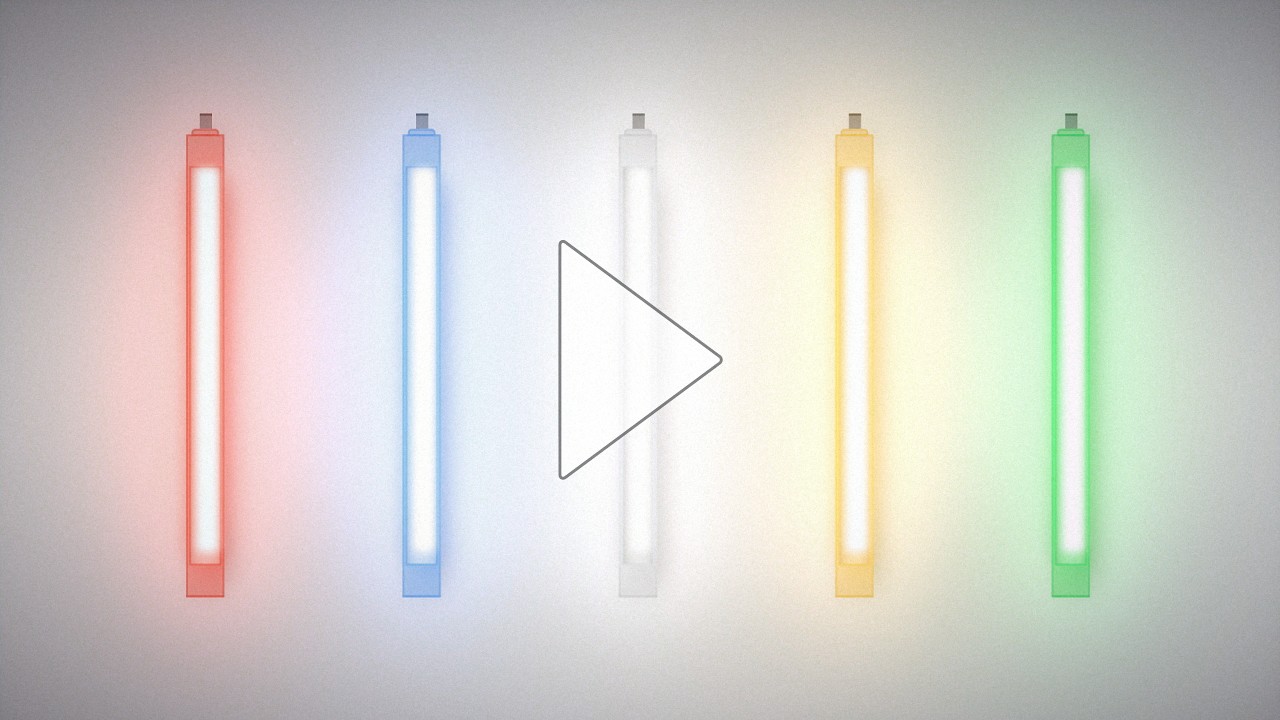
    Learn about the new multicolor LED strip lights with EZ-STATUS® for illumination and indication in one device. Add versatility to lighting applications with a simple lighting device.

Selezione prodotto

How-to: Advanced Table Functionality

Arrange column order by dragging and dropping the column header left/right with your mouse.

Sort items in a column by ascending values by clicking the table header once. Click a second time to sort by descending order. Click a third time to remove the sorting for that column.

Shift-click additional column headers to sort by multiple attributes. The first column you sort becomes the primary sort, and each Shift-clicked column adds a secondary level of sorting.

Prodotti consigliati
  • Ripristina
Risultati 1- di

Have a Technical Question?

Aggiungi alla mia libreria
Aggiunto