


SC Software Functional View
A tutorial of the Functional View section of the Safety Controller software from Banner Engineering.

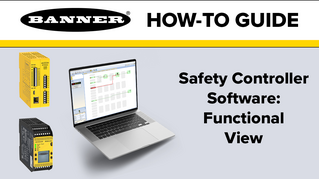
A tutorial of the Functional View section of the Safety Controller software from Banner Engineering.
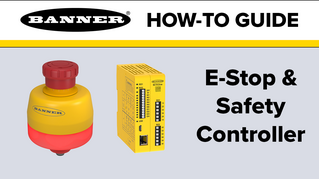
Watch this video to learn how to configure an emergency stop button to an SC10 safety controller.
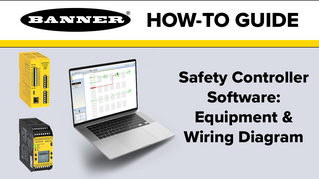
A tutorial of the Equipment and Wiring Diagram sections of the Safety Controller software from Banner Engineering.
Watch this video to learn how to configure and monitor an in-series diagnostics chain with a Banner safety controller.
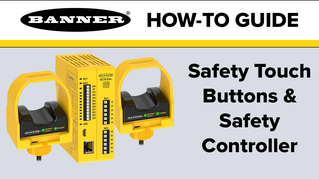
Watch this video to learn how to configure STB Safety Touch Buttons to a Banner safety controller.
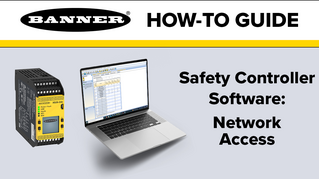
Watch this video for an overview of the SC software, which allows you to configure your Banner safety controller to fit your specific safety application needs.
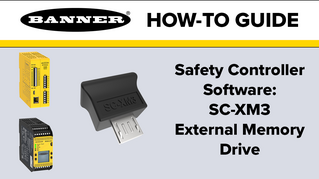
Watch this video to learn how to use the SC-XM3 external memory drive to copy Banner safety controller configurations.
Watch this video to learn how to set up the Network Access feature for the XS26 and SC26 Safety Controllers.
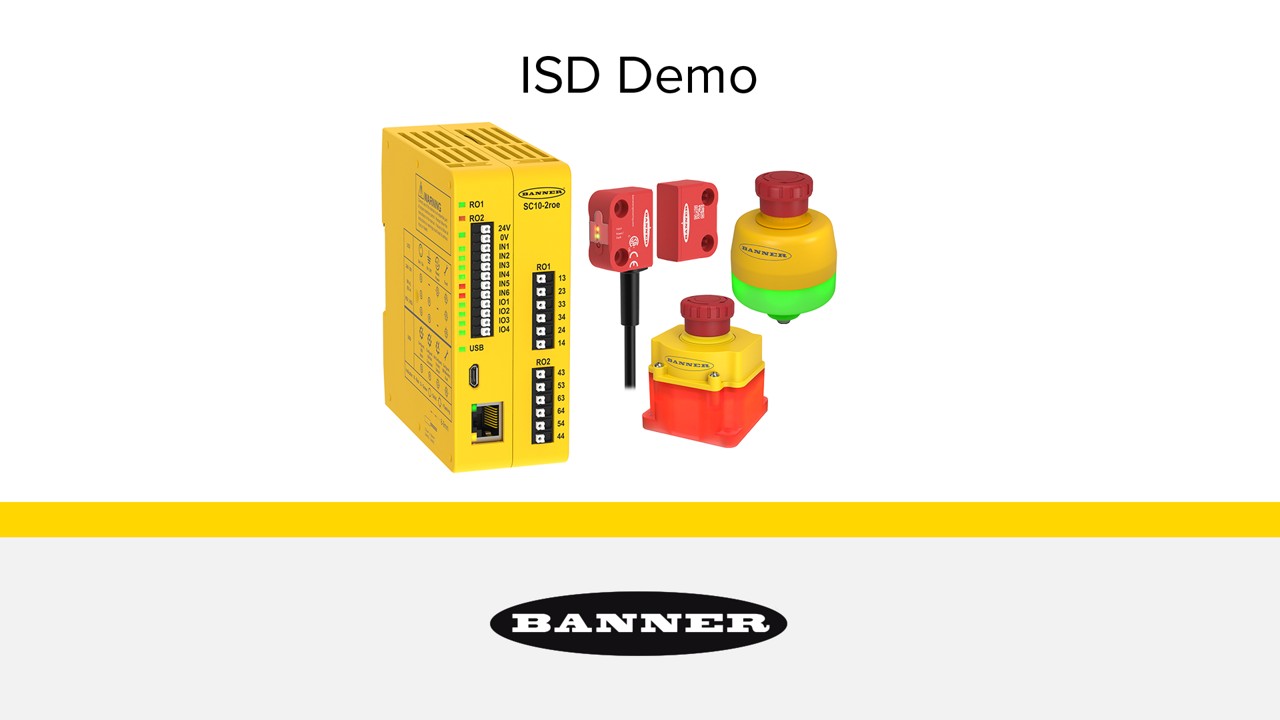
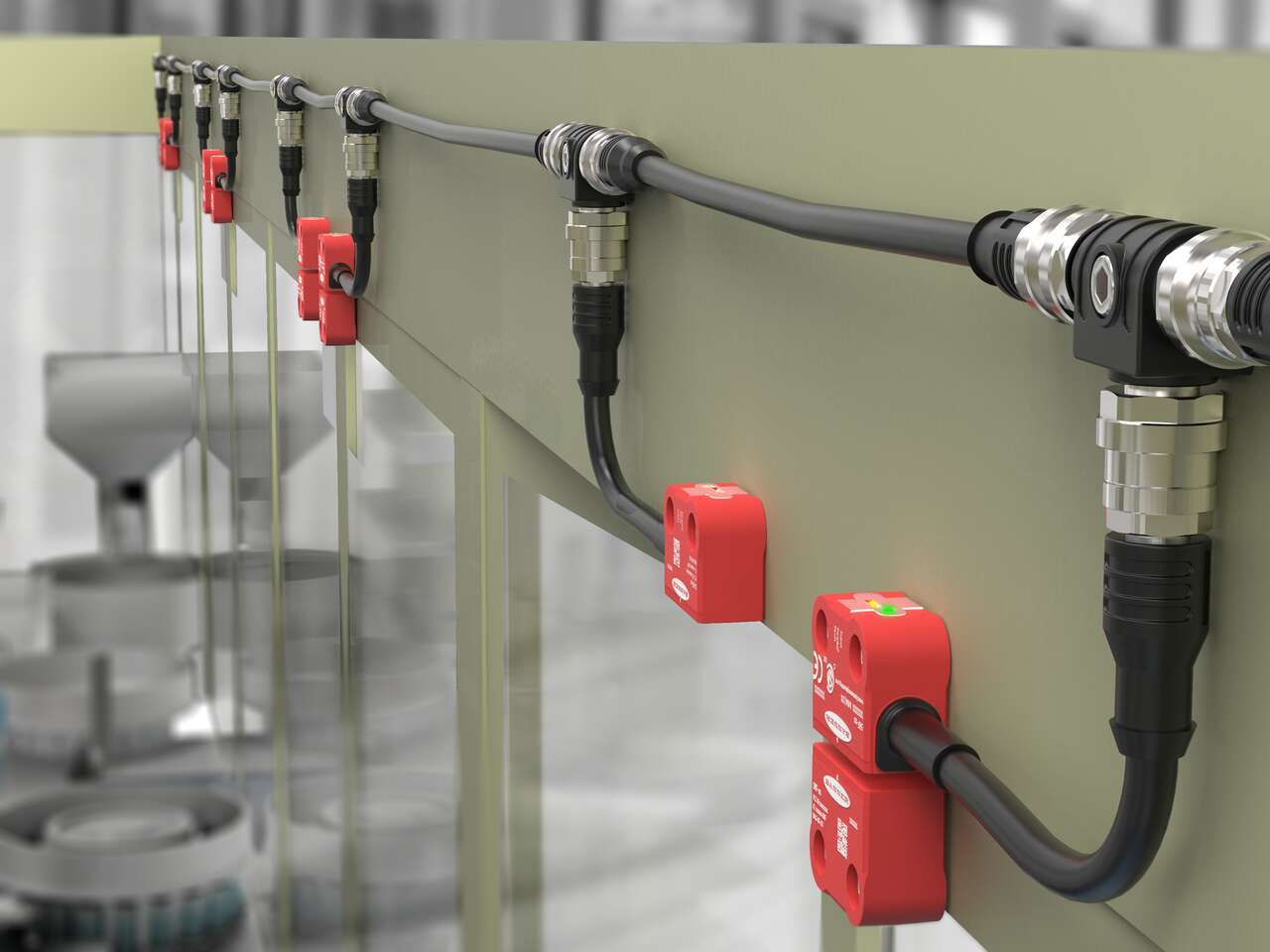
Learn how easy it is to implement and use a complete In-Series Diagnostics safety system.
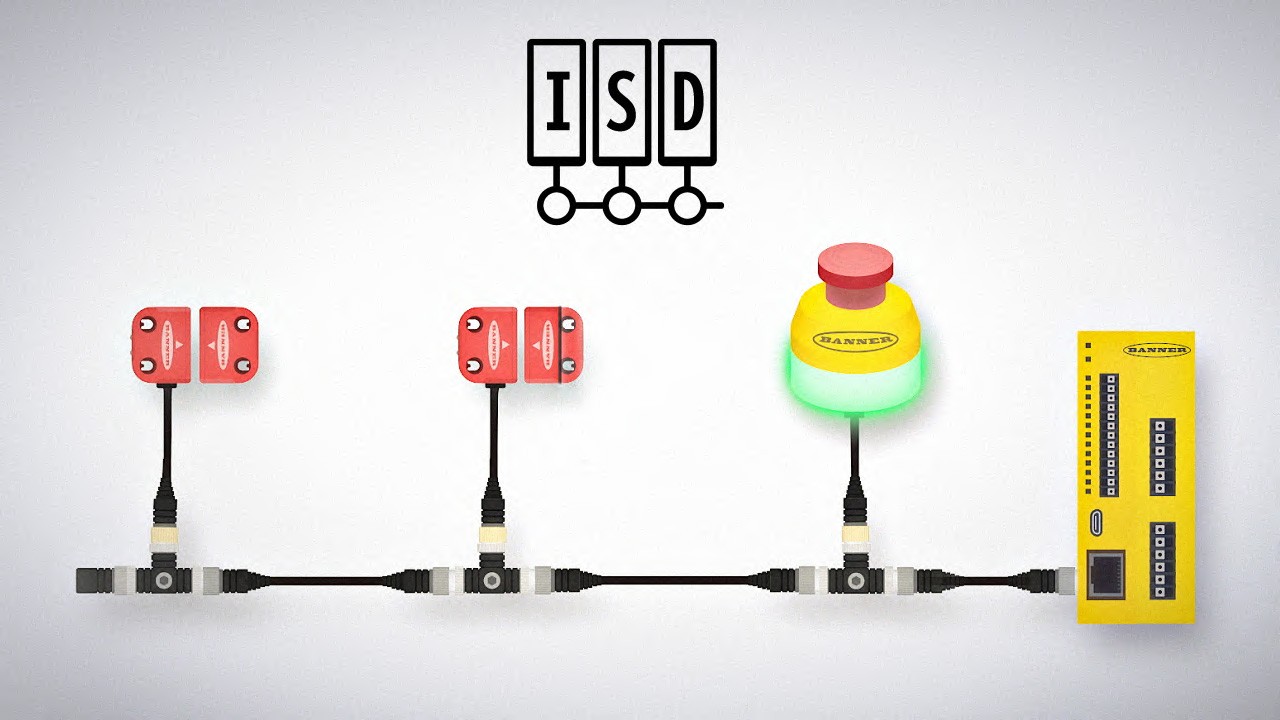
In-Series Diagnostics (ISD) makes it easy to access diagnostic data from devices in a safety system without special equipment or designated cabling. Users can troubleshoot machine safety systems, prevent system faults, and reduce equipment downtime.
Our application engineers are here to help with expert guidance and support. Send us your inquiry, and we’ll get back to you as soon as possible. We’re here to make sure you get the answers you need.