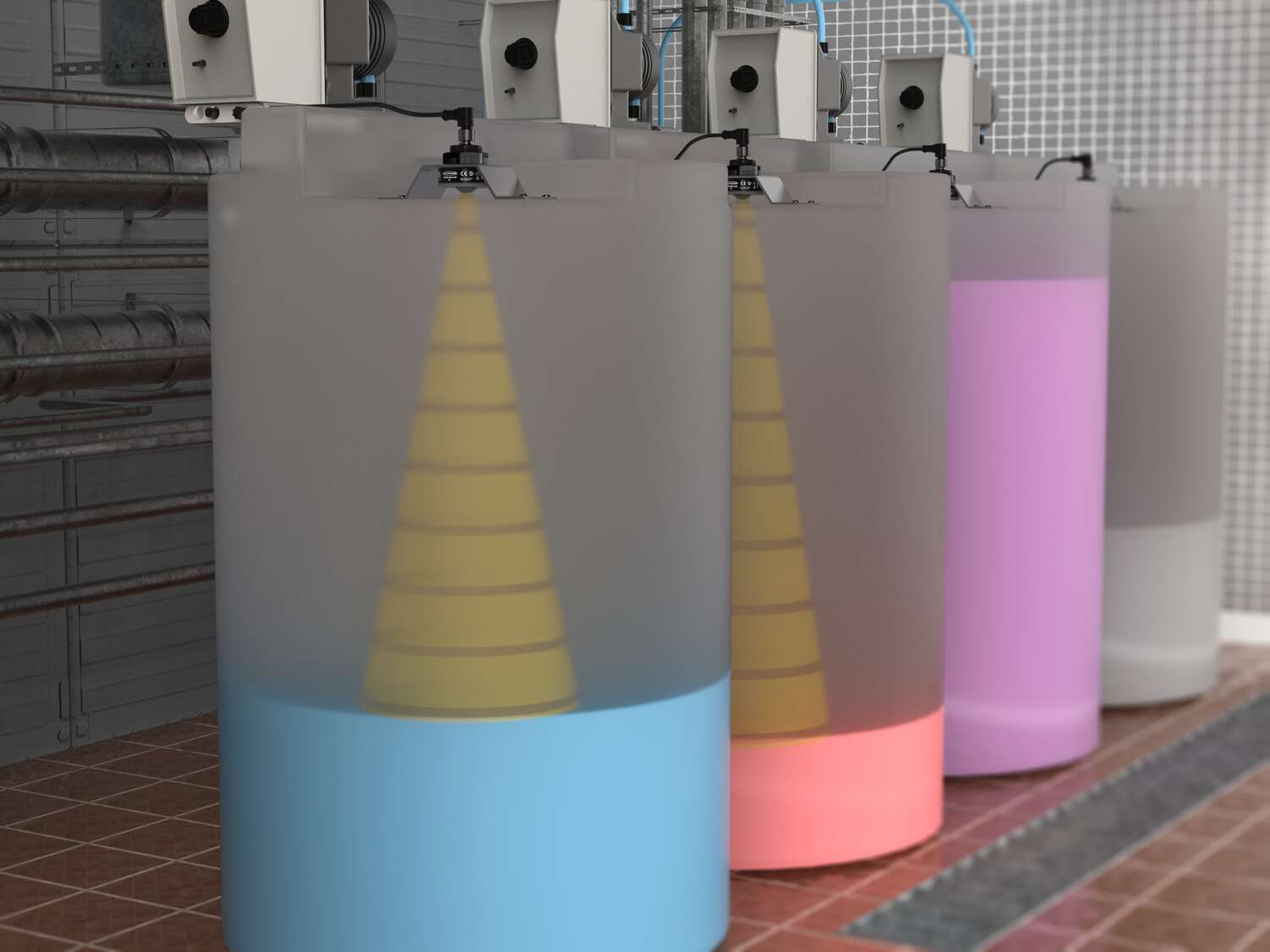
レーダーセンサ
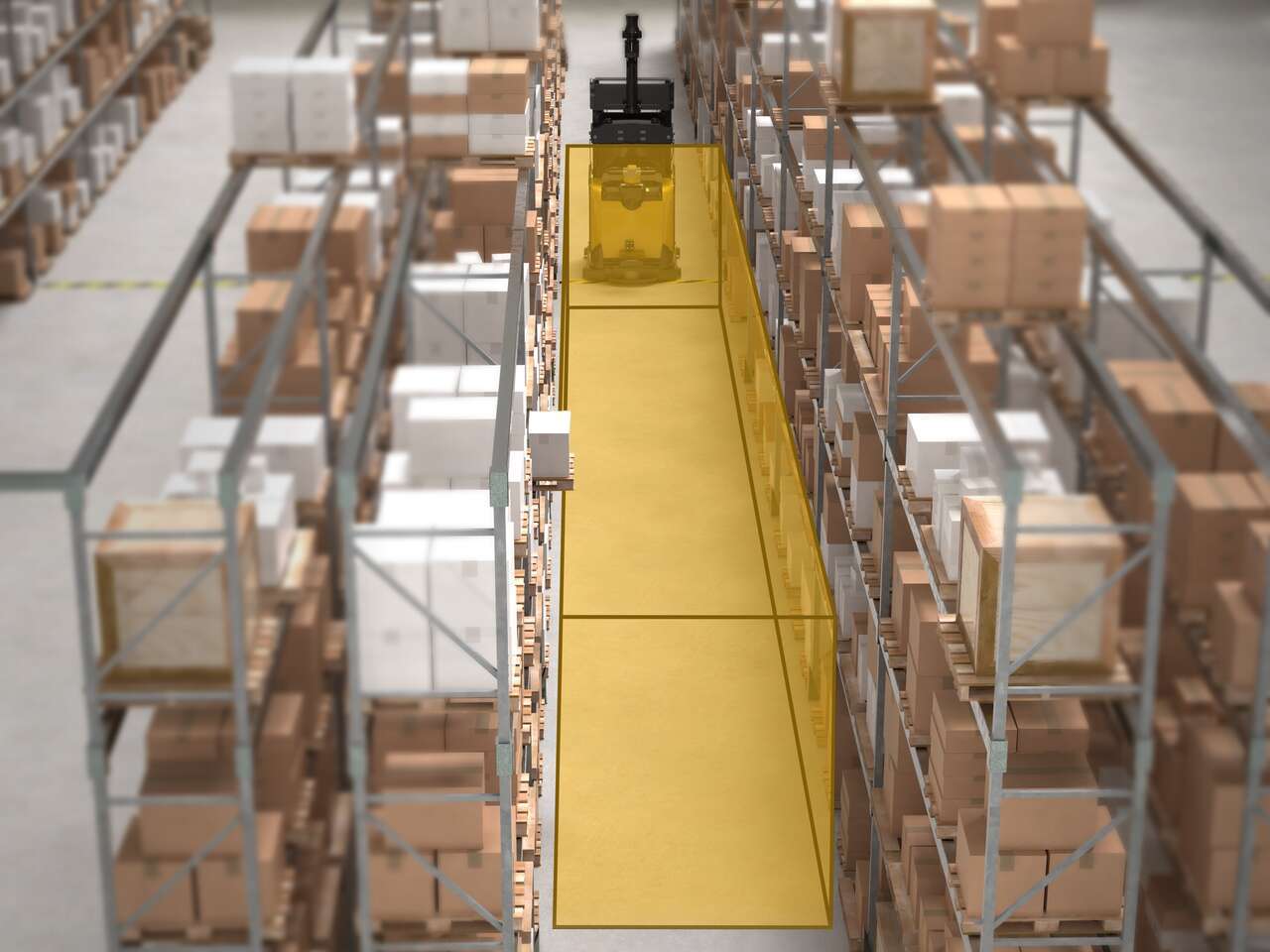
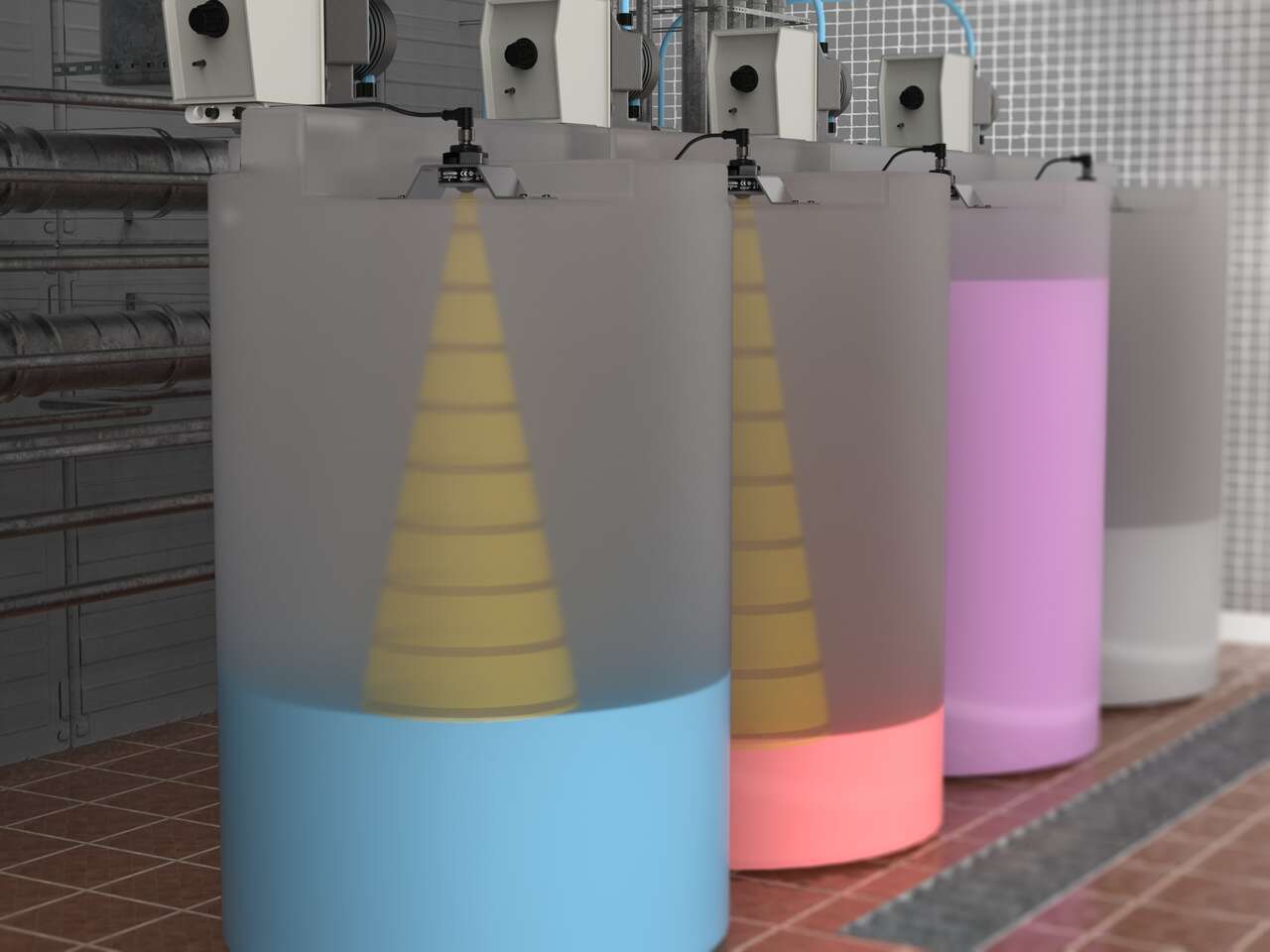
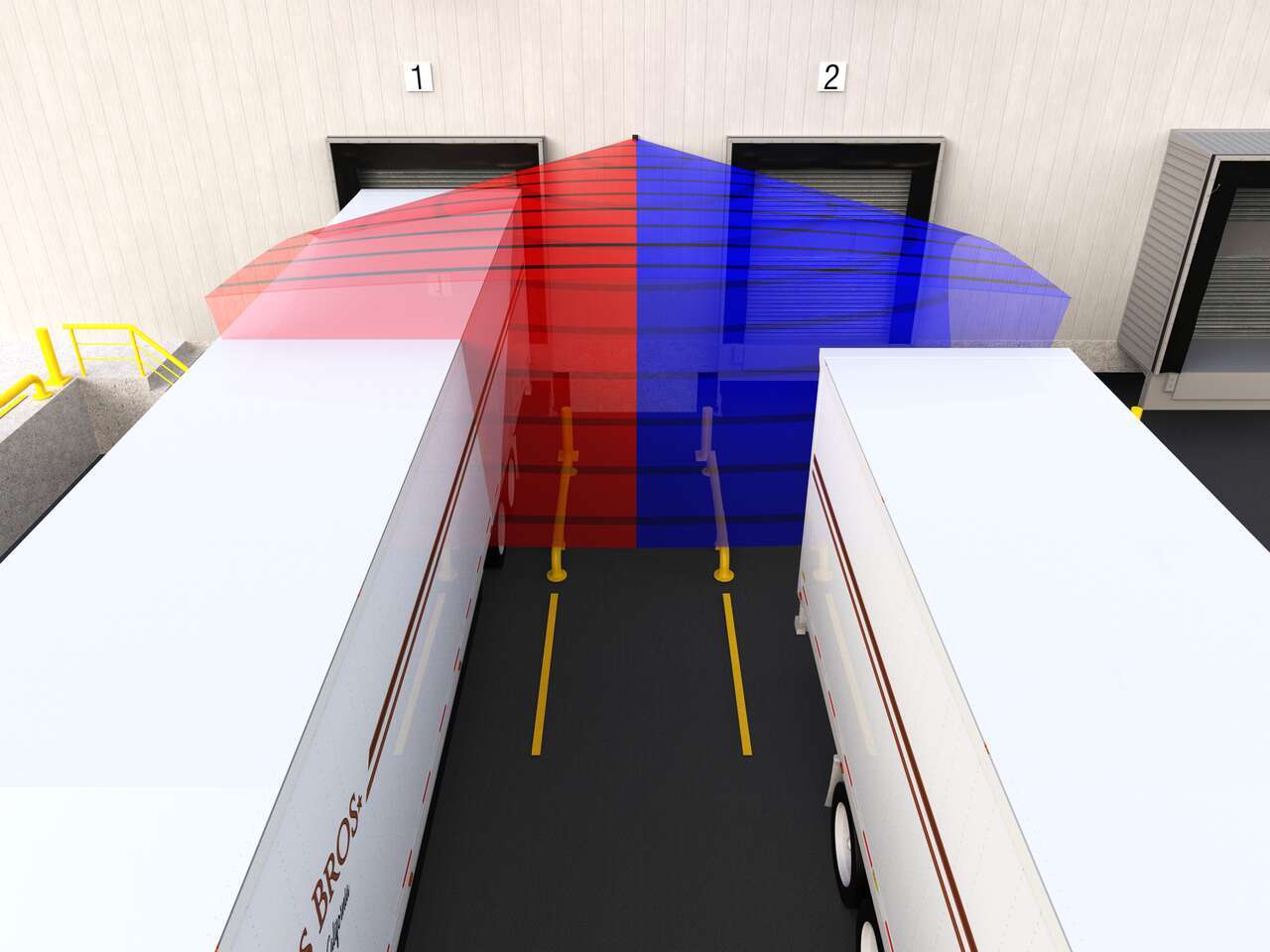
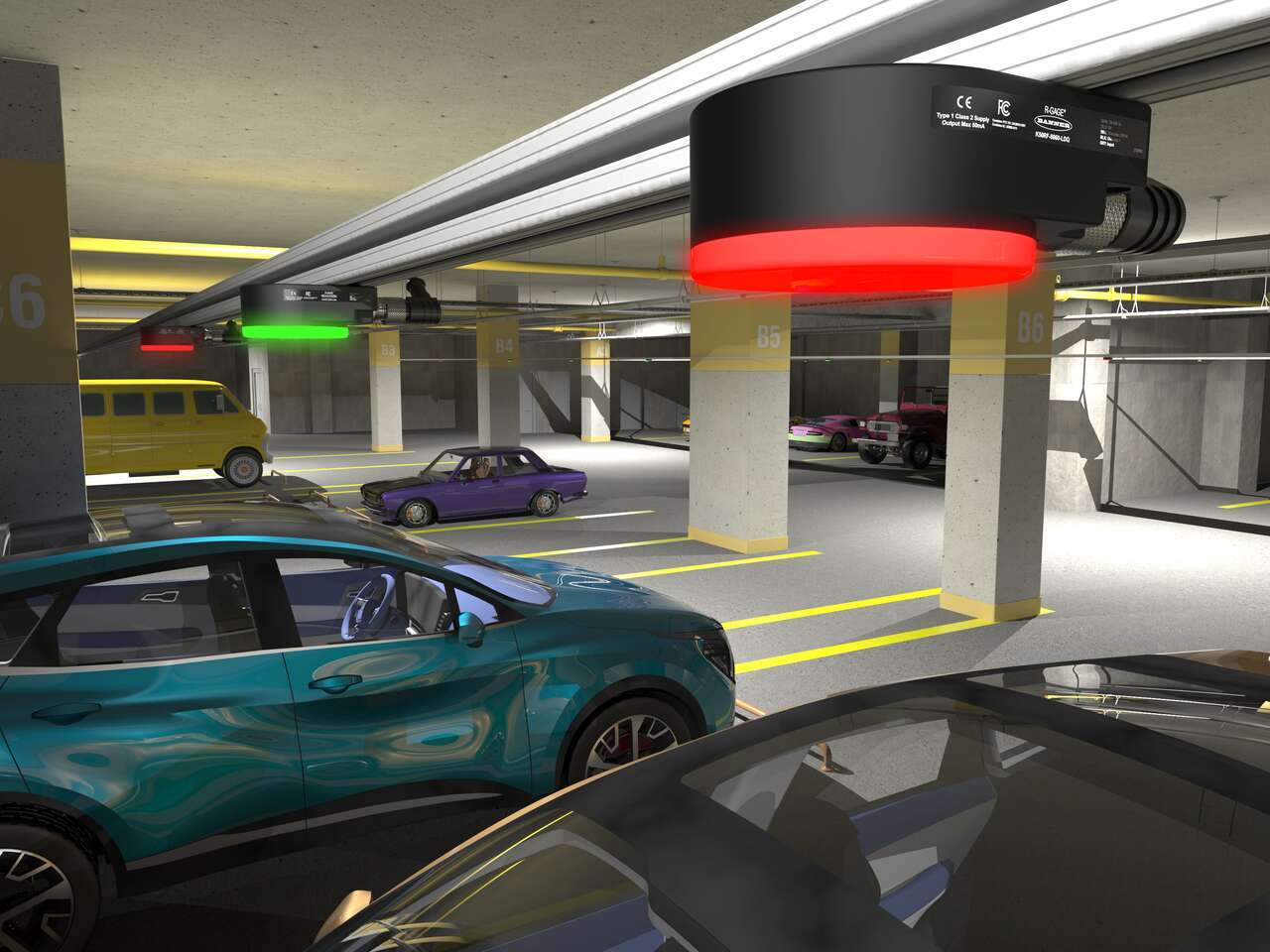
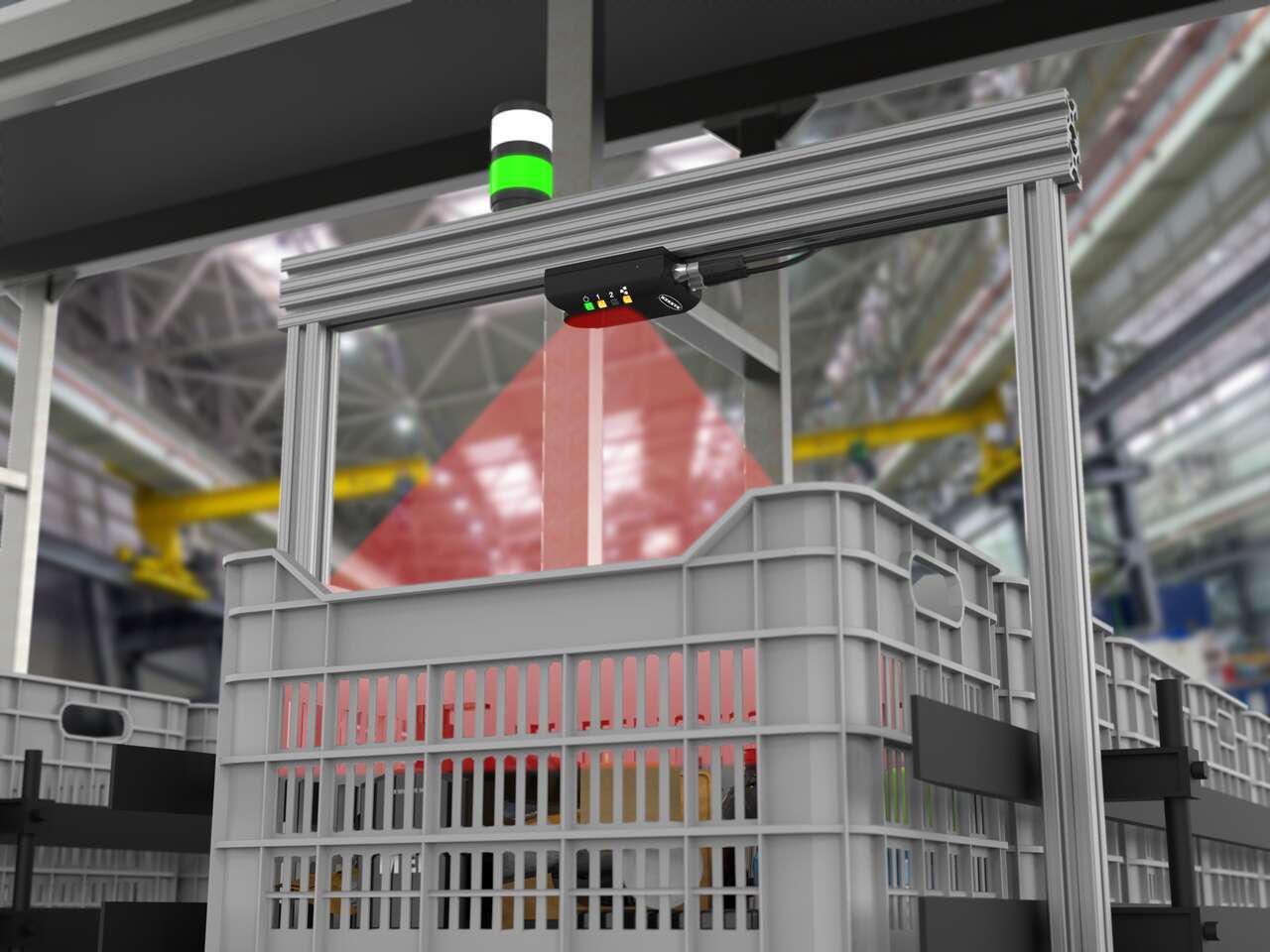
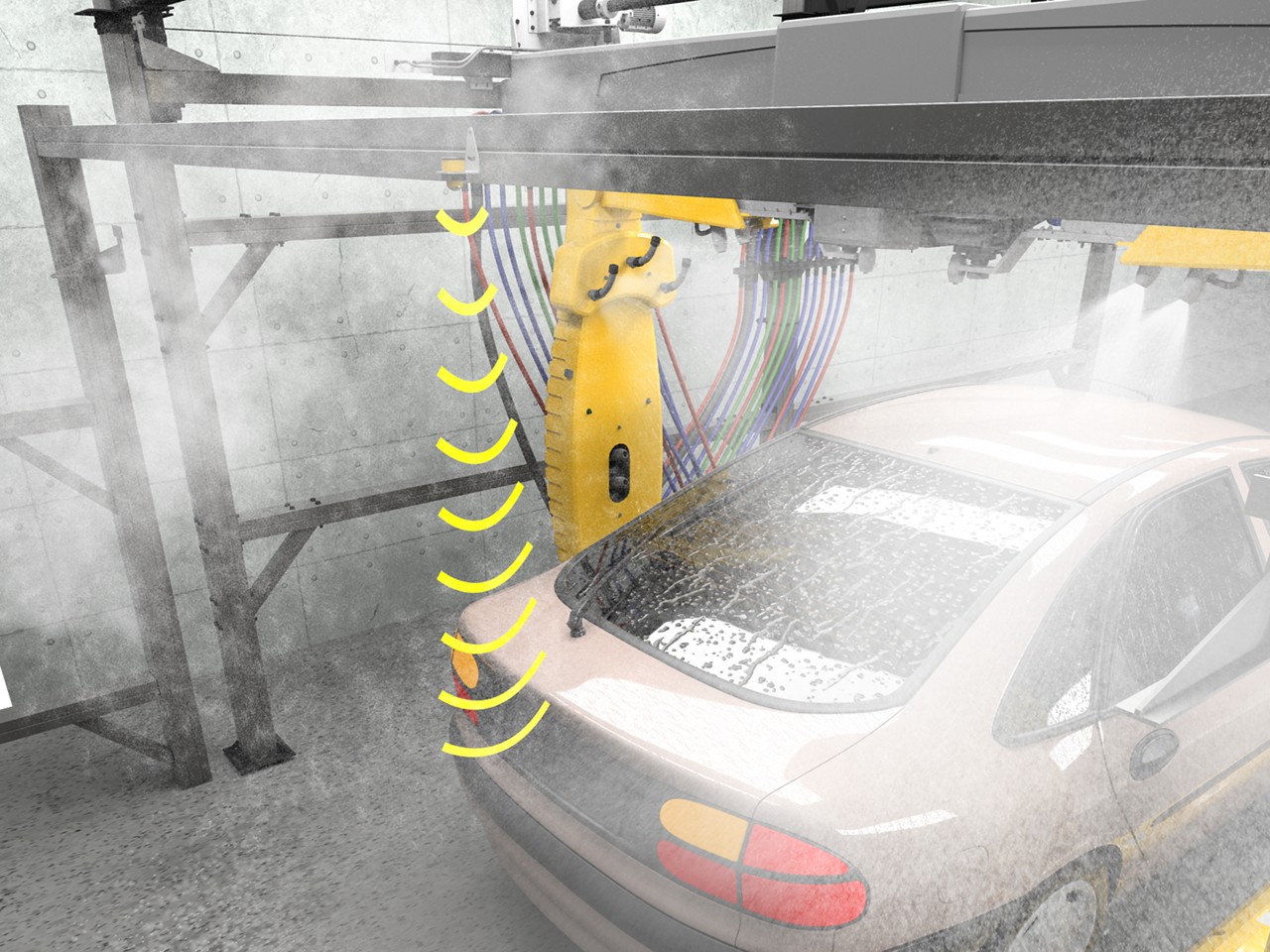
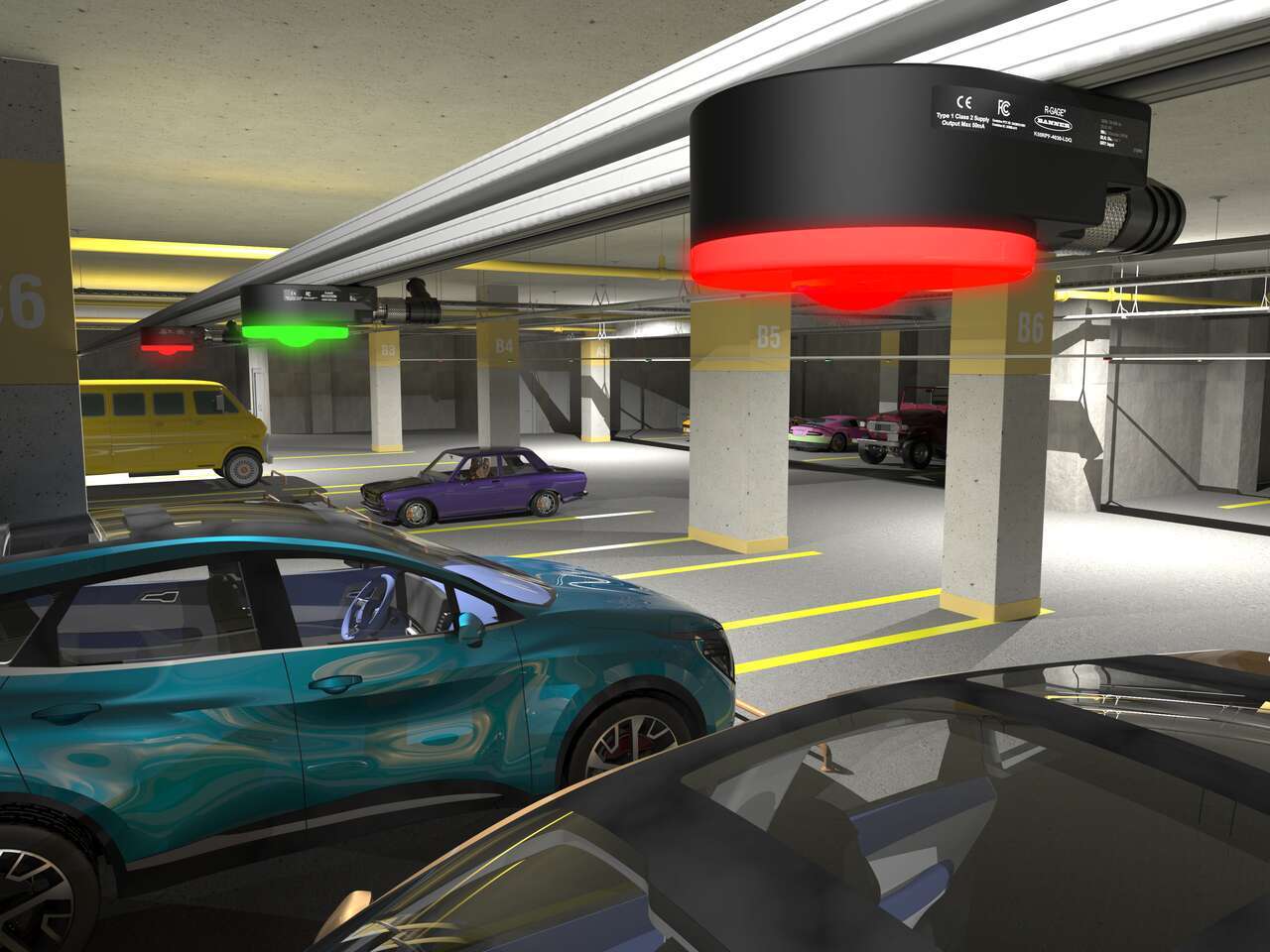
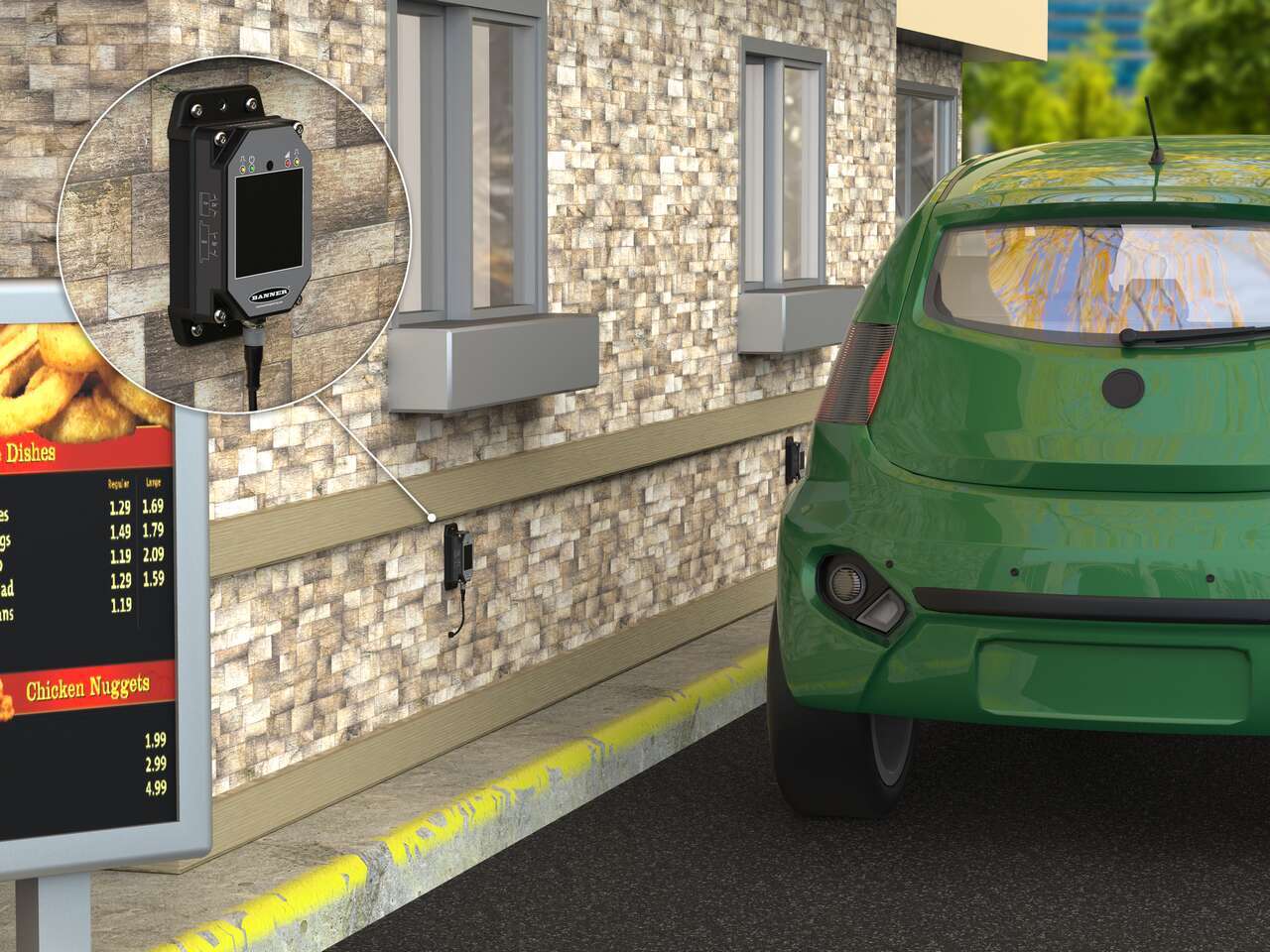
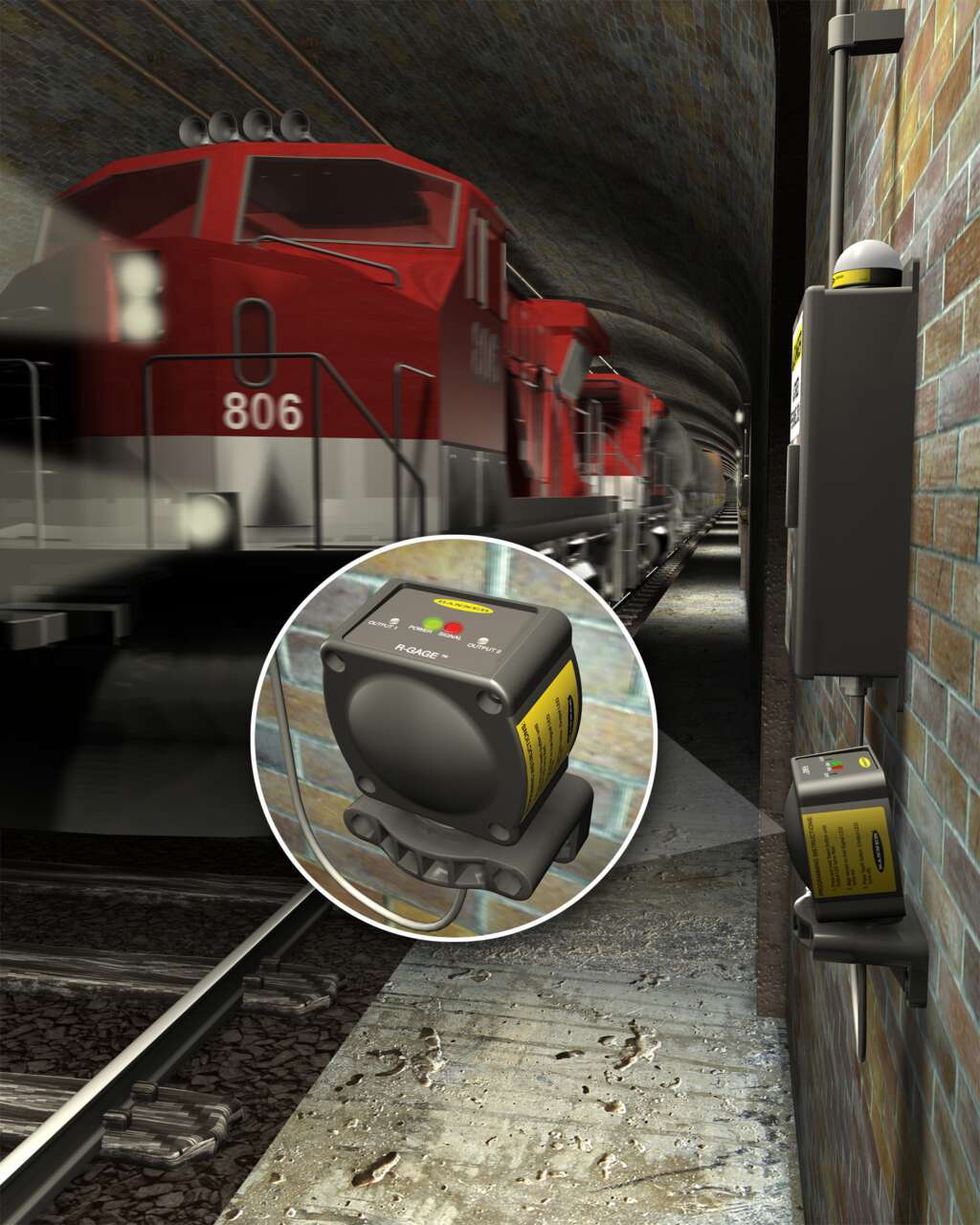
レーダーセンサは周波数変調連続波(FMCW)レーダーを使用して、極端な気象条件にある移動体または静止体を確実に検出します。
Radar Products
| Series Image | Series Name | Frequency | Sensing Range (m) | Sensing Zones | Beam Pattern | Interface: Discrete | Interface: Analog | Interface: PulsePro | Interface: IO-Link | Sensitivity | Accuracy | Ambient Weather Performance | Configuration: PC GUI | Configuration: Push Buttons | Configuration: Remote Input | Configuration: DIP Switches |
|---|---|---|---|---|---|---|---|---|---|---|---|---|---|---|---|---|
Series Image  |
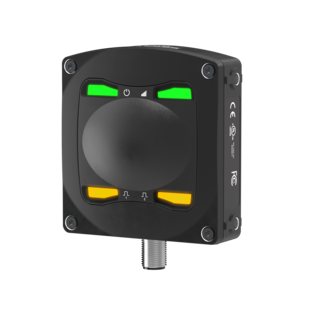
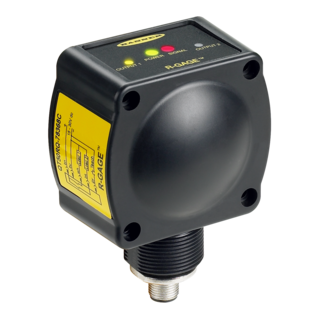
Series Name Q90R | Frequency 60 GHz | Sensing Range (m) 20 | Sensing Zones 2 | Beam Pattern 40° x 40° | Interface: Discrete ✅ YES | Interface: Analog ✅ YES | Interface: PulsePro ✅ YES | Interface: IO-Link ✅ YES | Sensitivity ★★★ BEST | Accuracy ★★★ BEST | Ambient Weather Performance ★★ BETTER | Configuration: PC GUI ✅ YES | Configuration: Push Buttons 🚫 NO | Configuration: Remote Input ✅ YES | Configuration: DIP Switches 🚫 NO |
Series Image  |
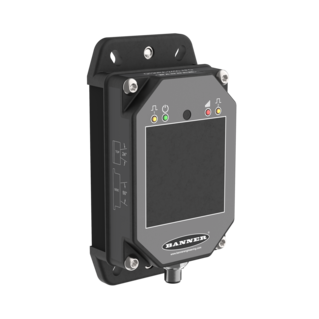
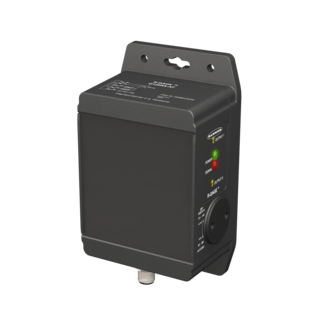
Series Name Q90R2 | Frequency 60 GHz | Sensing Range (m) 20 | Sensing Zones Configurable | Beam Pattern 120° x 40° | Interface: Discrete ✅ YES | Interface: Analog ✅ YES | Interface: PulsePro ✅ YES | Interface: IO-Link ✅ YES | Sensitivity ★★★ BEST | Accuracy ★★★ BEST | Ambient Weather Performance ★★ BETTER | Configuration: PC GUI ✅ YES | Configuration: Push Buttons 🚫 NO | Configuration: Remote Input ✅ YES | Configuration: DIP Switches 🚫 NO |
Series Image  |
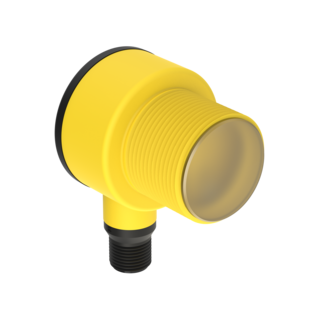
Series Name T30R | Frequency 122 GHz | Sensing Range (m) 6, 10, 15, 25 | Sensing Zones 2 | Beam Pattern 15° x 15°, 45° x 45° | Interface: Discrete ✅ YES | Interface: Analog ✅ YES | Interface: PulsePro ✅ YES | Interface: IO-Link ✅ YES | Sensitivity ★★★ BEST | Accuracy ★★★ BEST | Ambient Weather Performance ★★ BETTER | Configuration: PC GUI ✅ YES | Configuration: Push Buttons ✅ YES | Configuration: Remote Input ✅ YES | Configuration: DIP Switches 🚫 NO |
Series Image 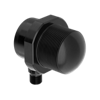 |
Series Name T30RW | Frequency 122 GHz | Sensing Range (m) 15 | Sensing Zones 2 | Beam Pattern 15° x 15° | Interface: Discrete ✅ YES | Interface: Analog ✅ YES | Interface: PulsePro ✅ YES | Interface: IO-Link ✅ YES | Sensitivity ★★★ BEST | Accuracy ★★★ BEST | Ambient Weather Performance ★★ BETTER | Configuration: PC GUI ✅ YES | Configuration: Push Buttons 🚫 NO | Configuration: Remote Input ✅ YES | Configuration: DIP Switches 🚫 NO |
Series Image 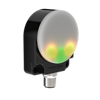 |
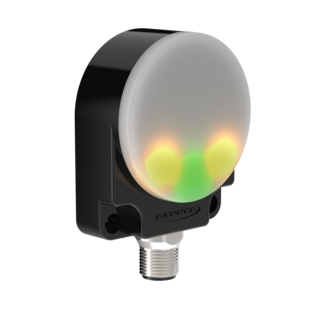
Series Name K50R | Frequency 60 GHz | Sensing Range (m) 3, 5 | Sensing Zones 2 | Beam Pattern 40° x 30°, 80° x 60° | Interface: Discrete ✅ YES | Interface: Analog ✅ YES | Interface: PulsePro ✅ YES | Interface: IO-Link ✅ YES | Sensitivity ★★ BETTER | Accuracy ★★ BETTER | Ambient Weather Performance ★★ BETTER | Configuration: PC GUI ✅ YES | Configuration: Push Buttons 🚫 NO | Configuration: Remote Input ✅ YES | Configuration: DIP Switches 🚫 NO |
Series Image  |
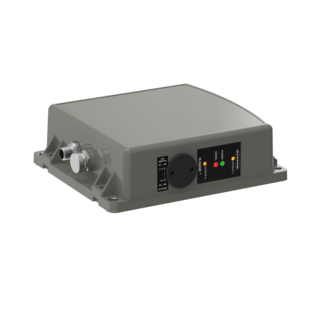
Series Name Q130R | Frequency 24 GHz | Sensing Range (m) 24, 40 | Sensing Zones 1 | Beam Pattern 90° x 76°, 24° x 50° | Interface: Discrete ✅ YES | Interface: Analog 🚫 NO | Interface: PulsePro 🚫 NO | Interface: IO-Link 🚫 NO | Sensitivity ★ GOOD | Accuracy ★ GOOD | Ambient Weather Performance ★★★ BEST | Configuration: PC GUI ✅ YES | Configuration: Push Buttons 🚫 NO | Configuration: Remote Input ✅ YES | Configuration: DIP Switches 🚫 NO |
Series Image  |
Series Name QT50R | Frequency 24 GHz | Sensing Range (m) 3.5, 12, 24 | Sensing Zones 1 or 2 | Beam Pattern 90° x 76° | Interface: Discrete ✅ YES | Interface: Analog ✅ YES | Interface: PulsePro 🚫 NO | Interface: IO-Link 🚫 NO | Sensitivity ★ GOOD | Accuracy ★ GOOD | Ambient Weather Performance ★★★ BEST | Configuration: PC GUI 🚫 NO | Configuration: Push Buttons 🚫 NO | Configuration: Remote Input 🚫 NO | Configuration: DIP Switches ✅ YES |
Series Image 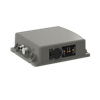 |
Series Name Q240R | Frequency 24 GHz | Sensing Range (m) 40, 100 | Sensing Zones 2 | Beam Pattern 11° x 13° | Interface: Discrete ✅ YES | Interface: Analog ✅ YES | Interface: PulsePro 🚫 NO | Interface: IO-Link 🚫 NO | Sensitivity ★ GOOD | Accuracy ★ GOOD | Ambient Weather Performance ★★★ BEST | Configuration: PC GUI 🚫 NO | Configuration: Push Buttons 🚫 NO | Configuration: Remote Input 🚫 NO | Configuration: DIP Switches ✅ YES |
Series Image  |
Series Name Q120R | Frequency 24 GHz | Sensing Range (m) 12, 26, 40 | Sensing Zones 2 | Beam Pattern 24° x 50° | Interface: Discrete ✅ YES | Interface: Analog 🚫 NO | Interface: PulsePro 🚫 NO | Interface: IO-Link 🚫 NO | Sensitivity ★ GOOD | Accuracy ★ GOOD | Ambient Weather Performance ★★★ BEST | Configuration: PC GUI 🚫 NO | Configuration: Push Buttons 🚫 NO | Configuration: Remote Input 🚫 NO | Configuration: DIP Switches ✅ YES |
| Series Image | Series Name | Frequency | Sensing Range (m) | Sensing Zones | Beam Pattern | Interface: Discrete | Interface: Analog | Interface: PulsePro | Interface: IO-Link | Sensitivity | Accuracy | Ambient Weather Performance | Configuration: PC GUI | Configuration: Push Buttons | Configuration: Remote Input | Configuration: DIP Switches |
|---|---|---|---|---|---|---|---|---|---|---|---|---|---|---|---|---|
| Series Image |
Series Name Q90R | Frequency 60 GHz | Sensing Range (m) 20 | Sensing Zones 2 | Beam Pattern 40° x 40° | Interface: Discrete ✅ YES | Interface: Analog ✅ YES | Interface: PulsePro ✅ YES | Interface: IO-Link ✅ YES | Sensitivity ★★★ BEST | Accuracy ★★★ BEST | Ambient Weather Performance ★★ BETTER | Configuration: PC GUI ✅ YES | Configuration: Push Buttons 🚫 NO | Configuration: Remote Input ✅ YES | Configuration: DIP Switches 🚫 NO |
| Series Image |
Series Name Q90R2 | Frequency 60 GHz | Sensing Range (m) 20 | Sensing Zones Configurable | Beam Pattern 120° x 40° | Interface: Discrete ✅ YES | Interface: Analog 🚫 NO | Interface: PulsePro ✅ YES | Interface: IO-Link ✅ YES | Sensitivity ★★★ BEST | Accuracy ★★★ BEST | Ambient Weather Performance ★★ BETTER | Configuration: PC GUI ✅ YES | Configuration: Push Buttons 🚫 NO | Configuration: Remote Input ✅ YES | Configuration: DIP Switches 🚫 NO |
| Series Image |
Series Name T30R | Frequency 122 GHz | Sensing Range (m) 6, 10, 15, 25 | Sensing Zones 2 | Beam Pattern 15° x 15°, 45° x 45° | Interface: Discrete ✅ YES | Interface: Analog ✅ YES | Interface: PulsePro ✅ YES | Interface: IO-Link ✅ YES | Sensitivity ★★★ BEST | Accuracy ★★★ BEST | Ambient Weather Performance ★★ BETTER | Configuration: PC GUI ✅ YES | Configuration: Push Buttons ✅ YES | Configuration: Remote Input ✅ YES | Configuration: DIP Switches 🚫 NO |
| Series Image |
Series Name T30RW | Frequency 122 GHz | Sensing Range (m) 15 | Sensing Zones 2 | Beam Pattern 15° x 15° | Interface: Discrete ✅ YES | Interface: Analog ✅ YES | Interface: PulsePro ✅ YES | Interface: IO-Link ✅ YES | Sensitivity ★★★ BEST | Accuracy ★★★ BEST | Ambient Weather Performance ★★ BETTER | Configuration: PC GUI ✅ YES | Configuration: Push Buttons 🚫 NO | Configuration: Remote Input ✅ YES | Configuration: DIP Switches 🚫 NO |
| Series Image |
Series Name K50R | Frequency 60 GHz | Sensing Range (m) 3, 5 | Sensing Zones 2 | Beam Pattern 40° x 30°, 80° x 60° | Interface: Discrete ✅ YES | Interface: Analog 🚫 NO | Interface: PulsePro ✅ YES | Interface: IO-Link 🚫 NO | Sensitivity ★★ BETTER | Accuracy ★★ BETTER | Ambient Weather Performance ★★ BETTER | Configuration: PC GUI ✅ YES | Configuration: Push Buttons 🚫 NO | Configuration: Remote Input ✅ YES | Configuration: DIP Switches 🚫 NO |
| Series Image |
Series Name Q130R | Frequency 24 GHz | Sensing Range (m) 24, 40 | Sensing Zones 1 | Beam Pattern 90° x 76°, 24° x 50° | Interface: Discrete ✅ YES | Interface: Analog 🚫 NO | Interface: PulsePro 🚫 NO | Interface: IO-Link 🚫 NO | Sensitivity ★ GOOD | Accuracy ★ GOOD | Ambient Weather Performance ★★★ BEST | Configuration: PC GUI ✅ YES | Configuration: Push Buttons 🚫 NO | Configuration: Remote Input ✅ YES | Configuration: DIP Switches 🚫 NO |
| Series Image |
Series Name QT50R | Frequency 24 GHz | Sensing Range (m) 3.5, 12, 24 | Sensing Zones 1 or 2 | Beam Pattern 90° x 76° | Interface: Discrete ✅ YES | Interface: Analog ✅ YES | Interface: PulsePro 🚫 NO | Interface: IO-Link 🚫 NO | Sensitivity ★ GOOD | Accuracy ★ GOOD | Ambient Weather Performance ★★★ BEST | Configuration: PC GUI 🚫 NO | Configuration: Push Buttons 🚫 NO | Configuration: Remote Input 🚫 NO | Configuration: DIP Switches ✅ YES |
| Series Image |
Series Name Q240R | Frequency 24 GHz | Sensing Range (m) 40, 100 | Sensing Zones 2 | Beam Pattern 11° x 13° | Interface: Discrete ✅ YES | Interface: Analog ✅ YES | Interface: PulsePro 🚫 NO | Interface: IO-Link 🚫 NO | Sensitivity ★ GOOD | Accuracy ★ GOOD | Ambient Weather Performance ★★★ BEST | Configuration: PC GUI 🚫 NO | Configuration: Push Buttons 🚫 NO | Configuration: Remote Input 🚫 NO | Configuration: DIP Switches ✅ YES |
| Series Image |
Series Name Q120R | Frequency 24 GHz | Sensing Range (m) 12, 26, 40 | Sensing Zones 2 | Beam Pattern 24° x 50° | Interface: Discrete ✅ YES | Interface: Analog 🚫 NO | Interface: PulsePro 🚫 NO | Interface: IO-Link 🚫 NO | Sensitivity ★ GOOD | Accuracy ★ GOOD | Ambient Weather Performance ★★★ BEST | Configuration: PC GUI 🚫 NO | Configuration: Push Buttons 🚫 NO | Configuration: Remote Input 🚫 NO | Configuration: DIP Switches ✅ YES |