


部品、サービス、引き取りワイヤレスコールソリューション [動画]
バナーエンジニアリングの部品ワイヤレスコールソリューションにより、伝達手段を改善し、一定したワークフローを維持する方法を説明します。

![Wireless Call for Parts, Services, and Pick-Up Solution [Video]](/content/dam/banner-engineering/3d-renders/product-group/multi_division/call-for-parts/Wireless-Call-for-Parts-Group-off.psd/jcr:content/renditions/cq5dam.thumbnail.319.319.png)
バナーエンジニアリングの部品ワイヤレスコールソリューションにより、伝達手段を改善し、一定したワークフローを維持する方法を説明します。

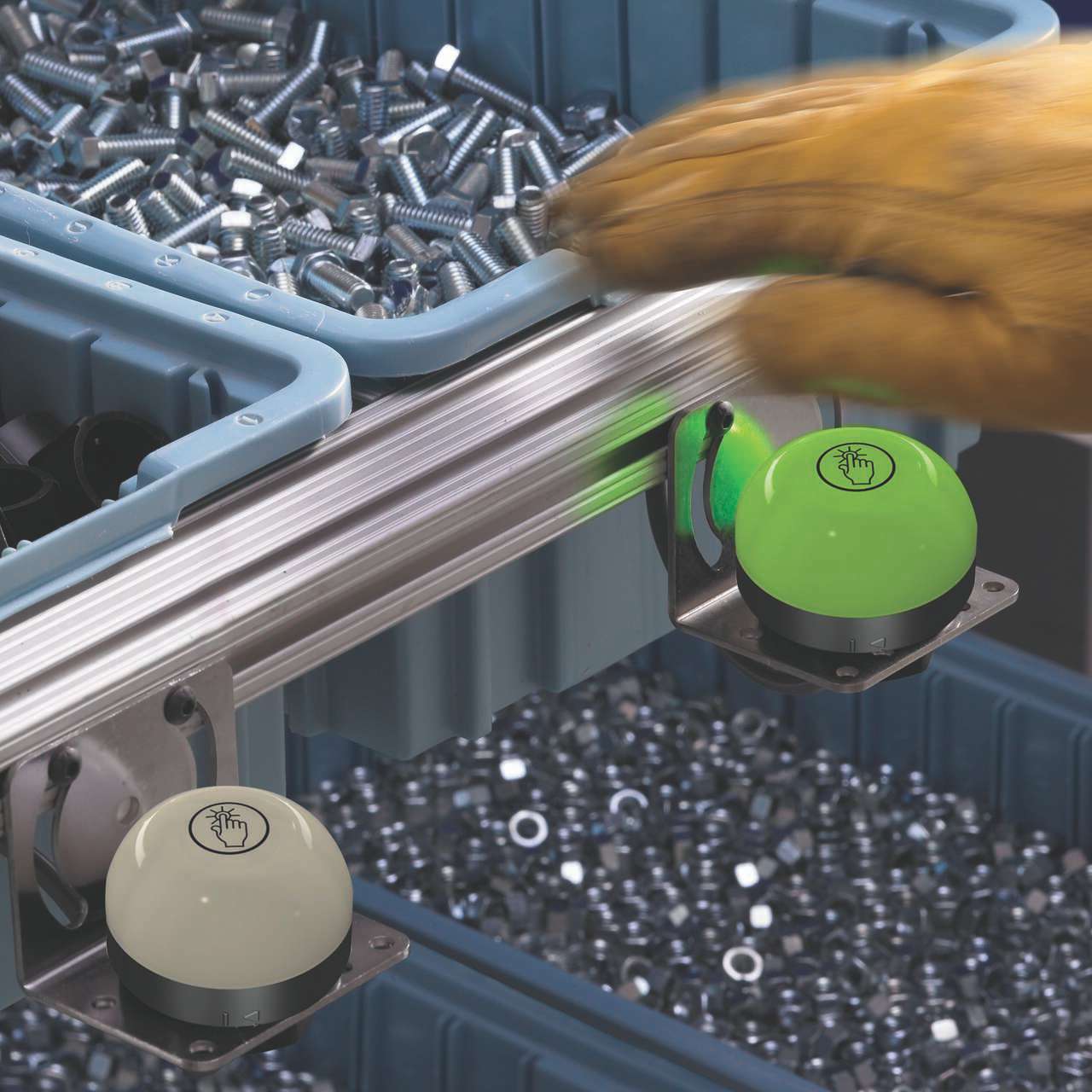
Banner Engineering offers a complete portfolio of touch buttons for your simplest to most advanced touch requirements. Watch the video to learn more about our capabilities for touch and indication.
![K30, K50 and K70 Gen 2 Touch Buttons [Video]](/content/dam/banner-engineering/projects/video-thumbnails/K30_K50_K70_Video_Thumbnail-new.psd/jcr:content/renditions/cq5dam.thumbnail.319.319.png)
バナーのGen 2タッチボタンは、過酷な条件や乱雑な環境でも、タッチに正確に応答することができます。耐薬品性のポリカーボネート製ハウジングにより、噴射を直接受けても作動することはありません。
Our application engineers are here to help with expert guidance and support. Send us your inquiry, and we’ll get back to you as soon as possible. We’re here to make sure you get the answers you need.