
Conditional Indication for Machine Health Monitoring
See how Banner’s SD50 and K50 indicators show live vibration values and fault alerts locally without changing your existing monitoring system.
Standard and programmable K50 Indicators cover everything from basic status indication to complex visual signaling across a wide range of applications. Model variants include beacon, audible, and daylight-visible, ensuring unmistakable indication indoors and out, while IP66/IP67/IP69K ratings support long-term performance in demanding conditions.
Standard models offer immediate deployment with up to five fixed colors and are available in compact, domed, and flat pack housings, as well as specialty housings for hazardous zones and hygienic environments.
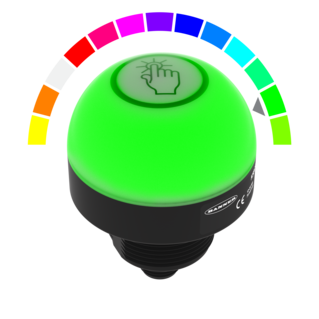
Programmable models provide configurable RGB LED response and support for real-time control over IO-Link or Modbus. 14 colors and 11 animations can be configured using Banner’s free Pro Editor software or controlled dynamically via protocol.
K50 Touch Buttons combine advanced touch technology with unmistakable status indication that translates process signals into clear, interactive feedback. Available in domed or compact housings, all models streamline panel design by replacing multiple conventional buttons with a single device that supports latching or momentary functions and can be operated without pressure—reducing strain and improving ergonomics.
Standard models are ready out of the box with up to three fixed colors, selectable based on input priority. All models are IP66/IP67/IP69K-rated for reliable performance in demanding environments.
Programmable models extend functionality with configurable touch response, multiple I/O modes, and support for real-time control over IO-Link or Modbus. Color, animation, and on/off delays can be configured using free Pro Editor software or controlled dynamically via protocol.
Variants include models with audible output, integrated displays, and FDA-grade housings for hygienic environments.
K50 Touchless Buttons deliver reliable, no-contact activation with unmistakable status indication—ideal for reducing touchpoints in high-cycle applications. Configurable optical sensing from 20 to 1000 millimeters ensures responsive operation tailored to the task. 14 color options, 11 animations, and on/off delays—all configurable using free Pro Editor software or controlled dynamically via IO-Link or Modbus—provide visual feedback that makes any process more intuitive. Support for Banner’s PICK-IQ protocol enables real-time feedback and faster updates in dense systems.
Lightweight construction provides a cost-efficient solution while maintaining IP66/IP67/IP69K-rated protection for harsh industrial environments. With no moving parts and built-in immunity to ambient light, EMI, and RFI, K50 Touchless Buttons ensure long-lasting, zero-contact control in demanding applications.

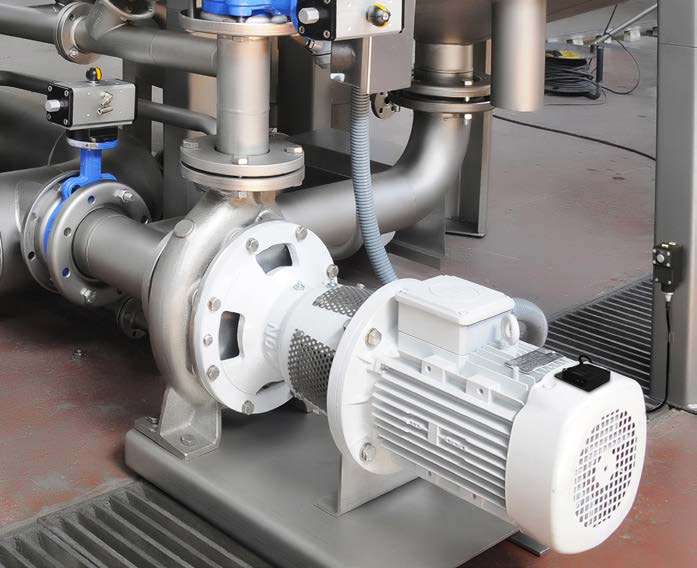
See how Banner’s SD50 and K50 indicators show live vibration values and fault alerts locally without changing your existing monitoring system.
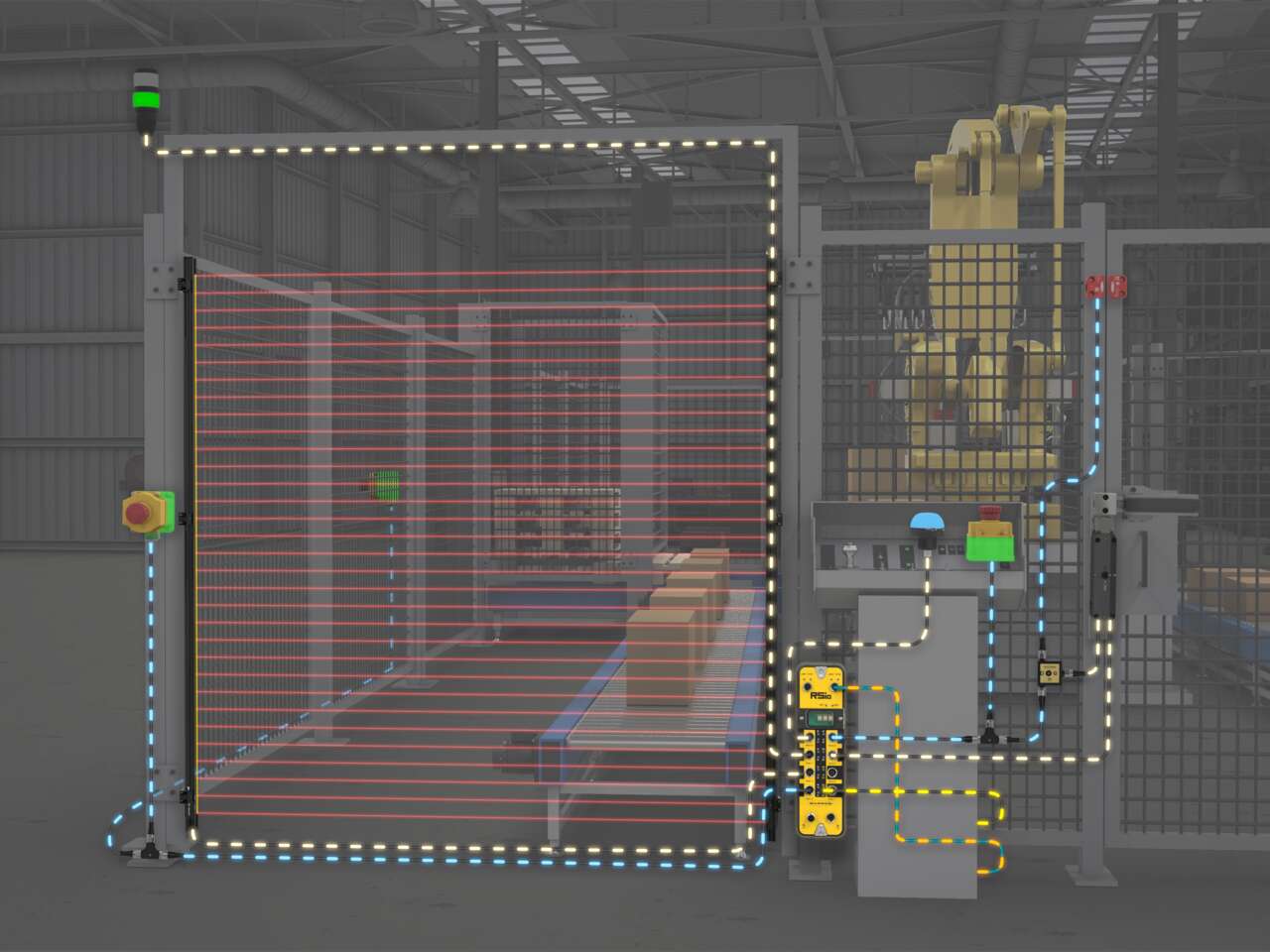
Use RSio to create a complete safety solution for robotic palletizing cells that takes advantage of hybrid I/O and In-Series Diagnostics (ISD).
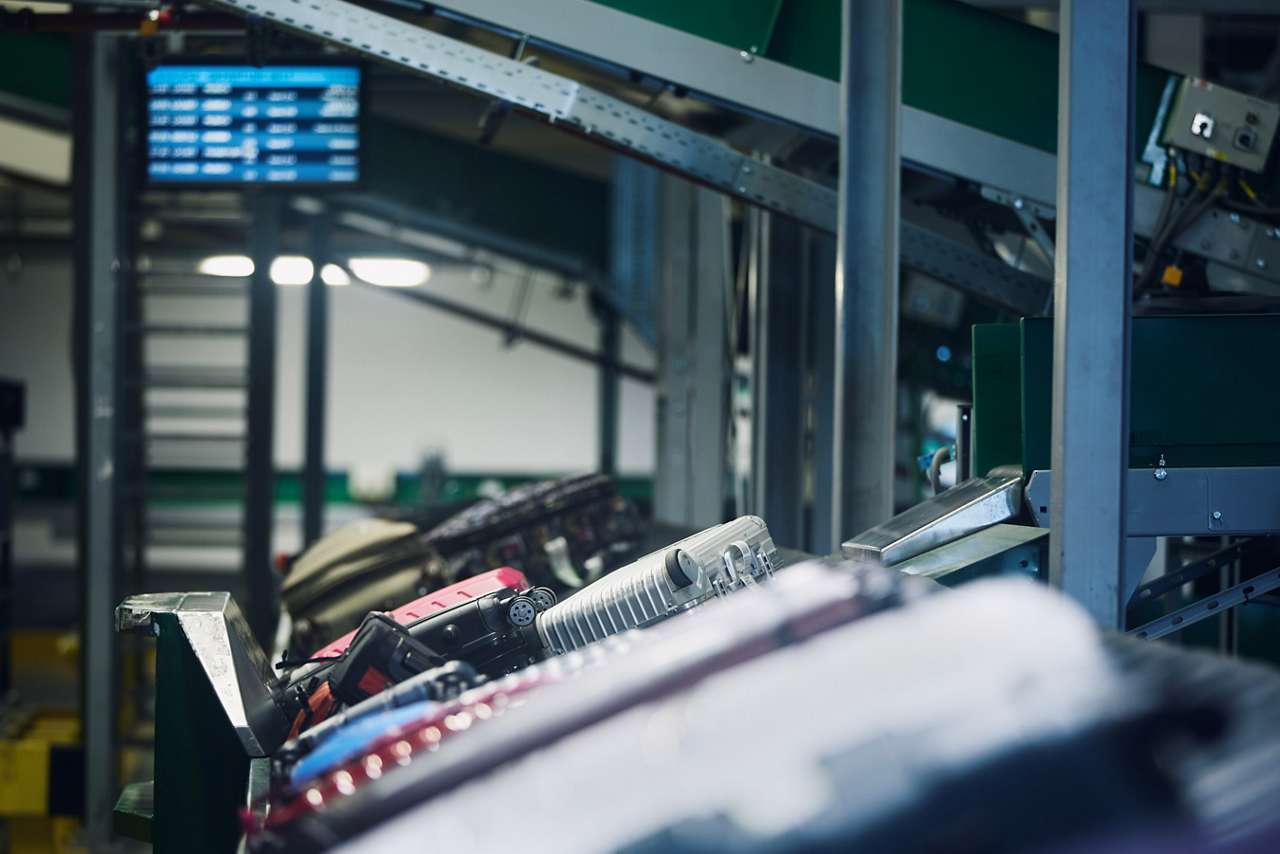
A manager in charge of installing a baggage handling conveyor sought a light to indicate start, jam, and reset conditions with different colors and animations.
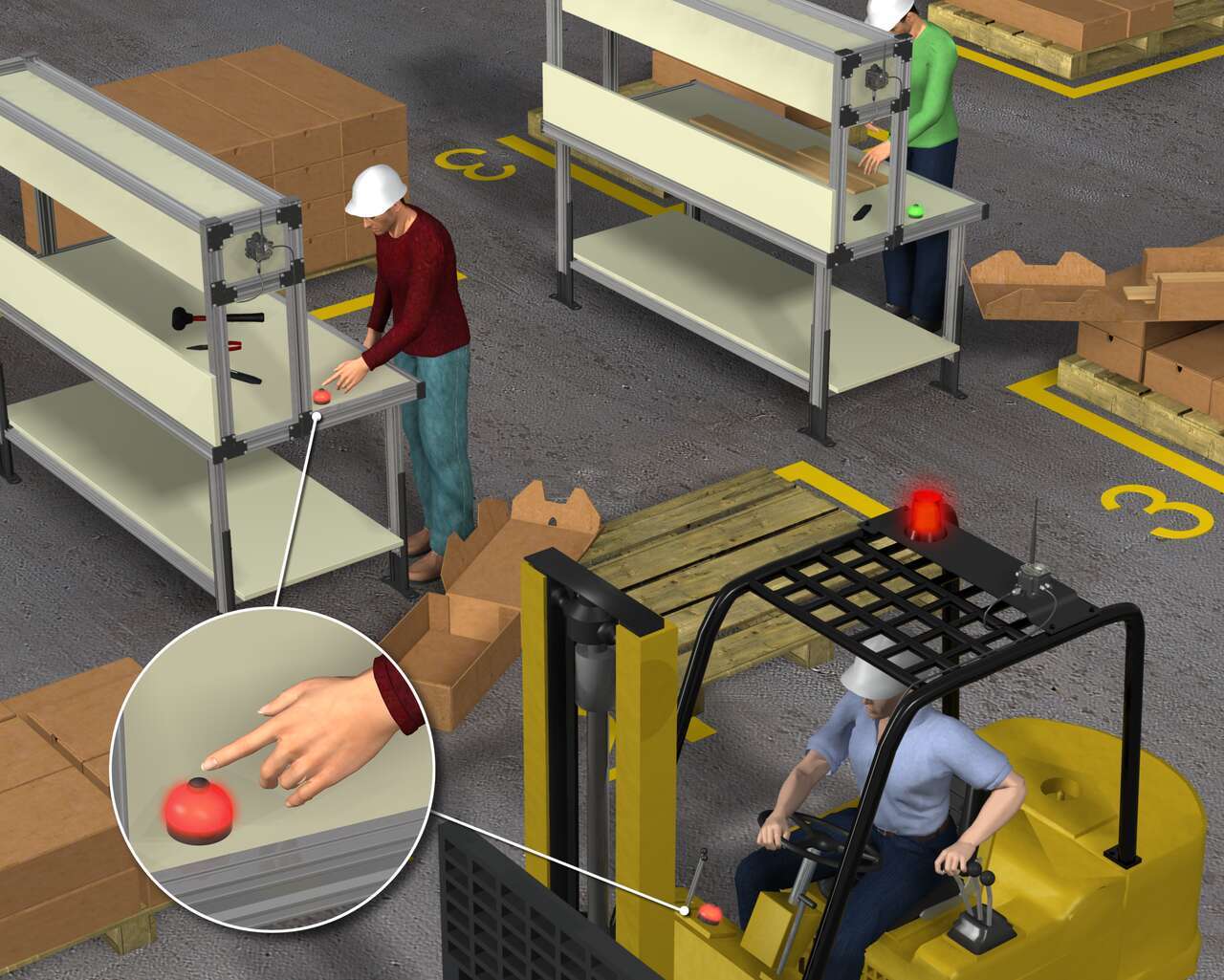
顧客は、フォークリフトのダッシュボードにインジケータを置くことによってフォークリフトオペレータの応答時間を延長し、フォークリフトオペレータが部品要請を認識できるソリューションを必要としています。これにより、複数のオペレータによる部品配達の重複が回避されます。
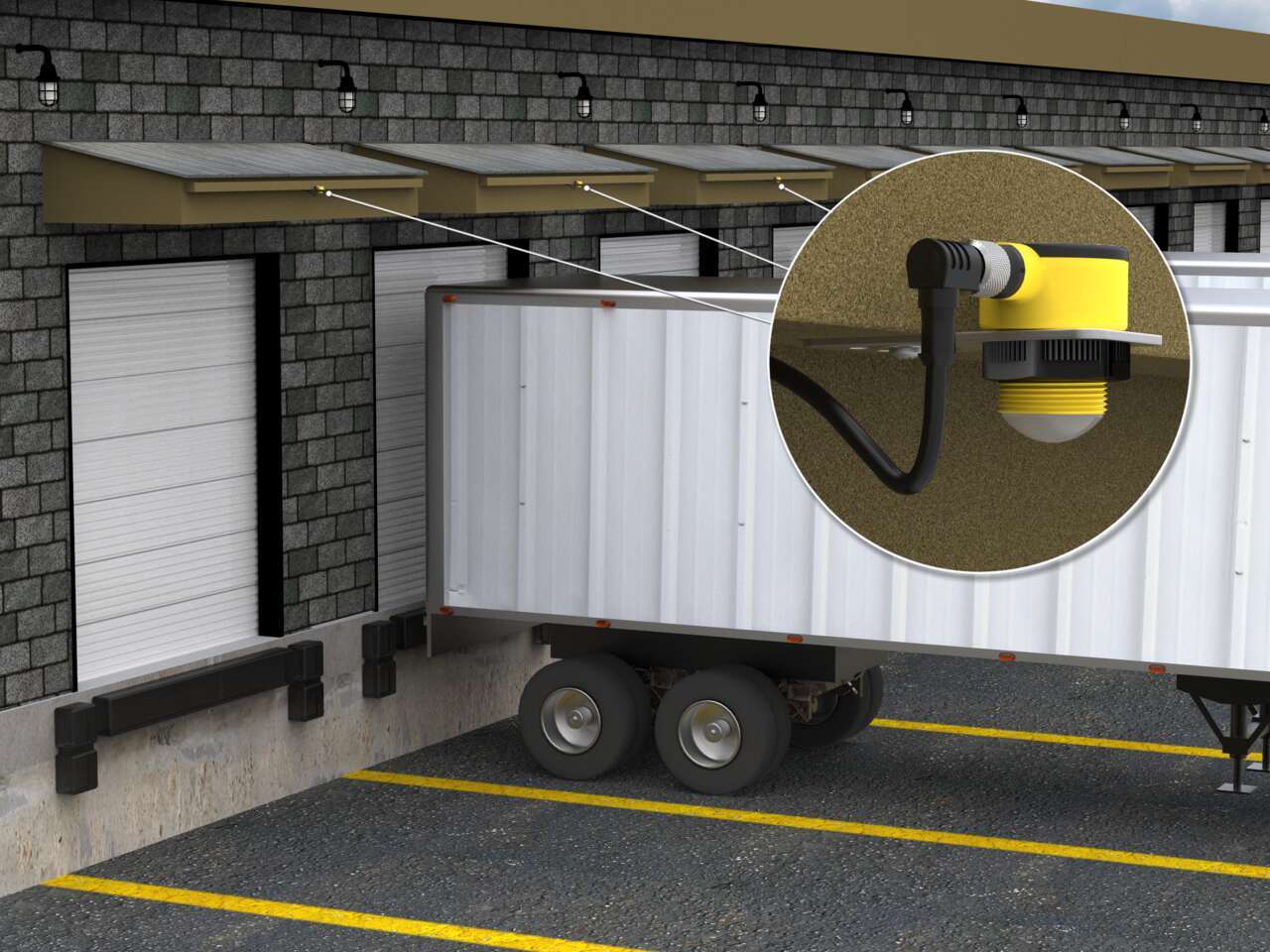
Vehicle detection at loading docks is complicated because sensing solutions are exposed to the elements and need to recognize a wide variety of surfaces. Rugged ultrasonic sensors work well to accurately detect the surfaces of delivery vehicles regardless of the material. Pairing with bright LED indication creates unmistakable operator guidance.
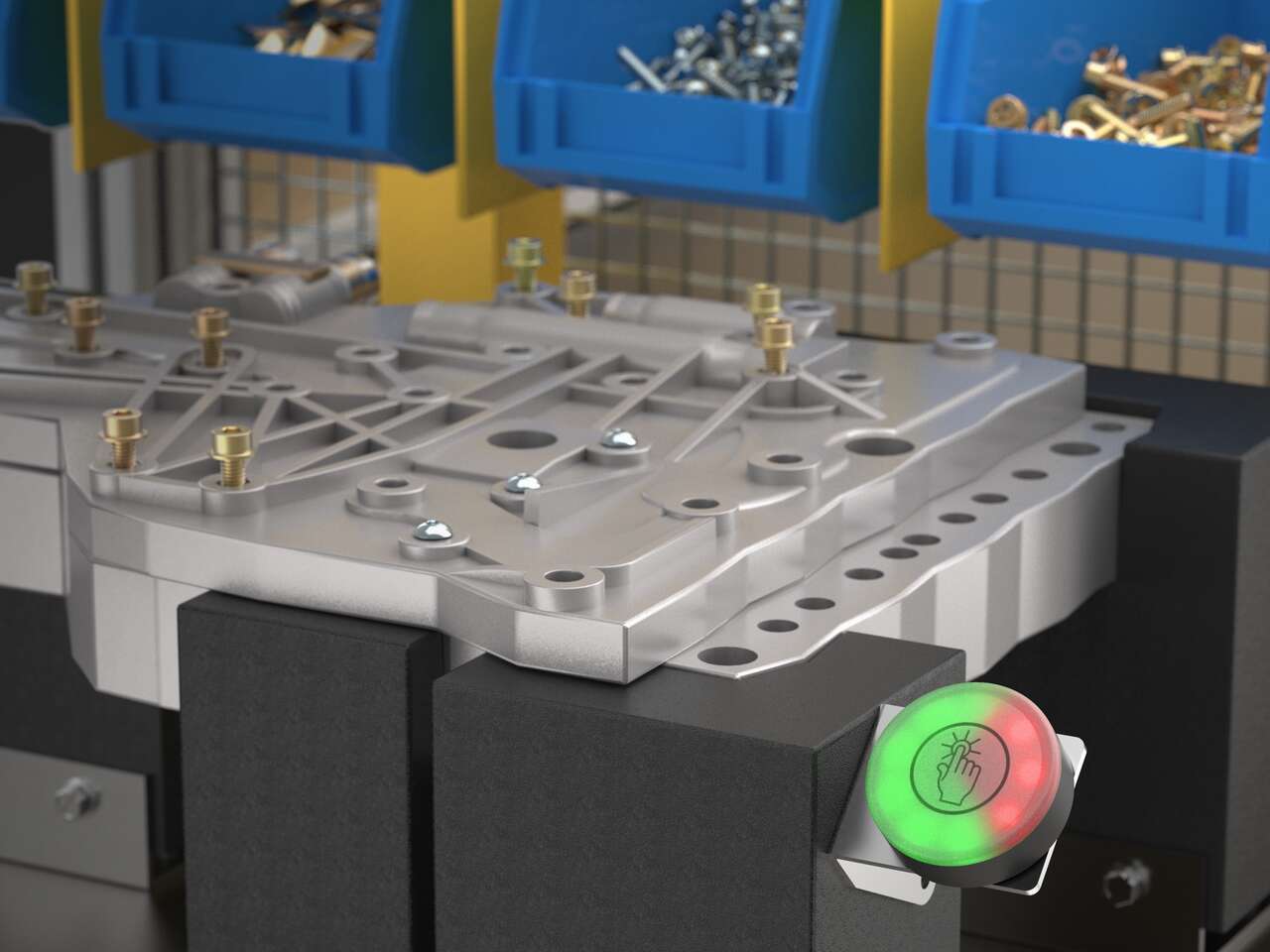
IO-Link通信機能付きのK50 Proタッチボタンは、作業員の視界にタクトタイムを表示するため、組立作業のペースを維持し、生産目標を満たす上で役立ちます。
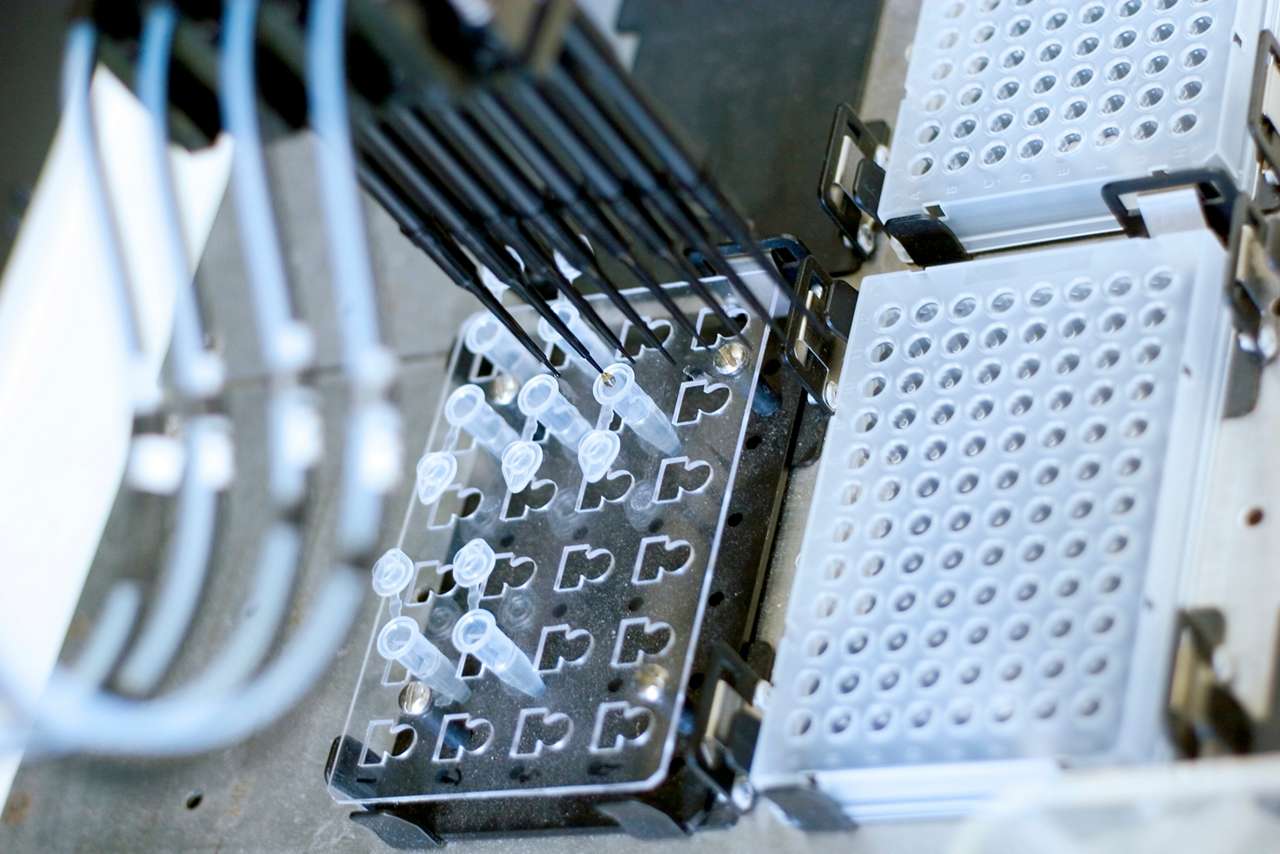
クリニックの検査室では、高いスループットを維持するためにサンプルの処理を迅速に行う必要があります。テスト手順に遅れが生じると、ワークフローが中断されてしまいます。K50L2などのLEDライトは機械状態を知らせる働きをします。このライトによって検査室の作業員は早期にミスを修正し、サンプルを処理して、結果データを収集することができます。
![無人車両のステータス表示 [成功事例]](/content/dam/banner-engineering/photography/general---stock-photography/stock_photo_new/AdobeStock_189577689.jpeg/jcr:content/renditions/cq5dam.web.1280.1280.jpeg)
K50L 50 mmドーム型インジケータライトは、無人シャトルバスのステータス表示に非常に役立ちます。これらのバスは、バスに搭載の技術を多様な天候条件にさらす野外環境において、短距離を走行します。堅牢なK50LインジケータはIP67とIP69K等級に設計されており、過酷な環境での水の浸入に耐えることができます。
![ベーカリーの正確な材料計量 [サクセスストーリー]](/content/dam/banner-engineering/photography/general---stock-photography/valueprop/edited/wcc-migration/2015/dropbox3.jpg/jcr:content/renditions/cq5dam.web.1280.1280.jpeg)
ベーキングは、創造性、精密、および細部への注意が融合した作業です。ウィルキンソンベーキングカンパニーは、その融合に技術的な革新を加えました。ウィルキンソンパン焼き機は、小型の完全アンプ内蔵型全自動パン焼き機です。このユニークな機械には、技術に、1時間に40斤の速さで単純な原材料から焼きたてのパンを作り出す伝統が組み合わせられています。
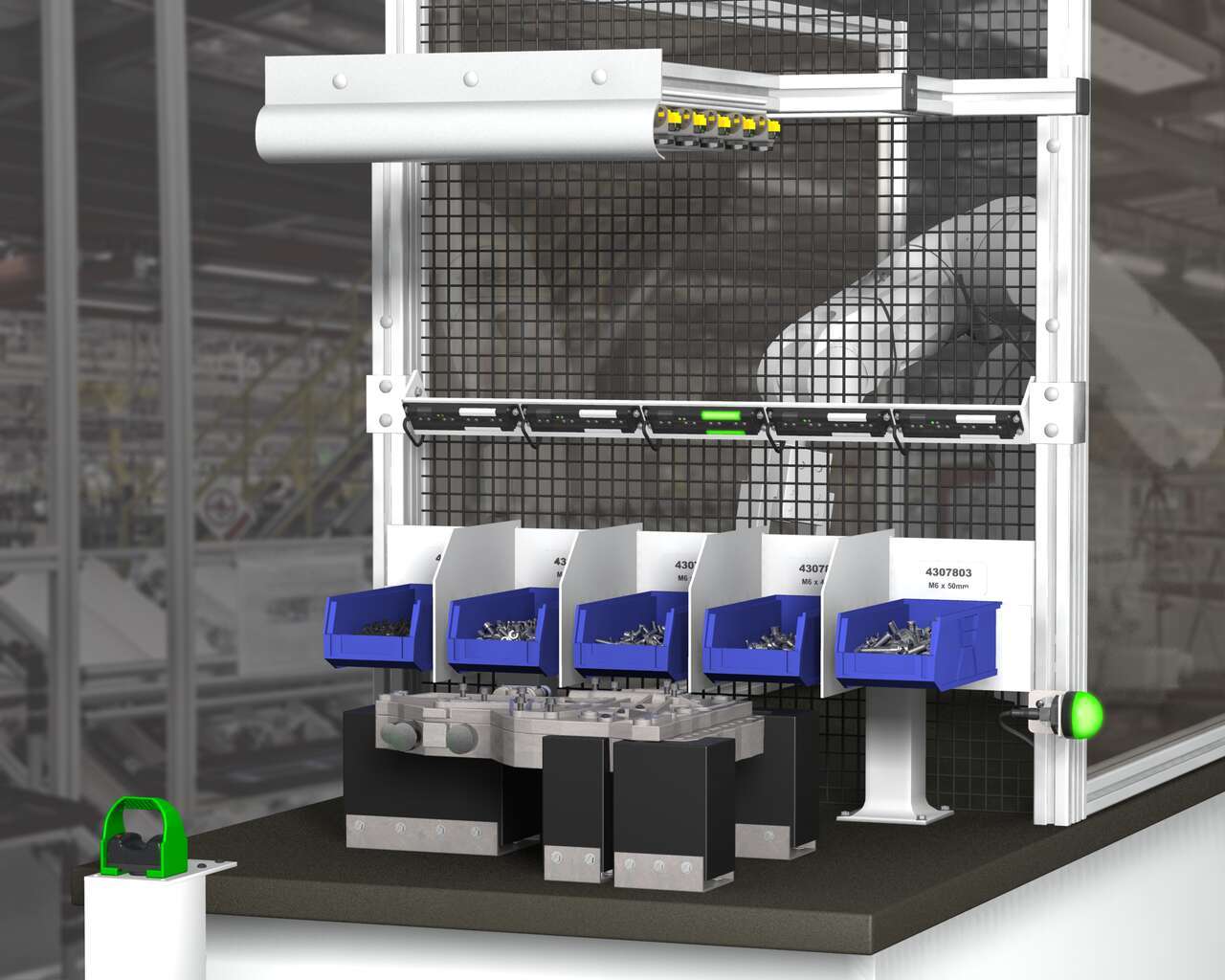
A Henshaw customer manufactures drivetrain and powertrain systems for the automotive industry. The company had experienced productivity losses due to errors in the assembly of transmission valve bodies. Henshaw was tasked with developing a system that would reduce errors and improve the assembly process.
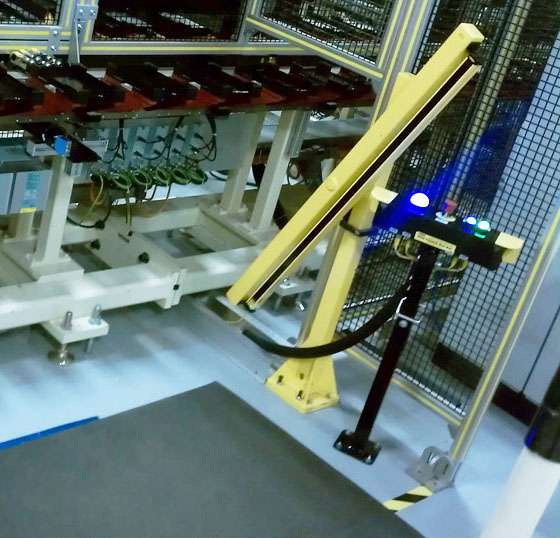
A leading machine manufacturer builds workstations designed for accurate, timely and cost-effective battery cell assembly. A value added component of the workstations is an operator guidance device that does three jobs: enables assembly processes to start and stop, indicates parts to be picked and installed, and completely stops line operation if emergencies occur. When it became too costly for the OEM to construct and mount these devices themselves, they turned to Banner to craft an all-inclusive solution. To honor the time line requirements of their customer—a major tier two battery supplier—the OEM needed the solution in eight weeks.
![繁忙な製造現場でのコミュニケーション [成功事例]](/content/dam/banner-engineering/3d-renders/application-notes/wcc-migration/2014/K50-Touch-and-TL50---Industrial-Oven_For-Andrew.psd/jcr:content/renditions/cq5dam.web.1280.1280.jpeg)
オーブンを通過する部品が多くなってくると、積み降ろされるアイテムの流れのペースに合わせることはますます困難になります。仕分けエリアでの停滞が高まり、アイテムが誤った方向へ流されたり、破損することさえあります。部品の流れを一時的に停止するば、アイテムを積み降ろすオペレータは間違いを訂正し、ピックアップステーションを一掃することができます。しかし、積み下ろしエリアと積み込みエリアとの間の距離と周囲の機械から得る干渉により、オペレータ同士のコミュニケーションが困難になります。
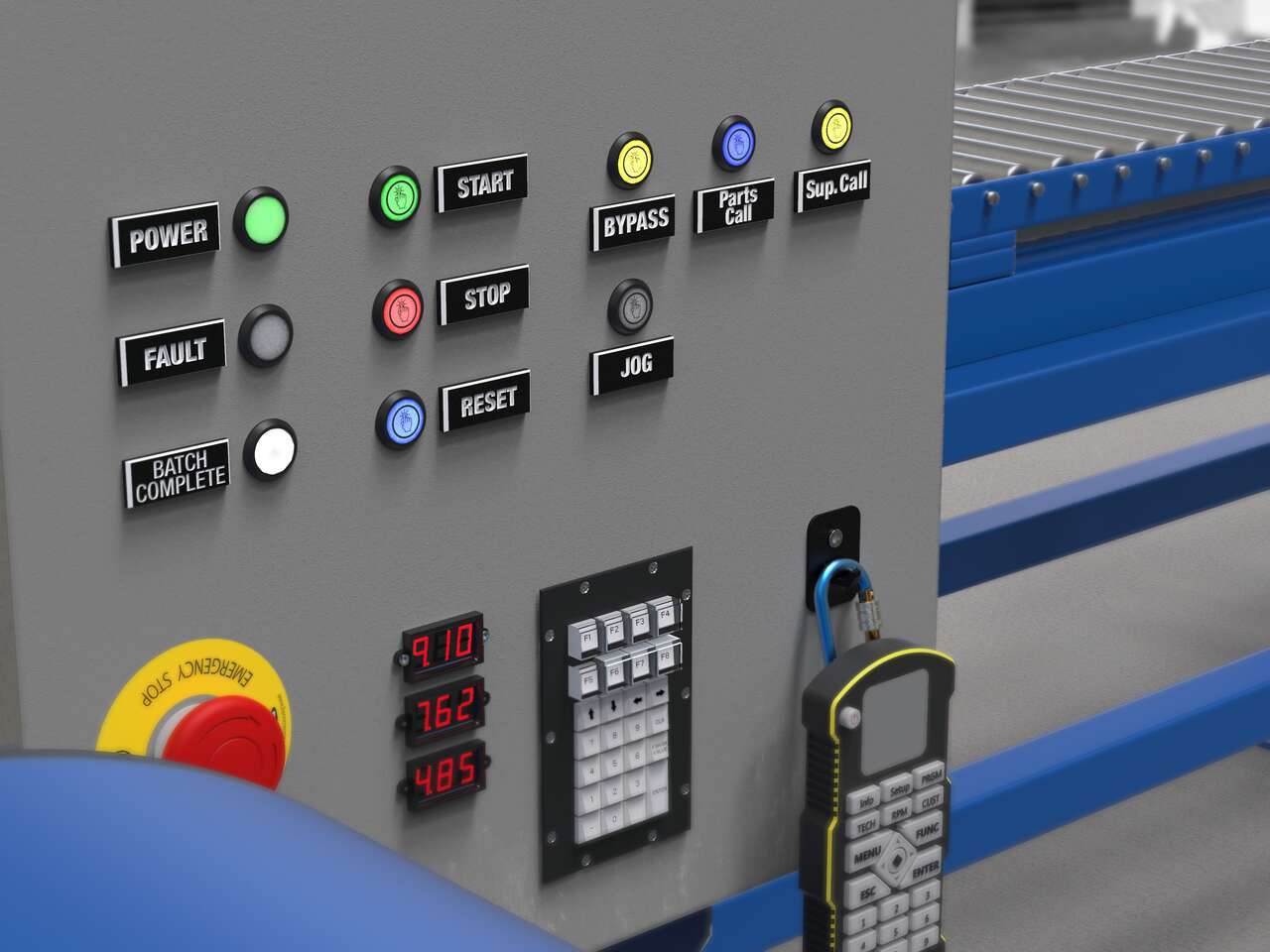
Local indication solutions provide clear, highly visible status alerts to both operators and plant managers in their normal sightlines.
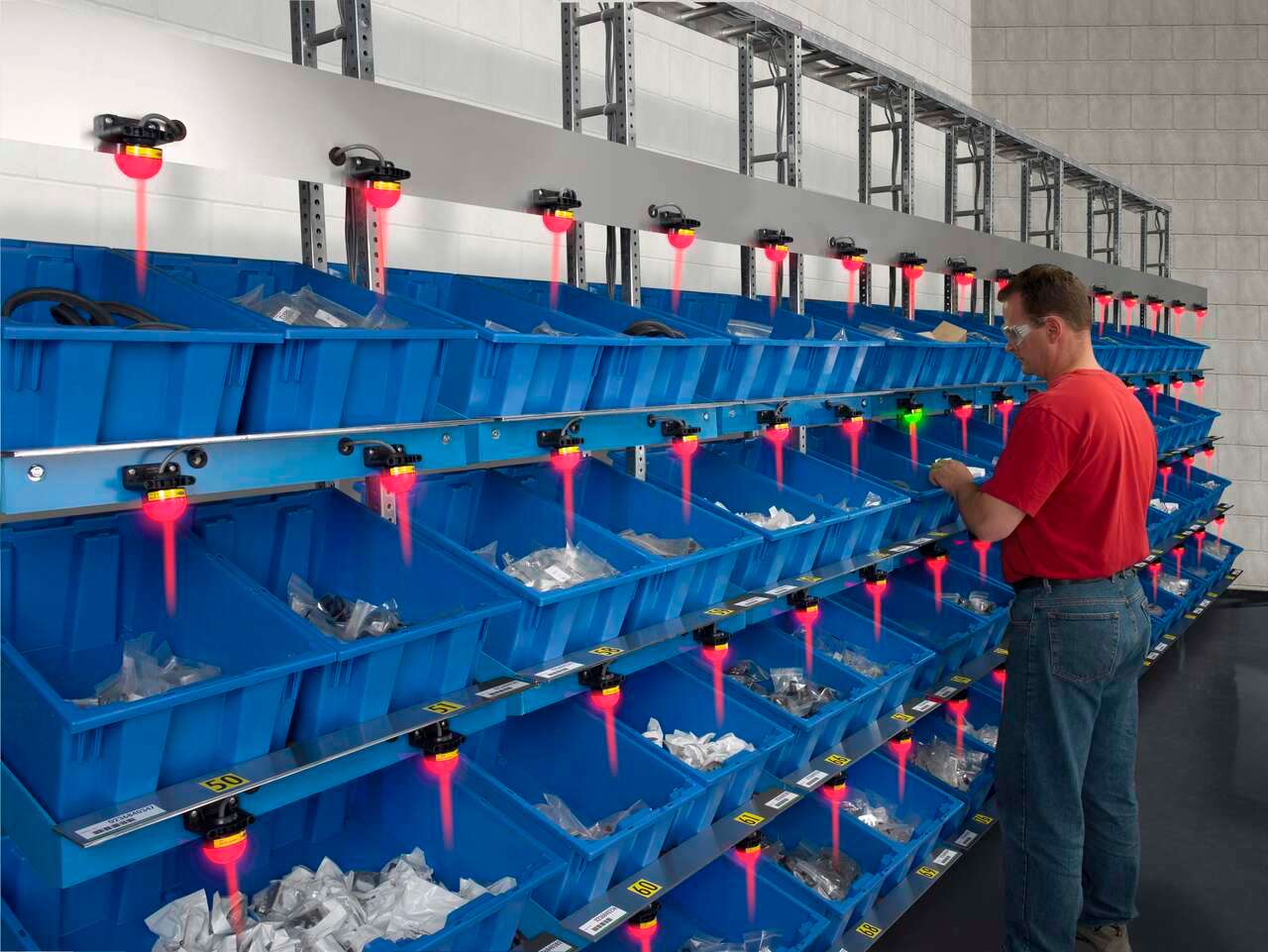
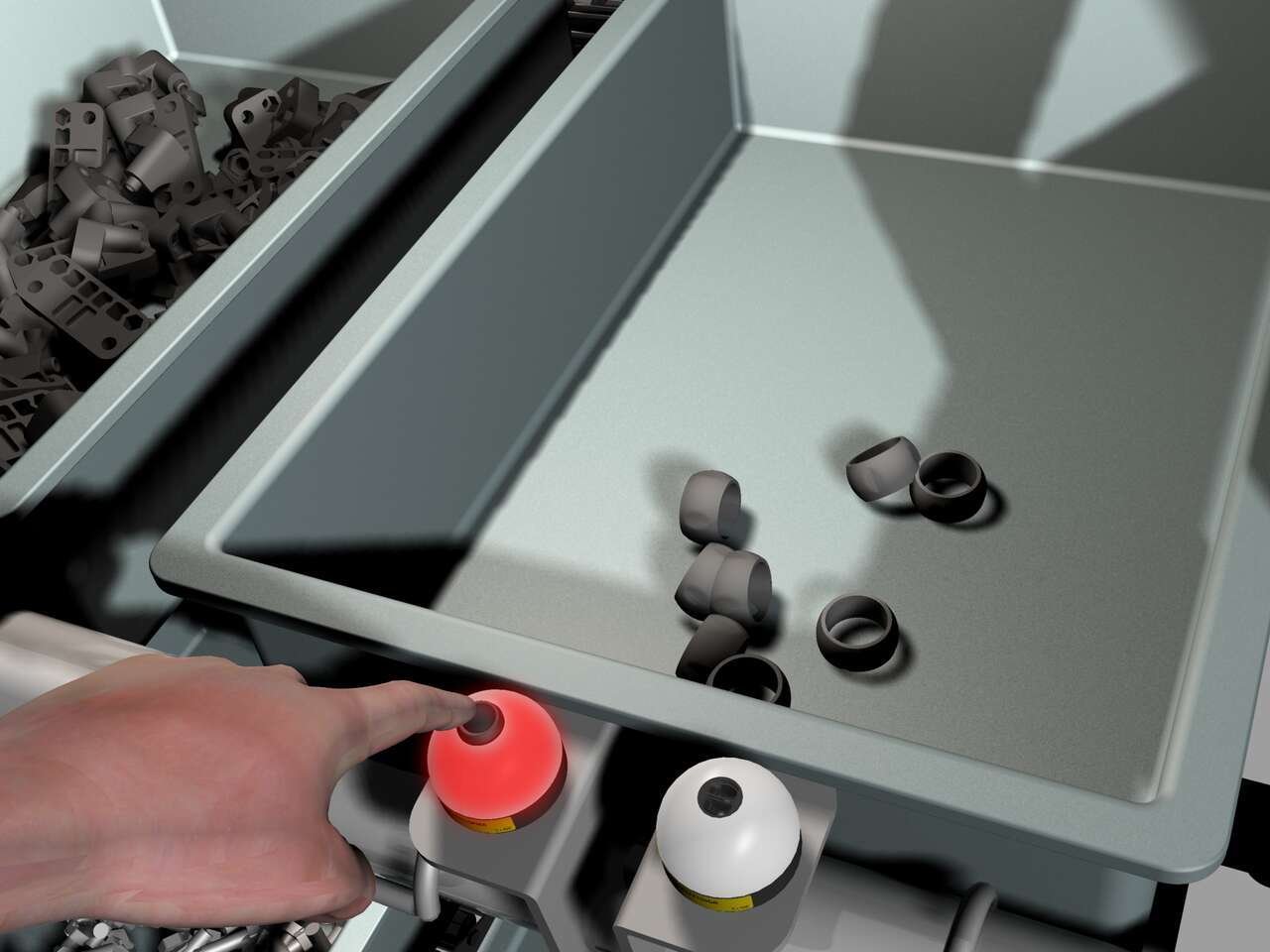
Banner’s K50 Series of single-point pick-to-light sensors are a simple, easy-to-use error-proofing solution in assembly applications. In this application, the job light is Green while the job input is active, indicating the correct bin for the next pick. The presence of the assembler’s hand initiates an output change of state, turning the job light red. The job light above the next pick location will then turn Green.
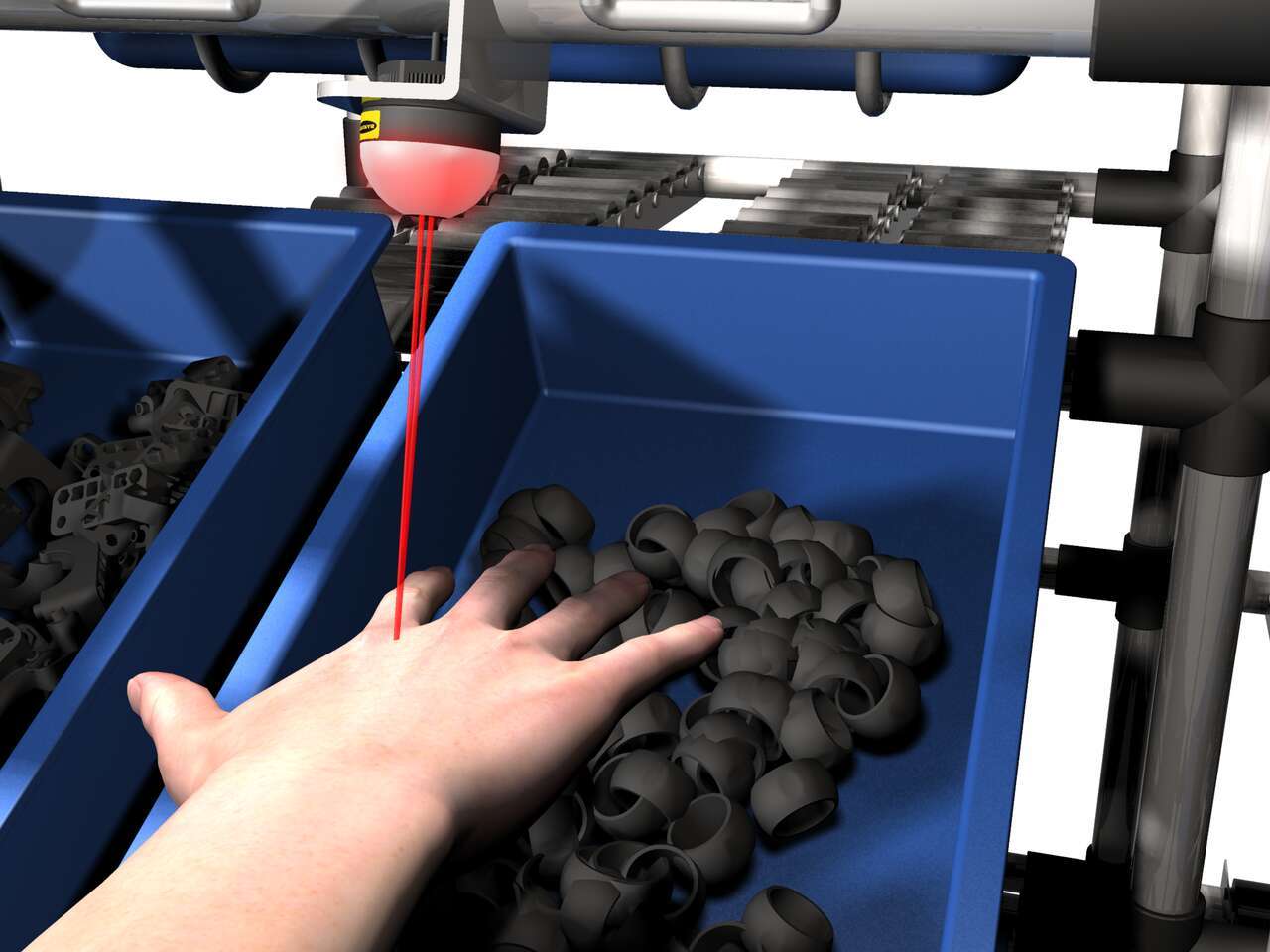
The EZ-LIGHT K50 sensor lights above a bin to show the assembler which part to pick. If the assembler reaches into a different bin, that bin's EZ-LIGHT K50 sensor lights up in the designated warning color—in this example, red— to indicate the error.
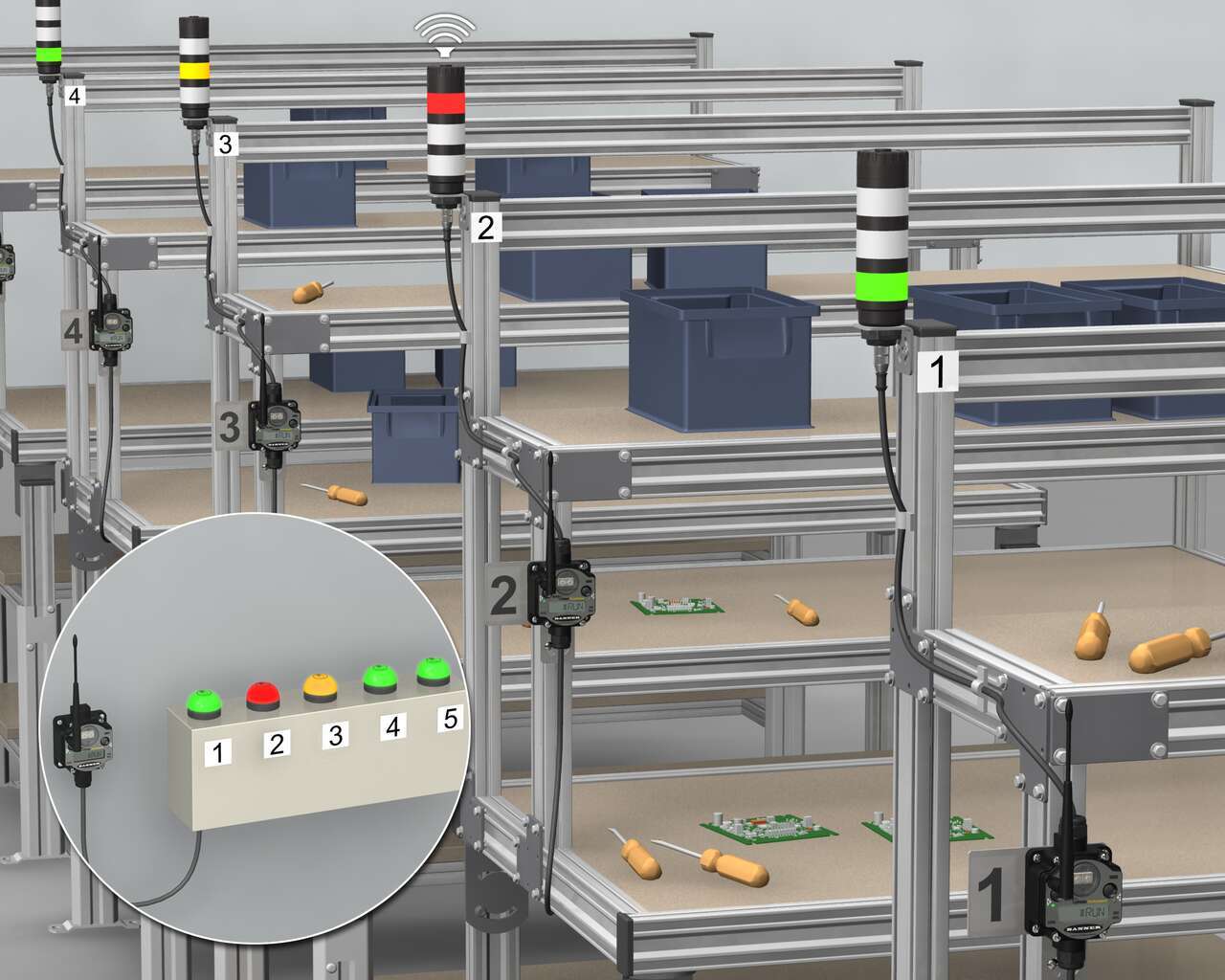
高品質のLEDライトと複数の色が1つのデバイスに搭載されたバナーのマルチセグメントブザーTL50をK50 TouchおよびPM8ワイヤレスシステムを組み合わせることで、効率的な部品要請が可能になります。まず、人間工学を考慮したバナーのK50タッチボタンを管理ステーションに設置し、対応するPML8ワイヤレスノードに応じて番号を付けます。ワイヤレスノードは、個々のワークステーションにブザータワーライトと共に設置されます。
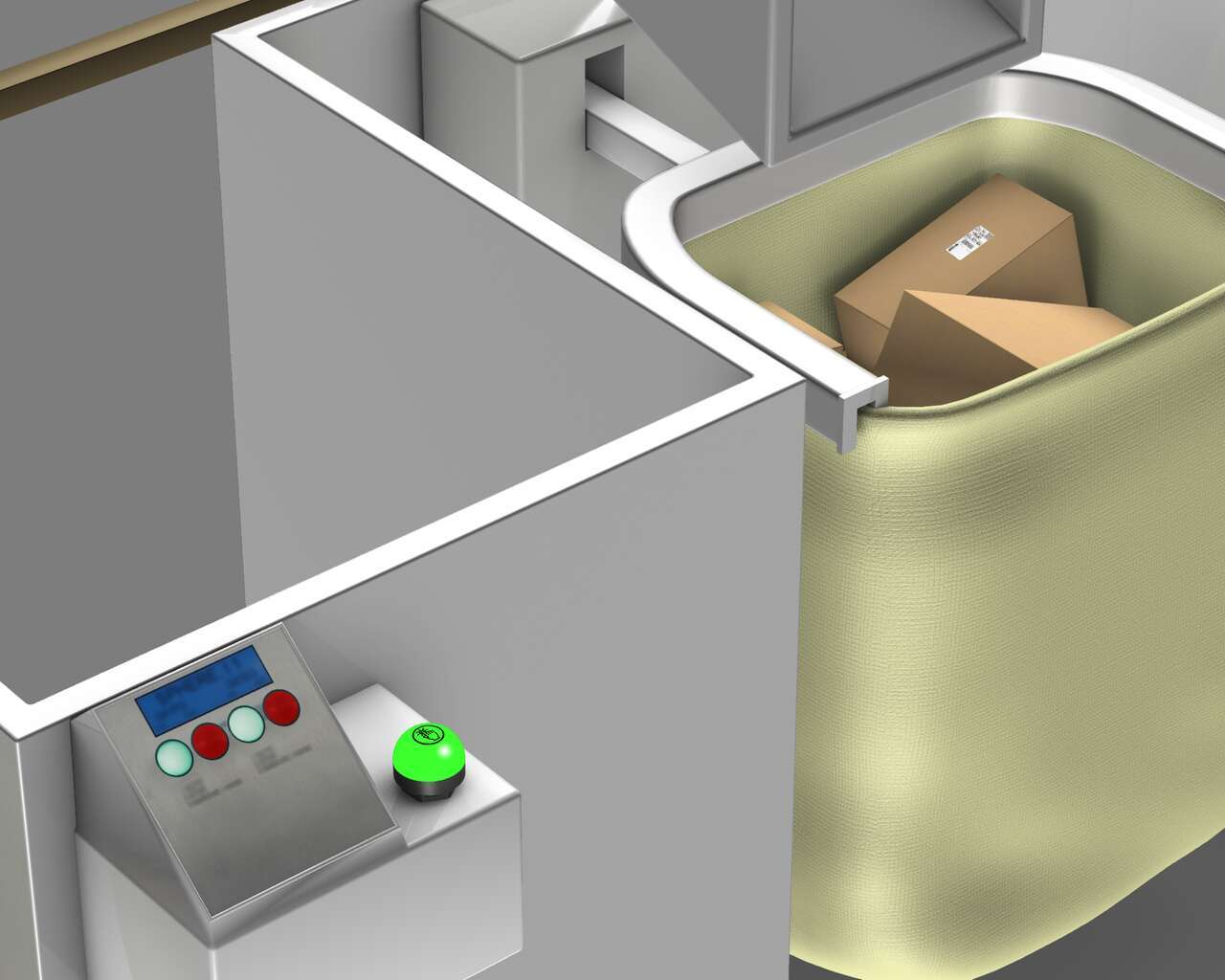
目視による管理を適切に検証し使用するために、バッグが満杯になるとセンサがトリガされ、K50タッチボタンに信号を送信して赤色に点灯させて、トートが満杯であることを示します。K50タッチは、バッグを取り外して空のものに交換する必要があることをオペレータに視覚的に示します。オペレータは、バッグの詰め込み準備ができていることを示すために、人間工学的なK50タッチボタンを押して再度緑色に点灯させます。
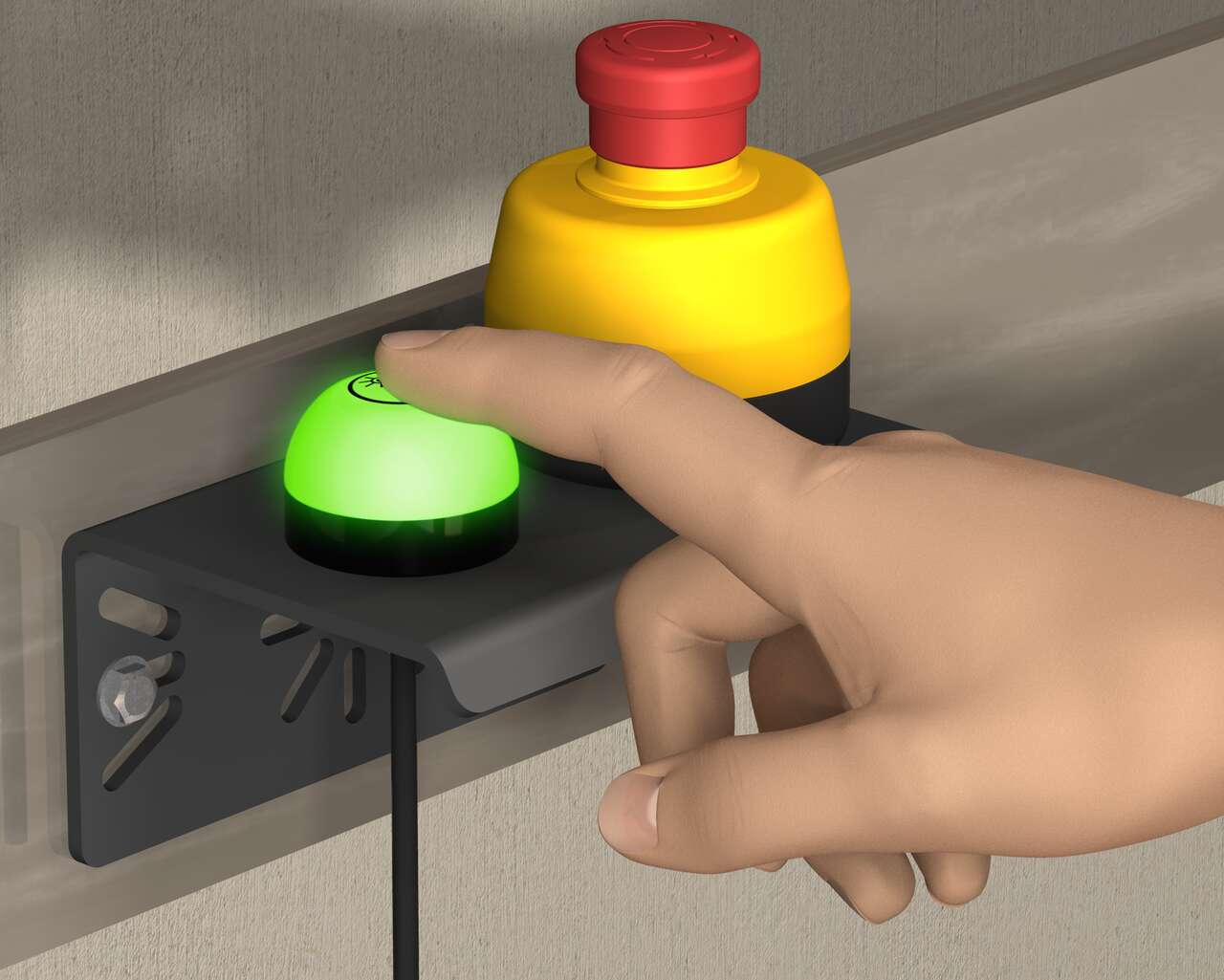
一体型エンクロージャに収められた非常停止押しボタンとK50 Touchライトインジケータの組み合わせにより、非常時のステータス表示が容易になります。バナーの30 mmマウント非常停止ボタンには、作動時に黄色から赤色に点滅する照明ベースがあり、非常停止状態をはっきりと表示します。K50タッチは、操作に物理的な圧力を必要とせず、素手や作業手袋で簡単に作動する人間工学に基づいた設計の効率性の高い製品です。
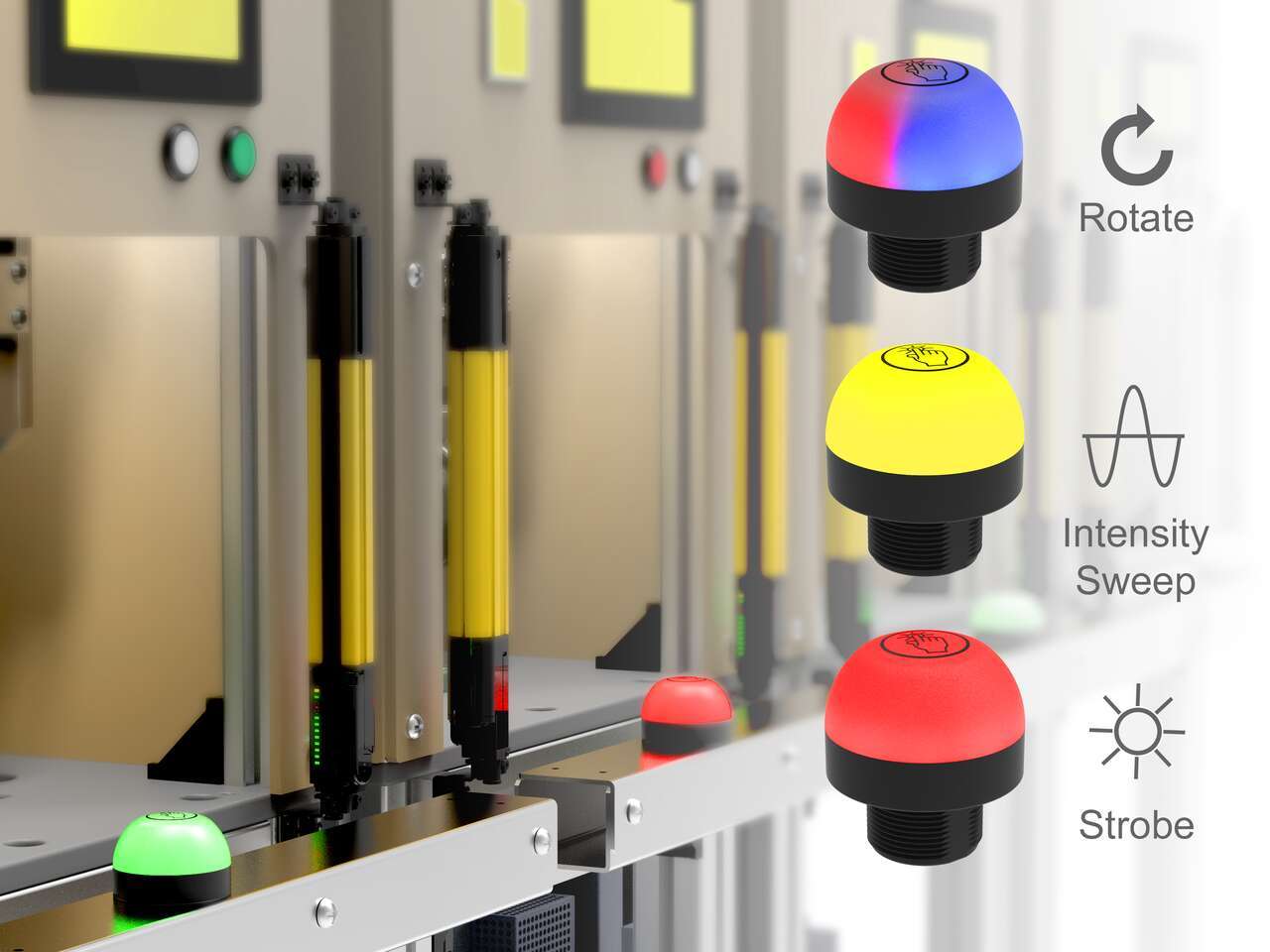
The unique indication of the programmable K50 Pro touch buttons and Pro Editor software allows for versatile indication of numerous machine statuses and in-field customization. Multicolor and animation allow for quick identification of errors in work cells.
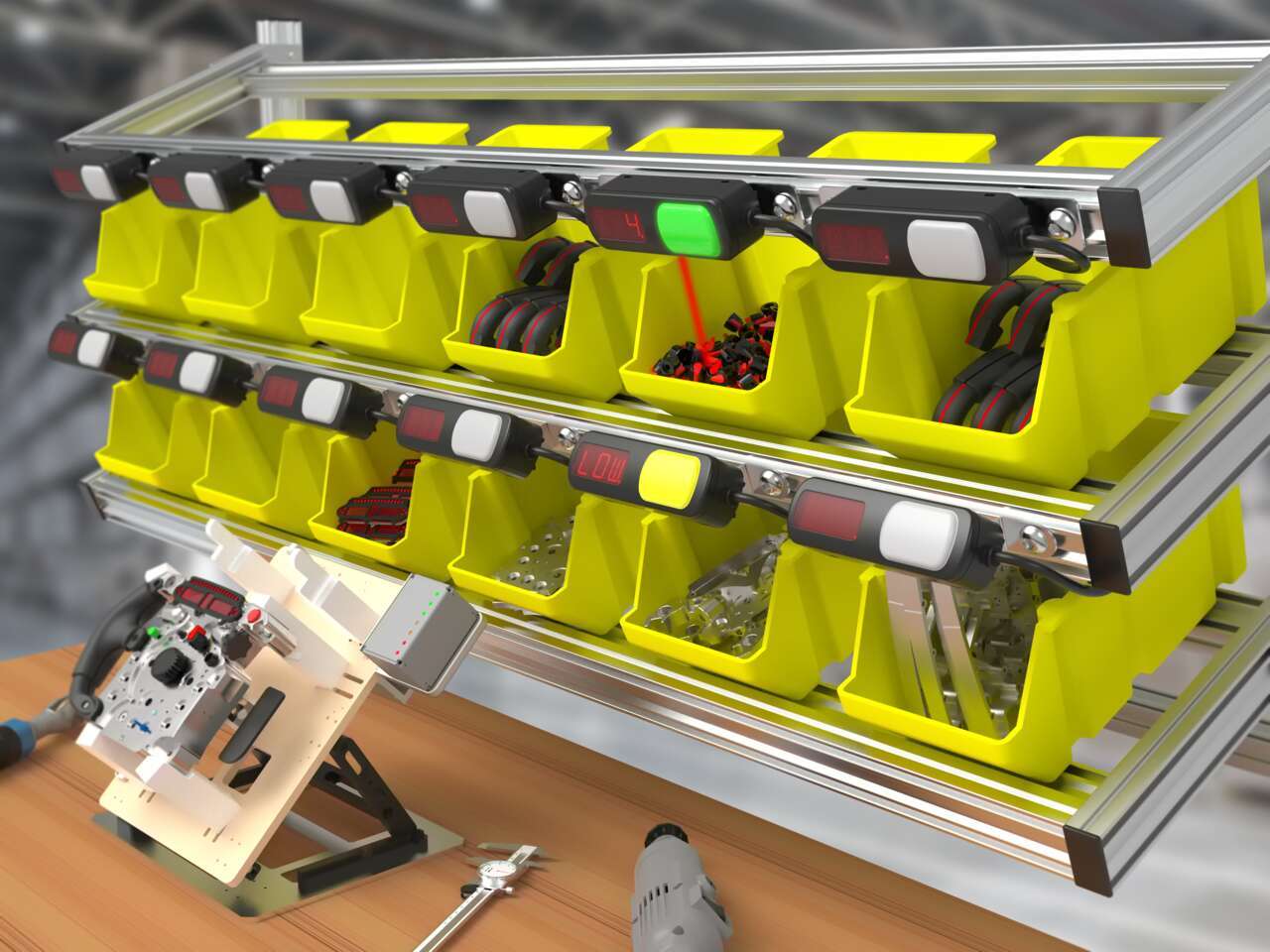
Pick-to-light systems support lean manufacturing initiatives by reducing the risk of human error in production and assembly processes.
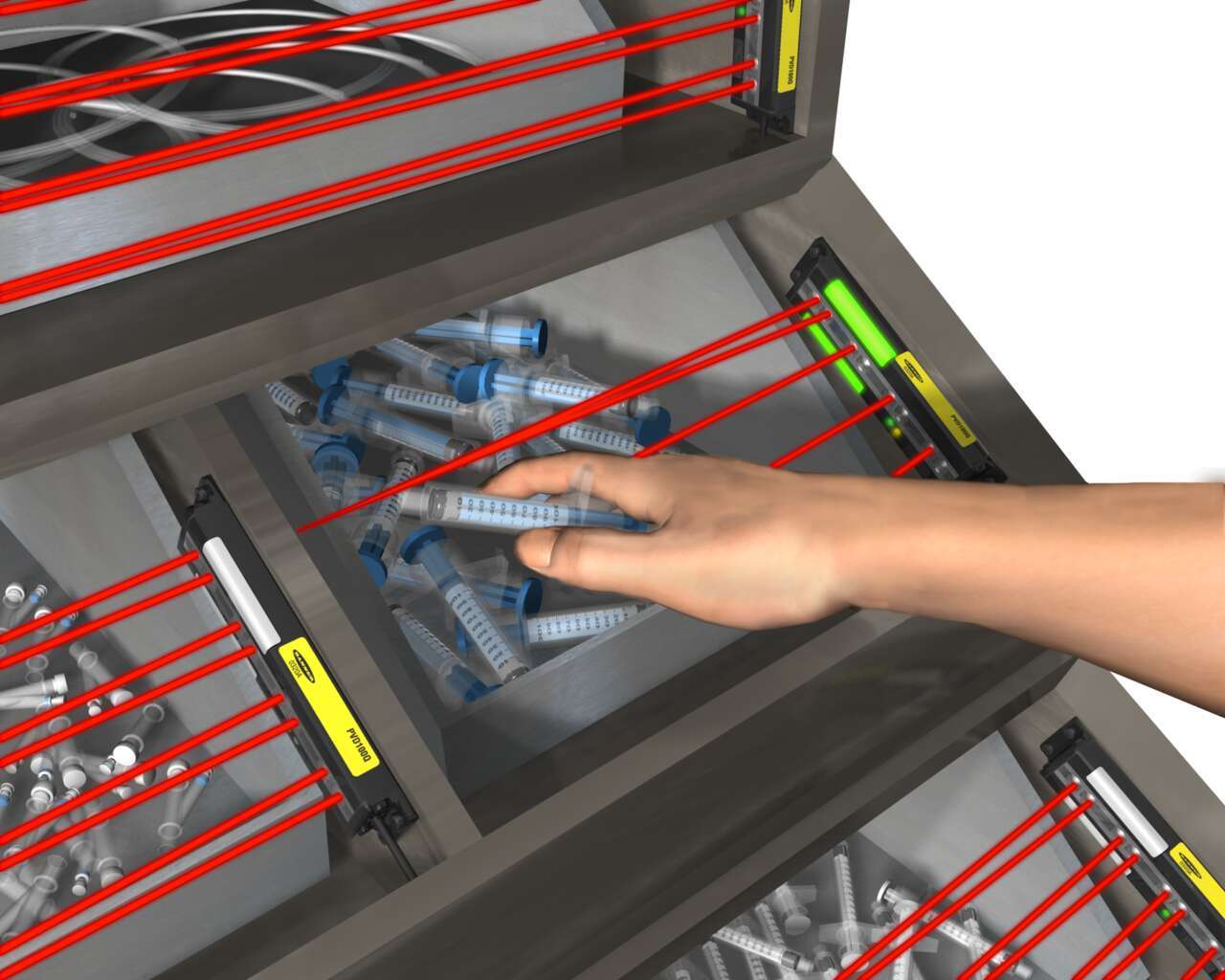
Light-guided kitting and sequencing solutions allow operators to focus on building high-quality products while maintaining efficiency.

Quick, accurate picking increases customer satisfaction by ensuring that customers receive the correct order in a timely manner.
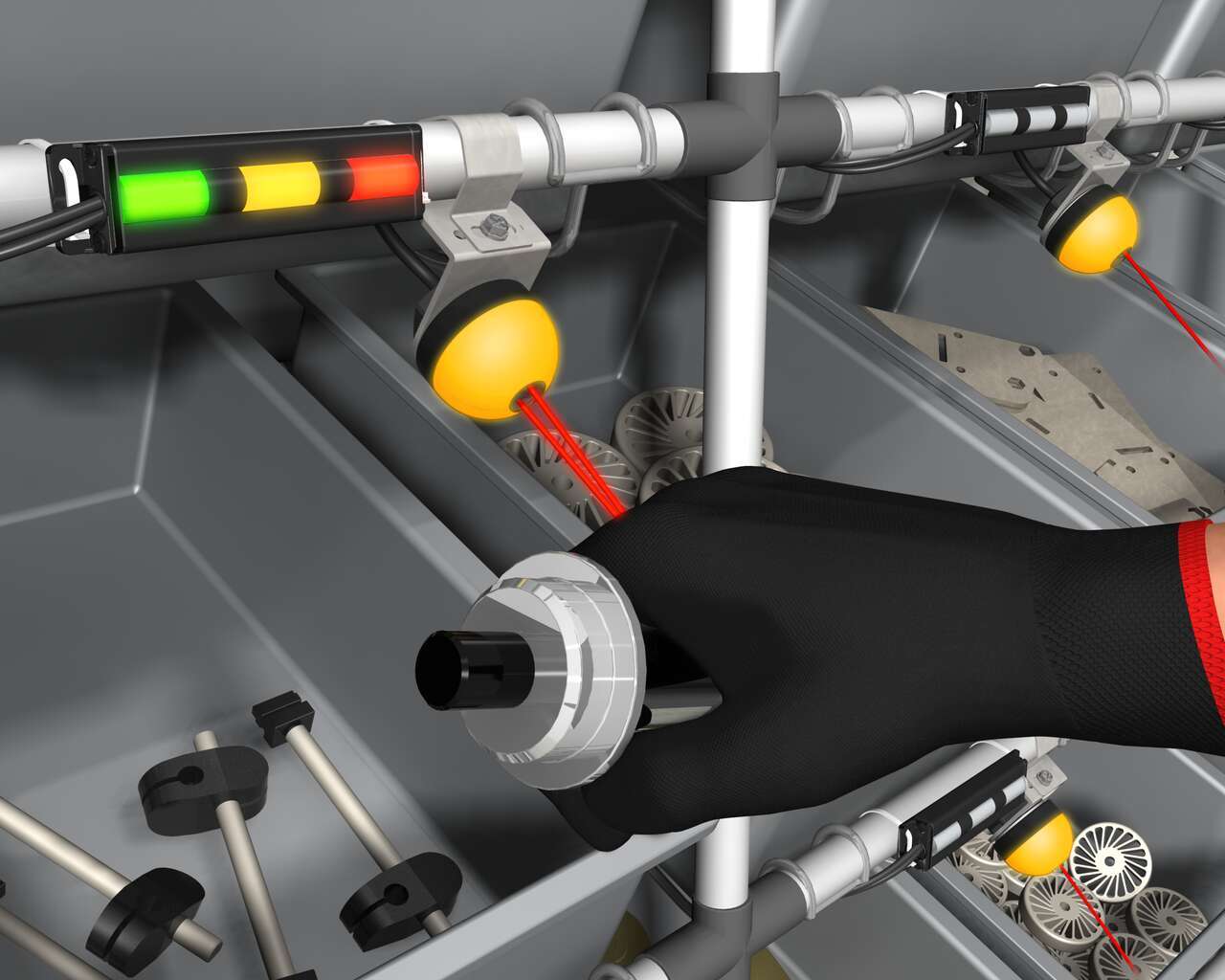
Banner’s K50 Optical Pick-to-Light series is a compact, self-contained, three color indicator with integral sensor. Green typically indicates which part to pick, and when the internal sensor detects the hand, the indicator changes to yellow to confirm the task is complete. An optional third message is to display red for a mispick.
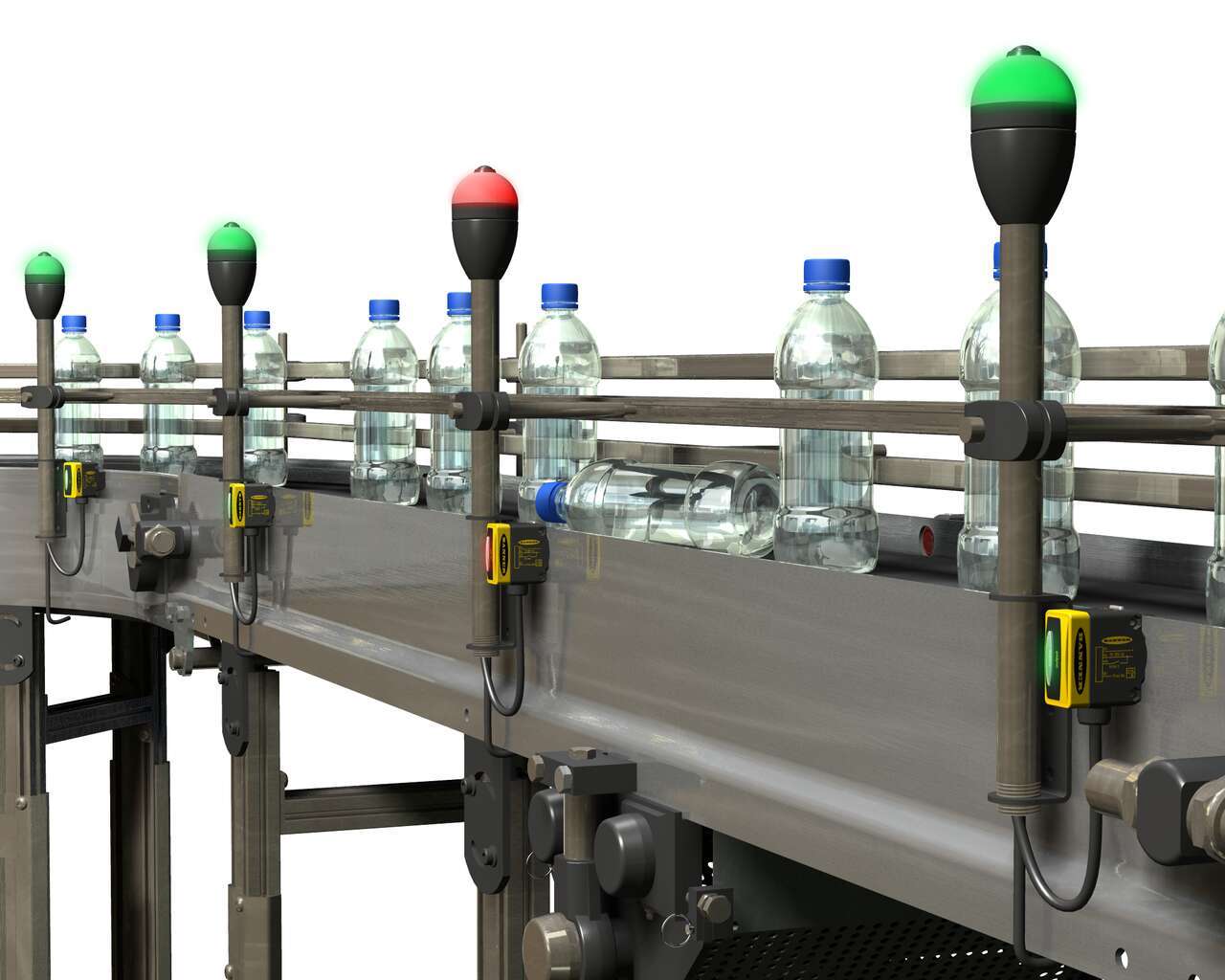
数多くの監視箇所がある長いボトリングラインで透明な液体が充填された半透明のボトルを検出するためのセンサソリューション。
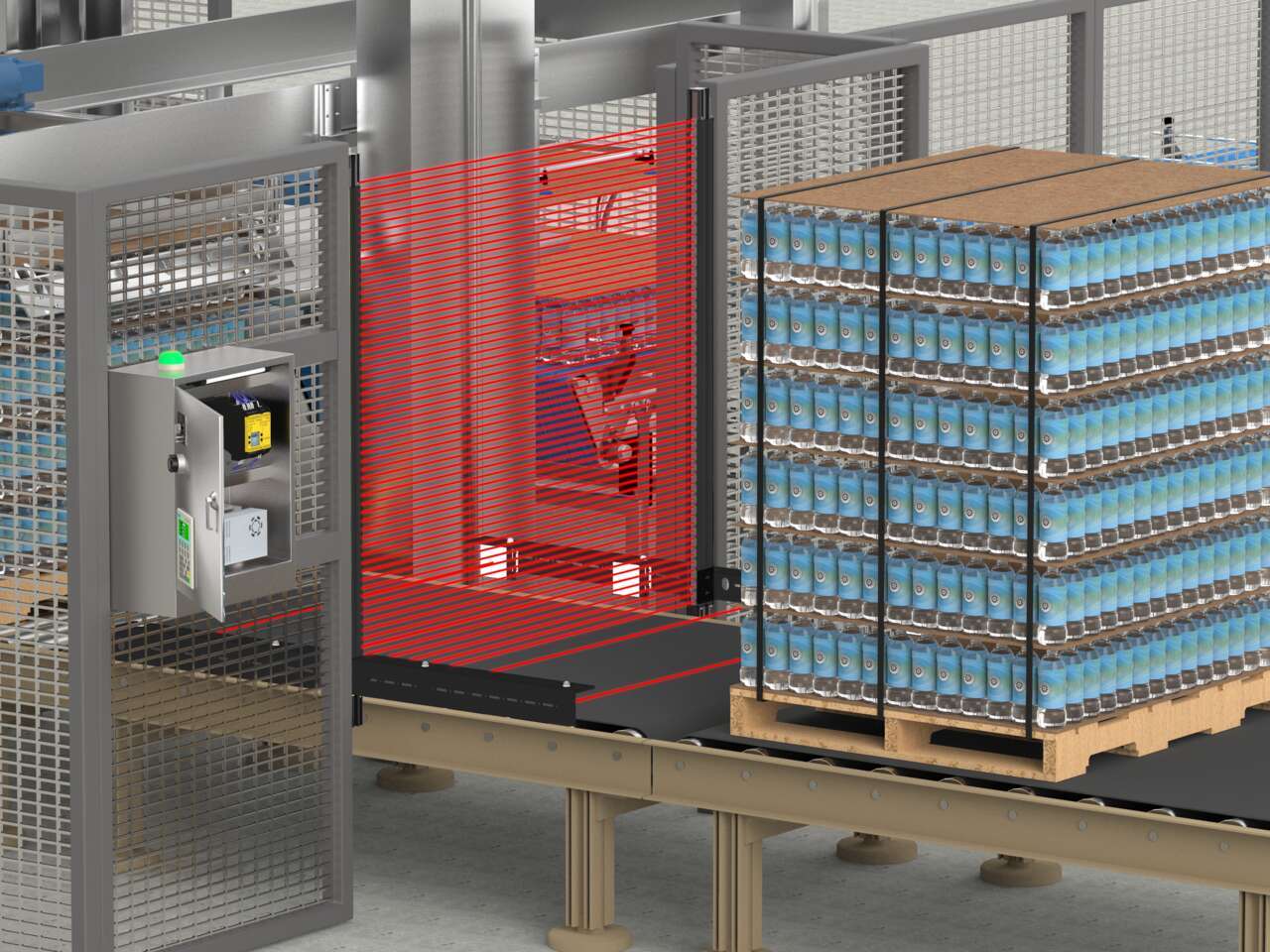
An LS Series safety light curtain with a mute arm kit in T-configuration combined with an XS26 Series safety controller is an easy-to-implement solution that protects staff from potential hazards without disrupting the flow of pallets to the depalletizer.
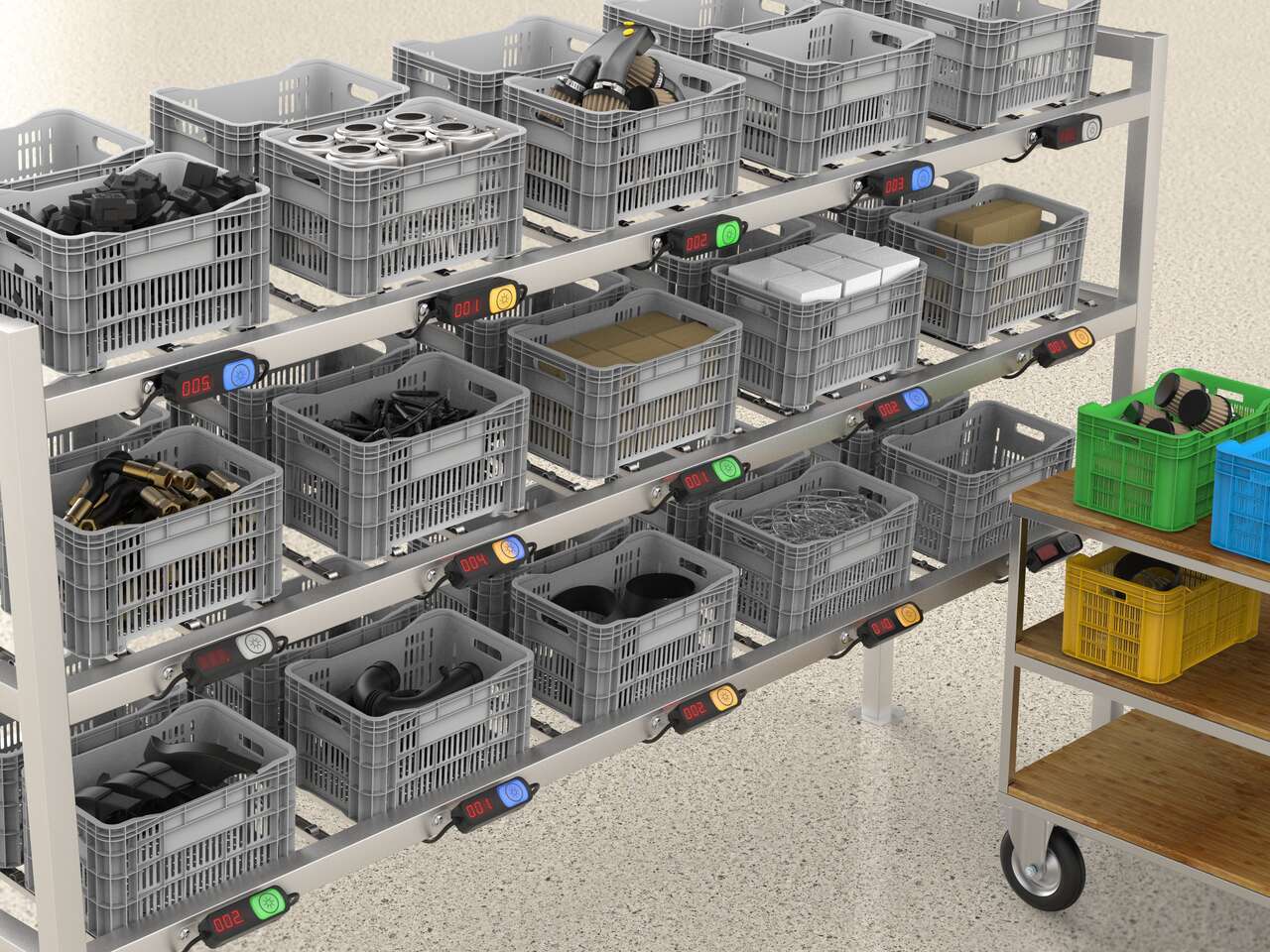
Put-to-light solutions improve the efficiency and accuracy of stocking and replenishment activities and can help prevent downtime by reducing delays due to misplaced or incorrect parts.
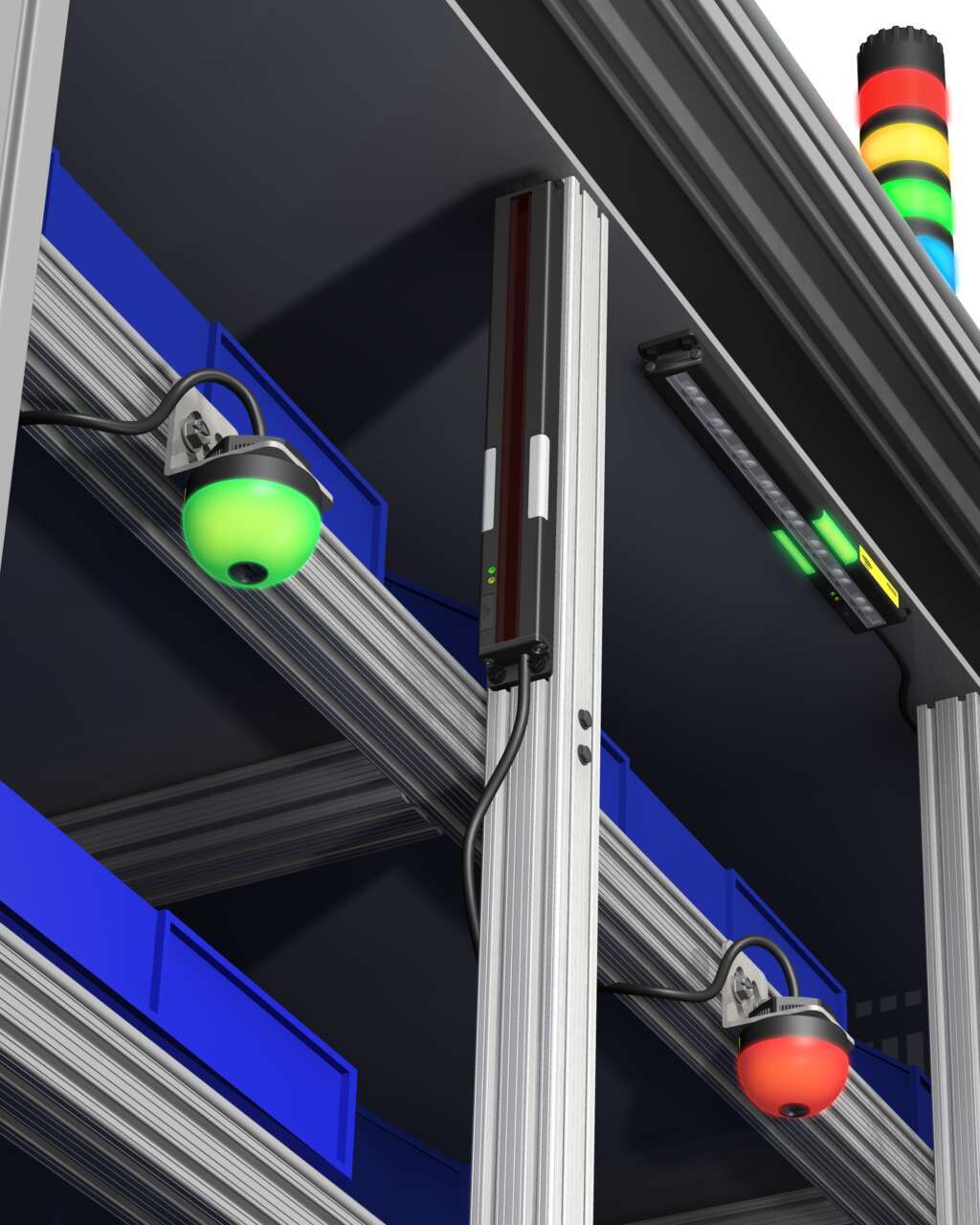
Several technologies and solutions are available for bin-picking applications for error-proofing processes. Light arrays prompt the operator for part selection with integral job lights, then reliably sense retrieval of the part, using an array of visible red or infrared sensing beams located in front of the bin.
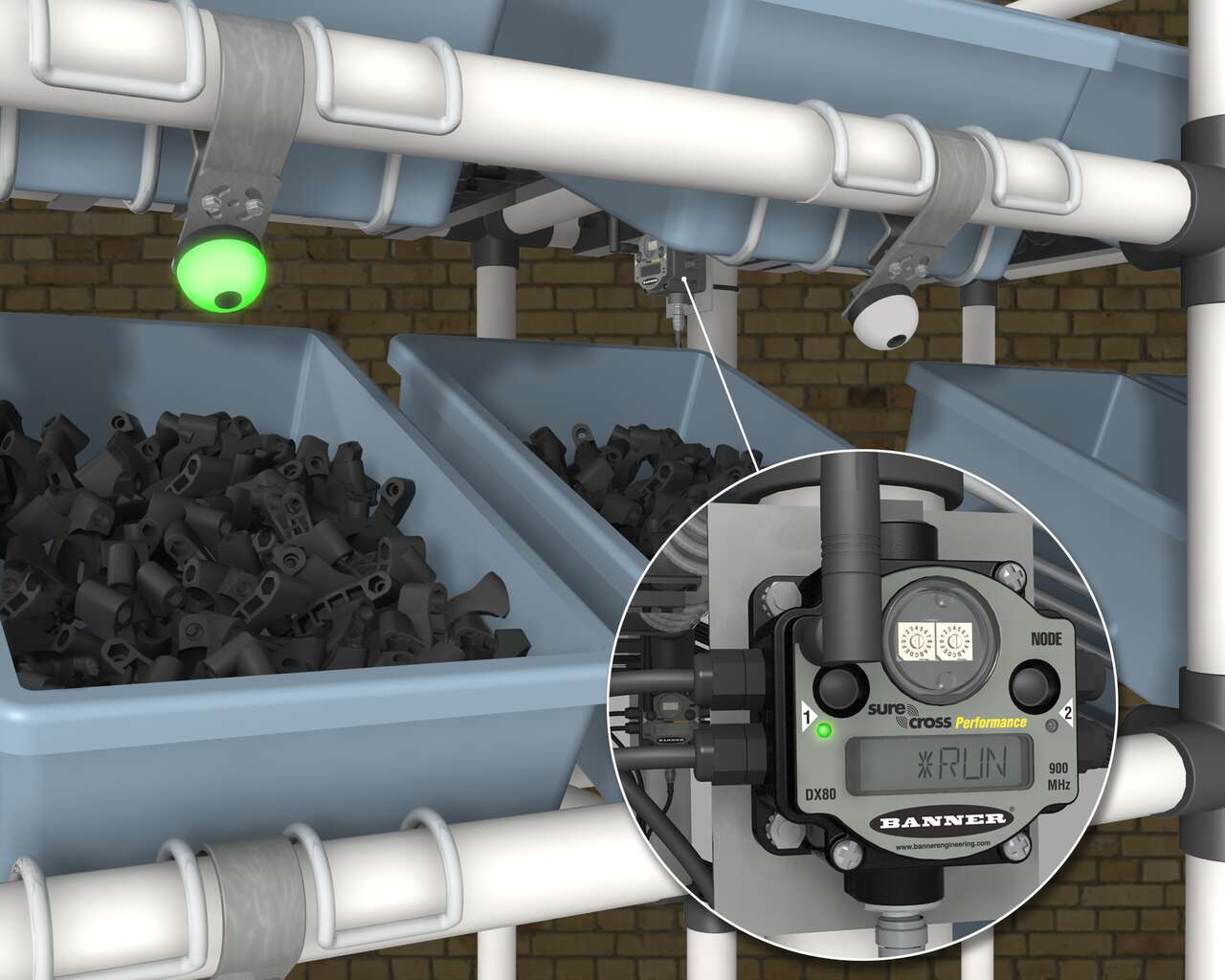
A Banner wireless solution is a simple way to optimize inventory, reduce errors, and minimize waste. Each SureCross Performance Node with I/O Mapping can be equipped with up to six EZ-LIGHT operator indicator lights. The SureCross Gateway is conveniently located at a central location where maintenance personnel and management can monitor the parts consumption throughout the site.
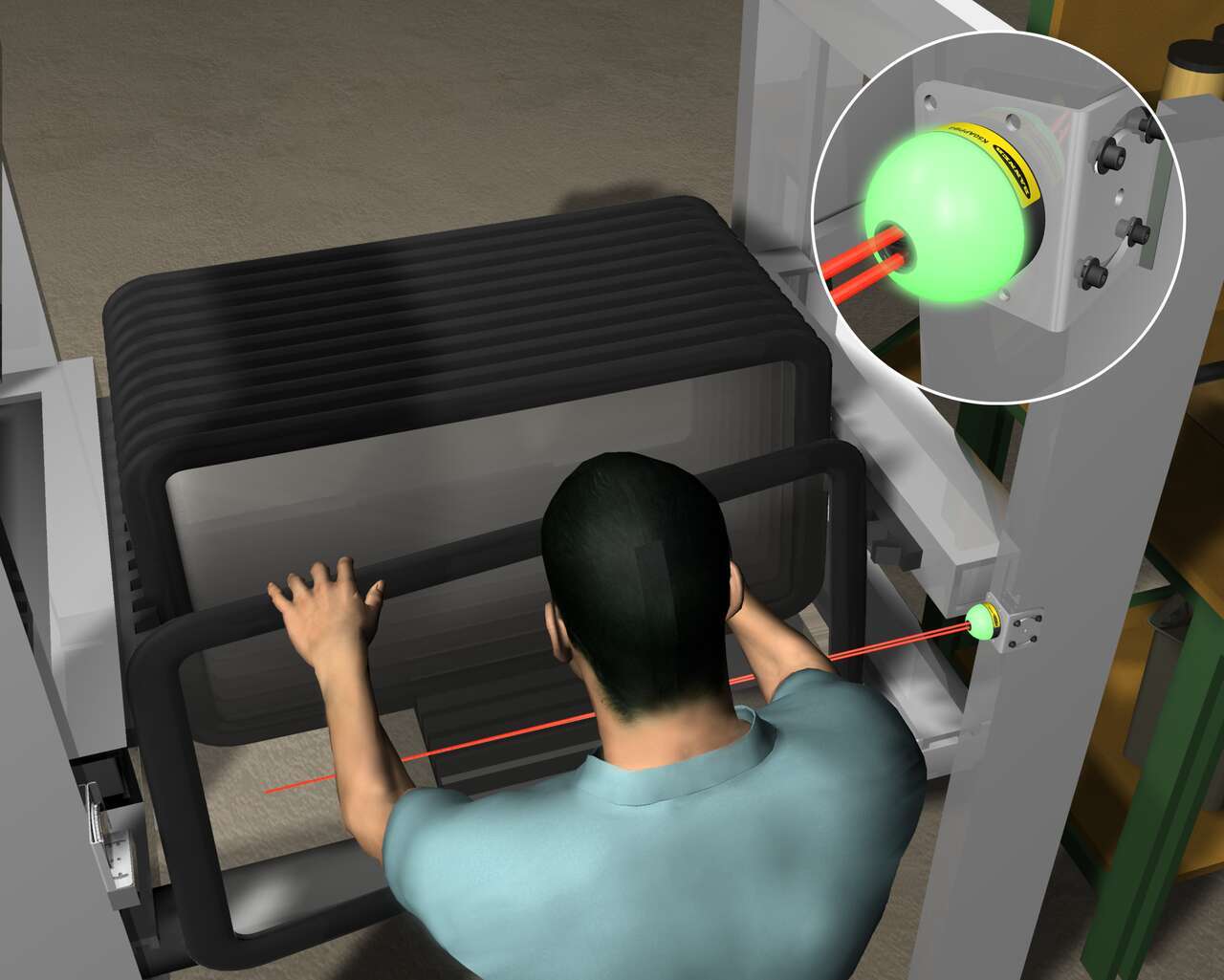
The EZ-LIGHT K50 sensor in retroreflective mode indicates that the next part in the assembly sequence is the sunroof. When the operator selects the sunroof from its wide bin, the K50 detects the pick.
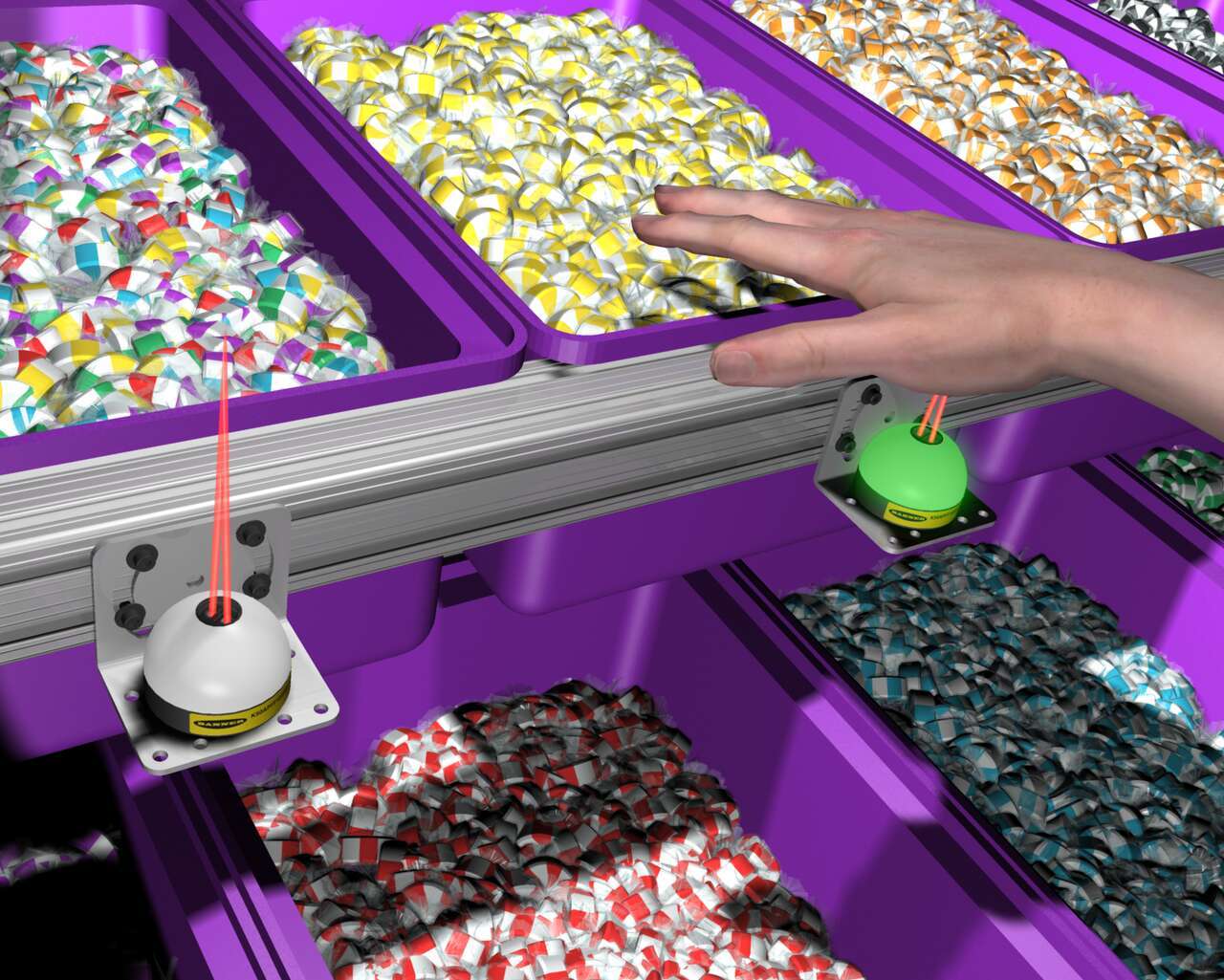
In an order fulfillment operation for a candy distributor, bins are equipped with EZ-LIGHT K50 sensors connected to a process controller programmed with the order. Based on the order, the K50 illuminates to show which items to pick. When the worker places a hand into the bin, the indicator detects the presence of the hand, and the controller triggers the K50 on the next bin to pick.
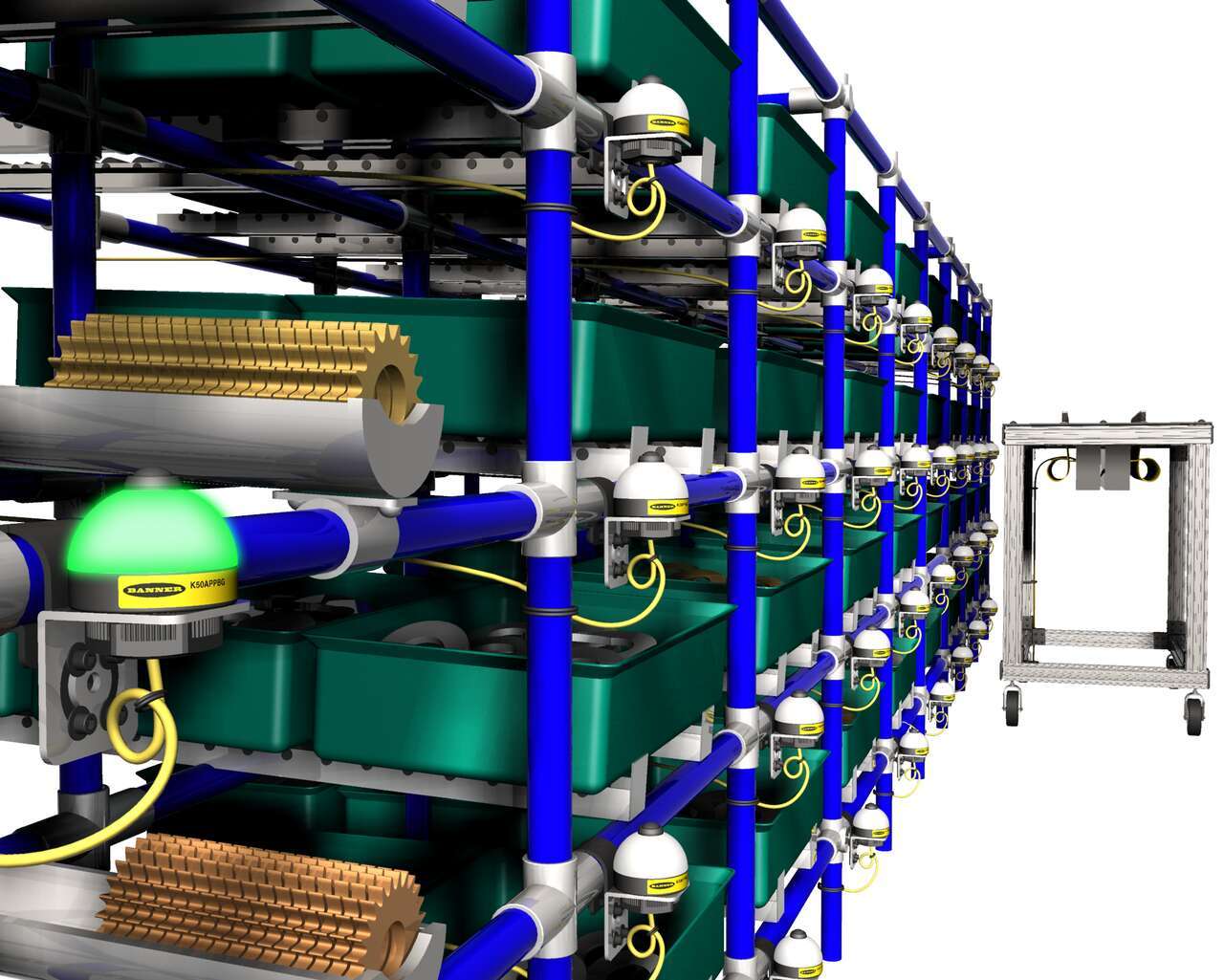
Push-button EZ-LIGHT K50 pick-to-light sensors on a rack of parts light up to indicate which parts to pick. After picking a part, the worker pushes the button on the indicator light to verify that the pick is complete.
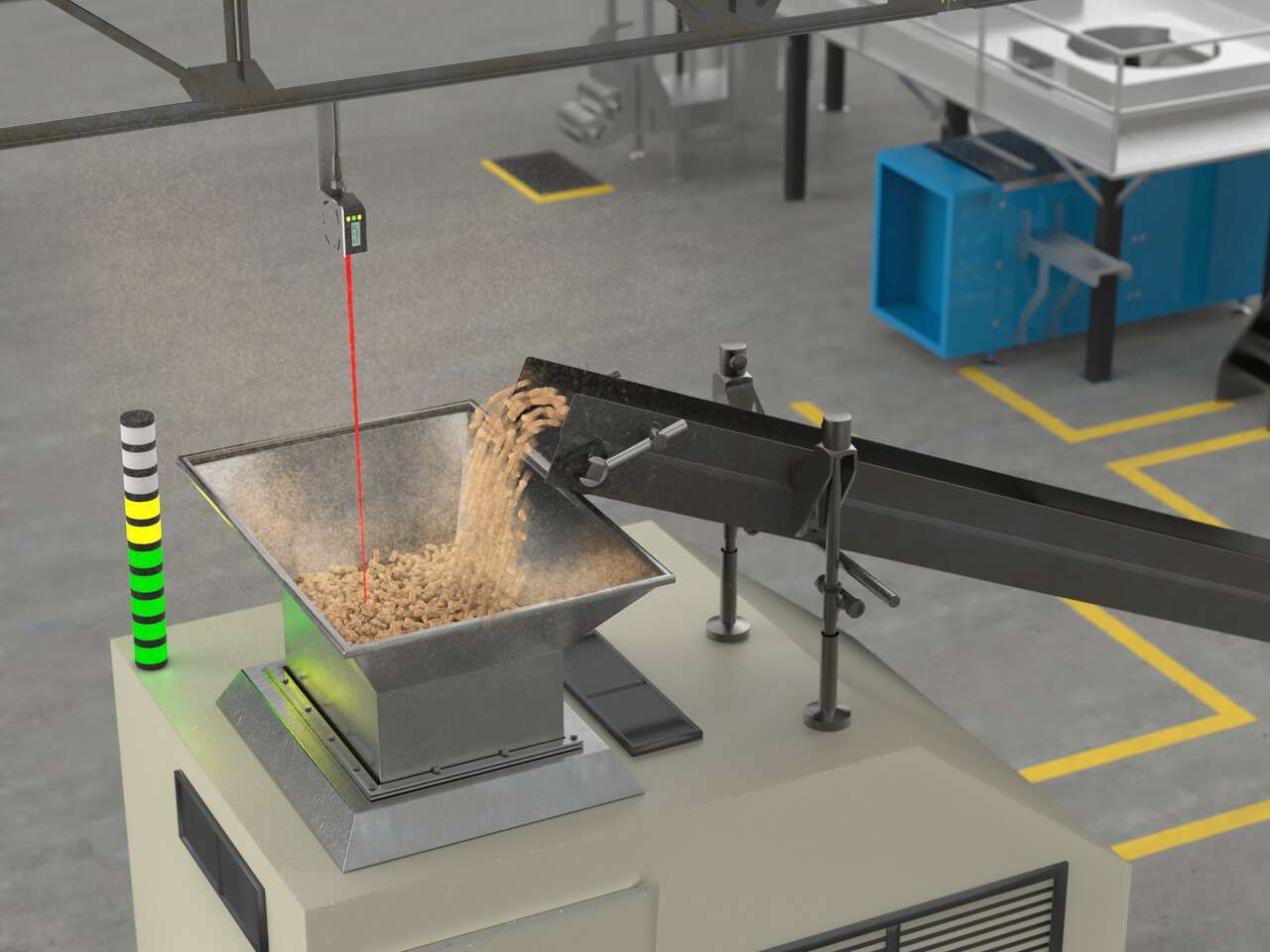
LED indicators with advanced programming capabilities can display dynamic statuses like fill level, takt time, machine transitional states, and more.
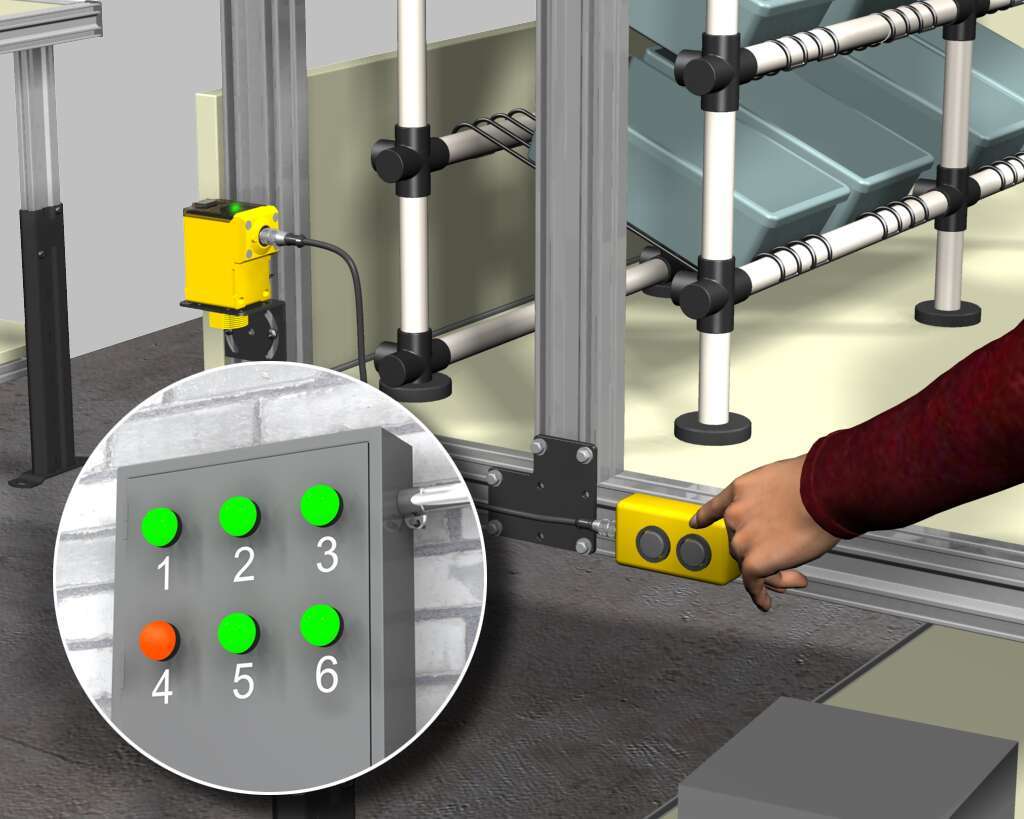
生産オペレータに各種サプライが必要となると、オペレータはワイヤレスQ45に接続されたスイッチを切り替えます。ディスプレイボード上の対応するK50 EZ-LIGHTライトが点灯し、必要とされるフォークリフトドライバーに伝えることができます。
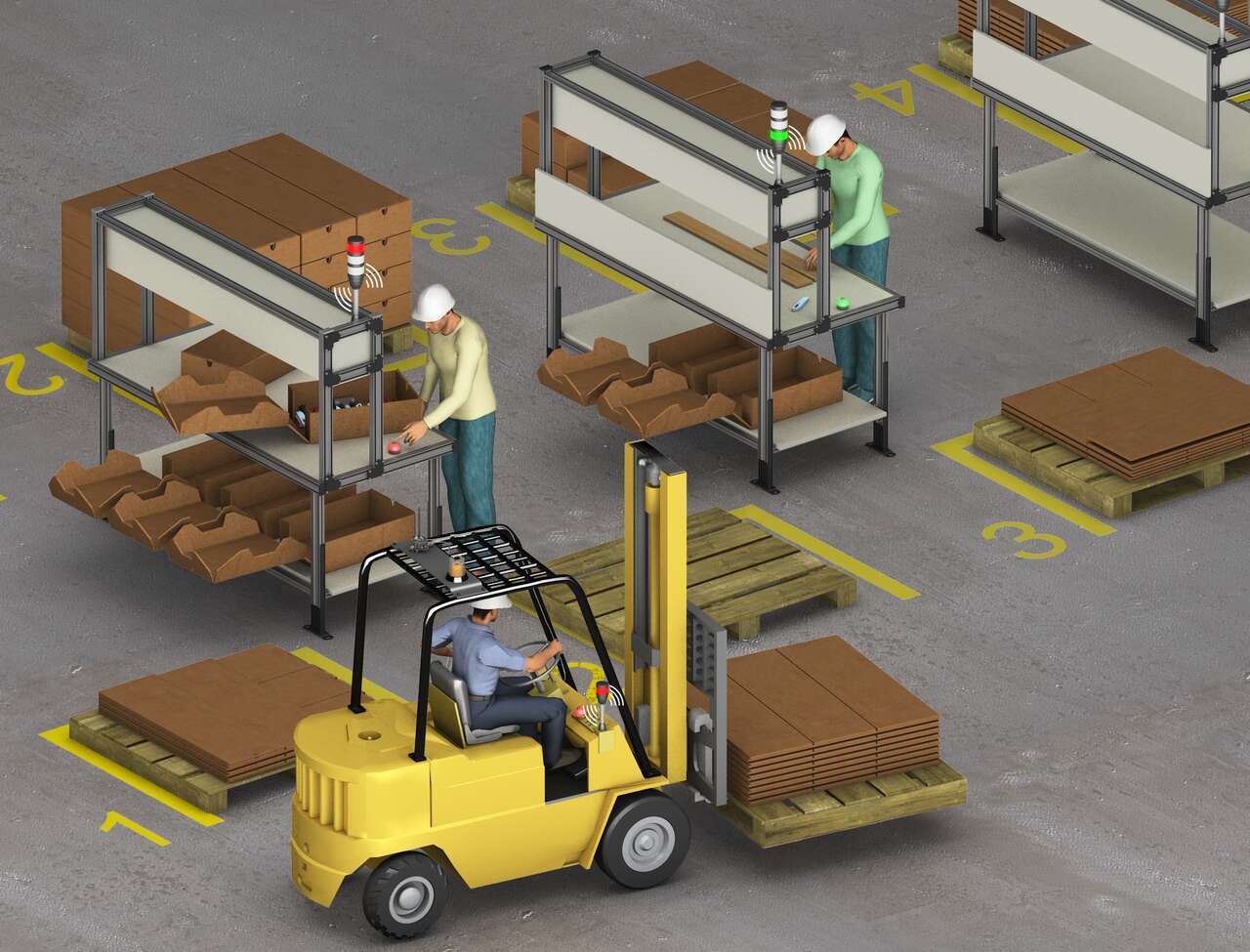
A system of Banner’s TL70 wireless modular tower lights and K50 touch buttons provides an efficient, easy way to communicate a call for more parts with a forklift driver. When a workstation is almost out of cartons, the operator touches the ergonomic K50 touch button which changes the status on the connected TL70 wireless tower light to red.
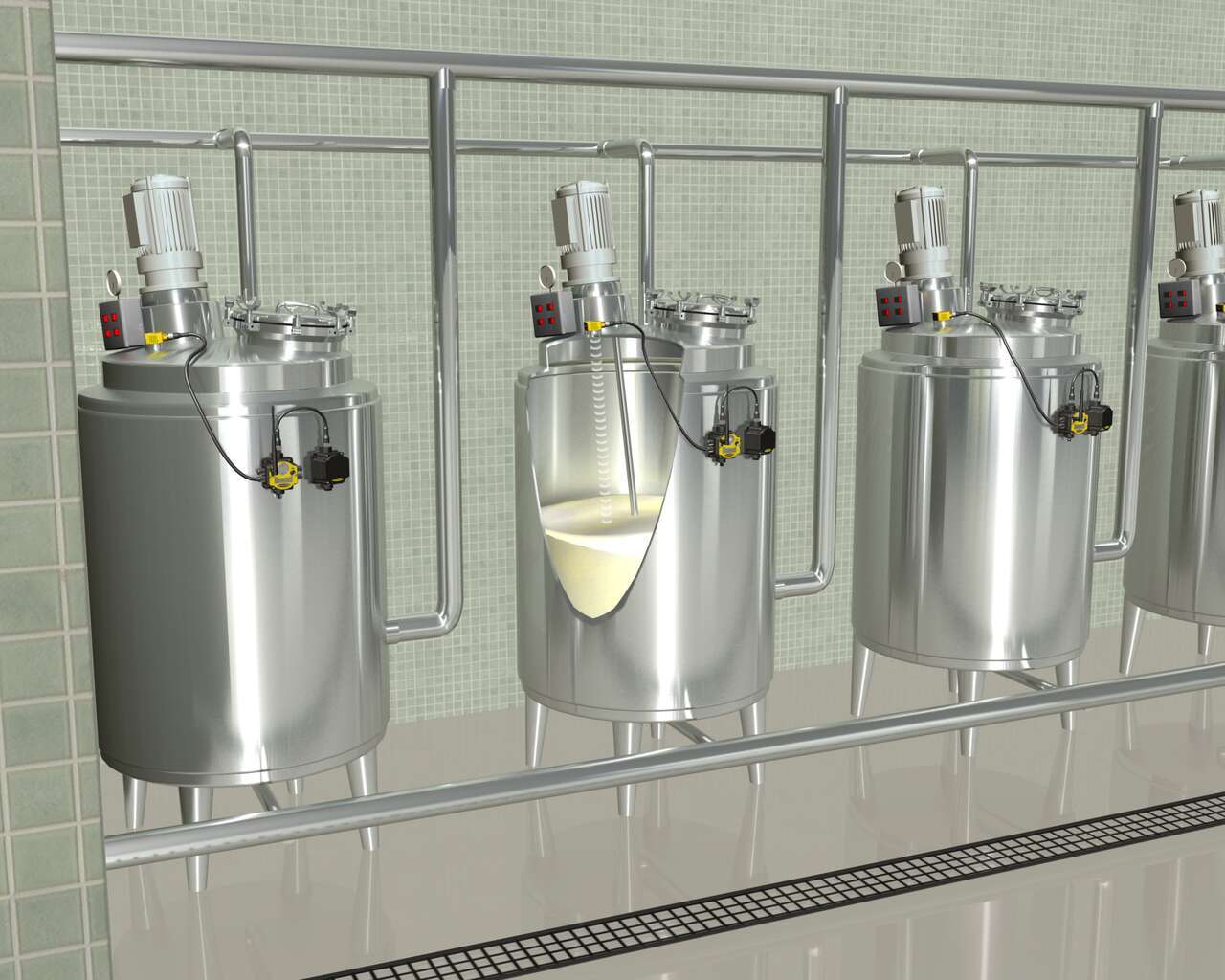
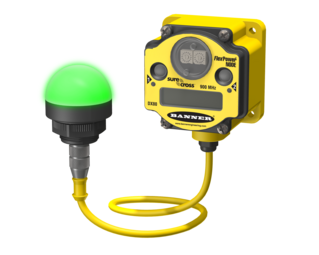
SureCrossワイヤレスネットワークにより、電源またはI/Oデータ送信用にケーブルを配線せずに、各タンクにFlexPowerノードを配備することができます。バナーには特有の電源管理機能が備わっているため、1つのDX81バッテリ電源で、超音波アナログレベルセンサが搭載されたノードを長期間に渡り稼働することができます。DX80 FlexPowerノードは、ディスクリートおよびアナログのI/Oを単一のパッケージに合わせ、時間のかかる手作業によるデータ収集作業を排除します。
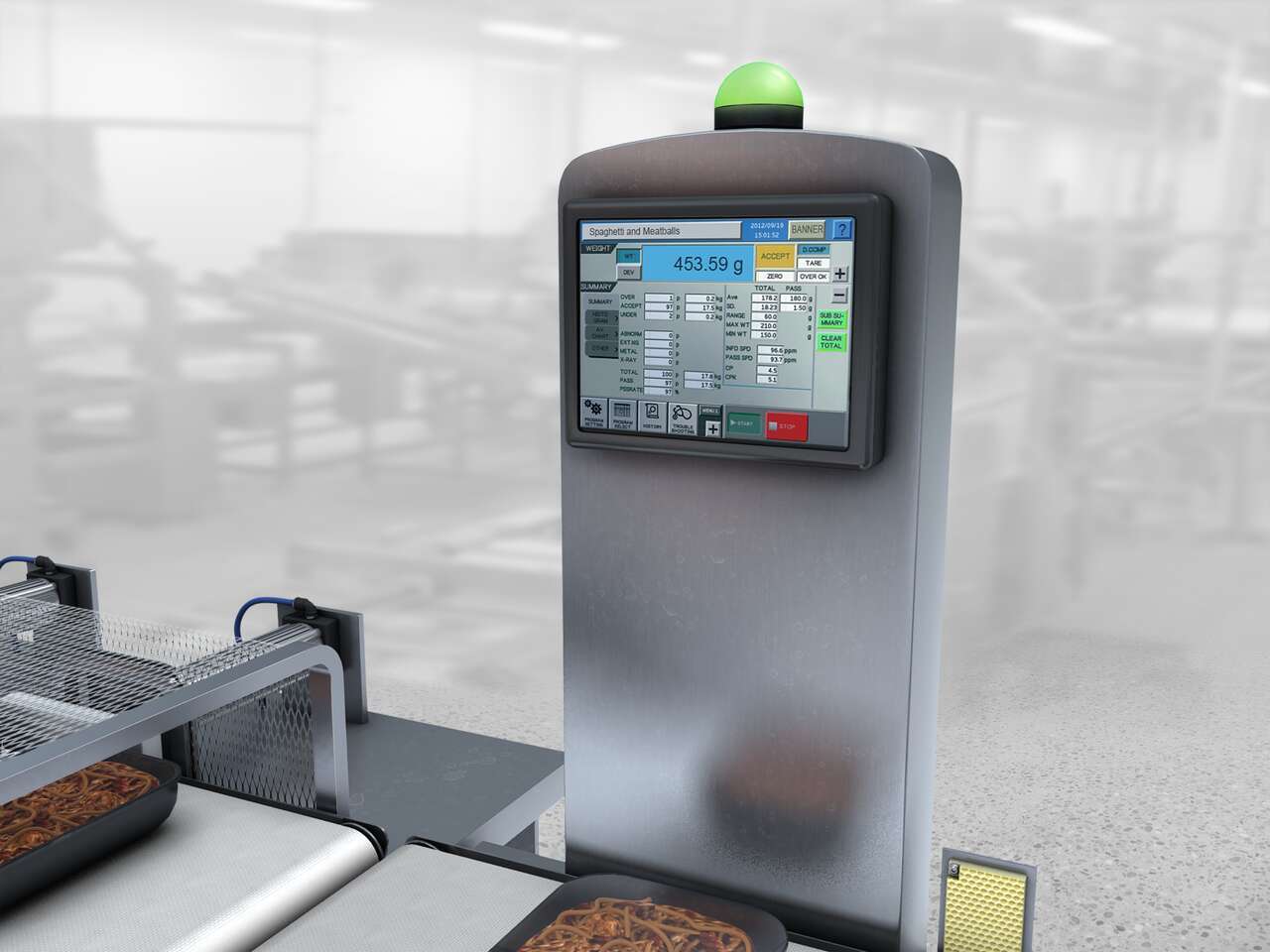
過酷な洗浄環境にある食品加工ラインの重量検査ステーションで不合格ステータスをオペレータに警告します。
段ボールの印刷会社は、標準生産速度の測定単位となる機械オペレータの効率と業績を追跡できないことに悩まされていました。
組立作業者は部品の供給が少なくなったときに、左側にあるEZ-LIGHT K50プッシュボタンを押します。このボタンは、追加の部品を持ってくるようにランナーに通知するためのコールボタンとして使用されます。右側のK50ライトは、部品ピッキングインジケータとして使用されます。
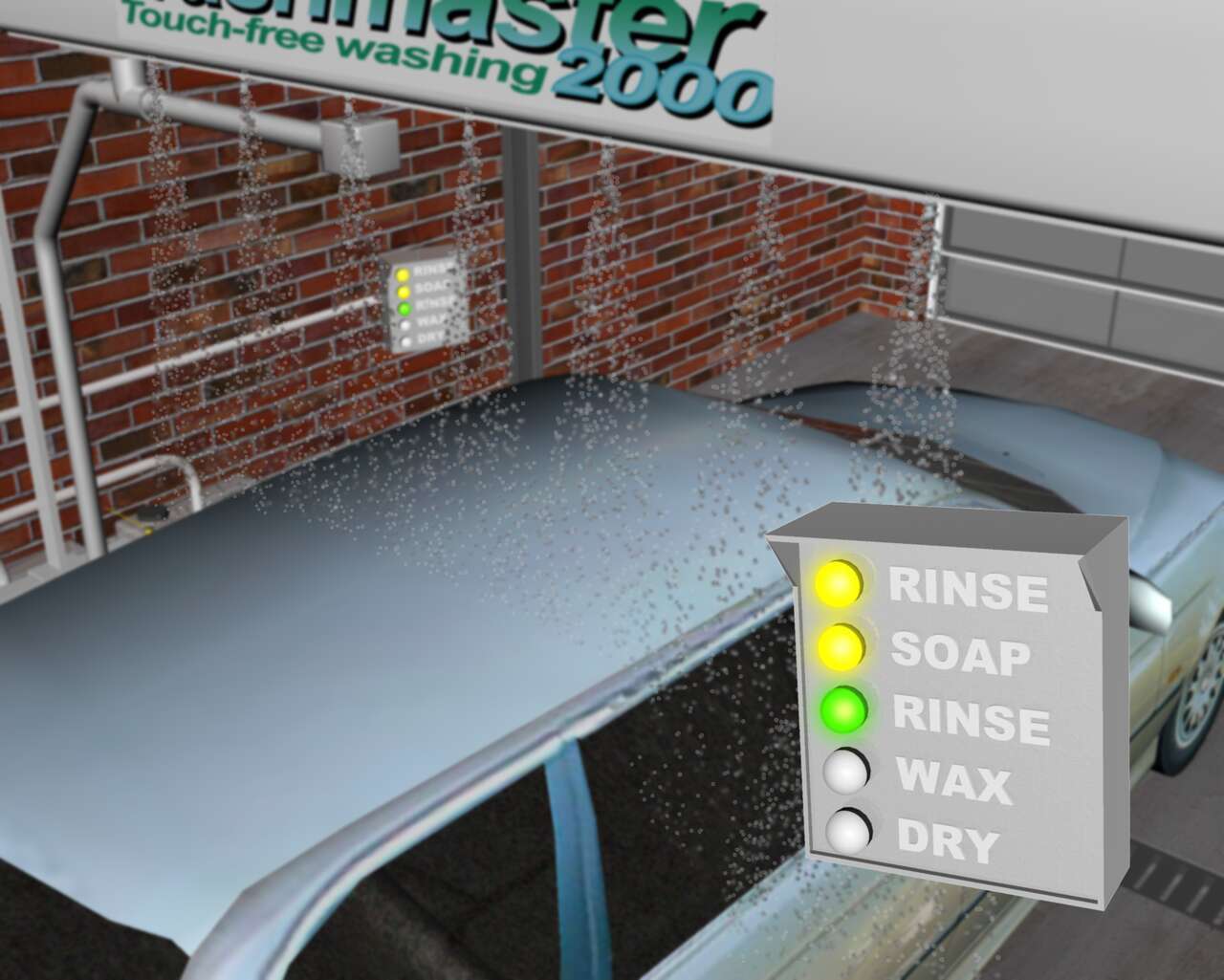
洗車機内で洗車サイクルの作業状況を明るいライトで知らせるセンサソリューション。
Watch this video for an overview of the features and benefits of the K50 Programmable Touch Button.
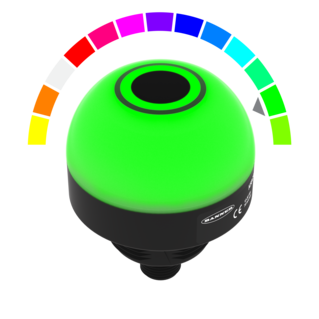
Watch this video for an overview of the features and benefits of the K50 Programmable Touchless Button.
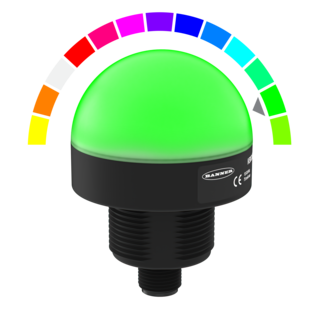
Watch this video for an overview of the features and benefits of the K50 Programmable Indicator.
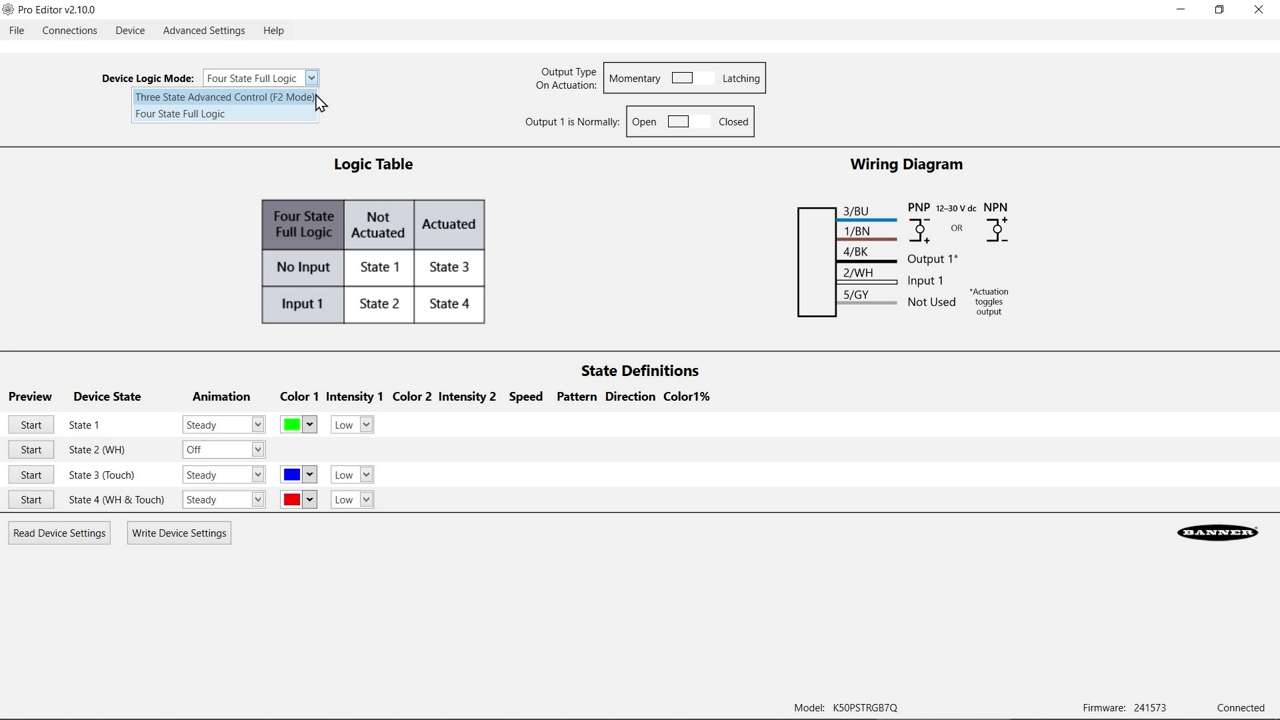
Watch this video to learn about the K50 Pro Select Touch Button 3-State Mode.
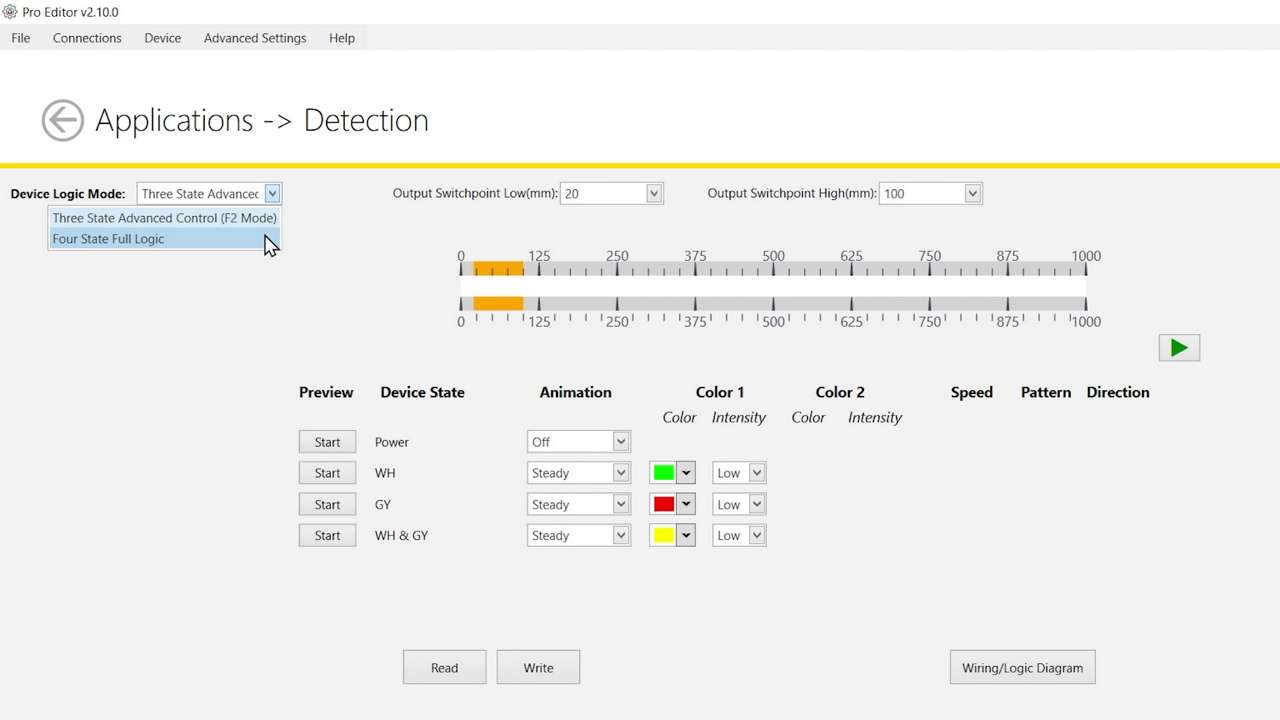
Watch this video to learn about the K50 Pro Select Optical Touch Button 4-State Detection Mode.
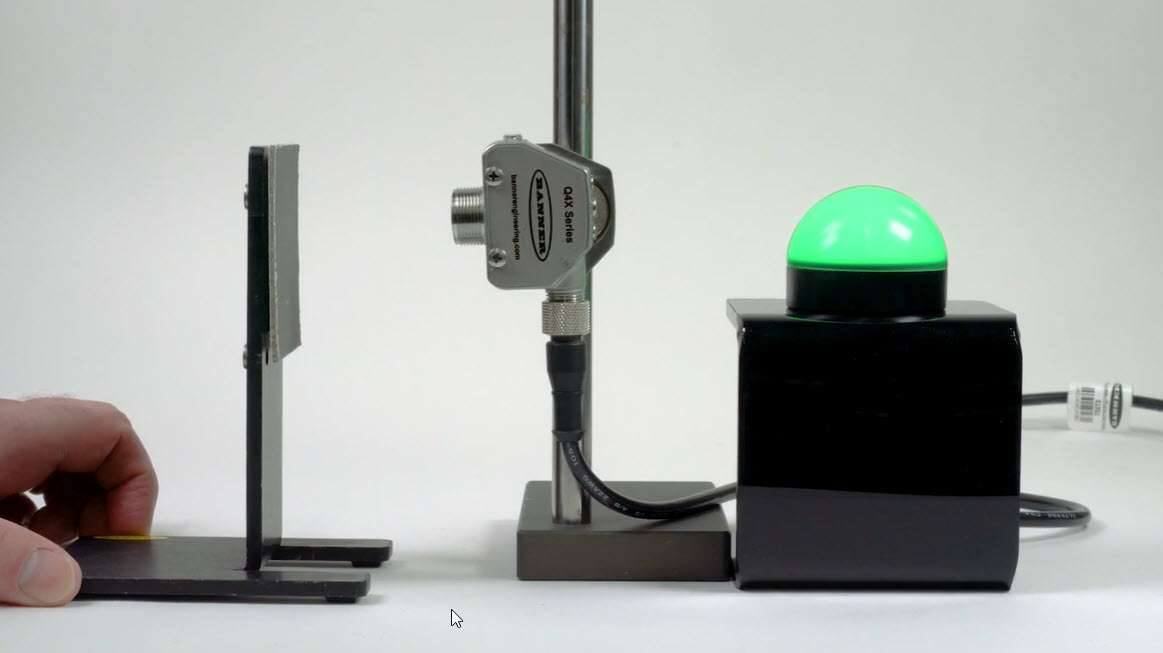
Watch this video to learn how to use the Pulse Control feature of the K50 Pro Select Indicators.
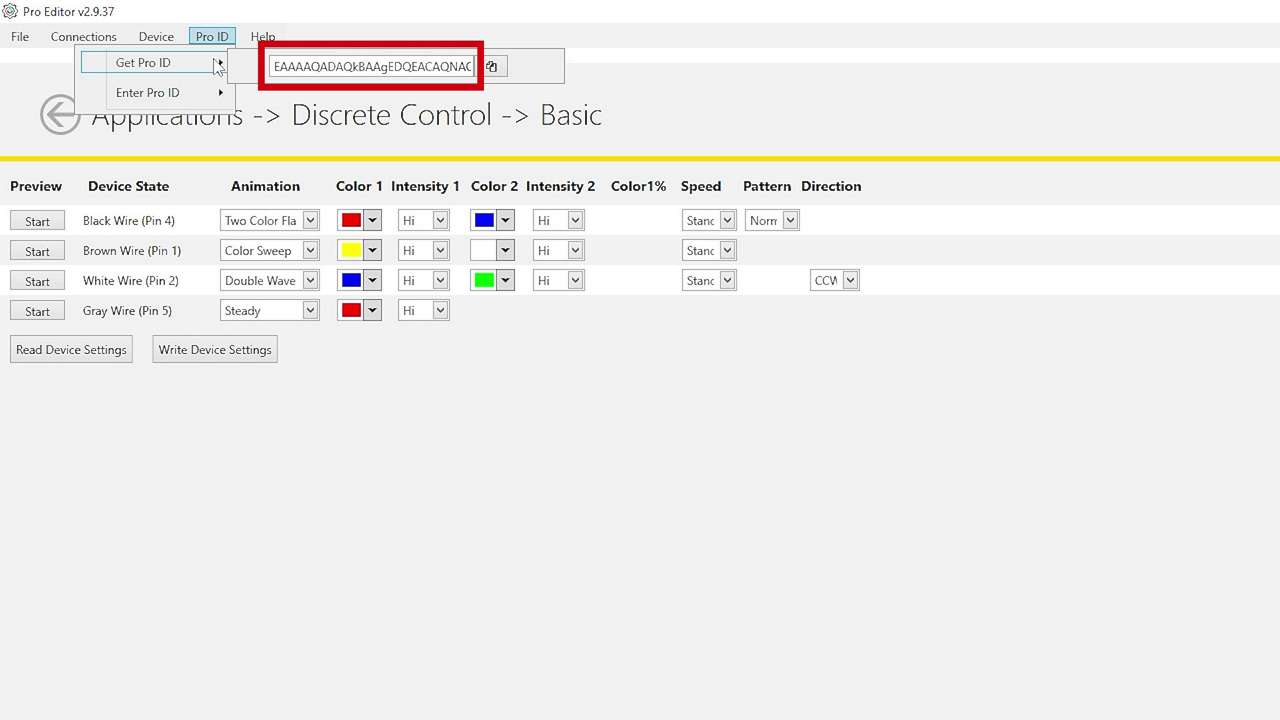
Watch this brief how-to video to see how Banner’s Pro ID feature and Pro Editor software quickly and easily copy configurations to Pro Select lighting products.
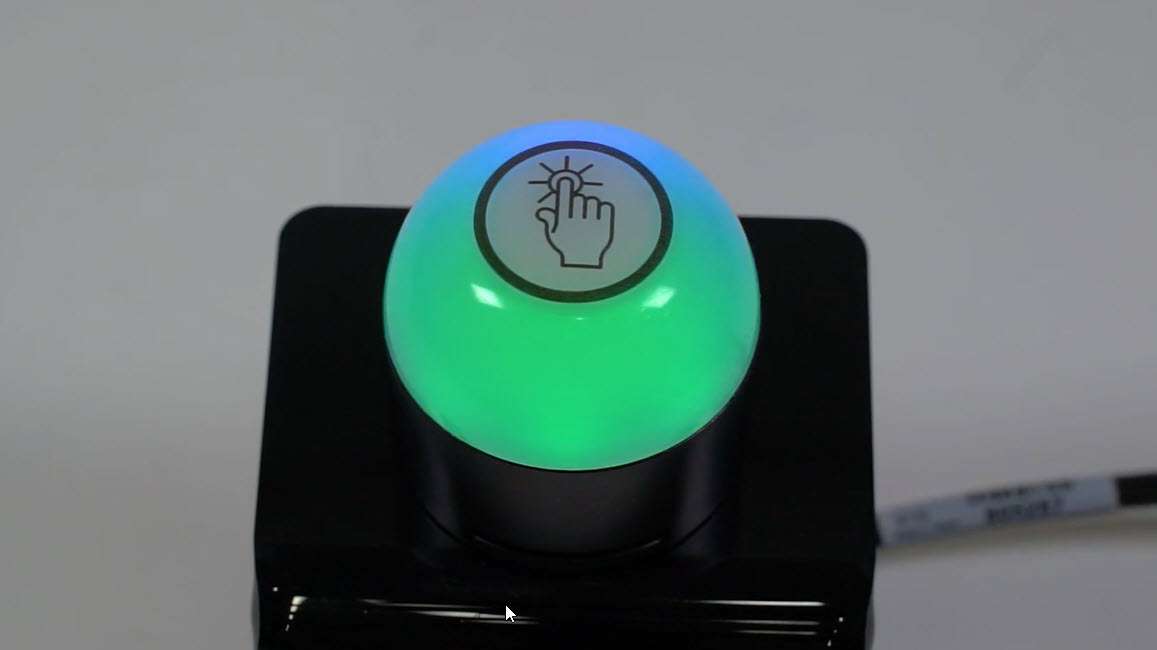
This video covers the basics of programing the audible alarm available in select models of the K50 Pro Touch Button from Banner Engineering.
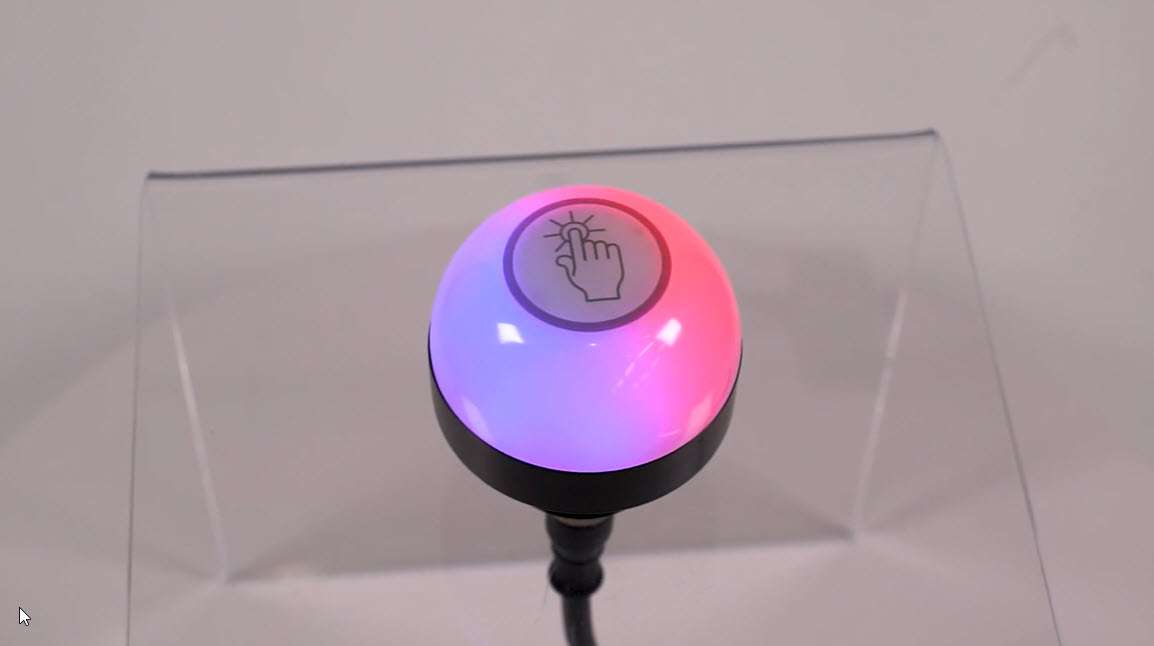
This video covers the basics of the 4-state mode for the K50 Pro Touch Buttons from Banner Engineering.
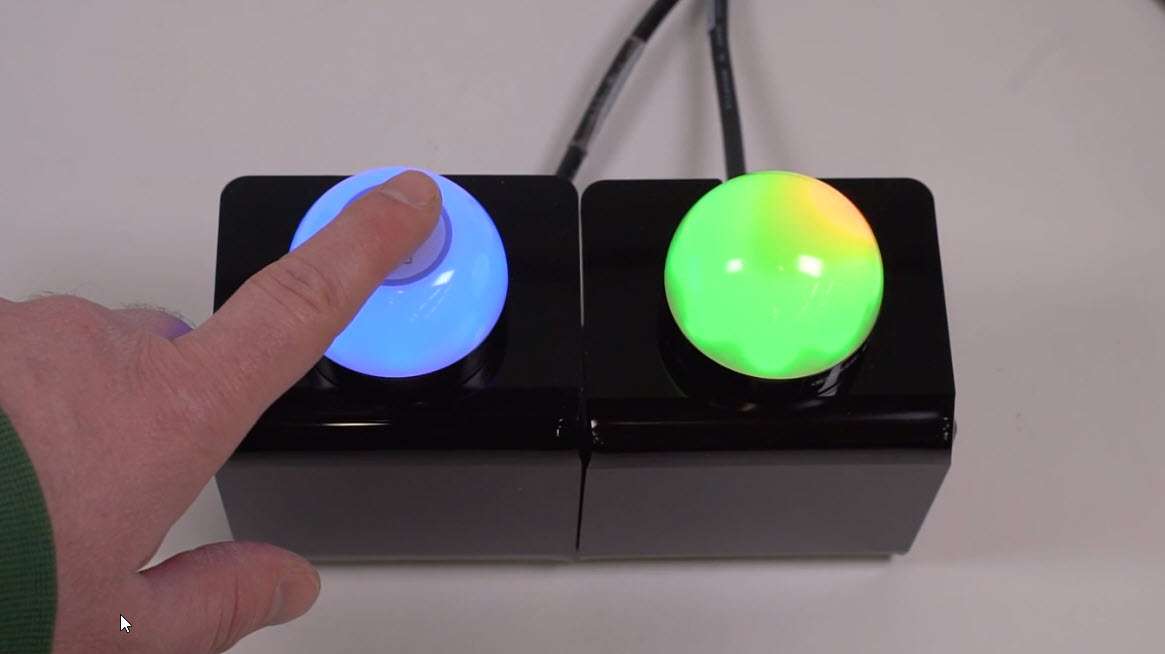
This video covers the basics of the 3-state mode for the K50 Pro Touch Button from Banner Engineering.
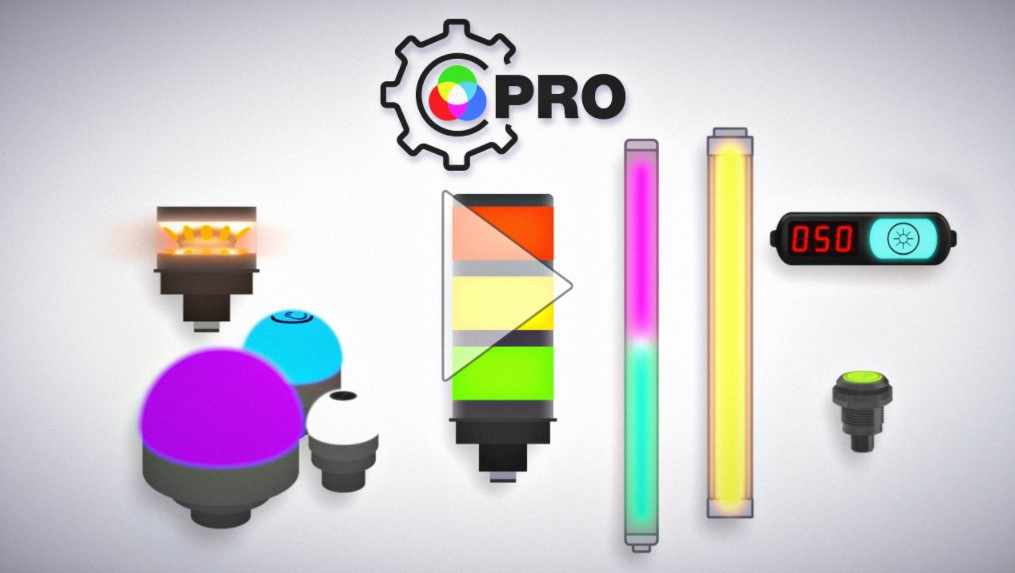
The Pro Series programmable multicolor LED devices from Banner Engineering offer limitless possibilities for advanced indication of dynamic machine states, operator interaction, and process statuses. Watch the video to see what elevates a Banner Pro light above a traditional factory light.
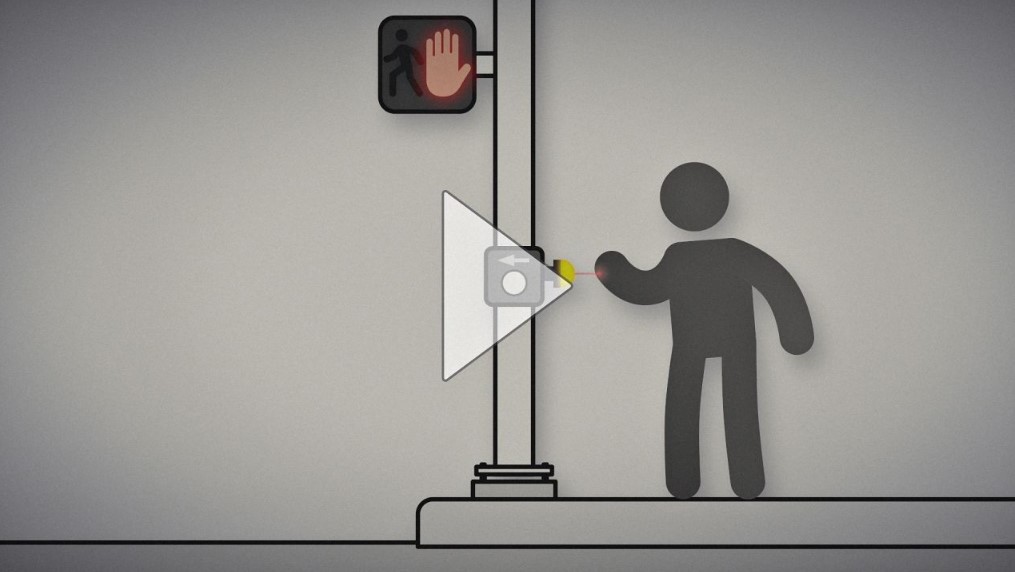
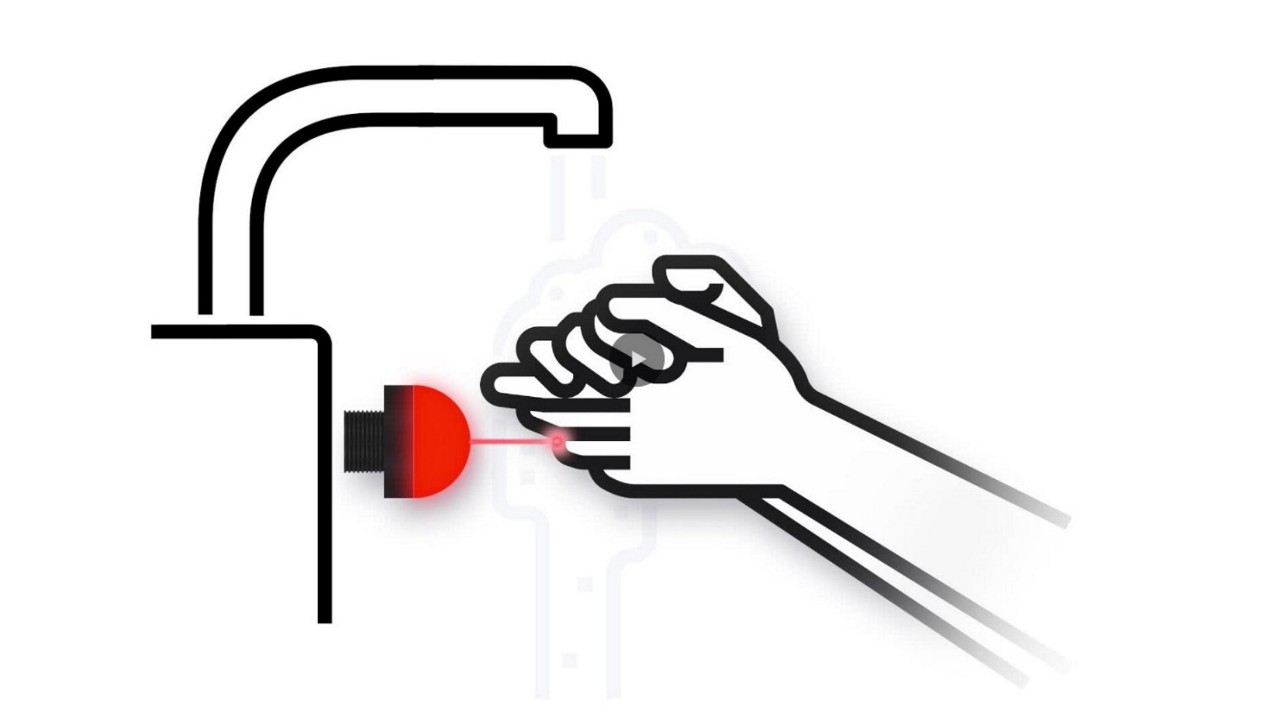
Watch how the K50 Pro Optical assists with non-contact handwashing.
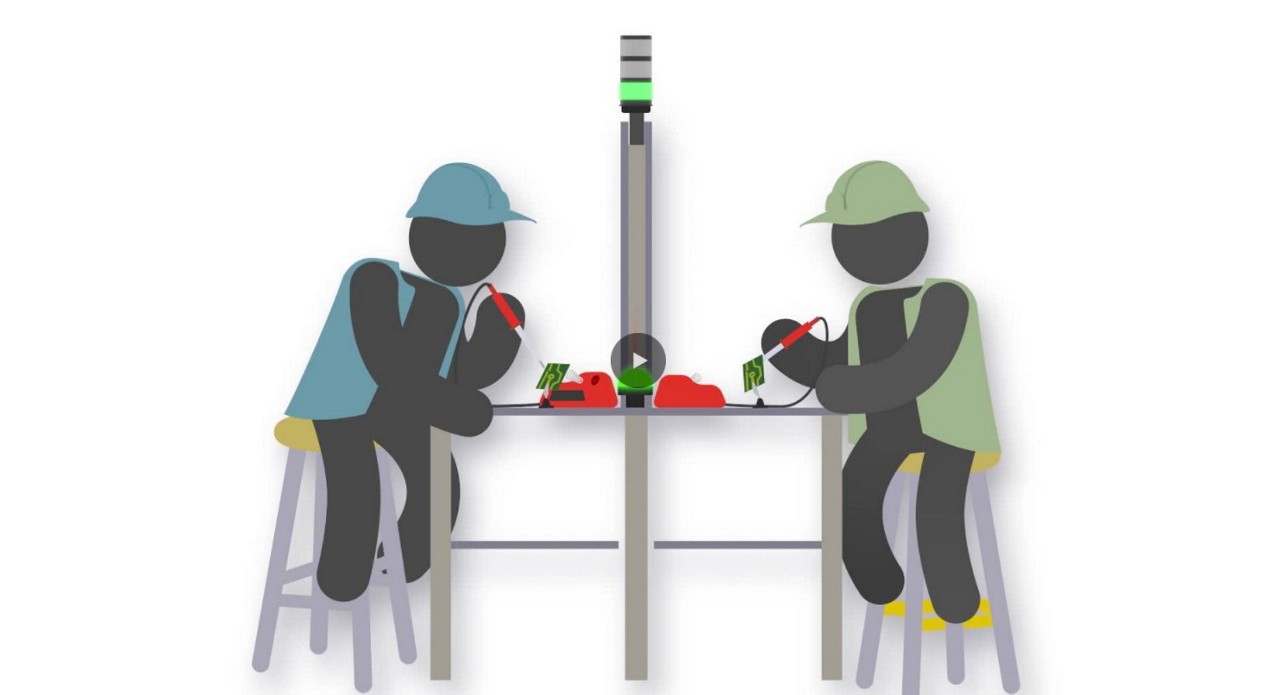
Watch how workers use the K50 Optical to call for an operator by touchless activation.

Banner Engineering offers a complete portfolio of touch buttons for your simplest to most advanced touch requirements. Watch the video to learn more about our capabilities for touch and indication.
![RGB Indicators for the Visual Factory [Video]](/content/dam/banner-engineering/projects/video-thumbnails/indication_for_the_visual_factory-new.psd/jcr:content/renditions/cq5dam.thumbnail.319.319.png)
表示灯は、機械の視覚的な言語です。しかし、従来型のインジケータには、その機能に限りがあります。プログラム設定可能なRGB表示によって、どのように通信が明確化され、サプライチェーンを単純化できるのか、また、どのようにして既存のプロセスに合うカスタム表示を素早く作成できるのかを動画でご覧ください。
![K30, K50 and K70 Gen 2 Touch Buttons [Video]](/content/dam/banner-engineering/projects/video-thumbnails/K30_K50_K70_Video_Thumbnail-new.psd/jcr:content/renditions/cq5dam.thumbnail.319.319.png)
バナーのGen 2タッチボタンは、過酷な条件や乱雑な環境でも、タッチに正確に応答することができます。耐薬品性のポリカーボネート製ハウジングにより、噴射を直接受けても作動することはありません。
![K50 Pro and K30 Pro: Bolder Indication for Everyone, Anywhere [Video]](/content/dam/banner-engineering/projects/video-thumbnails/K30_And_K50_Video_Thumbnail-new.psd/jcr:content/renditions/cq5dam.web.1280.1280.jpeg)
バナーエンジニアリングの2代目K50およびK30はオプションの追加により、配線と在庫管理が単純化され、発色がより鮮やかになりました。丈夫な単体モデルで、7色から選ぶことができます。
Learn how to use the Pro Editor to configure K50 Pro Touch buttons.
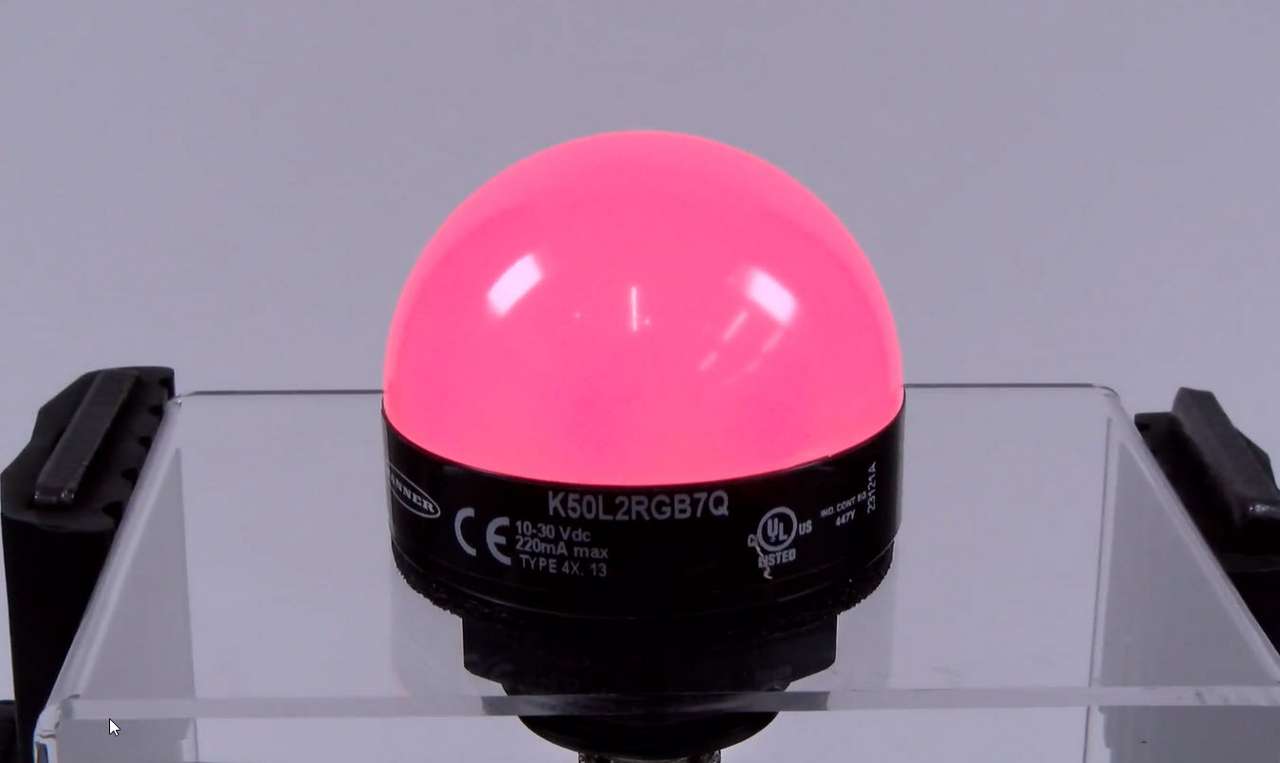
This video covers the basics of setting up a K50 Pro Series Indicator from Banner Engineering.
Our application engineers are here to help with expert guidance and support. Send us your inquiry, and we’ll get back to you as soon as possible. We’re here to make sure you get the answers you need.